How do I use the Surreal Ocean Wall in Rainy City template?
Choose the primary action to open PicX Studio with the available template settings. Review the model and format, personalize the creative direction, and generate when ready.
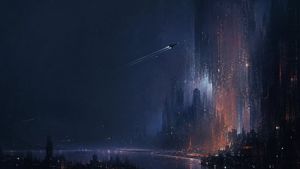
A cinematic photoreal scene of a rain-soaked city street where a towering vertical ocean wall filled with whales rises between skyscrapers.
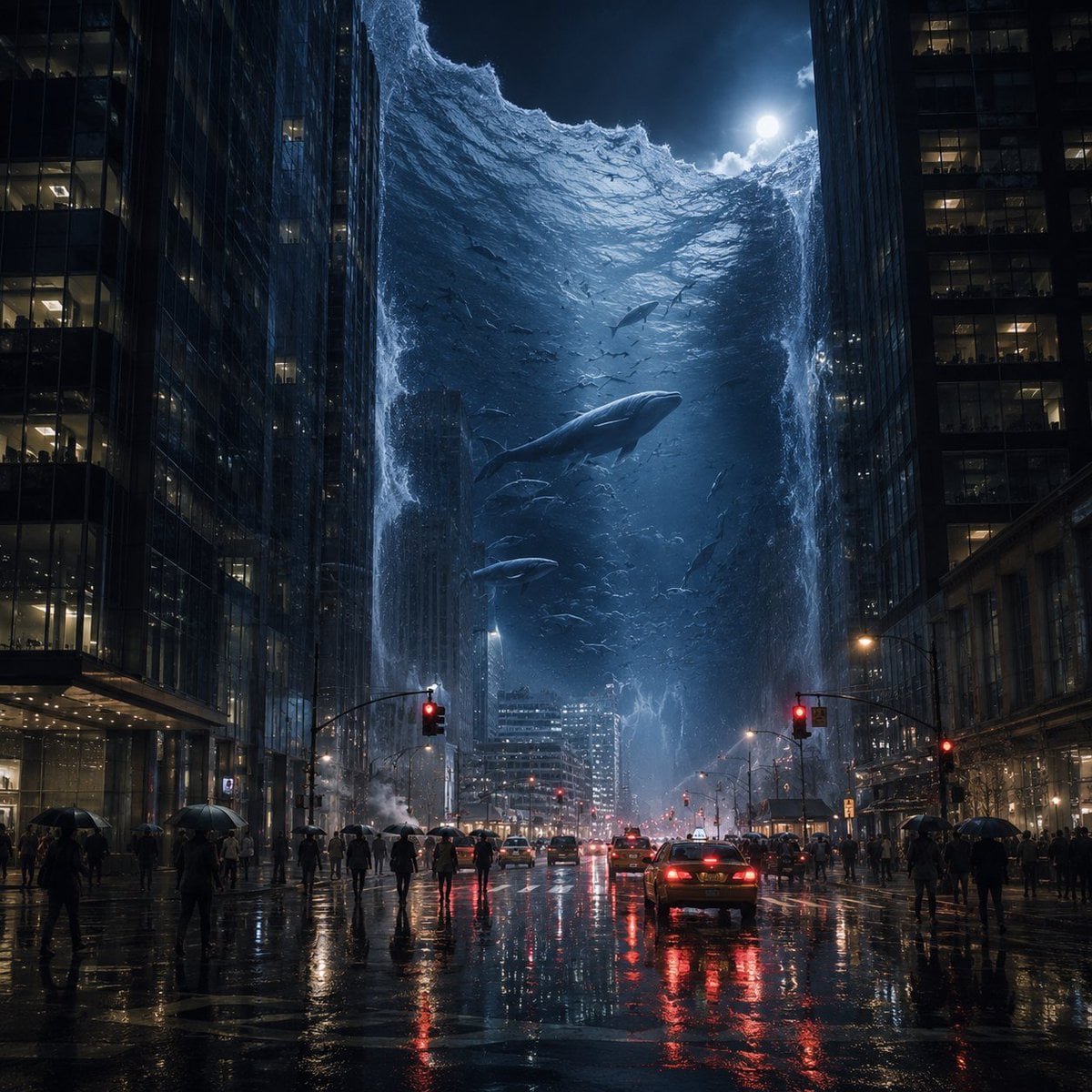
Create a hyperreal cinematic nighttime photograph of {argument name="city setting" default="a modern downtown avenue between two massive glass skyscrapers"} during heavy rain, viewed from street level with a centered one-point perspective down the road. The scene shows exactly two towering dark office buildings forming a canyon on the left and right, with illuminated office windows and wet reflective facades. Between them rises one enormous vertical wall of ocean water, like a suspended aquarium or tidal wave stretching upward into the sky, its foamy rim curling at the top under a bright full moon partially veiled by clouds. Inside the blue-black water are three clearly visible whales: one large central whale swimming diagonally toward the viewer, one smaller whale below it, and one smaller whale higher in the distance; include many tiny fish silhouettes around them. The rain-soaked street below is glossy with mirror reflections of red traffic lights, car taillights, building lights, and moonlit blue water. Add a realistic urban traffic scene with several cars moving away from the viewer, including one prominent dark sedan in the lower center with glowing red taillights, and scattered pedestrians on both sidewalks and crosswalk areas holding umbrellas. Use {argument name="mood" default="awe-inspiring, surreal, dramatic, and ominous"}, deep navy and steel-blue color grading, high contrast, volumetric mist, street steam, rain streaks, sharp architectural detail, realistic reflections, and a 35mm cinematic lens look. No text, no watermark, no illustration style; make it feel like an impossible but photoreal event captured in a high-budget disaster-fantasy film.
Choose the primary action to open PicX Studio with the available template settings. Review the model and format, personalize the creative direction, and generate when ready.
Yes. You can change the subject, setting, lighting, mood, format, and available model controls before creating your image.
This template is free to open and customize. Generation usage is shown in PicX Studio before you create.
Start with GPT Image 2, which is the model associated with this template. You can compare another compatible model for a different finish.
Follow a topic to a crawlable collection of related PicX Studio templates.