
Luxury Streetwear Shark Tunnel Portrait
Generates a hyper-realistic wide-angle fashion portrait of a young woman in designer streetwear walking through a sharply focused underwater shark tunnel.
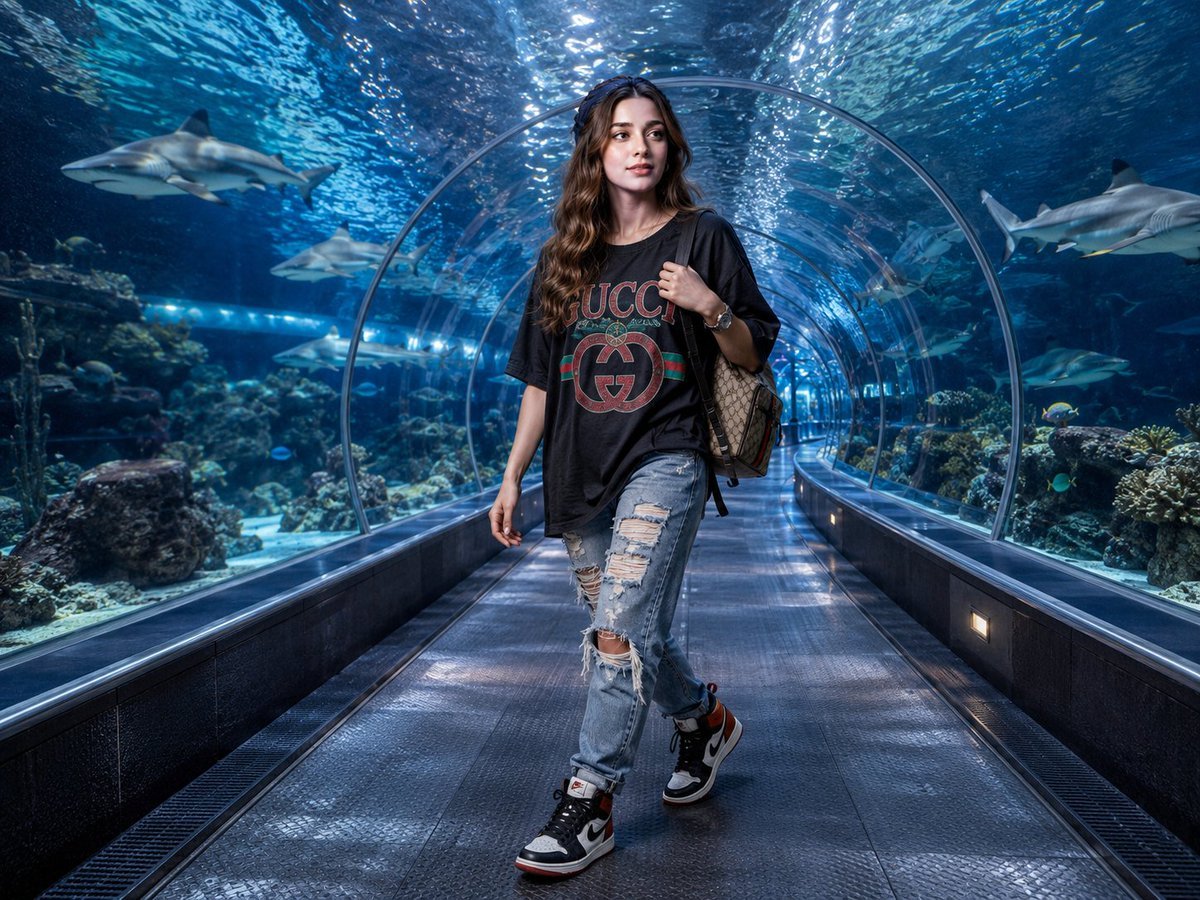
- Prompt included
- Model and format preset
- Free template
The prompt behind this image
Copy the exact prompt behind Luxury Streetwear Shark Tunnel Portrait, or open it in the studio and make it yours.
Hyper-realistic wide-angle fashion editorial photograph of a {argument name="subject" default="young woman"} walking mid-stride through a transparent underwater aquarium shark tunnel, looking toward the camera. She has {argument name="hair style" default="long loose brown waves with a silk headband"} and simple fresh-faced makeup. Outfit: oversized black Gucci-inspired graphic streetwear T-shirt with a large red-and-green luxury logo motif, light blue distressed high-end denim jeans with heavy rips at the thighs and knees, black white and red limited-edition high-top sneakers, wristwatch, and a beige designer canvas backpack with dark monogram pattern worn over one shoulder. The tunnel is a long arched acrylic walkway with wet reflective dark floor panels, low rectangular wall lights, blue aquarium lighting, and strong leading lines receding into the distance. Surrounding water is vivid deep blue with rippling caustic highlights overhead. Background contains exactly 6 visible sharks: 1 large shark on the upper left, 1 medium shark left-center, 1 smaller shark mid-left, 1 large shark on the upper right, 1 shark in the right-center distance, and 1 smaller shark near the center-right distance. Coral and rock reef structures line both sides of the tunnel, with small tropical fish scattered around, all background sharks, coral, and distant tunnel details sharp and in perfect focus. Shot as a full-body portrait from a low-to-eye-level perspective using a Canon R5 look, 24mm lens, f/8 deep focus, ISO 800, neutral studio-grade daylight simulation mixed with aquarium blue lighting, crisp realistic textures, glossy reflections, high dynamic range, natural skin tones, no blur, no text overlays.
How to use Luxury Streetwear Shark Tunnel Portrait in 3 steps
- 1Upload ImagePNG, JPG or paste
Add your photo
Upload the photo the template builds on. The prompt, model and format are already set.
- 2…a portrait of your subject in softgolden-hour light, 85mm…
Personalize
Edit the subject and creative details for your destination.
- 3Generate
Generate
Press Generate — your image is created in PicX Studio, so you can compare it with the original and refine one variable at a time.
More like this
Templates with the same subject, style or setup. Open one to see its prompt.








Make it yours
Luxury Streetwear Shark Tunnel Portrait works as-is. These are the safest ways to change it without losing the look.
Change one field
Copy a single group, rewrite it, and generate again so you can see what that field is doing.
Keep the frame, change the subject
Hold the composition and light of Luxury Streetwear Shark Tunnel Portrait, then swap wardrobe, props or the person for a new take.
| If the result… | Why | Fix |
|---|---|---|
| The result drifts from the preview | Too many fields changed at once. | Reuse Luxury Streetwear Shark Tunnel Portrait as-is first, then change one group — subject, light, or setting. |
| The model over-stylizes the scene | The prose prompt leaves finish and camera underspecified. | Add one camera or lighting sentence and stay on GPT Image 2. |
More GPT Image 2 templates
Other prompts made for GPT Image 2.

Six VTuber Japanese Logo Sheet

Realistic Portrait of Woman and Deer

The Vista Modular Condo Poster

AI Model Routing Comparison Infographic

2.5D Anime Art Board

Isometric Productivity Desk Scene

New York Double Exposure Poster

Four-Panel AI Landscape Comparison

Japanese Tatami Lifestyle Magazine Cover

NESCAFÉ Coffee Map Poster
More image prompts
Fresh picks from across the catalog.
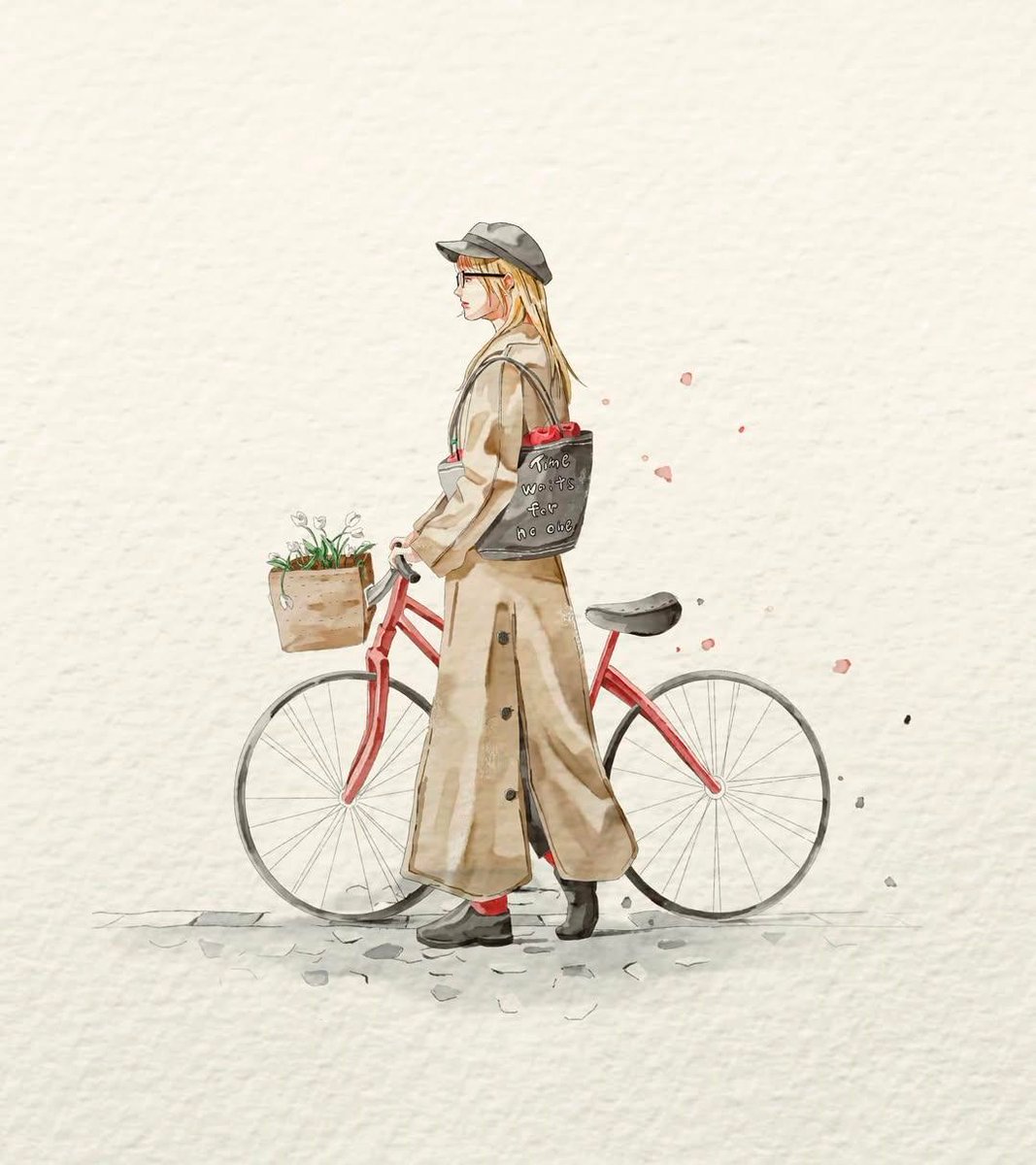
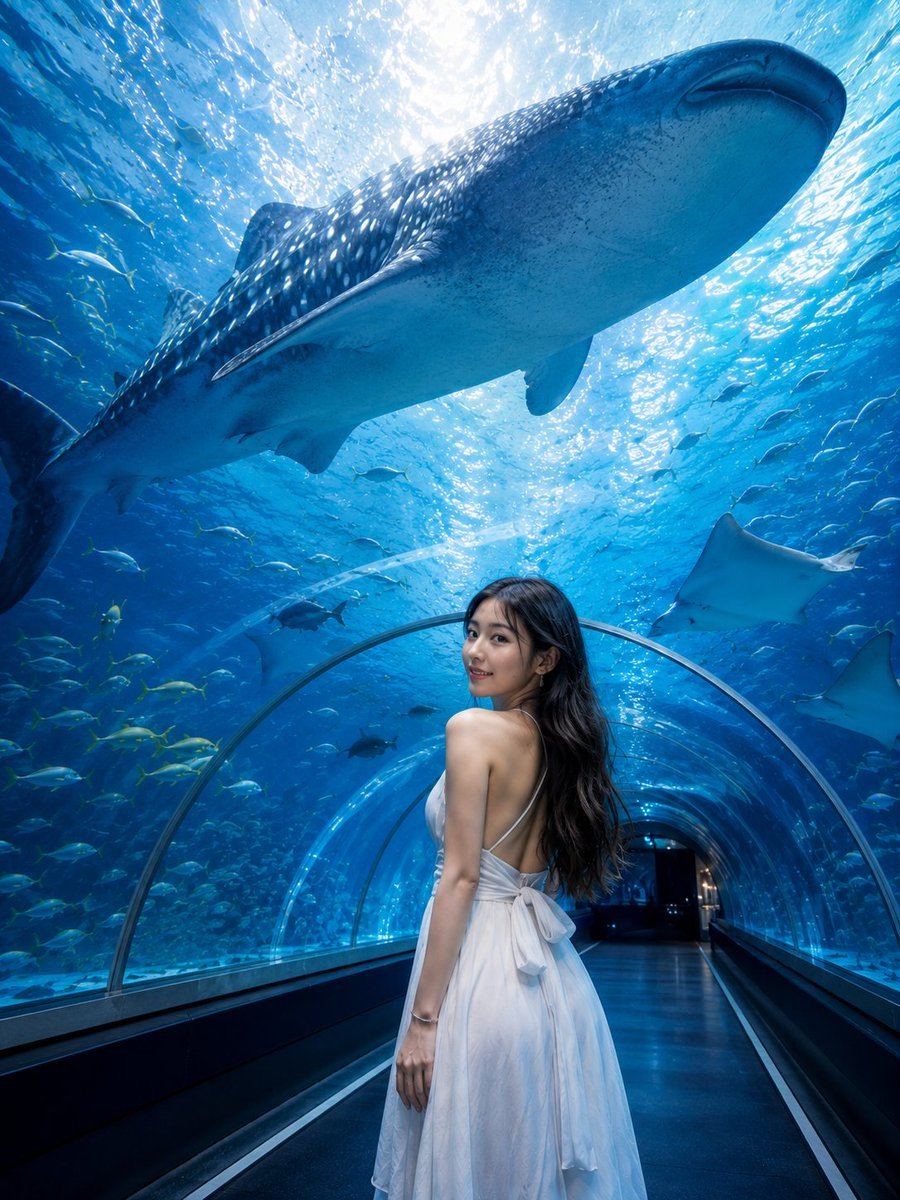
Watercolor Fashion Sketch with Bicycle
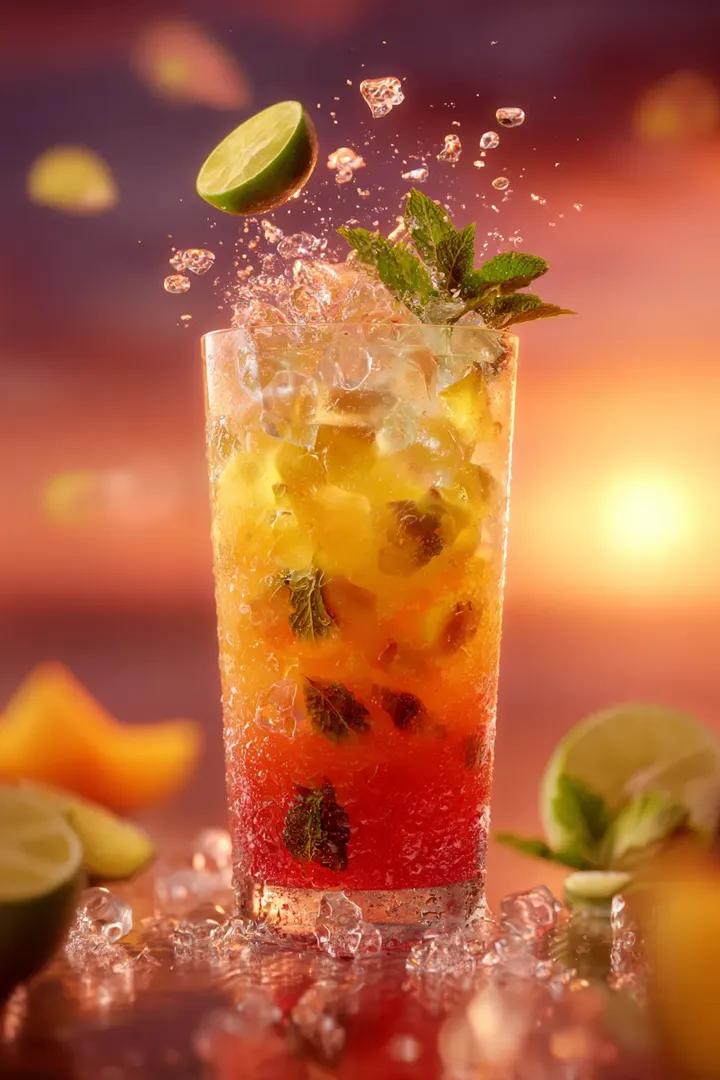
Orange Juice Slow Motion Product Shot
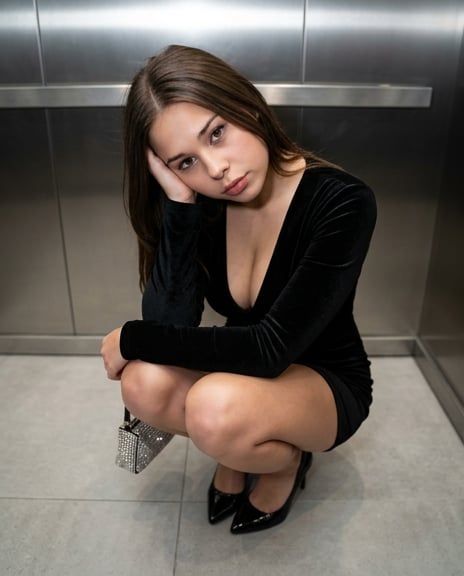
X Sumiturkude007 Image Description Subject

Nano Banana - Paris Cafe Editorial
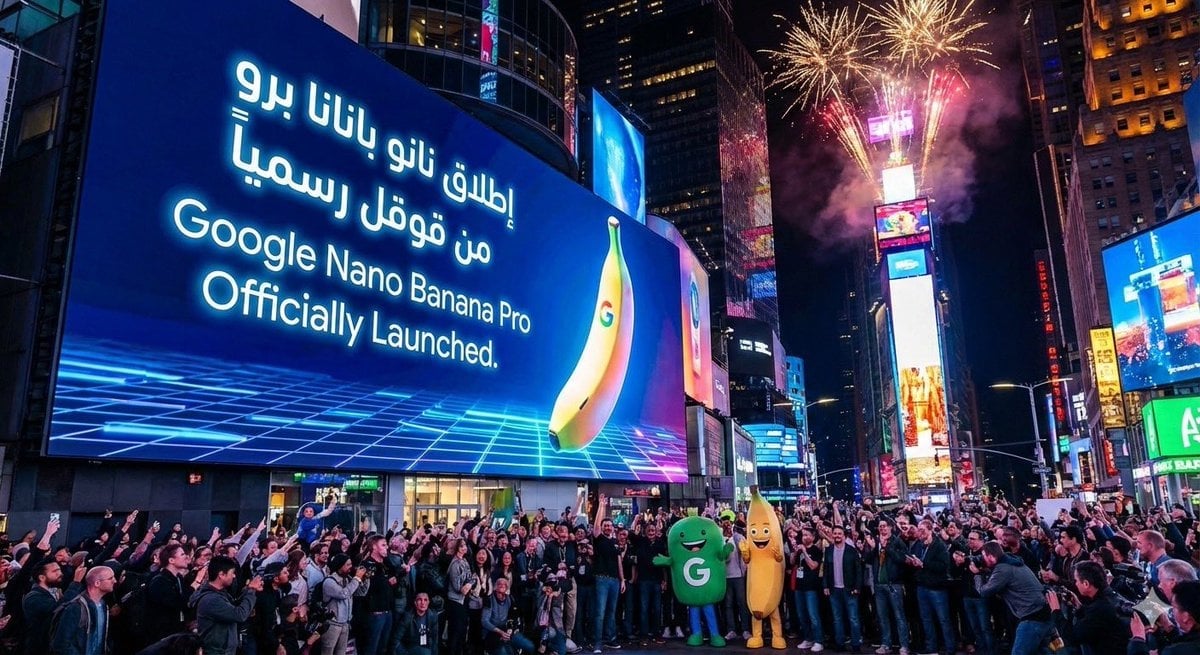
Announcement design image about Nano Banana Pro launch
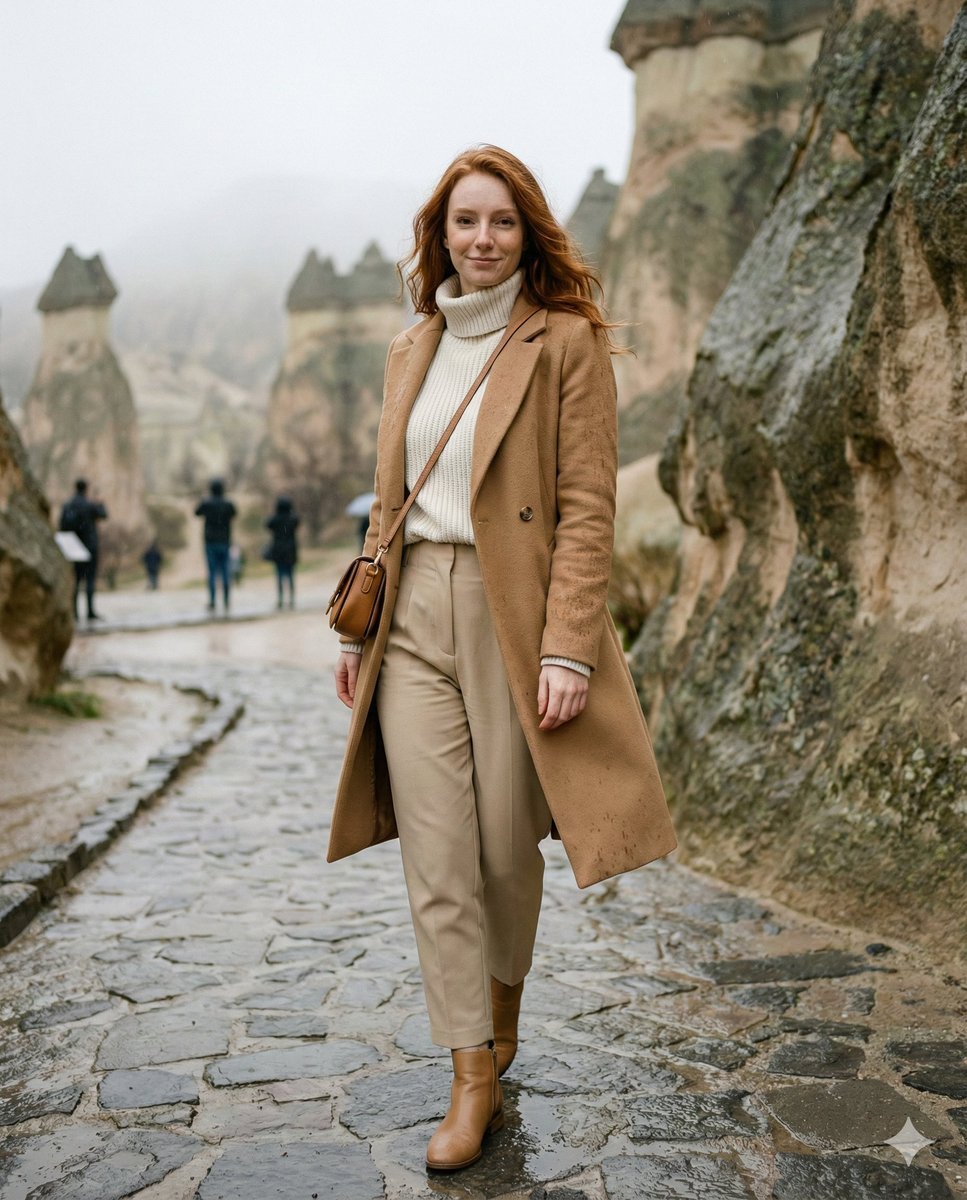
Winter Travel Influencer Editorial Prompt (Cappadocia)
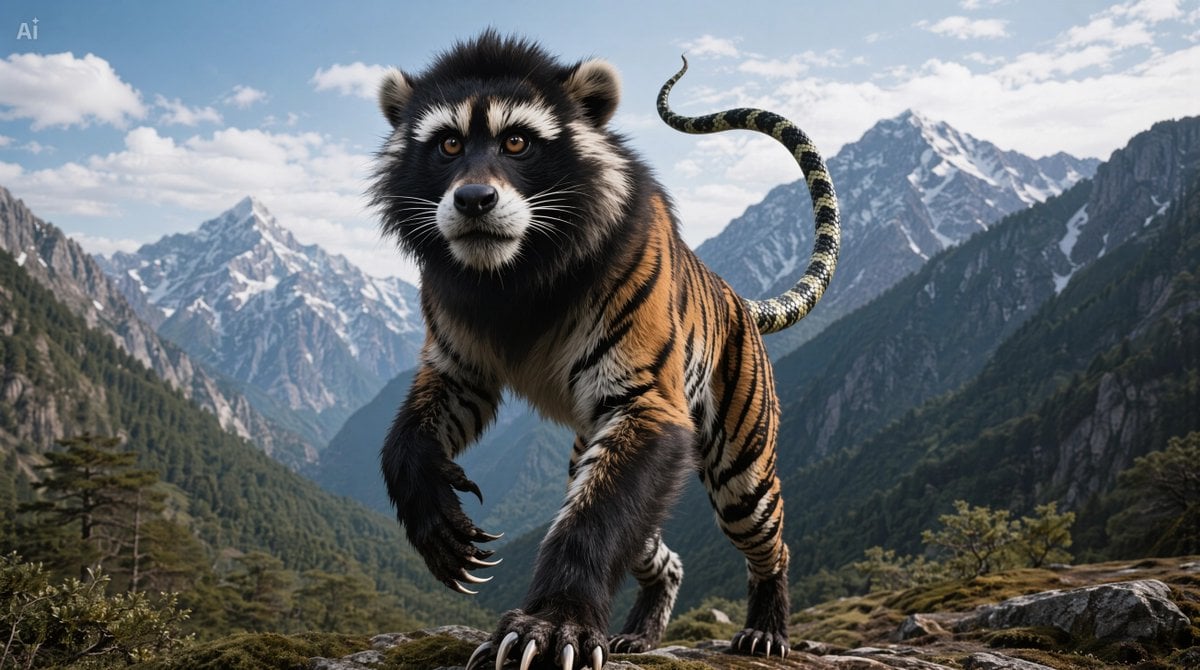
Photoreal Nue on Alpine Cliff
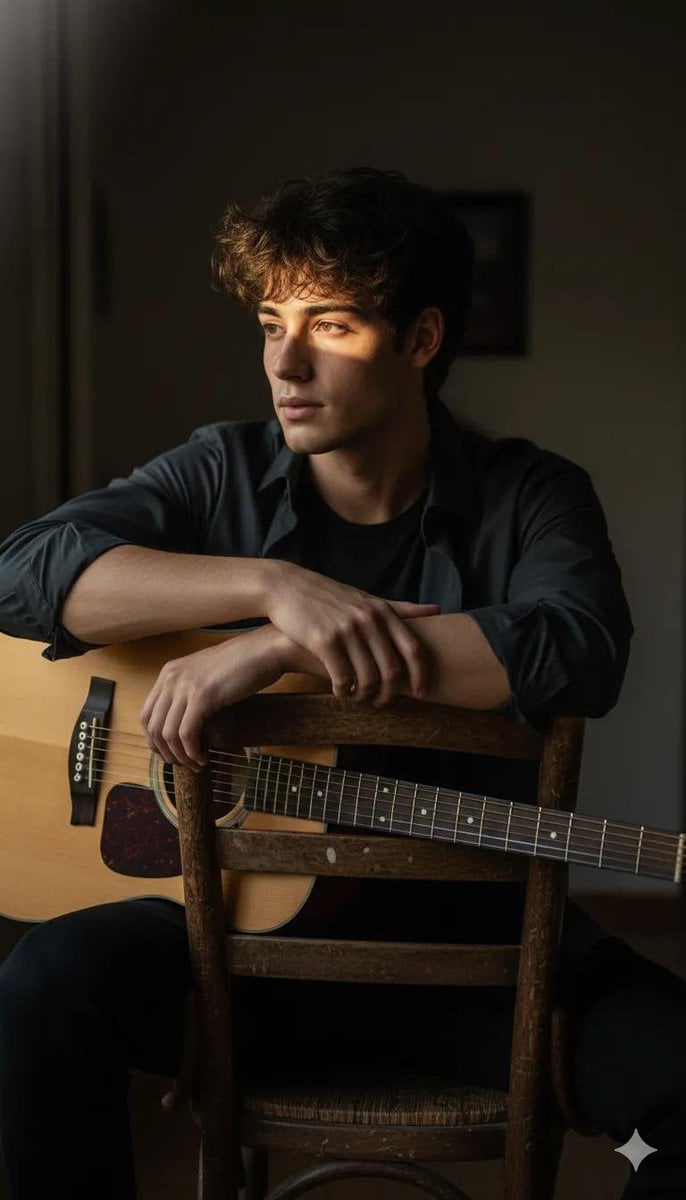
Moody High-Contrast Portrait with Acoustic Guitar
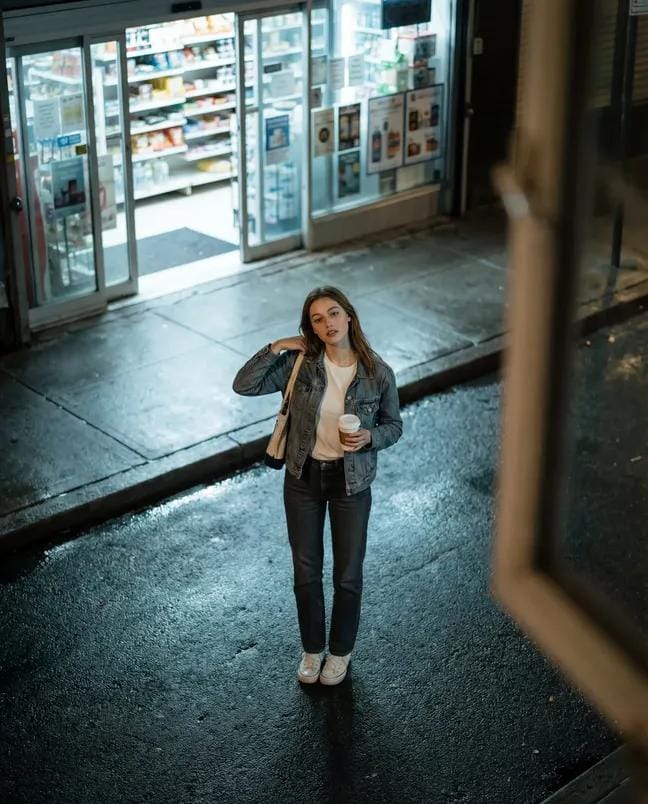
High-Angle Night Street Fashion Photograph
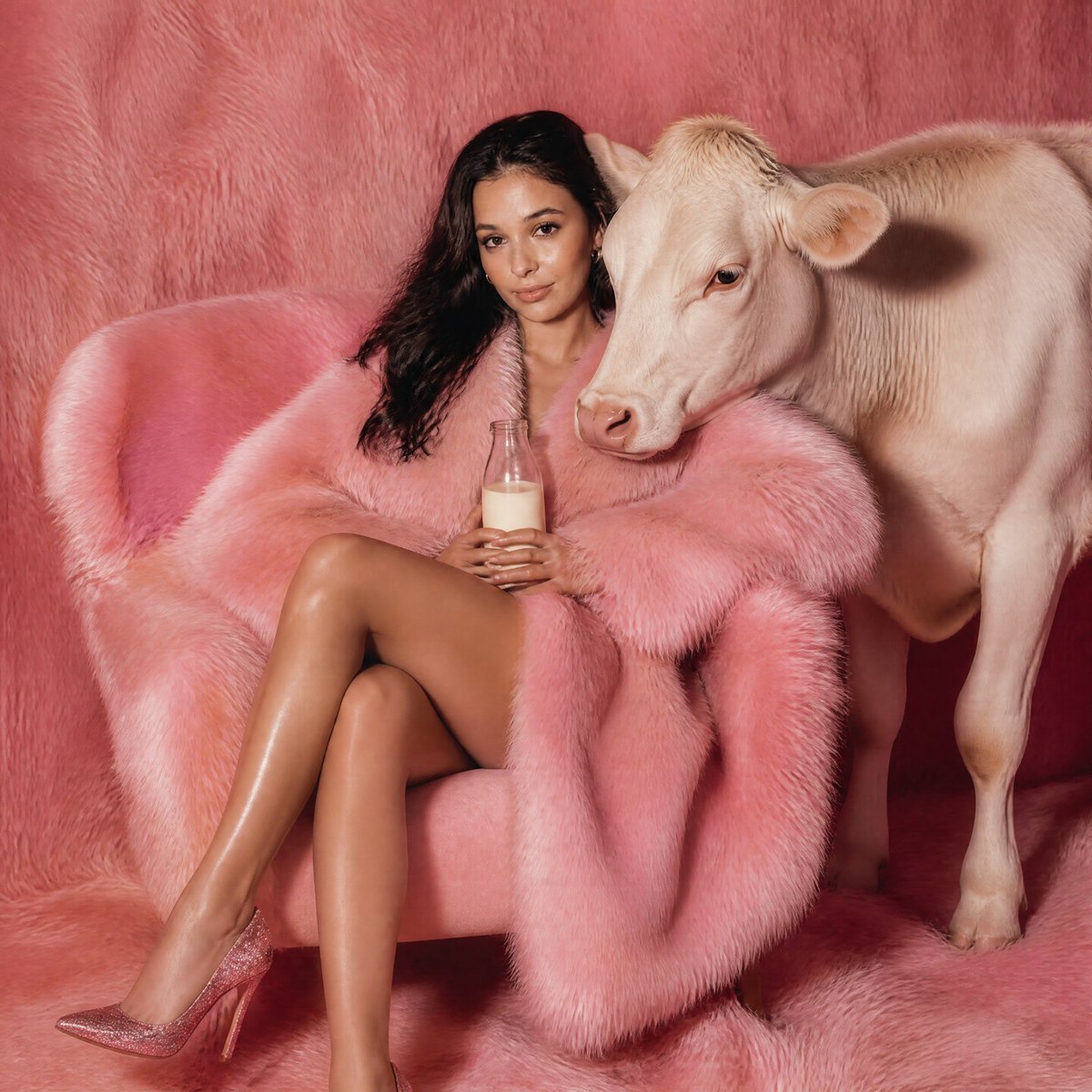
Pink Fur Fashion Editorial with Calf
Browse template categories
Luxury Streetwear Shark Tunnel Portrait questions
How do I use the Luxury Streetwear Shark Tunnel Portrait template?
Add your photo if the template asks for one, edit the prompt if you like — the template's model and format are already selected — and press Generate. Your version opens in PicX Studio.
Can I customize the Luxury Streetwear Shark Tunnel Portrait template?
Yes. You can change the subject, setting, lighting, mood, format, and available model controls before creating your image.
Is the Luxury Streetwear Shark Tunnel Portrait template free?
Opening and editing this template is free. Generating uses credits, shown on the Generate button when you are signed in.
Which AI model should I use?
Start with GPT Image 2, which is the model associated with this template. You can compare another compatible model for a different finish.
Looking for something else? Browse all templates.

Your photo, any look
Thousands of ready templates for every top image and video model, from one credit balance.