
Watercolor Fashion Sketch with Bicycle
A delicate watercolor illustration prompt for gpt-image-2 in a Japanese sketchbook style, featuring a woman with a vintage bicycle.
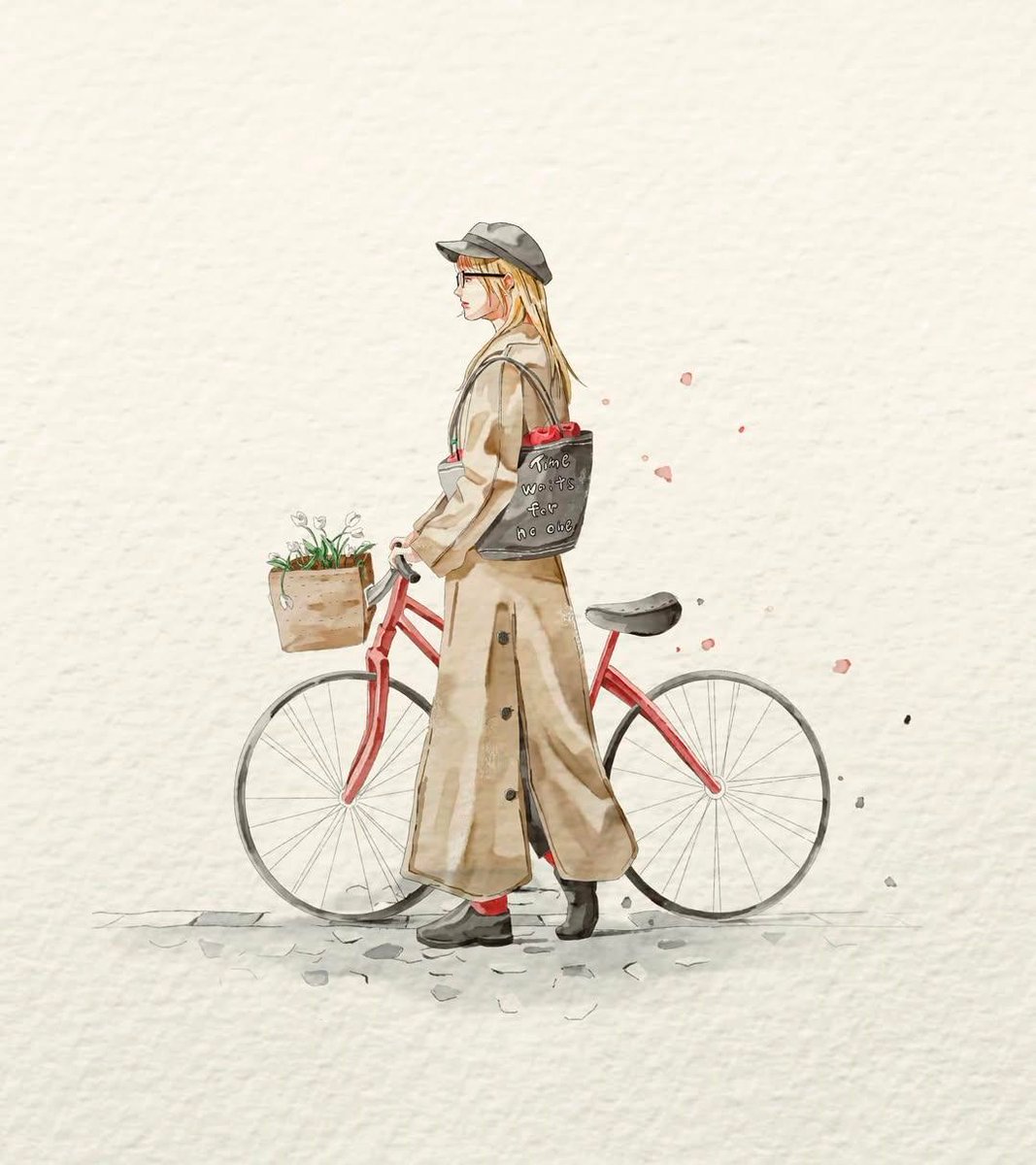
- Prompt included
- Model and format preset
- Free template
The prompt behind this image
Copy the exact prompt behind Watercolor Fashion Sketch with Bicycle, or open it in the studio and make it yours.
A delicate watercolor fashion illustration on textured off-white handmade paper. A {argument name="subject" default="young woman in side profile walking beside a vintage red bicycle"}. She wears a {argument name="outfit" default="long beige trench coat reaching her ankles, a soft gray newsboy cap, black ankle boots, and red socks peeking out"}. Her long blonde hair falls naturally beneath the cap. The bicycle has thin wheels and a wooden front basket filled with small white flowers and greenery. A dark tote bag hangs from her shoulder containing red roses, with subtle handwritten text on the bag. Minimalist composition with large negative space around the subject. Soft pastel palette, light ink outlines, gentle watercolor washes, loose brush strokes, subtle paint splatters floating behind her, dreamy and elegant atmosphere. {argument name="art style" default="Japanese sketchbook illustration style"}, fashion editorial artwork, highly detailed yet airy, clean background, centered subject, whimsical, poetic, refined watercolor rendering. Style Keywords: watercolor illustration, hand-painted, Japanese fashion sketch, minimalist aesthetic, textured paper, soft neutral colors, delicate line art, editorial fashion drawing, airy composition, muted tones, elegant feminine character, storybook artwork, watercolor splashes, cozy autumn mood.
How to use Watercolor Fashion Sketch with Bicycle in 3 steps
- 1
Open
The prompt is already in the box next to the preview, with the template's model and format selected.
- 2…a portrait of your subject in softgolden-hour light, 85mm…
Personalize
Edit the subject and creative details for your destination.
- 3Generate
Generate
Press Generate — your image is created in PicX Studio, so you can compare it with the original and refine one variable at a time.
More like this
Templates with the same subject, style or setup. Open one to see its prompt.

Japanese Café Sketch Duo Illustration
Watercolor Fashion Illustration Sketch

Watercolor Anim Bicycle Coast

80s College Gate

1988 Mall Style

80s Polka Dot Saree
Blue Denim Bicycle Sketch
Parisian Bicycle Fashion Portrait

Minimal Hand-Drawn Sketch Watercolor Portrait
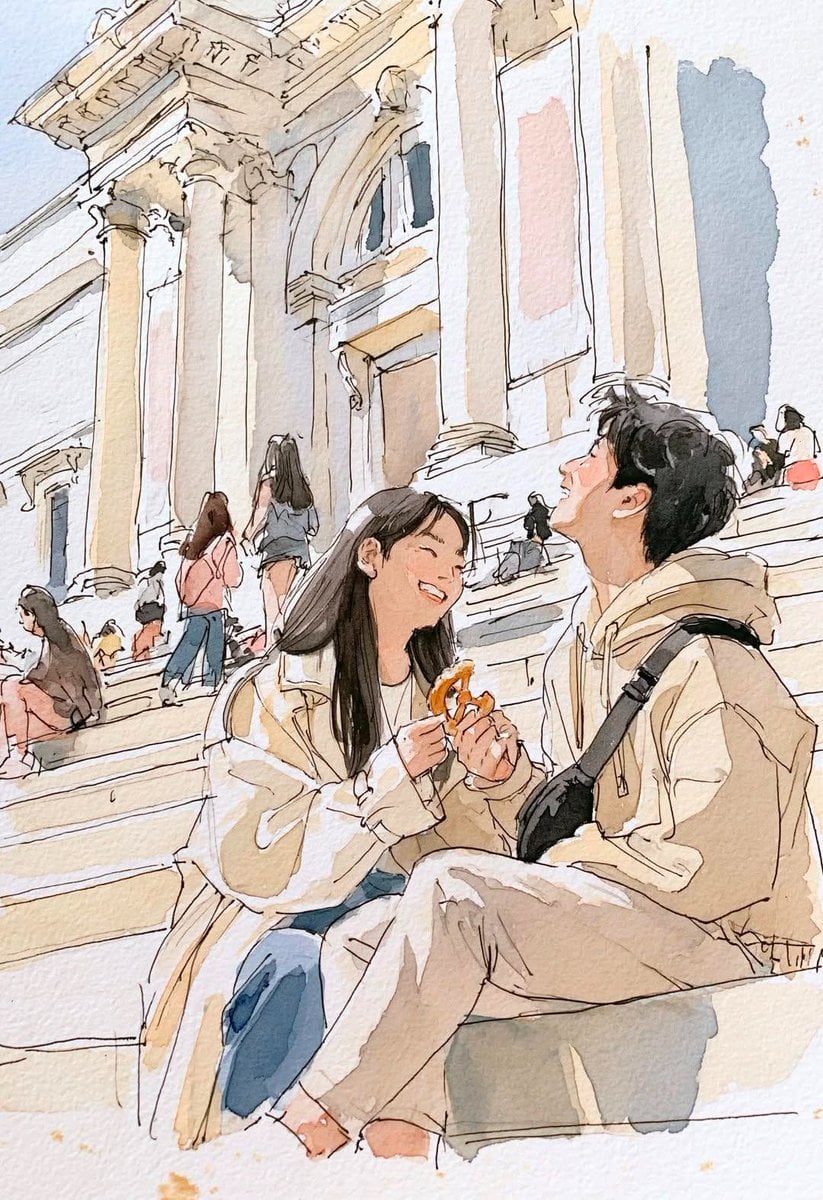
Watercolor Travel Sketchbook
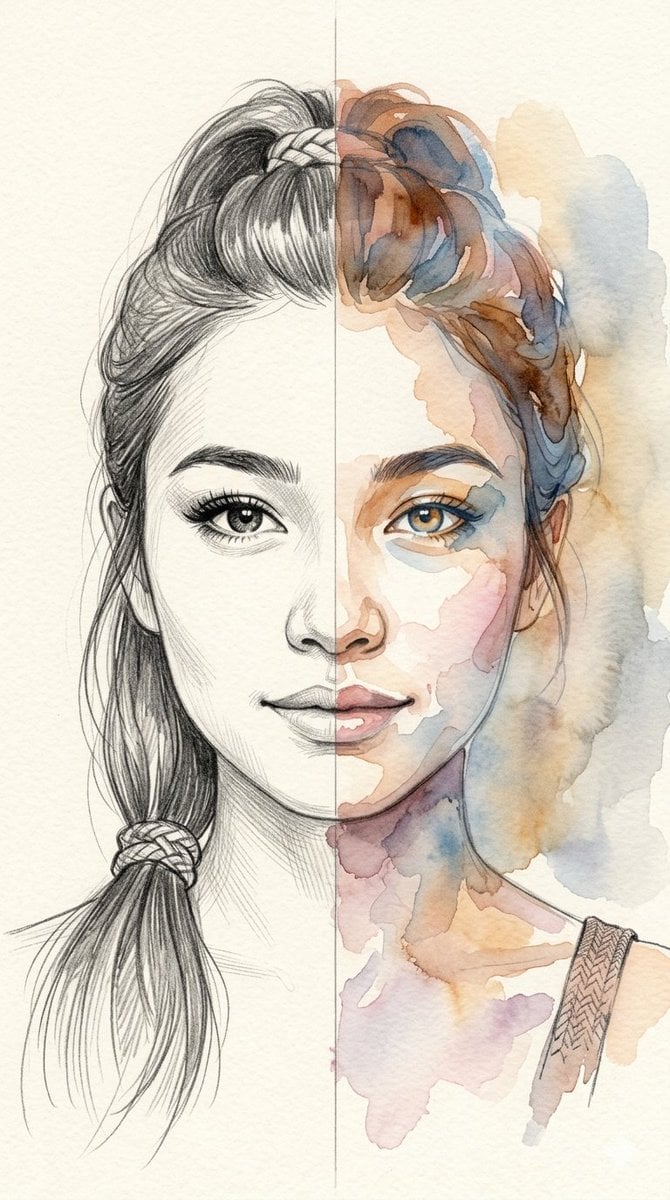
Split-Medium Sketch and Watercolor Portrait

Watercolor Anim Finale Fireworks
Make it yours
Watercolor Fashion Sketch with Bicycle works as-is. These are the safest ways to change it without losing the look.
Change one field
Copy a single group, rewrite it, and generate again so you can see what that field is doing.
Keep the frame, change the subject
Hold the composition and light of Watercolor Fashion Sketch with Bicycle, then swap wardrobe, props or the person for a new take.
| If the result… | Why | Fix |
|---|---|---|
| The result drifts from the preview | Too many fields changed at once. | Reuse Watercolor Fashion Sketch with Bicycle as-is first, then change one group — subject, light, or setting. |
| The model over-stylizes the scene | The prose prompt leaves finish and camera underspecified. | Add one camera or lighting sentence and stay on GPT Image 2. |
More GPT Image 2 templates
Other prompts made for GPT Image 2.

Six VTuber Japanese Logo Sheet

Realistic Portrait of Woman and Deer

The Vista Modular Condo Poster

AI Model Routing Comparison Infographic

2.5D Anime Art Board

Isometric Productivity Desk Scene

New York Double Exposure Poster

Four-Panel AI Landscape Comparison

Japanese Tatami Lifestyle Magazine Cover

NESCAFÉ Coffee Map Poster
More image prompts
Fresh picks from across the catalog.
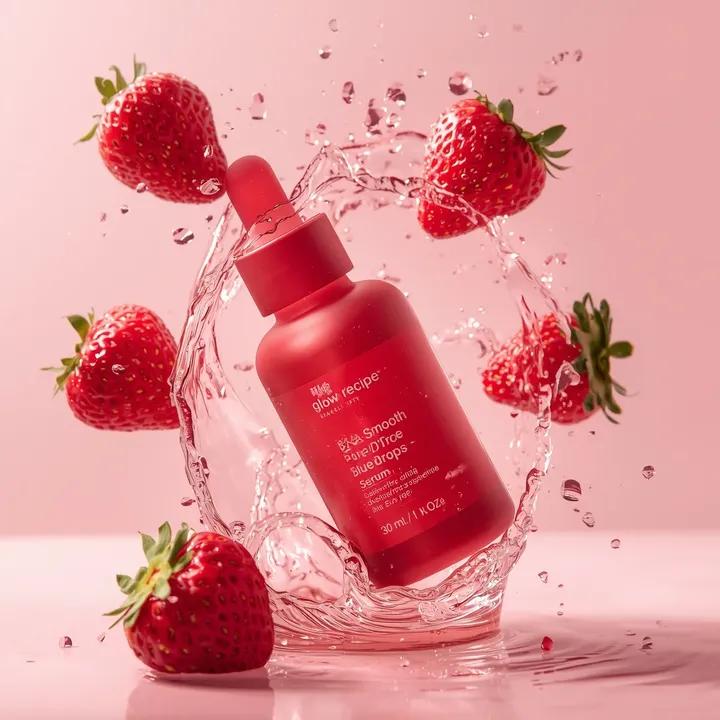
Luxury Skincare Product Photography Prompt
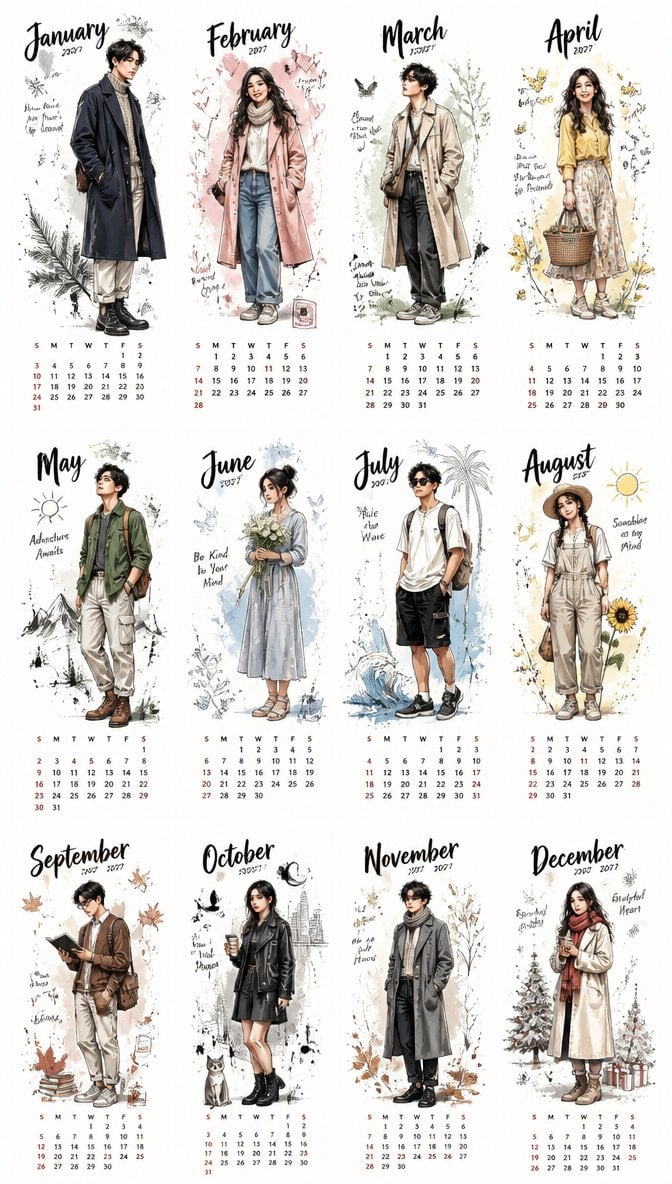
Aesthetic 2027 Desk Calendar
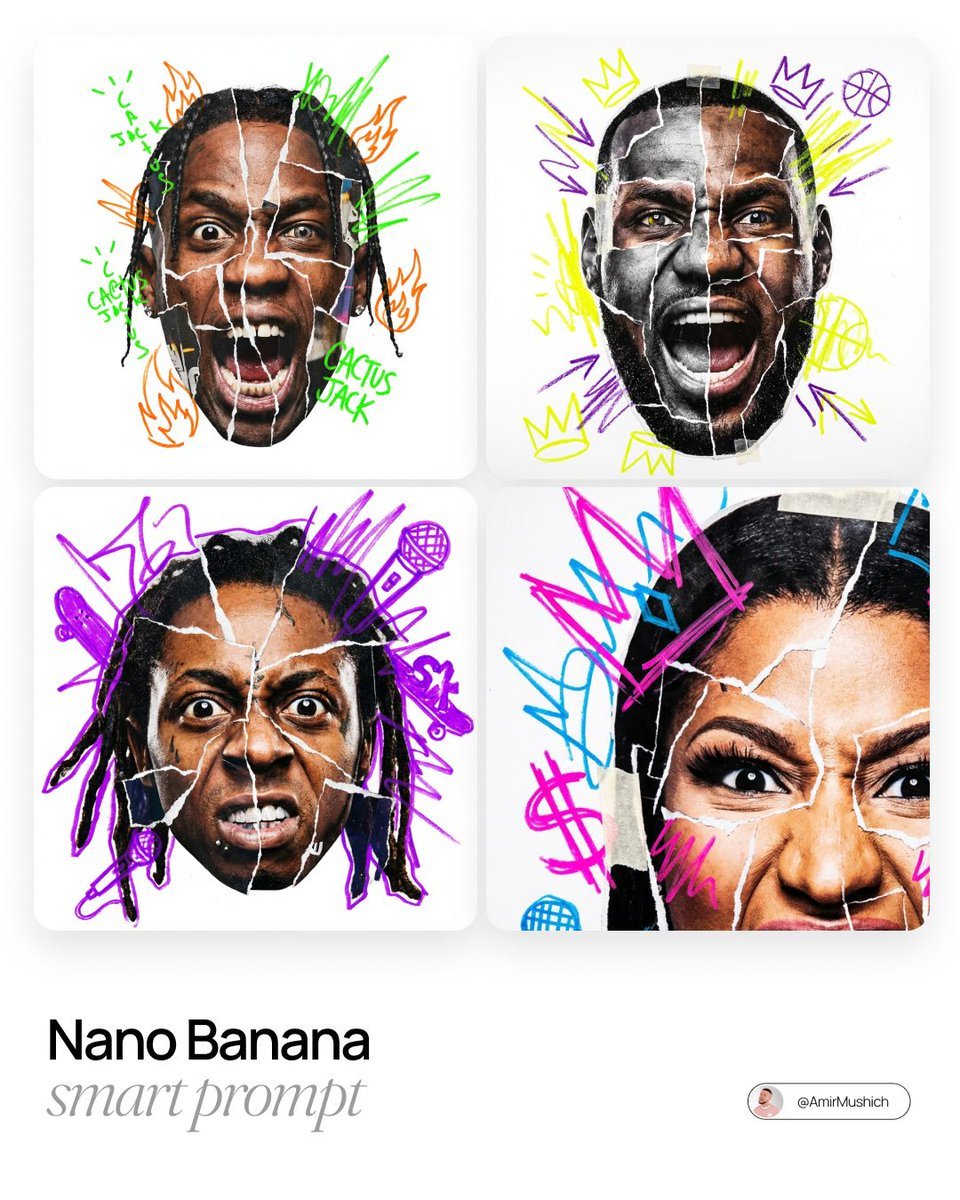
Urban Photo-Collage Caricature Style Prompt
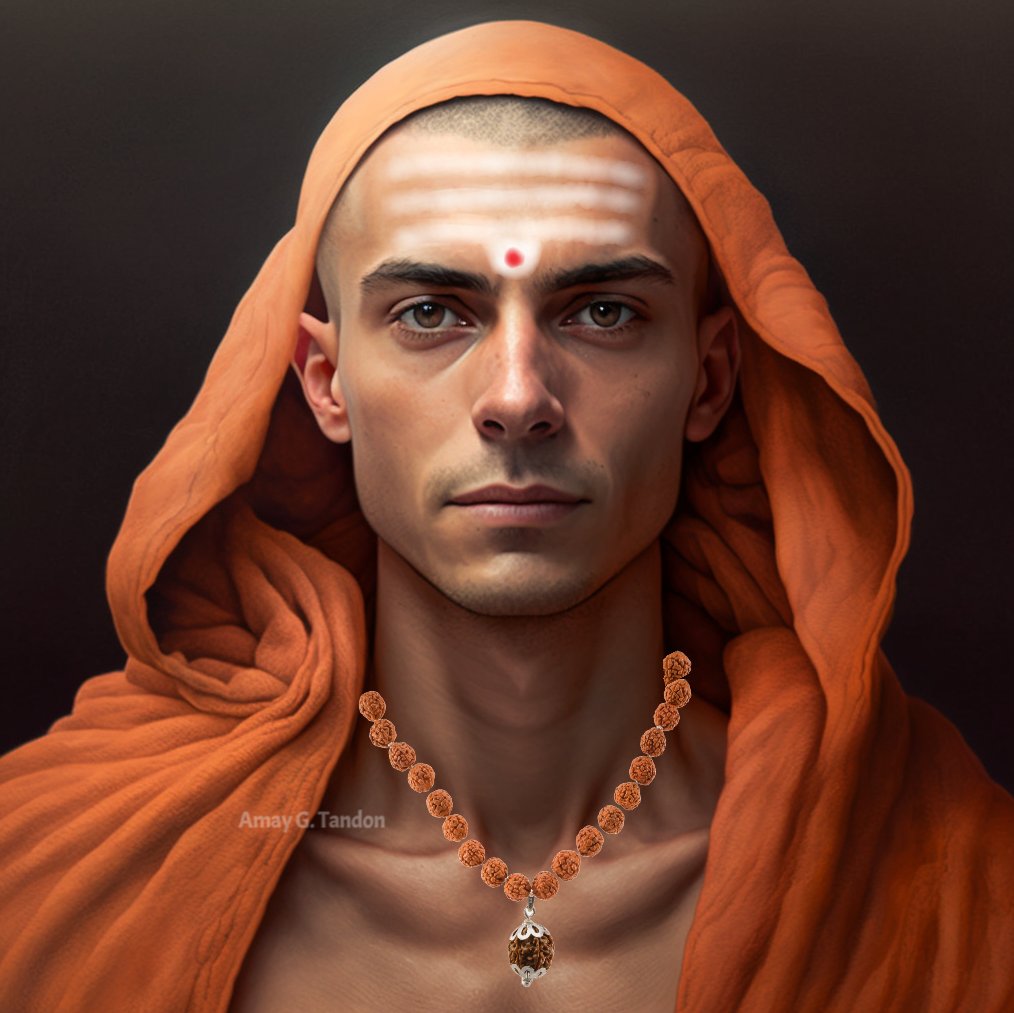
Realistic Image Generator Prompt System
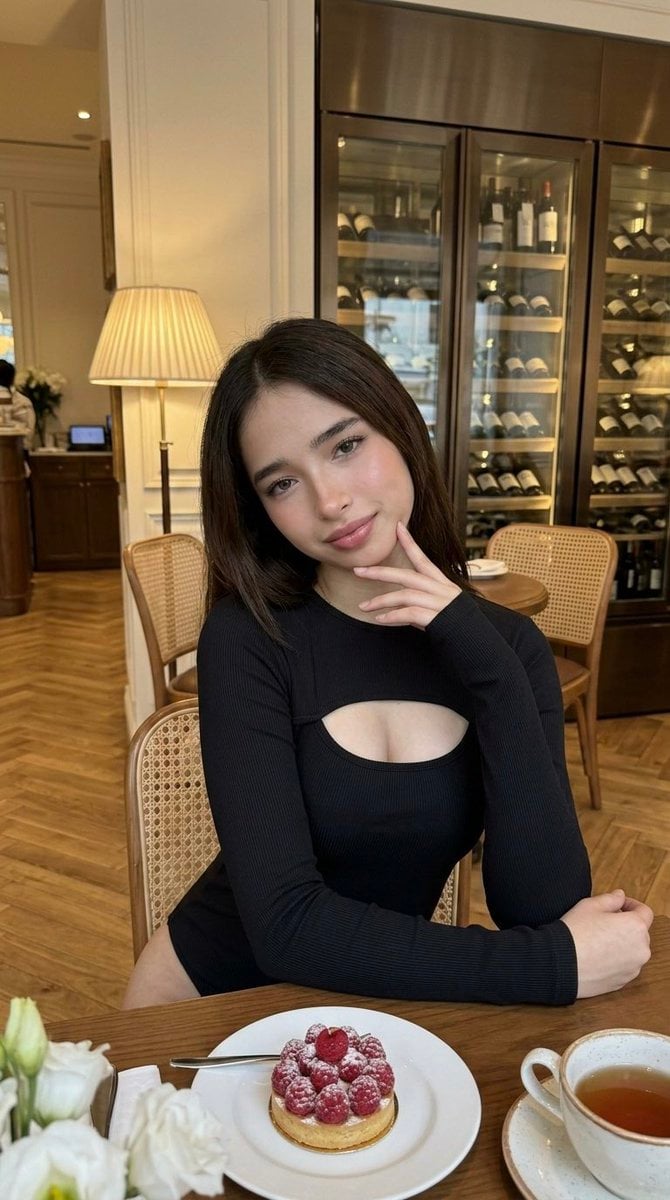
Luxury Cafe Portrait with Bio-Fidelity and Anatomical Emphasis

Douyin Live Stream Screenshot
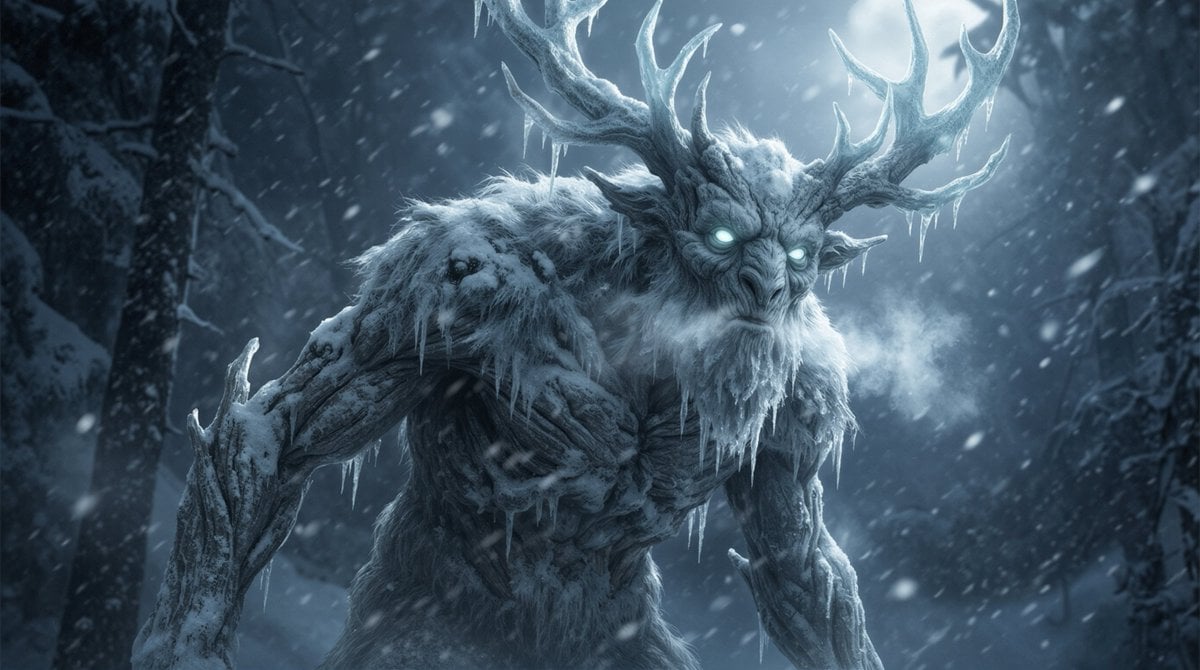
Dark Fantasy Winter Creature Emerging from a Blizzard
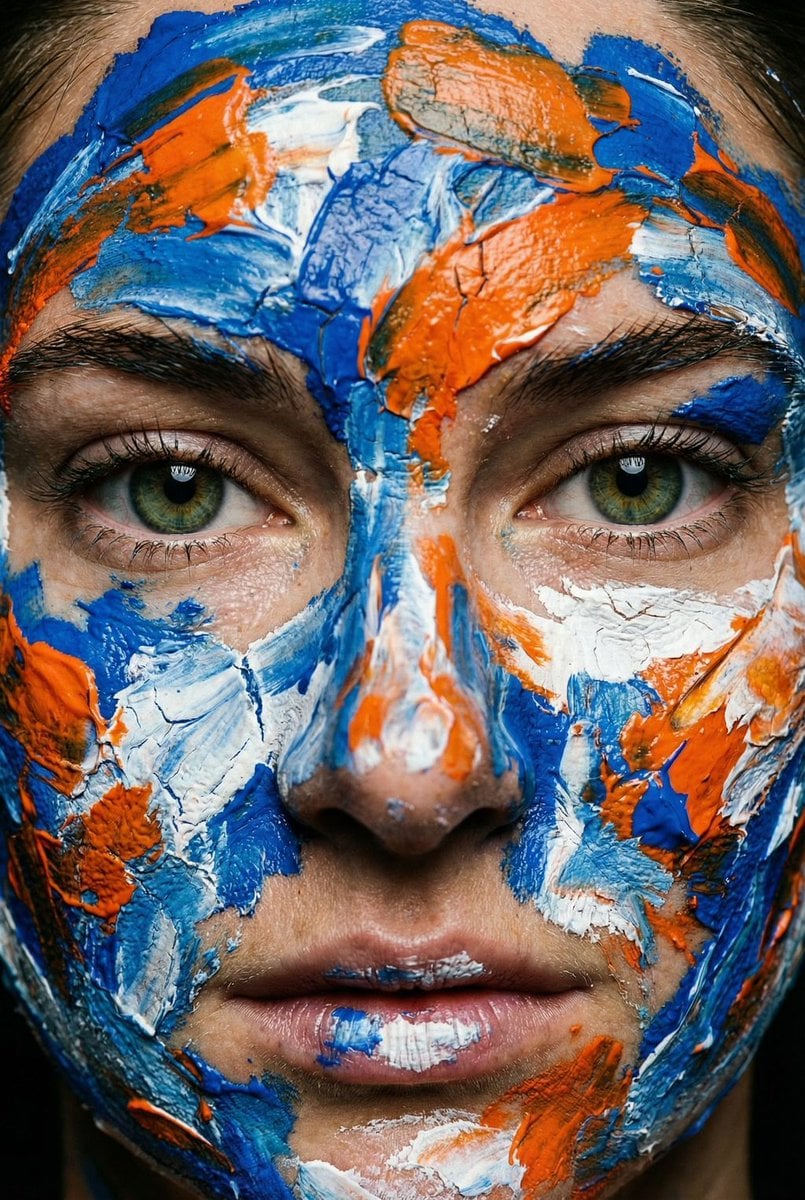
Macro Portrait with Impasto Acrylic Paint Texture

Water Bottle Spilling in Desert
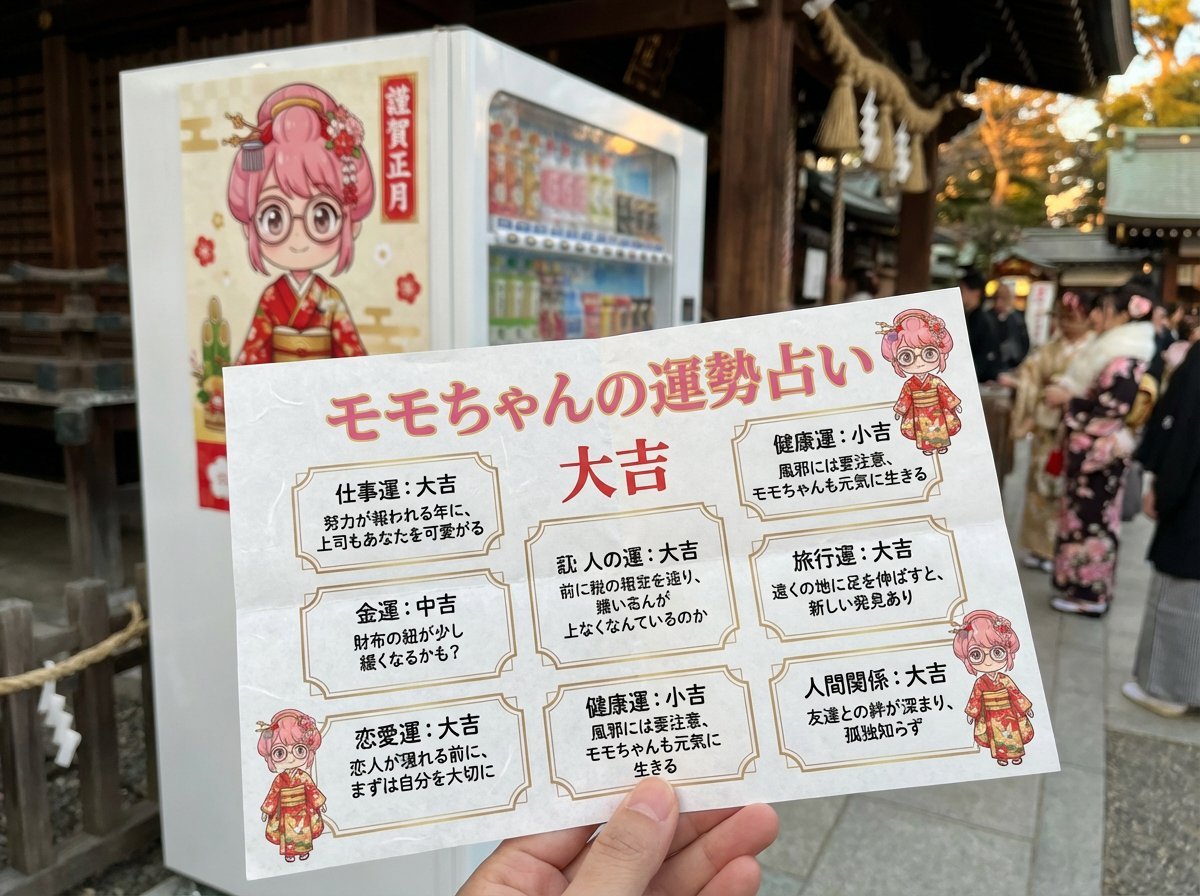
Omikuji (Fortune Slip) Generation Prompt with Character Integration
Browse template categories
Watercolor Fashion Sketch with Bicycle questions
How do I use the Watercolor Fashion Sketch with Bicycle template?
Add your photo if the template asks for one, edit the prompt if you like — the template's model and format are already selected — and press Generate. Your version opens in PicX Studio.
Can I customize the Watercolor Fashion Sketch with Bicycle template?
Yes. You can change the subject, setting, lighting, mood, format, and available model controls before creating your image.
Is the Watercolor Fashion Sketch with Bicycle template free?
Opening and editing this template is free. Generating uses credits, shown on the Generate button when you are signed in.
Which AI model should I use?
Start with GPT Image 2, which is the model associated with this template. You can compare another compatible model for a different finish.
Looking for something else? Browse all templates.

Your photo, any look
Thousands of ready templates for every top image and video model, from one credit balance.