
Blue Denim Bicycle Sketch
A selective-color pencil illustration of a smiling young man riding a vintage bicycle in front of a sketched city skyline.
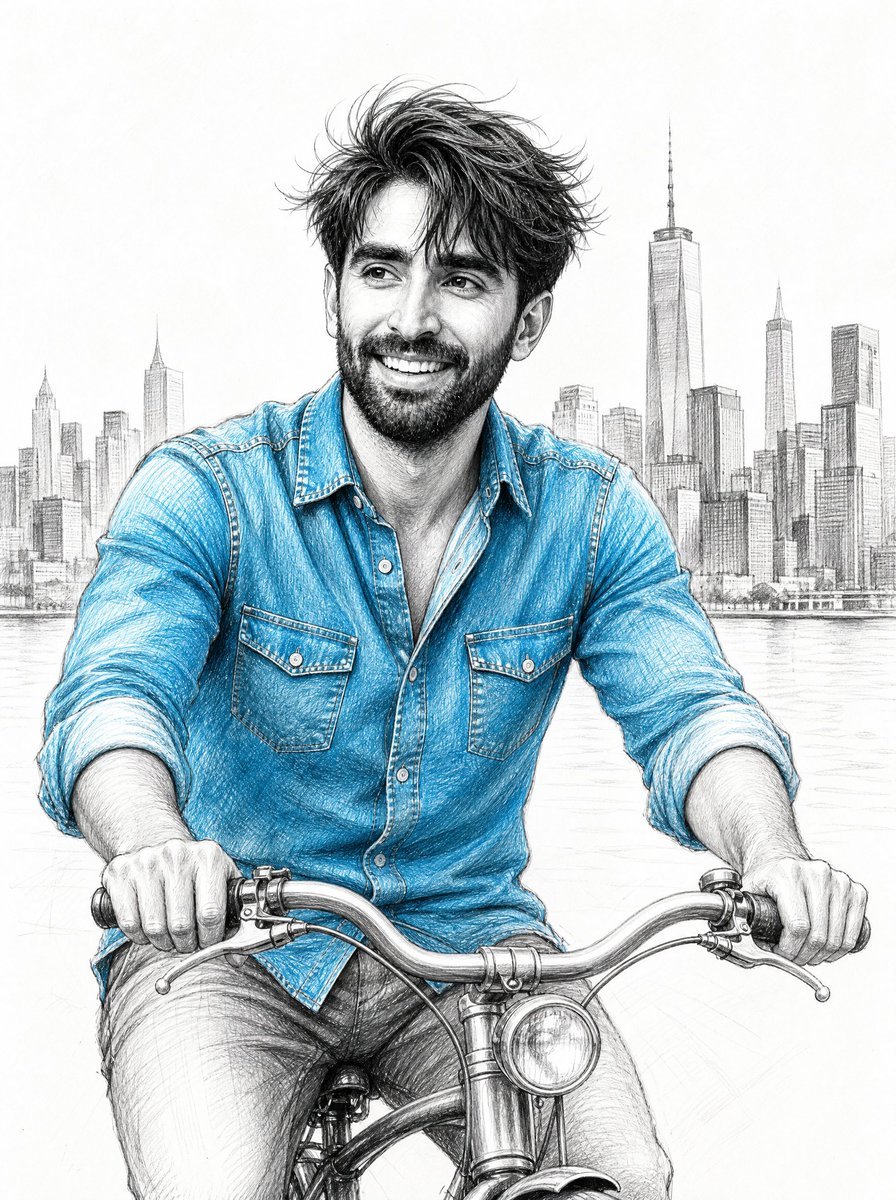
- Prompt included
- Model and format preset
- Free template
The prompt behind this image
Copy the exact prompt behind Blue Denim Bicycle Sketch, or open it in the studio and make it yours.
Create a detailed pencil sketch illustration with selective blue color accent of {argument name="character name" default="a handsome young man"} joyfully riding a vintage bicycle. Show him from the waist up in a front-facing three-quarter view, hands firmly gripping the curved chrome handlebars, smiling broadly with visible teeth and bright expressive eyes, looking slightly off to the viewer’s left. He has tousled short dark hair blowing naturally in the wind and a neatly trimmed beard. Dress him in a long-sleeve button-down {argument name="shirt color and fabric" default="bright blue denim"} shirt with rolled cuffs, visible stitching, two chest flap pockets, open collar, and realistic fabric folds; keep the rest of the drawing mostly monochrome graphite except for the blue shirt. Include exactly one vintage bicycle with a curved handlebar, brake levers, front headlamp, central stem, partial front fender, and visible hand grips, rendered with precise mechanical linework. Place a soft, finely sketched {argument name="city skyline" default="New York City skyline with One World Trade Center"} in the background across the horizon, with multiple thin high-rise buildings and a calm waterfront behind him. Use a clean white paper background, realistic hand-drawn graphite shading, crosshatching, delicate contour lines, high facial detail, crisp hair strands, natural proportions, and an airy editorial fashion-sketch feel. No text, no watermark, no border, no photorealistic color background; emphasize the joyful motion, windblown hair, and the contrast between the vivid denim blue and grayscale pencil drawing.
How to use Blue Denim Bicycle Sketch in 3 steps
- 1Upload ImagePNG, JPG or paste
Add your photo
Upload the photo the template builds on. The prompt, model and format are already set.
- 2…a portrait of your subject in softgolden-hour light, 85mm…
Personalize
Edit the subject and creative details for your destination.
- 3Generate
Generate
Press Generate — your image is created in PicX Studio, so you can compare it with the original and refine one variable at a time.
More like this
Templates with the same subject, style or setup. Open one to see its prompt.

1988 Mall Style

Japanese Café Sketch Duo Illustration

Delicate Japanese Café Lifestyle Illustration

Monochrome Portrait Jersey Accent Poster
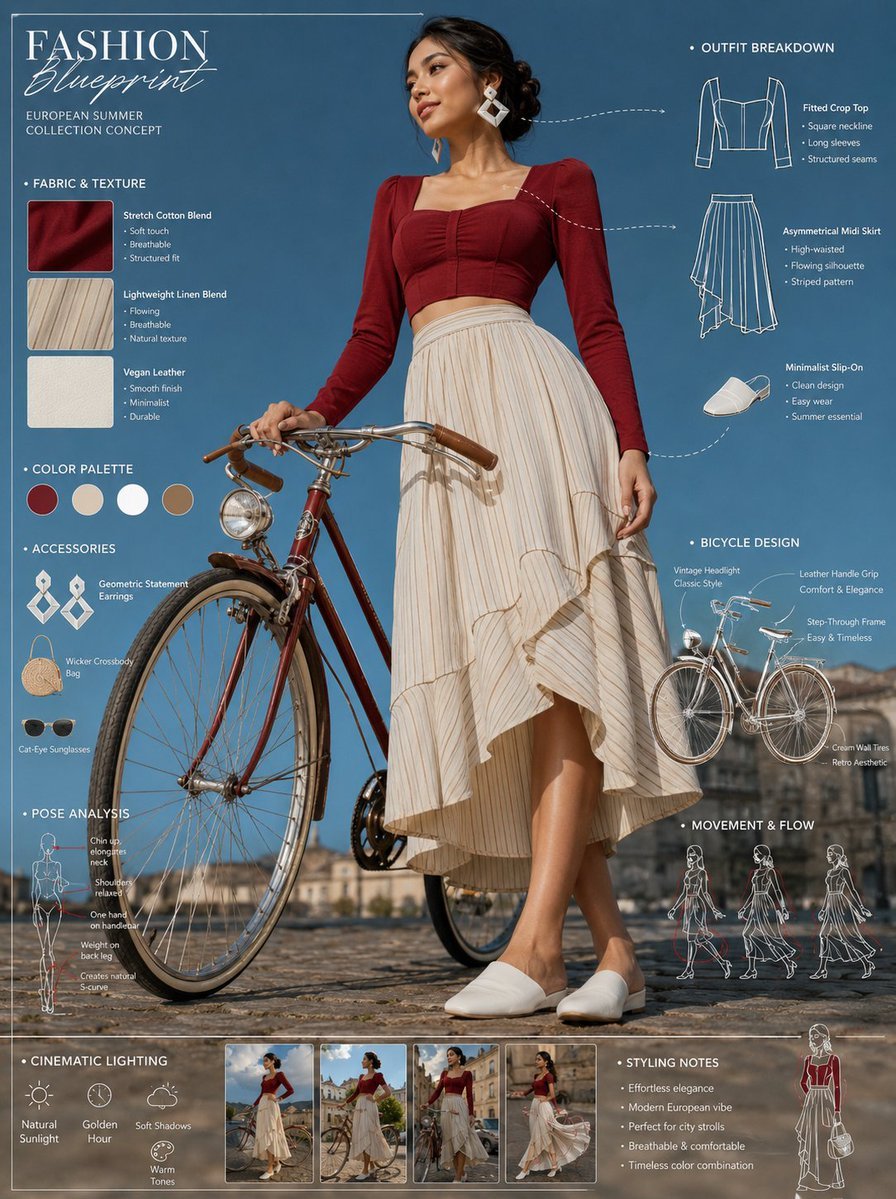
Vintage Bicycle Fashion Blueprint Sheet
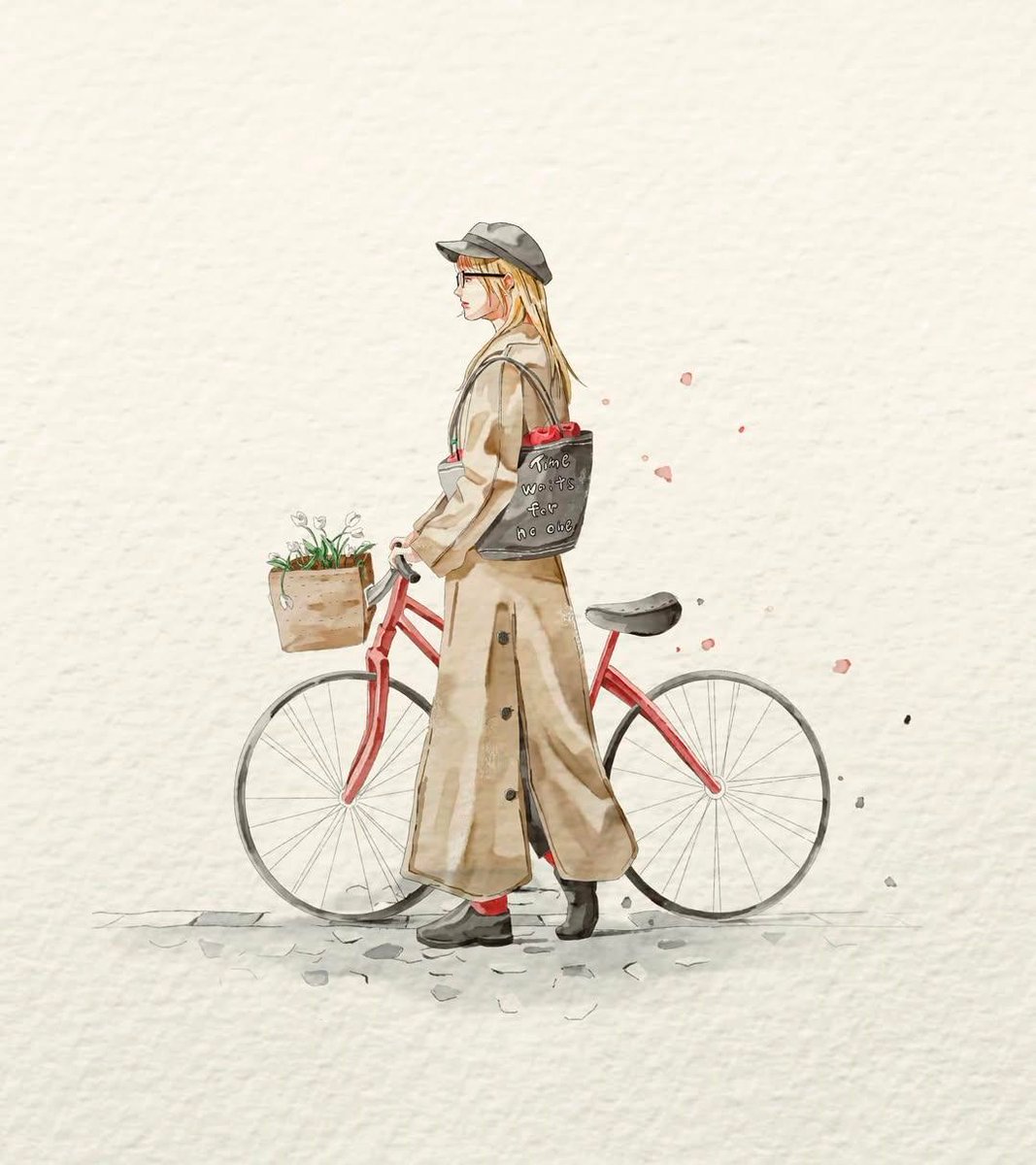
Watercolor Fashion Sketch with Bicycle

Cosmetic Tube Product — Nano Banana 2

Nano Banana - Evening Champagne Blue
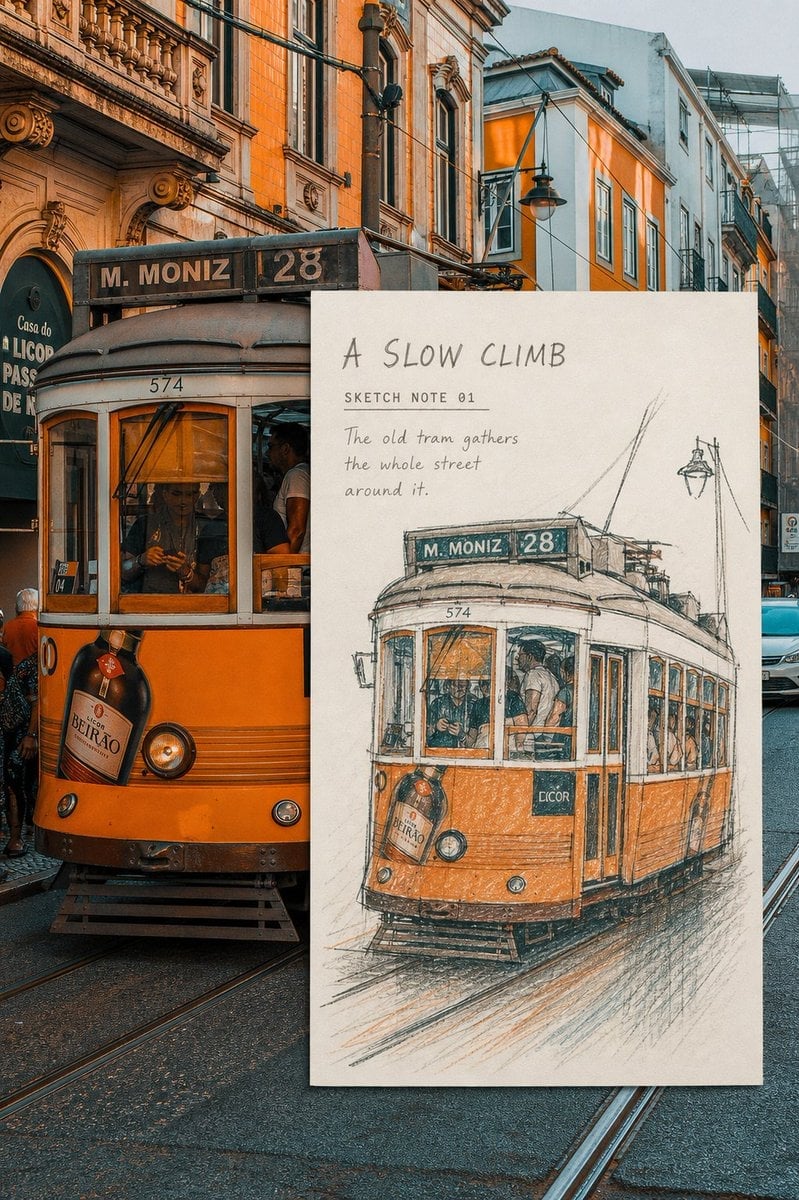
Real-Scene Inset Sketch Poster
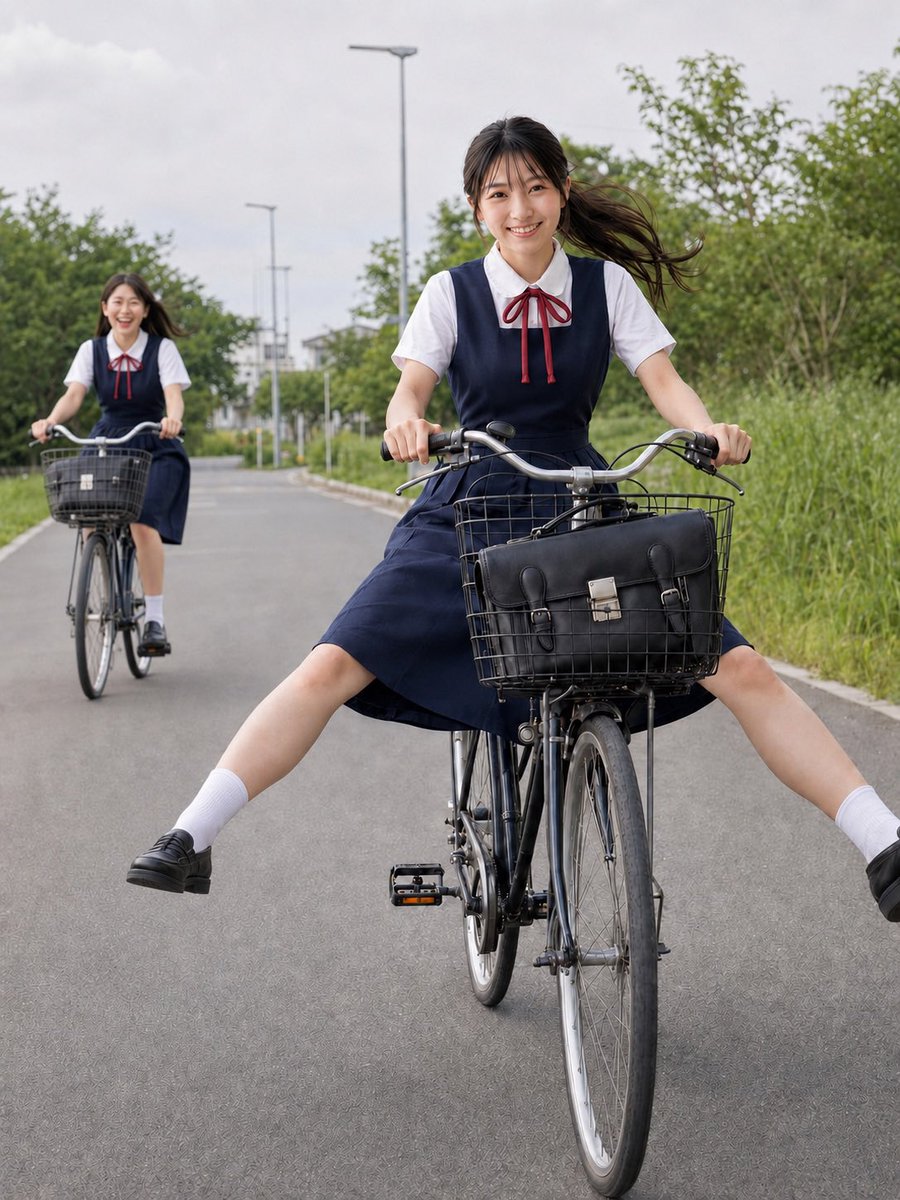
Schoolgirls Riding Bicycles

Summer Lake Bicycle Portrait
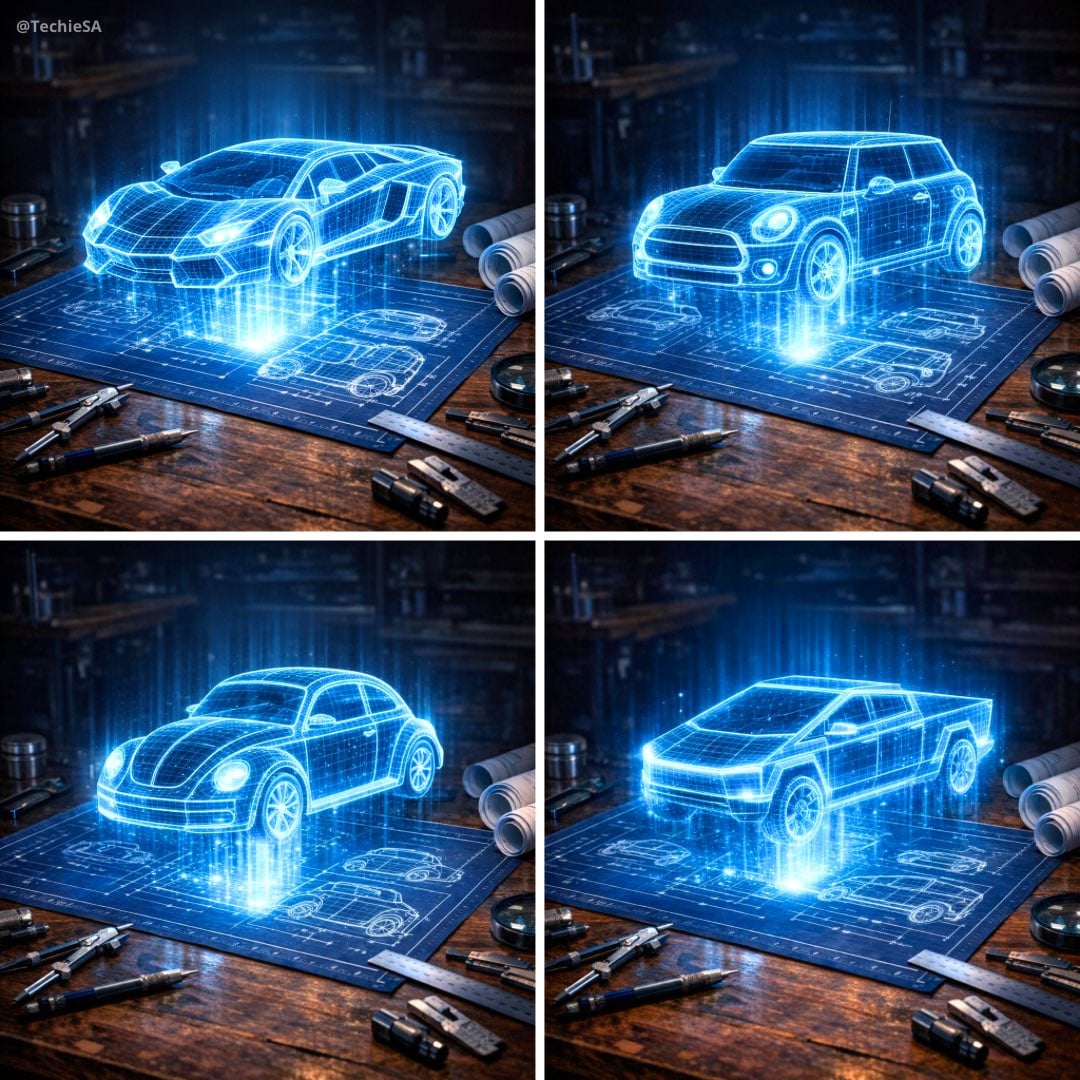
Holographic Car Blueprint Wireframe
Make it yours
Blue Denim Bicycle Sketch works as-is. These are the safest ways to change it without losing the look.
Change one field
Copy a single group, rewrite it, and generate again so you can see what that field is doing.
Keep the frame, change the subject
Hold the composition and light of Blue Denim Bicycle Sketch, then swap wardrobe, props or the person for a new take.
| If the result… | Why | Fix |
|---|---|---|
| The result drifts from the preview | Too many fields changed at once. | Reuse Blue Denim Bicycle Sketch as-is first, then change one group — subject, light, or setting. |
| The model over-stylizes the scene | The prose prompt leaves finish and camera underspecified. | Add one camera or lighting sentence and stay on GPT Image 2. |
More GPT Image 2 templates
Other prompts made for GPT Image 2.

Six VTuber Japanese Logo Sheet

Realistic Portrait of Woman and Deer

The Vista Modular Condo Poster

AI Model Routing Comparison Infographic

2.5D Anime Art Board

Isometric Productivity Desk Scene

New York Double Exposure Poster

Four-Panel AI Landscape Comparison

Japanese Tatami Lifestyle Magazine Cover

NESCAFÉ Coffee Map Poster
More image prompts
Fresh picks from across the catalog.

IP Character Avatar Poster Designer

Cinematic Podcast Studio Portrait
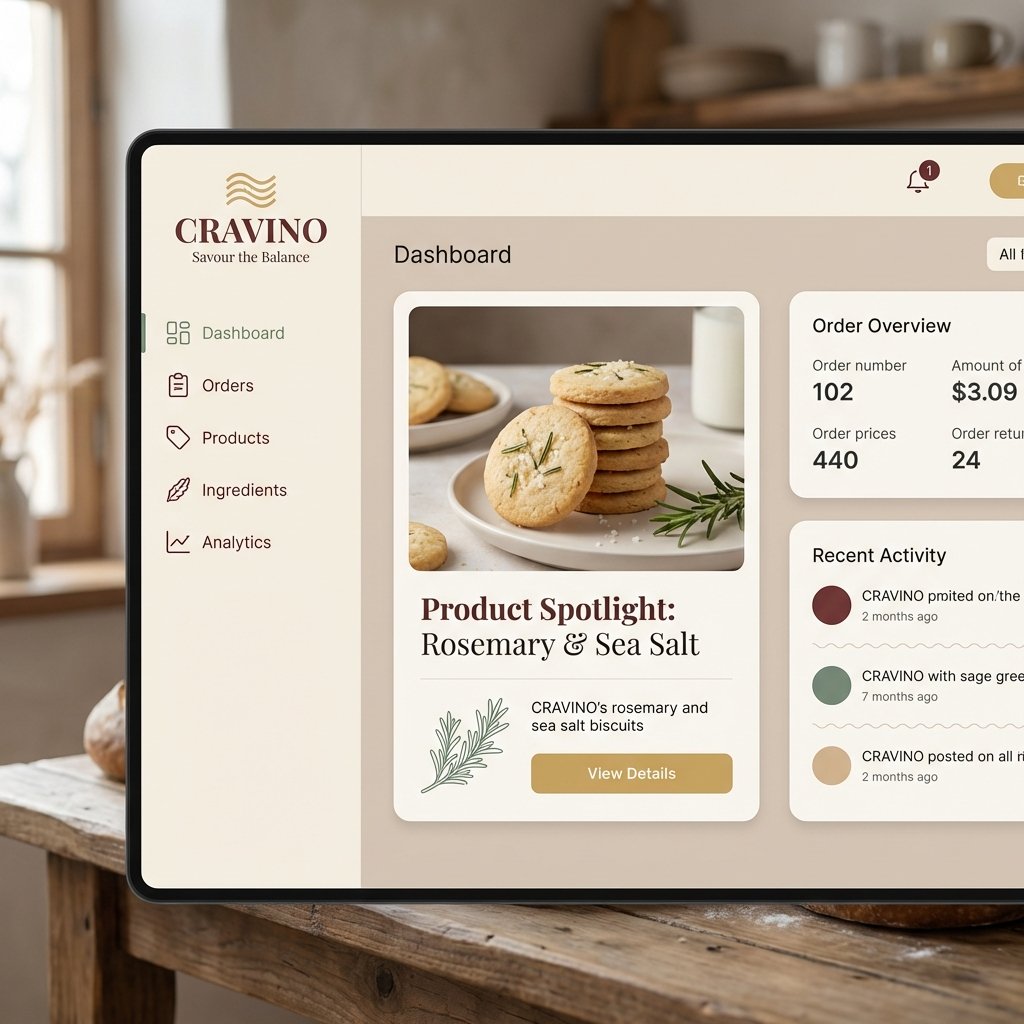
Atmospheric Product Interface Visual Prompt for SaaS UI
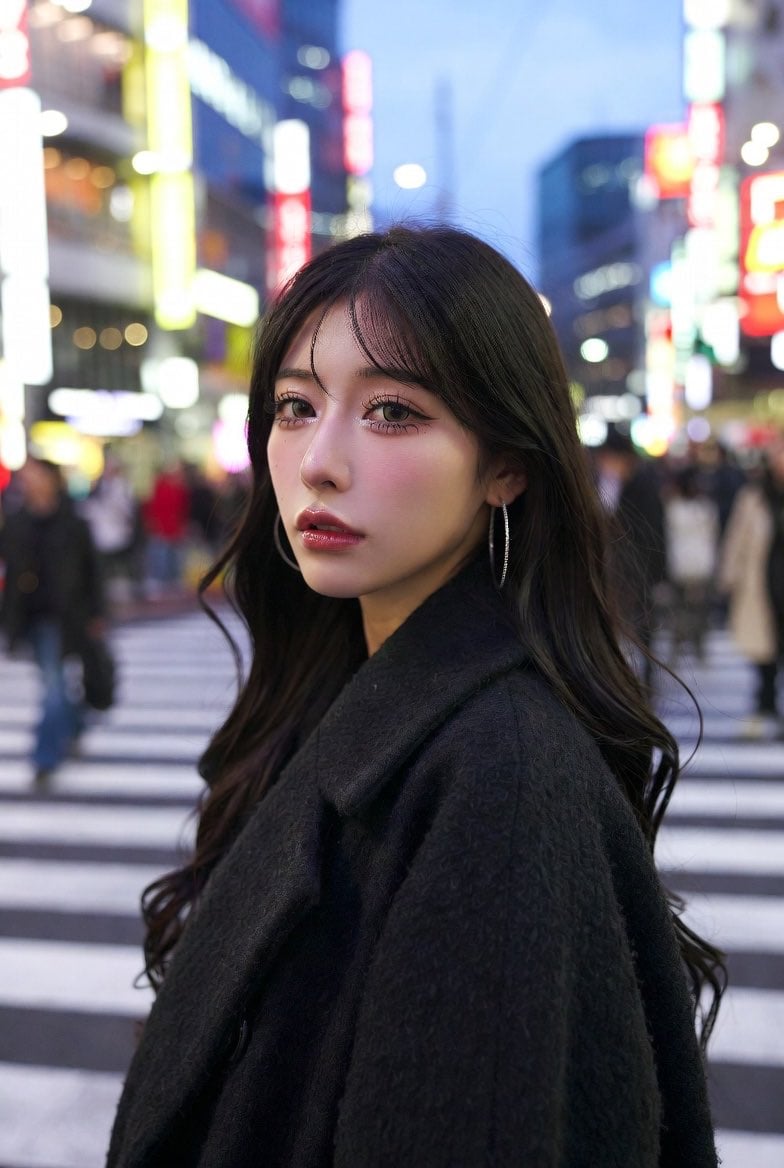
Neon City Portrait With Face Block
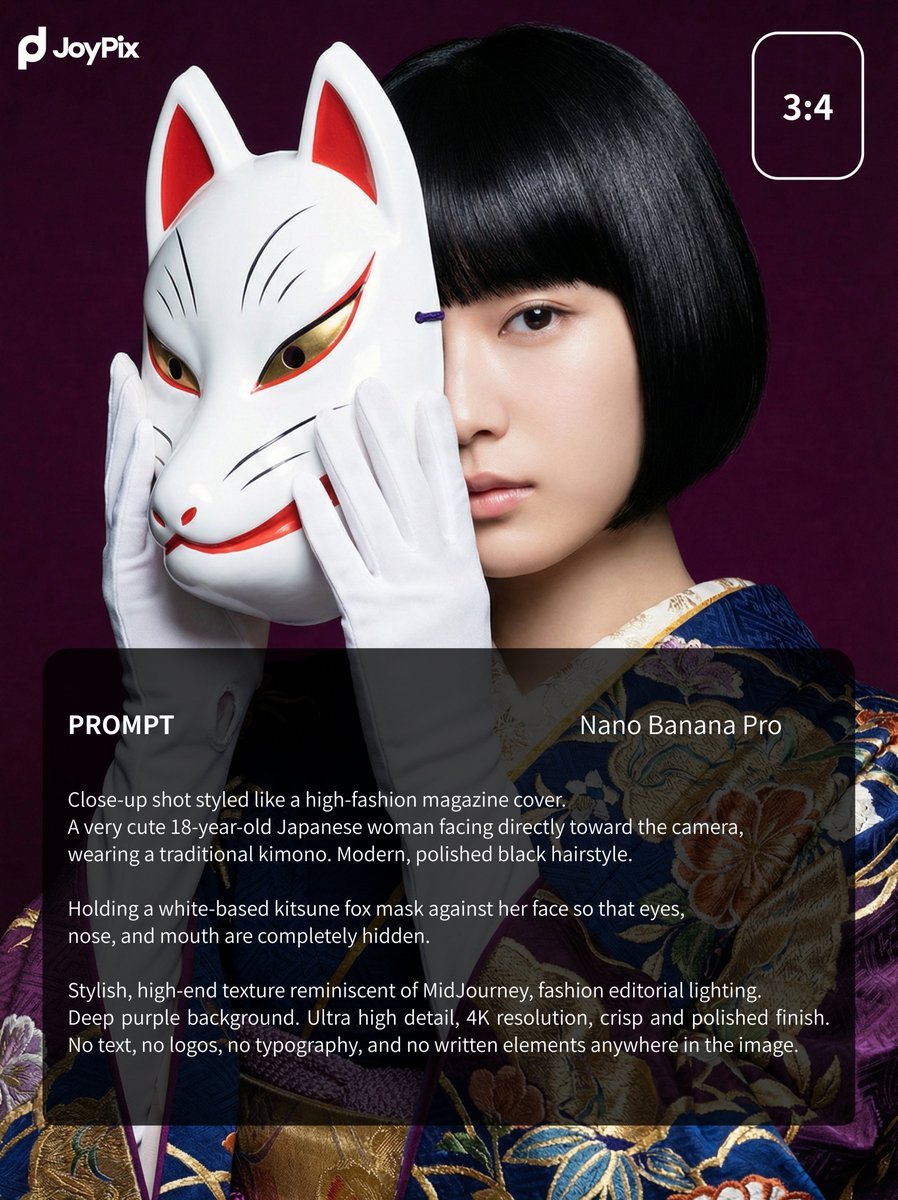
Japanese Style White Fox Goddess for JoyPix Brand
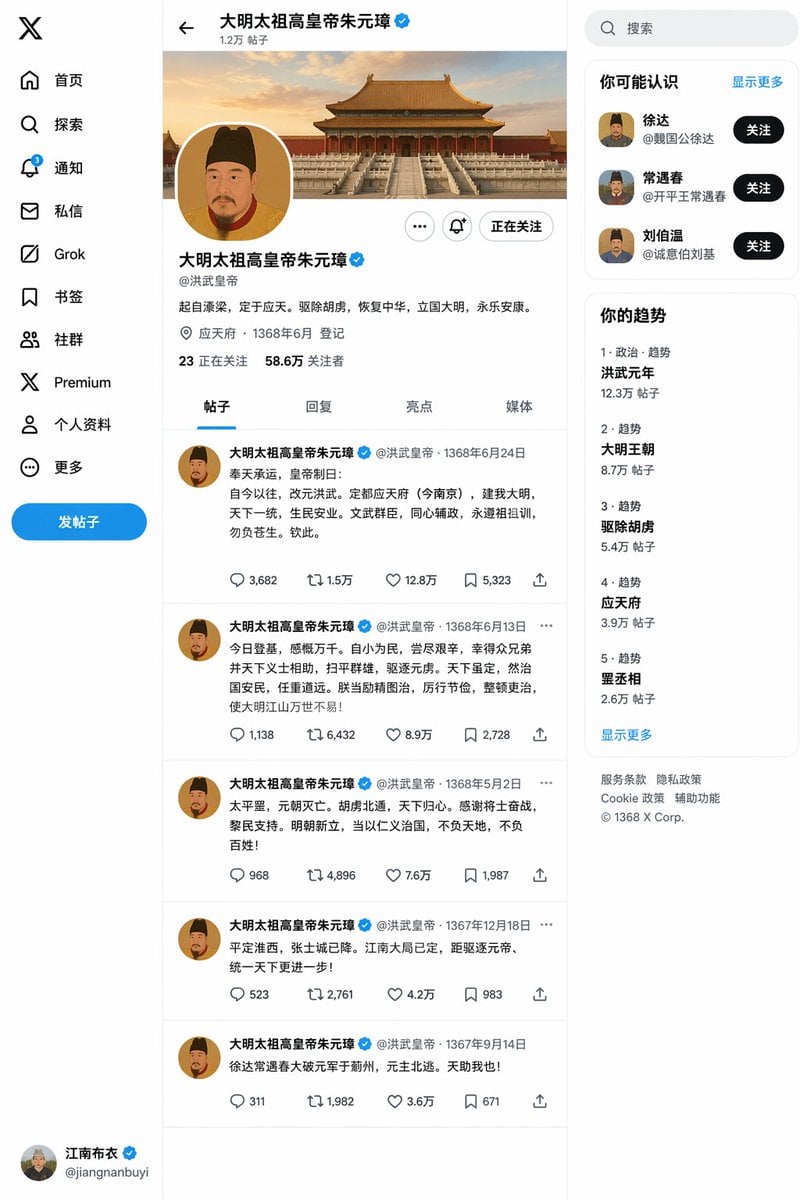
Ming Dynasty Social Media Post
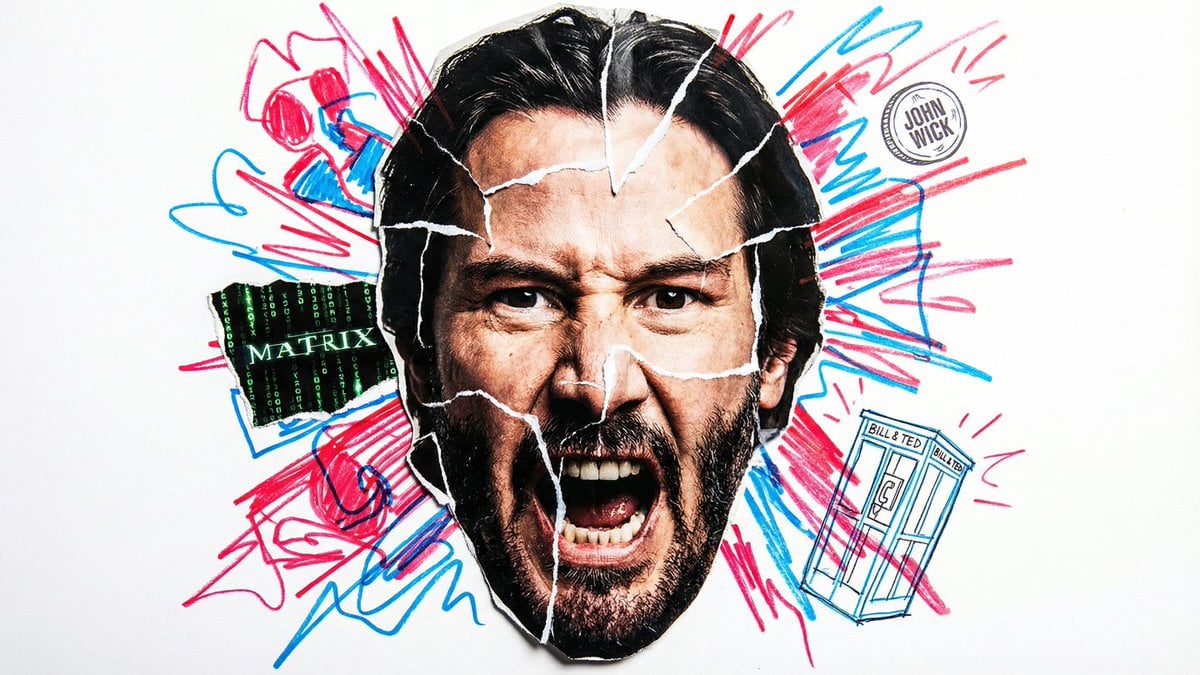
Simple Nano Banana Prompt for Urban Caricature
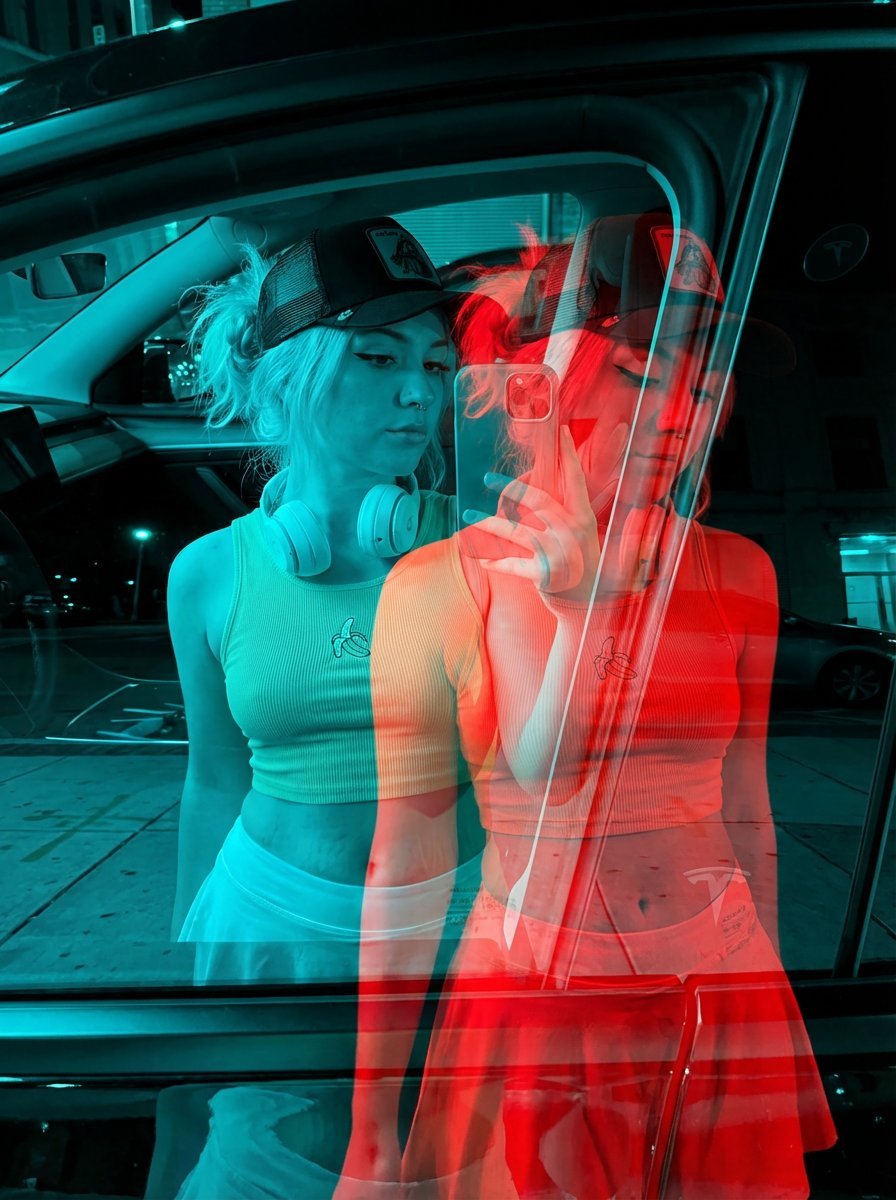
Red-Blue Double Exposure Effect
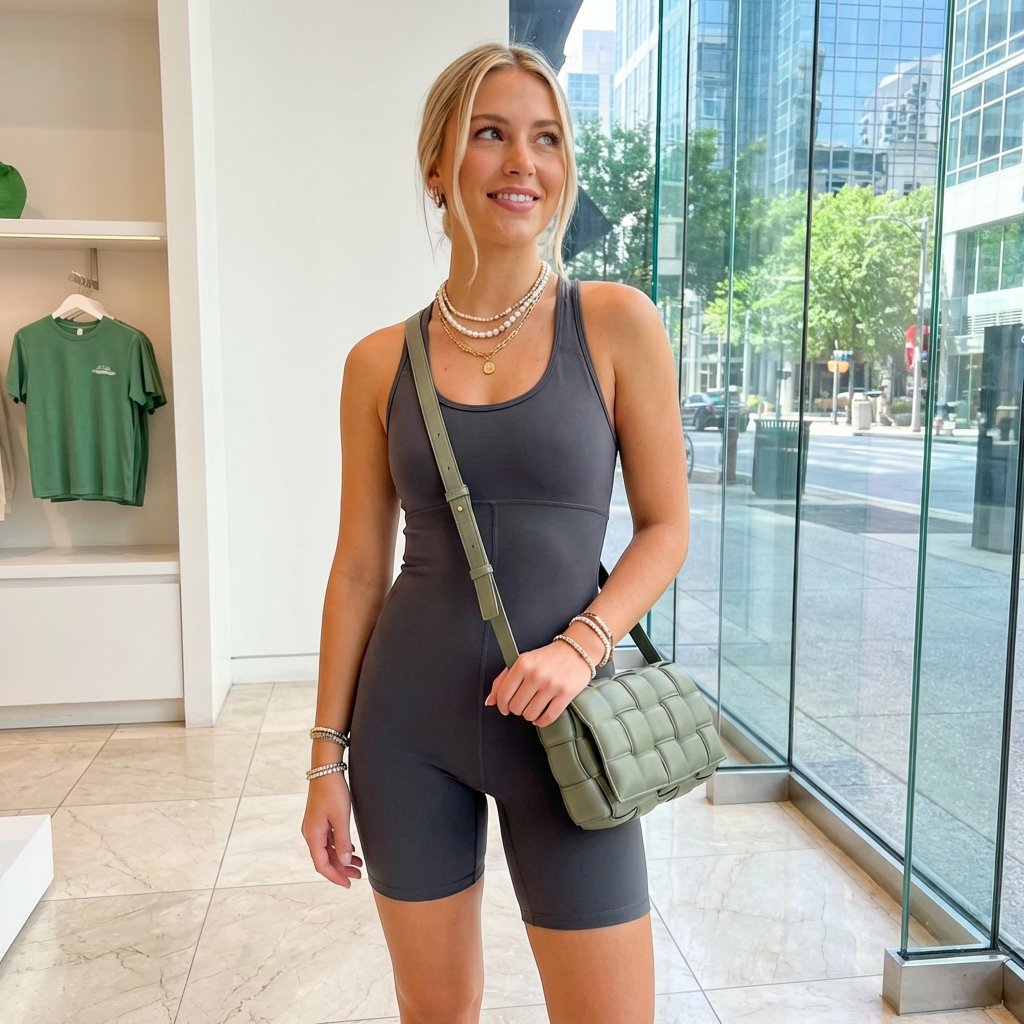
Highly Realistic Portrait of a Young Blonde Woman in a Modern Boutique
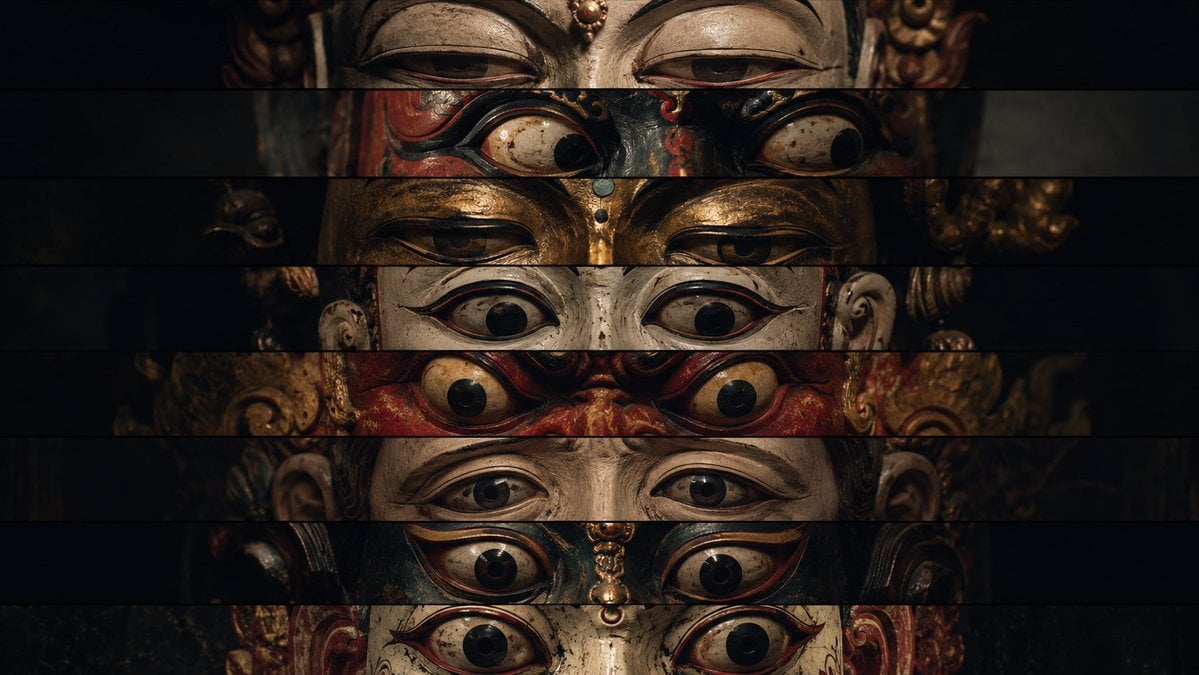
Surreal Theatrical Mask Collage
Browse template categories
Blue Denim Bicycle Sketch questions
How do I use the Blue Denim Bicycle Sketch template?
Add your photo if the template asks for one, edit the prompt if you like — the template's model and format are already selected — and press Generate. Your version opens in PicX Studio.
Can I customize the Blue Denim Bicycle Sketch template?
Yes. You can change the subject, setting, lighting, mood, format, and available model controls before creating your image.
Is the Blue Denim Bicycle Sketch template free?
Opening and editing this template is free. Generating uses credits, shown on the Generate button when you are signed in.
Which AI model should I use?
Start with GPT Image 2, which is the model associated with this template. You can compare another compatible model for a different finish.
Looking for something else? Browse all templates.

Your photo, any look
Thousands of ready templates for every top image and video model, from one credit balance.