
Schoolgirls Riding Bicycles
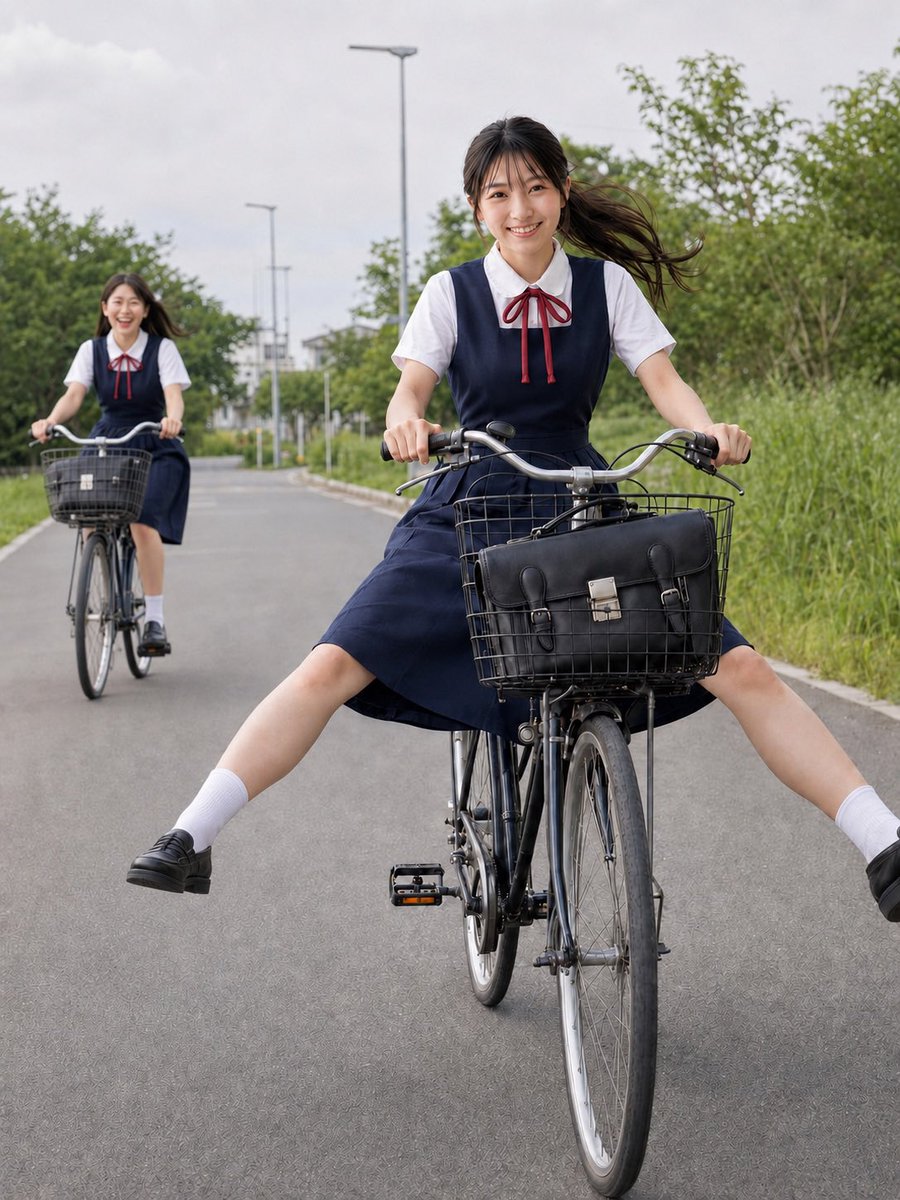
A realistic candid-style photo prompt for two Japanese schoolgirls cycling cheerfully on a quiet suburban road.
- Prompt included
- Model and format preset
- Free template
The prompt behind this image
Copy the exact prompt behind Schoolgirls Riding Bicycles, or open it in the studio and make it yours.
Create a realistic vertical photo of two cheerful Japanese high school girls riding bicycles on a quiet paved suburban road. The main subject is a {argument name="character age and identity" default="Japanese teenage schoolgirl"} in the foreground, centered slightly right, riding a black city bicycle toward the camera with both hands on the handlebars, smiling naturally and looking at the viewer. She wears a classic summer school uniform: white short-sleeve blouse, navy jumper dress, red ribbon bow at the collar, white crew socks, and black loafers. Her {argument name="hair style" default="long dark hair tied back, blowing to the side in the wind"} should look natural. Pose her playfully with both legs stretched wide outward from the bicycle while still seated, creating a carefree energetic moment. The bicycle has a front wire basket containing a black leather school satchel with buckles. In the background, include exactly one second schoolgirl riding another bicycle, smaller and slightly out of focus on the left side of the road; she wears the same uniform, smiles, and has a front bicycle basket. Set the scene on a straight asphalt road lined with green bushes, tall grass, trees, and simple streetlights receding into the distance under an overcast bright gray sky. Use documentary-style natural daylight, realistic proportions, shallow depth of field, mild motion in hair and skirt, clean composition, and a friendly candid school commute atmosphere. Avoid text, logos, watermarks, exaggerated anime styling, distorted limbs, pasted-on face effect, or unnatural skin texture.
How to use Schoolgirls Riding Bicycles in 3 steps
- 1Upload ImagePNG, JPG or paste
Add your photo
Upload the photo the template builds on. The prompt, model and format are already set.
- 2…a portrait of your subject in softgolden-hour light, 85mm…
Personalize
Edit the subject and creative details for your destination.
- 3Generate
Generate
Press Generate — your image is created in PicX Studio, so you can compare it with the original and refine one variable at a time.
More like this
Templates with the same subject, style or setup. Open one to see its prompt.
Three Anime Schoolgirls Walking
Japanese Schoolgirls Ultra Wide Wallpaper
A realistic cinematic photograph of a handsome man riding a bicycle
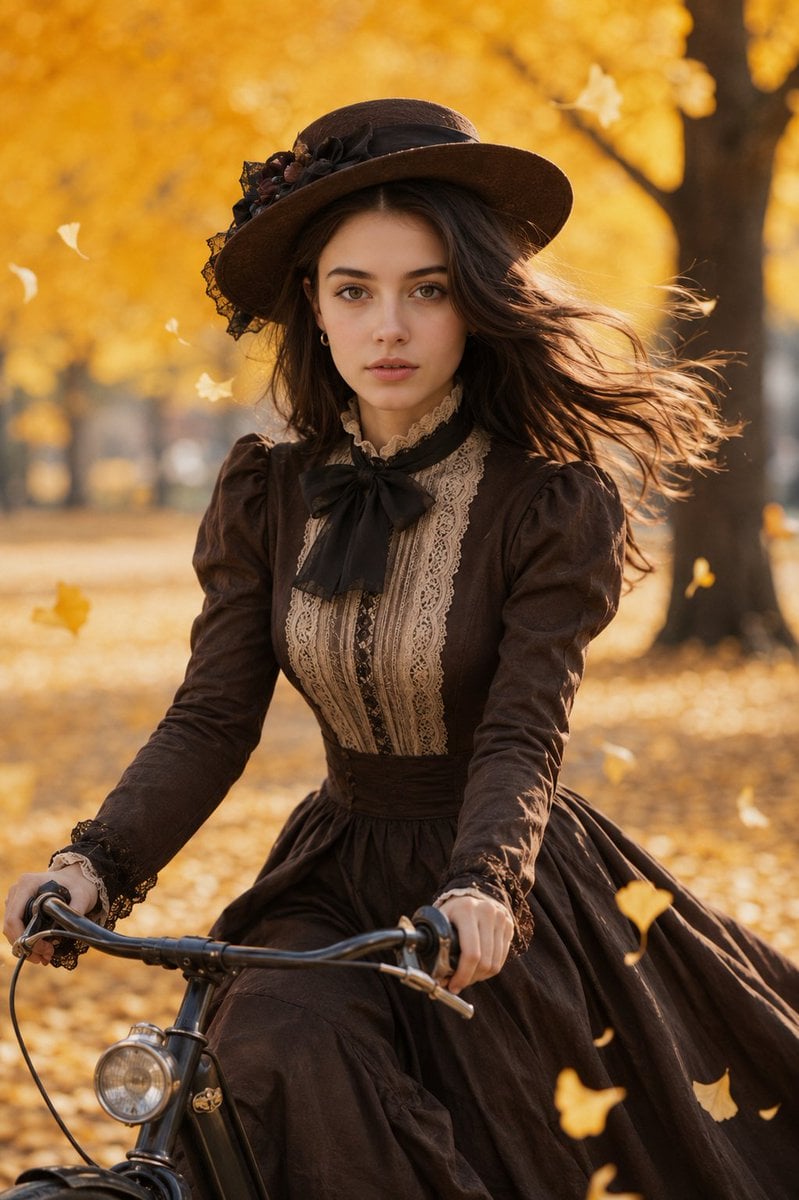
Victorian Woman Riding Vintage Bicycle
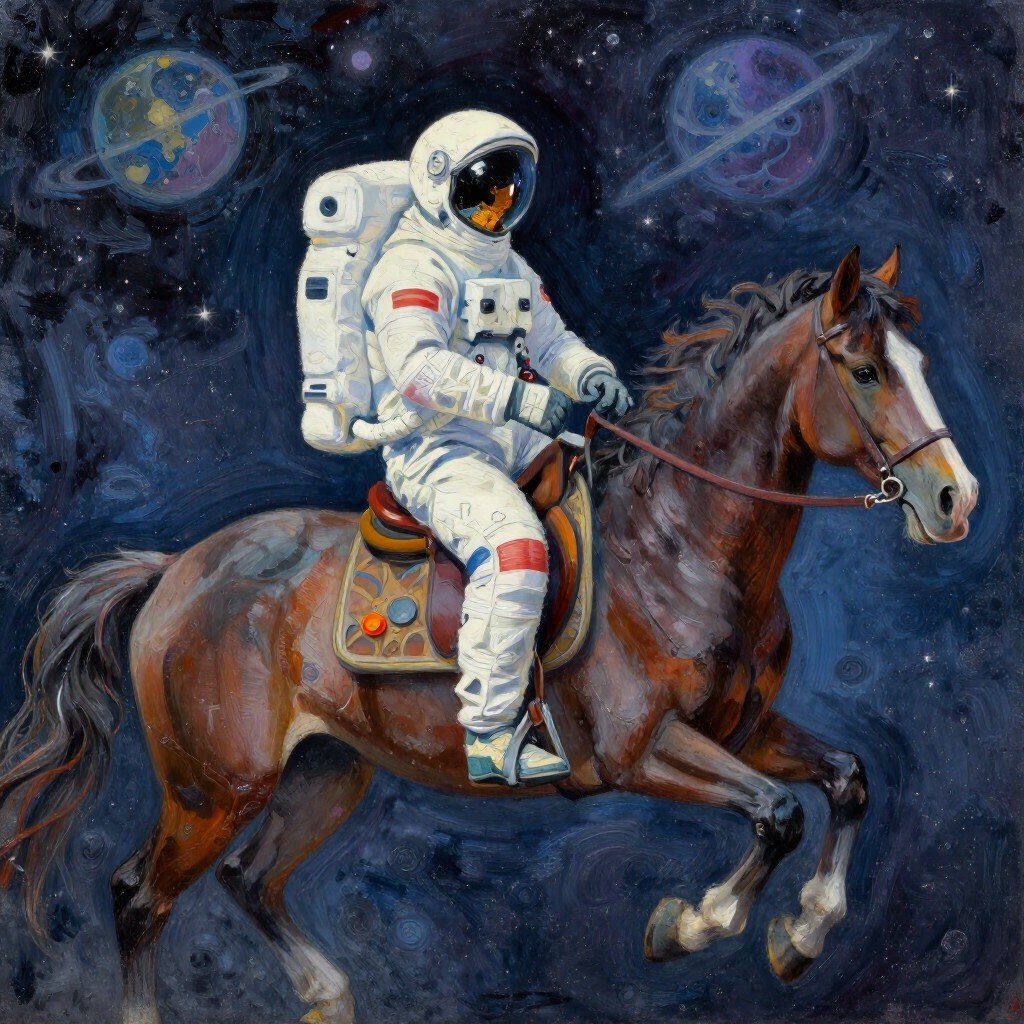
Astronaut Riding Horse in Space
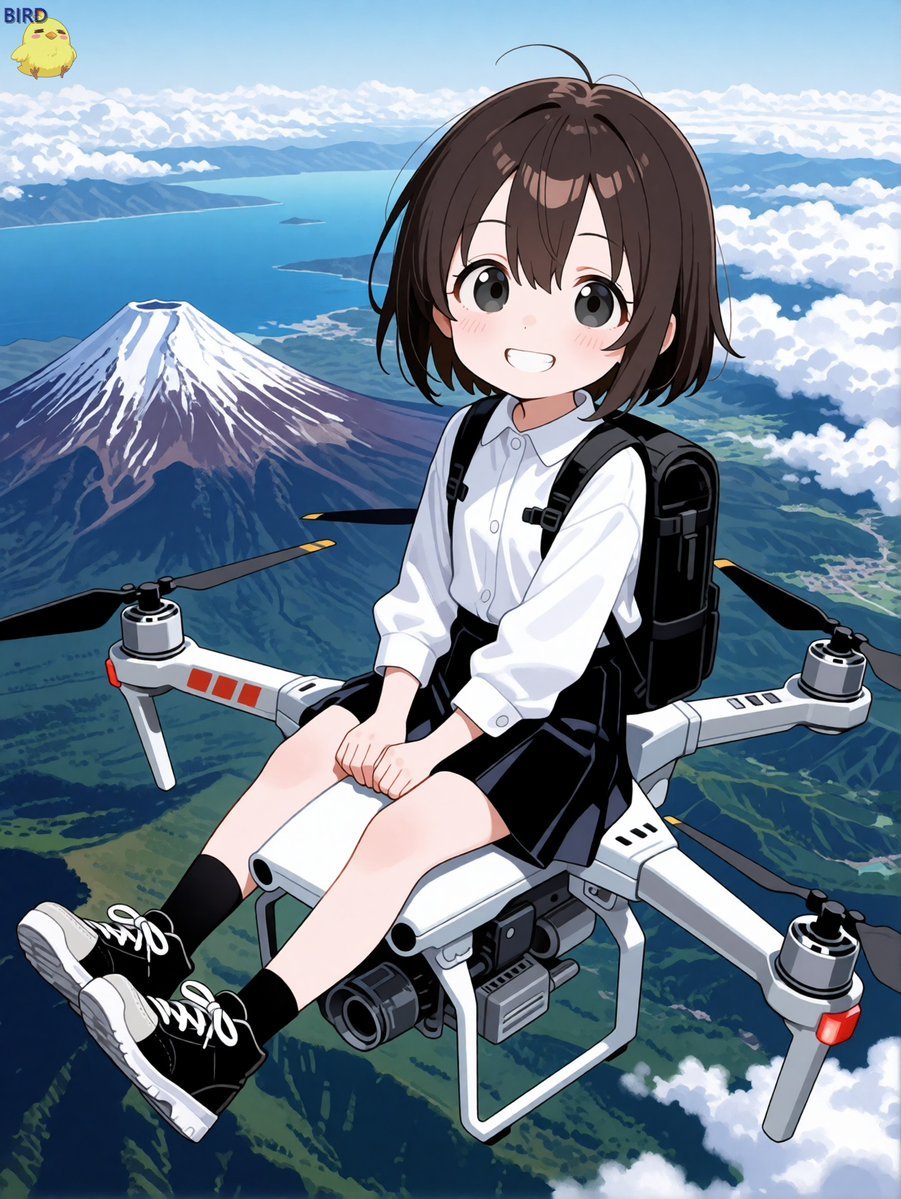
Anime Girl Riding Drone Over Mount Fuji

Ink-Wash Warrior Riding a Tiger
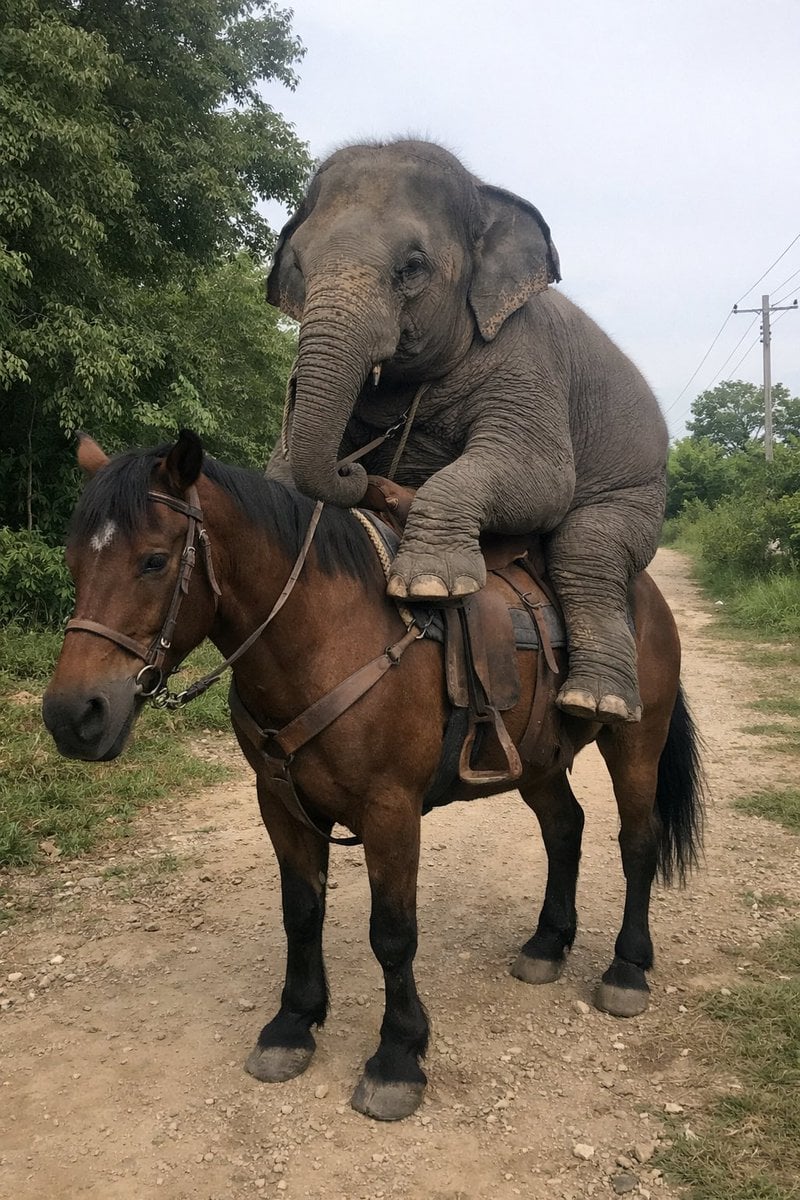
Elephant Riding a Horse
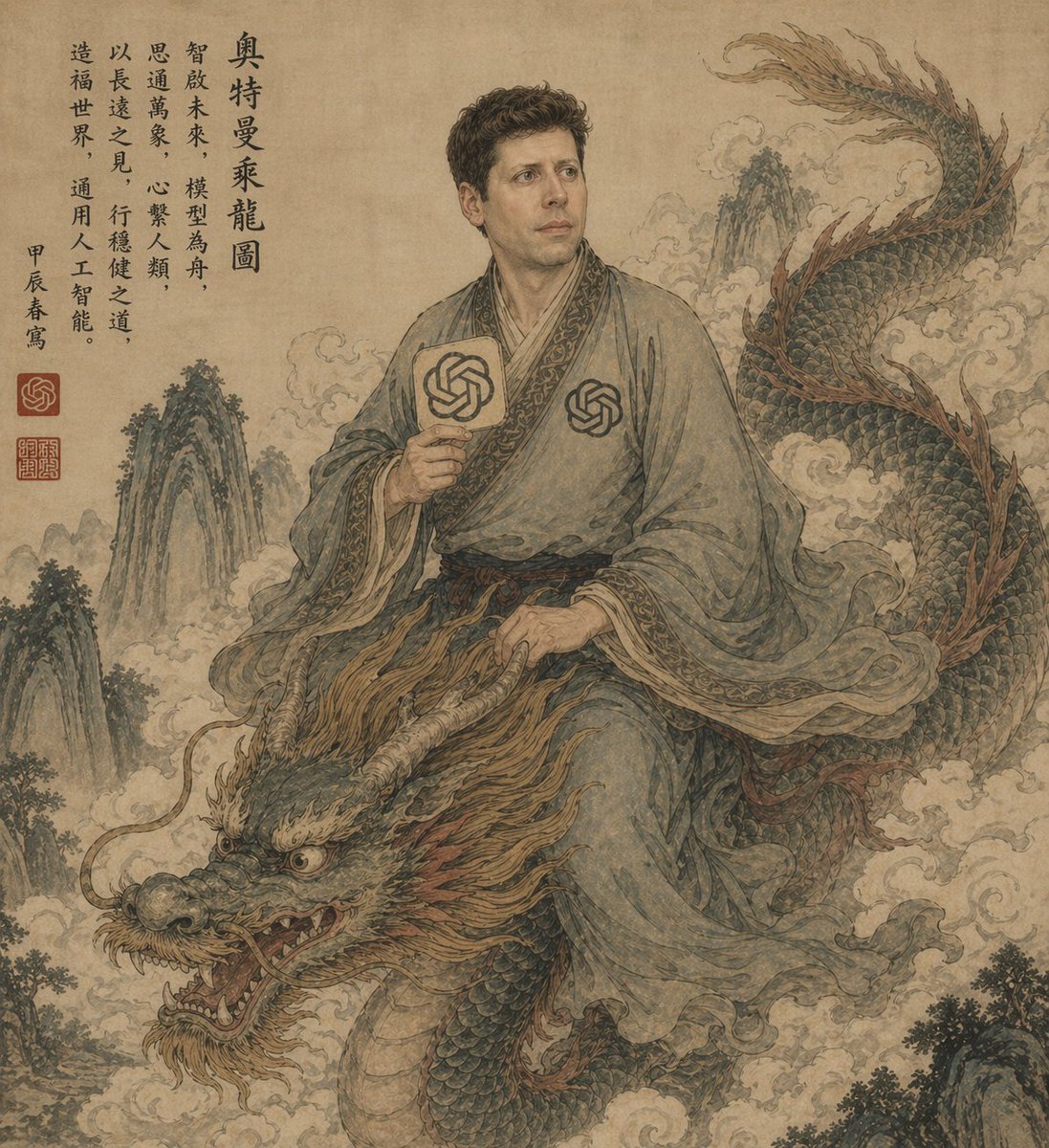
Ancient Scroll Scholar Riding Dragon
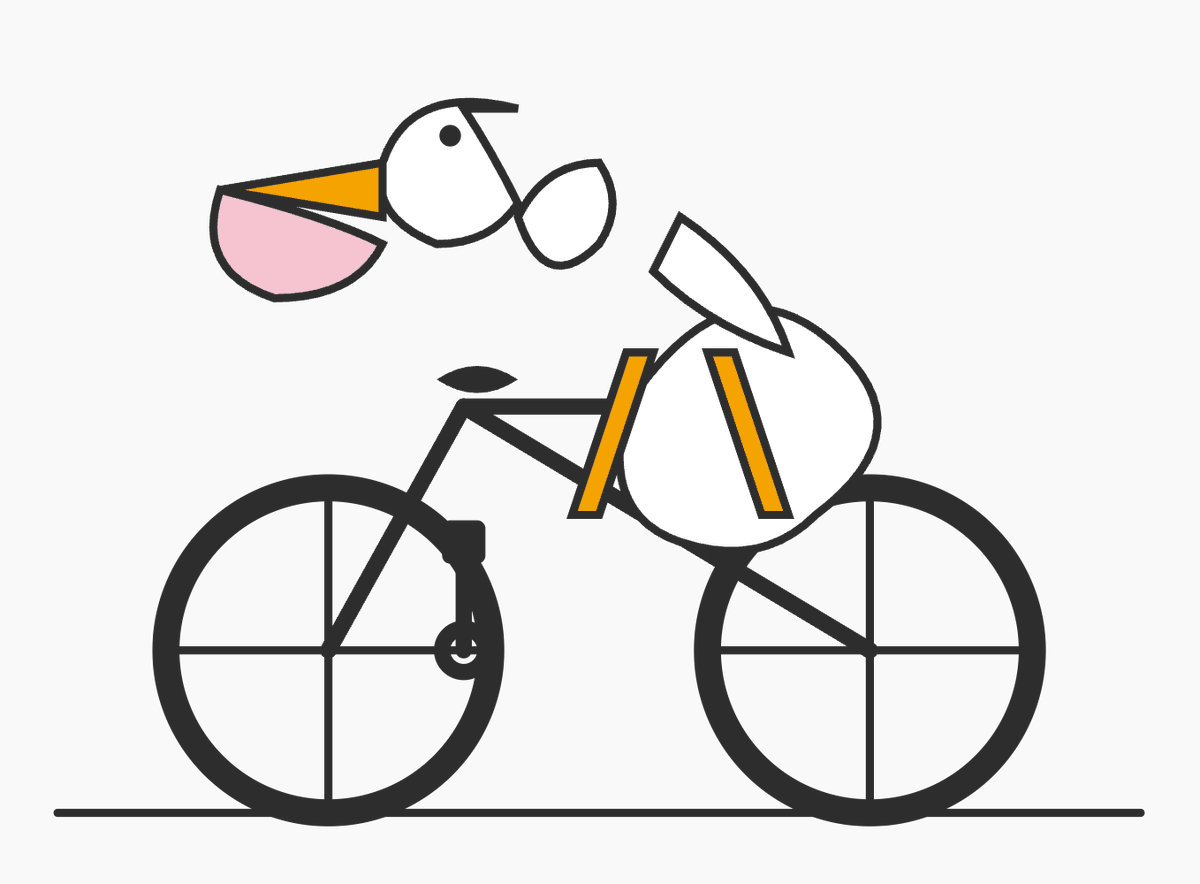
Geometric Bird Riding Bicycle
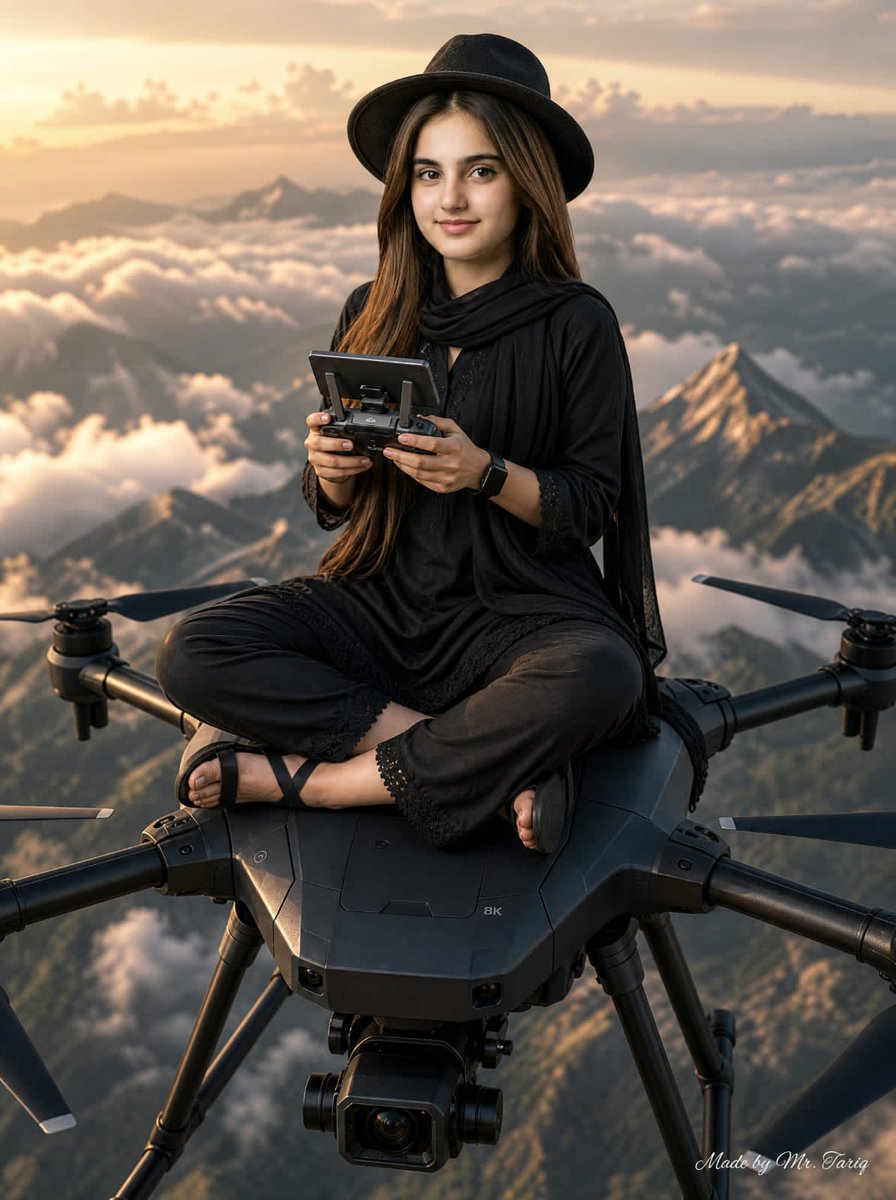
Woman Riding Giant Drone Above Mountains
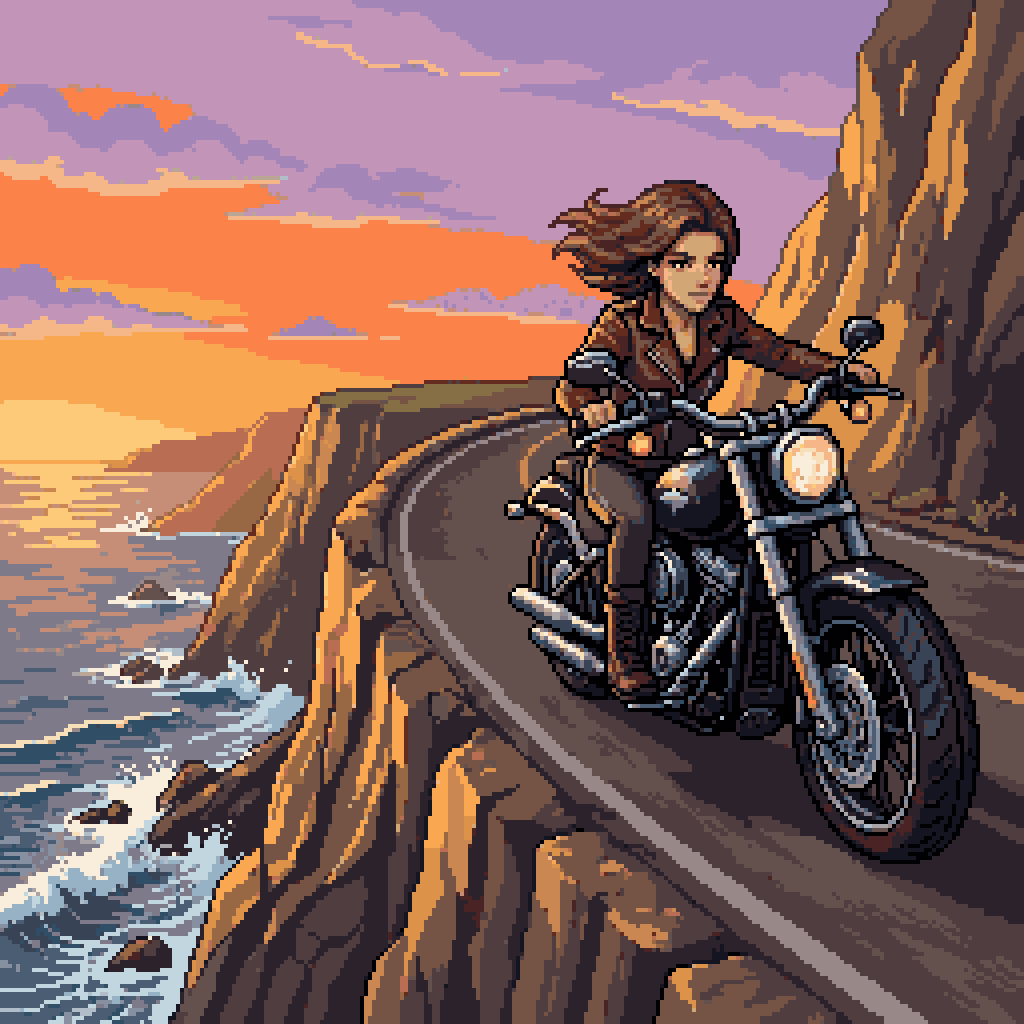
Woman Riding Motorcycle on Cliff Road
Make it yours
Schoolgirls Riding Bicycles works as-is. These are the safest ways to change it without losing the look.
Change one field
Copy a single group, rewrite it, and generate again so you can see what that field is doing.
Keep the frame, change the subject
Hold the composition and light of Schoolgirls Riding Bicycles, then swap wardrobe, props or the person for a new take.
| If the result… | Why | Fix |
|---|---|---|
| The result drifts from the preview | Too many fields changed at once. | Reuse Schoolgirls Riding Bicycles as-is first, then change one group — subject, light, or setting. |
| The model over-stylizes the scene | The prose prompt leaves finish and camera underspecified. | Add one camera or lighting sentence and stay on GPT Image 2. |
More GPT Image 2 templates
Other prompts made for GPT Image 2.

Six VTuber Japanese Logo Sheet

Realistic Portrait of Woman and Deer

The Vista Modular Condo Poster

AI Model Routing Comparison Infographic

2.5D Anime Art Board

Isometric Productivity Desk Scene

New York Double Exposure Poster

Four-Panel AI Landscape Comparison

Japanese Tatami Lifestyle Magazine Cover

NESCAFÉ Coffee Map Poster
More image prompts
Fresh picks from across the catalog.
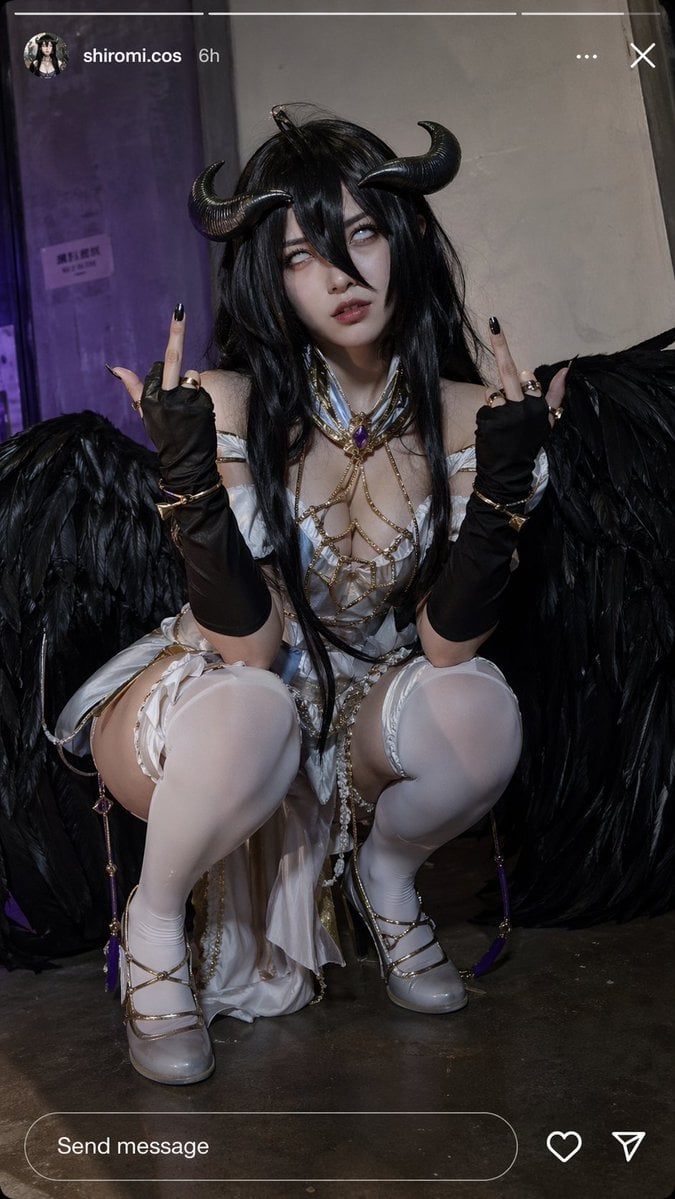
Instagram Cosplay Story Snapshot
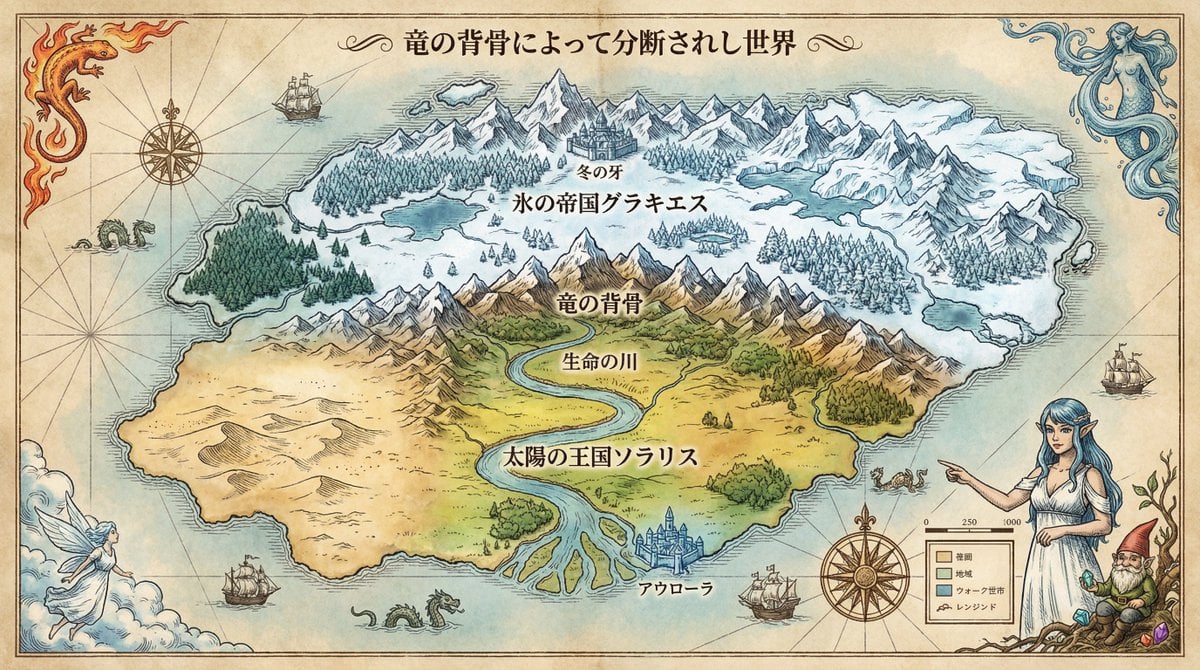
Royal Cartographer Fantasy World Map Prompt (Detailed Scenario)
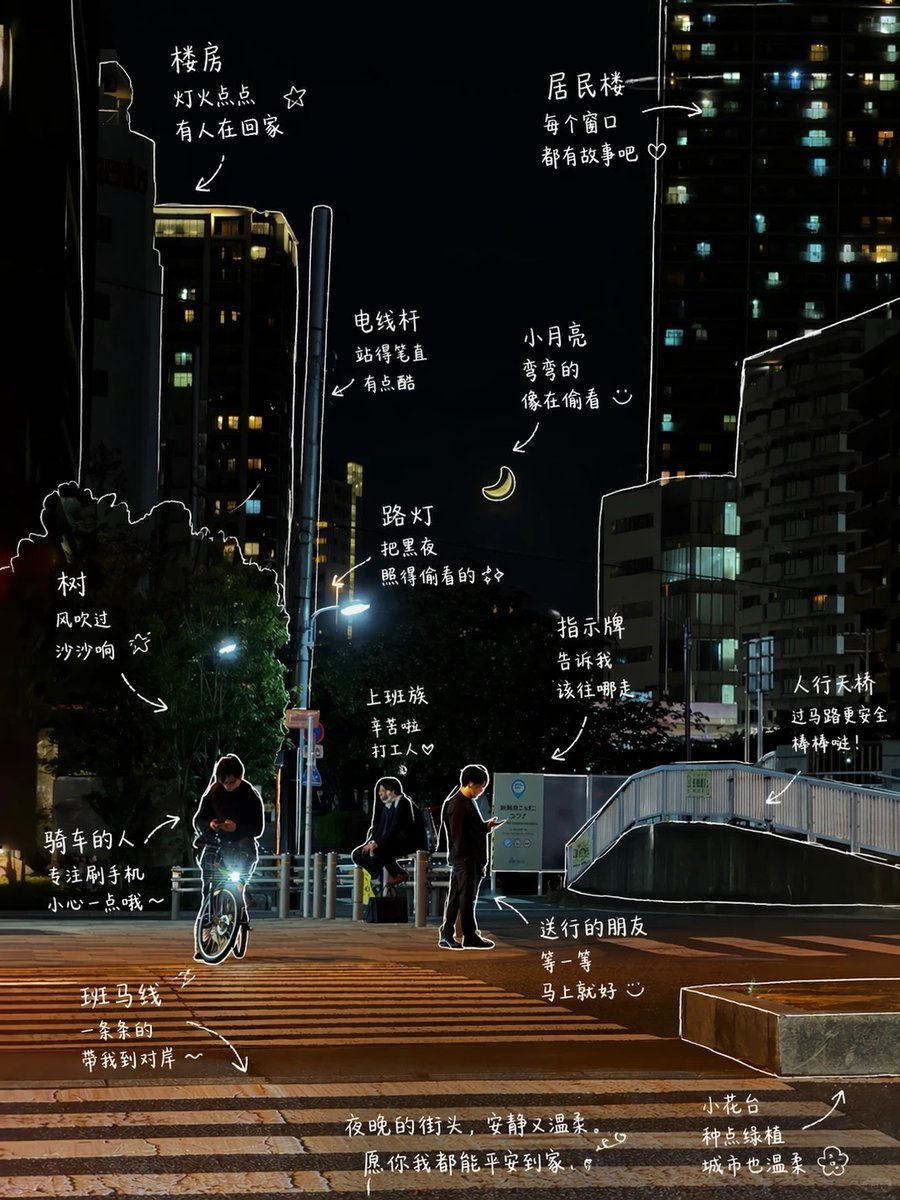
Hand-Drawn Style Photo Annotation
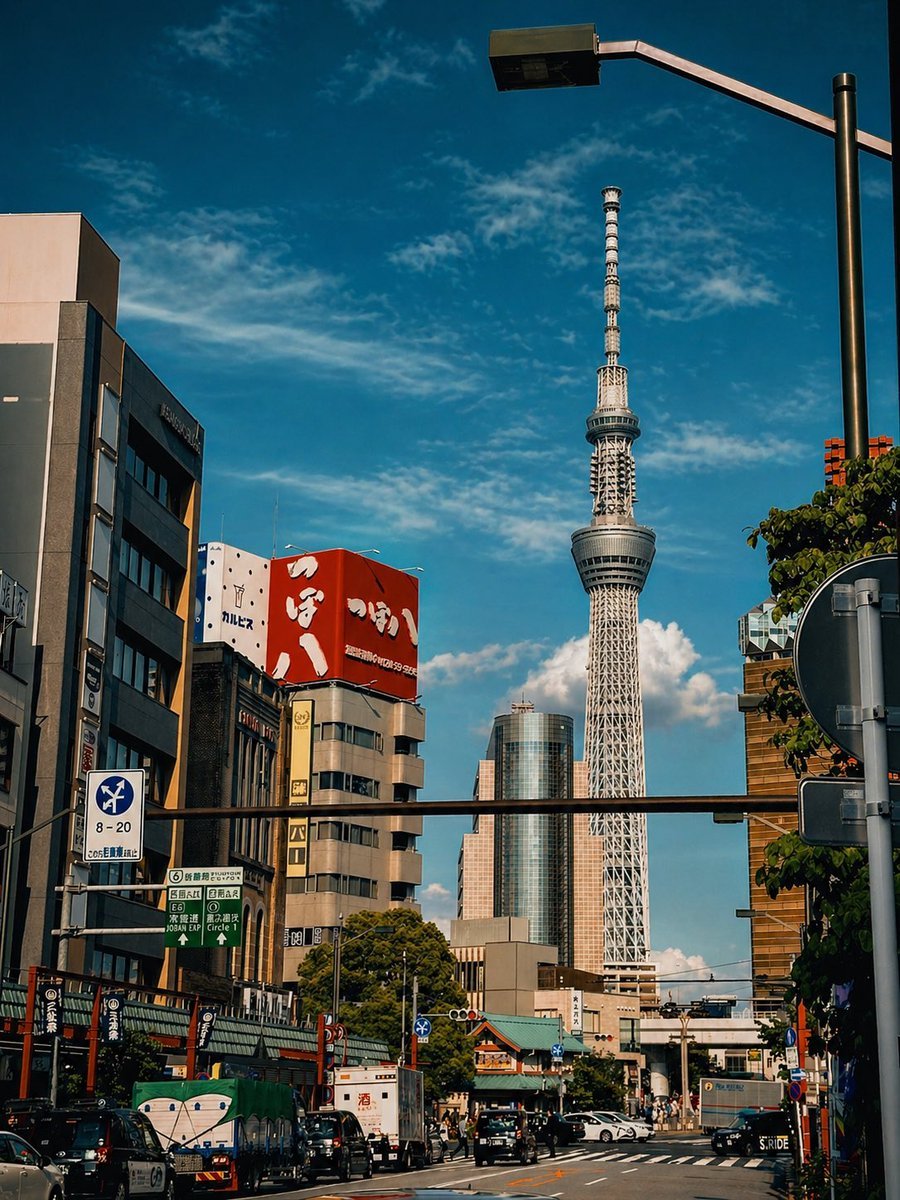
Cinematic Tokyo Street Color Grade
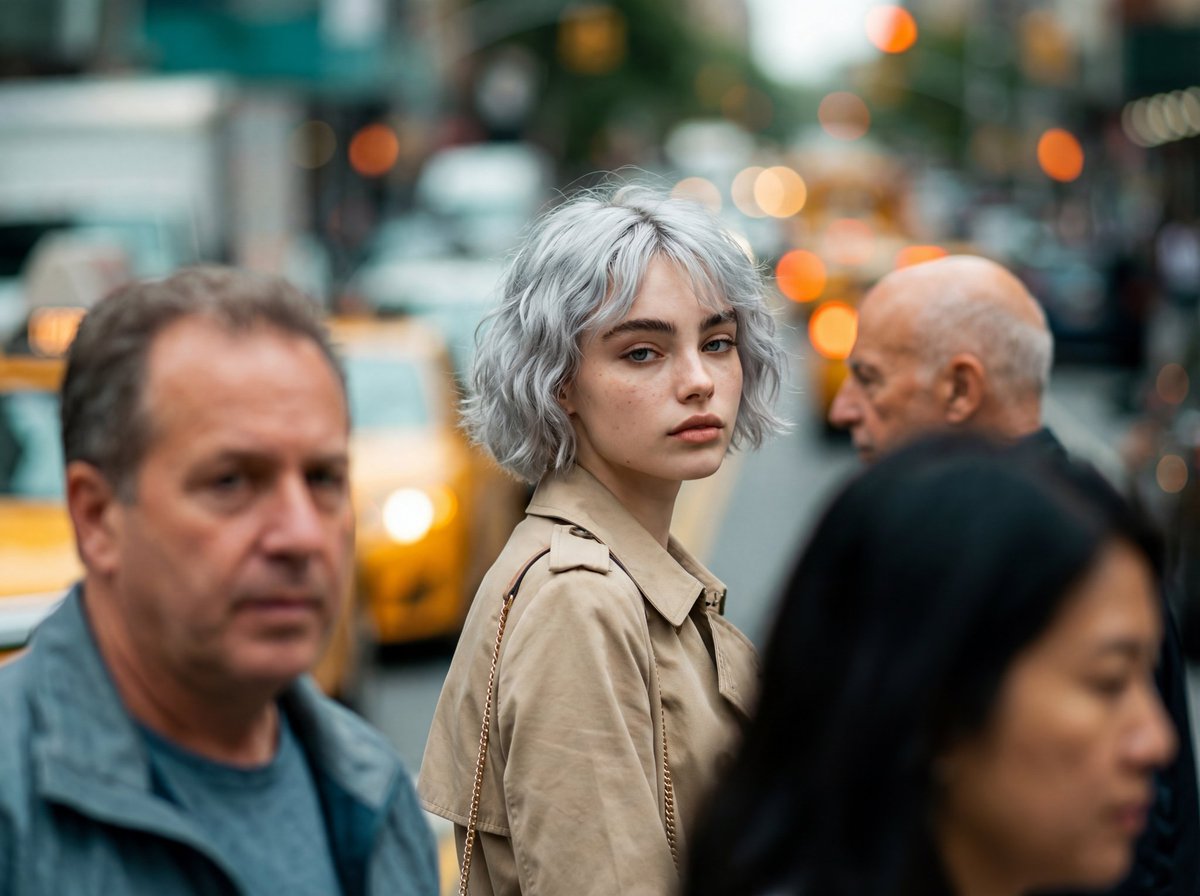
Photorealistic Candid Street-Fashion Portrait with Extreme Bokeh

Stylish Man Studio Portrait Prompt

Fictional Japanese Driving Game Magazine Page
Goku Anime Character Sheet
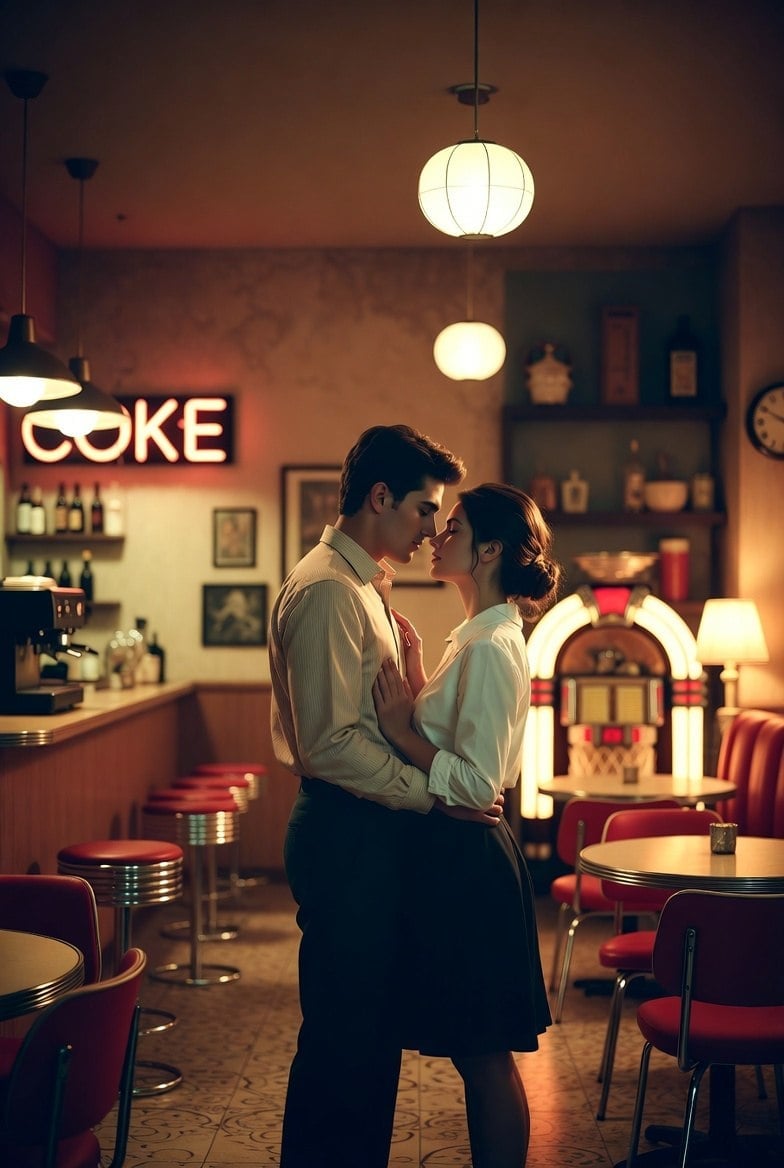
Romantic 1950s Diner Scene

Roswell Incident Magazine Cover
Browse template categories
Schoolgirls Riding Bicycles questions
How do I use the Schoolgirls Riding Bicycles template?
Add your photo if the template asks for one, edit the prompt if you like — the template's model and format are already selected — and press Generate. Your version opens in PicX Studio.
Can I customize the Schoolgirls Riding Bicycles template?
Yes. You can change the subject, setting, lighting, mood, format, and available model controls before creating your image.
Is the Schoolgirls Riding Bicycles template free?
Opening and editing this template is free. Generating uses credits, shown on the Generate button when you are signed in.
Which AI model should I use?
Start with GPT Image 2, which is the model associated with this template. You can compare another compatible model for a different finish.
Looking for something else? Browse all templates.

Your photo, any look
Thousands of ready templates for every top image and video model, from one credit balance.