How do I use the Elephant Riding a Horse template?
Choose the primary action to open PicX Studio with the available template settings. Review the model and format, personalize the creative direction, and generate when ready.
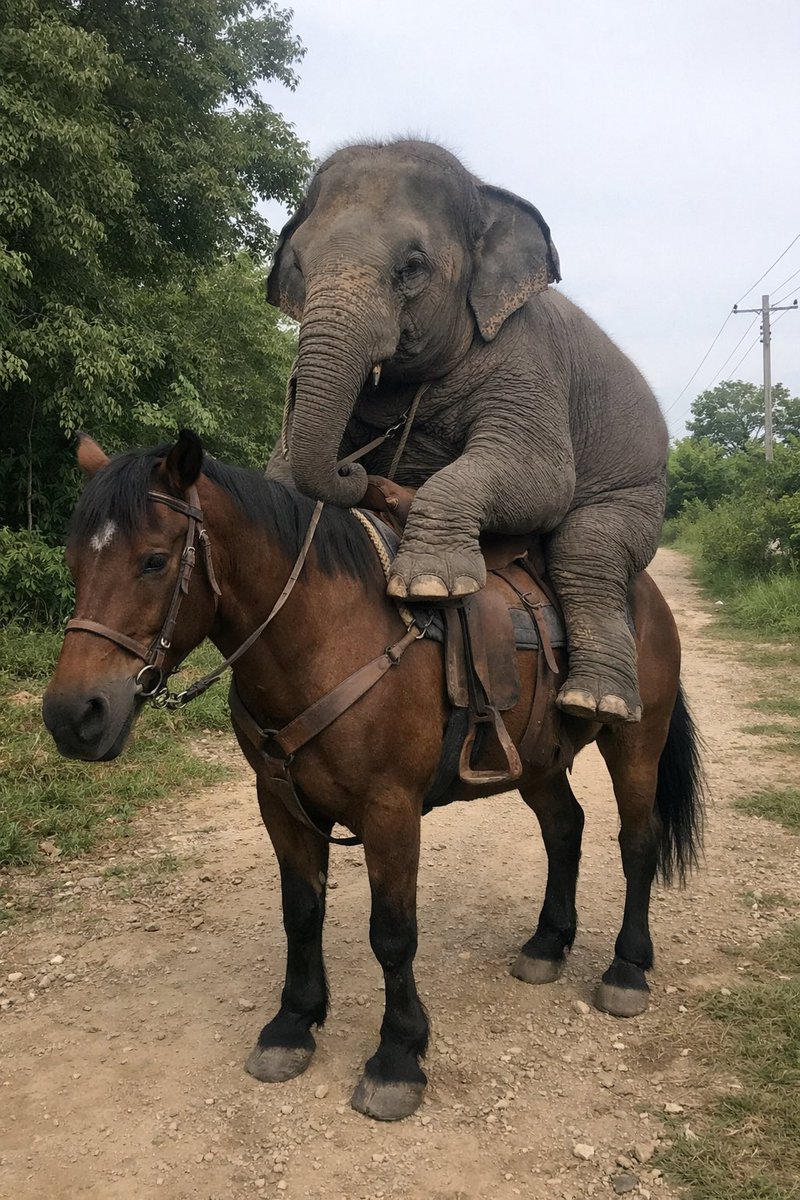
Generates a photorealistic, surreal image of an unexpected animal riding a horse on a rural dirt path.
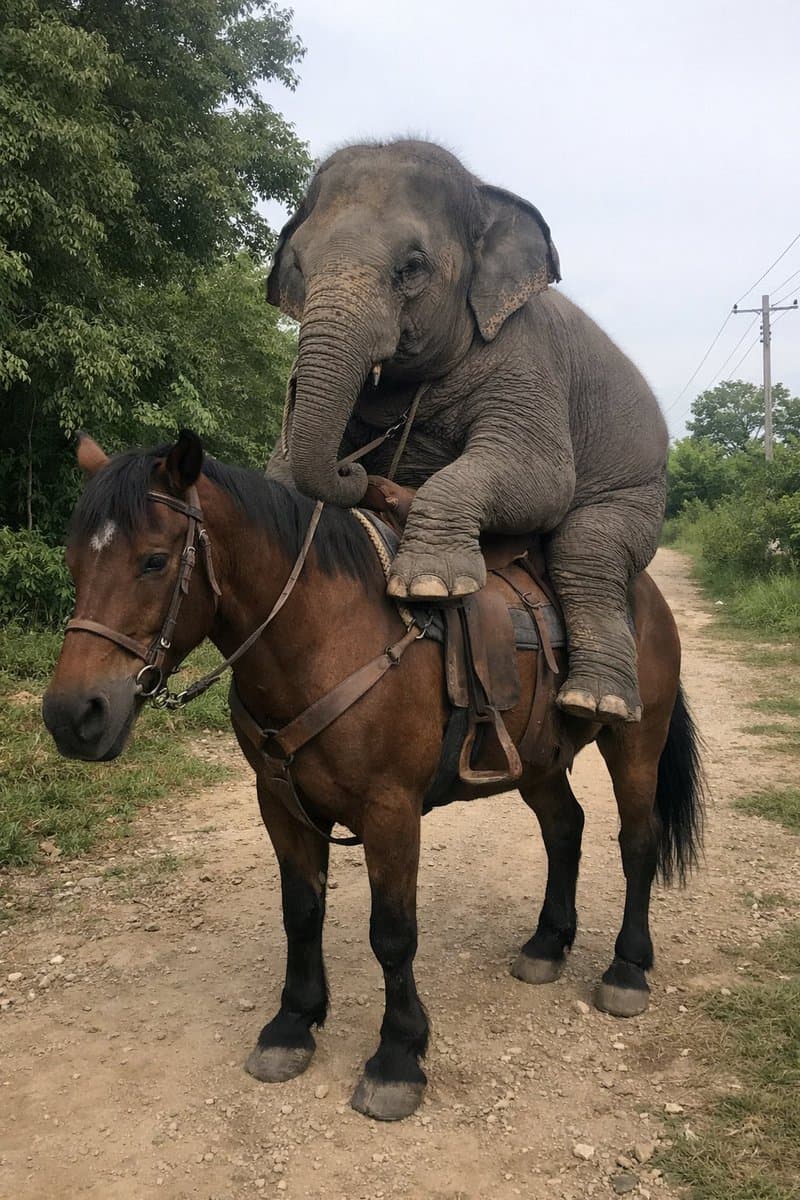
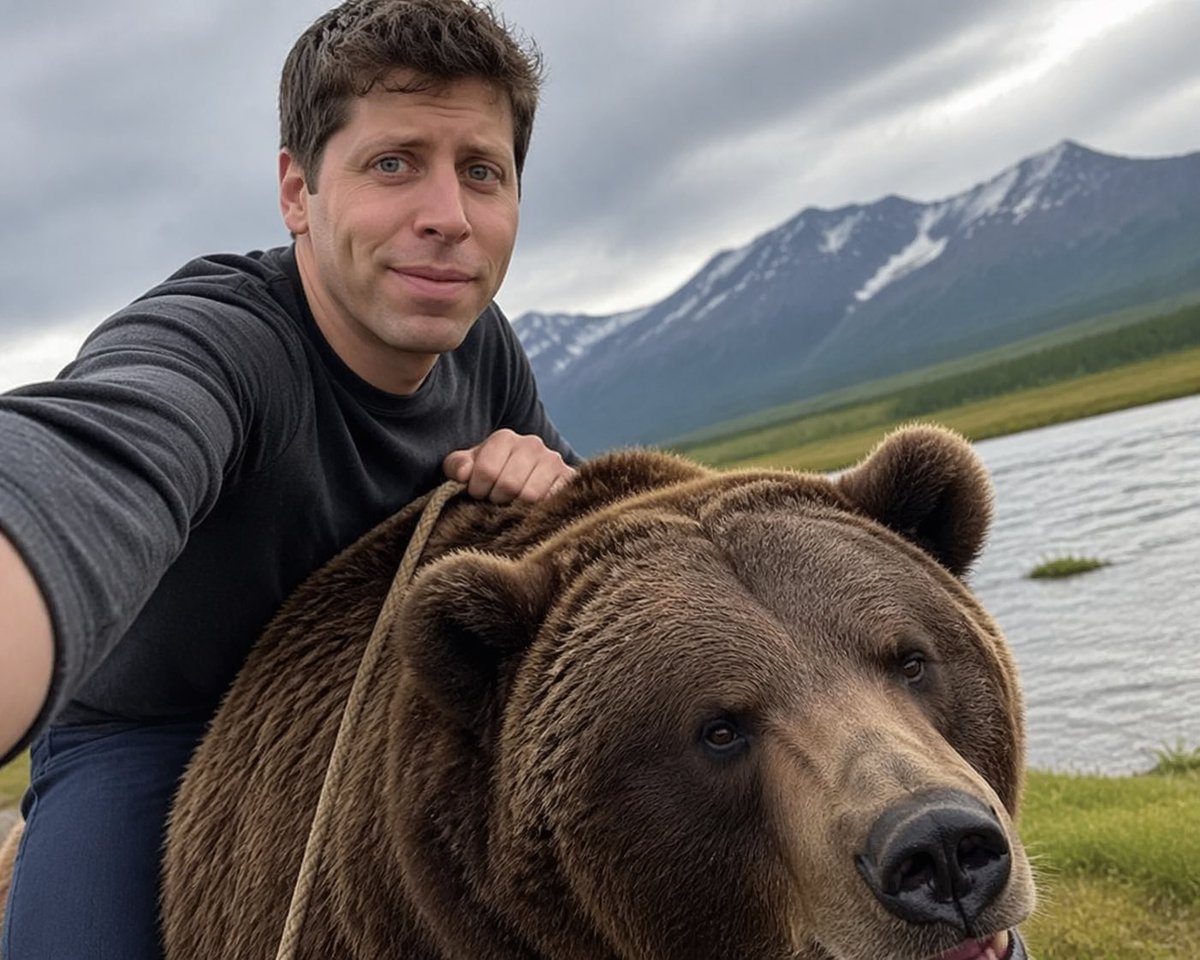
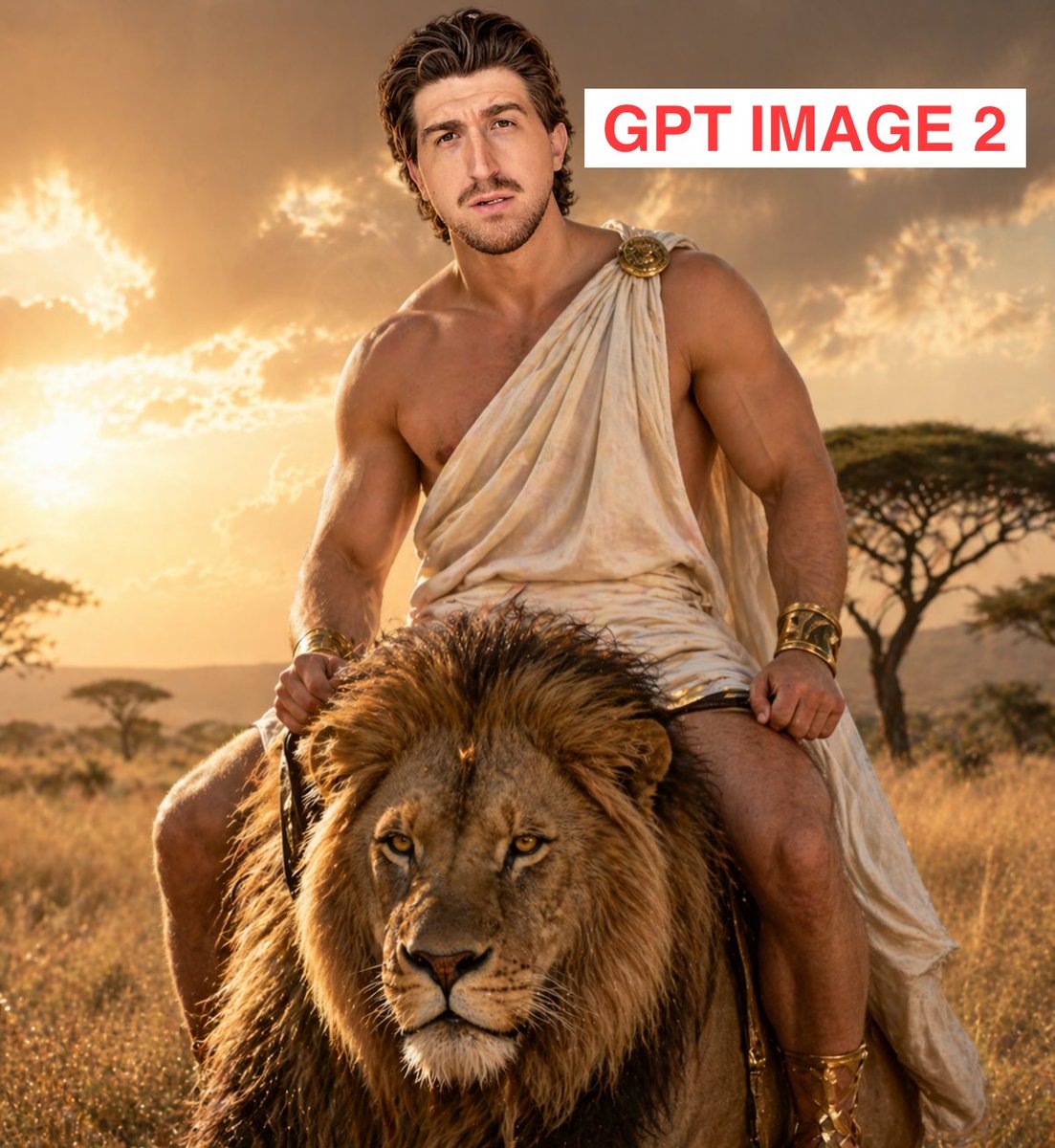
A photorealistic, slightly amateur-style photograph of a {argument name="rider animal" default="small young elephant"} sitting upright in a leather saddle on the back of a {argument name="mount animal" default="brown horse with black lower legs and a white star on its forehead"}. The elephant is positioned remarkably like a human rider, with its front legs resting near the horse's shoulders and its back legs straddling the horse's sides. The horse is wearing a bridle and standing still on a {argument name="setting" default="dirt path in a rural area"}. The background features lush green trees and bushes on both sides, with a wooden utility pole and power lines visible on the right under a bright overcast sky.
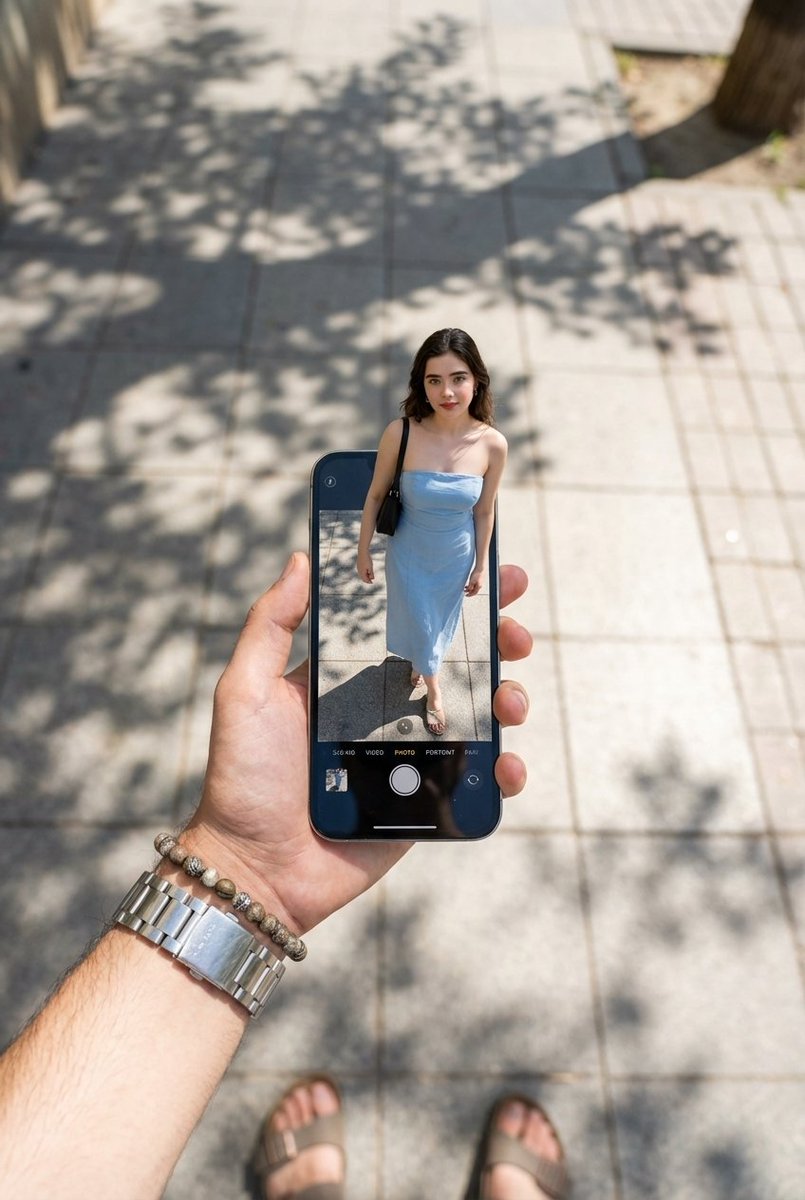
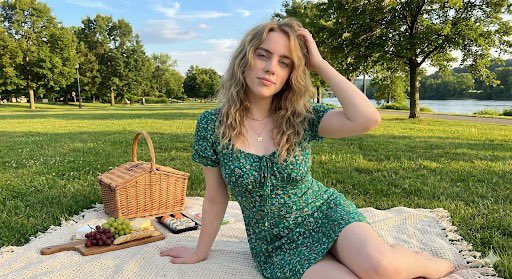
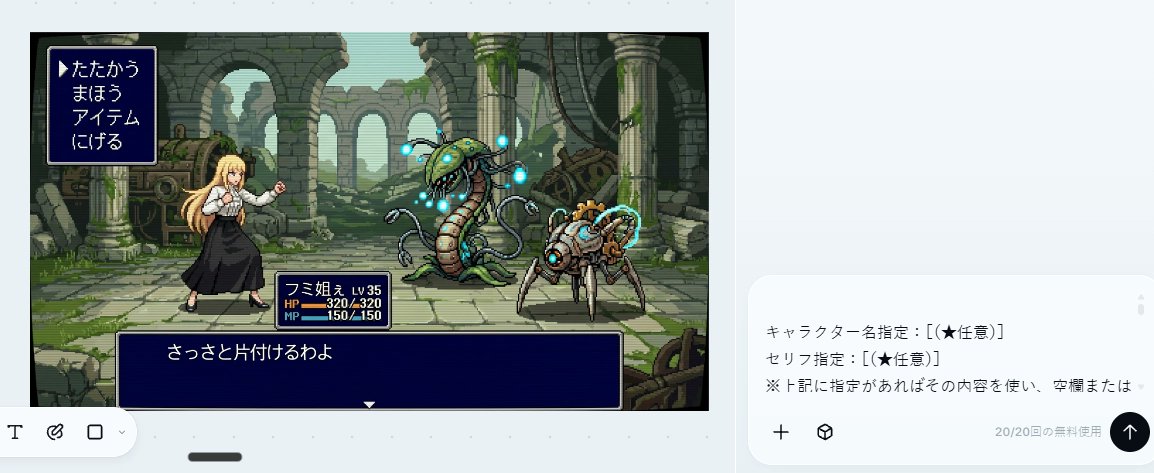
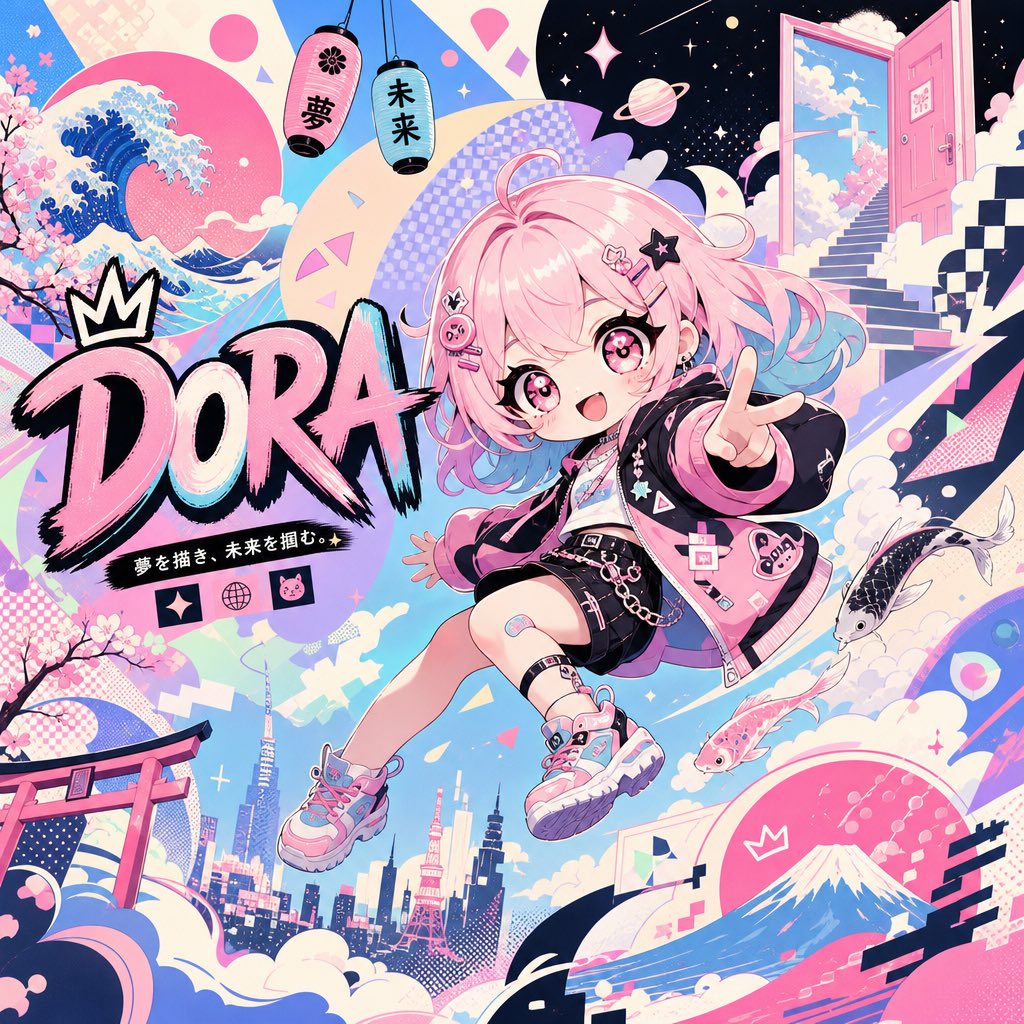
Elephant Riding a Horse needs input media to work. Open it in the studio and these load alongside the prompt — pick whichever ones your chosen model can take.
Choose the primary action to open PicX Studio with the available template settings. Review the model and format, personalize the creative direction, and generate when ready.
Yes. You can change the subject, setting, lighting, mood, format, and available model controls before creating your image.
This template is free to open and customize. Generation usage is shown in PicX Studio before you create.
Start with GPT Image 2, which is the model associated with this template. You can compare another compatible model for a different finish.
© 2026 PicX Studio. All rights reserved.

Follow a topic to a crawlable collection of related PicX Studio templates.