
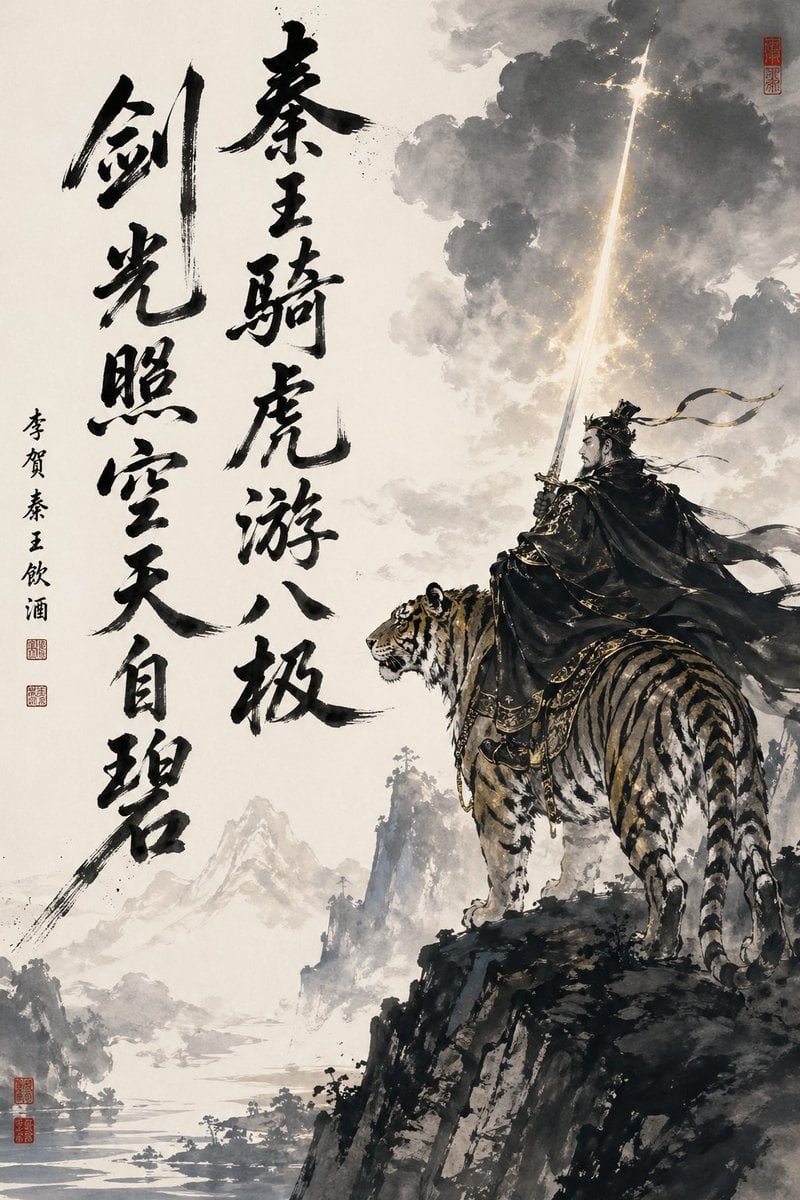
Ink-Wash Warrior Riding a Tiger
This prompt generates a dramatic Chinese calligraphy and ink-painting style fantasy illustration suited for poster art, literary visuals, or heroic mythic scene design.
- Prompt included
- Model and format preset
- Free template
The prompt behind this image
Copy the exact prompt behind Ink-Wash Warrior Riding a Tiger, or open it in the studio and make it yours.
A dramatic vertical Chinese ink-wash fantasy painting on warm off-white rice paper, combining monumental calligraphy with a heroic figure scene. On the right side, a lone ancient warrior in ornate dark robes and layered black armor sits astride a large tiger on the edge of a jagged cliff, both shown in three-quarter back view facing left toward the open landscape. The warrior wears a flowing cape and long ribbon streamers whipping in the wind, and raises a straight sword vertically so that it becomes a brilliant pillar of golden-white light piercing upward into dense storm clouds. The tiger is powerfully built, realistic, alert, and richly detailed with bold stripes, white fur accents, and ceremonial cloth and tack with subtle gold ornament. The sky is filled with smoky gray ink clouds, softly blooming washes, and scattered gold flecks around the glowing sword beam. Below and to the left, a misty shanshui landscape opens into distant mountains, river water, tiny tree clusters, and layered atmospheric haze rendered in pale gray ink. On the left half of the composition, include 2 large vertical columns of expressive black brush-calligraphy in Chinese, bold and irregular, occupying most of the height; add 1 narrower vertical line of smaller calligraphy beside them and 4 red seal stamps total, with 2 small seals near the smaller inscription, 1 seal near the upper right edge, and 1 double-stacked red seal at the lower left. Emphasize high contrast between empty paper space and dark ink masses, literati painting aesthetics, sweeping brush energy, epic martial grandeur, and a subtle modern fantasy finish with restrained metallic gold highlights.
How to use Ink-Wash Warrior Riding a Tiger in 3 steps
- 1Upload ImagePNG, JPG or paste
Add your photo
Upload the photo the template builds on. The prompt, model and format are already set.
- 2…a portrait of your subject in softgolden-hour light, 85mm…
Personalize
Edit the subject and creative details for your destination.
- 3Generate
Generate
Press Generate — your image is created in PicX Studio, so you can compare it with the original and refine one variable at a time.
More like this
Templates with the same subject, style or setup. Open one to see its prompt.
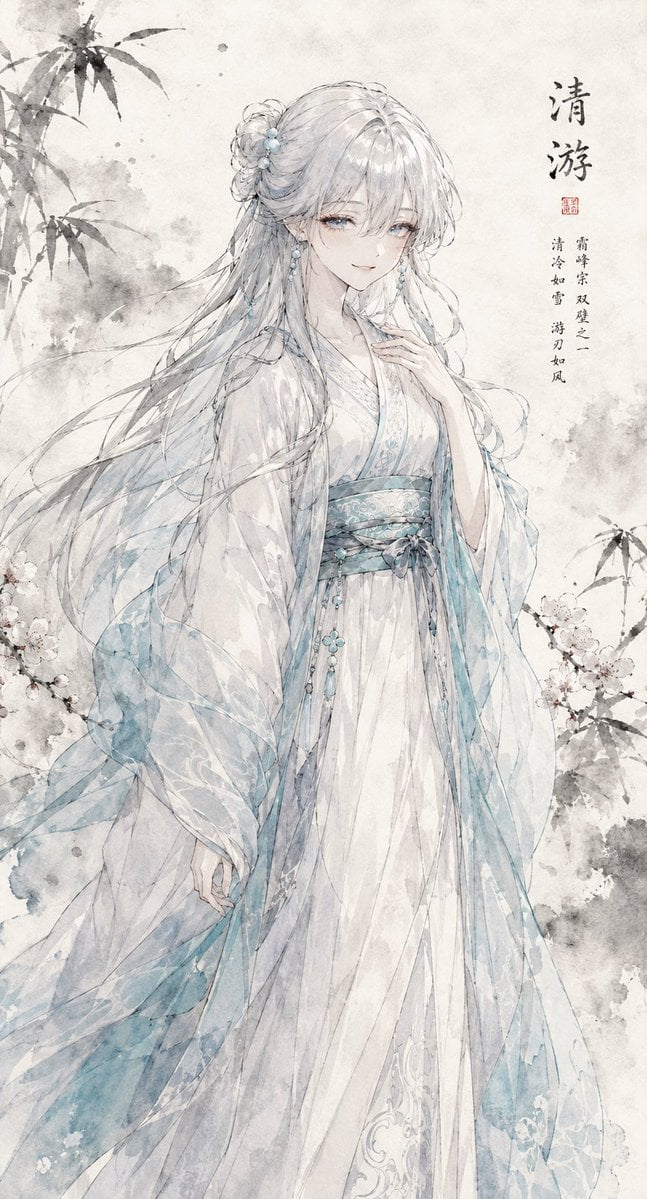
Ink Wash Hanfu Character Portrait
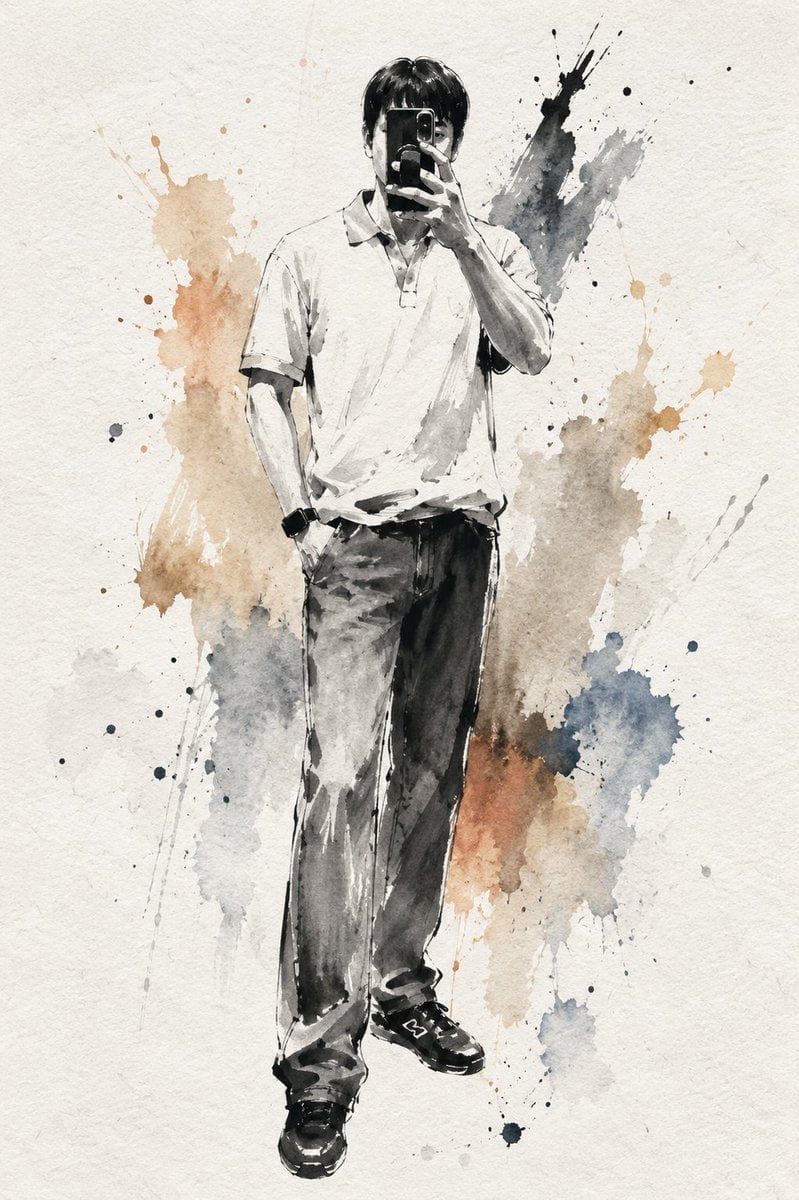
Artistic Ink Wash Portrait Sketch
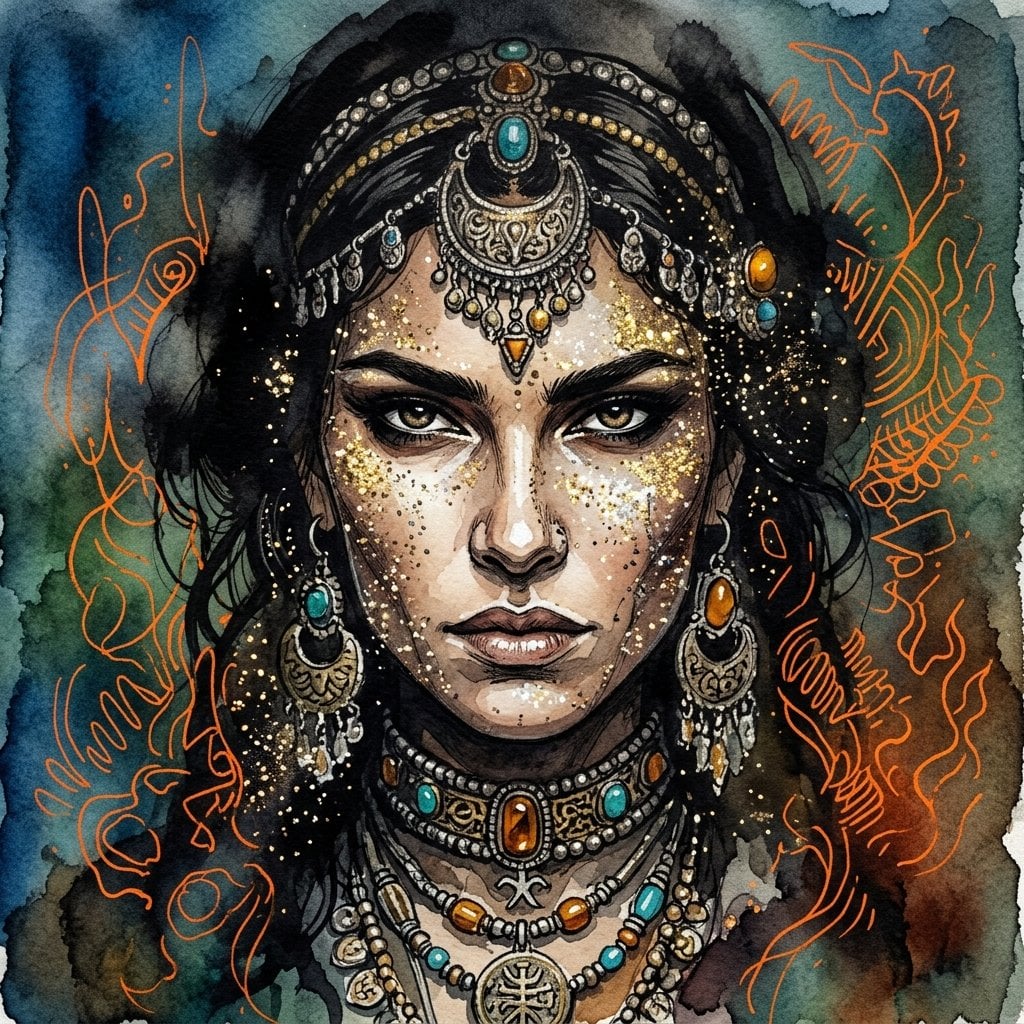
Ink wash and watercolor woman portrait
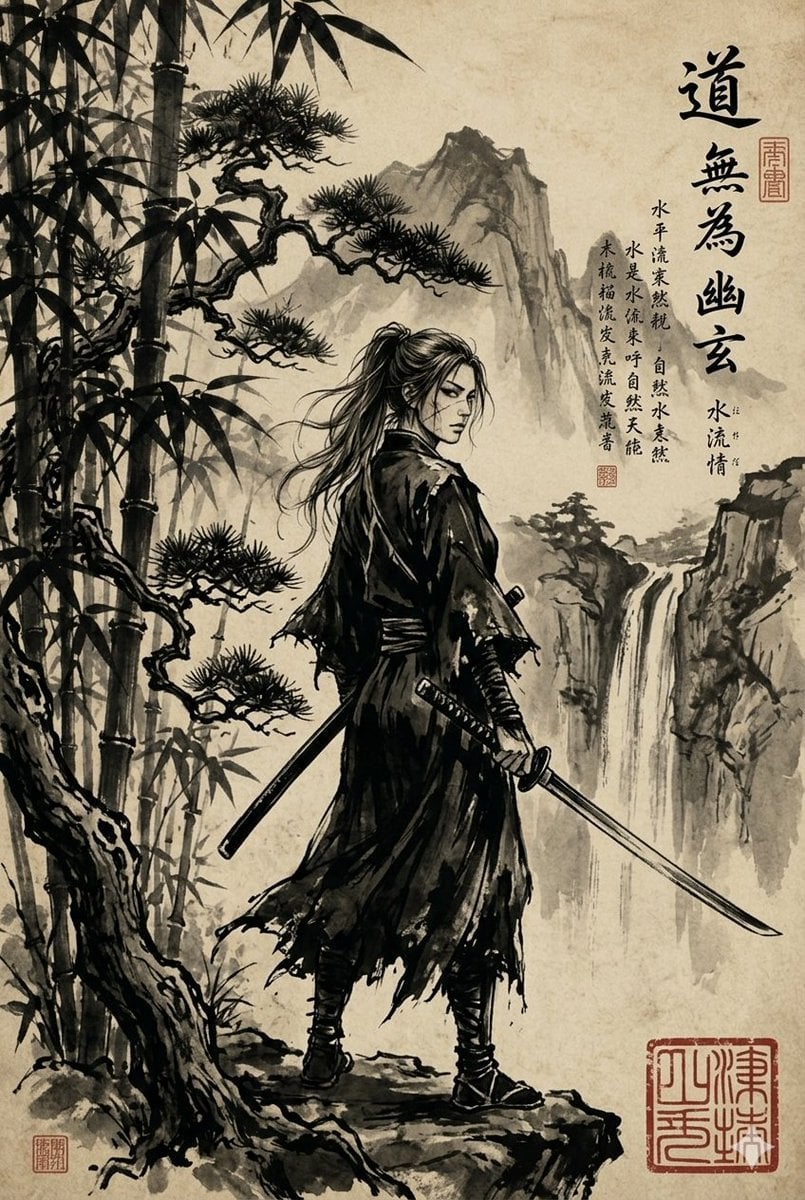
Ink-Wash Samurai Landscape

Vintage Lithograph Retro World Cup Poster
Vintage Lithograph Retro World Cup Poster
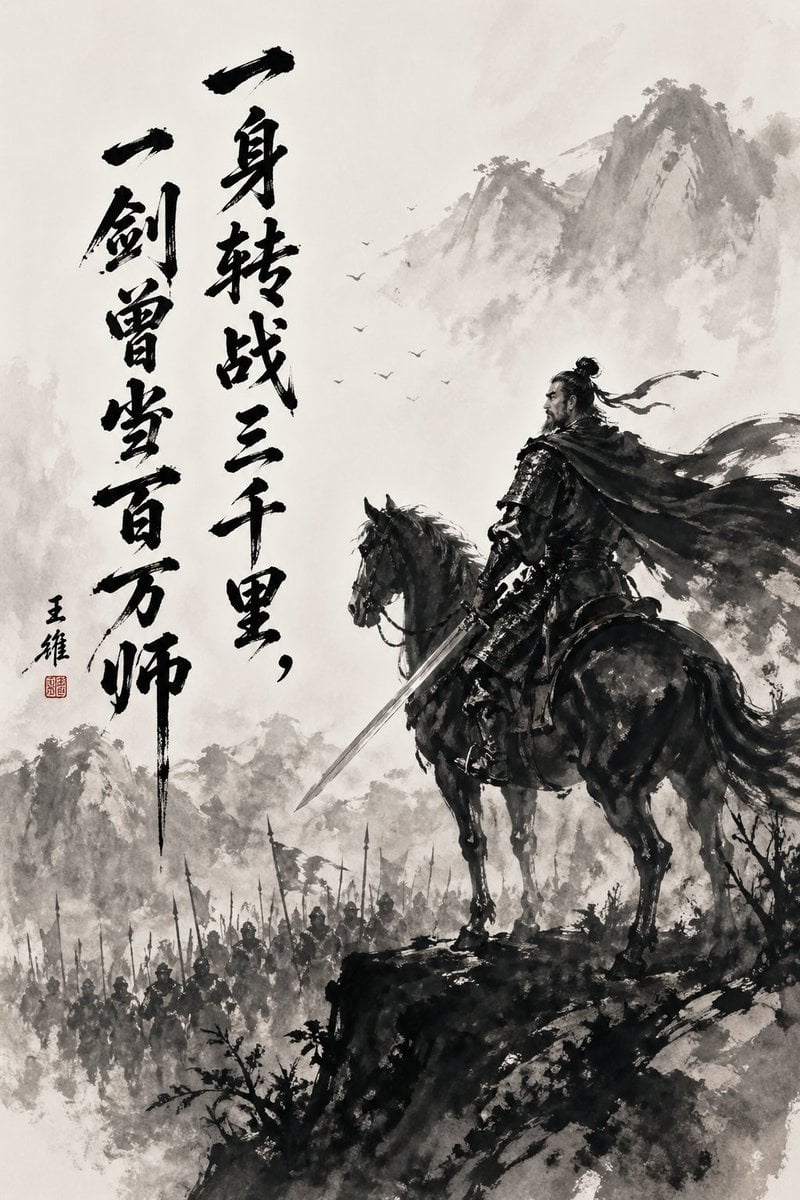
Chinese Ink Warrior on Horseback
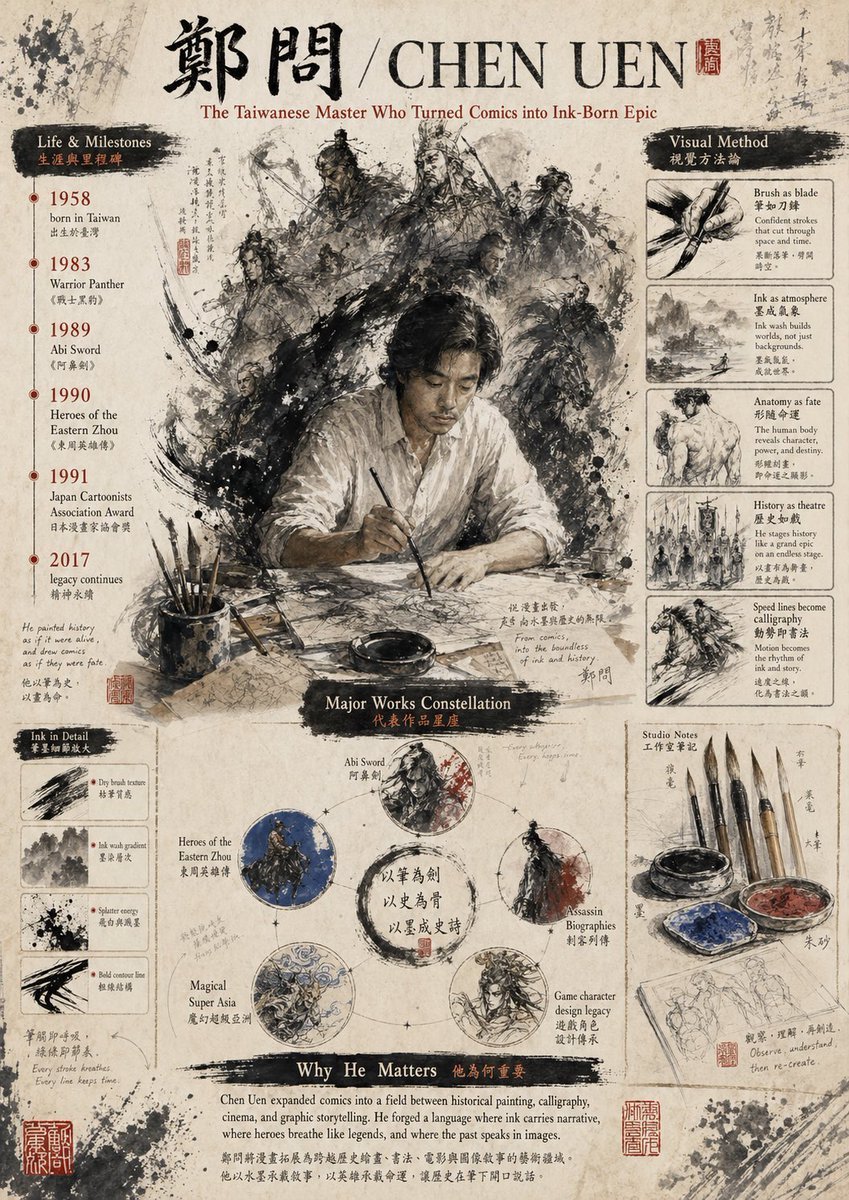
Ink-Wash Tribute Poster for Chen Uen
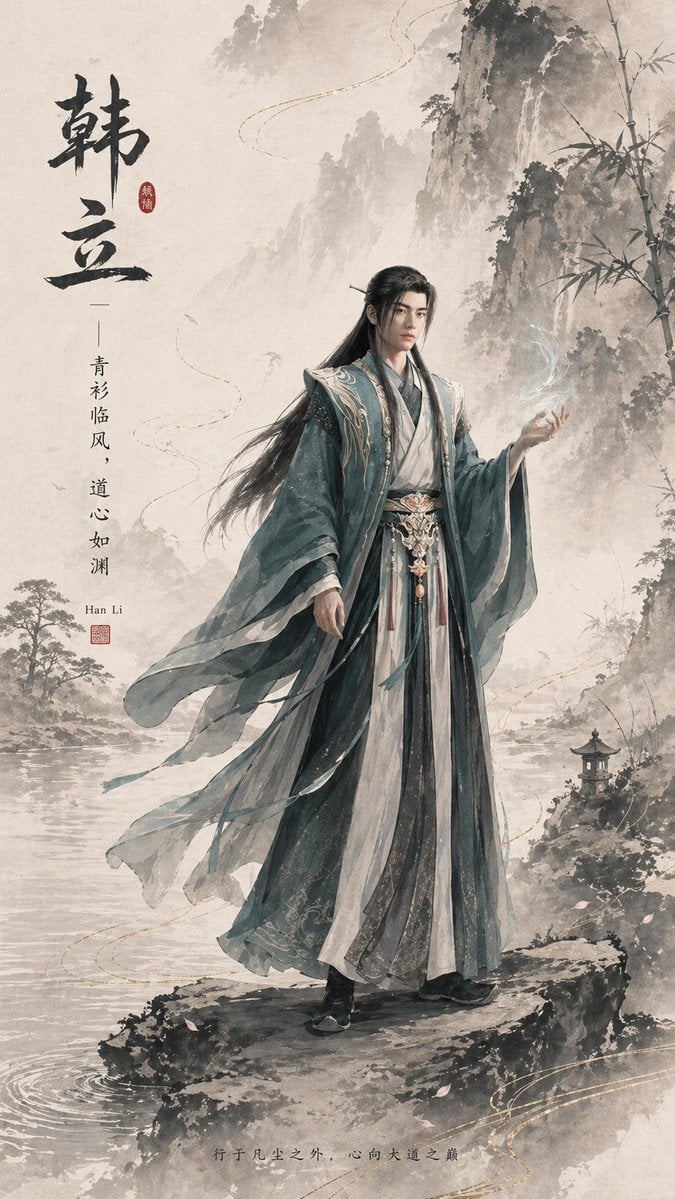
Ink-Wash Han Li Character Poster
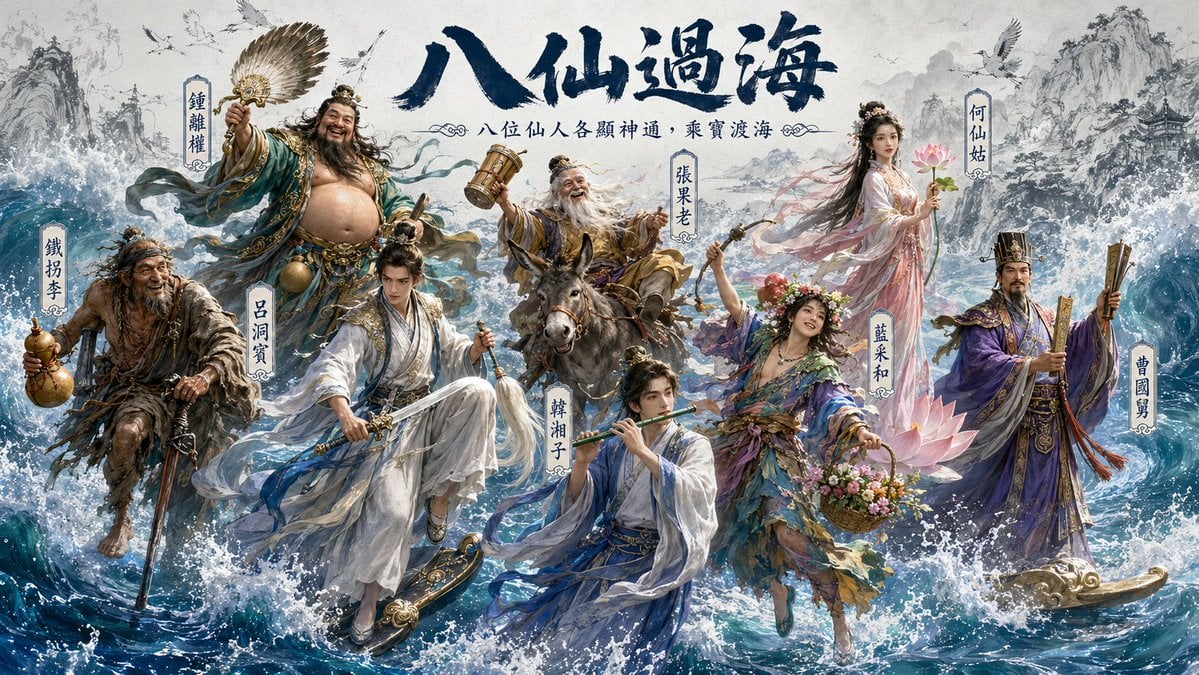
Hybrid CGI Ink-Wash Chinese Illustration
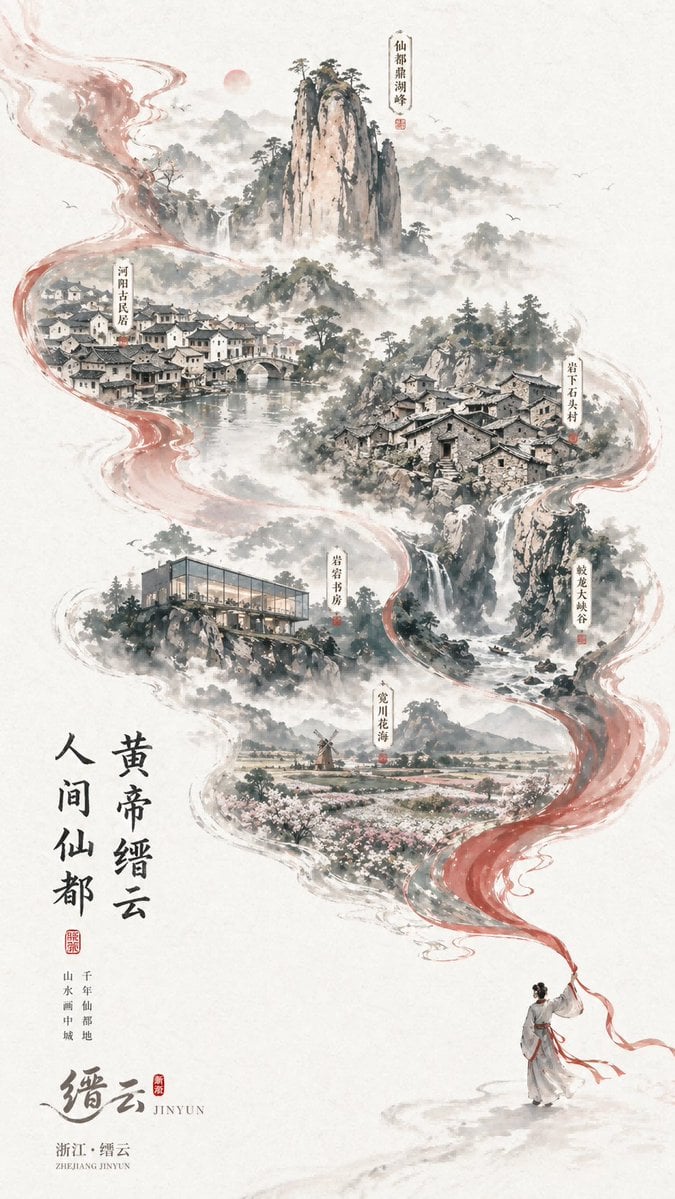
Chinese Ink-Wash Jinyun Travel Poster
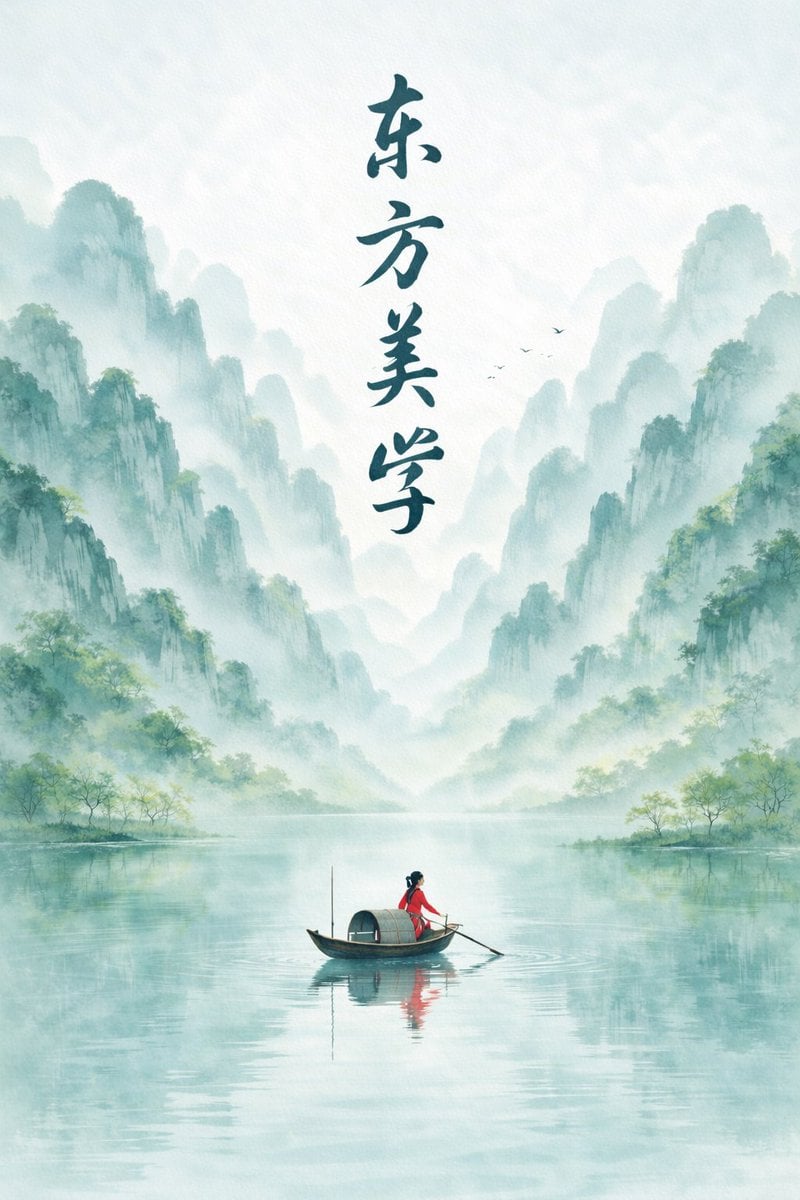
Minimalist Chinese Ink Wash Mist Painting
Make it yours
Ink-Wash Warrior Riding a Tiger works as-is. These are the safest ways to change it without losing the look.
Change one field
Copy a single group, rewrite it, and generate again so you can see what that field is doing.
Keep the frame, change the subject
Hold the composition and light of Ink-Wash Warrior Riding a Tiger, then swap wardrobe, props or the person for a new take.
| If the result… | Why | Fix |
|---|---|---|
| The result drifts from the preview | Too many fields changed at once. | Reuse Ink-Wash Warrior Riding a Tiger as-is first, then change one group — subject, light, or setting. |
| The model over-stylizes the scene | The prose prompt leaves finish and camera underspecified. | Add one camera or lighting sentence and stay on GPT Image 2. |
More GPT Image 2 templates
Other prompts made for GPT Image 2.

Six VTuber Japanese Logo Sheet

Realistic Portrait of Woman and Deer

The Vista Modular Condo Poster

AI Model Routing Comparison Infographic

2.5D Anime Art Board

Isometric Productivity Desk Scene

New York Double Exposure Poster

Four-Panel AI Landscape Comparison

Japanese Tatami Lifestyle Magazine Cover

NESCAFÉ Coffee Map Poster
More image prompts
Fresh picks from across the catalog.
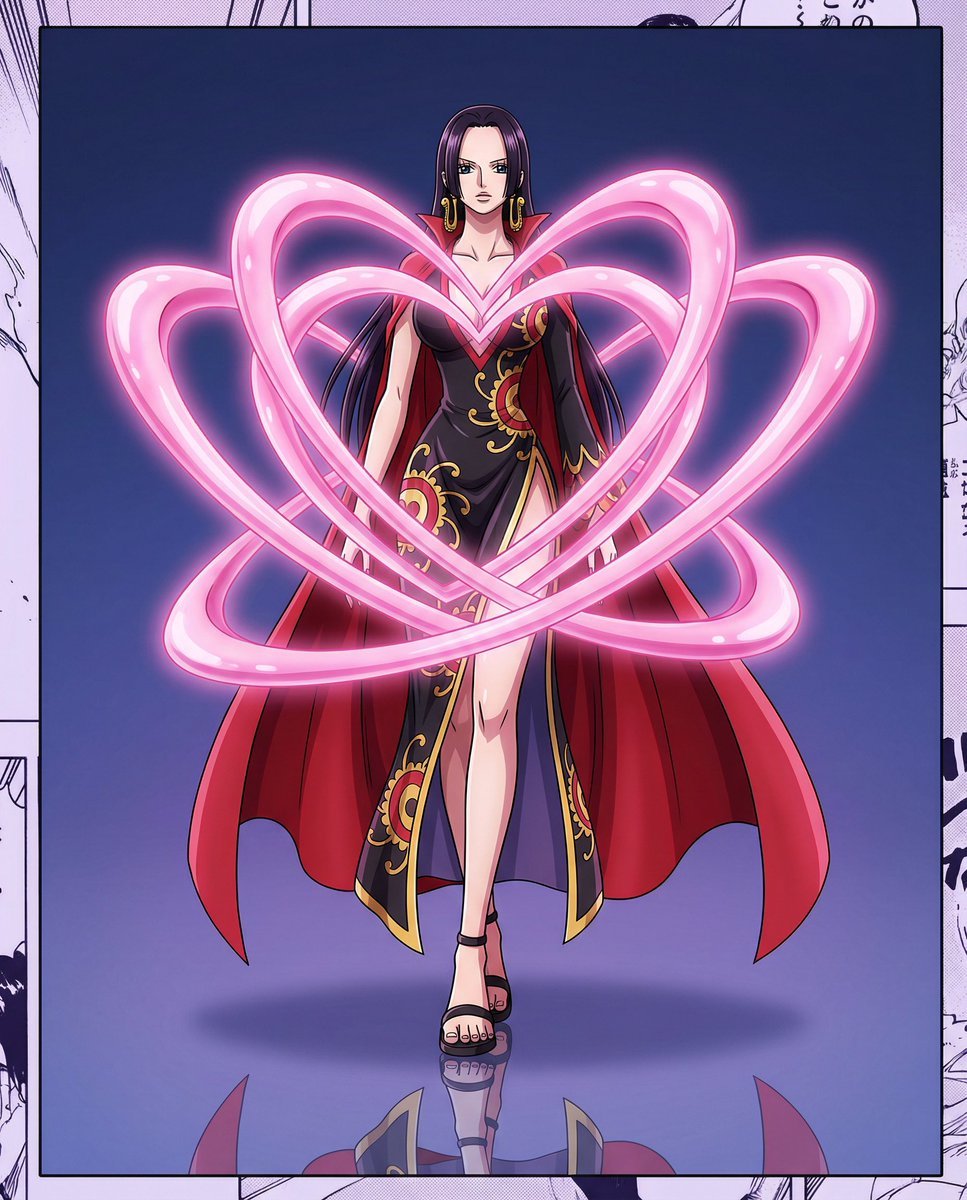
One Piece Anime Character Portrait Template
Yoga Wear Anime Illustration
Cinematic Sci-Fi Action Poster
Nostalgic 16-Photo Couple Grid
Dark Fantasy Inner Monster Poster
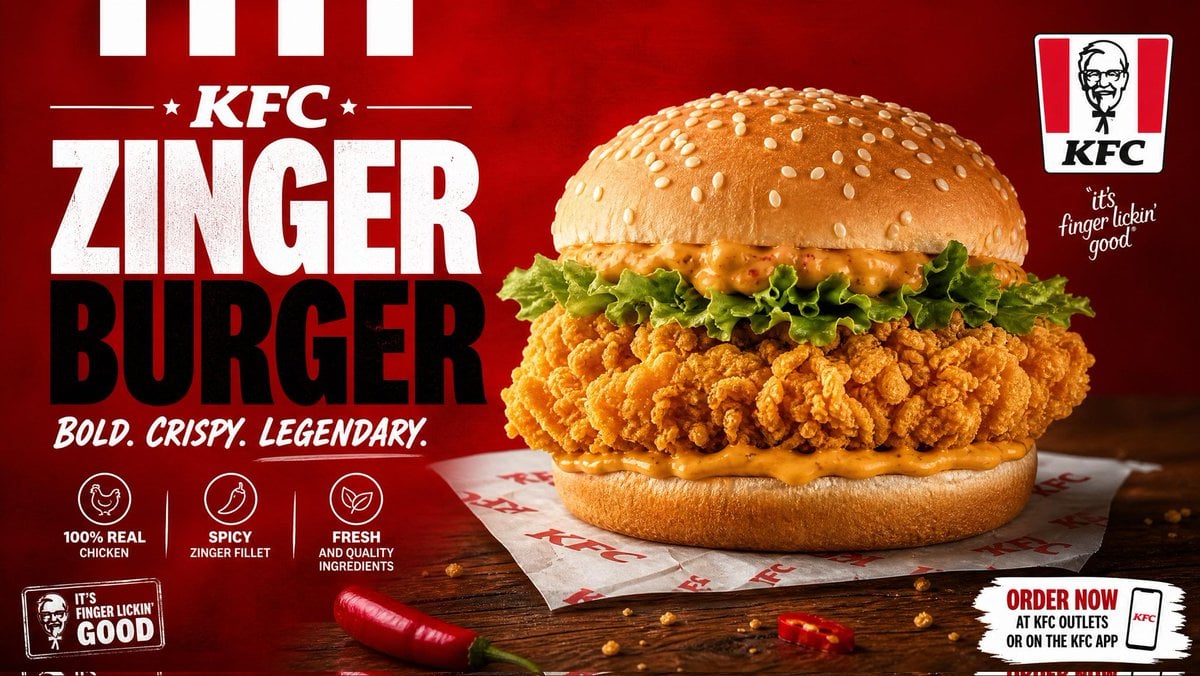
Cinematic Crispy Burger Food Photography
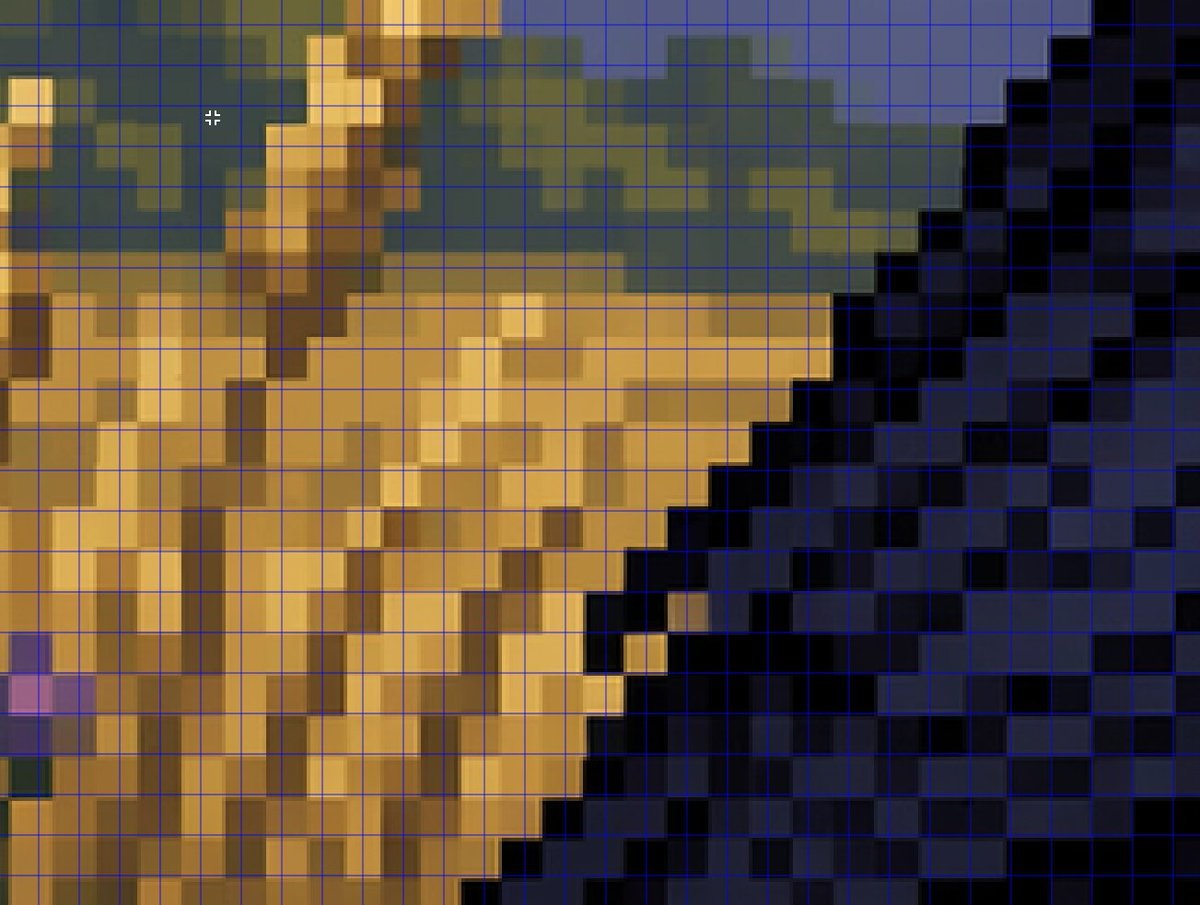
Zoomed Fake Pixel Art Grid Analysis
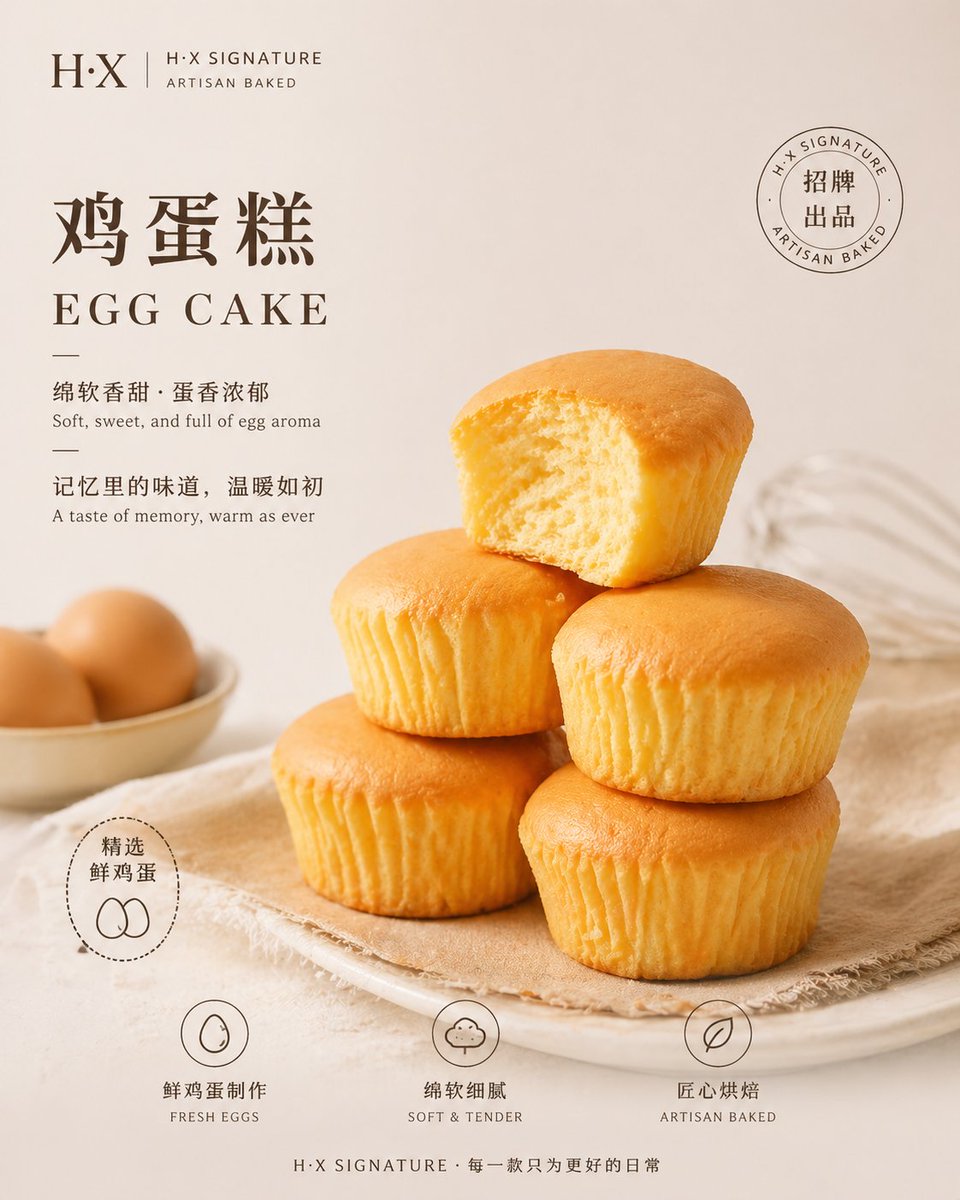
Bakery Product Poster Template
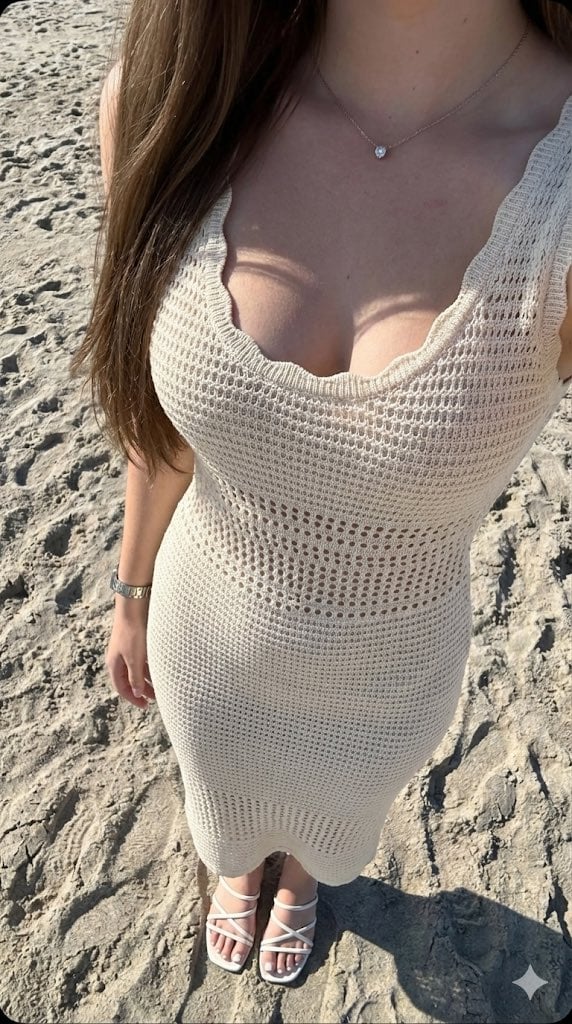
High-Contrast Beach Snapshot with Strict Identity and Sharp Focus
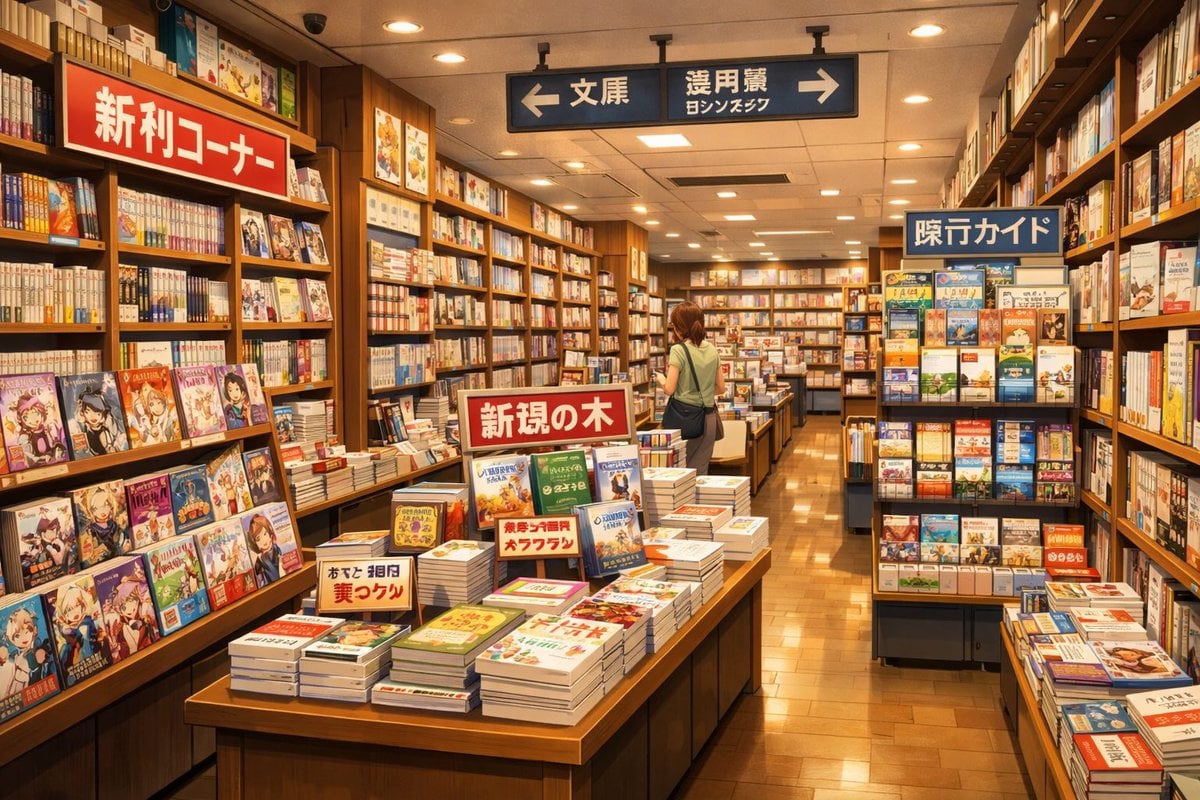
Japanese Bookstore Interior
Browse template categories
Ink-Wash Warrior Riding a Tiger questions
How do I use the Ink-Wash Warrior Riding a Tiger template?
Add your photo if the template asks for one, edit the prompt if you like — the template's model and format are already selected — and press Generate. Your version opens in PicX Studio.
Can I customize the Ink-Wash Warrior Riding a Tiger template?
Yes. You can change the subject, setting, lighting, mood, format, and available model controls before creating your image.
Is the Ink-Wash Warrior Riding a Tiger template free?
Opening and editing this template is free. Generating uses credits, shown on the Generate button when you are signed in.
Which AI model should I use?
Start with GPT Image 2, which is the model associated with this template. You can compare another compatible model for a different finish.
Looking for something else? Browse all templates.

Your photo, any look
Thousands of ready templates for every top image and video model, from one credit balance.