
Zoomed Fake Pixel Art Grid Analysis
This prompt generates a close-up analysis-style image used to illustrate how AI-made pixel-art-looking visuals fail to align cleanly to a true pixel grid.
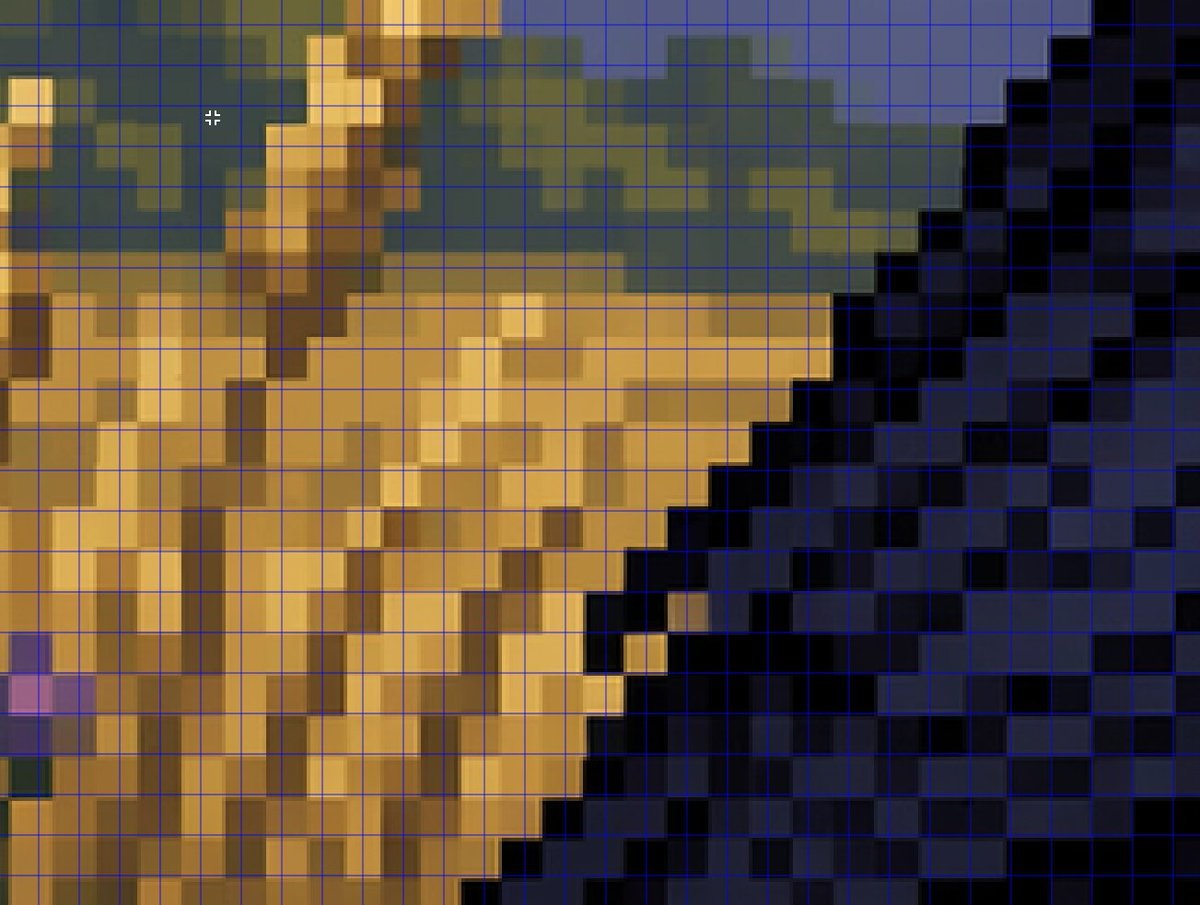
- Prompt included
- Model and format preset
- Free template
The prompt behind this image
Copy the exact prompt behind Zoomed Fake Pixel Art Grid Analysis, or open it in the studio and make it yours.
A tightly zoomed-in comparison image demonstrating fake pixel-art rendering, showing a low-resolution-looking scene enlarged on screen with a thin bright blue square grid overlay across the entire frame. The composition is an abstract close crop of a pixel-art-style environment: sandy tan and ochre blocky forms on the left and center, a dark navy and black stepped diagonal mass on the right, muted olive-green and slate-blue shapes along the upper background, and a few lighter golden highlights. Every edge looks staircase-like and blocky at first glance, but the colors softly blur and blend within the apparent squares instead of aligning perfectly to the grid, creating the impression of pixel art that breaks down under inspection. Include a small white crosshair cursor near the upper left quadrant to suggest image analysis in an editor. The overall look should feel like a screenshot from a graphics program or social media demonstration about how AI can imitate retro game art aesthetics without producing true grid-perfect pixel art, with no text labels visible.
How to use Zoomed Fake Pixel Art Grid Analysis in 3 steps
- 1Upload ImagePNG, JPG or paste
Add your photo
Upload the photo the template builds on. The prompt, model and format are already set.
- 2…a portrait of your subject in softgolden-hour light, 85mm…
Personalize
Edit the subject and creative details for your destination.
- 3Generate
Generate
Press Generate — your image is created in PicX Studio, so you can compare it with the original and refine one variable at a time.
More like this
Templates with the same subject, style or setup. Open one to see its prompt.

Pixel Limited Finale Fireworks

Pixel Limited Garden Maze

Pixel Limited Rooftop Concert

Pixel Limited Bicycle Coast

Pixel Limited Castle Gate

Pixel Limited Kitchen Chaos

Pixel Limited Carnival Ride

Pixel Limited Rainy Bus Stop

Pixel Limited Space Dock

Pixel Limited Cafe Morning

Pixel Limited Mountain Summit

Pixel Limited Underwater Reef
Make it yours
Zoomed Fake Pixel Art Grid Analysis works as-is. These are the safest ways to change it without losing the look.
Change one field
Copy a single group, rewrite it, and generate again so you can see what that field is doing.
Keep the frame, change the subject
Hold the composition and light of Zoomed Fake Pixel Art Grid Analysis, then swap wardrobe, props or the person for a new take.
| If the result… | Why | Fix |
|---|---|---|
| The result drifts from the preview | Too many fields changed at once. | Reuse Zoomed Fake Pixel Art Grid Analysis as-is first, then change one group — subject, light, or setting. |
| The model over-stylizes the scene | The prose prompt leaves finish and camera underspecified. | Add one camera or lighting sentence and stay on GPT Image 2. |
More GPT Image 2 templates
Other prompts made for GPT Image 2.

Six VTuber Japanese Logo Sheet

Realistic Portrait of Woman and Deer

The Vista Modular Condo Poster

AI Model Routing Comparison Infographic

2.5D Anime Art Board

Isometric Productivity Desk Scene

New York Double Exposure Poster

Four-Panel AI Landscape Comparison

Japanese Tatami Lifestyle Magazine Cover

NESCAFÉ Coffee Map Poster
More image prompts
Fresh picks from across the catalog.
Cinematic Portrait with Window Shadows and Typography Overlay
Cinematic Romantic Street Photography
Ultra Realistic Cinematic Portrait in a
Anime Martial Arts Energy Clash
Cinematic Mirror Selfie in Dark Modern Bathroom
Texture Creation via JSON and UV Map Metaprompt
Steamy Mirror Selfie Prompt
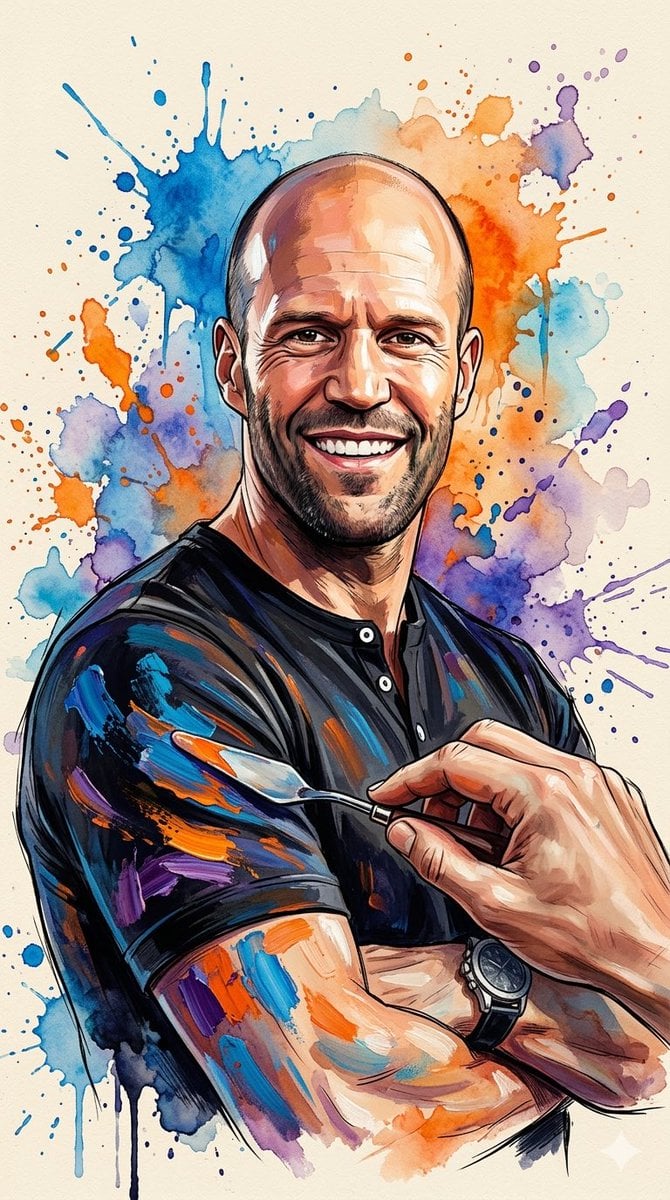
Oil Painting Style Portrait Prompt with Reference
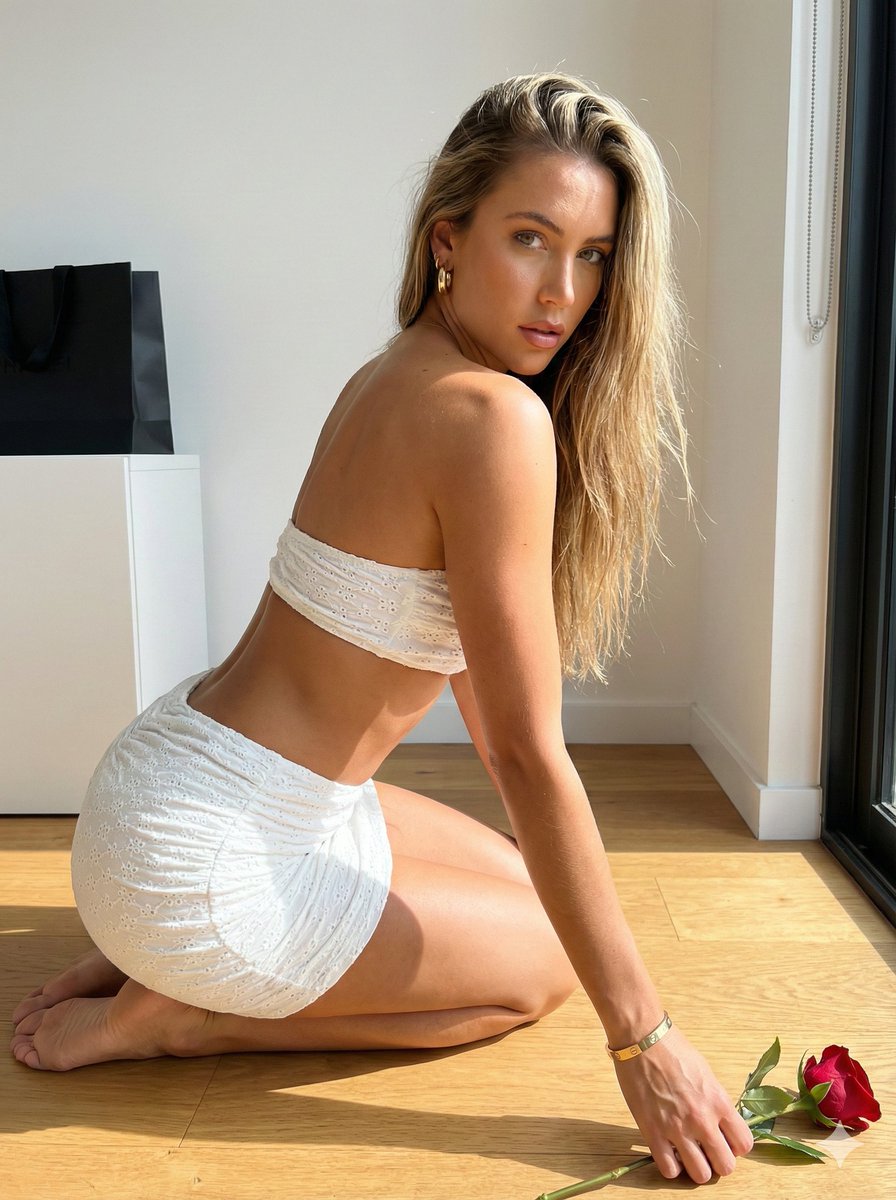
Sunlit Minimalist Portrait with Broderie Anglaise
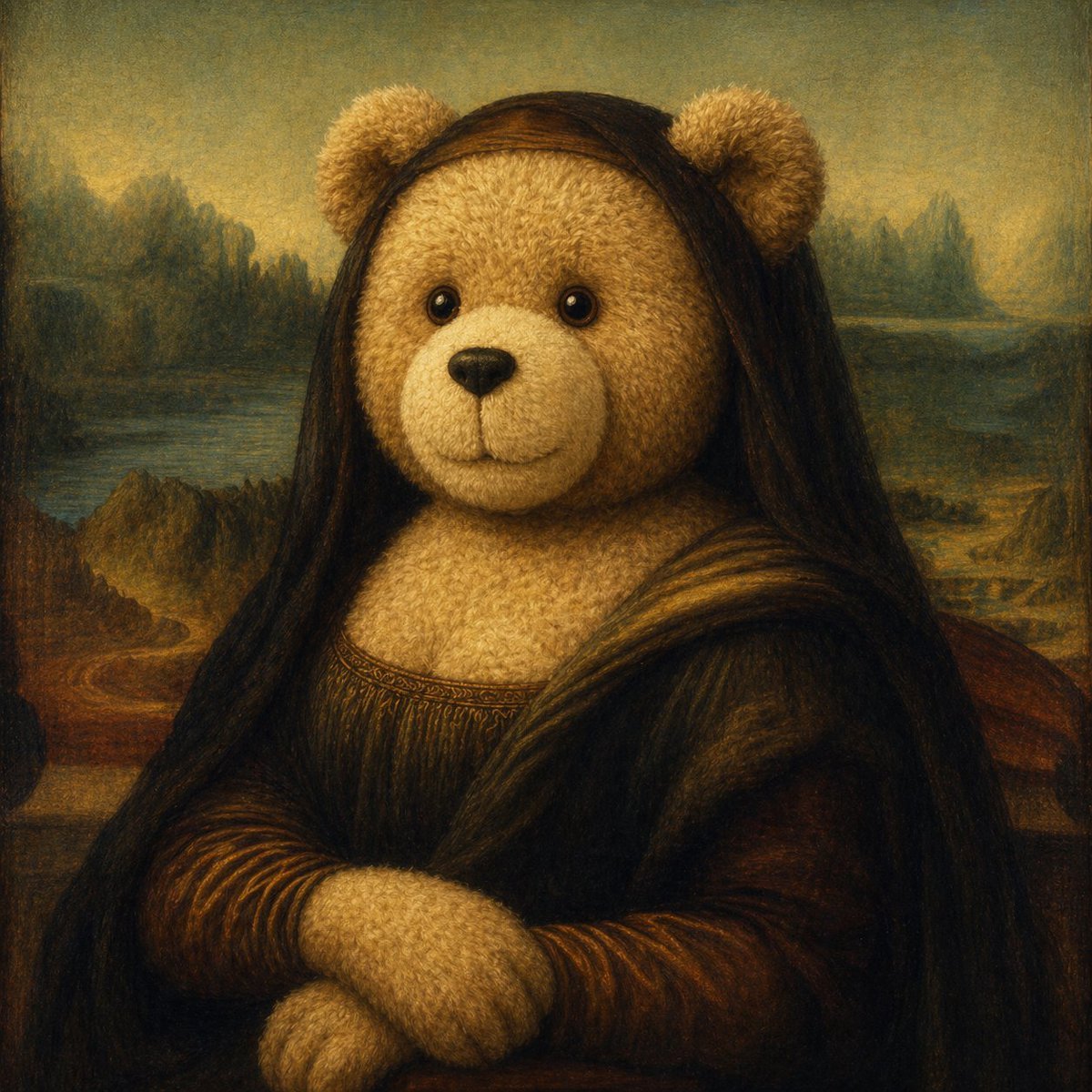
Teddy Bear Mona Lisa Hybrid
Browse template categories
Zoomed Fake Pixel Art Grid Analysis questions
How do I use the Zoomed Fake Pixel Art Grid Analysis template?
Add your photo if the template asks for one, edit the prompt if you like — the template's model and format are already selected — and press Generate. Your version opens in PicX Studio.
Can I customize the Zoomed Fake Pixel Art Grid Analysis template?
Yes. You can change the subject, setting, lighting, mood, format, and available model controls before creating your image.
Is the Zoomed Fake Pixel Art Grid Analysis template free?
Opening and editing this template is free. Generating uses credits, shown on the Generate button when you are signed in.
Which AI model should I use?
Start with GPT Image 2, which is the model associated with this template. You can compare another compatible model for a different finish.
Looking for something else? Browse all templates.

Your photo, any look
Thousands of ready templates for every top image and video model, from one credit balance.