
Ultra Realistic Cinematic Portrait in a
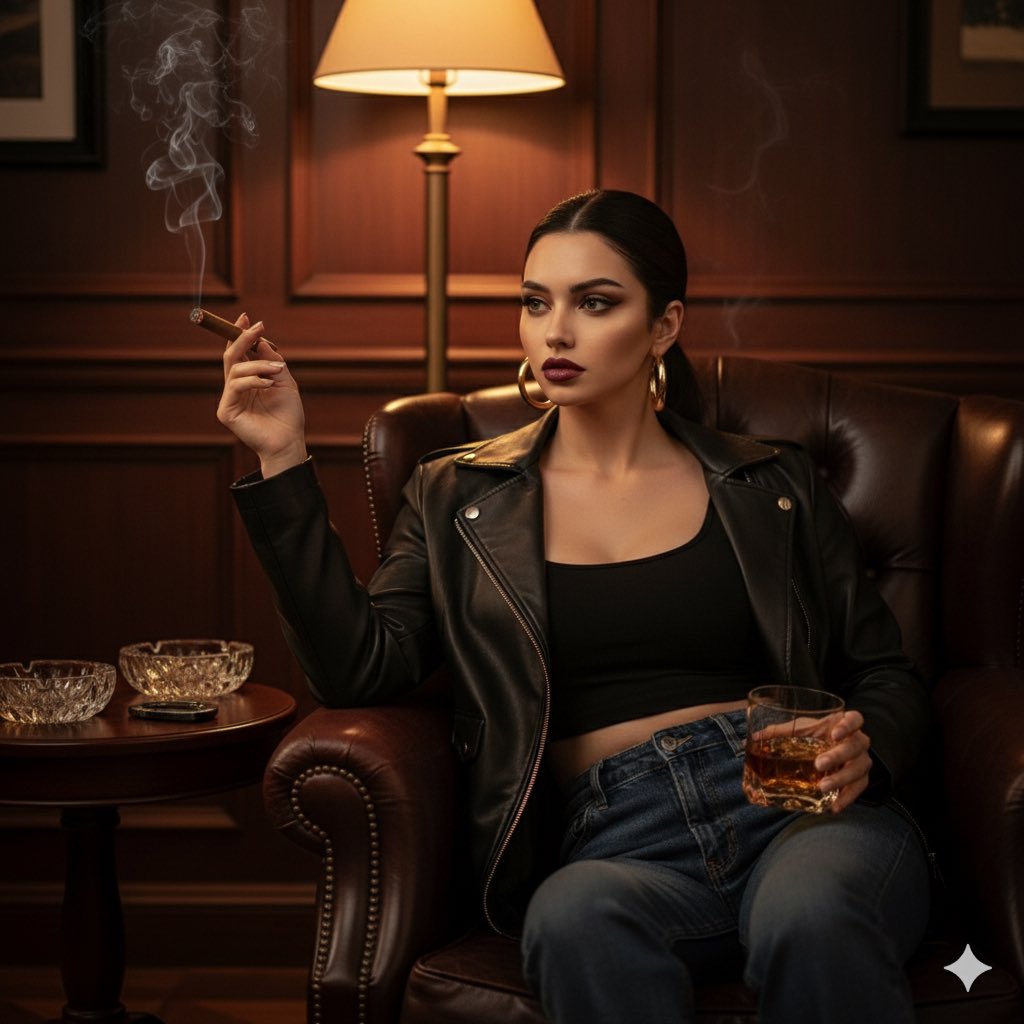
Ultra Realistic Cinematic Portrait in a is a ready photo look for Nano Banana.
- Prompt included
- Model and format preset
- Free template
The prompt behind this image
Copy the exact prompt behind Ultra Realistic Cinematic Portrait in a, or open it in the studio and make it yours.
Ultra-realistic cinematic portrait of the same woman from the reference photo — preserve her exact facial features and natural proportions, no alterations. Scene: luxury cigar lounge interior — dim light, dark wood panels, crystal ashtrays, and soft jazz ambiance. A faint smoke trail curls through the warm air. Pose: she sits elegantly in a deep leather armchair, one arm resting on the armrest with a lit cigar between her fingers, the other hand holding a crystal glass with whiskey. Her gaze is slightly sideways — calm, calculating, powerful. Outfit: black cropped top, oversized black leather jacket slightly sliding off one shoulder, low-rise dark jeans, hoop earrings, glossy lips, sleek pulled-back hair. Lighting: warm golden tones from a single lamp, cinematic shadows defining her face and jacket texture. Mood: magnetic control — the atmosphere of power, mystery, and quiet confidence. Style: 8K ultra-realism, cinematic noir lighting, luxurious editorial tone with subtle smoke and reflective highlights.
How to use Ultra Realistic Cinematic Portrait in a in 3 steps
- 1Upload ImagePNG, JPG or paste
Add your photo
Upload the photo the template builds on. The prompt, model and format are already set.
- 2…a portrait of your subject in softgolden-hour light, 85mm…
Personalize
Edit the subject and creative details for your destination.
- 3Generate
Generate
Press Generate — your image is created in PicX Studio, so you can compare it with the original and refine one variable at a time.
More like this
Templates with the same subject, style or setup. Open one to see its prompt.












Make it yours
Ultra Realistic Cinematic Portrait in a works as-is. These are the safest ways to change it without losing the look.
Change one field
Copy a single group, rewrite it, and generate again so you can see what that field is doing.
Keep the frame, change the subject
Hold the composition and light of 58-ultra-realistic-cinematic-portrait-in-a-, then swap wardrobe, props or the person for a new take.
| If the result… | Why | Fix |
|---|---|---|
| The result drifts from the preview | Too many fields changed at once. | Reuse 58-ultra-realistic-cinematic-portrait-in-a- as-is first, then change one group — subject, light, or setting. |
| The model over-stylizes the scene | The prose prompt leaves finish and camera underspecified. | Add one camera or lighting sentence and stay on Nano Banana. |
More Nano Banana templates
Other prompts made for Nano Banana.









More image prompts
Fresh picks from across the catalog.
Palace Banquet Traditional Portrait
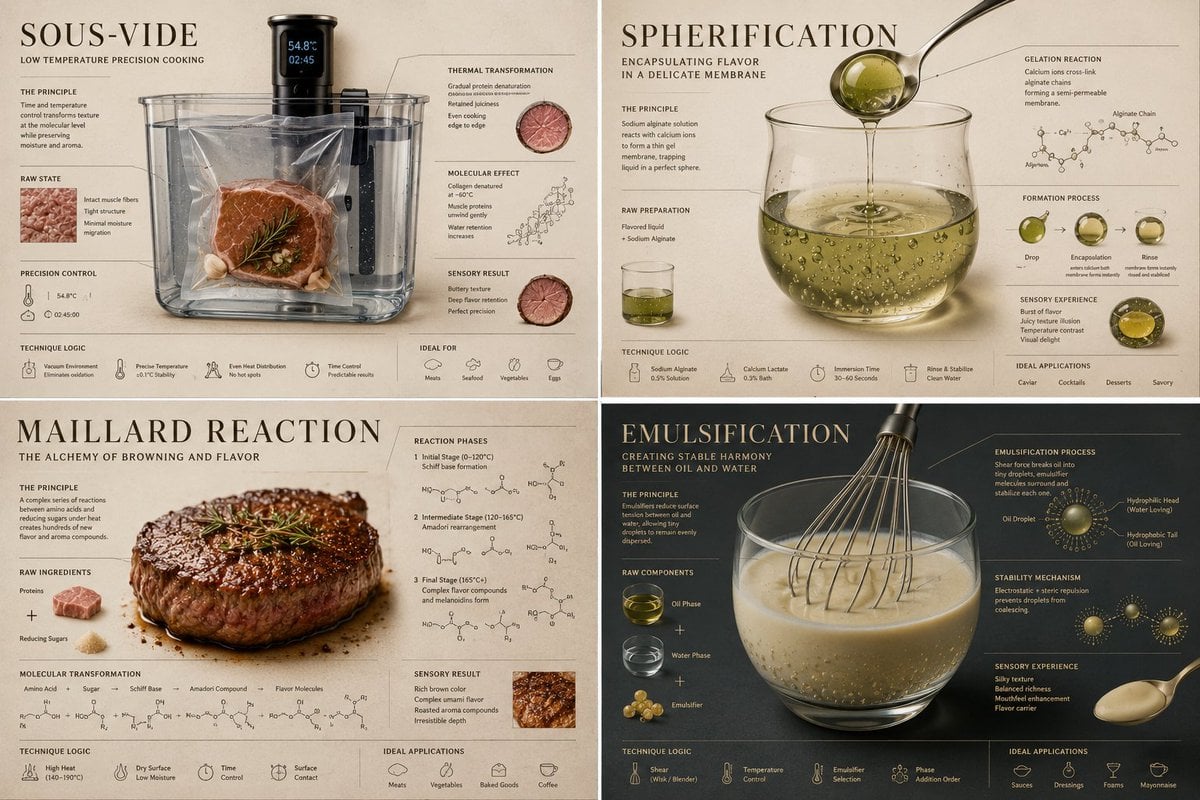
Luxury Culinary Chemistry Poster
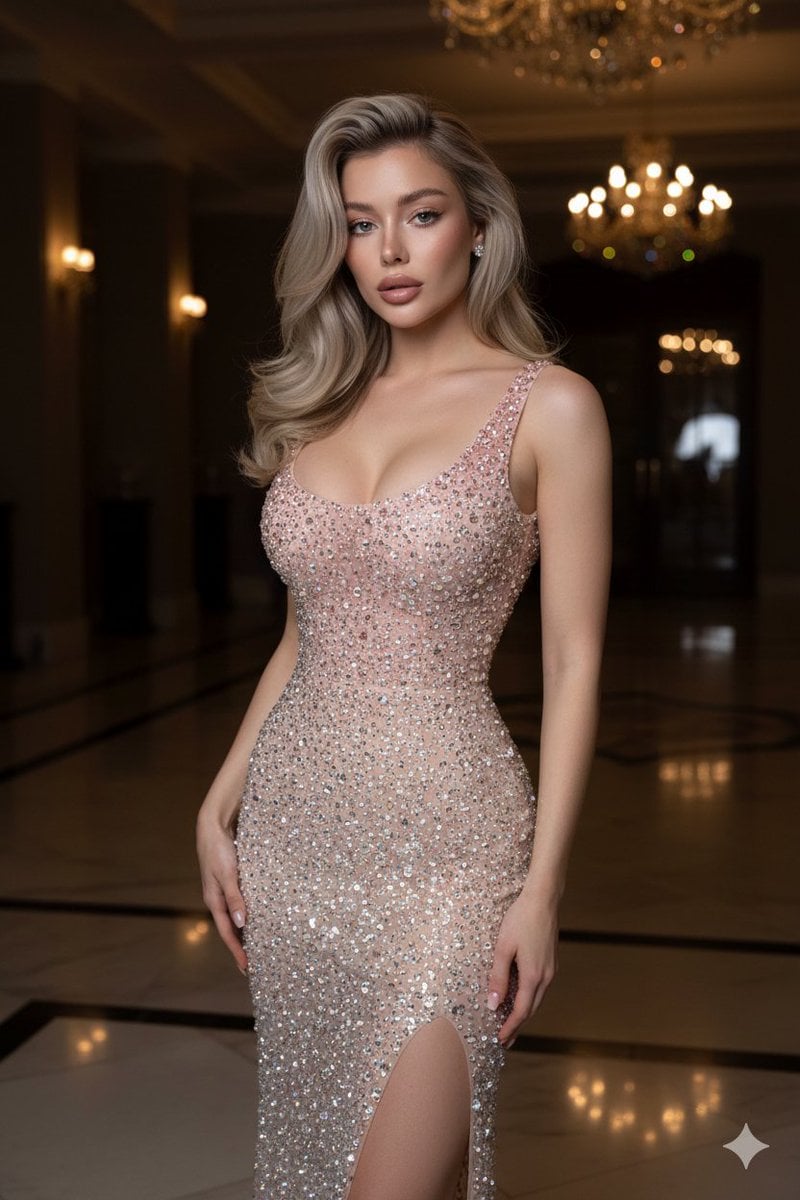
Editorial High-Fashion Crystal Gown Portrait

Chinese Live-Streaming App UI Mockup
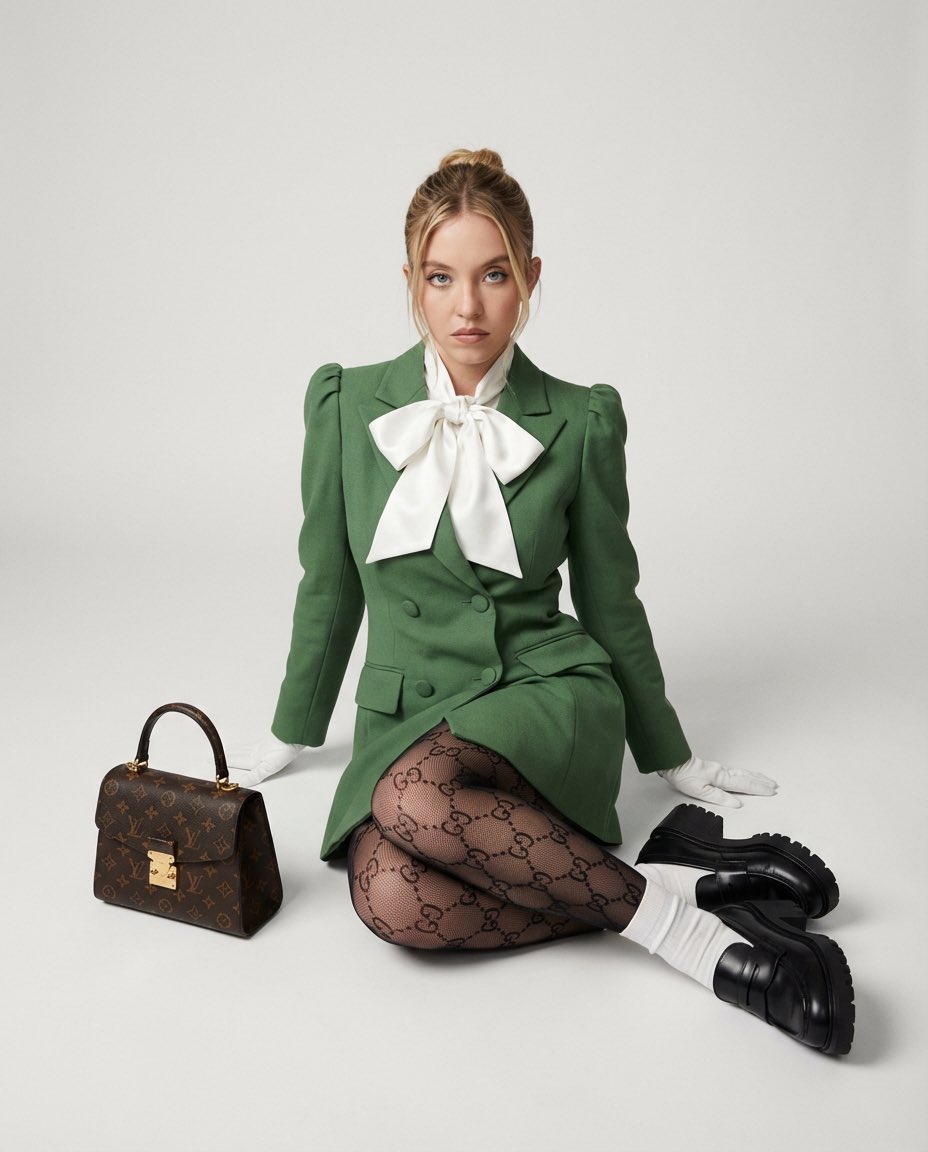
High Fashion Editorial with GG Monogram Tights

Nano Banana Pro-themed hero image (Chinese)
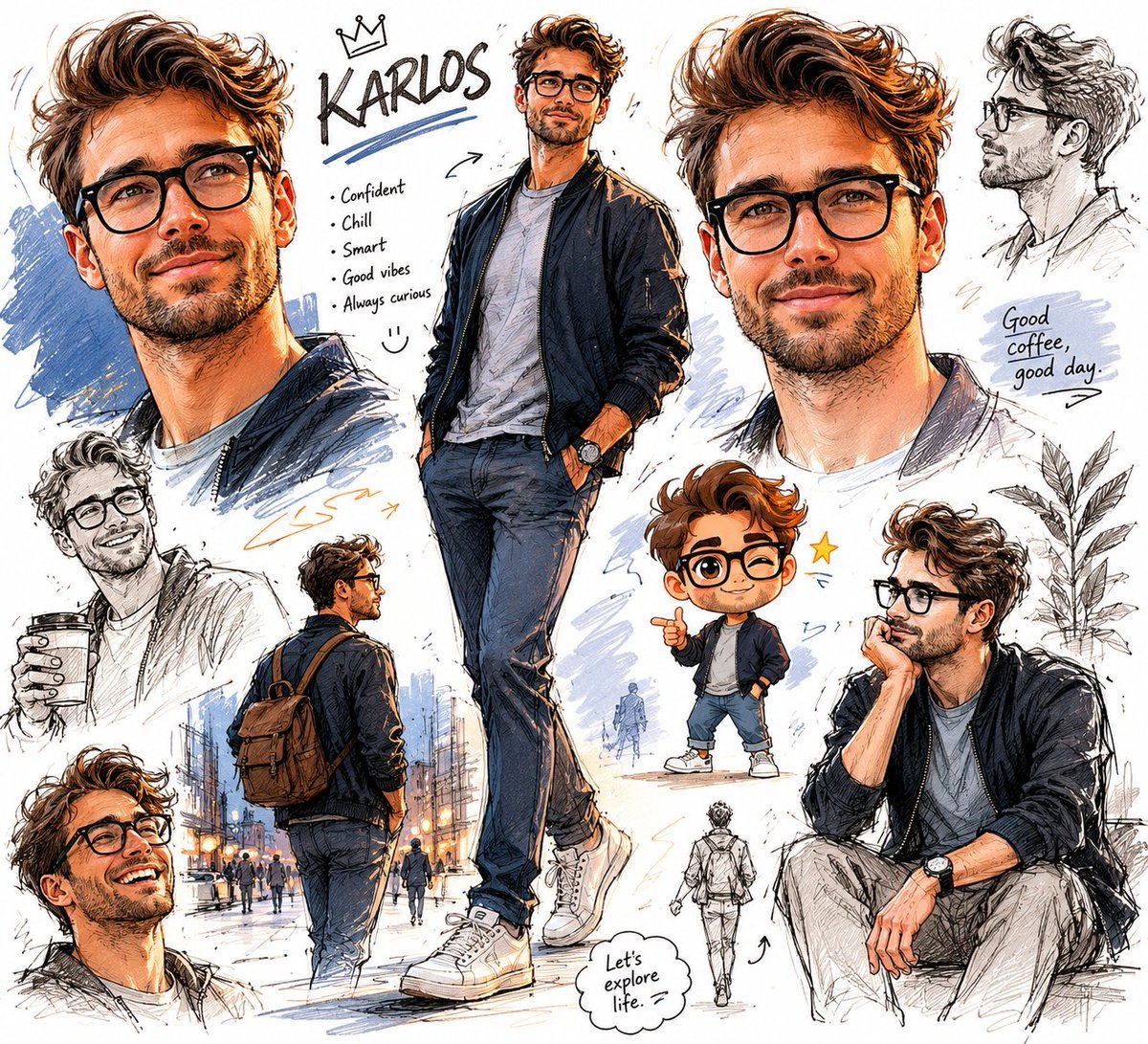
Freeform Character Sketchbook
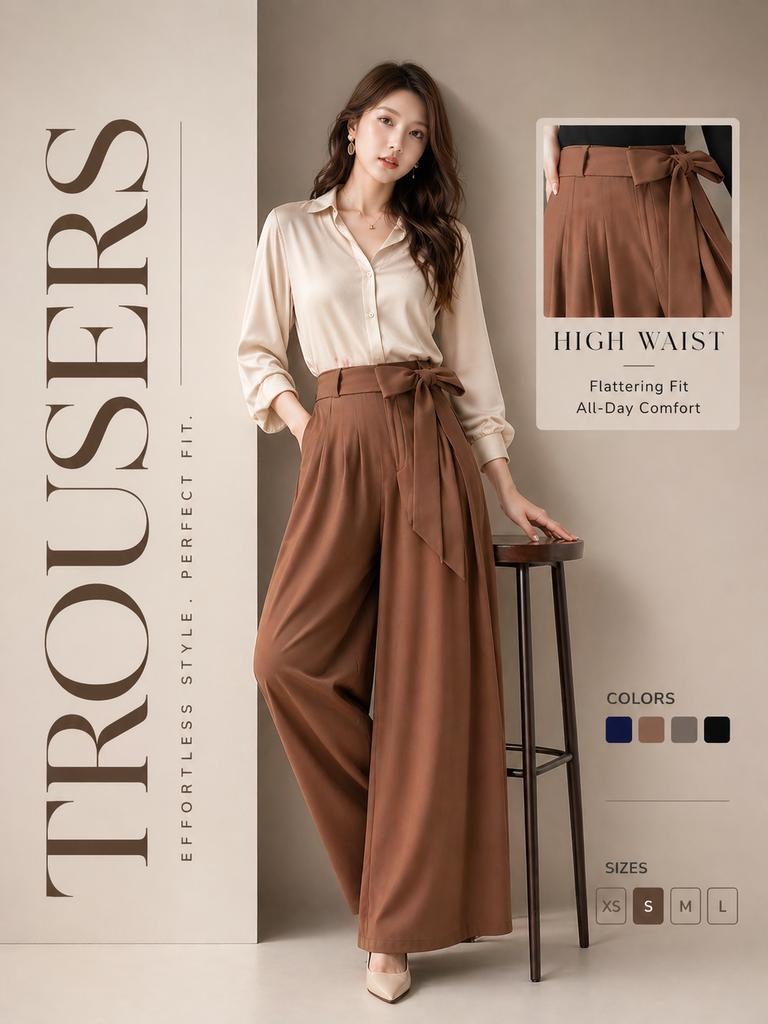
High-End Trousers Advertising Poster
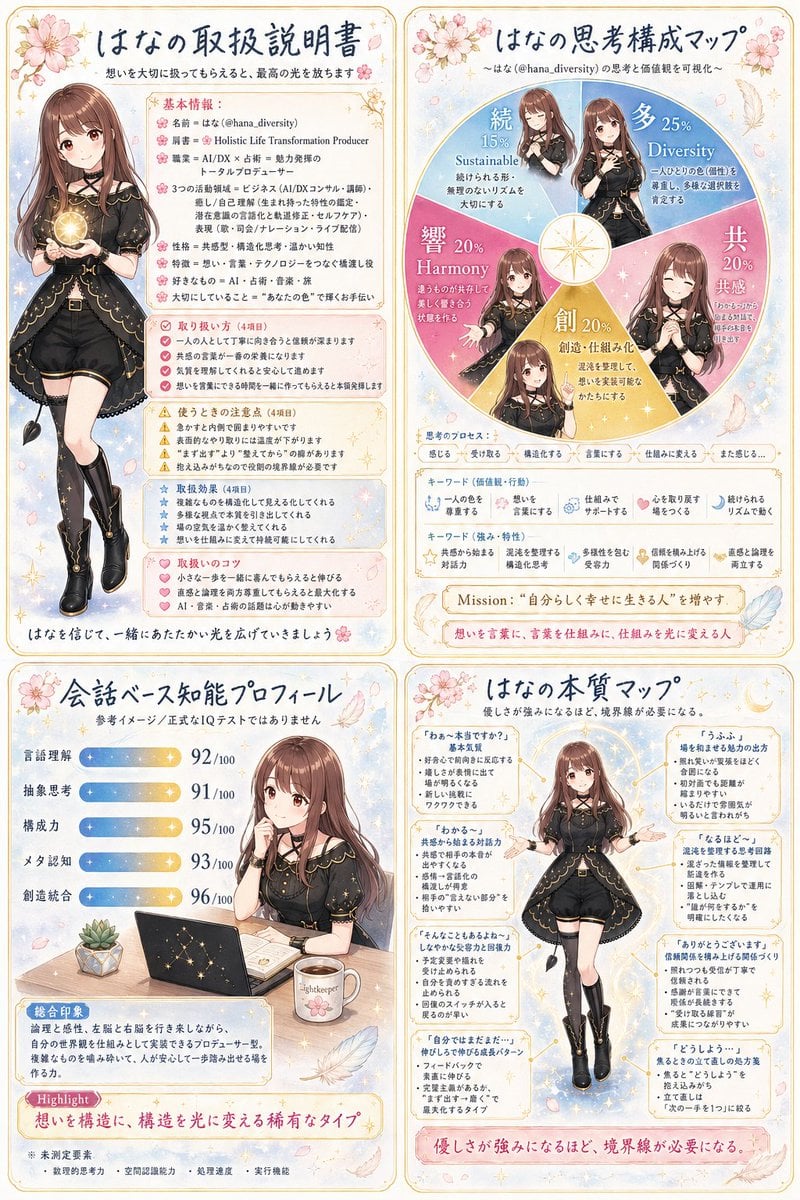
Anime Personality Infographic Poster
Onion-Cutting Prompt (Text/LLM)
Browse template categories
Ultra Realistic Cinematic Portrait in a questions
How do I use the 58-ultra-realistic-cinematic-portrait-in-a- template?
Add your photo if the template asks for one, edit the prompt if you like — the template's model and format are already selected — and press Generate. Your version opens in PicX Studio.
Can I customize the 58-ultra-realistic-cinematic-portrait-in-a- template?
Yes. You can change the subject, setting, lighting, mood, format, and available model controls before creating your image.
Is the 58-ultra-realistic-cinematic-portrait-in-a- template free?
Opening and editing this template is free. Generating uses credits, shown on the Generate button when you are signed in.
Which AI model should I use?
Start with Nano Banana, which is the model associated with this template. You can compare another compatible model for a different finish.
Looking for something else? Browse all templates.

Your photo, any look
Thousands of ready templates for every top image and video model, from one credit balance.