
Elephant Day Magazine Feature
A soft anime-style Japanese editorial page about Elephant Day, useful for creating magazine spreads, educational posters, or event feature layouts.
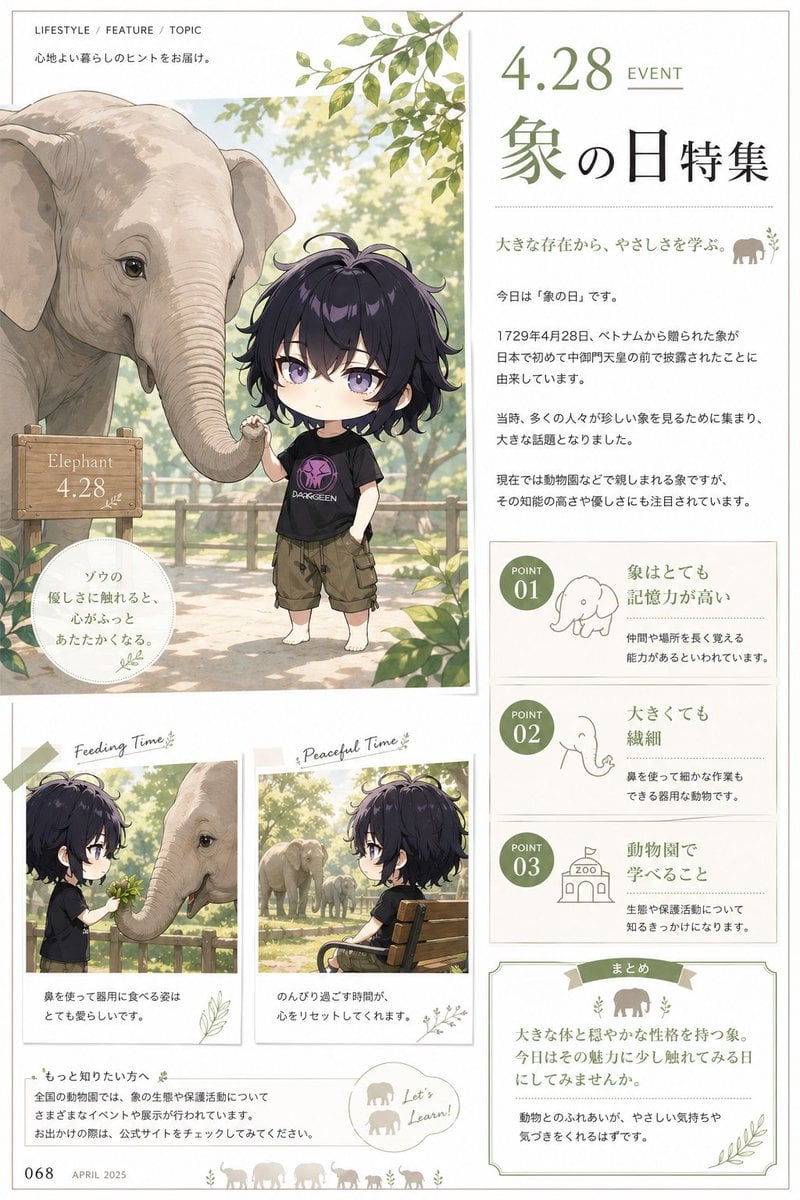
- Prompt included
- Model and format preset
- Free template
The prompt behind this image
Copy the exact prompt behind Elephant Day Magazine Feature, or open it in the studio and make it yours.
- Type
- Japanese lifestyle magazine feature poster
- Theme
- Elephant Day special feature editorial page
- Style
- soft watercolor anime illustration mixed with clean magazine layout, airy natural colors, elegant and calm, family-friendly educational design
- Canvas › Orientation
- portrait
- Canvas › Background
- warm off-white paper with thin beige border
- Headline › Top Label
- LIFESTYLE / FEATURE / TOPIC
- Headline › Subheading
- 心地よい暮らしのヒントをお届け。
- Headline › Date
- {argument name="event date" default="4.28"}
- Headline › Event Label
- EVENT
- Headline › Title
- 象の日特集
- Headline › Tagline
- 大きな存在から、やさしさを学ぶ。
- Main Visual › Position
- upper left large panel
- Main Visual › Scene
- an outdoor zoo walkway in soft morning light with leafy green branches overhead, wooden fence in the background, bright bokeh trees, and a gentle elephant standing beside a small child
- Main Visual › Subjects › 0 › Type
- elephant
- Main Visual › Subjects › 0 › Count
- 1
- Main Visual › Subjects › 0 › Appearance
- large pale gray Asian elephant, detailed wrinkles, calm eyes, trunk curved downward and gently reaching toward the child, ears relaxed
- Main Visual › Subjects › 1 › Type
- child
- Main Visual › Subjects › 1 › Count
- 1
- Main Visual › Subjects › 1 › Appearance
- anime chibi child with messy wavy dark purple-black hair, fair skin, oversized head and small body proportions, barefoot, wearing a black graphic T-shirt with a purple emblem and olive-brown cargo shorts, one hand in pocket, the other lightly touching the elephant's trunk
- Main Visual › Props › 0 › Type
- wooden sign
- Main Visual › Props › 0 › Text
- Elephant 4.28
- Main Visual › Props › 0 › Position
- lower left of main image
- Main Visual › Props › 1 › Type
- round quote badge
- Main Visual › Props › 1 › Text
- ゾウの 優しさに触れると、 心からっと あたたかくなる。
Raw JSON
{"type":"Japanese lifestyle magazine feature poster","theme":"Elephant Day special feature editorial page","style":"soft watercolor anime illustration mixed with clean magazine layout, airy natural colors, elegant and calm, family-friendly educational design","canvas":{"orientation":"portrait","background":"warm off-white paper with thin beige border"},"headline":{"top_label":"LIFESTYLE / FEATURE / TOPIC","subheading":"心地よい暮らしのヒントをお届け。","date":"{argument name=\"event date\" default=\"4.28\"}","event_label":"EVENT","title":"象の日特集","tagline":"大きな存在から、やさしさを学ぶ。"},"main_visual":{"position":"upper left large panel","scene":"an outdoor zoo walkway in soft morning light with leafy green branches overhead, wooden fence in the background, bright bokeh trees, and a gentle elephant standing beside a small child","subjects":[{"type":"elephant","count":1,"appearance":"large pale gray Asian elephant, detailed wrinkles, calm eyes, trunk curved downward and gently reaching toward the child, ears relaxed"},{"type":"child","count":1,"appearance":"anime chibi child with messy wavy dark purple-black hair, fair skin, oversized head and small body proportions, barefoot, wearing a black graphic T-shirt with a purple emblem and olive-brown cargo shorts, one hand in pocket, the other lightly touching the elephant's trunk"}],"props":[{"type":"wooden sign","text":"Elephant 4.28","position":"lower left of main image"},{"type":"round quote badge","text":"ゾウの\n優しさに触れると、\n心からっと\nあたたかくなる。","position":"bottom left overlapping main image"}]},"body_text":{"intro_count":4,"paragraphs":["今日は『象の日』です。","1729年4月28日、ベトナムから贈られた象が日本で初めて中御門天皇の前で披露されたことに由来しています。","当時、多くの人々が珍しい象を見るために集まり、大きな話題となりました。","現在では動物園などで親しまれる象ですが、その知能の高さや優しさにも注目されています。"]},"points_panel":{"position":"right middle column","count":3,"items":[{"number":"01","title":"象はとても\n記憶力が高い","icon":"simple line drawing of elephant","text":"仲間や場所を長く覚える能力があるといわれています。"},{"number":"02","title":"大きくても\n繊細","icon":"simple line drawing of elephant head and trunk","text":"鼻を使って細かな作業もできる器用な動物です。"},{"number":"03","title":"動物園で\n学べること","icon":"simple line drawing of zoo building","text":"生態や保護活動について知るきっかけになります。"}]},"lower_gallery":{"position":"bottom left","count":2,"cards":[{"title":"Feeding Time","scene":"side-profile chibi child offering leaves to the elephant across a wooden fence, elephant reaching with trunk, warm dappled sunlight","caption":"鼻を使って器用に食べる姿はとても愛らしいです。"},{"title":"Peaceful Time","scene":"chibi child sitting on a wooden bench facing right, looking toward an elephant family in the distance inside a sunny enclosure","caption":"のんびり過ごす時間が、心をリセットしてくれます。"}]},"footer":{"left_page_number":"068","date":"APRIL 2025","info_box_title":"もっと知りたい方へ","info_text":"全国の動物園では、象の生態や保護活動についてさまざまなイベントや展示が行われています。お出かけの際は、公式サイトをチェックしてください。","speech_bubble":"Let's Learn!","summary_box_title":"まとめ","summary_text":"大きな体と穏やかな性格を持つ象。今日はその魅力に少し触れてみる一日にしてみませんか。\n\n動物とのふれあいが、やさしい気持ちや気づきをくれるはずです。"},"decorative_elements":{"leaves_clusters":4,"elephant_silhouettes":6,"tape_pieces":1,"botanical_doodles":"small subtle leaf sketches around panels","accent_color":"muted olive green"},"quality":"high-resolution editorial illustration, refined typography, balanced spacing, soft natural shadows, delicate paper texture"}How to use Elephant Day Magazine Feature in 3 steps
- 1Upload ImagePNG, JPG or paste
Add your photo
Upload the photo the template builds on. The prompt, model and format are already set.
- 2…a portrait of your subject in softgolden-hour light, 85mm…
Personalize
Edit the subject and creative details for your destination.
- 3Generate
Generate
Press Generate — your image is created in PicX Studio, so you can compare it with the original and refine one variable at a time.
More like this
Templates with the same subject, style or setup. Open one to see its prompt.











Make it yours
Elephant Day Magazine Feature works as-is. These are the safest ways to change it without losing the look.
Swap the setting
Keep the rest of the prompt and replace the location block. The current setting is “warm off-white paper with thin beige border”.
Change one field
Copy a single group, rewrite it, and generate again so you can see what that field is doing.
Keep the frame, change the subject
Hold the composition and light of Elephant Day Magazine Feature, then swap wardrobe, props or the person for a new take.
| If the result… | Why | Fix |
|---|---|---|
| The result drifts from the preview | Too many fields changed at once. | Reuse Elephant Day Magazine Feature as-is first, then change one group — subject, light, or setting. |
| GPT Image 2 ignores part of the JSON | Some models flatten or skip nested keys. | Keep the same values and paste them as a short paragraph instead. |
More GPT Image 2 templates
Other prompts made for GPT Image 2.

Six VTuber Japanese Logo Sheet

Realistic Portrait of Woman and Deer

The Vista Modular Condo Poster

AI Model Routing Comparison Infographic

2.5D Anime Art Board

Isometric Productivity Desk Scene

New York Double Exposure Poster

Four-Panel AI Landscape Comparison

Japanese Tatami Lifestyle Magazine Cover

NESCAFÉ Coffee Map Poster
More image prompts
Fresh picks from across the catalog.
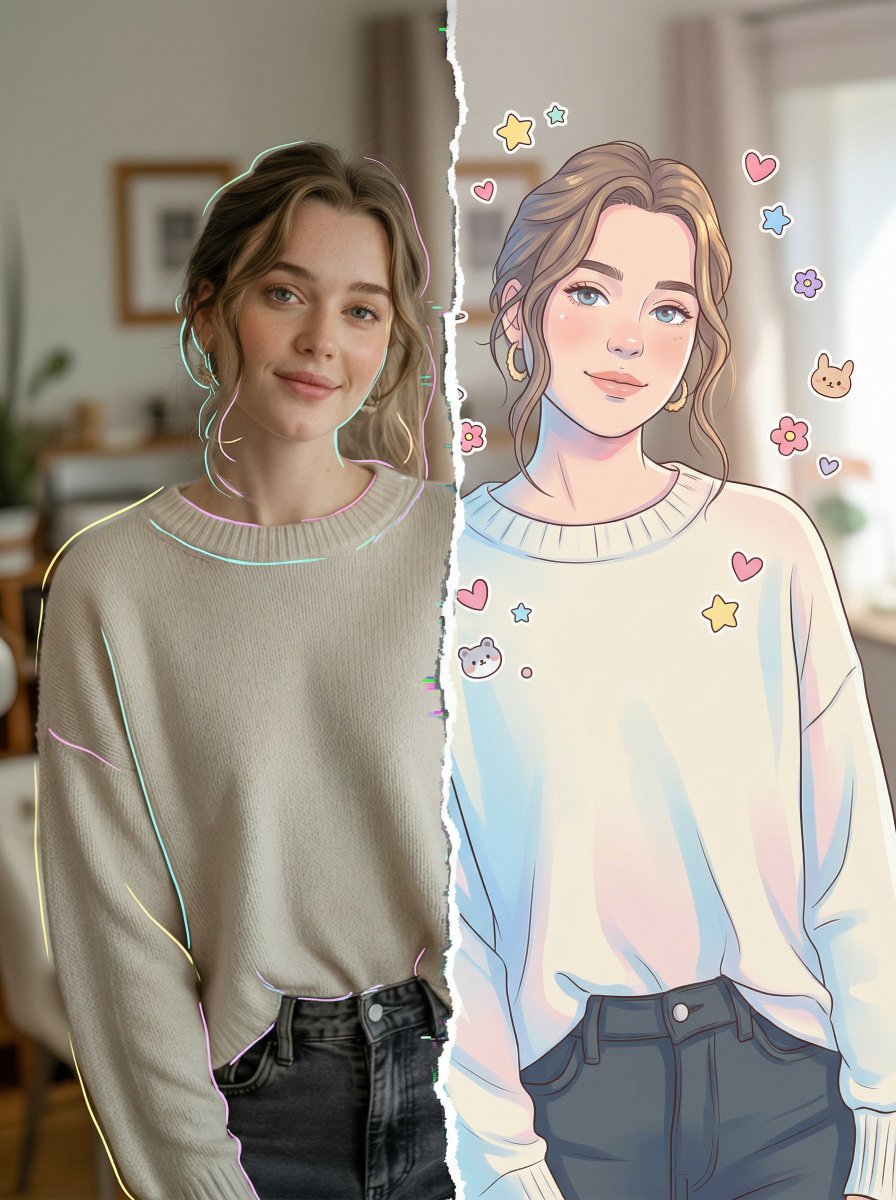
Split-Style Portrait: Photo vs. Digital Illustration
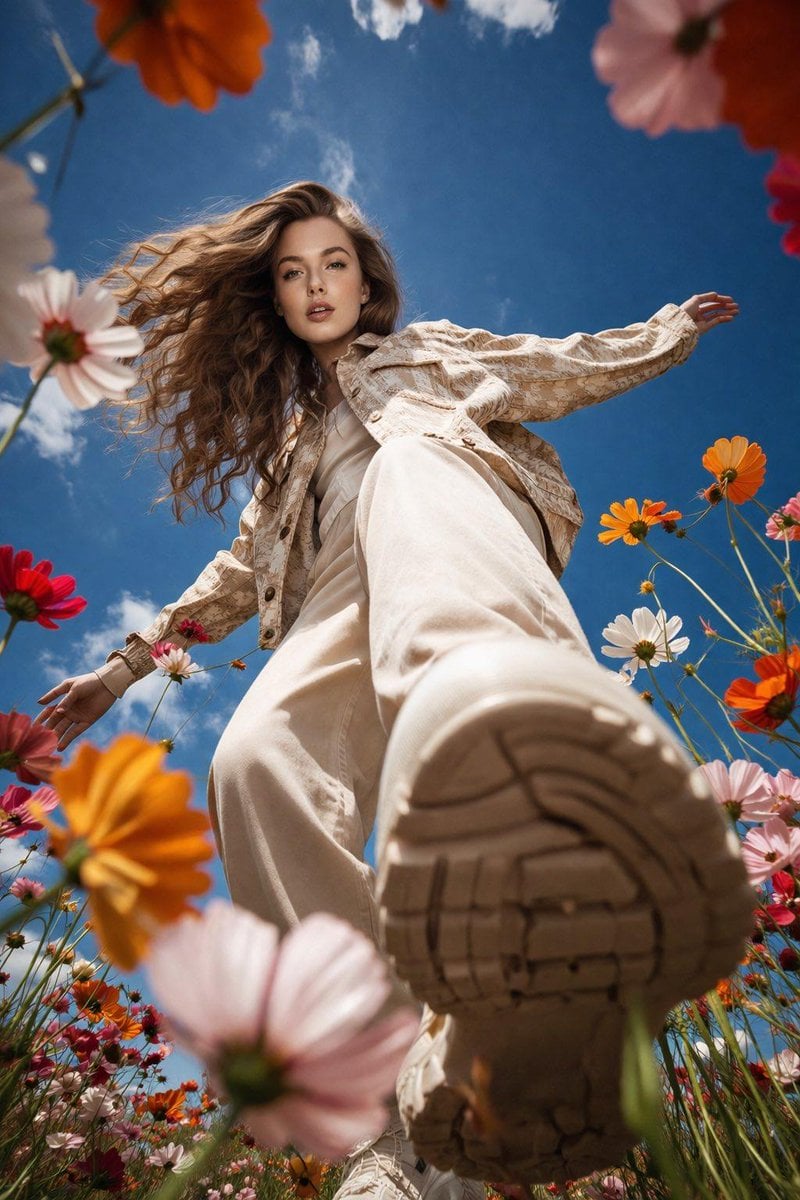
Low-Angle Flower Meadow Stride
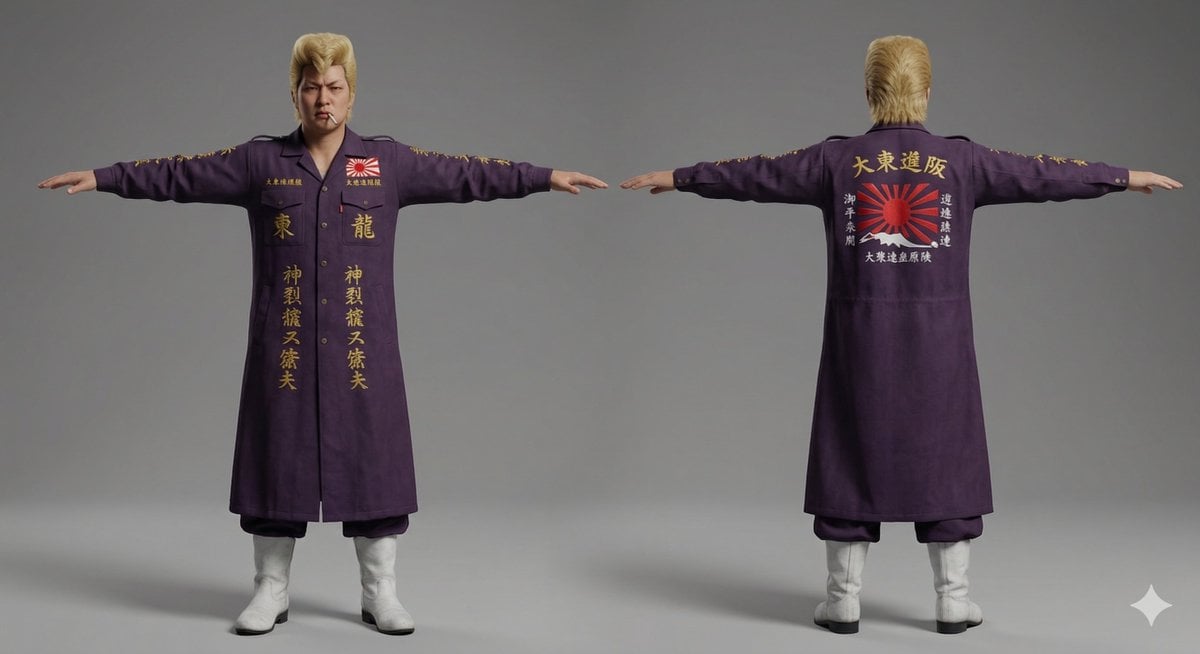
Nano Banana Pro Image Generation of Classic Japanese Bosozoku as a 3D Model Asset
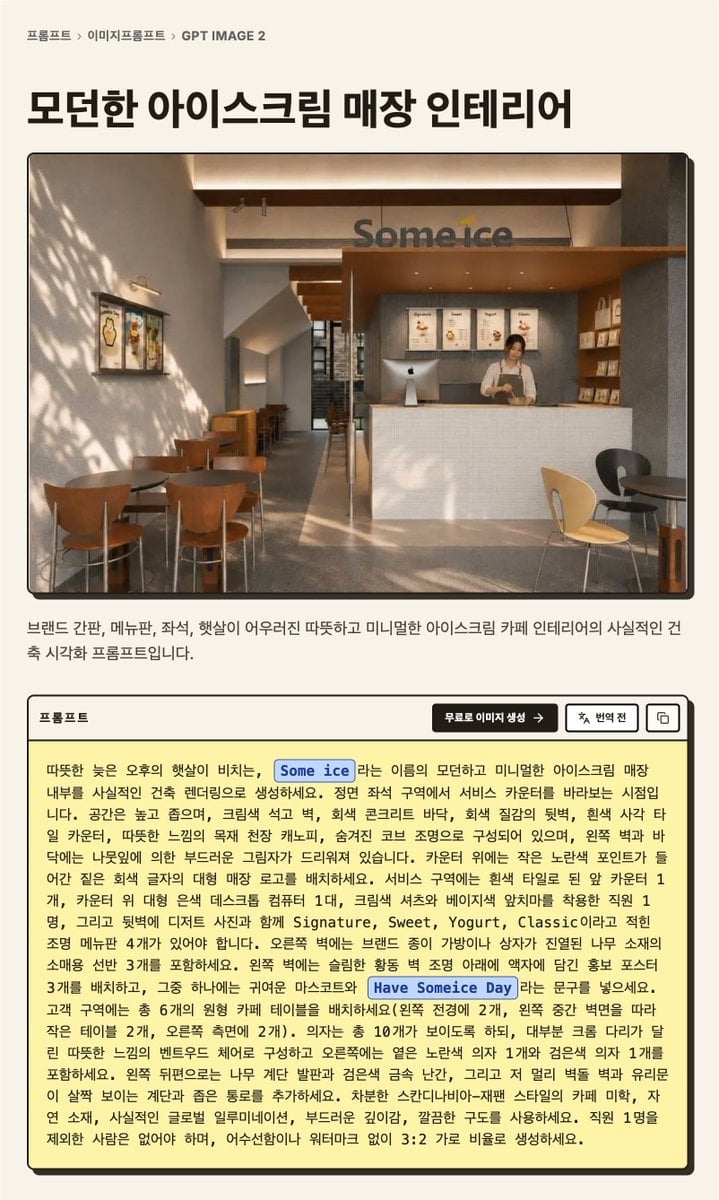
Korean GPT Image Prompt Detail Page
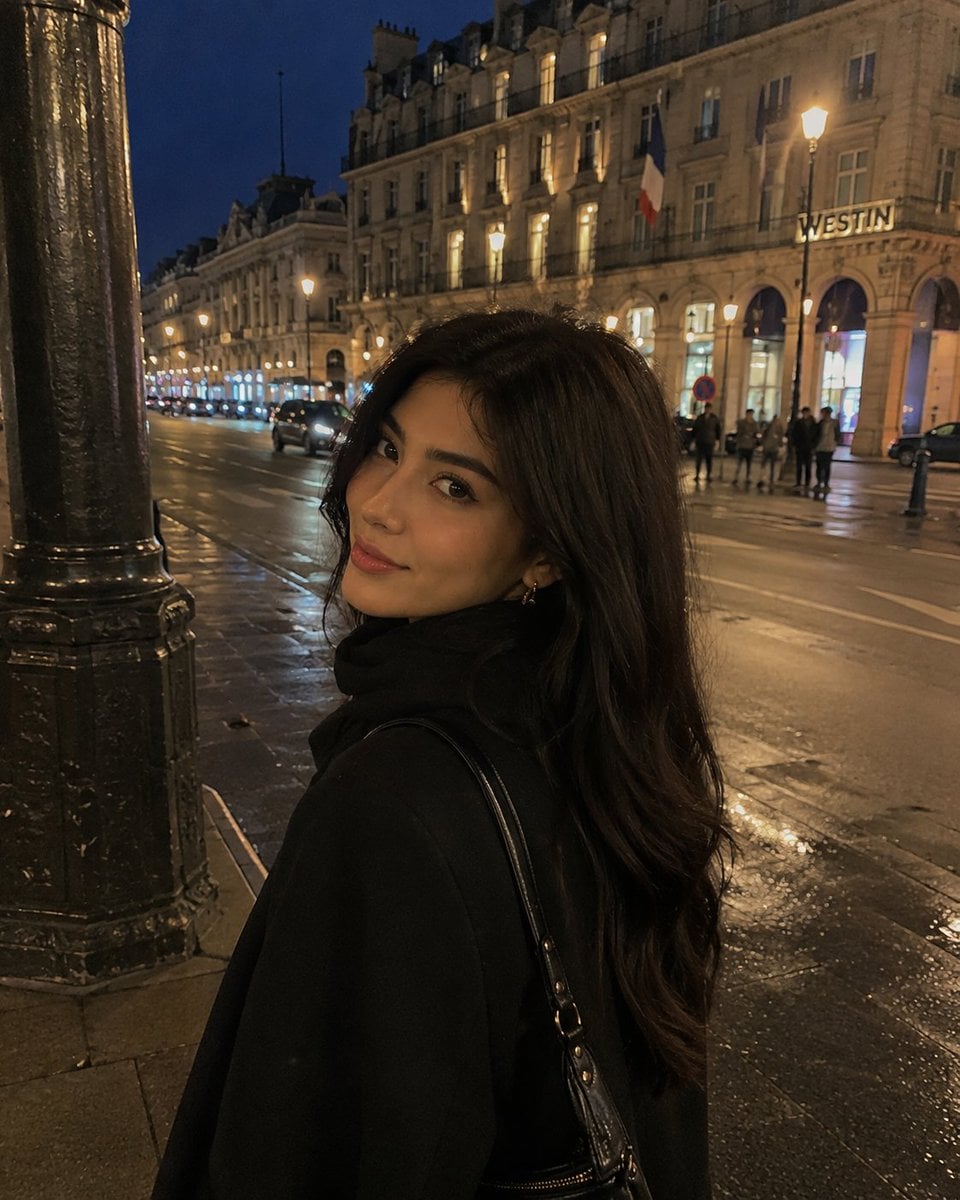
iPhone Night Street Portrait
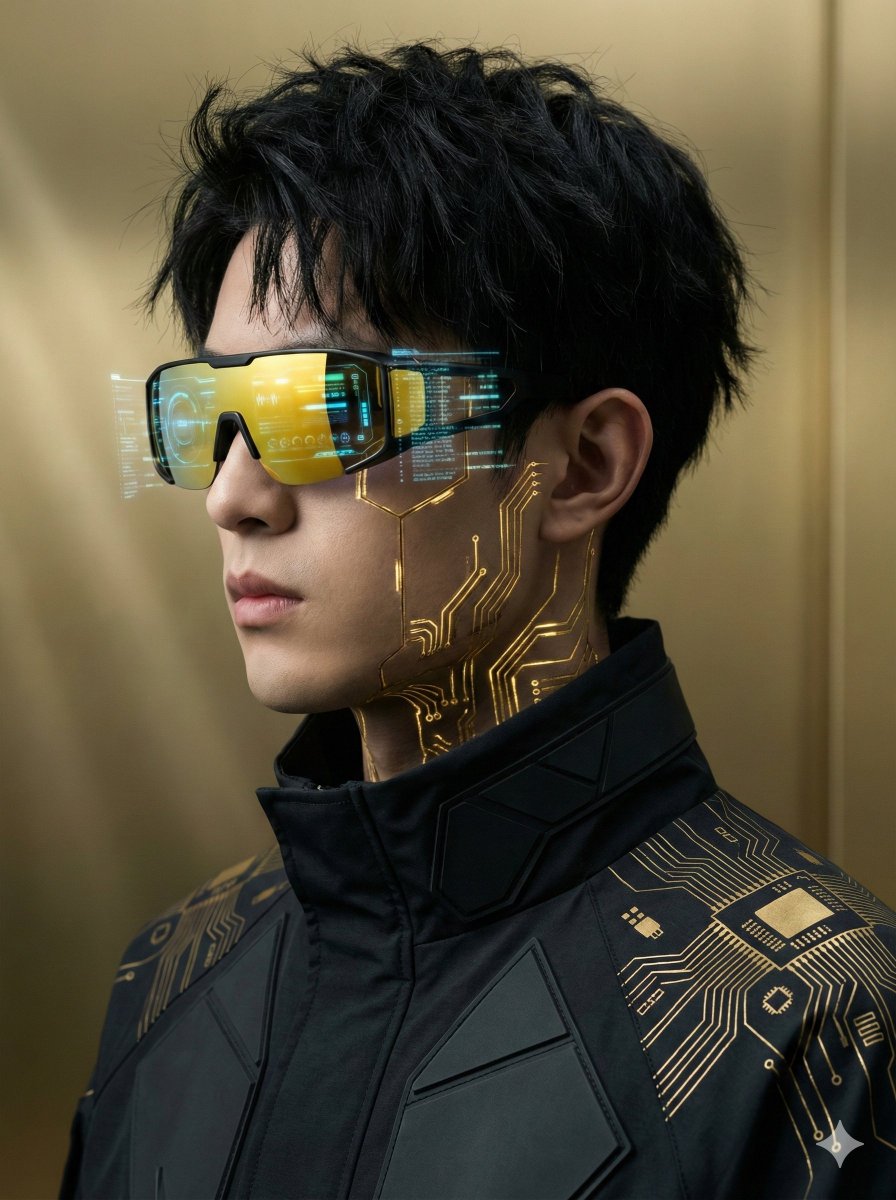
Futuristic Cyberpunk Portrait with Golden Circuitry

Whimsical Cartoon Milkshake with City Skyline Background
Elegant Digital Illustration with Vintage Realism

Luxury Paparazzi Street Photography Prompt

Nano Banana Pro prompt for sports stadium visualization
Browse template categories
Elephant Day Magazine Feature questions
How do I use the Elephant Day Magazine Feature template?
Add your photo if the template asks for one, edit the prompt if you like — the template's model and format are already selected — and press Generate. Your version opens in PicX Studio.
Can I customize the Elephant Day Magazine Feature template?
Yes. You can change the subject, setting, lighting, mood, format, and available model controls before creating your image.
Is the Elephant Day Magazine Feature template free?
Opening and editing this template is free. Generating uses credits, shown on the Generate button when you are signed in.
Which AI model should I use?
Start with GPT Image 2, which is the model associated with this template. You can compare another compatible model for a different finish.
Looking for something else? Browse all templates.

Your photo, any look
Thousands of ready templates for every top image and video model, from one credit balance.