
Vogue Prompt for Nano Banana Pro
Vogue Prompt for Nano Banana Pro is a ready photo look for Nano Banana.
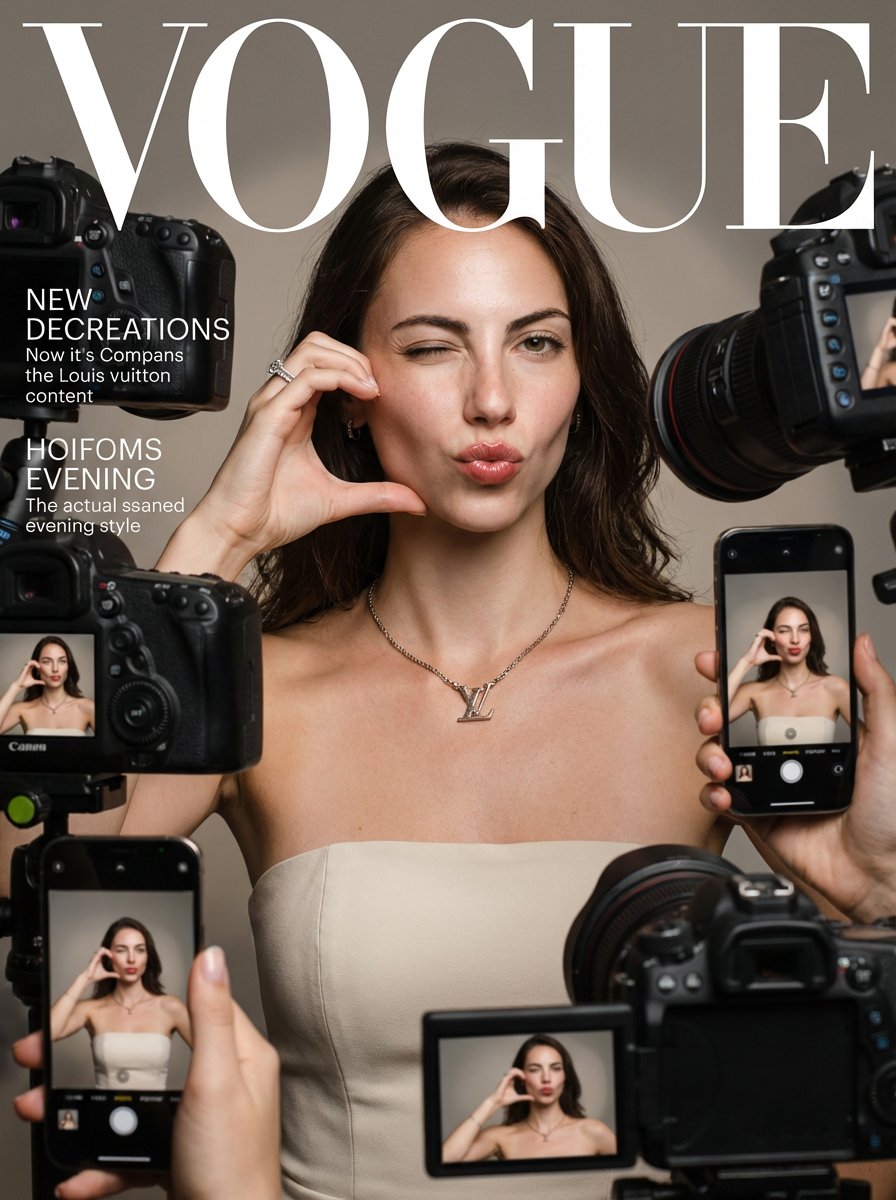
- Prompt included
- Model and format preset
- Premium template
The prompt behind this image
Copy the exact prompt behind Vogue Prompt for Nano Banana Pro, or open it in the studio and make it yours.
Create a realistic Vogue magazine cover–style fashion portrait using the uploaded face as the original face reference (100% face identity preservation). A young elegant woman posing confidently, maintaining her original facial features and natural beauty. She is winking with her left eye and making a playful duck-face expression. Both hands are raised, forming a love/heart gesture near her face. She is surrounded by multiple DSLR cameras and smartphones held around her, as if paparazzi and photographers are capturing her from all directions. Some phones show her live image on their screens. Appearance & styling: flawless glowing skin, natural makeup with glossy pink lips, soft blush, subtle highlights. Light brown hair styled in a low, neat updo with a few loose strands. Outfit & accessories: elegant minimalist beige-white strapless evening dress, Louis Vuitton necklace, diamond ring, luxury fashion jewelry. Photography style: close-up to half-body fashion portrait, Vogue editorial aesthetic, cinematic professional studio lighting, soft HDR background, shallow depth of field, realistic skin texture, ultra-detailed, 8K quality. Camera & lens look: professional DSLR look, 85mm lens feel, f/1.8 aperture, crisp focus with smooth background bokeh. Composition: Vogue magazine layout with large bold logo at the top, editorial fashion cover framing, clean and elegant design. Mood & vibe: playful yet luxurious, high-fashion beauty editorial, realistic, not AI-looking, photographed by a professional fashion photographer.
How to use Vogue Prompt for Nano Banana Pro in 3 steps
- 1Upload ImagePNG, JPG or paste
Add your photo
Upload the photo the template builds on. The prompt, model and format are already set.
- 2…a portrait of your subject in softgolden-hour light, 85mm…
Personalize
Edit the subject and creative details for your destination.
- 3Generate
Generate
Press Generate — your image is created in PicX Studio, so you can compare it with the original and refine one variable at a time.
More like this
Templates with the same subject, style or setup. Open one to see its prompt.

Ultra-Realistic Vogue-Style Editorial Fashion Grid

Nano Banana Is So Addictive

Nano Banana 2 Perspective Experiment

Gemini Nano Banana 2 Isometric 3d City D

Nano Banana 2

Gemini Nano Banana 2

Gemini Nano Banana 2 Logo in Wet Sand Be

Nano Banana 2 Gourmet Ice Cream Commerci

Nano Banana Pro Photoreal Playful Couple

Nano Banana 2 High Fashion Sports Campai

Nano Banana 2 Editorial Fashion Portrait

Gpt Image 2 Fashion Portrait
Make it yours
Vogue Prompt for Nano Banana Pro works as-is. These are the safest ways to change it without losing the look.
Change one field
Copy a single group, rewrite it, and generate again so you can see what that field is doing.
Keep the frame, change the subject
Hold the composition and light of 119-vogue-prompt-for-nano-banana-pro, then swap wardrobe, props or the person for a new take.
| If the result… | Why | Fix |
|---|---|---|
| The result drifts from the preview | Too many fields changed at once. | Reuse 119-vogue-prompt-for-nano-banana-pro as-is first, then change one group — subject, light, or setting. |
| The model over-stylizes the scene | The prose prompt leaves finish and camera underspecified. | Add one camera or lighting sentence and stay on Nano Banana. |
More Nano Banana templates
Other prompts made for Nano Banana.









More image prompts
Fresh picks from across the catalog.
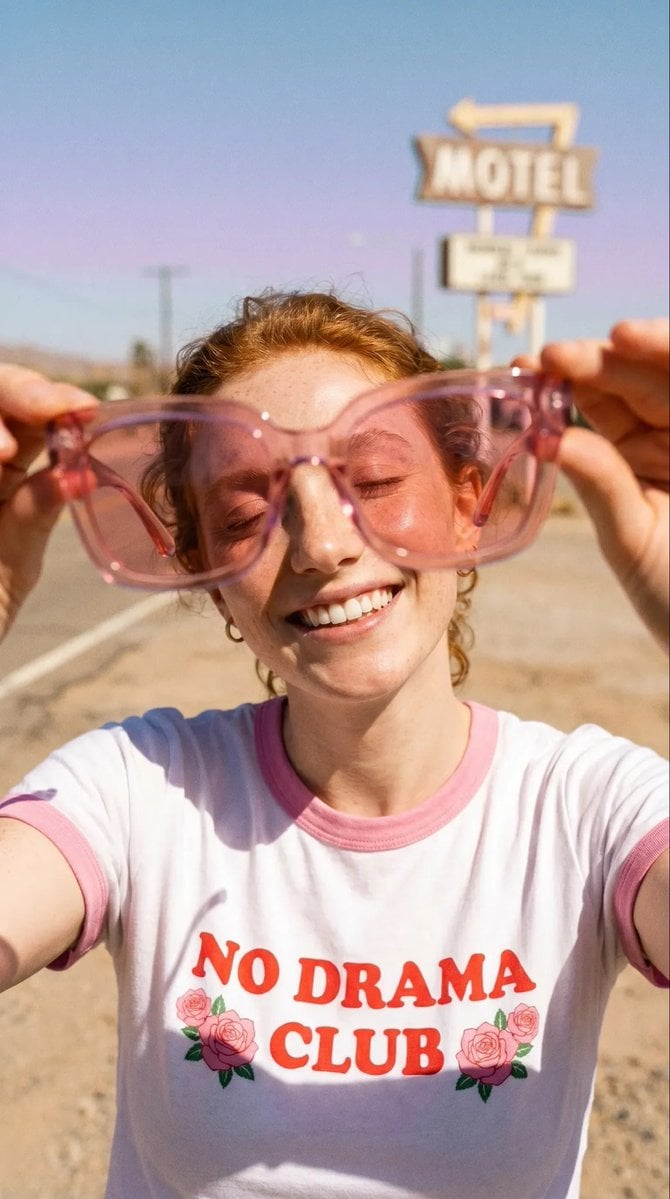
Realistic Desert Lifestyle Portrait
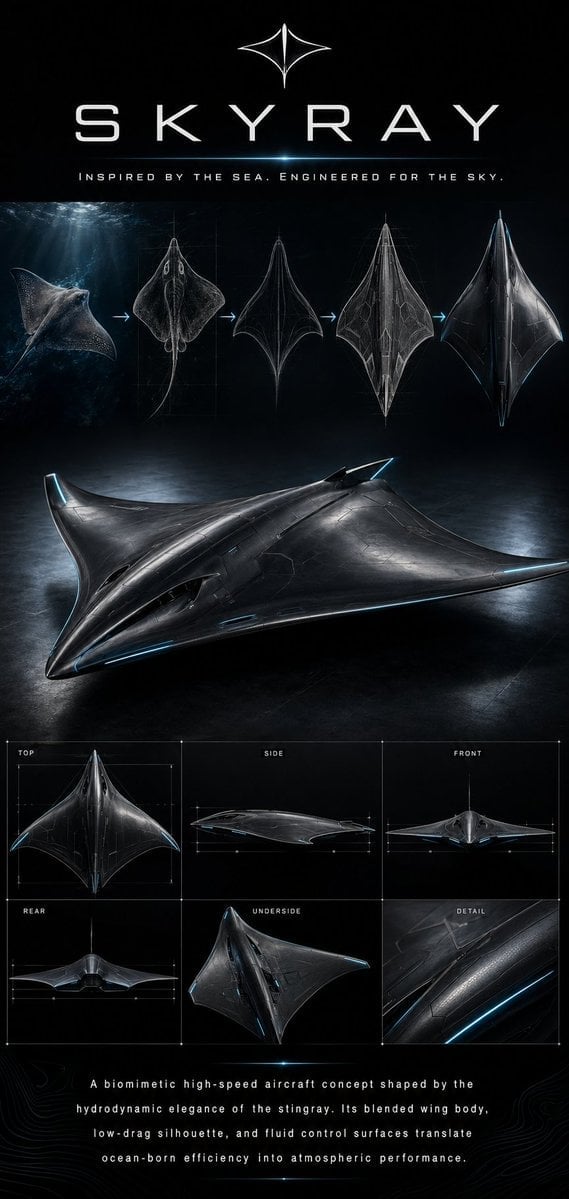
Biomimetic Skyray Aircraft Poster
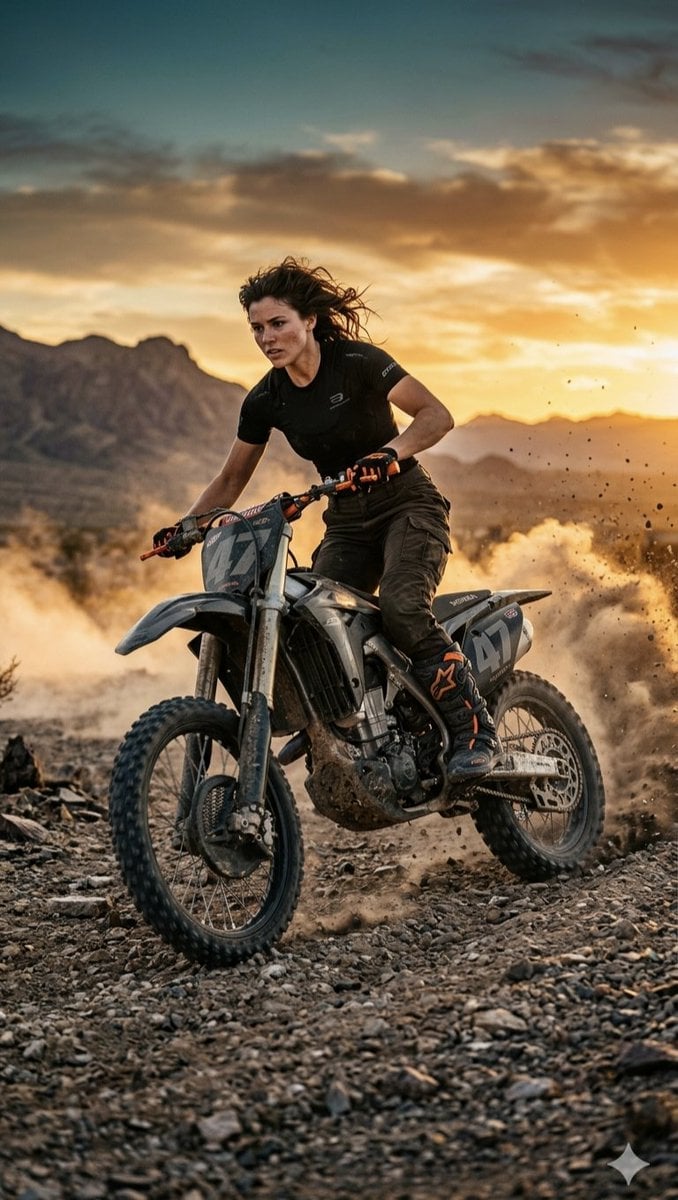
Desert Motocross Action Shot
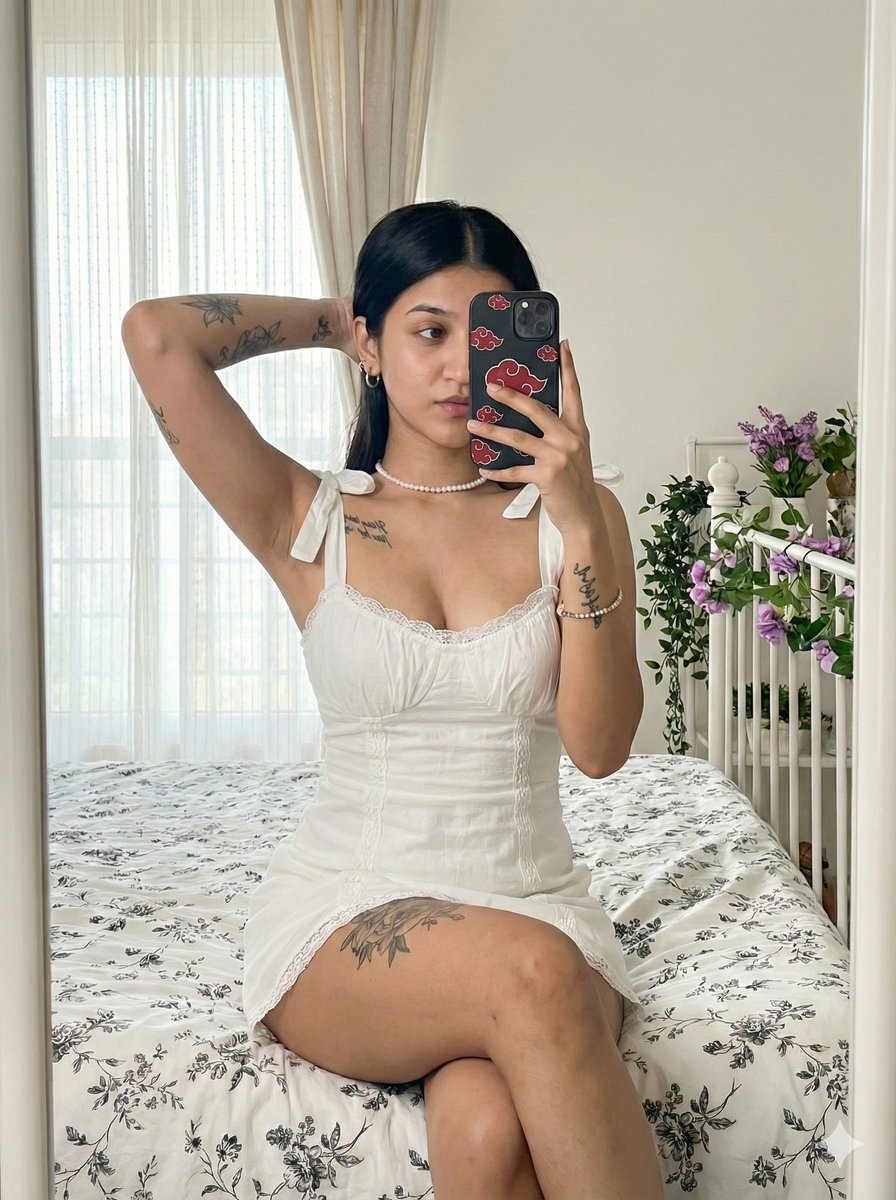
Akatsuki Mirror Selfie Prompt
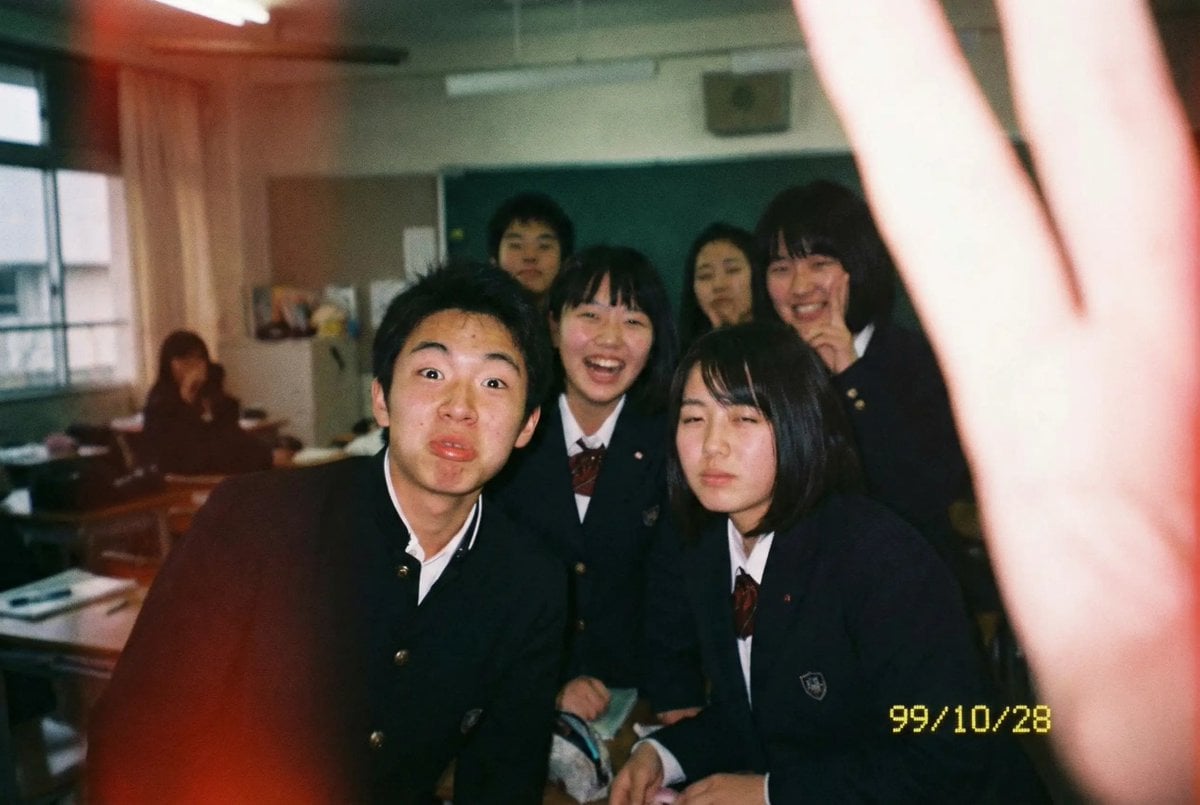
Low-quality disposable camera high school snapshot prompt
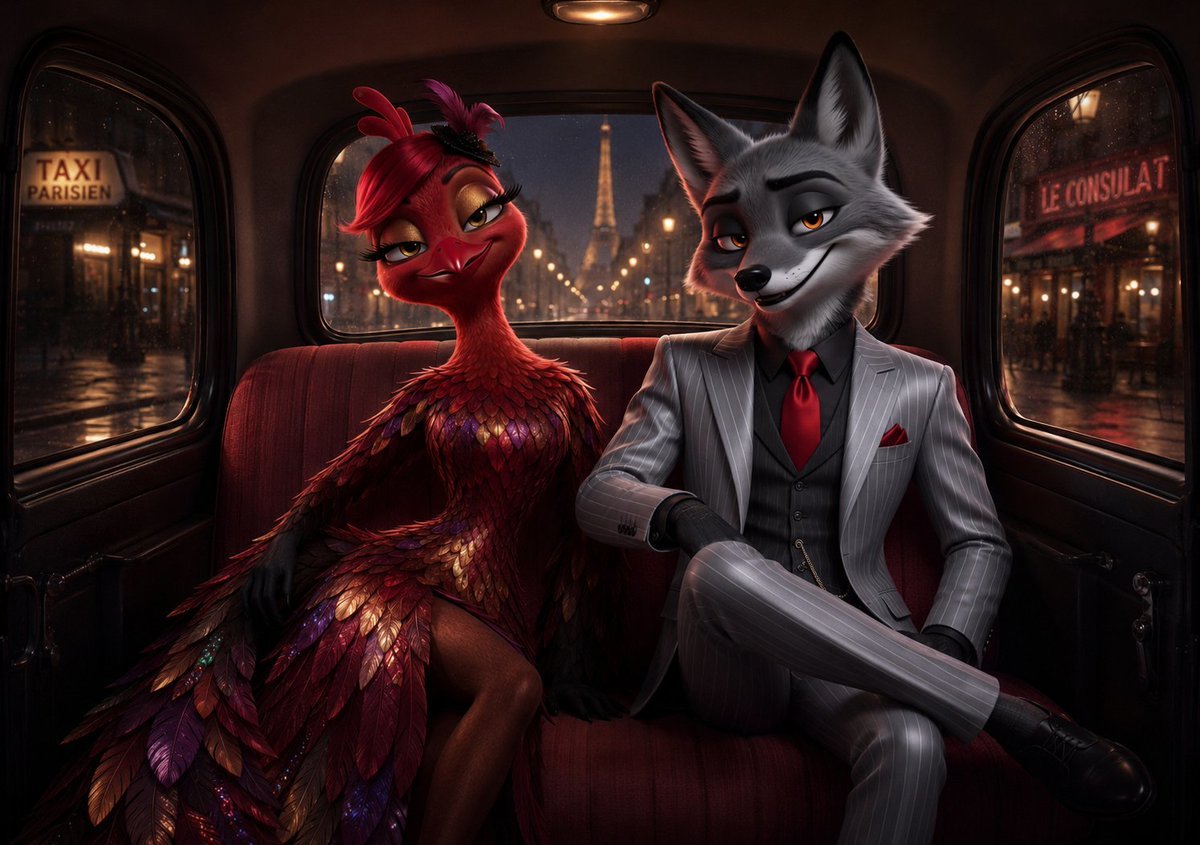
Noir Paris Taxi Anthro Couple
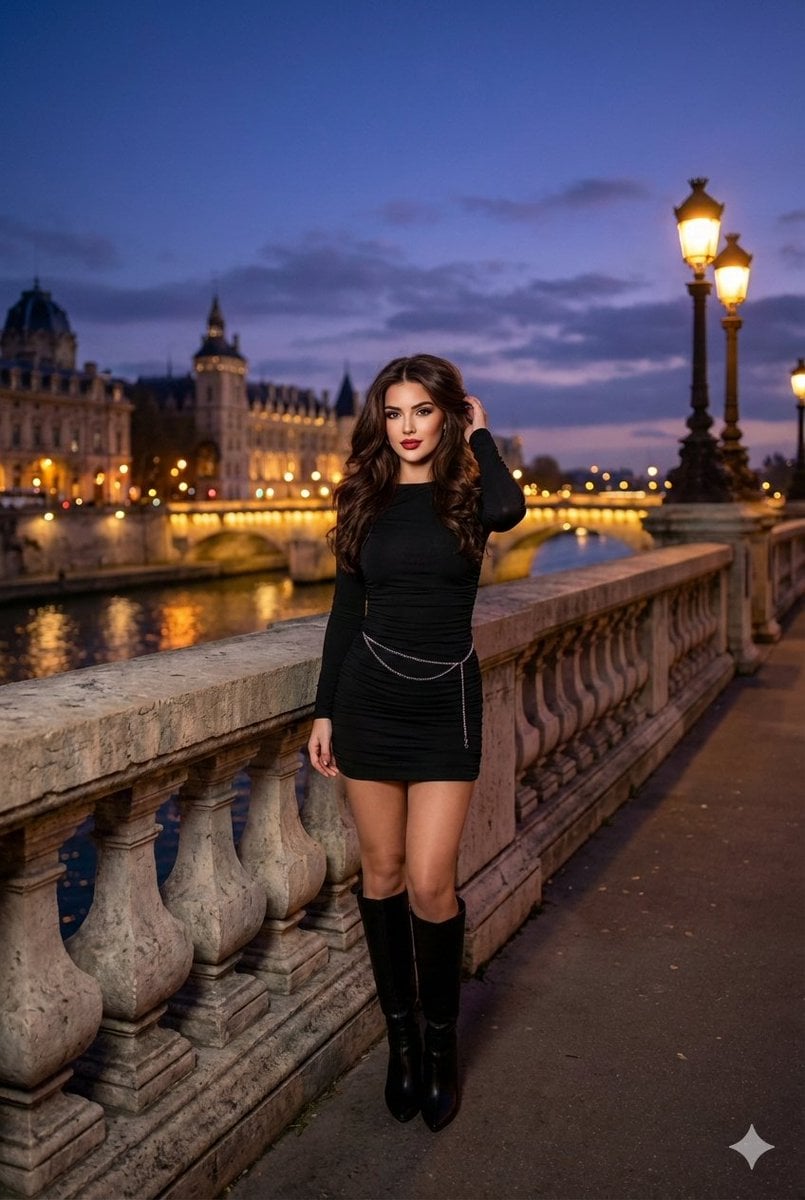
Evening cityscape bridge fashion portrait
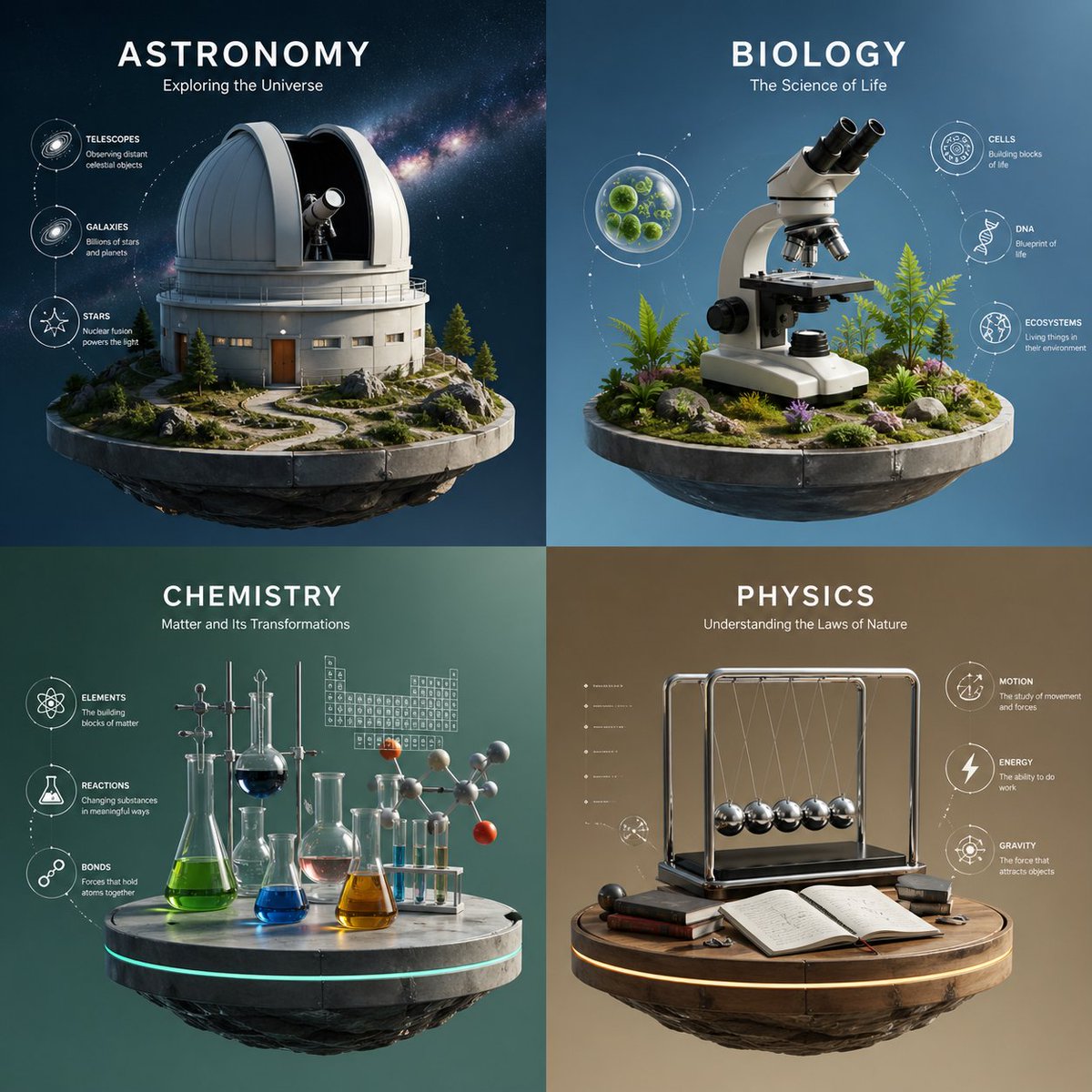
Four-Panel Science Concept Poster
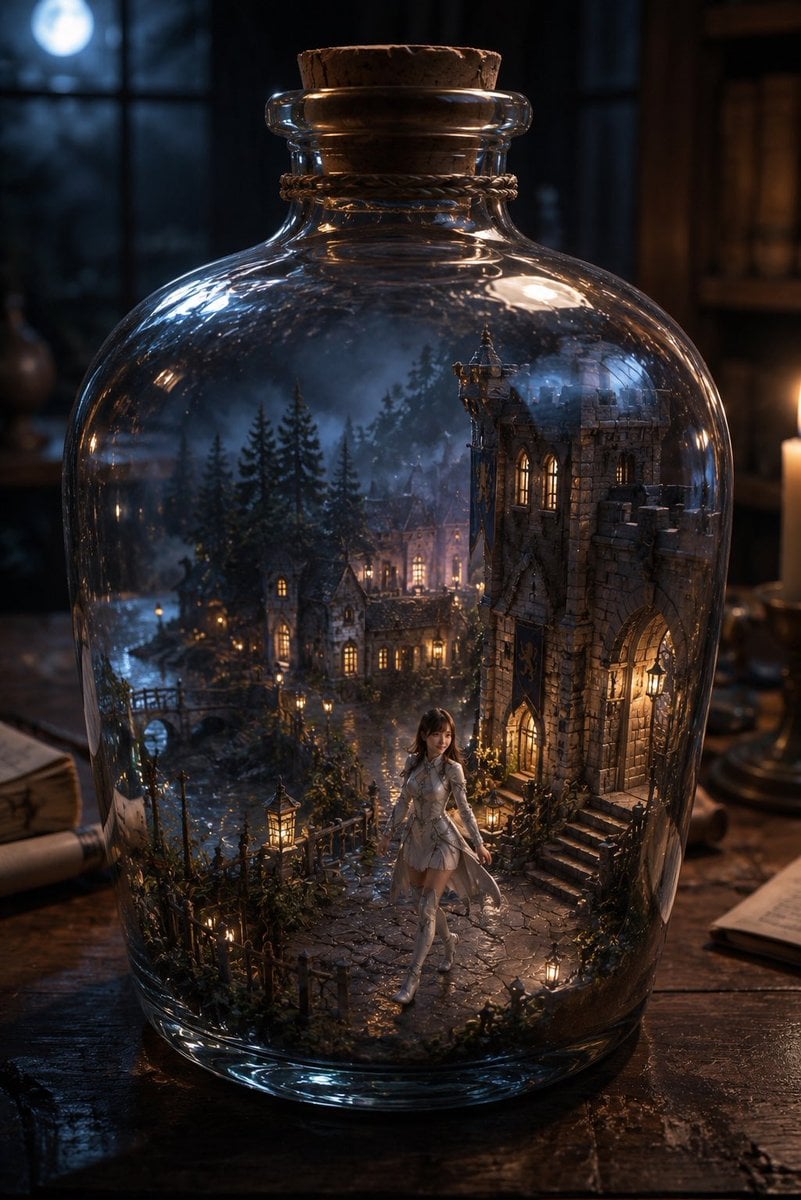
Miniature Fantasy Village in a Glass Bottle
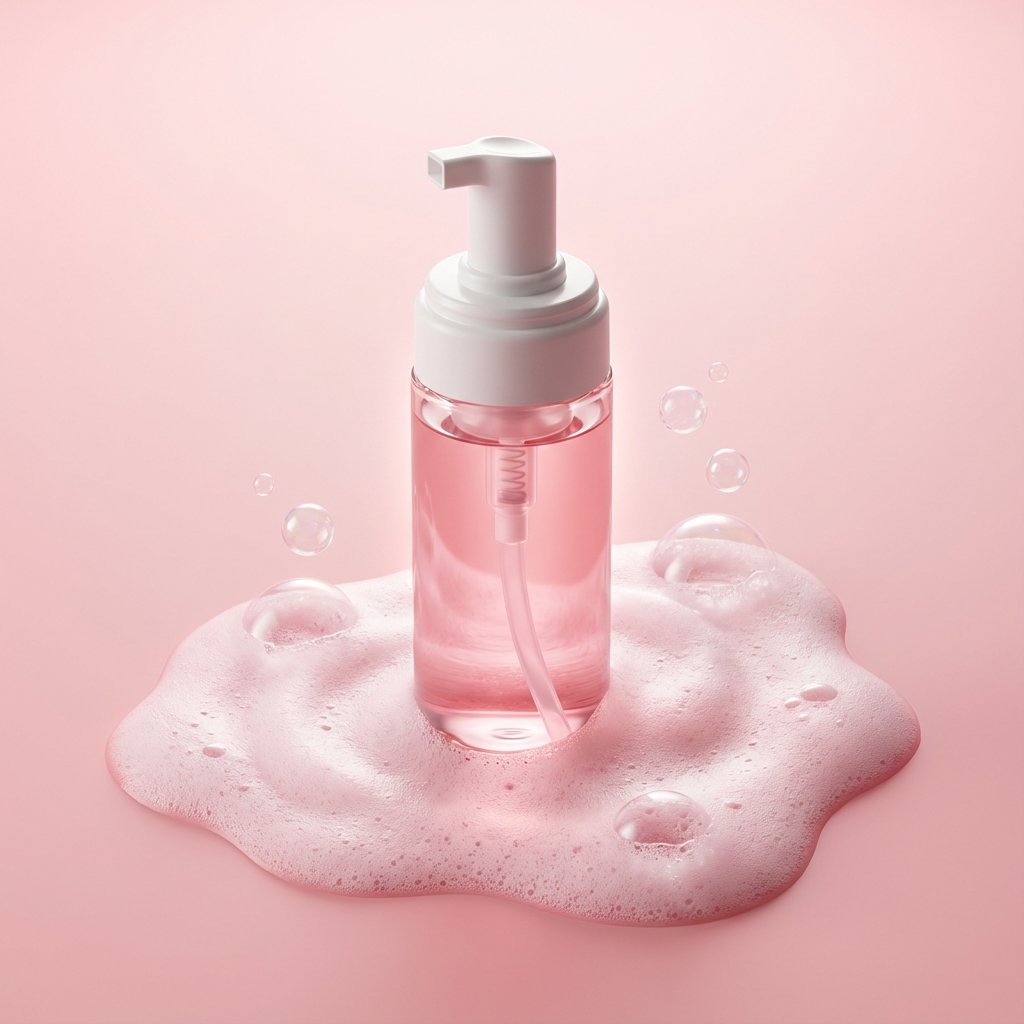
Minimalist Skincare Product Photography with Bubbles
Browse template categories
Vogue Prompt for Nano Banana Pro questions
How do I use the 119-vogue-prompt-for-nano-banana-pro template?
Add your photo if the template asks for one, edit the prompt if you like — the template's model and format are already selected — and press Generate. Your version opens in PicX Studio.
Can I customize the 119-vogue-prompt-for-nano-banana-pro template?
Yes. You can change the subject, setting, lighting, mood, format, and available model controls before creating your image.
Is the 119-vogue-prompt-for-nano-banana-pro template free?
Opening and editing this template is free. Generating uses credits, shown on the Generate button when you are signed in.
Which AI model should I use?
Start with Nano Banana, which is the model associated with this template. You can compare another compatible model for a different finish.
Looking for something else? Browse all templates.

Your photo, any look
Thousands of ready templates for every top image and video model, from one credit balance.