How do I use the Ancient Scroll Scholar Riding Dragon template?
Choose the primary action to open PicX Studio with the available template settings. Review the model and format, personalize the creative direction, and generate when ready.
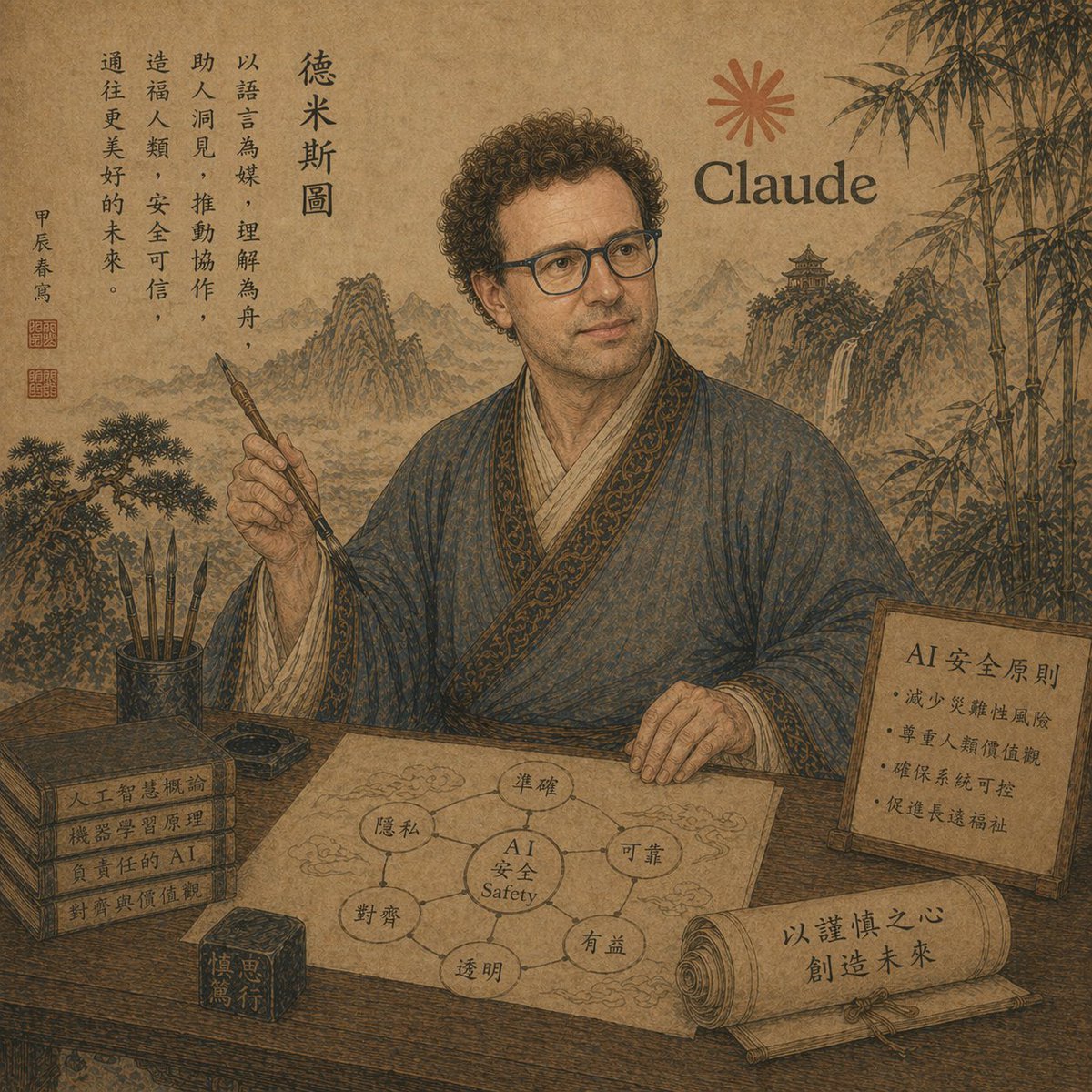
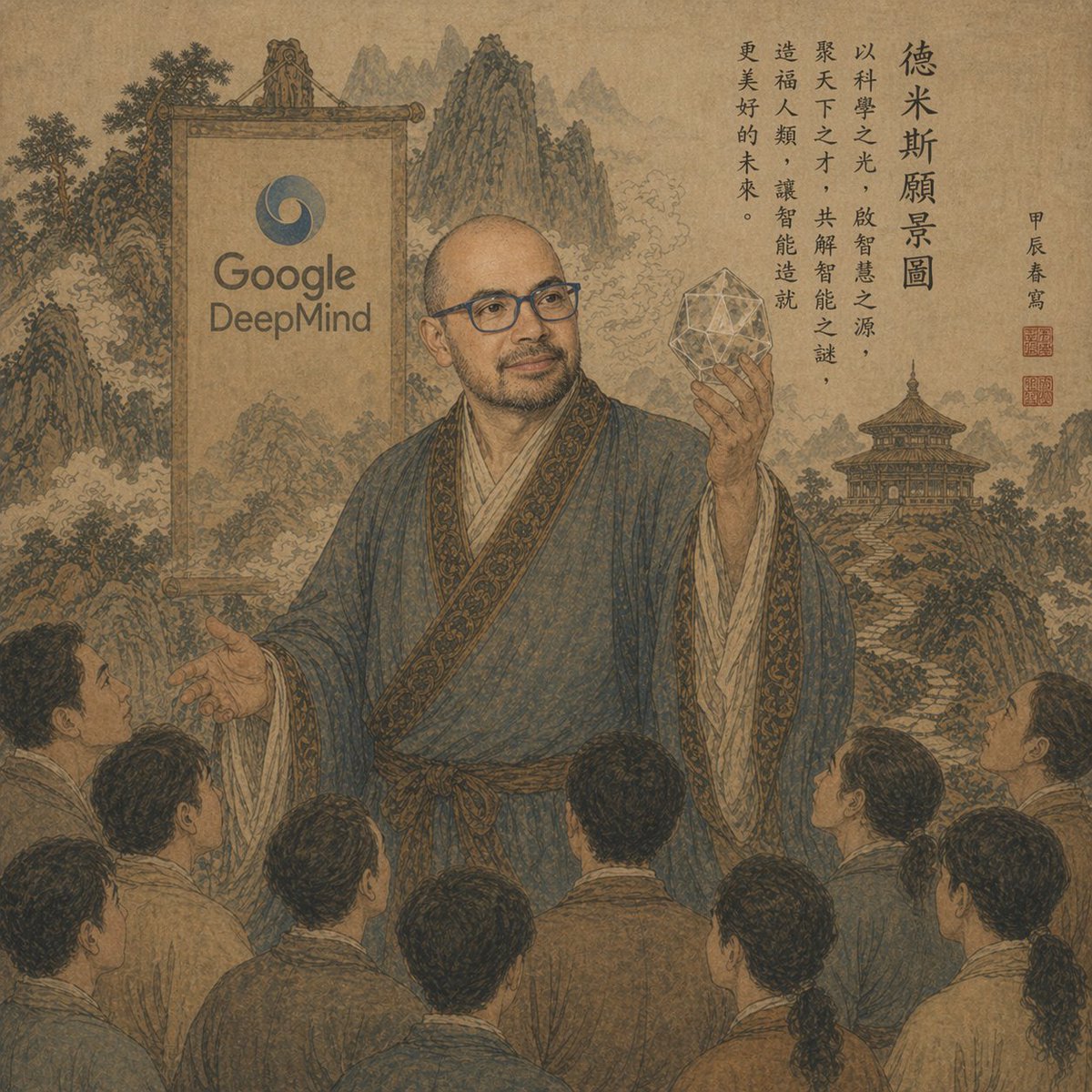
This prompt generates a classical Chinese scroll-style fantasy portrait of a robed scholar on a dragon with calligraphy and subtle modern AI symbols, ideal for
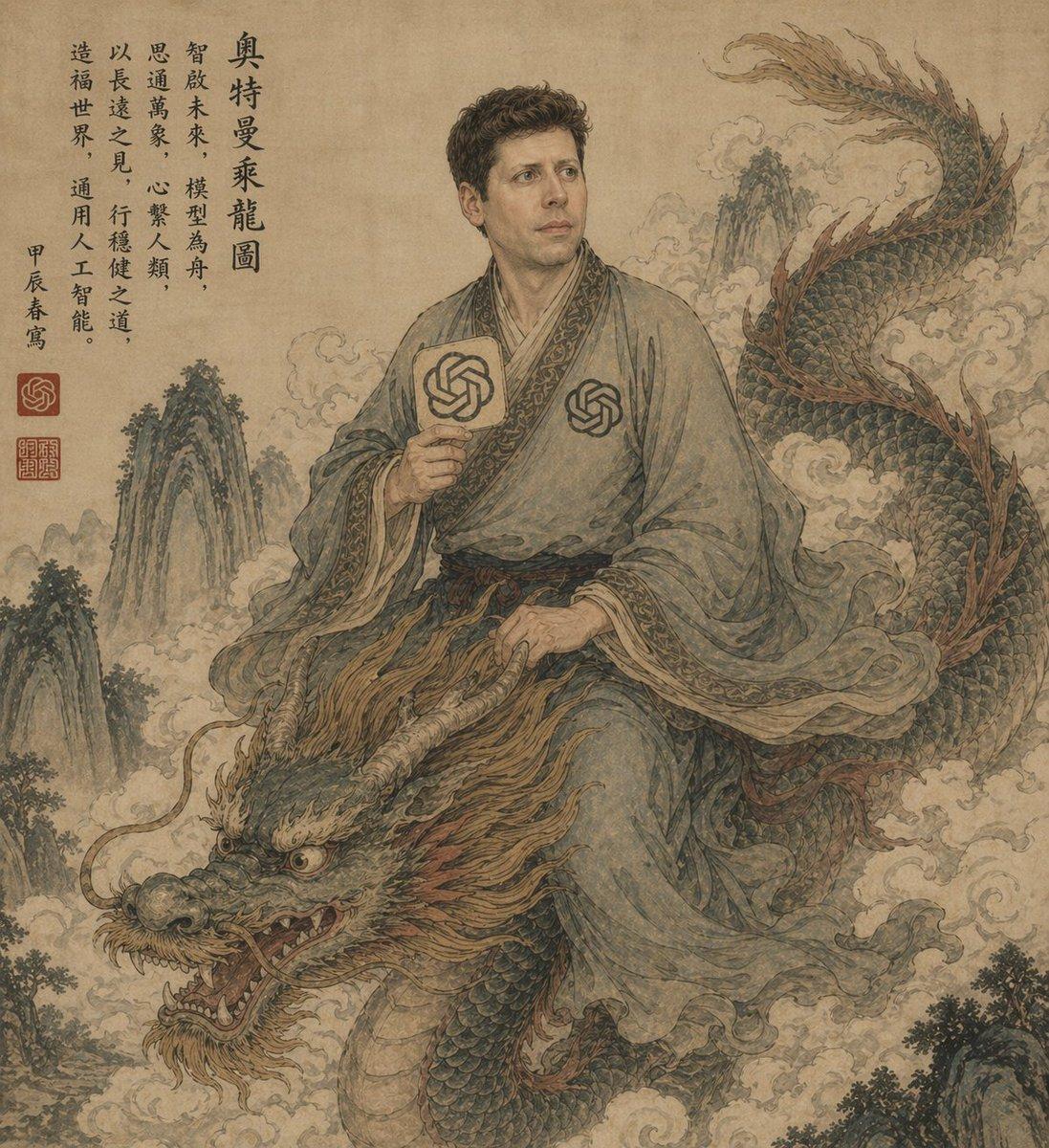
An ancient Chinese ink-and-wash style portrait on aged tan parchment, composed like a classical hanging scroll. A scholarly East Asian man in flowing gray-blue robes sits side-saddle atop a long serpentine Chinese dragon emerging through swirling clouds. His face is intentionally obscured by a flat rectangular blur block in parchment-brown tones. He has short dark curly hair and wears layered traditional robes with ornate patterned trim, a dark sash belt, and two modern OpenAI knot emblems worked into the costume: one printed on the chest and one on a round hand fan he holds upright in his right hand. His left hand rests near the dragon's mane as if holding the creature steady. The dragon is large and detailed, with blue-green scales, a pale underbelly, reddish-brown mane and fin accents, antler-like horns, whiskers, bared teeth, and a fierce expressive face in the lower left foreground, while its body coils upward to the upper right. Surround the figures with mist, stylized clouds, and steep craggy mountain peaks fading into the background. Add a vertical column of black Chinese calligraphy at the upper left and 3 red seal stamps near the lower part of the inscription area. The palette is muted, dusty, and antique: parchment beige, faded teal, moss green, smoky gray, sepia, and rust. Overall feeling: mythical, scholarly, dignified, slightly surreal, blending classical Chinese scroll painting with subtle modern AI iconography. Highly detailed brushwork, weathered paper texture, elegant composition, no border, full-frame vertical artwork.
Choose the primary action to open PicX Studio with the available template settings. Review the model and format, personalize the creative direction, and generate when ready.
Yes. You can change the subject, setting, lighting, mood, format, and available model controls before creating your image.
This template is free to open and customize. Generation usage is shown in PicX Studio before you create.
Start with GPT Image 2, which is the model associated with this template. You can compare another compatible model for a different finish.
© 2026 PicX Studio. All rights reserved.

Follow a topic to a crawlable collection of related PicX Studio templates.