
Historic Battle Visualization Scroll
A customizable prompt for creating 3:1 aspect ratio historical battle maps and terrain visualizations.
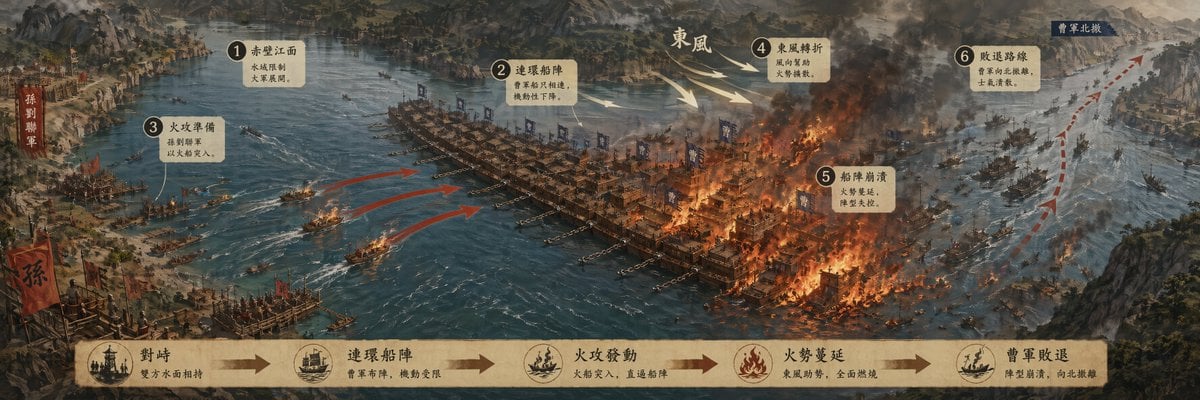
- Prompt included
- Model and format preset
- Free template
The prompt behind this image
Copy the exact prompt behind Historic Battle Visualization Scroll, or open it in the studio and make it yours.
生成一张【经典战役可视化长卷】,单张完整图片,不要拼图,不要多宫格,不要分栏,横版 3:1。 战役主题:【{argument name="战役主题" default="赤壁之战"}】 标题:【{argument name="标题" default="赤壁之战"}】 副标题:【{argument name="副标题" default="一句话概括关键转折"}】 核心内容:【战场地形 / 双方阵营 / 主攻路线
How to use Historic Battle Visualization Scroll in 3 steps
- 1
Open
The prompt is already in the box next to the preview, with the template's model and format selected.
- 2…a portrait of your subject in softgolden-hour light, 85mm…
Personalize
Edit the subject and creative details for your destination.
- 3Generate
Generate
Press Generate — your image is created in PicX Studio, so you can compare it with the original and refine one variable at a time.
More like this
Templates with the same subject, style or setup. Open one to see its prompt.
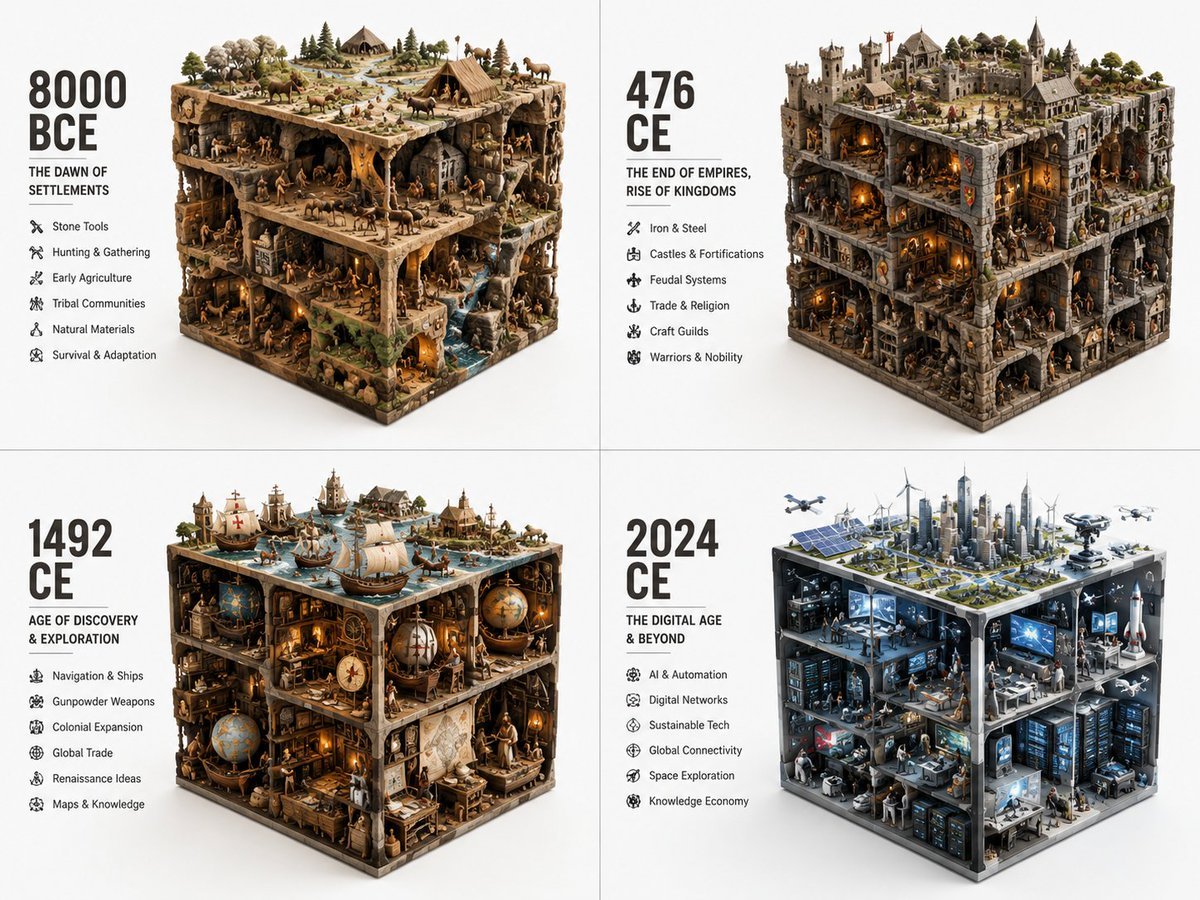
Historical Era Visualization Cube
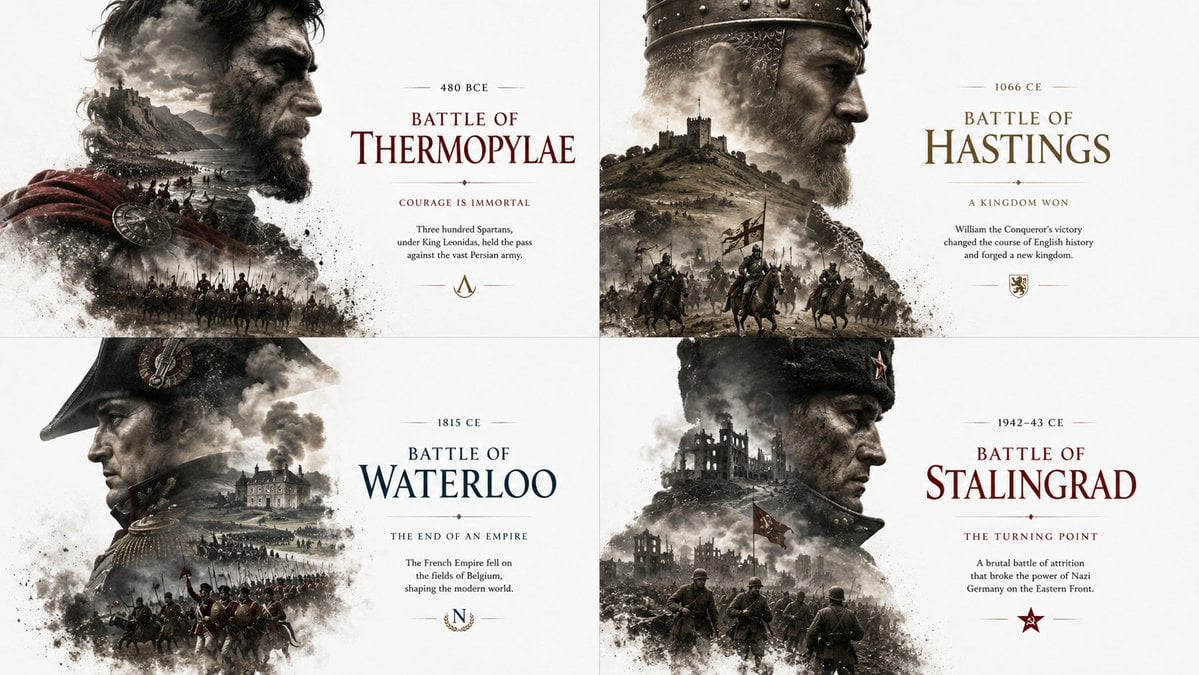
Historical Editorial Battle Poster
Seedance - Dragon vs Python Battle
Seedance - Arrow Microscopic Battle
Sci-Fi AI Battle Movie Poster

Act as a 3D Product Visualization Artist
Act as a Senior 3D Product Visualization Artist and Cinematic Art
Moonlit Immortal Scroll Emergence
Battle Maid in Ruined Cathedral
Fantasy Hanfu Travelers at Historic Church
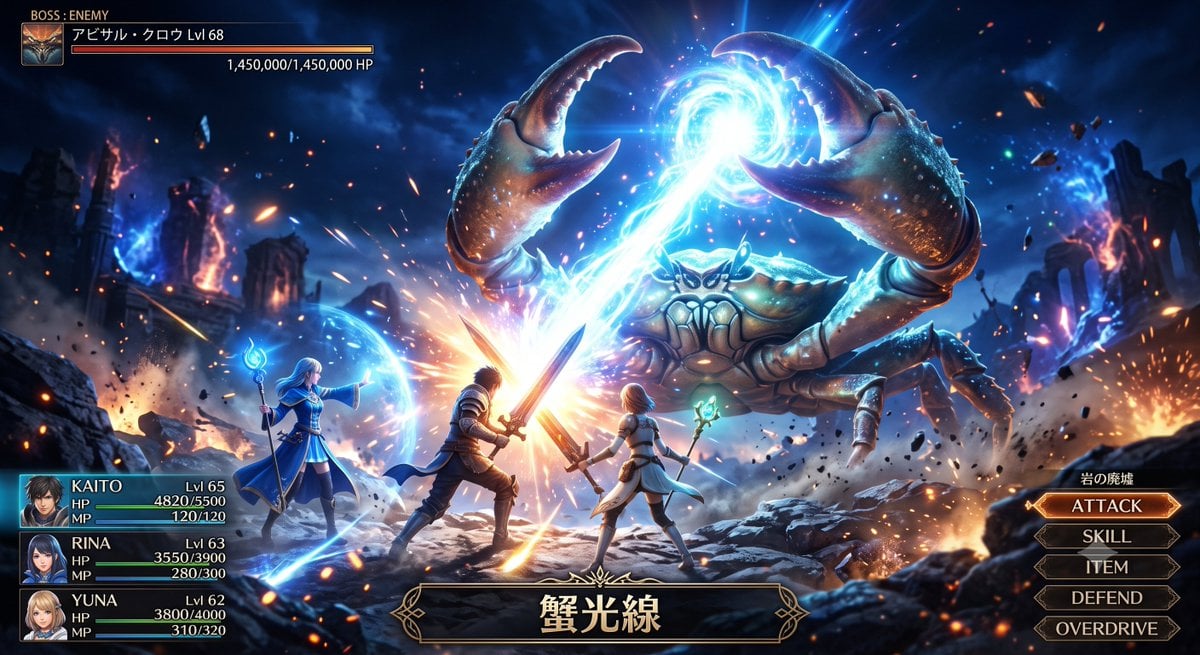
Fantasy Crab Boss Battle UI
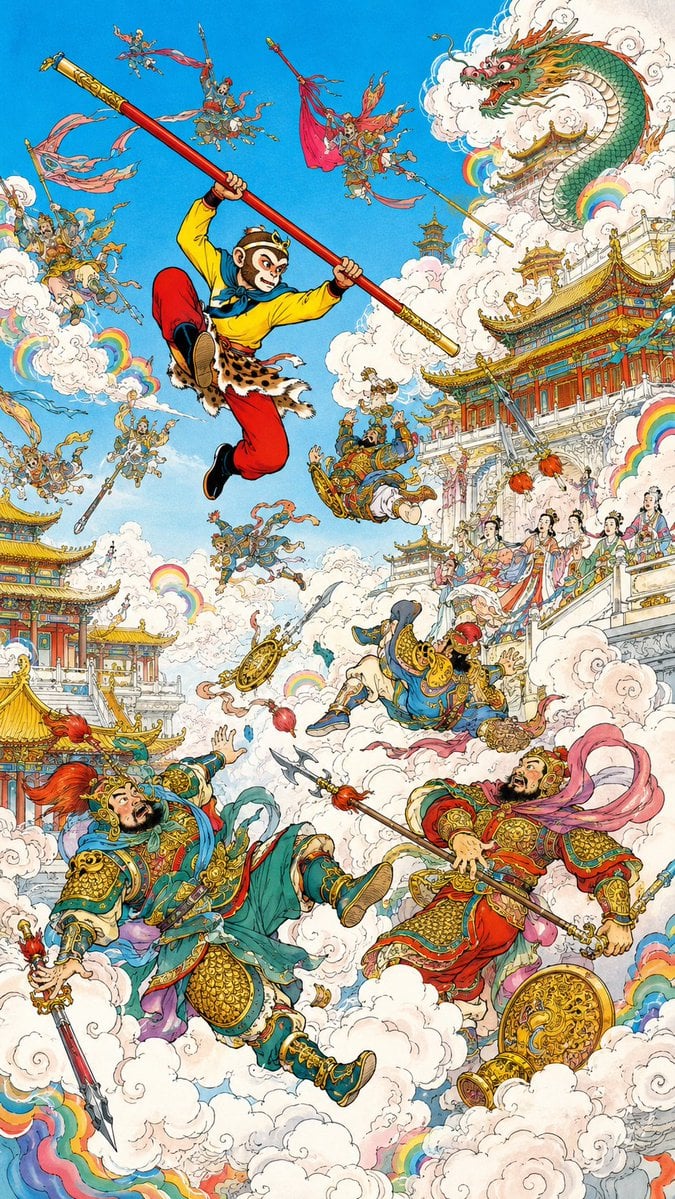
Monkey King Heavenly Battle Illustration
Make it yours
Historic Battle Visualization Scroll works as-is. These are the safest ways to change it without losing the look.
Change one field
Copy a single group, rewrite it, and generate again so you can see what that field is doing.
Keep the frame, change the subject
Hold the composition and light of Historic Battle Visualization Scroll, then swap wardrobe, props or the person for a new take.
| If the result… | Why | Fix |
|---|---|---|
| The result drifts from the preview | Too many fields changed at once. | Reuse Historic Battle Visualization Scroll as-is first, then change one group — subject, light, or setting. |
| The model over-stylizes the scene | The prose prompt leaves finish and camera underspecified. | Add one camera or lighting sentence and stay on GPT Image 2. |
More GPT Image 2 templates
Other prompts made for GPT Image 2.

Six VTuber Japanese Logo Sheet

Realistic Portrait of Woman and Deer

The Vista Modular Condo Poster

AI Model Routing Comparison Infographic

2.5D Anime Art Board

Isometric Productivity Desk Scene

New York Double Exposure Poster

Four-Panel AI Landscape Comparison

Japanese Tatami Lifestyle Magazine Cover

NESCAFÉ Coffee Map Poster
More image prompts
Fresh picks from across the catalog.
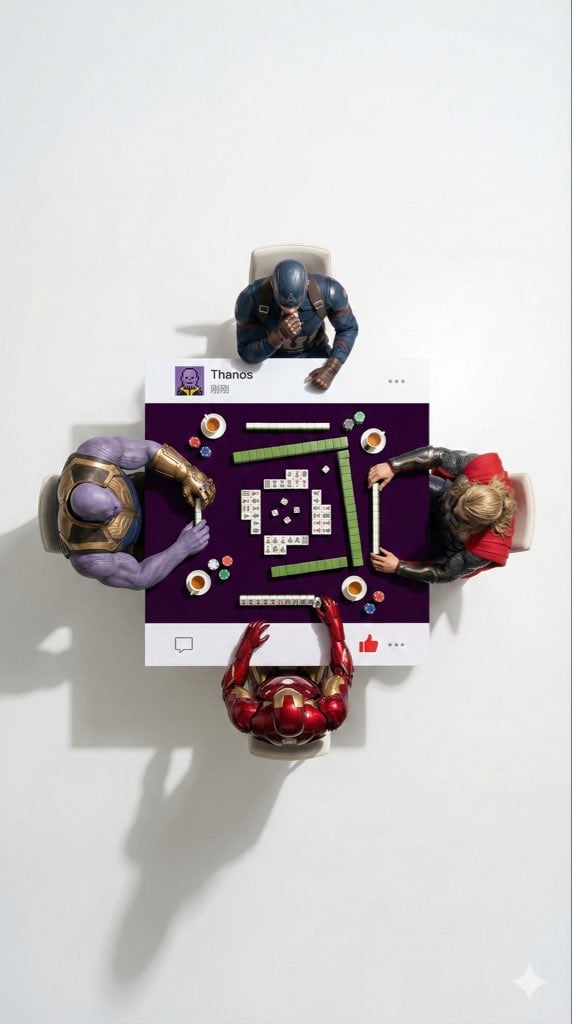
Overhead Superhero Mahjong Scene Prompt (WeChat Moments Style)
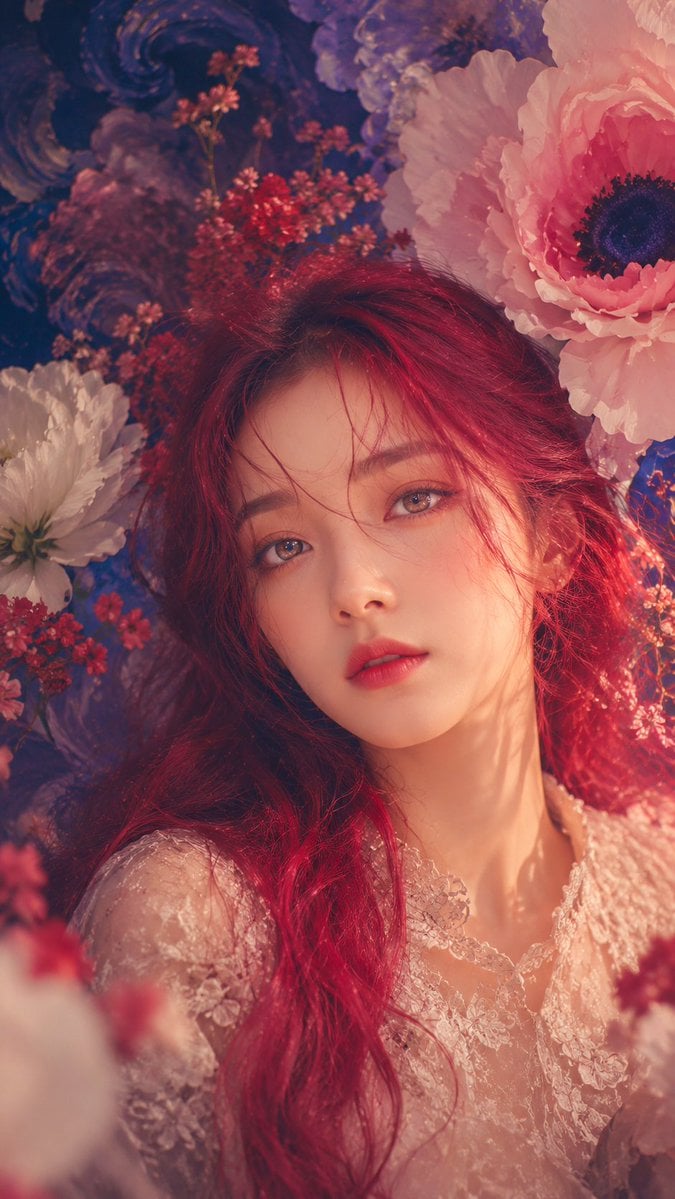
Anonymous Floral Crimson Portrait
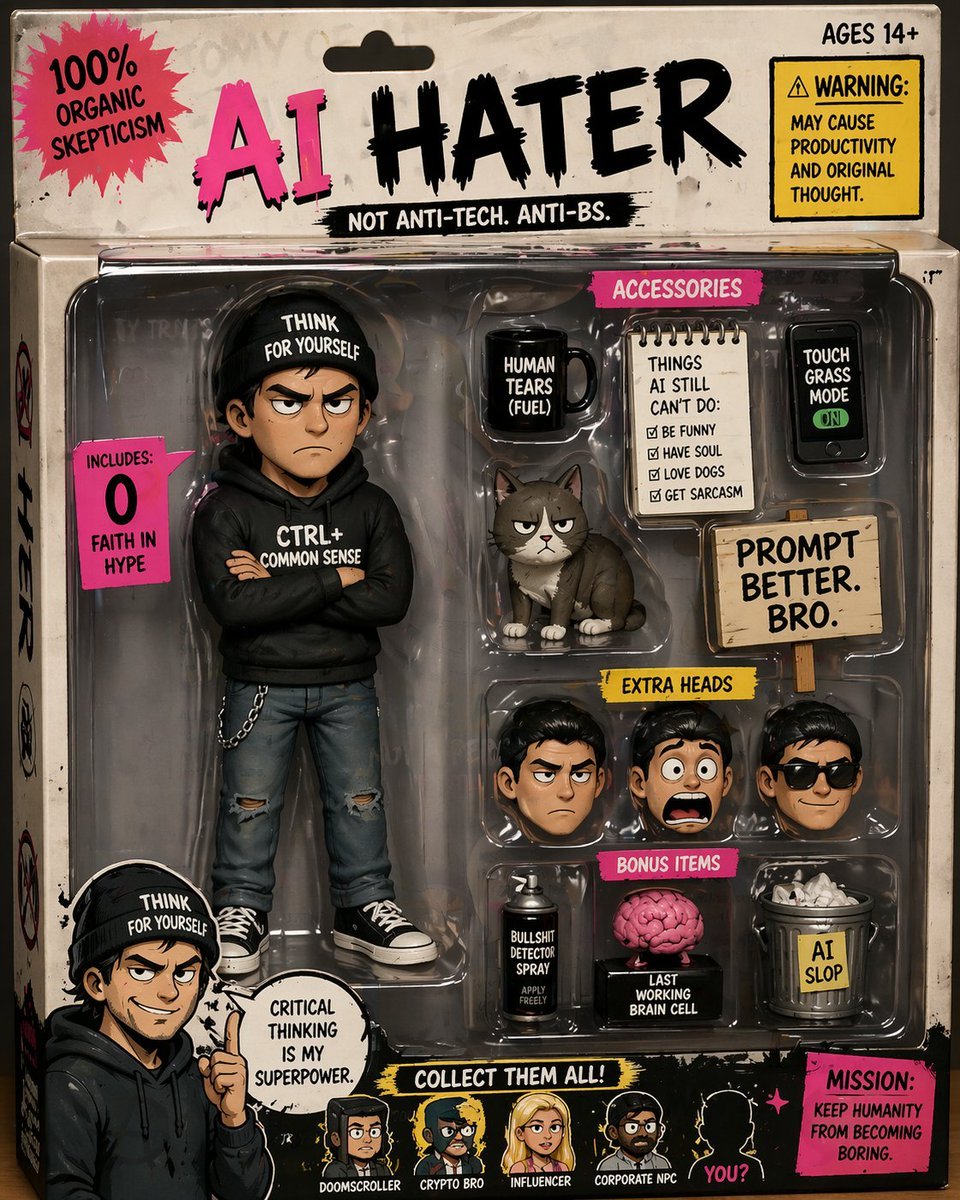
Satirical AI Hater Action Figure
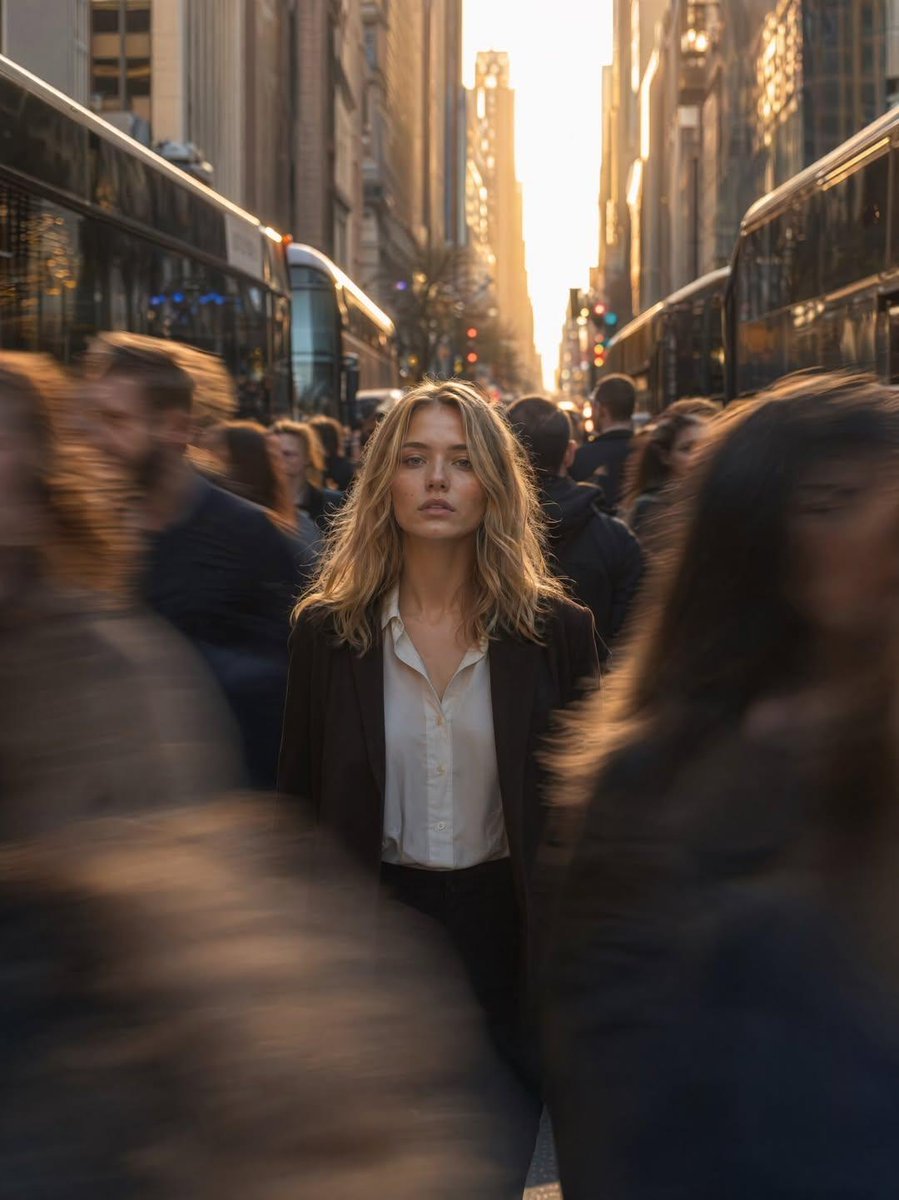
Golden Hour Motion Blur Portrait
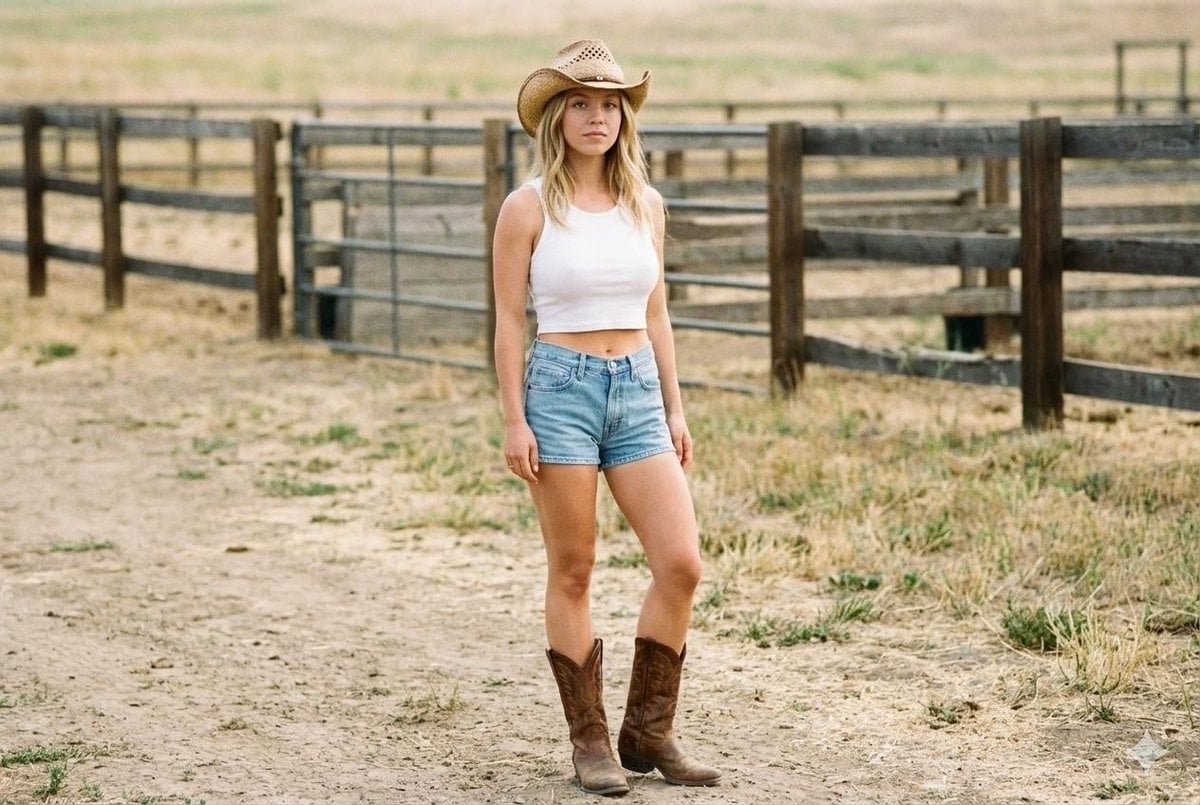
Candid Cowgirl Hat and Denim Snapshot
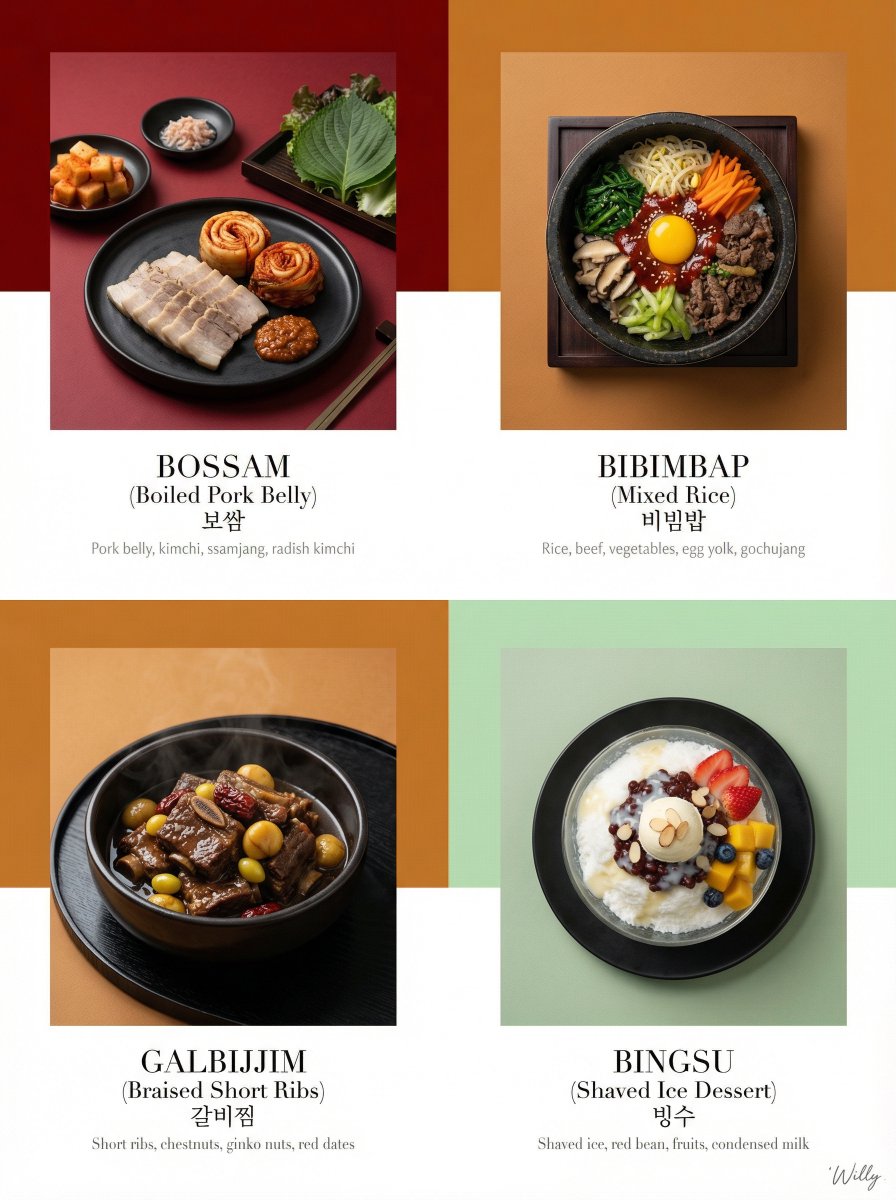
Luxury Korean Tasting Menu Editorial Layout Prompt
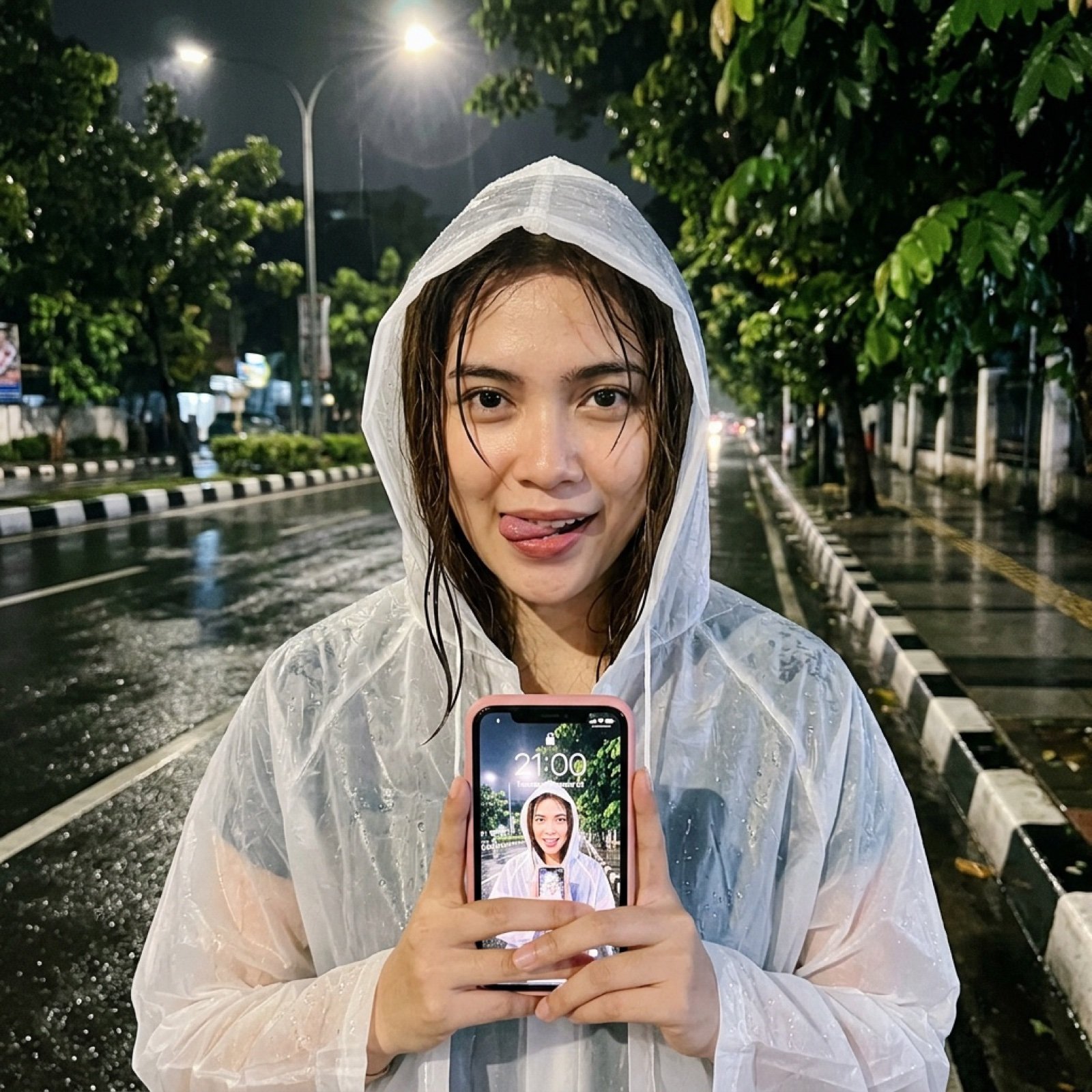
Nighttime Rainy Street Selfie Photo Edit Prompt
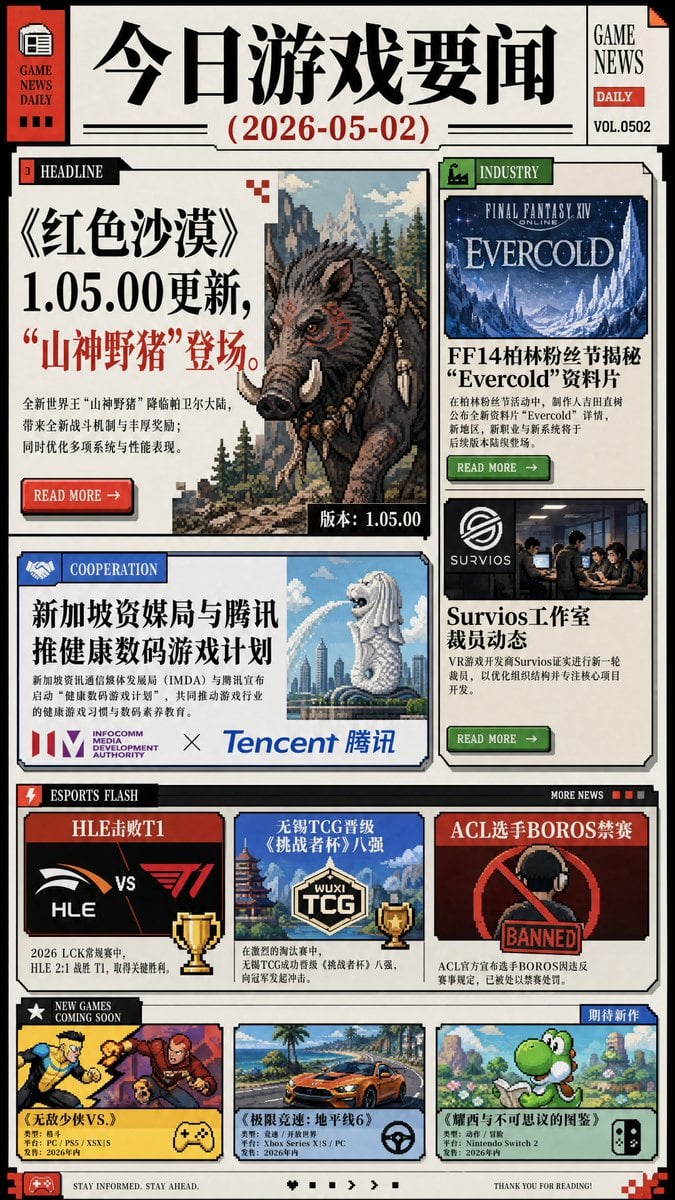
Chinese Game News Daily Front Page
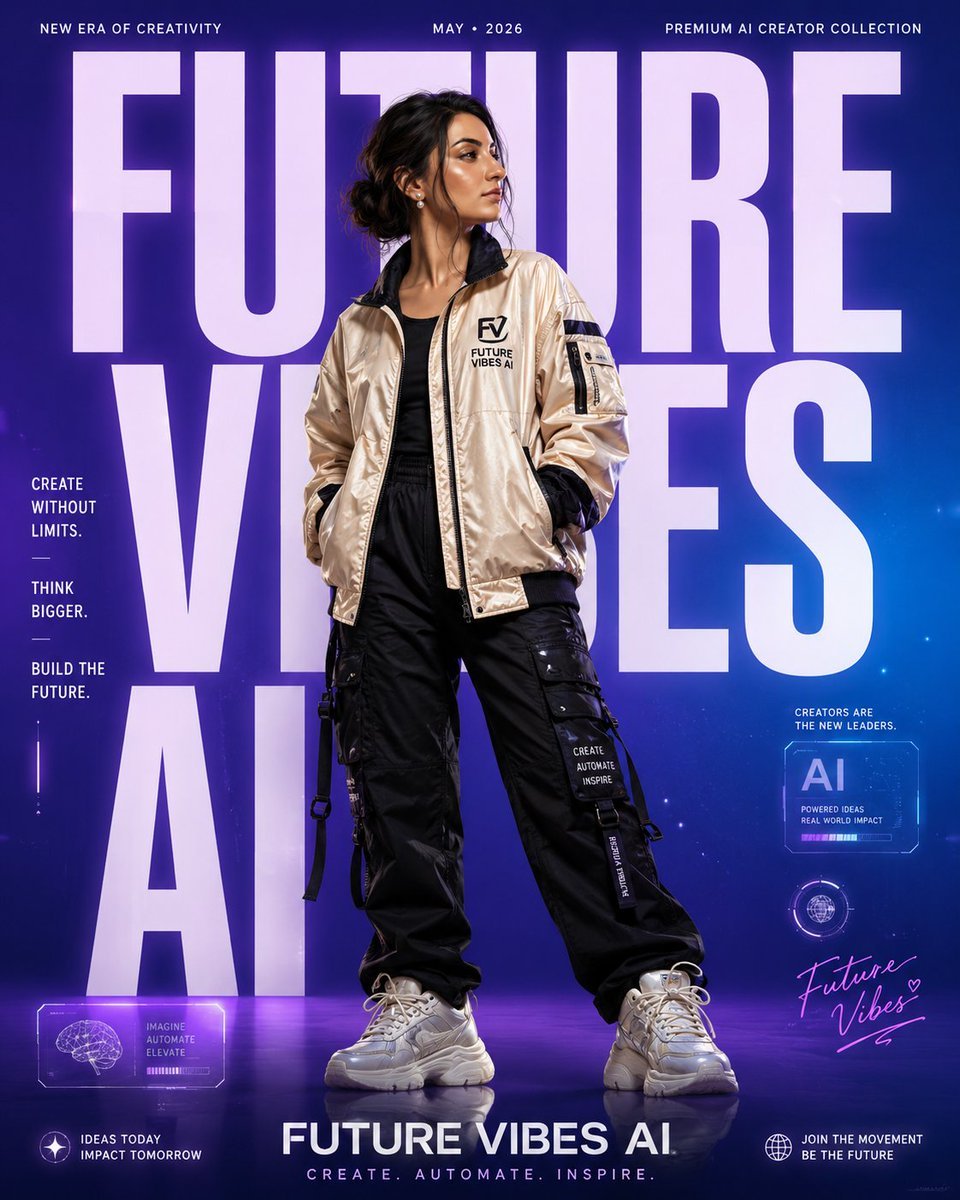
Premium Streetwear Campaign Poster
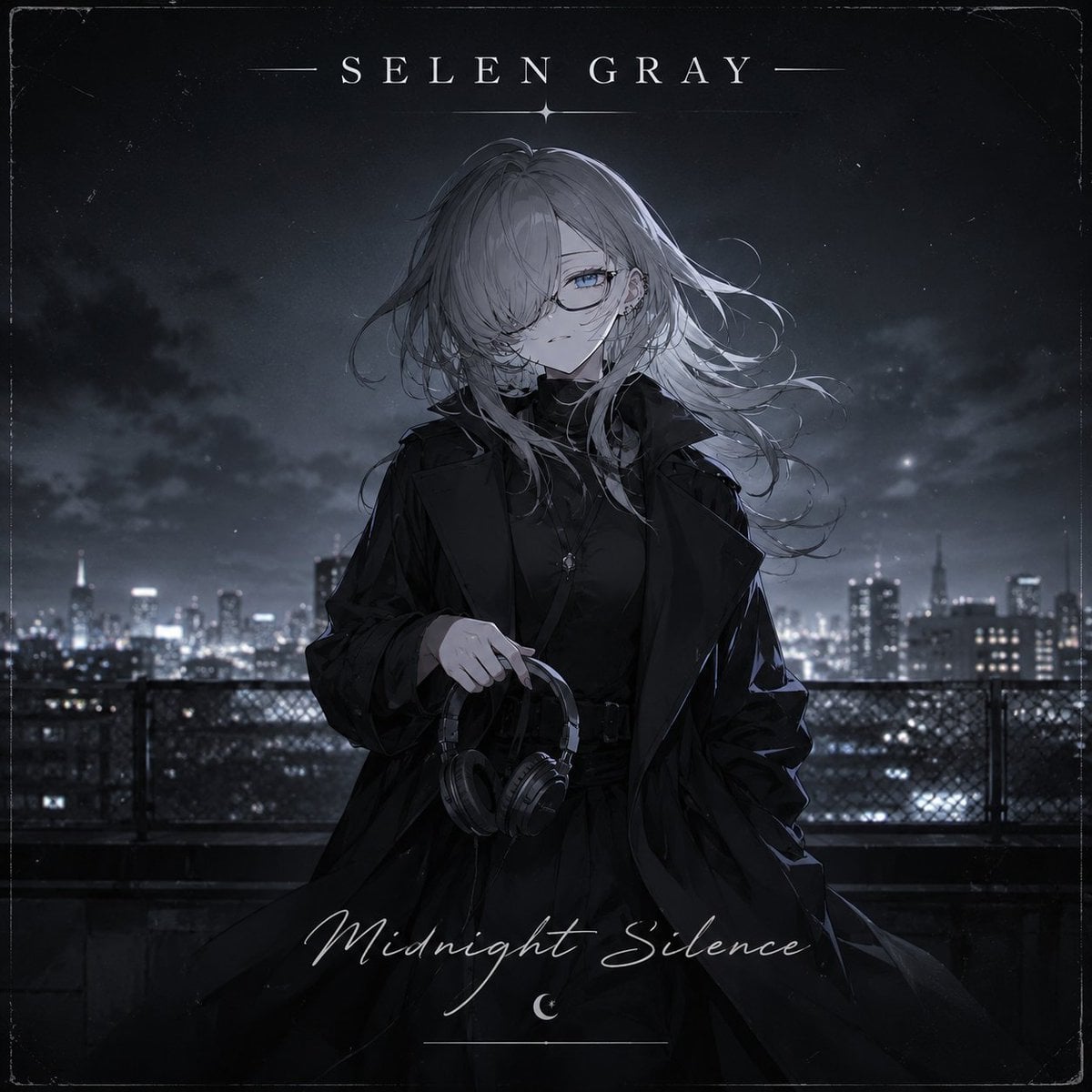
Midnight Anime Album Cover
Browse template categories
Historic Battle Visualization Scroll questions
How do I use the Historic Battle Visualization Scroll template?
Add your photo if the template asks for one, edit the prompt if you like — the template's model and format are already selected — and press Generate. Your version opens in PicX Studio.
Can I customize the Historic Battle Visualization Scroll template?
Yes. You can change the subject, setting, lighting, mood, format, and available model controls before creating your image.
Is the Historic Battle Visualization Scroll template free?
Opening and editing this template is free. Generating uses credits, shown on the Generate button when you are signed in.
Which AI model should I use?
Start with GPT Image 2, which is the model associated with this template. You can compare another compatible model for a different finish.
Looking for something else? Browse all templates.

Your photo, any look
Thousands of ready templates for every top image and video model, from one credit balance.