
Monkey King Heavenly Battle Illustration
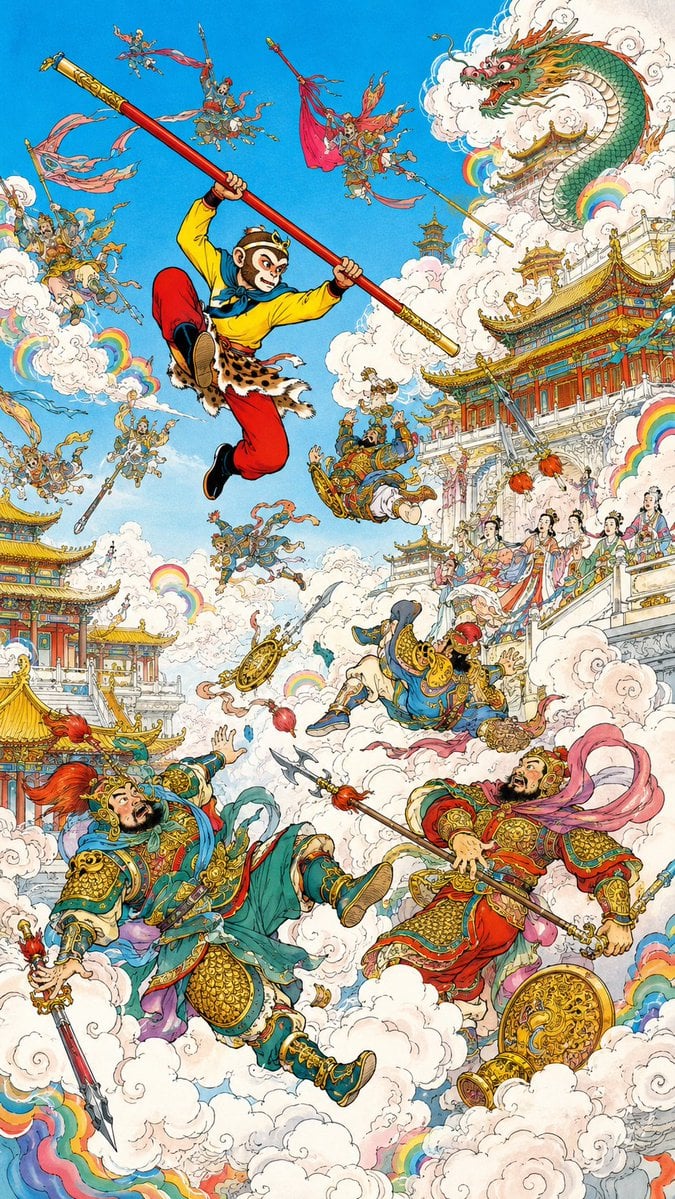
A dense vertical Chinese fantasy illustration of the Monkey King battling celestial warriors among clouds, dragons, rainbows, and ornate heavenly palaces.
- Prompt included
- Model and format preset
- Premium template
The prompt behind this image
Copy the exact prompt behind Monkey King Heavenly Battle Illustration, or open it in the studio and make it yours.
Create a highly detailed vertical fantasy illustration inspired by Journey to the West, showing {argument name="character name" default="Sun Wukong"} storming through a heavenly palace battlefield. Use a classic Chinese comic-book and hand-painted ink illustration style: crisp black linework, dense ornamental detail, saturated colors, watercolor-like shading, gold accents, swirling white clouds, and a bright cyan-blue sky. Canvas: Tall vertical poster composition, 9:16 ratio, packed with action from top to bottom. Main subject: In the upper center-left, show the Monkey King leaping dynamically through the sky, knees bent, wearing a yellow tunic, red trousers, black boots, leopard-skin waist wrap, blue scarf, gold circlet, and ornate arm bands. He grips a long red-and-gold magical staff diagonally from upper left to center right. His face is intentionally covered by a small vertical soft beige blur rectangle, as if anonymized. Main visible elements, exactly 5 large focal figures: 1. The leaping Monkey King with the diagonal staff. 2. A huge green-and-gold Chinese dragon emerging from white clouds in the upper right, with orange whiskers, red mouth, and fierce eyes. 3. A large armored blue-green celestial warrior falling backward in the lower left, holding a spear, with a red plume helmet and shocked expression. 4. A large red-and-gold armored celestial warrior in the lower right, holding a polearm, with pink flowing ribbons and a round golden shield near his feet. 5. A smaller blue-robed armored warrior tumbling upside down near the center, dropping a golden wheel-like weapon. Secondary figures: Add exactly 13 small flying celestial soldiers and attendants scattered through the sky and clouds: three near the upper left, two near the upper center around the staff, two near the upper right with banners and spears, three around the left-middle clouds, two near the center-lower clouds, and one tiny figure standing on the palace balcony at mid-right. Give them ornate armor, fluttering ribbons, banners, spears, halberds, and expressive battle poses. Architecture and environment: Fill the right side and lower left with elaborate heavenly Chinese palace buildings: red pillars, turquoise and gold tiled roofs, white marble terraces, carved railings, layered pavilions, and decorative eaves. The largest palace complex rises on the right side behind clouds; a smaller pavilion cluster sits at the lower left. Add groups of elegant court ladies on the right balcony wearing colorful Tang-style robes and hair ornaments, watching the battle. Clouds and effects: Use dense billowing white clouds throughout the scene, with curled ink outlines and soft shadows. Add exactly 8 small rainbow arcs embedded among the clouds: one left-middle, one lower-left edge, one center-left, one center, two near the dragon in the upper right, one mid-right beside the balcony, and one lower-right edge. Include scattered weapons, ribbons, and golden ornaments flying through the air. Color palette: Bright sky blue background, white clouds, red and gold architecture, jade green armor, crimson ribbons, yellow Monkey King tunic, turquoise roof tiles, and rainbow accents. Constraints: No modern objects, no photorealism, no 3D rendering, no empty background, no text or watermark. Keep the entire image as a dense mythological action scene with traditional Chinese fantasy details.
How to use Monkey King Heavenly Battle Illustration in 3 steps
- 1Upload ImagePNG, JPG or paste
Add your photo
Upload the photo the template builds on. The prompt, model and format are already set.
- 2…a portrait of your subject in softgolden-hour light, 85mm…
Personalize
Edit the subject and creative details for your destination.
- 3Generate
Generate
Press Generate — your image is created in PicX Studio, so you can compare it with the original and refine one variable at a time.
More like this
Templates with the same subject, style or setup. Open one to see its prompt.
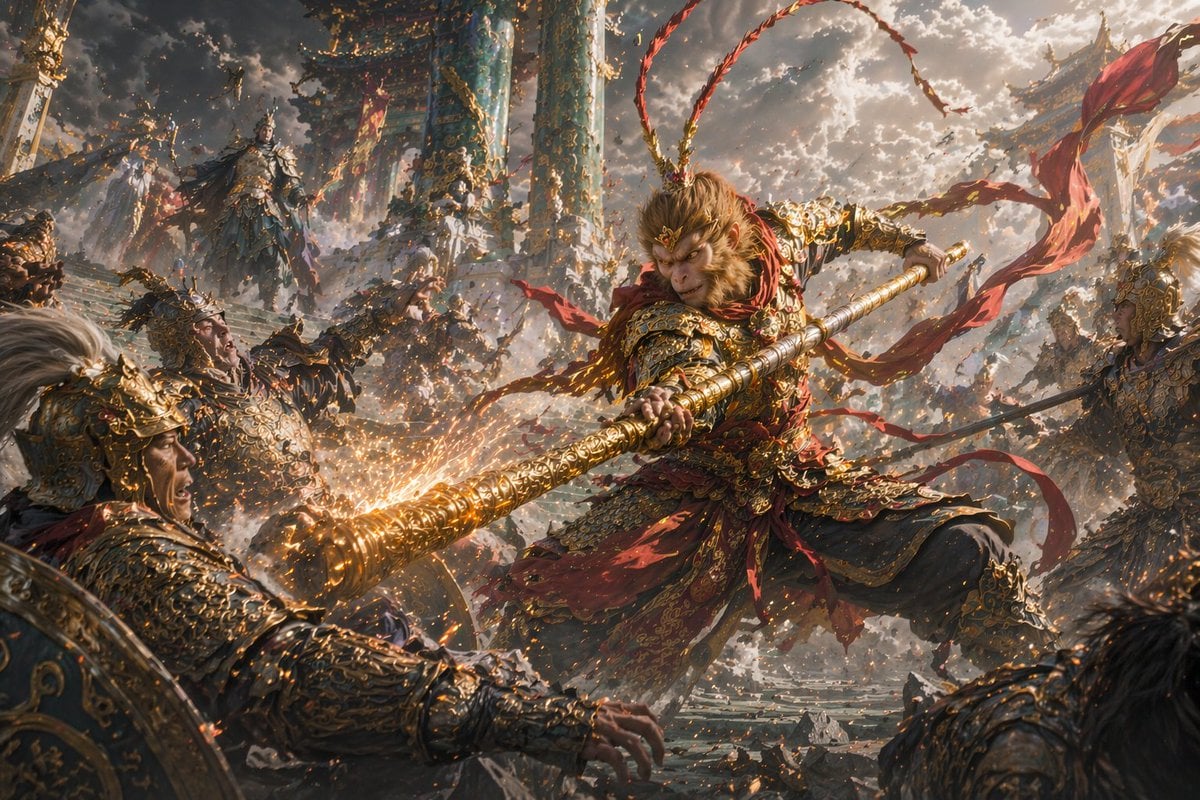
Epic Fantasy Monkey King Battle
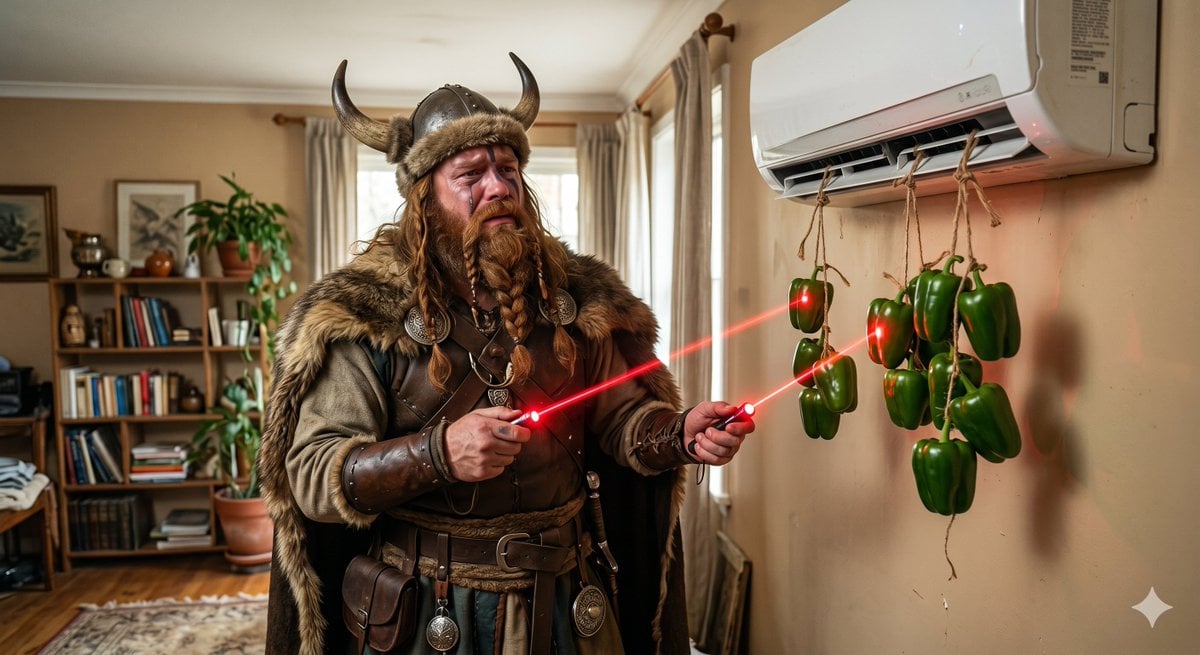
Bell Peppers versus Viking Battle

Quiet Minimalist Anime Style Guide

Real Illustration Split Portrait Transition
Quiet Minimalist Anime Style Guide

Watercolor Café Cheesecake Editorial Illustration
Real Illustration Split Portrait Transition

Bold Side Profile Superhero Poster

Hero Portrait Comic Multi-Panel Poster

Spider-Verse Painterly Portrait Poster

Captain Tsubasa Anime World Cup Poster

Anime Character Charm Analysis Sheet
Make it yours
Monkey King Heavenly Battle Illustration works as-is. These are the safest ways to change it without losing the look.
Change one field
Copy a single group, rewrite it, and generate again so you can see what that field is doing.
Keep the frame, change the subject
Hold the composition and light of Monkey King Heavenly Battle Illustration, then swap wardrobe, props or the person for a new take.
| If the result… | Why | Fix |
|---|---|---|
| The result drifts from the preview | Too many fields changed at once. | Reuse Monkey King Heavenly Battle Illustration as-is first, then change one group — subject, light, or setting. |
| The model over-stylizes the scene | The prose prompt leaves finish and camera underspecified. | Add one camera or lighting sentence and stay on GPT Image 2. |
More GPT Image 2 templates
Other prompts made for GPT Image 2.

Six VTuber Japanese Logo Sheet

Realistic Portrait of Woman and Deer

The Vista Modular Condo Poster

AI Model Routing Comparison Infographic

2.5D Anime Art Board

Isometric Productivity Desk Scene

New York Double Exposure Poster

Four-Panel AI Landscape Comparison

Japanese Tatami Lifestyle Magazine Cover

NESCAFÉ Coffee Map Poster
More image prompts
Fresh picks from across the catalog.
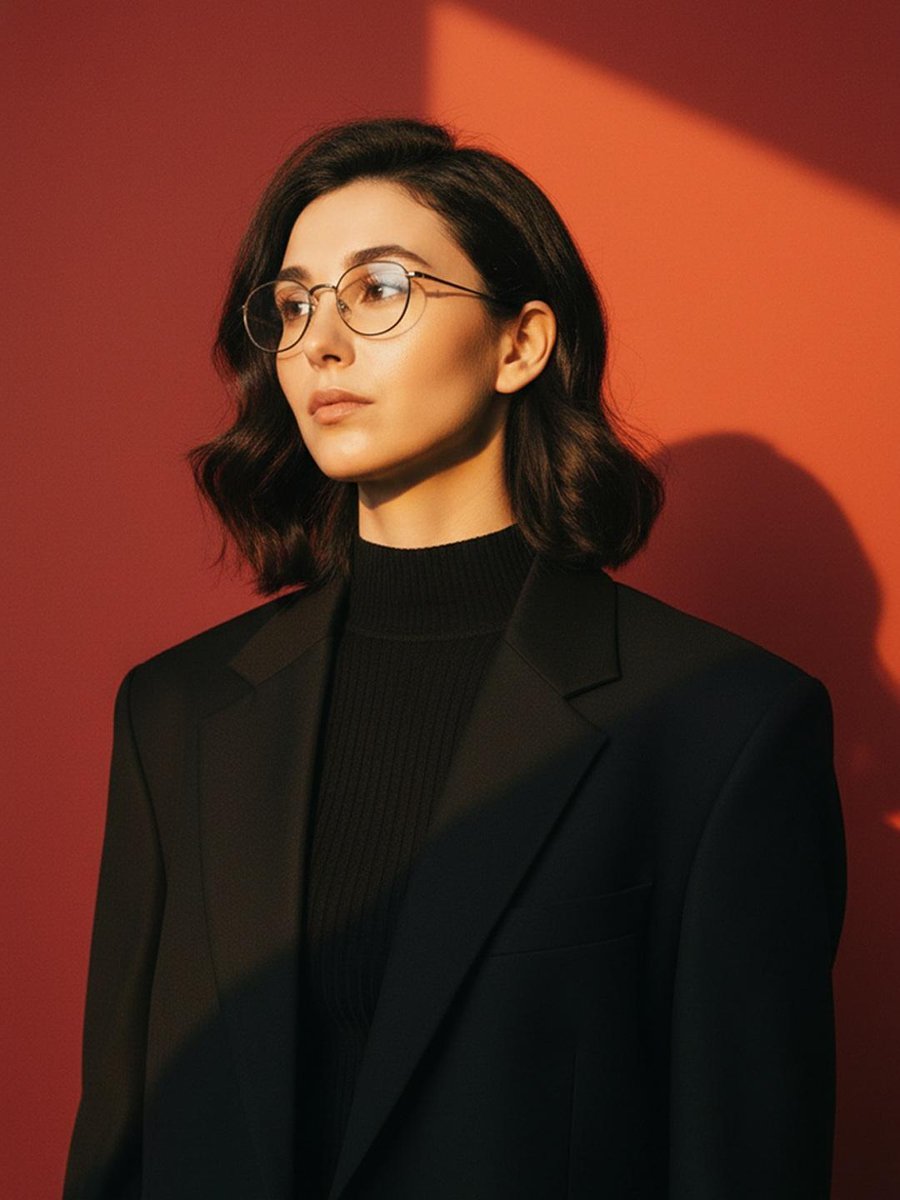
Cinematic Fashion Portrait with Geometric Shadows
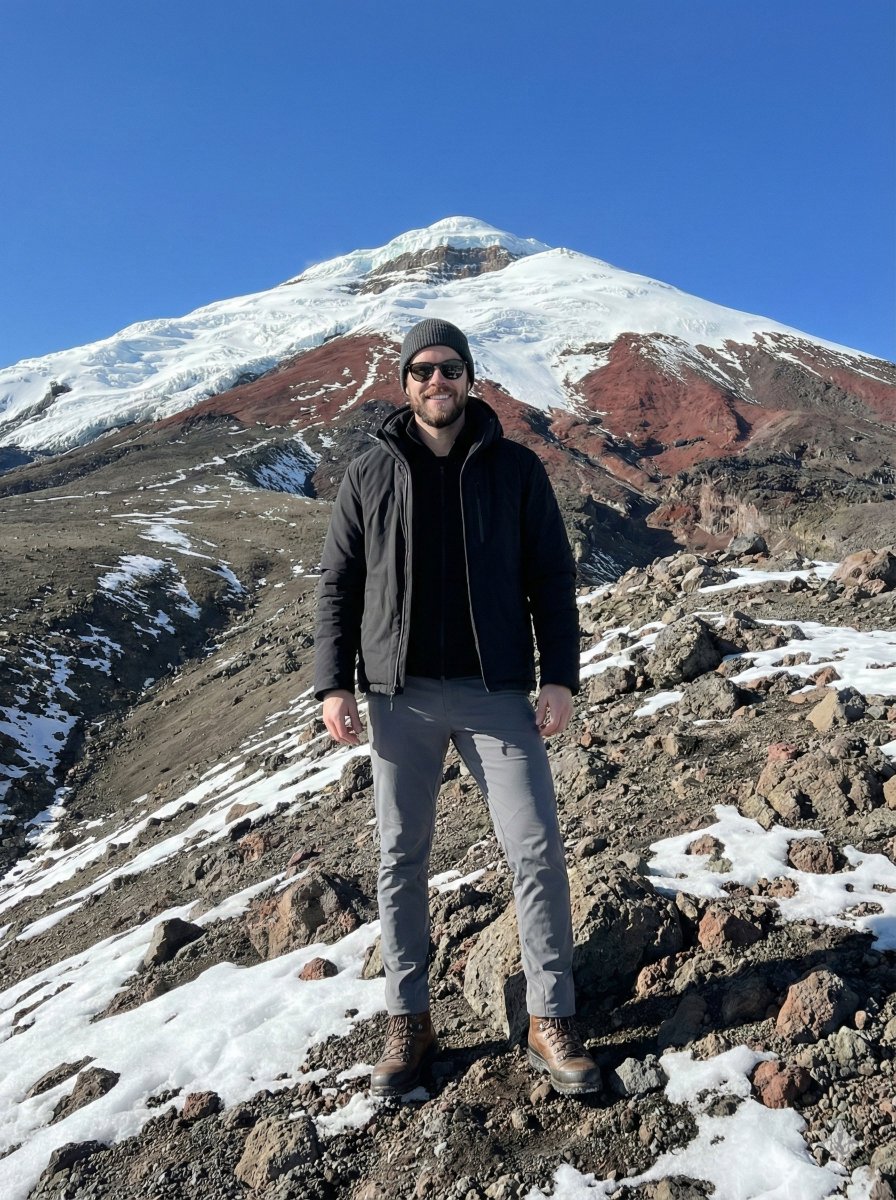
Hyper-realistic Editorial Photo at Cotopaxi, Ecuador
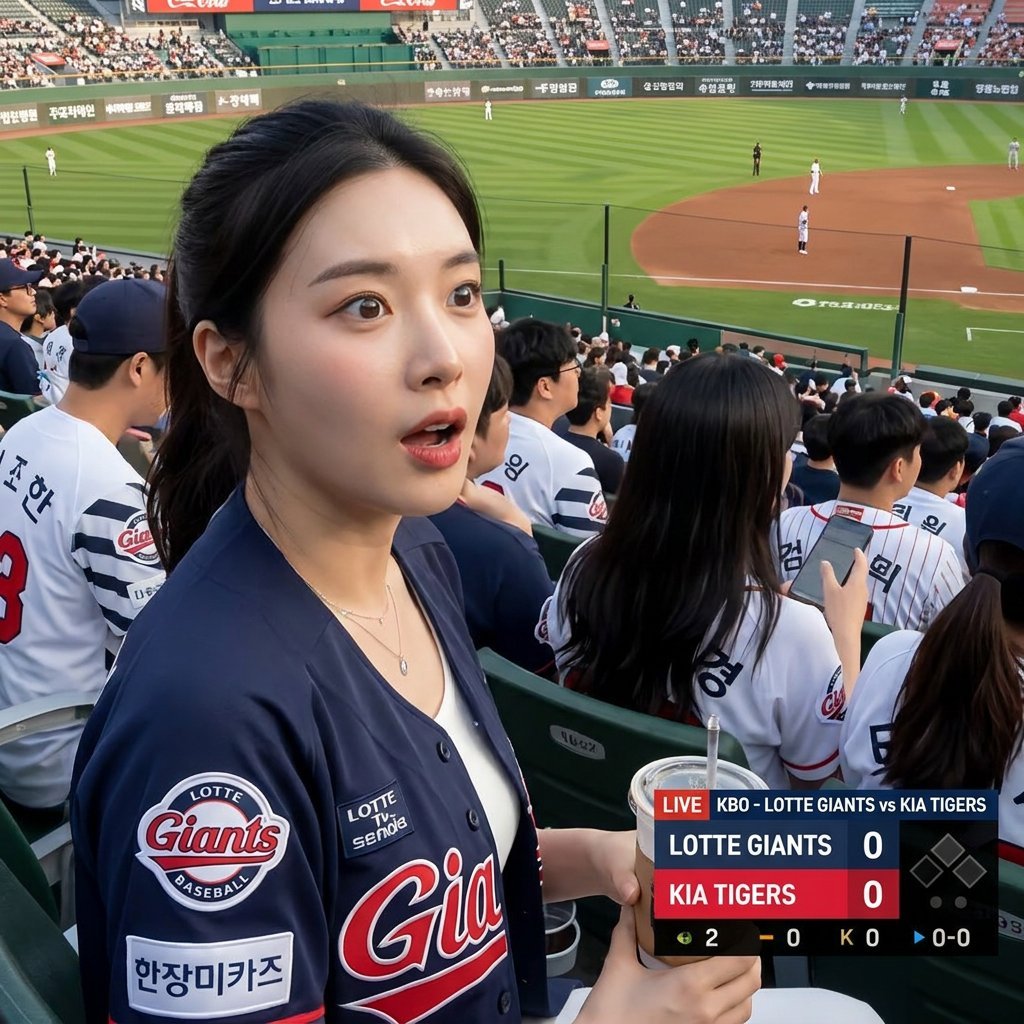
Korean Baseball Broadcast Fan Photo
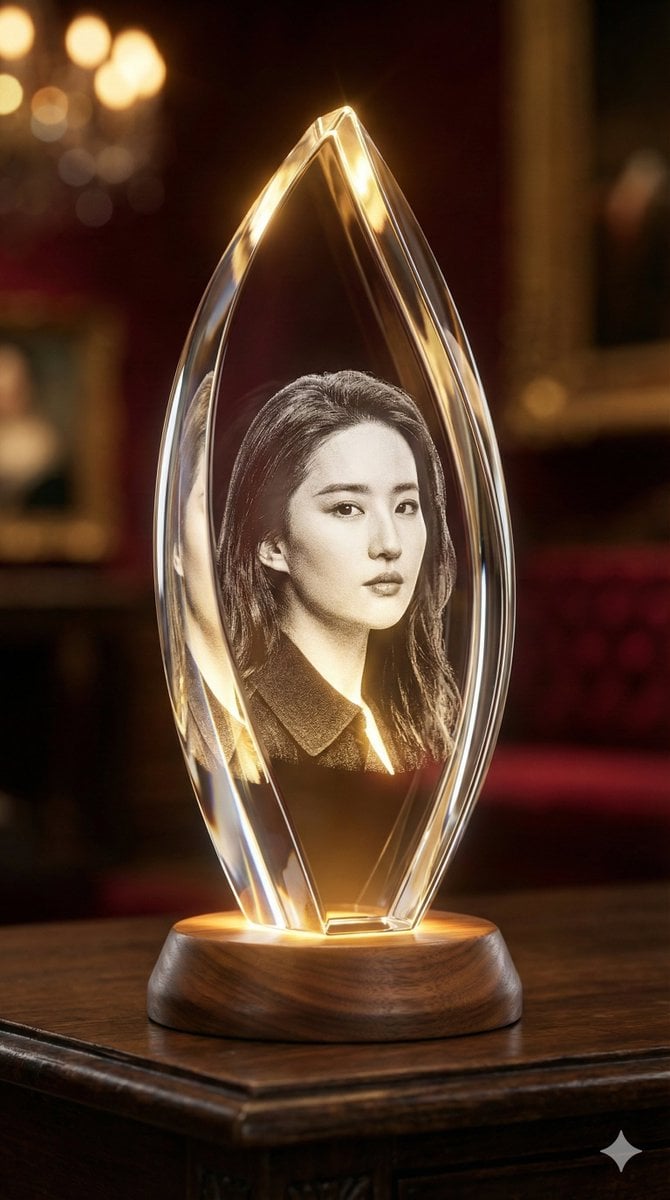
3D Laser-Engraved Crystal Ornament Generator
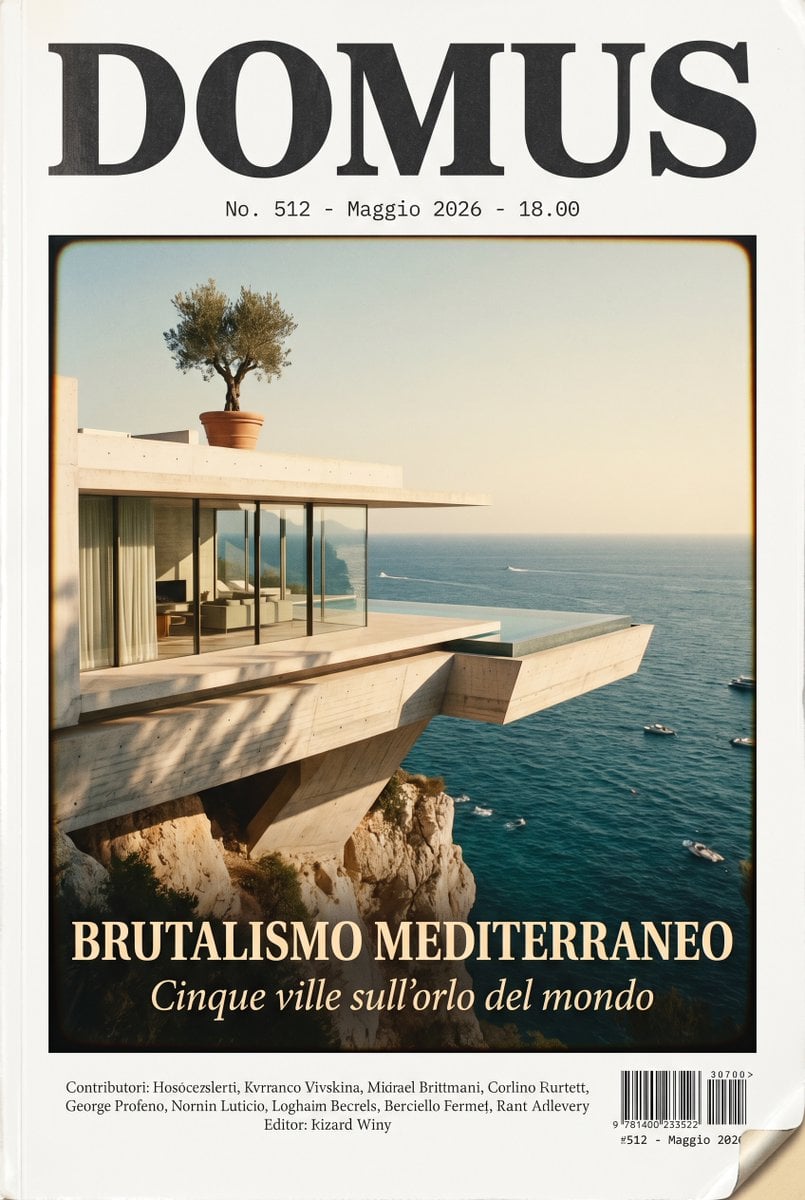
DOMUS Mediterranean Brutalism Cover
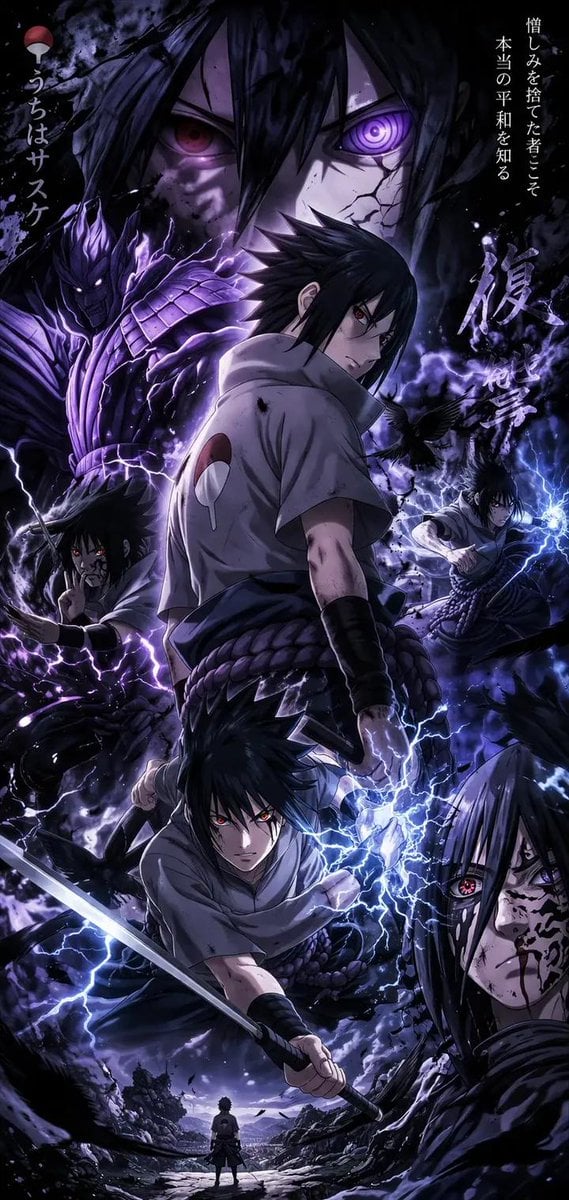
Anime Character Mobile Wallpaper
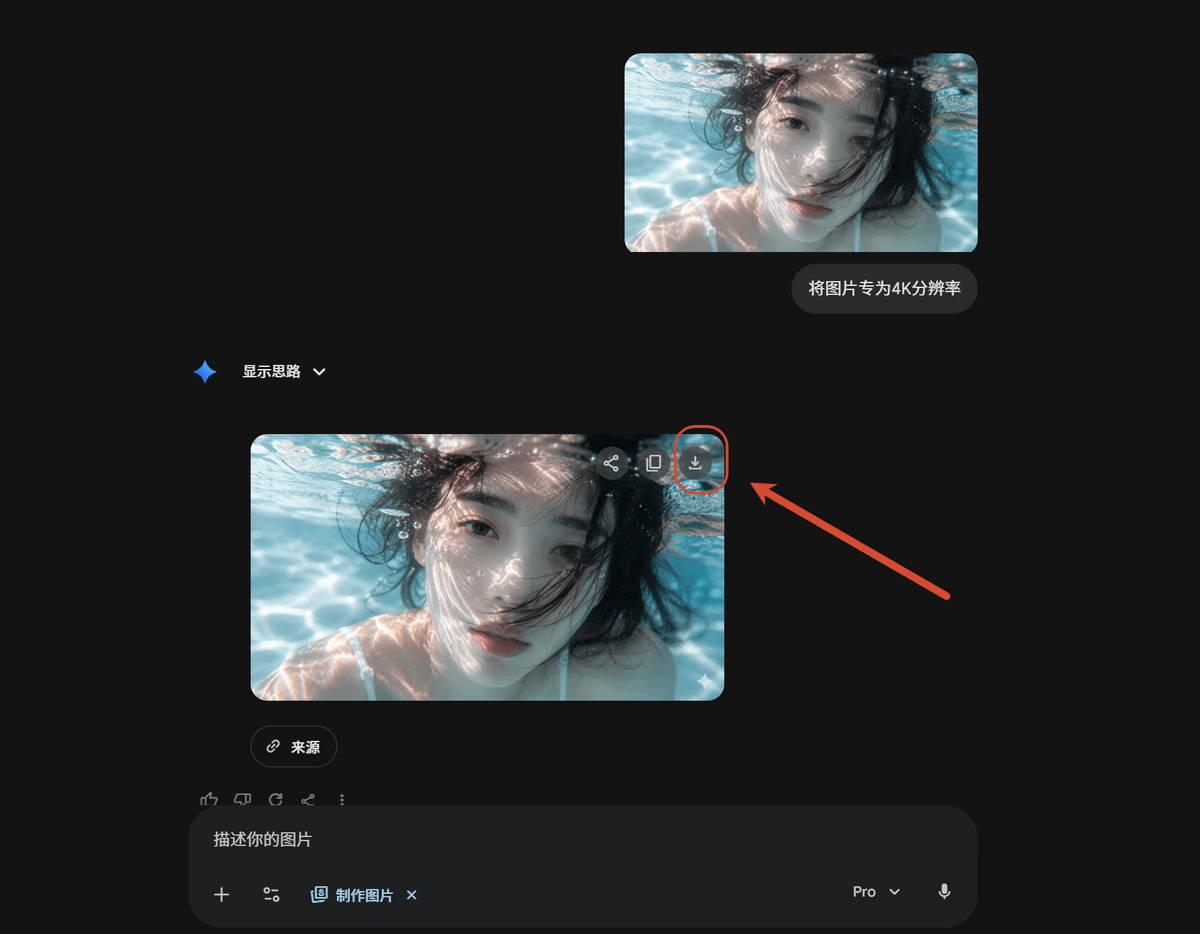
Dark AI Chat 4K Upscale Tutorial
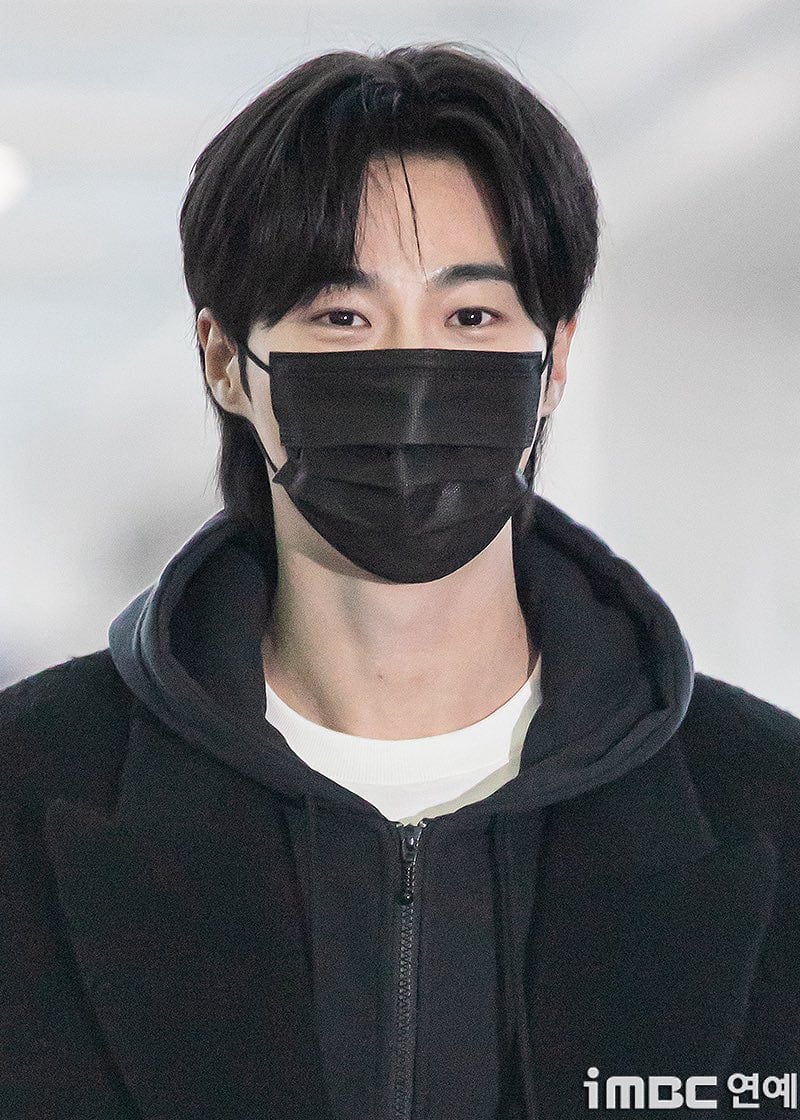
Korean Text Art with Emphasis Marks
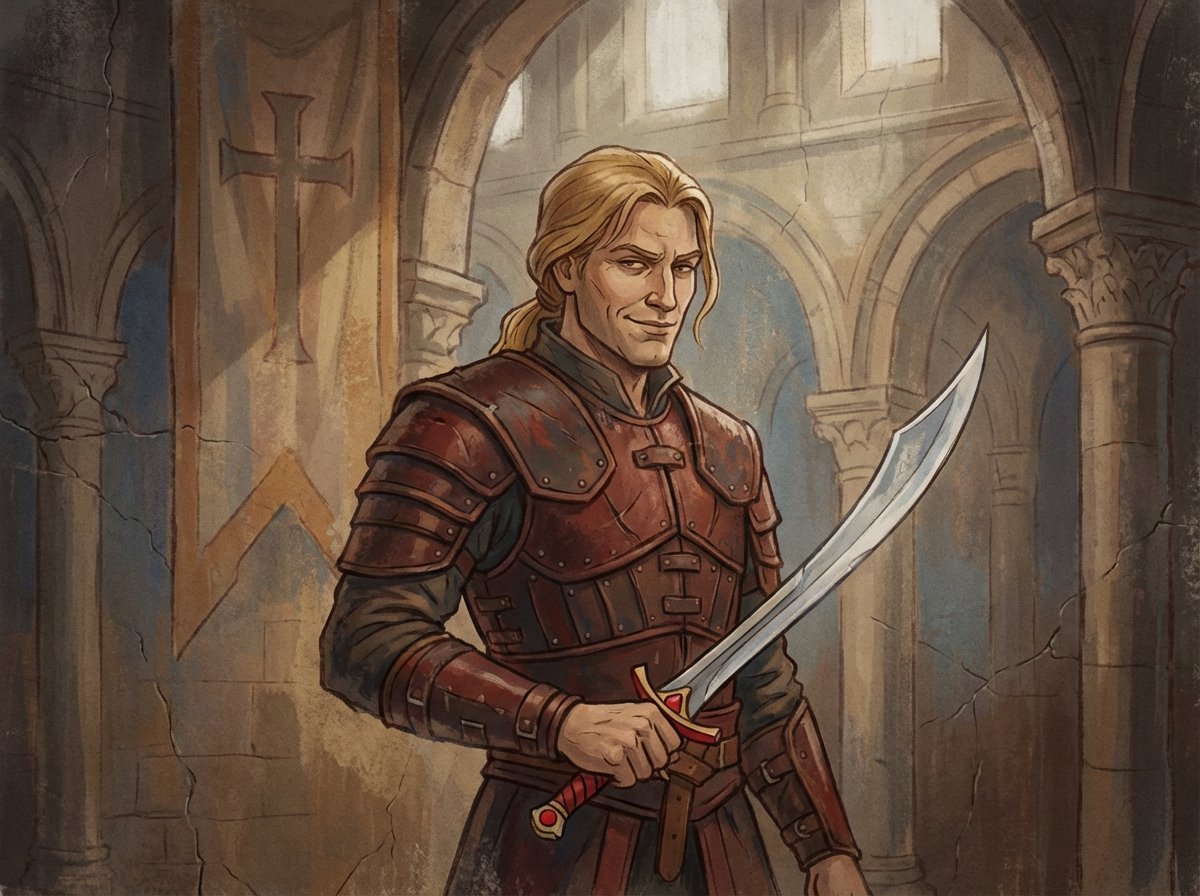
Crusader propaganda fresco (variant)
Dreamlike Fantasy Forest Boy
Browse template categories
Monkey King Heavenly Battle Illustration questions
How do I use the Monkey King Heavenly Battle Illustration template?
Add your photo if the template asks for one, edit the prompt if you like — the template's model and format are already selected — and press Generate. Your version opens in PicX Studio.
Can I customize the Monkey King Heavenly Battle Illustration template?
Yes. You can change the subject, setting, lighting, mood, format, and available model controls before creating your image.
Is the Monkey King Heavenly Battle Illustration template free?
Opening and editing this template is free. Generating uses credits, shown on the Generate button when you are signed in.
Which AI model should I use?
Start with GPT Image 2, which is the model associated with this template. You can compare another compatible model for a different finish.
Looking for something else? Browse all templates.

Your photo, any look
Thousands of ready templates for every top image and video model, from one credit balance.