
Moonlit Immortal Scroll Emergence
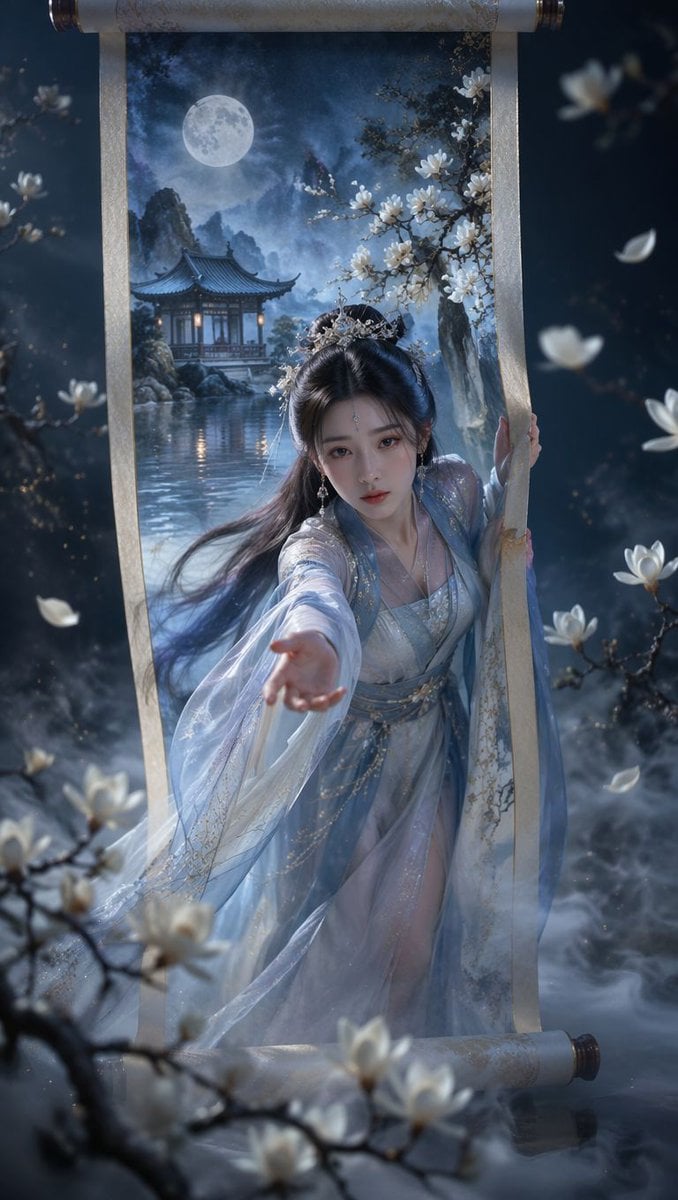
A cinematic xianxia fantasy poster showing an immortal woman stepping out of a moonlit silk scroll for use as a reusable character-art prompt.
- Prompt included
- Model and format preset
- Free template
The prompt behind this image
Copy the exact prompt behind Moonlit Immortal Scroll Emergence, or open it in the studio and make it yours.
Create a vertical cinematic oriental fantasy poster of {argument name="character name" default="a moonlit immortal woman"} emerging from a hanging Chinese silk scroll into the real world. The scroll is centered, tall and narrow, with aged ivory silk borders, ornate dark wooden rollers at the top and bottom, and a painted inner landscape that becomes three-dimensional: a full moon in a misty blue night sky, distant ink-wash mountains, a quiet lake with reflections, and a traditional pavilion glowing with warm lantern light. The woman steps forward from the scroll, one hand gripping the right silk edge and the other arm reaching toward the viewer in strong foreshortening; her face is softly obscured by shadow and motion blur, while her long black hair flows backward. Dress her in layered translucent {argument name="robe color" default="pale blue and silver"} hanfu robes with gauzy sleeves, subtle gold embroidery, glittering beadwork, and a delicate silver floral hair crown. Surround the scroll with white magnolia blossoms: include exactly 5 prominent blossom clusters in the foreground and side branches, plus drifting petals in the air. The environment outside the scroll is a dark moonlit garden with low rolling mist, soft bokeh flowers, cool blue lighting, and magical dust motes. Use a dramatic depth-of-field composition, ultra-detailed fantasy realism, glossy fabric highlights, wet reflective water at the base, volumetric fog, painterly Chinese xianxia atmosphere, and high-contrast moonlight with a small amount of warm lantern glow. Aspect ratio 9:16, no text, no watermark, no modern objects.
How to use Moonlit Immortal Scroll Emergence in 3 steps
- 1Upload ImagePNG, JPG or paste
Add your photo
Upload the photo the template builds on. The prompt, model and format are already set.
- 2…a portrait of your subject in softgolden-hour light, 85mm…
Personalize
Edit the subject and creative details for your destination.
- 3Generate
Generate
Press Generate — your image is created in PicX Studio, so you can compare it with the original and refine one variable at a time.
More like this
Templates with the same subject, style or setup. Open one to see its prompt.
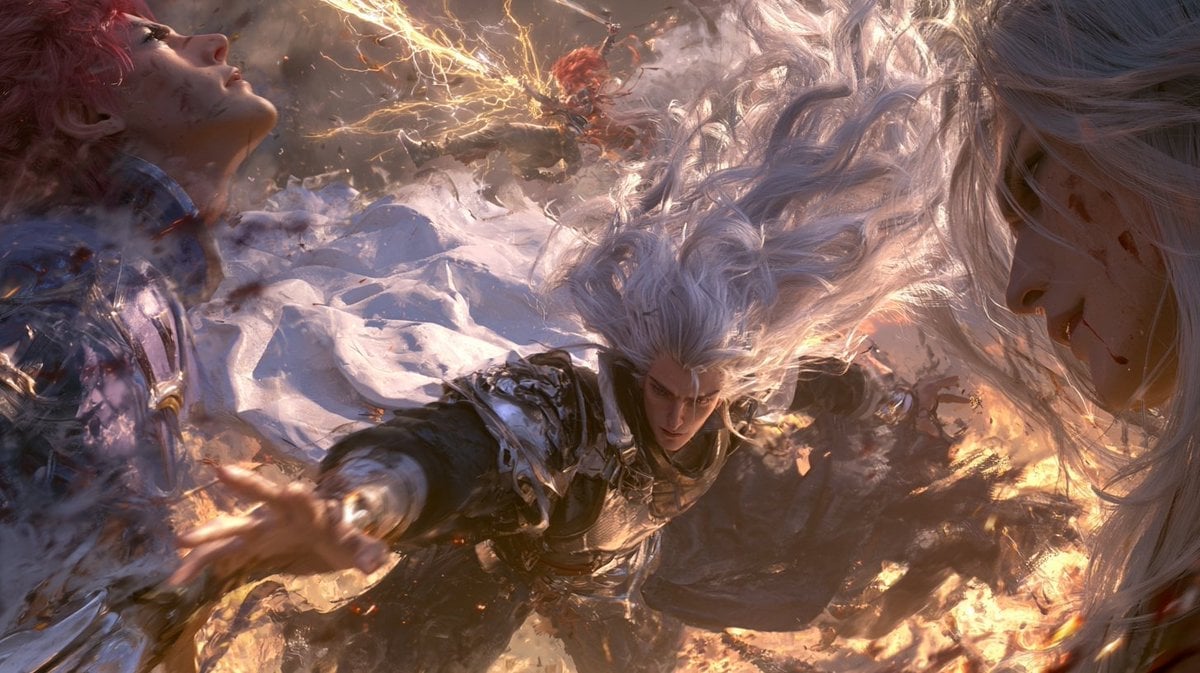
Cinematic Immortal Fantasy Battle
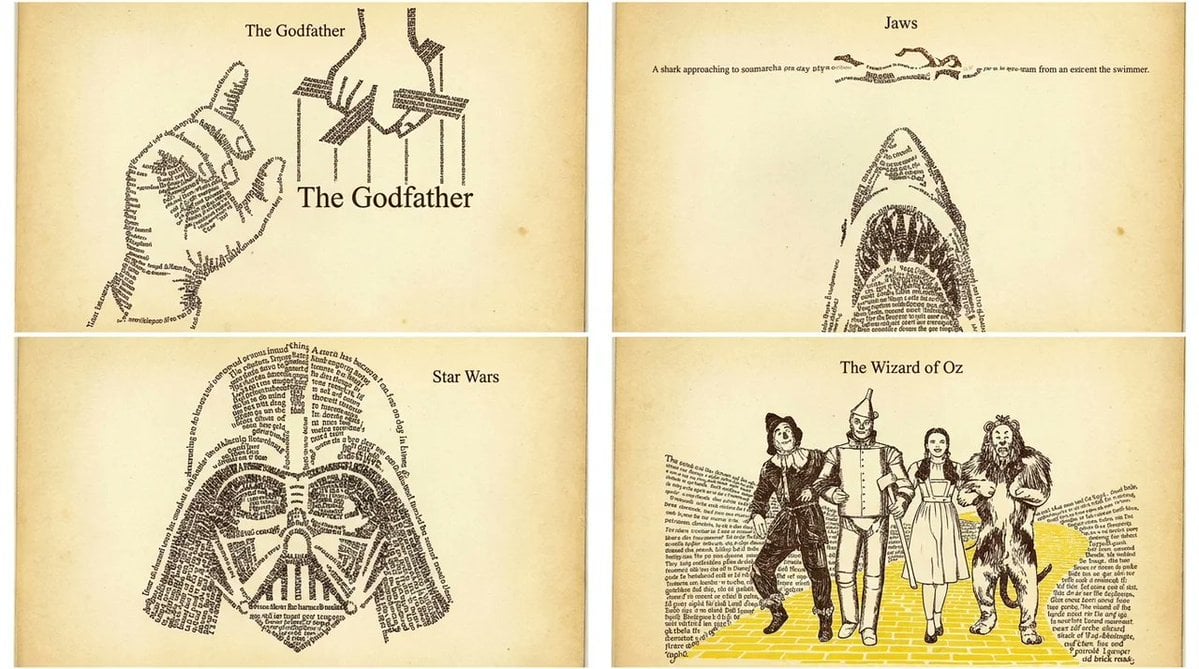
Typographic Emergence Movie Poster Grid
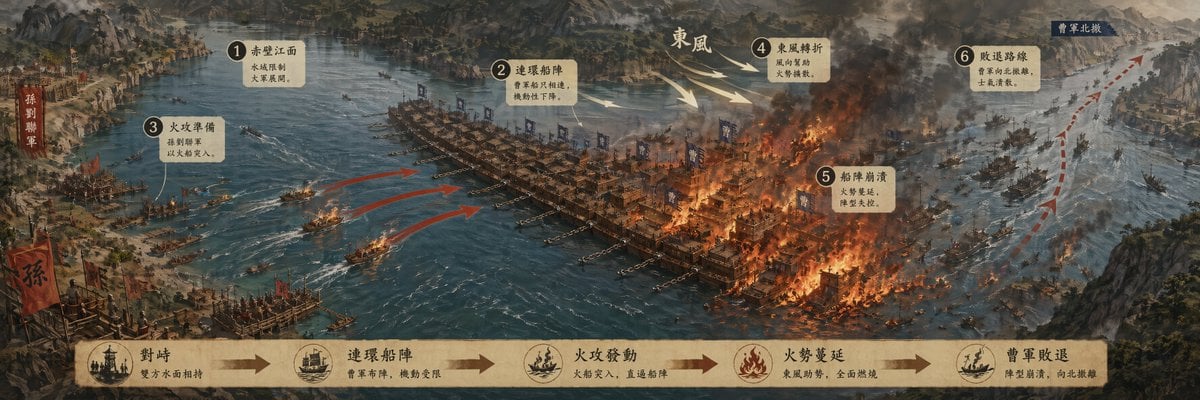
Historic Battle Visualization Scroll

Notebook Page Emergence Illusion
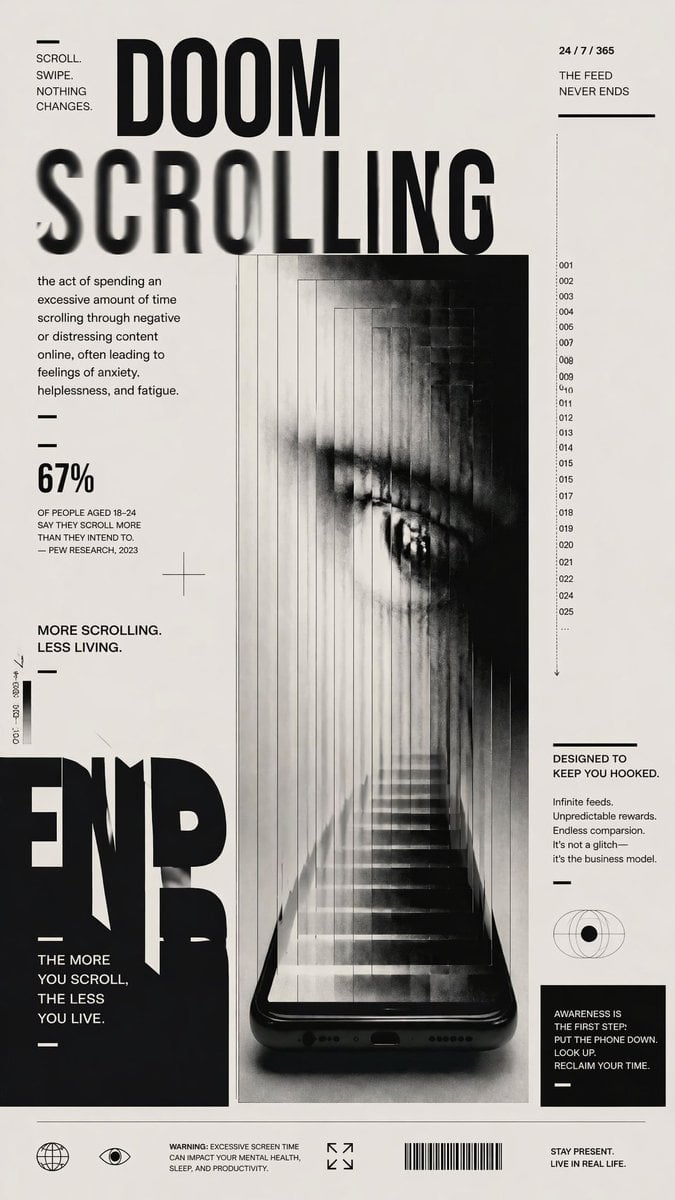
Doomscrolling Editorial Poster
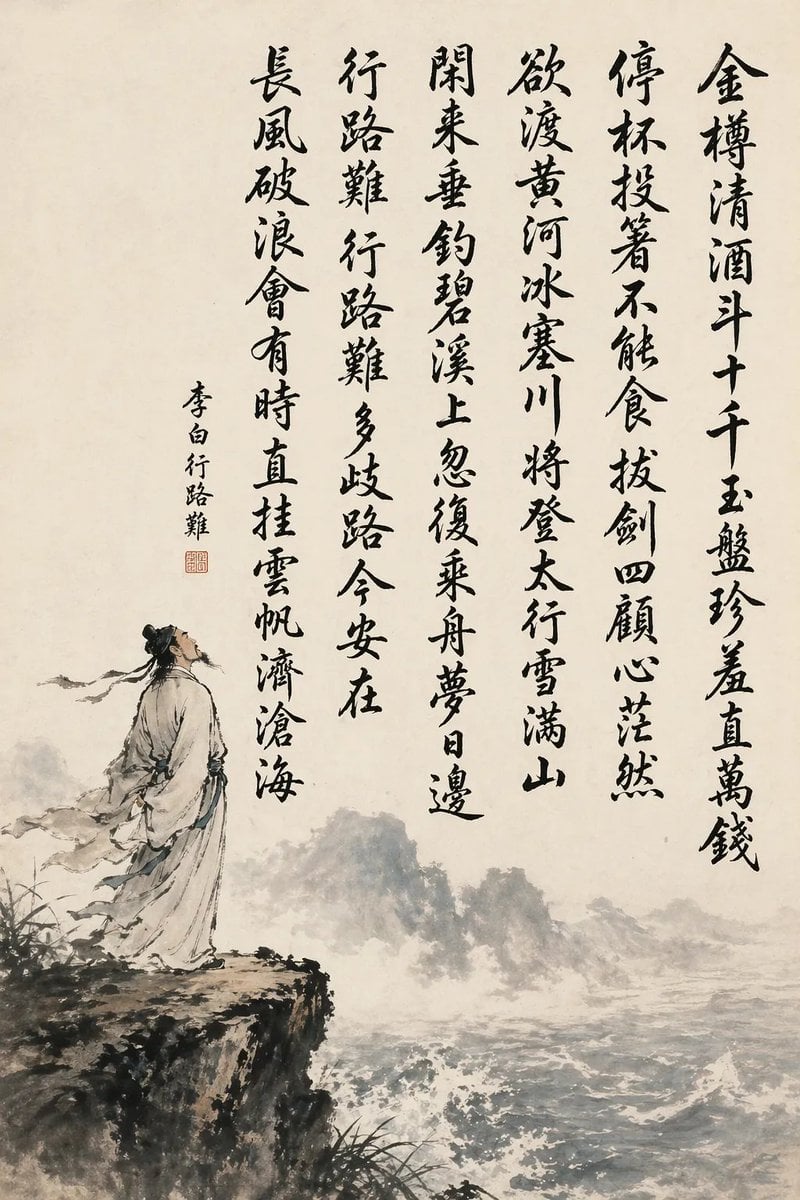
Chinese Calligraphy Poem Scroll
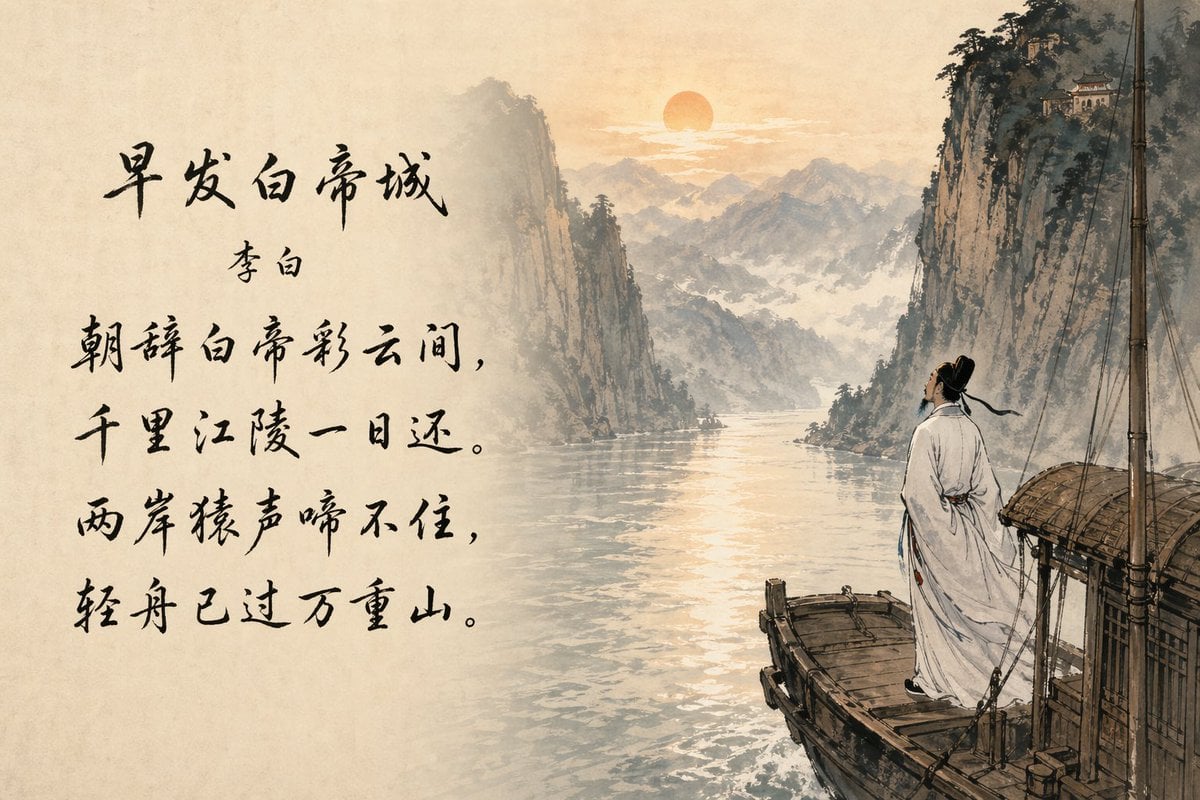
Classical Chinese Poem Scroll Landscape
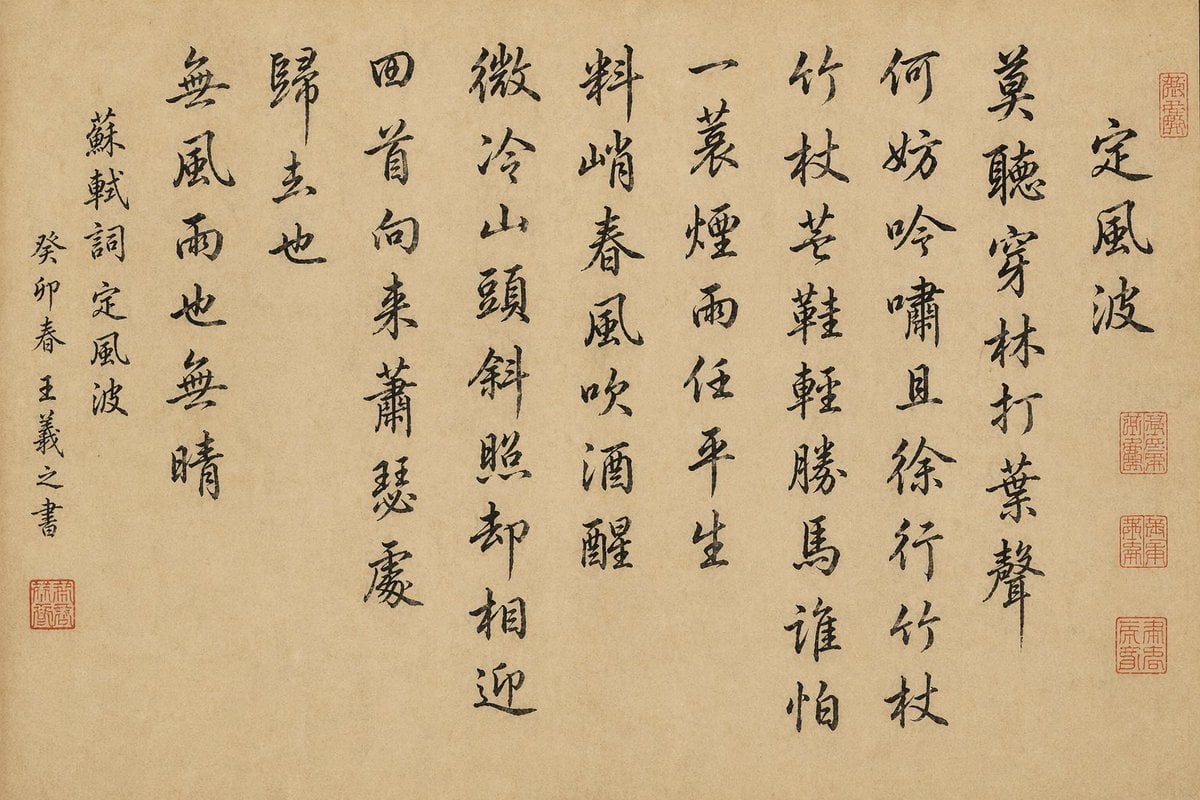
Chinese Calligraphy Scroll on Aged Paper
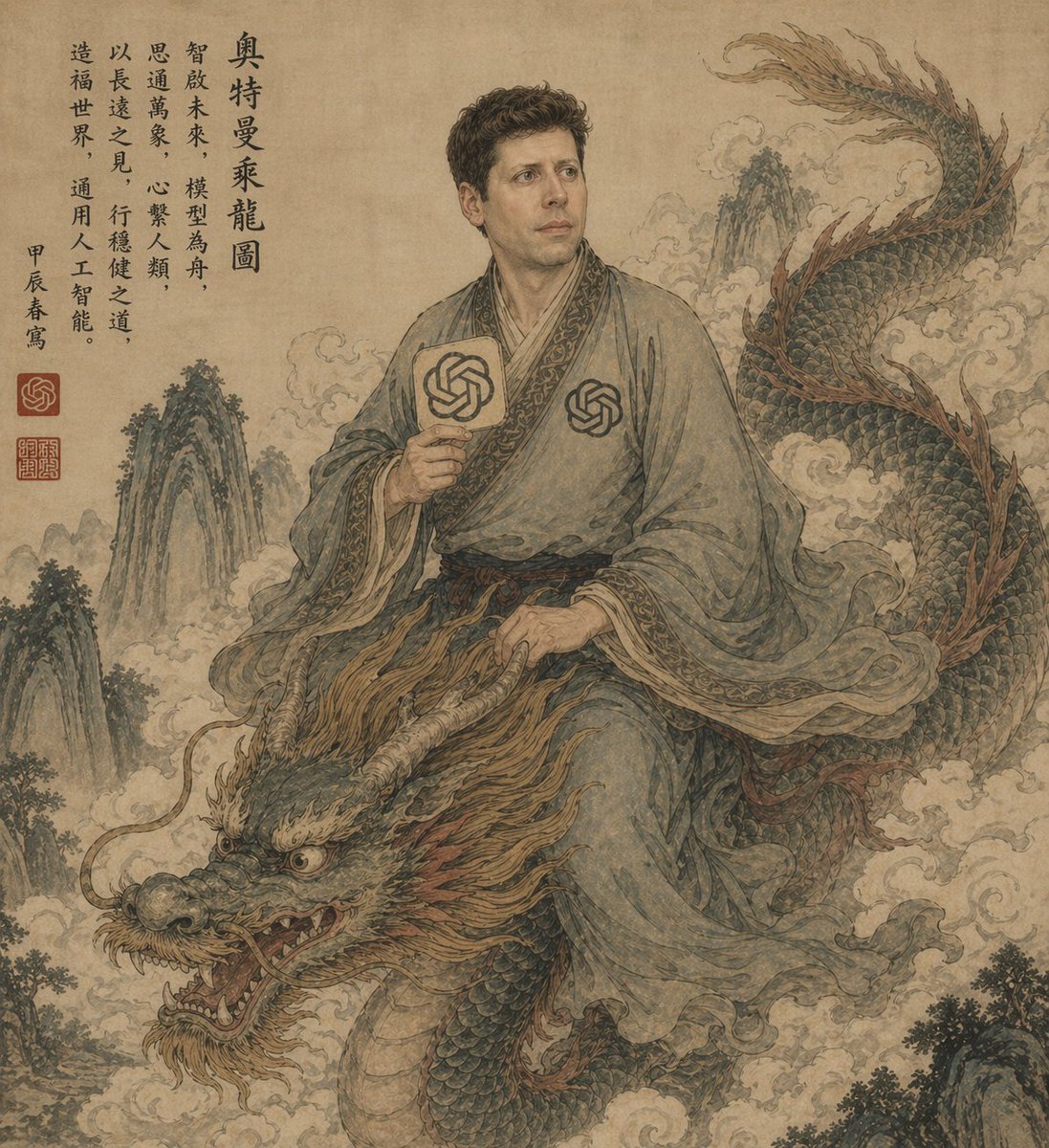
Ancient Scroll Scholar Riding Dragon

Ancient Scroll Google DeepMind Vision
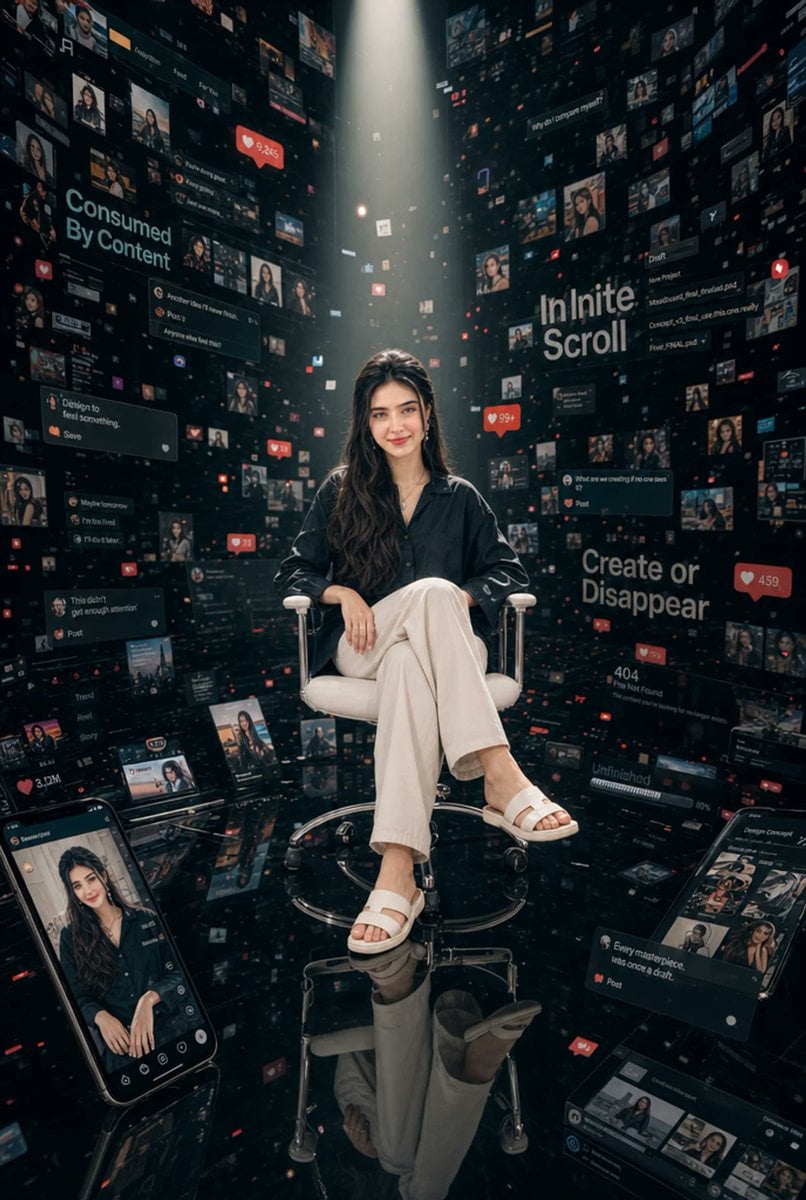
Woman in Infinite Scroll Void
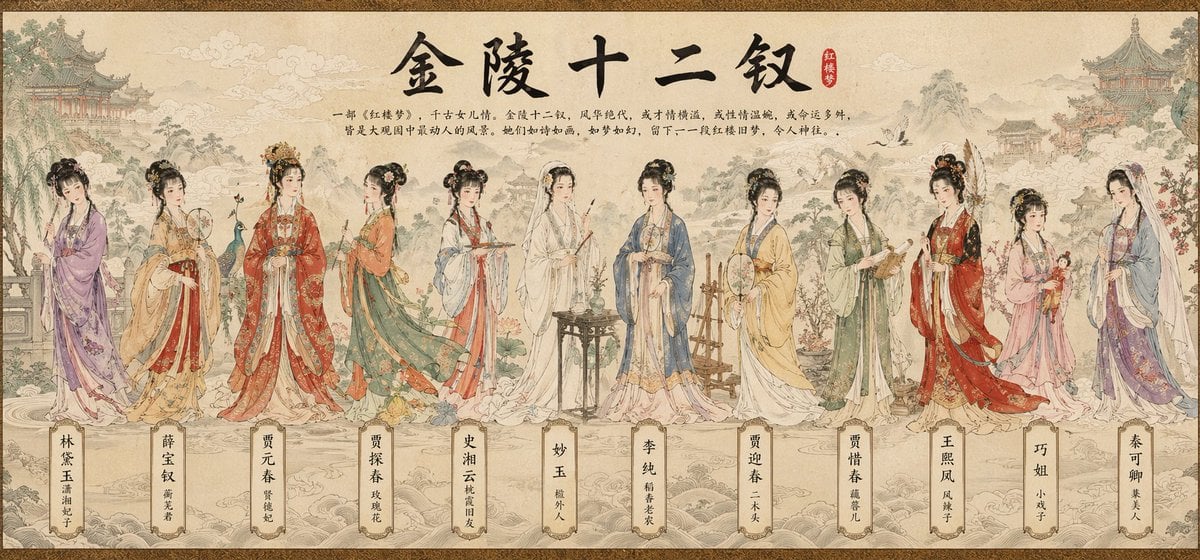
Traditional Chinese Scroll Illustration
Make it yours
Moonlit Immortal Scroll Emergence works as-is. These are the safest ways to change it without losing the look.
Change one field
Copy a single group, rewrite it, and generate again so you can see what that field is doing.
Keep the frame, change the subject
Hold the composition and light of Moonlit Immortal Scroll Emergence, then swap wardrobe, props or the person for a new take.
| If the result… | Why | Fix |
|---|---|---|
| The result drifts from the preview | Too many fields changed at once. | Reuse Moonlit Immortal Scroll Emergence as-is first, then change one group — subject, light, or setting. |
| The model over-stylizes the scene | The prose prompt leaves finish and camera underspecified. | Add one camera or lighting sentence and stay on GPT Image 2. |
More GPT Image 2 templates
Other prompts made for GPT Image 2.

Six VTuber Japanese Logo Sheet

Realistic Portrait of Woman and Deer

The Vista Modular Condo Poster

AI Model Routing Comparison Infographic

2.5D Anime Art Board

Isometric Productivity Desk Scene

New York Double Exposure Poster

Four-Panel AI Landscape Comparison

Japanese Tatami Lifestyle Magazine Cover

NESCAFÉ Coffee Map Poster
More image prompts
Fresh picks from across the catalog.
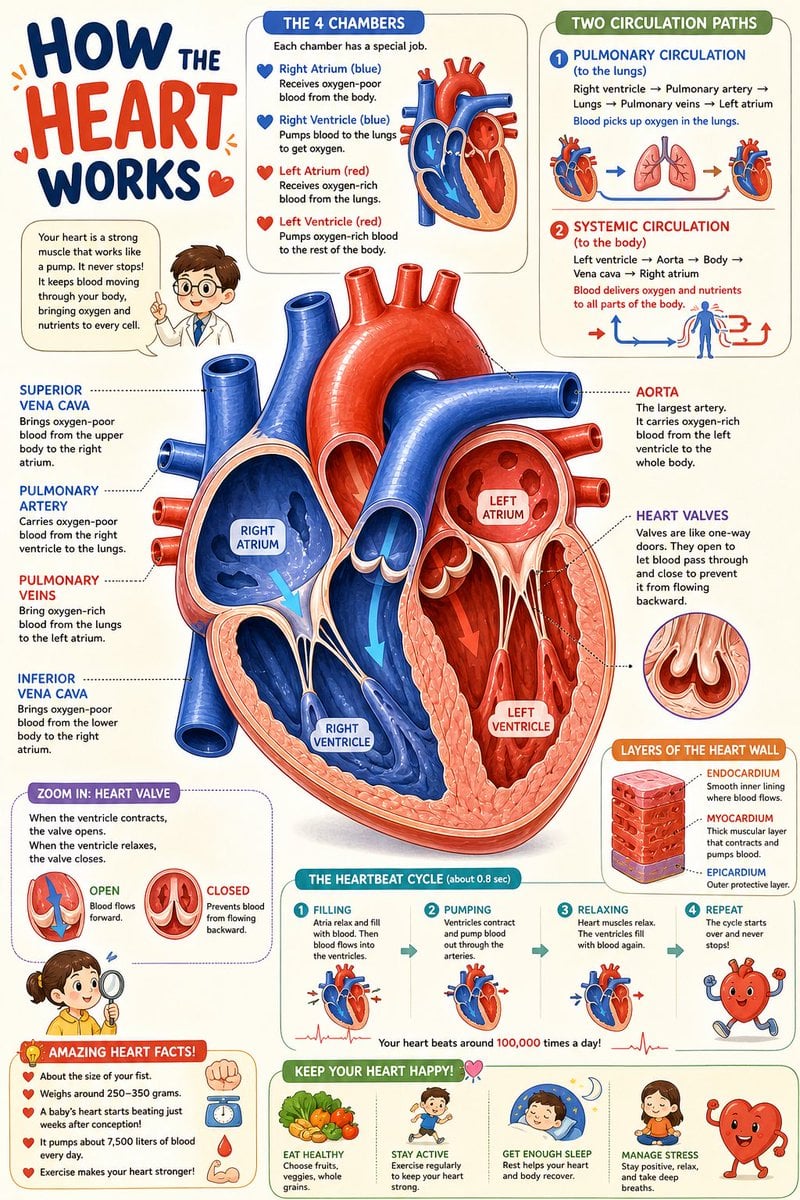
Science Book Illustration with Cutaway Diagram
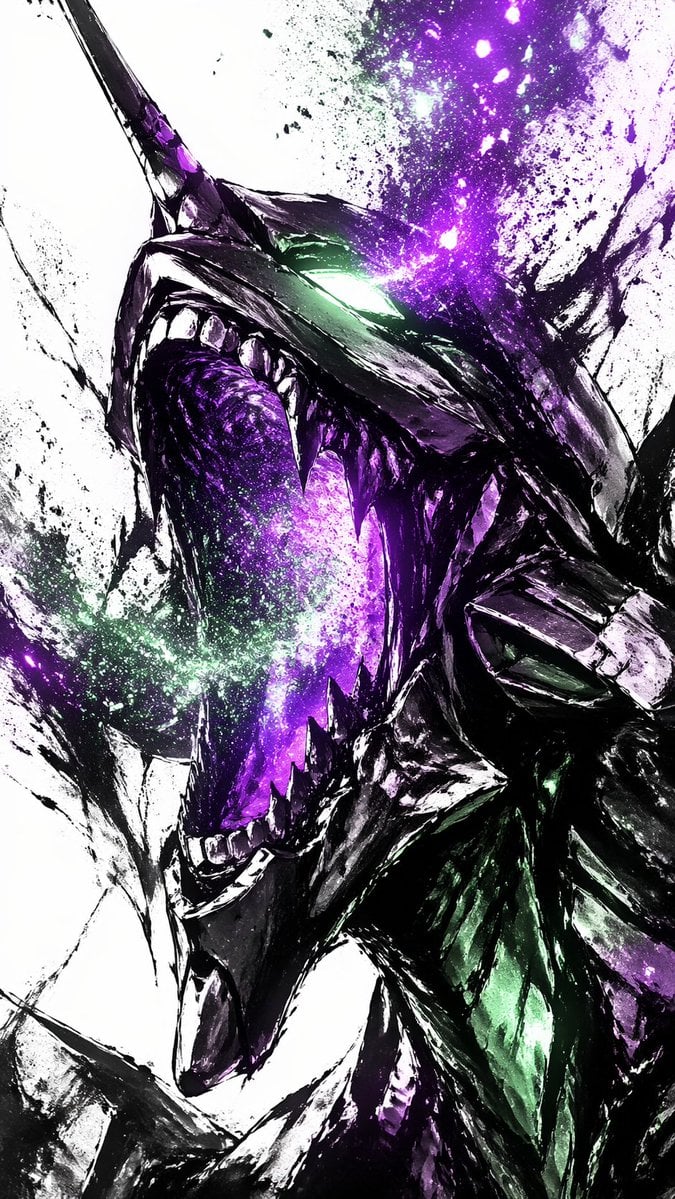
Cosmic Ink Dragon Roar

Summer Citrus Soda Advertisement

Chibi Girl Holding Japanese Notice Sign
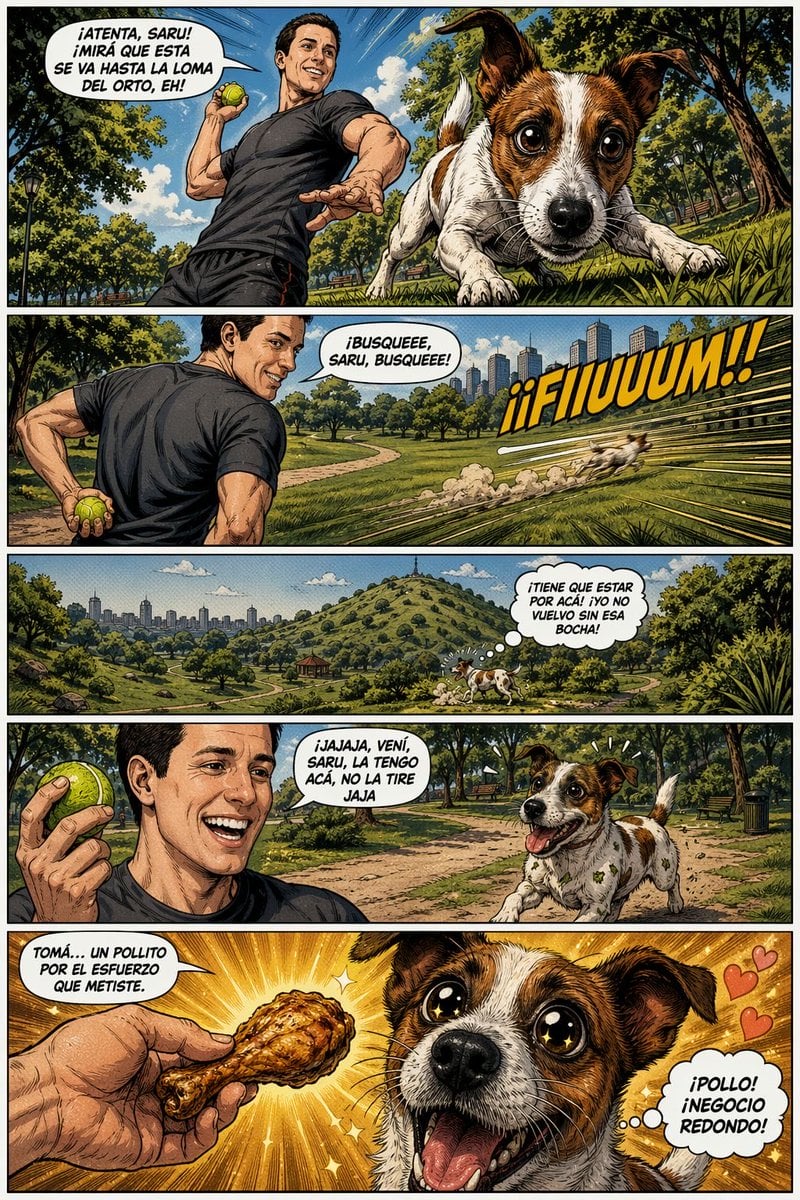
Funny Dog Park Comic Page

Thumbnail Editing Prompt: Replacing a Person
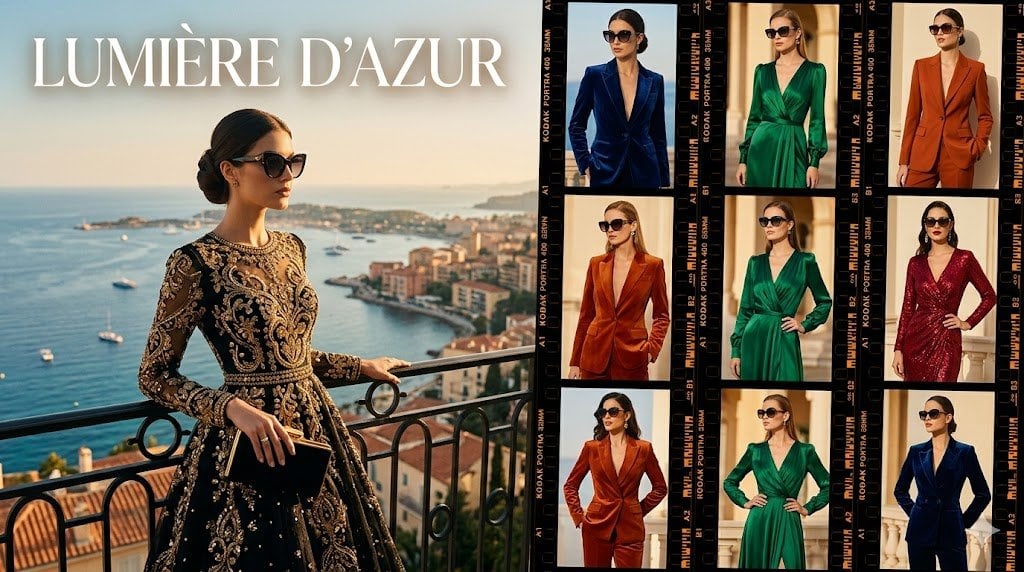
Lumière d’Azur Fashion Lookbook Collage

Inpainting/Adding a Person to an Image

Overhead View of Saturday Morning Activity Prompt
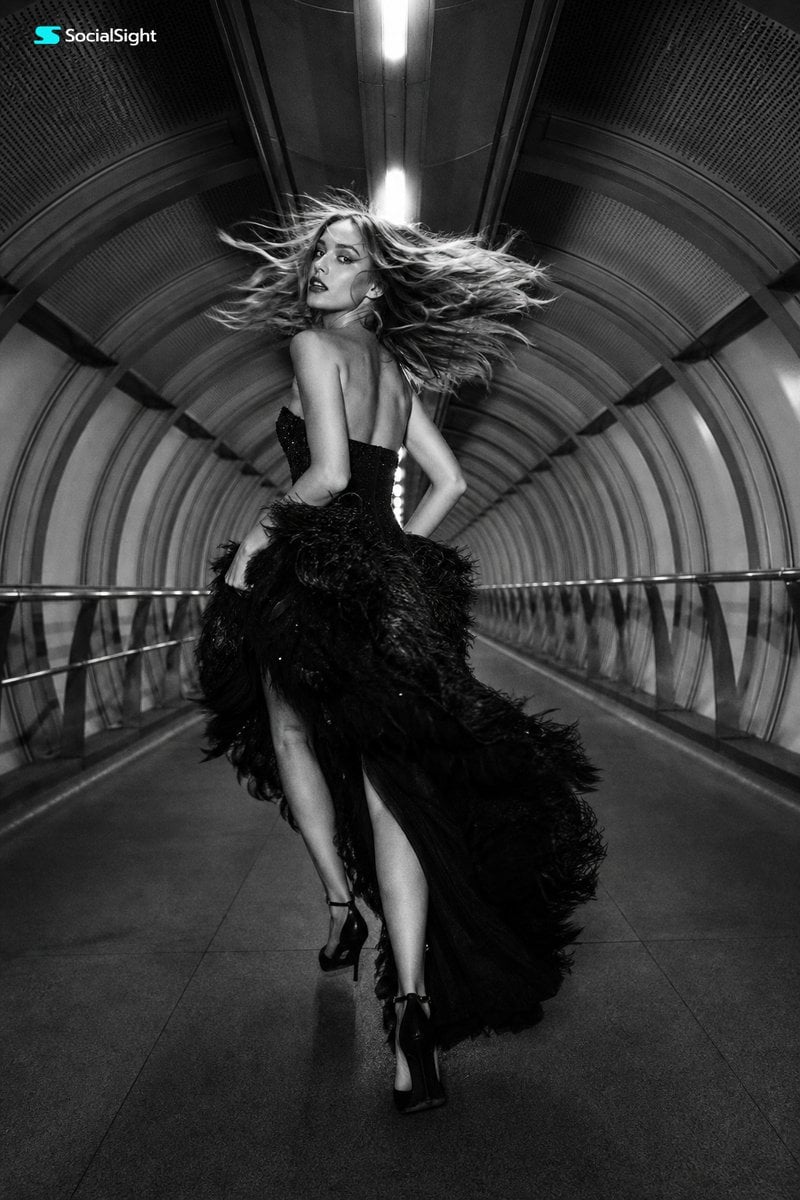
Futuristic Tunnel Fashion Editorial
Browse template categories
Moonlit Immortal Scroll Emergence questions
How do I use the Moonlit Immortal Scroll Emergence template?
Add your photo if the template asks for one, edit the prompt if you like — the template's model and format are already selected — and press Generate. Your version opens in PicX Studio.
Can I customize the Moonlit Immortal Scroll Emergence template?
Yes. You can change the subject, setting, lighting, mood, format, and available model controls before creating your image.
Is the Moonlit Immortal Scroll Emergence template free?
Opening and editing this template is free. Generating uses credits, shown on the Generate button when you are signed in.
Which AI model should I use?
Start with GPT Image 2, which is the model associated with this template. You can compare another compatible model for a different finish.
Looking for something else? Browse all templates.

Your photo, any look
Thousands of ready templates for every top image and video model, from one credit balance.