
Doomscrolling Editorial Poster
A monochrome brutalist poster about social media addiction, ideal for awareness campaigns, magazine-style graphics, or conceptual editorial art.
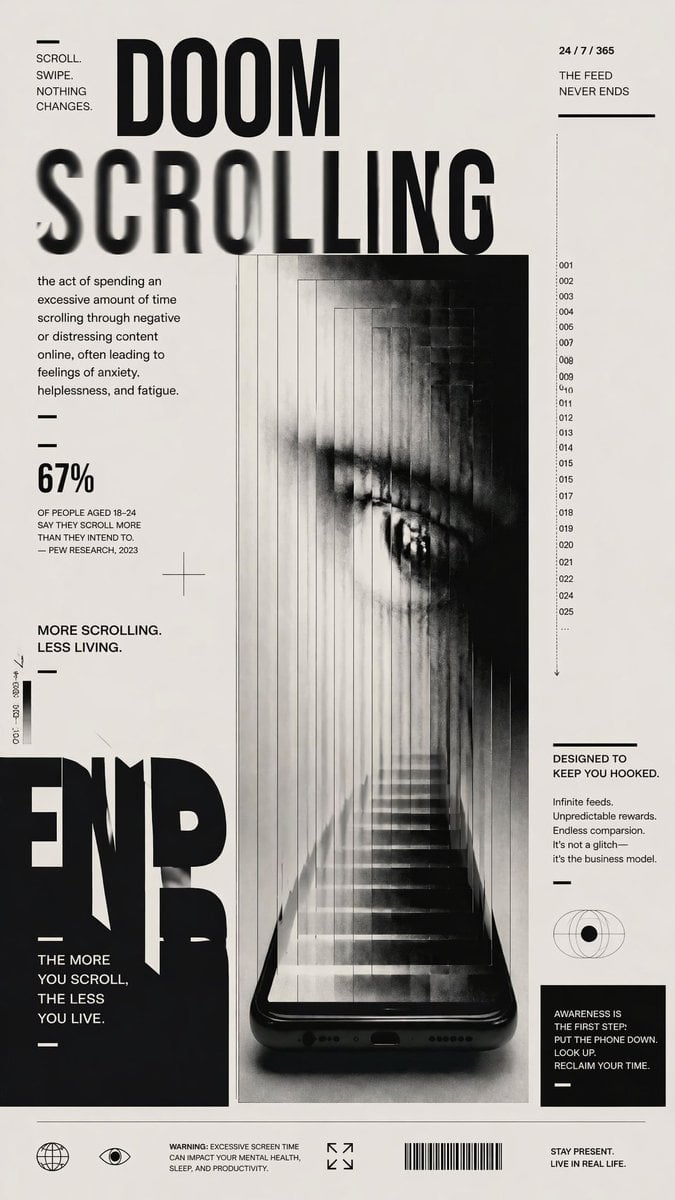
- Prompt included
- Model and format preset
- Free template
The prompt behind this image
Copy the exact prompt behind Doomscrolling Editorial Poster, or open it in the studio and make it yours.
A stark black-and-white editorial anti-tech poster on an off-white background, designed like a modern brutalist magazine cover about digital addiction. The composition is vertical and highly typographic, with one central surreal image and multiple blocks of small text. At the top center, huge bold condensed sans-serif text reads DOOM on one line and SCROLLING below it, with the word SCROLLING stretched across the page and partially motion-blurred or smeared horizontally. In the upper left corner, a tiny text block reads “SCROLL. SWIPE. NOTHING CHANGES.” with a short horizontal line above it. In the upper right corner, small text reads “24 / 7 / 365” above “THE FEED NEVER ENDS” with a horizontal divider line below. On the left side under the title, add a definition paragraph in small editorial text: “the act of spending an excessive amount of time scrolling through negative or distressing content online, often leading to feelings of anxiety, helplessness, and fatigue.” Beneath that, include 2 short horizontal divider lines, then a large statistic reading “67%” followed by smaller text: “OF PEOPLE AGED 18–24 SAY THEY SCROLL MORE THAN THEY INTEND TO. — PEW RESEARCH, 2023”. Below that, another statement reads “MORE SCROLLING. LESS LIVING.” with a divider line beneath. The center of the poster features a glossy black smartphone standing vertically at the bottom center, seen front-on, with the bottom speaker holes and charging port visible. Emerging from the phone screen is a long impossible staircase receding upward into a narrow tunnel made of repeated translucent vertical panels, creating a claustrophobic corridor. Within the tunnel, a giant grayscale human eye appears in the upper half, partially obscured by haze, vertical slicing, and ghosted repetitions, as if trapped inside the feed. The central image should feel eerie, dreamlike, oppressive, and cinematic, with soft fog, high contrast, photocopy grain, subtle motion smear, and layered transparency. Along the right side of the central image, add a narrow vertical numbered index with exactly 24 visible entries: 001, 002, 003, 004, 005, 007, 008, 009, 010, 011, 012, 013, 014, 015, 017, 018, 019, 020, 021, 022, 024, 025, 026, and an ellipsis, plus a thin downward arrow underneath. In the right column, add a text block titled “DESIGNED TO KEEP YOU HOOKED.” followed by 4 short lines: “Infinite feeds. Unpredicted rewards. Endless comparison. It’s not a glitch— it’s the business model.” Below that place a simple eye/globe icon, then a black rectangular box containing the message: “AWARENESS IS THE FIRST STEP: PUT THE PHONE DOWN. LOOK UP. RECLAIM YOUR TIME.” On the lower left, place a massive cropped black word fragment reading END near the bottom edge, with another stacked statement beside it: “THE MORE YOU SCROLL, THE LESS YOU LIVE.” Add tiny vertical microtext near the left margin for editorial flavor. Across the bottom footer, place 4 icon/text groups: a globe icon, an eye icon, a small warning text block reading “WARNING: EXCESSIVE SCREEN TIME CAN IMPACT YOUR MENTAL HEALTH, SLEEP, AND PRODUCTIVITY.”, an expand-corners icon, a barcode, and a final statement on the far right reading “STAY PRESENT. LIVE IN REAL LIFE.” Use minimalist Swiss-grid alignment, generous negative space, sharp black typography, subtle distressed print texture, and a high-fashion poster aesthetic.
How to use Doomscrolling Editorial Poster in 3 steps
- 1Upload ImagePNG, JPG or paste
Add your photo
Upload the photo the template builds on. The prompt, model and format are already set.
- 2…a portrait of your subject in softgolden-hour light, 85mm…
Personalize
Edit the subject and creative details for your destination.
- 3Generate
Generate
Press Generate — your image is created in PicX Studio, so you can compare it with the original and refine one variable at a time.
More like this
Templates with the same subject, style or setup. Open one to see its prompt.

Urban Fashion Editorial Collage Poster

Typography Mask Editorial Fashion Poster

Luxury Sliced Wordmark Player Poster

Premium Editorial Branding Poster Charcoal Green

Premium Vintage Travel Poster Landscape
Premium Vintage Travel Poster Landscape

Japan Travel Brochure Poster

Cartoon TV Show Poster Pack

Polo Ralph Lauren Luxury American Heritage Fashion Campaign

High-Fashion Editorial Magazine Cover ICON

Fine Art Monochrome Fashion Portrait

Korean Streetwear Minimalist Campaign Portrait
Make it yours
Doomscrolling Editorial Poster works as-is. These are the safest ways to change it without losing the look.
Change one field
Copy a single group, rewrite it, and generate again so you can see what that field is doing.
Keep the frame, change the subject
Hold the composition and light of Doomscrolling Editorial Poster, then swap wardrobe, props or the person for a new take.
| If the result… | Why | Fix |
|---|---|---|
| The result drifts from the preview | Too many fields changed at once. | Reuse Doomscrolling Editorial Poster as-is first, then change one group — subject, light, or setting. |
| The model over-stylizes the scene | The prose prompt leaves finish and camera underspecified. | Add one camera or lighting sentence and stay on GPT Image 2. |
More GPT Image 2 templates
Other prompts made for GPT Image 2.

Six VTuber Japanese Logo Sheet

Realistic Portrait of Woman and Deer

The Vista Modular Condo Poster

AI Model Routing Comparison Infographic

2.5D Anime Art Board

Isometric Productivity Desk Scene

New York Double Exposure Poster

Four-Panel AI Landscape Comparison

Japanese Tatami Lifestyle Magazine Cover

NESCAFÉ Coffee Map Poster
More image prompts
Fresh picks from across the catalog.
Seaside Anime Sketch Aesthetic
Overhead Flash Money Bed Editorial
Cute Chaos Cyberpunk Maid Elf
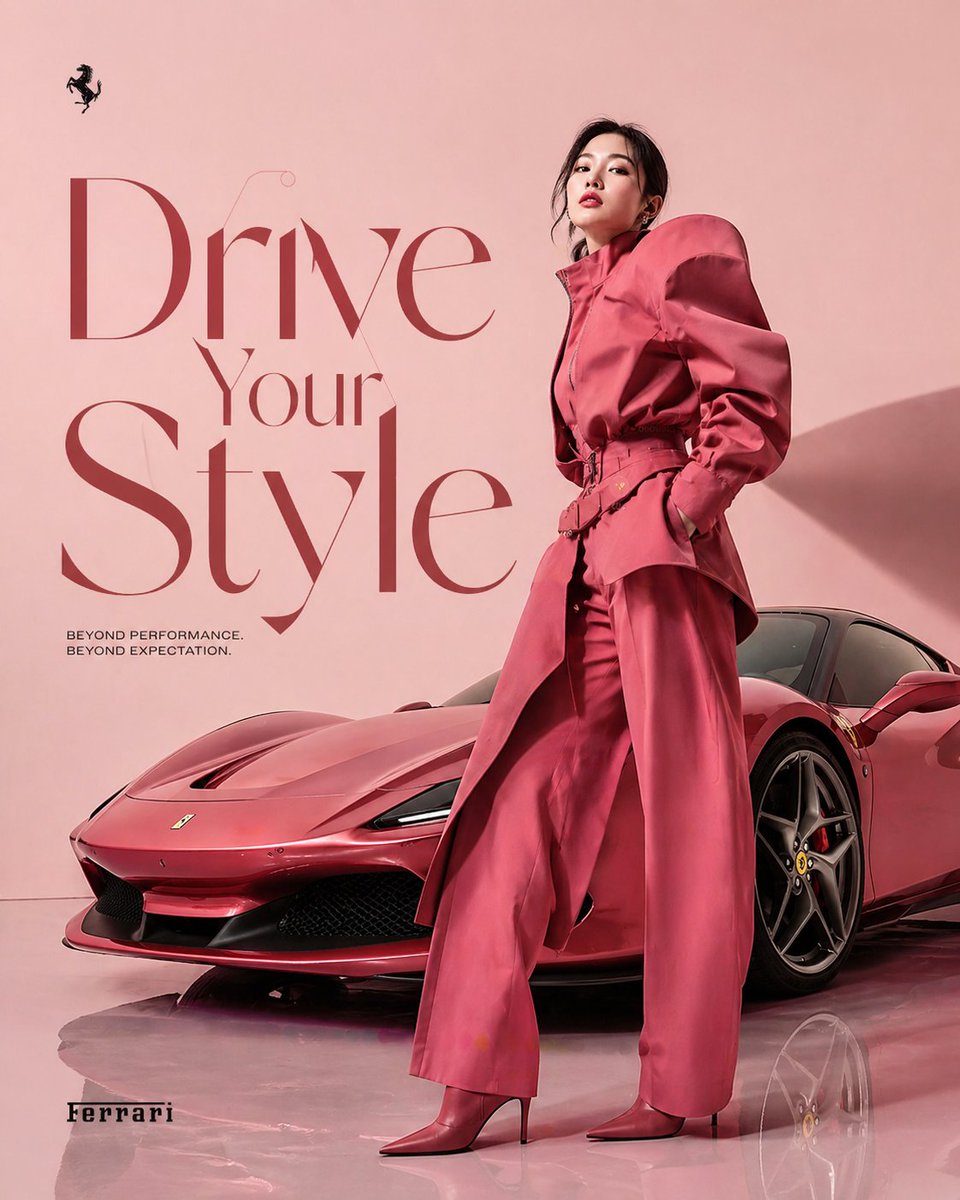
Korean Model and Luxury Car Advertisement
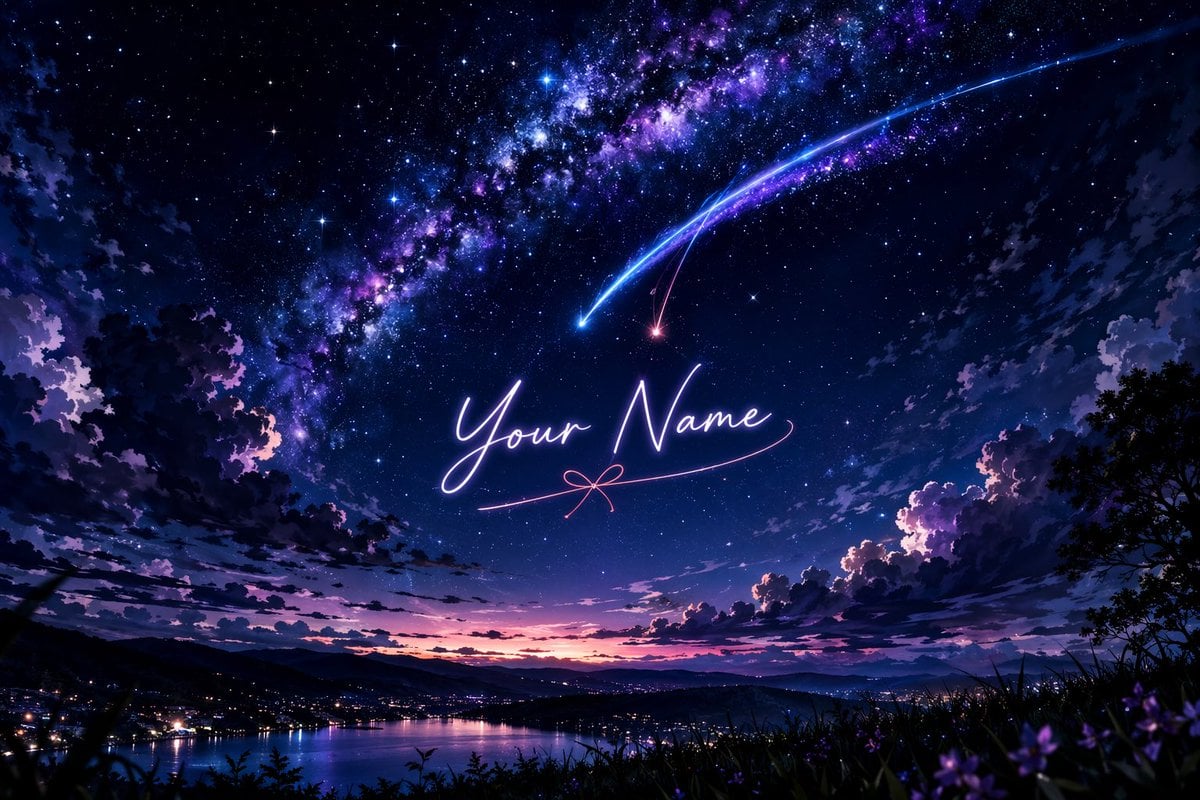
Anime Starry Night Sky with Custom Neon Text

Fictional K-pop Artist Image Generation (Reference Based)
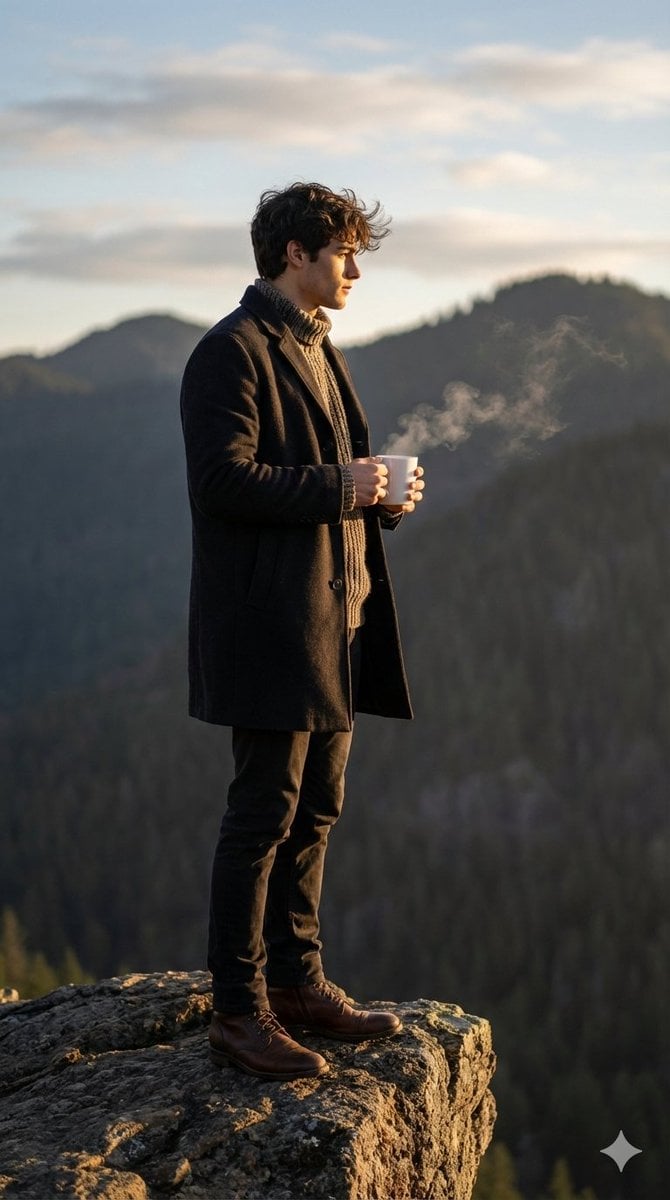
Cinematic Sunrise Portrait on a Cliff Edge
AI Gallery Portrait UI Screenshot

Dramatic Cinematic Low-Angle Portrait Prompt (Reference Image Required)
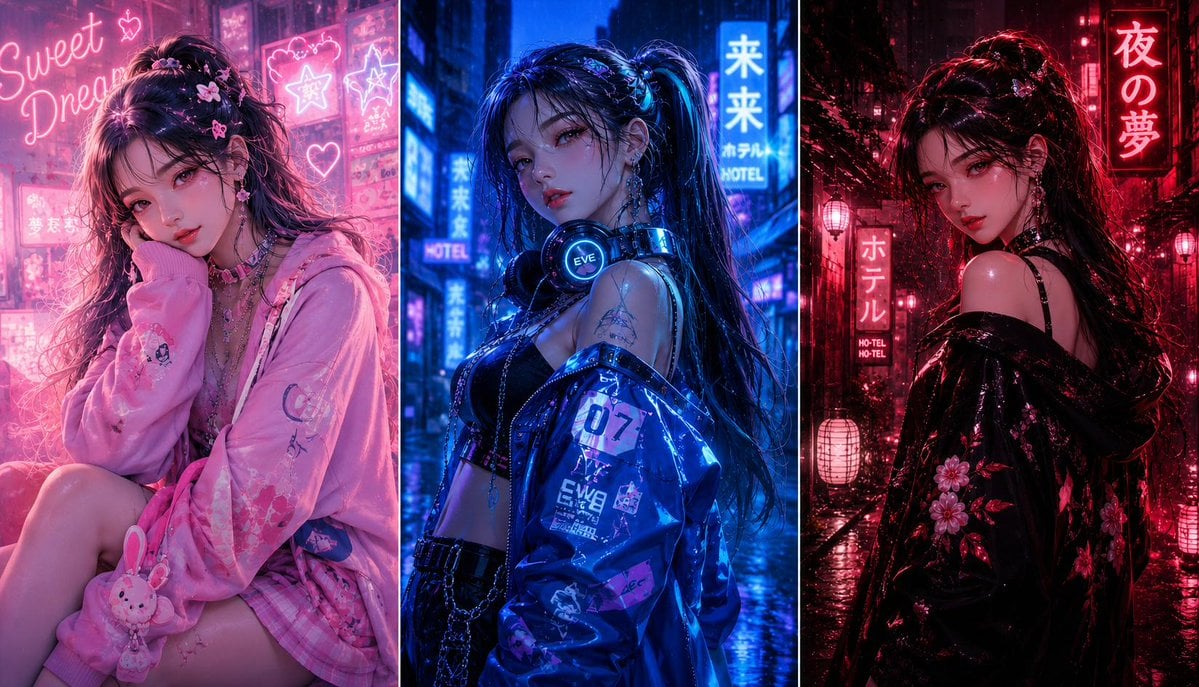
Three-panel anime fashion collage
Browse template categories
Doomscrolling Editorial Poster questions
How do I use the Doomscrolling Editorial Poster template?
Add your photo if the template asks for one, edit the prompt if you like — the template's model and format are already selected — and press Generate. Your version opens in PicX Studio.
Can I customize the Doomscrolling Editorial Poster template?
Yes. You can change the subject, setting, lighting, mood, format, and available model controls before creating your image.
Is the Doomscrolling Editorial Poster template free?
Opening and editing this template is free. Generating uses credits, shown on the Generate button when you are signed in.
Which AI model should I use?
Start with GPT Image 2, which is the model associated with this template. You can compare another compatible model for a different finish.
Looking for something else? Browse all templates.

Your photo, any look
Thousands of ready templates for every top image and video model, from one credit balance.