
Cute Chaos Cyberpunk Maid Elf
A detailed prompt for generating a high-resolution neon cyberpunk anime poster of a chaotic gothic maid elf character.
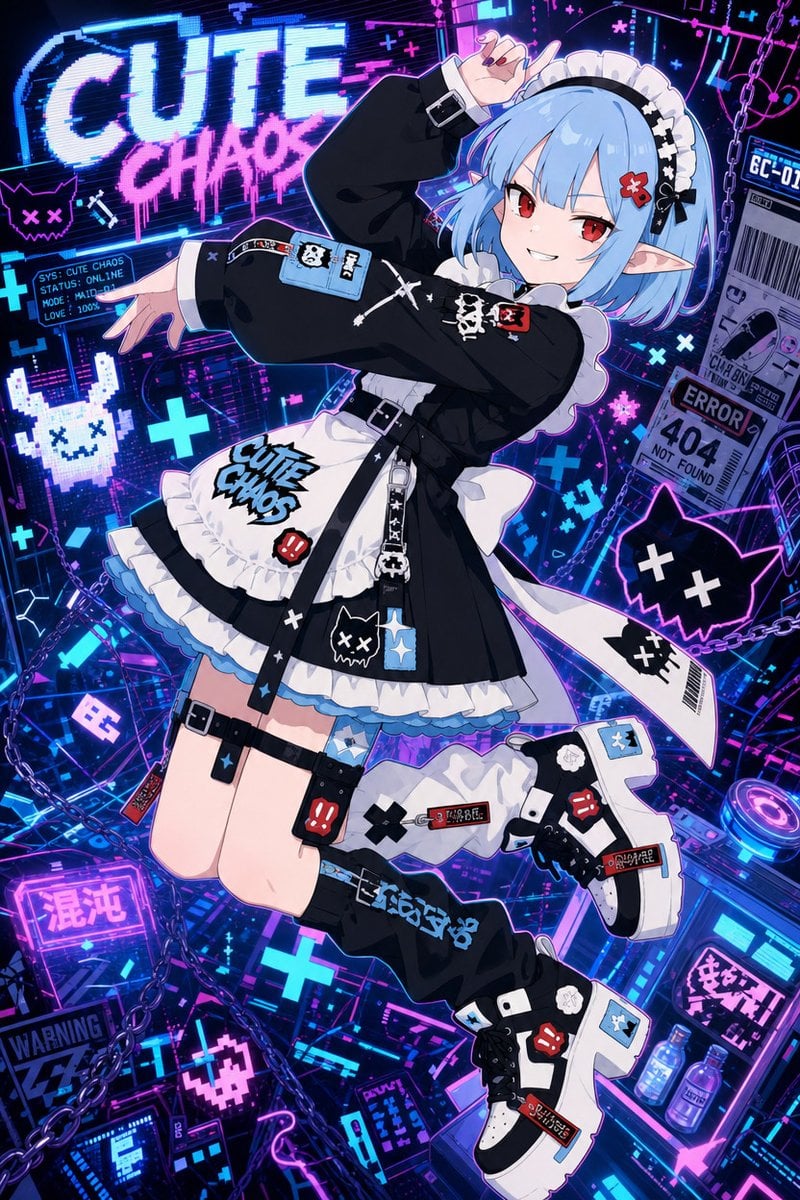
- Prompt included
- Model and format preset
- Free template
The prompt behind this image
Copy the exact prompt behind Cute Chaos Cyberpunk Maid Elf, or open it in the studio and make it yours.
Create a high-resolution vertical anime illustration for a cyberpunk idol character poster. A cute chaos-themed elf girl, {argument name="character name" default="Cute Chaos"}, floats diagonally through a dense neon hacker-city interface, full body visible, dynamic playful pose with one knee bent and arms forming a stylish gesture near her face. She has short bobbed {argument name="hair color" default="pale sky blue"} hair with blunt bangs, red eyes, pointed elf ears, small red hair clips, and a mischievous confident smile. Dress her in a black-and-white gothic maid outfit with oversized black sleeves, white frilled apron, black skirt, layered white ruffles, blue underskirt trim, black belt straps, buckles, dangling keychain charms, skull and pixel-cat patches, red bunny patches, crosses, safety-label graphics, and graffiti-style text reading {argument name="main outfit text" default="CUTE CHAOS"} on the apron. Add black thigh straps, mismatched cyber accessories, chunky white-and-black platform sneakers with sticker-like patches, and loose black leg warmers with blue graffiti lettering. The background is an extremely detailed neon cyber chaos collage: glowing blue and magenta circuit boards, holographic UI panels, glitch scanlines, chains, pixel cats with X eyes, pixel bunnies, plus signs, warning labels, barcode stickers, an ERROR 404 NOT FOUND panel, small system status screens, Japanese neon sign fragments, and a huge graffiti billboard in the upper left reading {argument name="billboard text" default="CUTE CHAOS"}. Use a vivid palette of electric cyan, hot pink, violet, black, and white, with sharp cel-shaded anime rendering, glossy highlights, rim lighting, high contrast, sticker-bomb detail, crisp line art, and 4K print-quality finish. Keep the composition energetic and crowded but ensure the character remains the clear focal point, with readable major text, no watermark, no photorealism, and no extra limbs or distorted hands.
How to use Cute Chaos Cyberpunk Maid Elf in 3 steps
- 1Upload ImagePNG, JPG or paste
Add your photo
Upload the photo the template builds on. The prompt, model and format are already set.
- 2…a portrait of your subject in softgolden-hour light, 85mm…
Personalize
Edit the subject and creative details for your destination.
- 3Generate
Generate
Press Generate — your image is created in PicX Studio, so you can compare it with the original and refine one variable at a time.
More like this
Templates with the same subject, style or setup. Open one to see its prompt.

Eid al-Adha Cute Chaos — Fisheye Selfie with Farm Selfie, Mosque & Animals

Anime Elf Maid Turnaround Sheet

Minecraft Homage Illustrious Style

Cat Photobomb Selfie — 0.5x Wide Angle Café Chaos

Rainy Night Android Cyberpunk Portrait

Korean Idol Partial Shadow Editorial Portrait

Cinematic Sci-Fi Interface Side Profile

Cyberpunk Neon Profile Fashion Portrait

Cinematic Neon Light Strip Studio Portrait

Futuristic Studio Neon Ring Minimalist Portrait

Neon Violet Streetwear Fashion Portrait

Neon Night Crosswalk Candid Portrait
Make it yours
Cute Chaos Cyberpunk Maid Elf works as-is. These are the safest ways to change it without losing the look.
Change one field
Copy a single group, rewrite it, and generate again so you can see what that field is doing.
Keep the frame, change the subject
Hold the composition and light of Cute Chaos Cyberpunk Maid Elf, then swap wardrobe, props or the person for a new take.
| If the result… | Why | Fix |
|---|---|---|
| The result drifts from the preview | Too many fields changed at once. | Reuse Cute Chaos Cyberpunk Maid Elf as-is first, then change one group — subject, light, or setting. |
| The model over-stylizes the scene | The prose prompt leaves finish and camera underspecified. | Add one camera or lighting sentence and stay on GPT Image 2. |
More GPT Image 2 templates
Other prompts made for GPT Image 2.

Six VTuber Japanese Logo Sheet

Realistic Portrait of Woman and Deer

The Vista Modular Condo Poster

AI Model Routing Comparison Infographic

2.5D Anime Art Board

Isometric Productivity Desk Scene

New York Double Exposure Poster

Four-Panel AI Landscape Comparison

Japanese Tatami Lifestyle Magazine Cover

NESCAFÉ Coffee Map Poster
More image prompts
Fresh picks from across the catalog.
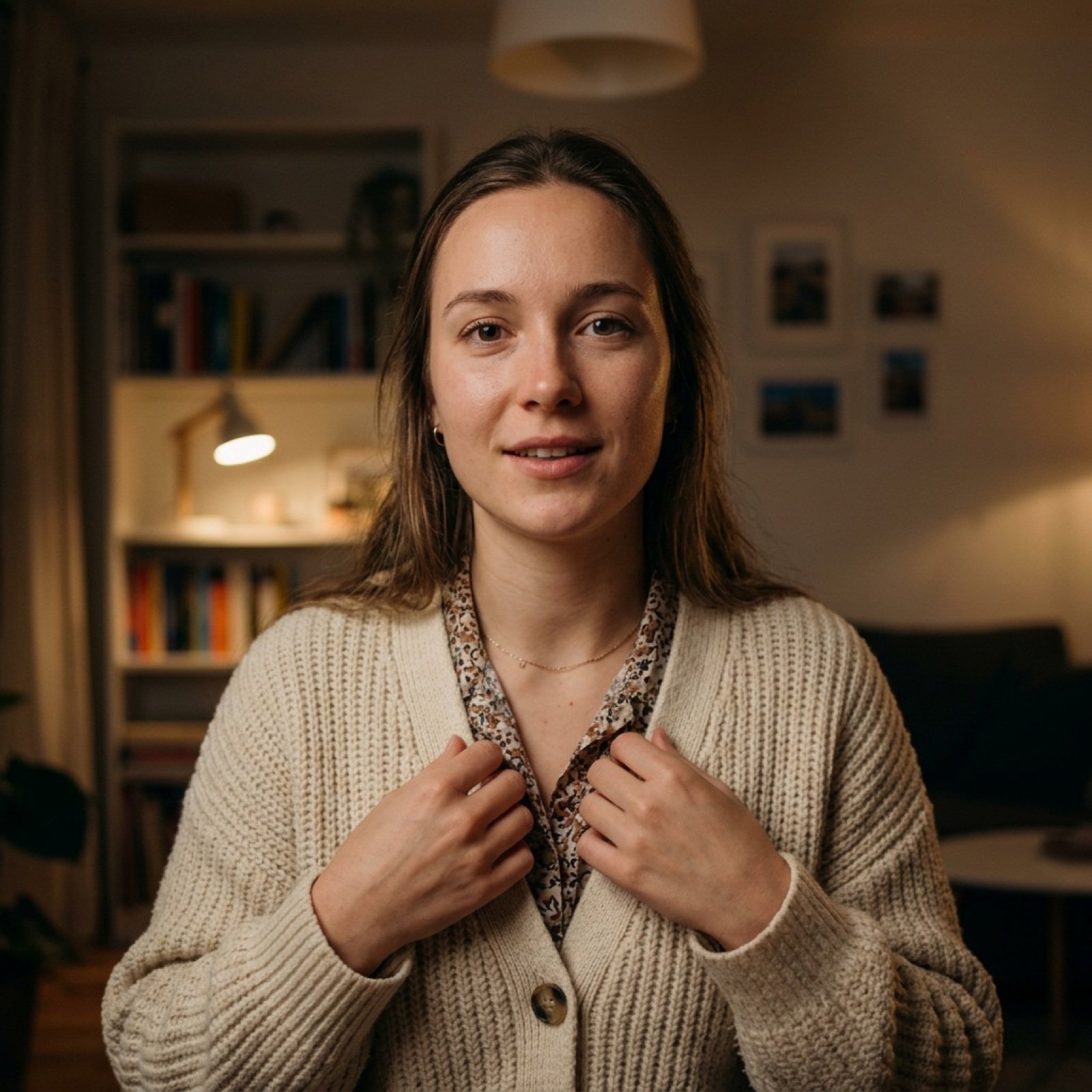
Vlog Style Video Generation from Nano Banana Pro Image
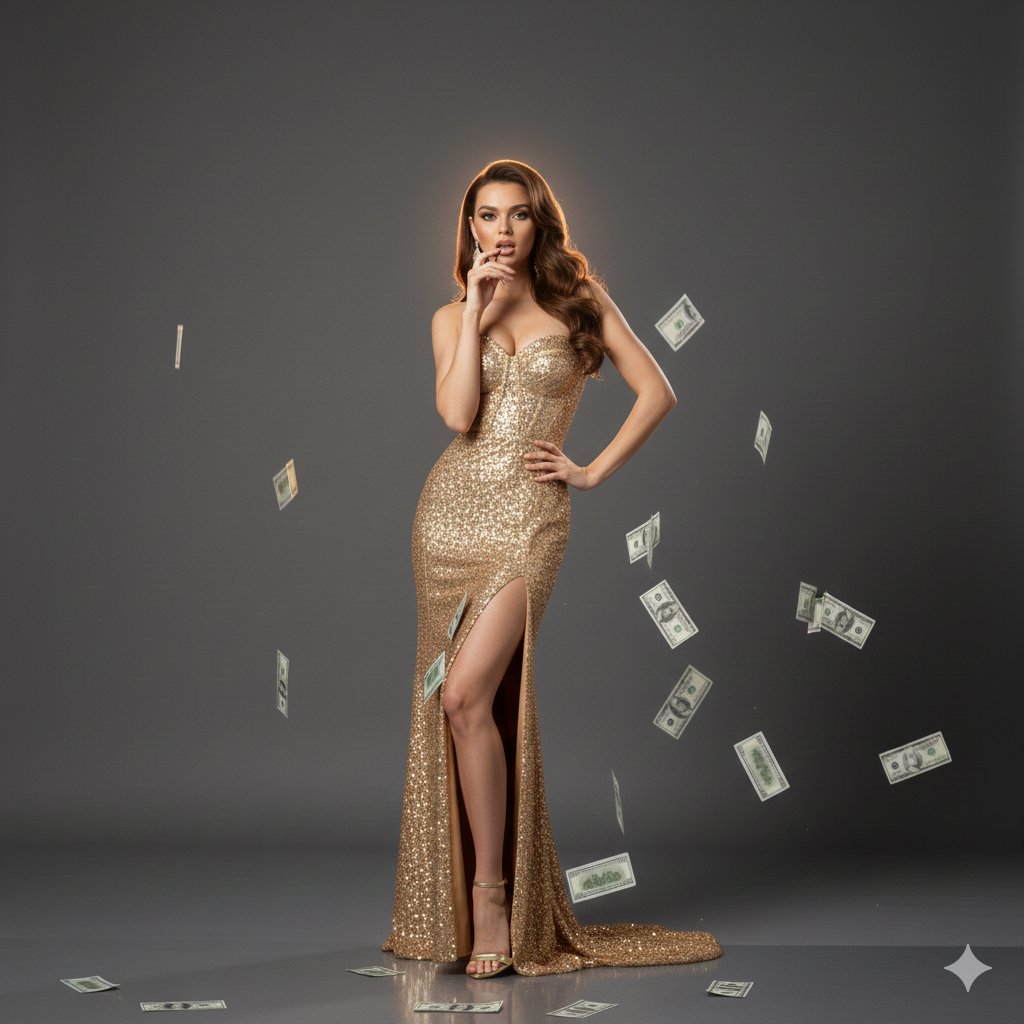
Luxury Fashion Editorial with Money Gun and Sequins
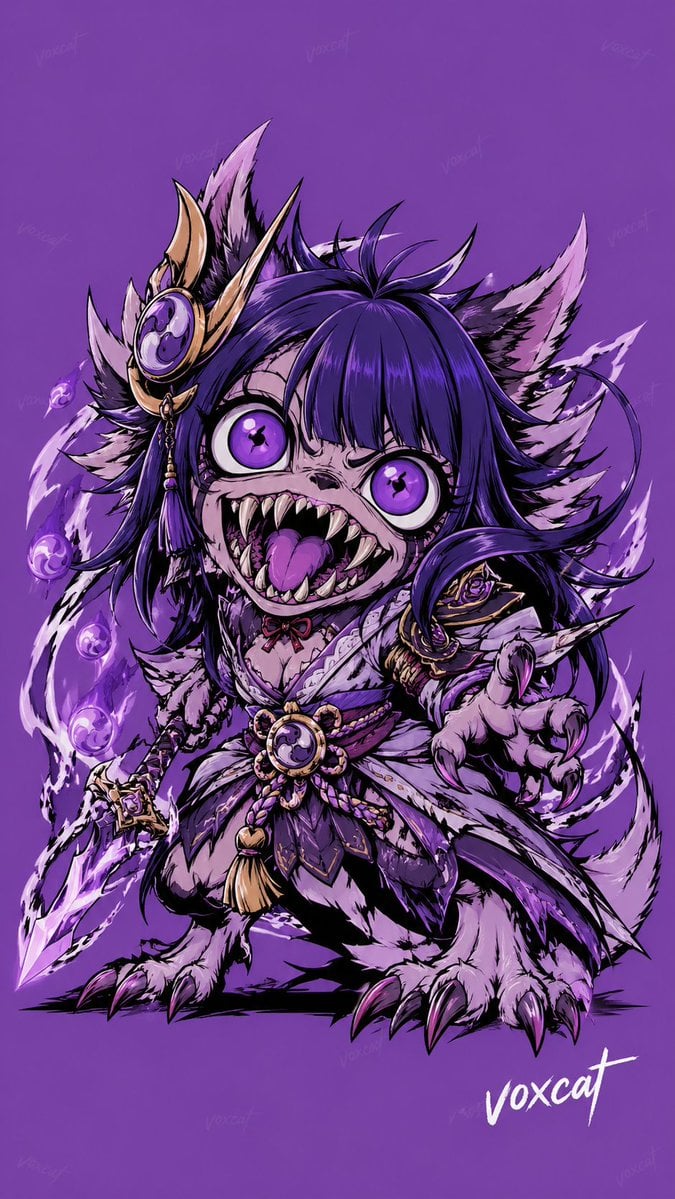
Chinese Mythological Beast Poster
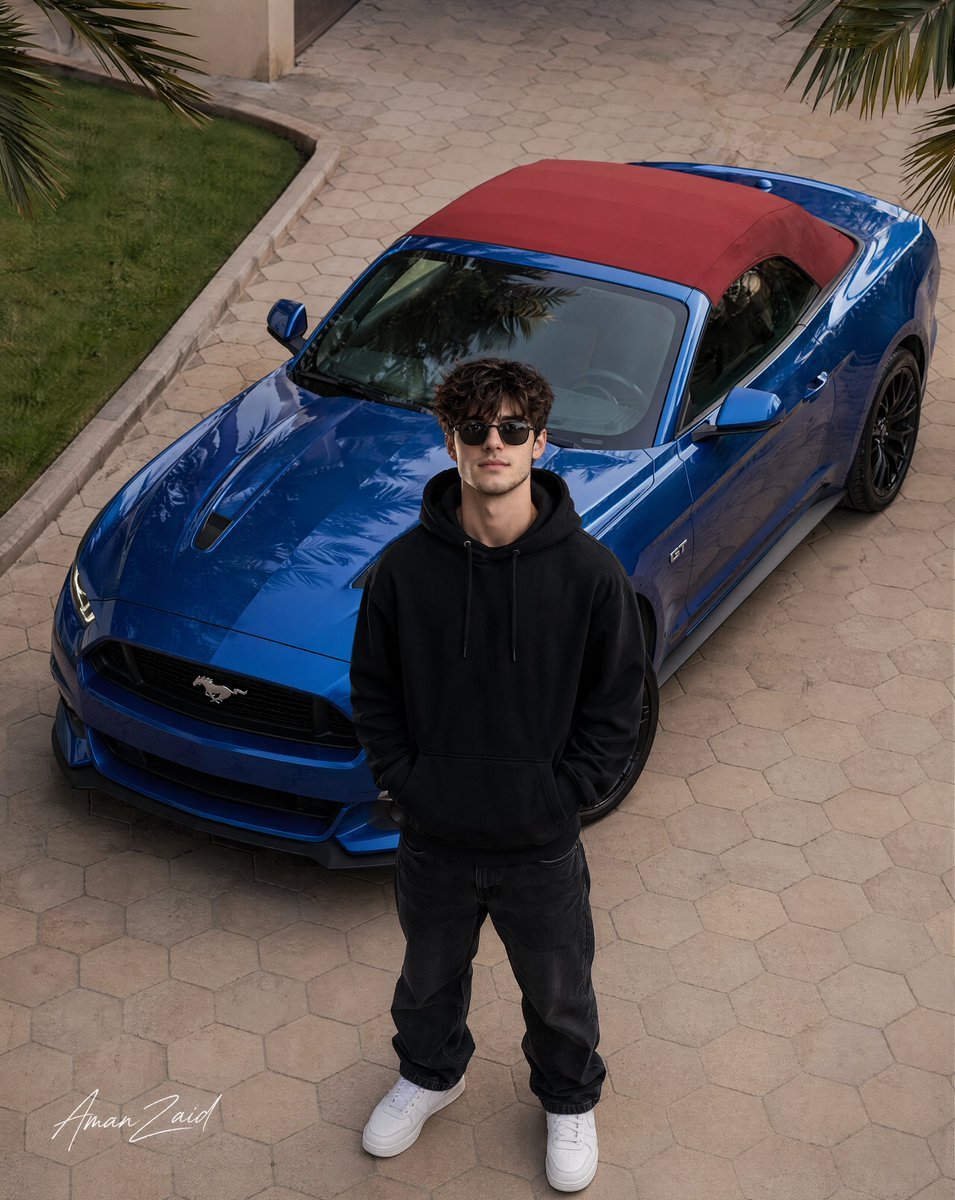
Cinematic portrait of a man with a Ford Mustang
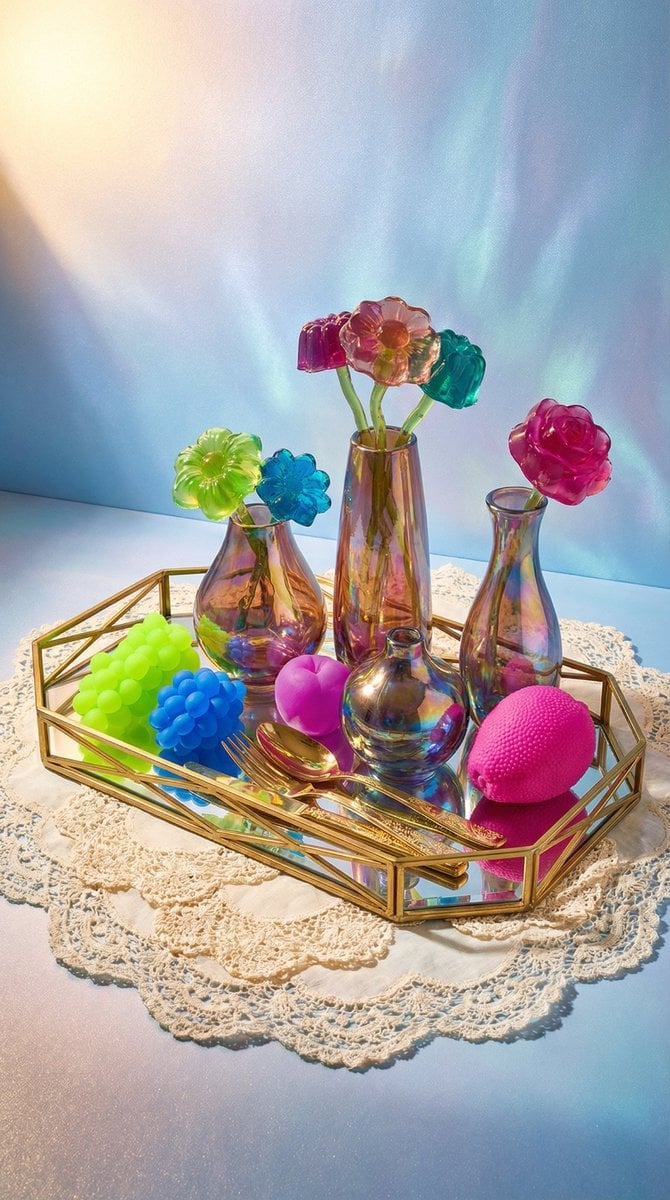
Maximalist Tabletop Arrangement Product Photography

Floating Sneakers Fire Poster

Style Transfer for Cinematic Live-Action Keyframes
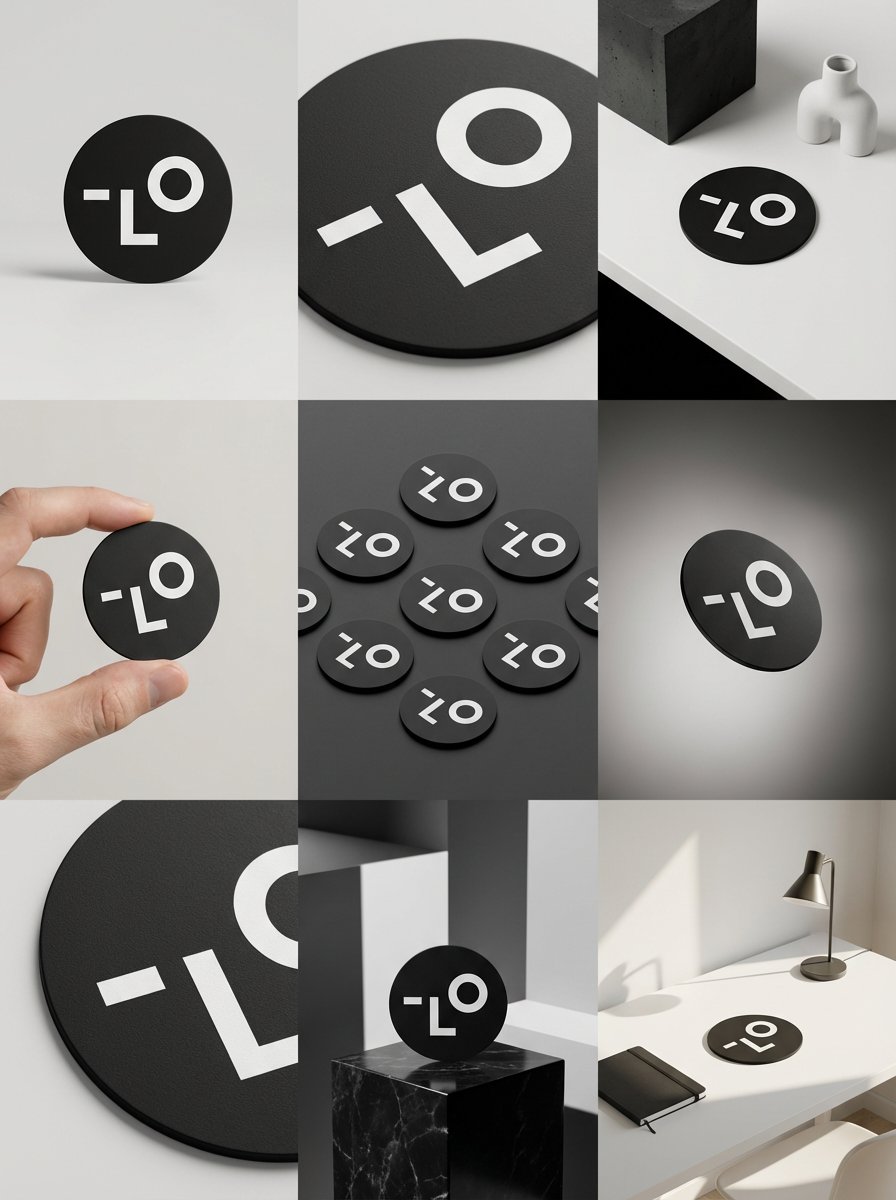
Detailed Storyboard Prompt for Brand Visuals
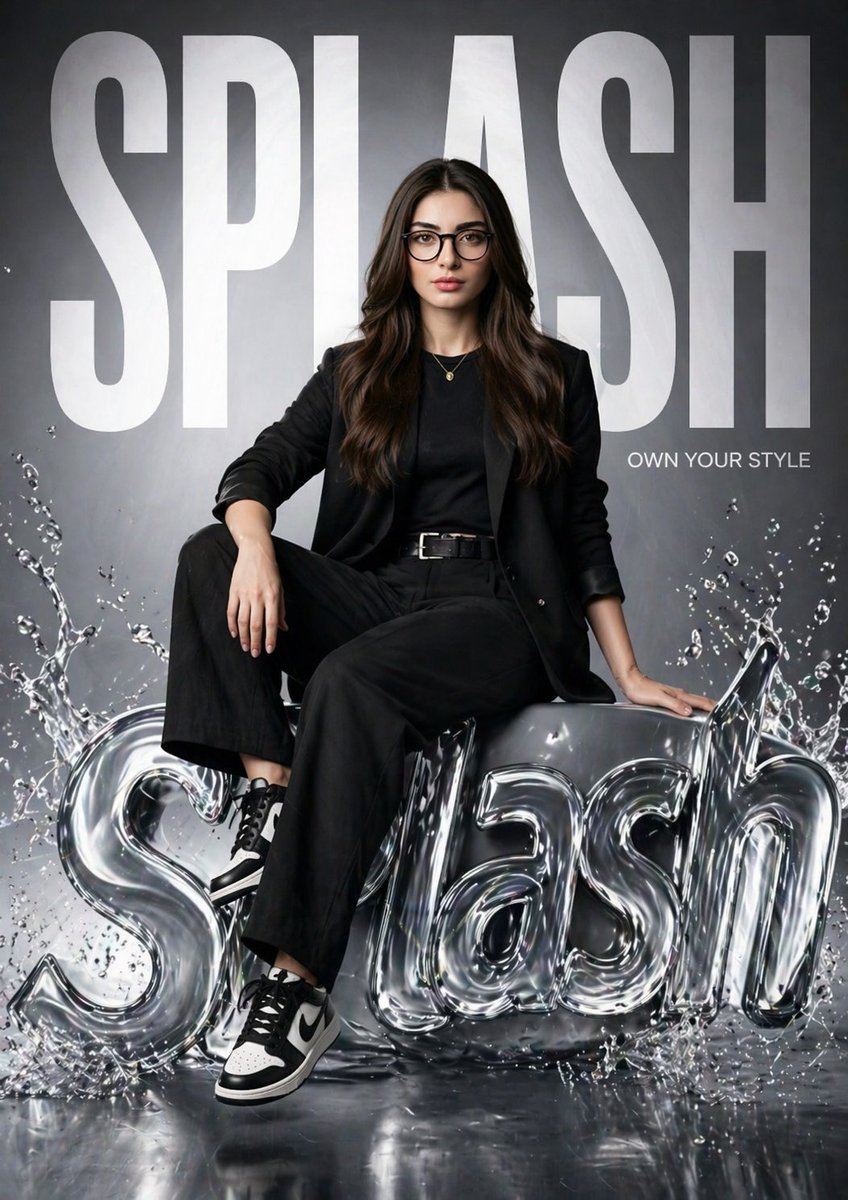
Hyper-realistic Fashion Poster
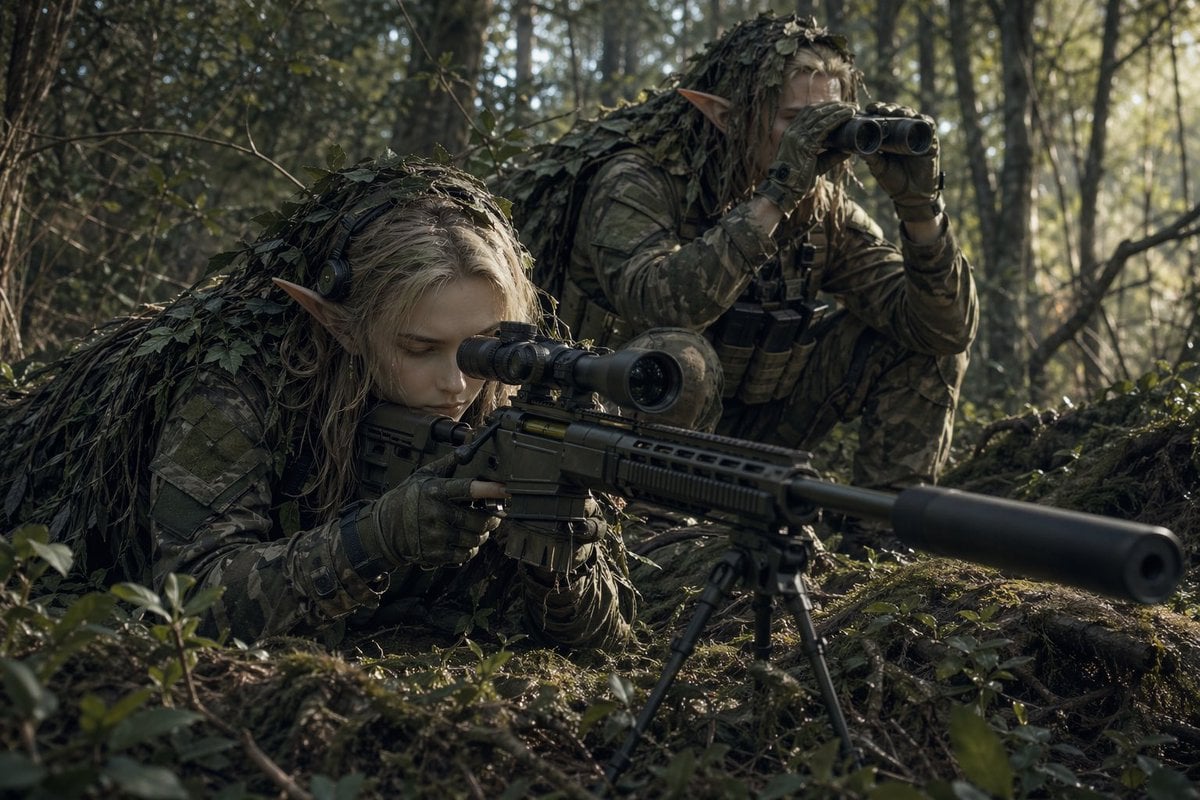
Elf Sniper Team in Forest Ambush
Browse template categories
Cute Chaos Cyberpunk Maid Elf questions
How do I use the Cute Chaos Cyberpunk Maid Elf template?
Add your photo if the template asks for one, edit the prompt if you like — the template's model and format are already selected — and press Generate. Your version opens in PicX Studio.
Can I customize the Cute Chaos Cyberpunk Maid Elf template?
Yes. You can change the subject, setting, lighting, mood, format, and available model controls before creating your image.
Is the Cute Chaos Cyberpunk Maid Elf template free?
Opening and editing this template is free. Generating uses credits, shown on the Generate button when you are signed in.
Which AI model should I use?
Start with GPT Image 2, which is the model associated with this template. You can compare another compatible model for a different finish.
Looking for something else? Browse all templates.

Your photo, any look
Thousands of ready templates for every top image and video model, from one credit balance.