How do I use the Ancient Scroll Google DeepMind Vision template?
Choose the primary action to open PicX Studio with the available template settings. Review the model and format, personalize the creative direction, and generate when ready.
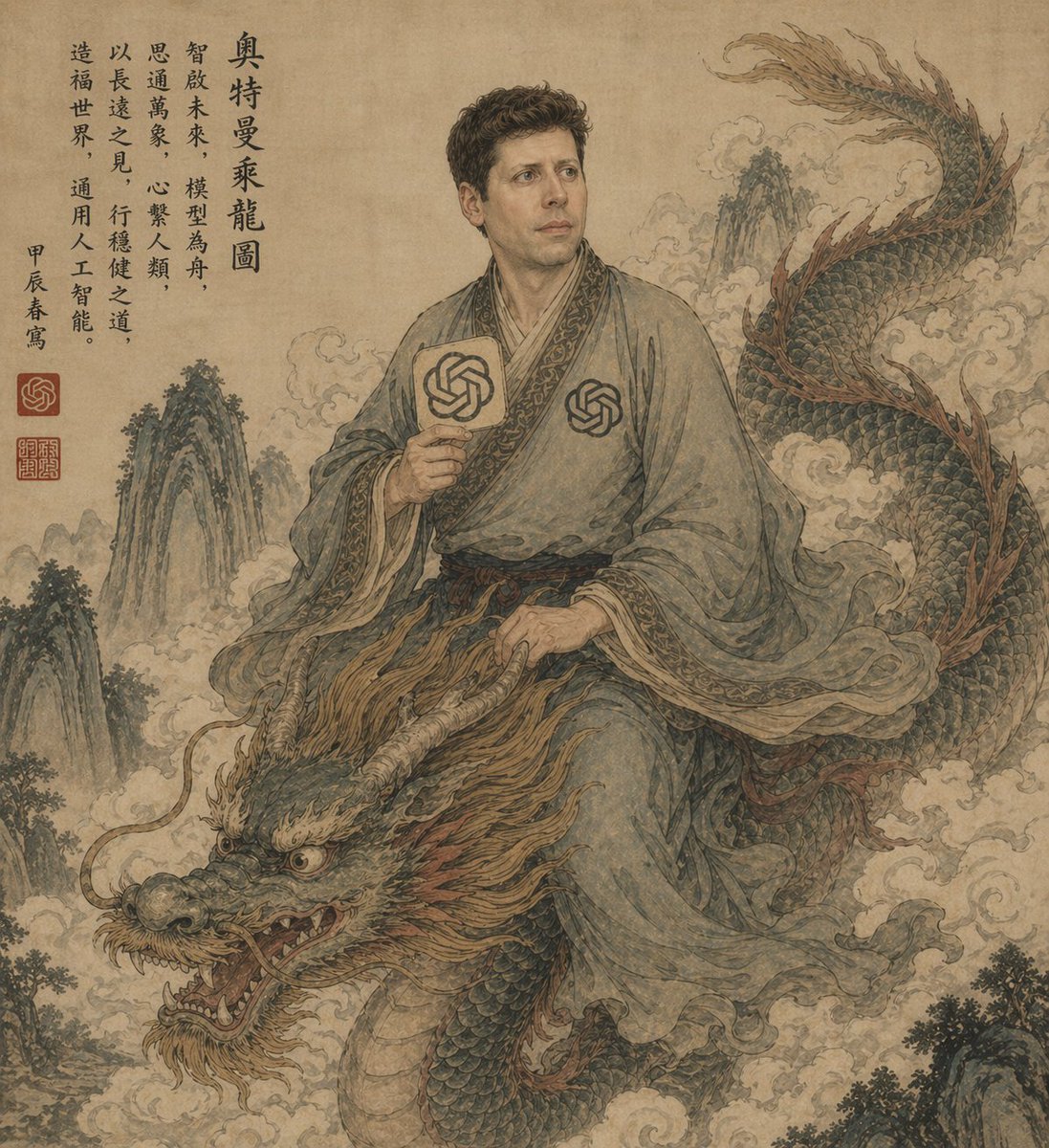
This prompt generates a faux-classical Chinese scroll painting that satirically portrays Google DeepMind as a philosophical vision in an ancient mythic setting.
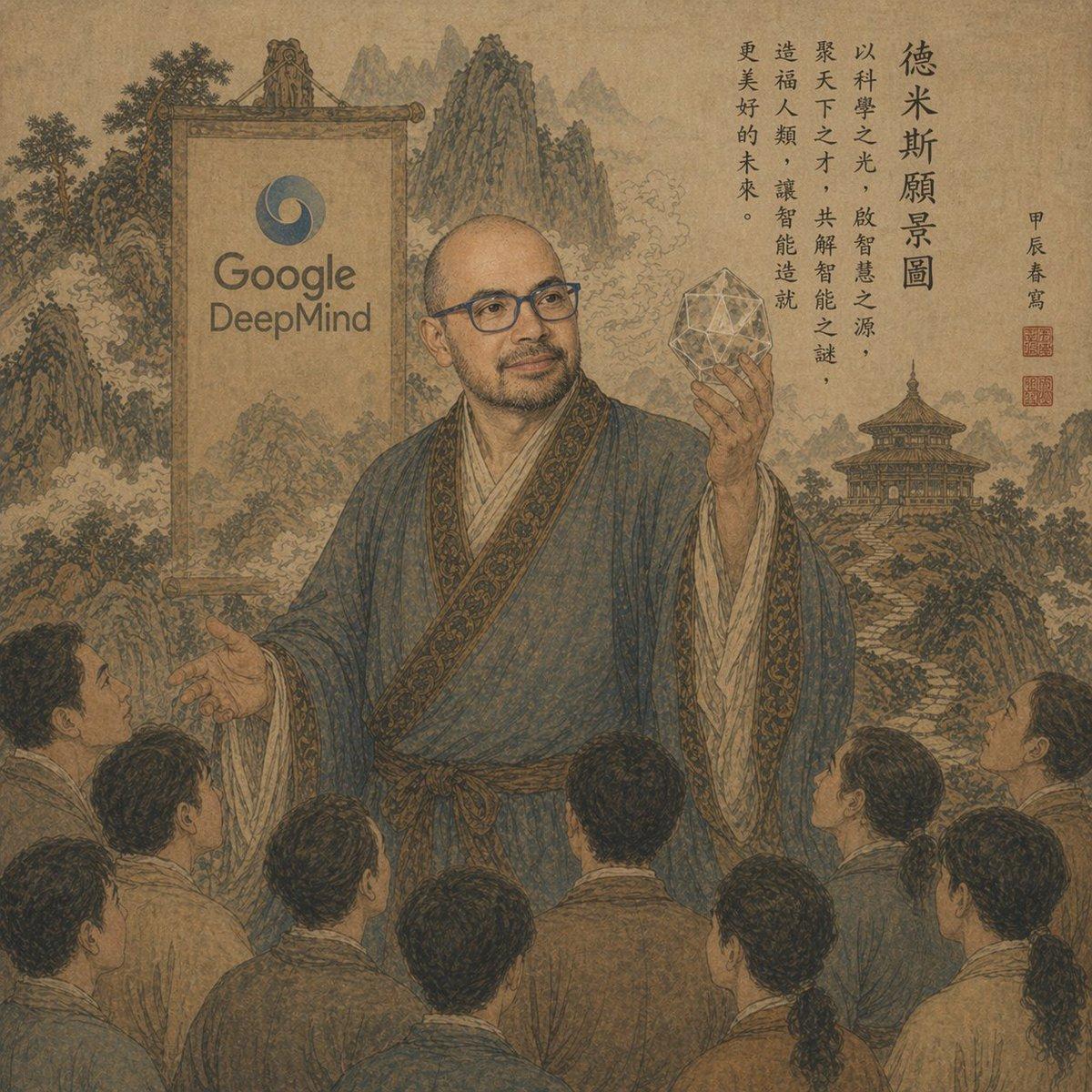
A sepia-toned ancient Chinese scroll painting reimagined as a visionary propaganda-style scene. In the center stands a scholarly robed figure styled like an imperial sage or philosopher, wearing flowing blue-gray hanfu with ornate trim, addressing a crowd of exactly 8 followers seen mostly from behind in the foreground. The sage’s face is intentionally obscured by a plain rectangular blur, and 3 members of the crowd also have blurred rectangular faces. The central figure raises one hand in a teaching gesture and holds a glowing geometric polyhedron crystal in the other hand. Behind him is a monumental hanging banner or framed plaque displaying the Google DeepMind logo and the words “Google DeepMind.” The background is a richly detailed traditional shanshui landscape with layered mountains, mist, trees, rocky formations, and a pagoda temple on the right. Along the upper right side, include vertical Chinese calligraphy text headed by “德米斯願景圖,” followed by several elegant columns of classical-style writing, plus a smaller vertical signature line and 2 red seal stamps. Use aged paper texture, muted brown ink, faded mineral pigments, fine linework, and the composition of a historic Chinese hanging scroll or literati painting, but with subtle anachronistic modern-AI symbolism. The overall mood is solemn, mythic, intellectual, and satirical, blending traditional East Asian art with corporate AI iconography.
Choose the primary action to open PicX Studio with the available template settings. Review the model and format, personalize the creative direction, and generate when ready.
Yes. You can change the subject, setting, lighting, mood, format, and available model controls before creating your image.
This template is free to open and customize. Generation usage is shown in PicX Studio before you create.
Start with GPT Image 2, which is the model associated with this template. You can compare another compatible model for a different finish.
© 2026 PicX Studio. All rights reserved.

Follow a topic to a crawlable collection of related PicX Studio templates.