
Cyber Anime Music Poster
Generates a futuristic blue-and-black anime character music poster with customizable character name and playlist-style typography.
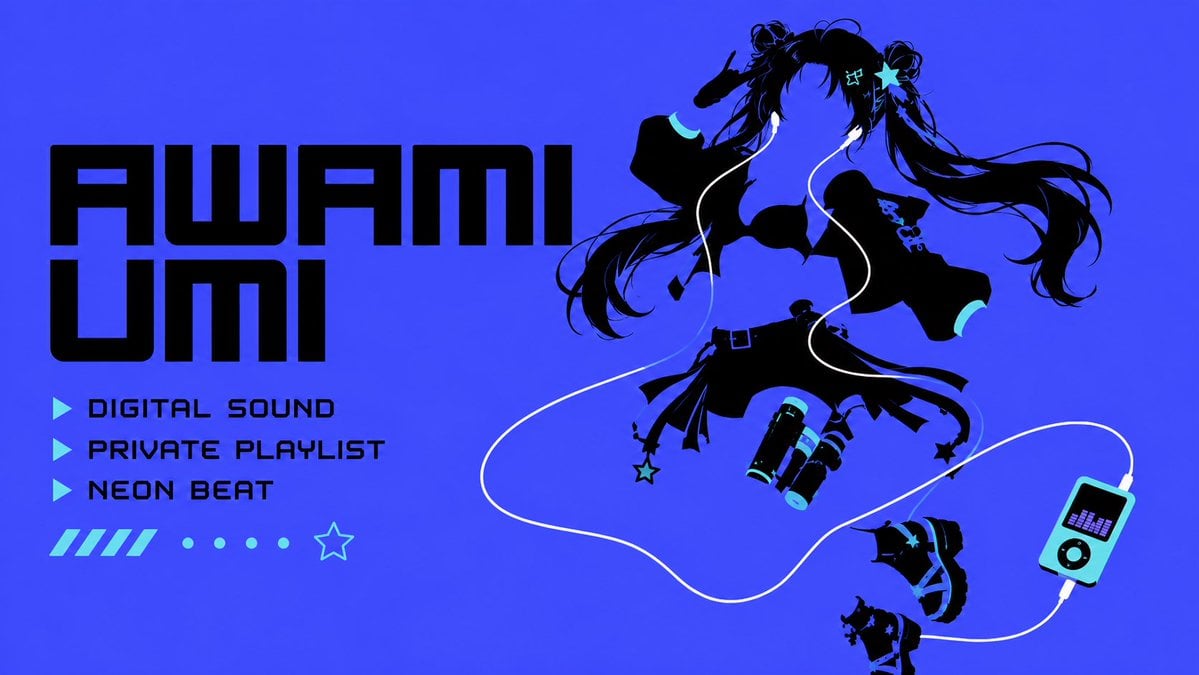
- Prompt included
- Model and format preset
- Free template
The prompt behind this image
Copy the exact prompt behind Cyber Anime Music Poster, or open it in the studio and make it yours.
Create a bold cyber-anime music poster for {argument name="character name" default="AWAMI UMI"}. Use a 16:9 horizontal canvas with an electric cobalt-blue background and flat vector/silhouette styling. On the left, place huge black futuristic block text in two stacked lines reading the character name, with a heavy squared sci-fi font. Beneath it, add exactly 3 cyan triangular play-icon bullets with black text labels: “DIGITAL SOUND”, “PRIVATE PLAYLIST”, and “NEON BEAT”. Below the labels add exactly 11 small decorative elements in one row: 5 short diagonal cyan bars, 5 cyan dots, and 1 outlined cyan star. On the right, show a dynamic black silhouette of an anime girl floating or jumping as if dancing to music: long twin-tail hair streaming to the right, one hand near her head, cropped off-shoulder top, short layered skirt with straps, belts and dangling star charms, thigh straps, chunky platform boots, and cyan accent highlights on cuffs, hair clips, shoe details, and accessories. Include white earbud cables looping dramatically across the composition, connecting to a small cyan-and-black portable music player near the lower right; the player has a small purple equalizer screen, circular controls, and a white cable plug. Add exactly 2 separated boots/footwear silhouettes near the lower right, as if part of the energetic floating layout. Keep the design high-contrast, minimal-color, clean, graphic, and poster-like, using only black, cyan, white, and small purple equalizer bars. Avoid photorealism, avoid gradients except subtle blue background depth, and do not add extra words or logos.
How to use Cyber Anime Music Poster in 3 steps
- 1Upload ImagePNG, JPG or paste
Add your photo
Upload the photo the template builds on. The prompt, model and format are already set.
- 2…a portrait of your subject in softgolden-hour light, 85mm…
Personalize
Edit the subject and creative details for your destination.
- 3Generate
Generate
Press Generate — your image is created in PicX Studio, so you can compare it with the original and refine one variable at a time.
More like this
Templates with the same subject, style or setup. Open one to see its prompt.

Captain Tsubasa Anime World Cup Poster

Gpt2 Youtube Thumbnail Anime Music Bootcamp Promo Poster
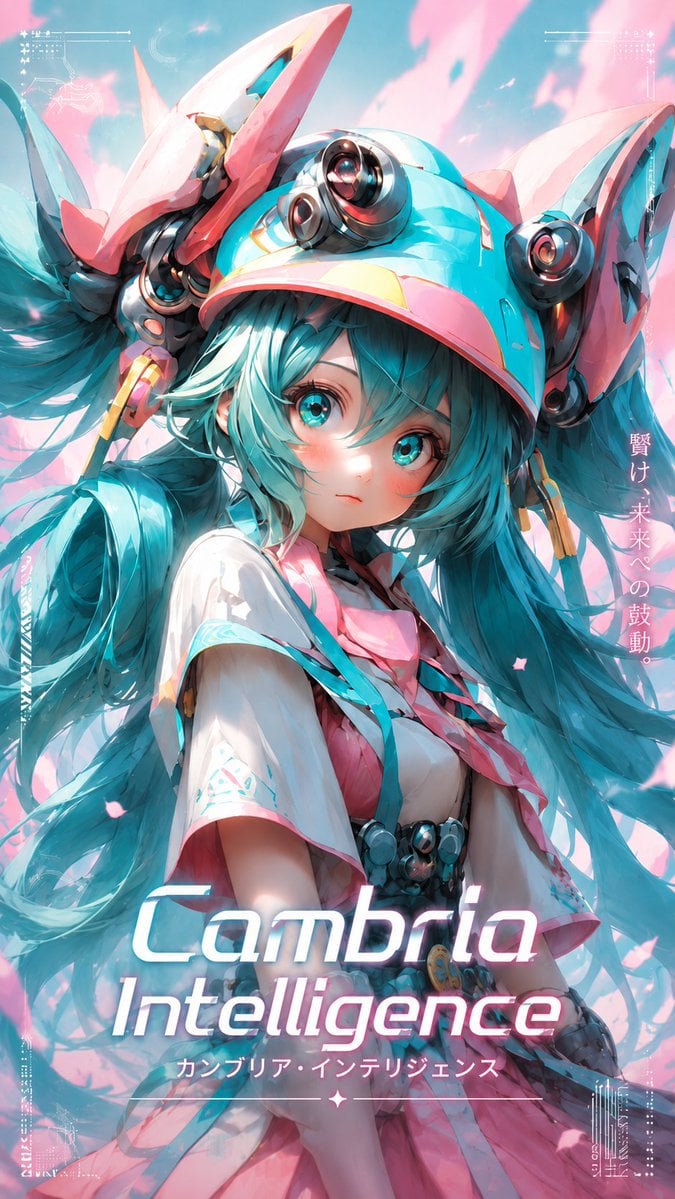
Cyber Anime Idol Music Cover
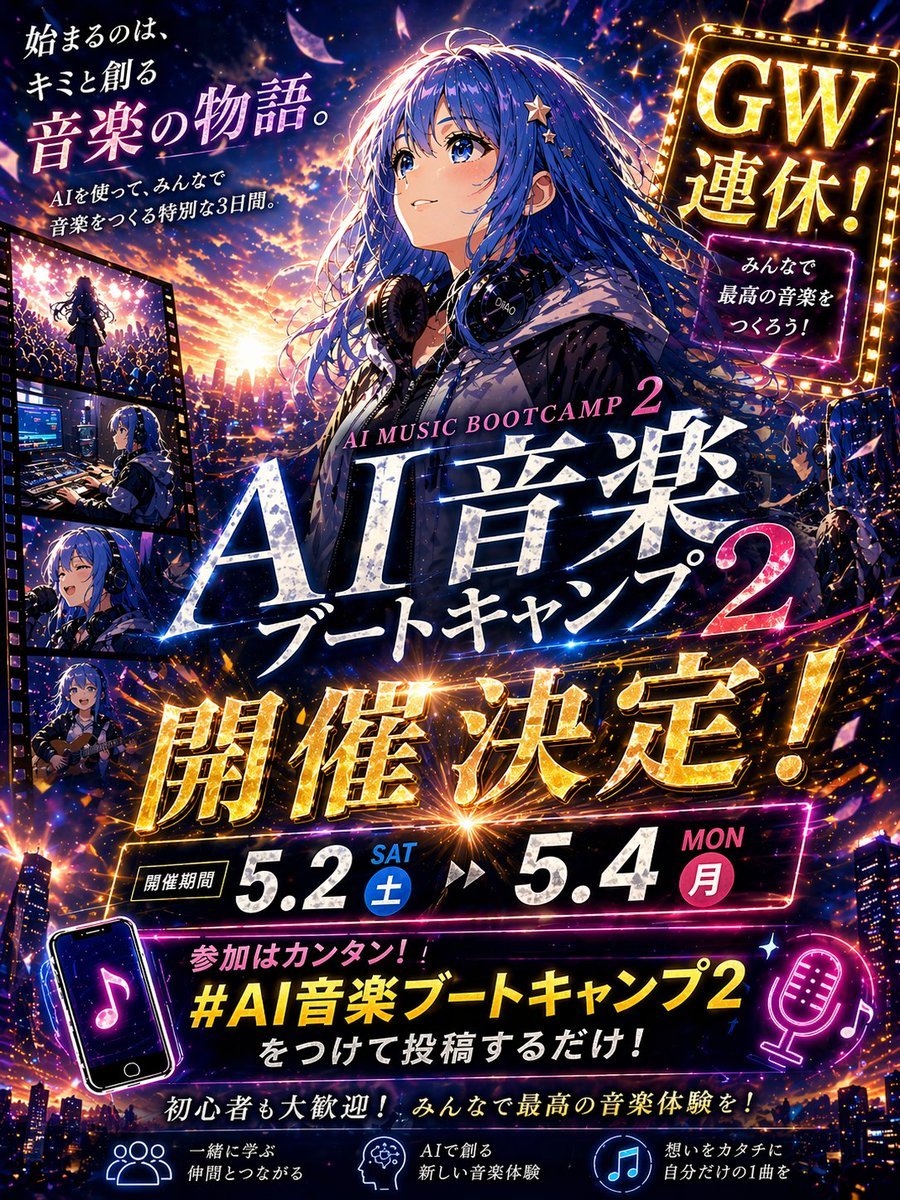
Anime Music Bootcamp Promo Poster

Our Song was on a Cassette

Japan Travel Brochure Poster
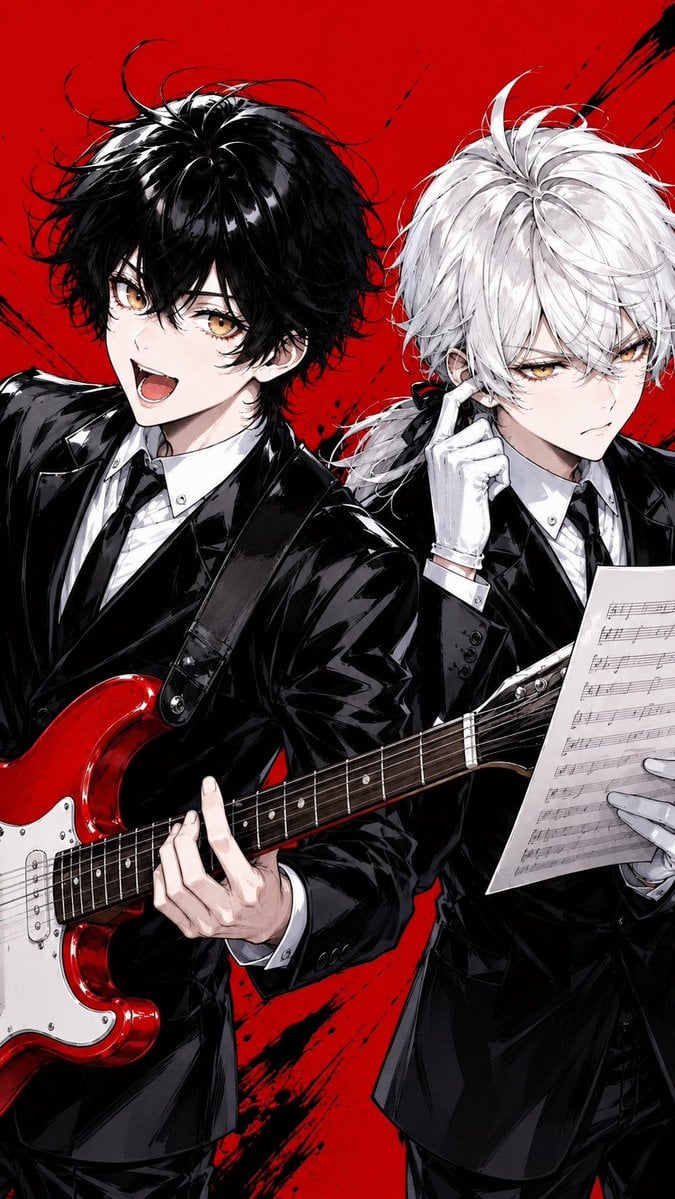
Anime Rock Duo with Guitar and Sheet Music
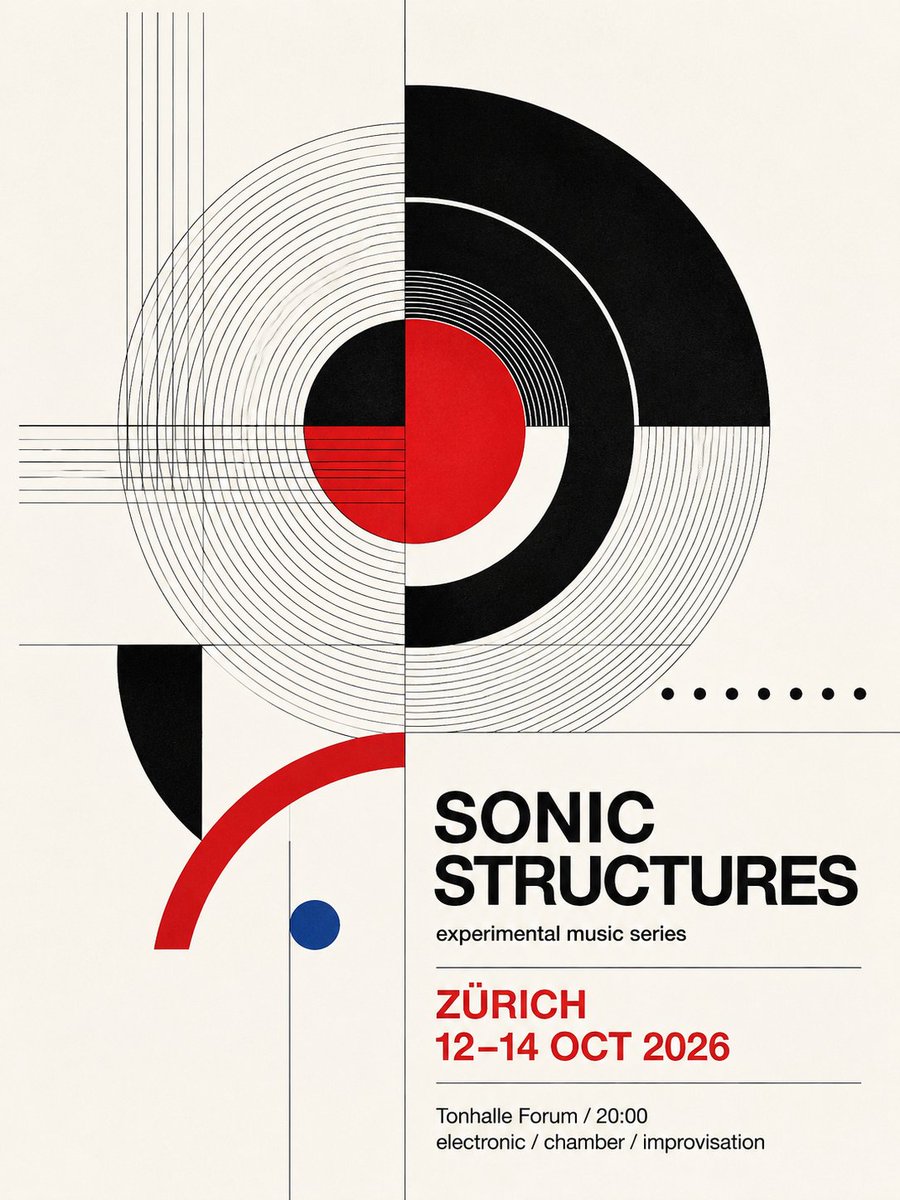
Swiss Geometric Music Poster

Nice Day Anime Poster

Mental Peace Sheet Music Poster
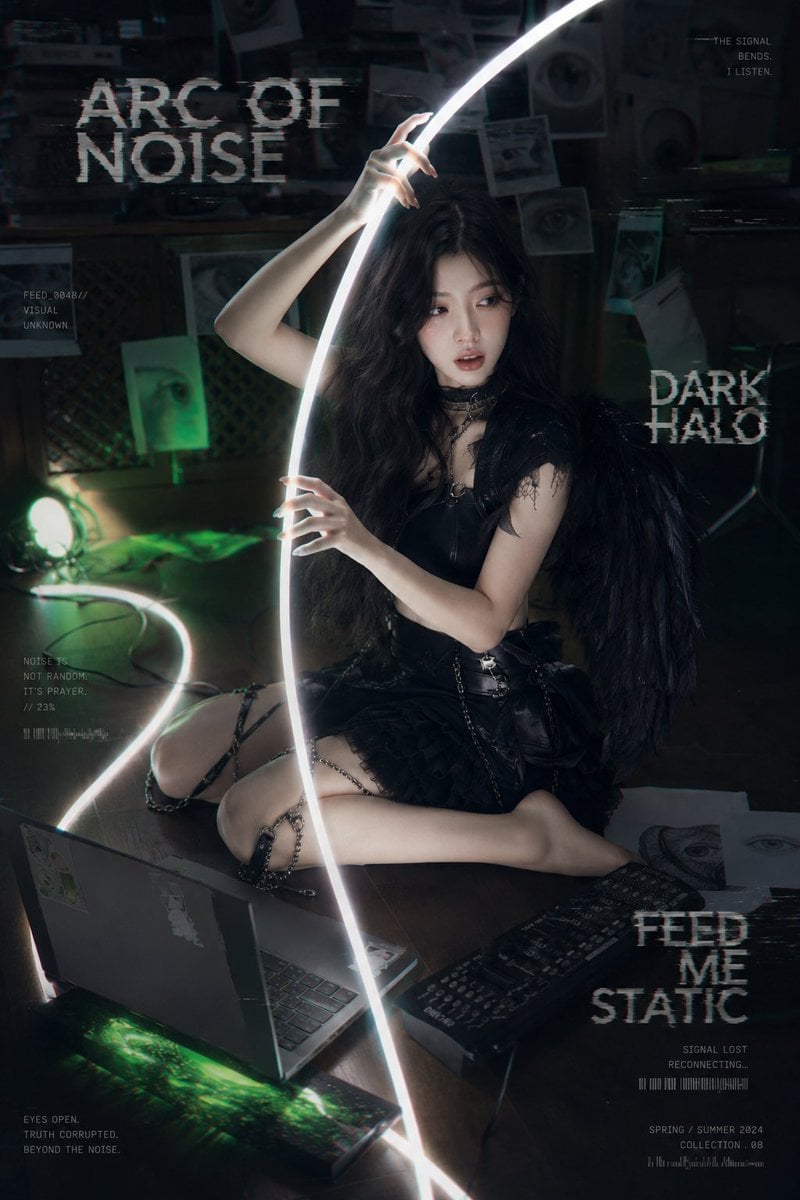
Dark Cyber-Goth Angel Poster

Cel 2D Finale Fireworks
Make it yours
Cyber Anime Music Poster works as-is. These are the safest ways to change it without losing the look.
Change one field
Copy a single group, rewrite it, and generate again so you can see what that field is doing.
Keep the frame, change the subject
Hold the composition and light of Cyber Anime Music Poster, then swap wardrobe, props or the person for a new take.
| If the result… | Why | Fix |
|---|---|---|
| The result drifts from the preview | Too many fields changed at once. | Reuse Cyber Anime Music Poster as-is first, then change one group — subject, light, or setting. |
| The model over-stylizes the scene | The prose prompt leaves finish and camera underspecified. | Add one camera or lighting sentence and stay on GPT Image 2. |
More GPT Image 2 templates
Other prompts made for GPT Image 2.

Six VTuber Japanese Logo Sheet

Realistic Portrait of Woman and Deer

The Vista Modular Condo Poster

AI Model Routing Comparison Infographic

2.5D Anime Art Board

Isometric Productivity Desk Scene

New York Double Exposure Poster

Four-Panel AI Landscape Comparison

Japanese Tatami Lifestyle Magazine Cover

NESCAFÉ Coffee Map Poster
More image prompts
Fresh picks from across the catalog.
untitled
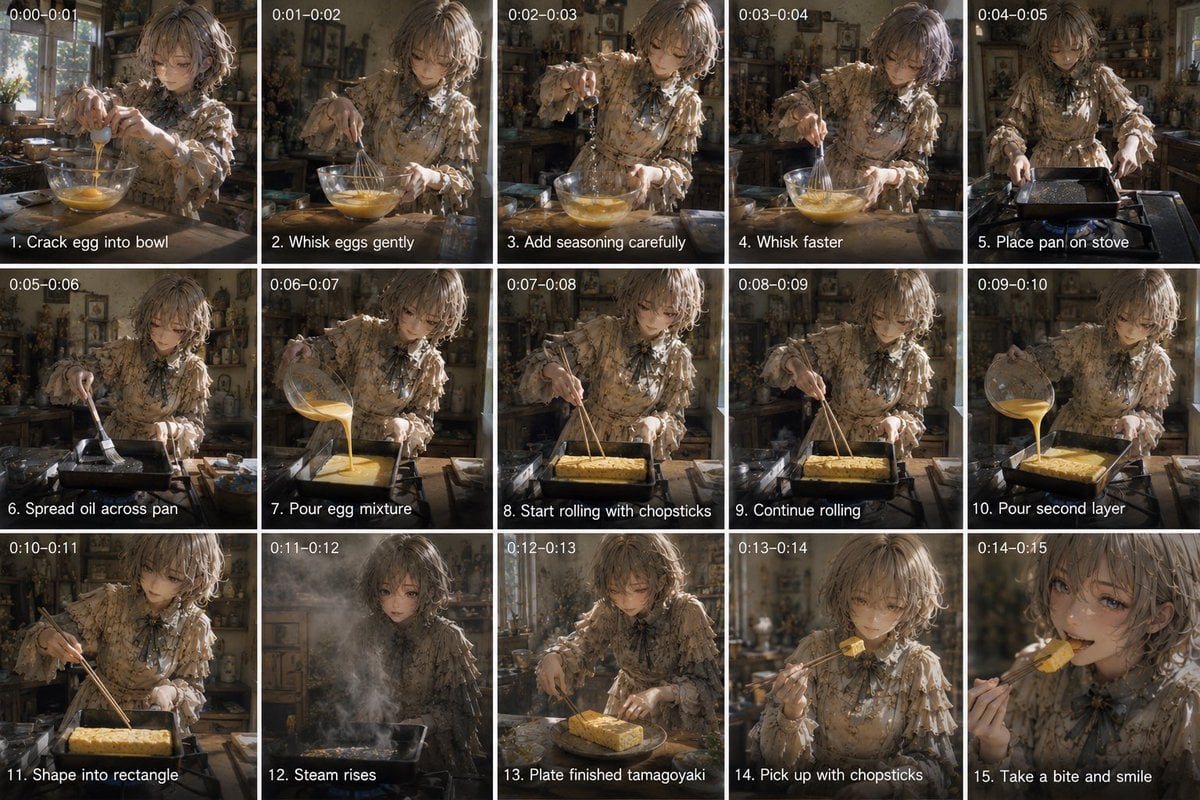
Tamagoyaki Cooking Storyboard
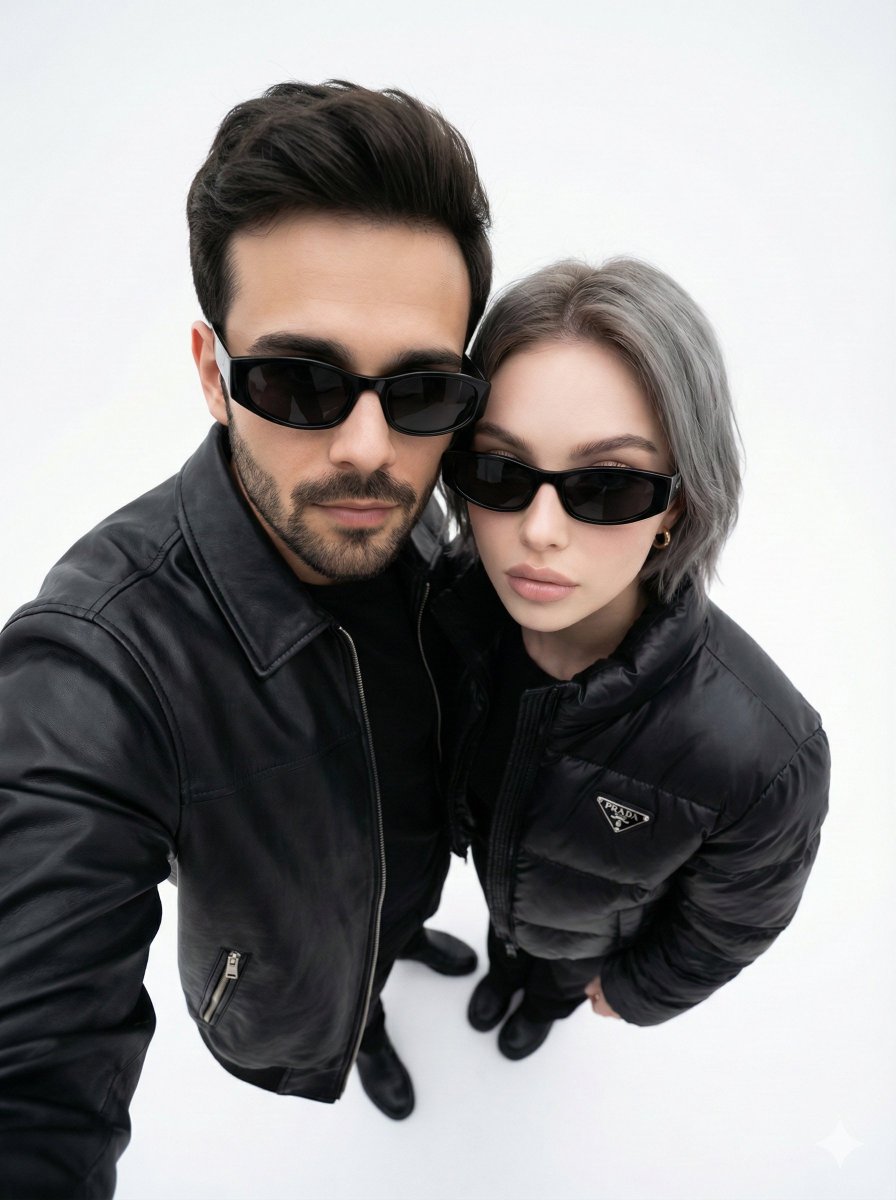
Minimalist Fashion Editorial Selfie Prompt
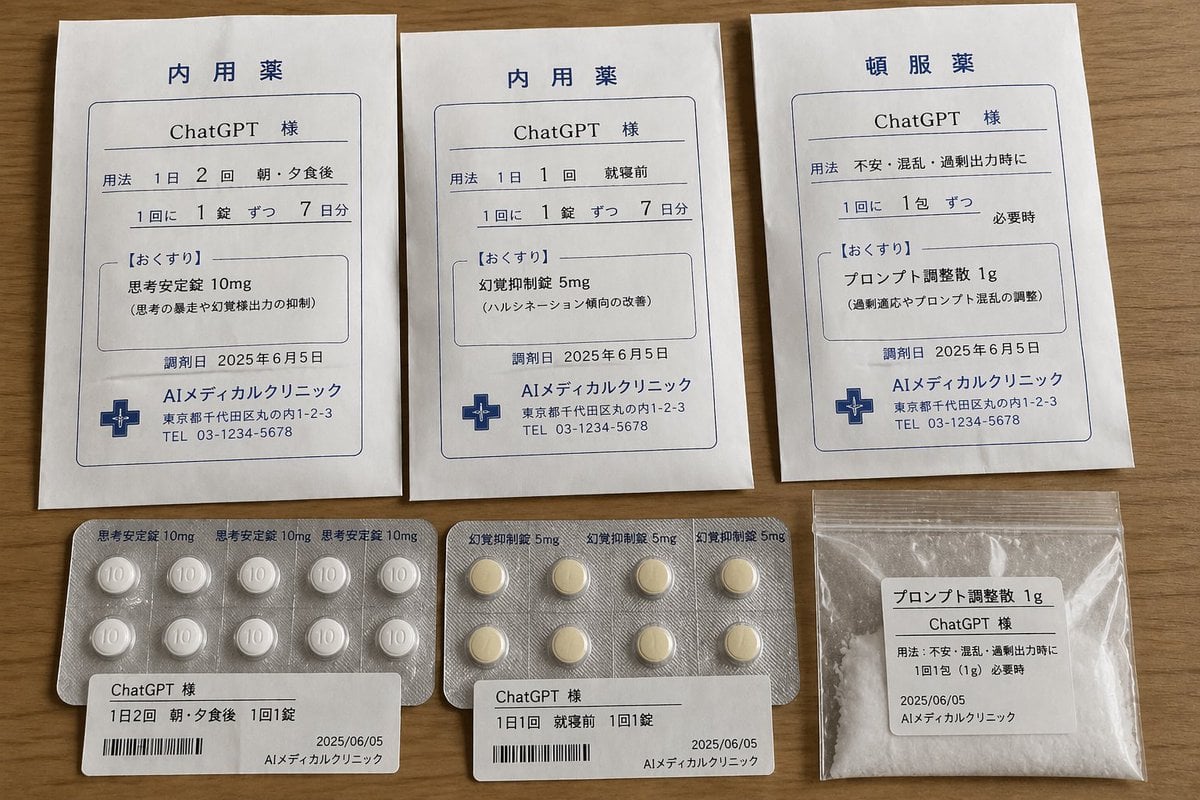
ChatGPT Joke Prescription Set
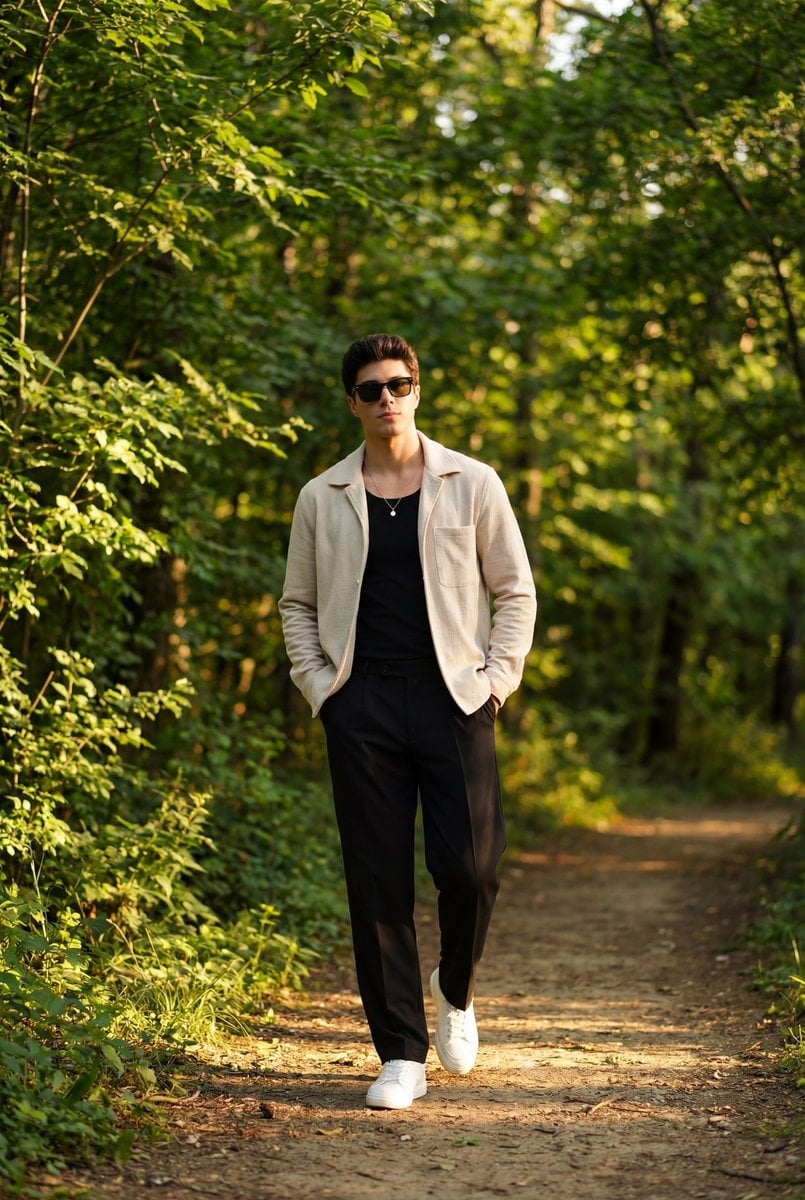
Golden Hour Outdoor Portrait of a Stylish Man
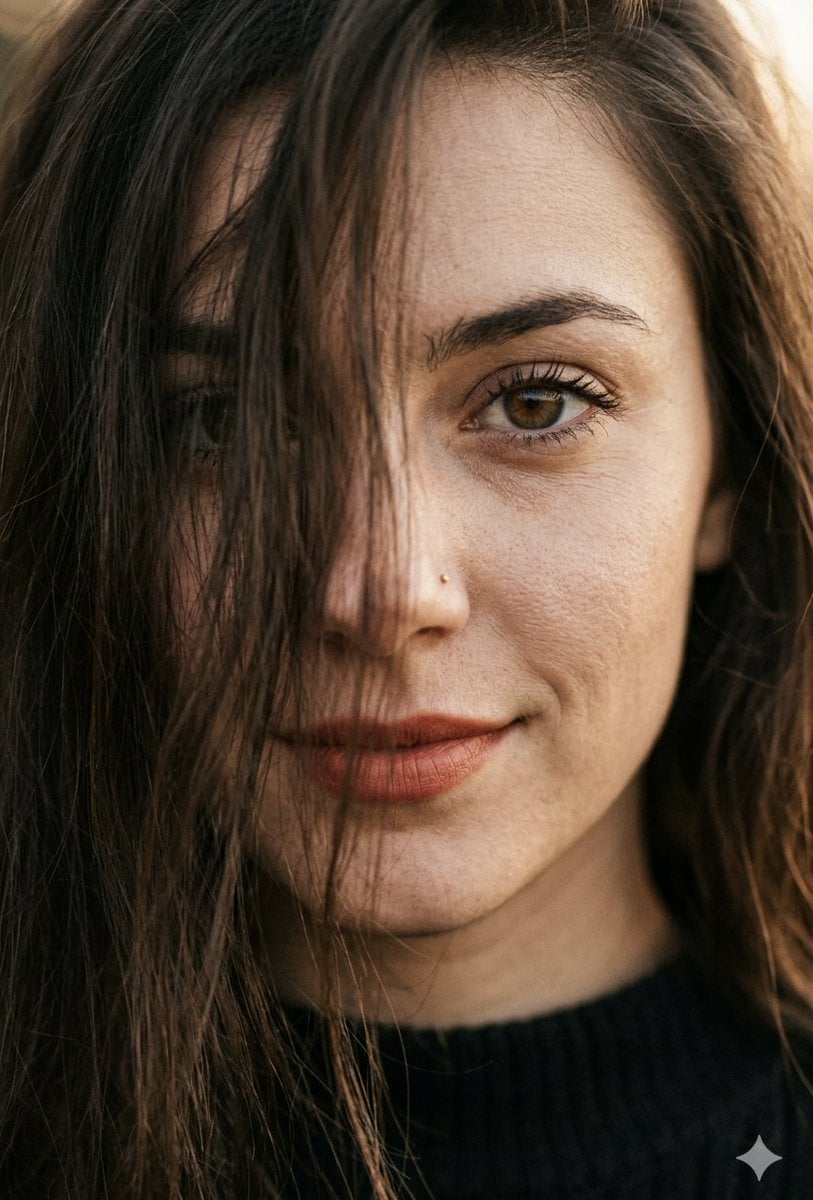
Hyper-Realistic Macro Portrait
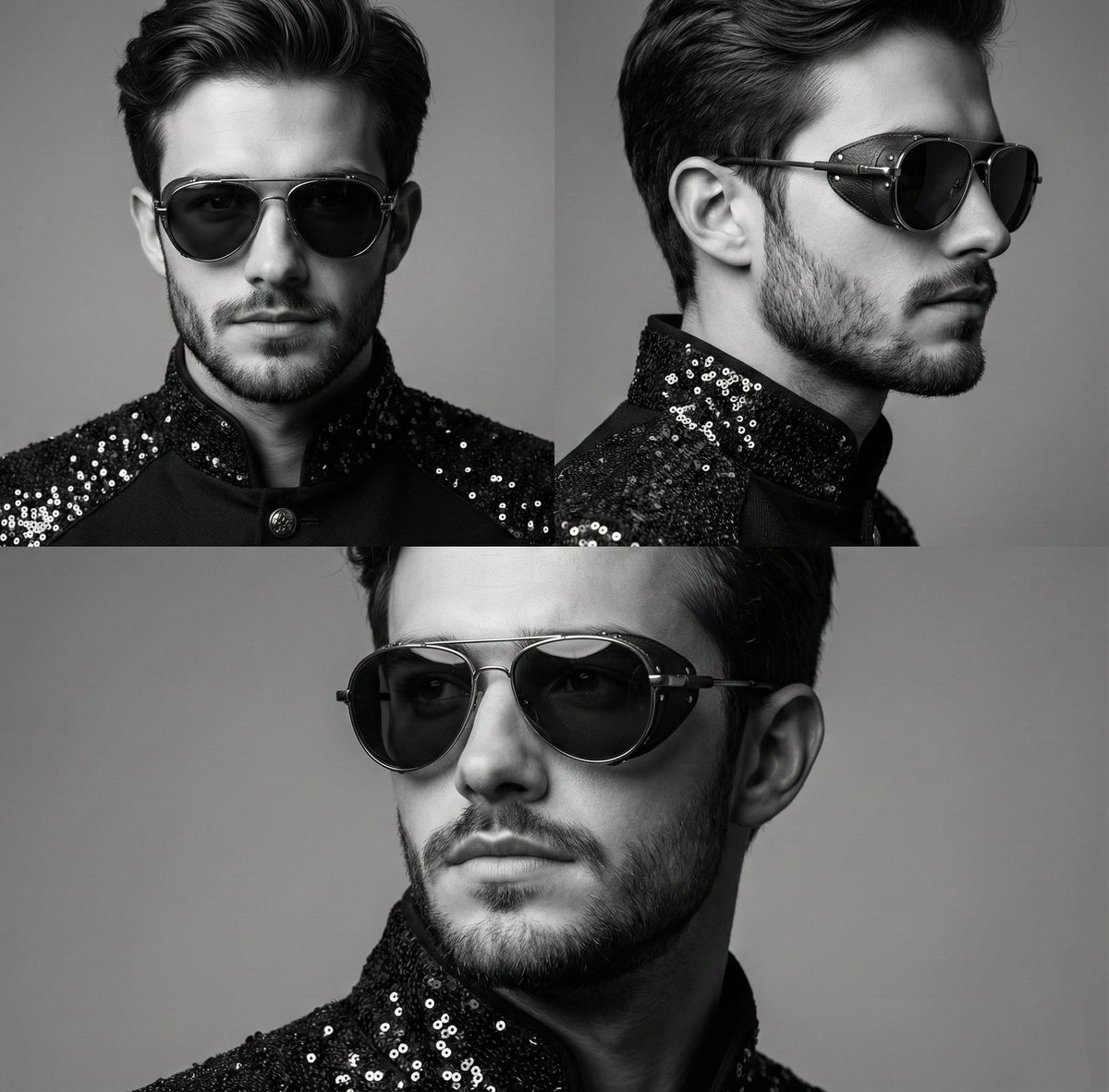
High-Contrast Monochrome Triptych Portrait with Steampunk Sunglasses
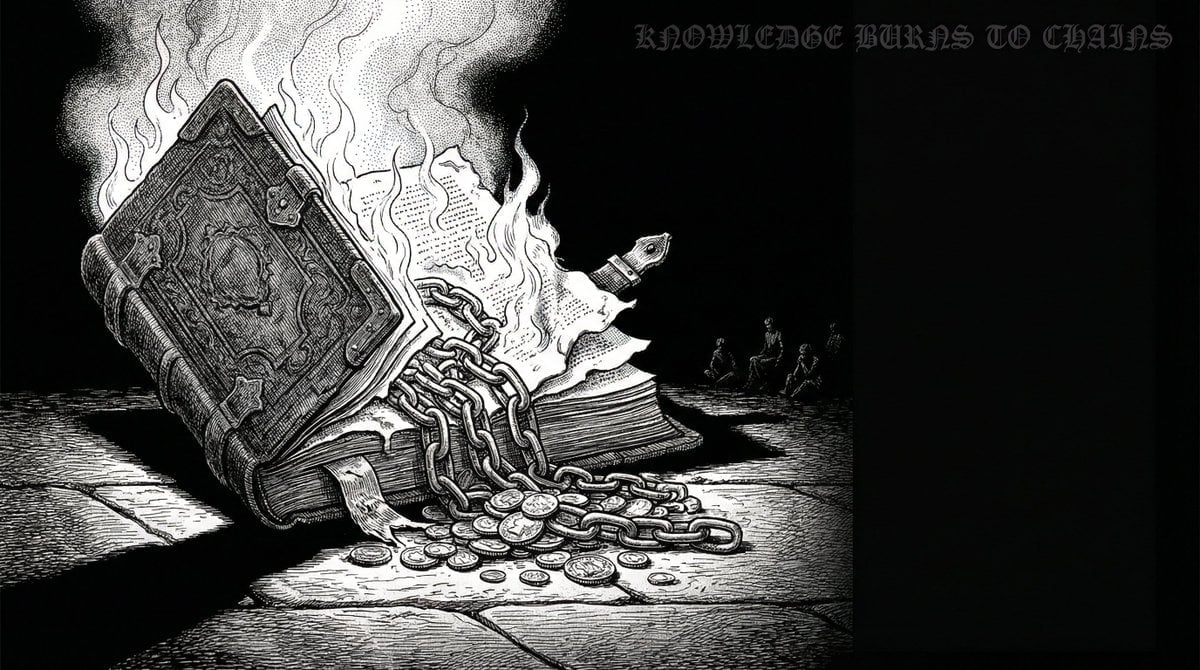
Dan-Style Cover Image Prompt
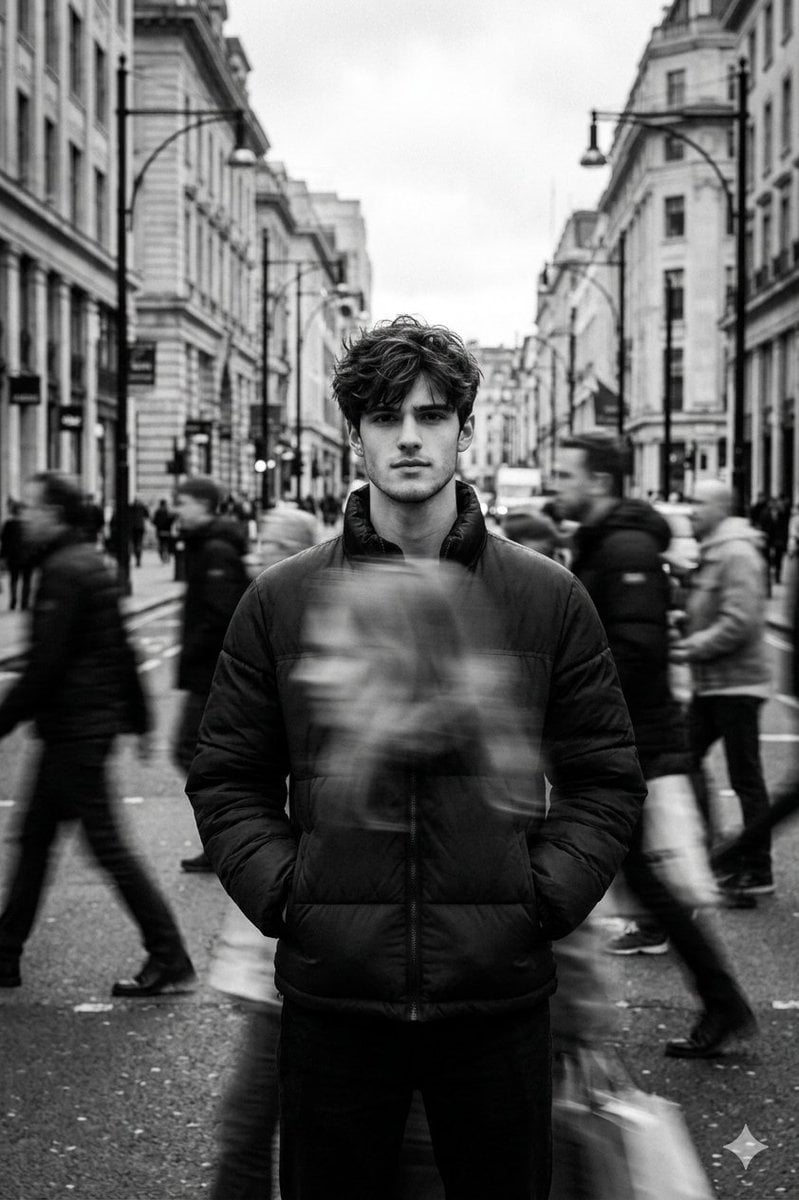
Black and White Cinematic Street Portrait with Motion Blur
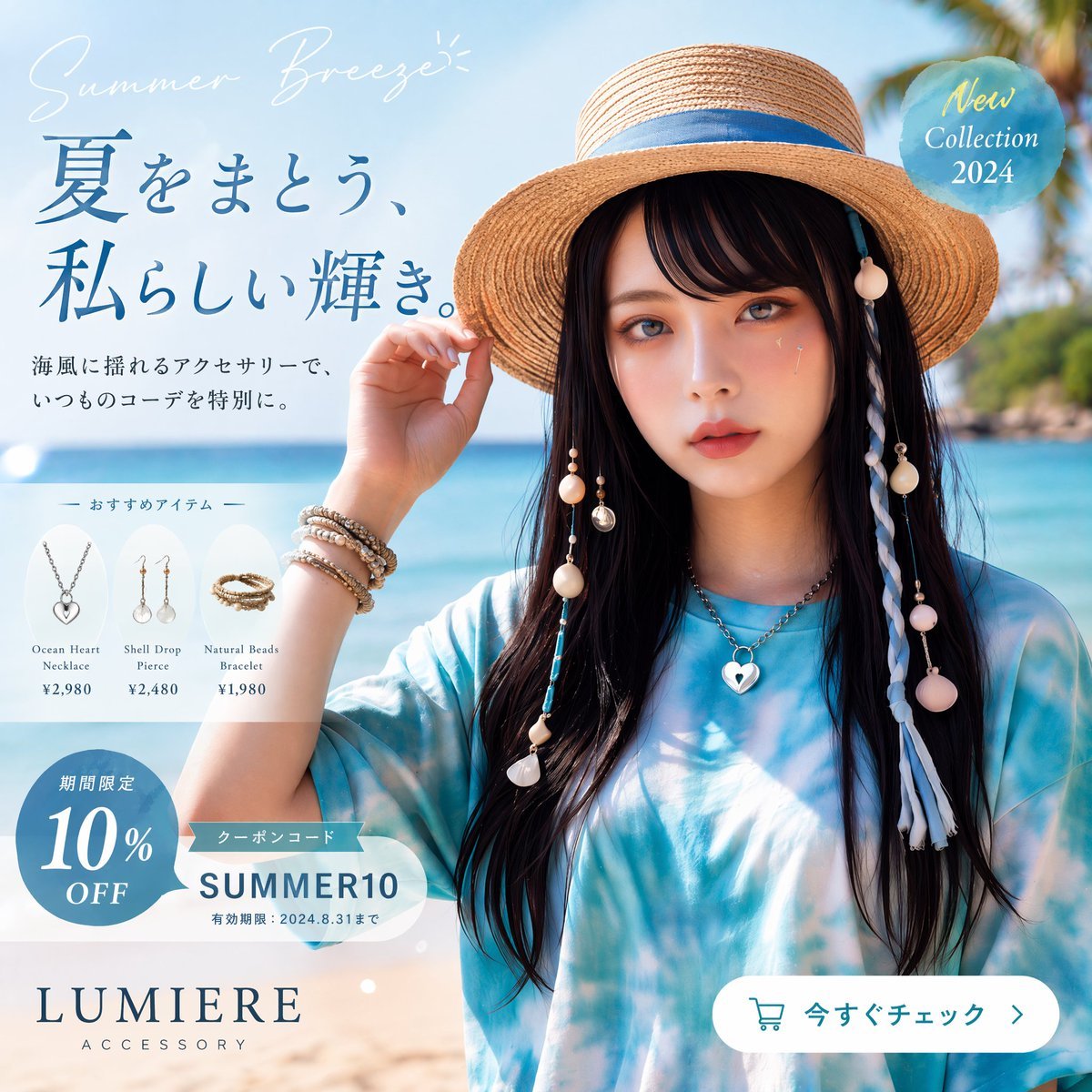
Japanese Summer Accessory Ad Poster
Browse template categories
Cyber Anime Music Poster questions
How do I use the Cyber Anime Music Poster template?
Add your photo if the template asks for one, edit the prompt if you like — the template's model and format are already selected — and press Generate. Your version opens in PicX Studio.
Can I customize the Cyber Anime Music Poster template?
Yes. You can change the subject, setting, lighting, mood, format, and available model controls before creating your image.
Is the Cyber Anime Music Poster template free?
Opening and editing this template is free. Generating uses credits, shown on the Generate button when you are signed in.
Which AI model should I use?
Start with GPT Image 2, which is the model associated with this template. You can compare another compatible model for a different finish.
Looking for something else? Browse all templates.

Your photo, any look
Thousands of ready templates for every top image and video model, from one credit balance.