
Chibi Girl Holding Japanese Notice Sign
This generates a minimalist full-body chibi anime character holding a Japanese announcement placard, ideal for social posts or cute status-update visuals.
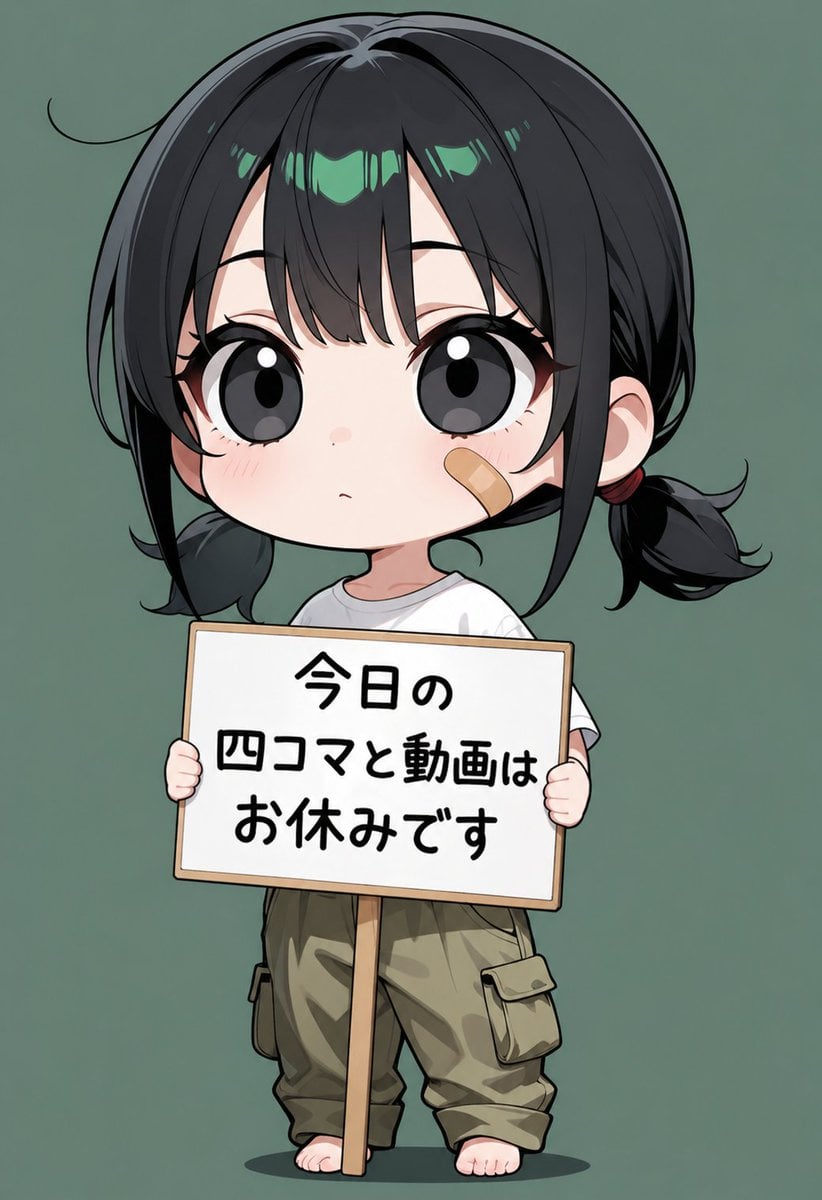
- Prompt included
- Model and format preset
- Free template
The prompt behind this image
Copy the exact prompt behind Chibi Girl Holding Japanese Notice Sign, or open it in the studio and make it yours.
A clean, centered chibi-style full-body anime illustration on a plain muted sage-green background. Show a small childlike girl standing barefoot and facing forward, with an oversized head and tiny body proportions. Her face is intentionally hidden behind the sign she is holding, so no facial features are visible. She has glossy black hair with subtle cool green highlights across the bangs, parted near the center, with a loose stray hair curving outward on the upper left side. The hair is gathered into 2 low side ponytails tied near the ears with dark red hair ties, with slightly messy curled ends. She wears a simple white short-sleeve T-shirt and loose beige-khaki cargo pants with 2 visible side flap pockets, slightly wrinkled and cuffed above the ankles. She is barefoot, standing flat on the ground with a soft oval shadow beneath her. She holds a rectangular hand-held sign with both hands, one hand visible on each side, for a total of 2 visible hands gripping the board. The sign is white with a thin light wooden frame and a vertical wooden pole extending down from the center. The sign contains 3 centered lines of bold handwritten-style Japanese text in black: 1) "今日の" 2) "四コマと動画は" 3) "お休みです". Keep the composition symmetrical and minimal, with the character occupying most of the frame from head to feet. Render in polished modern anime shading with crisp line art, soft gradients, cute proportions, and a quiet announcement-card mood.
How to use Chibi Girl Holding Japanese Notice Sign in 3 steps
- 1Upload ImagePNG, JPG or paste
Add your photo
Upload the photo the template builds on. The prompt, model and format are already set.
- 2…a portrait of your subject in softgolden-hour light, 85mm…
Personalize
Edit the subject and creative details for your destination.
- 3Generate
Generate
Press Generate — your image is created in PicX Studio, so you can compare it with the original and refine one variable at a time.
More like this
Templates with the same subject, style or setup. Open one to see its prompt.
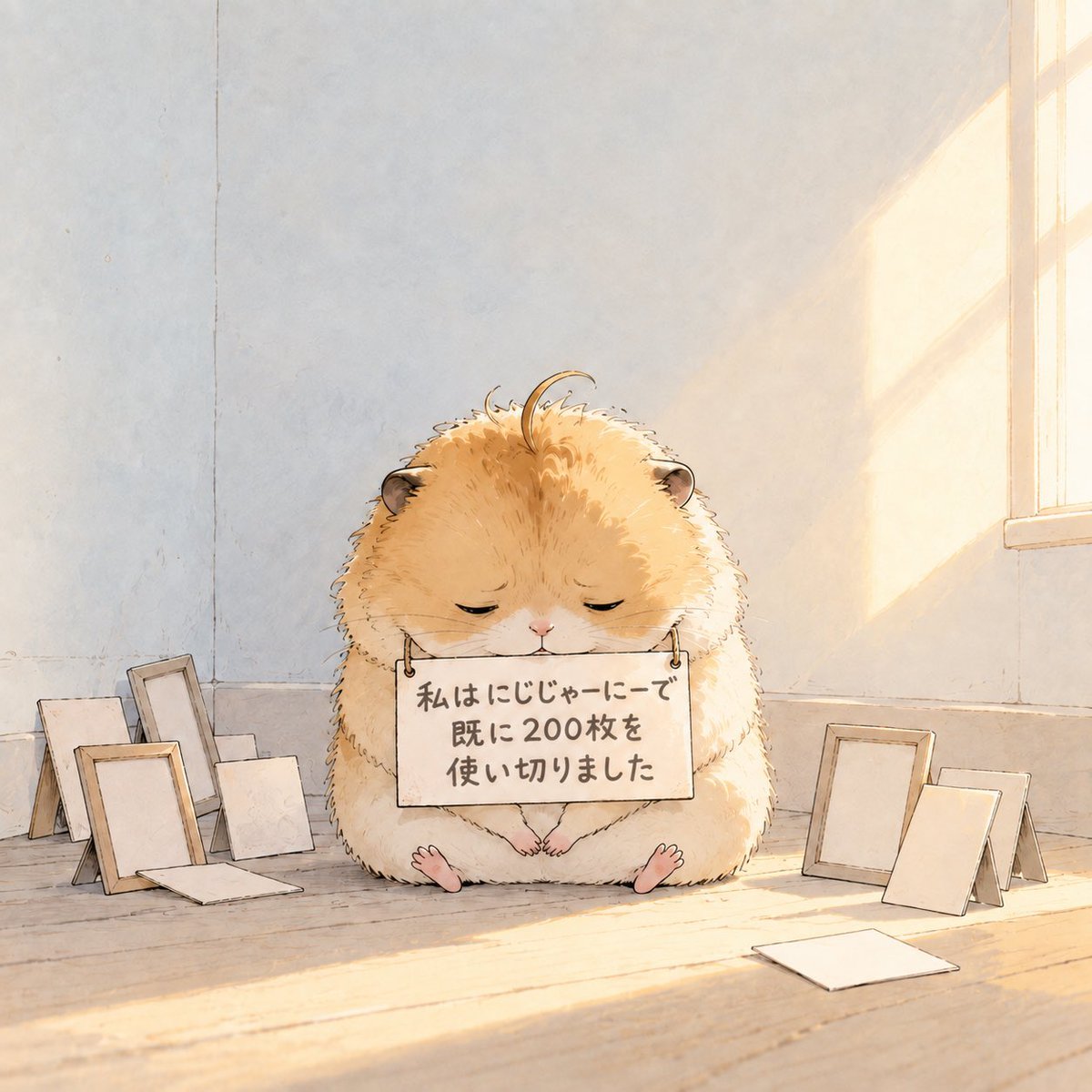
Fluffy Hamster Holding Japanese Sign
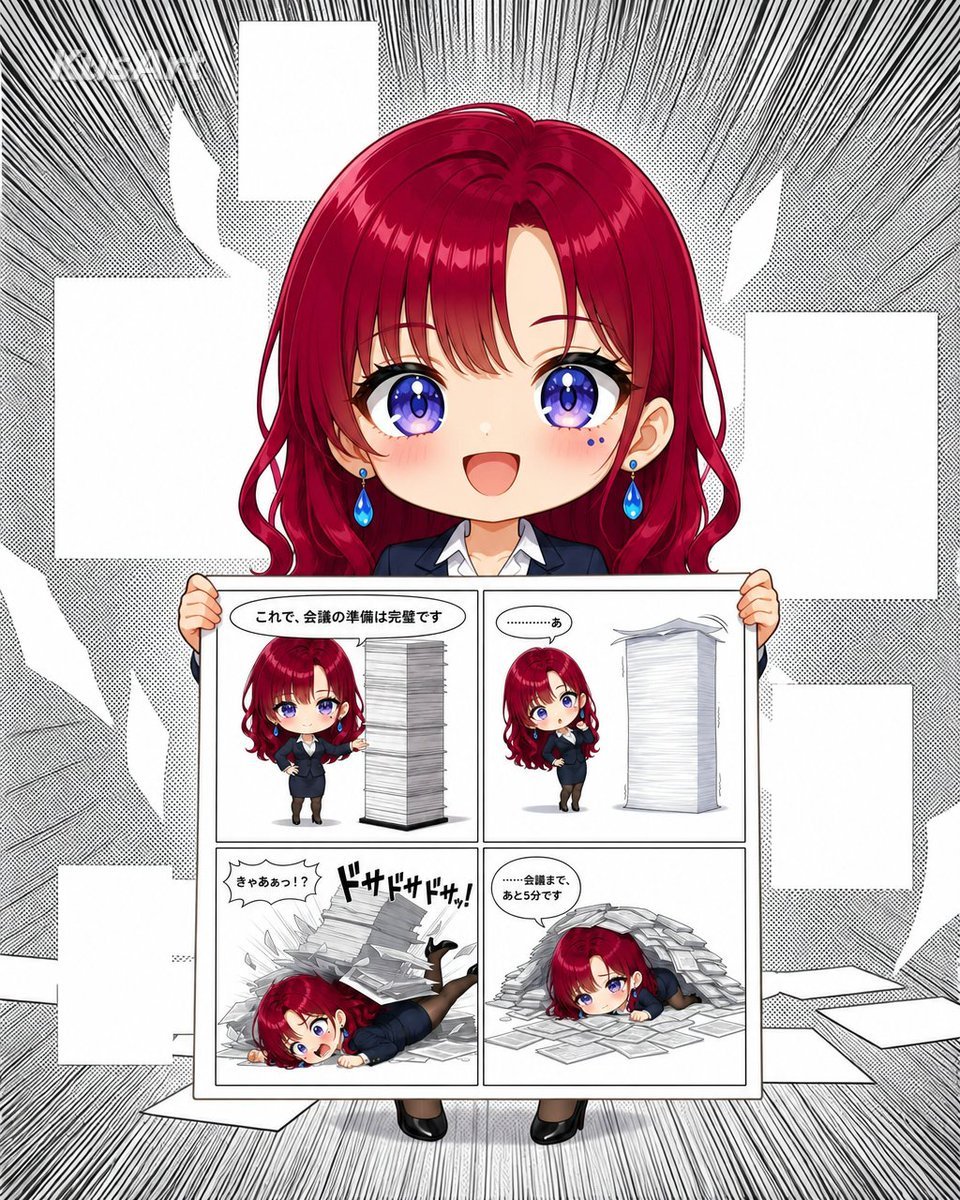
Chibi Office Girl Holding 4-Panel Manga

Cute Layered Paper Cut Chibi Girl
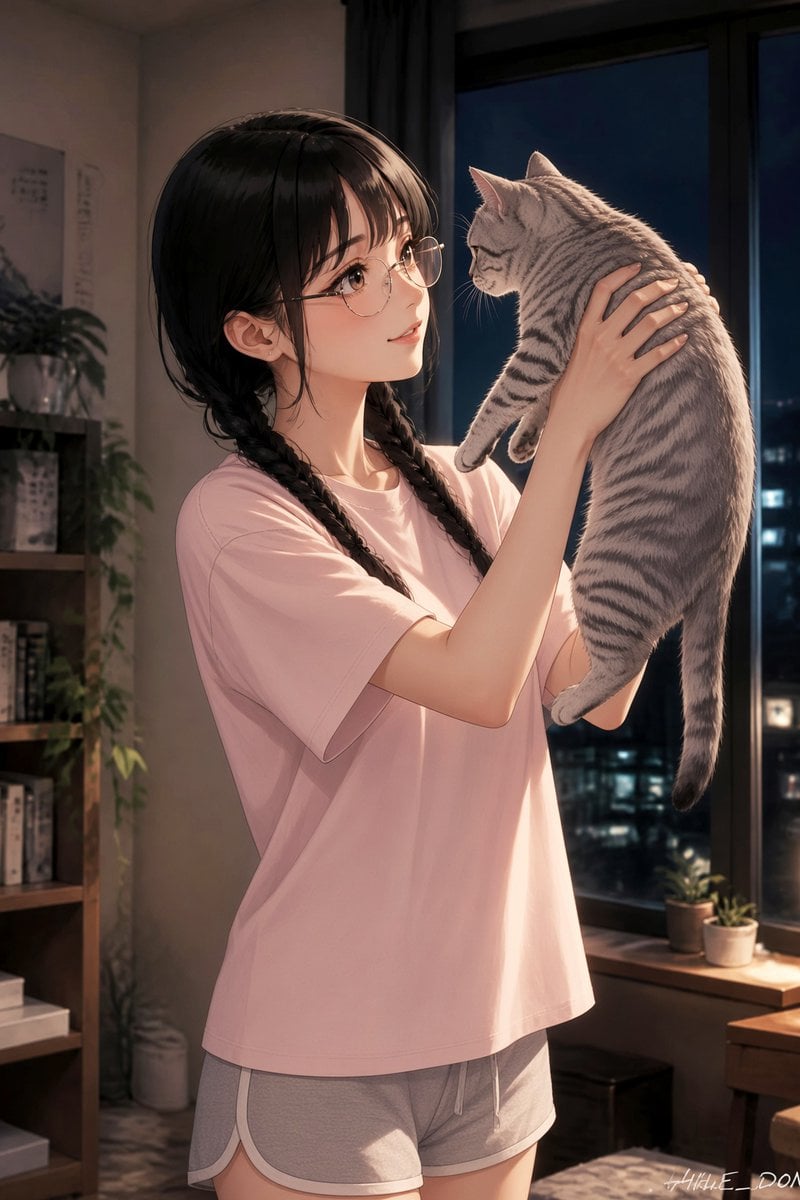
Anime Girl Holding Tabby Cat

Minecraft Japanese Research Lab Exploration

Teen Girl Alpine Lake Mountain View
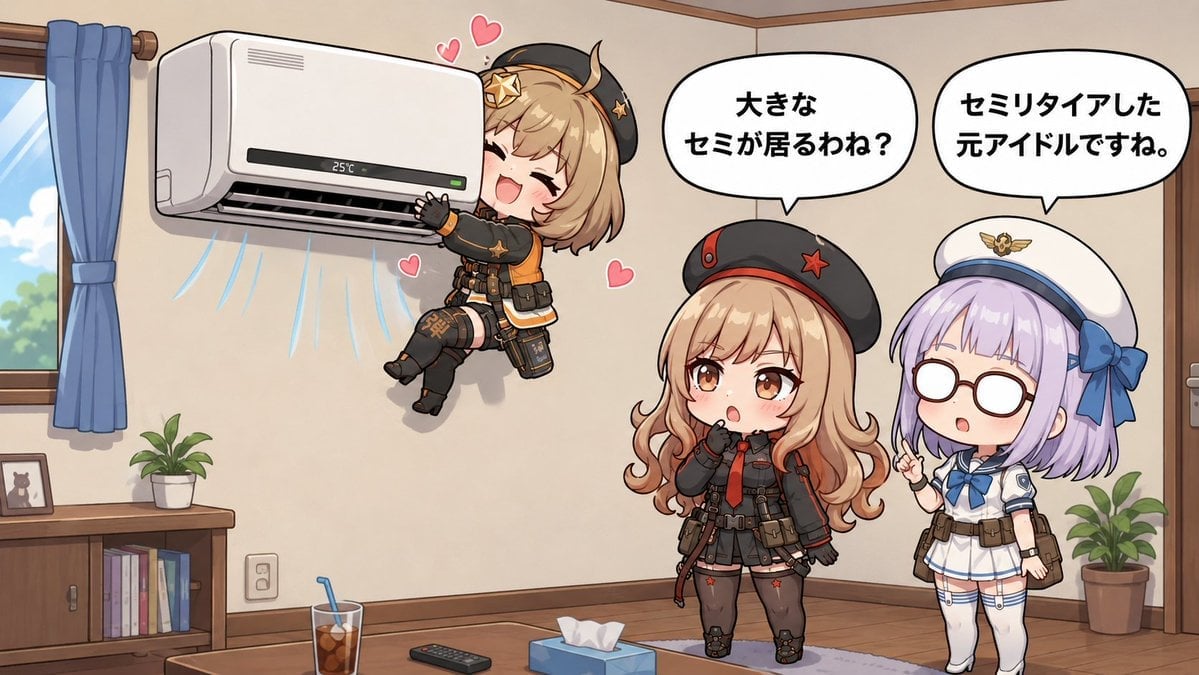
Chibi Girls Hugging Air Conditioner Comic

Japanese Architectural Concrete Studio Fashion Campaign

Japanese Minimalist Concrete Studio Fashion Editorial

Blue Backdrop Luxury Fashion Portrait Campaign

Pixar-Style Chibi Café Morning Scene
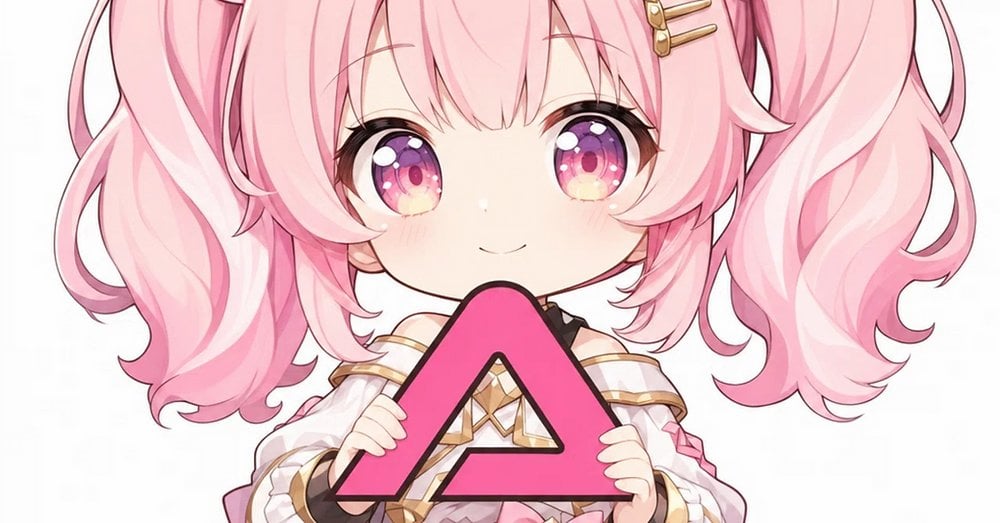
Pink Chibi Mascot Holding Triangle Logo
Make it yours
Chibi Girl Holding Japanese Notice Sign works as-is. These are the safest ways to change it without losing the look.
Change one field
Copy a single group, rewrite it, and generate again so you can see what that field is doing.
Keep the frame, change the subject
Hold the composition and light of Chibi Girl Holding Japanese Notice Sign, then swap wardrobe, props or the person for a new take.
| If the result… | Why | Fix |
|---|---|---|
| The result drifts from the preview | Too many fields changed at once. | Reuse Chibi Girl Holding Japanese Notice Sign as-is first, then change one group — subject, light, or setting. |
| The model over-stylizes the scene | The prose prompt leaves finish and camera underspecified. | Add one camera or lighting sentence and stay on GPT Image 2. |
More GPT Image 2 templates
Other prompts made for GPT Image 2.

Six VTuber Japanese Logo Sheet

Realistic Portrait of Woman and Deer

The Vista Modular Condo Poster

AI Model Routing Comparison Infographic

2.5D Anime Art Board

Isometric Productivity Desk Scene

New York Double Exposure Poster

Four-Panel AI Landscape Comparison

Japanese Tatami Lifestyle Magazine Cover

NESCAFÉ Coffee Map Poster
More image prompts
Fresh picks from across the catalog.
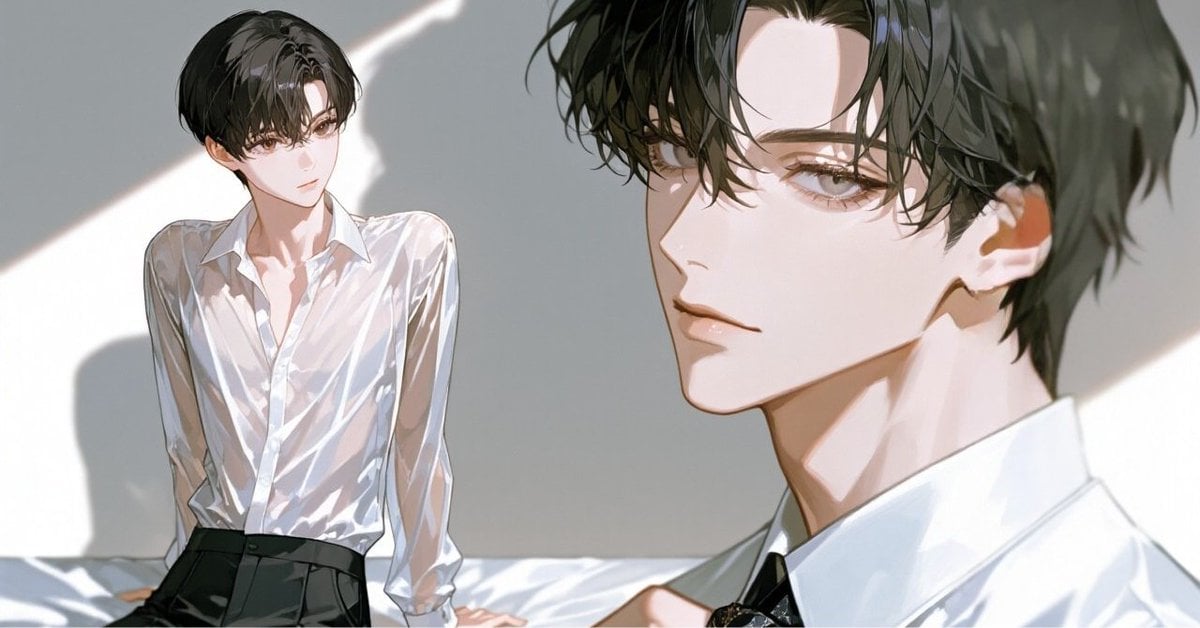
Anime Style Keyframe Prompt for Music Video Scene Generation
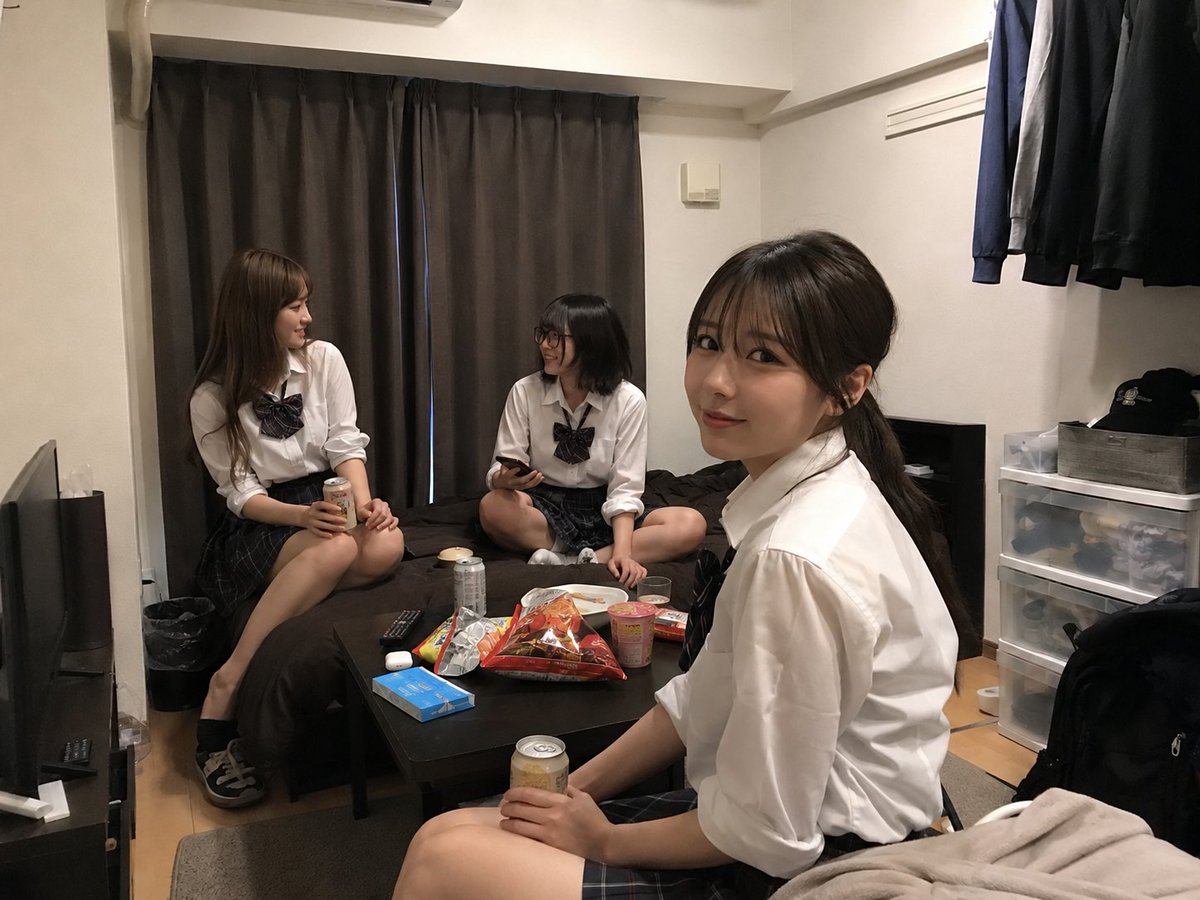
Student Hangout Room Transformation
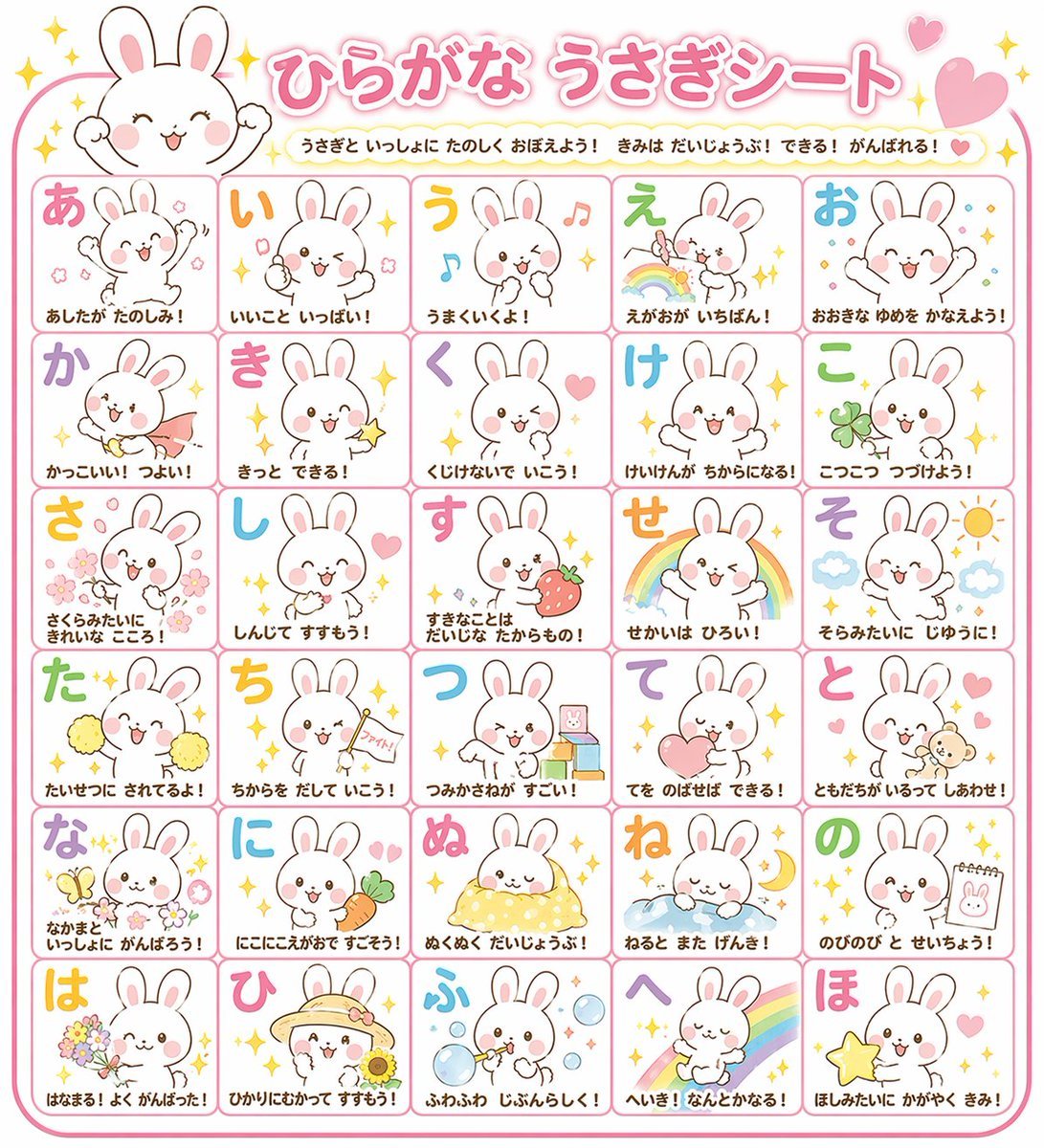
Educational Hiragana Sheet
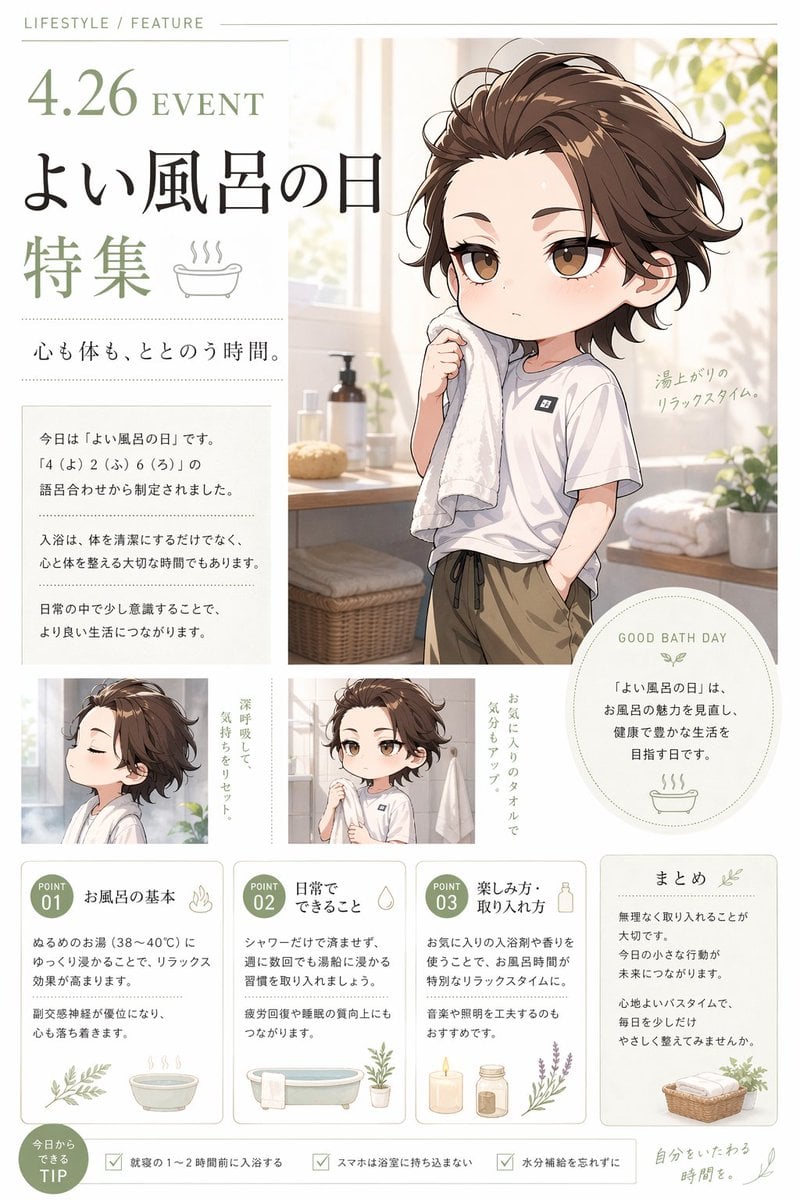
Gpt2 Infographic Edu Visual Good Bath Day Editorial Poster
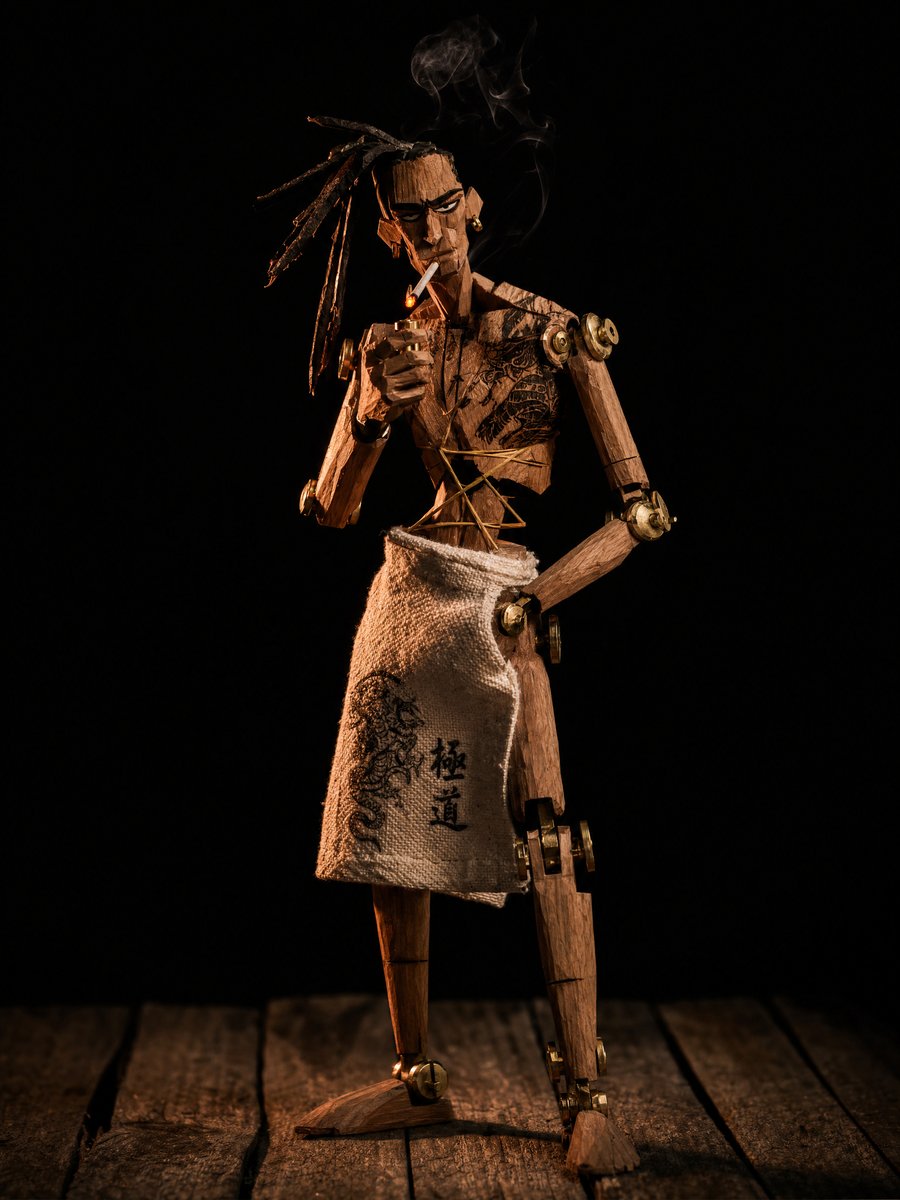
Concept to Stop-Motion Puppet
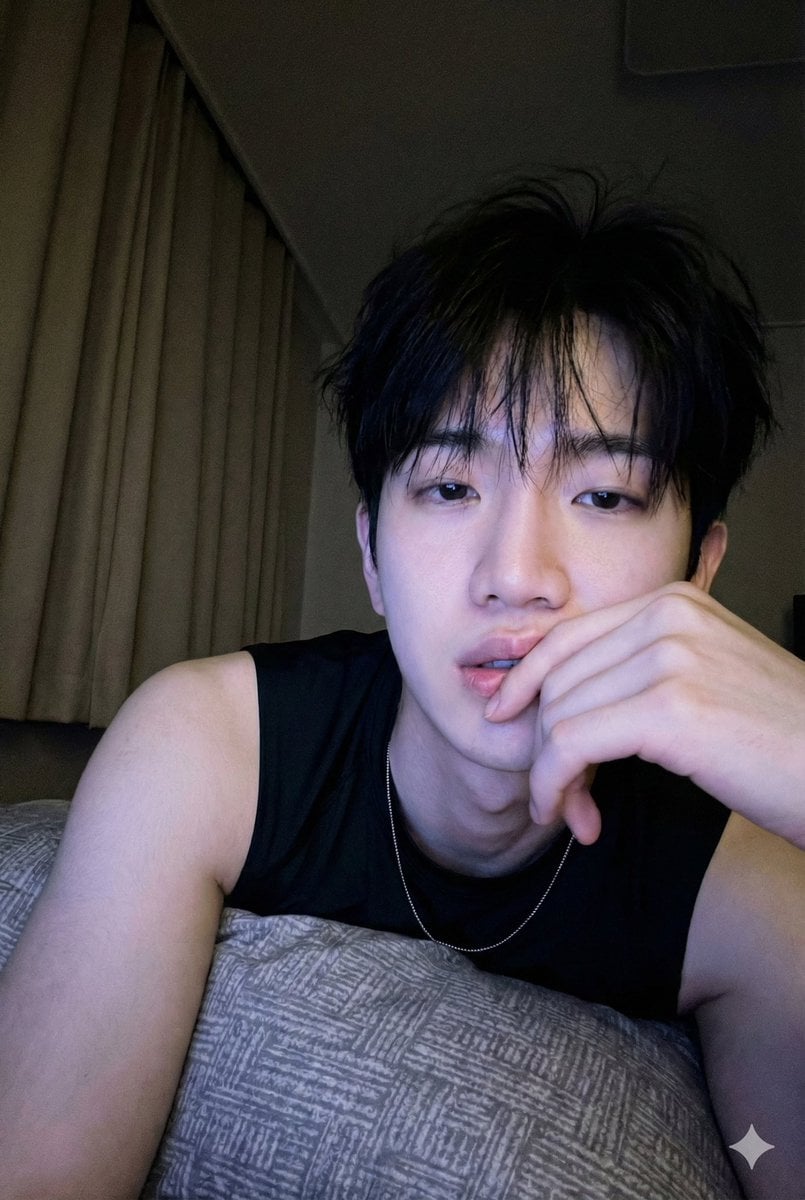
Low-Light Bedroom Selfie Prompt for Nano Banana/Gemini Pro
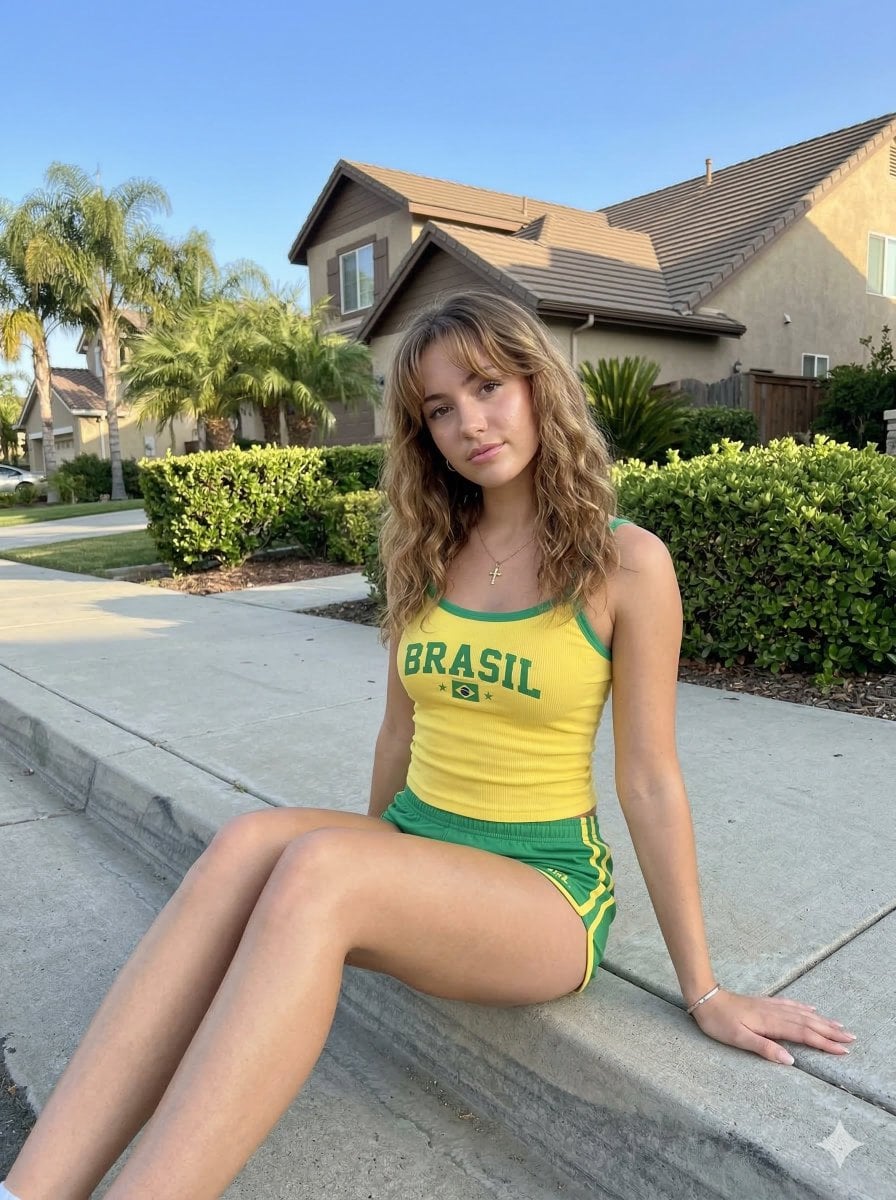
Casual Smartphone Photo of a Woman on a Curb
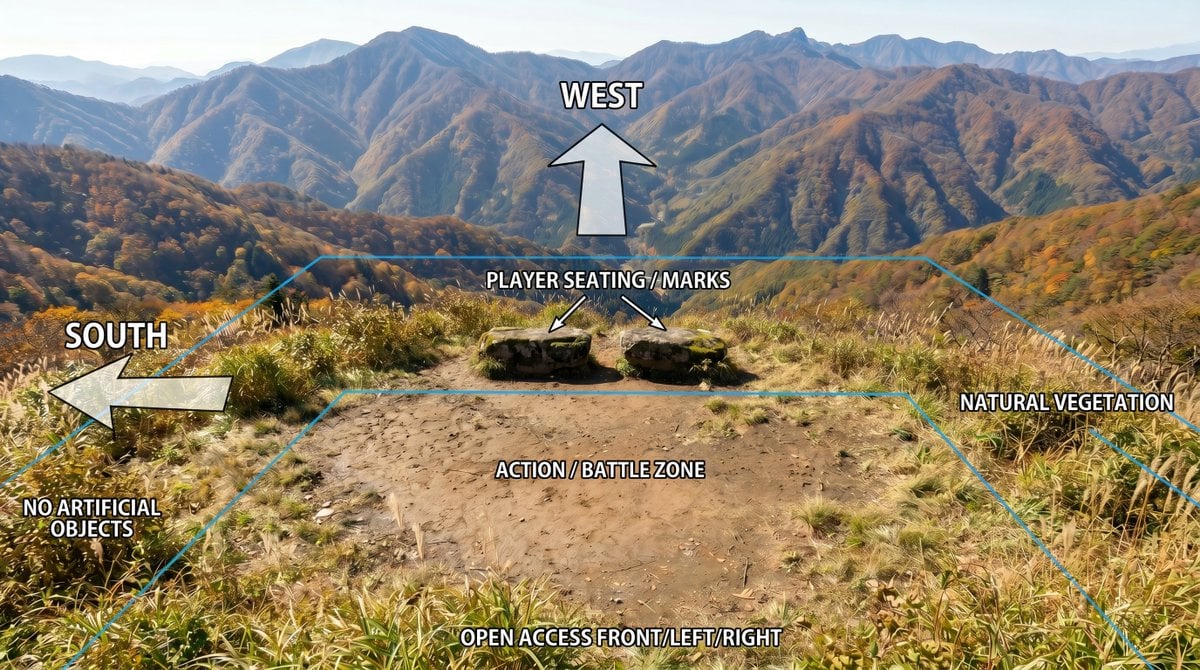
Annotated Mountain Location Diagram
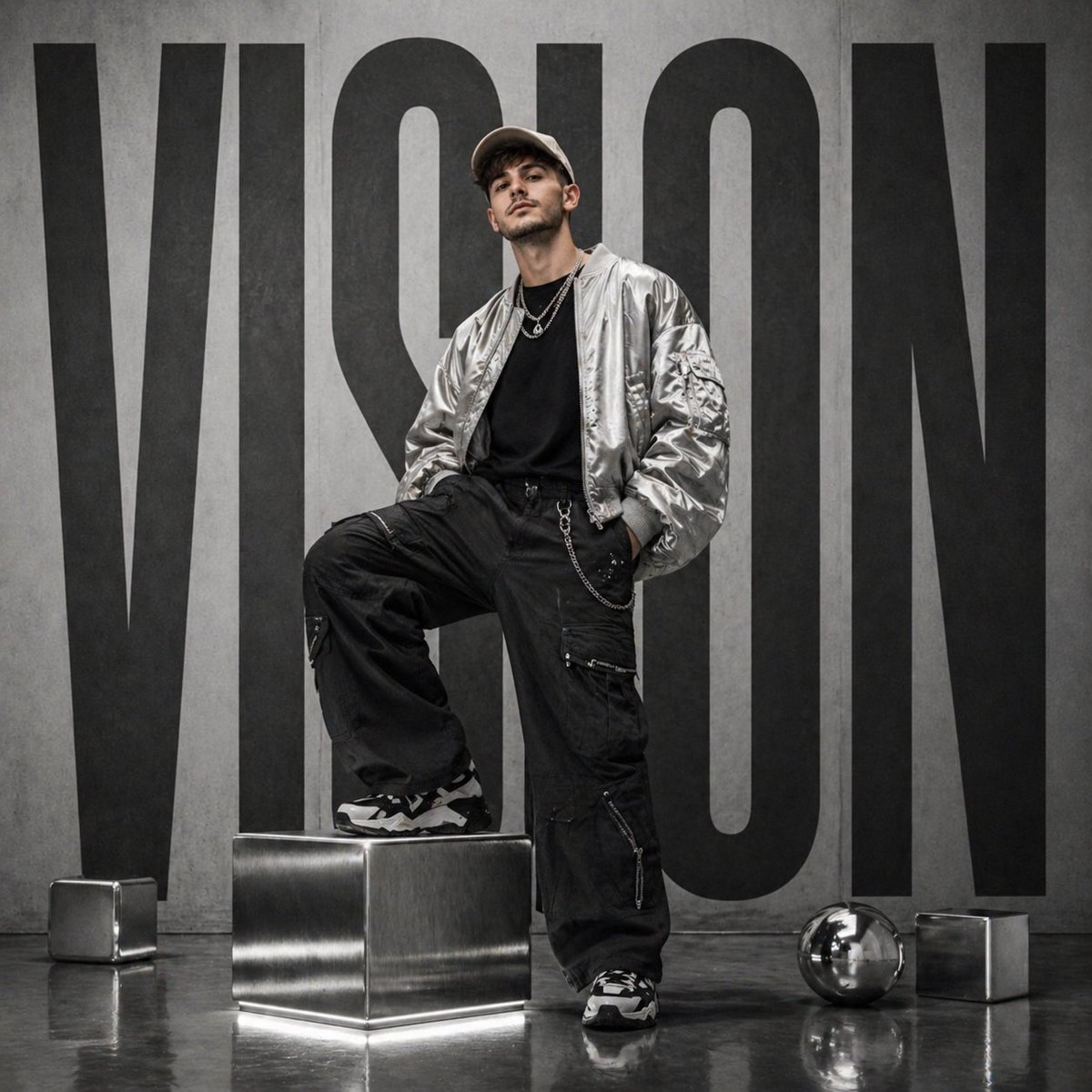
Futuristic streetwear campaign poster

Japanese Film Reflection Idol
Browse template categories
Chibi Girl Holding Japanese Notice Sign questions
How do I use the Chibi Girl Holding Japanese Notice Sign template?
Add your photo if the template asks for one, edit the prompt if you like — the template's model and format are already selected — and press Generate. Your version opens in PicX Studio.
Can I customize the Chibi Girl Holding Japanese Notice Sign template?
Yes. You can change the subject, setting, lighting, mood, format, and available model controls before creating your image.
Is the Chibi Girl Holding Japanese Notice Sign template free?
Opening and editing this template is free. Generating uses credits, shown on the Generate button when you are signed in.
Which AI model should I use?
Start with GPT Image 2, which is the model associated with this template. You can compare another compatible model for a different finish.
Looking for something else? Browse all templates.

Your photo, any look
Thousands of ready templates for every top image and video model, from one credit balance.