
Cosmic Ink Dragon Roar
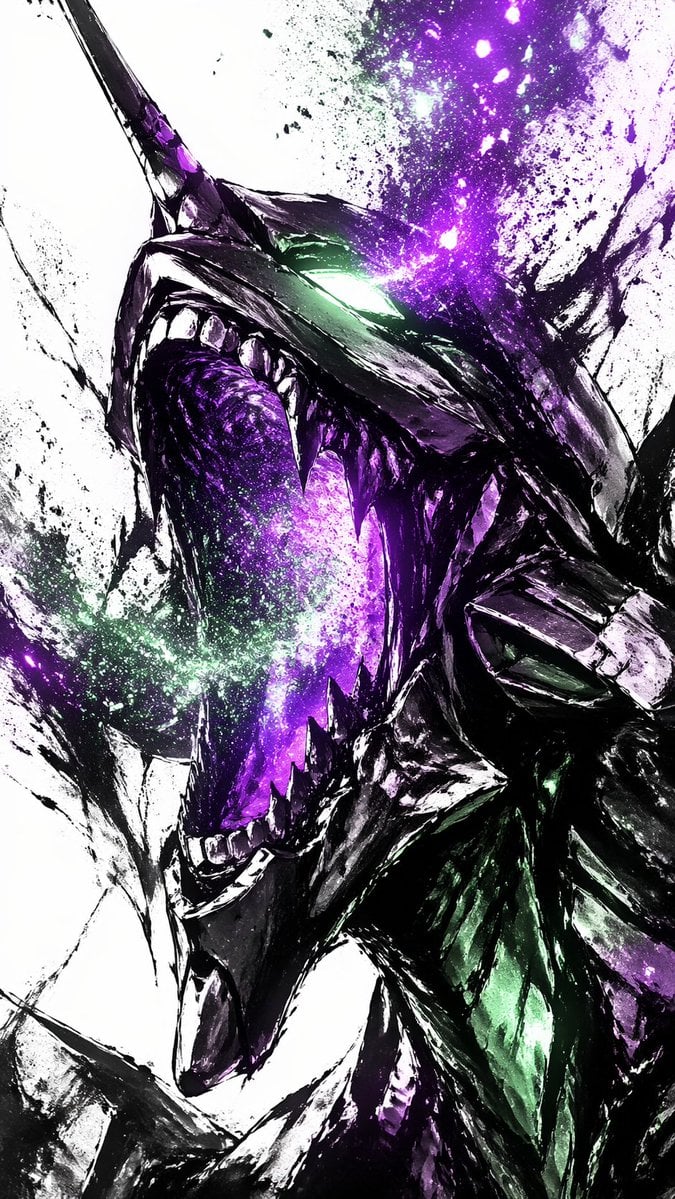
A high-contrast fantasy illustration prompt for generating a fierce close-up dragon portrait with galaxy energy effects and expressive ink-splatter styling.
- Prompt included
- Model and format preset
- Free template
The prompt behind this image
Copy the exact prompt behind Cosmic Ink Dragon Roar, or open it in the studio and make it yours.
A dramatic vertical close-up of a roaring cosmic dragon head in side profile, painted in a violent ink-splatter and brushstroke style on a stark white background. The creature has a long sharp horn, angular armored facial plates, a glowing white-green eye, and a huge open mouth lined with jagged teeth. Inside the mouth and throat, instead of flesh, there is a swirling galaxy-like void of luminous {argument name="energy color" default="violet"} and magenta nebula light, with sparkling stars and dust erupting outward like cosmic fire. The dragon’s body is mostly black and deep indigo with glossy highlights, accented by iridescent emerald reflections along the neck and scales. Use expressive high-contrast sumi-e-inspired strokes, splattered paint textures, torn abstract edges, and explosive particle effects concentrated around the eye, mouth, and upper head. Composition should fill the frame with the head tilted upward in a feral scream, cropped tightly for maximum intensity, with no environment and no extra subjects, just raw abstract energy, ink, and celestial debris.
How to use Cosmic Ink Dragon Roar in 3 steps
- 1Upload ImagePNG, JPG or paste
Add your photo
Upload the photo the template builds on. The prompt, model and format are already set.
- 2…a portrait of your subject in softgolden-hour light, 85mm…
Personalize
Edit the subject and creative details for your destination.
- 3Generate
Generate
Press Generate — your image is created in PicX Studio, so you can compare it with the original and refine one variable at a time.
More like this
Templates with the same subject, style or setup. Open one to see its prompt.

Vintage Lithograph Retro World Cup Poster
Vintage Lithograph Retro World Cup Poster

Minecraft Fantasy Kingdom Voxel Landscape
Cosmic Ink Splash Couple Silhouette
Seedance - Dragon vs Python Battle
Vintage Roaring Tiger Japanese Poster
Minimal Ink Vignette Archive
Angel Shih Tzu Over Ink Pond
Ink-Twin Doodle Stylization
Rainy Dragon Family Eating Dango

Anime Catgirl in Chinese Ink Landscape
Dragon Boat Festival Chongqing Street Portrait
Make it yours
Cosmic Ink Dragon Roar works as-is. These are the safest ways to change it without losing the look.
Change one field
Copy a single group, rewrite it, and generate again so you can see what that field is doing.
Keep the frame, change the subject
Hold the composition and light of Cosmic Ink Dragon Roar, then swap wardrobe, props or the person for a new take.
| If the result… | Why | Fix |
|---|---|---|
| The result drifts from the preview | Too many fields changed at once. | Reuse Cosmic Ink Dragon Roar as-is first, then change one group — subject, light, or setting. |
| The model over-stylizes the scene | The prose prompt leaves finish and camera underspecified. | Add one camera or lighting sentence and stay on GPT Image 2. |
More GPT Image 2 templates
Other prompts made for GPT Image 2.

Six VTuber Japanese Logo Sheet

Realistic Portrait of Woman and Deer

The Vista Modular Condo Poster

AI Model Routing Comparison Infographic

2.5D Anime Art Board

Isometric Productivity Desk Scene

New York Double Exposure Poster

Four-Panel AI Landscape Comparison

Japanese Tatami Lifestyle Magazine Cover

NESCAFÉ Coffee Map Poster
More image prompts
Fresh picks from across the catalog.
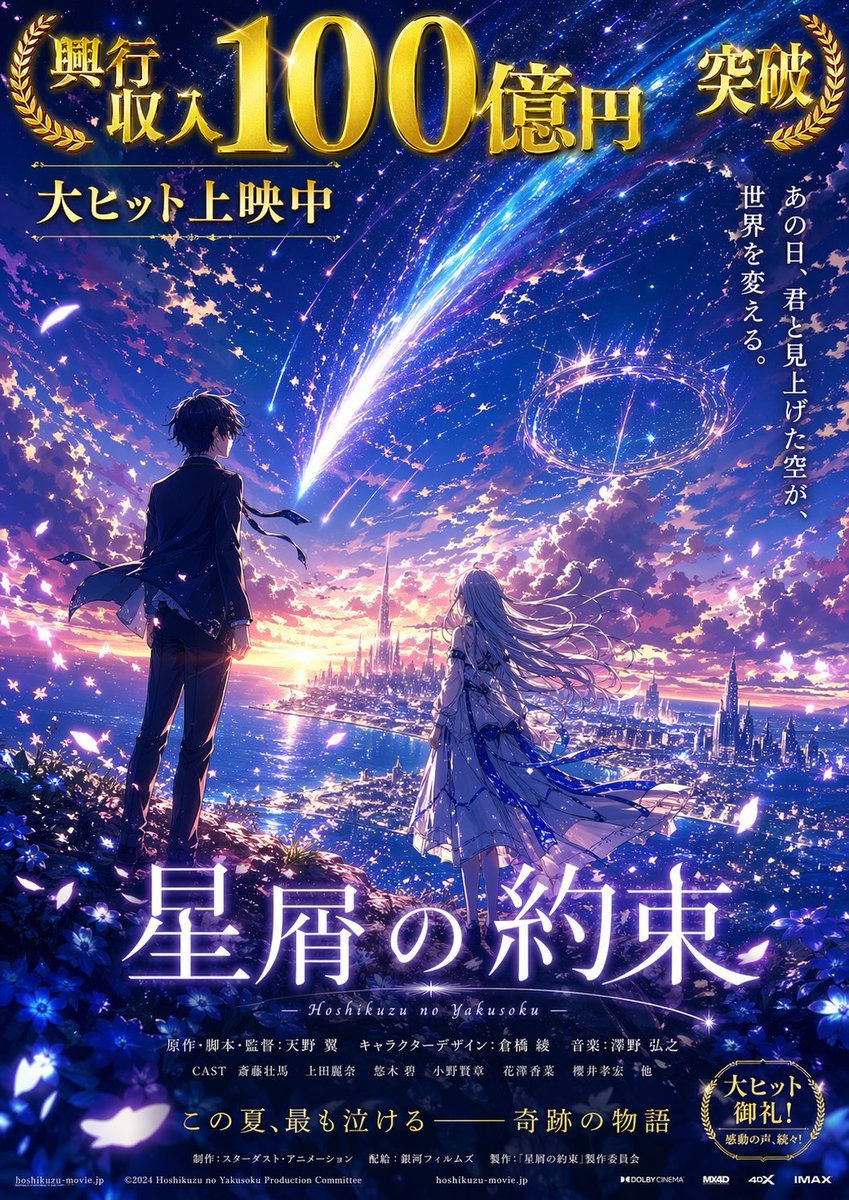
Blockbuster Anime Sky Fantasy Poster

Giant Pikachu Studio Portrait Identity Lock Prompt
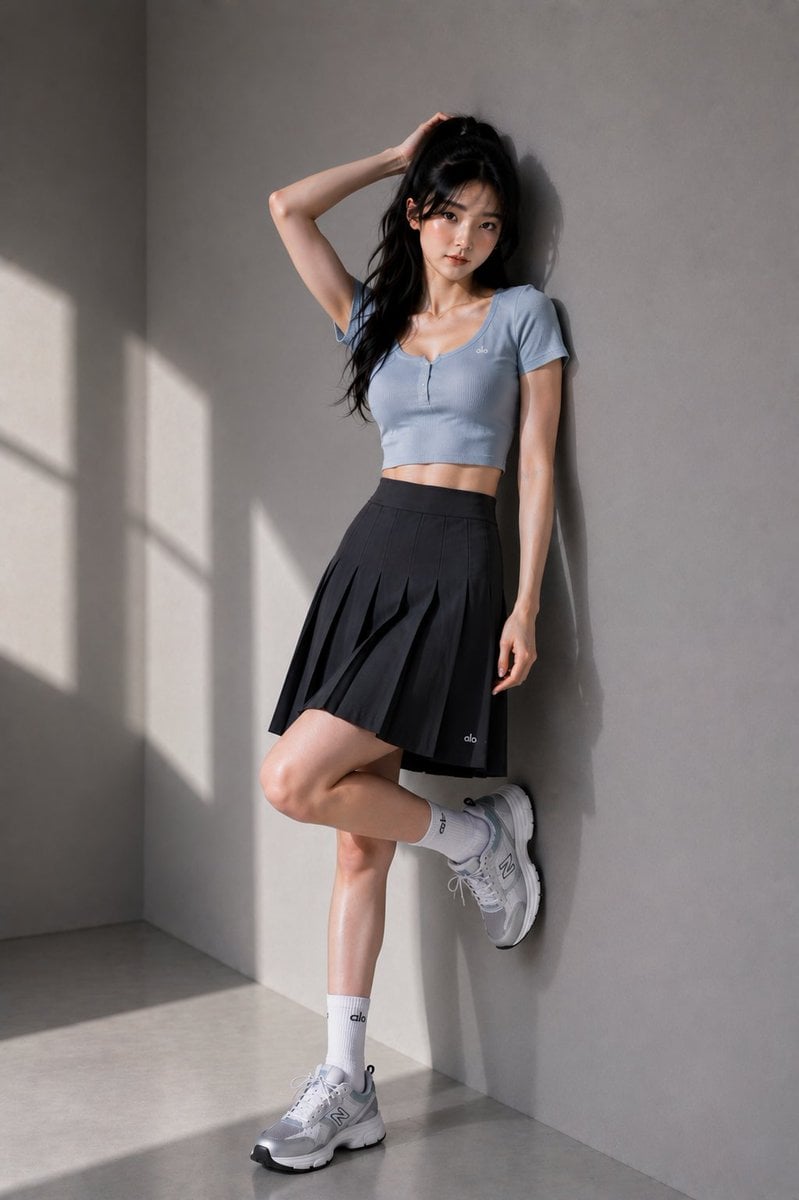
East Asian Fashion Editorial
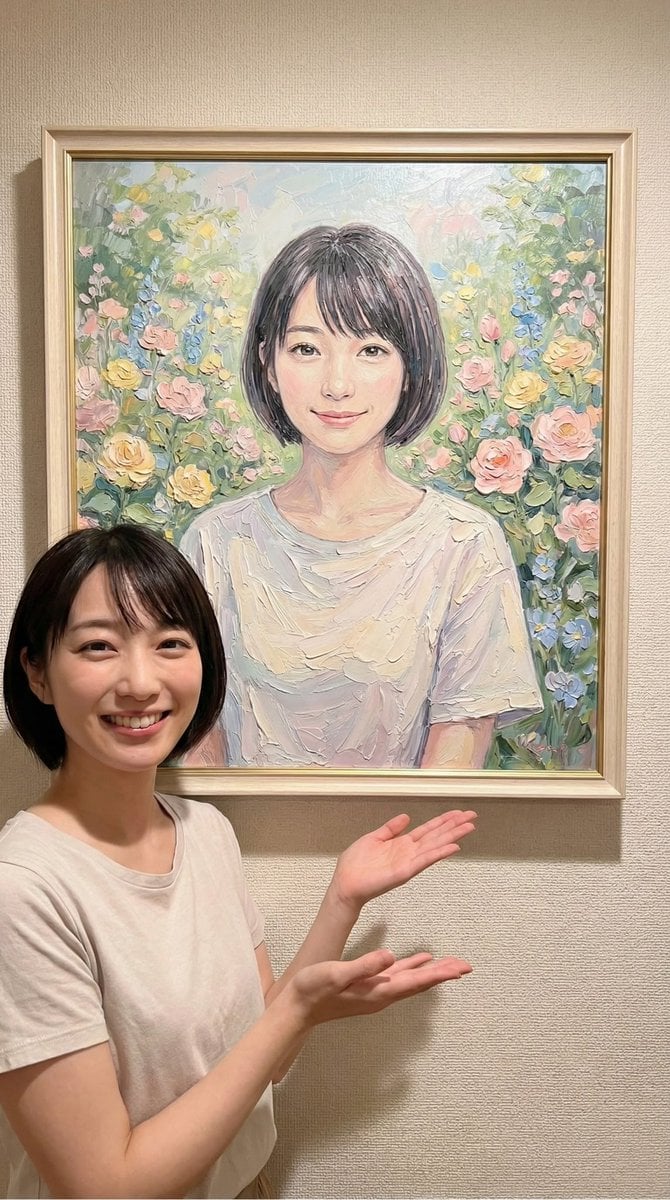
Image-to-Painting Reproduction Prompt
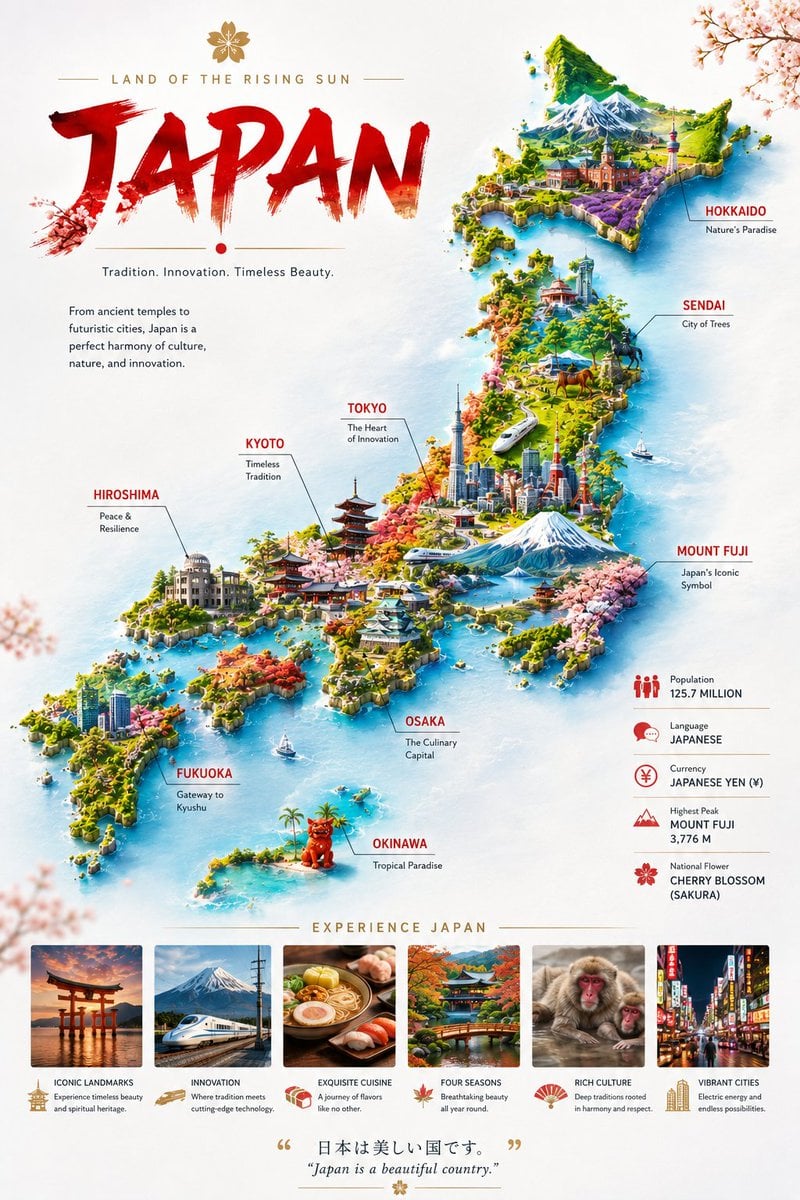
Japan Travel Poster Infographic
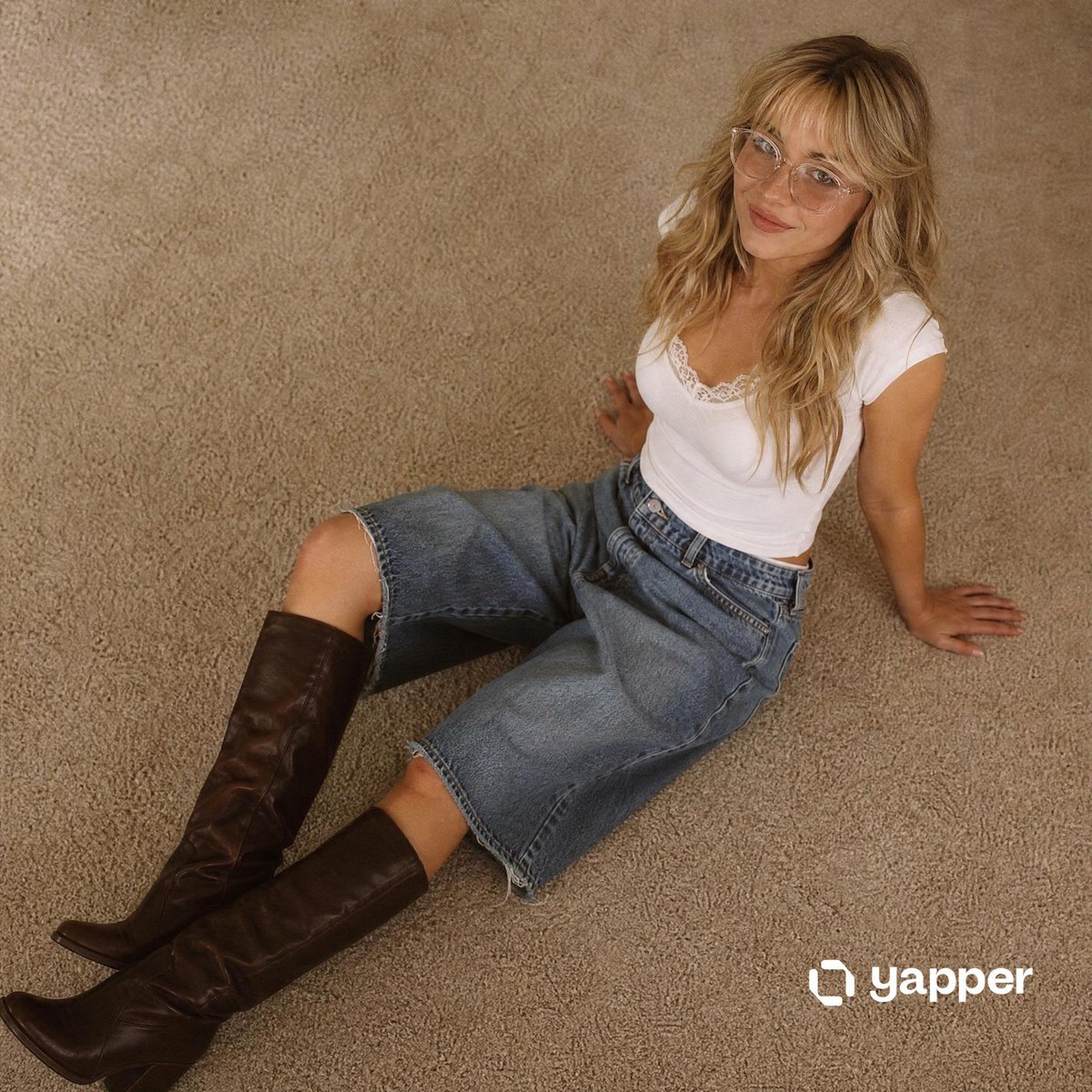
Nostalgic 90s Overhead Carpet Portrait

Metal ball splashing into water (slow-motion feel)
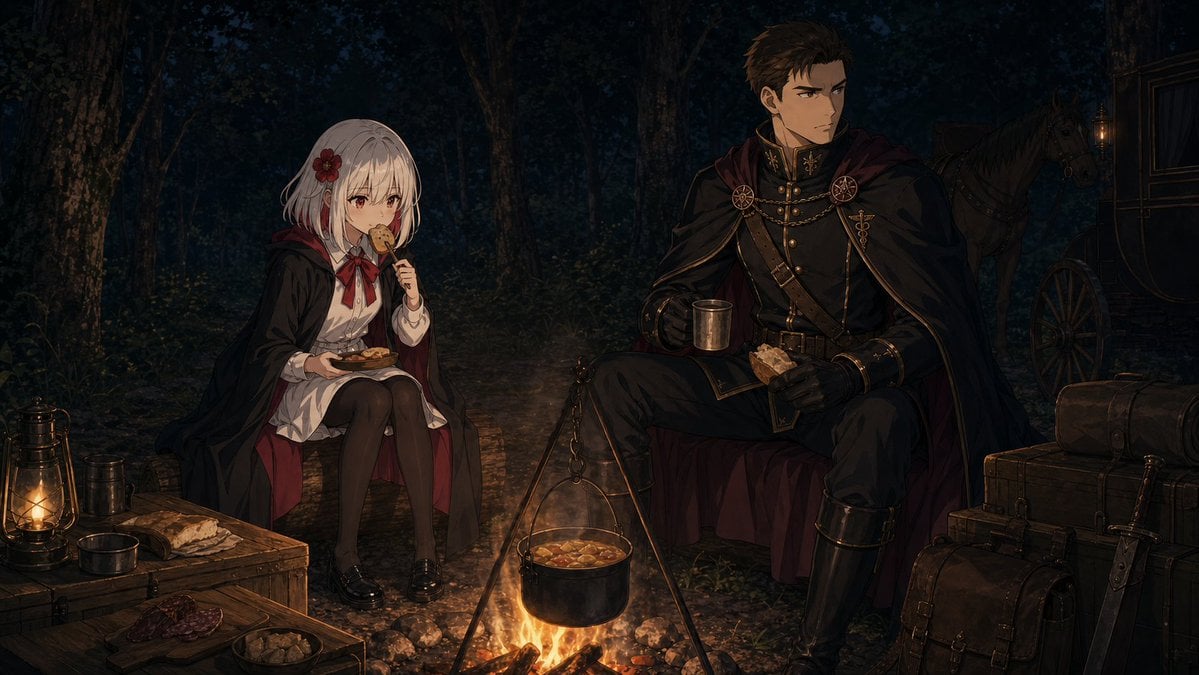
Night Forest Fantasy Camp
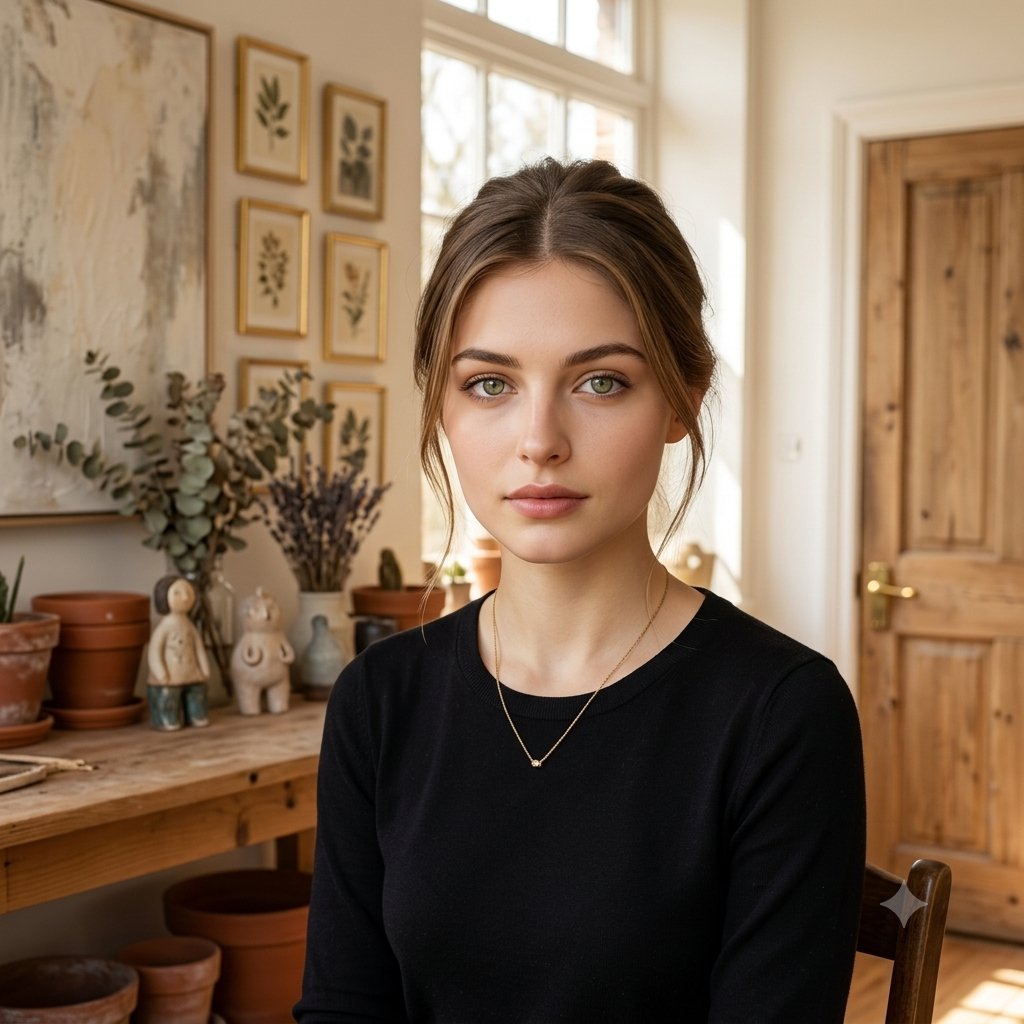
Elegant Serenity Lifestyle Portrait

Cinematic Composite Portrait of Multiple Emotional Selves
Browse template categories
Cosmic Ink Dragon Roar questions
How do I use the Cosmic Ink Dragon Roar template?
Add your photo if the template asks for one, edit the prompt if you like — the template's model and format are already selected — and press Generate. Your version opens in PicX Studio.
Can I customize the Cosmic Ink Dragon Roar template?
Yes. You can change the subject, setting, lighting, mood, format, and available model controls before creating your image.
Is the Cosmic Ink Dragon Roar template free?
Opening and editing this template is free. Generating uses credits, shown on the Generate button when you are signed in.
Which AI model should I use?
Start with GPT Image 2, which is the model associated with this template. You can compare another compatible model for a different finish.
Looking for something else? Browse all templates.

Your photo, any look
Thousands of ready templates for every top image and video model, from one credit balance.