
Woman in Infinite Scroll Void
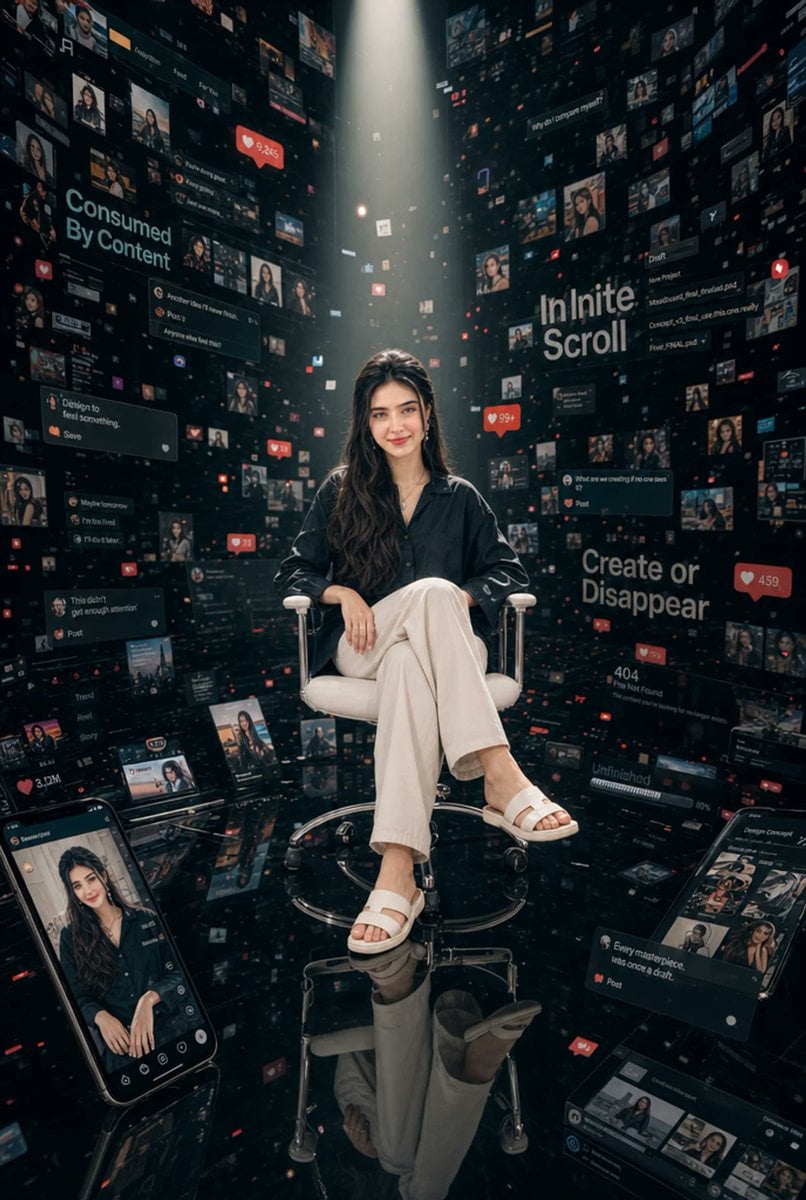
A cinematic photoreal scene of a calm woman seated in a dark void surrounded by endless floating social media interfaces.
- Prompt included
- Model and format preset
- Free template
The prompt behind this image
Copy the exact prompt behind Woman in Infinite Scroll Void, or open it in the studio and make it yours.
Create an ultra-detailed cinematic vertical photograph of {argument name="character name" default="a young woman"} seated calmly at the center of a gigantic black digital void, using a photorealistic editorial style. She sits on a white modern office chair with chrome arms, a circular chrome base, and small caster wheels, floating above a glossy black mirror floor that clearly reflects her legs, sandals, chair, and the surrounding screens. She has long wavy dark brown hair and wears {argument name="outfit" default="a dark oversized button-up shirt, loose cream-white trousers, and white slide sandals"}; her pose is relaxed and composed, one leg crossed over the other, one hand resting on the chair arm and the other on her knee. A dramatic vertical spotlight shines down from above, illuminating her and fading into the surrounding darkness, with shallow depth of field and a moody teal-black color grade. Surround her with thousands of suspended social media interface fragments, thumbnails, profile cards, comment boxes, video tiles, notification icons, red heart-like counters, and tiny glowing UI particles arranged like towering walls receding into deep perspective. Include exactly 4 large readable typography statements embedded on the digital walls: "Consumed By Content" on the left, "Infinite Scroll" on the upper right, "Create or Disappear" on the mid-right, and "404 File Not Found" on the lower right. Include exactly 2 large foreground smartphone screens leaning into the scene: one at bottom left showing a social-media profile/video of the same seated woman, and one at bottom right showing a creator post interface with thumbnails and comments. Add numerous smaller floating panels with miniature portraits of the same woman, analytics snippets, post cards, like counters such as 9.2K, 99+, 459, and 3.0M, and red notification badges, but keep them secondary to the central seated subject. The overall feeling should be surreal, overwhelming, and cinematic, representing {argument name="theme" default="being consumed by endless social media content"}. Use a 2:3 vertical composition, high contrast, glossy reflections, volumetric light, realistic fabric folds, realistic skin and hair detail, and no borders or watermarks.
How to use Woman in Infinite Scroll Void in 3 steps
- 1Upload ImagePNG, JPG or paste
Add your photo
Upload the photo the template builds on. The prompt, model and format are already set.
- 2…a portrait of your subject in softgolden-hour light, 85mm…
Personalize
Edit the subject and creative details for your destination.
- 3Generate
Generate
Press Generate — your image is created in PicX Studio, so you can compare it with the original and refine one variable at a time.
More like this
Templates with the same subject, style or setup. Open one to see its prompt.

Woman in Mall with Chanel Bag - Heart Gesture

Floating Woman Above Cityscape with Notifications
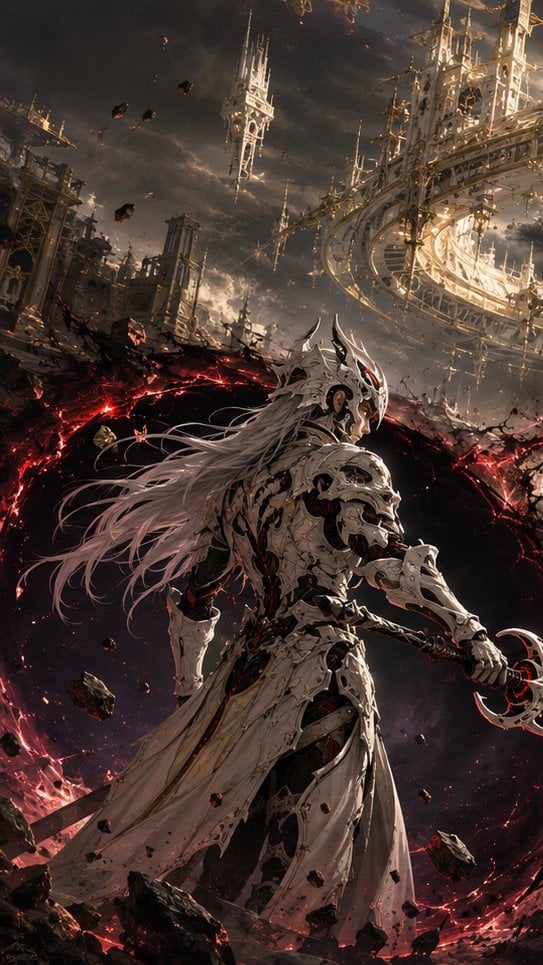
Choice of the Void Scene
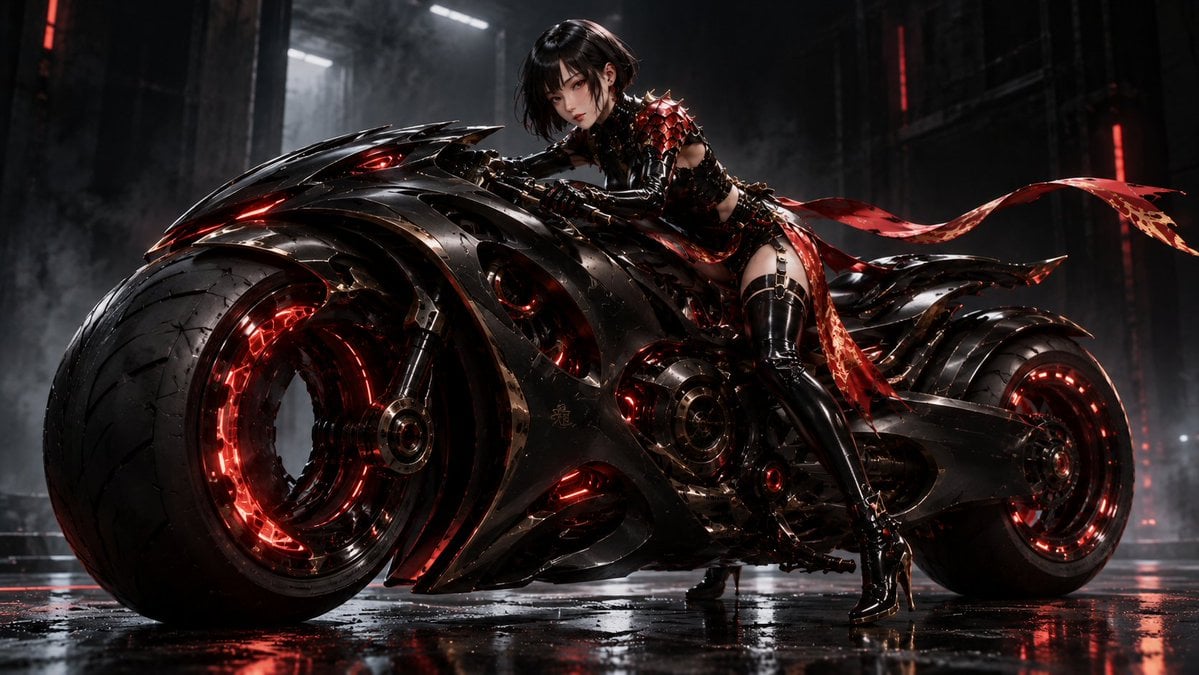
Futuristic Void Fang Mech
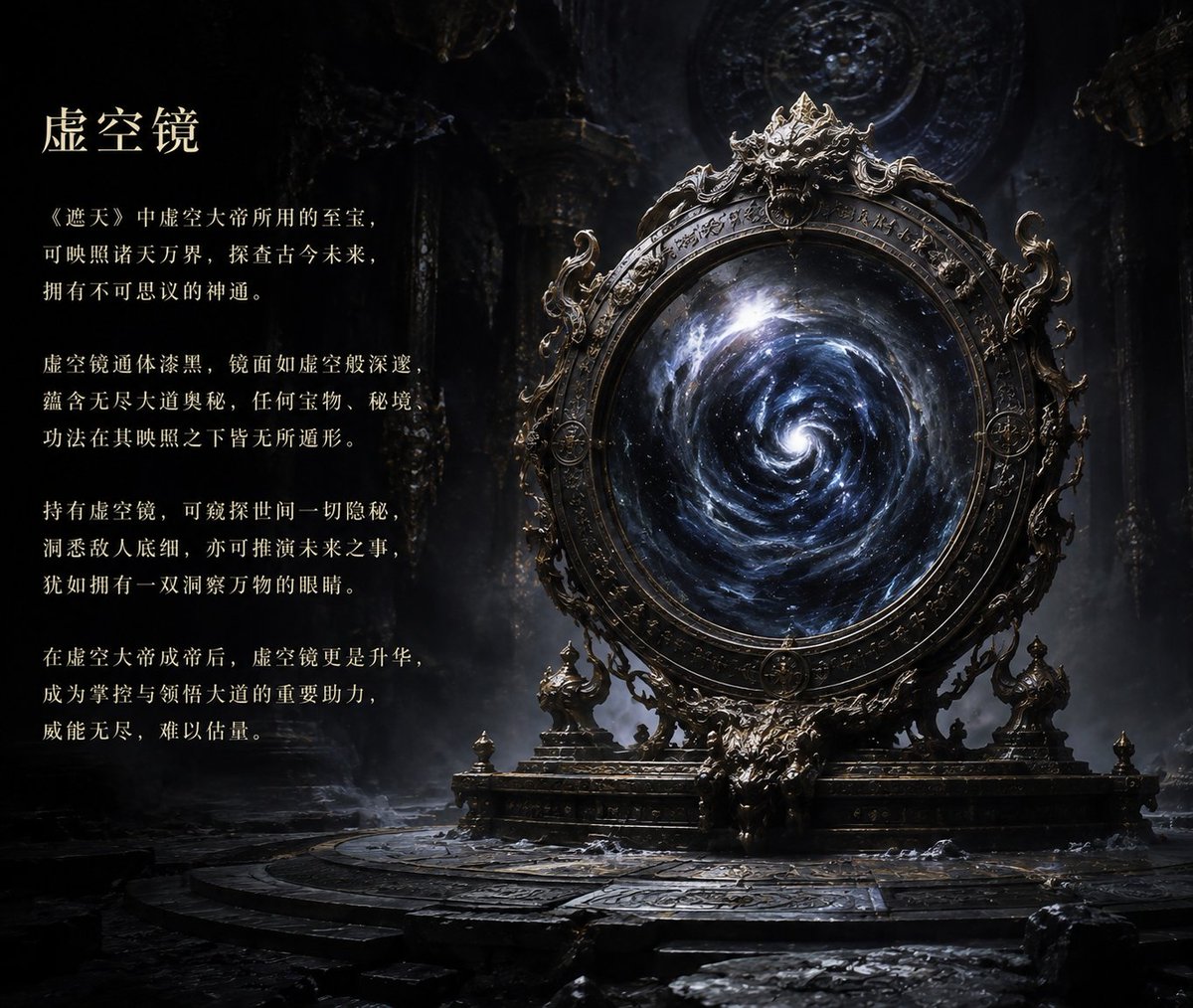
Ancient Void Mirror Artifact Poster
Infinite Recursive Droste Spiral
Prompt: A single apple crossing a black void, mov
Infinite Mirror World Concept

Historic Battle Visualization Scroll
Moonlit Immortal Scroll Emergence
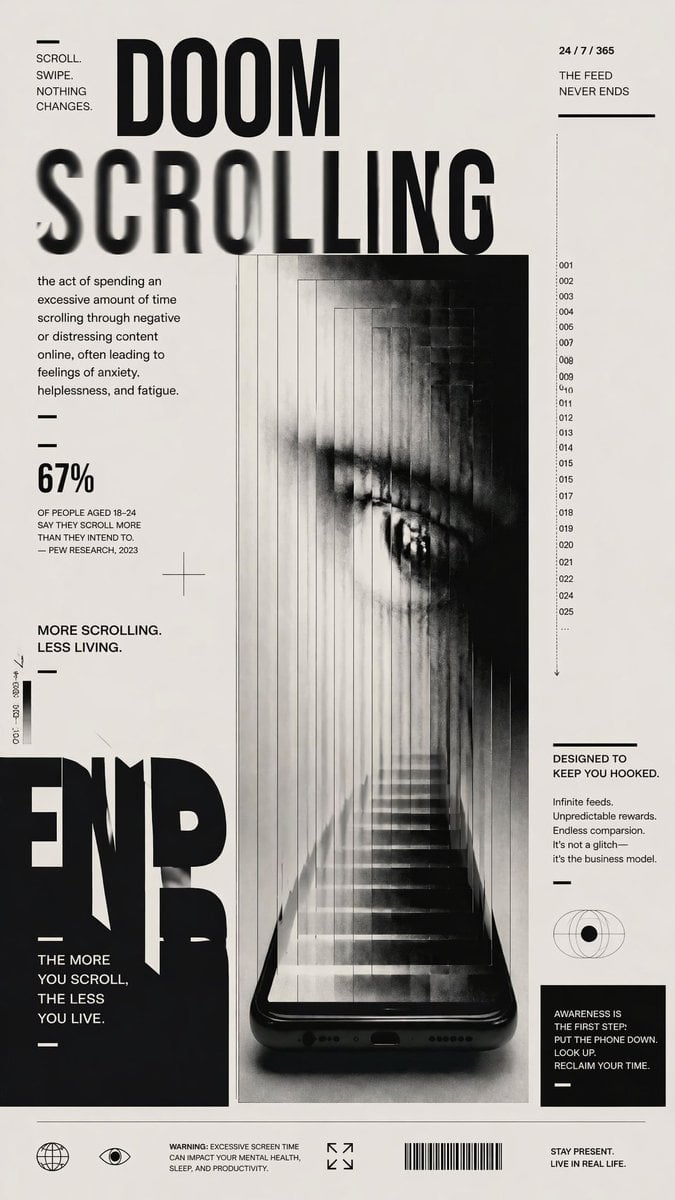
Doomscrolling Editorial Poster

Chinese Calligraphy Poem Scroll
Make it yours
Woman in Infinite Scroll Void works as-is. These are the safest ways to change it without losing the look.
Change one field
Copy a single group, rewrite it, and generate again so you can see what that field is doing.
Keep the frame, change the subject
Hold the composition and light of Woman in Infinite Scroll Void, then swap wardrobe, props or the person for a new take.
| If the result… | Why | Fix |
|---|---|---|
| The result drifts from the preview | Too many fields changed at once. | Reuse Woman in Infinite Scroll Void as-is first, then change one group — subject, light, or setting. |
| The model over-stylizes the scene | The prose prompt leaves finish and camera underspecified. | Add one camera or lighting sentence and stay on GPT Image 2. |
More GPT Image 2 templates
Other prompts made for GPT Image 2.

Six VTuber Japanese Logo Sheet

Realistic Portrait of Woman and Deer

The Vista Modular Condo Poster

AI Model Routing Comparison Infographic

2.5D Anime Art Board

Isometric Productivity Desk Scene

New York Double Exposure Poster

Four-Panel AI Landscape Comparison

Japanese Tatami Lifestyle Magazine Cover

NESCAFÉ Coffee Map Poster
More image prompts
Fresh picks from across the catalog.
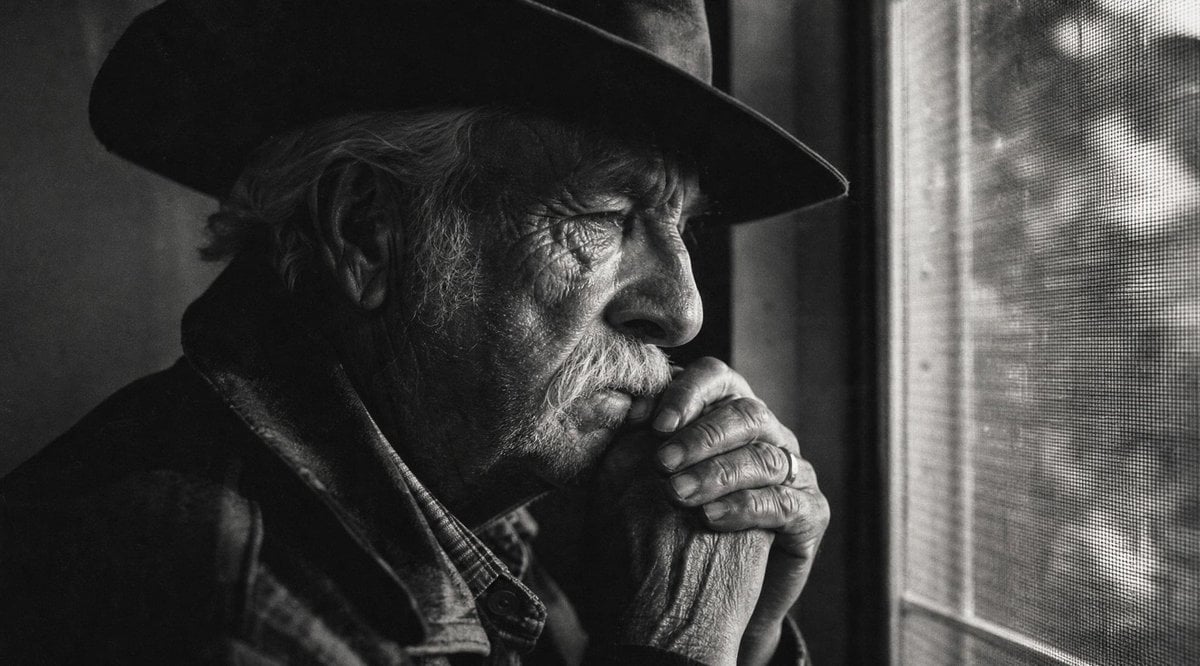
Moody Censored Elderly Man Portrait
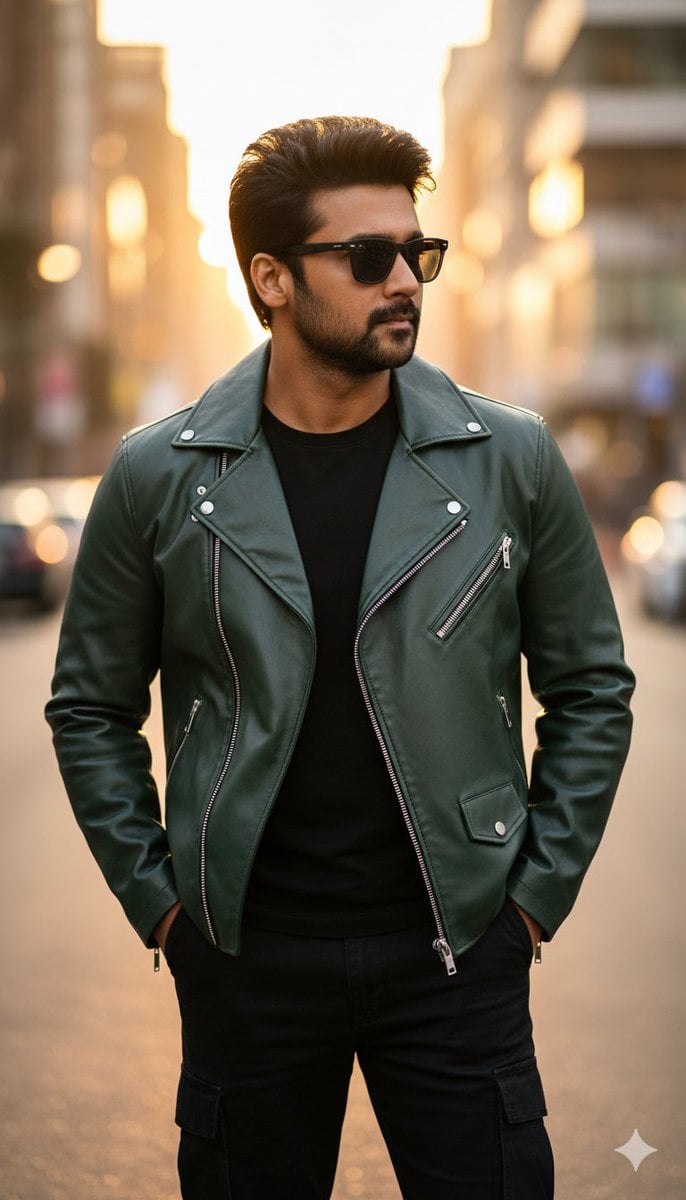
Ultra-Realistic Golden Hour City Street Portrait (Face Lock)

Mugshot Portrait with Custom Slate Text Prompt
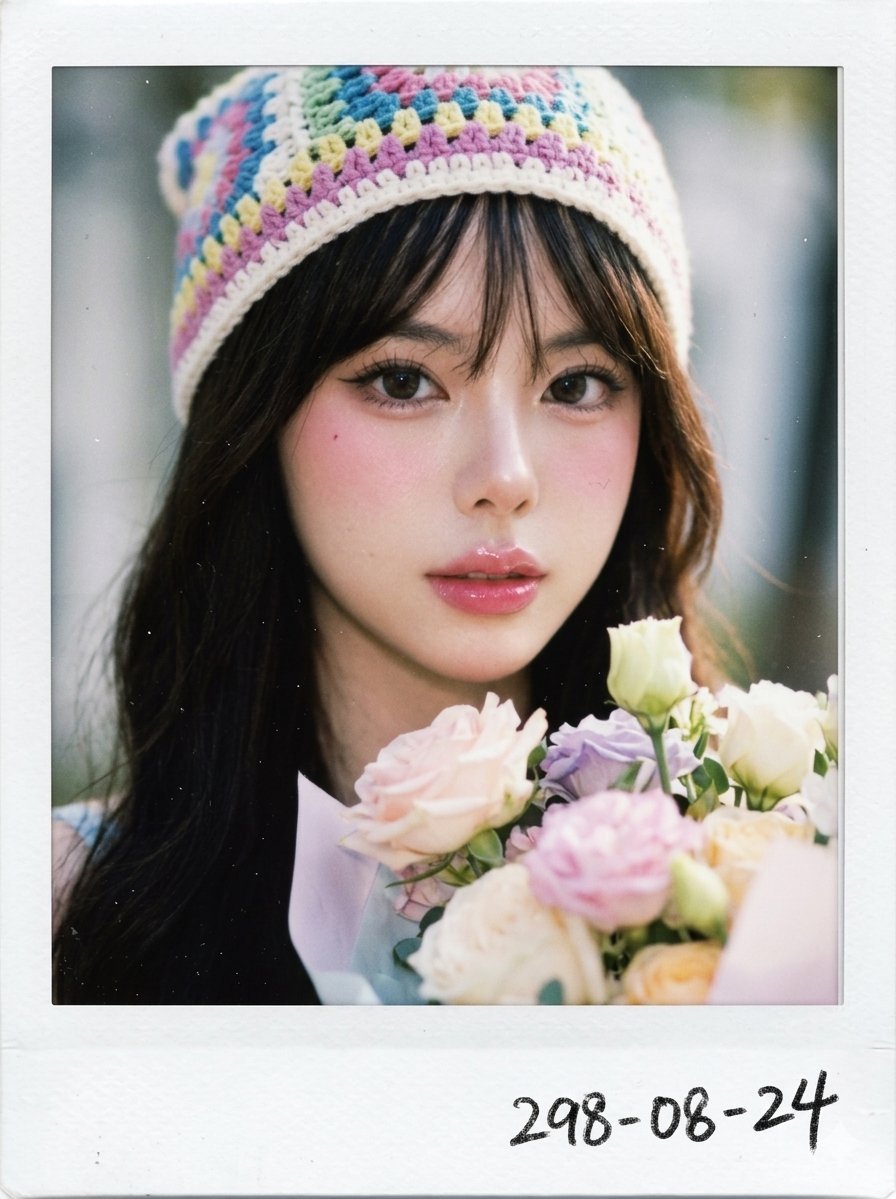
X Chryzleenprompt Create Image a Hyper Photorealistic Polaroid
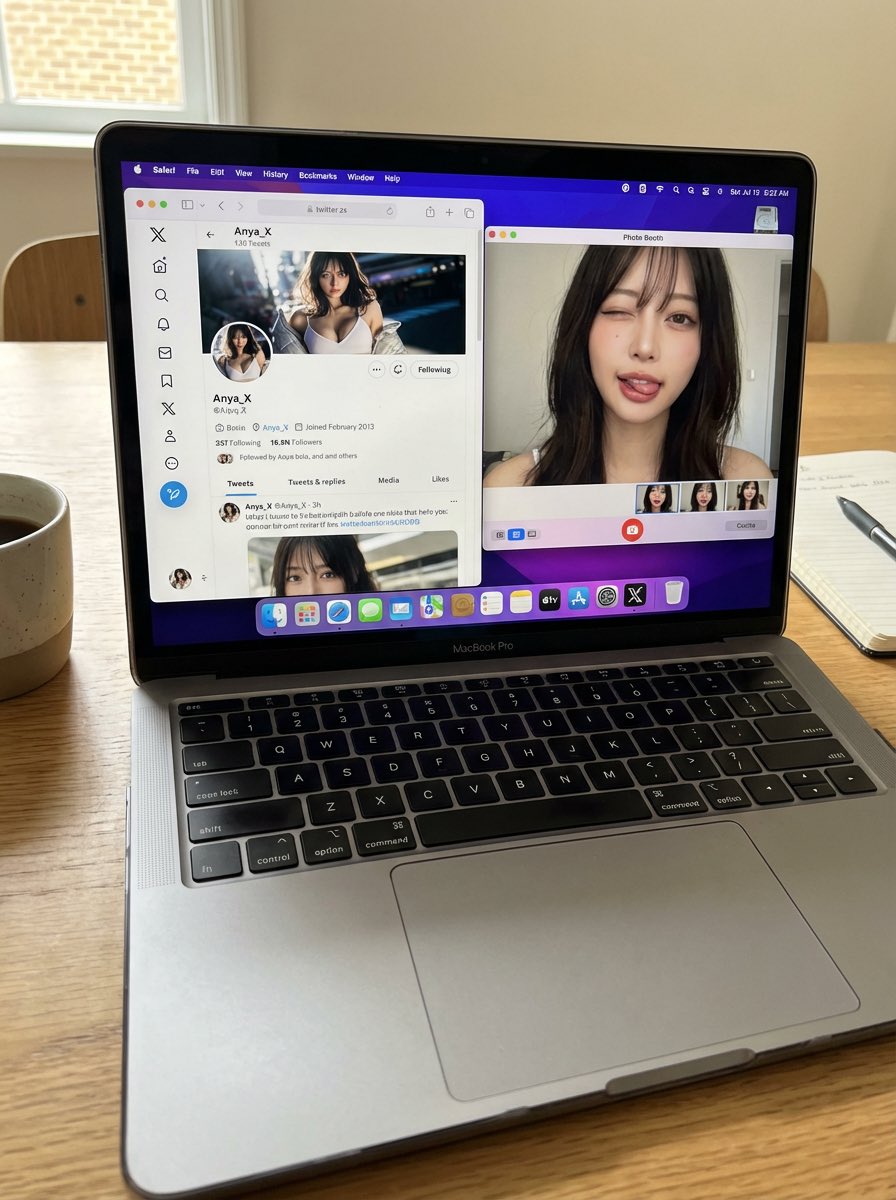
Photorealistic MacBook Desktop Selfie Scene
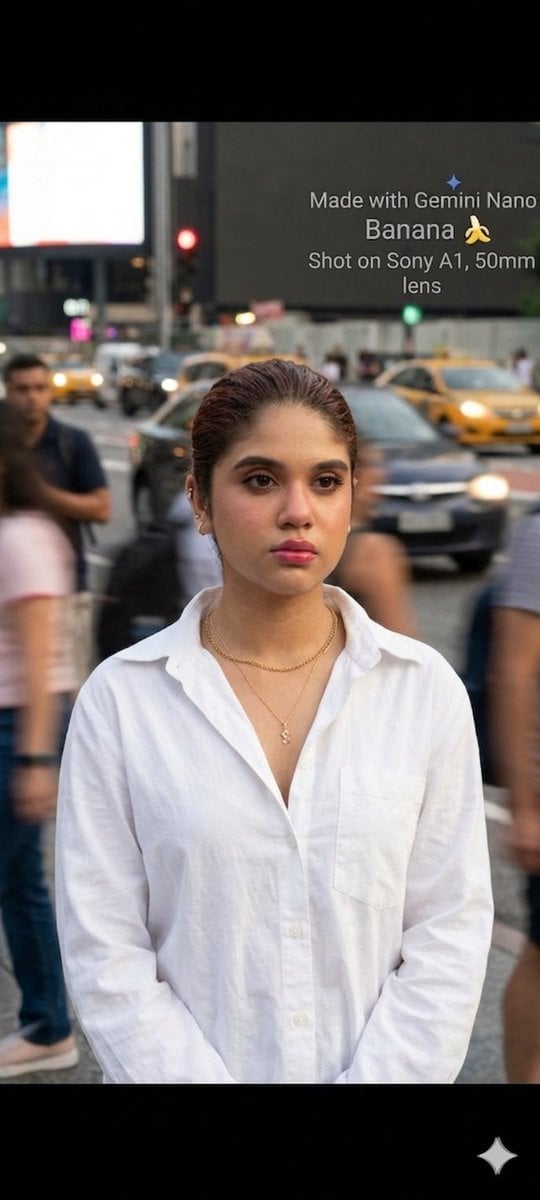
Cinematic Street Portrait with Motion Contrast
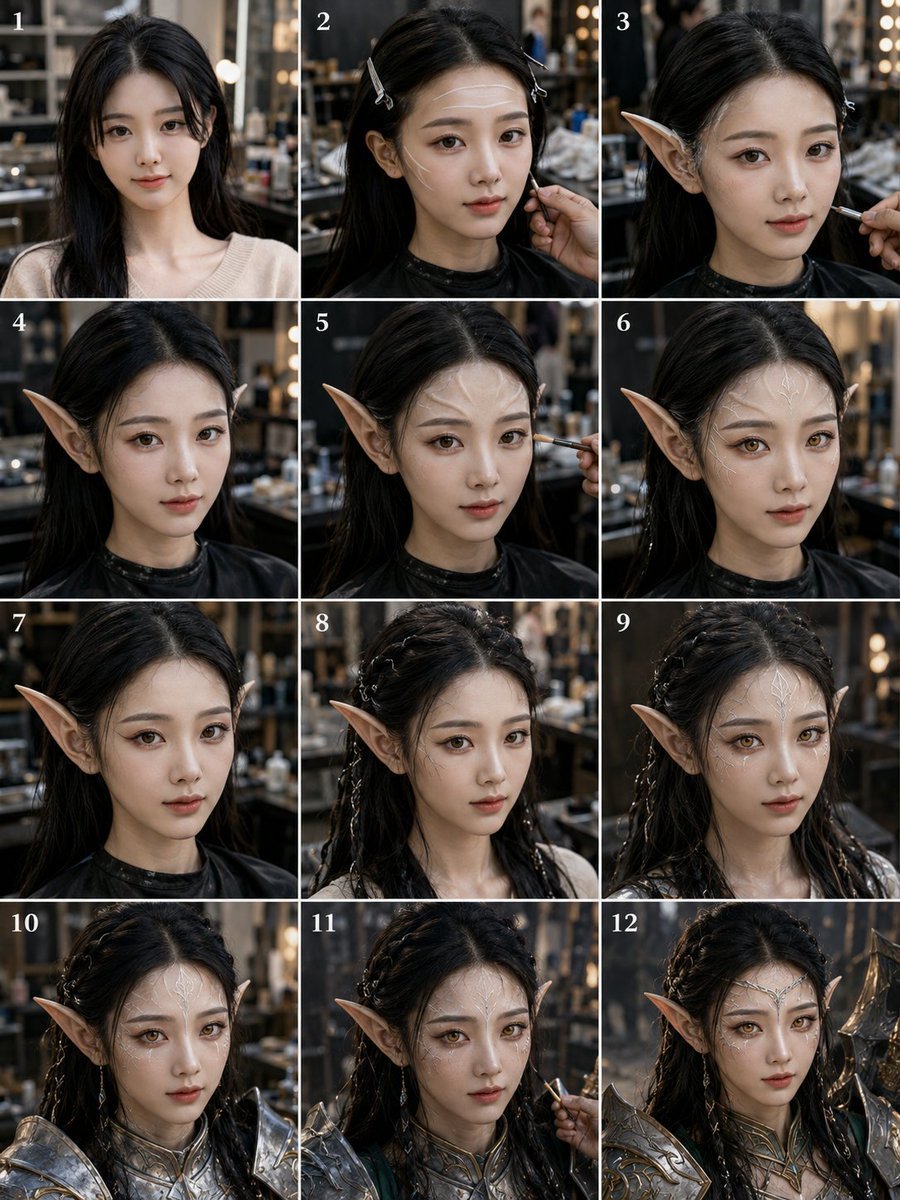
Elf Warrior Transformation Collage
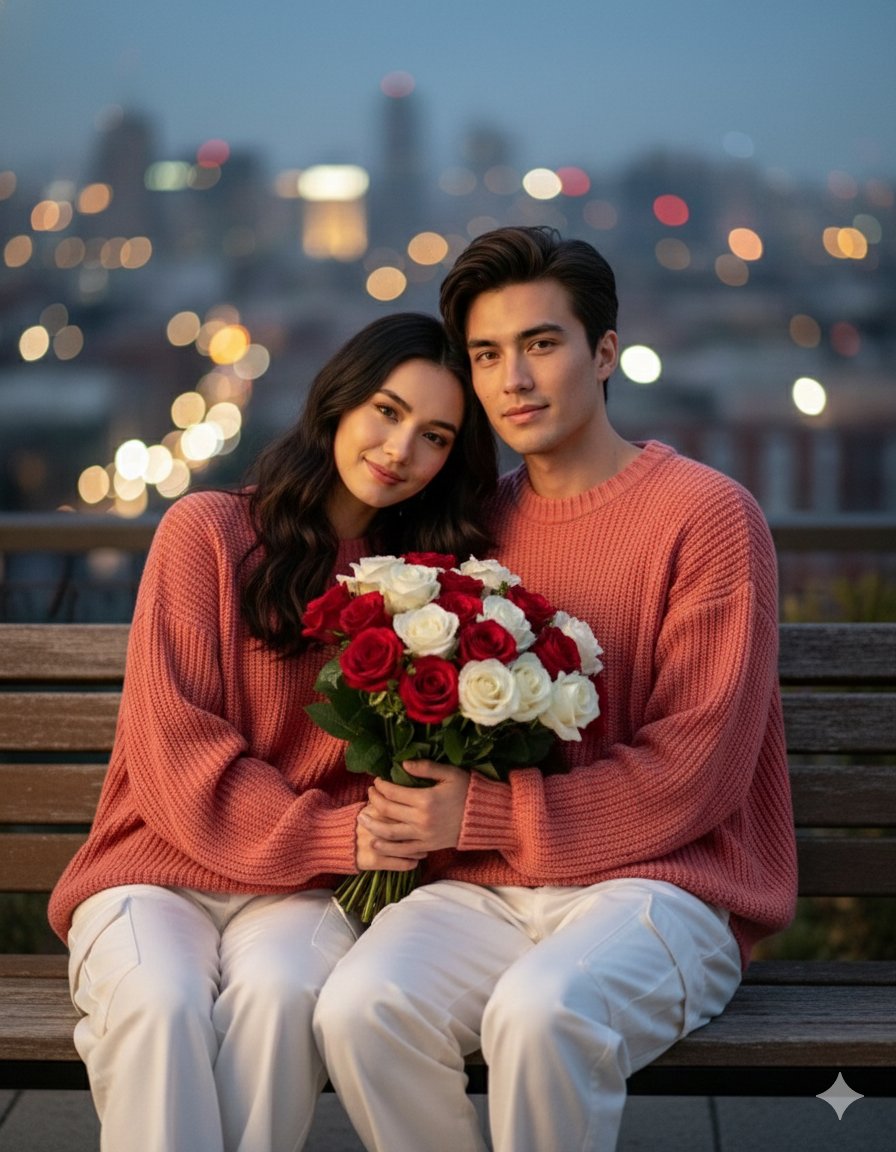
Valentine S Day Couple Portraits
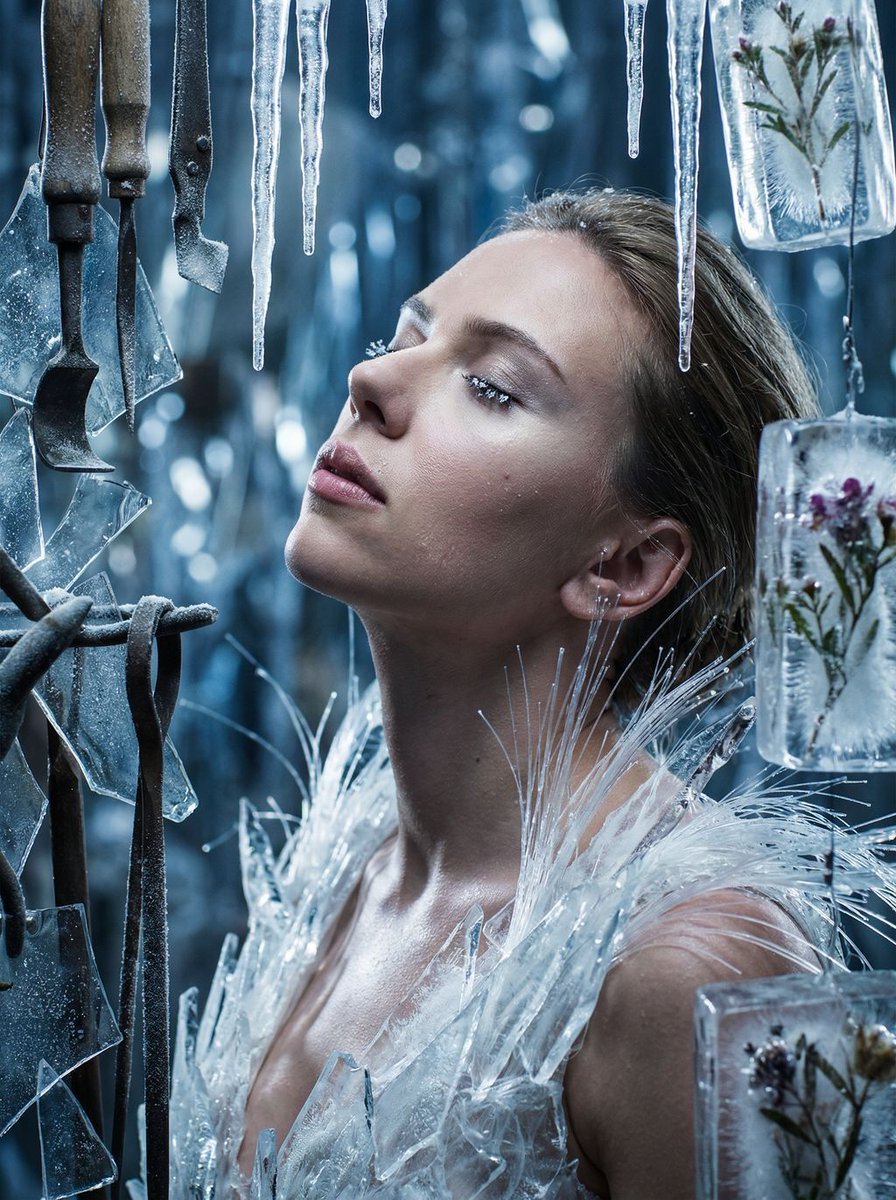
Cinematic Surreal Portrait: Crystallized Melancholy
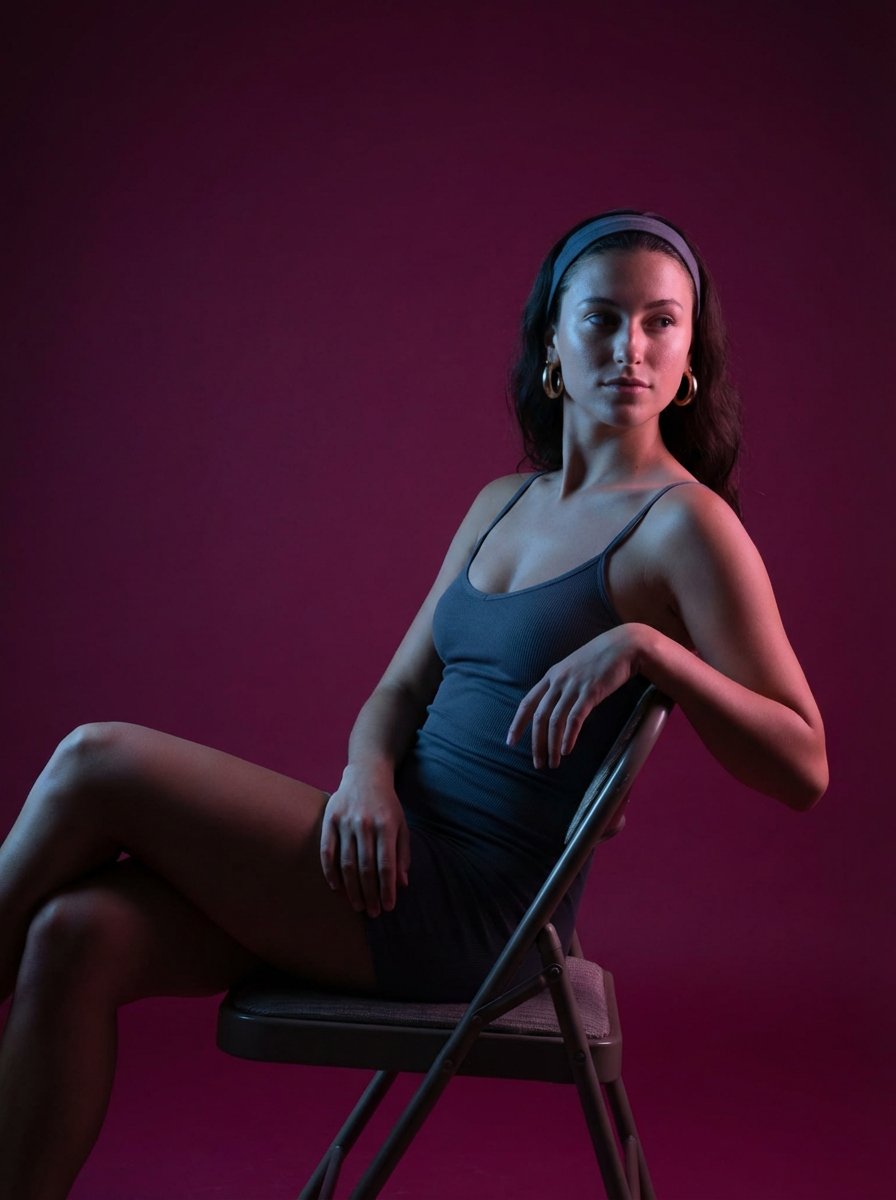
Portrait prompt for replicating a subject's appearance
Browse template categories
Woman in Infinite Scroll Void questions
How do I use the Woman in Infinite Scroll Void template?
Add your photo if the template asks for one, edit the prompt if you like — the template's model and format are already selected — and press Generate. Your version opens in PicX Studio.
Can I customize the Woman in Infinite Scroll Void template?
Yes. You can change the subject, setting, lighting, mood, format, and available model controls before creating your image.
Is the Woman in Infinite Scroll Void template free?
Opening and editing this template is free. Generating uses credits, shown on the Generate button when you are signed in.
Which AI model should I use?
Start with GPT Image 2, which is the model associated with this template. You can compare another compatible model for a different finish.
Looking for something else? Browse all templates.

Your photo, any look
Thousands of ready templates for every top image and video model, from one credit balance.