
Overhead Superhero Mahjong Scene Prompt (WeChat Moments Style)
A detailed, structured prompt for generating a surreal, ultra-wide overhead flat lay photograph featuring four characters (specifically Marvel superheroes in the example) playing Mahjong on a custom table designed to…
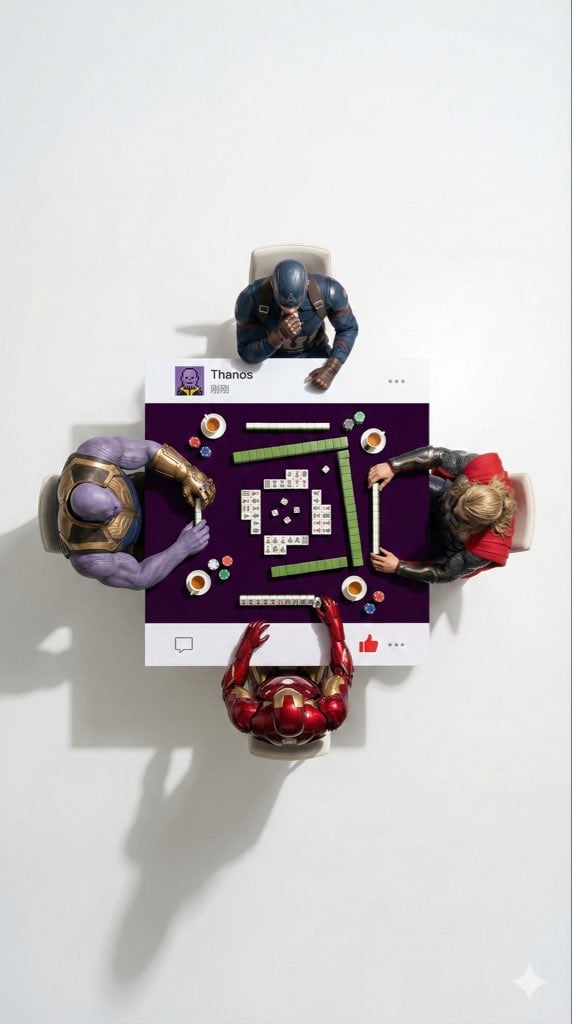
- Prompt included
- Model and format preset
- Free template
The prompt behind this image
Copy the exact prompt behind Overhead Superhero Mahjong Scene Prompt (WeChat Moments Style), or open it in the studio and make it yours.
一张9:16的超广角超现实主义俯视平铺摄影。一群4个[{argument name="人物" default="人物"}]围坐在一张方形桌,每个人坐一个边。相机大幅后拉,在人物和桌子周围制造大量负空间(空旷的地板区域),确保构图干净、极简。 场景为[{argument name="场景" default="场景"}]:[人物]穿着各自的经典服装,他们的互动具体如下:[DESCRIBE ACTION OF EACH PERSON 桌子是一个定制的实体道具,设计成像微信朋友圈帖子的样子:仅在顶部边缘和底部边缘有纯白色的实体条带(左右两侧无白色边框)。 - 顶部白色条带上绘制有个人头像图片,带有[{argument name="LOGO DESCRIPTION" default="一个酷炫的扑克头像或真实照片"}],右侧绘制用户名“[USERNAME]”,再往右是发布时间文字(如“1小时前”或“刚刚”),最右侧有“...”更多选项图标。 - 底部白色条带上右侧绘制有向右箭头的“评论”图标(带气泡形状)和“点赞”图标(微信特色的拇指向上图标,可设计为灰色未点赞状态或红色已点赞状态),图标之间用竖线分隔;最左侧或中间可留空或添加小型位置图标(如有定位时)。 桌子中心被涂成[EXACT CENTER COLOR & HEX CODE,桌子上的物品为[FOOD/OBJECTS DESCRIPTION]。 重要:所有物体以及与之互动的手部都严格限制在这一中央[COLOR]涂漆区域。任何东西都不得延伸到白色条带上或超出桌子边界。地板背景为[FLOOR COLOR,例如:极简干净纯色],以创造视觉分离。专业工作室照明,带有明显的投影阴影。8K,锐利对焦。
How to use Overhead Superhero Mahjong Scene Prompt (WeChat Moments Style) in 3 steps
- 1
Open
The prompt is already in the box next to the preview, with the template's model and format selected.
- 2…a portrait of your subject in softgolden-hour light, 85mm…
Personalize
Edit the subject and creative details for your destination.
- 3Generate
Generate
Press Generate — your image is created in PicX Studio, so you can compare it with the original and refine one variable at a time.
More like this
Templates with the same subject, style or setup. Open one to see its prompt.
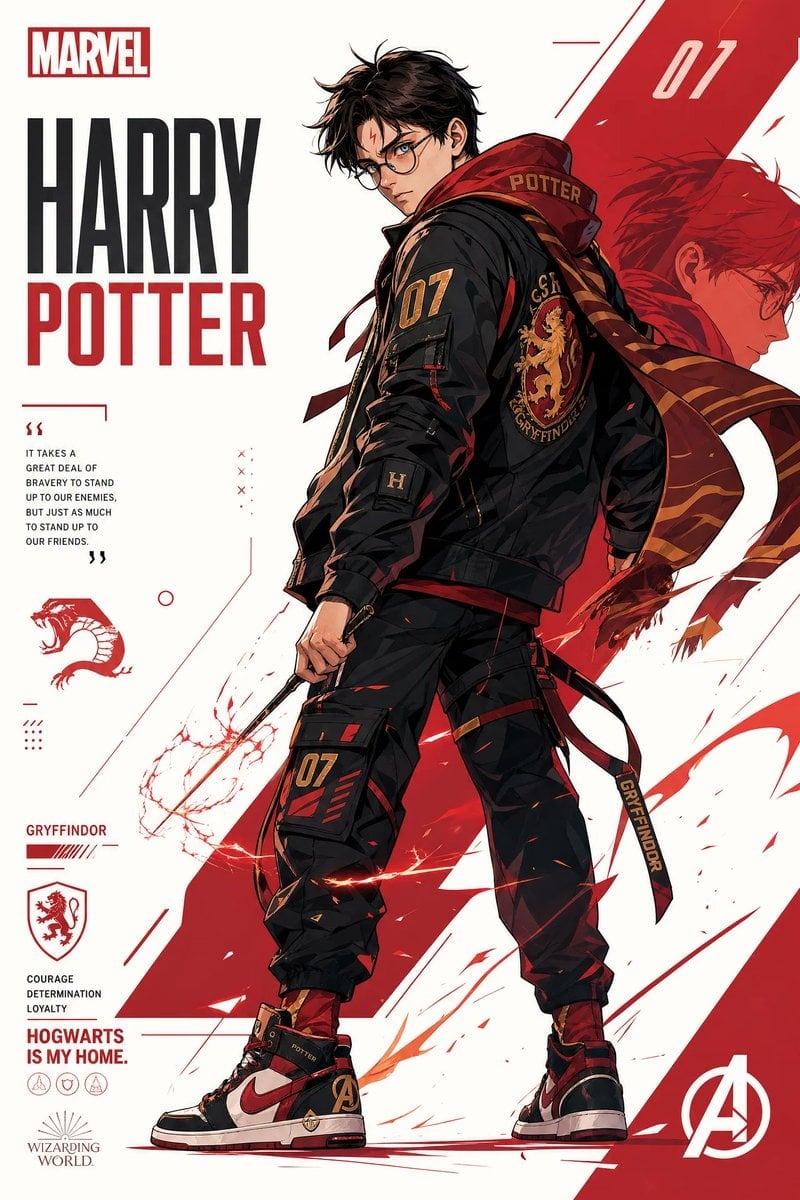
Franchise Hero Stylized Poster Blueprint
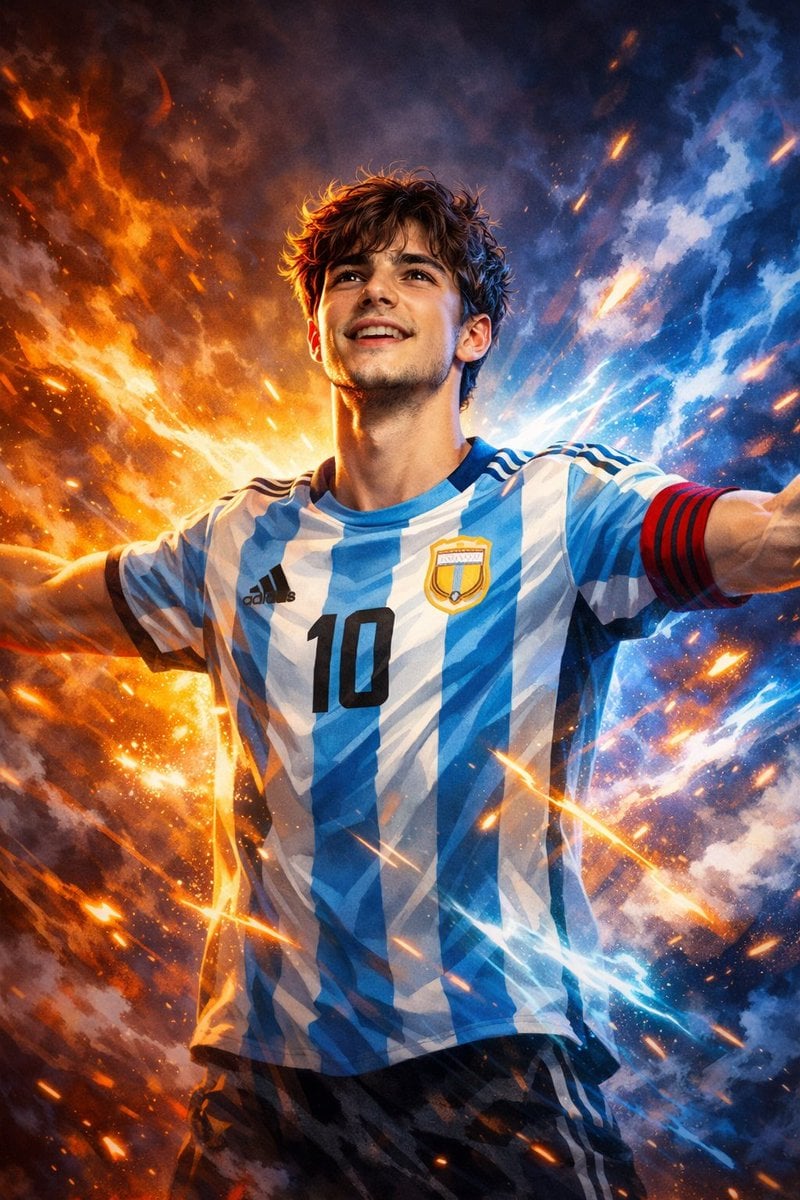
Victory Aura Superhero Neon Poster
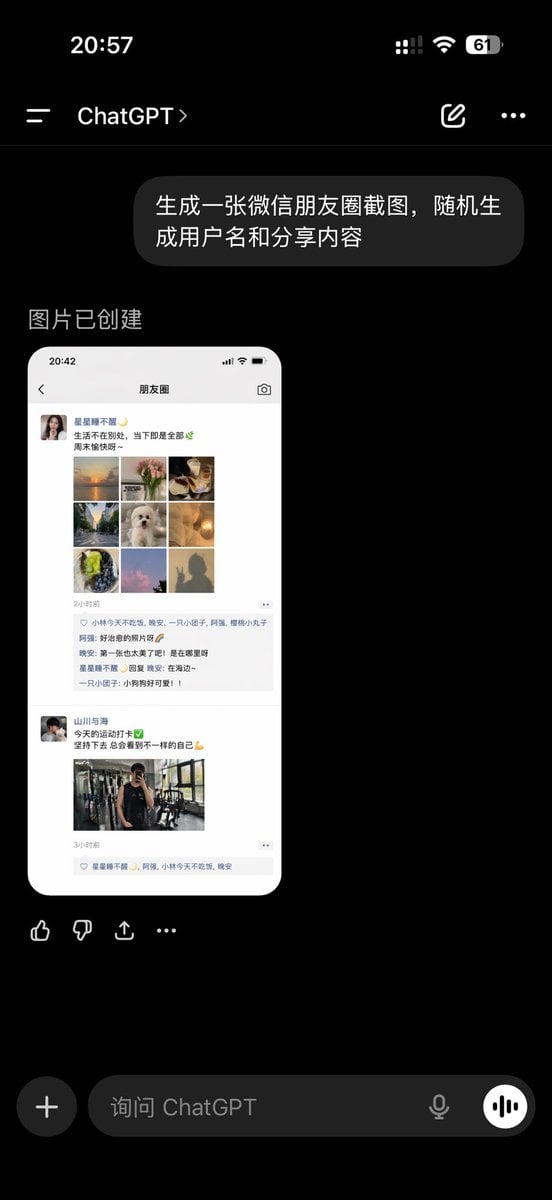
ChatGPT App Showing WeChat Moments Screenshot
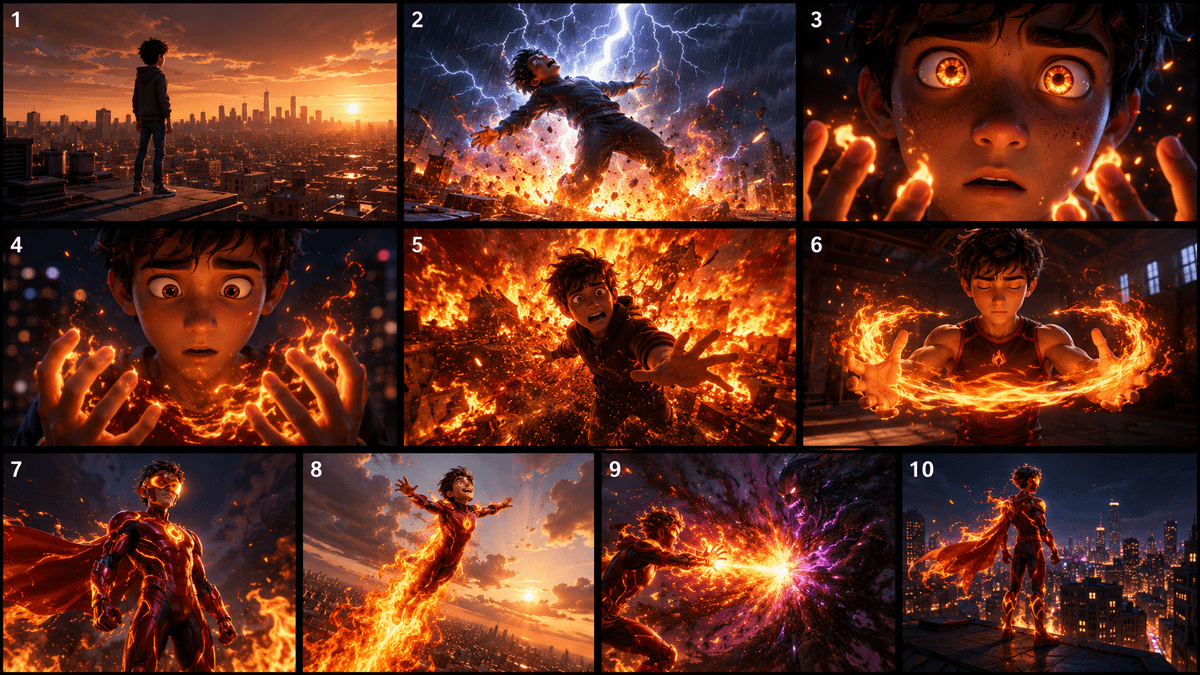
Pixar Style Superhero Storyboard
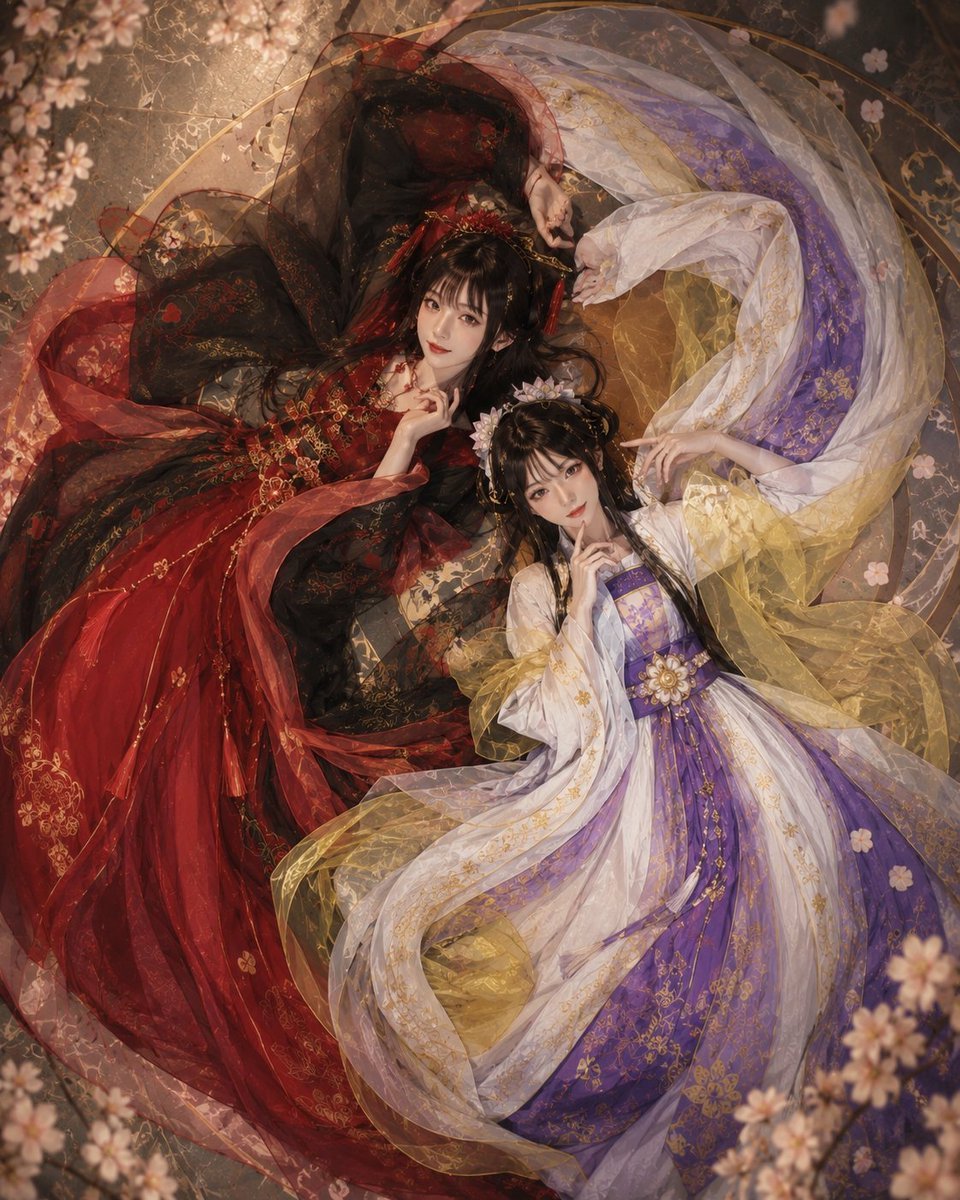
Overhead Fantasy Hanfu Cosplay Duo
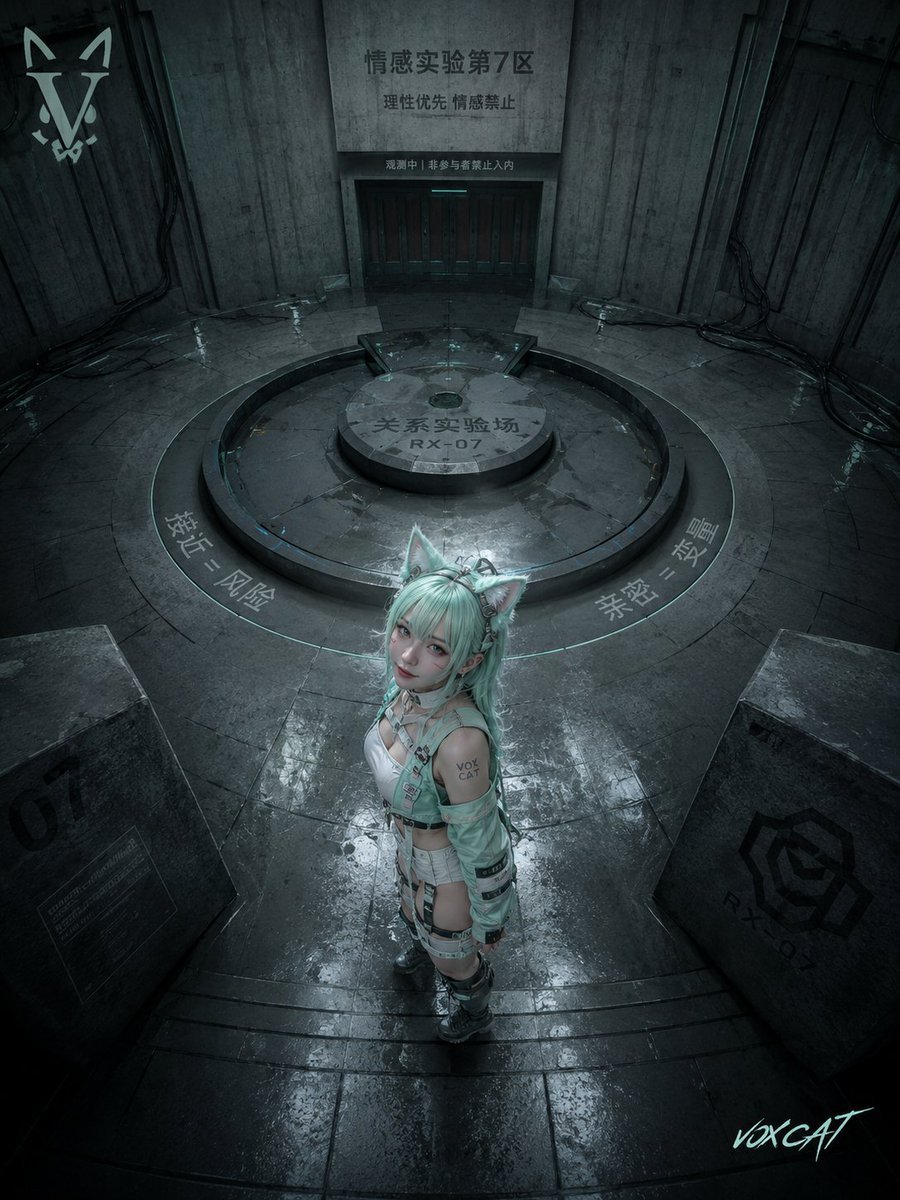
Overhead Sci-Fi Catgirl Test Yard
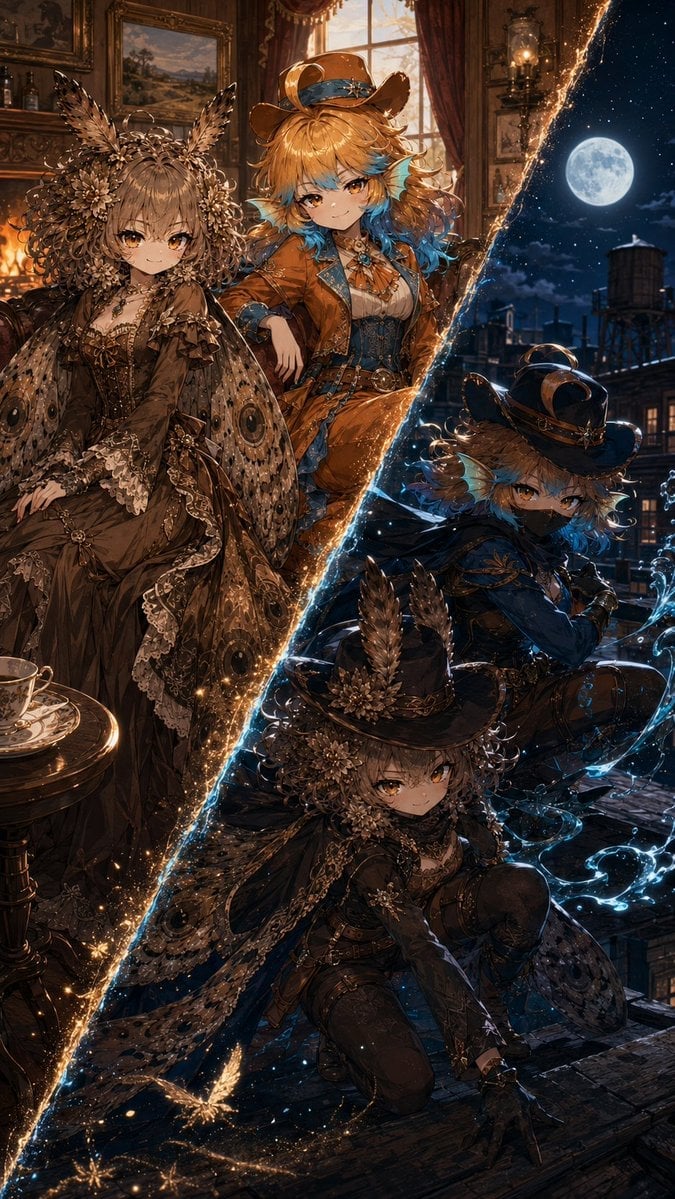
Superhero Era Transformation Split Portrait

Anime Mahjong Magazine Cover
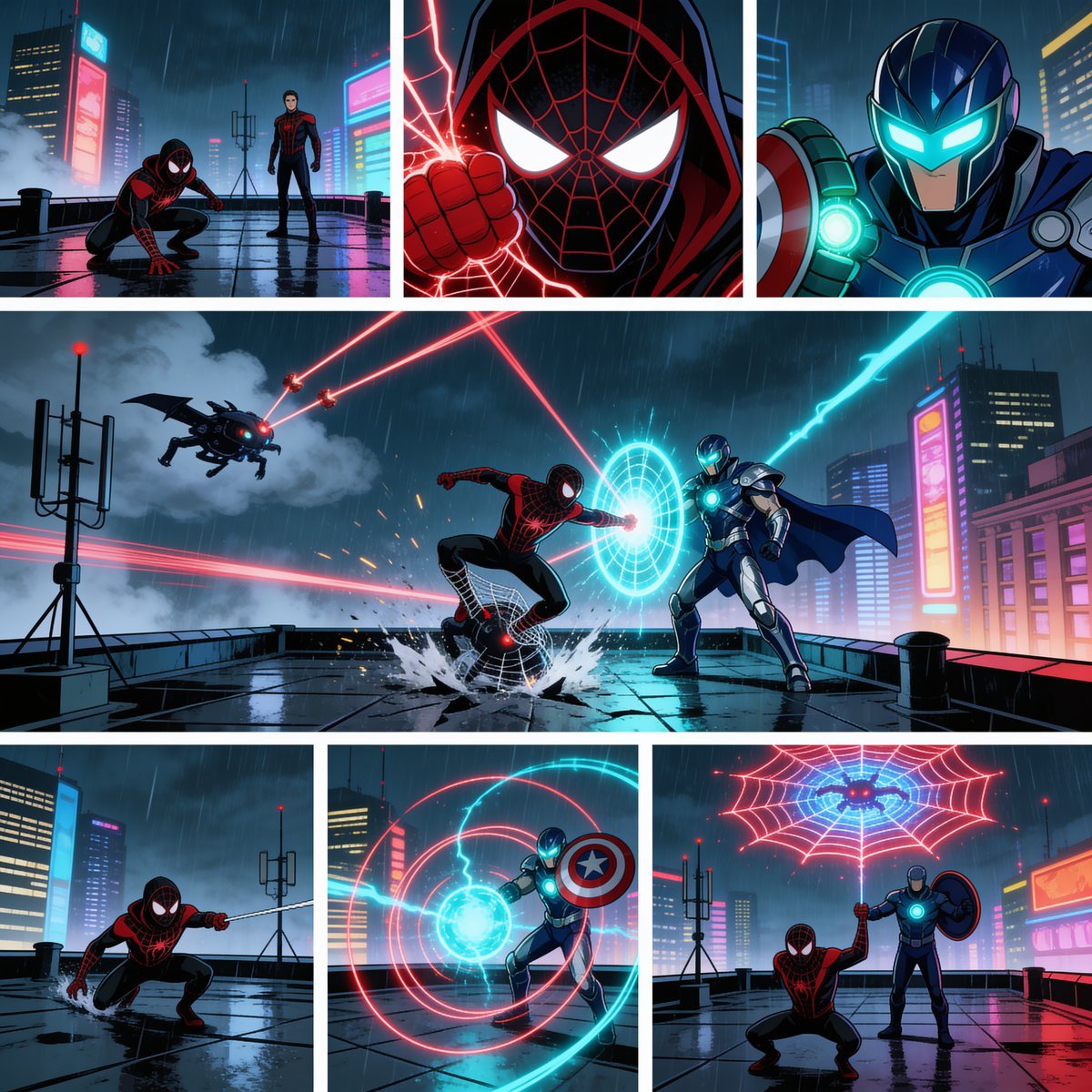
Rainy Cyberpunk Superhero Comic Page
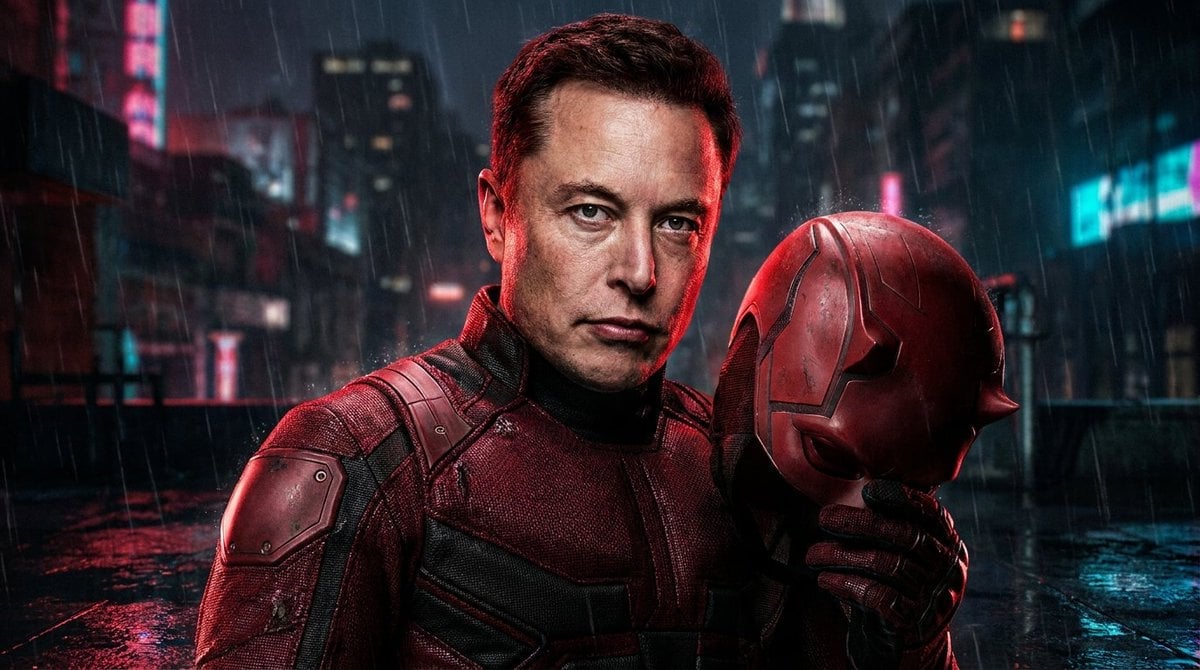
Gritty Urban Superhero Portrait
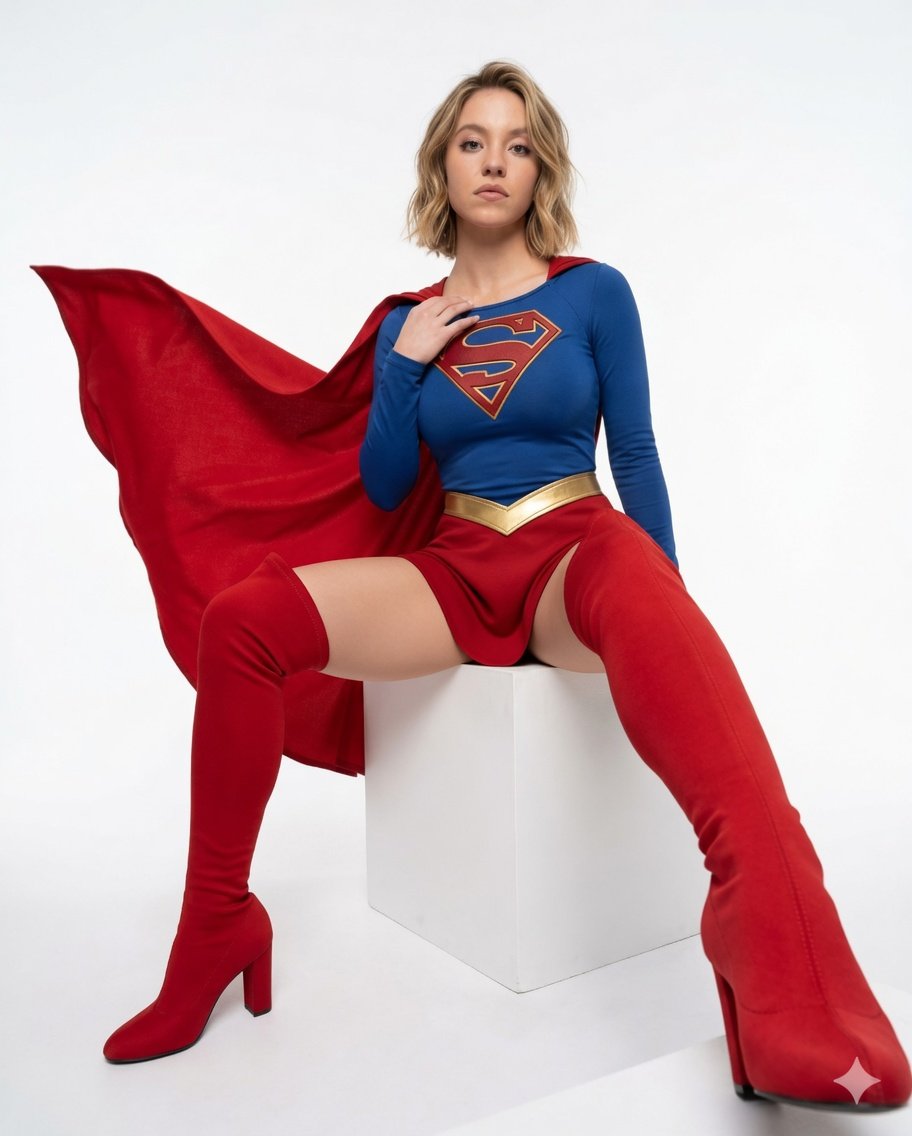
Superhero Studio Fashion Portrait
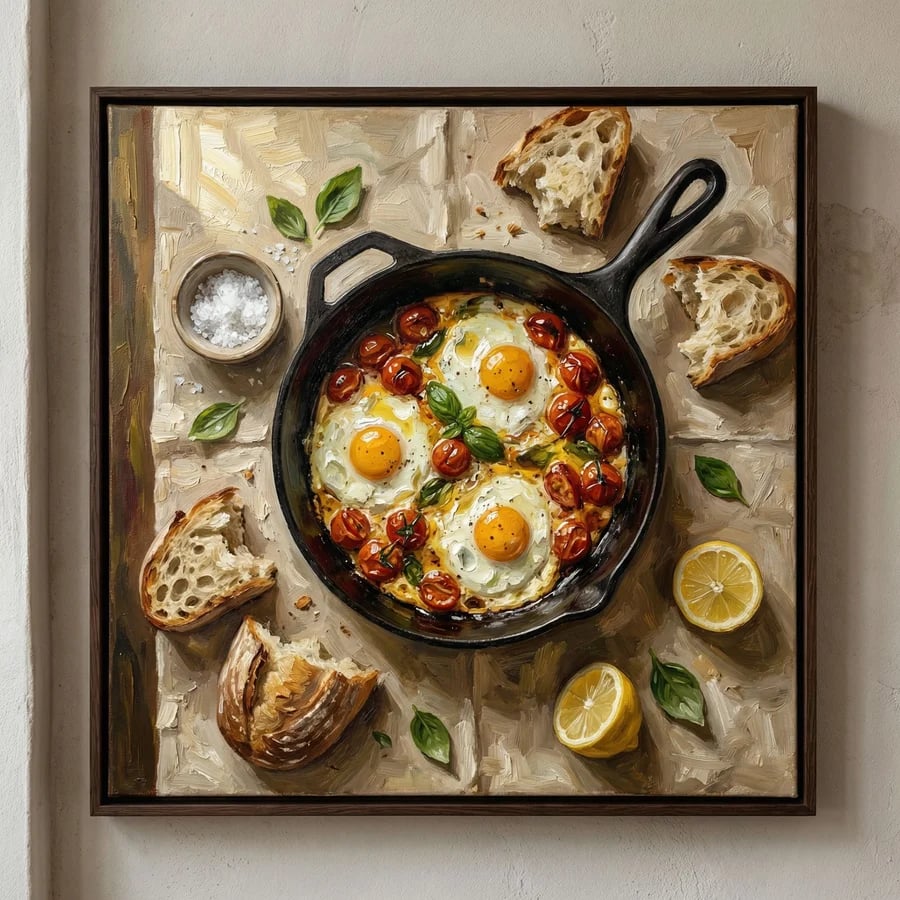
Overhead Skillet Eggs Photography
Make it yours
Overhead Superhero Mahjong Scene Prompt (WeChat Moments Style) works as-is. These are the safest ways to change it without losing the look.
Change one field
Copy a single group, rewrite it, and generate again so you can see what that field is doing.
Keep the frame, change the subject
Hold the composition and light of Overhead Superhero Mahjong Scene Prompt (WeChat Moments Style), then swap wardrobe, props or the person for a new take.
| If the result… | Why | Fix |
|---|---|---|
| The result drifts from the preview | Too many fields changed at once. | Reuse Overhead Superhero Mahjong Scene Prompt (WeChat Moments Style) as-is first, then change one group — subject, light, or setting. |
| The model over-stylizes the scene | The prose prompt leaves finish and camera underspecified. | Add one camera or lighting sentence and stay on Nano Banana 2. |
More Nano Banana 2 templates
Other prompts made for Nano Banana 2.

Photorealistic Leaf Shaped Like a Dragon

K-Pop Idol Portrait Grid for Rapid Selection

Poetic Rain Forest Portrait During Golden Hour

Urban Street Portrait with Cartoon Inner Self Duo

Candid Nighttime Photo with Cat Prompt

High-Concept 3D Diorama Generation Prompt

Cinematic Futuristic Studio Portrait Template

Skincare Editorial Photography Collage Prompt

Hyper-Realistic Commercial Product Photography (Splash Effect)

Hyper-Realistic Nightclub Portrait Prompt
More image prompts
Fresh picks from across the catalog.
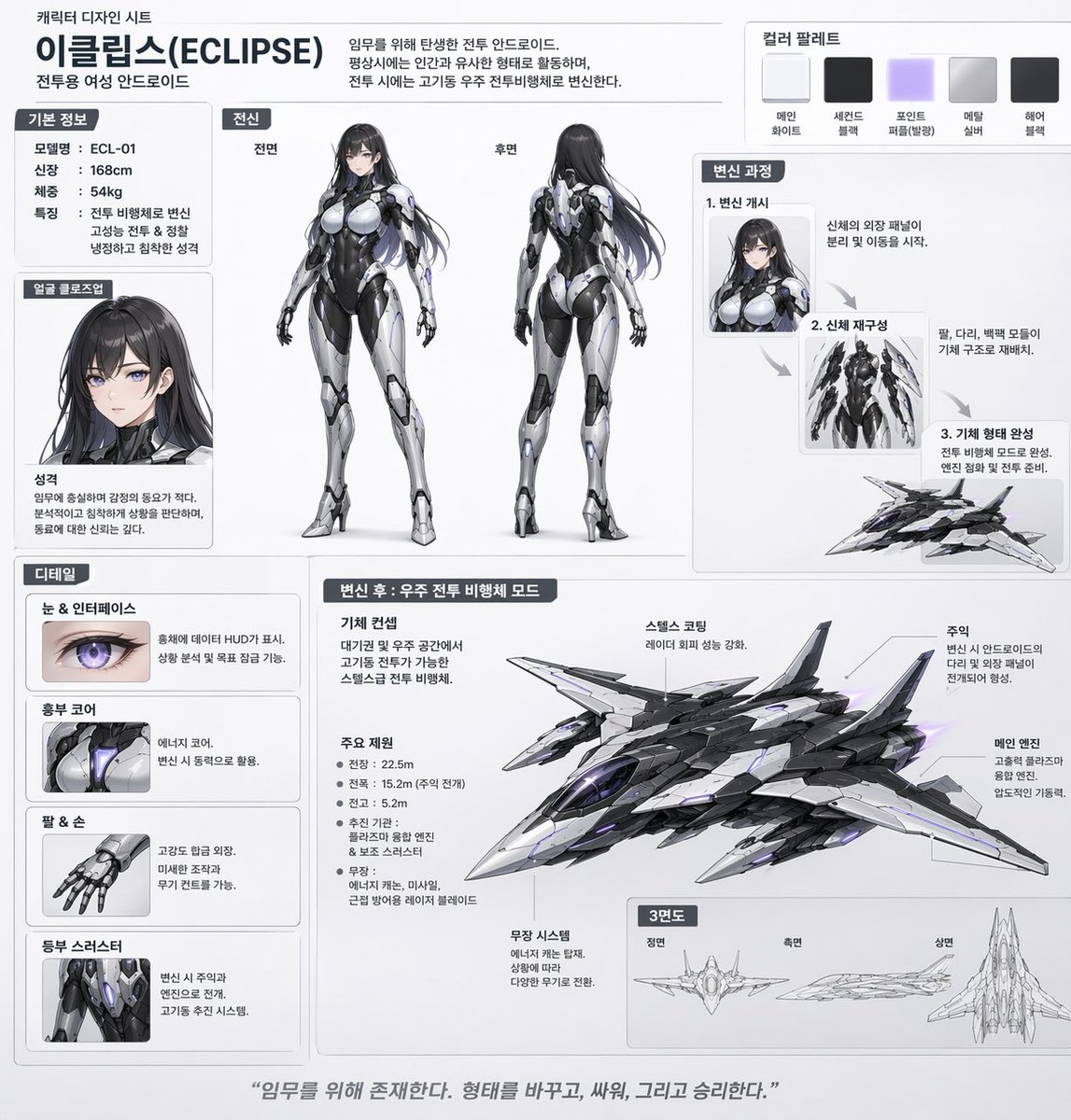
Mecha-Girl Character Design Sheet
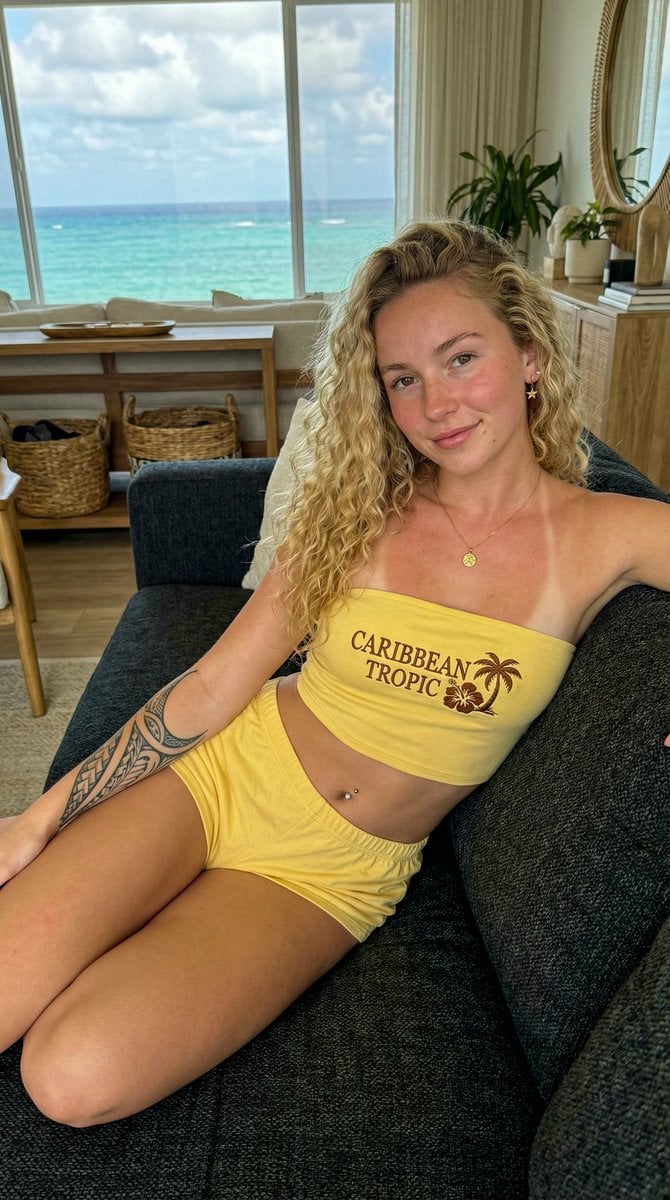
Influencer Lifestyle Portrait in Bahamas with Ocean View
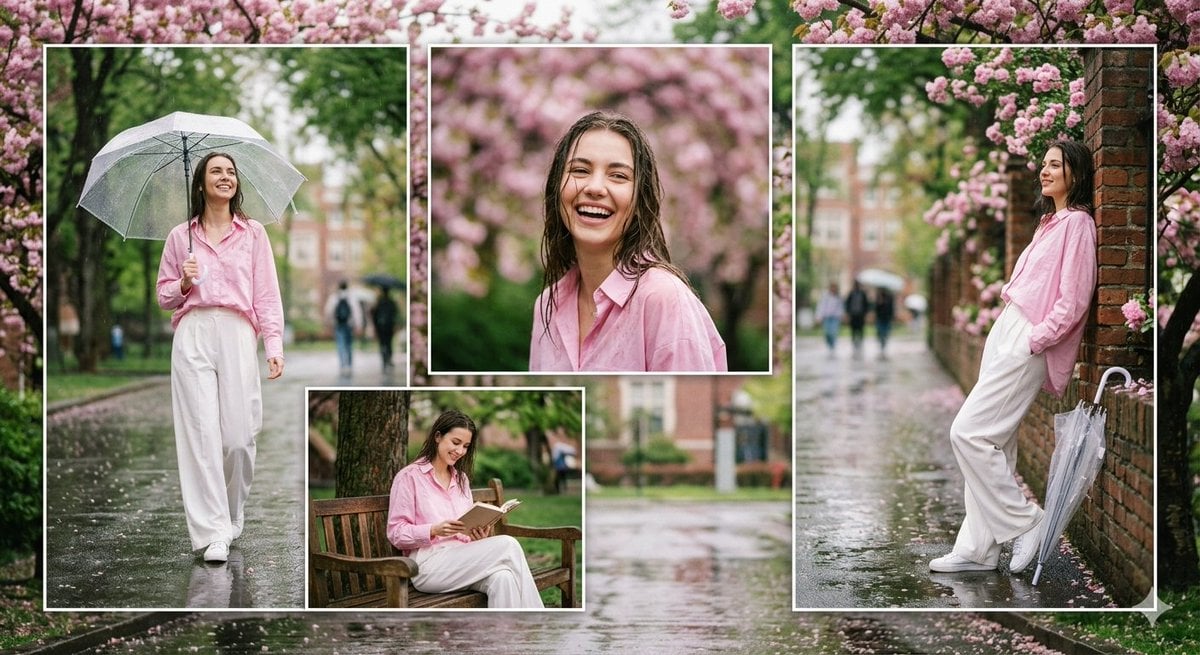
Rainy Campus Fashion Portrait Collage
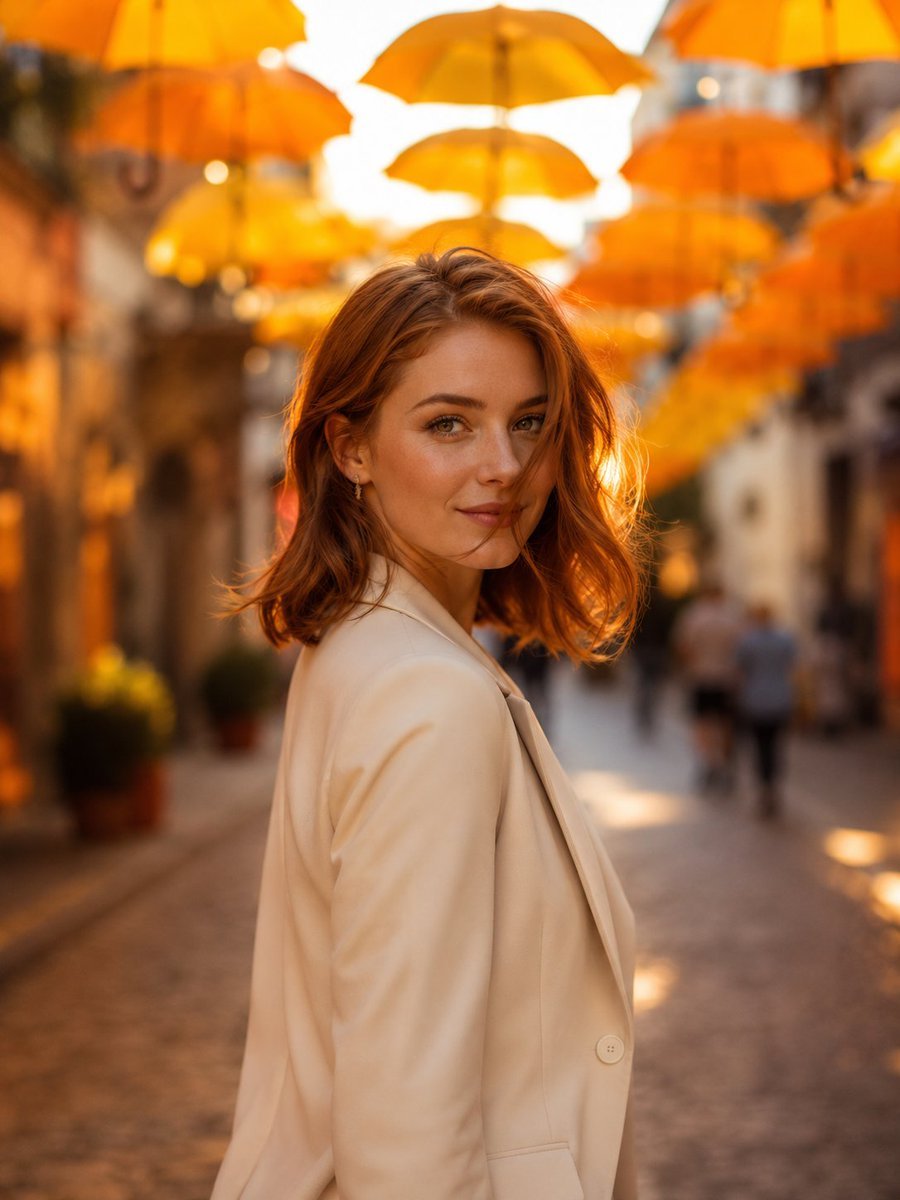
European Umbrella Street Portrait
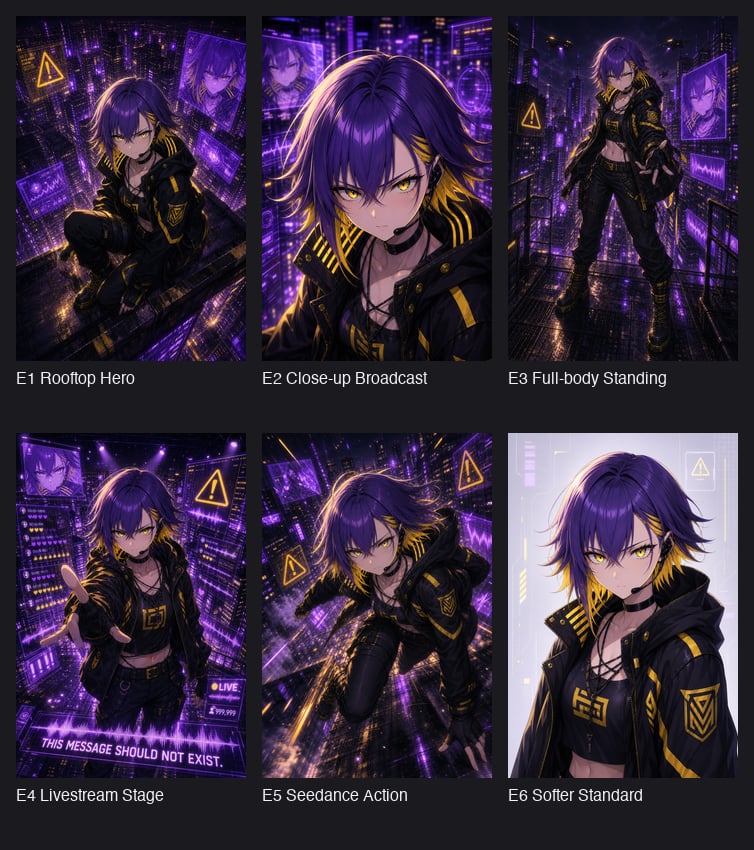
Cyberpunk Anime Hero Contact Sheet
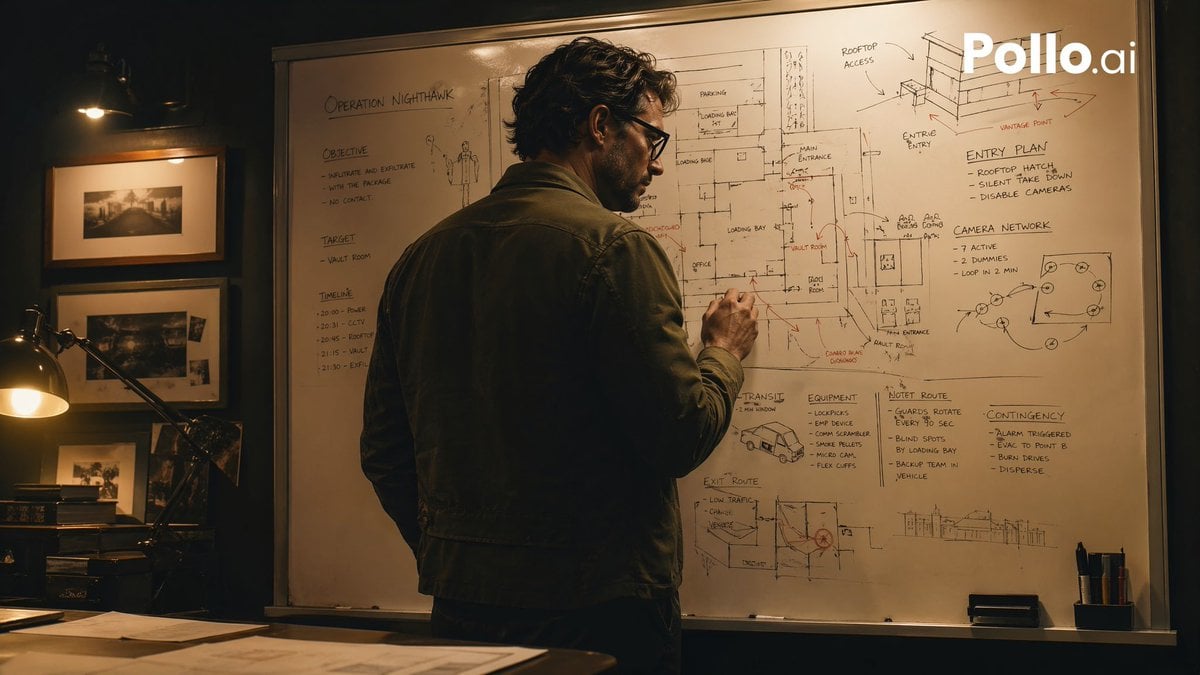
Cinematic Heist Mastermind at Whiteboard
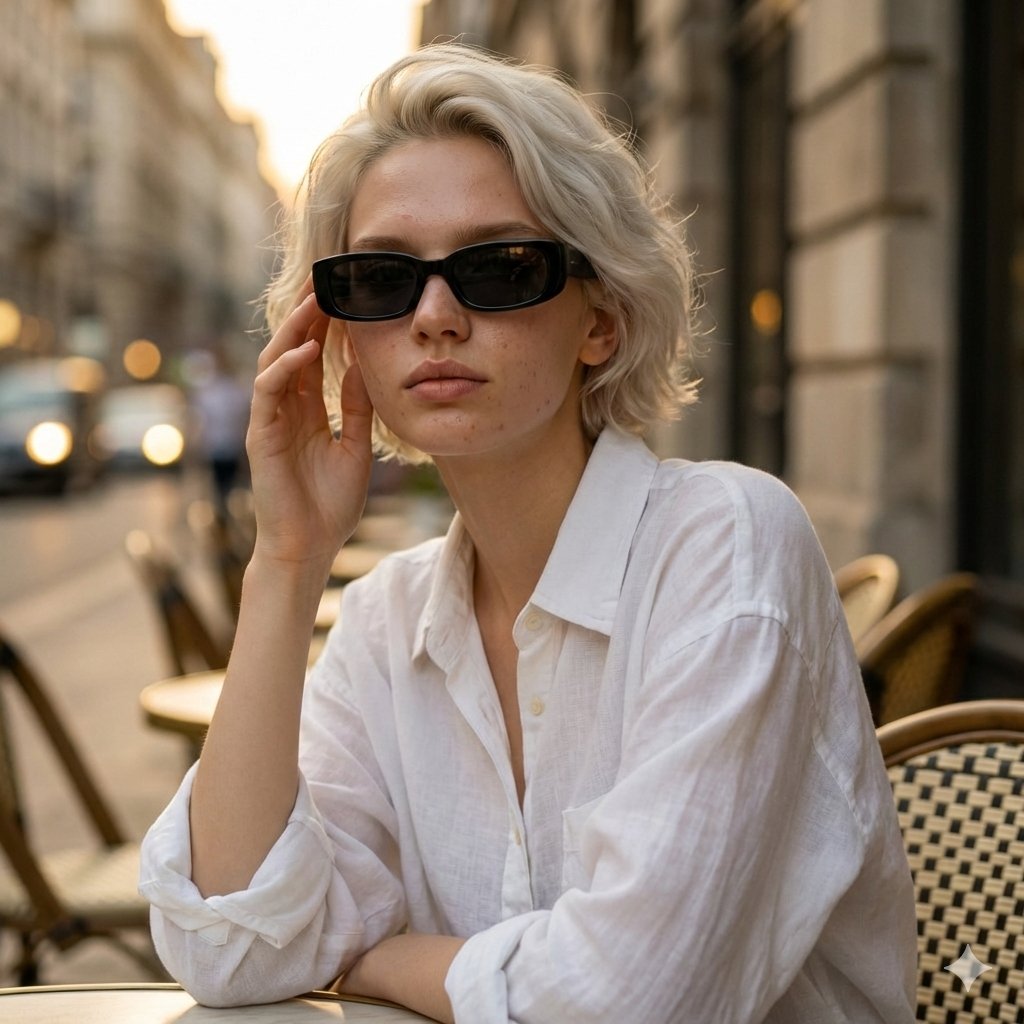
European Café Golden Hour Portrait Prompt
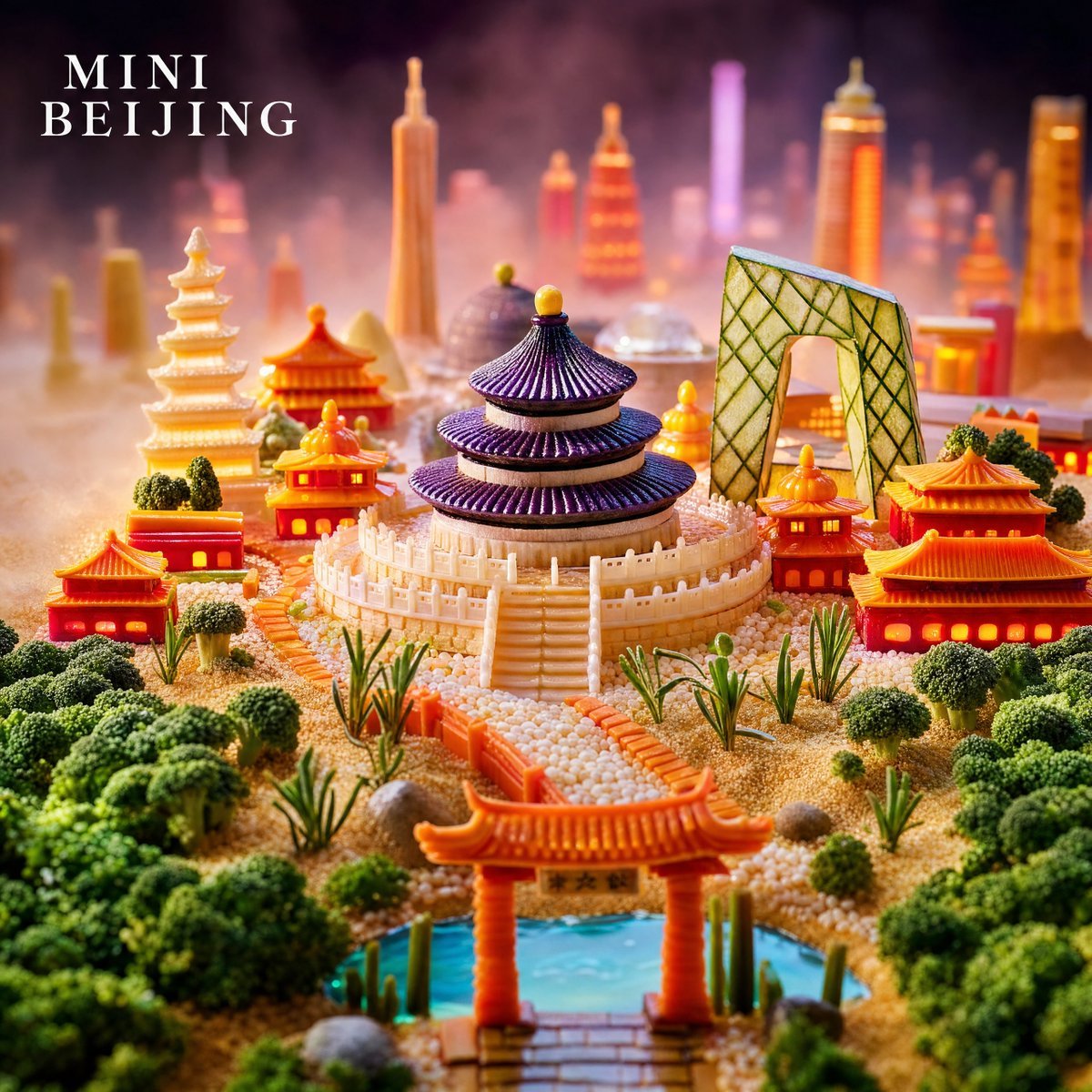
Mini Beijing Sugar Cityscape
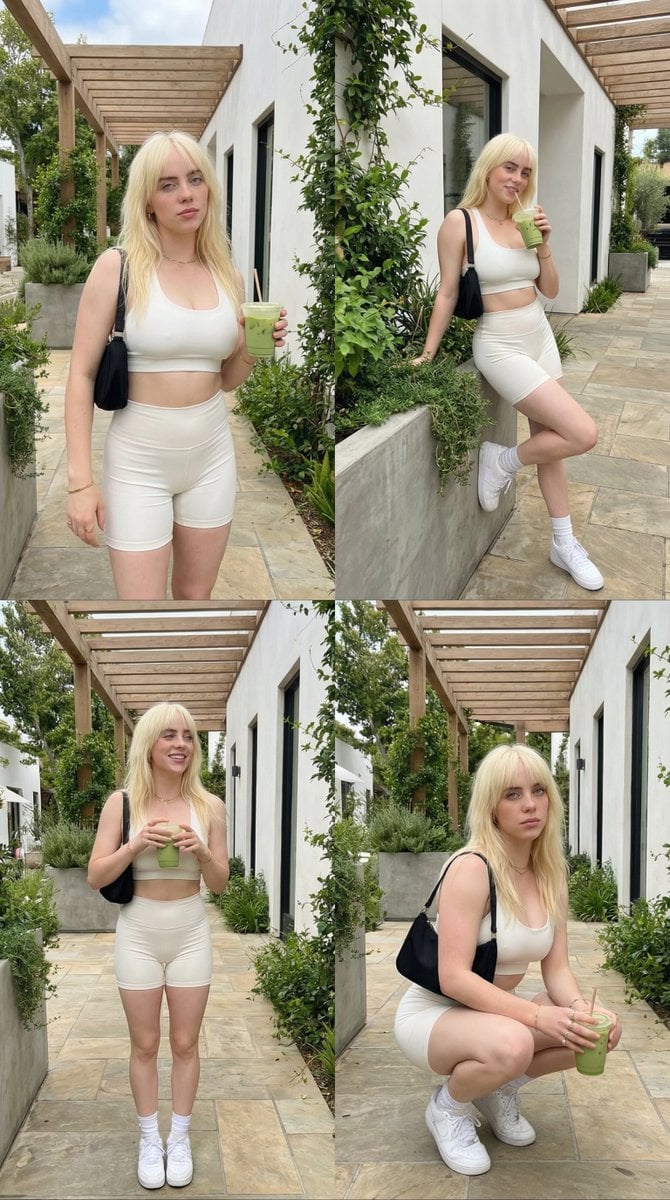
2x2 Grid Lifestyle Fashion Collage
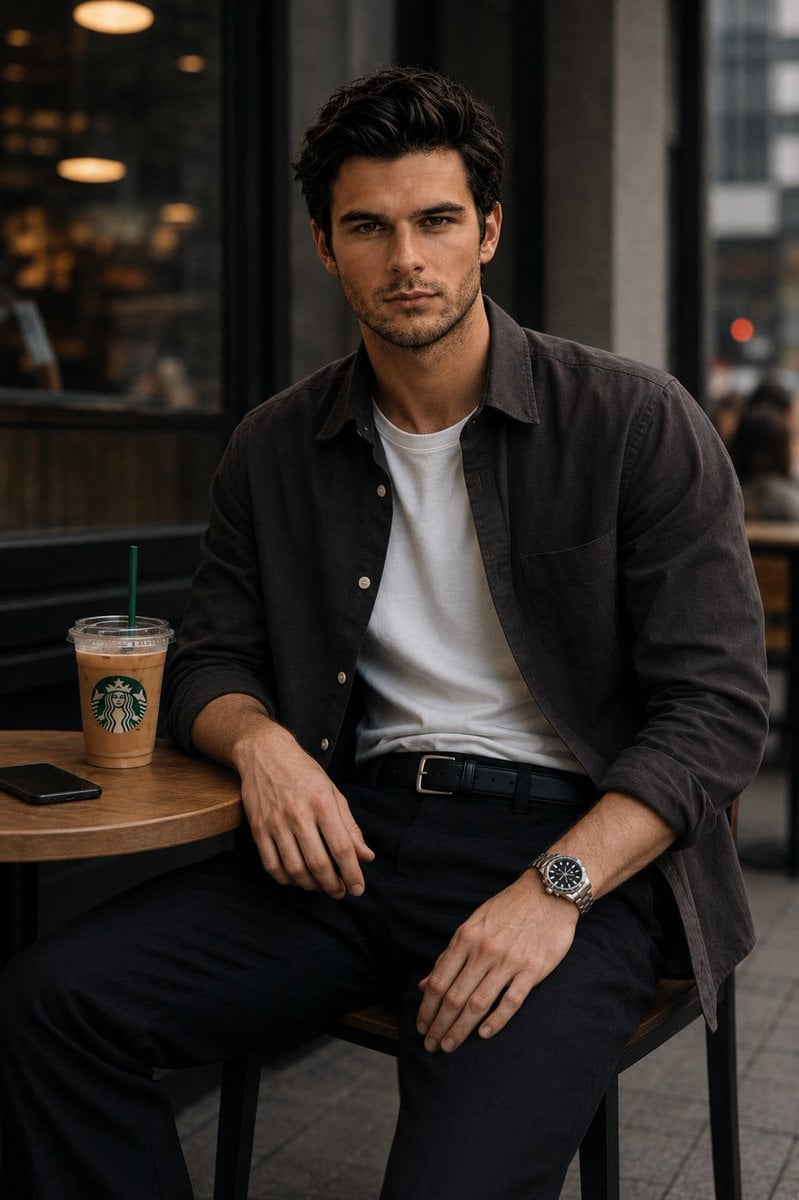
Urban Cafe Luxury Fashion Portrait
Browse template categories
Overhead Superhero Mahjong Scene Prompt (WeChat Moments Style) questions
How do I use the Overhead Superhero Mahjong Scene Prompt (WeChat Moments Style) template?
Add your photo if the template asks for one, edit the prompt if you like — the template's model and format are already selected — and press Generate. Your version opens in PicX Studio.
Can I customize the Overhead Superhero Mahjong Scene Prompt (WeChat Moments Style) template?
Yes. You can change the subject, setting, lighting, mood, format, and available model controls before creating your image.
Is the Overhead Superhero Mahjong Scene Prompt (WeChat Moments Style) template free?
Opening and editing this template is free. Generating uses credits, shown on the Generate button when you are signed in.
Which AI model should I use?
Start with Nano Banana 2, which is the model associated with this template. You can compare another compatible model for a different finish.
Looking for something else? Browse all templates.

Your photo, any look
Thousands of ready templates for every top image and video model, from one credit balance.