How do I use the Superhero Studio Fashion Portrait template?
Choose the primary action to open PicX Studio with the available template settings. Review the model and format, personalize the creative direction, and generate when ready.
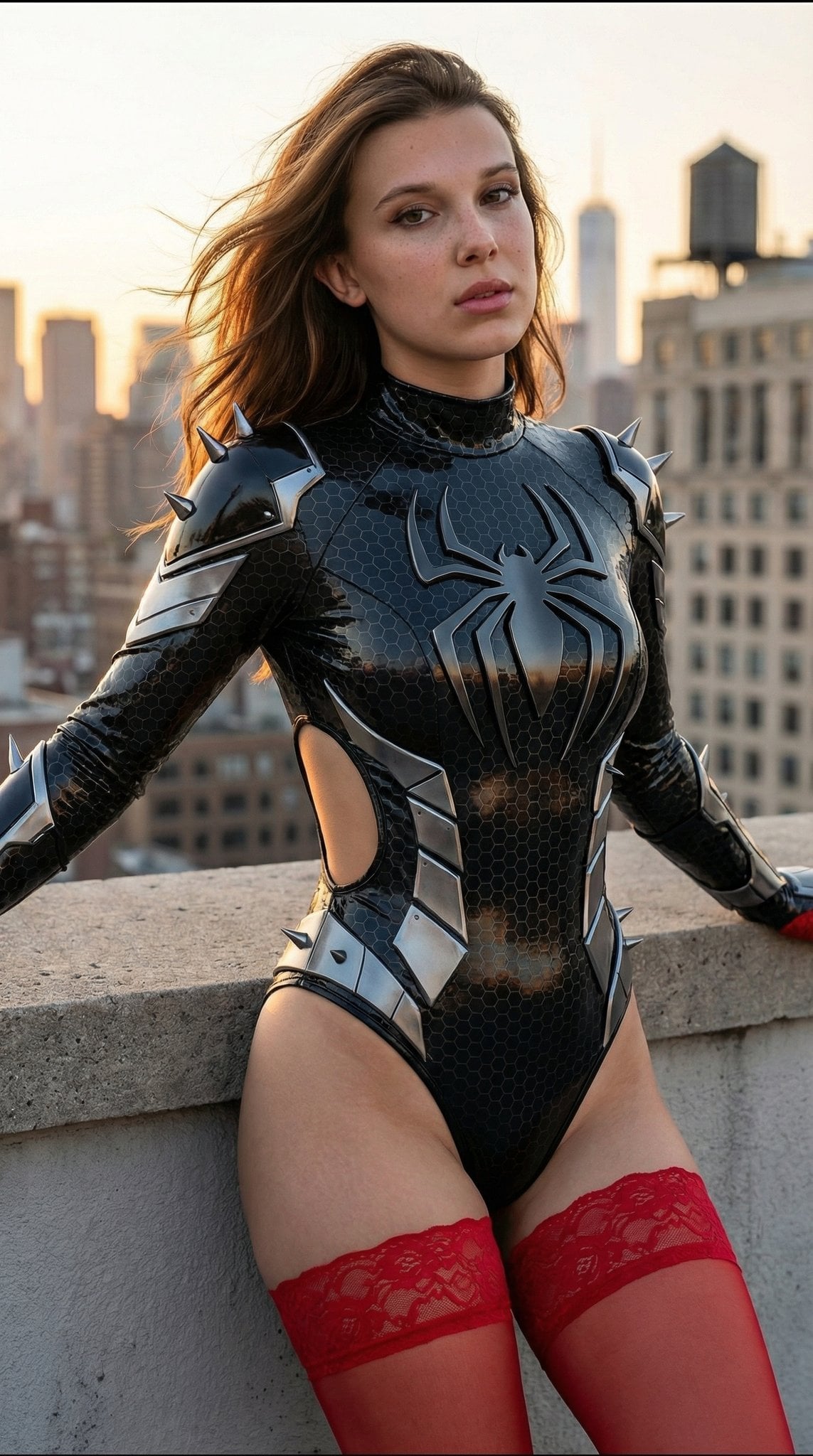
A professional studio photography prompt for a superhero-themed portrait featuring a blonde woman in a blue and red costume.
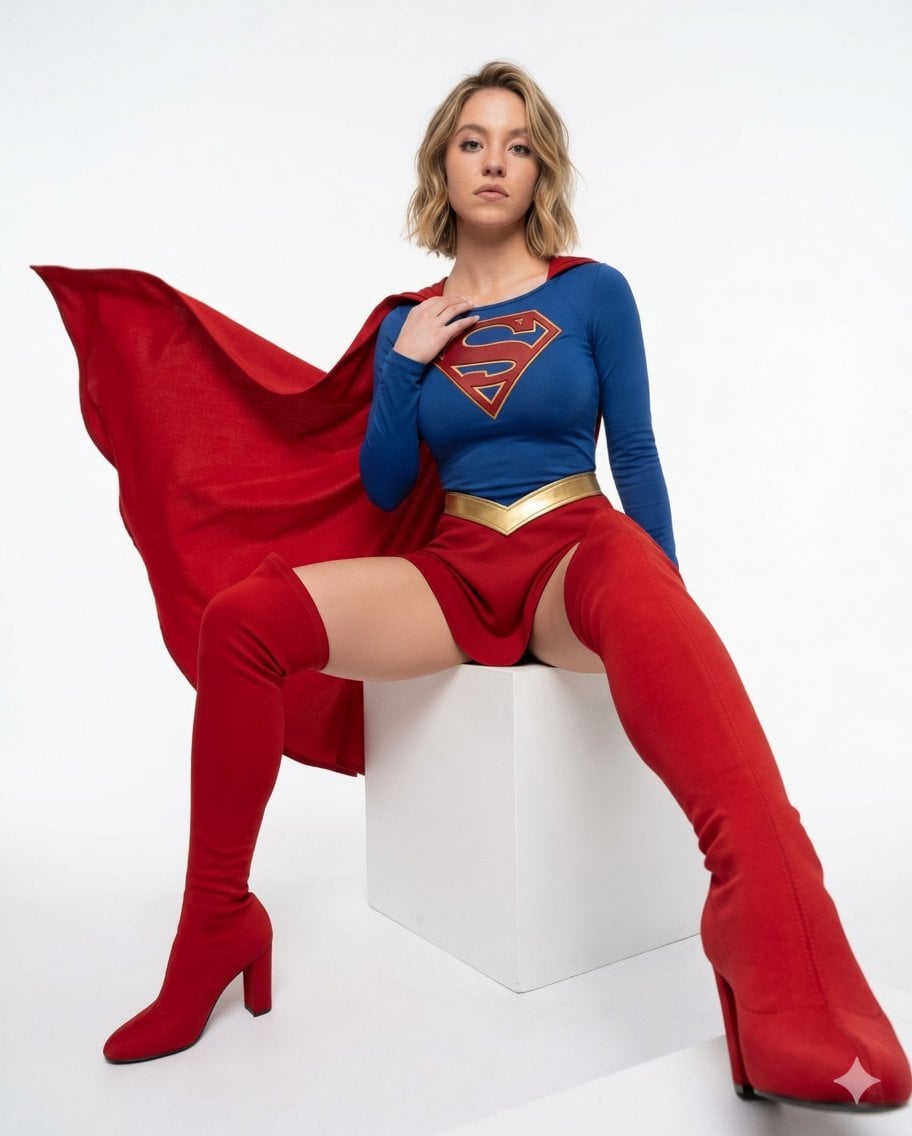
{ "aspect_ratio": "4:5", "scene": { "subject": "{argument name="hair style" default="A woman with styled, wavy blonde hair"}, looking directly at the camera with a confident expression, sitting on a minimalist white cubic block", "pose": "Dynamic sitting pose with legs spread wide; the right thigh-high boot is strongly foreshortened towards the foreground, creating perspective depth. The left leg is bent. The right hand rests naturally near the chest logo. A vibrant red cape billows dramatically and sharply behind her and to the left.", "costume": { "top": "Long-sleeved blue top with a detailed, sharp-edged gold and red 'S' shield emblem on the chest", "skirt": "{argument name="skirt style" default="Red micro-skirt with a clean, sharp-edged gold V-trim waistband"}", "boots": "{argument name="boots style" default="Striking red thigh-high, high-heeled boots, made of smooth fabric"}, with clean contours and heels", "cape": "Vibrant red cape with a visible fabric weave, sharply defined edges, and crisp folds" }, "environment": { "setting": "A clean, seamless infinite white studio background", "focus": "The entire environment, from the foreground boot to the furthest edge of the cape and the studio wall, is in perfect, sharp focus. There are absolutely no background blurs, gradients, or bokeh." }, "lighting": { "setup": "Even, bright, professional studio softbox lighting, providing full clarity and crisp detail across the entire scene" } }, "raw_photo_details": { "technical_specifications": { "camera": "Canon EOS R5", "lens": "35mm f/5.6 lens (for deep depth of field)", "format": "Straight-out-of-camera (SOC) RAW file, uncompressed", "f_stop": "f/8.0 (to ensure edge-to-edge sharpness and a deep focus field)", "shutter_speed": "1/500s (to perfectly freeze all motion of the cape and pose)", "iso": "ISO 160" }, "visual_characteristics": { "focus_field": "A deep depth of field ensures a fully sharp scene from foreground to background.", "texture": "Visible, crisp fabric weave textures on the boots, cape, and top. Realistic skin texture, including natural pores and small imperfections. Sharp definition on hair strands. No post-processing skin smoothing or lens softening.", "color": "Realistic, natural, uncalibrated colors straight from the camera sensor, not overly saturated or graded.", "noise": "Slight, natural sensor noise and film grain typical of a RAW file, adding to the authentic, unedited look.", "dynamic_range": "High dynamic range with clear details in both deep shadows and bright highlights, without excessive tonemapping." } } }
Choose the primary action to open PicX Studio with the available template settings. Review the model and format, personalize the creative direction, and generate when ready.
Yes. You can change the subject, setting, lighting, mood, format, and available model controls before creating your image.
This template is free to open and customize. Generation usage is shown in PicX Studio before you create.
Start with Nano Banana 2, which is the model associated with this template. You can compare another compatible model for a different finish.
Follow a topic to a crawlable collection of related PicX Studio templates.