
Morning Routine Video Generation using Kling 3.0
A detailed video prompt generated by Freepik's assistant (GPT-5) based on an image from Nano Banana Pro, used to create a short film sequence with Kling 3.0.
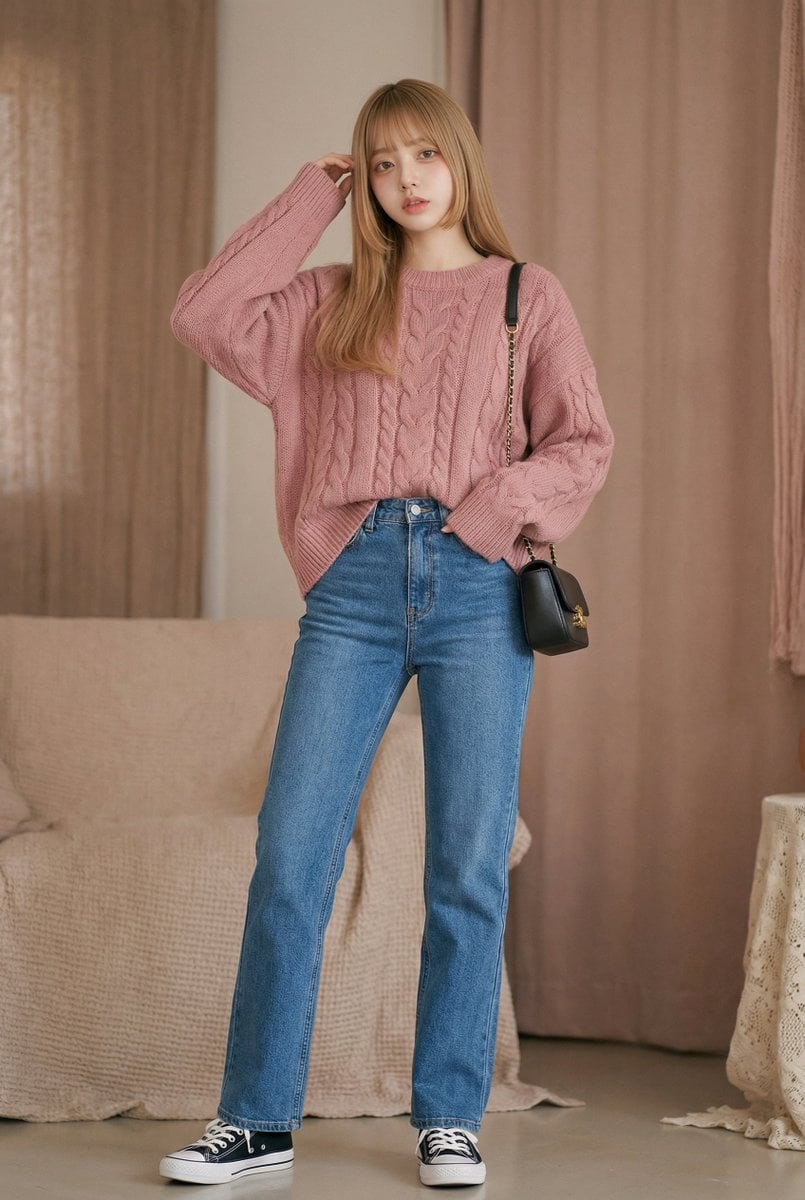
- Prompt included
- Model and format preset
- Free template
The prompt behind this image
Copy the exact prompt behind Morning Routine Video Generation using Kling 3.0, or open it in the studio and make it yours.
〇 Scene 1 A smooth dolly move approaches the window, connecting from a long shot to a medium shot of her taking a deep breath in the morning light. Focusing on subtle movements like her shoulders relaxing and the reaction of her fingertips, it creates cuteness amid distant natural sounds (birdsong, wind) layered with delicate piano. Cross-fades into a close-up of the window light reflecting on her fingertips. 〇 Scene 2 A close-up on the steaming cup or small items rhythmically follows her hand movements (lifting the cup, stirring with a spoon, etc.). Slow motion combined with a light time-lapse expresses warmth and innocence, with breathing and small laughter layered in as sound effects. The steam dissolves to fill the frame, connecting to the next scene. 〇 Scene 3 The camera pulls back to show the whole scene, closing with light movement as she finishes getting ready to head out. It shows the lingering afterglow through the rhythm of her steps and hand gestures, wrapping up cinematically with a backlit silhouette and soft color tones. The music fades out gently, leaving behind the afterglow of everyday life.
How to use Morning Routine Video Generation using Kling 3.0 in 3 steps
- 1
Open
The prompt is already in the box next to the preview, with the template's model and format selected.
- 2…a portrait of your subject in softgolden-hour light, 85mm…
Personalize
Edit the subject and creative details for your destination.
- 3Generate
Generate
Press Generate — your image is created in PicX Studio, so you can compare it with the original and refine one variable at a time.
More like this
Templates with the same subject, style or setup. Open one to see its prompt.
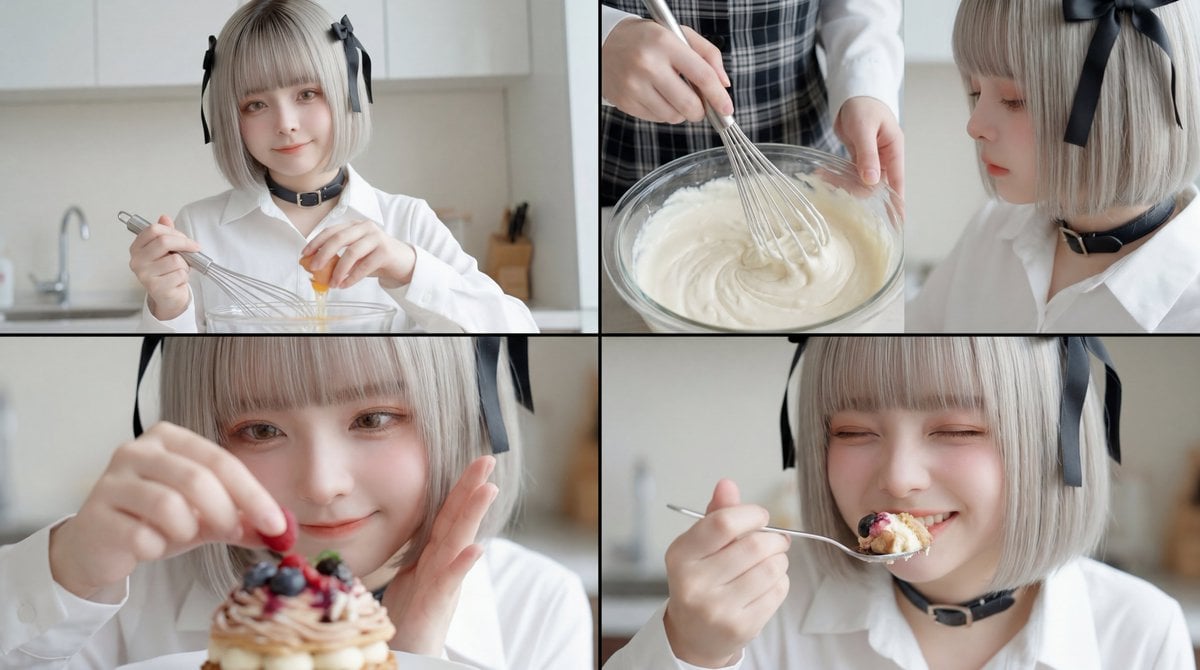
Video Generation Workflow using Nano Banana Pro Images and Kling 3.0 Omni

Pixar-Style Chibi Café Morning Scene

Infographic Generation from Images and Text using Nano Banana Pro
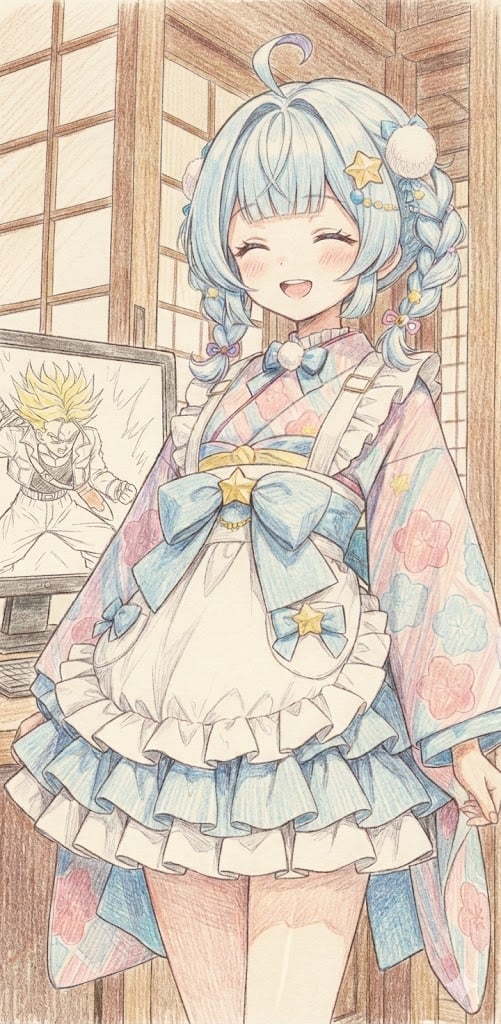
Image generation of Suu Mizumiya using Nano Banana Pro
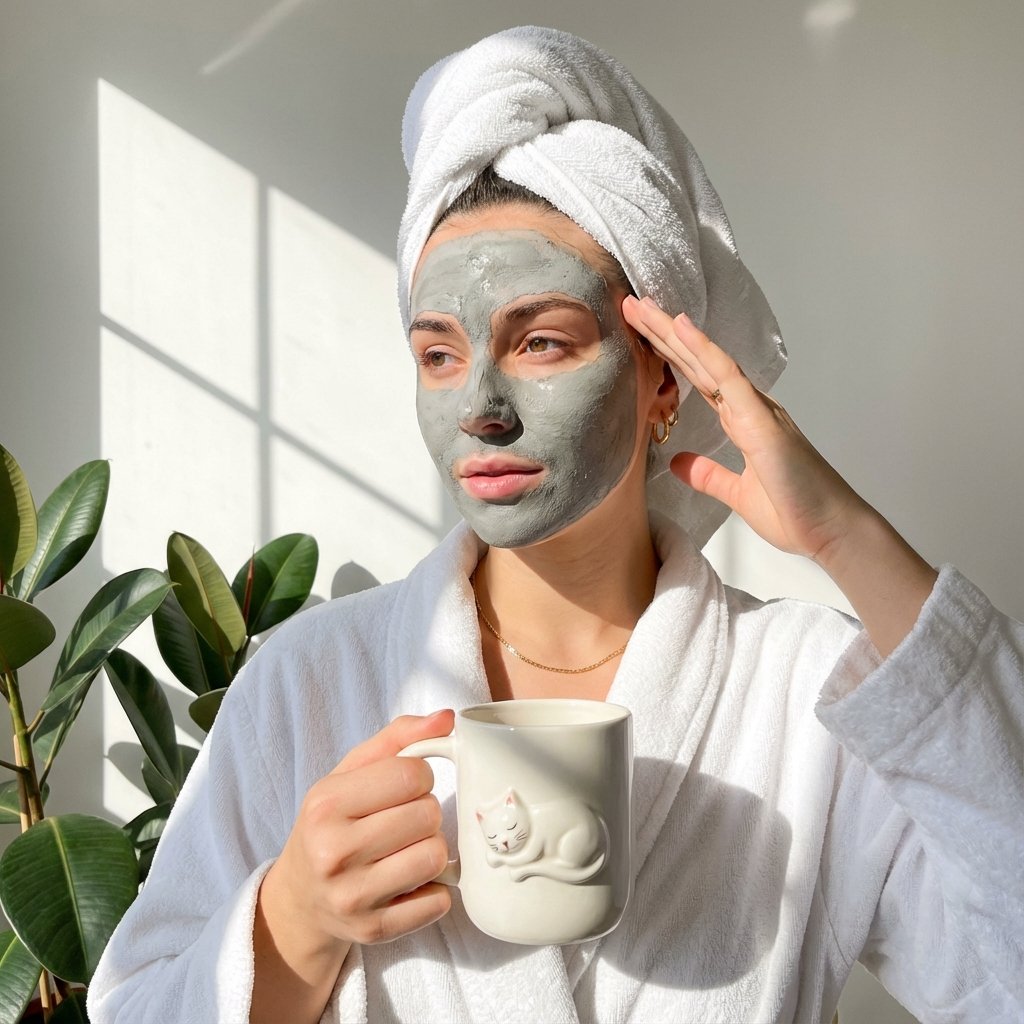
Self-Care Morning Routine Portrait
Vlog Style Video Generation from Nano Banana Pro Image using Google Veo 3.1
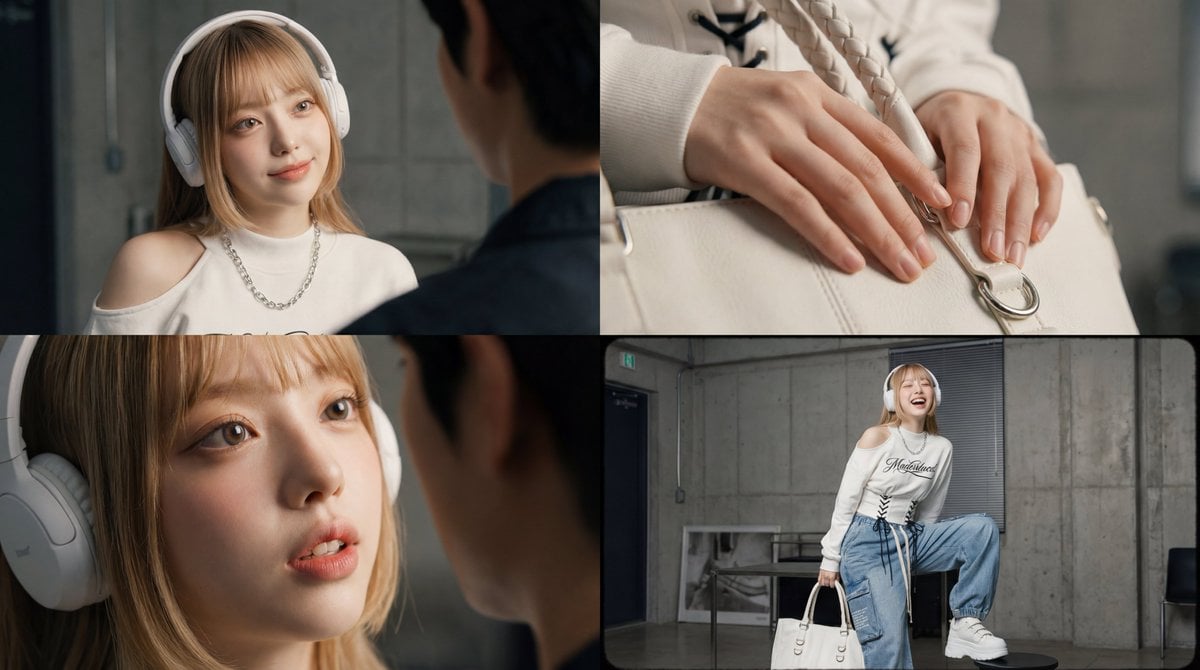
Kling 3.0 video using Nano Banana Pro images
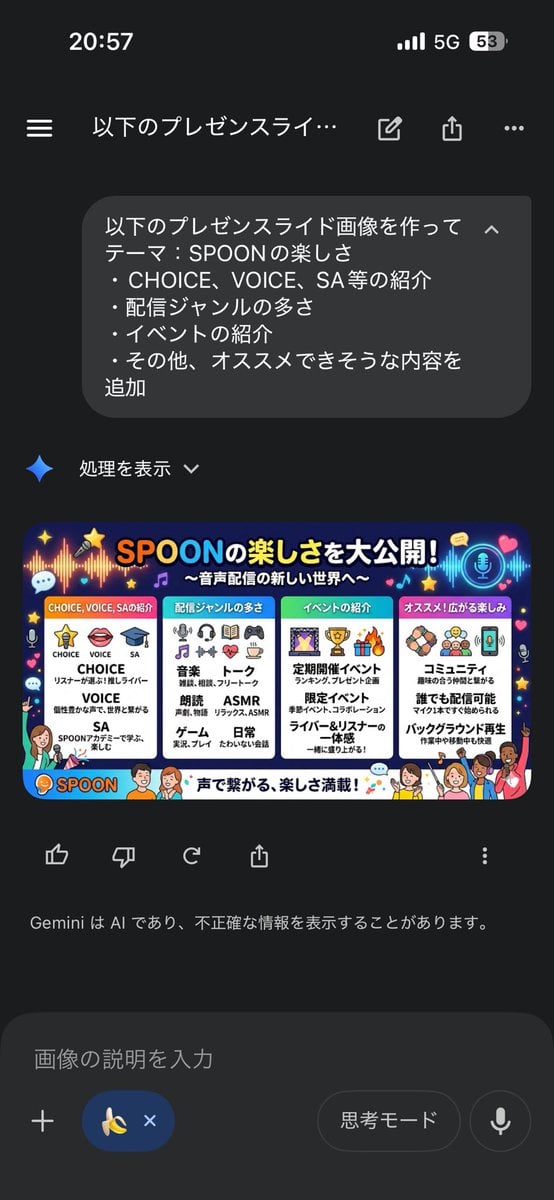
Presentation Slide Generation Template using Nano Banana Pro
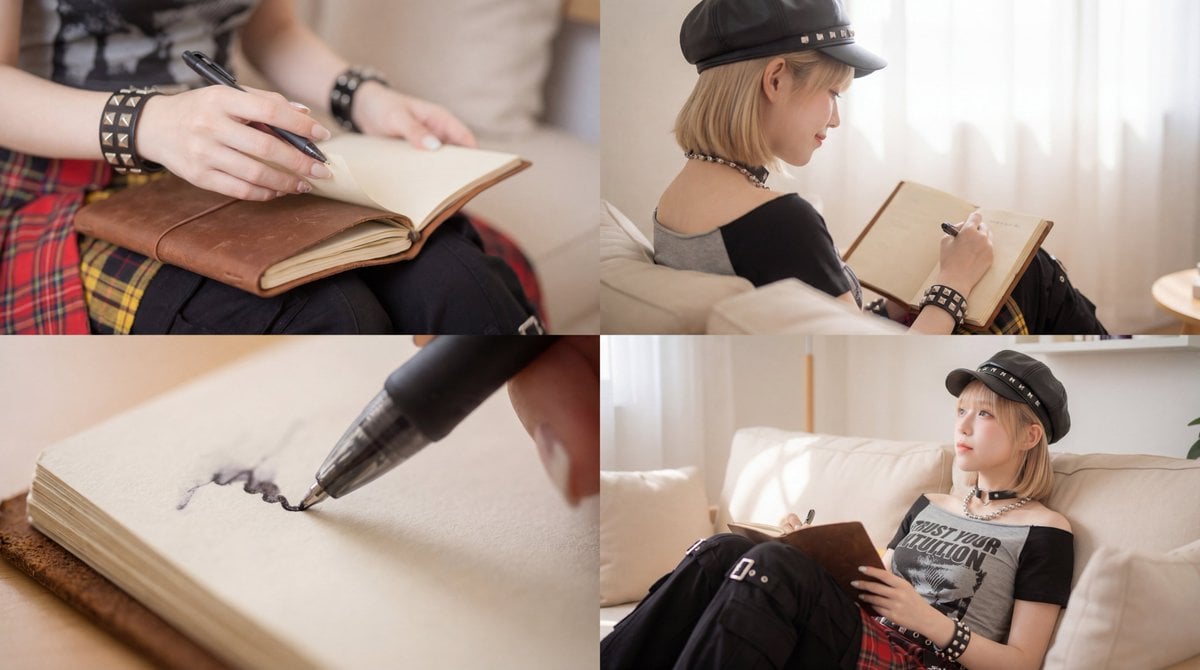
Kling 3.0 Video Generation from Nano Banana Pro Images

Isometric Landmark Generation Using Nano

Studio Quality Portrait Generation Using

Juicy Mango Explosion Product Shot
Make it yours
Morning Routine Video Generation using Kling 3.0 works as-is. These are the safest ways to change it without losing the look.
Change one field
Copy a single group, rewrite it, and generate again so you can see what that field is doing.
Keep the frame, change the subject
Hold the composition and light of Morning Routine Video Generation using Kling 3.0, then swap wardrobe, props or the person for a new take.
| If the result… | Why | Fix |
|---|---|---|
| The result drifts from the preview | Too many fields changed at once. | Reuse Morning Routine Video Generation using Kling 3.0 as-is first, then change one group — subject, light, or setting. |
| The model over-stylizes the scene | The prose prompt leaves finish and camera underspecified. | Add one camera or lighting sentence and stay on Nano Banana 2. |
More Nano Banana 2 templates
Other prompts made for Nano Banana 2.

Photorealistic Leaf Shaped Like a Dragon

K-Pop Idol Portrait Grid for Rapid Selection

Poetic Rain Forest Portrait During Golden Hour

Urban Street Portrait with Cartoon Inner Self Duo

Candid Nighttime Photo with Cat Prompt

High-Concept 3D Diorama Generation Prompt

Cinematic Futuristic Studio Portrait Template

Skincare Editorial Photography Collage Prompt

Hyper-Realistic Commercial Product Photography (Splash Effect)

Hyper-Realistic Nightclub Portrait Prompt
More image prompts
Fresh picks from across the catalog.
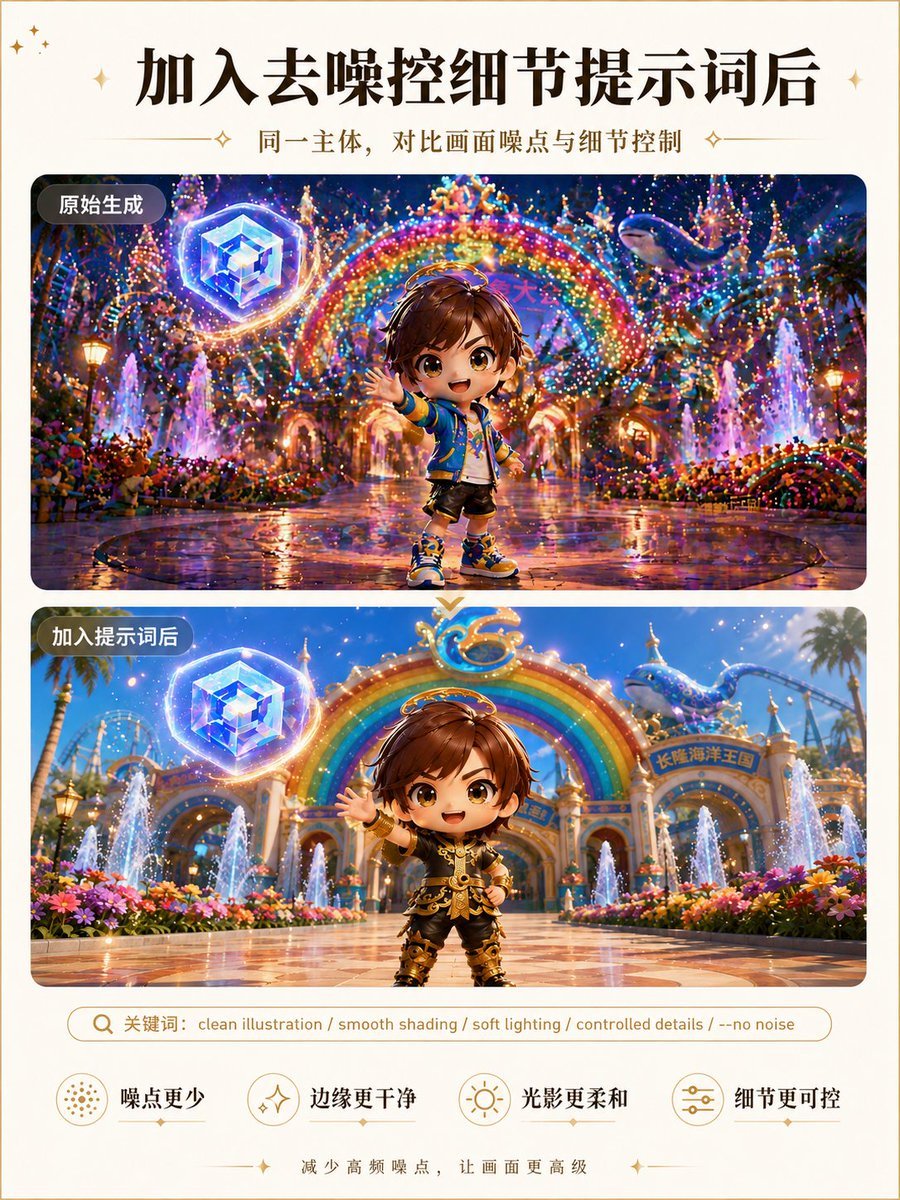
Clean Illustration Smoothing Filter

Magazine Cover Prompt using Nano Banana Extension
Sparkling water product main image
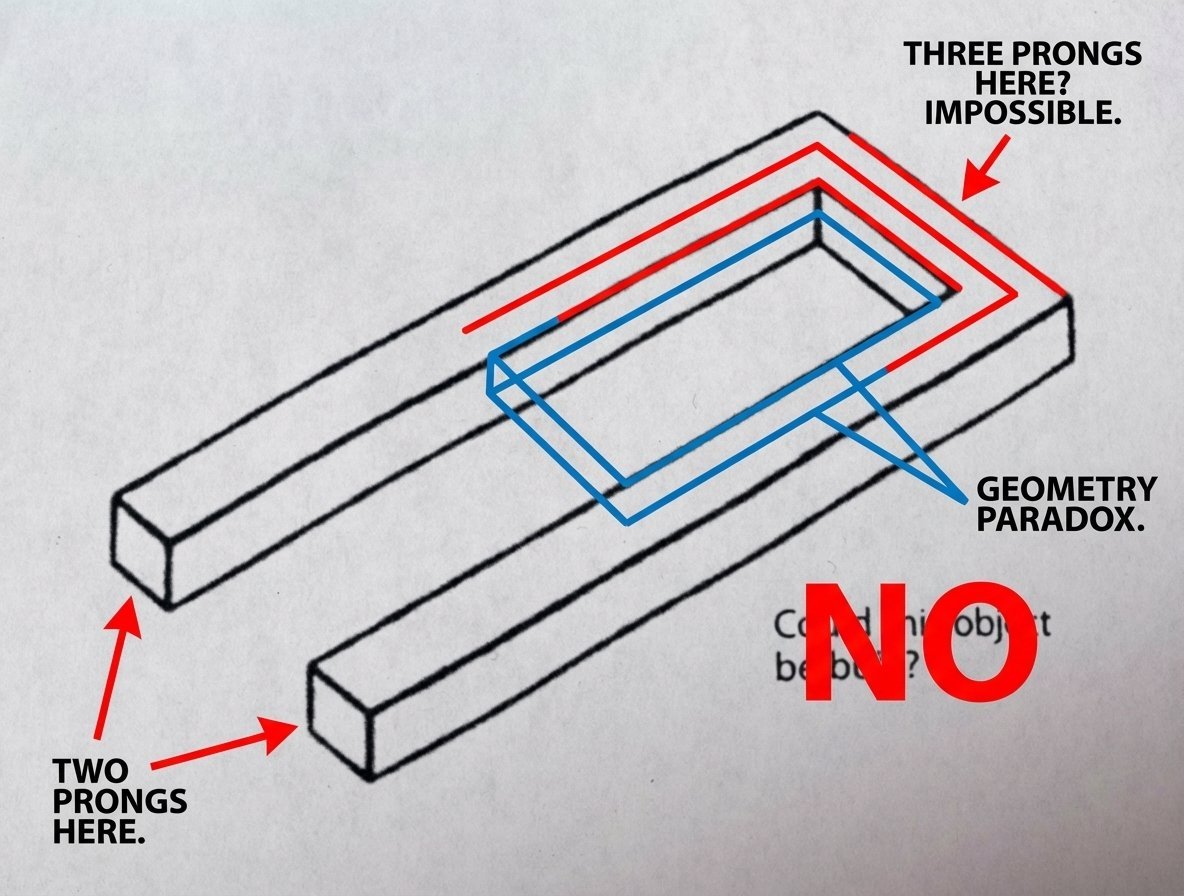
Conceptual Object Feasibility Image Prompt
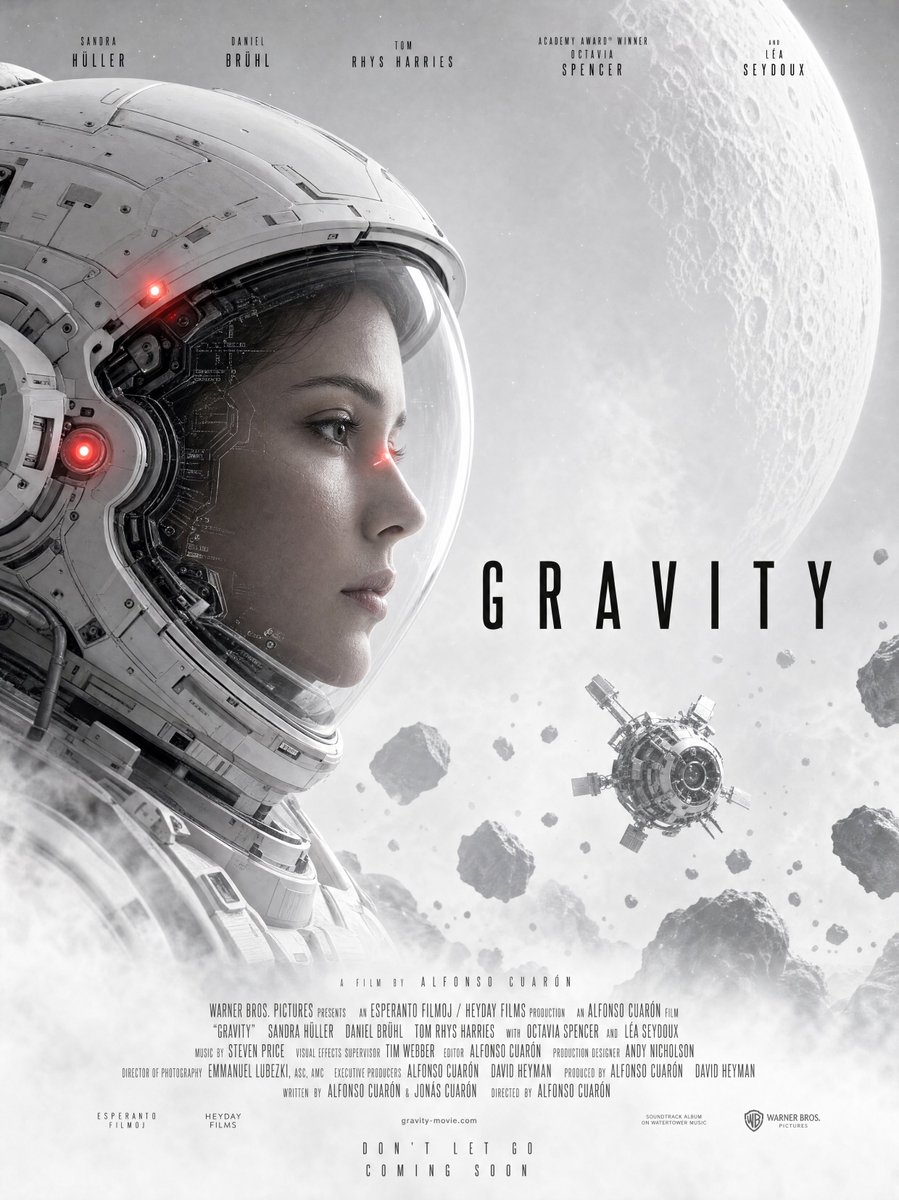
Gravity-Style Space Movie Poster
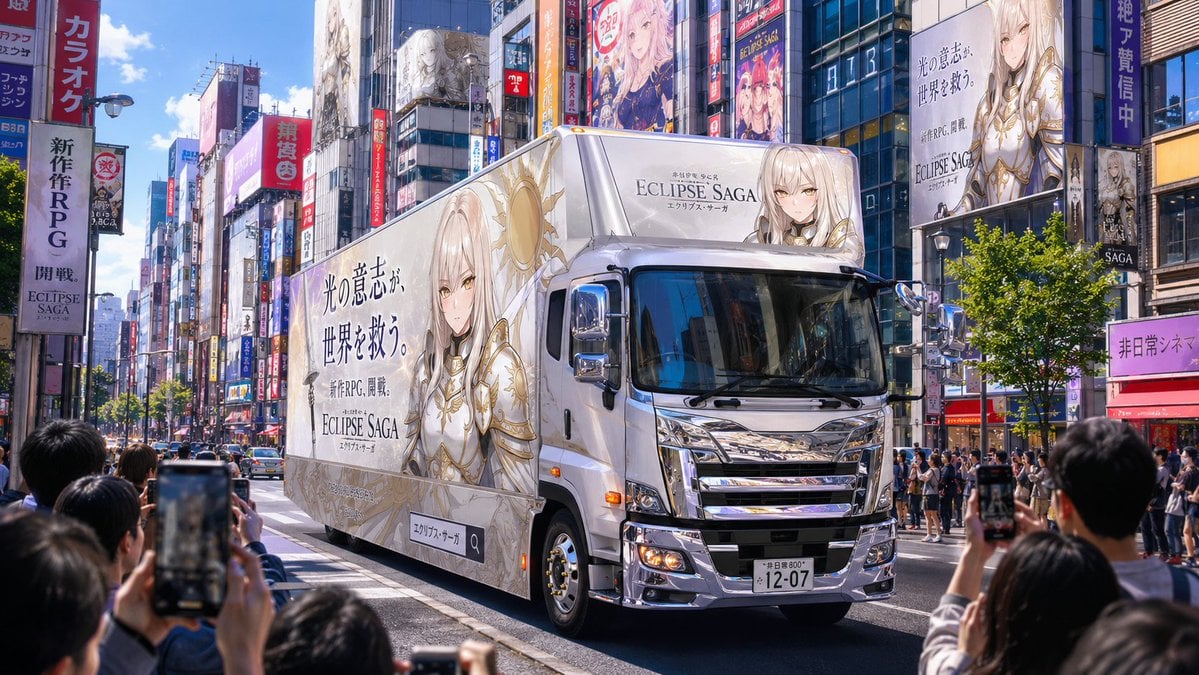
Fantasy RPG Ad Truck in Tokyo District
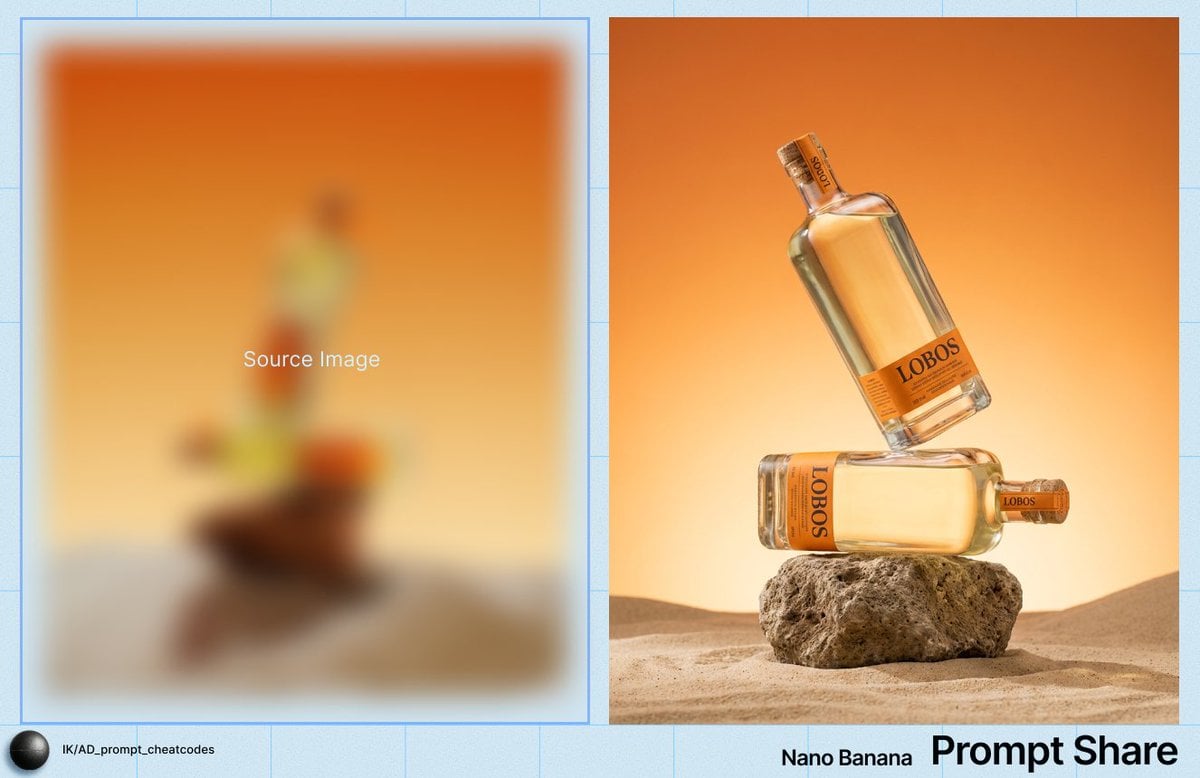
Product Photography Prompt for Lobos Tequila Bottles
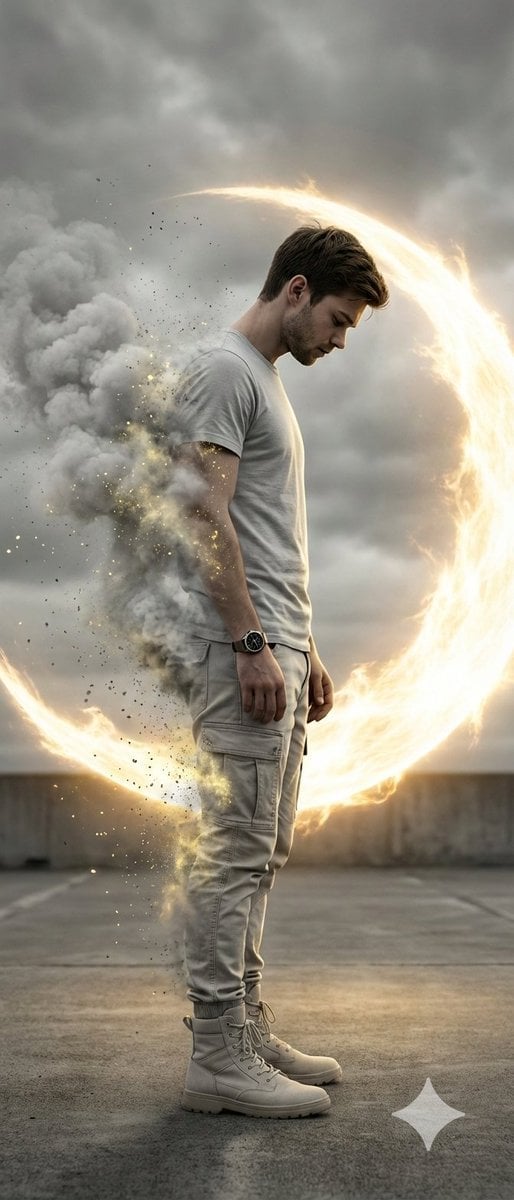
Cinematic Disintegration Portrait with Energy Aura
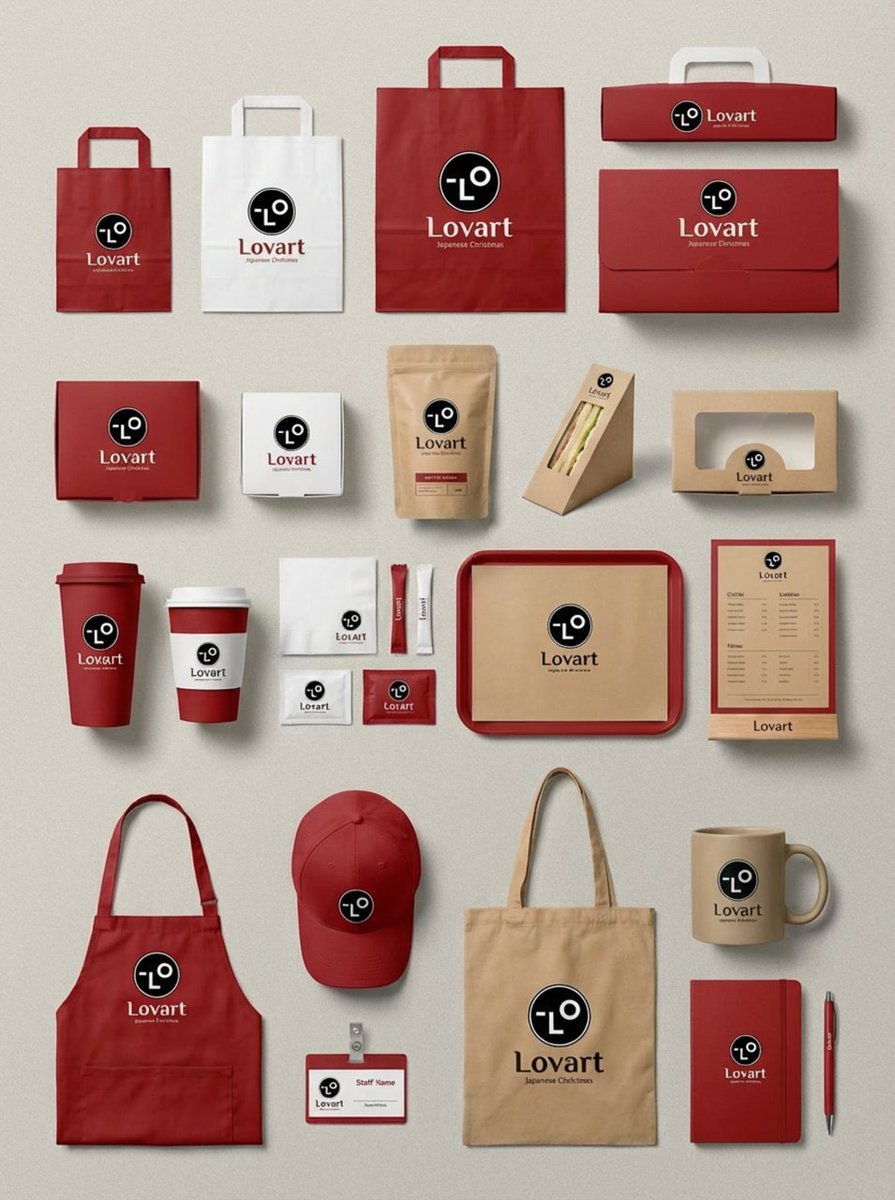
Flagship Brand Identity Mockup (Nano Banana Pro)
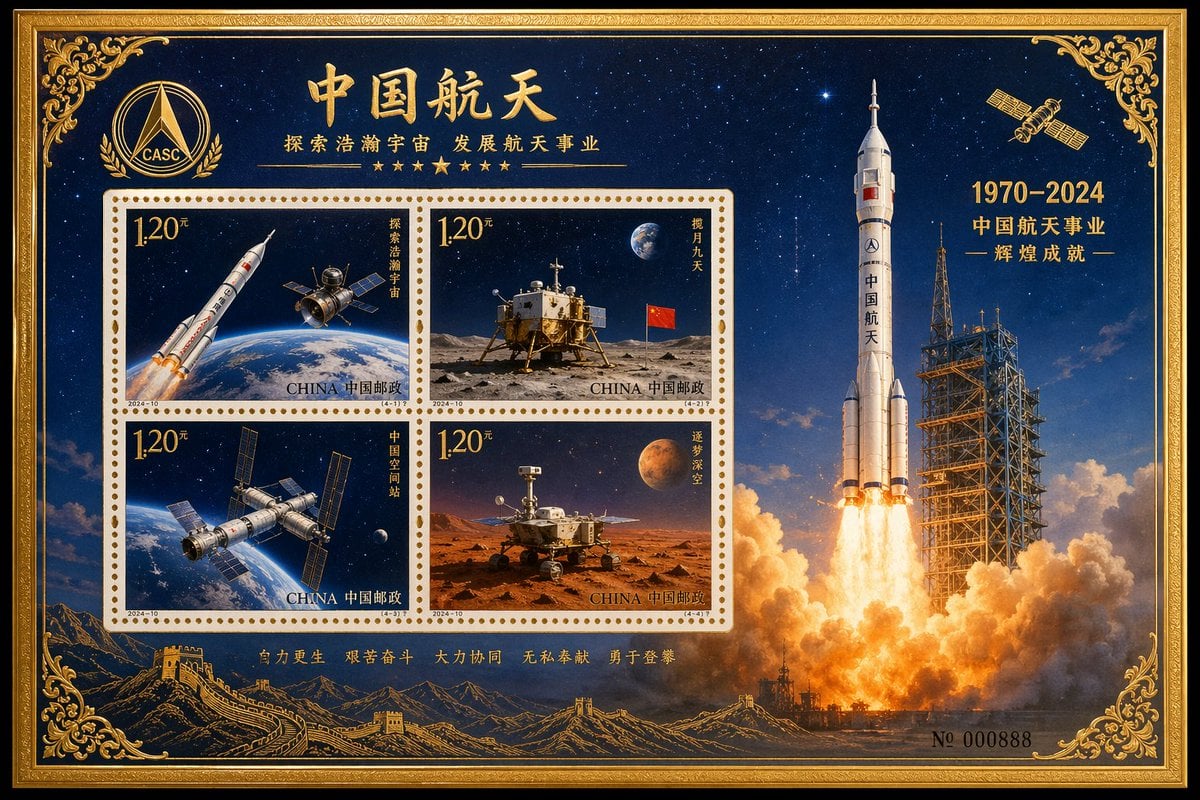
Commemorative Postage Stamp Sheet
Browse template categories
Morning Routine Video Generation using Kling 3.0 questions
How do I use the Morning Routine Video Generation using Kling 3.0 template?
Add your photo if the template asks for one, edit the prompt if you like — the template's model and format are already selected — and press Generate. Your version opens in PicX Studio.
Can I customize the Morning Routine Video Generation using Kling 3.0 template?
Yes. You can change the subject, setting, lighting, mood, format, and available model controls before creating your image.
Is the Morning Routine Video Generation using Kling 3.0 template free?
Opening and editing this template is free. Generating uses credits, shown on the Generate button when you are signed in.
Which AI model should I use?
Start with Nano Banana 2, which is the model associated with this template. You can compare another compatible model for a different finish.
Looking for something else? Browse all templates.

Your photo, any look
Thousands of ready templates for every top image and video model, from one credit balance.