
Flagship Brand Identity Mockup (Nano Banana Pro)
A highly structured, detailed prompt for Nano Banana Pro to generate a comprehensive, flat-lay mockup of a flagship brand ecosystem (Lovart), including packaging, dining essentials, staff uniform, and merchandise, using…
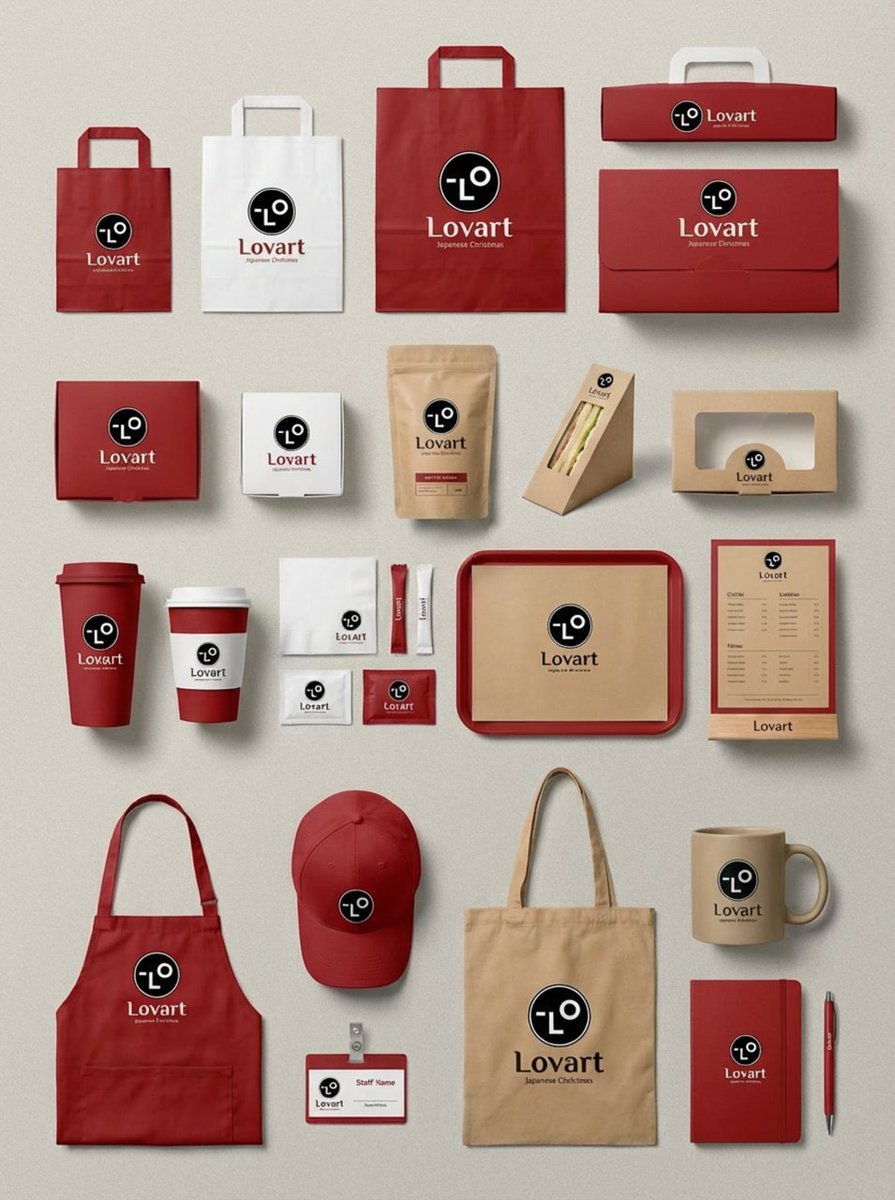
- Prompt included
- Model and format preset
- Free template
The prompt behind this image
Copy the exact prompt behind Flagship Brand Identity Mockup (Nano Banana Pro), or open it in the studio and make it yours.
“task_description”: 「フルカテゴリ対応のフラッグシップ級ブランドアイデンティティ・モックアップを生成する」 “prompt_structure”: { “subject”: 「大規模で超精緻なブランドエコシステムのフラットレイ」 “brand_info”: { “{argument name="ブランド名" default="Lovart"}”, “visual_theme”: “{argument name="ビジュアルテーマ" default="日本のクリスマス、ミニマリズム、ウォームトーン"}” }, “item_categories”: { “packaging”: "ショッピングバッグ(S/M/L), ケーキボックス, コーヒー豆パウチ, サンドイッチウェッジボックス, ペストリーボックス", “dining_essentials”: "スリーブ付きコーヒーカップ, 紙ナプキン, シュガーパケット, トレイライナー用ペーパー, メニューボード", “staff_uniform”: "折りたたまれたグリーンエプロン, 刺繍入りベースボールキャップ, スタッフ用ネームタグ", “merchandise”: "キャンバストートバッグ, セラミックマグ, ブランドノート, ボールペン" }, “visual_style”: { “art_style”: “リアルな質感マッピングを備えたクリーンなベクターモックアップ”, “color_palette”: "フォレストグリーン(メイン), マットホワイト(サブ), クラフトペーパーブラウン(テクスチャ), ベージュ(アクセント)", “logo_style”: “ミニマルなラインアートの鹿ロゴ” }, “composition”: {“type”: “密度の高いノーリング配置”, “background”: “ソリッドなダークチャコール(#1A1A1A)”, “perspective”: “90度のトップダウン(オルソ視点)”} “negative_prompt”:「散らかっている、雑然としている、重なり、3Dパースの歪み、過度な写実的反射、光沢プラスチック、ネオンカラー、人の手、ウォーターマーク、低解像度」 “generation_params”: { “aspect_ratio”: “3:4”, “detail_level”: “高”, “texture_quality”: “プレミアム”}
How to use Flagship Brand Identity Mockup (Nano Banana Pro) in 3 steps
- 1
Open
The prompt is already in the box next to the preview, with the template's model and format selected.
- 2…a portrait of your subject in softgolden-hour light, 85mm…
Personalize
Edit the subject and creative details for your destination.
- 3Generate
Generate
Press Generate — your image is created in PicX Studio, so you can compare it with the original and refine one variable at a time.
More like this
Templates with the same subject, style or setup. Open one to see its prompt.

Woman in Mall with Chanel Bag - Heart Gesture

Nano Banana Pro Identity Lock — Composition + Face Reference
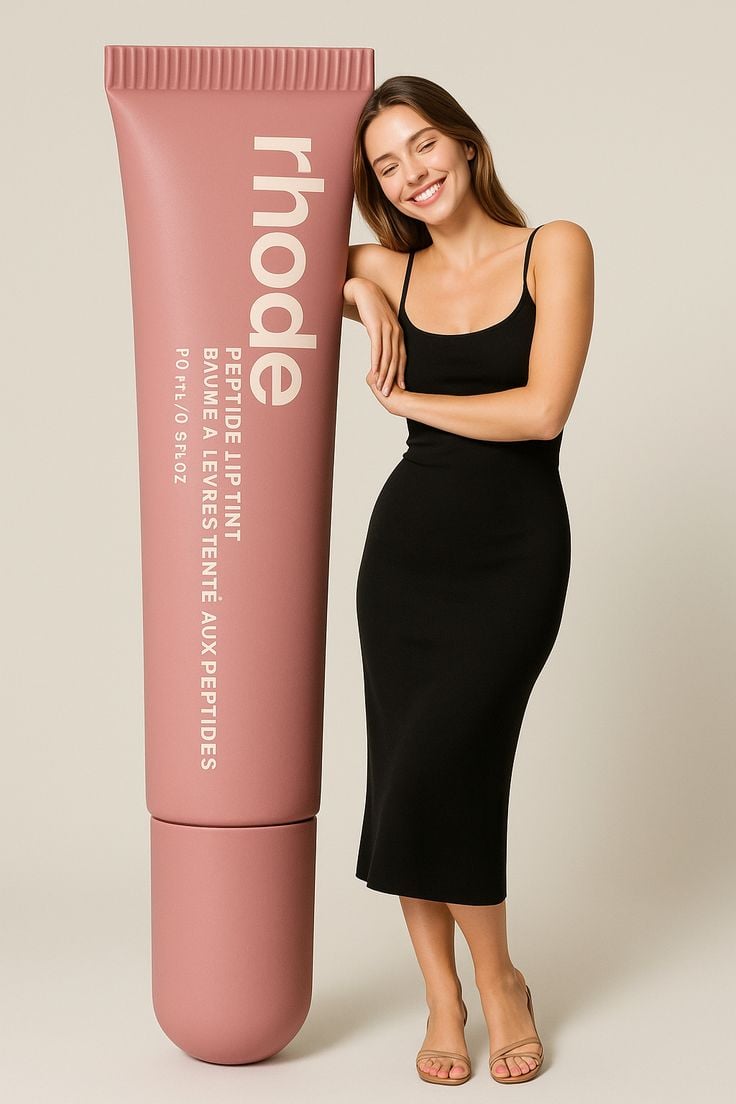
Giant Product Lifestyle Mockup

Luxury Fashion Campaign Typography Poster System

Premium Fashion Editorial Campaign Poster System

Isometric Brand Store Diorama

Moss Logo Minimalist Brand Flat Lay
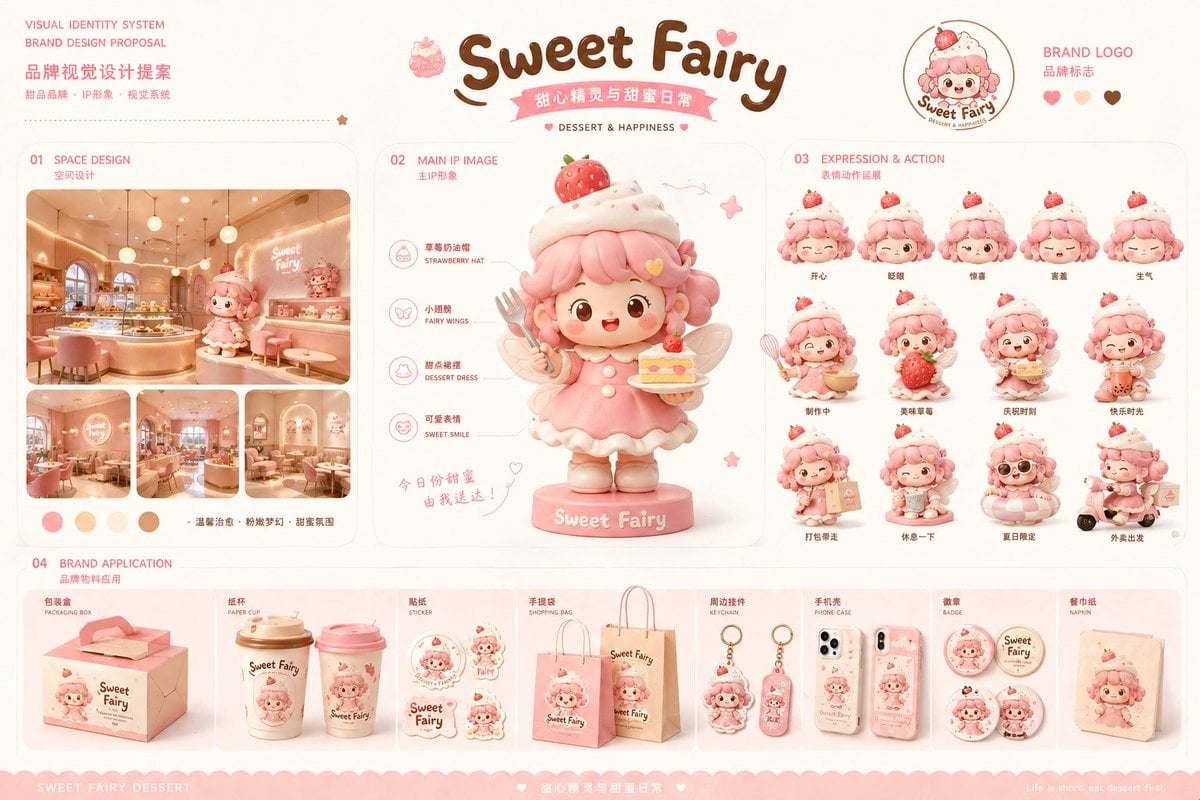
Dessert Brand Visual Identity Proposal Board
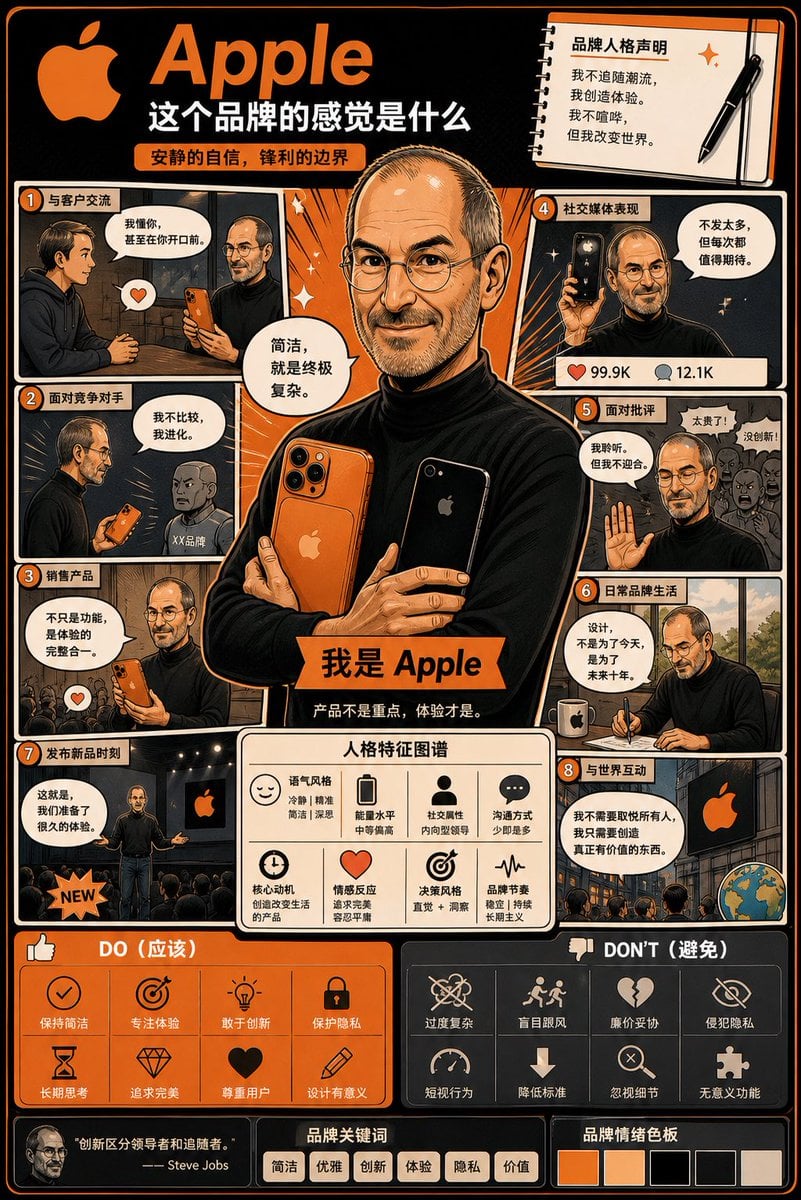
Manga Style Brand Identity Infographic
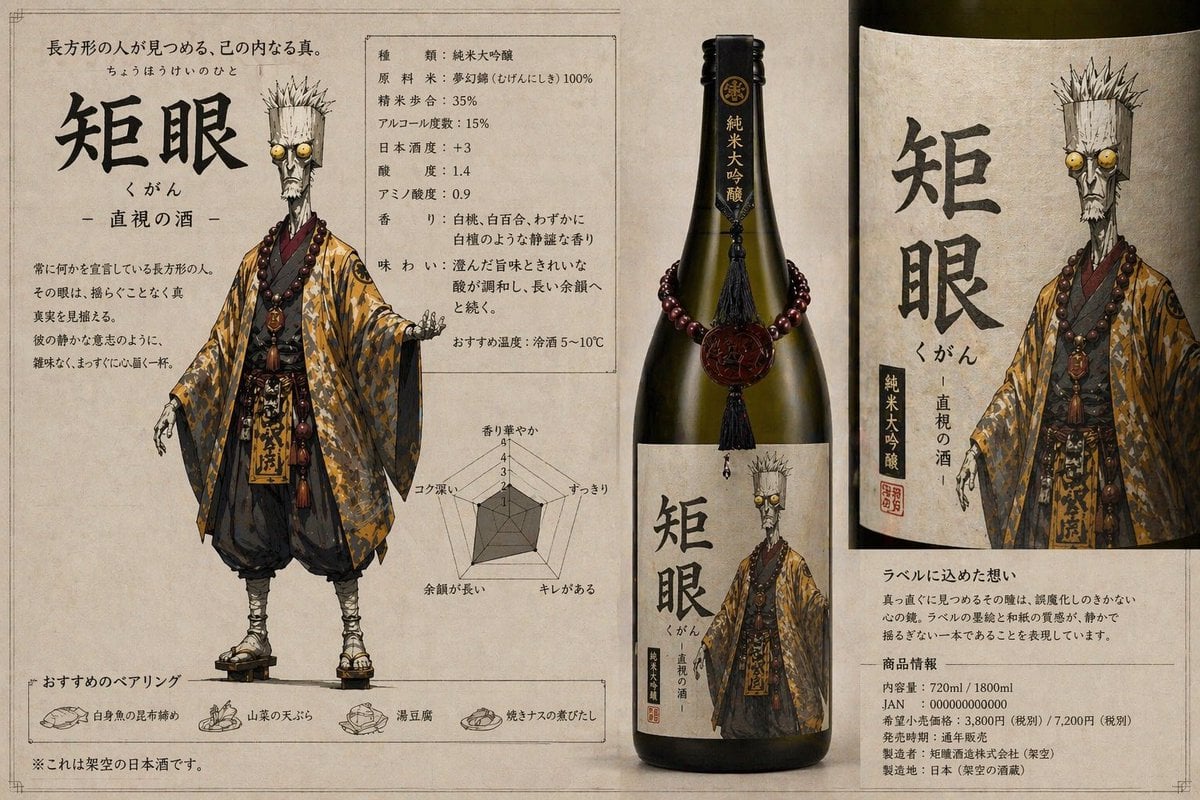
Character-Based Brand Identity Design
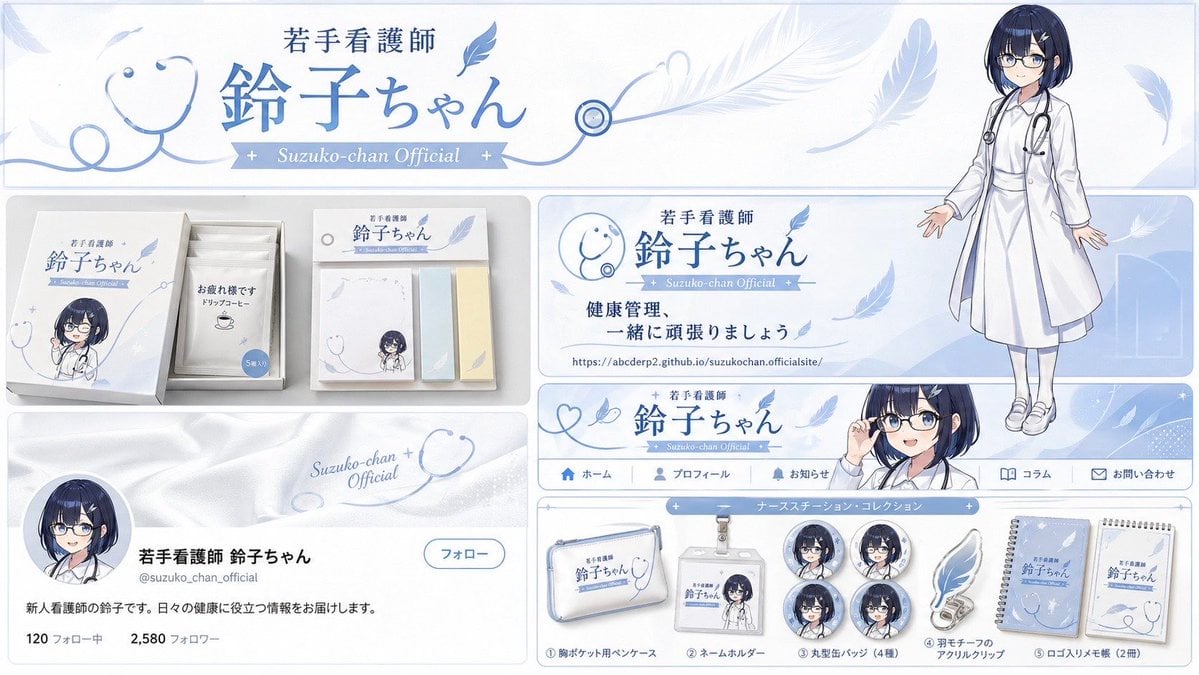
Brand Identity Design Board
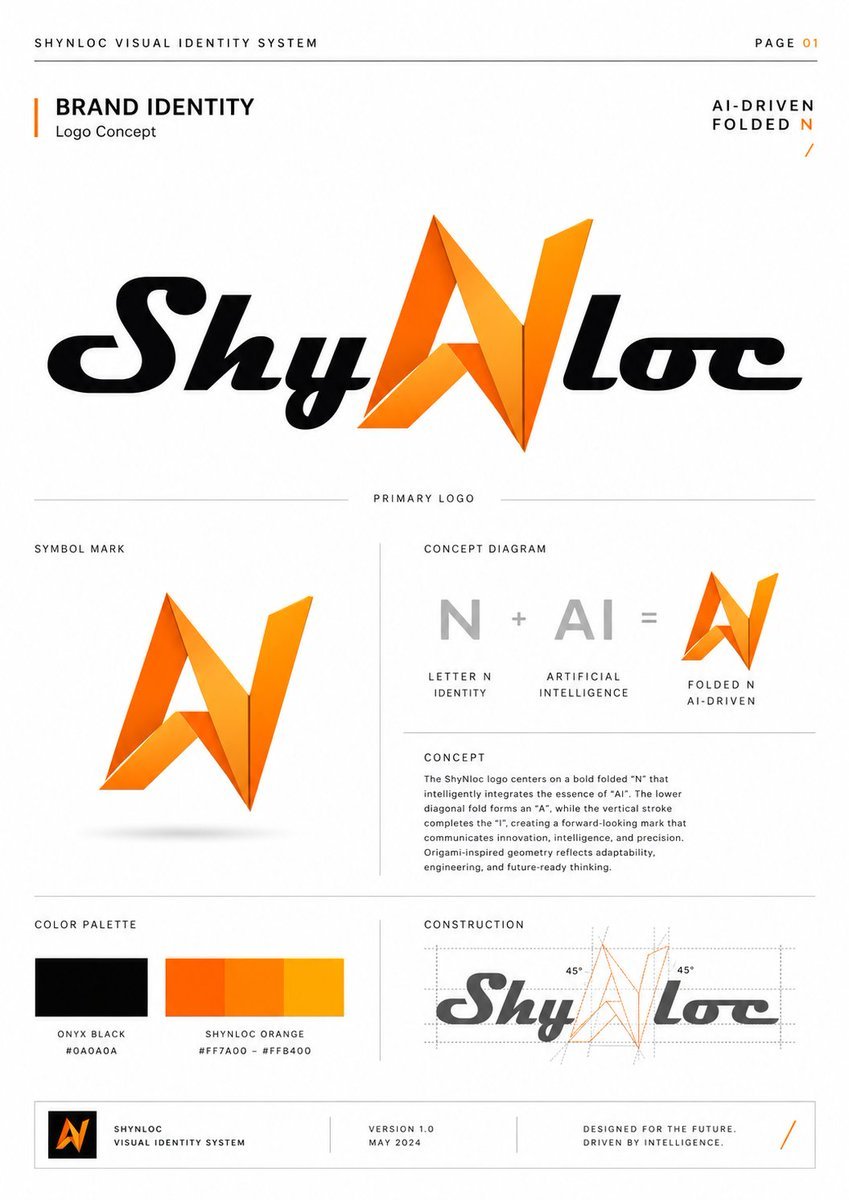
Shynloc Brand Identity Sheet
Make it yours
Flagship Brand Identity Mockup (Nano Banana Pro) works as-is. These are the safest ways to change it without losing the look.
Change one field
Copy a single group, rewrite it, and generate again so you can see what that field is doing.
Keep the frame, change the subject
Hold the composition and light of Flagship Brand Identity Mockup (Nano Banana Pro), then swap wardrobe, props or the person for a new take.
| If the result… | Why | Fix |
|---|---|---|
| The result drifts from the preview | Too many fields changed at once. | Reuse Flagship Brand Identity Mockup (Nano Banana Pro) as-is first, then change one group — subject, light, or setting. |
| The model over-stylizes the scene | The prose prompt leaves finish and camera underspecified. | Add one camera or lighting sentence and stay on Nano Banana 2. |
More Nano Banana 2 templates
Other prompts made for Nano Banana 2.

Photorealistic Leaf Shaped Like a Dragon

K-Pop Idol Portrait Grid for Rapid Selection

Poetic Rain Forest Portrait During Golden Hour

Urban Street Portrait with Cartoon Inner Self Duo

Candid Nighttime Photo with Cat Prompt

High-Concept 3D Diorama Generation Prompt

Cinematic Futuristic Studio Portrait Template

Skincare Editorial Photography Collage Prompt

Hyper-Realistic Commercial Product Photography (Splash Effect)

Hyper-Realistic Nightclub Portrait Prompt
More image prompts
Fresh picks from across the catalog.
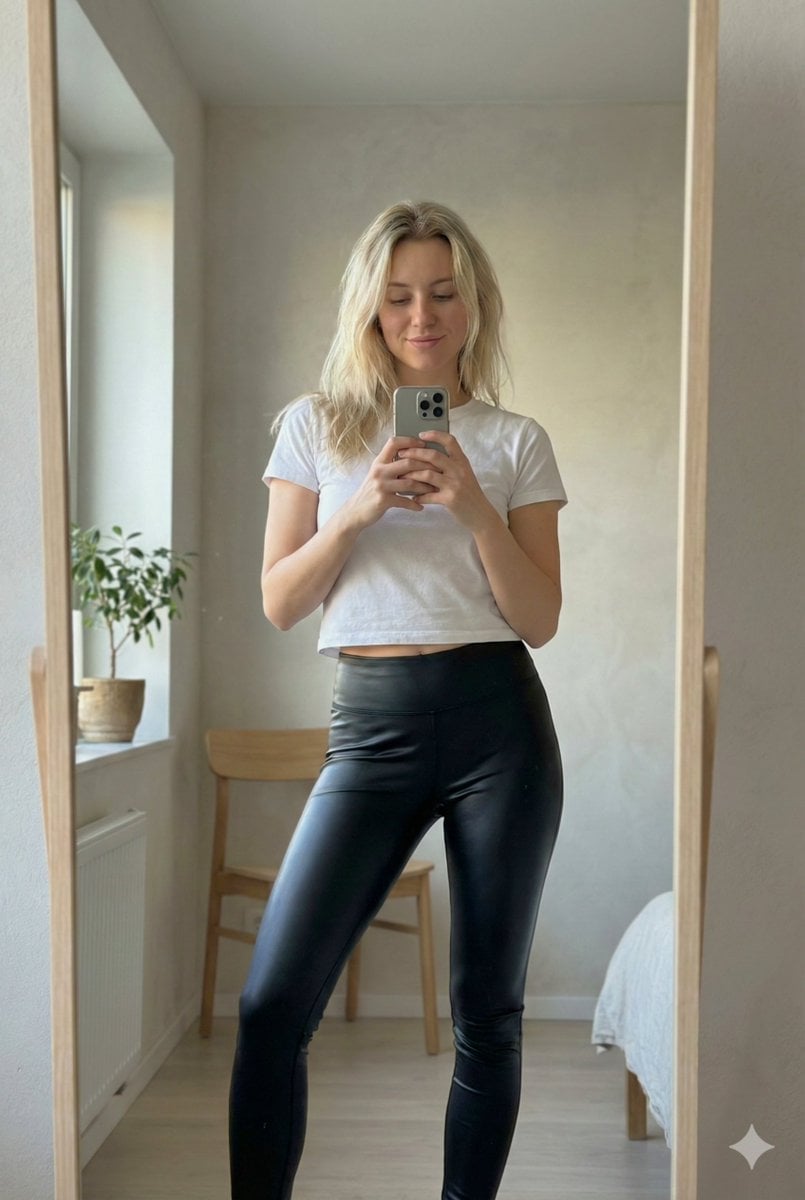
Ultra Photorealistic iPhone Mirror Selfie (JSON)
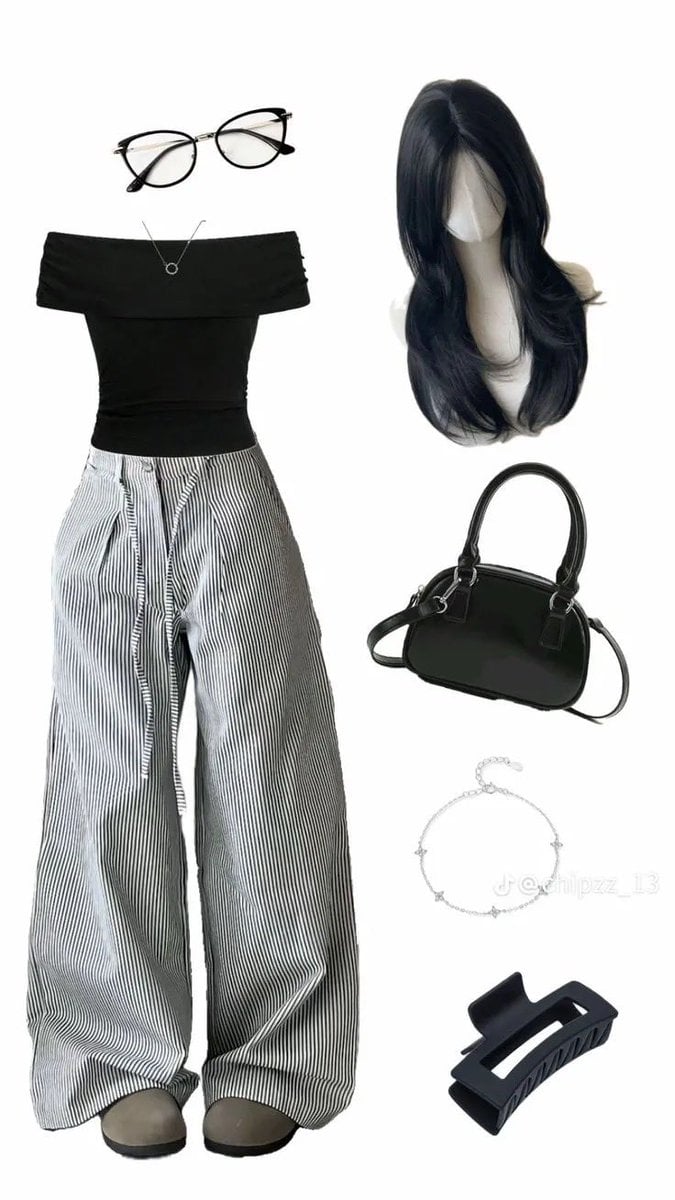
High-End Pinstripe Fashion Portrait
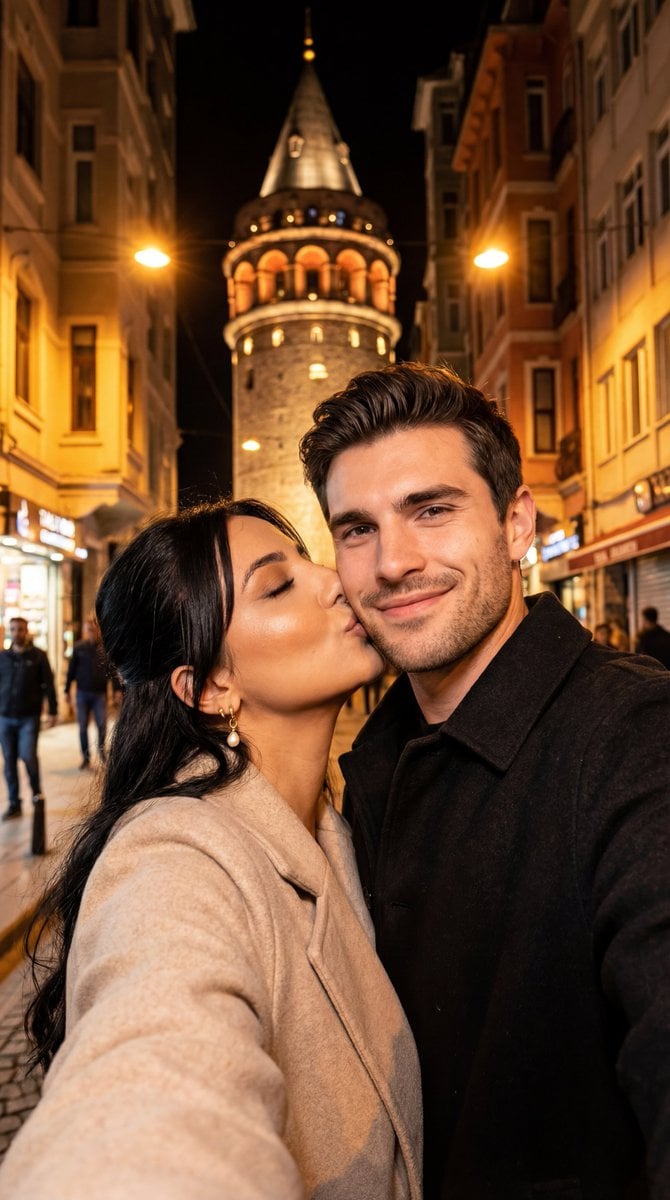
Night City Selfie Kiss Prompt (Galata Tower)
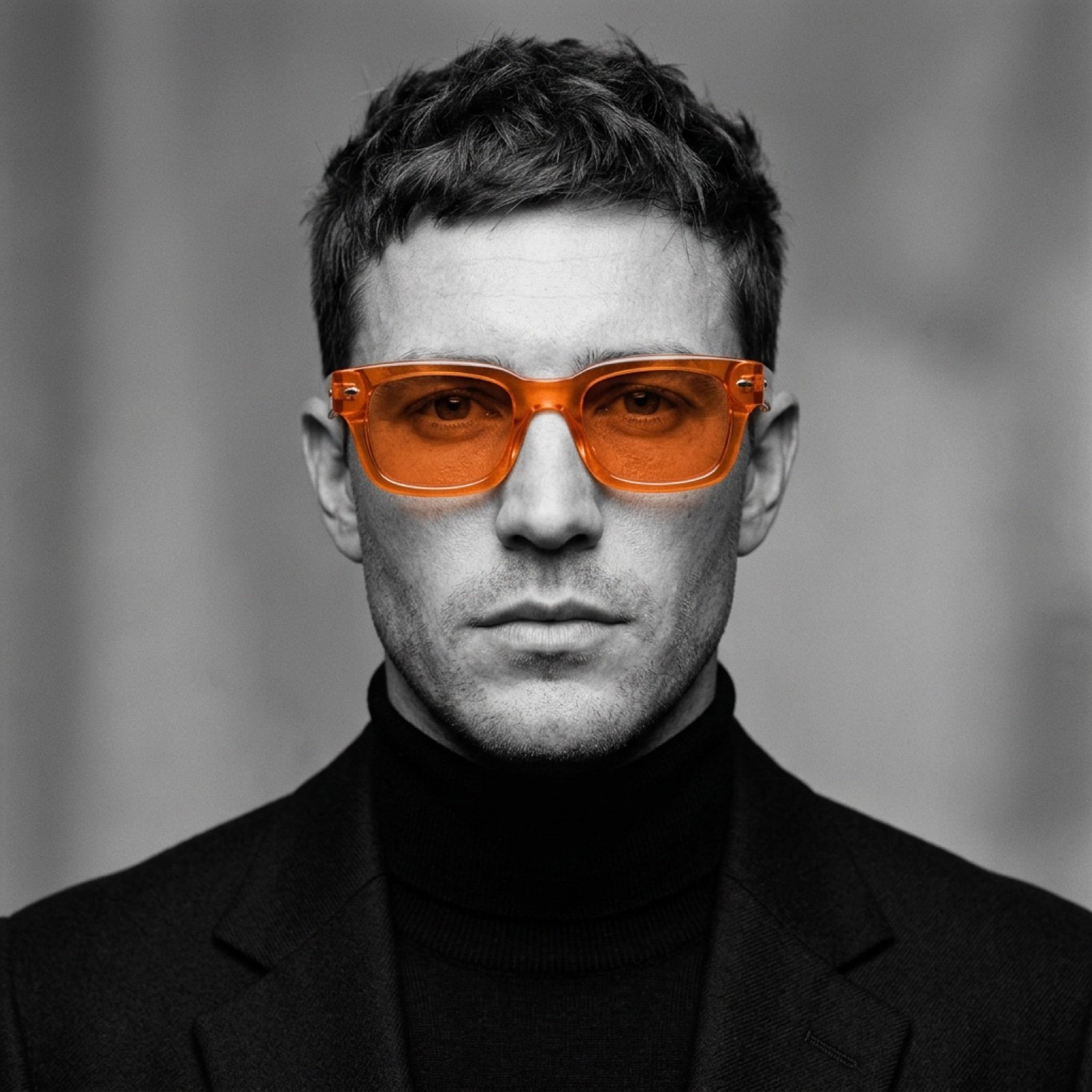
Monochrome Portrait with Selective Color Prompt
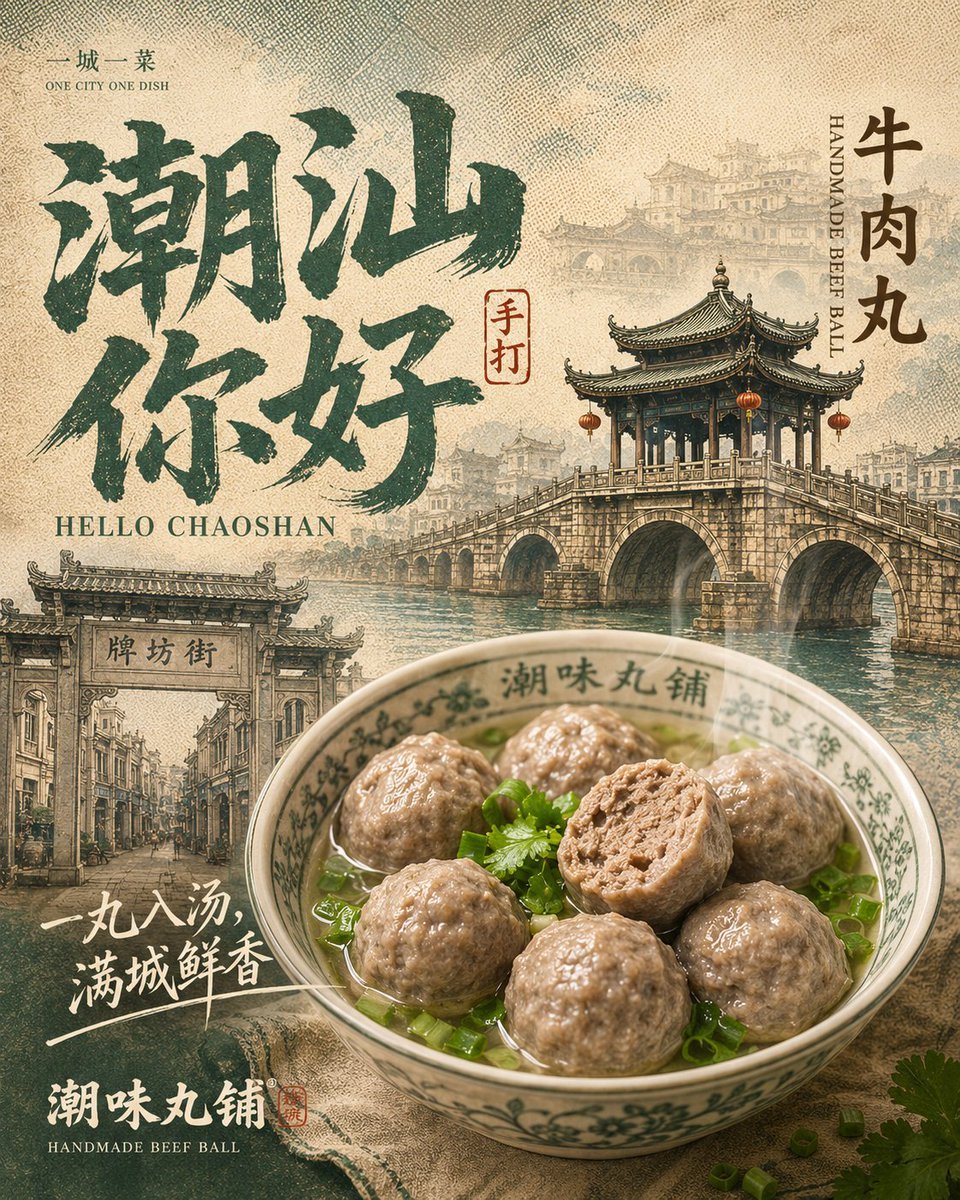
Chaoshan Beef Ball Vintage Food Poster
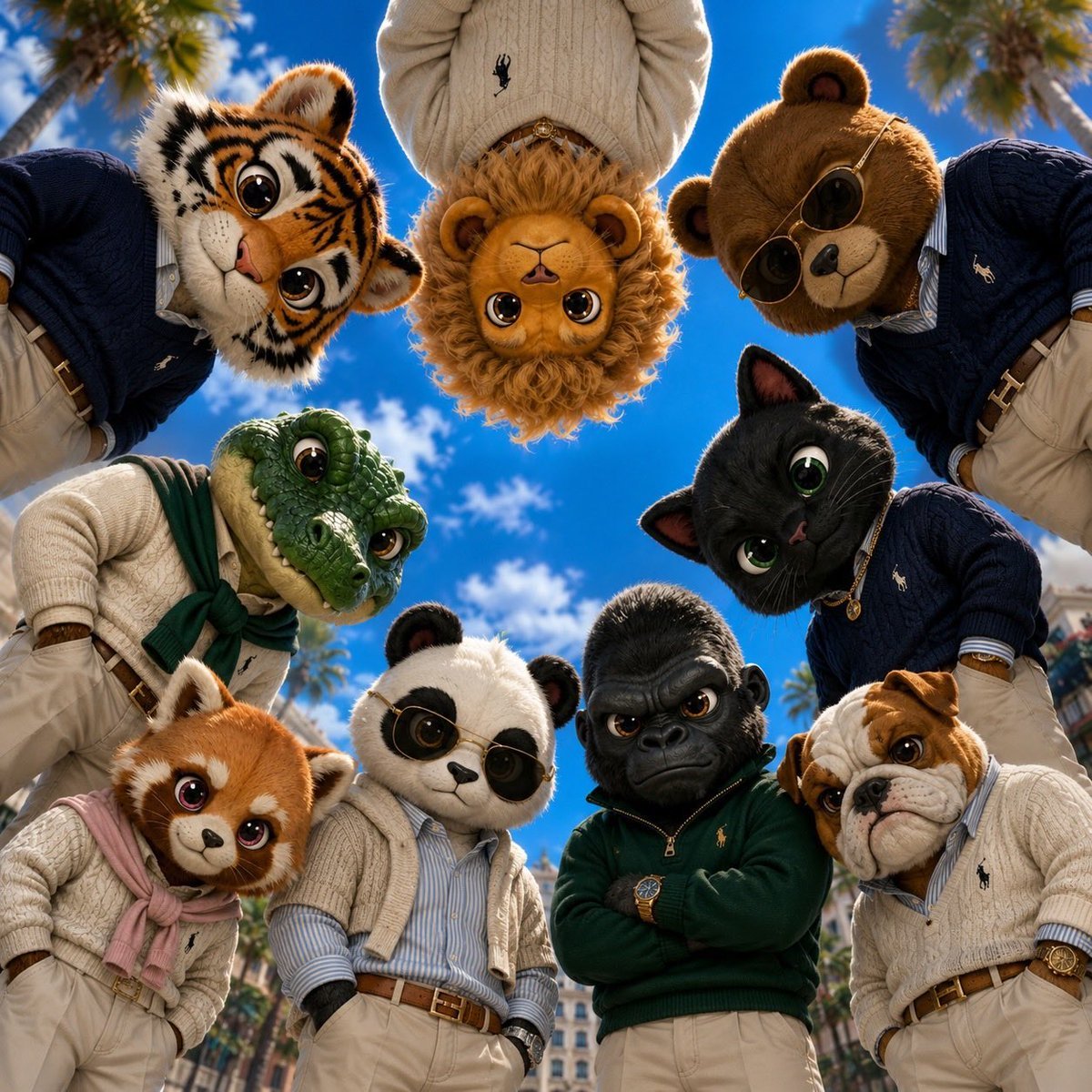
Old Money & Gangster Style Animal Squads
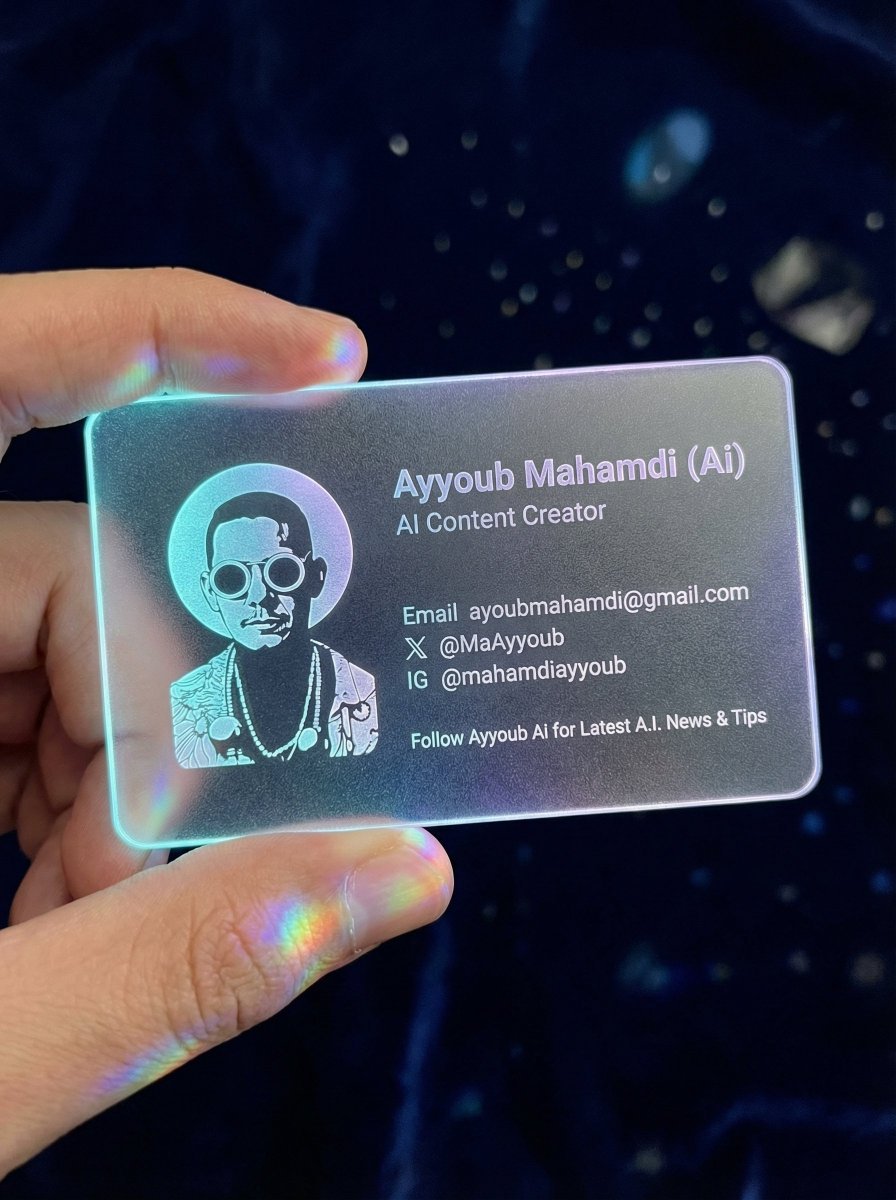
Realistic Cyber-Aesthetic Futuristic Business Card

Blue Hour Riverside Portrait
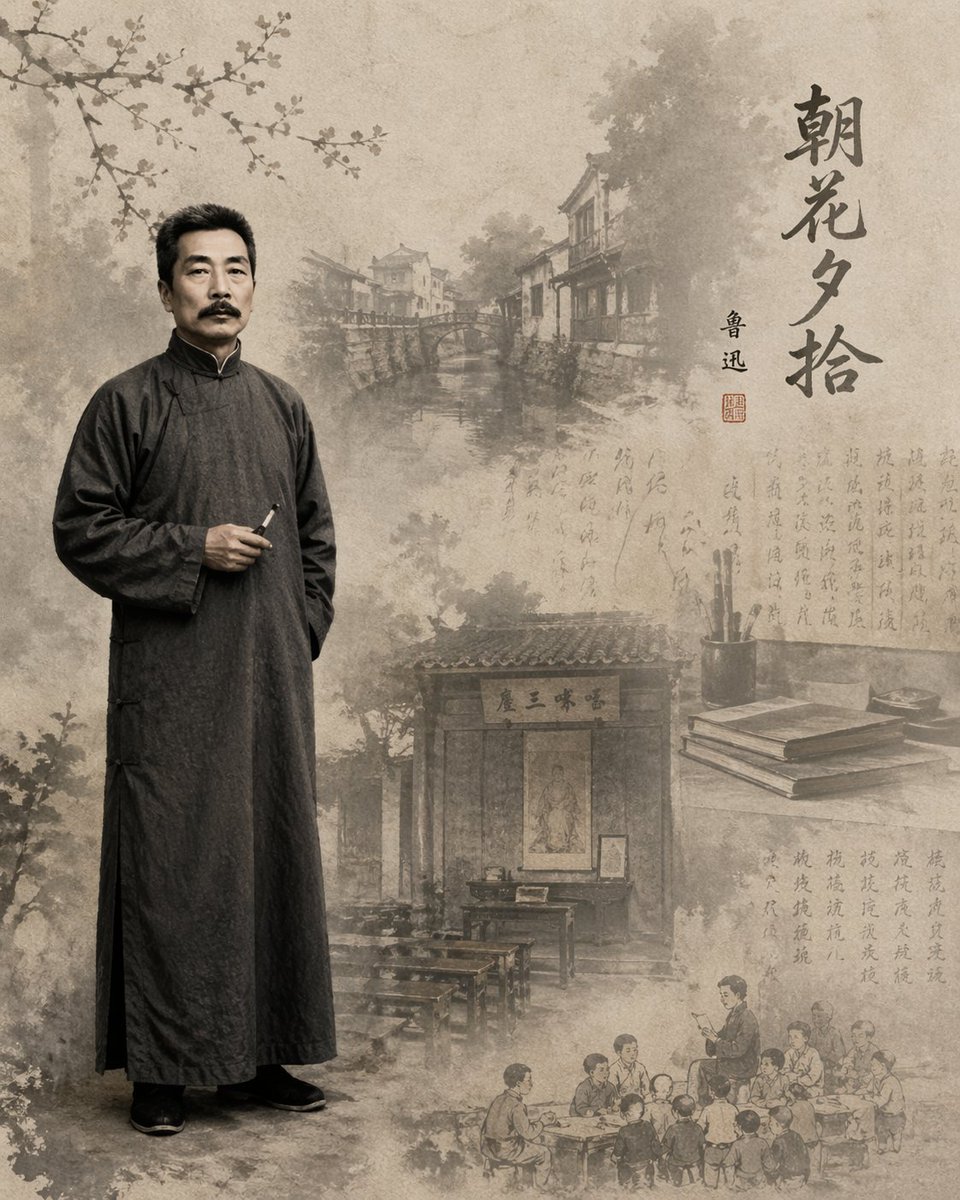
Literary Illustration Portrait
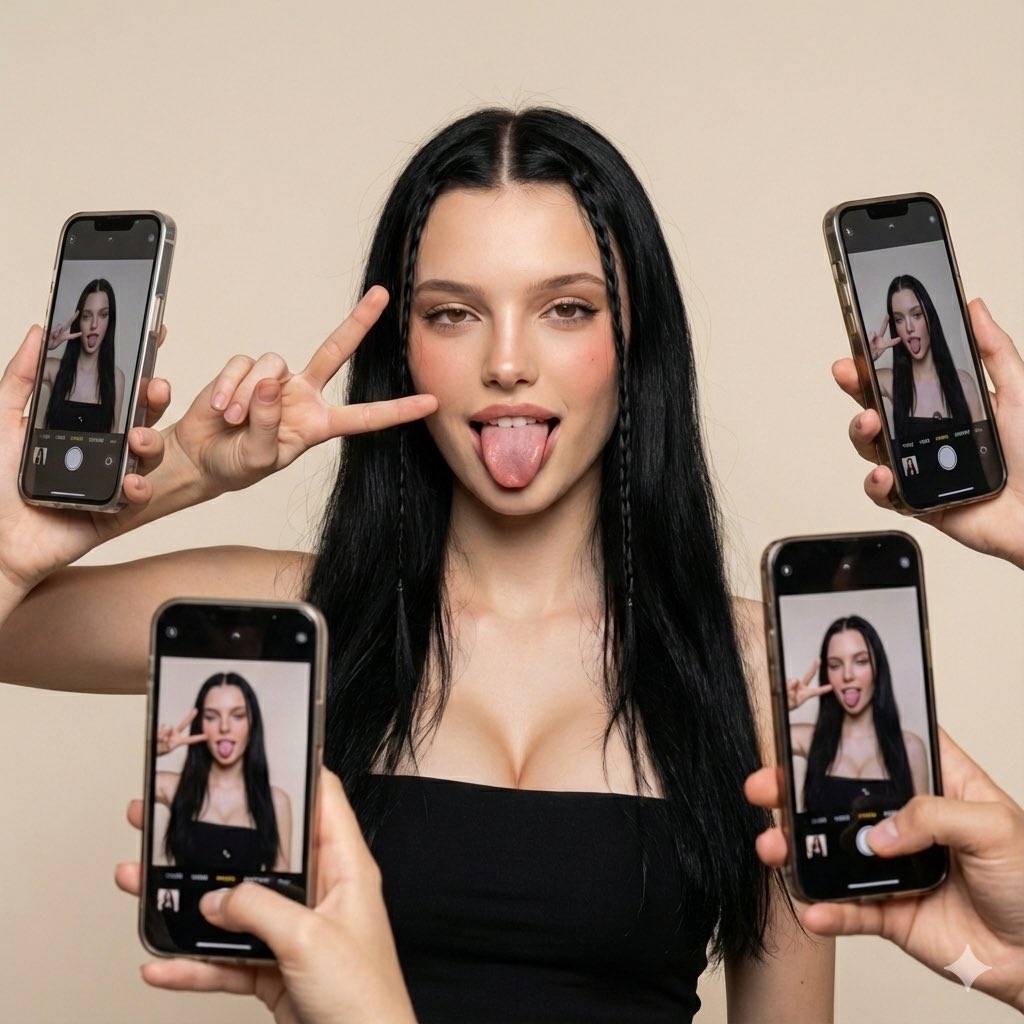
Social Media Influencer Studio Shoot with Mirrored Phones
Browse template categories
Flagship Brand Identity Mockup (Nano Banana Pro) questions
How do I use the Flagship Brand Identity Mockup (Nano Banana Pro) template?
Add your photo if the template asks for one, edit the prompt if you like — the template's model and format are already selected — and press Generate. Your version opens in PicX Studio.
Can I customize the Flagship Brand Identity Mockup (Nano Banana Pro) template?
Yes. You can change the subject, setting, lighting, mood, format, and available model controls before creating your image.
Is the Flagship Brand Identity Mockup (Nano Banana Pro) template free?
Opening and editing this template is free. Generating uses credits, shown on the Generate button when you are signed in.
Which AI model should I use?
Start with Nano Banana 2, which is the model associated with this template. You can compare another compatible model for a different finish.
Looking for something else? Browse all templates.

Your photo, any look
Thousands of ready templates for every top image and video model, from one credit balance.