
Strawberry Onesie Mirror Selfie with ControlNet
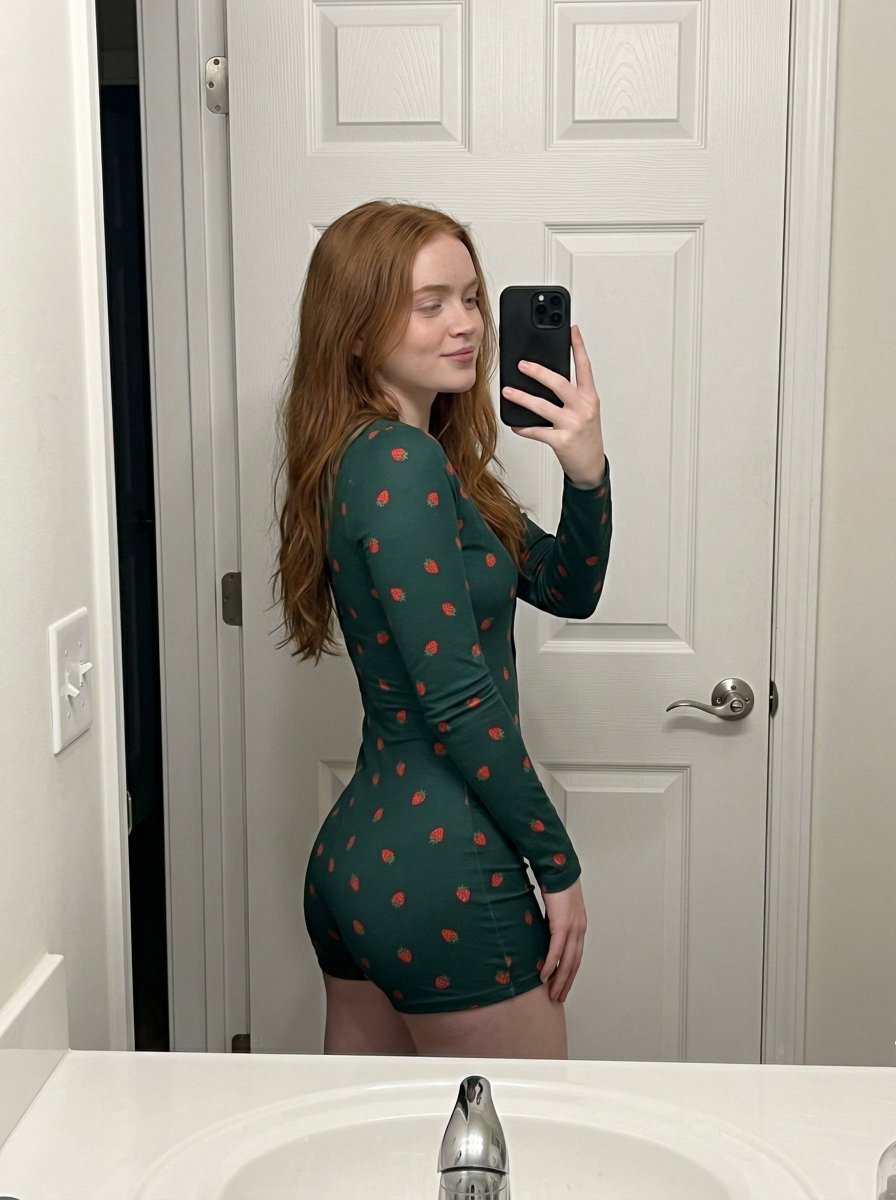
A highly technical prompt using ControlNet parameters (OpenPose and Depth) to generate a realistic mirror selfie of a young woman (Madison Beer likeness) in a deep forest green strawberry-patterned onesie.
- Prompt included
- Model and format preset
- Free template
The prompt behind this image
Copy the exact prompt behind Strawberry Onesie Mirror Selfie with ControlNet, or open it in the studio and make it yours.
- Subject
- young woman with long natural black hair and fair skin, wearing a form-fitting, long-sleeved, short-legged deep forest green onesie patterned with small strawberries.
- Pose
- Standing in profile, facing left, torso slightly turned to glance back at the mirror. Right hand holds a black smartphone to take a selfie. Natural standing posture with relaxed shoulders and a soft, subtle smile.
- Environment
- Bathroom setting. A white paneled door with silver hardware is directly behind. A white sink basin and chrome faucet occupy the bottom foreground. A white light switch is visible on the left wall.
- Camera
- Mirror selfie perspective. Shot from chest height, cropping the subject from mid-thigh to just above the head.
- Lighting
- Standard indoor artificial overhead lighting, casting soft shadows on the door panels and bright reflections on the metallic faucet.
- Mood And Expression
- Casual, relaxed selfie posture with a calm and natural expression.
- Style And Realism
- Unedited, realistic smartphone photograph.
- Colors And Tone
- Warm overall tone dominated by whites, fair skin hues, deep green fabric tones, soft red strawberry accents, and metallic silver/chrome.
- Quality And Technical Details
- Typical modern smartphone camera resolution with slight indoor grain and realistic fabric texture.
- Aspect Ratio And Output
- 3:4
- Controlnet › Pose Control › Model Type
- openpose_full
- Controlnet › Pose Control › Purpose
- Preserve exact skeletal alignment, torso orientation, and anatomical proportions without altering mass distribution
- Controlnet › Pose Control › Constraints
- No limb length change, no torso compression, no posture exaggeration, no anatomical distortion
- Controlnet › Pose Control › Recommended Weight
- 1.1
- Controlnet › Depth Control › Model Type
- depth_midas
- Controlnet › Depth Control › Purpose
- Preserve accurate 3D spatial depth, volumetric projection, and foreground-background separation
- Controlnet › Depth Control › Constraints
- No depth flattening, no volumetric distortion, no perspective alteration
- Controlnet › Depth Control › Recommended Weight
- 1.15
- Negative Prompt
- stylization, body reshaping, anatomical distortion, exaggerated curves, volume compression, proportion changes, depth flattening, beautification filters, symmetry correction, perspective alteration, explicit content
Raw JSON
{
  "subject": "young woman with long natural black hair and fair skin, wearing a form-fitting, long-sleeved, short-legged deep forest green onesie patterned with small strawberries.",
  "pose": "Standing in profile, facing left, torso slightly turned to glance back at the mirror. Right hand holds a black smartphone to take a selfie. Natural standing posture with relaxed shoulders and a soft, subtle smile.",
  "environment": "Bathroom setting. A white paneled door with silver hardware is directly behind. A white sink basin and chrome faucet occupy the bottom foreground. A white light switch is visible on the left wall.",
  "camera": "Mirror selfie perspective. Shot from chest height, cropping the subject from mid-thigh to just above the head.",
  "lighting": "Standard indoor artificial overhead lighting, casting soft shadows on the door panels and bright reflections on the metallic faucet.",
  "mood_and_expression": "Casual, relaxed selfie posture with a calm and natural expression.",
  "style_and_realism": "Unedited, realistic smartphone photograph.",
  "colors_and_tone": "Warm overall tone dominated by whites, fair skin hues, deep green fabric tones, soft red strawberry accents, and metallic silver/chrome.",
  "quality_and_technical_details": "Typical modern smartphone camera resolution with slight indoor grain and realistic fabric texture.",
  "aspect_ratio_and_output": "3:4",
  "controlnet": {
    "pose_control": {
      "model_type": "openpose_full",
      "purpose": "Preserve exact skeletal alignment, torso orientation, and anatomical proportions without altering mass distribution",
      "constraints": "No limb length change, no torso compression, no posture exaggeration, no anatomical distortion",
      "recommended_weight": 1.1
    },
    "depth_control": {
      "model_type": "depth_midas",
      "purpose": "Preserve accurate 3D spatial depth, volumetric projection, and foreground-background separation",
      "constraints": "No depth flattening, no volumetric distortion, no perspective alteration",
      "recommended_weight": 1.15
    }
  },
  "negative_prompt": "stylization, body reshaping, anatomical distortion, exaggerated curves, volume compression, proportion changes, depth flattening, beautification filters, symmetry correction, perspective alteration, explicit content"
}How to use Strawberry Onesie Mirror Selfie with ControlNet in 3 steps
- 1
Open
The prompt is already in the box next to the preview, with the template's model and format selected.
- 2…a portrait of your subject in softgolden-hour light, 85mm…
Personalize
Edit the subject and creative details for your destination.
- 3Generate
Generate
Press Generate — your image is created in PicX Studio, so you can compare it with the original and refine one variable at a time.
More like this
Templates with the same subject, style or setup. Open one to see its prompt.

Rooftop Fisheye — Cat-Ear Balaclava at Golden Hour

Felt & Knit 3D Character — Photo-Exact Face, Pixar-Quality Plush Figurine
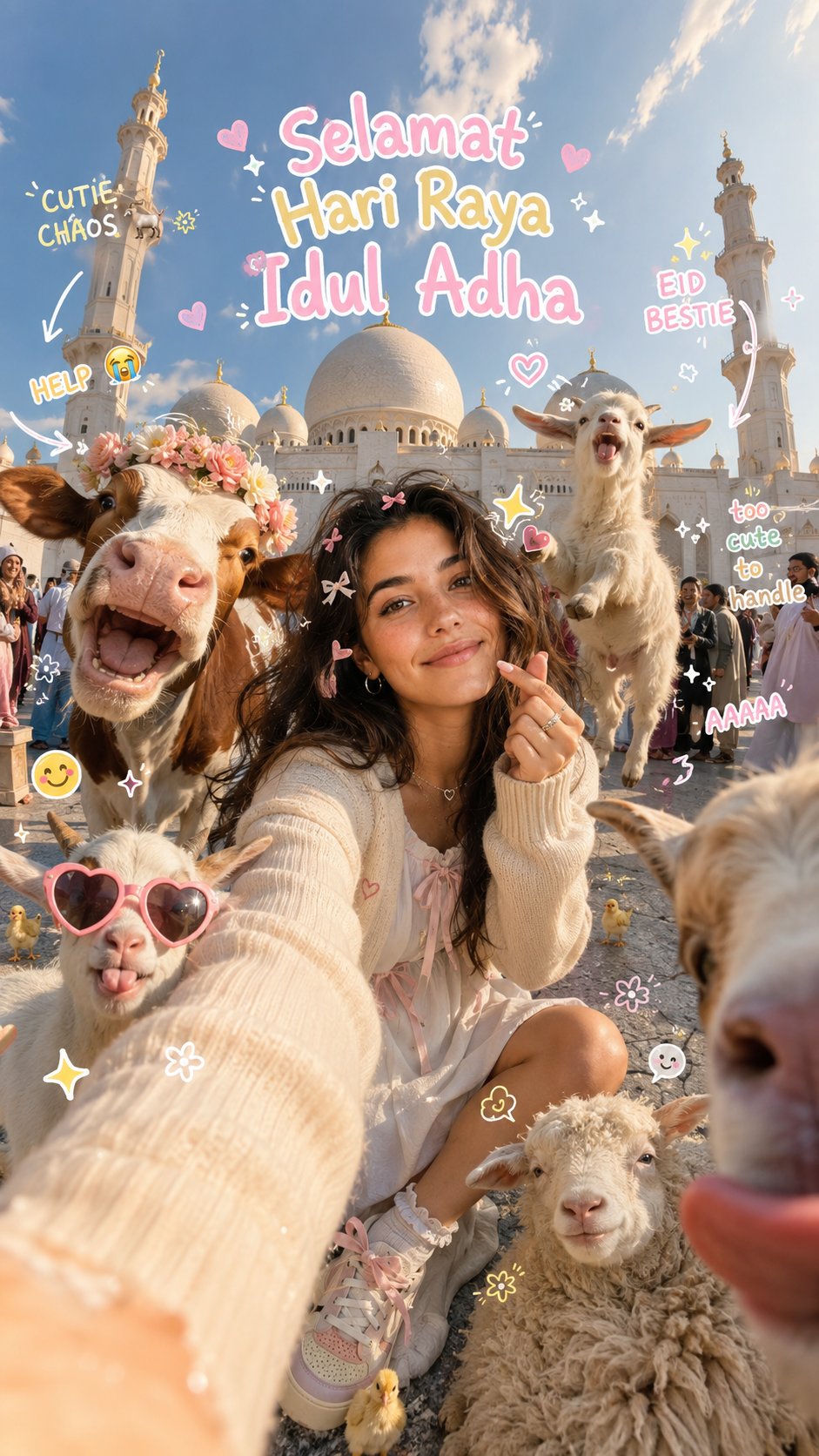
Eid al-Adha Cute Chaos — Fisheye Selfie with Farm Selfie, Mosque & Animals
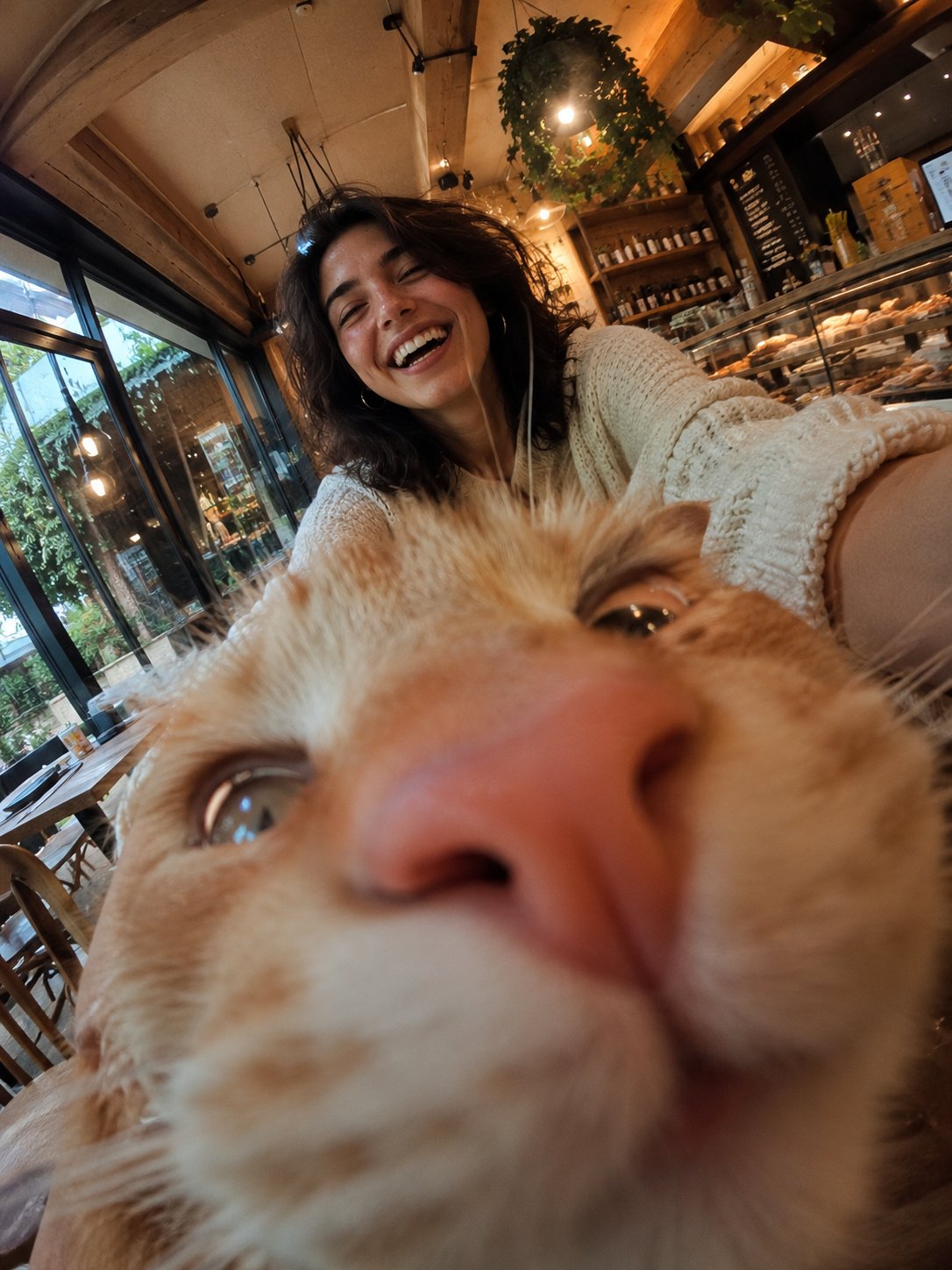
Cat Photobomb Selfie — 0.5x Wide Angle Café Chaos
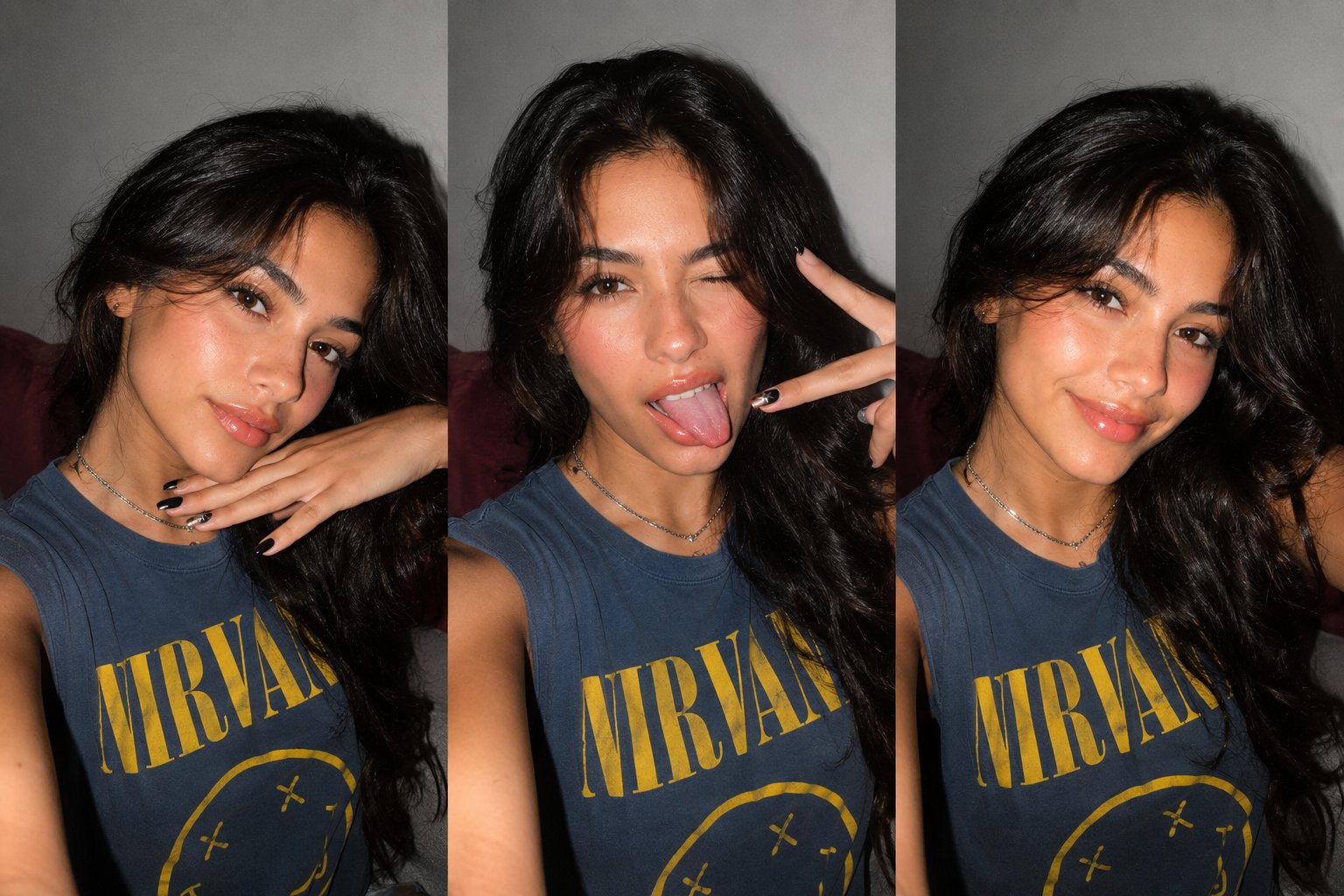
Gen Z Triple Selfie Collage — Y2K Flash Photography

Surreal Cat Astronaut — Humanoid Face Freefall
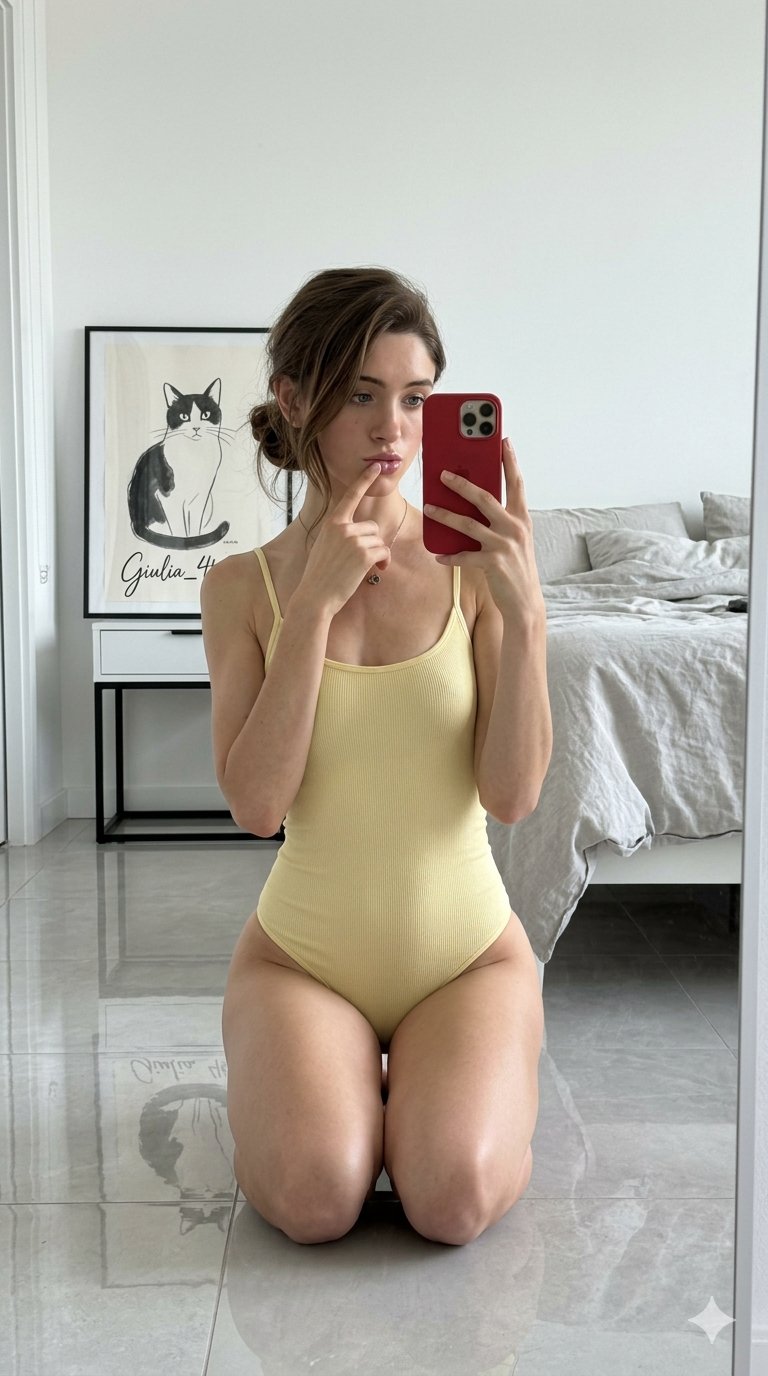
Nano Banana Grwm Mirror Selfie Pink
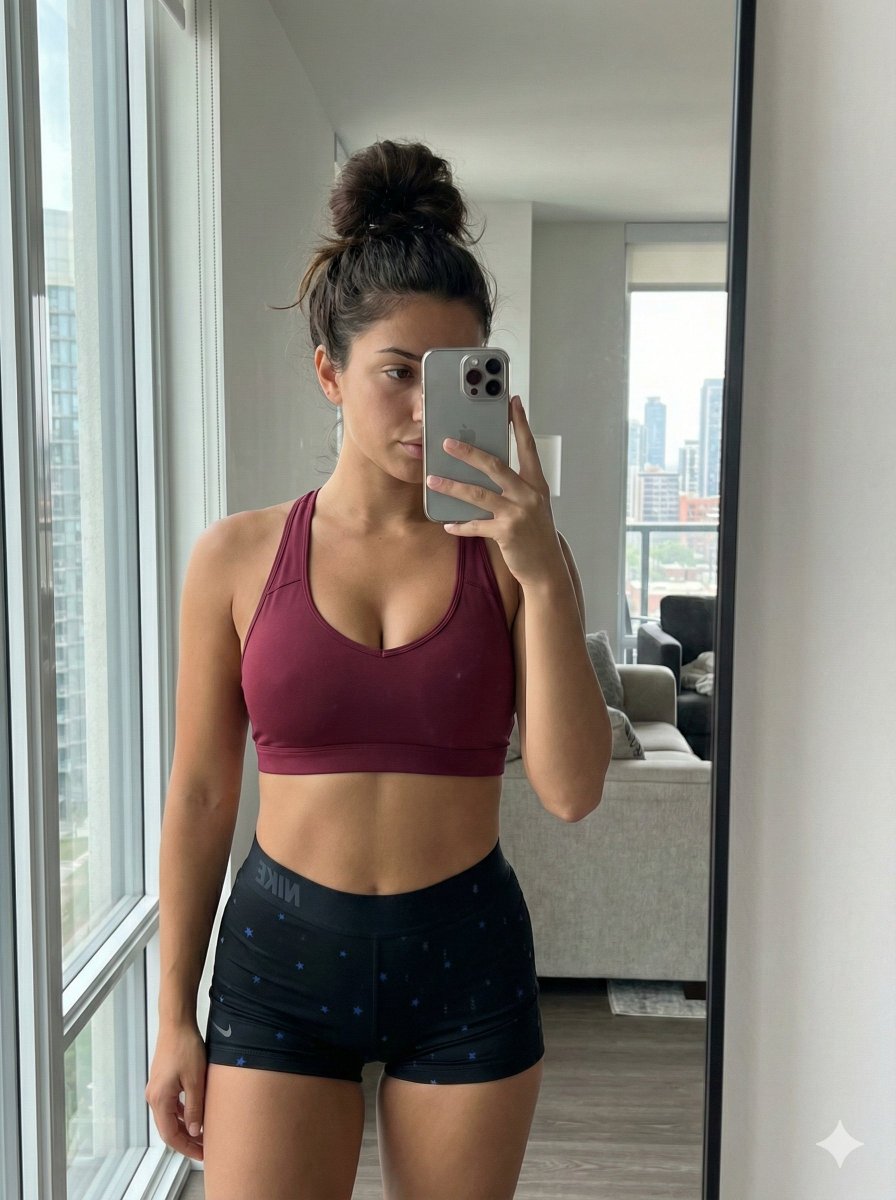
Mirror Selfie with Curvy Physique and ControlNet Constraints
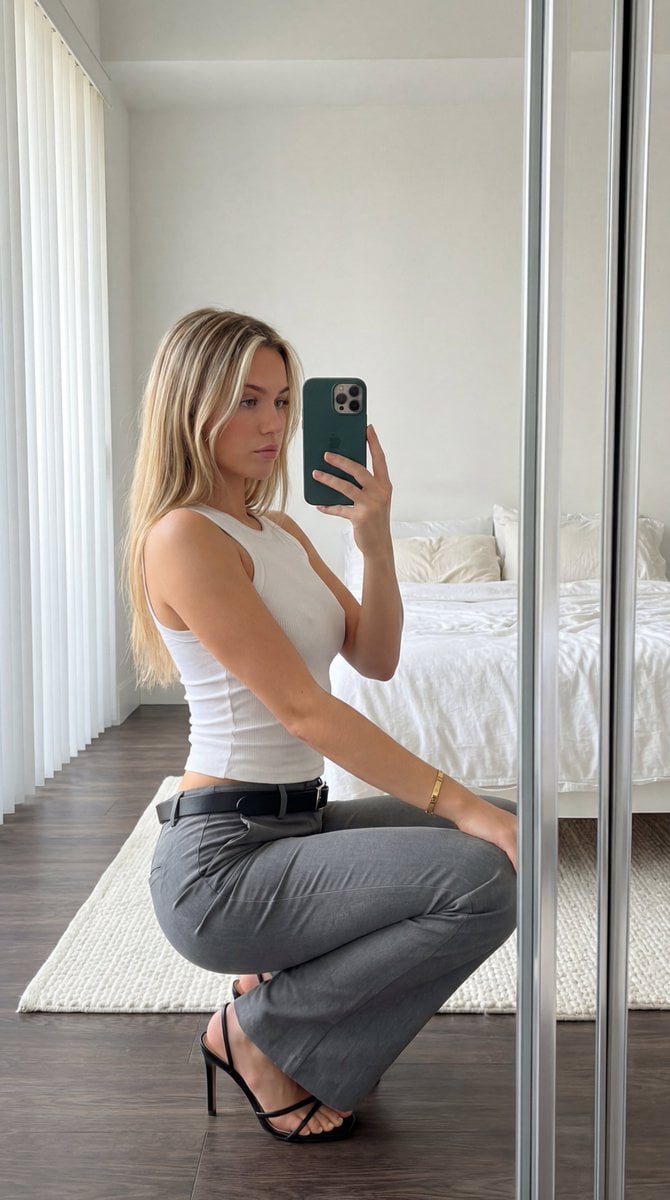
Detailed Mirror Selfie Prompt with ControlNet Constraints
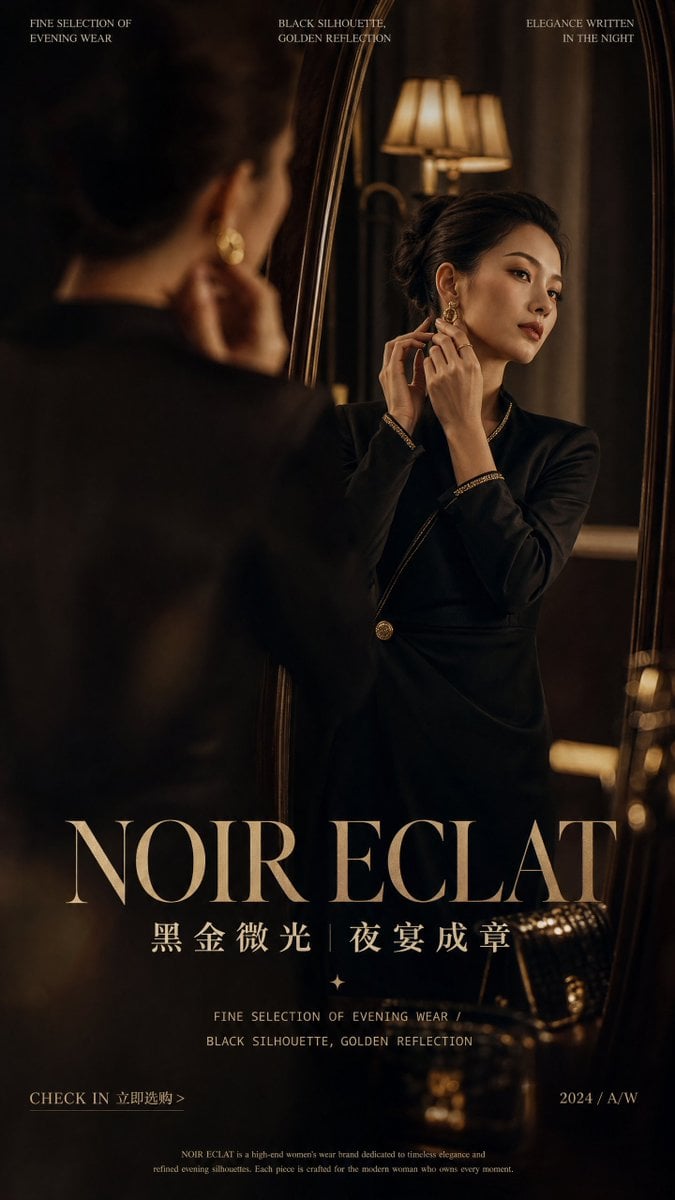
Retro Mirror Luxury Fashion Campaign Poster
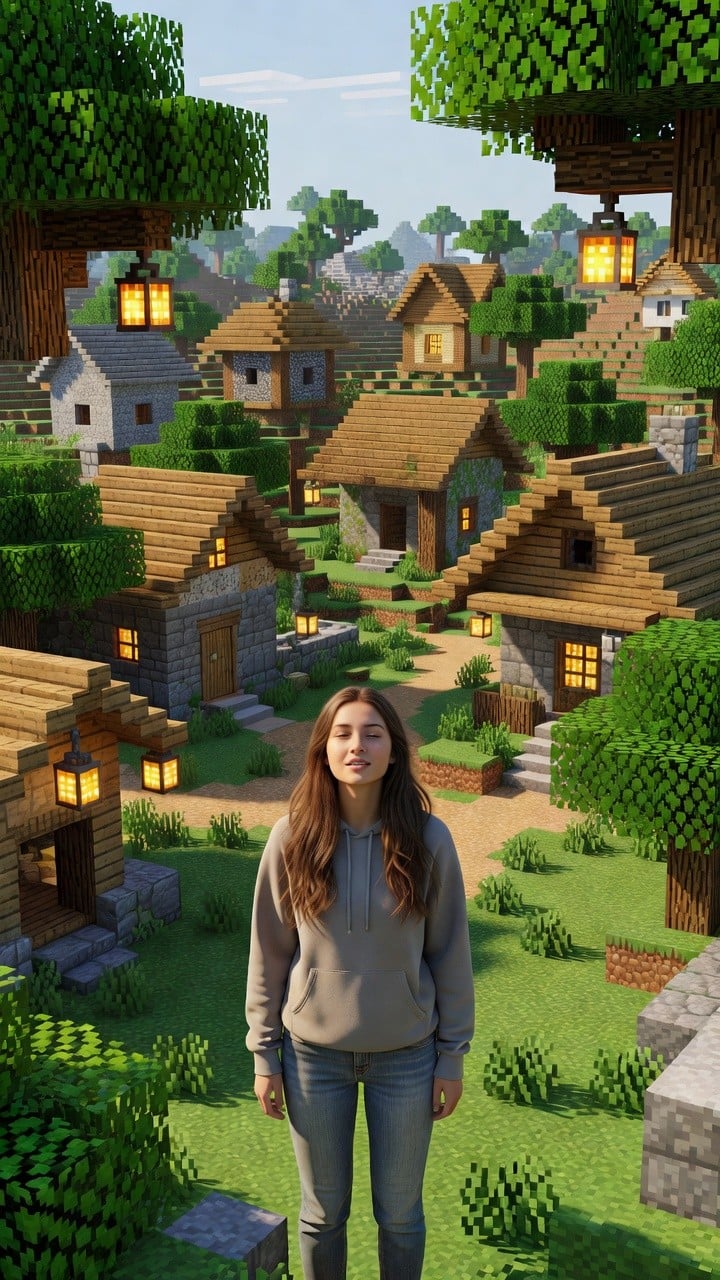
Photoreal Village Lanterns Minecraft Scene
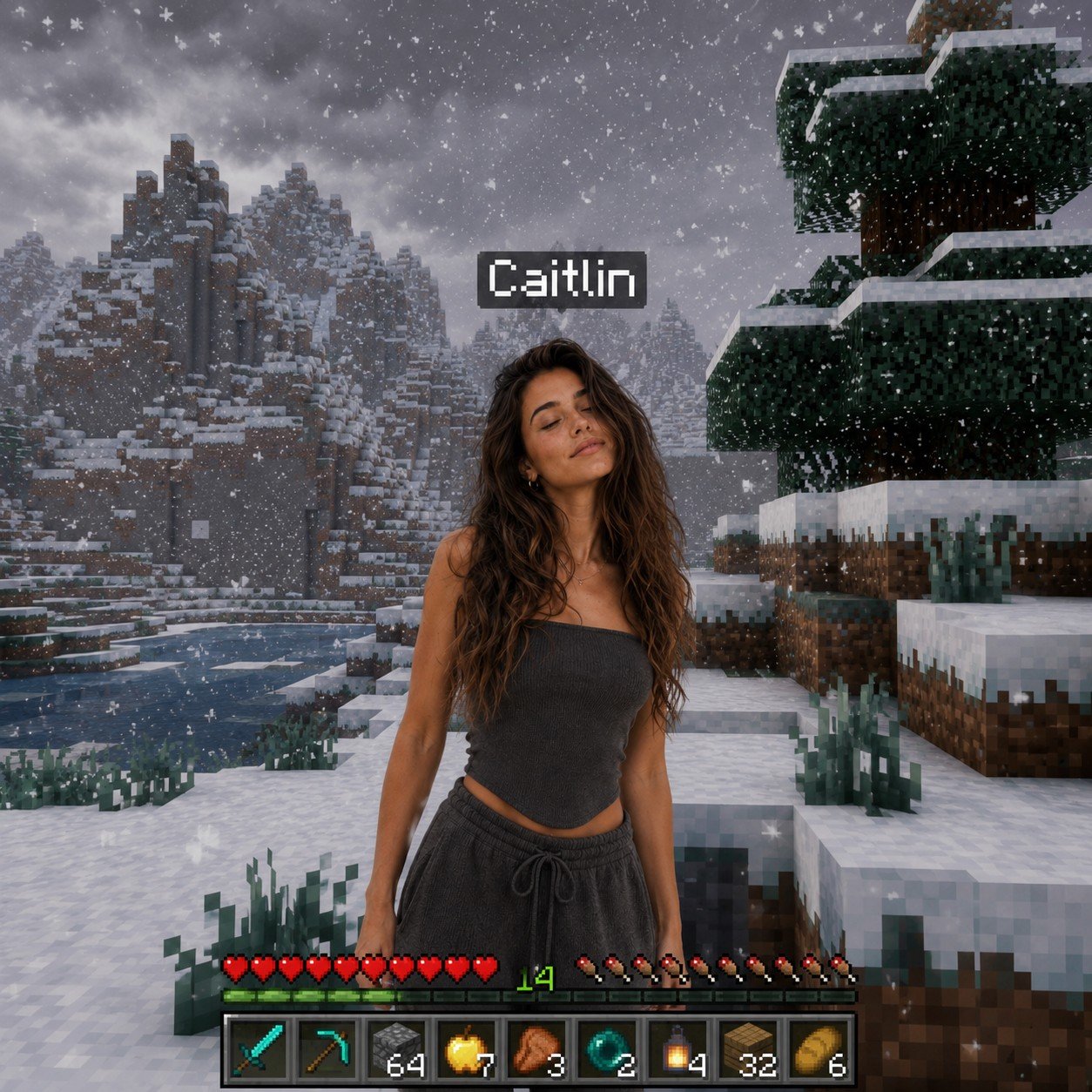
Photoreal Snow Biome Name Tag UI
Make it yours
Strawberry Onesie Mirror Selfie with ControlNet works as-is. These are the safest ways to change it without losing the look.
Swap the setting
Keep the rest of the prompt and replace the location block. The current setting is “Bathroom setting. A white paneled door with silver hardware is directly behind. ”.
Swap the light
One lighting change is enough to compare takes. Current light: “Standard indoor artificial overhead lighting, casting soft shadows on the door p”.
Change one field
Copy a single group, rewrite it, and generate again so you can see what that field is doing.
| If the result… | Why | Fix |
|---|---|---|
| The result drifts from the preview | Too many fields changed at once. | Reuse Strawberry Onesie Mirror Selfie with ControlNet as-is first, then change one group — subject, light, or setting. |
| Nano Banana 2 ignores part of the JSON | Some models flatten or skip nested keys. | Keep the same values and paste them as a short paragraph instead. |
More Nano Banana 2 templates
Other prompts made for Nano Banana 2.

Photorealistic Leaf Shaped Like a Dragon

K-Pop Idol Portrait Grid for Rapid Selection

Poetic Rain Forest Portrait During Golden Hour

Urban Street Portrait with Cartoon Inner Self Duo

Candid Nighttime Photo with Cat Prompt

High-Concept 3D Diorama Generation Prompt

Cinematic Futuristic Studio Portrait Template

Skincare Editorial Photography Collage Prompt

Hyper-Realistic Commercial Product Photography (Splash Effect)

Hyper-Realistic Nightclub Portrait Prompt
More image prompts
Fresh picks from across the catalog.
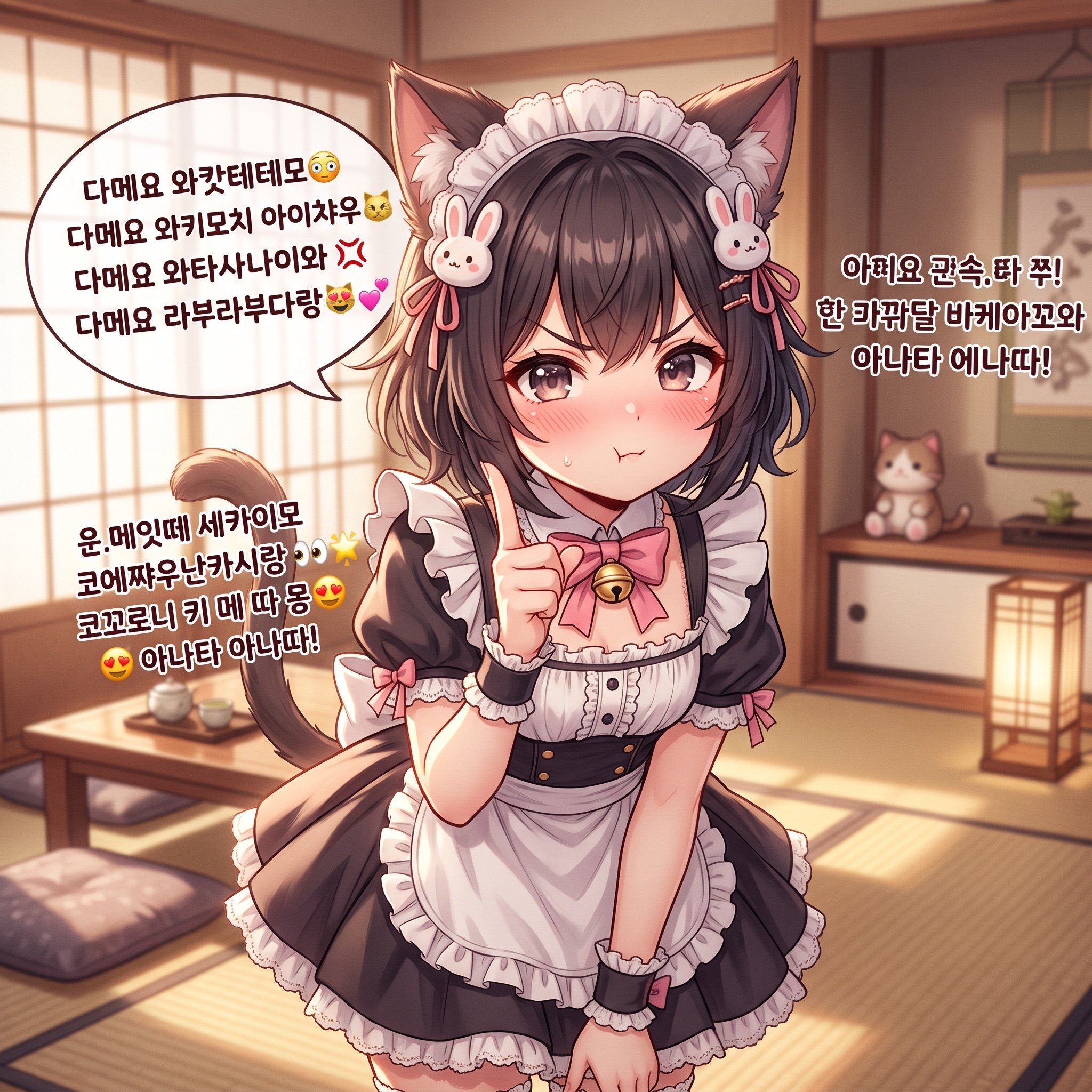
Japanese/Korean Mixed Text for Affectionate Roleplay
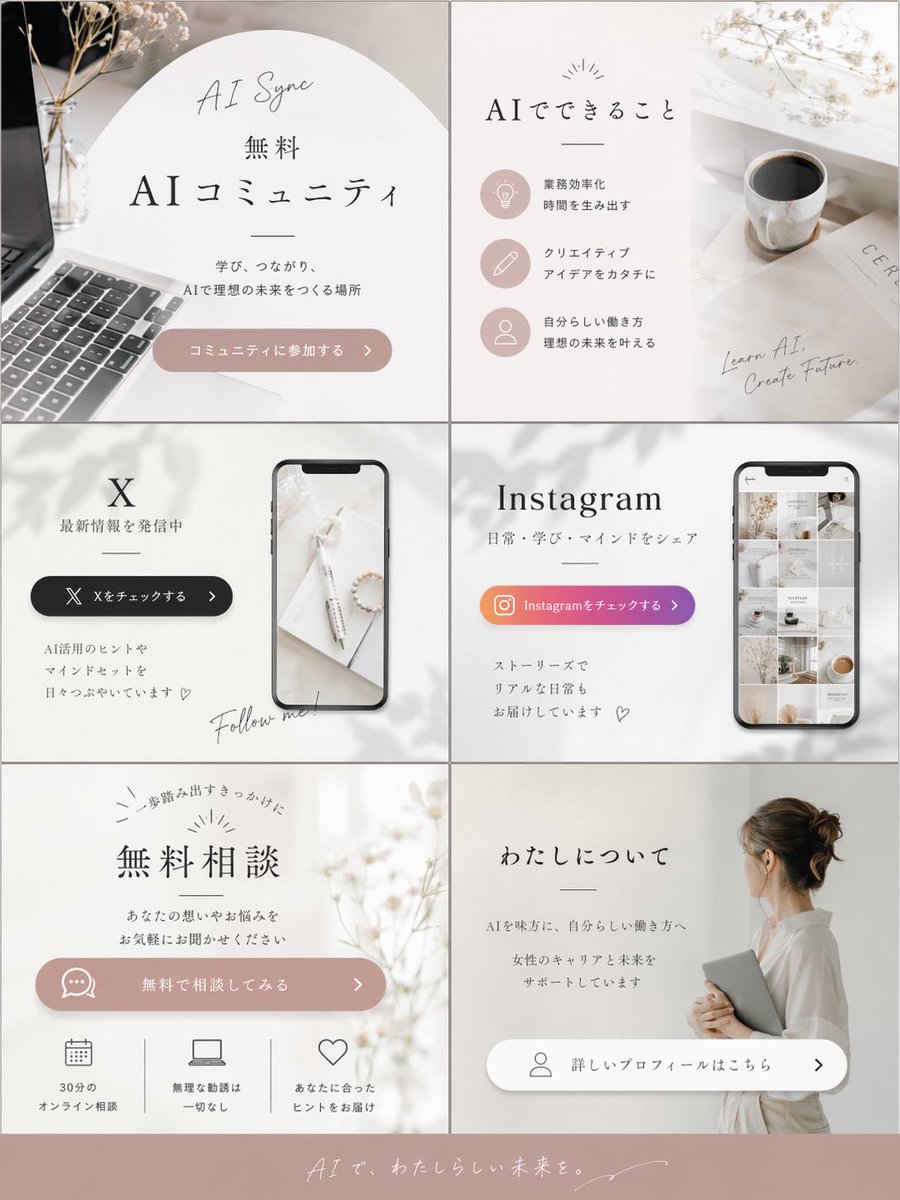
Aesthetic Social Media Link-in-Bio Grid
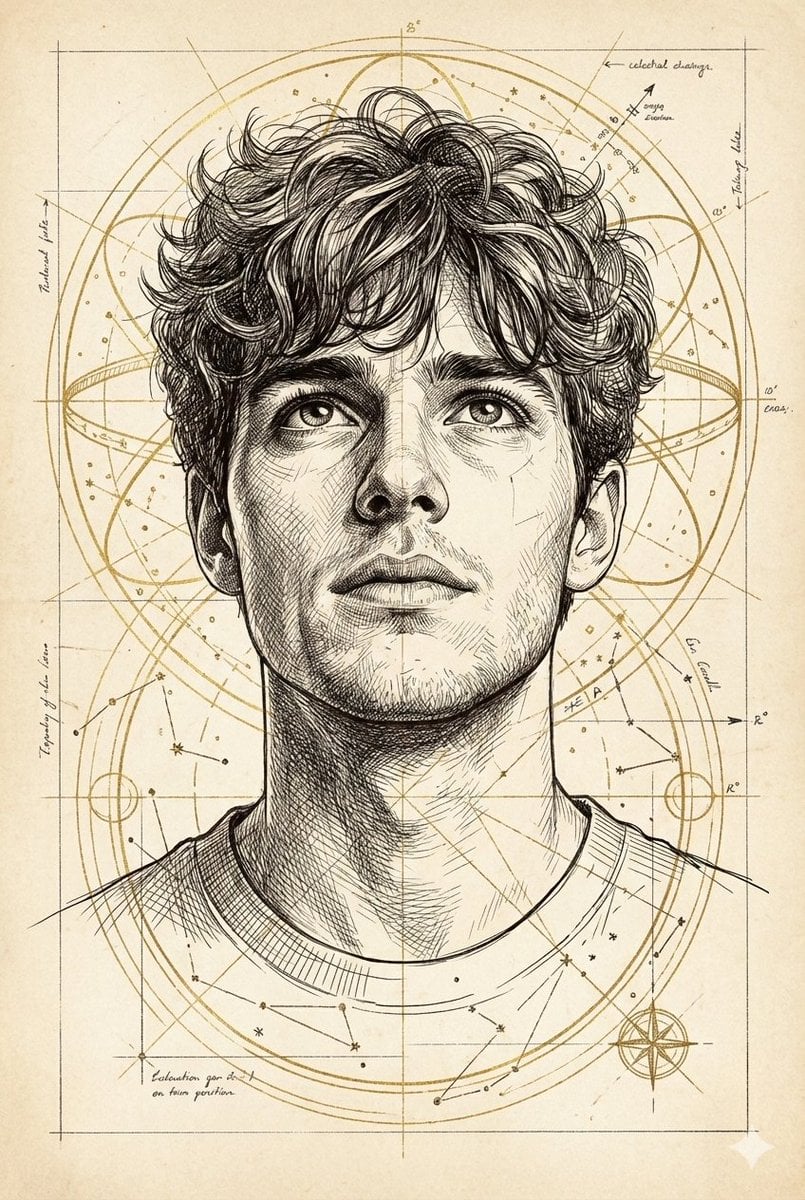
Hand-Drawn Technical Illustration Portrait Prompt
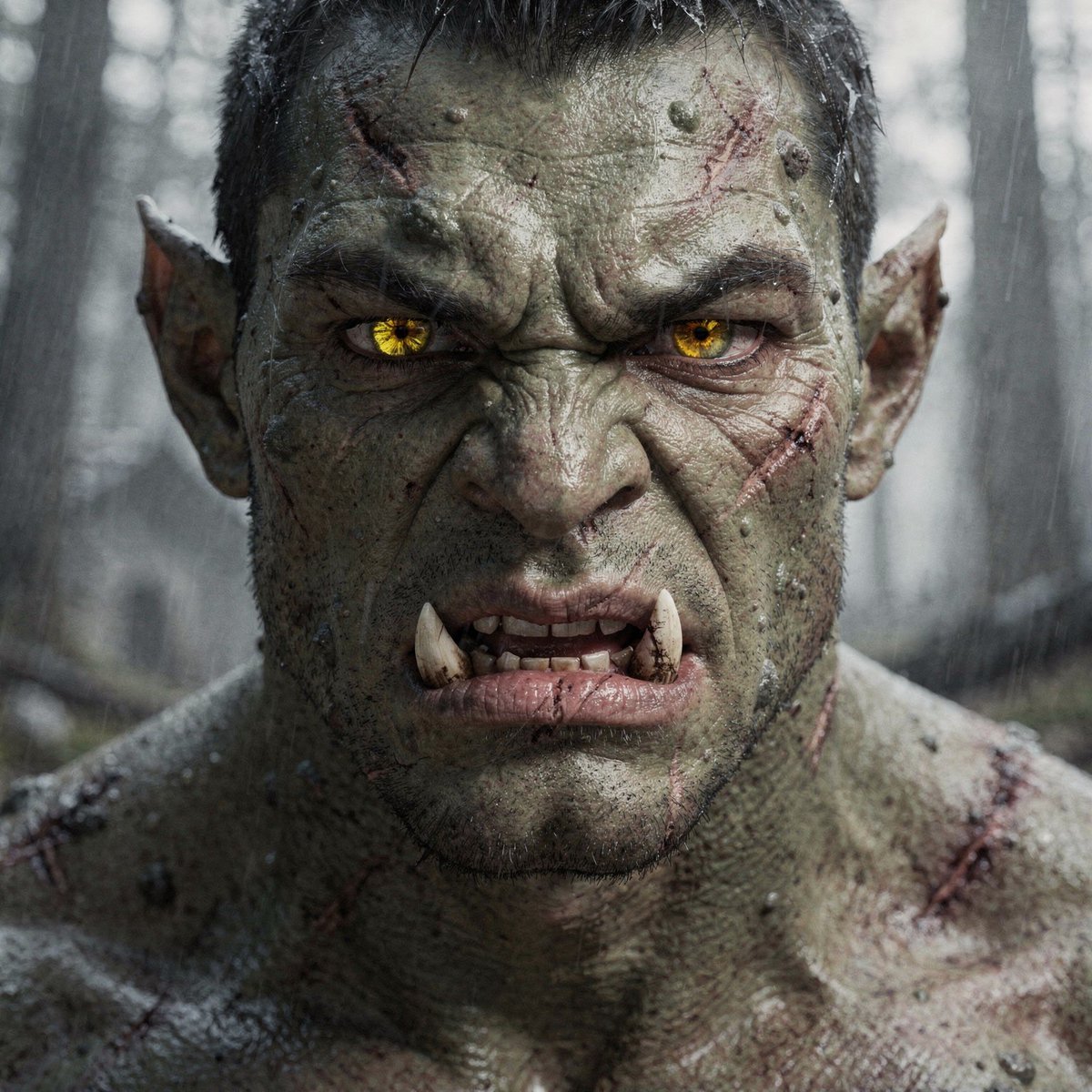
Hyper-Real Orc Realism Test Prompt
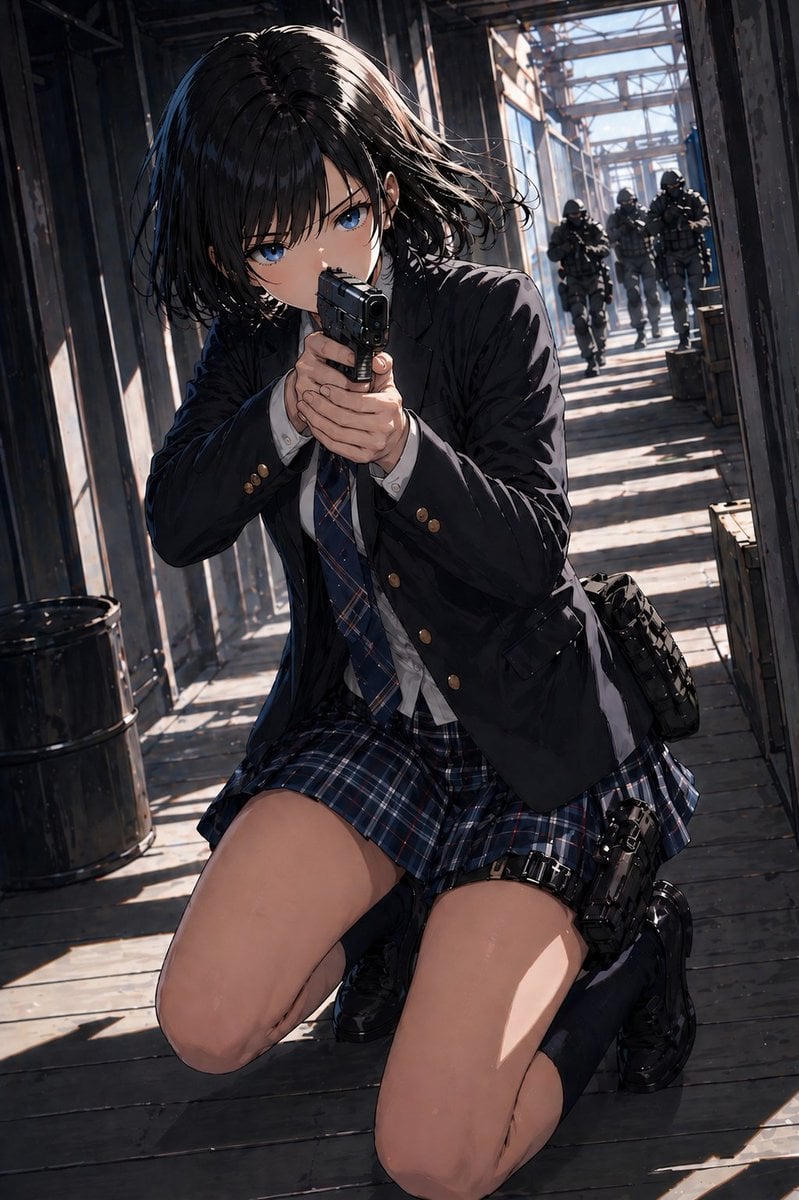
Anime Schoolgirl Gunfight on Industrial Walkway
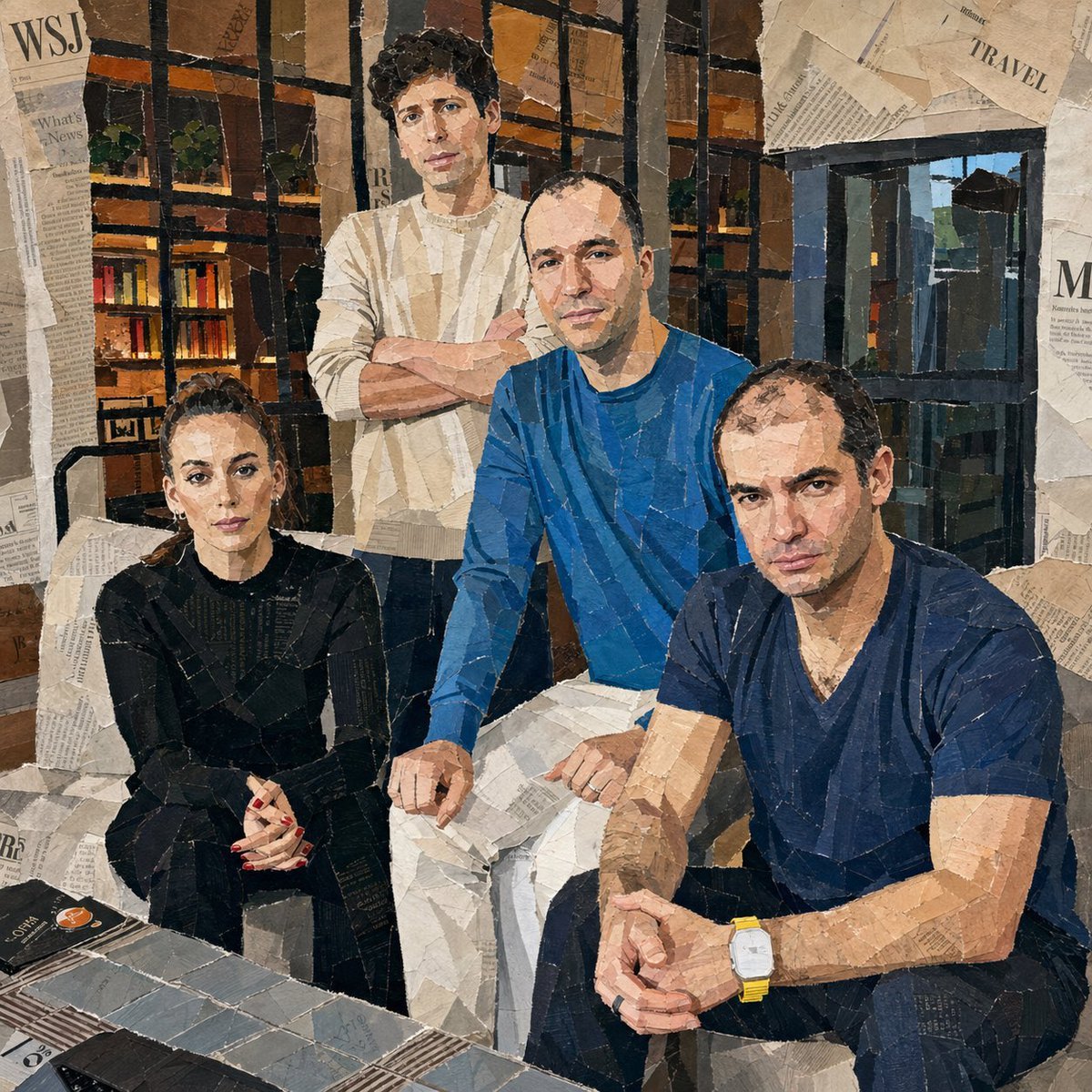
Hand-Torn Paper Collage Artwork
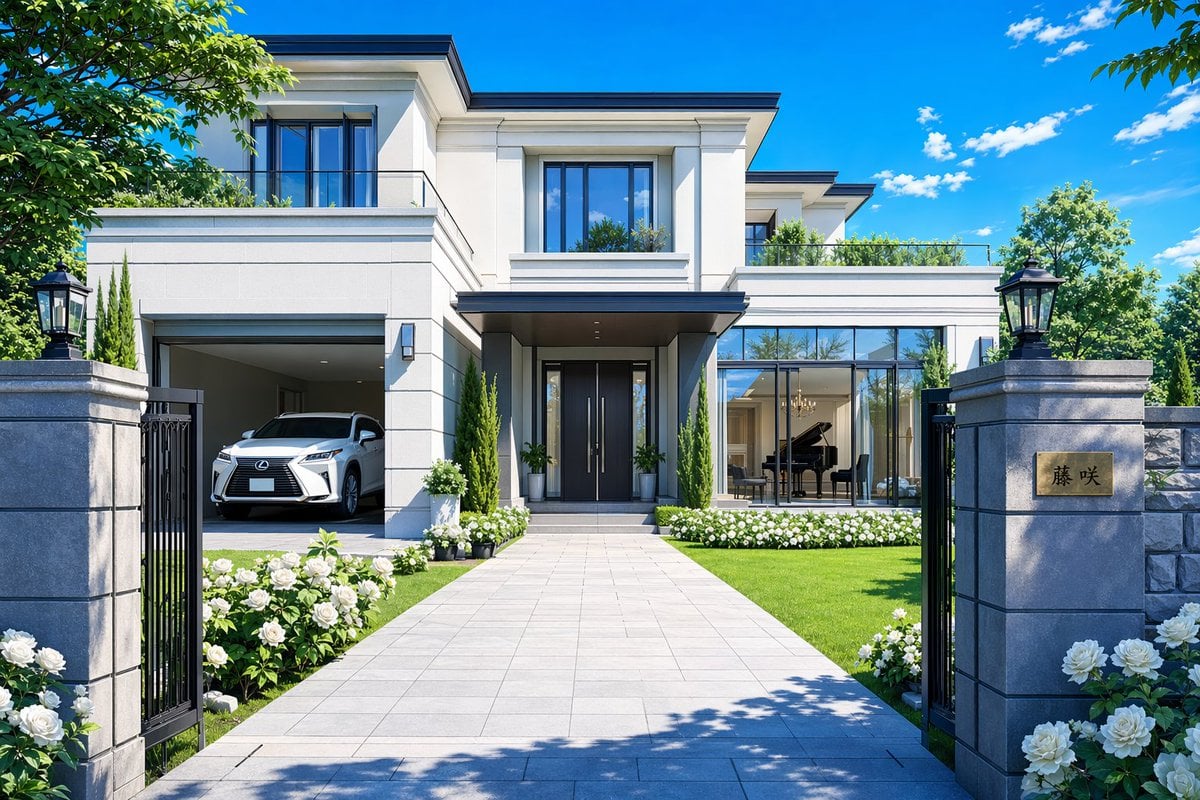
Modern Luxury Mansion Exterior
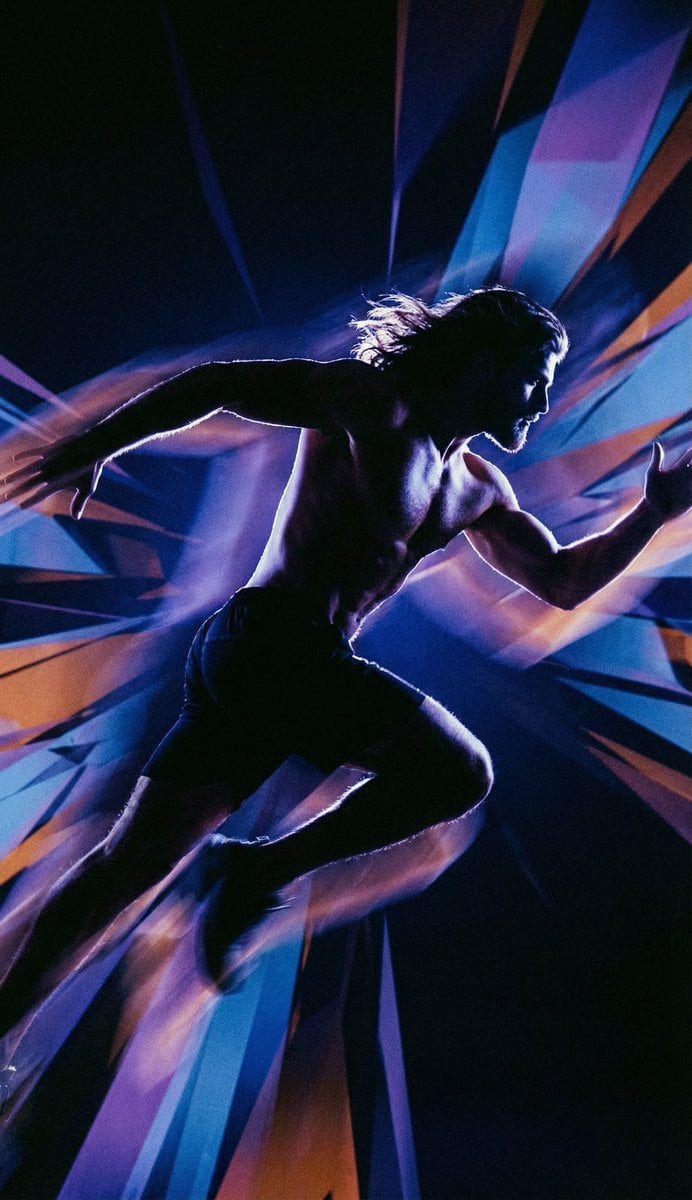
Inspired Prompt from LudovicCreator
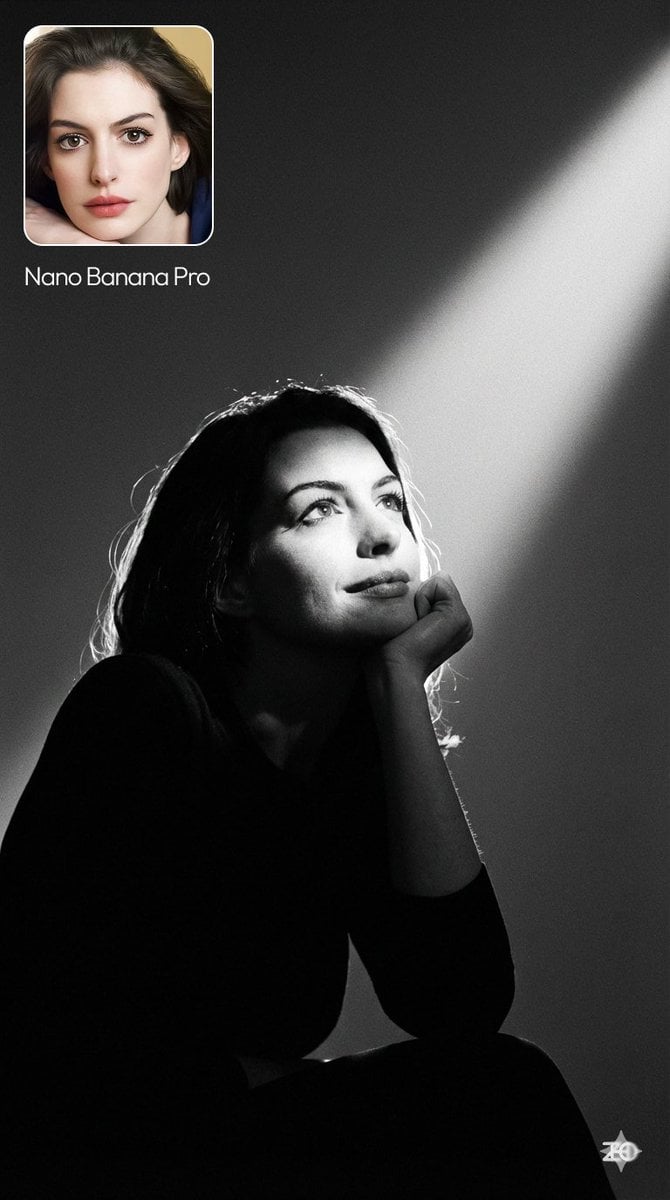
Moody cinematic portrait from a photo
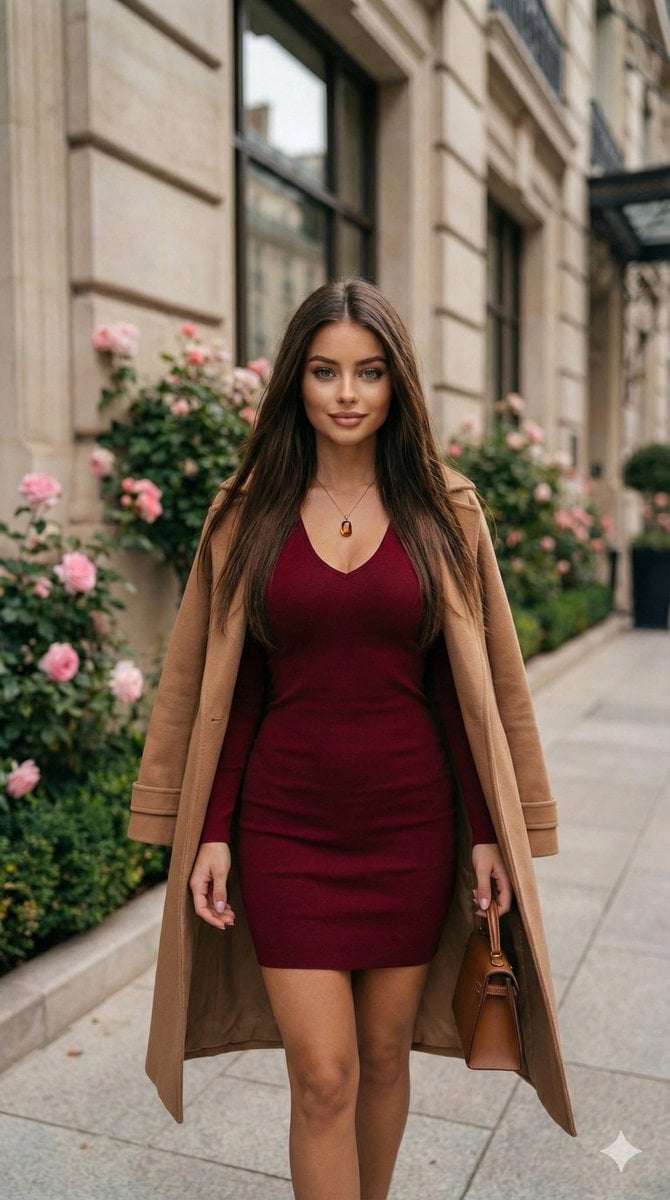
Fashion Portrait in Burgundy and Camel
Browse template categories
Strawberry Onesie Mirror Selfie with ControlNet questions
How do I use the Strawberry Onesie Mirror Selfie with ControlNet template?
Add your photo if the template asks for one, edit the prompt if you like — the template's model and format are already selected — and press Generate. Your version opens in PicX Studio.
Can I customize the Strawberry Onesie Mirror Selfie with ControlNet template?
Yes. You can change the subject, setting, lighting, mood, format, and available model controls before creating your image.
Is the Strawberry Onesie Mirror Selfie with ControlNet template free?
Opening and editing this template is free. Generating uses credits, shown on the Generate button when you are signed in.
Which AI model should I use?
Start with Nano Banana 2, which is the model associated with this template. You can compare another compatible model for a different finish.
Looking for something else? Browse all templates.

Your photo, any look
Thousands of ready templates for every top image and video model, from one credit balance.