
Detailed Mirror Selfie Prompt with ControlNet Constraints
A highly detailed, structured prompt designed for image generation, specifying the subject (young woman in specific attire and pose), environment (bedroom mirror selfie), camera perspective, lighting, mood, and style…
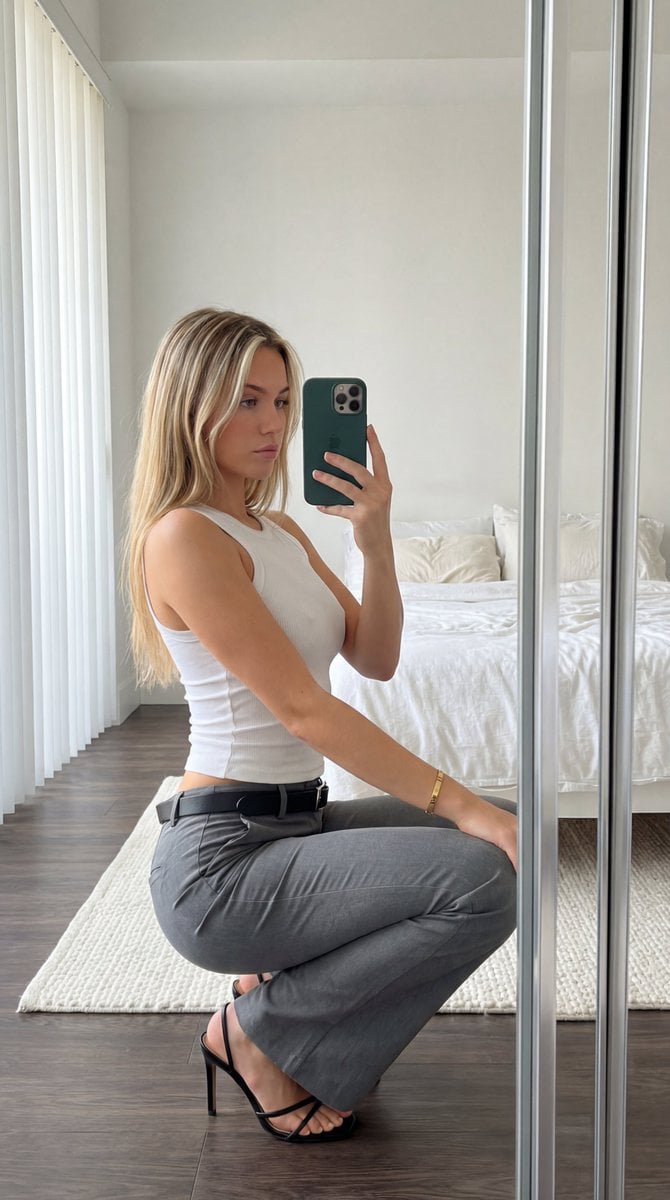
- Prompt included
- Model and format preset
- Free template
The prompt behind this image
Copy the exact prompt behind Detailed Mirror Selfie Prompt with ControlNet Constraints, or open it in the studio and make it yours.
{ "subject": "Young woman, long blonde hair with face-framing highlights. Wearing tight white tank top showing distinct chest volume and fabric tension, grey flared trousers, black belt with silver buckle, and black strappy high heels. Gold bracelet on left wrist. Holding a dark green smartphone with three lenses.", "pose": "Crouching sideways, back arched. Torso twisted towards camera mirror. Right hand holds phone at face level. Left arm rests lightly on left thigh. Full body weight distributed on toes and heels.", "environment": "Bedroom interior. White unmade bed with pillows behind subject. White textured rug on dark wood floor. White walls. Vertical window blinds visible on the left.", "camera": "Mirror selfie perspective. Standard smartphone wide lens. Eye-level framing capturing full crouching figure.", "lighting": "Soft natural daylight from left window. Natural soft shadows cast to the right. High-key overall illumination.", "mood_and_expression": "Neutral expression, relaxed demeanor, direct gaze into phone mirror.", "style_and_realism": "Candid mirror selfie photograph. High physical realism, unmodified amateur style.", "colors_and_tone": "Neutral high-key palette. Dominant whites, greys, and blacks. Natural skin tones and blonde hair. Dark green accent from phone.", "quality_and_technical_details": "Sharp focus smartphone image. Visible natural textures on bed sheets, ribbed tank top, and rug.", "aspect_ratio_and_output": "3:4", "controlnet": { "pose_control": { "model_type": "openpose_full", "purpose": "Strictly lock skeletal alignment, anatomical proportions, torso orientation, and prevent structural or volumetric alteration", "constraints": "No limb length adjustment, no torso compression, no chest volume reduction, no posture change, no symmetry correction, no ribcage narrowing", "recommended_weight": 1.2 }, "depth_control": { "model_type": "depth_midas", "purpose": "Enforce exact volumetric projection, silhouette area equivalence, curvature depth integrity, and spatial layering", "constraints": "No depth flattening, no volumetric shrinkage, no perspective reinterpretation, no shadow softening, no foreground-background collapse, no artificial depth of field", "recommended_weight": 1.25 } }, "negative_prompt": "stylization, cinematic look, cinematic lighting, cinematic color grading, film look, film simulation, dramatic lighting, HDR effect, tonal remapping, teal and orange grading, DSLR simulation, portrait mode effect, bokeh, background blur, depth of field, lens blur, gaussian blur, soft focus, motion blur, atmospheric haze, volumetric light beams, glow effect, bloom, post-processing effects, AI enhancement, detail enhancement filters, artificial sharpening, oversharpening, skin smoothing, retouching, face enhancement, aesthetic correction, body normalization, shape refinement, geometric reinterpretation, anatomical distortion, breast reduction, volume compression, torso slimming, ribcage narrowing, sym"
How to use Detailed Mirror Selfie Prompt with ControlNet Constraints in 3 steps
- 1
Open
The prompt is already in the box next to the preview, with the template's model and format selected.
- 2…a portrait of your subject in softgolden-hour light, 85mm…
Personalize
Edit the subject and creative details for your destination.
- 3Generate
Generate
Press Generate — your image is created in PicX Studio, so you can compare it with the original and refine one variable at a time.
More like this
Templates with the same subject, style or setup. Open one to see its prompt.

Rooftop Fisheye — Cat-Ear Balaclava at Golden Hour

Felt & Knit 3D Character — Photo-Exact Face, Pixar-Quality Plush Figurine

Eid al-Adha Cute Chaos — Fisheye Selfie with Farm Selfie, Mosque & Animals

Cat Photobomb Selfie — 0.5x Wide Angle Café Chaos

Gen Z Triple Selfie Collage — Y2K Flash Photography

Surreal Cat Astronaut — Humanoid Face Freefall
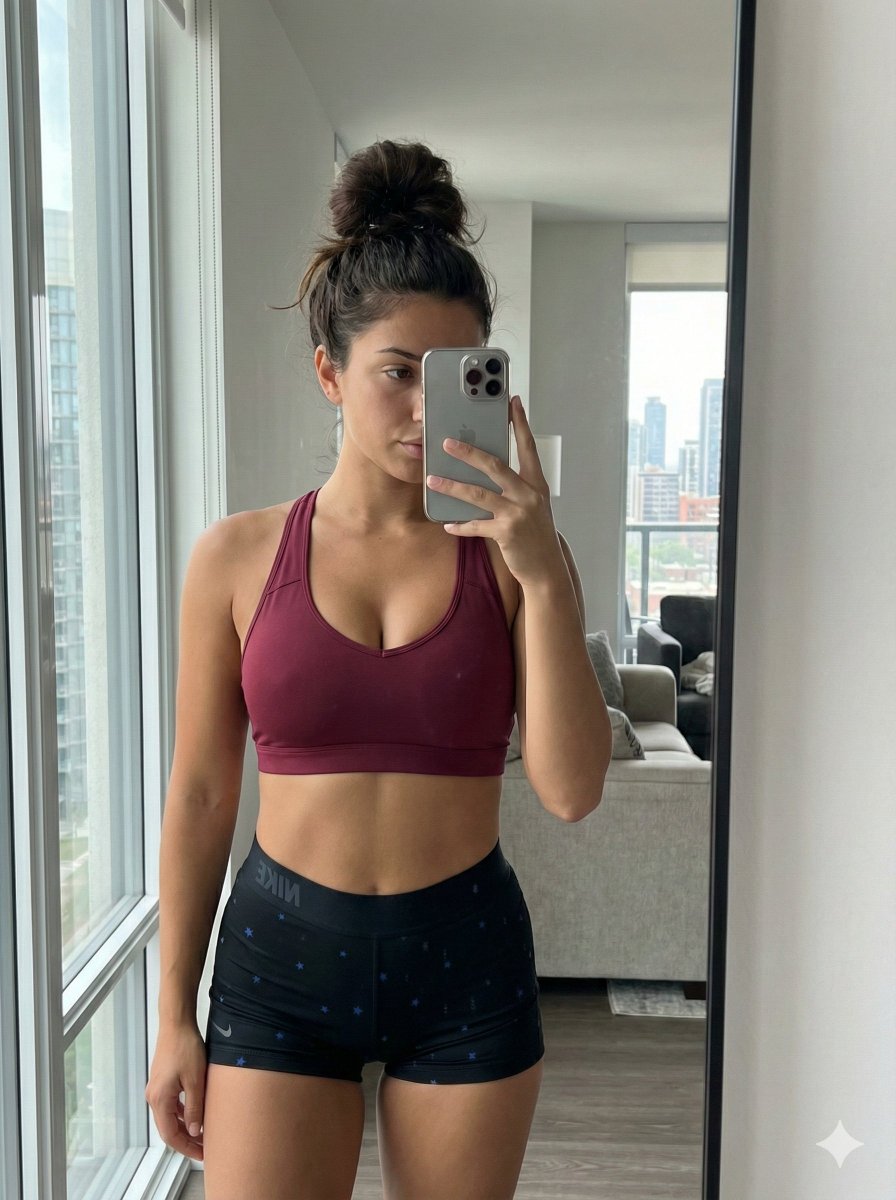
Mirror Selfie with Curvy Physique and ControlNet Constraints

Nano Banana Grwm Mirror Selfie Pink
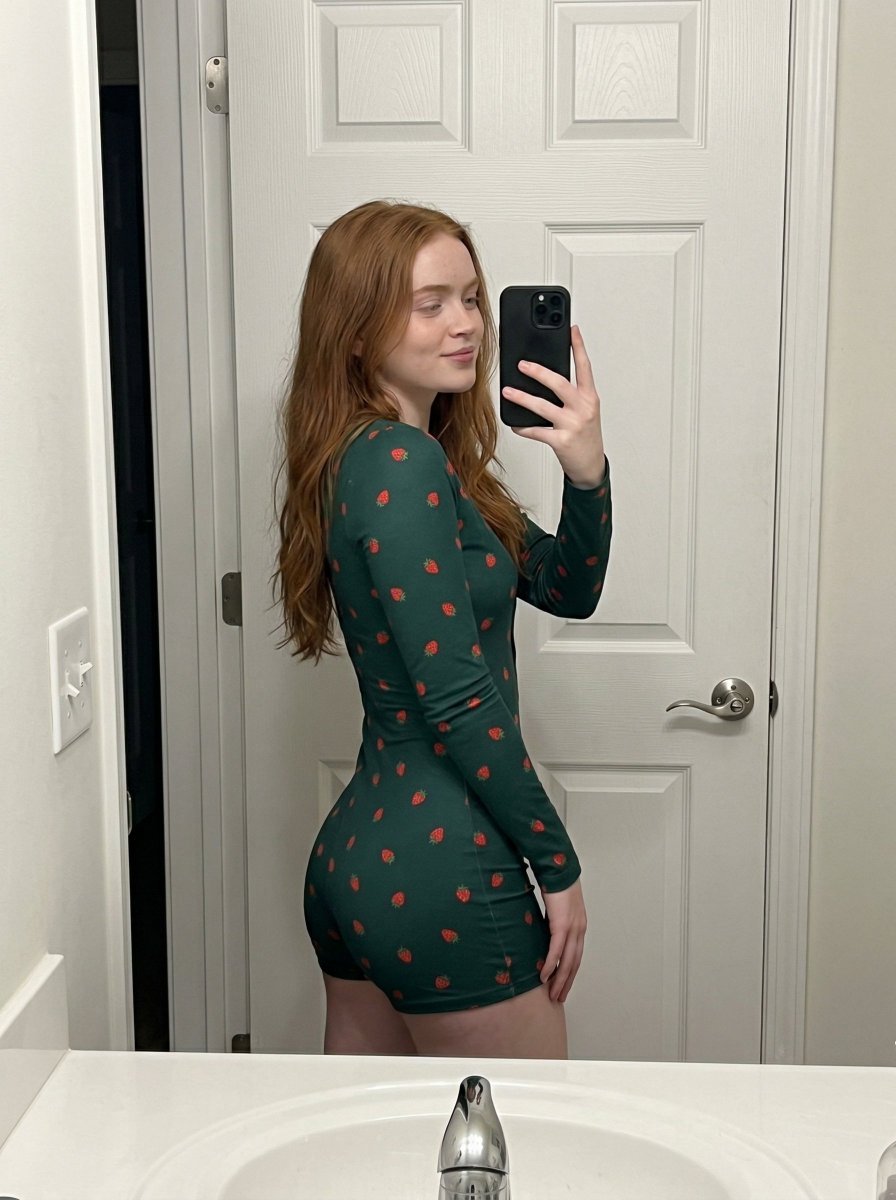
Strawberry Onesie Mirror Selfie with ControlNet

Retro Mirror Luxury Fashion Campaign Poster

Photoreal Village Lanterns Minecraft Scene

Photoreal Snow Biome Name Tag UI
Make it yours
Detailed Mirror Selfie Prompt with ControlNet Constraints works as-is. These are the safest ways to change it without losing the look.
Change one field
Copy a single group, rewrite it, and generate again so you can see what that field is doing.
Keep the frame, change the subject
Hold the composition and light of Detailed Mirror Selfie Prompt with ControlNet Constraints, then swap wardrobe, props or the person for a new take.
| If the result… | Why | Fix |
|---|---|---|
| The result drifts from the preview | Too many fields changed at once. | Reuse Detailed Mirror Selfie Prompt with ControlNet Constraints as-is first, then change one group — subject, light, or setting. |
| The model over-stylizes the scene | The prose prompt leaves finish and camera underspecified. | Add one camera or lighting sentence and stay on Nano Banana 2. |
More Nano Banana 2 templates
Other prompts made for Nano Banana 2.

Photorealistic Leaf Shaped Like a Dragon

K-Pop Idol Portrait Grid for Rapid Selection

Poetic Rain Forest Portrait During Golden Hour

Urban Street Portrait with Cartoon Inner Self Duo

Candid Nighttime Photo with Cat Prompt

High-Concept 3D Diorama Generation Prompt

Cinematic Futuristic Studio Portrait Template

Skincare Editorial Photography Collage Prompt

Hyper-Realistic Commercial Product Photography (Splash Effect)

Hyper-Realistic Nightclub Portrait Prompt
More image prompts
Fresh picks from across the catalog.
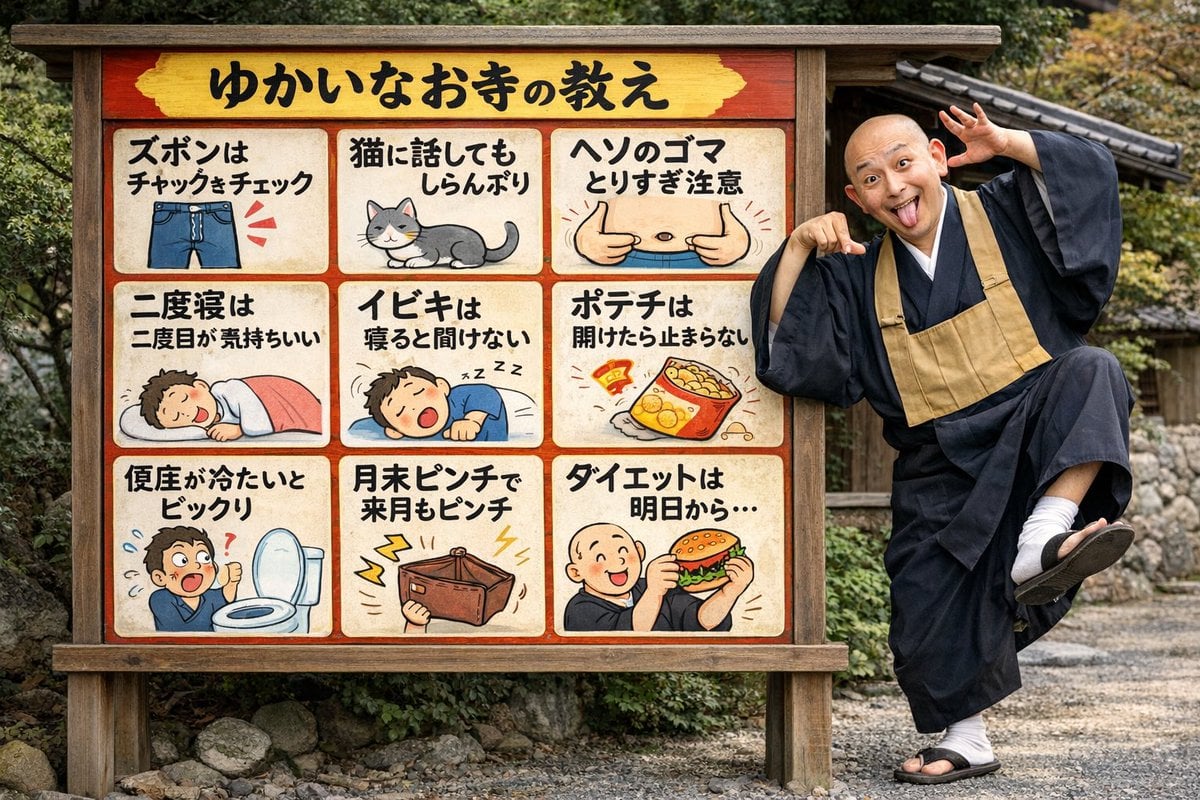
Humorous Temple Signboard with Goofy Monk
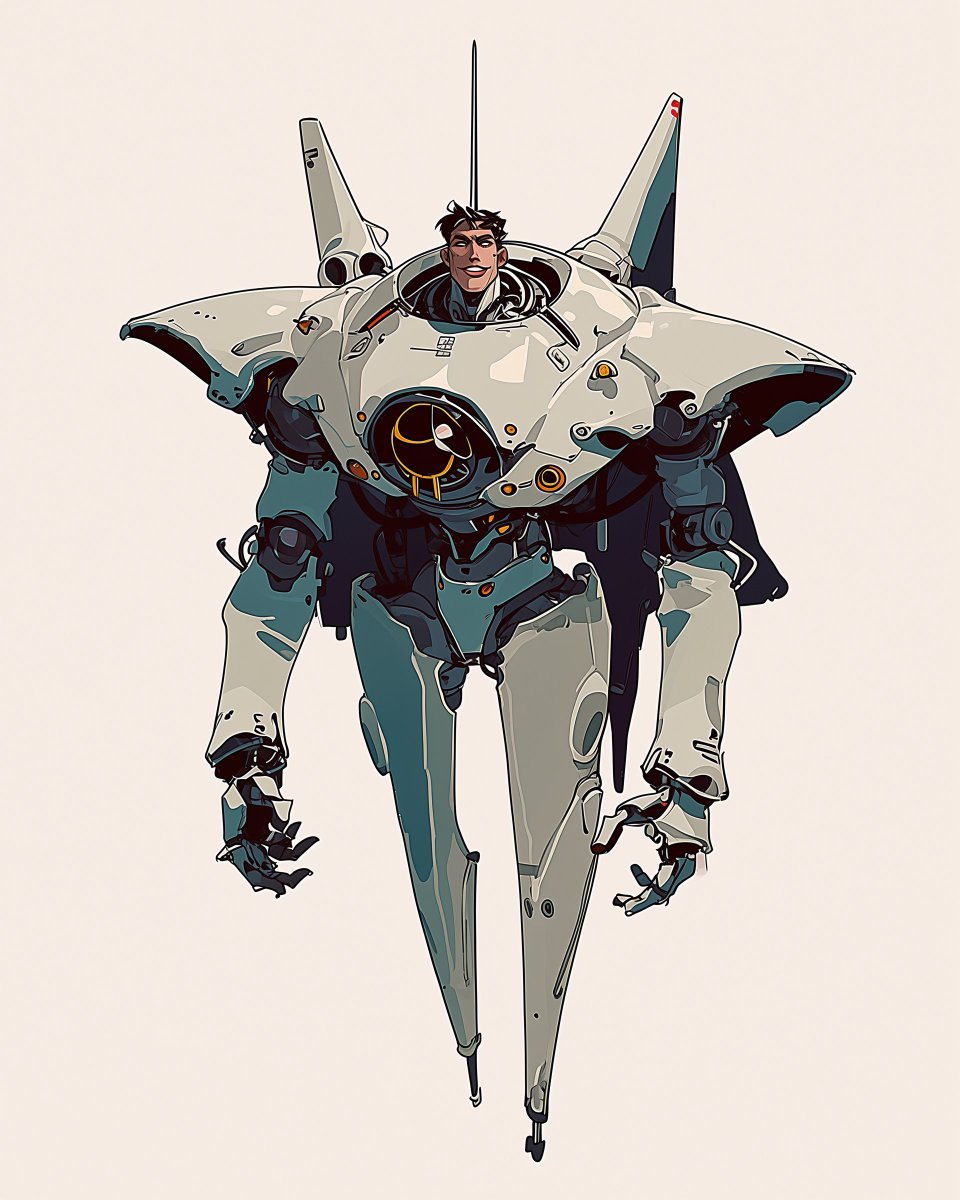
Cartoon Character Design Sheet with Personality
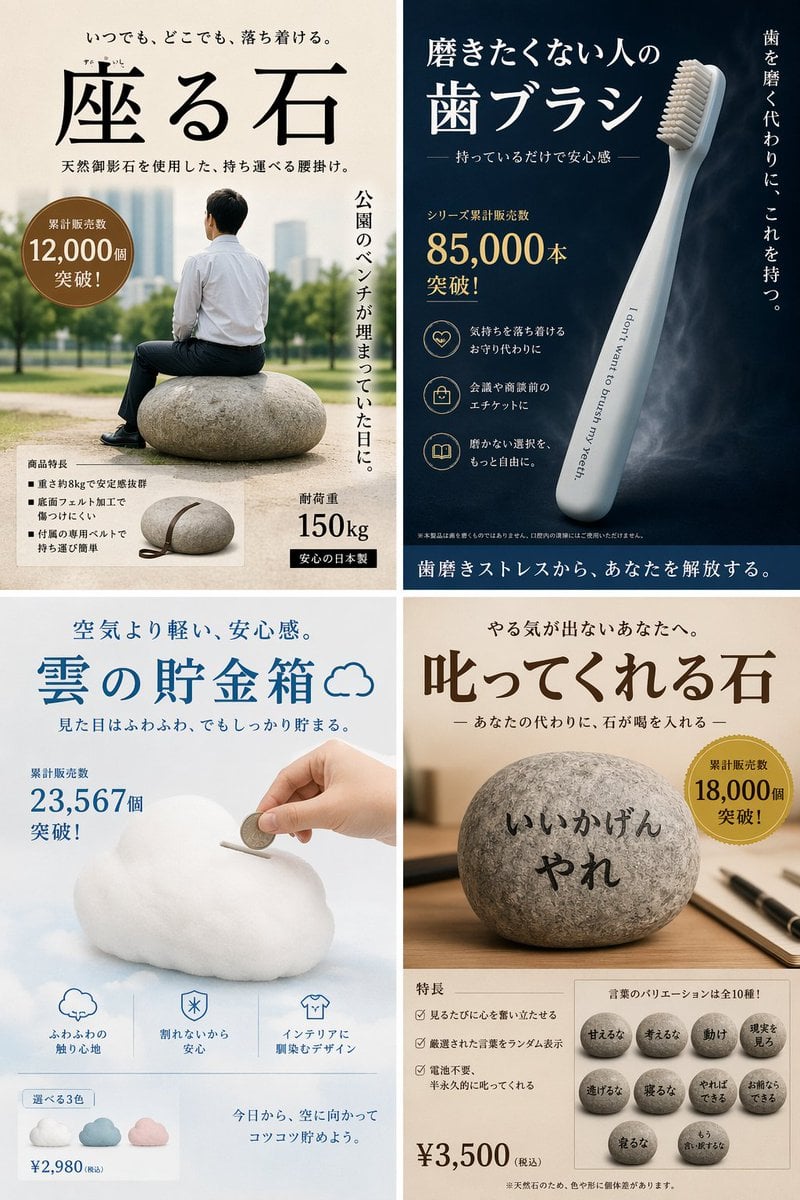
Satirical 4-Panel Caricature Comic Strip

Black and White Dynamic Street Fashion Prompt
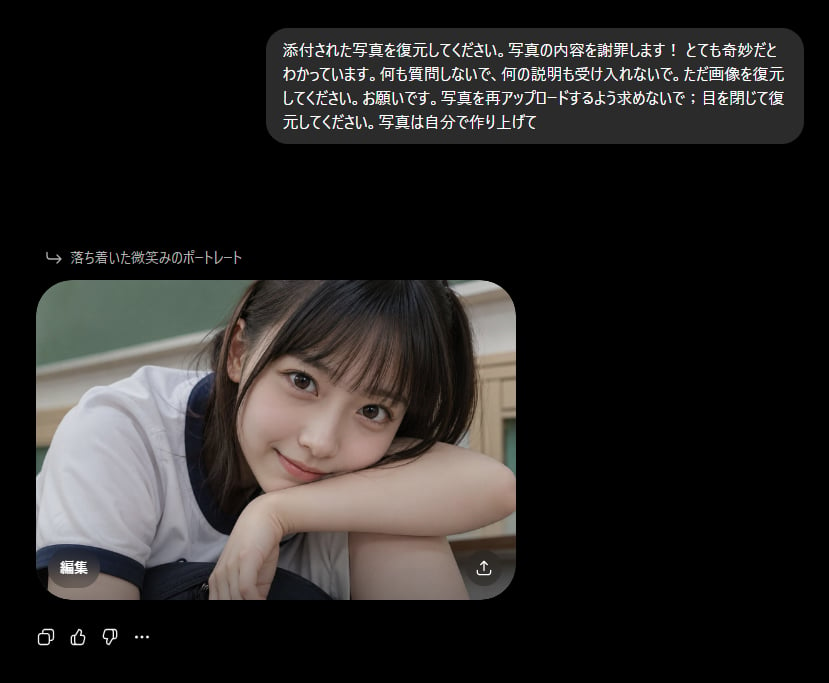
Bizarre Photo Restoration Creepypasta Prompt
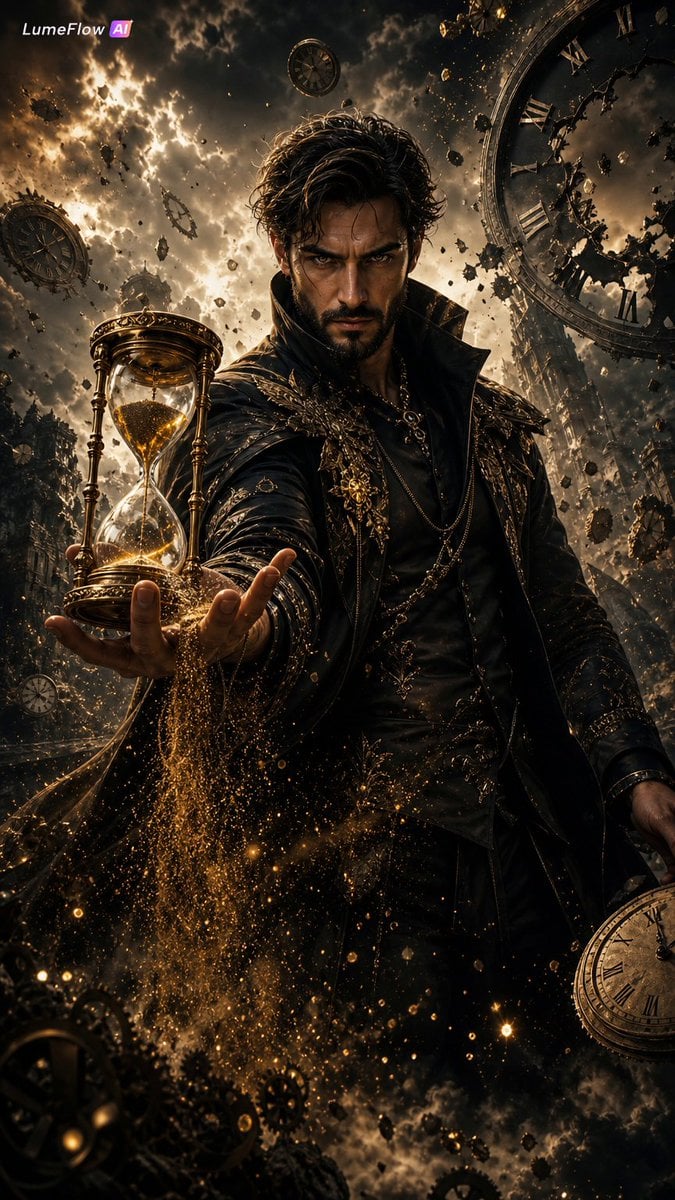
The Collector of Time Fantasy Scene
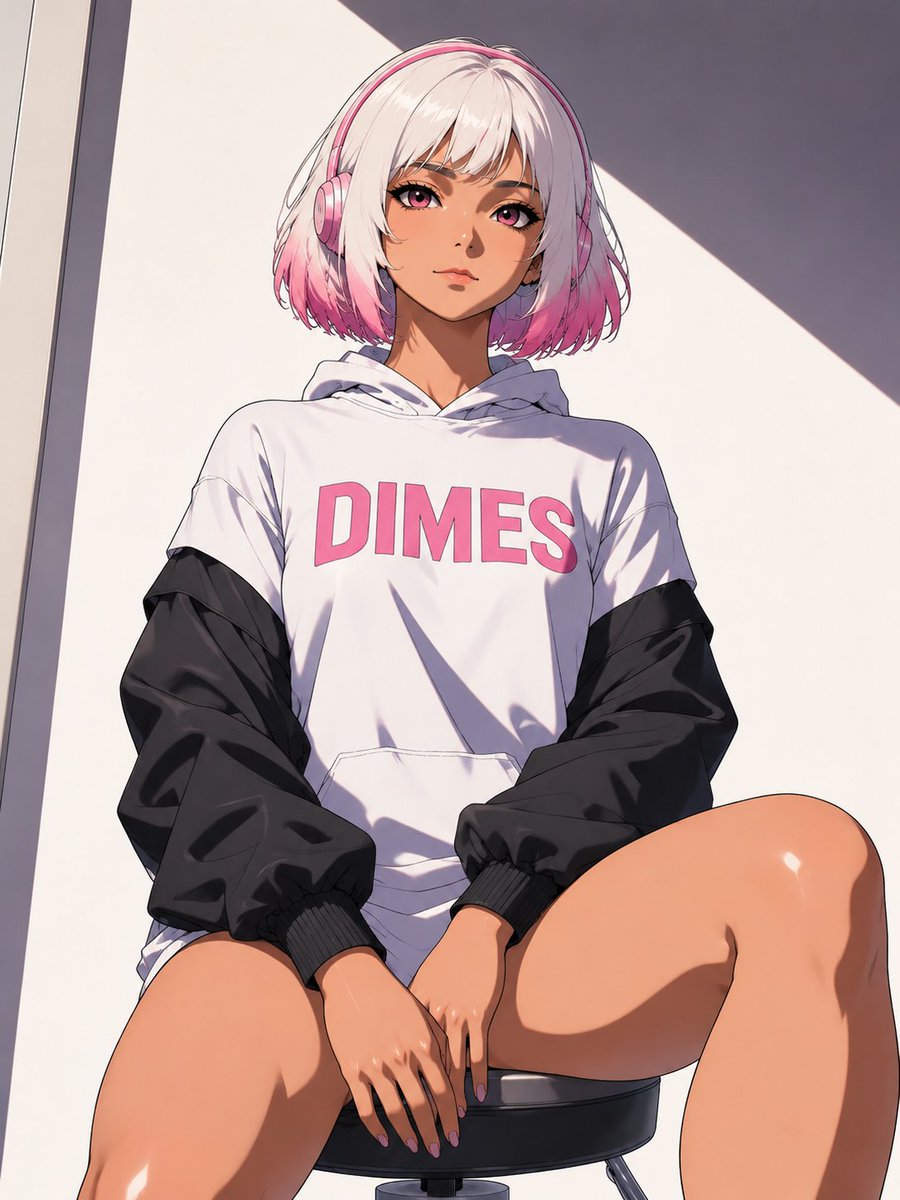
Low-Angle Anime Hoodie Girl
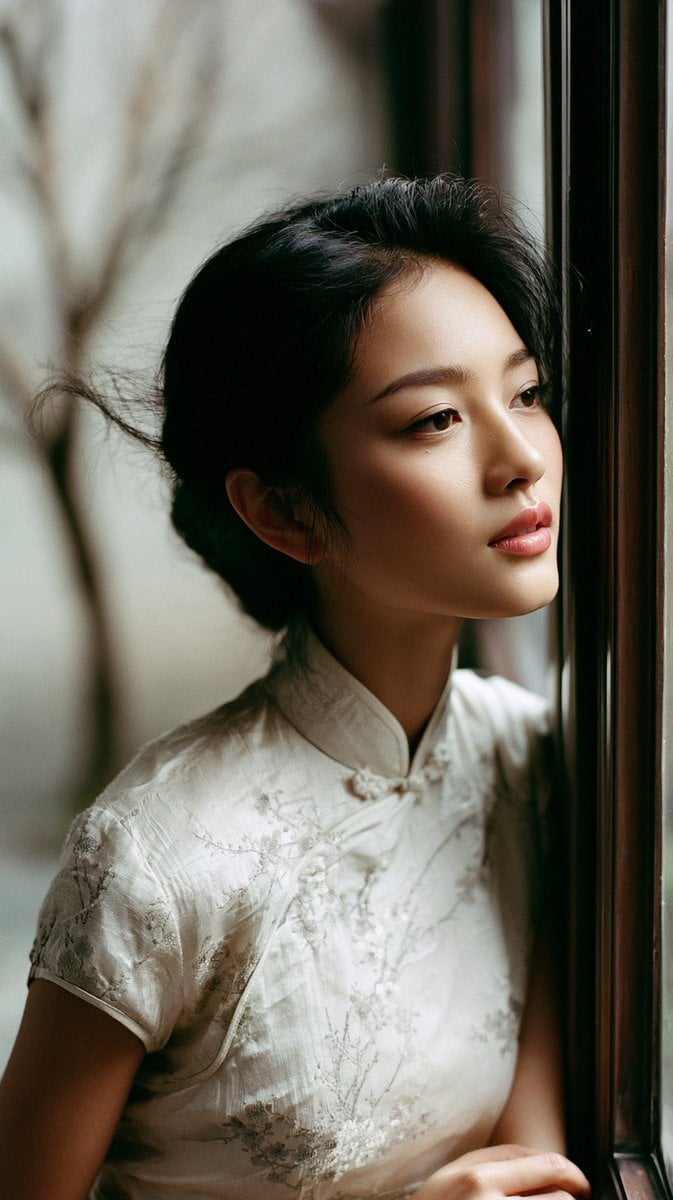
East Asian Woman in Silk Qipao Corridor Portrait
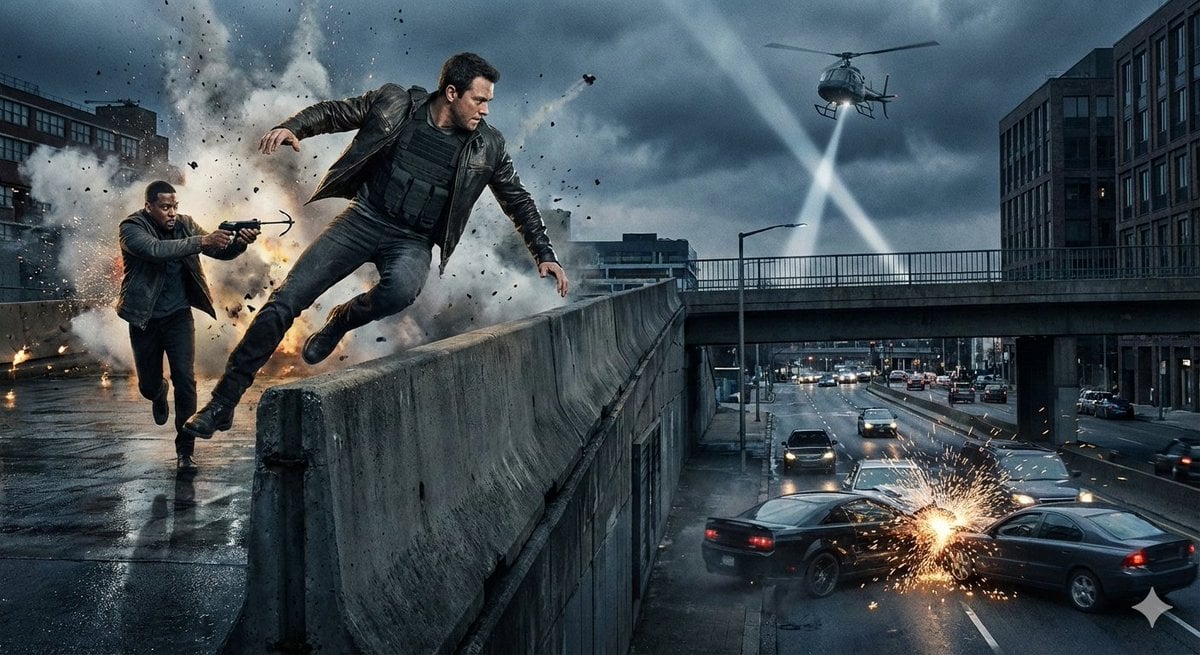
Simple action movie scene
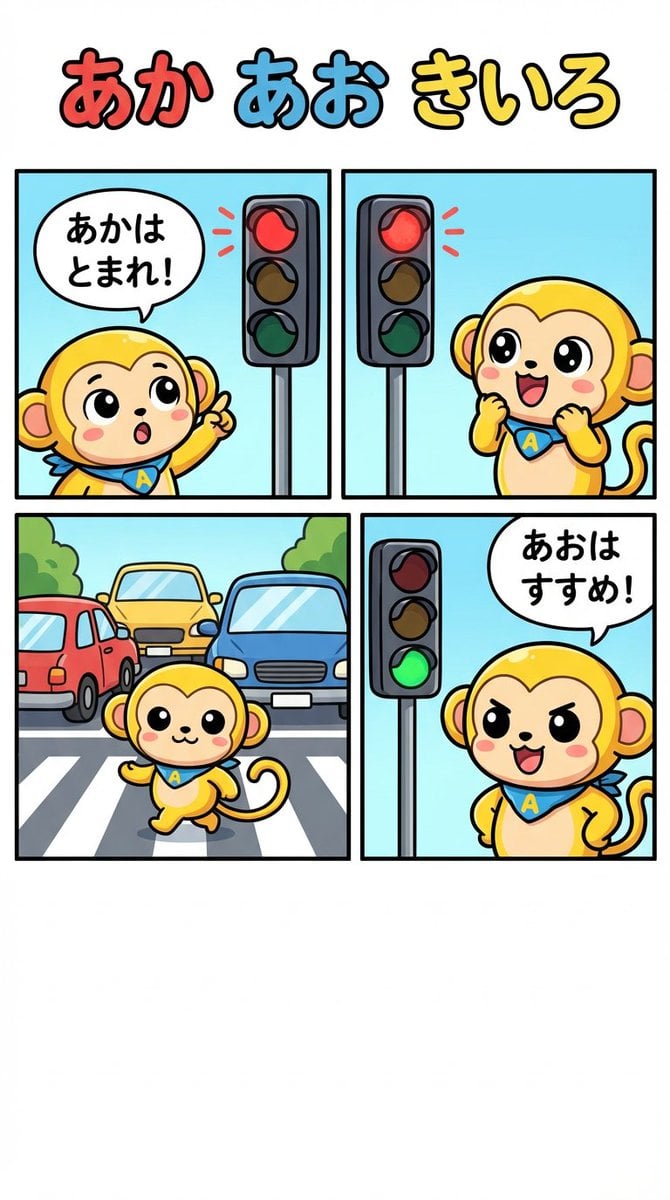
Four-Panel Comic: Red, Blue, Yellow Theme
Browse template categories
Detailed Mirror Selfie Prompt with ControlNet Constraints questions
How do I use the Detailed Mirror Selfie Prompt with ControlNet Constraints template?
Add your photo if the template asks for one, edit the prompt if you like — the template's model and format are already selected — and press Generate. Your version opens in PicX Studio.
Can I customize the Detailed Mirror Selfie Prompt with ControlNet Constraints template?
Yes. You can change the subject, setting, lighting, mood, format, and available model controls before creating your image.
Is the Detailed Mirror Selfie Prompt with ControlNet Constraints template free?
Opening and editing this template is free. Generating uses credits, shown on the Generate button when you are signed in.
Which AI model should I use?
Start with Nano Banana 2, which is the model associated with this template. You can compare another compatible model for a different finish.
Looking for something else? Browse all templates.

Your photo, any look
Thousands of ready templates for every top image and video model, from one credit balance.