
Low-Angle Anime Hoodie Girl
Generates a stylish low-angle anime fashion illustration of a headphone-wearing girl in an oversized hoodie with customizable text and colors.
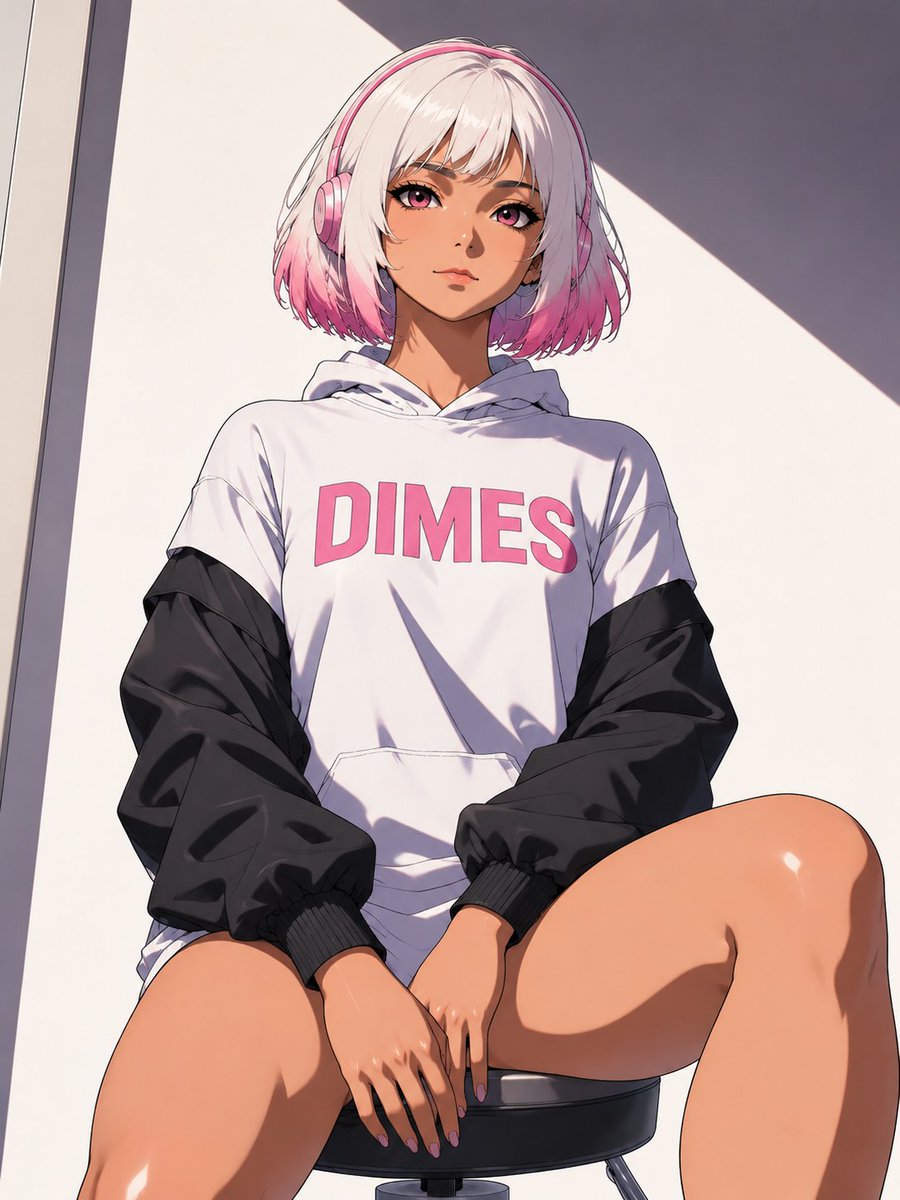
- Prompt included
- Model and format preset
- Free template
The prompt behind this image
Copy the exact prompt behind Low-Angle Anime Hoodie Girl, or open it in the studio and make it yours.
Create a polished anime-style vertical illustration of a young woman seated on a black round stool, viewed from a dramatic low angle with her knees in the foreground and her upper body centered. She has a short bob haircut with white-blonde hair fading into bright pink tips and wears pink over-ear headphones. Her face is intentionally hidden by a centered opaque square censor block in a soft beige-to-rose gradient, covering the eyes, nose, and most facial features. She wears an oversized white hoodie with black windbreaker-style sleeves and ribbed black cuffs; the hoodie has one large front pocket and bold pink chest lettering reading {argument name="hoodie text" default="DIMES"}. Her hands rest between her thighs with neat pink-purple nails. Use warm tan skin, glossy highlights on the legs and hands, crisp anime linework, detailed fabric folds, and soft cel-shaded lighting. The background is a minimal sunlit wall with strong diagonal shadows and a narrow vertical architectural edge on the left, giving a modern urban indoor/outdoor feel. Color palette: white, black, pink, peach skin tones, and muted gray shadows. Composition should be portrait 3:4, fashion-editorial anime aesthetic, high detail, clean background, no extra characters, no watermark, no additional text besides the hoodie lettering. Customize the character with {argument name="hair color" default="white-blonde with pink tips"}, {argument name="headphones color" default="pink"}, {argument name="skin tone" default="warm tan"}, and {argument name="background lighting" default="bright sunlight with sharp diagonal shadows"}.
How to use Low-Angle Anime Hoodie Girl in 3 steps
- 1Upload ImagePNG, JPG or paste
Add your photo
Upload the photo the template builds on. The prompt, model and format are already set.
- 2…a portrait of your subject in softgolden-hour light, 85mm…
Personalize
Edit the subject and creative details for your destination.
- 3Generate
Generate
Press Generate — your image is created in PicX Studio, so you can compare it with the original and refine one variable at a time.
More like this
Templates with the same subject, style or setup. Open one to see its prompt.

Anime Fairy Godmother Glow
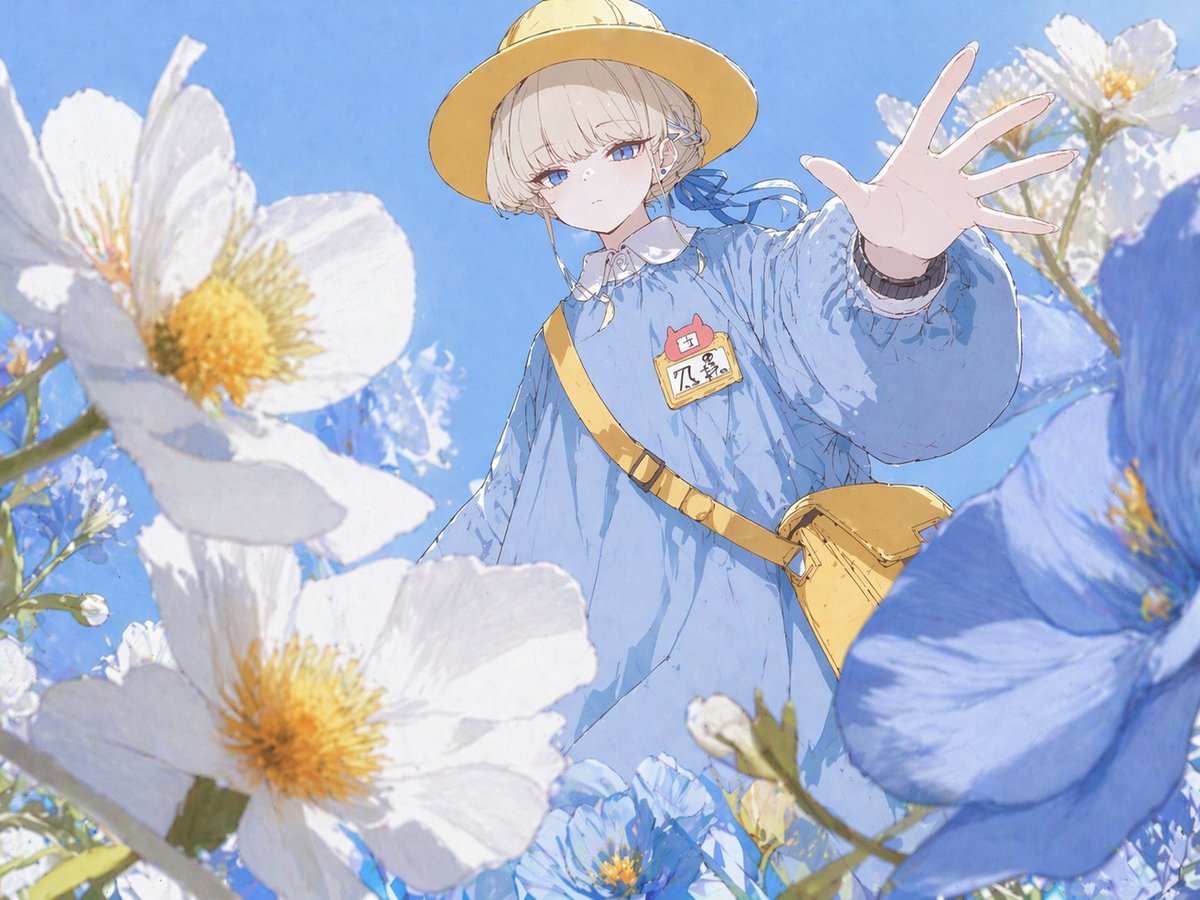
Anime Girl Reaching Through Flowers
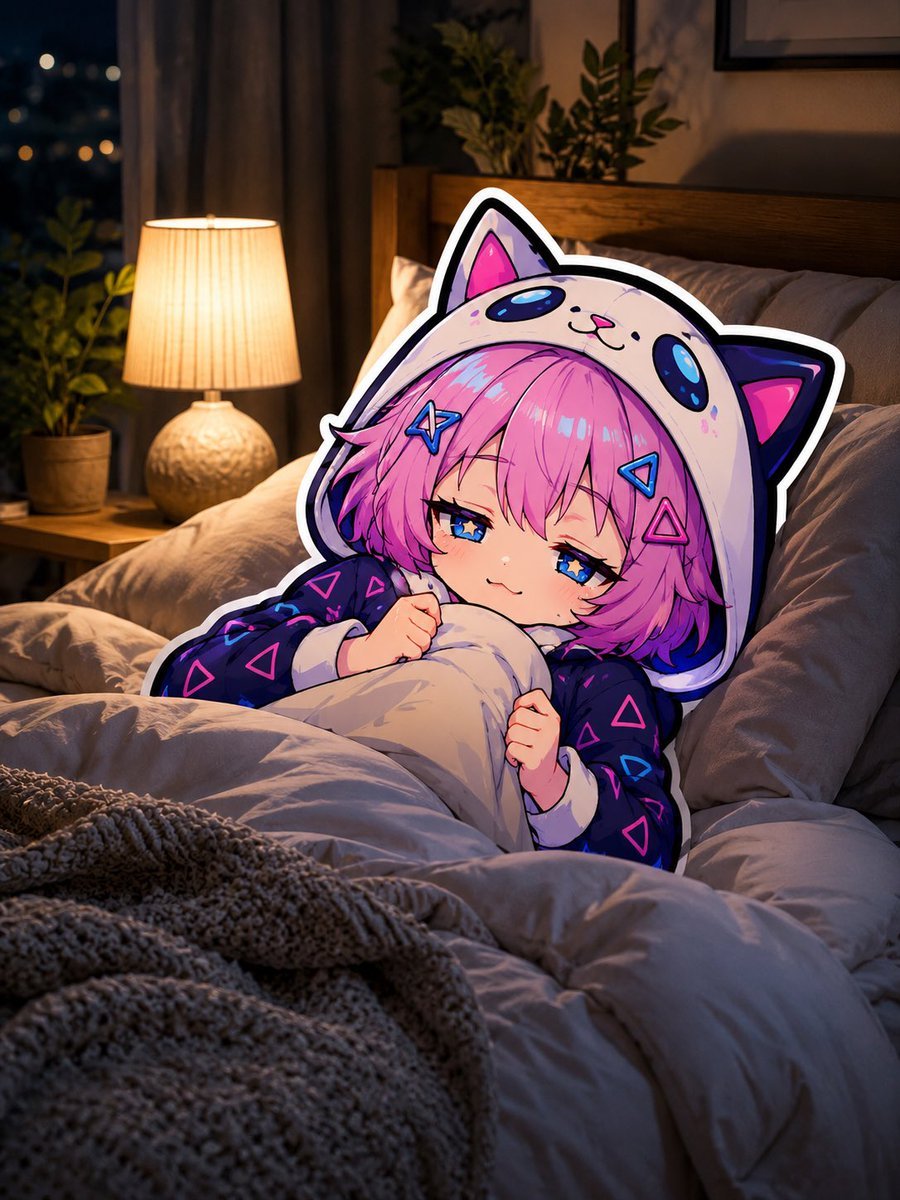
Sleepy Cat Hoodie Anime Girl in Bed
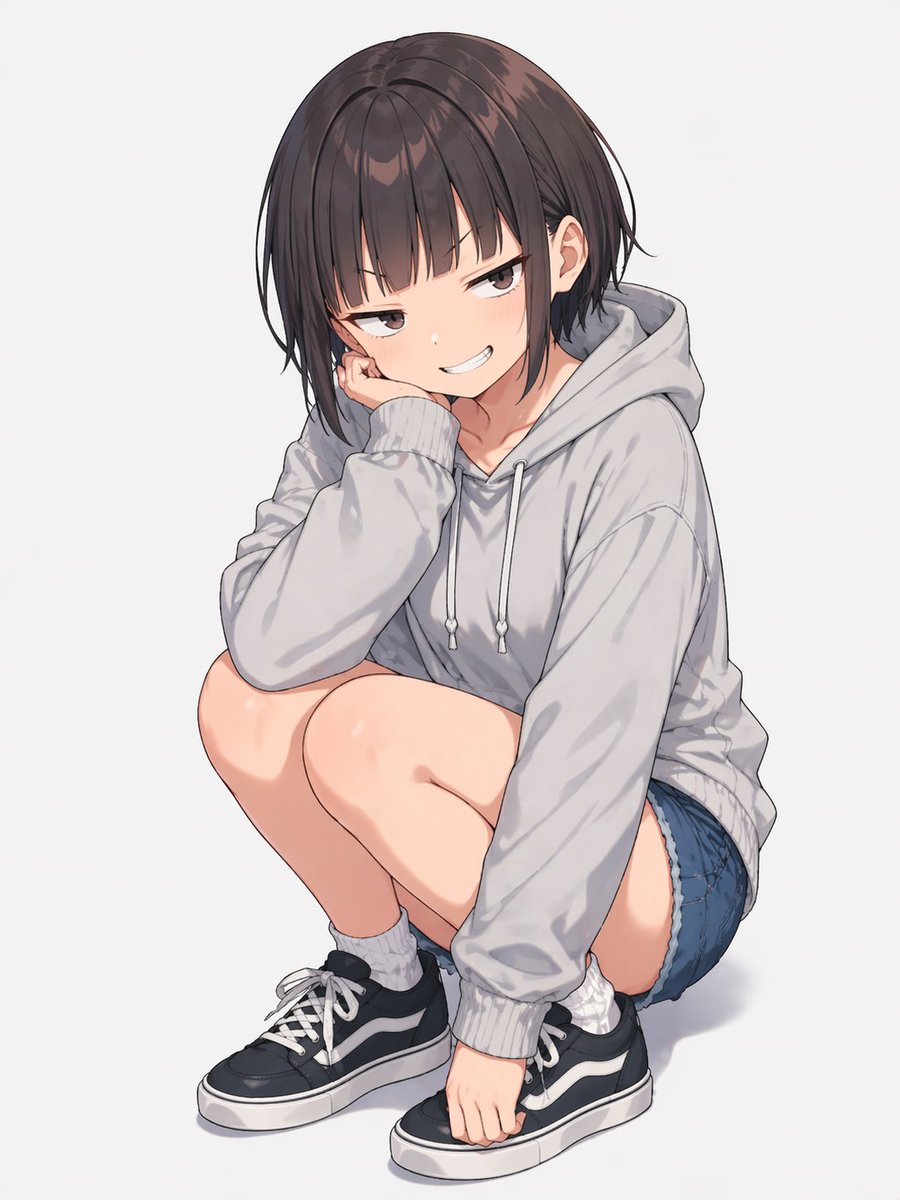
Anime Girl Squatting in Oversized Hoodie

Teen Girl Alpine Lake Mountain View
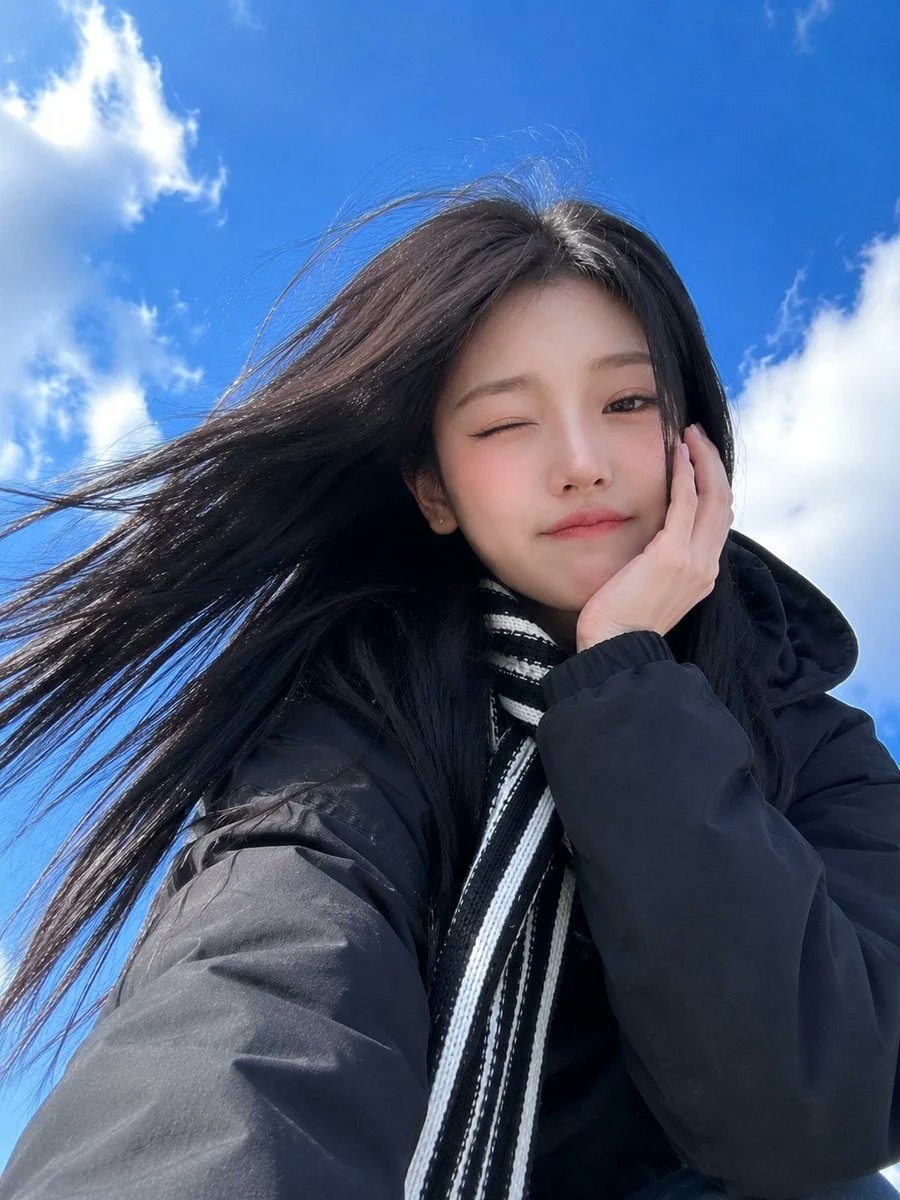
Low-Angle Winter Scarf Selfie
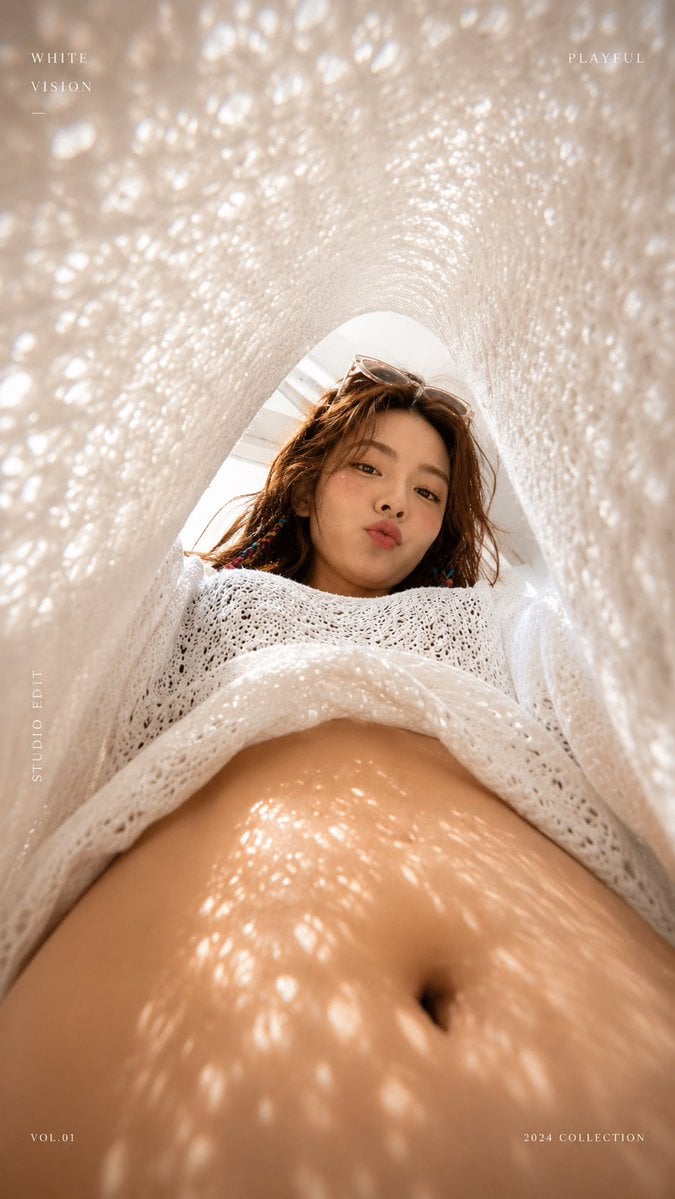
White Lace Low-Angle Editorial

Framed Quilling Anime Girl

Anime Lantern Girl Character Sheet

Anime Girl Generation Grid

Chaotic Anime Schoolgirl Fan Collage
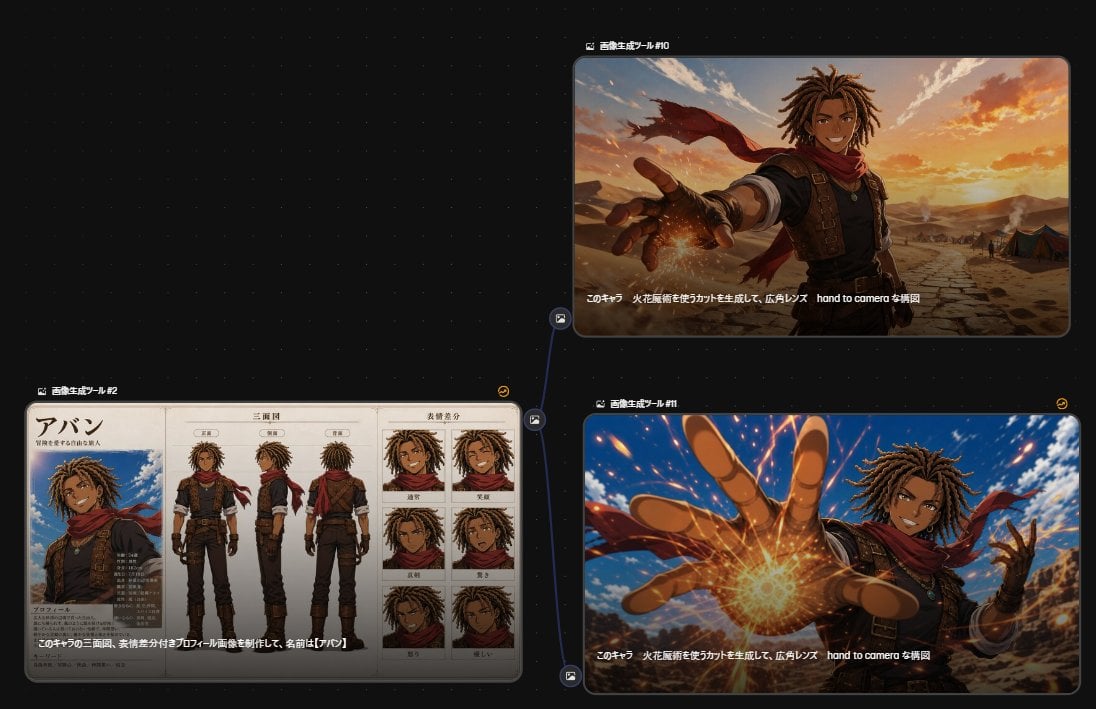
Anime Character Generation Workflow
Make it yours
Low-Angle Anime Hoodie Girl works as-is. These are the safest ways to change it without losing the look.
Change one field
Copy a single group, rewrite it, and generate again so you can see what that field is doing.
Keep the frame, change the subject
Hold the composition and light of Low-Angle Anime Hoodie Girl, then swap wardrobe, props or the person for a new take.
| If the result… | Why | Fix |
|---|---|---|
| The result drifts from the preview | Too many fields changed at once. | Reuse Low-Angle Anime Hoodie Girl as-is first, then change one group — subject, light, or setting. |
| The model over-stylizes the scene | The prose prompt leaves finish and camera underspecified. | Add one camera or lighting sentence and stay on GPT Image 2. |
More GPT Image 2 templates
Other prompts made for GPT Image 2.

Six VTuber Japanese Logo Sheet

Realistic Portrait of Woman and Deer

The Vista Modular Condo Poster

AI Model Routing Comparison Infographic

2.5D Anime Art Board

Isometric Productivity Desk Scene

New York Double Exposure Poster

Four-Panel AI Landscape Comparison

Japanese Tatami Lifestyle Magazine Cover

NESCAFÉ Coffee Map Poster
More image prompts
Fresh picks from across the catalog.
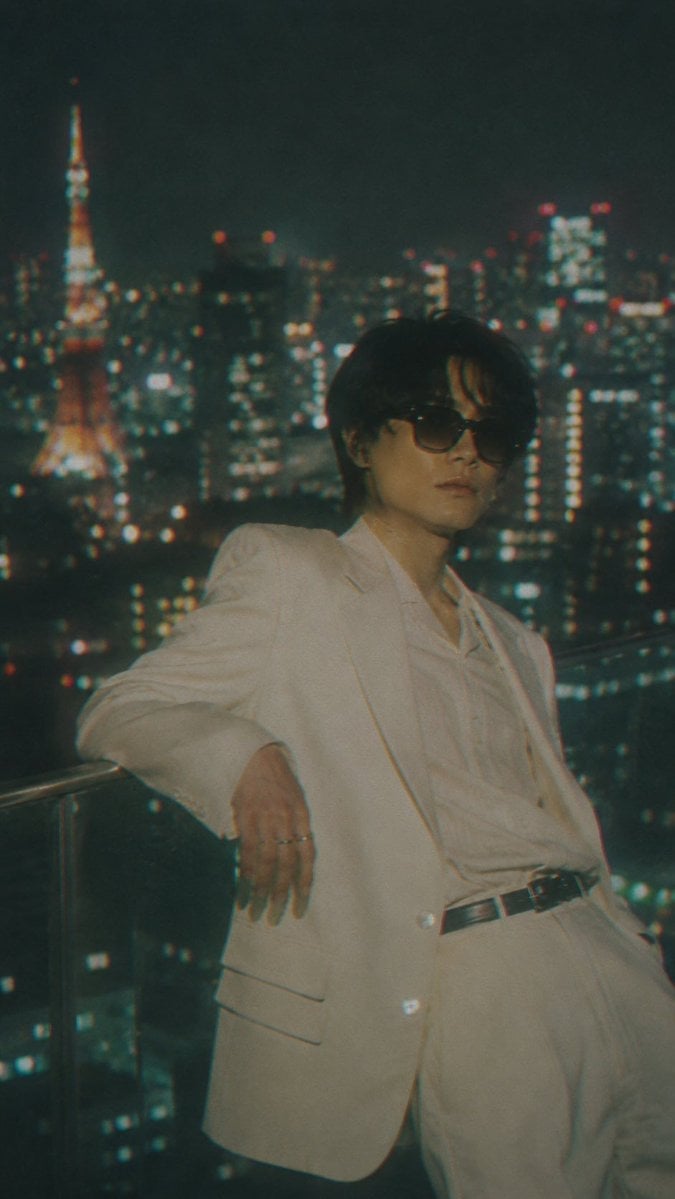
Censored Tokyo Rooftop Night Portrait
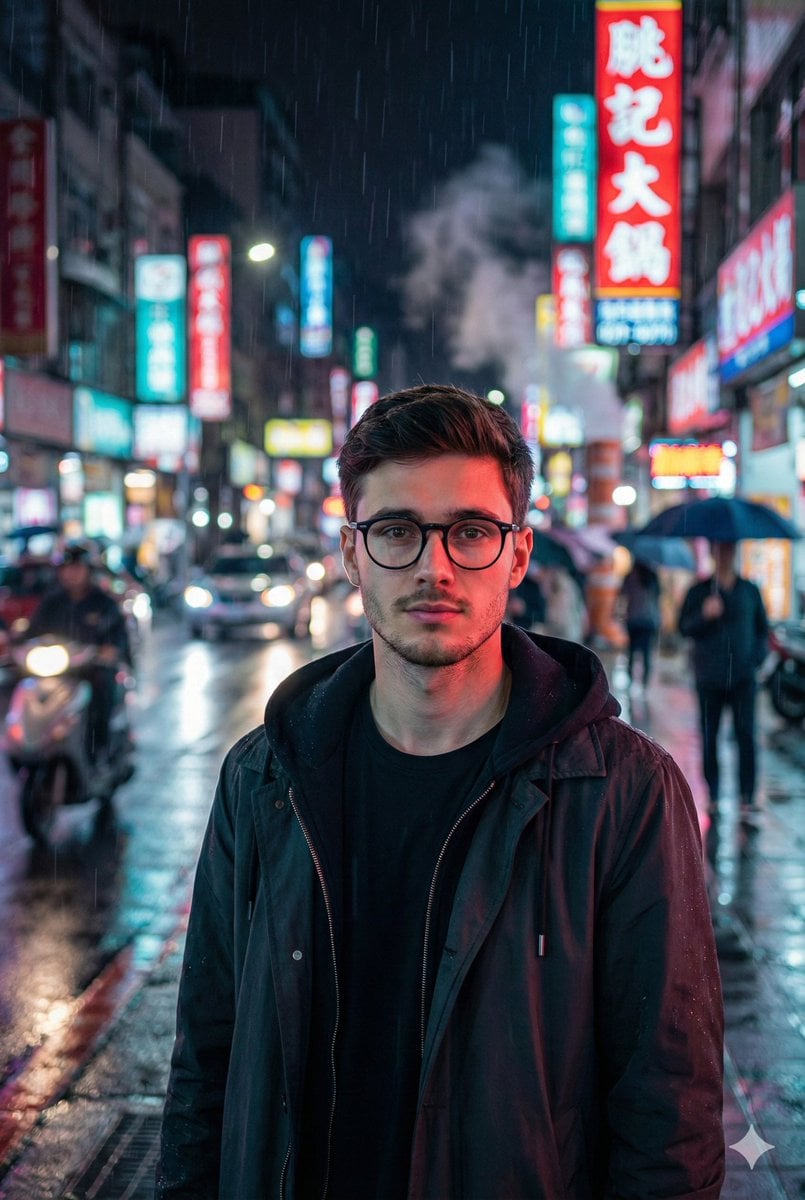
Photorealistic East-Asian Neon Night Portrait Prompt
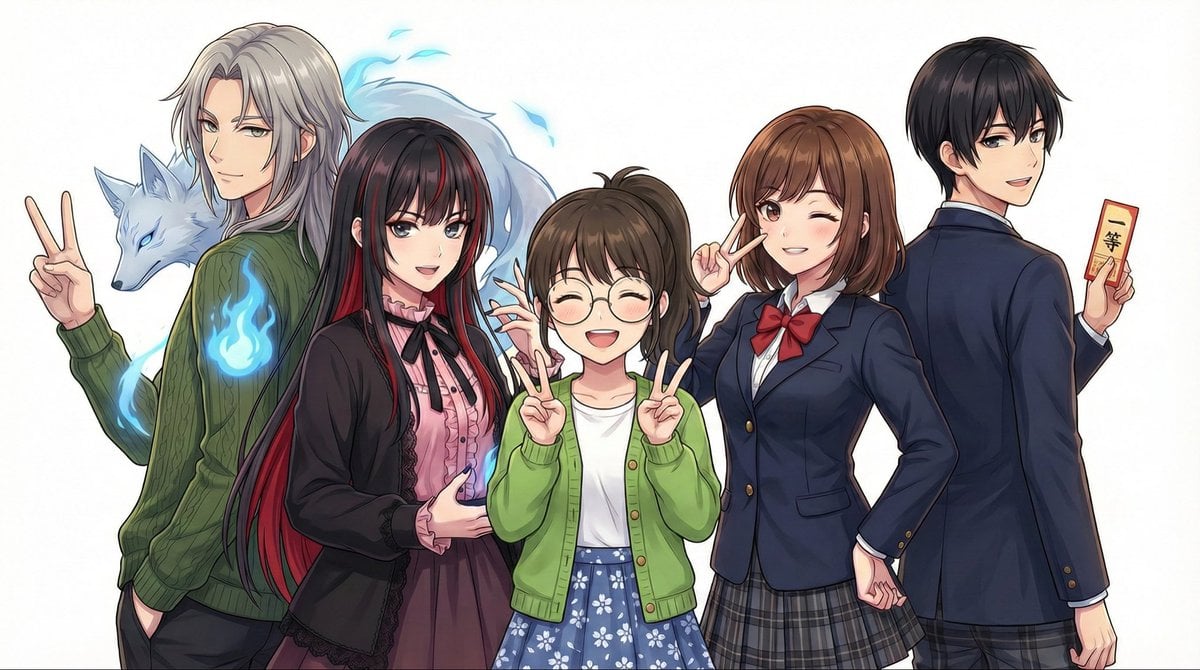
Complex Multi-Instruction Image Generation
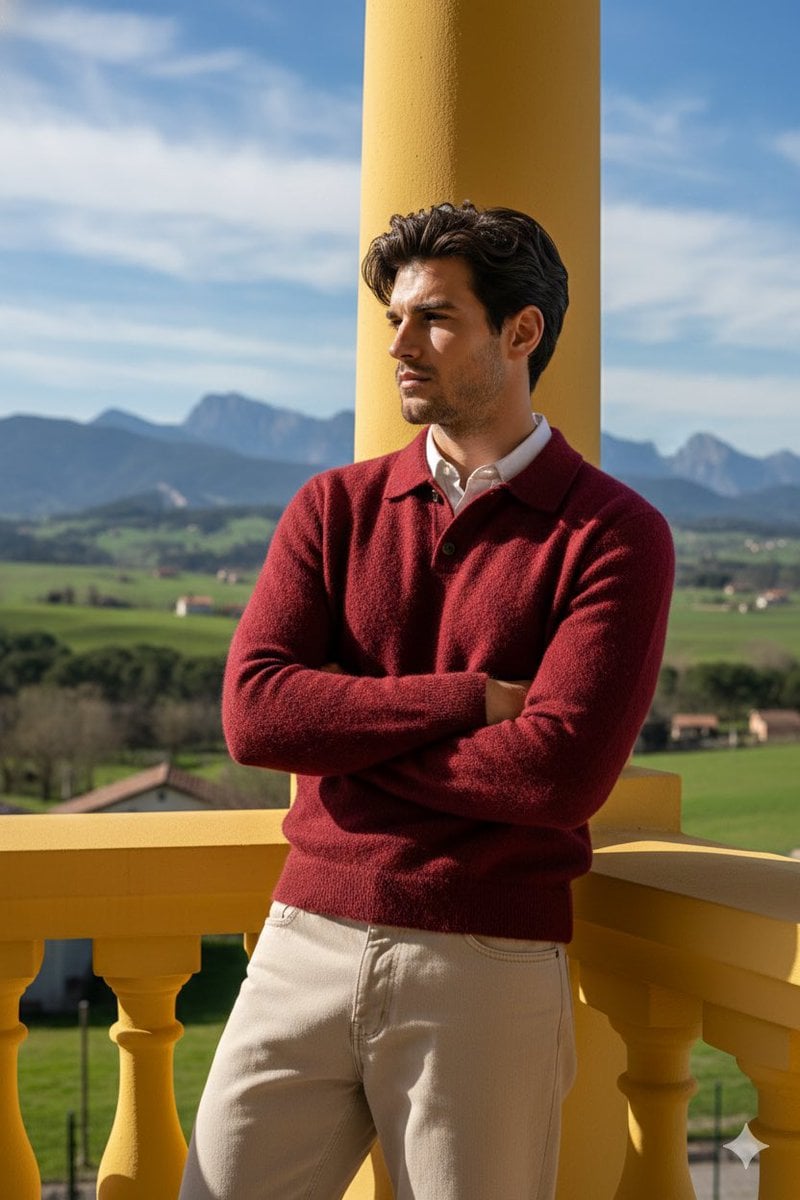
Stylish Man on Balcony with Identity Lock
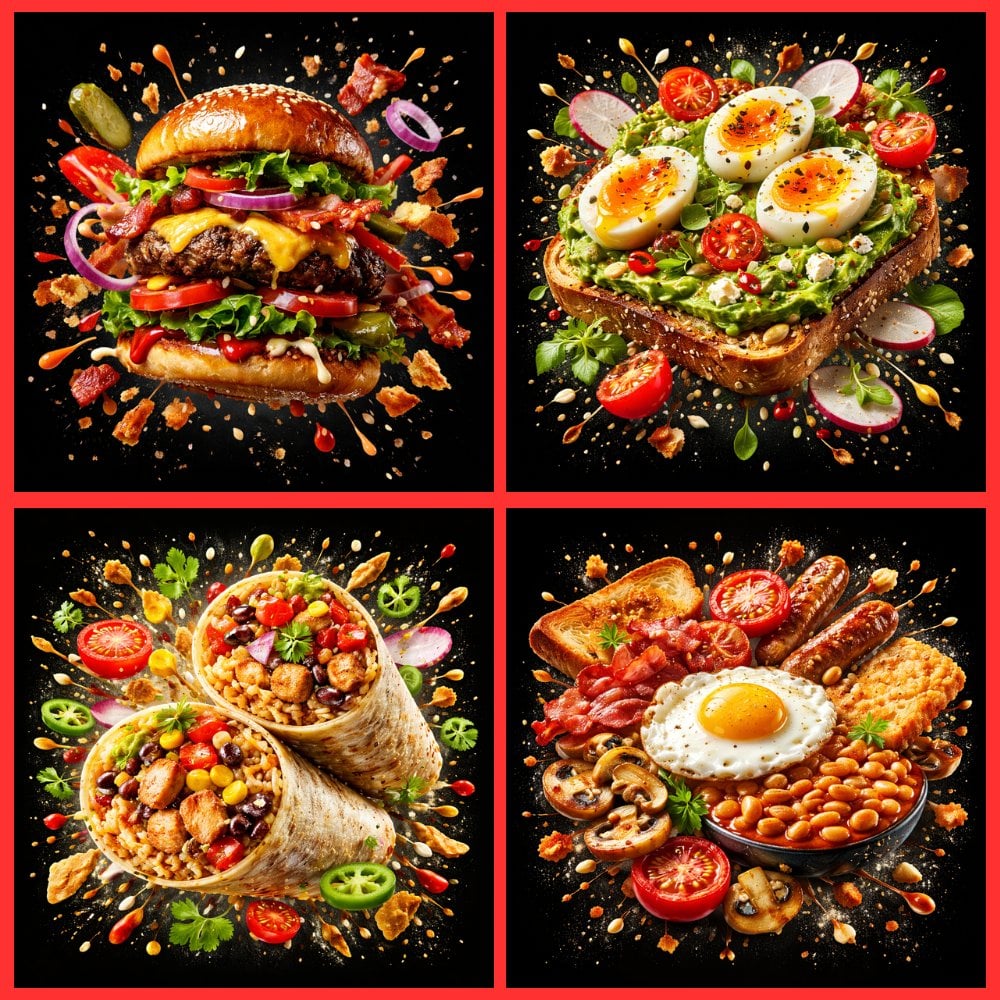
Food Explosion Poster Generator
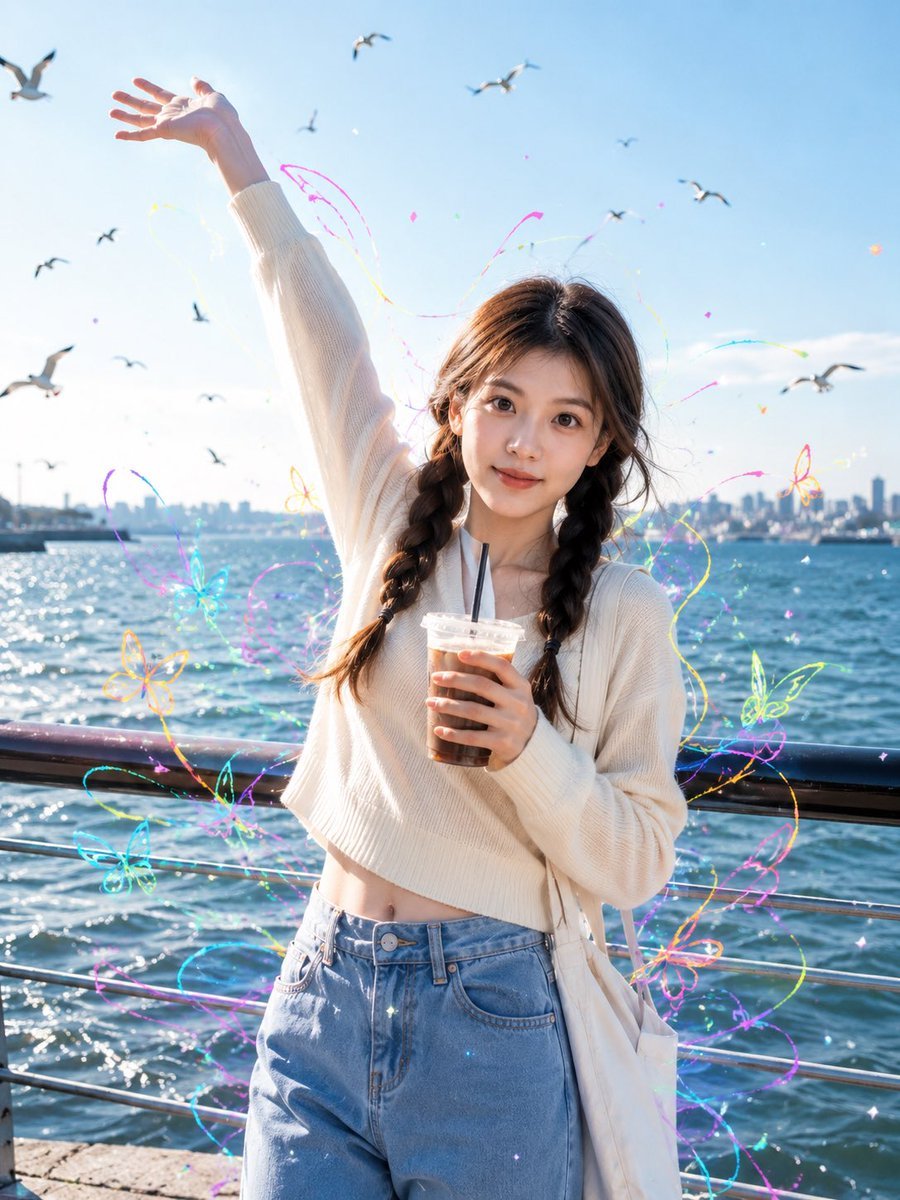
Seaside Street Photography with Neon Doodles
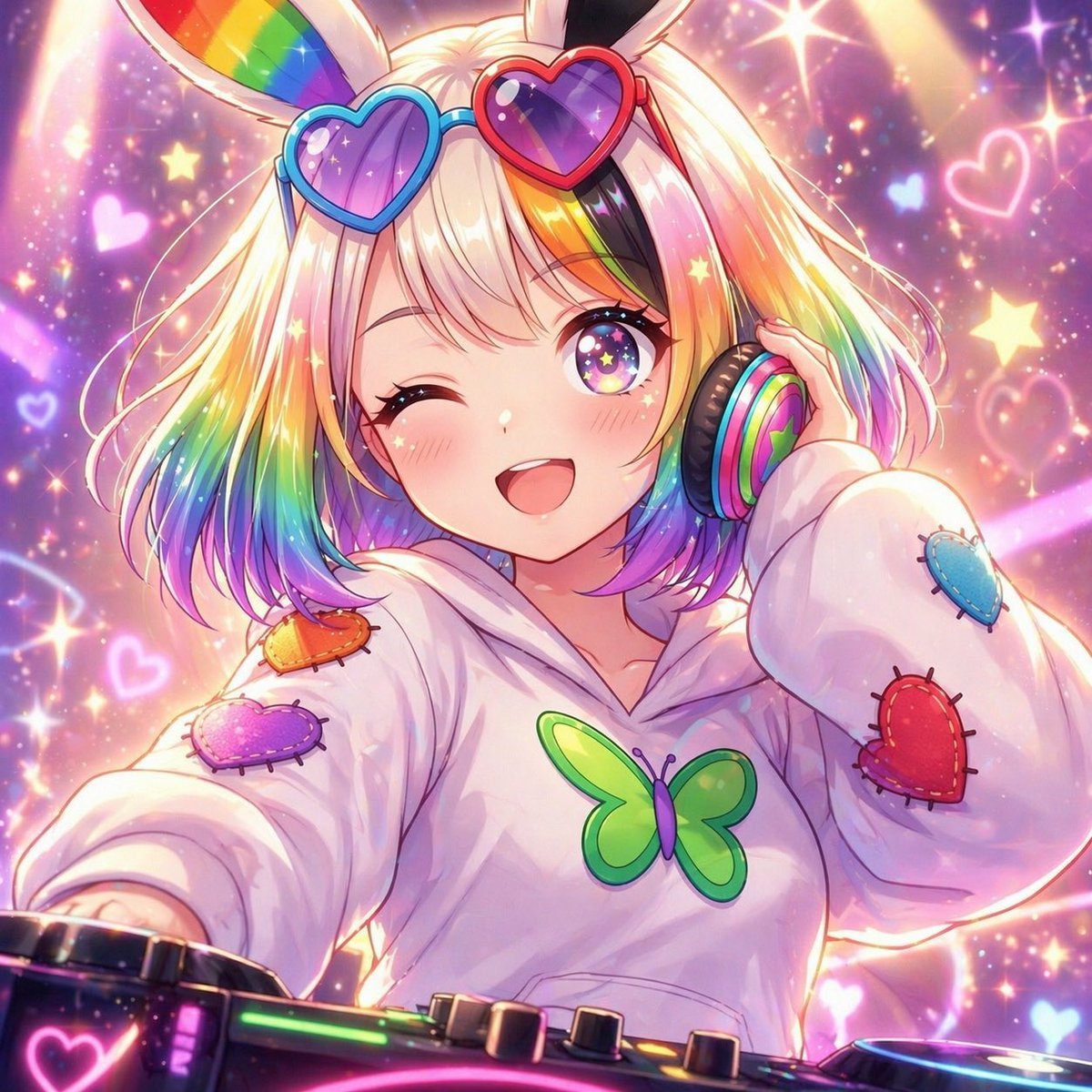
Rainbow Bunny DJ Anime Portrait
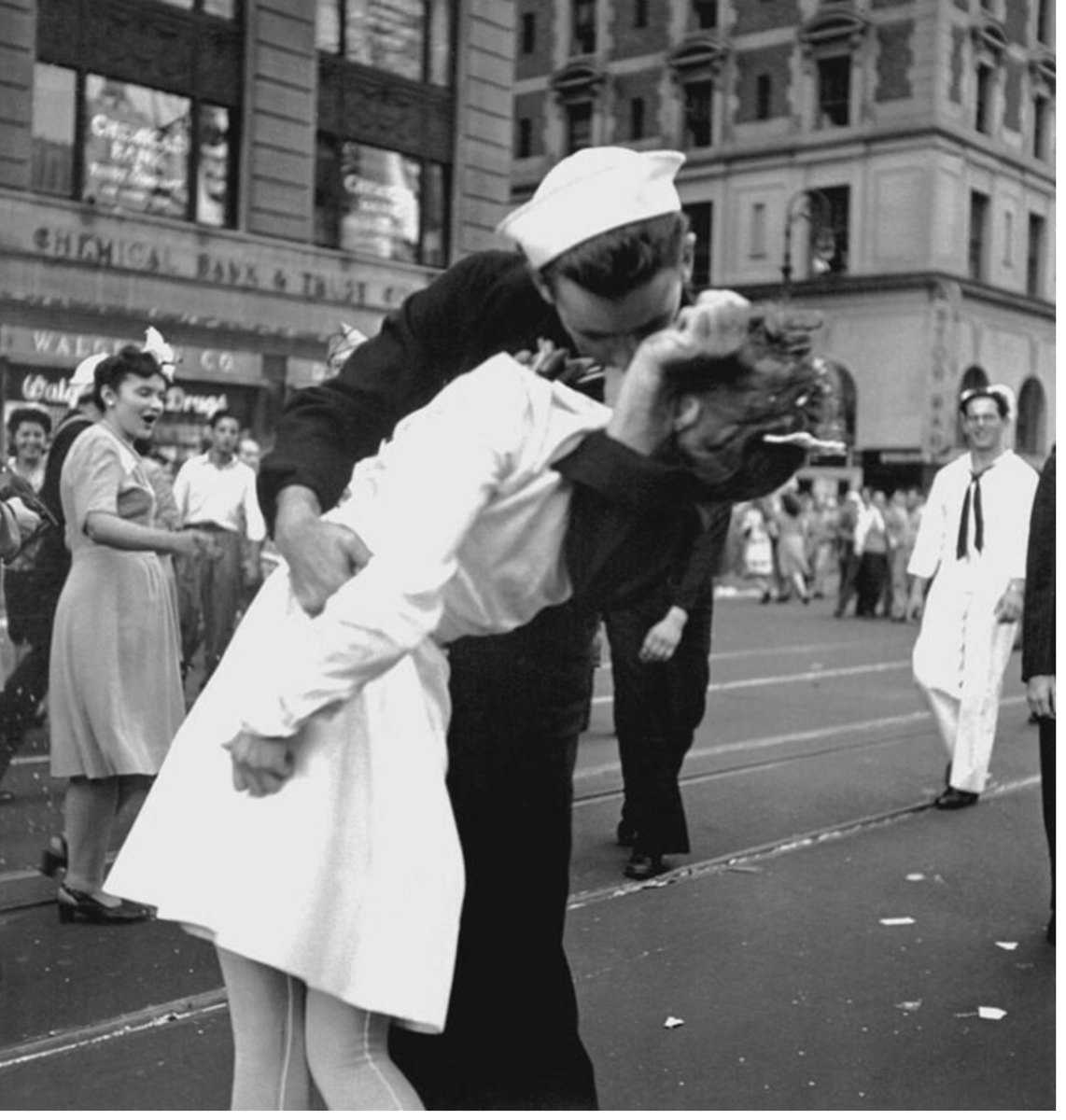
Image Time Travel to 2025 (Reference)
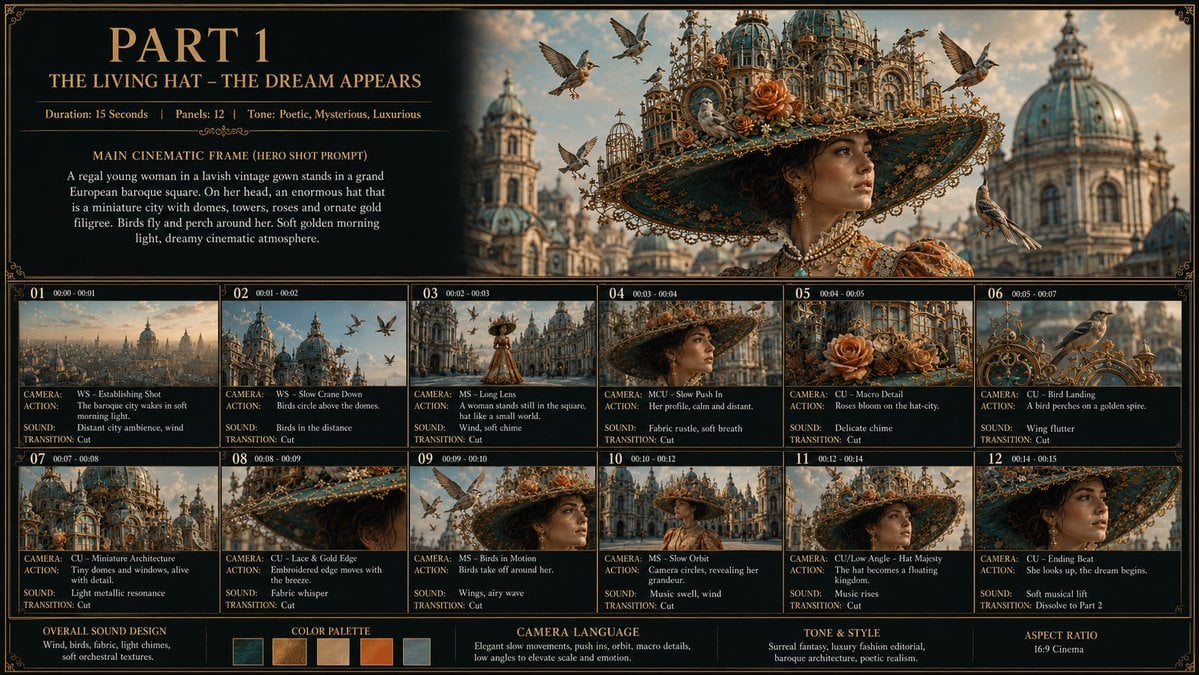
Living Hat Cinematic Storyboard
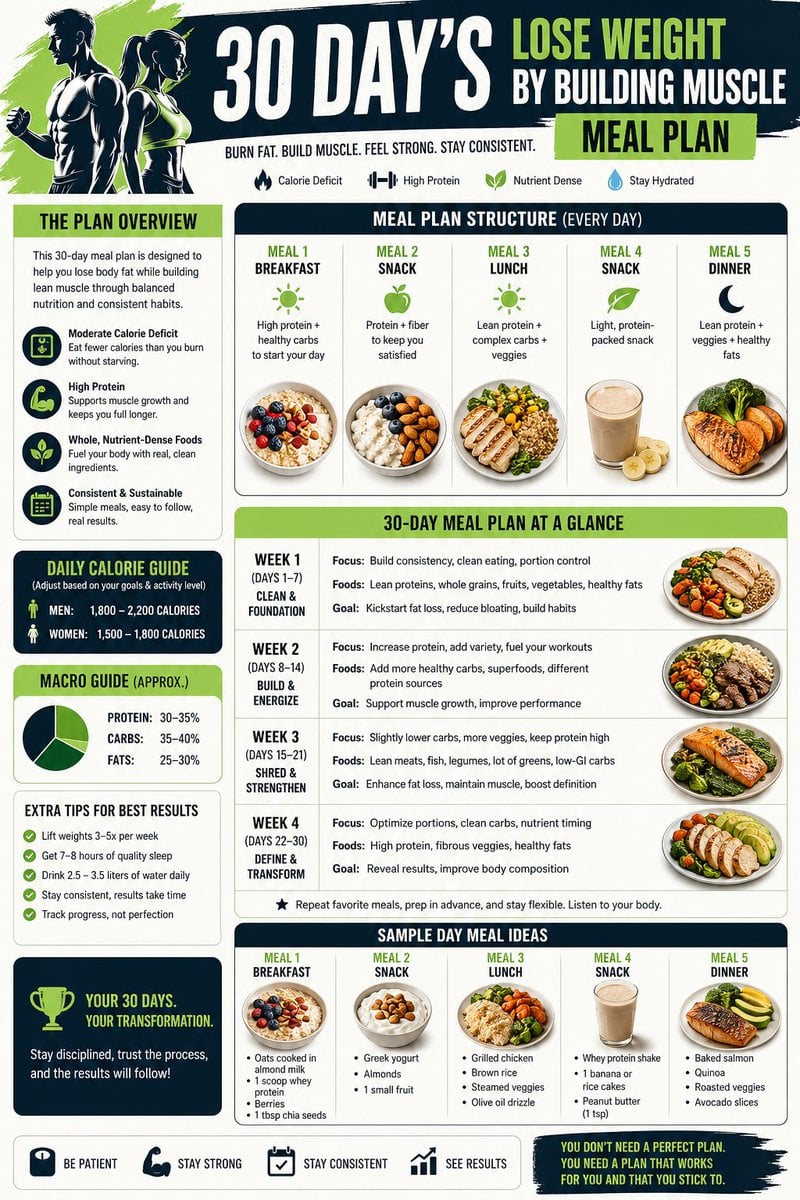
Health and Fitness Infographic Prompt
Browse template categories
Low-Angle Anime Hoodie Girl questions
How do I use the Low-Angle Anime Hoodie Girl template?
Add your photo if the template asks for one, edit the prompt if you like — the template's model and format are already selected — and press Generate. Your version opens in PicX Studio.
Can I customize the Low-Angle Anime Hoodie Girl template?
Yes. You can change the subject, setting, lighting, mood, format, and available model controls before creating your image.
Is the Low-Angle Anime Hoodie Girl template free?
Opening and editing this template is free. Generating uses credits, shown on the Generate button when you are signed in.
Which AI model should I use?
Start with GPT Image 2, which is the model associated with this template. You can compare another compatible model for a different finish.
Looking for something else? Browse all templates.

Your photo, any look
Thousands of ready templates for every top image and video model, from one credit balance.