
Real-Scene Inset Sketch Poster
A creative prompt that overlays a physical drawing paper onto a real photo, showing a hand-drawn version of the subject within the scene.
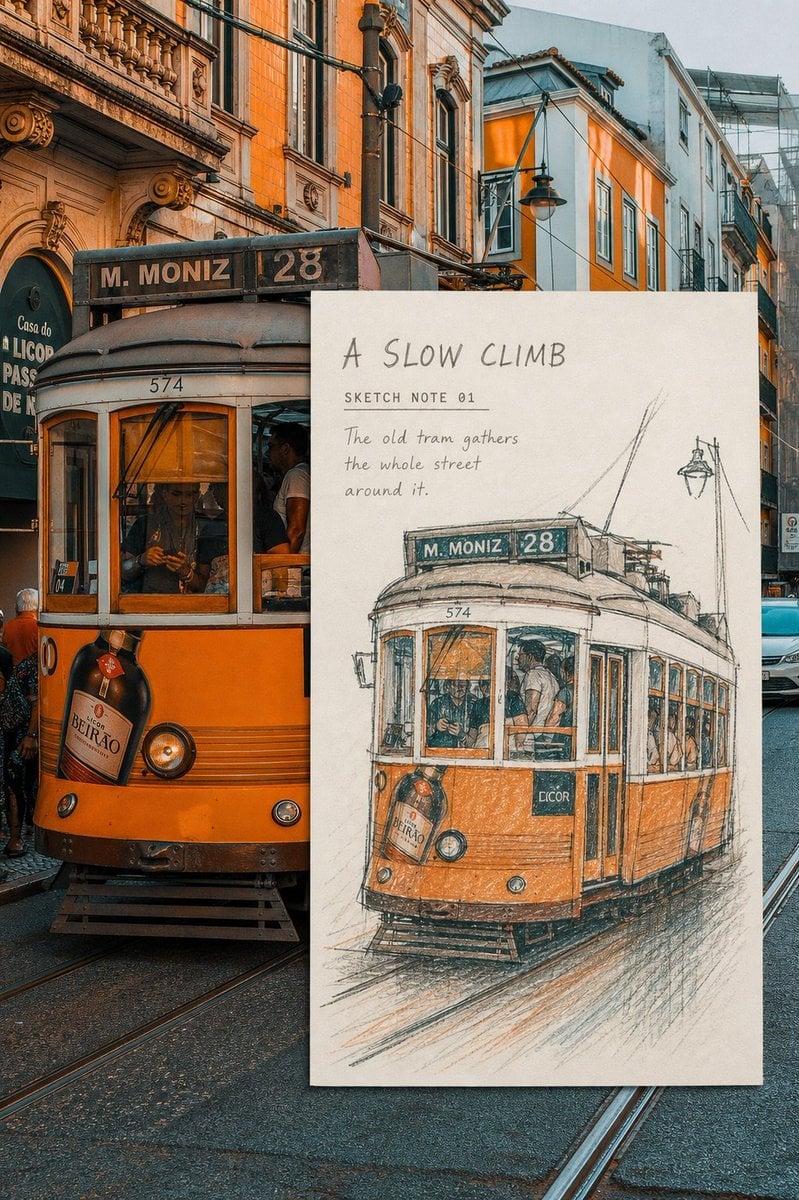
- Prompt included
- Model and format preset
- Free template
The prompt behind this image
Copy the exact prompt behind Real-Scene Inset Sketch Poster, or open it in the studio and make it yours.
请将我上传的每一张旅行照片分别制作成一张独立的“实景嵌画手稿”作品。每张照片单独输出,禁止把多张照片拼接在同一画面中。 整体采用3:4竖版构图。 这不是上下双联海报,也不是左图右图对比。原始照片应铺满整张画面,一张规则、平整的暖白色绘画纸作为真实前景物件覆盖在照片内部,使照片中的真实主体与纸上的同主体手稿同时出现。 ## 原始照片 完整保留原始照片中的主体身份、人物或动物数量、姿态、动作方向、服装主色、车辆或船只结构、建筑关系、地形、观察角度、自然光影和真实材质。 原照片必须铺满全幅并保持清楚可辨,只进行轻微的艺术出版物、旅行杂志或摄影展调色,以及极薄的胶片颗粒。 不得把原照片重画成插画,不得移动人物、改变姿态、替换建筑、增减主体、扭曲车辆或重新设计环境。 ## 前景画纸 在照片内部放置一张规则的暖白色矩形绘画纸。 画纸位于照片与观者之间,是整个画面的最前层。照片中的人物、车辆、船只、建筑、树木和其他物体都不能穿到纸张前面,也不能覆盖、切断或遮住纸张边缘。 画纸可以遮住照片主体或环境的一部分,但纸张外部必须保留足够的真实主体轮廓、服装、动作、车辆结构、船体、道路或周边环境,使观者能够同时看到: 1. 真实照片中的原始主体; 2. 纸张上对同一主体的手稿转绘。 画纸占整张画面宽度约45%–65%、高度约38%–58%,根据原照片主体位置放置在中央、偏左、偏右或偏上区域。 画纸可以使用竖向或横向比例,但必须满足: - 四条边笔直、完整并互相平行; - 四个角清楚、规整; - 纸张比例稳定; - 具有真实 but 克制的纸张纤维; - 只有极薄的侧边厚度; - 与照片之间产生轻微接触阴影。 禁止撕纸边、毛边、邮票齿孔、异形模切、卷曲纸角、折叠纸角、波浪边、破损缺口、相框、平板电脑或悬浮数字屏幕。 ## 纸上手稿 纸张上的绘画必须对应照片中的同一主体和同一个瞬间。 准确提取主体最关键的: - 整体轮廓; - 姿态与动作方向; - 身体或物体重心; - 服装或物件主色; - 一至两条必要环境关系线。 人物保持原照片中的姿态、朝向、数量及彼此关系。车辆、船只和建筑保持最重要的身份结构和方向。 不要把完整照片缩小后重新画进纸张,也不要描绘所有建筑、树林、窗户、路人和背景。纸面只保留一个主要视觉锚点及一至三条环境线索。 手稿主体集中在纸面中下部或一侧,画纸内部约45%–70%保持未经绘制的暖白色留白。 ## 绘画媒介 使用具有明显手工痕迹的旅行速写语言: - loose colored pencil; - expressive markers; - minimalist outlines; - light watercolor washes; - elegant line art; - high-fashion sketch. 通过以上技法展现出一种松弛、高级感且极简的艺术氛围。
How to use Real-Scene Inset Sketch Poster in 3 steps
- 1Upload ImagePNG, JPG or paste
Add your photo
Upload the photo the template builds on. The prompt, model and format are already set.
- 2…a portrait of your subject in softgolden-hour light, 85mm…
Personalize
Edit the subject and creative details for your destination.
- 3Generate
Generate
Press Generate — your image is created in PicX Studio, so you can compare it with the original and refine one variable at a time.
More like this
Templates with the same subject, style or setup. Open one to see its prompt.
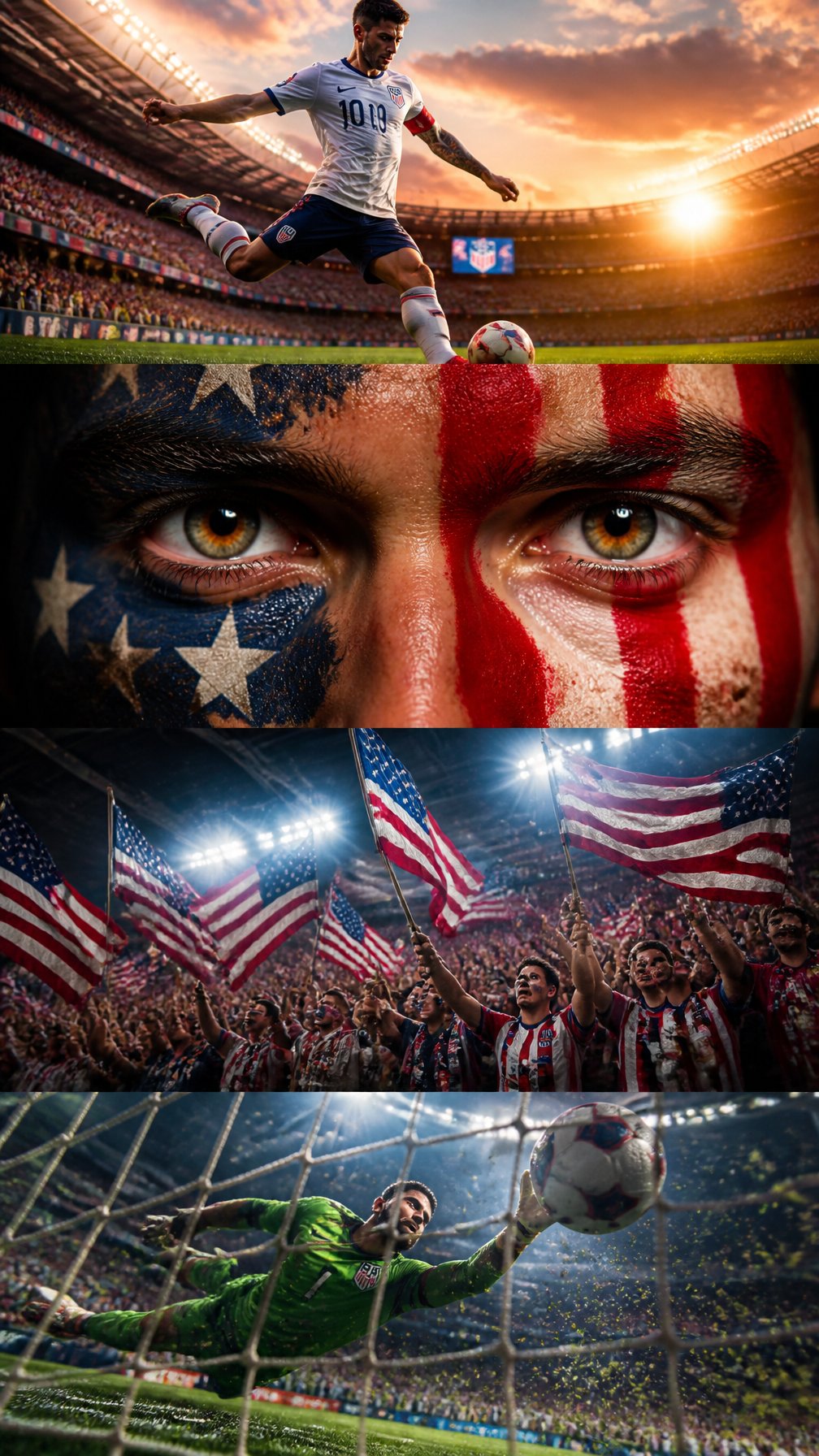
Usa Cinematic Hyperreal Collage Poster

Japan Travel Brochure Poster
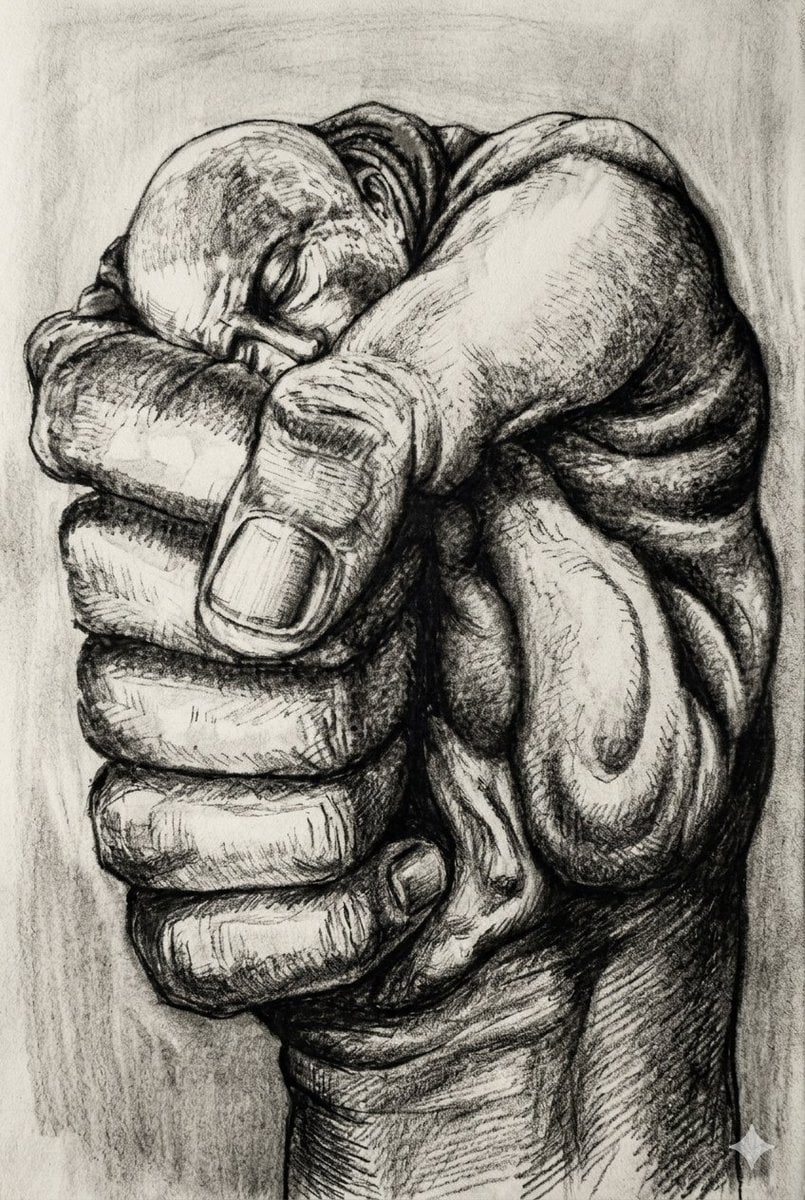
Surreal Charcoal Fist Sketch
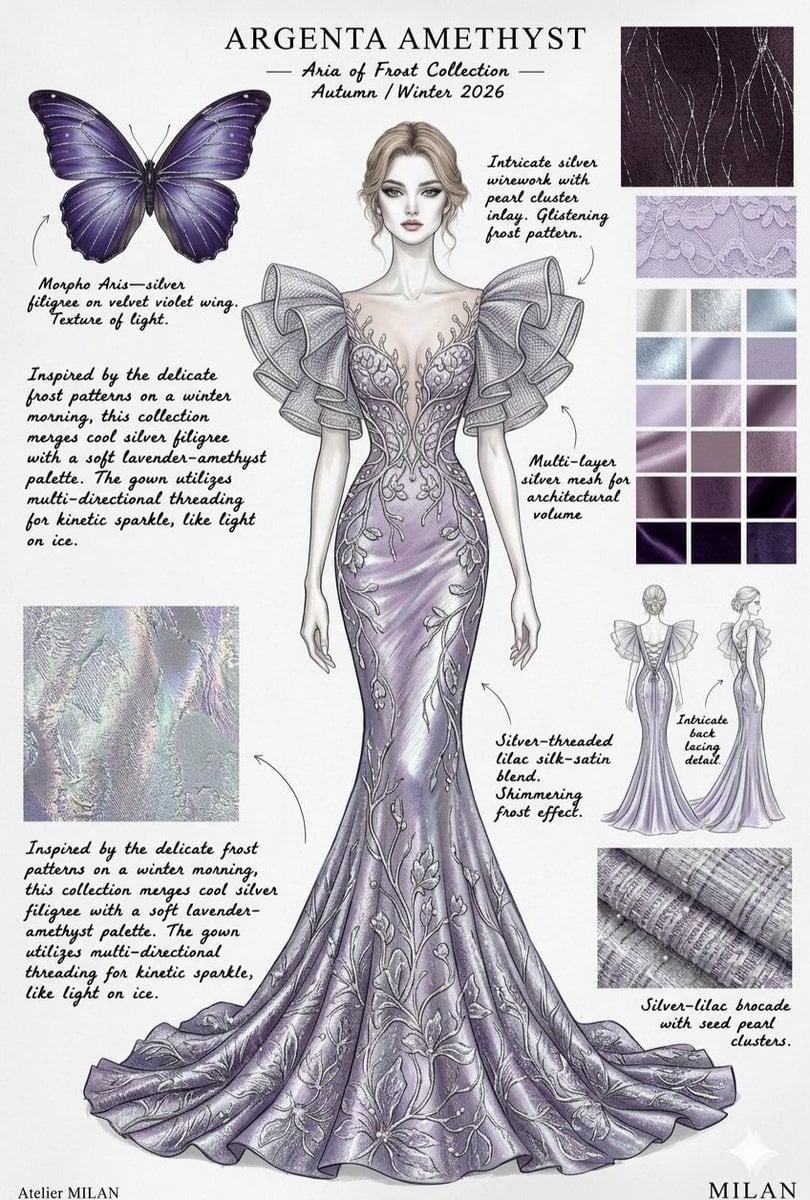
Ethereal Butterfly Couture Sketches
Sketch to Realistic Color Photo Transformation

Cartoon TV Show Poster Pack

Trendy Cafe Drink Promo Poster

Urban Fashion Editorial Collage Streetwear Poster

Premium Fashion Editorial Cover Layout System

Polo Ralph Lauren Luxury American Heritage Fashion Campaign

Monochrome Halftone Editorial Fashion Poster

Retro Mirror Luxury Fashion Campaign Poster
Make it yours
Real-Scene Inset Sketch Poster works as-is. These are the safest ways to change it without losing the look.
Change one field
Copy a single group, rewrite it, and generate again so you can see what that field is doing.
Keep the frame, change the subject
Hold the composition and light of Real-Scene Inset Sketch Poster, then swap wardrobe, props or the person for a new take.
| If the result… | Why | Fix |
|---|---|---|
| The result drifts from the preview | Too many fields changed at once. | Reuse Real-Scene Inset Sketch Poster as-is first, then change one group — subject, light, or setting. |
| The model over-stylizes the scene | The prose prompt leaves finish and camera underspecified. | Add one camera or lighting sentence and stay on GPT Image 2. |
More GPT Image 2 templates
Other prompts made for GPT Image 2.

Six VTuber Japanese Logo Sheet

Realistic Portrait of Woman and Deer

The Vista Modular Condo Poster

AI Model Routing Comparison Infographic

2.5D Anime Art Board

Isometric Productivity Desk Scene

New York Double Exposure Poster

Four-Panel AI Landscape Comparison

Japanese Tatami Lifestyle Magazine Cover

NESCAFÉ Coffee Map Poster
More image prompts
Fresh picks from across the catalog.
Transformation the Burger Seedance 2 0 a
Split-Screen Chibi Selfie Scrapbook
Miniature 3D City with Live Weather Prompt
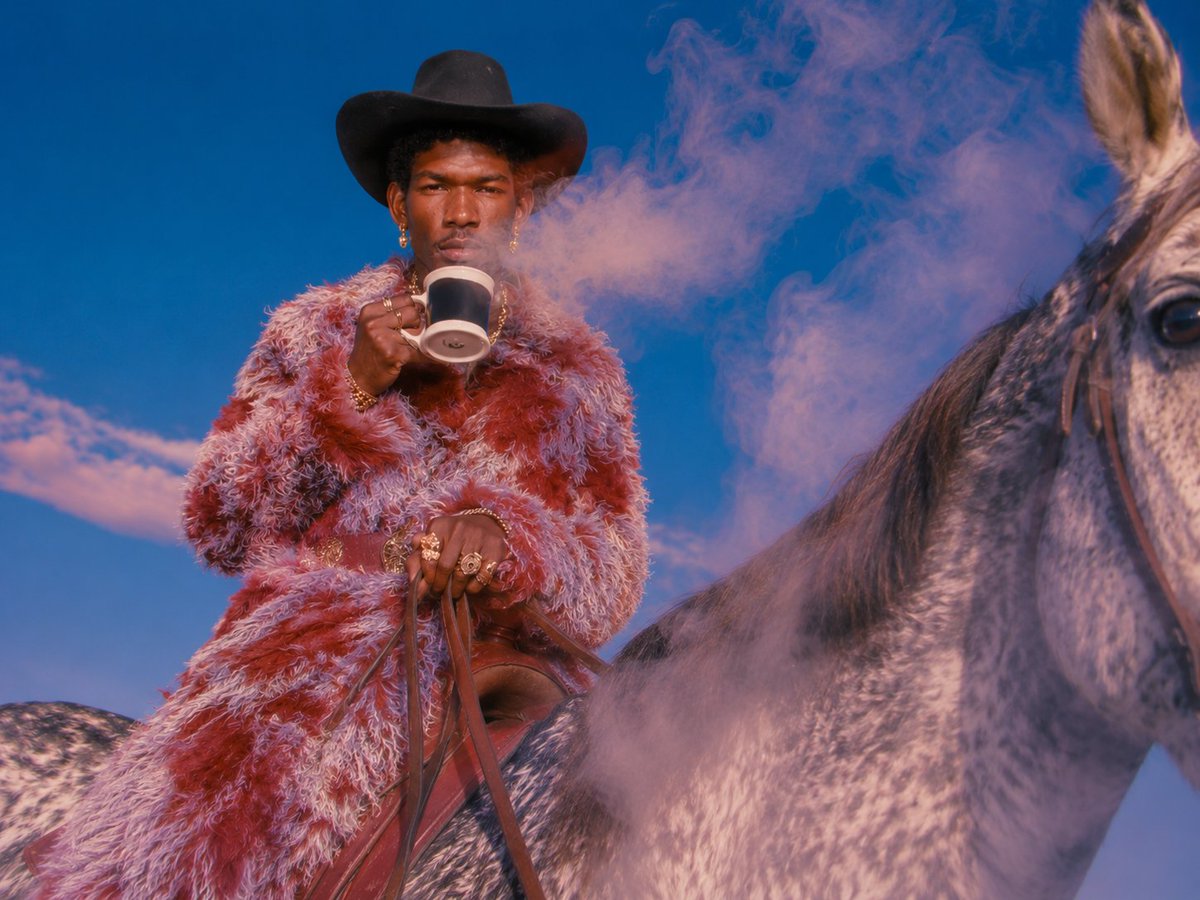
Surreal Cowboy Fashion Editorial
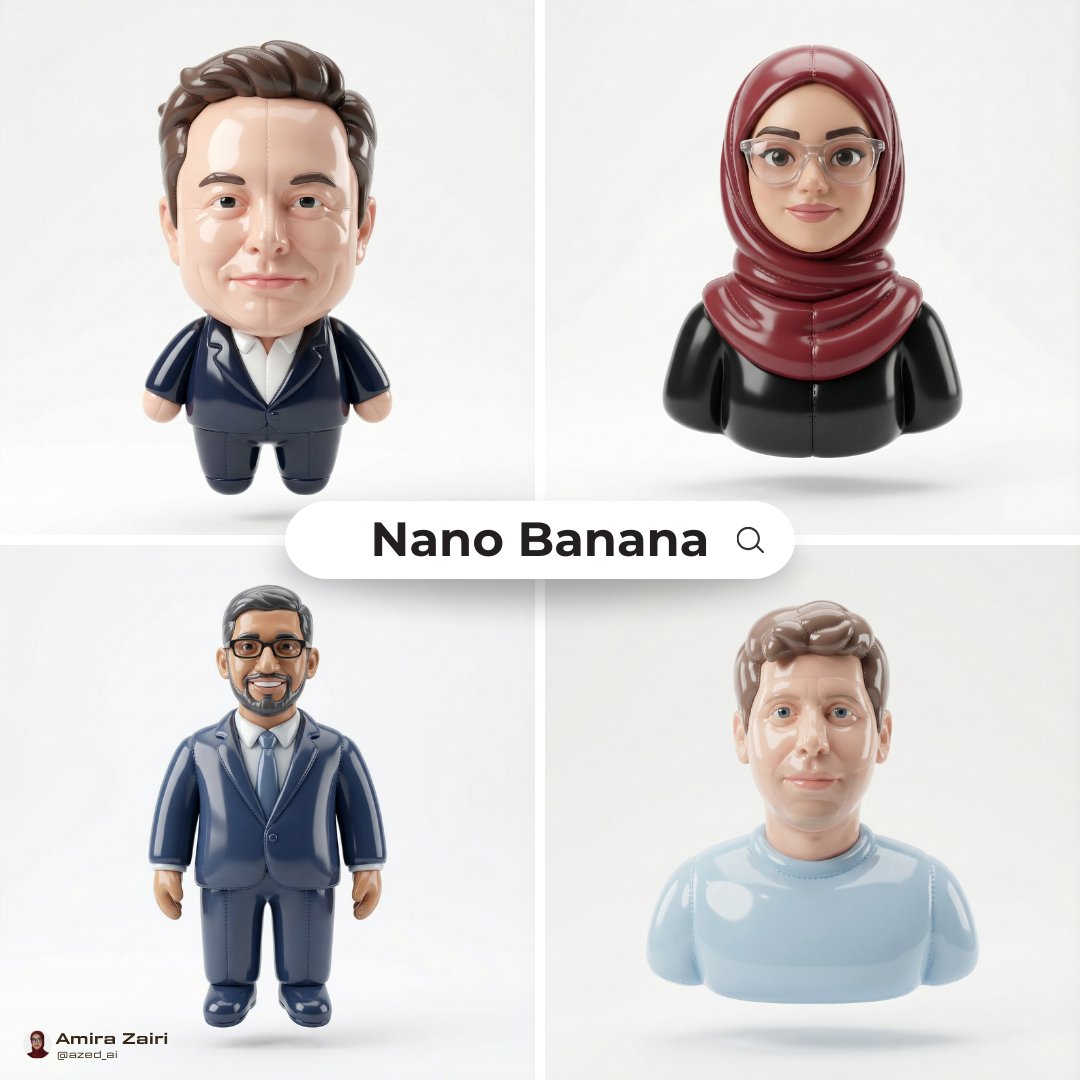
Inflatable Character Creation Prompt
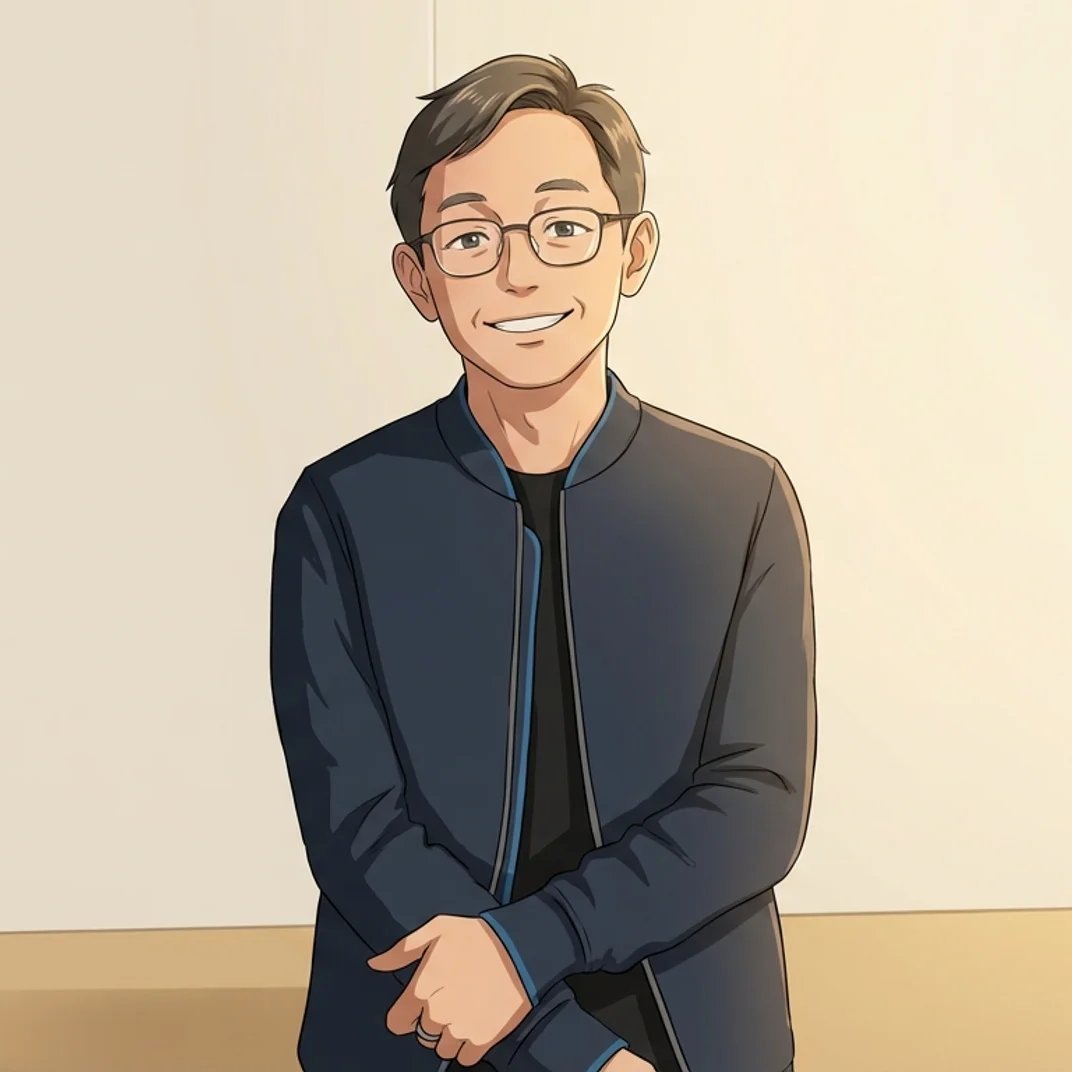
Anime Character Creation Prompt
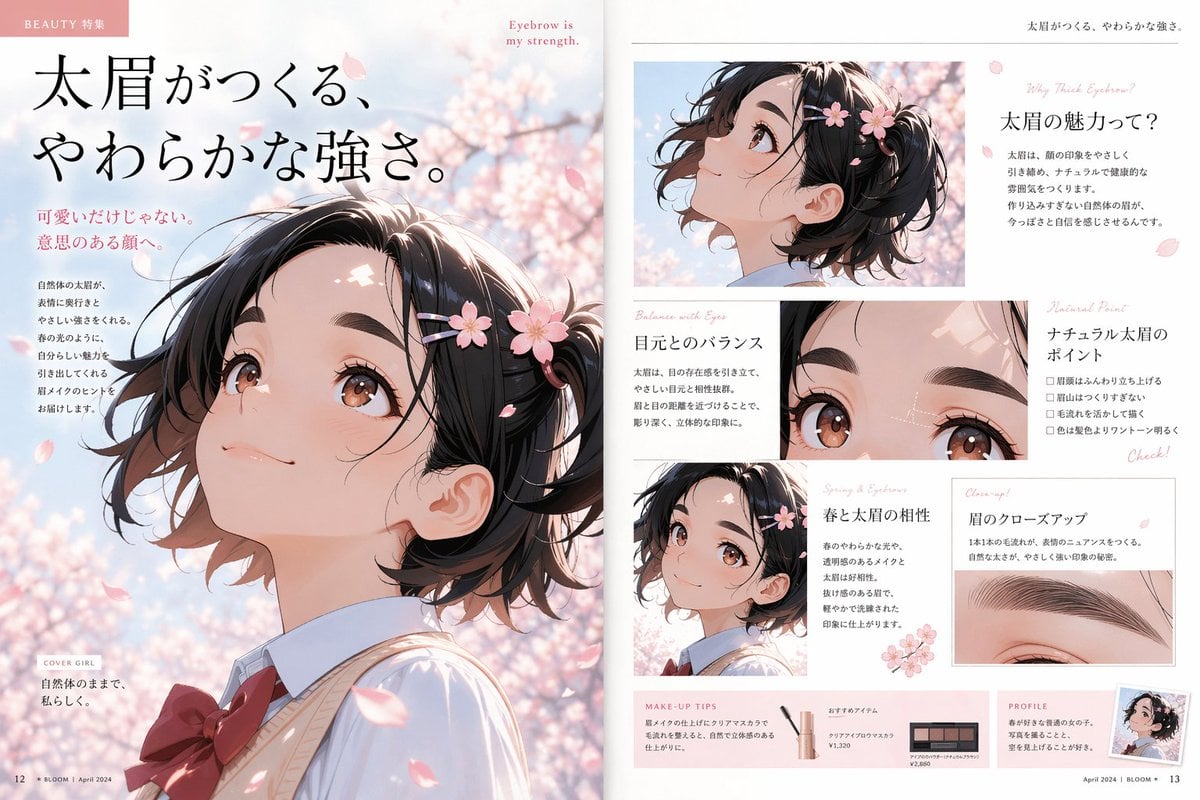
Anime Beauty Magazine Eyebrow Feature
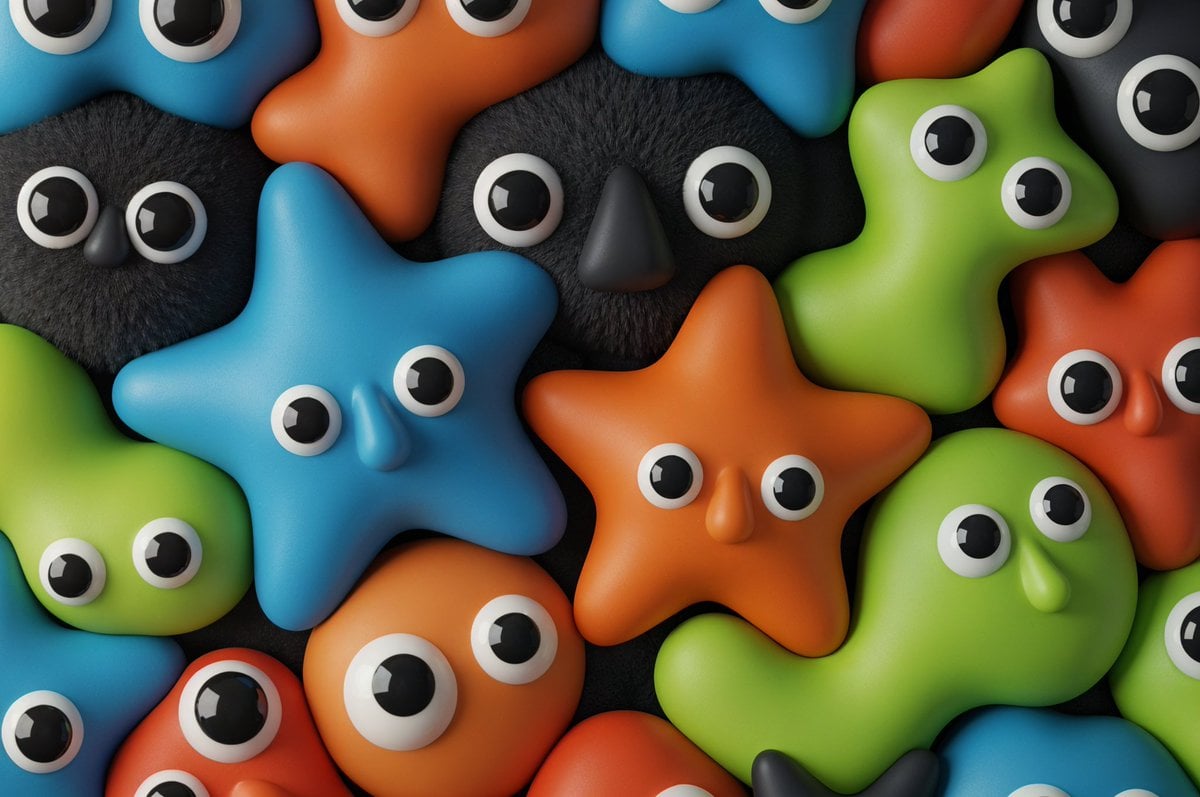
Neo-Skeuomorphism Crowd Scene Prompt
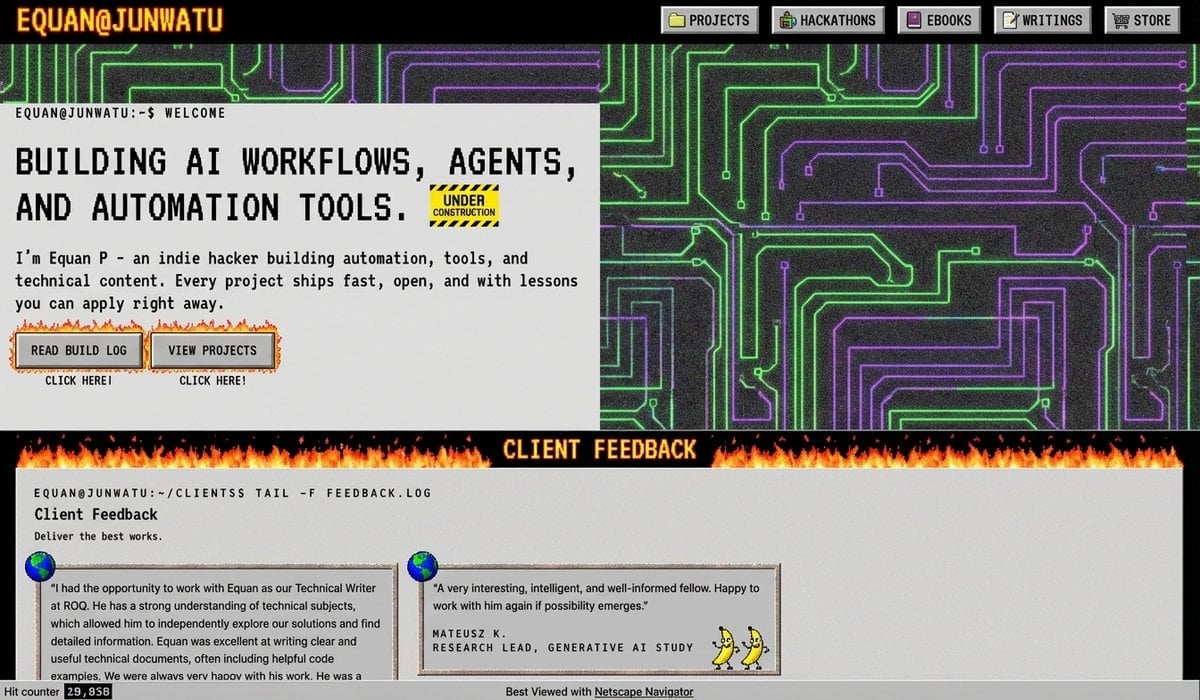
90s version of a website via style transfer
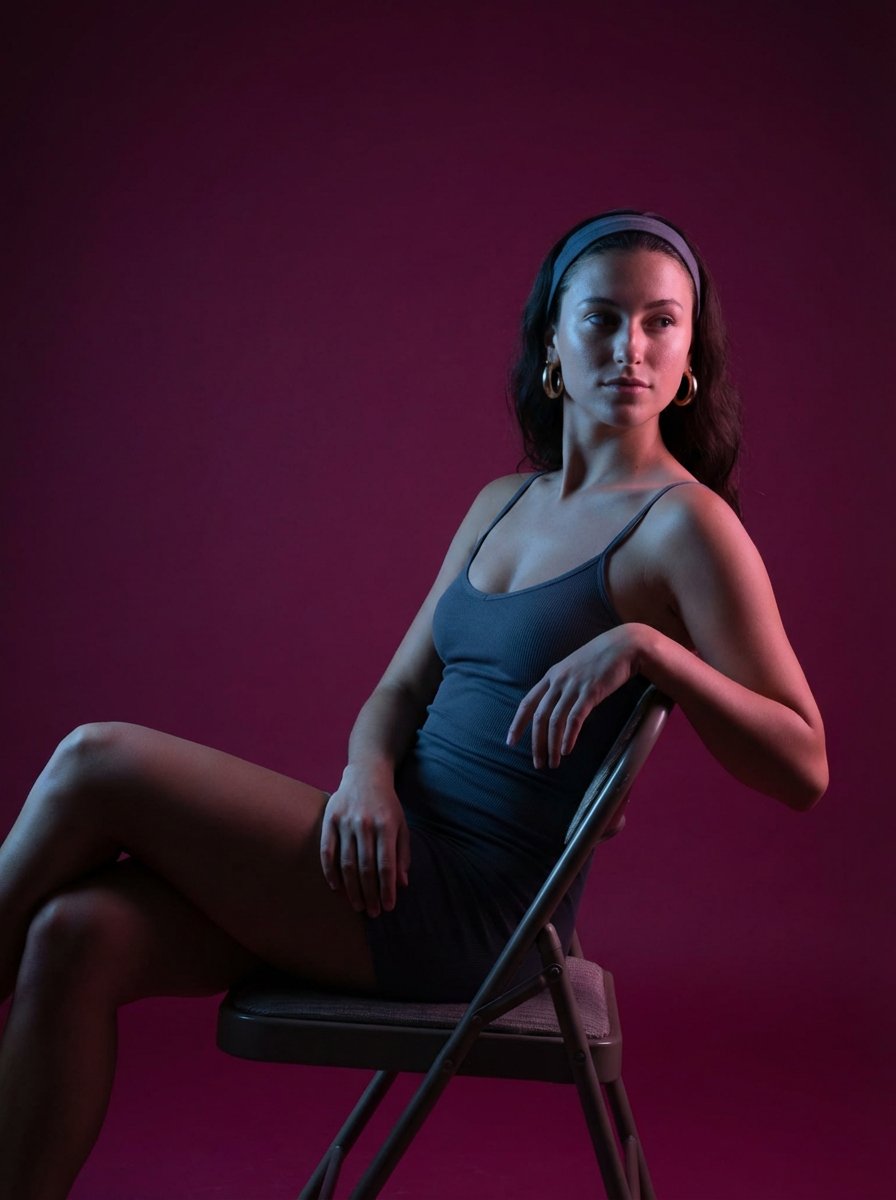
Looking Back Portrait
Browse template categories
Real-Scene Inset Sketch Poster questions
How do I use the Real-Scene Inset Sketch Poster template?
Add your photo if the template asks for one, edit the prompt if you like — the template's model and format are already selected — and press Generate. Your version opens in PicX Studio.
Can I customize the Real-Scene Inset Sketch Poster template?
Yes. You can change the subject, setting, lighting, mood, format, and available model controls before creating your image.
Is the Real-Scene Inset Sketch Poster template free?
Opening and editing this template is free. Generating uses credits, shown on the Generate button when you are signed in.
Which AI model should I use?
Start with GPT Image 2, which is the model associated with this template. You can compare another compatible model for a different finish.
Looking for something else? Browse all templates.

Your photo, any look
Thousands of ready templates for every top image and video model, from one credit balance.