How do I use the Watercolor Fashion Illustration Sketch template?
Choose the primary action to open PicX Studio with the available template settings. Review the model and format, personalize the creative direction, and generate when ready.
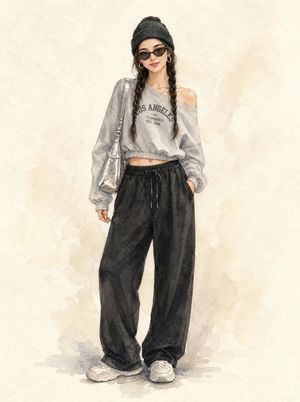
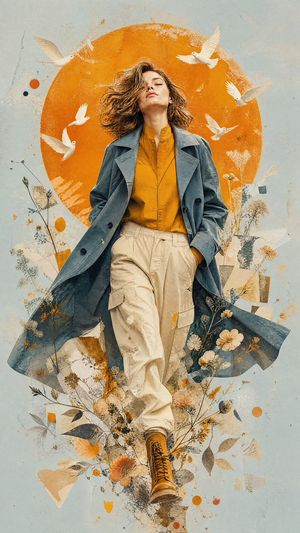
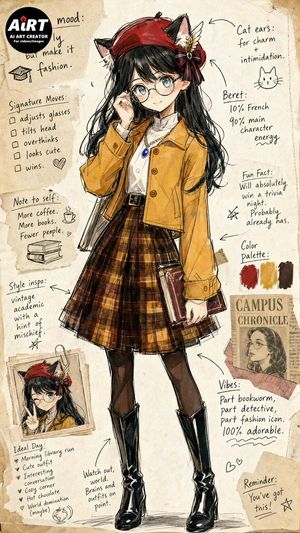
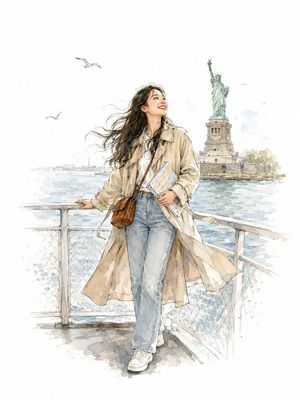
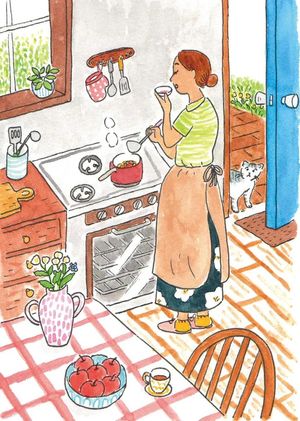
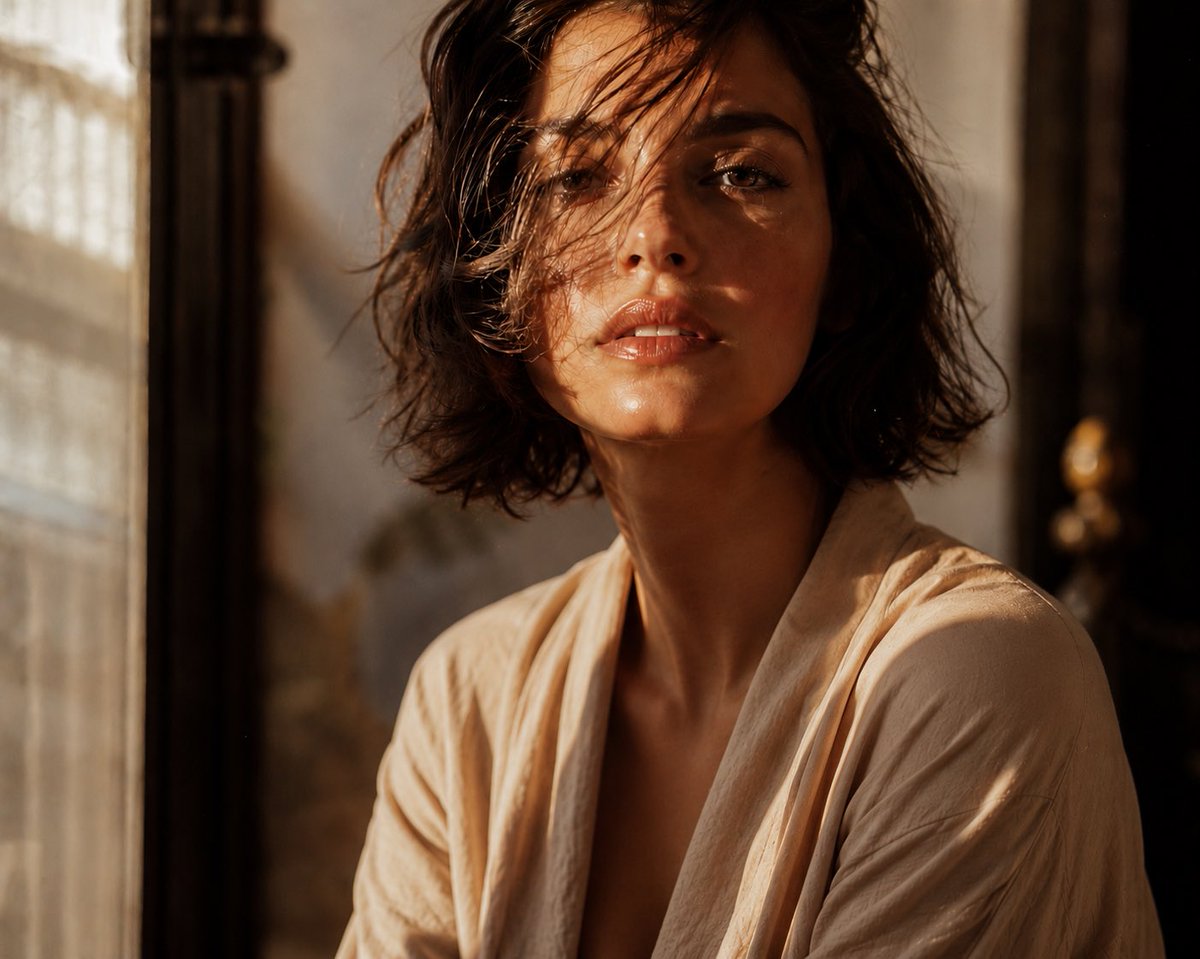
A prompt for a vibrant watercolor fashion illustration with black ink outlines and wildflower bouquets.
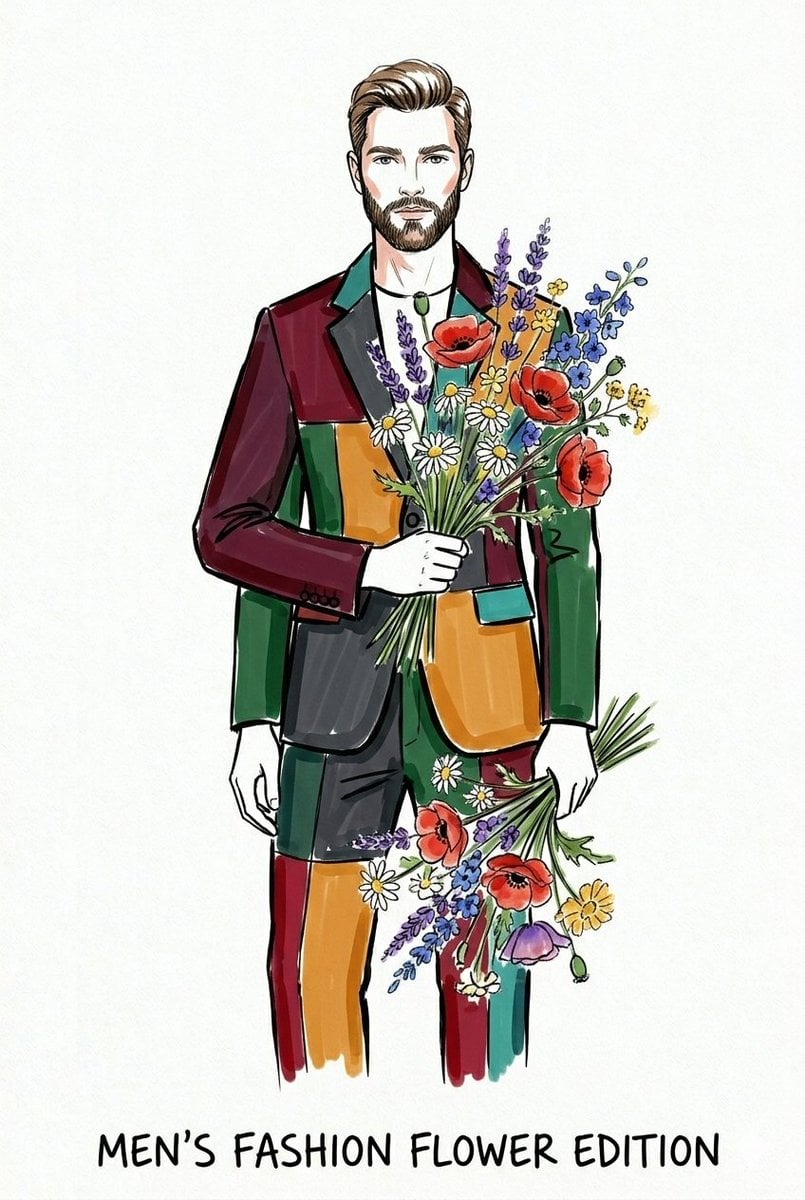
A vertical fashion illustration sketch on a crisp white paper background, featuring a stylish model in a full-length pose. The artistic style uses clean, black ink outlines filled with vibrant, bright {argument name="coloring style" default="watercolor marker color blocking"} in shades of deep red, emerald green, teal, and mustard yellow. The model has sharp, elegant facial features and hair, holding beautiful, detailed {argument name="accessory" default="wildflower bouquets with colorful poppies, daisies, and lavender"}. The overall look is a mix of high-fashion sketch and expressive watercolor washes, with a playful, editorial aesthetic.
Choose the primary action to open PicX Studio with the available template settings. Review the model and format, personalize the creative direction, and generate when ready.
Yes. You can change the subject, setting, lighting, mood, format, and available model controls before creating your image.
This template is free to open and customize. Generation usage is shown in PicX Studio before you create.
Start with Nano Banana 2, which is the model associated with this template. You can compare another compatible model for a different finish.
Follow a topic to a crawlable collection of related PicX Studio templates.