
Photoreal Nue on Alpine Cliff
Generates a cinematic photoreal fantasy wildlife image of a nue-like yokai creature stalking across a high mountain ledge, ideal for monster encyclopedias, folklore art, and dramatic creature concept visuals.
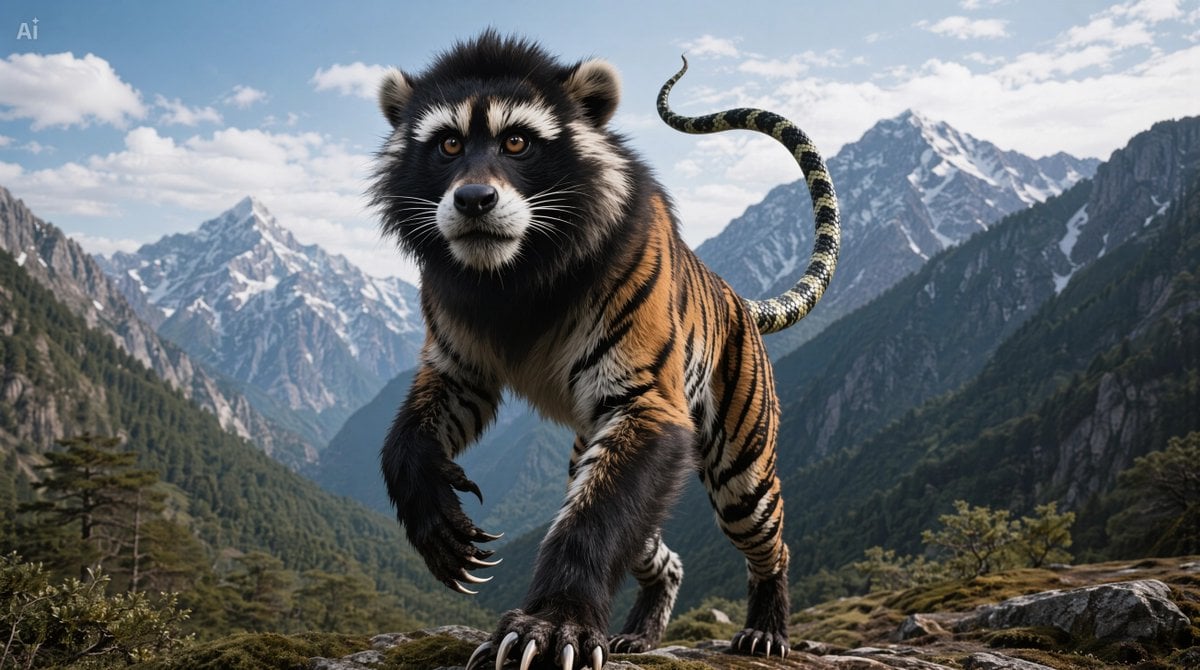
- Prompt included
- Model and format preset
- Premium template
The prompt behind this image
Copy the exact prompt behind Photoreal Nue on Alpine Cliff, or open it in the studio and make it yours.
A dramatic fantasy wildlife illustration of a single {argument name="creature name" default="Nue"}, shown full body and centered, prowling toward the viewer on a rocky alpine ledge high above the clouds. The beast is a chimera with exactly 3 major animal traits combined into one seamless body: the face and fluffy black-and-white mask of a raccoon dog or tanuki, the muscular orange-and-black striped body of a tiger, and 1 long snake tail arcing upward behind it with banded scales. Its fur is dense and realistic, with a dark mane-like ruff around the neck, rounded ears, amber eyes, and an alert, uncanny expression. The front limbs are lifted in motion with oversized curved black claws, emphasizing a stalking, predatory gait. Set the scene in a vast {argument name="mountain setting" default="3,000 meter high cloud-level cliff in a rugged snowy mountain range"}, with steep forested valleys, jagged snowcapped peaks, scattered conifer trees, exposed rock, and bright daylight under a blue sky with soft white clouds. Cinematic low-angle perspective, the creature dominating the foreground, ultra-detailed photorealistic textures, natural mountain lighting, sharp focus on the monster with atmospheric depth in the background, epic yokai field-guide aesthetic, believable anatomy, high contrast, majestic and ominous mood.
How to use Photoreal Nue on Alpine Cliff in 3 steps
- 1Upload ImagePNG, JPG or paste
Add your photo
Upload the photo the template builds on. The prompt, model and format are already set.
- 2…a portrait of your subject in softgolden-hour light, 85mm…
Personalize
Edit the subject and creative details for your destination.
- 3Generate
Generate
Press Generate — your image is created in PicX Studio, so you can compare it with the original and refine one variable at a time.
More like this
Templates with the same subject, style or setup. Open one to see its prompt.

Teen Girl Alpine Lake Mountain View

Photoreal Village Lanterns Minecraft Scene

Photoreal Snow Biome Name Tag UI

Photoreal Selfie Minecraft Block World

Photoreal Selfie Minecraft Village Ghast UI
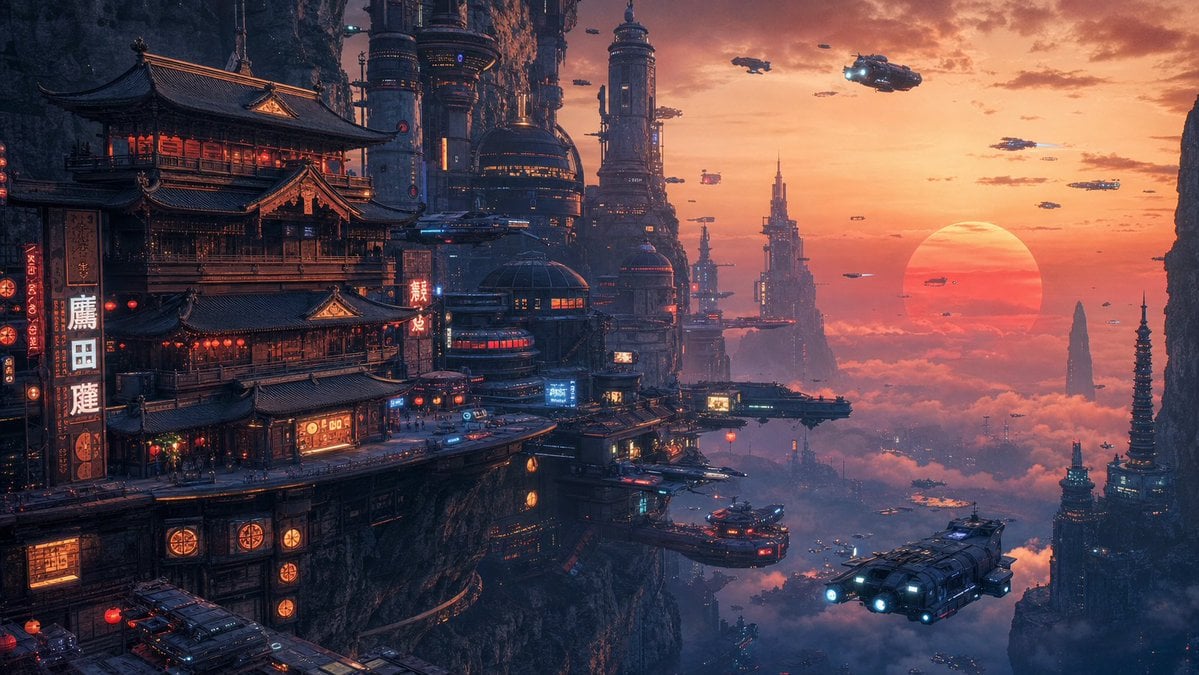
Cyberpunk Cliffside Megacity Wallpaper
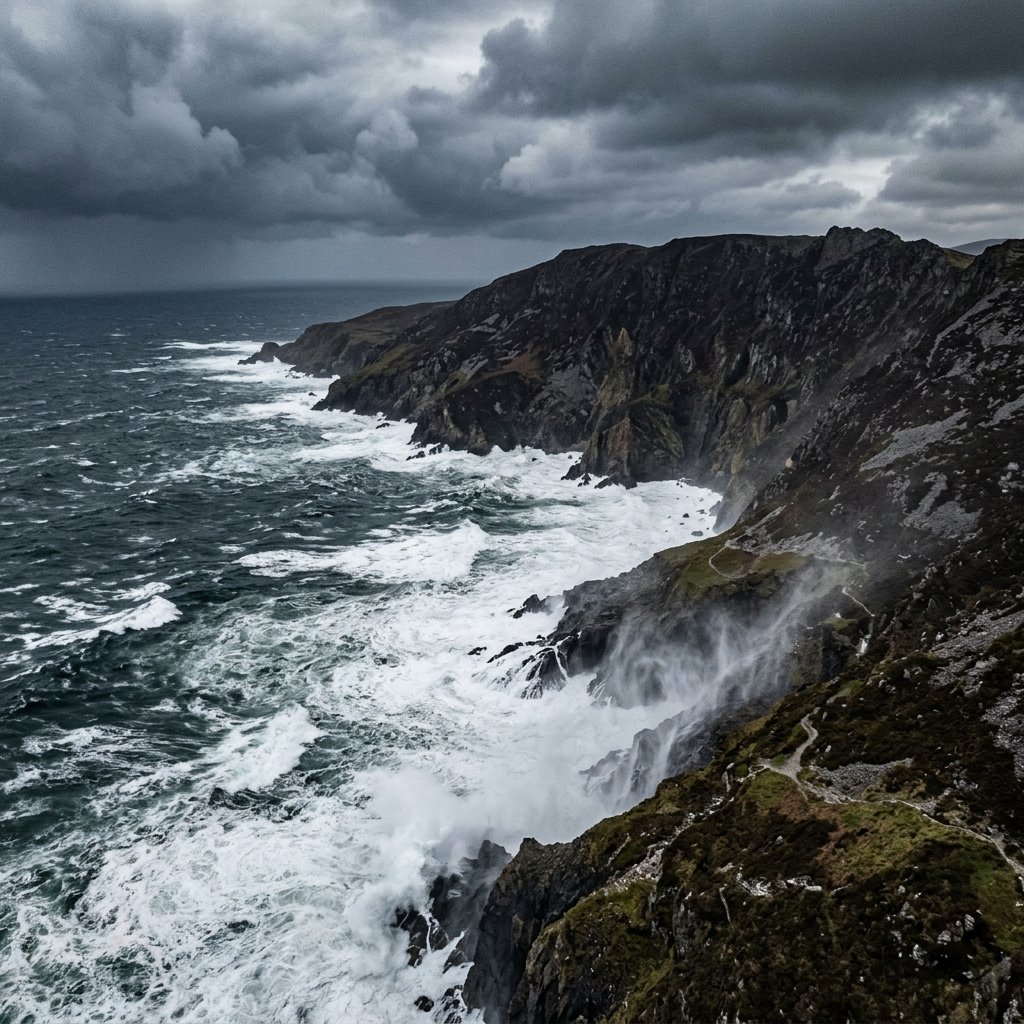
Stormy Coastal Cliff Landscape
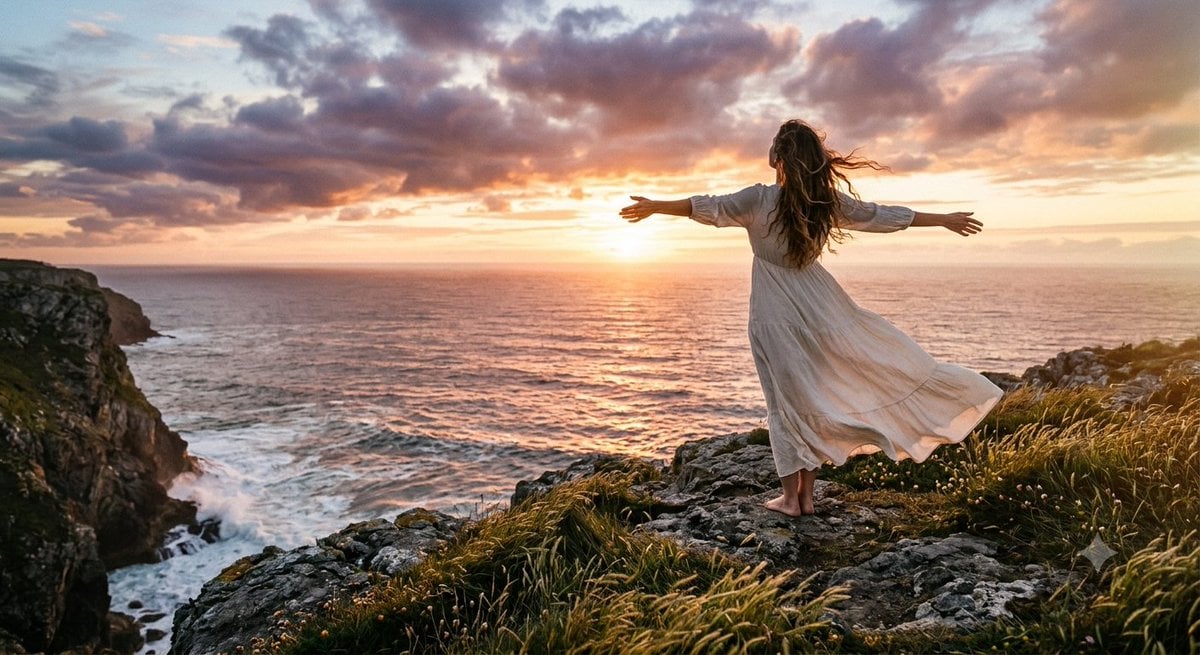
Cinematic Coastal Cliff Sunset Portrait
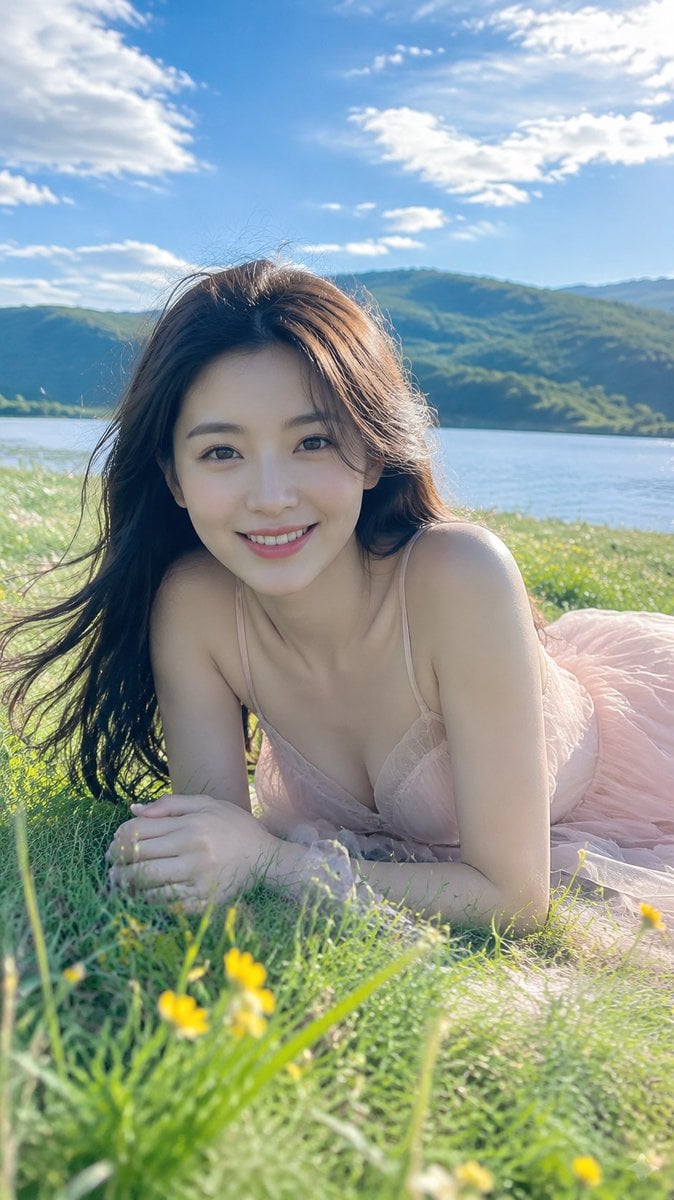
Alpine Lake Candid — Mountain Air Moment
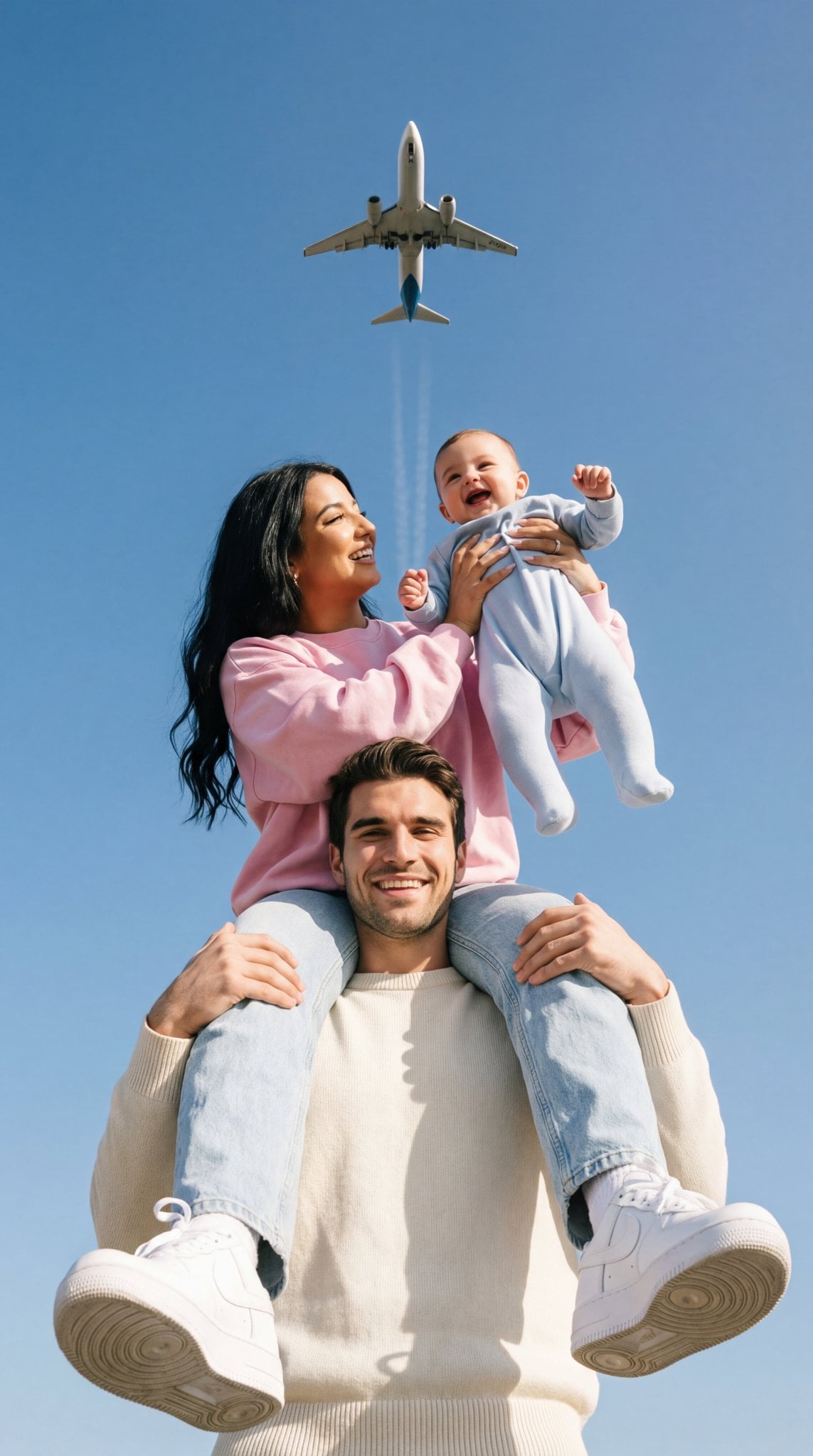
Ultra-photoreal cinematic travel lifestyle photo
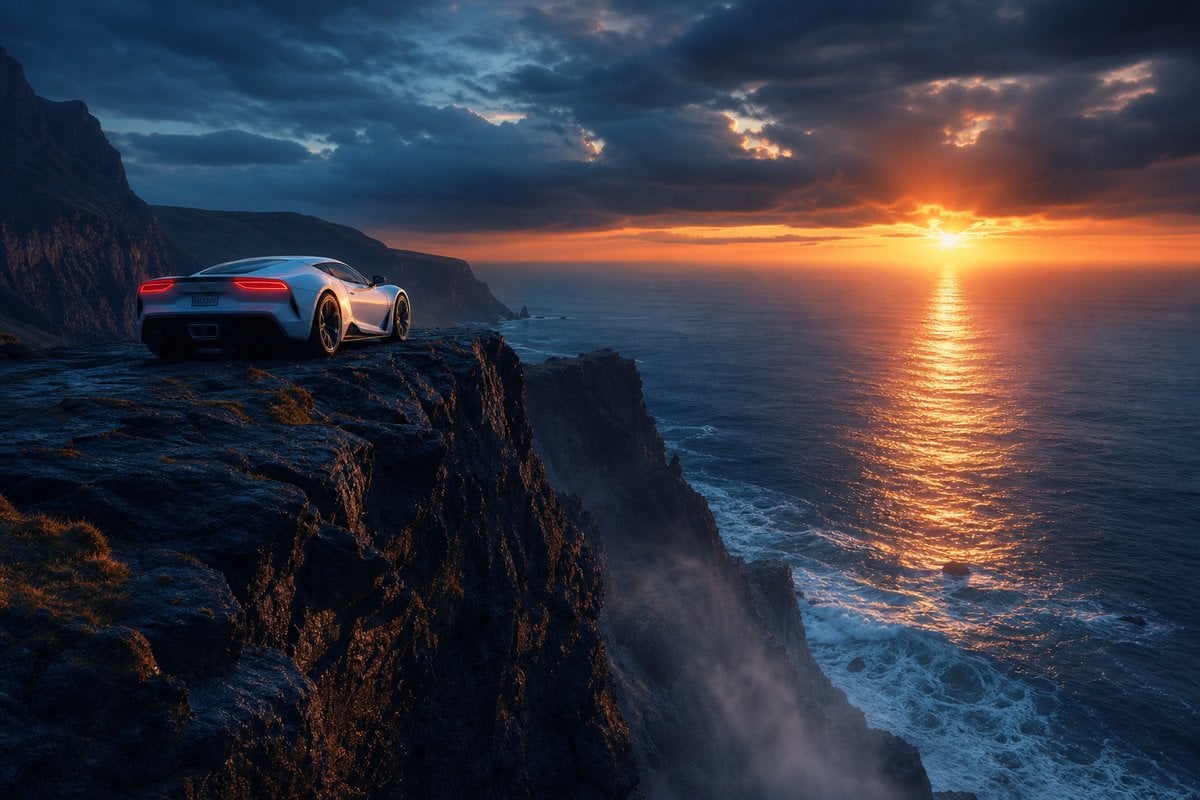
Sports Car on Ocean Cliff at Sunset

Photoreal librarian presenting AI book
Make it yours
Photoreal Nue on Alpine Cliff works as-is. These are the safest ways to change it without losing the look.
Change one field
Copy a single group, rewrite it, and generate again so you can see what that field is doing.
Keep the frame, change the subject
Hold the composition and light of Photoreal Nue on Alpine Cliff, then swap wardrobe, props or the person for a new take.
| If the result… | Why | Fix |
|---|---|---|
| The result drifts from the preview | Too many fields changed at once. | Reuse Photoreal Nue on Alpine Cliff as-is first, then change one group — subject, light, or setting. |
| The model over-stylizes the scene | The prose prompt leaves finish and camera underspecified. | Add one camera or lighting sentence and stay on GPT Image 2. |
More GPT Image 2 templates
Other prompts made for GPT Image 2.

Six VTuber Japanese Logo Sheet

Realistic Portrait of Woman and Deer

The Vista Modular Condo Poster

AI Model Routing Comparison Infographic

2.5D Anime Art Board

Isometric Productivity Desk Scene

New York Double Exposure Poster

Four-Panel AI Landscape Comparison

Japanese Tatami Lifestyle Magazine Cover

NESCAFÉ Coffee Map Poster
More image prompts
Fresh picks from across the catalog.
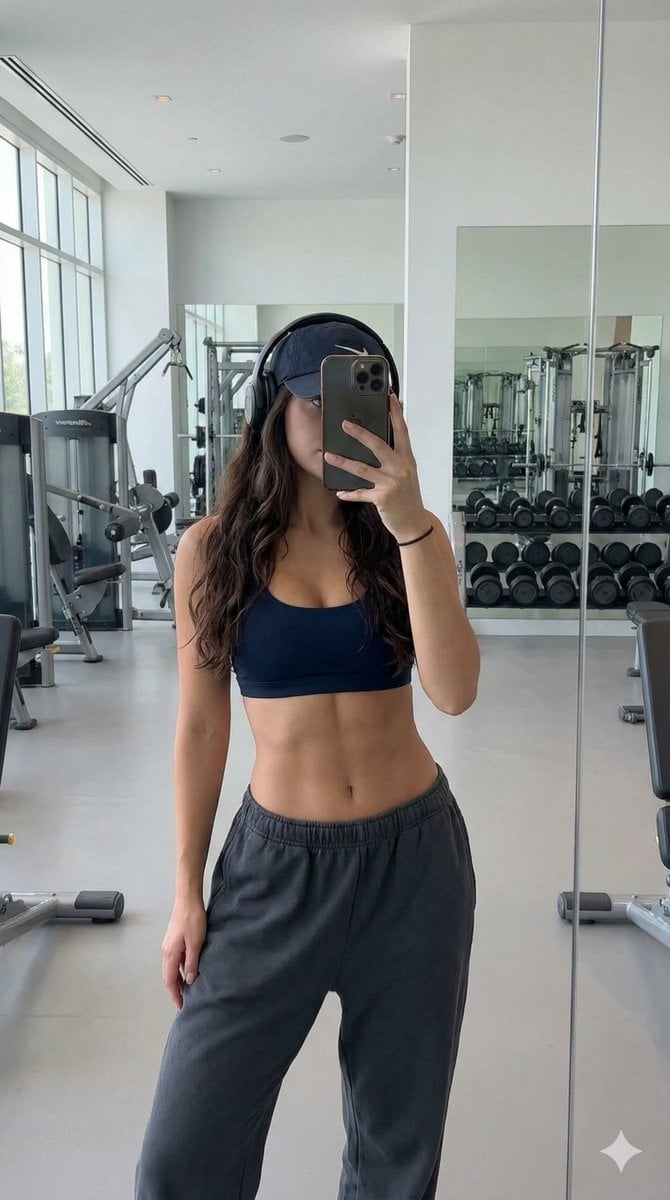
Athletic Gym Mirror Selfie Generation Prompt
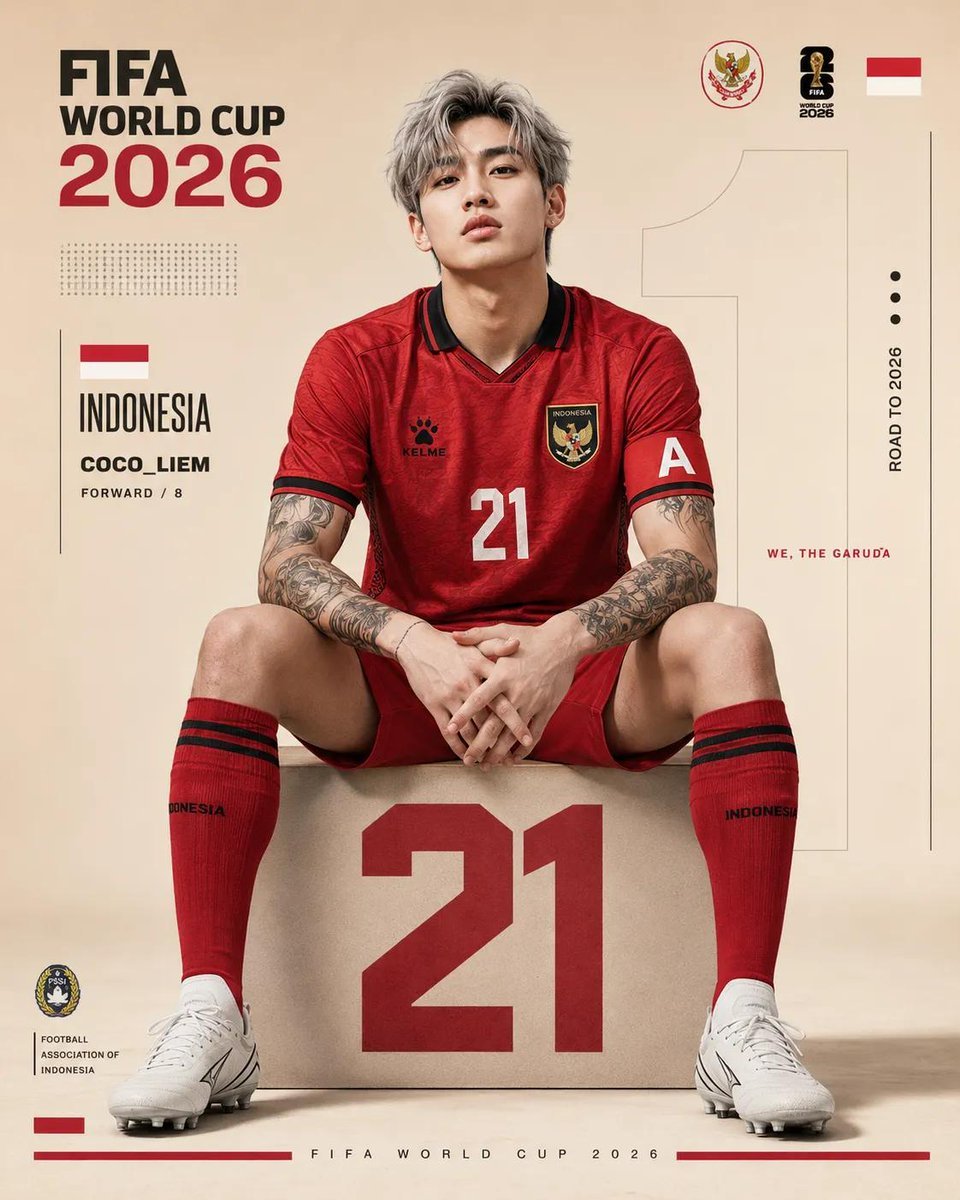
FIFA World Cup Poster Design
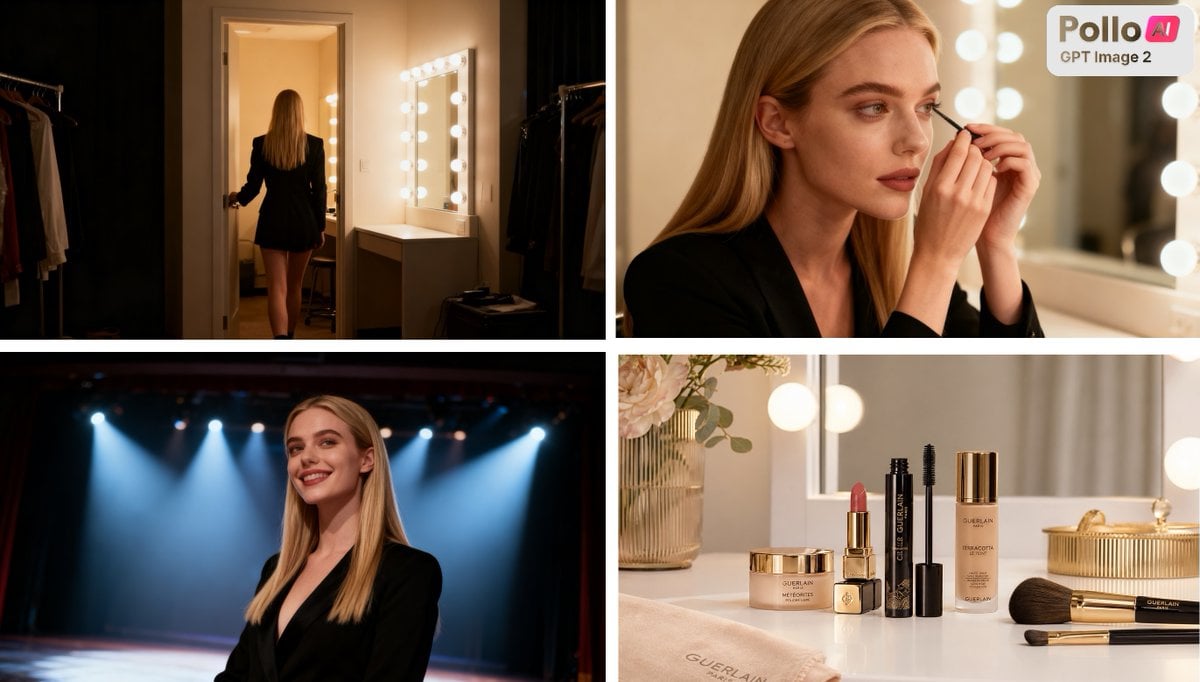
Luxury Beauty Ad Storyboard
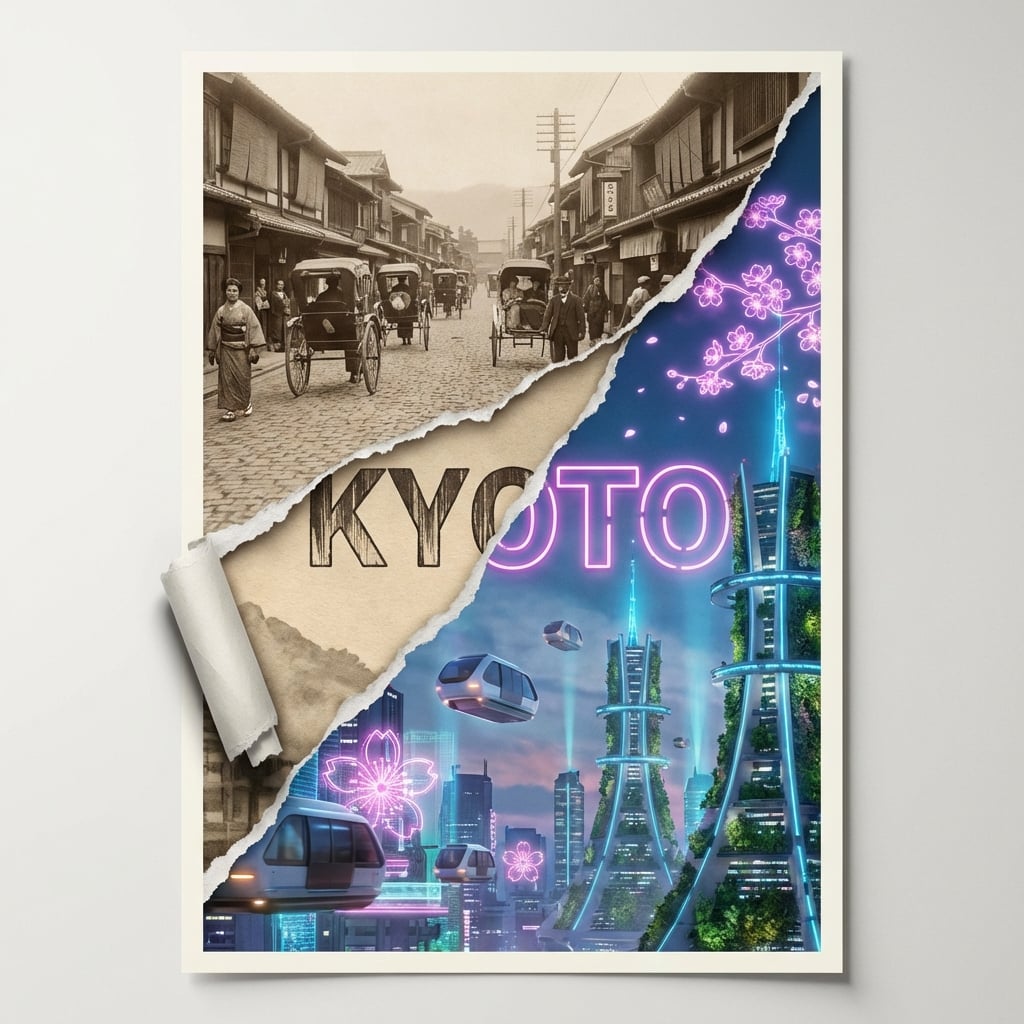
Torn Poster of Contrasting Kyoto Eras
Seedance - Romantic Comedy Scene
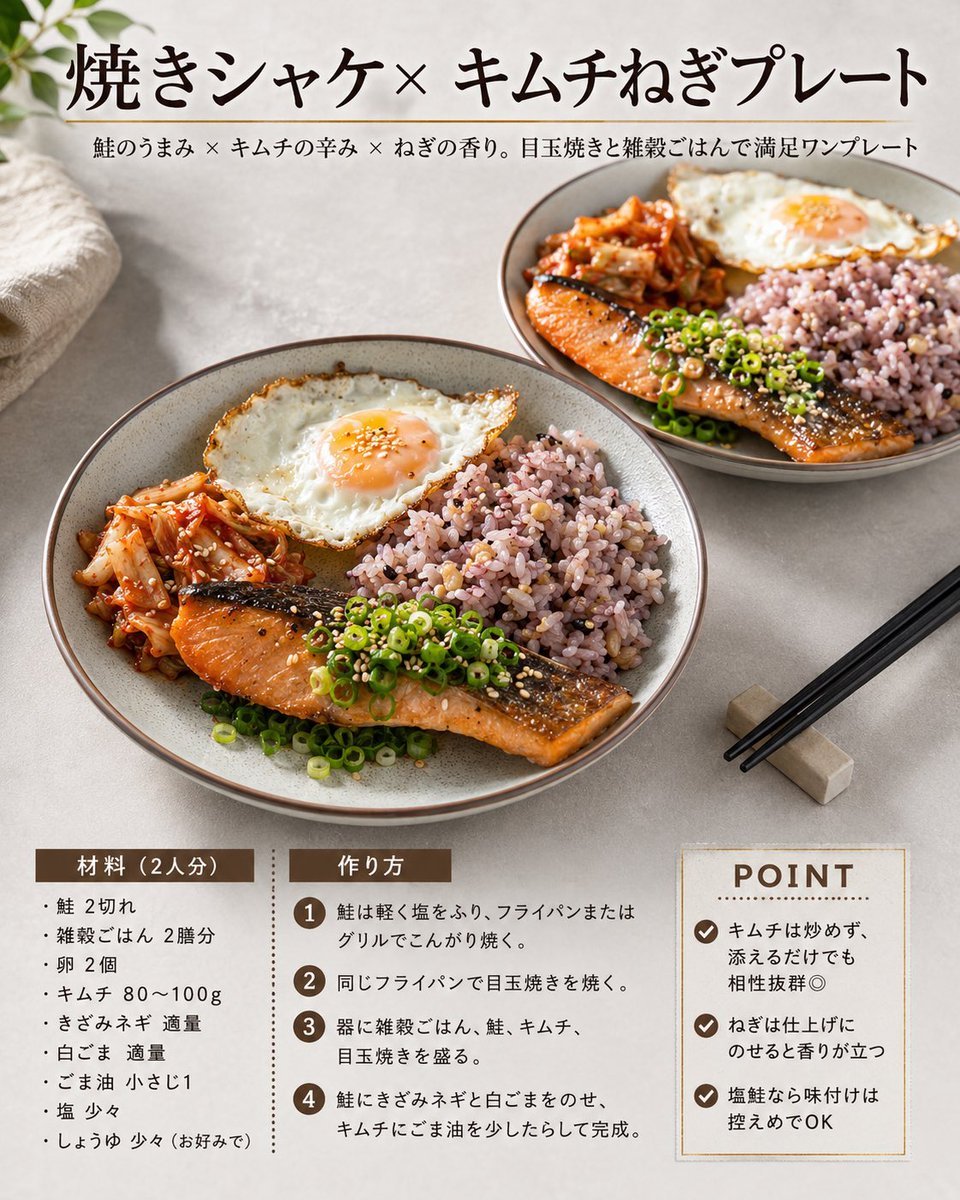
Japanese Salmon Kimchi Recipe Card
Y2K Teen Magazine Studio Portrait
Explosive Fried Chicken Advertisement

Vintage Wuhan Hot Dry Noodles Poster
Travel Scrapbook Chibi Collage Creator
Browse template categories
Photoreal Nue on Alpine Cliff questions
How do I use the Photoreal Nue on Alpine Cliff template?
Add your photo if the template asks for one, edit the prompt if you like — the template's model and format are already selected — and press Generate. Your version opens in PicX Studio.
Can I customize the Photoreal Nue on Alpine Cliff template?
Yes. You can change the subject, setting, lighting, mood, format, and available model controls before creating your image.
Is the Photoreal Nue on Alpine Cliff template free?
Opening and editing this template is free. Generating uses credits, shown on the Generate button when you are signed in.
Which AI model should I use?
Start with GPT Image 2, which is the model associated with this template. You can compare another compatible model for a different finish.
Looking for something else? Browse all templates.

Your photo, any look
Thousands of ready templates for every top image and video model, from one credit balance.