
Sports Car on Ocean Cliff at Sunset
A cinematic photorealistic scene of a luxury sports car parked on a towering coastal cliff above the ocean at sunset.
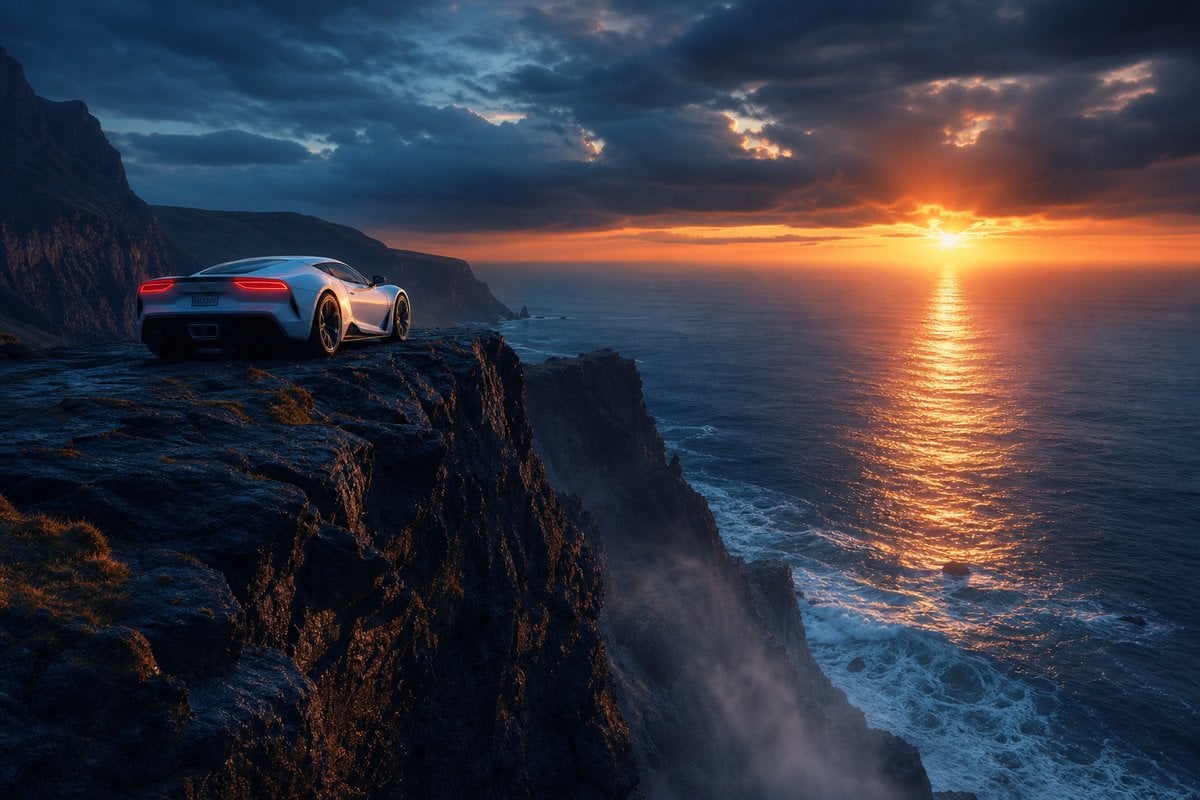
- Prompt included
- Model and format preset
- Free template
The prompt behind this image
Copy the exact prompt behind Sports Car on Ocean Cliff at Sunset, or open it in the studio and make it yours.
Create a cinematic photorealistic landscape scene at the edge of the world: a single sleek {argument name="car color" default="silver-white"} high-performance sports car parked near the left foreground on a wet, dark volcanic cliff ledge, viewed from behind at a low three-quarter angle, with glowing red taillights and polished body reflections. The cliff drops dramatically into a vast ocean on the right, with jagged black rock faces, sparse grass patches, sea mist rising from below, and white waves crashing against rocks far beneath. In the distance, rugged coastal mountains recede along the left horizon. The sun is setting low over the ocean near the right-center horizon, casting a brilliant orange-gold reflection path across the water, while the sky is filled with heavy dark blue storm clouds broken by warm fiery light. Emphasize elegance and power, solitude, extreme height, cinematic scale, moody atmosphere, ultra-detailed textures, realistic lighting, high dynamic range, wide-angle composition, dramatic contrast between cool blue shadows and warm sunset glow. No people, no text, no watermark.
How to use Sports Car on Ocean Cliff at Sunset in 3 steps
- 1Upload ImagePNG, JPG or paste
Add your photo
Upload the photo the template builds on. The prompt, model and format are already set.
- 2…a portrait of your subject in softgolden-hour light, 85mm…
Personalize
Edit the subject and creative details for your destination.
- 3Generate
Generate
Press Generate — your image is created in PicX Studio, so you can compare it with the original and refine one variable at a time.
More like this
Templates with the same subject, style or setup. Open one to see its prompt.
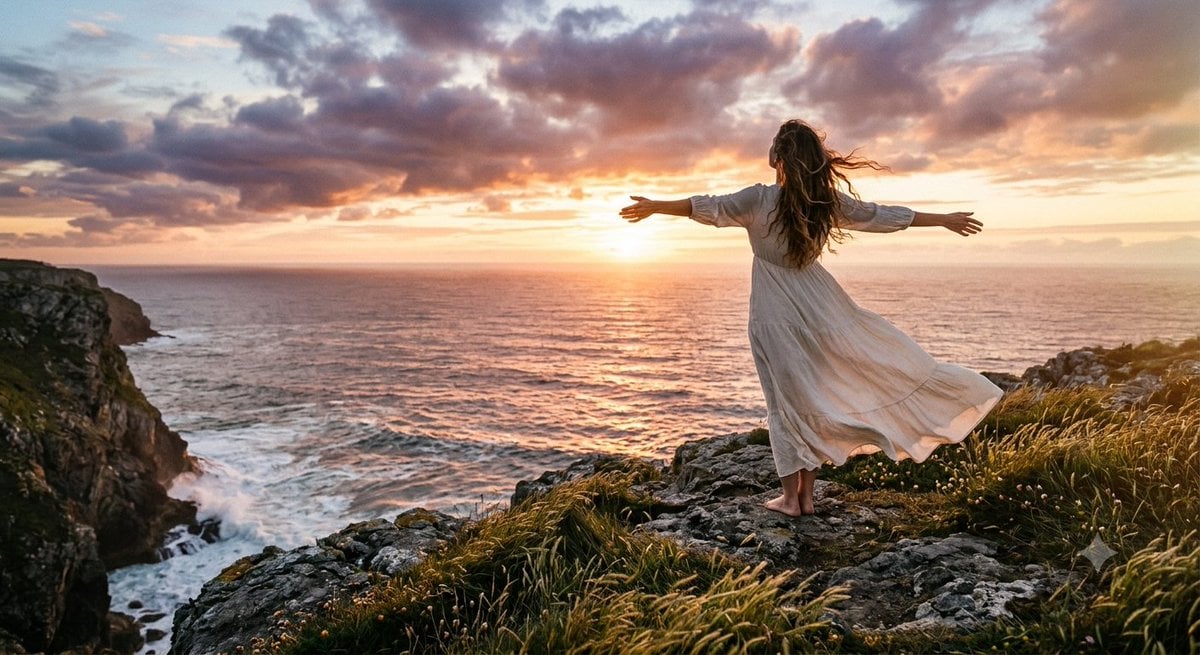
Cinematic Coastal Cliff Sunset Portrait

Surreal Cat Astronaut — Humanoid Face Freefall

Mountain Lake Sunset Landscape
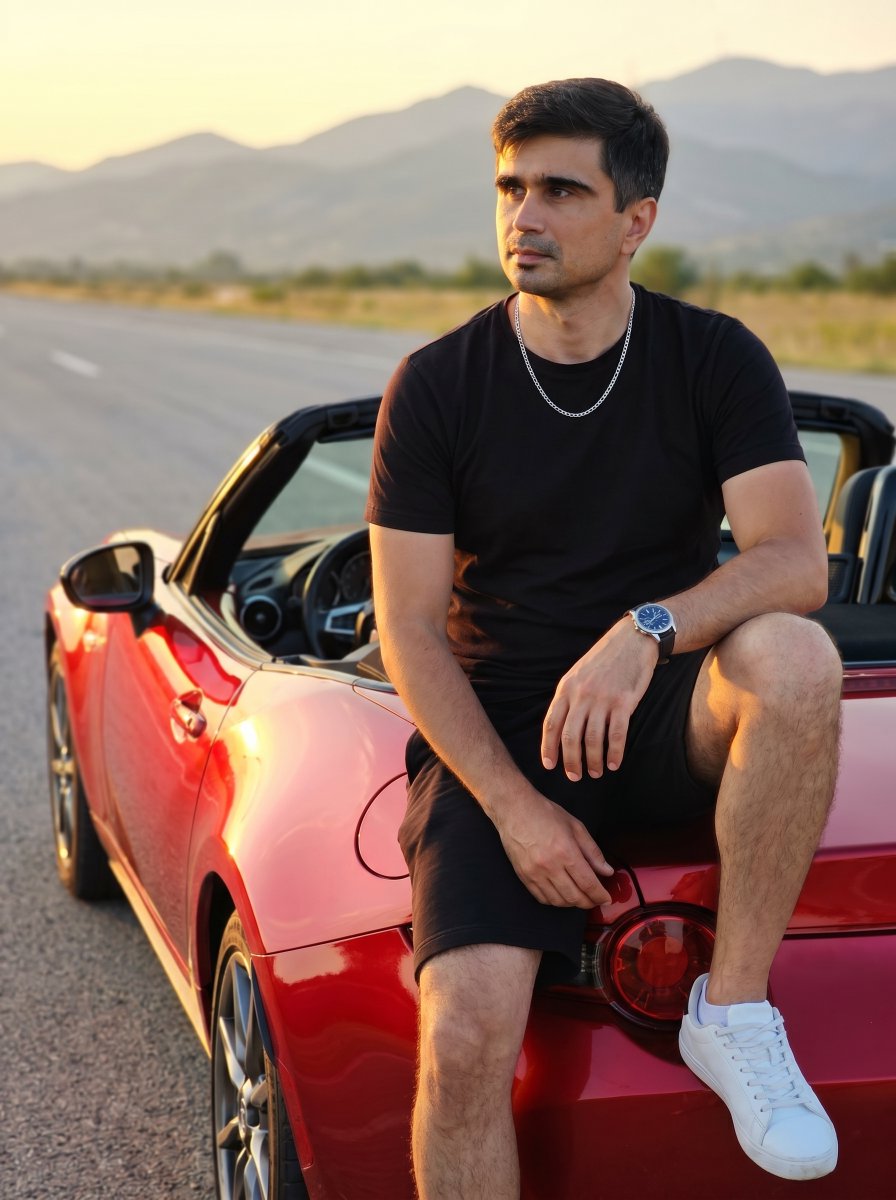
Man on Red Convertible Sports Car

Toon Cartoon Ocean Voyage

Artistic Arborpunk Garden Observatory Complex

Legendary Player Fragmented Editorial Poster

Goalmaster Youth Sports Poster

Clean Minimalist Player Editorial Poster

Captain Tsubasa Anime World Cup Poster
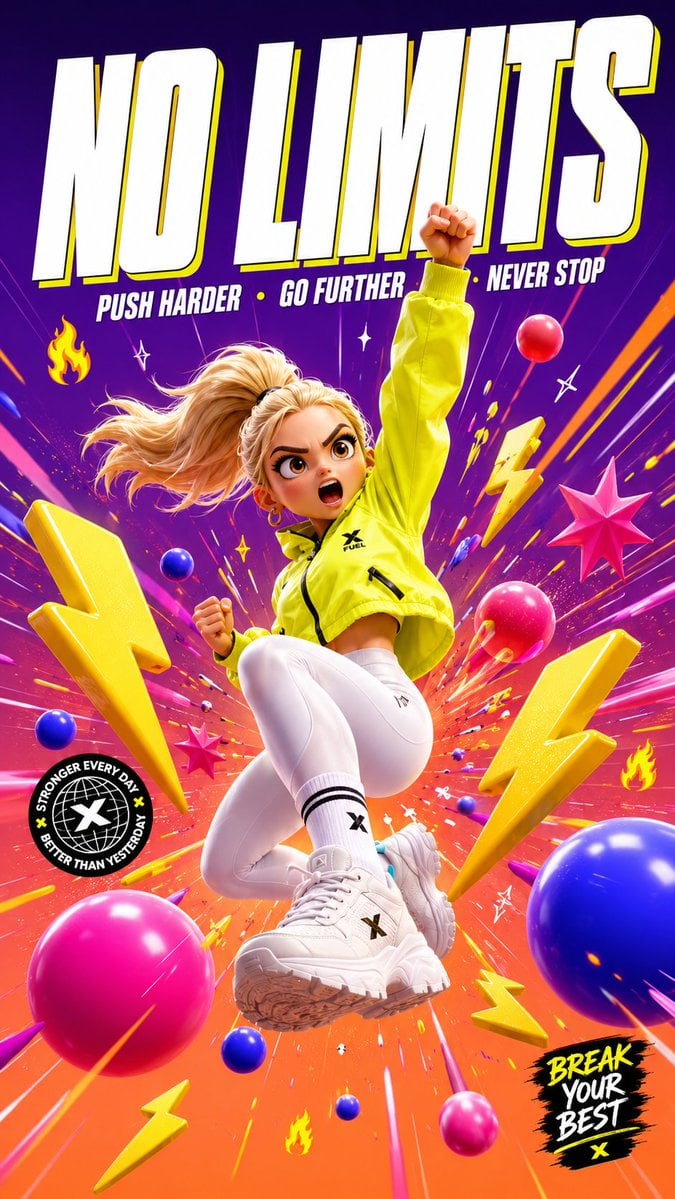
3D Cartoon Sports Poster
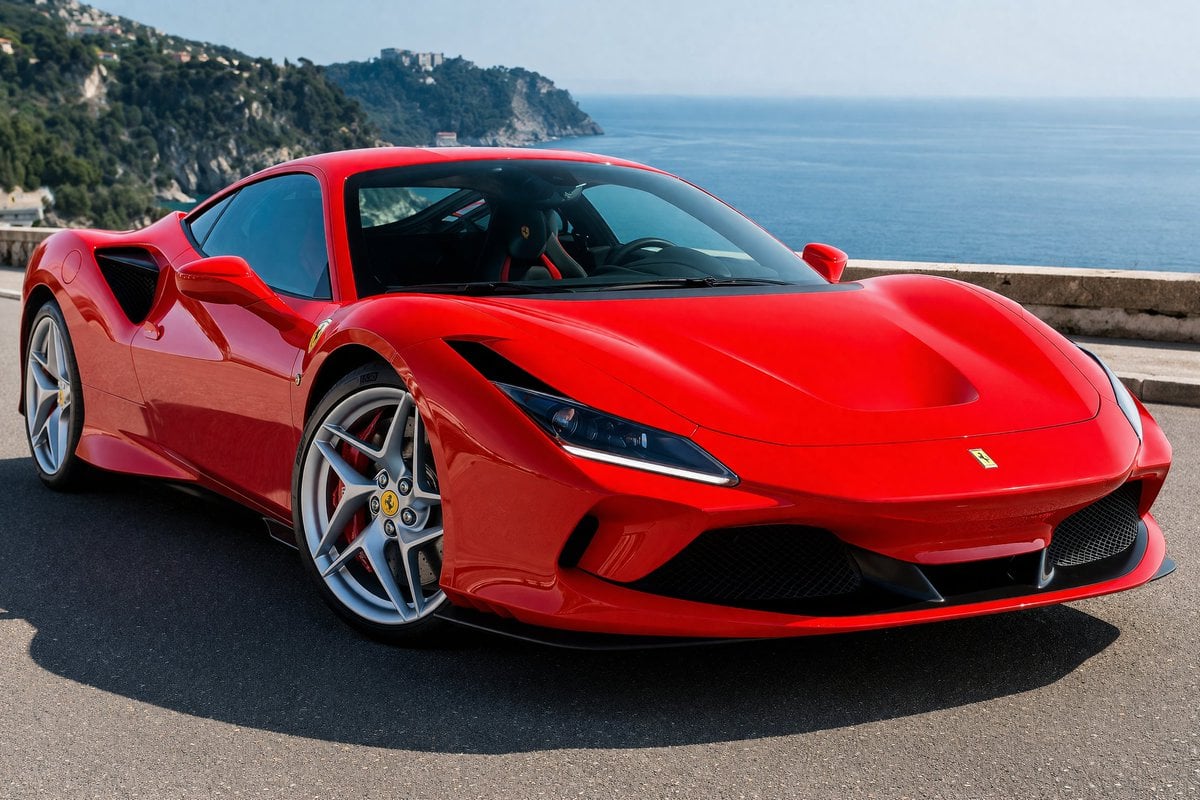
Photorealistic Coastal Sports Car
Make it yours
Sports Car on Ocean Cliff at Sunset works as-is. These are the safest ways to change it without losing the look.
Change one field
Copy a single group, rewrite it, and generate again so you can see what that field is doing.
Keep the frame, change the subject
Hold the composition and light of Sports Car on Ocean Cliff at Sunset, then swap wardrobe, props or the person for a new take.
| If the result… | Why | Fix |
|---|---|---|
| The result drifts from the preview | Too many fields changed at once. | Reuse Sports Car on Ocean Cliff at Sunset as-is first, then change one group — subject, light, or setting. |
| The model over-stylizes the scene | The prose prompt leaves finish and camera underspecified. | Add one camera or lighting sentence and stay on GPT Image 2. |
More GPT Image 2 templates
Other prompts made for GPT Image 2.

Six VTuber Japanese Logo Sheet

Realistic Portrait of Woman and Deer

The Vista Modular Condo Poster

AI Model Routing Comparison Infographic

2.5D Anime Art Board

Isometric Productivity Desk Scene

New York Double Exposure Poster

Four-Panel AI Landscape Comparison

Japanese Tatami Lifestyle Magazine Cover

NESCAFÉ Coffee Map Poster
More image prompts
Fresh picks from across the catalog.
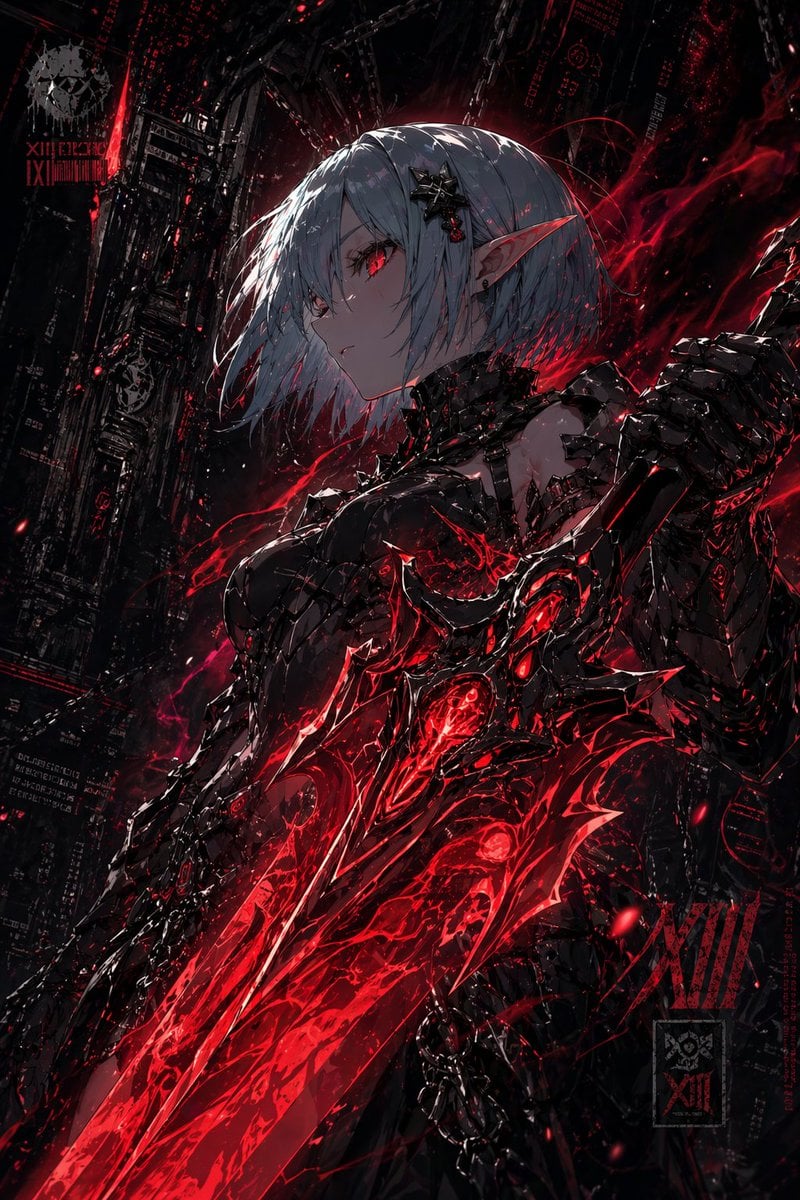
Dark Cyber Elf With Crimson Blade

Futuristic Smart Mirror Website Mockup

Blueberry Courseware Cover Slide
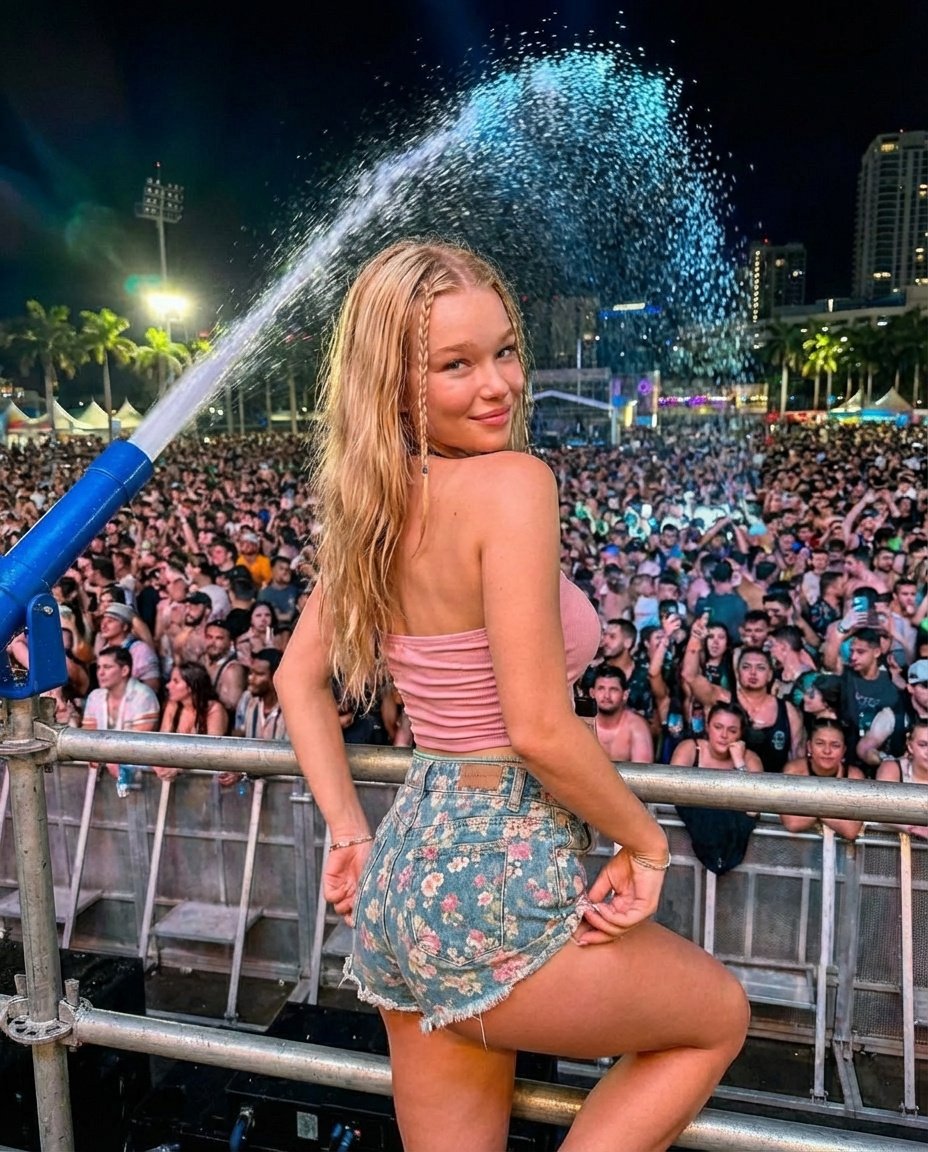
Nighttime Music Festival Photography Prompt

Man Racing Cart with Sheep
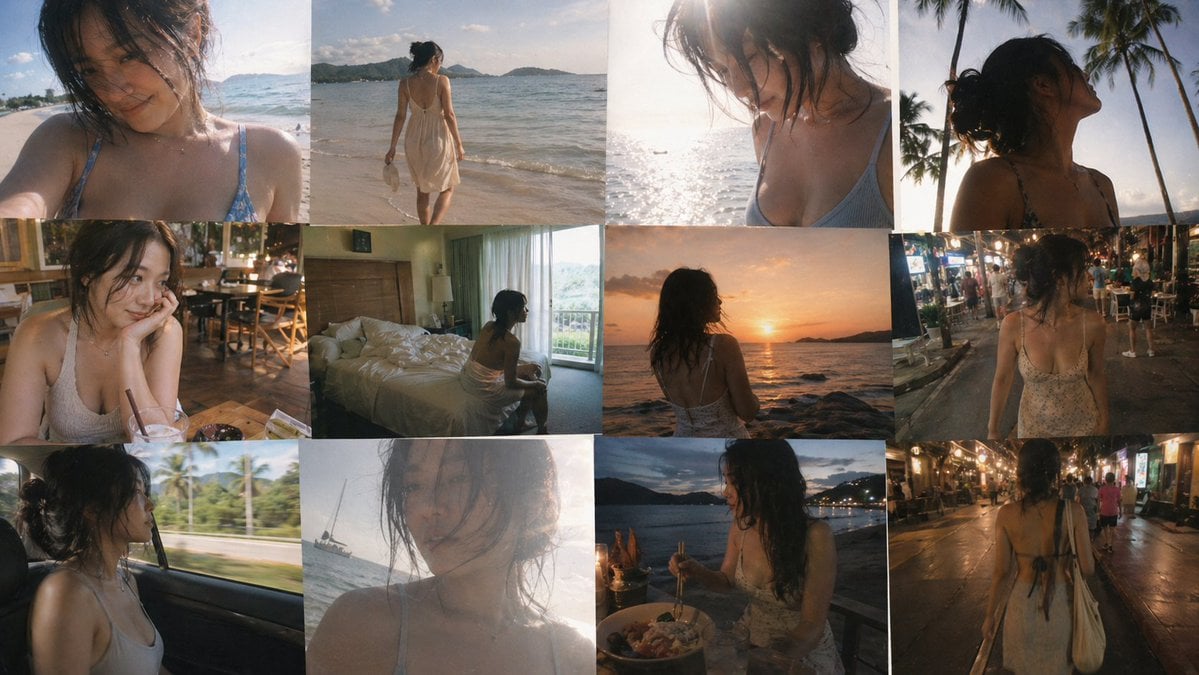
Travel Snapshot Collage Prompt

Luxury Jamaican Festival Bread Poster
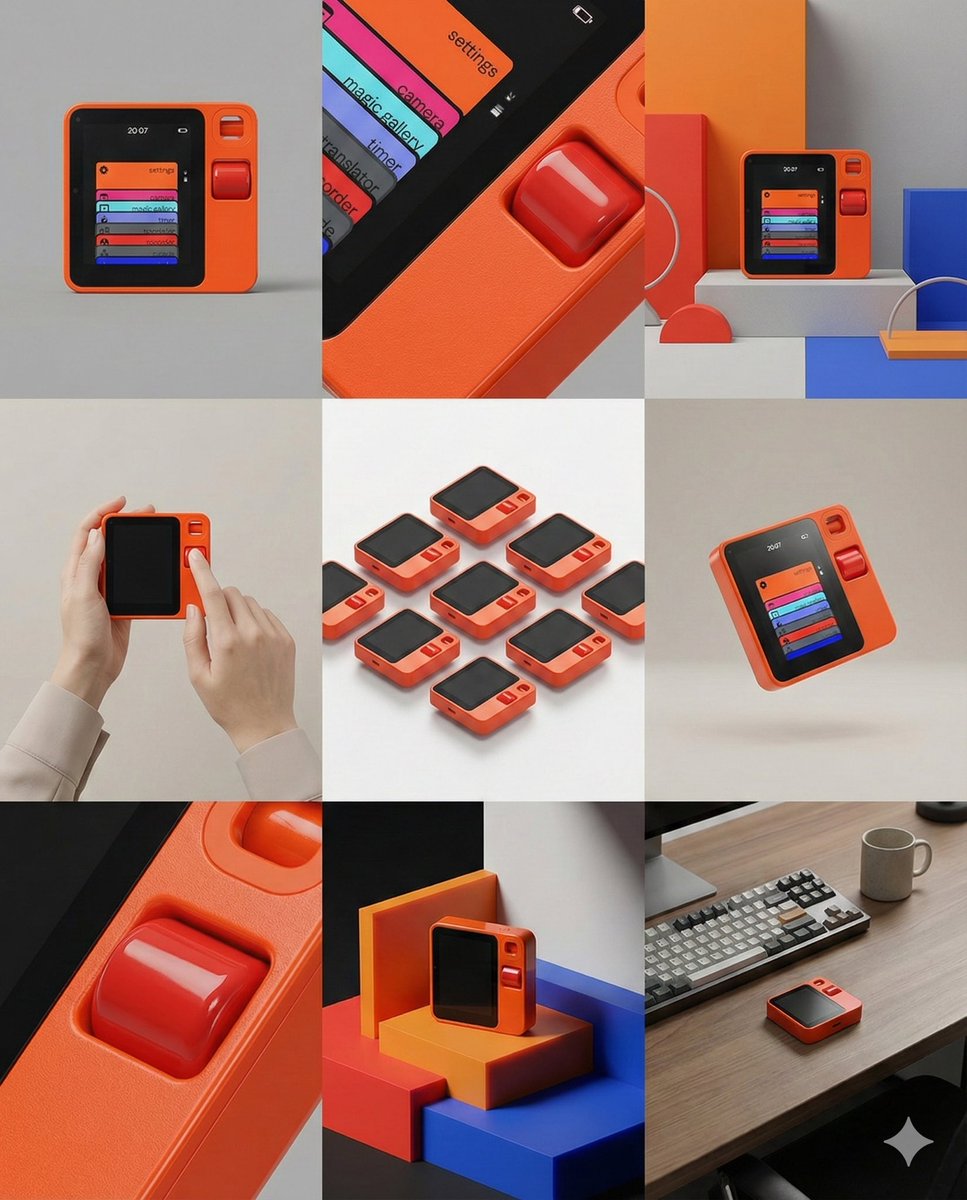
Panel Product Storyboard Grid Prompt

Ultra Realistic Cinematic Winter
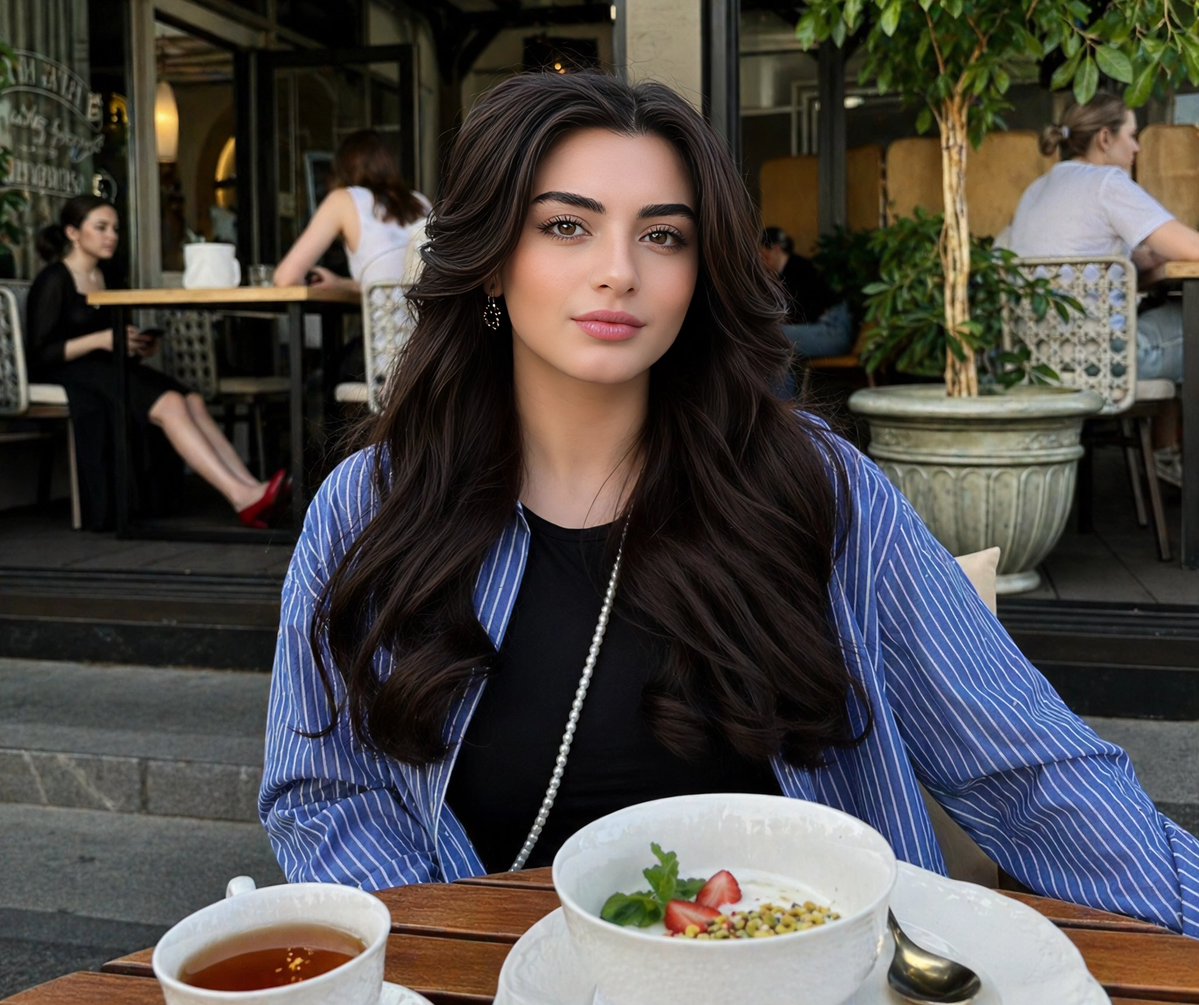
Lifestyle Portrait at Outdoor Café
Browse template categories
Sports Car on Ocean Cliff at Sunset questions
How do I use the Sports Car on Ocean Cliff at Sunset template?
Add your photo if the template asks for one, edit the prompt if you like — the template's model and format are already selected — and press Generate. Your version opens in PicX Studio.
Can I customize the Sports Car on Ocean Cliff at Sunset template?
Yes. You can change the subject, setting, lighting, mood, format, and available model controls before creating your image.
Is the Sports Car on Ocean Cliff at Sunset template free?
Opening and editing this template is free. Generating uses credits, shown on the Generate button when you are signed in.
Which AI model should I use?
Start with GPT Image 2, which is the model associated with this template. You can compare another compatible model for a different finish.
Looking for something else? Browse all templates.

Your photo, any look
Thousands of ready templates for every top image and video model, from one credit balance.