
Man Racing Cart with Sheep
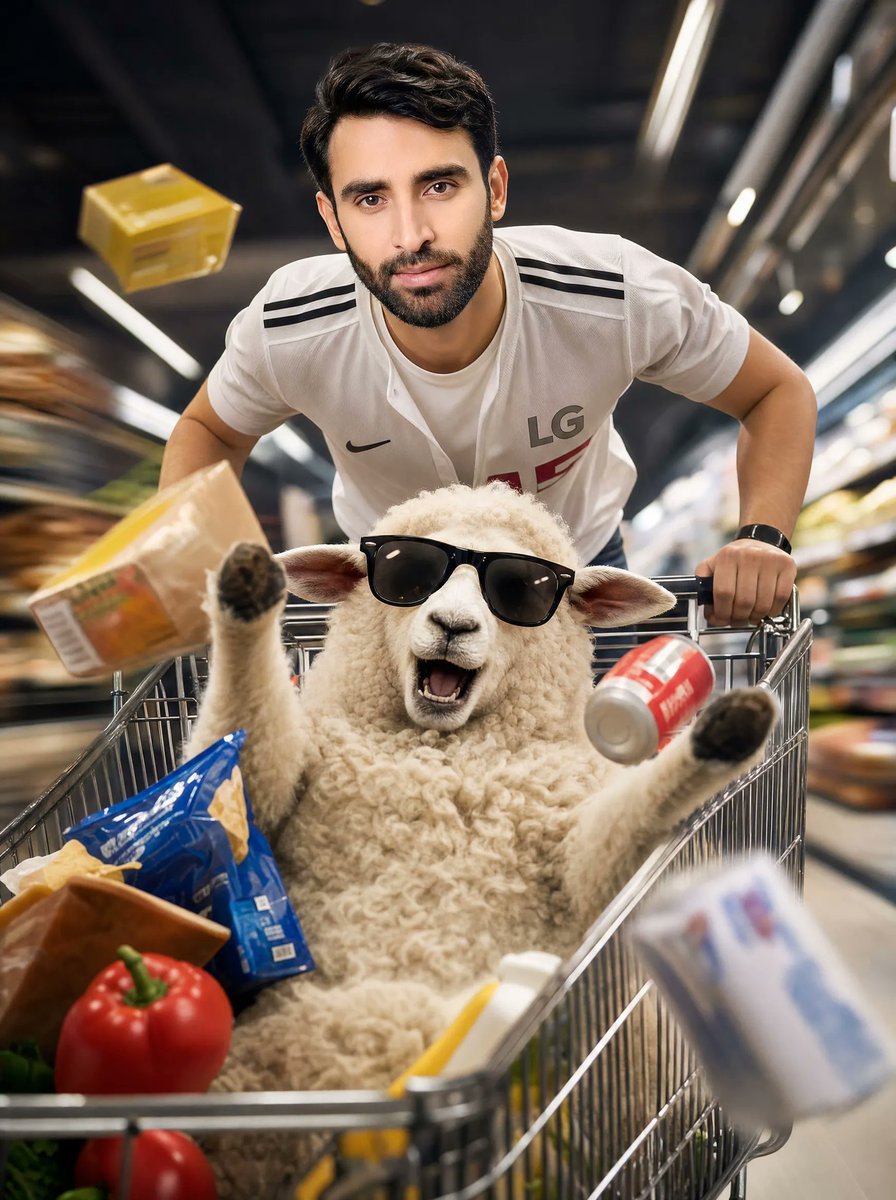
A cinematic supermarket action shot of a young man speeding a shopping cart containing a sheep and flying groceries, useful for humorous advertising visuals.
- Prompt included
- Model and format preset
- Free template
The prompt behind this image
Copy the exact prompt behind Man Racing Cart with Sheep, or open it in the studio and make it yours.
Create an ultra-realistic cinematic advertising photograph inside a clean modern supermarket aisle, shot from a very low wide-angle camera mounted near the front of a shopping cart as it rushes toward the viewer. A {argument name="subject" default="young athletic man"} leans aggressively over the cart handle, pushing fast, wearing a white soccer-style jersey with black shoulder stripes, a small black swoosh-like chest logo, and the letters “LG” on the chest; he has short dark hair, muscular arms, and a black smartwatch. Place a large fluffy {argument name="animal" default="sheep"} lying on its back inside the metal shopping cart, belly up, with both front legs raised and ears visible, as if surprised by the speed. Obscure both the man’s face and the sheep’s face with flat rectangular beige censor blocks. Show exactly 8 visible grocery items flying or sitting in the cart: 1 yellow box flying in the upper left background, 1 tan packaged food block flying at left, 1 red soda can flying at right, 1 blue potato chip bag inside the cart, 1 brown bread or toast package at lower left, 1 red bell pepper at the front left, 1 red tomato below it, and 1 blurred white-and-blue carton flying in the lower right foreground. Use dramatic motion blur along the supermarket shelves on both sides, bright linear ceiling lights streaking overhead, shallow depth of field, crisp metal cart rails in the foreground, high-speed action energy, glossy commercial lighting, realistic textures, and a {argument name="mood" default="chaotic humorous premium supermarket ad"} atmosphere. Vertical 4:5 composition, centered cart, subject looming close to the camera, no extra text, no watermark.
How to use Man Racing Cart with Sheep in 3 steps
- 1Upload ImagePNG, JPG or paste
Add your photo
Upload the photo the template builds on. The prompt, model and format are already set.
- 2…a portrait of your subject in softgolden-hour light, 85mm…
Personalize
Edit the subject and creative details for your destination.
- 3Generate
Generate
Press Generate — your image is created in PicX Studio, so you can compare it with the original and refine one variable at a time.
More like this
Templates with the same subject, style or setup. Open one to see its prompt.
Grainy CCTV Woman With Hand Cart

Eid al-Adha Cute Chaos — Fisheye Selfie with Farm Selfie, Mosque & Animals
Manga Inspired Horse Racing

Japan Neon Speed City Racing Poster
Cute Sheep Girl Office Manga Page
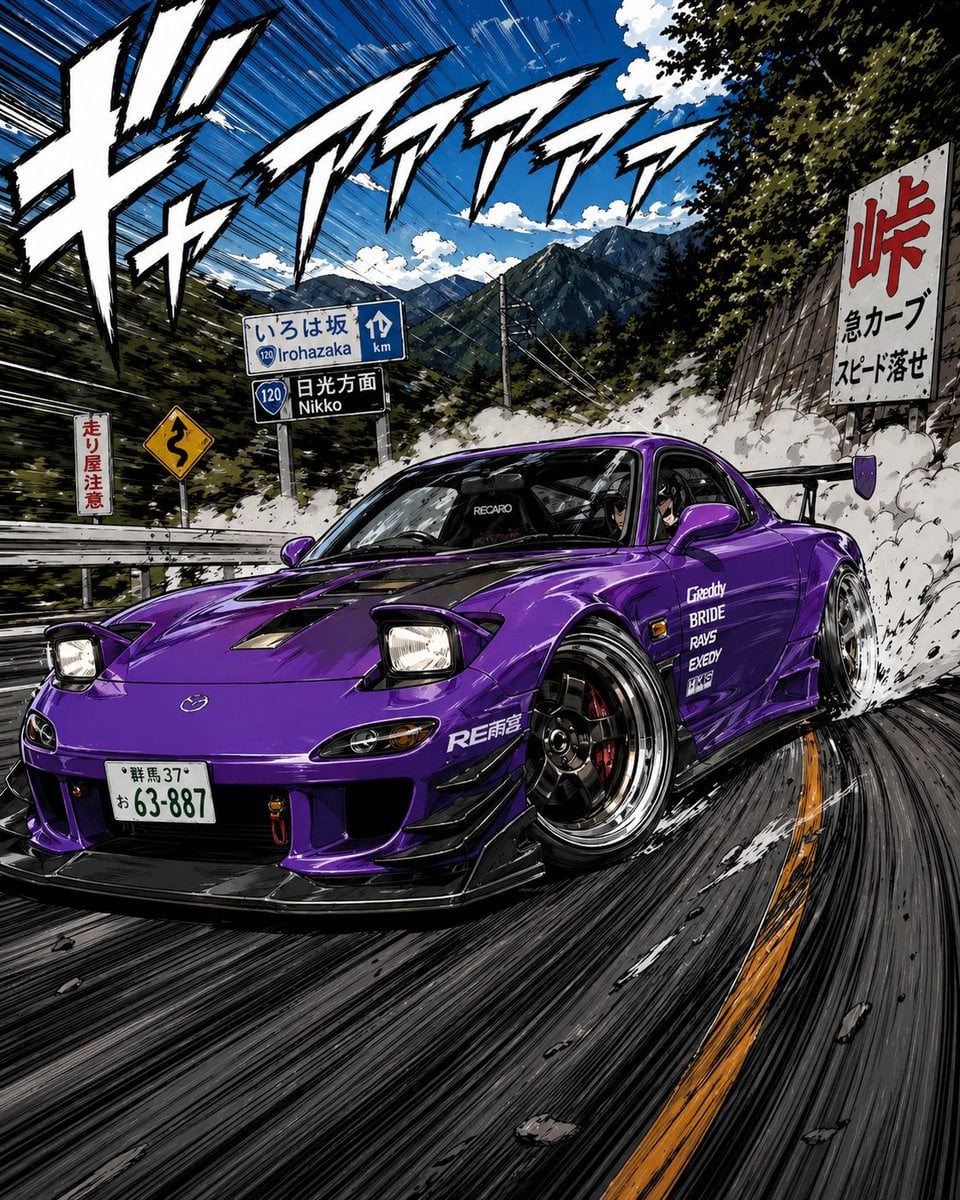
Manga Street Racing Illustration
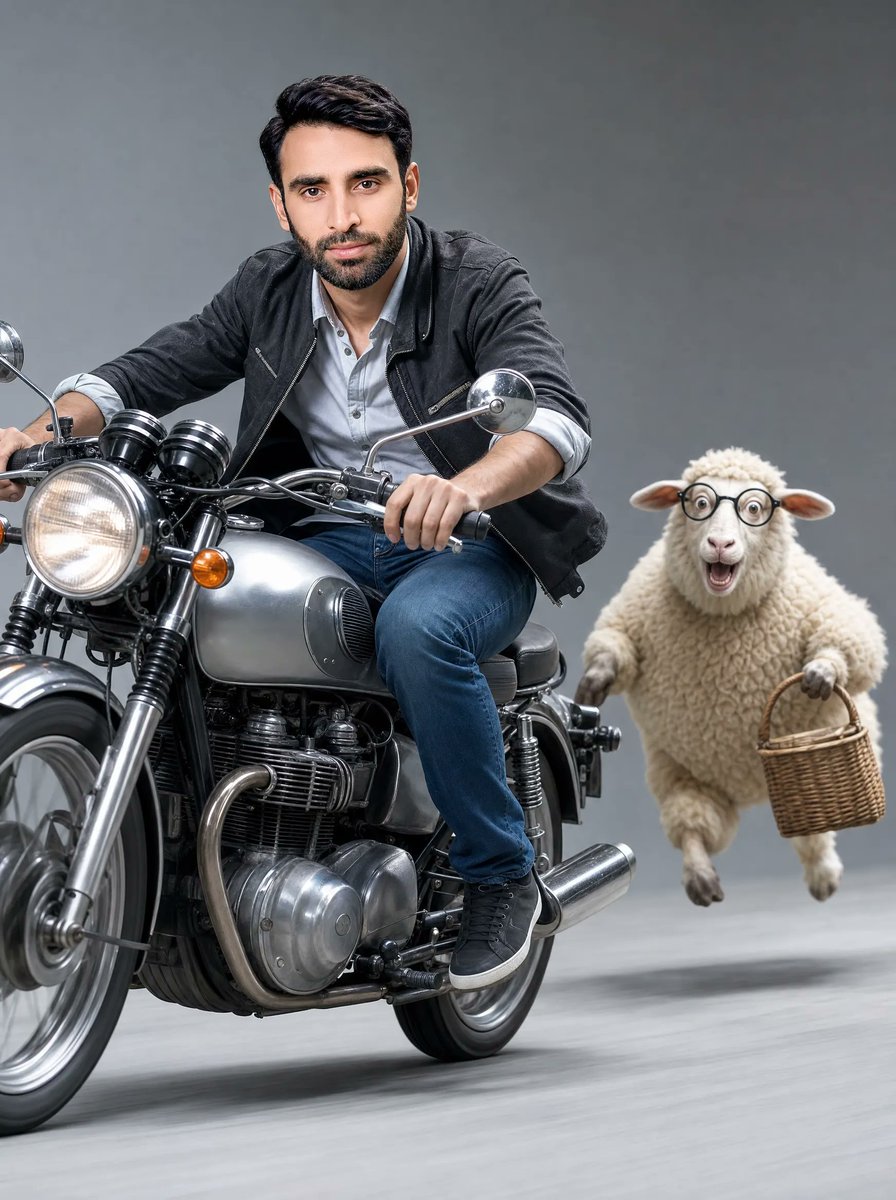
Man on Retro Motorcycle with Leaping Sheep
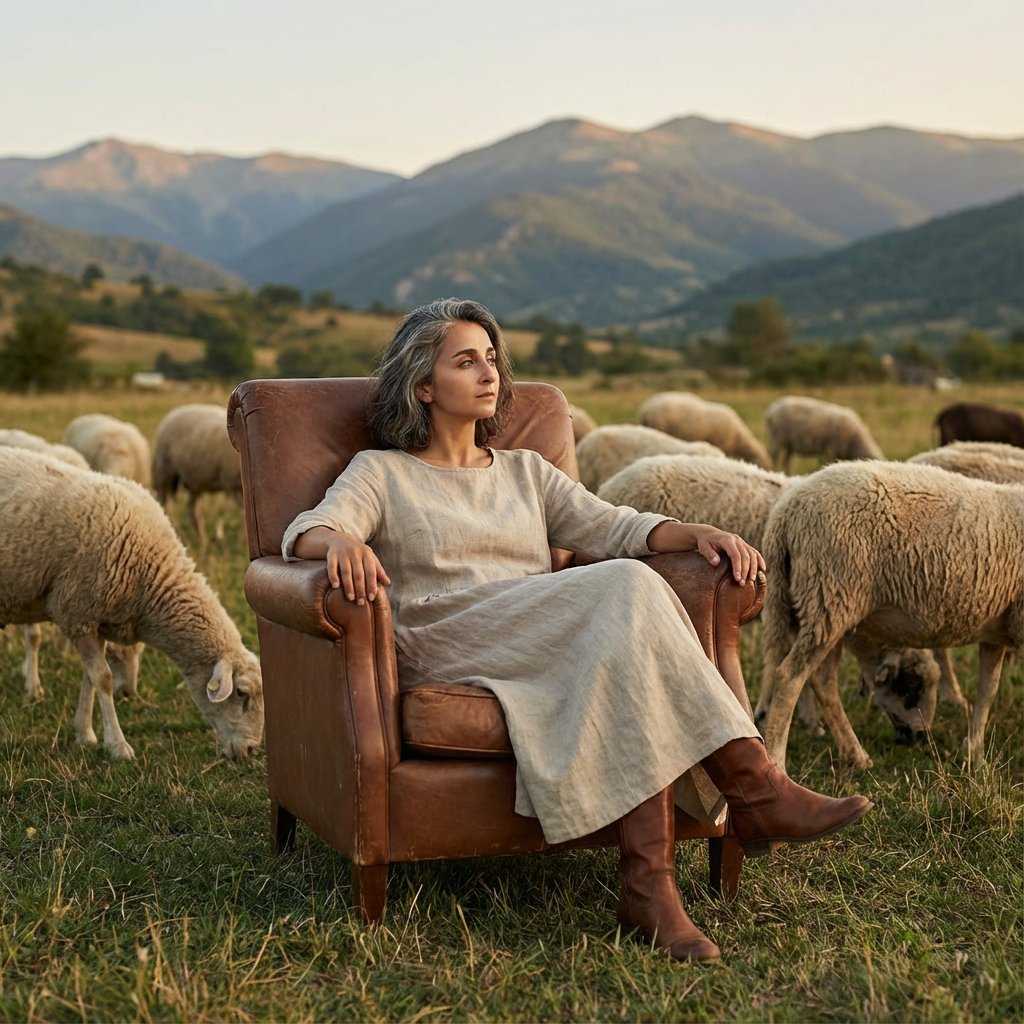
Editorial Photography of Woman in Armchair with Sheep
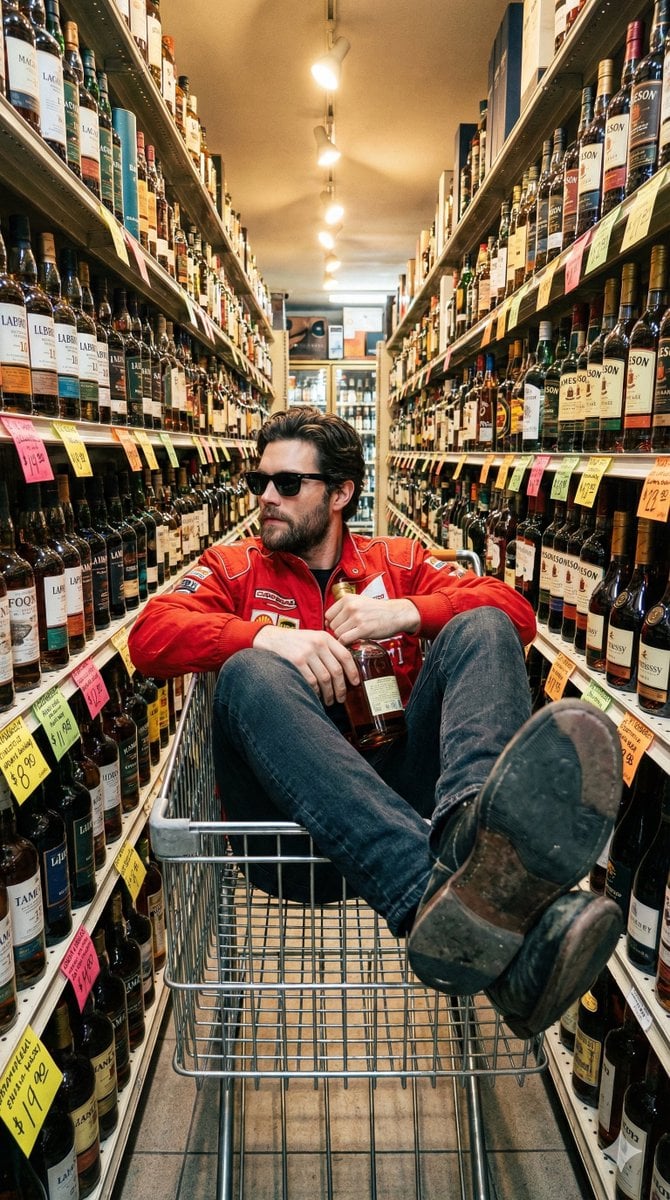
Unfiltered Smartphone Photo of Man in Shopping Cart in Liquor Store
Harpy Attacking Sheep
Cyberpunk Formula Neo Racing HUD

Quiet Hamster Manga Page
Make it yours
Man Racing Cart with Sheep works as-is. These are the safest ways to change it without losing the look.
Change one field
Copy a single group, rewrite it, and generate again so you can see what that field is doing.
Keep the frame, change the subject
Hold the composition and light of Man Racing Cart with Sheep, then swap wardrobe, props or the person for a new take.
| If the result… | Why | Fix |
|---|---|---|
| The result drifts from the preview | Too many fields changed at once. | Reuse Man Racing Cart with Sheep as-is first, then change one group — subject, light, or setting. |
| The model over-stylizes the scene | The prose prompt leaves finish and camera underspecified. | Add one camera or lighting sentence and stay on GPT Image 2. |
More GPT Image 2 templates
Other prompts made for GPT Image 2.

Six VTuber Japanese Logo Sheet

Realistic Portrait of Woman and Deer

The Vista Modular Condo Poster

AI Model Routing Comparison Infographic

2.5D Anime Art Board

Isometric Productivity Desk Scene

New York Double Exposure Poster

Four-Panel AI Landscape Comparison

Japanese Tatami Lifestyle Magazine Cover

NESCAFÉ Coffee Map Poster
More image prompts
Fresh picks from across the catalog.
Cozy Bedtime Woman With Ginger Kitten
Surreal Diorama and Don Quixote Miniature Prompts
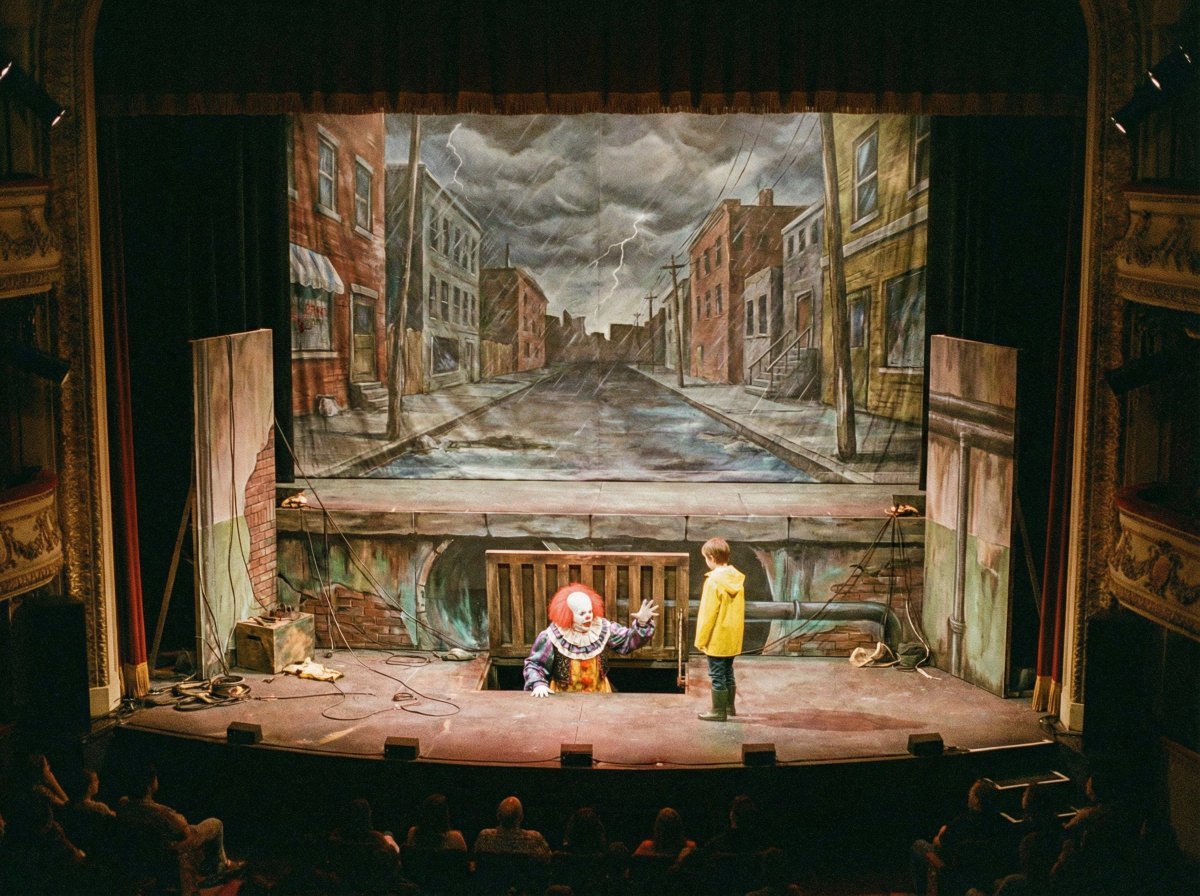
Nano Banana Prompt Recreation (ALT Text)
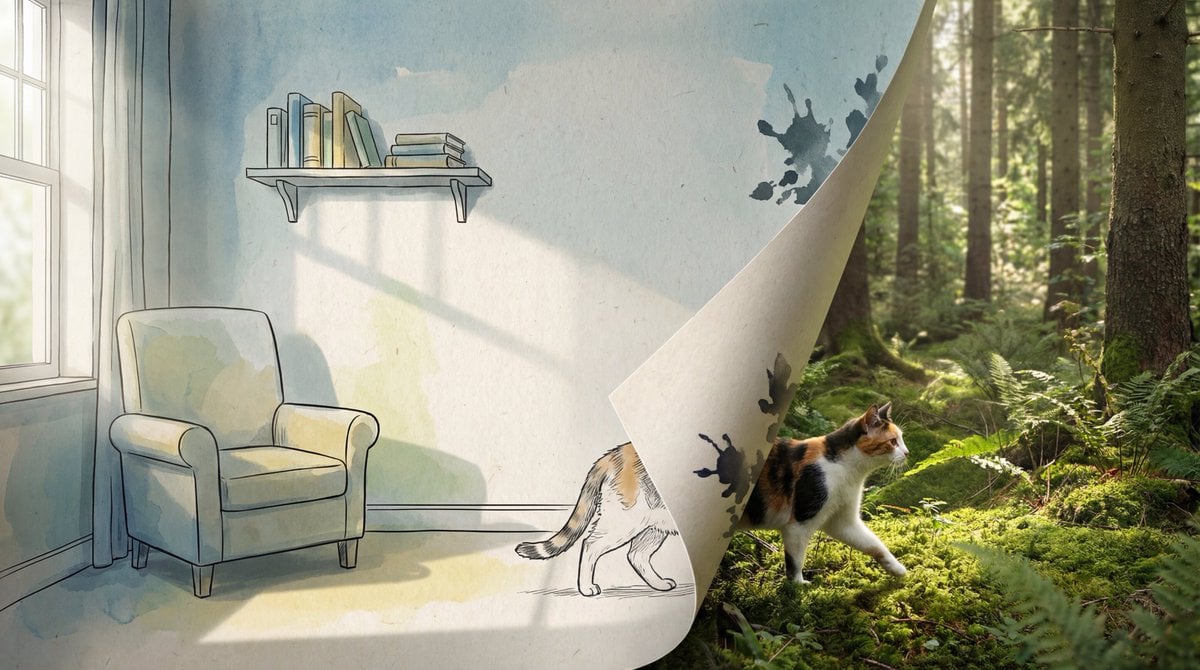
2D/3D Mixed-Dimension Illusion Room

Biomechanical Surrealism with Gold Leaf
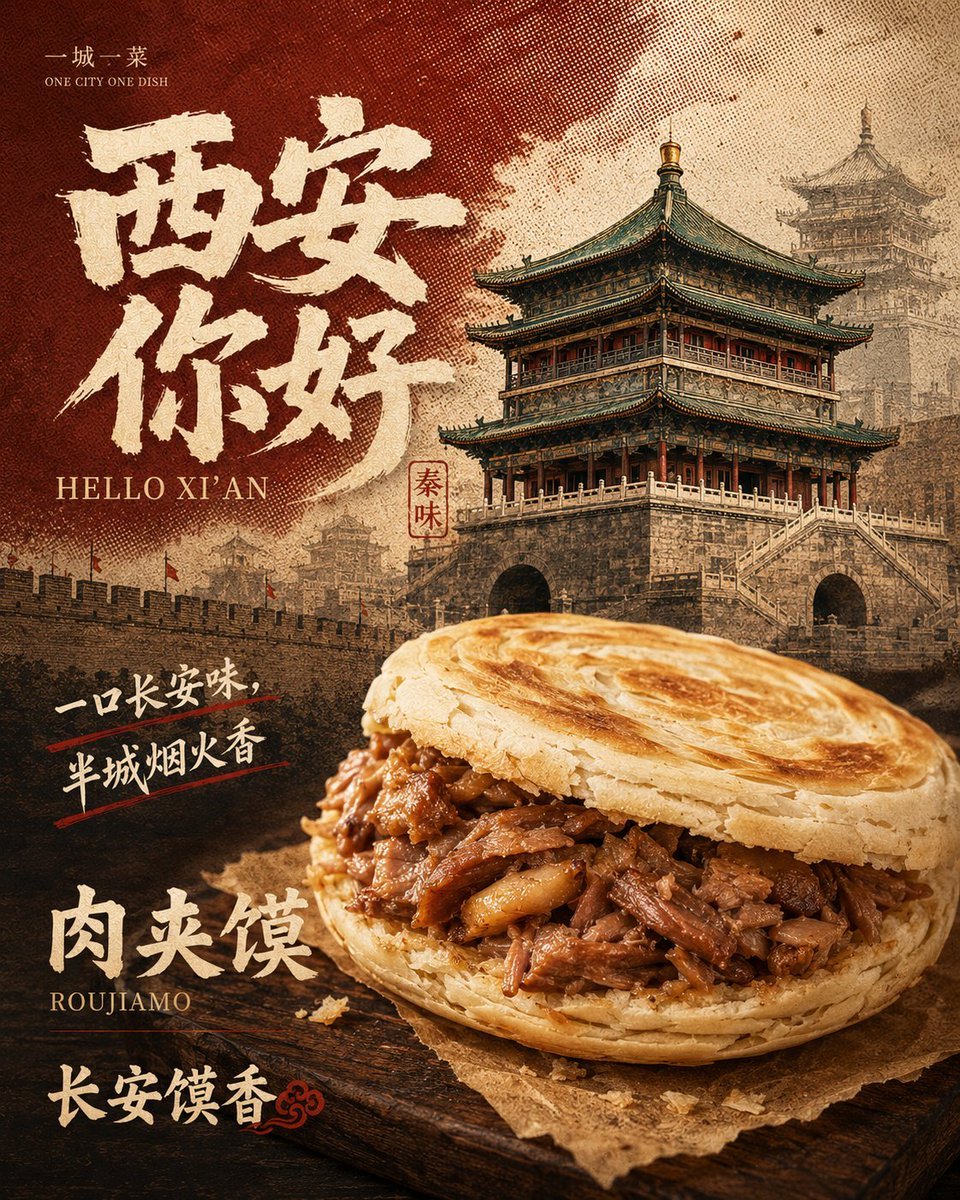
Retro Xi'an Roujiamo Food Poster
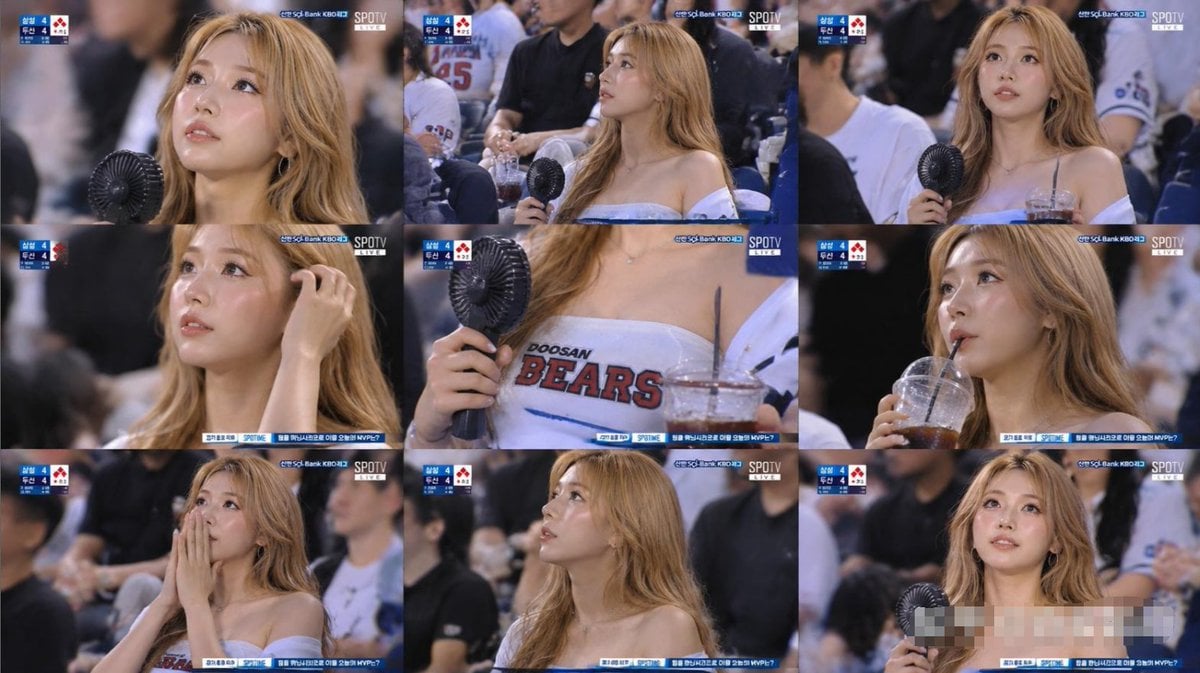
KBO Baseball Fan Television Broadcast Storyboard
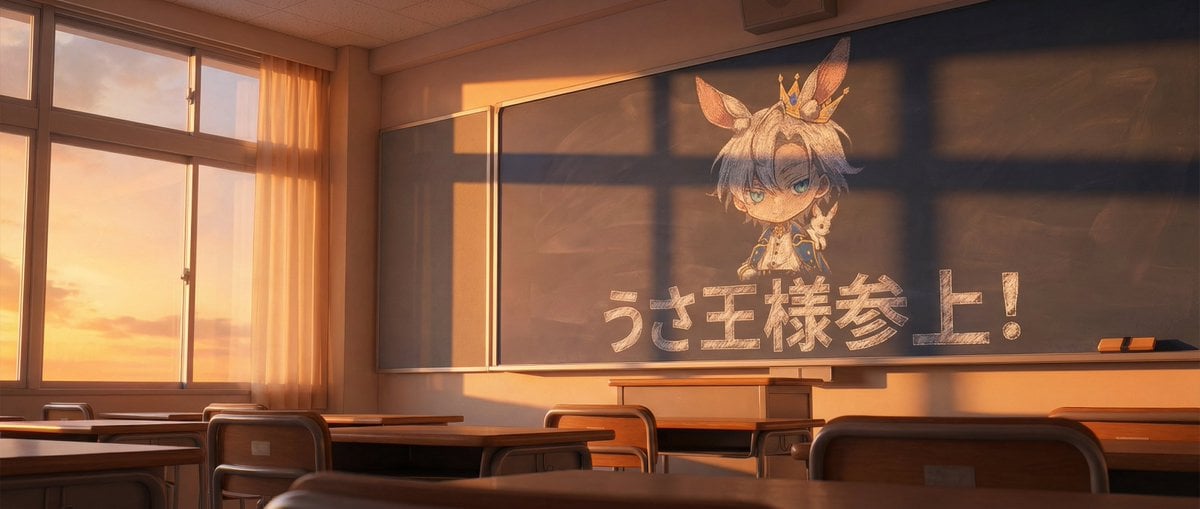
Chalkboard king rabbit illustration at sunset

Ethereal Cinematic Fashion Portrait Prompt
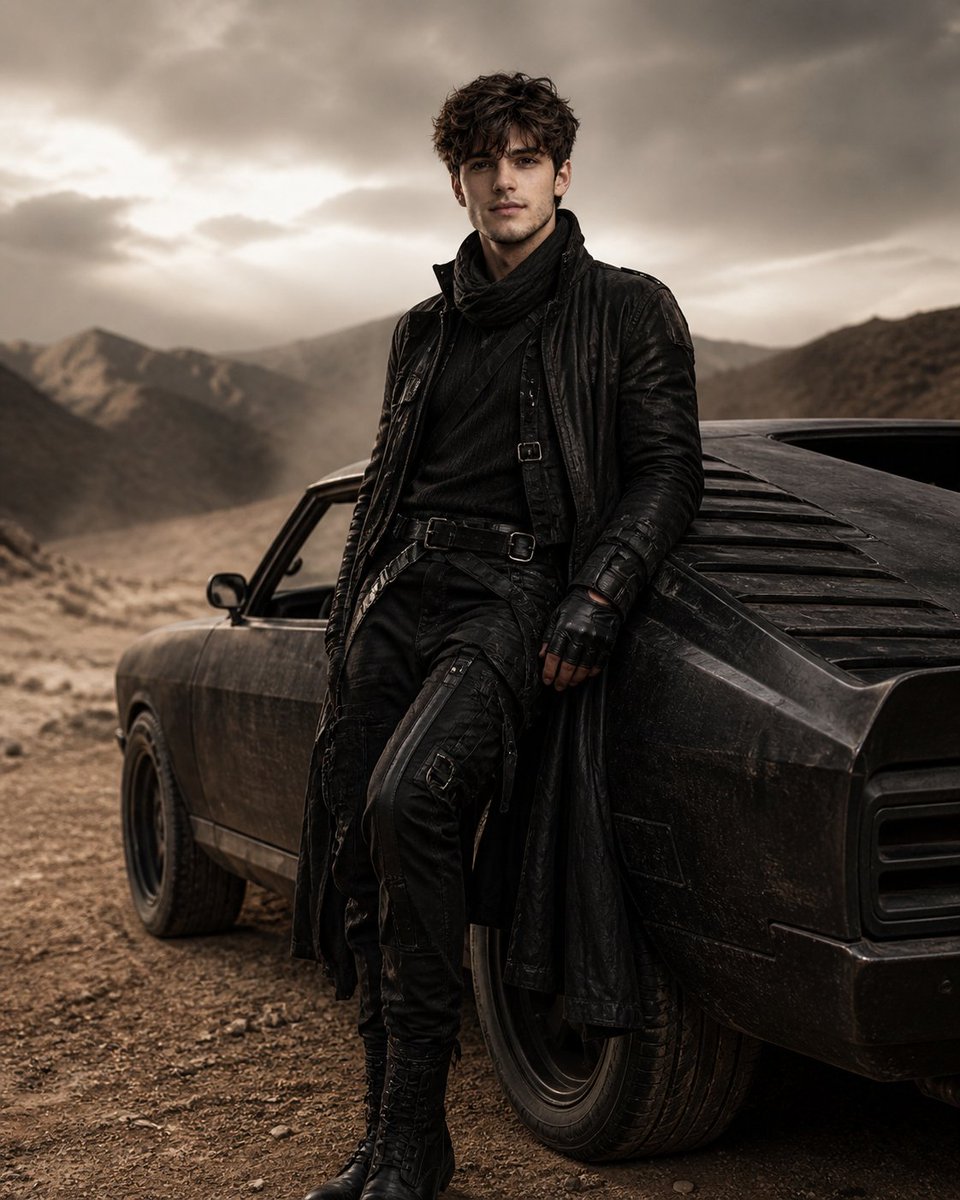
Luxury Desert Fashion Editorial
Browse template categories
Man Racing Cart with Sheep questions
How do I use the Man Racing Cart with Sheep template?
Add your photo if the template asks for one, edit the prompt if you like — the template's model and format are already selected — and press Generate. Your version opens in PicX Studio.
Can I customize the Man Racing Cart with Sheep template?
Yes. You can change the subject, setting, lighting, mood, format, and available model controls before creating your image.
Is the Man Racing Cart with Sheep template free?
Opening and editing this template is free. Generating uses credits, shown on the Generate button when you are signed in.
Which AI model should I use?
Start with GPT Image 2, which is the model associated with this template. You can compare another compatible model for a different finish.
Looking for something else? Browse all templates.

Your photo, any look
Thousands of ready templates for every top image and video model, from one credit balance.