
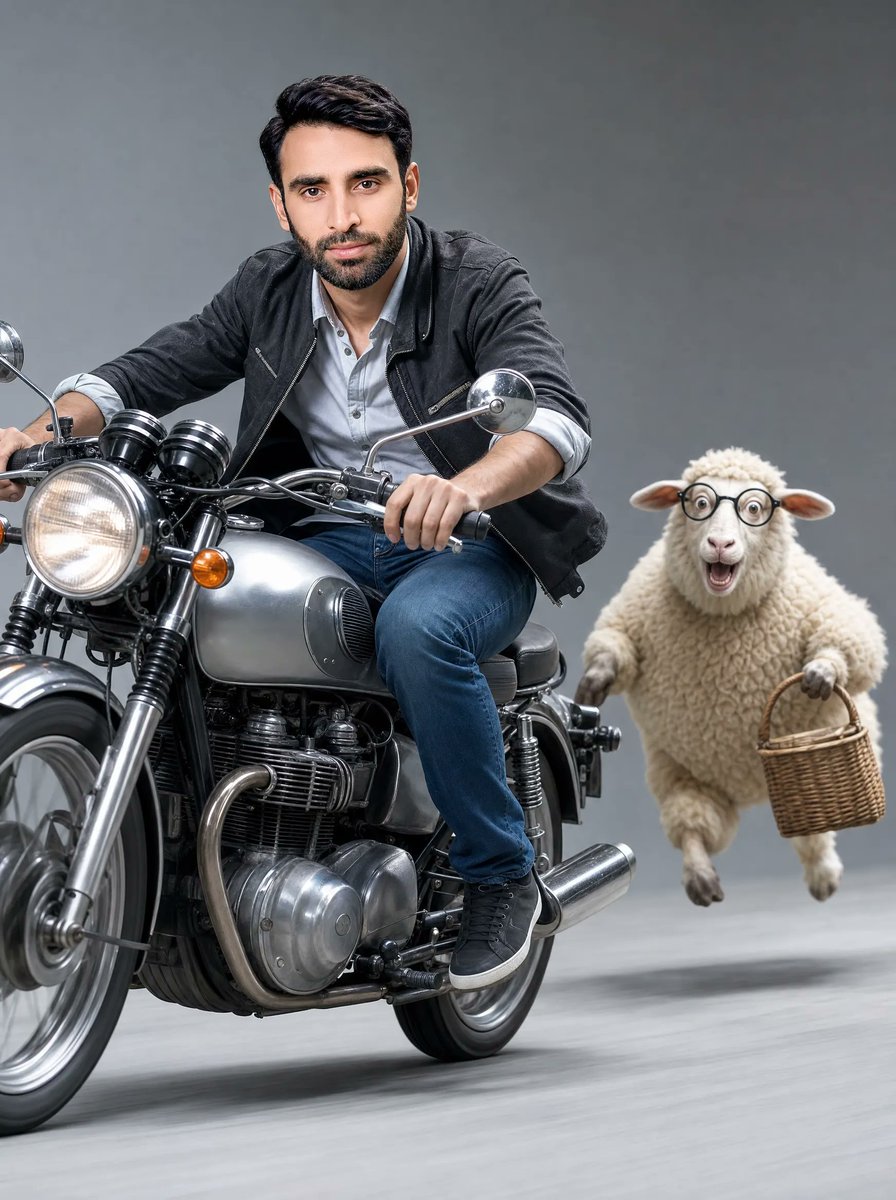
Man on Retro Motorcycle with Leaping Sheep
A photorealistic studio action scene of a young man speeding on a classic motorcycle beside a basket-carrying sheep, useful for surreal cinematic advertising concepts.
- Prompt included
- Model and format preset
- Free template
The prompt behind this image
Copy the exact prompt behind Man on Retro Motorcycle with Leaping Sheep, or open it in the studio and make it yours.
Create an ultra-realistic cinematic action photograph in a clean light gray studio environment: exactly 2 main subjects, a joyful young man riding a classic silver retro motorcycle at high speed and a fluffy white sheep leaping beside him while carrying a small wicker basket. Use a medium full-body shot from a dynamic close side-angle perspective, with the motorcycle entering from the left foreground and angled slightly toward the viewer, the rider leaning forward with both hands on the handlebars. The man has {argument name="hair color" default="dark brown"} short styled hair and wears a black casual jacket over a light gray button-up shirt with rolled sleeves, blue jeans, and black sneakers. The motorcycle is a polished vintage silver road bike with a large glowing round headlight, chrome mirrors, visible engine parts, front forks, black handlebar grips, orange turn signals, and motion-blurred spinning wheels. The sheep is on the right side of the frame, airborne with all four legs lifted, woolly cream fleece, small ears, and a humorous determined pose while holding a brown woven basket by its handle. Apply realistic studio lighting, crisp detail on chrome and fabric, soft floor shadows, subtle motion blur on the ground and wheels, high-speed energy, shallow depth of field, and a neutral gray seamless background. Keep the composition vertical, cinematic, playful, and photorealistic; do not add text, logos, extra animals, extra riders, or background props.
How to use Man on Retro Motorcycle with Leaping Sheep in 3 steps
- 1Upload ImagePNG, JPG or paste
Add your photo
Upload the photo the template builds on. The prompt, model and format are already set.
- 2…a portrait of your subject in softgolden-hour light, 85mm…
Personalize
Edit the subject and creative details for your destination.
- 3Generate
Generate
Press Generate — your image is created in PicX Studio, so you can compare it with the original and refine one variable at a time.
More like this
Templates with the same subject, style or setup. Open one to see its prompt.










Make it yours
Man on Retro Motorcycle with Leaping Sheep works as-is. These are the safest ways to change it without losing the look.
Change one field
Copy a single group, rewrite it, and generate again so you can see what that field is doing.
Keep the frame, change the subject
Hold the composition and light of Man on Retro Motorcycle with Leaping Sheep, then swap wardrobe, props or the person for a new take.
| If the result… | Why | Fix |
|---|---|---|
| The result drifts from the preview | Too many fields changed at once. | Reuse Man on Retro Motorcycle with Leaping Sheep as-is first, then change one group — subject, light, or setting. |
| The model over-stylizes the scene | The prose prompt leaves finish and camera underspecified. | Add one camera or lighting sentence and stay on GPT Image 2. |
More GPT Image 2 templates
Other prompts made for GPT Image 2.

Six VTuber Japanese Logo Sheet

Realistic Portrait of Woman and Deer

The Vista Modular Condo Poster

AI Model Routing Comparison Infographic

2.5D Anime Art Board

Isometric Productivity Desk Scene

New York Double Exposure Poster

Four-Panel AI Landscape Comparison

Japanese Tatami Lifestyle Magazine Cover

NESCAFÉ Coffee Map Poster
More image prompts
Fresh picks from across the catalog.
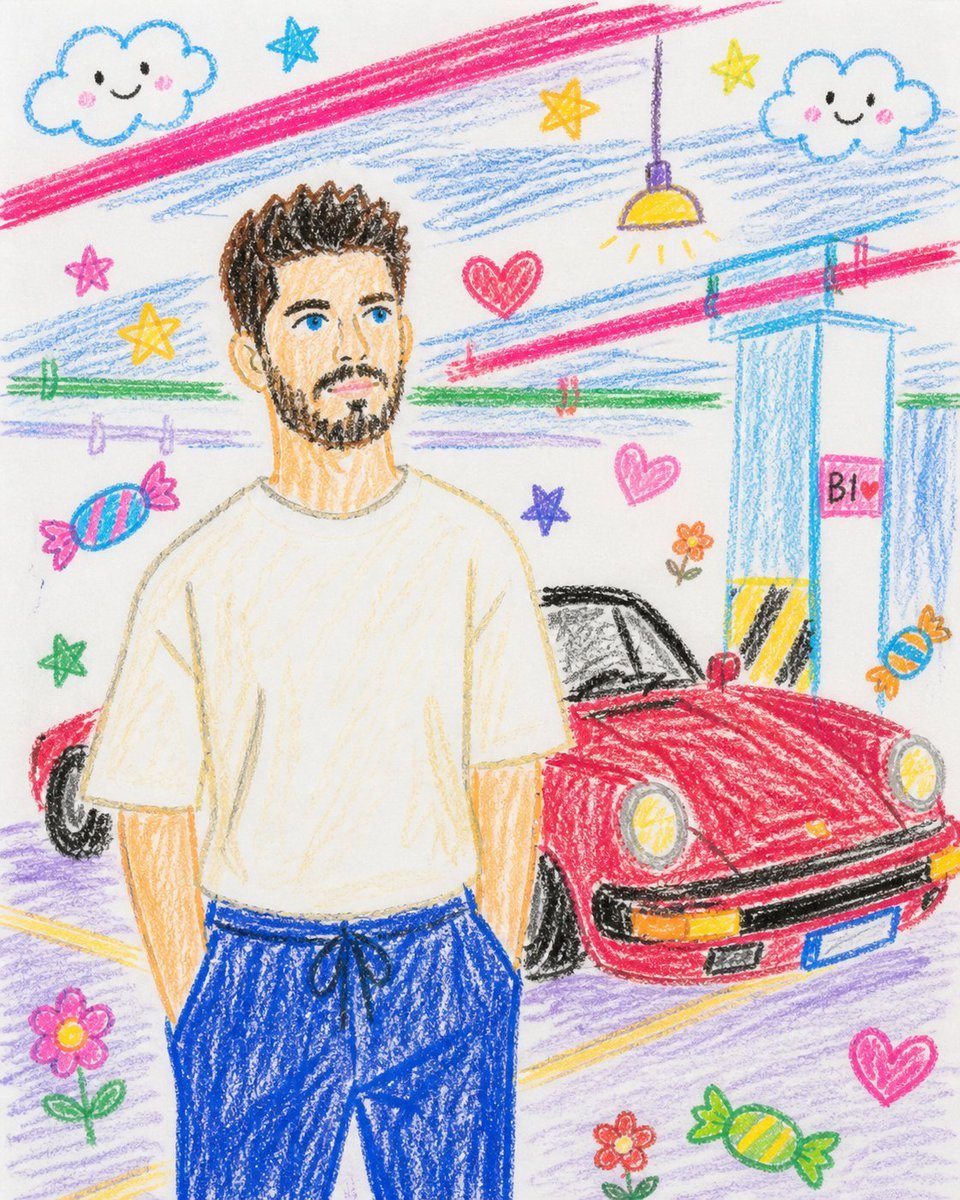
Childlike Crayon Drawing Re-creation
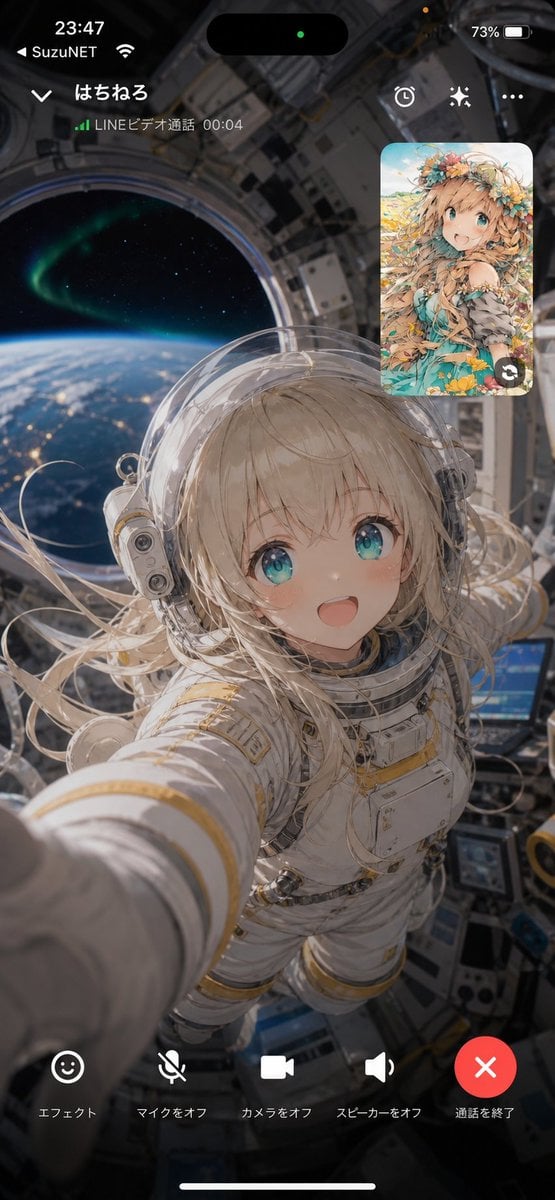
Space Station Video Call UI
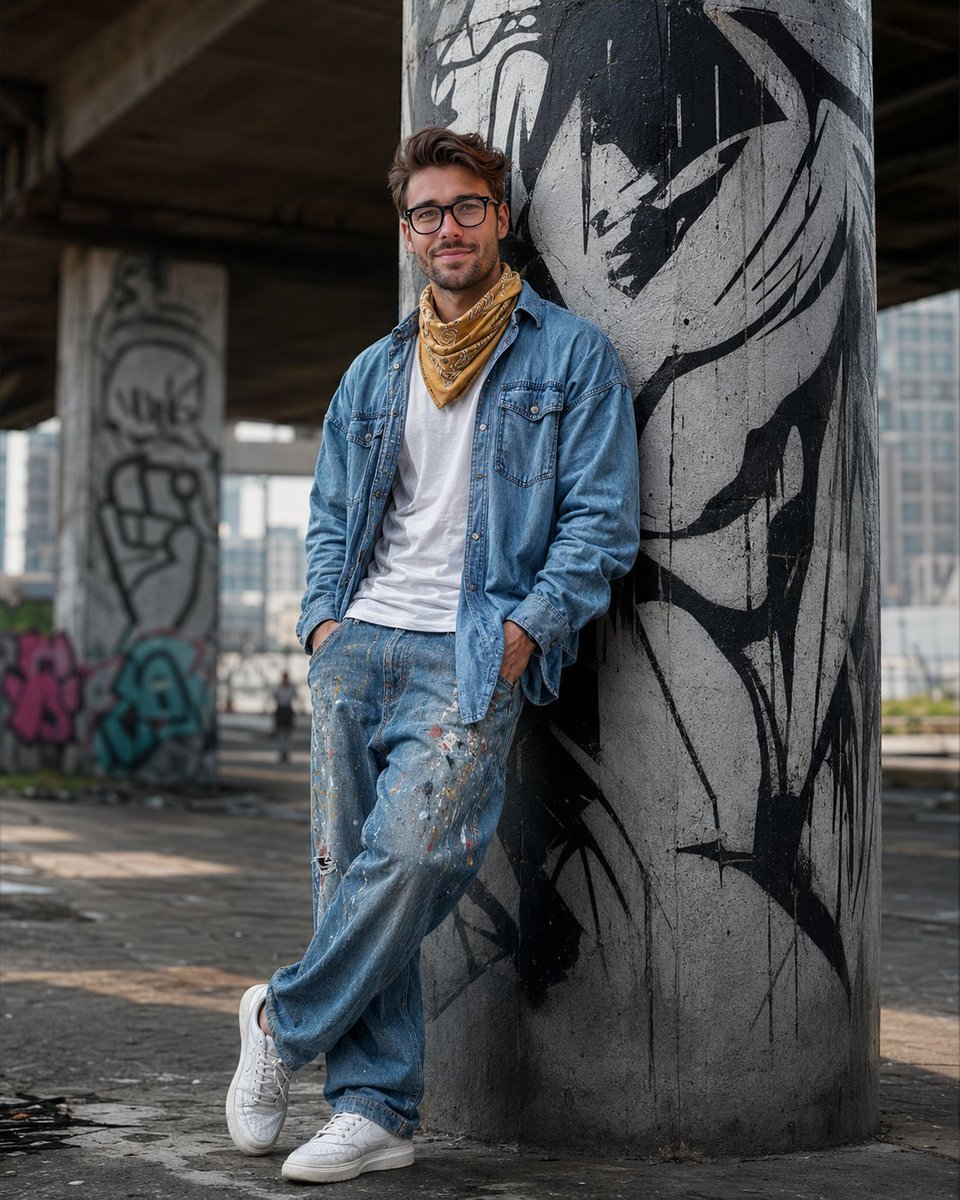
South Asian Streetwear Portrait
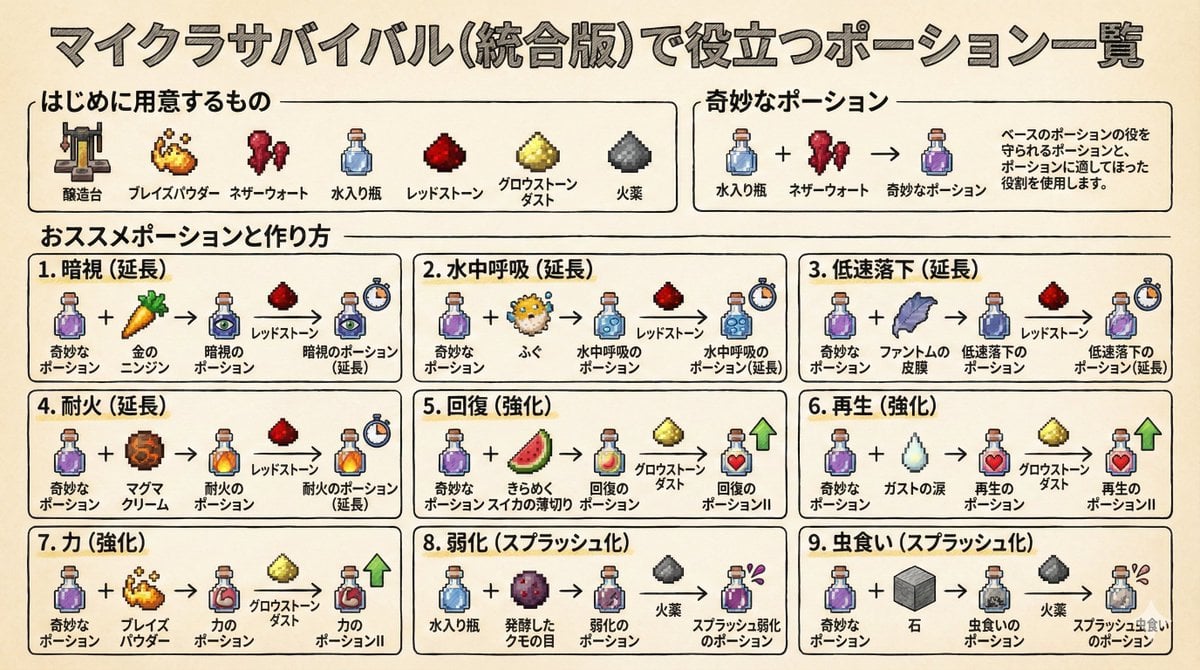
Minecraft Potion Crafting Image Generation Prompt
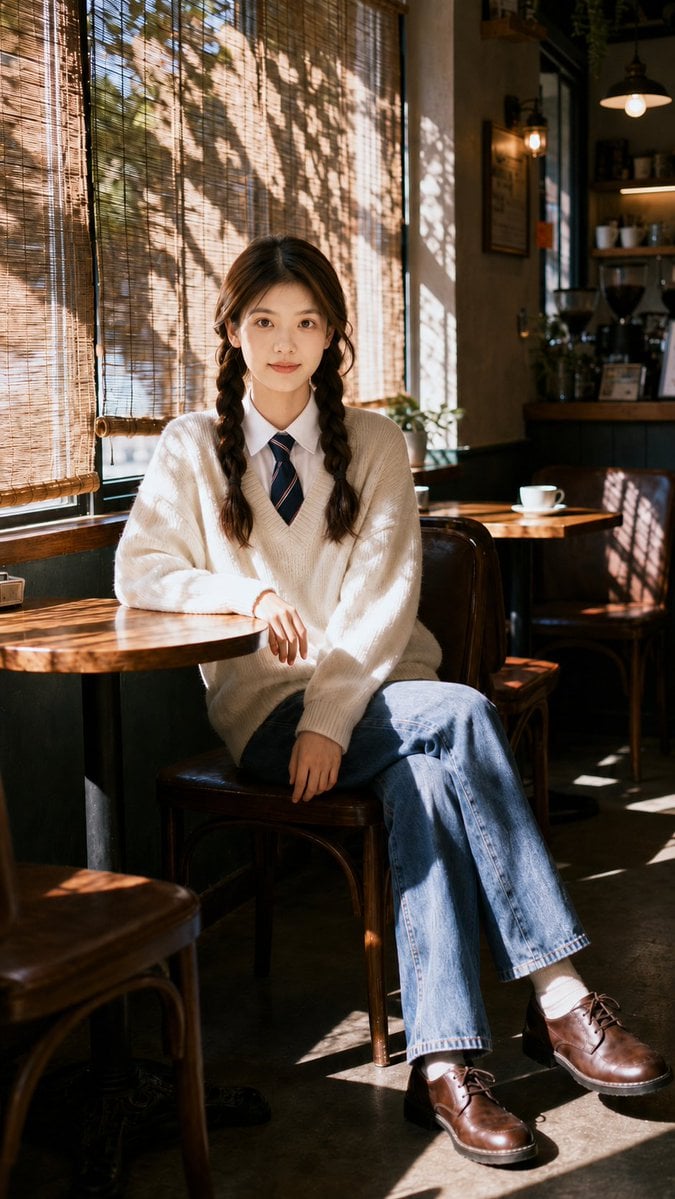
Nostalgic Cafe Identity Reference Portrait
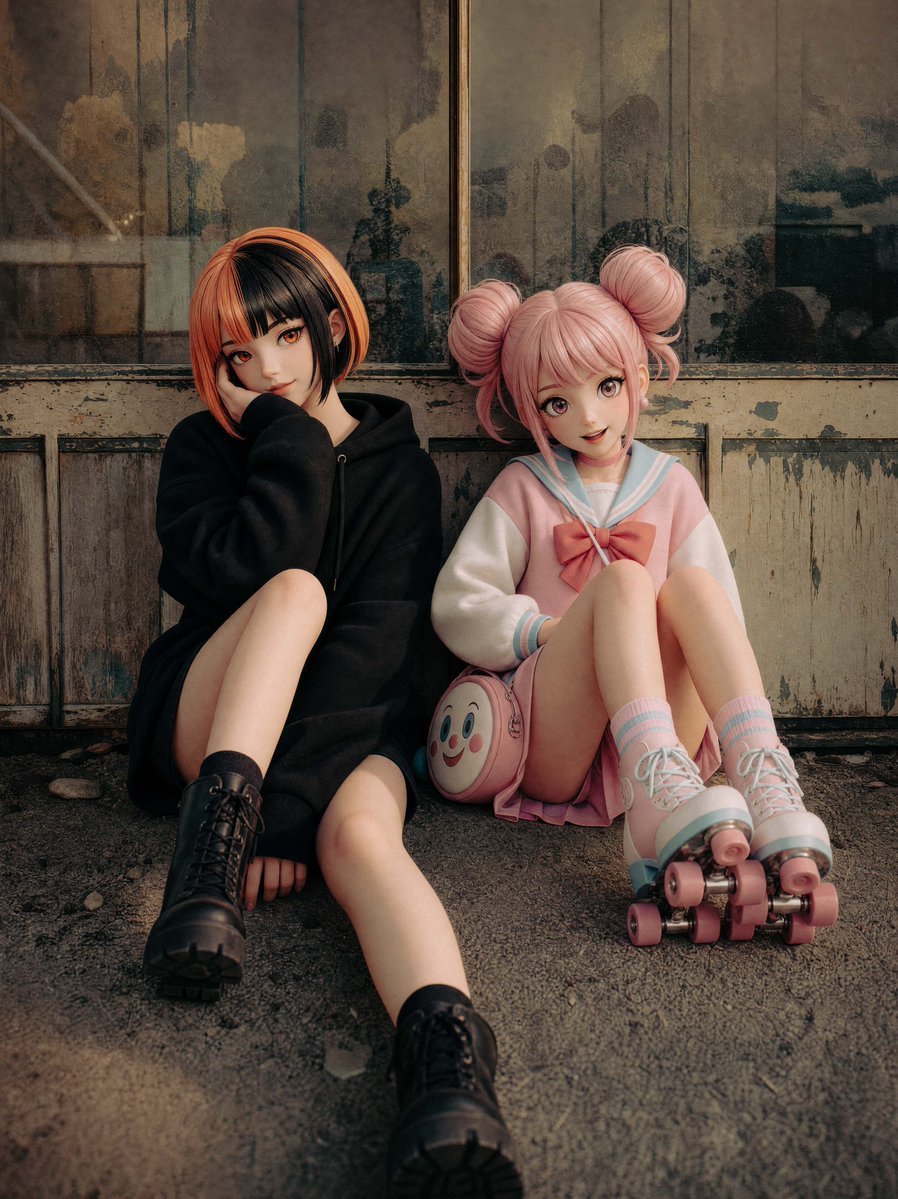
Life-Size Figure Transformation

Maldives Luxury Travel Poster
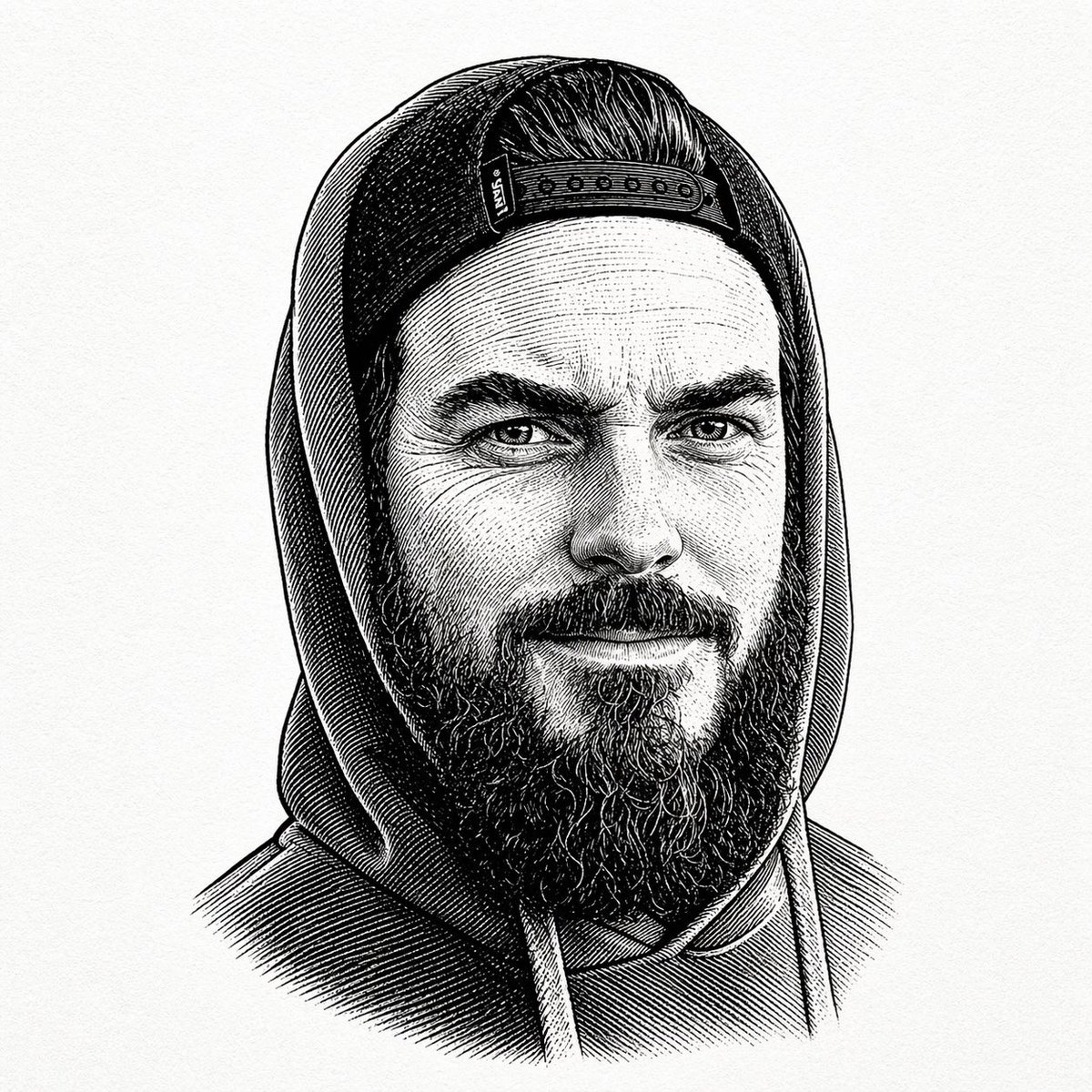
Vintage Engraved Hoodie Portrait
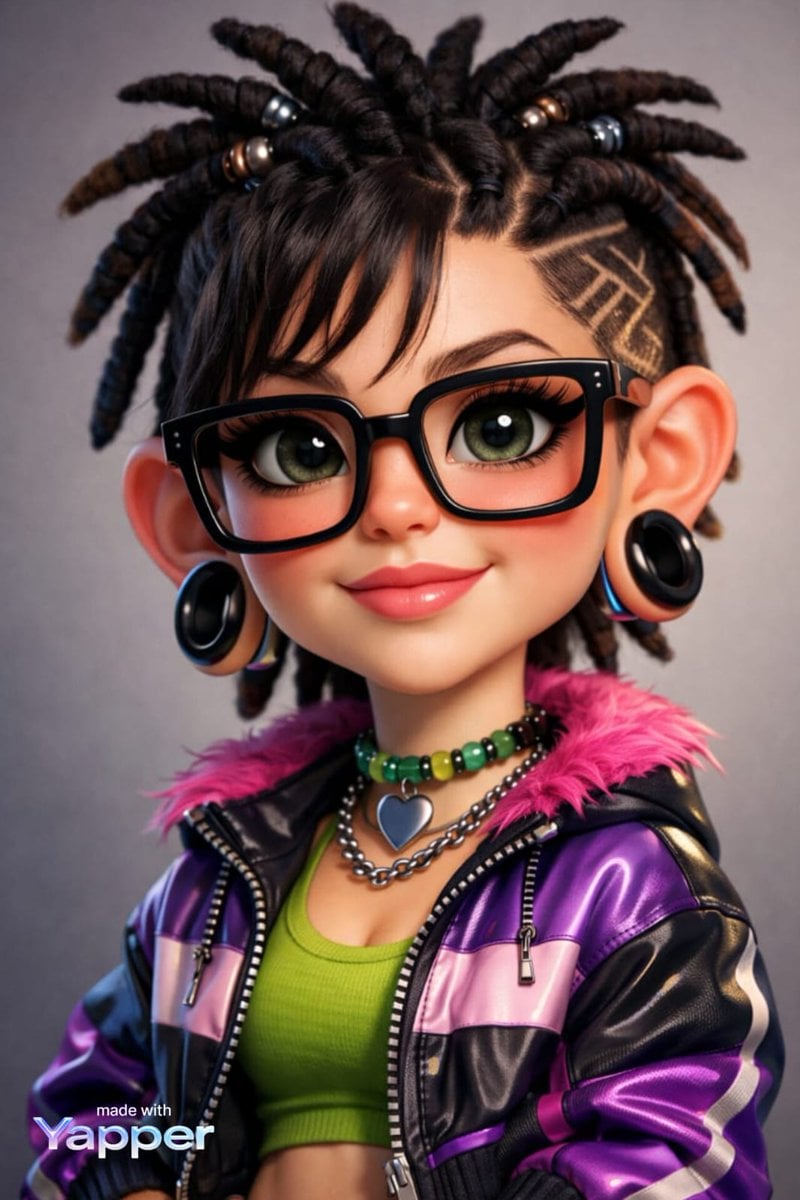
Caricature Style Portrait
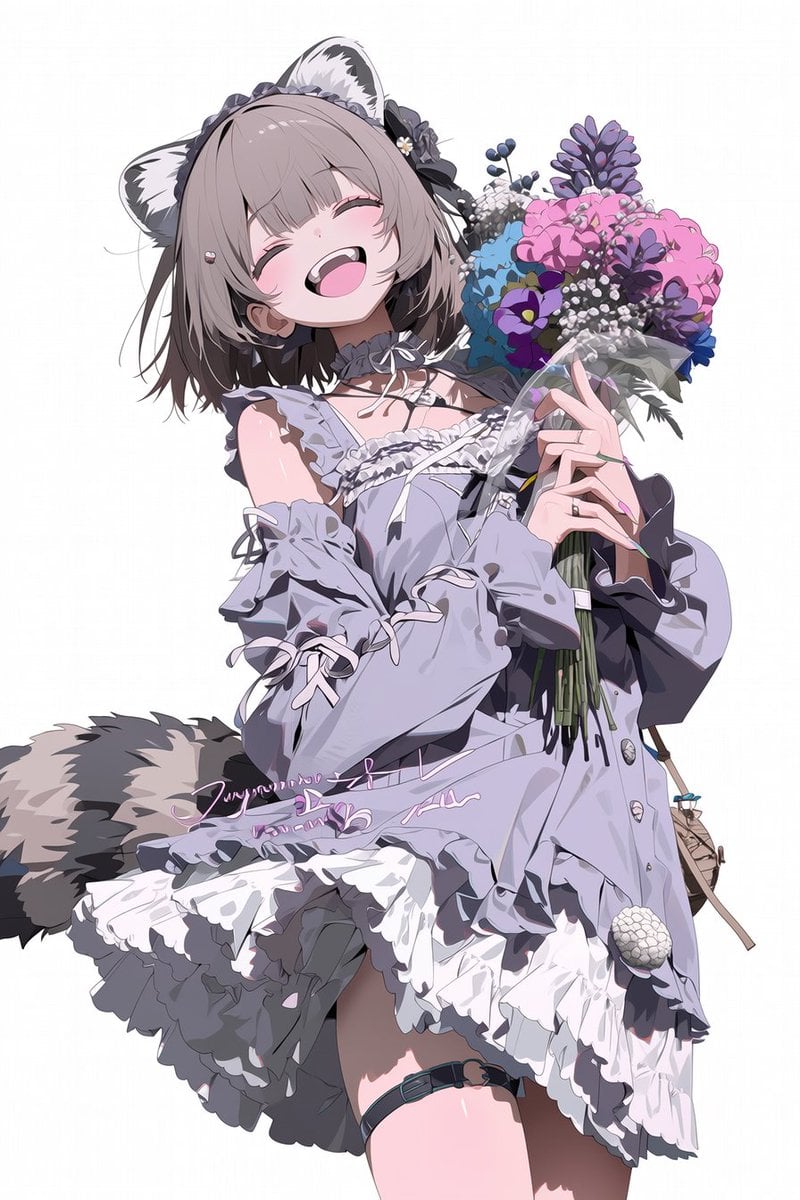
Cinematic 3D Render Conversion
Browse template categories
Man on Retro Motorcycle with Leaping Sheep questions
How do I use the Man on Retro Motorcycle with Leaping Sheep template?
Add your photo if the template asks for one, edit the prompt if you like — the template's model and format are already selected — and press Generate. Your version opens in PicX Studio.
Can I customize the Man on Retro Motorcycle with Leaping Sheep template?
Yes. You can change the subject, setting, lighting, mood, format, and available model controls before creating your image.
Is the Man on Retro Motorcycle with Leaping Sheep template free?
Opening and editing this template is free. Generating uses credits, shown on the Generate button when you are signed in.
Which AI model should I use?
Start with GPT Image 2, which is the model associated with this template. You can compare another compatible model for a different finish.
Looking for something else? Browse all templates.

Your photo, any look
Thousands of ready templates for every top image and video model, from one credit balance.