
Space Station Video Call UI
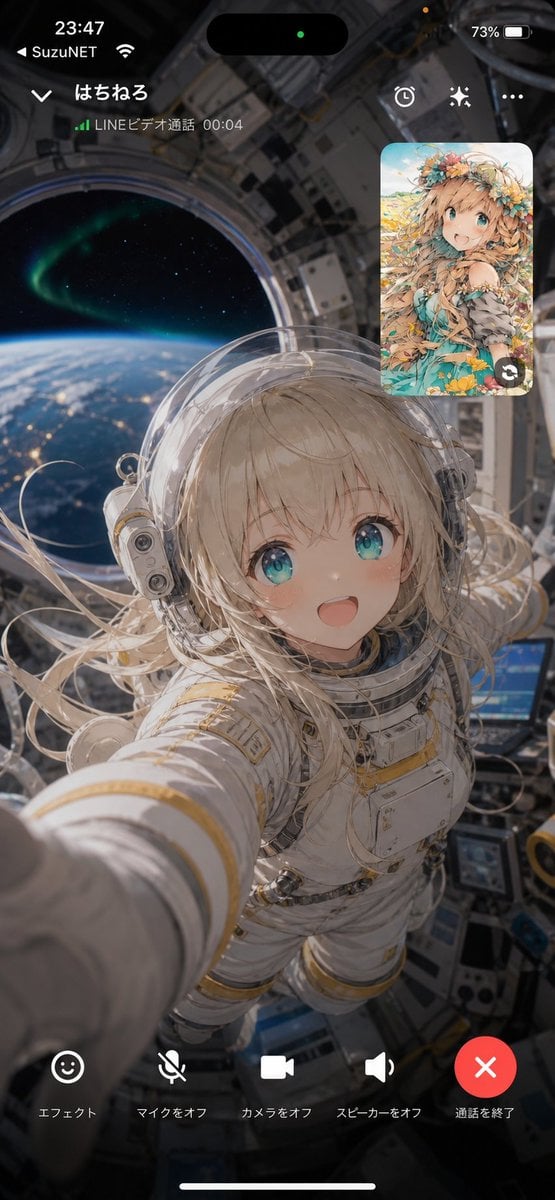
Creates a vertical smartphone video call screenshot of a floating astronaut calling from orbit with Japanese LINE-style controls and an anime participant inset.
- Prompt included
- Model and format preset
- Free template
The prompt behind this image
Copy the exact prompt behind Space Station Video Call UI, or open it in the studio and make it yours.
- Type
- vertical smartphone video call screenshot mockup
- Aspect Ratio
- 9:16
- Style
- photorealistic cinematic sci-fi with iPhone-like call interface overlay
- Scene › Main View
- first-person selfie from inside a space station cupola or orbital module, showing a young female astronaut in a bulky white EVA-style spacesuit with gold trim, transparent bubble helmet, long flowing platinum-blonde hair floating in microgravity, arm extended toward the camera as if holding the phone; face intentionally covered by a plain opaque rectangular privacy block
- Scene › Background
- large round spacecraft window behind her with Earth’s curved horizon, blue atmosphere, city lights, stars, and a green aurora visible outside; detailed metallic station interior panels, cables, screens, and equipment around the frame
- Scene › Mood
- dreamlike, intimate, futuristic, as if receiving a video call from orbit
- Call Interface › Top Status Bar › Count
- 4
- Call Interface › Top Status Bar › Items
- time 23:47 at upper left, carrier text {argument name="carrier name" default="SuzuNET"} with Wi-Fi icon, dynamic island black pill with small green privacy dot centered at top, battery 73% at upper right
- Call Interface › Caller Header › Count
- 5
- Call Interface › Caller Header › Items
- down chevron at upper left, caller name {argument name="caller name" default="はちねる"}, green signal bars, status text {argument name="call status text" default="LINEビデオ通話 00:04"}, three icons on the right: timer/clock, sparkle/effects, and ellipsis menu
- Call Interface › Picture In Picture › Position
- upper right
- Call Interface › Picture In Picture › Description
- rounded-rectangle inset showing the other participant as a bright anime illustration of a cheerful girl with turquoise eyes, long sandy-blonde hair, flower crown, floral fantasy dress, blue sky and meadow background
- Call Interface › Picture In Picture › Count
- 1
- Call Interface › Picture In Picture › Overlay
- small circular swap-camera arrow icon at the lower-right corner of the inset
- Call Interface › Bottom Controls › Count
- 5
- Call Interface › Bottom Controls › Labels
- エフェクト, マイクをオフ, カメラをオフ, スピーカーをオフ, 通話を終了
- Call Interface › Bottom Controls › Icons
- smiley face effects button, muted microphone icon, video camera icon, speaker icon, large red circular end-call button with white X
- Call Interface › Bottom Controls › Layout
- evenly spaced along the bottom above the iPhone home indicator
- Composition
- the astronaut fills the center and lower half, her outstretched arm creates strong depth toward the lower left, the Earth window anchors the upper left, the anime participant card floats at upper right, and all UI text is crisp white over a darkened translucent overlay
- Parameters › Astronaut Hair Color
- {argument name="astronaut hair color" default="platinum blonde"}
- Parameters › Anime Participant Style
- {argument name="anime participant style" default="flower-crowned fantasy girl"}
Raw JSON
{"type":"vertical smartphone video call screenshot mockup","aspect_ratio":"9:16","style":"photorealistic cinematic sci-fi with iPhone-like call interface overlay","scene":{"main_view":"first-person selfie from inside a space station cupola or orbital module, showing a young female astronaut in a bulky white EVA-style spacesuit with gold trim, transparent bubble helmet, long flowing platinum-blonde hair floating in microgravity, arm extended toward the camera as if holding the phone; face intentionally covered by a plain opaque rectangular privacy block","background":"large round spacecraft window behind her with Earth’s curved horizon, blue atmosphere, city lights, stars, and a green aurora visible outside; detailed metallic station interior panels, cables, screens, and equipment around the frame","mood":"dreamlike, intimate, futuristic, as if receiving a video call from orbit"},"call_interface":{"top_status_bar":{"count":4,"items":["time 23:47 at upper left","carrier text {argument name=\"carrier name\" default=\"SuzuNET\"} with Wi-Fi icon","dynamic island black pill with small green privacy dot centered at top","battery 73% at upper right"]},"caller_header":{"count":5,"items":["down chevron at upper left","caller name {argument name=\"caller name\" default=\"はちねる\"}","green signal bars","status text {argument name=\"call status text\" default=\"LINEビデオ通話 00:04\"}","three icons on the right: timer/clock, sparkle/effects, and ellipsis menu"]},"picture_in_picture":{"position":"upper right","description":"rounded-rectangle inset showing the other participant as a bright anime illustration of a cheerful girl with turquoise eyes, long sandy-blonde hair, flower crown, floral fantasy dress, blue sky and meadow background","count":1,"overlay":"small circular swap-camera arrow icon at the lower-right corner of the inset"},"bottom_controls":{"count":5,"labels":["エフェクト","マイクをオフ","カメラをオフ","スピーカーをオフ","通話を終了"],"icons":["smiley face effects button","muted microphone icon","video camera icon","speaker icon","large red circular end-call button with white X"],"layout":"evenly spaced along the bottom above the iPhone home indicator"}},"composition":"the astronaut fills the center and lower half, her outstretched arm creates strong depth toward the lower left, the Earth window anchors the upper left, the anime participant card floats at upper right, and all UI text is crisp white over a darkened translucent overlay","parameters":{"astronaut hair color":"{argument name=\"astronaut hair color\" default=\"platinum blonde\"}","anime participant style":"{argument name=\"anime participant style\" default=\"flower-crowned fantasy girl\"}"}}How to use Space Station Video Call UI in 3 steps
- 1Upload ImagePNG, JPG or paste
Add your photo
Upload the photo the template builds on. The prompt, model and format are already set.
- 2…a portrait of your subject in softgolden-hour light, 85mm…
Personalize
Edit the subject and creative details for your destination.
- 3Generate
Generate
Press Generate — your image is created in PicX Studio, so you can compare it with the original and refine one variable at a time.
More like this
Templates with the same subject, style or setup. Open one to see its prompt.

Miniature Travel Diorama Postcard

Astronaut Zero-Gravity Coffee Splash
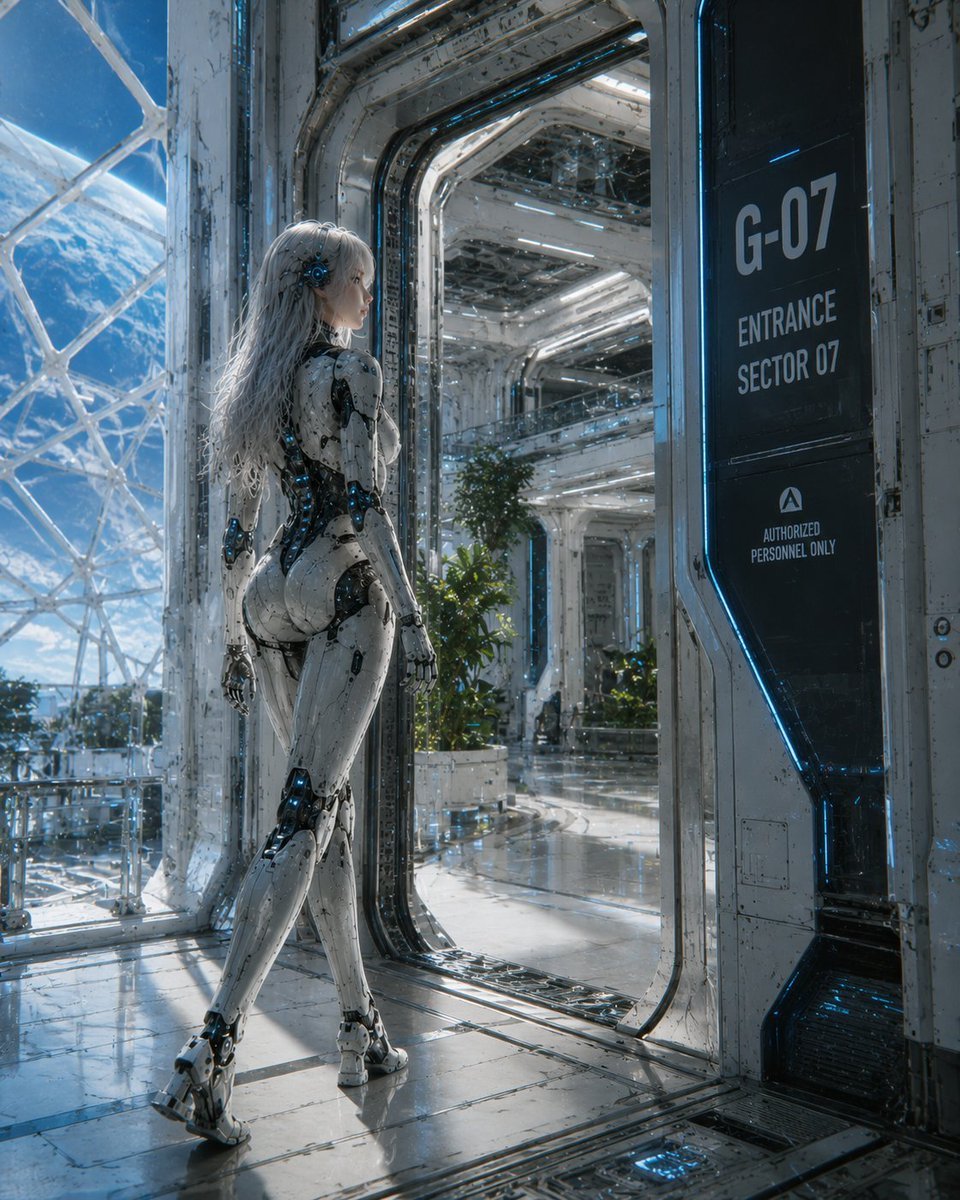
Female Android at Space Station Entrance
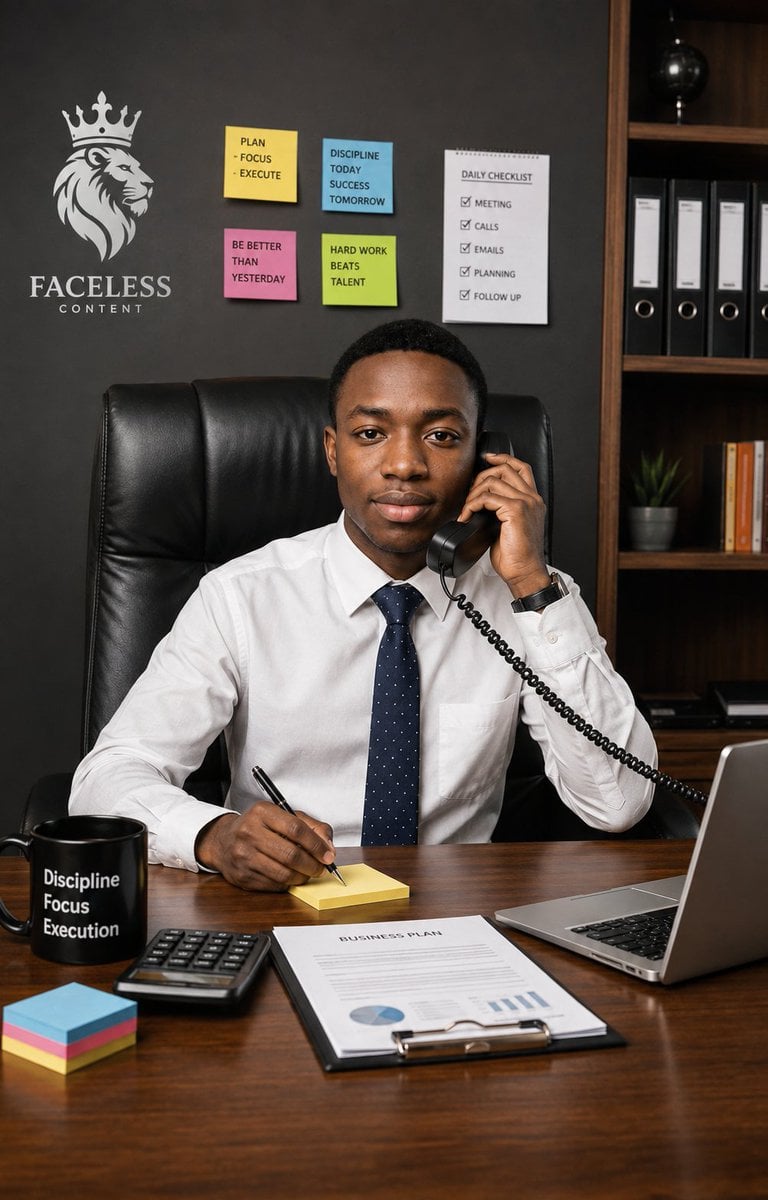
Executive Office Phone Call Portrait
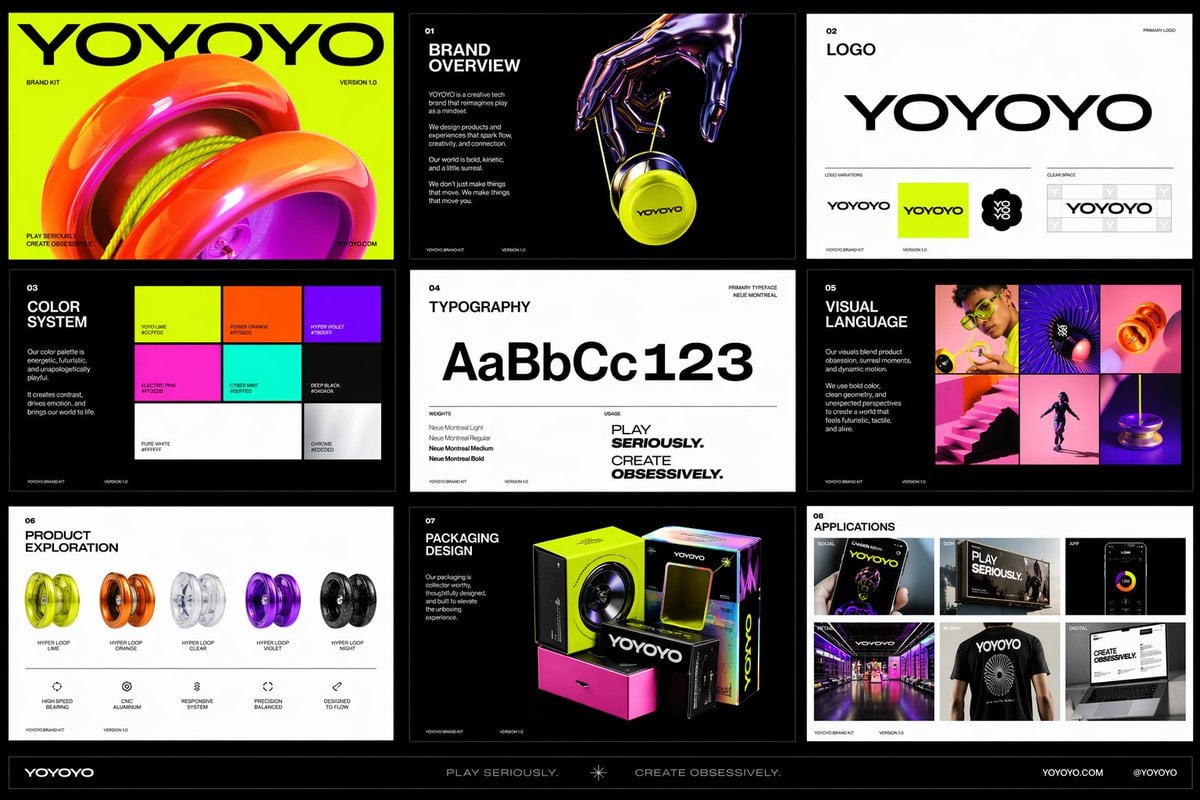
Polished multi-page multiple images brand kit for a company called
Aesthetic and fill the negative space
Night Fashion Portrait at Shibuya Station
Orbital Station Zero-G Kick
Alfin Space Anime Cosplay Composite
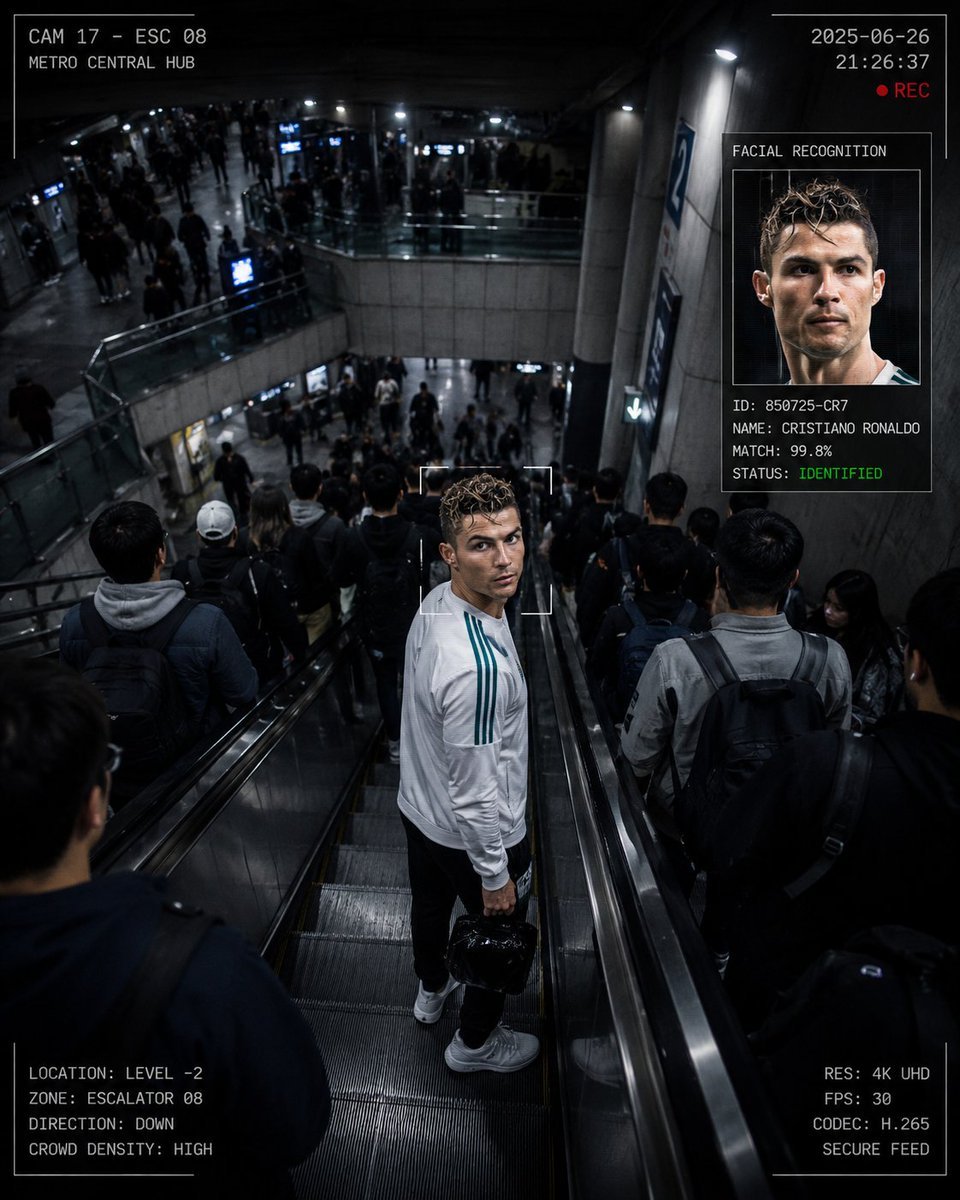
CCTV Surveillance Thriller Metro Station
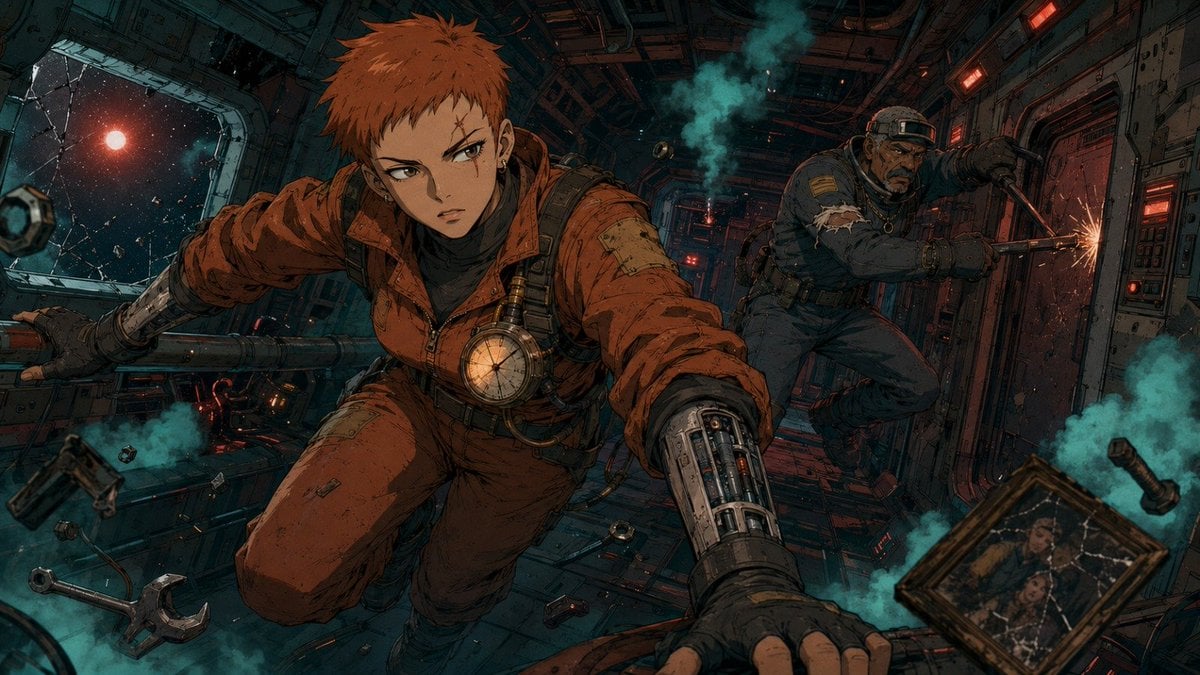
Zero-Gravity Anime Spaceship Escape
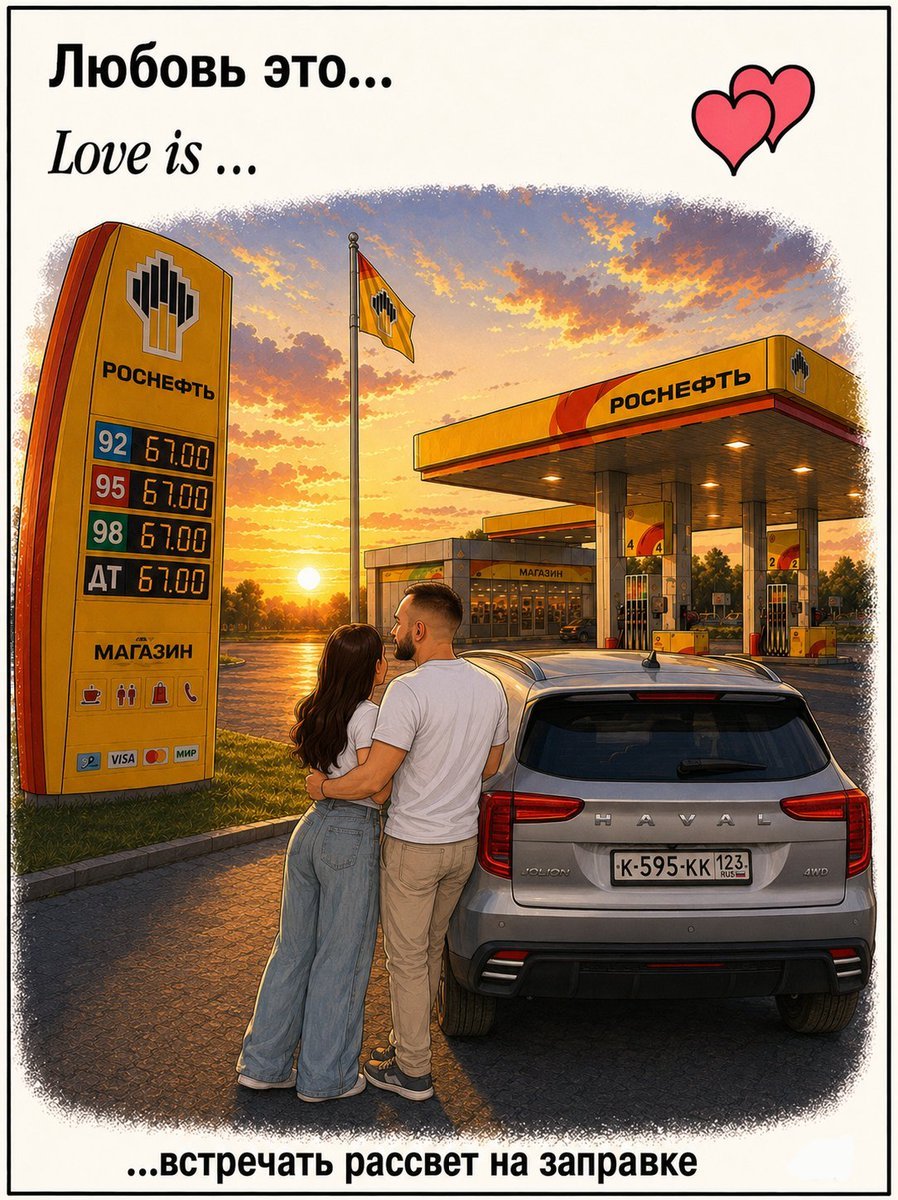
Love Is Gas Station Sunrise Poster
Make it yours
Space Station Video Call UI works as-is. These are the safest ways to change it without losing the look.
Swap the setting
Keep the rest of the prompt and replace the location block. The current setting is “large round spacecraft window behind her with Earth’s curved horizon, blue atmos”.
Change one field
Copy a single group, rewrite it, and generate again so you can see what that field is doing.
Keep the frame, change the subject
Hold the composition and light of Space Station Video Call UI, then swap wardrobe, props or the person for a new take.
| If the result… | Why | Fix |
|---|---|---|
| The result drifts from the preview | Too many fields changed at once. | Reuse Space Station Video Call UI as-is first, then change one group — subject, light, or setting. |
| GPT Image 2 ignores part of the JSON | Some models flatten or skip nested keys. | Keep the same values and paste them as a short paragraph instead. |
More GPT Image 2 templates
Other prompts made for GPT Image 2.

Six VTuber Japanese Logo Sheet

Realistic Portrait of Woman and Deer

The Vista Modular Condo Poster

AI Model Routing Comparison Infographic

2.5D Anime Art Board

Isometric Productivity Desk Scene

New York Double Exposure Poster

Four-Panel AI Landscape Comparison

Japanese Tatami Lifestyle Magazine Cover

NESCAFÉ Coffee Map Poster
More image prompts
Fresh picks from across the catalog.
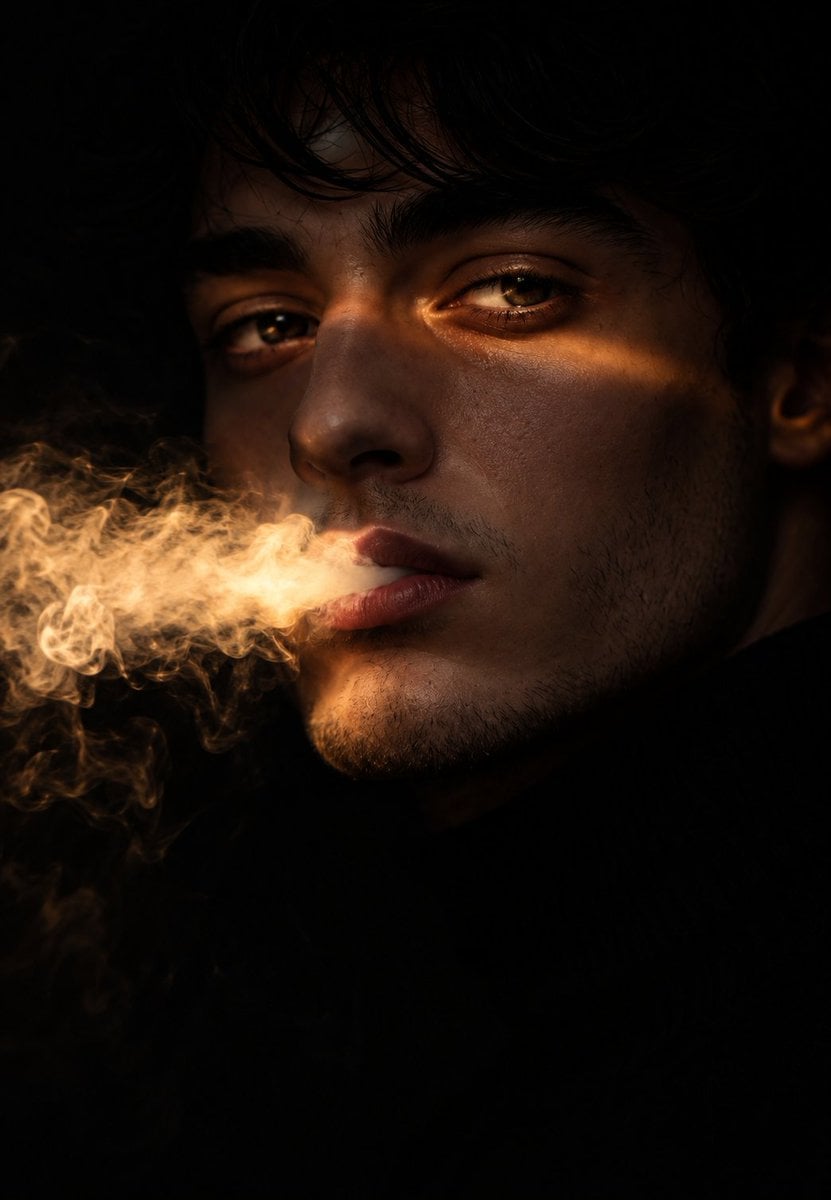
Chiaroscuro Smoke Exhale Portrait
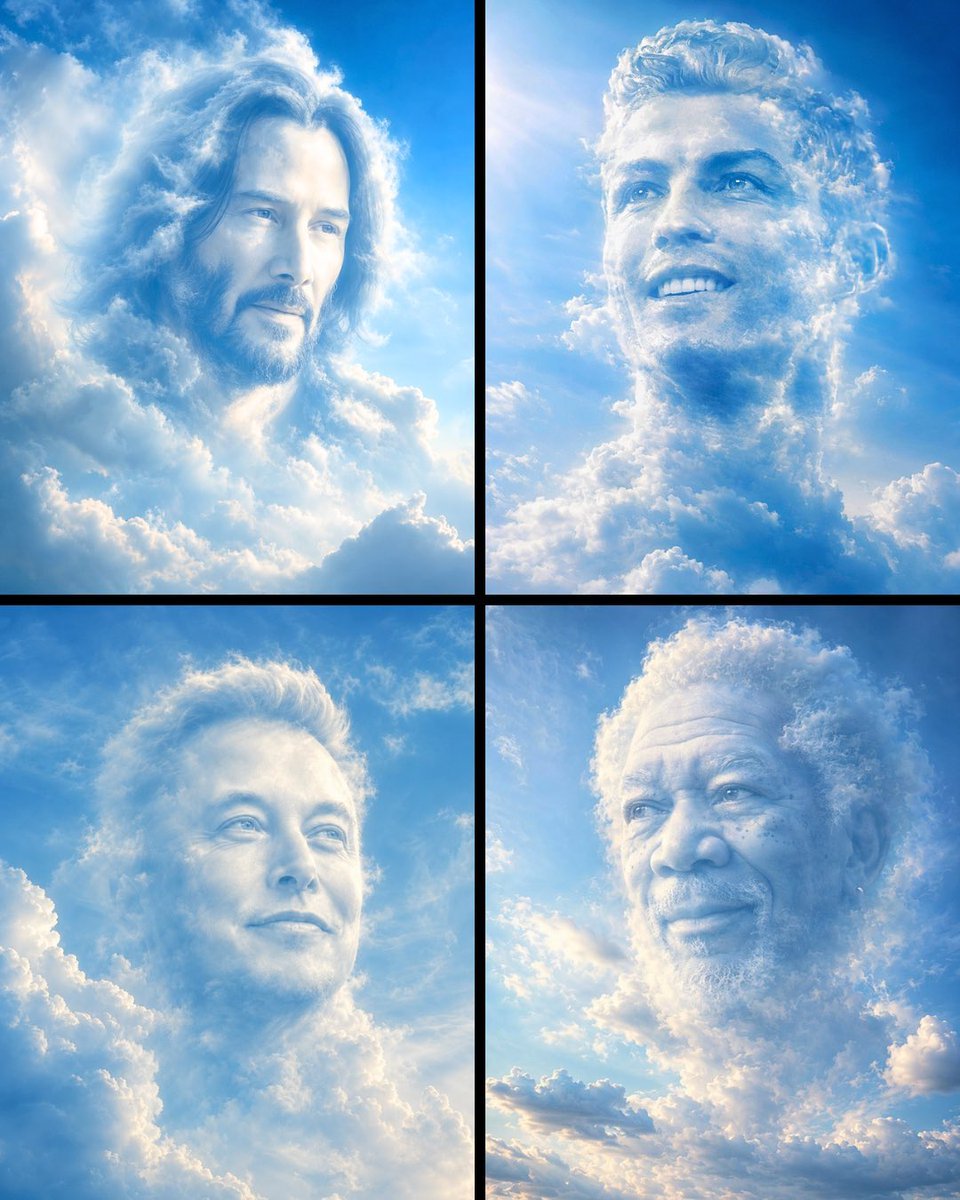
Ethereal Cloud Portrait Reimaging
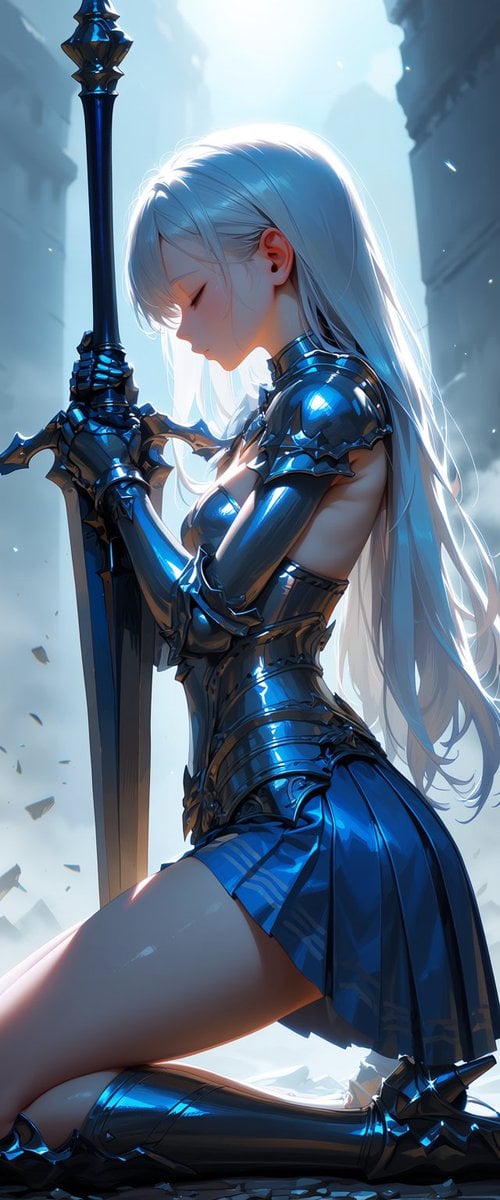
Kneeling Blue Armored Knight
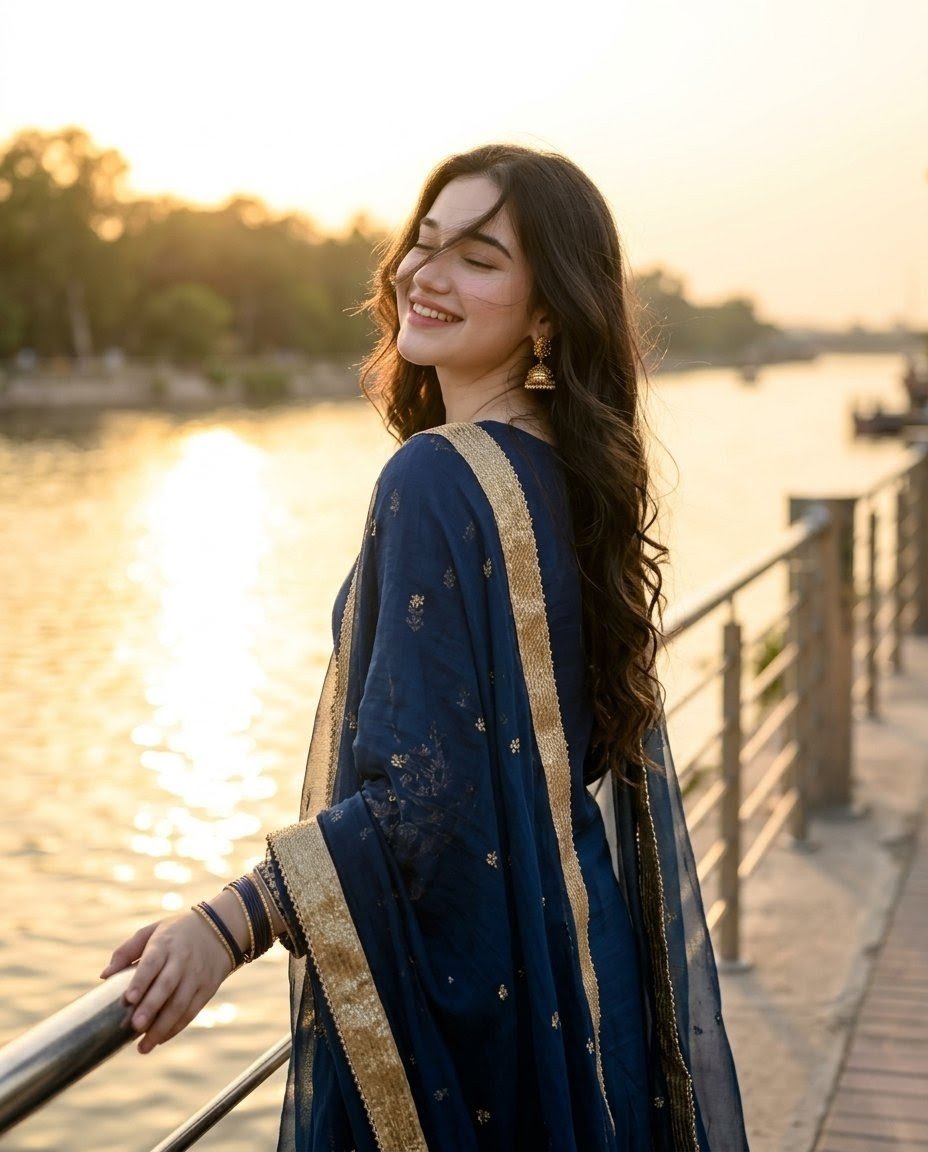
Golden Hour Riverside Portrait

Dynamic Manga Page Illustration
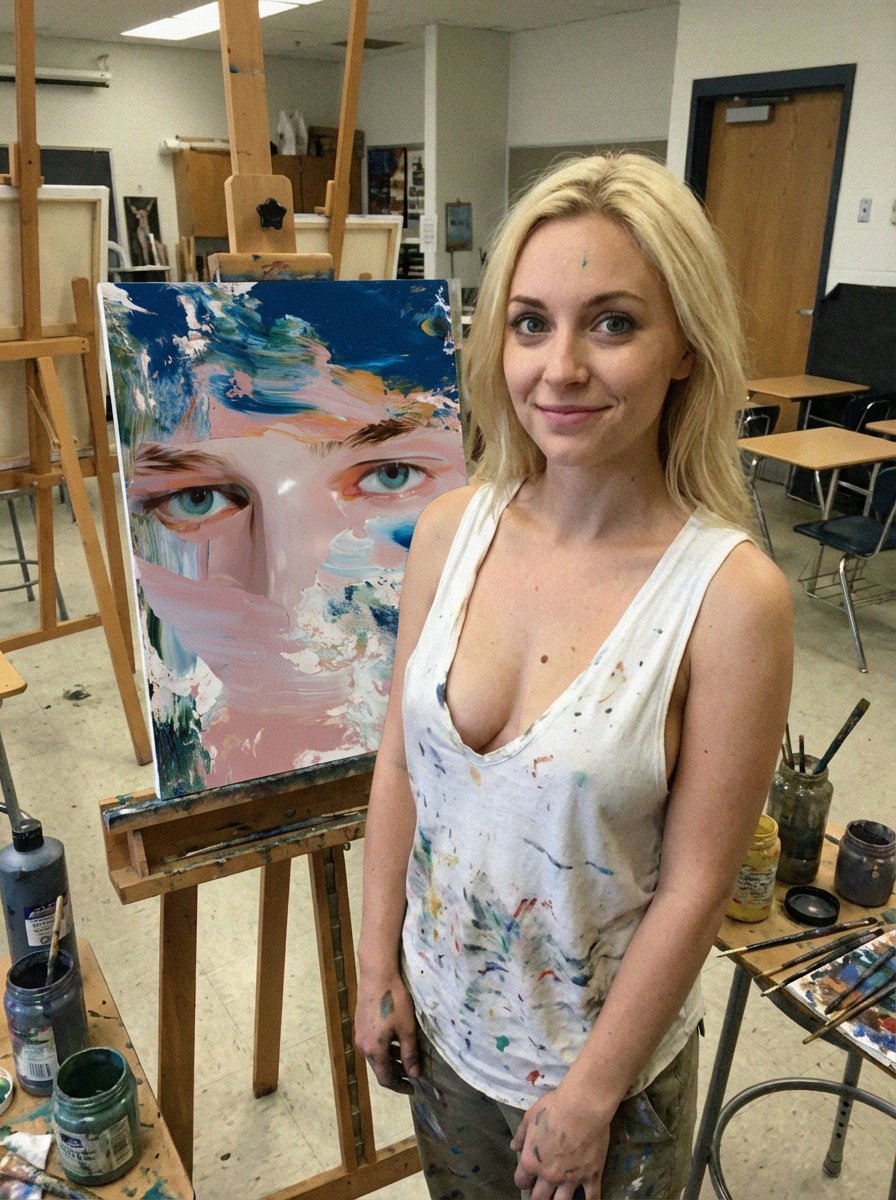
Low-Quality Smartphone Photo of an Artist in a Classroom
Quiet Luxury Editorial Portrait with Identity Lock
Luxury Fashion Moodboard Editorial Prompt for Nano Banana Pro

Cinematic Night City Triptych Portrait (Duplicate)
Electric Blue Lightning Strike VFX
Browse template categories
Space Station Video Call UI questions
How do I use the Space Station Video Call UI template?
Add your photo if the template asks for one, edit the prompt if you like — the template's model and format are already selected — and press Generate. Your version opens in PicX Studio.
Can I customize the Space Station Video Call UI template?
Yes. You can change the subject, setting, lighting, mood, format, and available model controls before creating your image.
Is the Space Station Video Call UI template free?
Opening and editing this template is free. Generating uses credits, shown on the Generate button when you are signed in.
Which AI model should I use?
Start with GPT Image 2, which is the model associated with this template. You can compare another compatible model for a different finish.
Looking for something else? Browse all templates.

Your photo, any look
Thousands of ready templates for every top image and video model, from one credit balance.