
Orbital Station Zero-G Kick
A cinematic anime sci-fi action scene showing two armored fighters battling in zero gravity inside a space station above Earth.
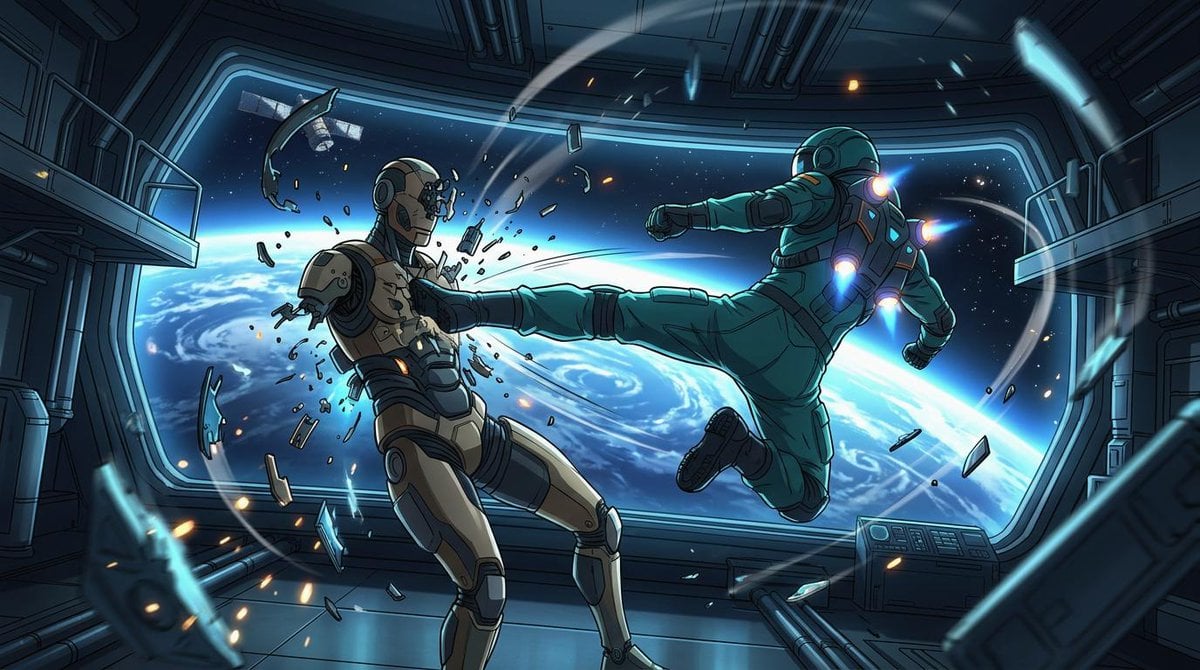
- Prompt included
- Model and format preset
- Free template
The prompt behind this image
Copy the exact prompt behind Orbital Station Zero-G Kick, or open it in the studio and make it yours.
Create a cinematic widescreen sci-fi anime action illustration inside a damaged orbital space station corridor, with Earth and deep space visible through a huge panoramic window. The scene shows exactly two armored figures in zero gravity: on the right, {argument name="attacking astronaut suit color" default="teal green"} powered astronaut armor with glowing blue-white jet thrusters on the back, shoulders, and boots, flying horizontally from right to left and delivering a full-force side kick; on the left, {argument name="defender armor color" default="beige and dark gray"} humanoid combat android or armored astronaut recoils from the kick, chest shattered with fragments and sparks bursting outward. The attacker’s leg is fully extended into the defender’s torso, one arm punched forward and the other pulled back, body tilted dynamically as if propelled by suit jets. Count the major visible subjects and effects precisely: 2 armored figures, 1 enormous curved observation window, 1 view of Earth’s blue horizon with swirling clouds, 1 small satellite outside the window, 2 side balcony platforms, 1 control console at lower right, many floating metal shards and glass fragments, and multiple orange sparks and blue energy streaks arcing through the room. Use a polished Japanese anime / graphic novel style with crisp ink outlines, dramatic perspective, high contrast cel shading, detailed mechanical panels, pipes, rails, and sci-fi wall seams. Lighting should be cold cyan from Earth and the window, accented by orange impact sparks and vivid blue thruster glows. Make the composition dynamic and diagonal, with debris trails and motion arcs emphasizing weightless movement. Canvas: {argument name="aspect ratio" default="16:9 widescreen"}. Mood: {argument name="mood" default="intense orbital combat"}. No text, no logos, no watermark.
How to use Orbital Station Zero-G Kick in 3 steps
- 1Upload ImagePNG, JPG or paste
Add your photo
Upload the photo the template builds on. The prompt, model and format are already set.
- 2…a portrait of your subject in softgolden-hour light, 85mm…
Personalize
Edit the subject and creative details for your destination.
- 3Generate
Generate
Press Generate — your image is created in PicX Studio, so you can compare it with the original and refine one variable at a time.
More like this
Templates with the same subject, style or setup. Open one to see its prompt.
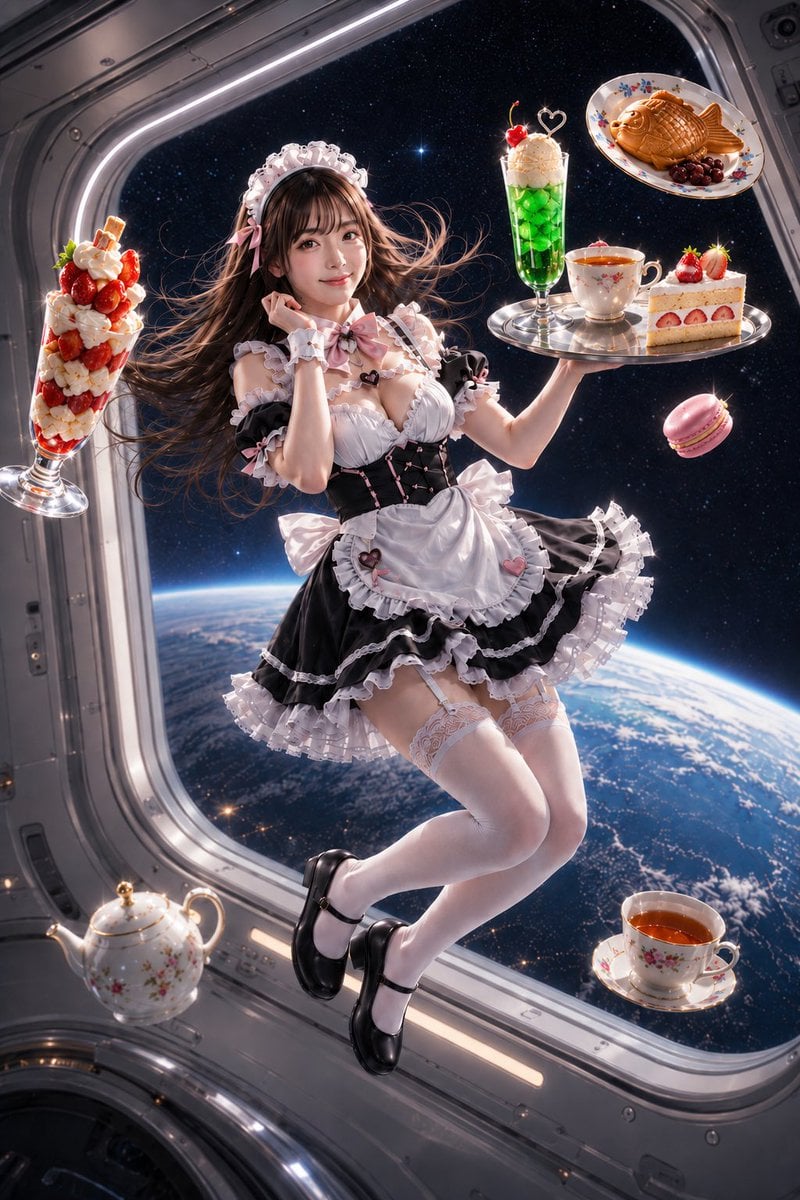
Zero-Gravity Space Station Maid Cafe
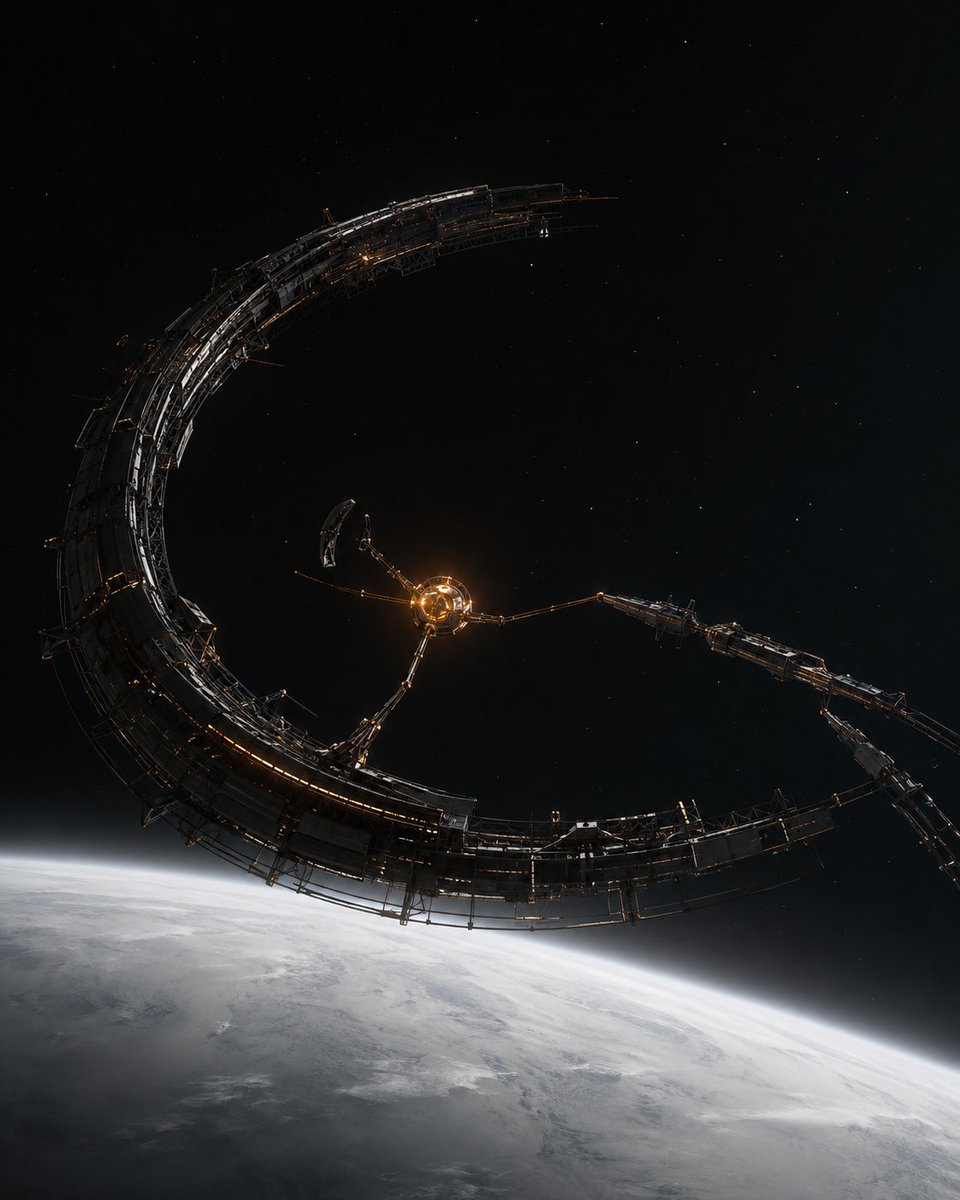
Crescent Orbital Megastructure
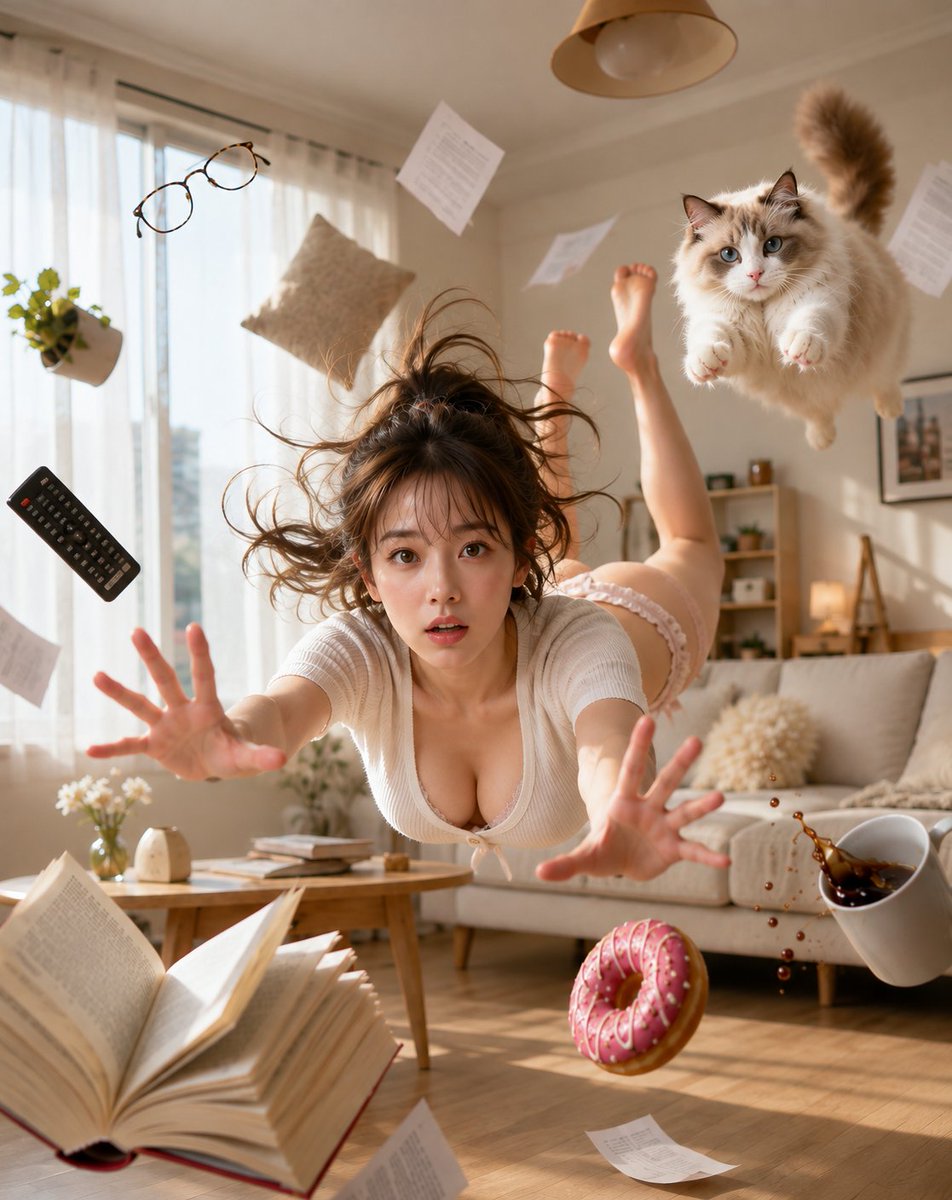
Zero Gravity Morning Scene
Raw iphone realism, pinterest girl aesthetic, natural skin texture, zero
High Impact Automotive Orbital Poster

Anime Alley Kick Transformation
Blonde Soccer Player Night Stadium Kick
Night City Soccer Kickoff Visual
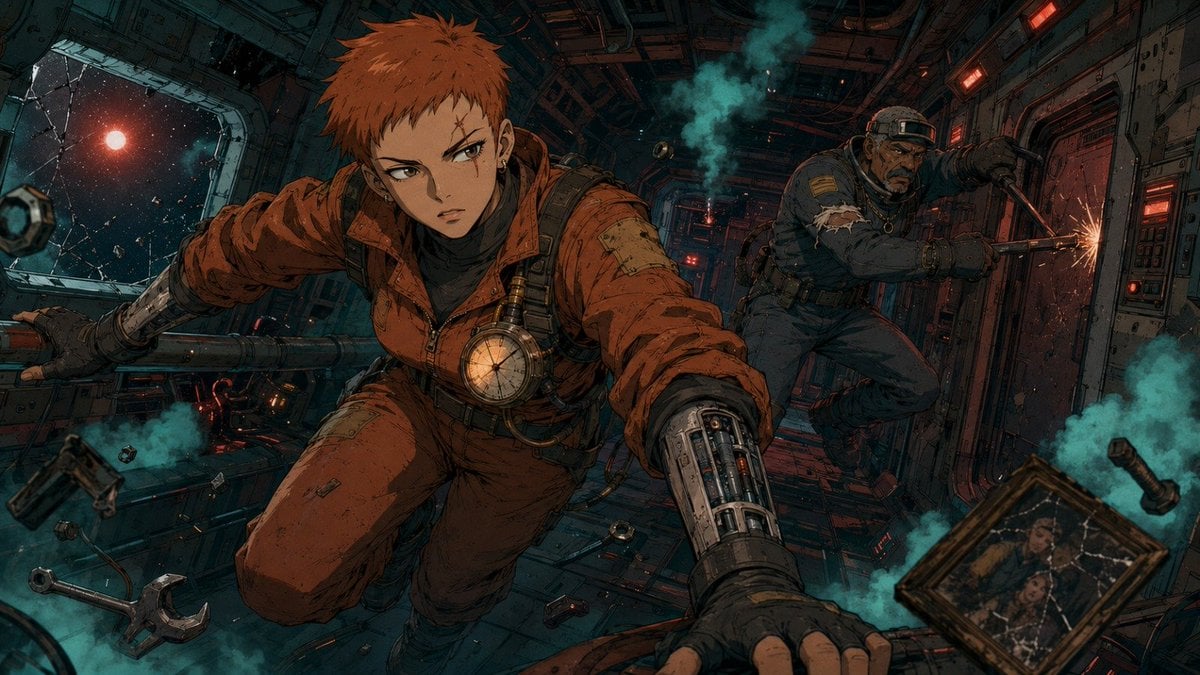
Zero-Gravity Anime Spaceship Escape
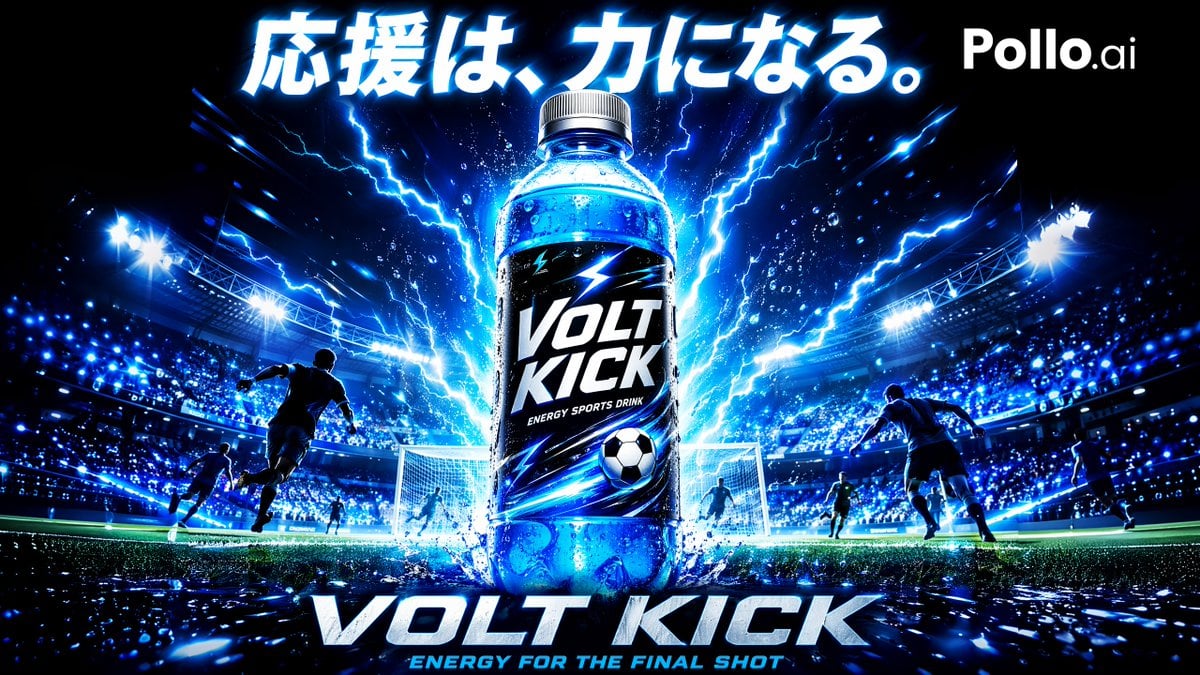
Volt Kick Soccer Energy Drink Poster
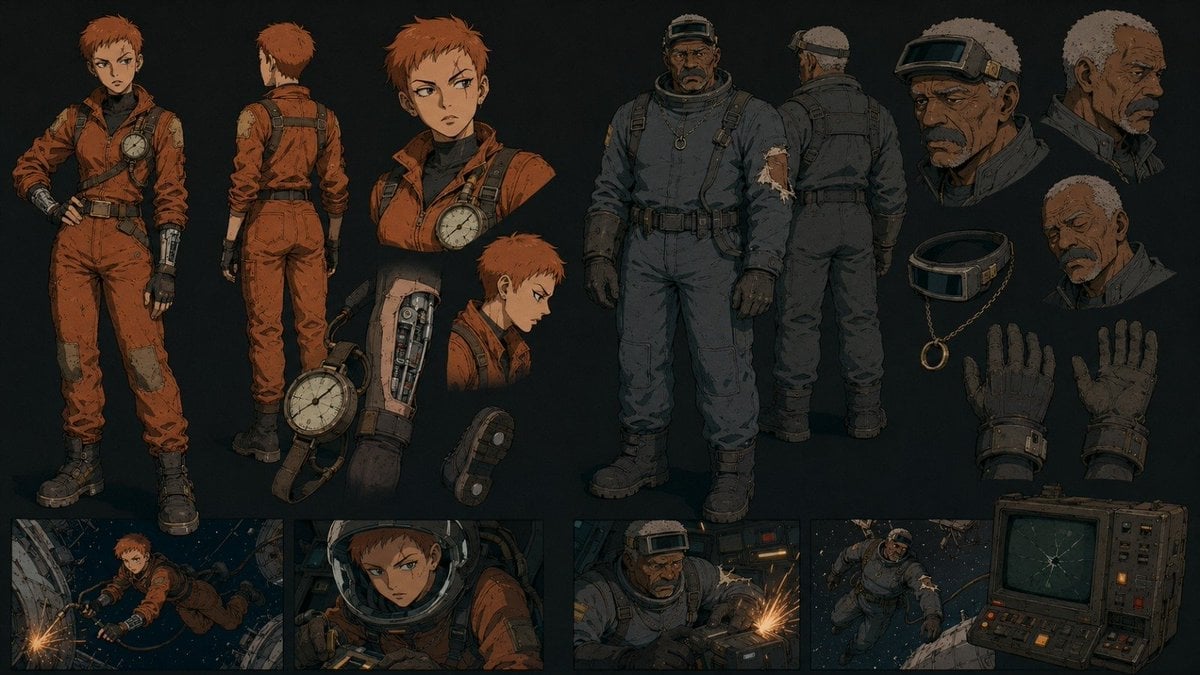
Retro Futurist Zero Gravity Character Sheet
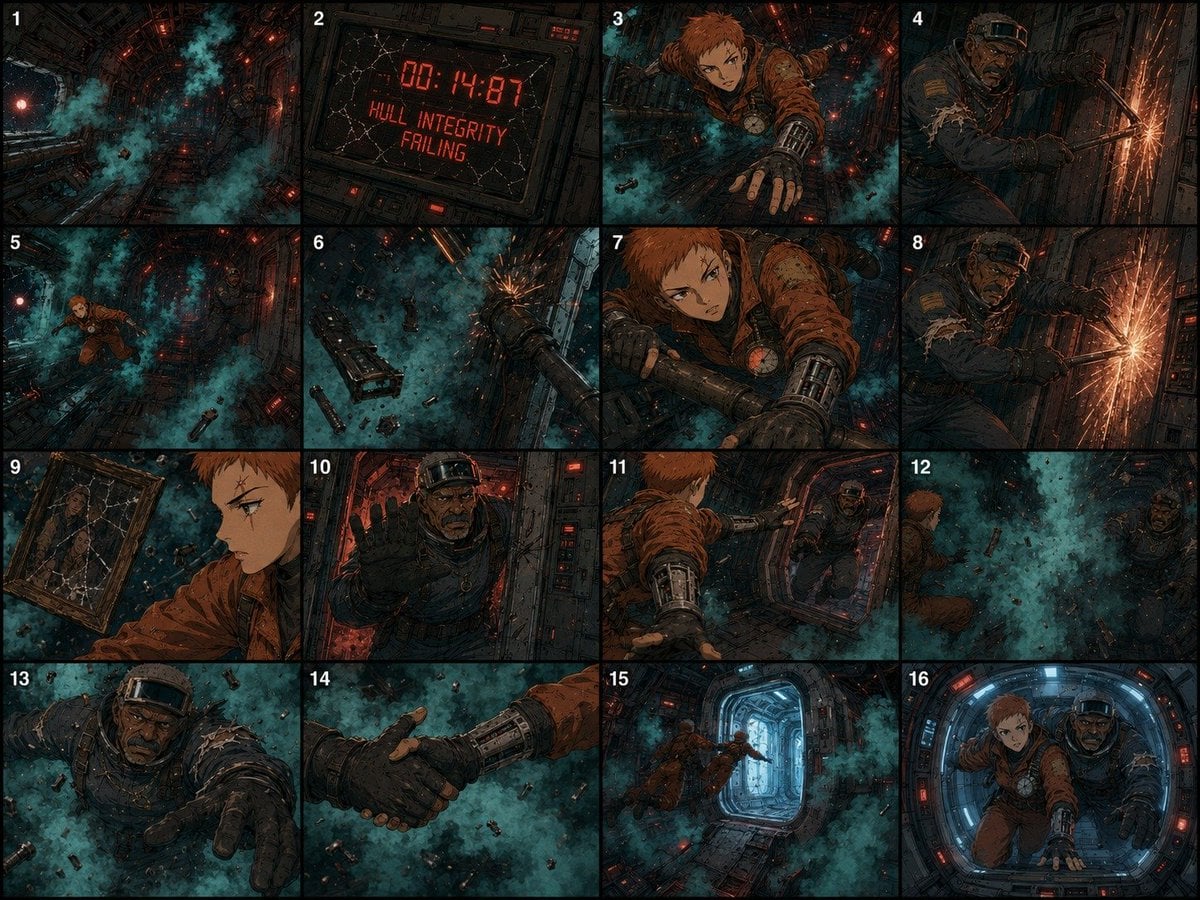
Zero-Gravity Survival Storyboard
Make it yours
Orbital Station Zero-G Kick works as-is. These are the safest ways to change it without losing the look.
Change one field
Copy a single group, rewrite it, and generate again so you can see what that field is doing.
Keep the frame, change the subject
Hold the composition and light of Orbital Station Zero-G Kick, then swap wardrobe, props or the person for a new take.
| If the result… | Why | Fix |
|---|---|---|
| The result drifts from the preview | Too many fields changed at once. | Reuse Orbital Station Zero-G Kick as-is first, then change one group — subject, light, or setting. |
| The model over-stylizes the scene | The prose prompt leaves finish and camera underspecified. | Add one camera or lighting sentence and stay on GPT Image 2. |
More GPT Image 2 templates
Other prompts made for GPT Image 2.

Six VTuber Japanese Logo Sheet

Realistic Portrait of Woman and Deer

The Vista Modular Condo Poster

AI Model Routing Comparison Infographic

2.5D Anime Art Board

Isometric Productivity Desk Scene

New York Double Exposure Poster

Four-Panel AI Landscape Comparison

Japanese Tatami Lifestyle Magazine Cover

NESCAFÉ Coffee Map Poster
More image prompts
Fresh picks from across the catalog.
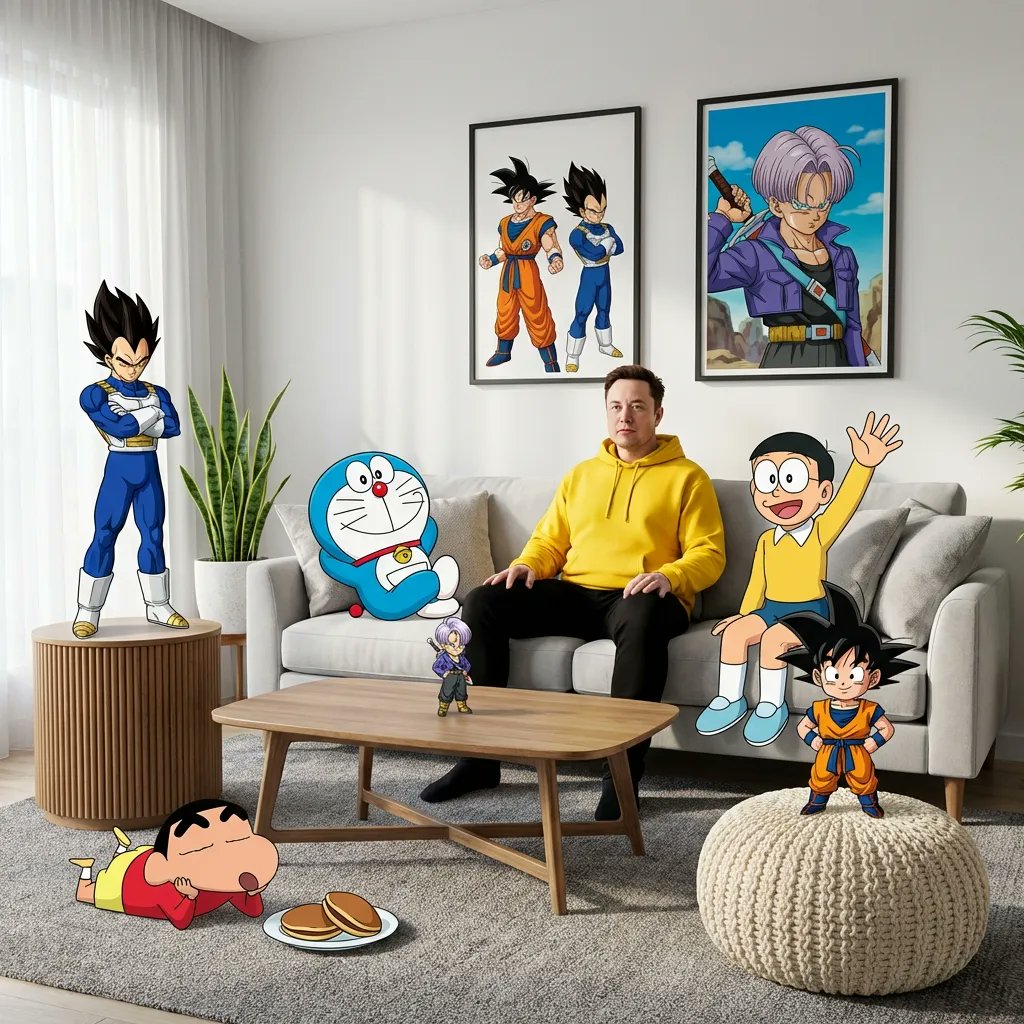
Blending Photorealism and Anime in a Living Room Scene
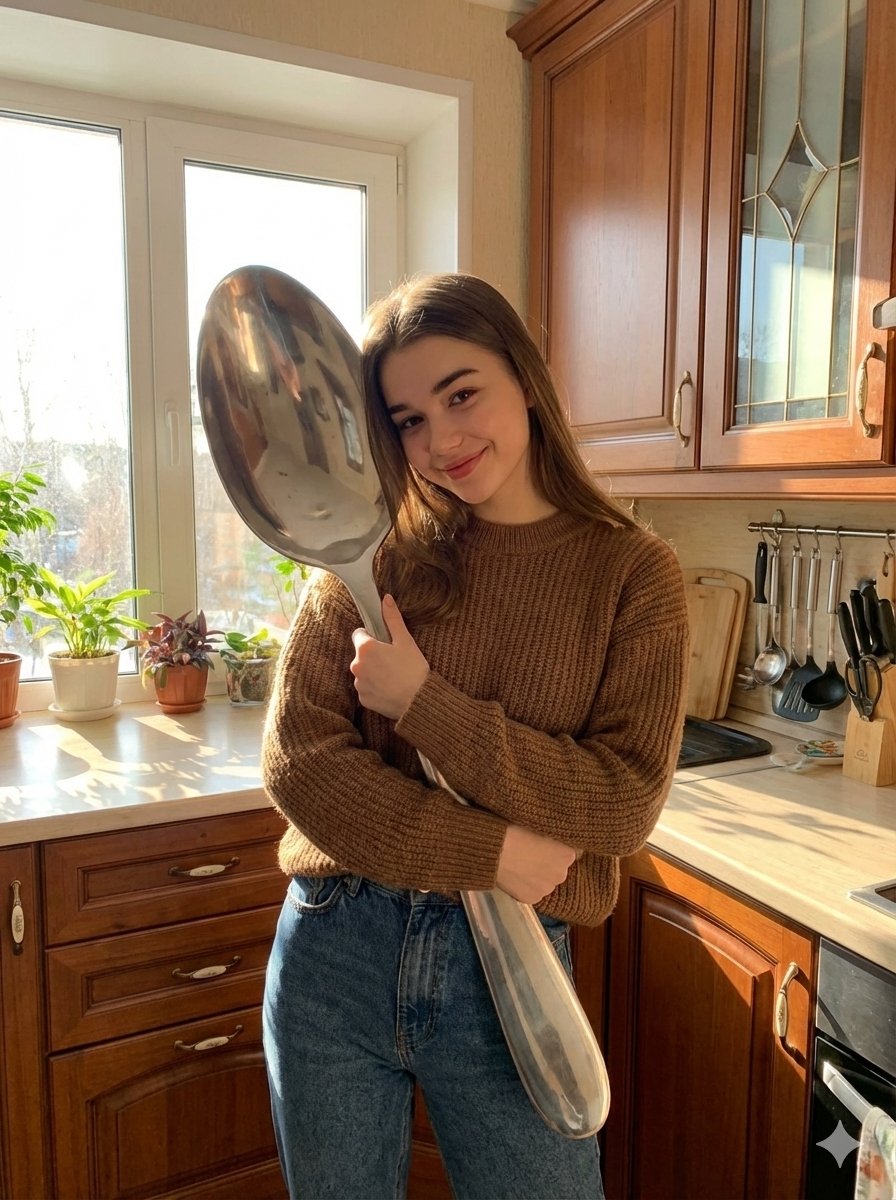
Photorealistic Woman Hugging Giant Spoon in Kitchen Prompt

Traditional Dry Brush Artistic Portrait
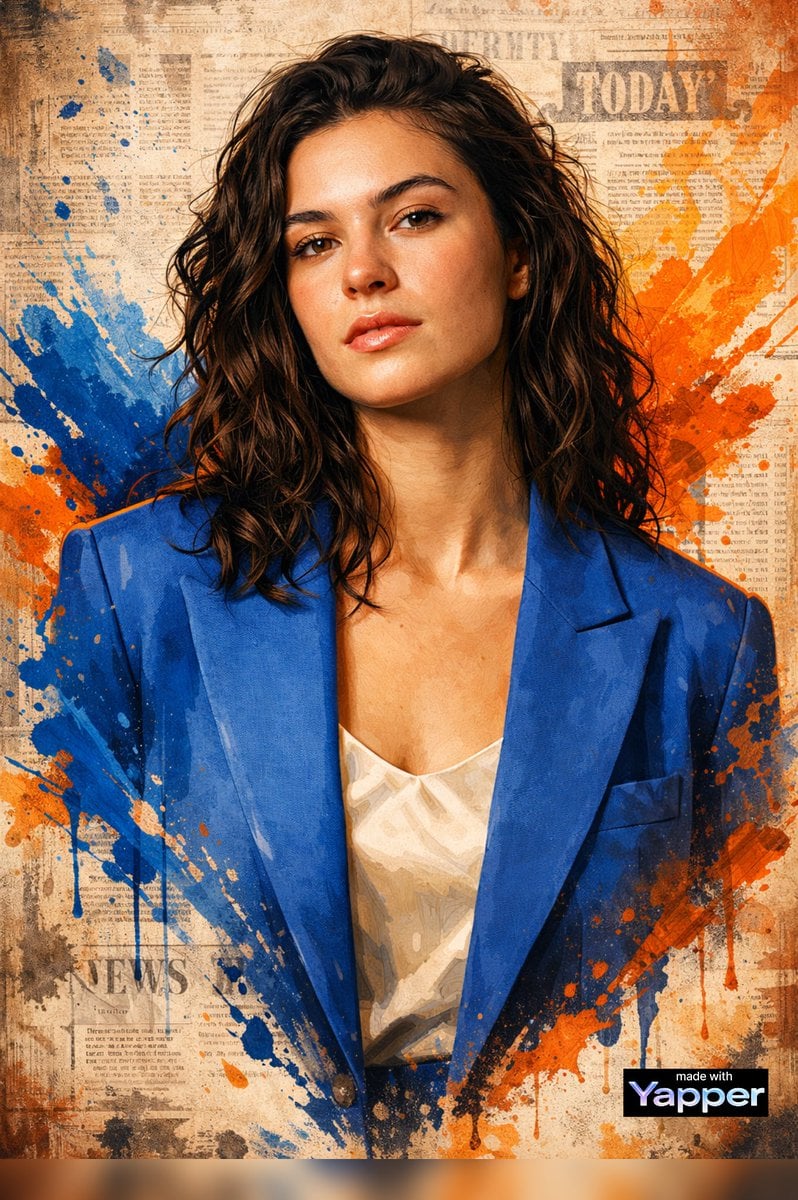
High-End Digital Painting Portrait
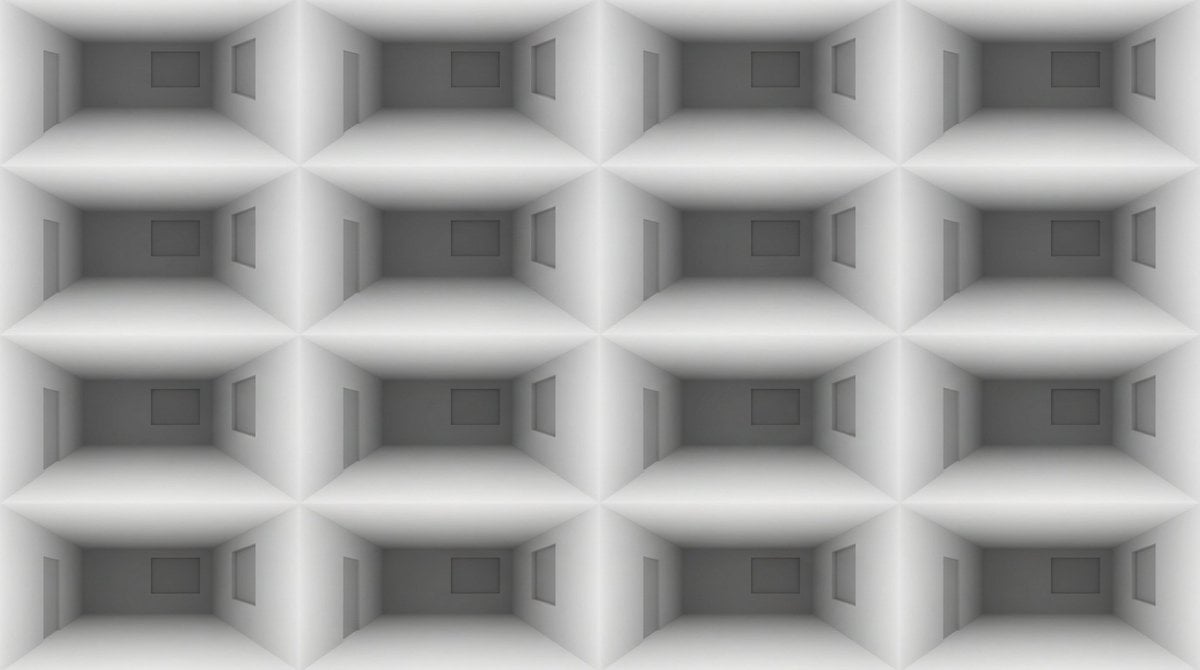
Architectural Interior Style Transformation with Depth Map Constraint
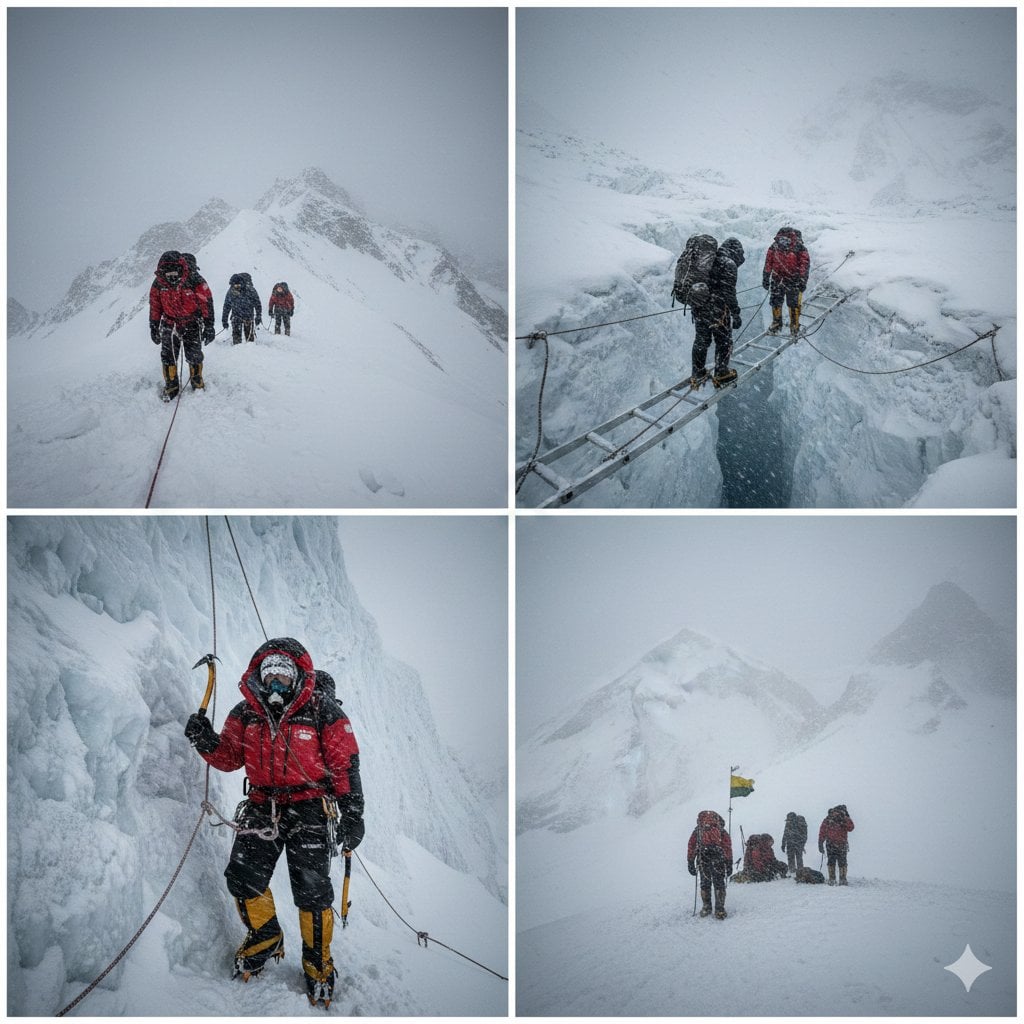
High-Altitude Mountaineering Cinematic Collage Prompt
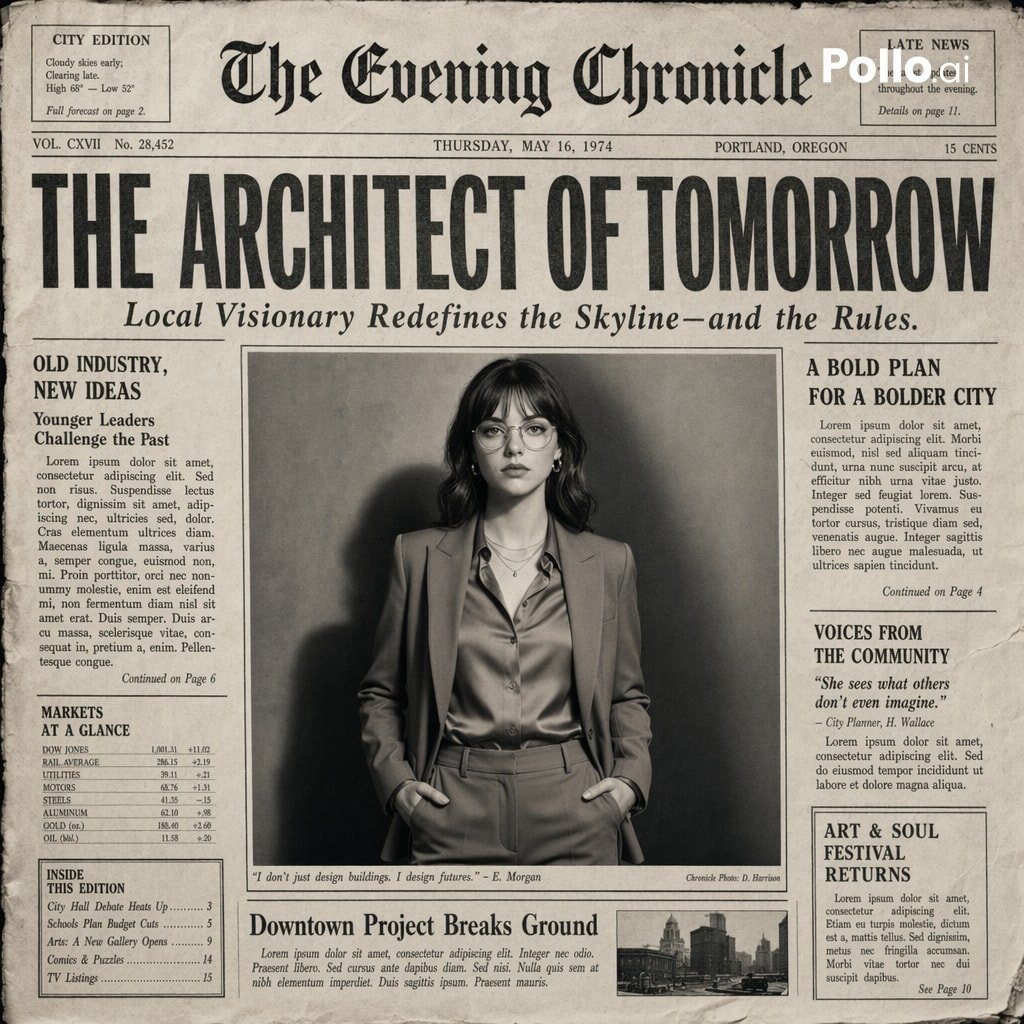
Vintage Newspaper Front Page Generator

Obscured Mystic Holding Artifact
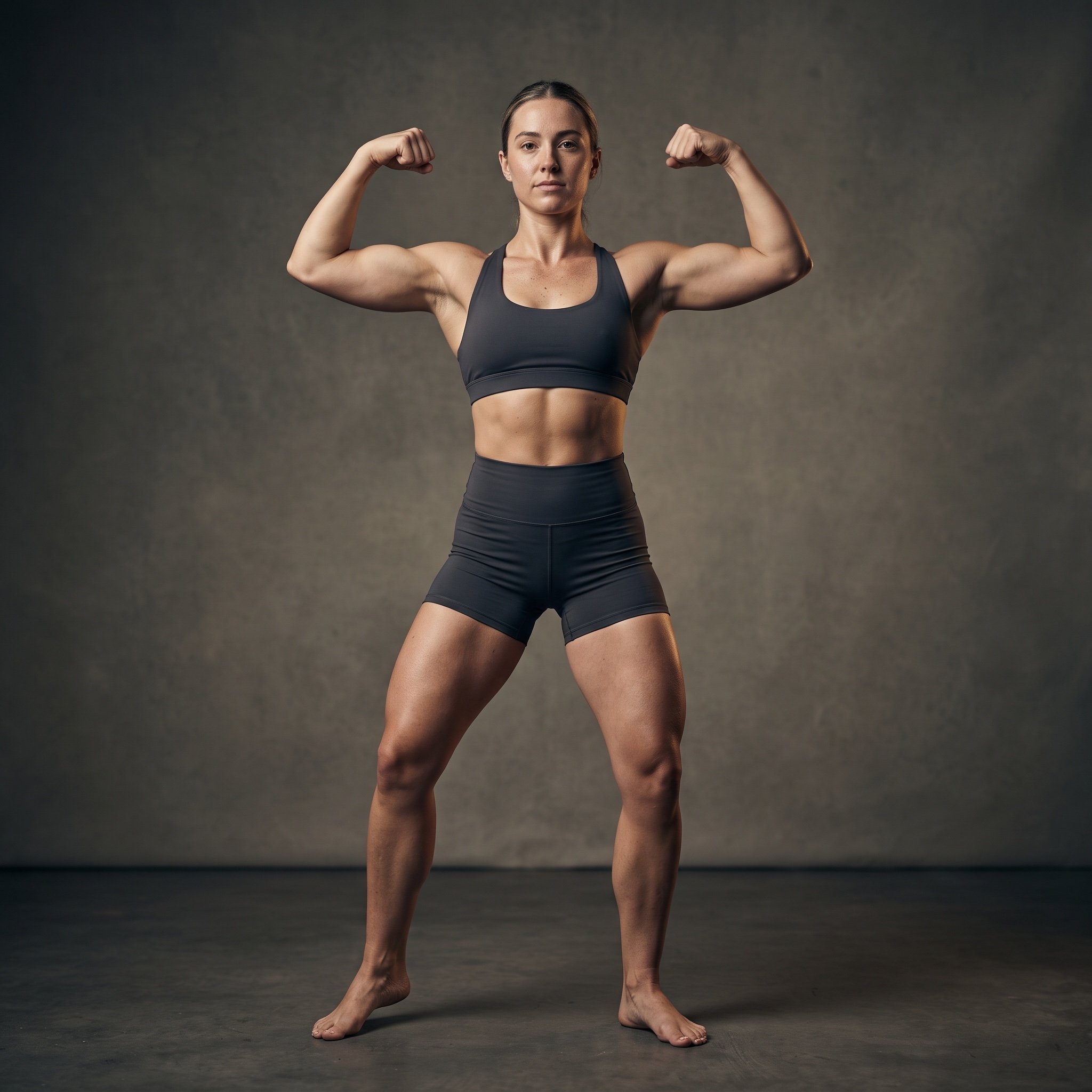
Cinematic Fitness Editorial Flex Pose Prompt
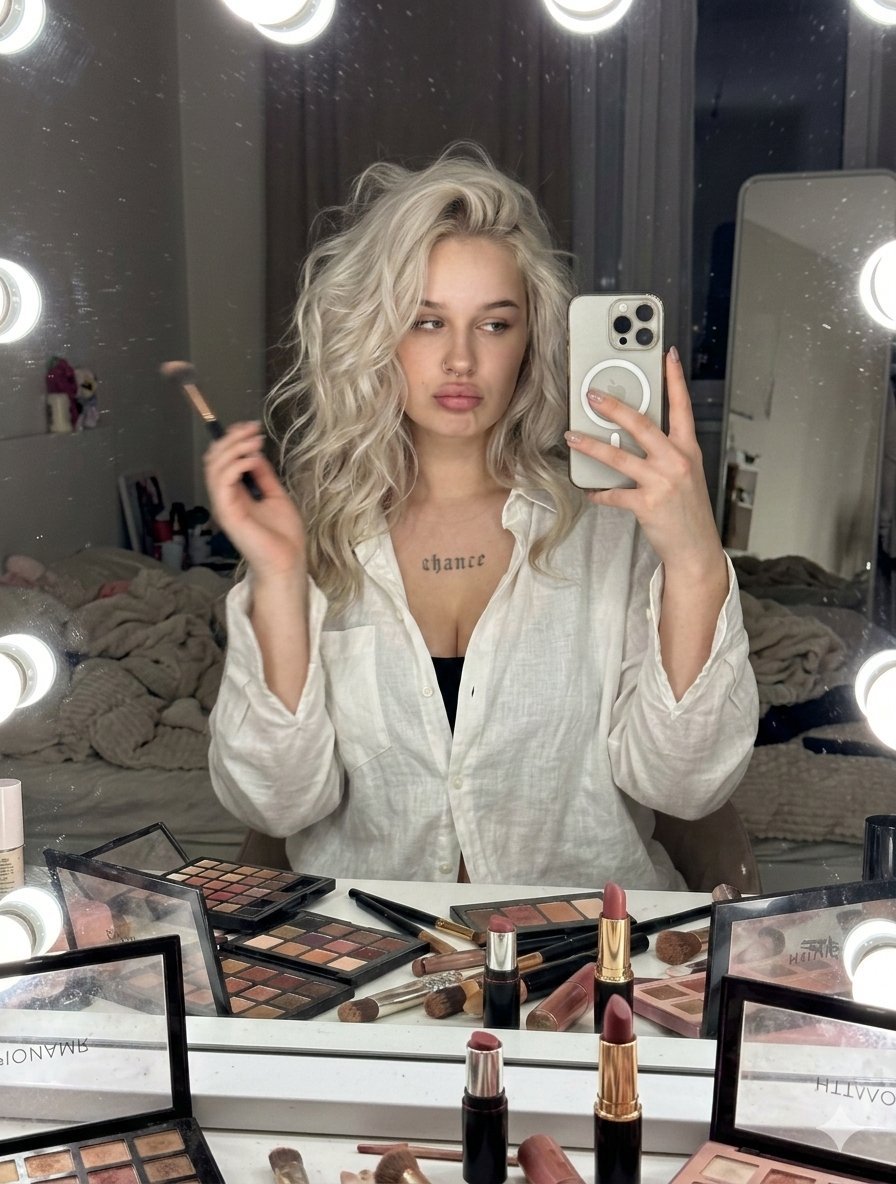
Raw iPhone Candid Vanity Mirror Selfie
Browse template categories
Orbital Station Zero-G Kick questions
How do I use the Orbital Station Zero-G Kick template?
Add your photo if the template asks for one, edit the prompt if you like — the template's model and format are already selected — and press Generate. Your version opens in PicX Studio.
Can I customize the Orbital Station Zero-G Kick template?
Yes. You can change the subject, setting, lighting, mood, format, and available model controls before creating your image.
Is the Orbital Station Zero-G Kick template free?
Opening and editing this template is free. Generating uses credits, shown on the Generate button when you are signed in.
Which AI model should I use?
Start with GPT Image 2, which is the model associated with this template. You can compare another compatible model for a different finish.
Looking for something else? Browse all templates.

Your photo, any look
Thousands of ready templates for every top image and video model, from one credit balance.