
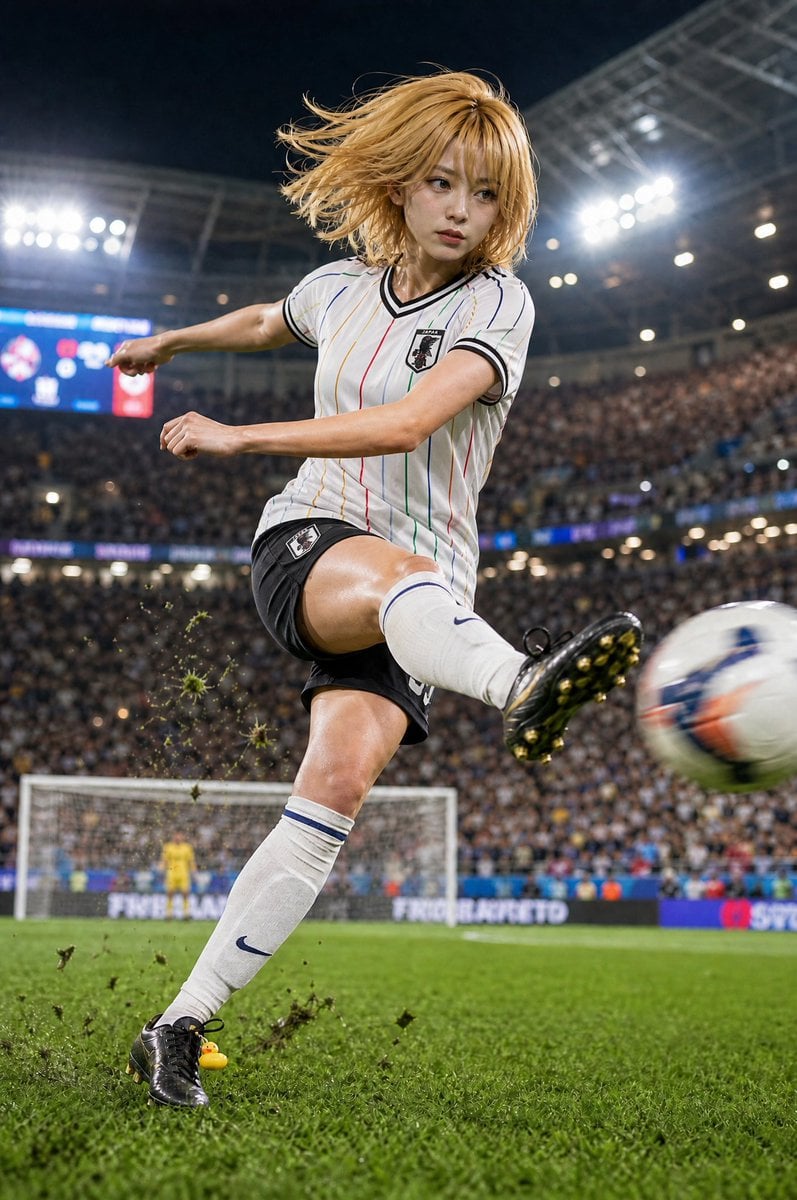
Blonde Soccer Player Night Stadium Kick
A realistic vertical sports action scene of a blonde female soccer player kicking a ball under stadium lights, useful for cinematic athletic character imagery.
- Prompt included
- Model and format preset
- Free template
The prompt behind this image
Copy the exact prompt behind Blonde Soccer Player Night Stadium Kick, or open it in the studio and make it yours.
Create a dramatic ultra-realistic vertical sports action photograph of {argument name="character name" default="Pine-chan"}, a blonde female soccer player in mid-kick inside a packed night stadium. She has shoulder-length windblown golden hair flying to the left, an athletic build, and her face is intentionally hidden by one plain tan square censor block centered over the face with no facial features visible. She wears a {argument name="team jersey" default="white Japan-style soccer jersey with thin multicolor vertical pinstripes, black collar and sleeve trim, and a crest patch on the chest"}, black shorts, long white socks with blue stripes, and black soccer cleats. Show exactly one player in the foreground, exactly one soccer ball motion-blurred at the right edge as it is being kicked, exactly one white goal in the background, exactly one distant yellow goalkeeper standing in the goal, exactly two bright stadium floodlight clusters, and exactly one tiny yellow rubber duck charm or toy near the player’s planted boot on the grass. Capture the moment from a low sideline angle with the kicking leg extended toward the camera, turf and clumps of dirt flying upward around the planted foot, shallow depth of field, strong stadium lighting, a blurred crowd filling the stands, and a cinematic high-speed sports photography look. Use {argument name="lighting mood" default="bright floodlit night match"}, crisp realism, dynamic motion blur on the ball and hair, detailed grass in the foreground, no extra players in the foreground, no readable advertising text, no watermark.
How to use Blonde Soccer Player Night Stadium Kick in 3 steps
- 1Upload ImagePNG, JPG or paste
Add your photo
Upload the photo the template builds on. The prompt, model and format are already set.
- 2…a portrait of your subject in softgolden-hour light, 85mm…
Personalize
Edit the subject and creative details for your destination.
- 3Generate
Generate
Press Generate — your image is created in PicX Studio, so you can compare it with the original and refine one variable at a time.
More like this
Templates with the same subject, style or setup. Open one to see its prompt.
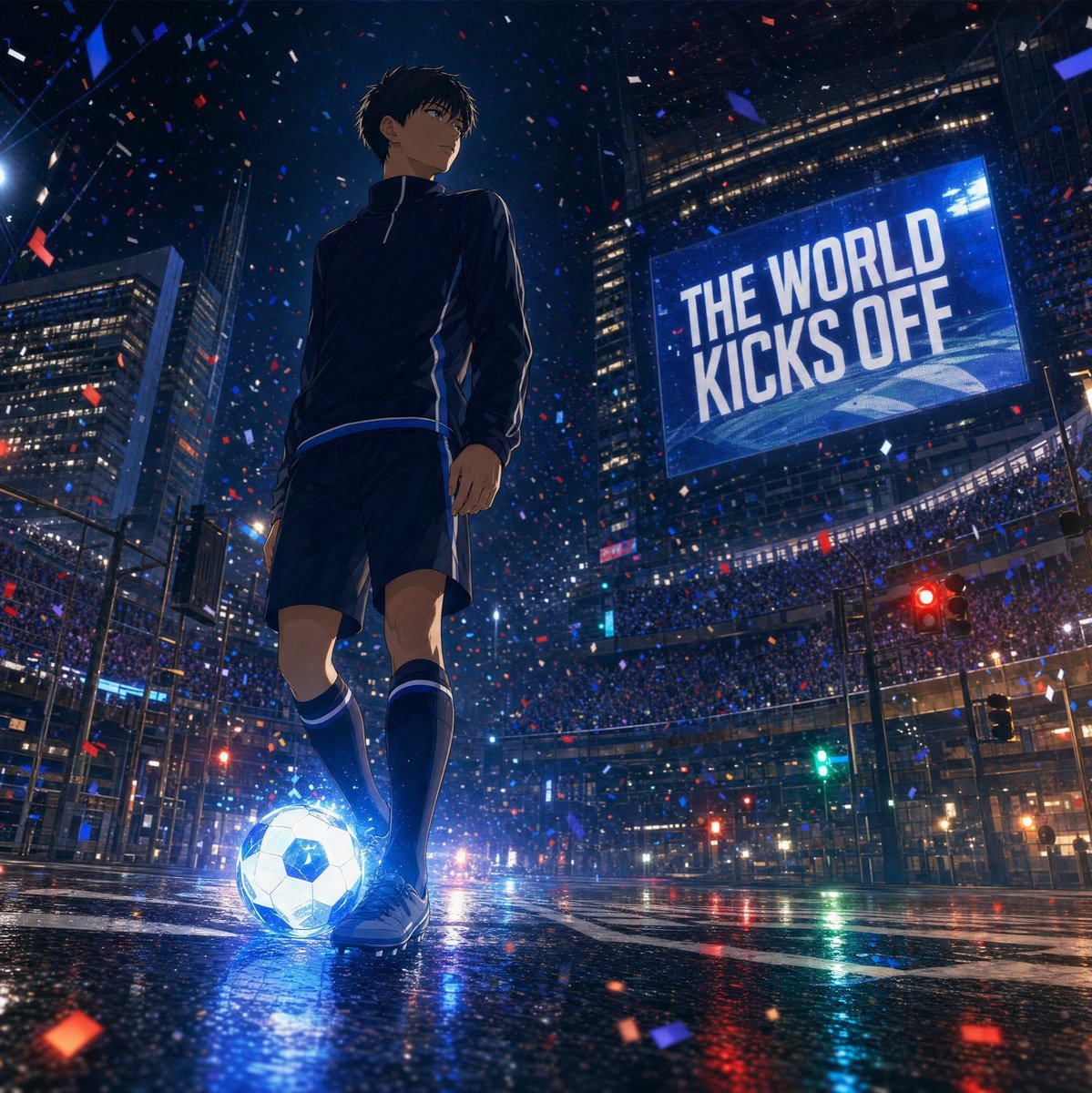
Night City Soccer Kickoff Visual

Panning Motion Soccer Kick Poster

FIFA 2026 — Golden Trophy Stadium Night
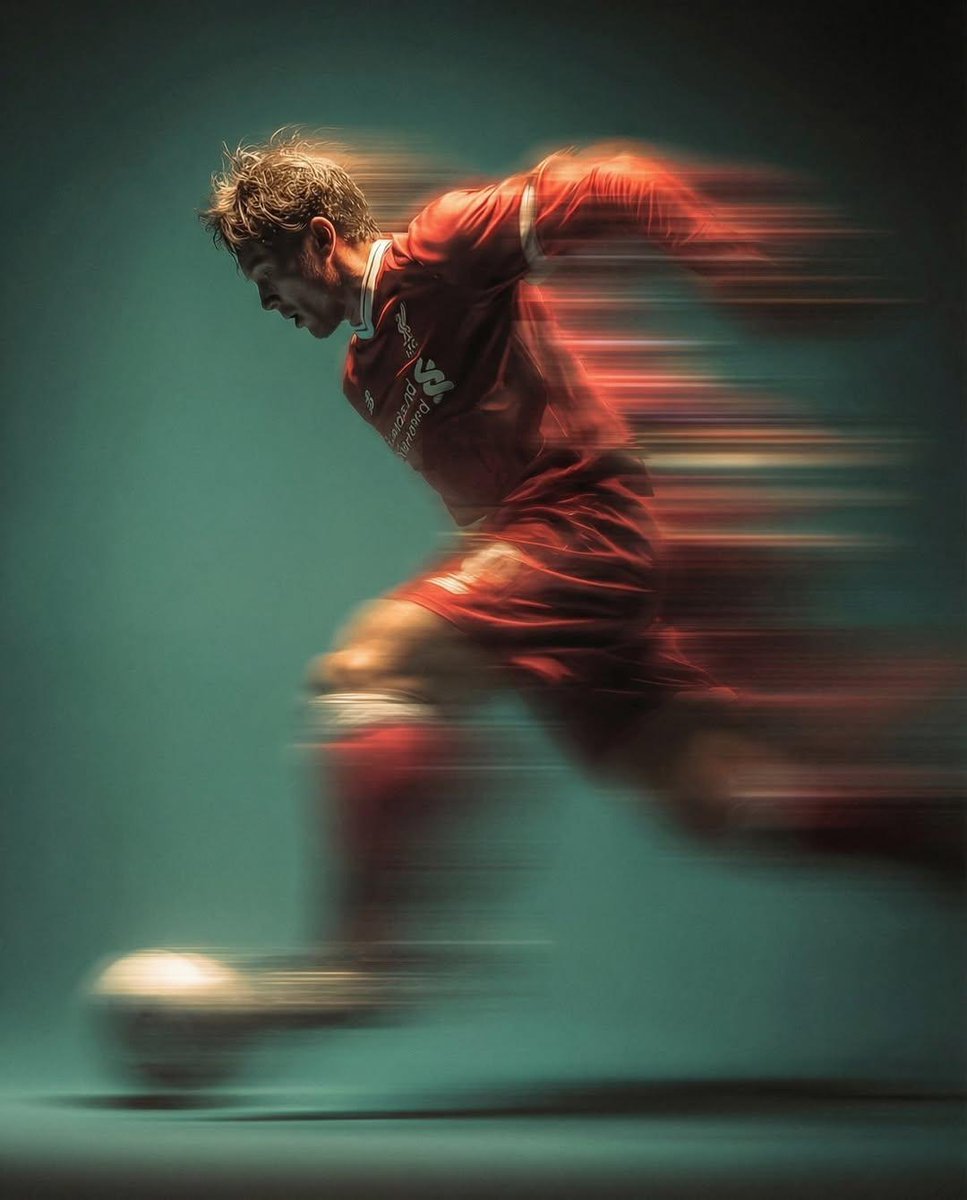
Panning shot of a soccer player kicking a ball
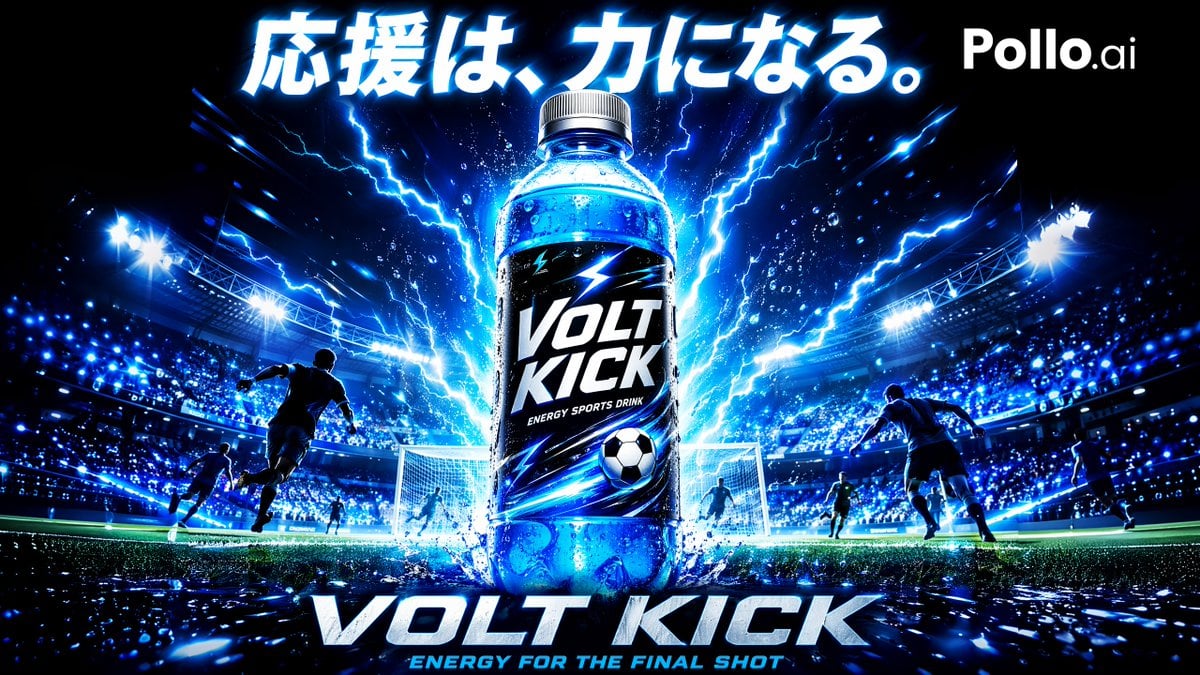
Volt Kick Soccer Energy Drink Poster

Subway Platform Quiet Introspective Portrait
Subway Platform Quiet Introspective Portrait

Spider-Man Night Swing New York Cinematic

Usa Cinematic Hyperreal Collage Poster
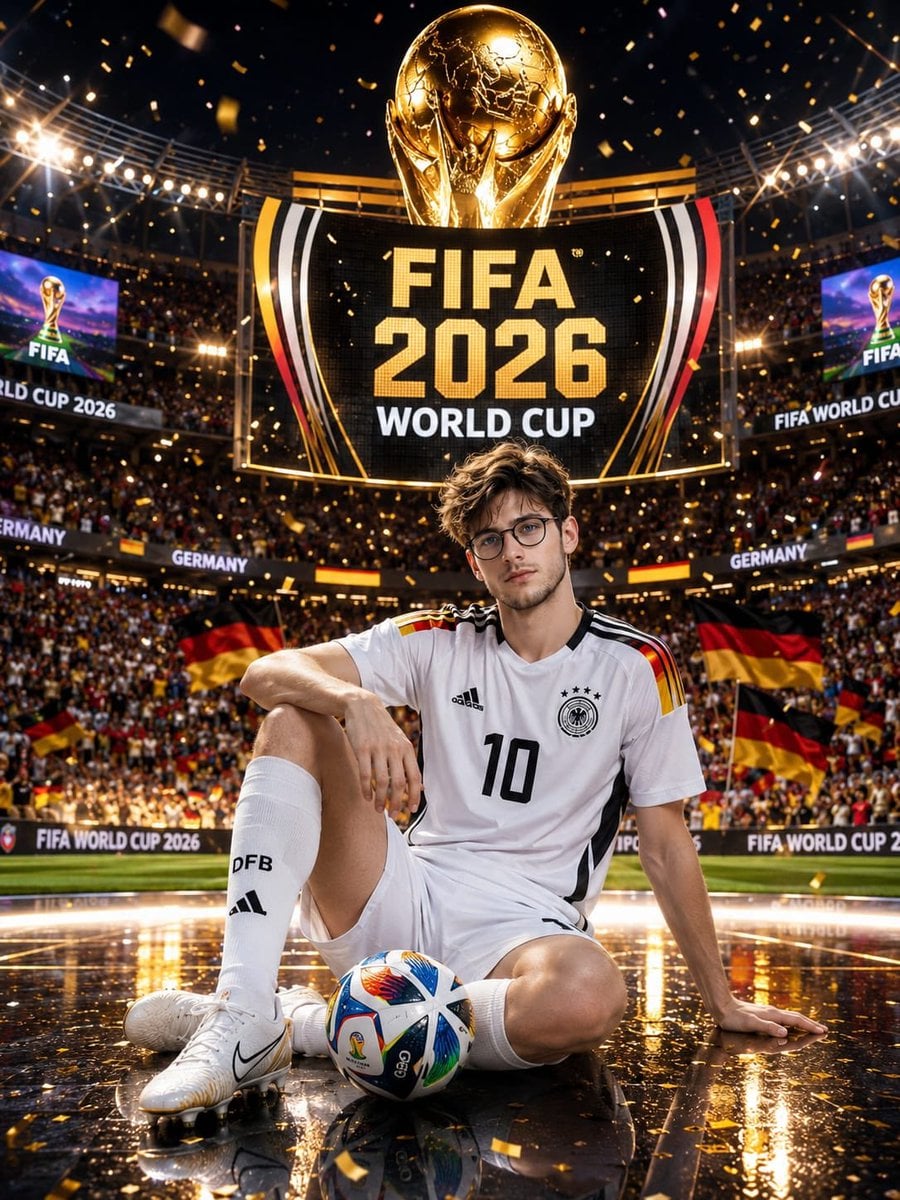
Germany 10 Championship Celebration Poster

Fifa Stadium Fan Portrait Poster

FIFA-Inspired — World Cup Final Goal Net Commercial
Make it yours
Blonde Soccer Player Night Stadium Kick works as-is. These are the safest ways to change it without losing the look.
Change one field
Copy a single group, rewrite it, and generate again so you can see what that field is doing.
Keep the frame, change the subject
Hold the composition and light of Blonde Soccer Player Night Stadium Kick, then swap wardrobe, props or the person for a new take.
| If the result… | Why | Fix |
|---|---|---|
| The result drifts from the preview | Too many fields changed at once. | Reuse Blonde Soccer Player Night Stadium Kick as-is first, then change one group — subject, light, or setting. |
| The model over-stylizes the scene | The prose prompt leaves finish and camera underspecified. | Add one camera or lighting sentence and stay on GPT Image 2. |
More GPT Image 2 templates
Other prompts made for GPT Image 2.

Six VTuber Japanese Logo Sheet

Realistic Portrait of Woman and Deer

The Vista Modular Condo Poster

AI Model Routing Comparison Infographic

2.5D Anime Art Board

Isometric Productivity Desk Scene

New York Double Exposure Poster

Four-Panel AI Landscape Comparison

Japanese Tatami Lifestyle Magazine Cover

NESCAFÉ Coffee Map Poster
More image prompts
Fresh picks from across the catalog.

Stylized Character Illustration Template
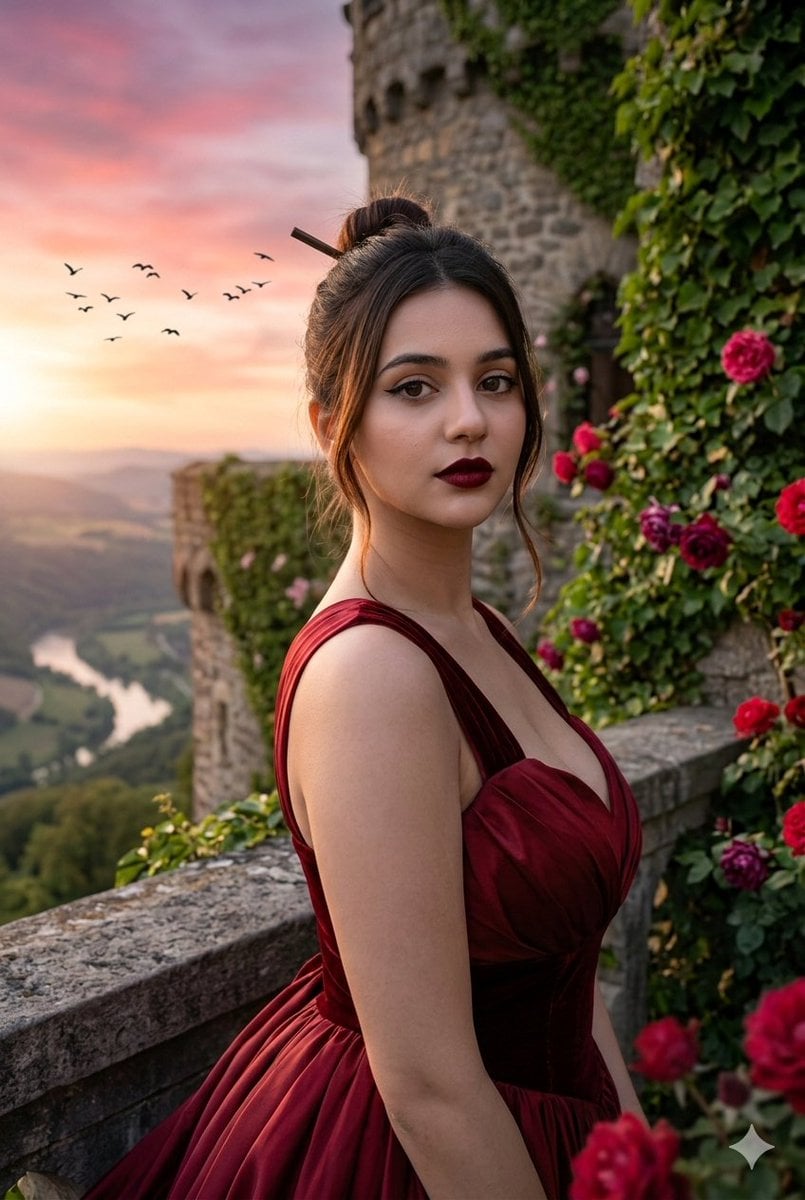
Hyper-Realistic Editorial Portrait Editing Prompt (JSON Format)
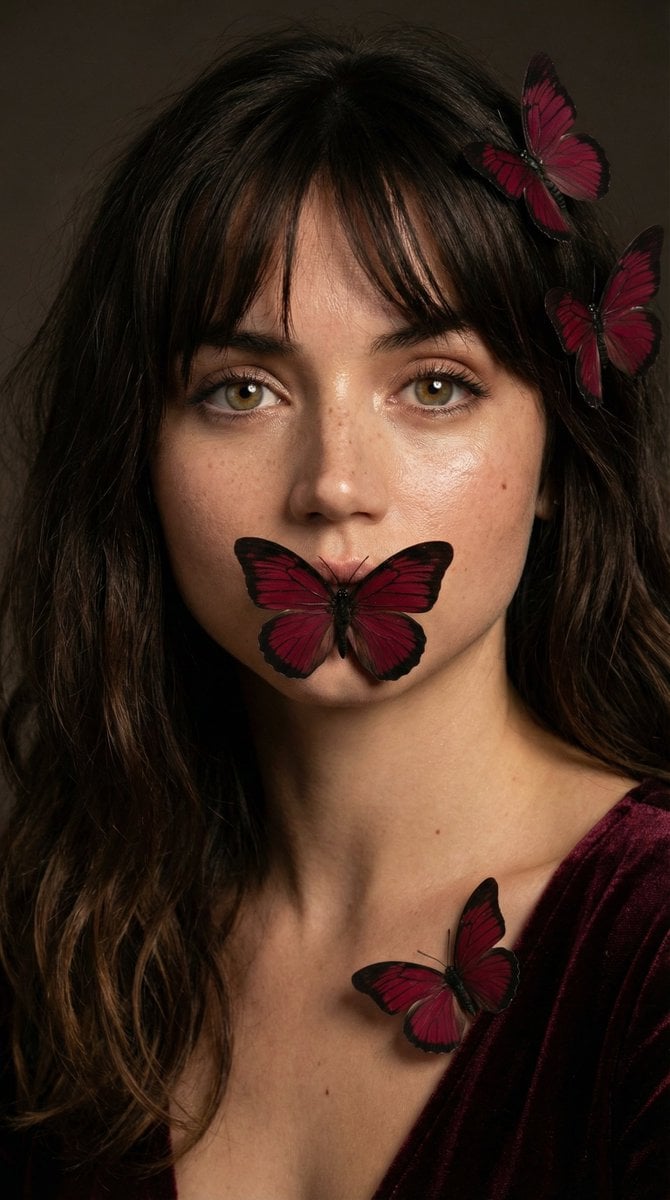
Mysterious Portrait with Butterflies
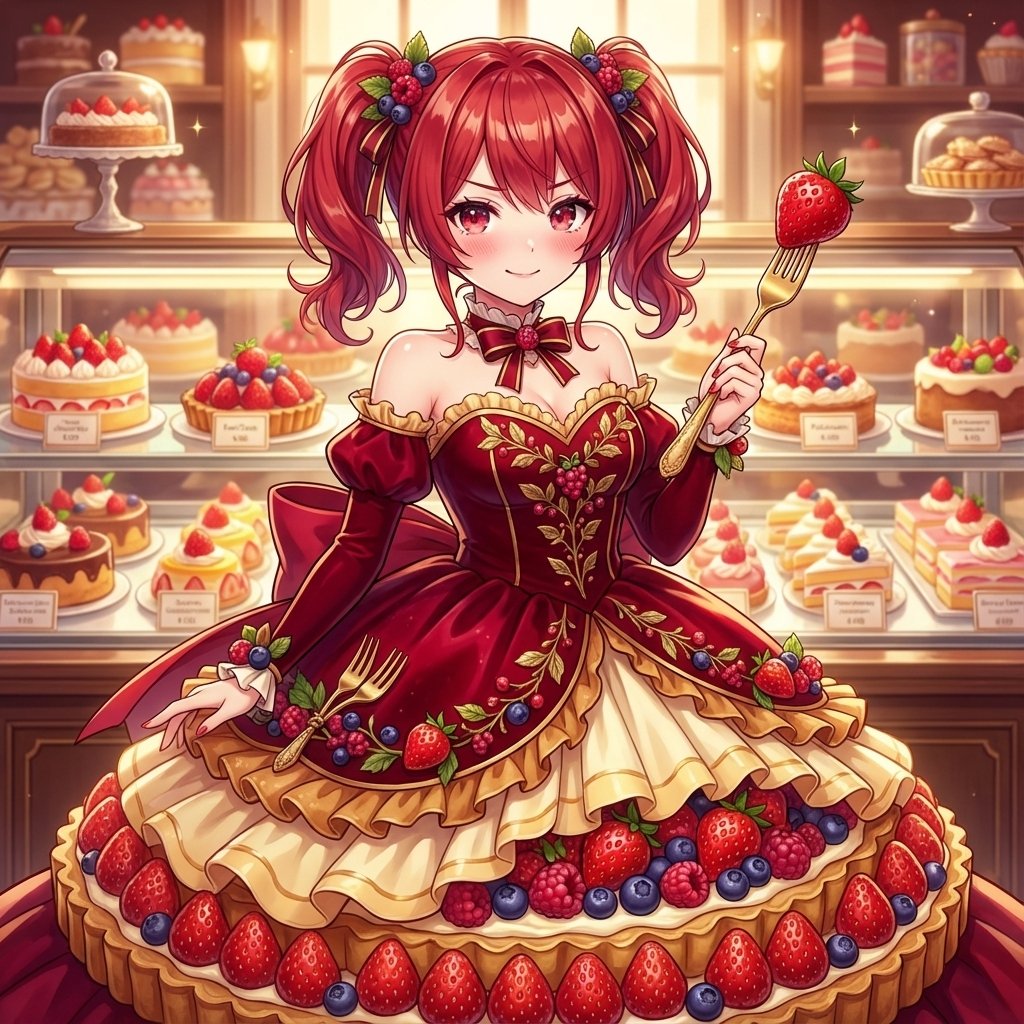
Image Conversion to Berry Tart Dress Style

Violet Ghost in a Golden Room K-Pop Aesthetic Image Prompt
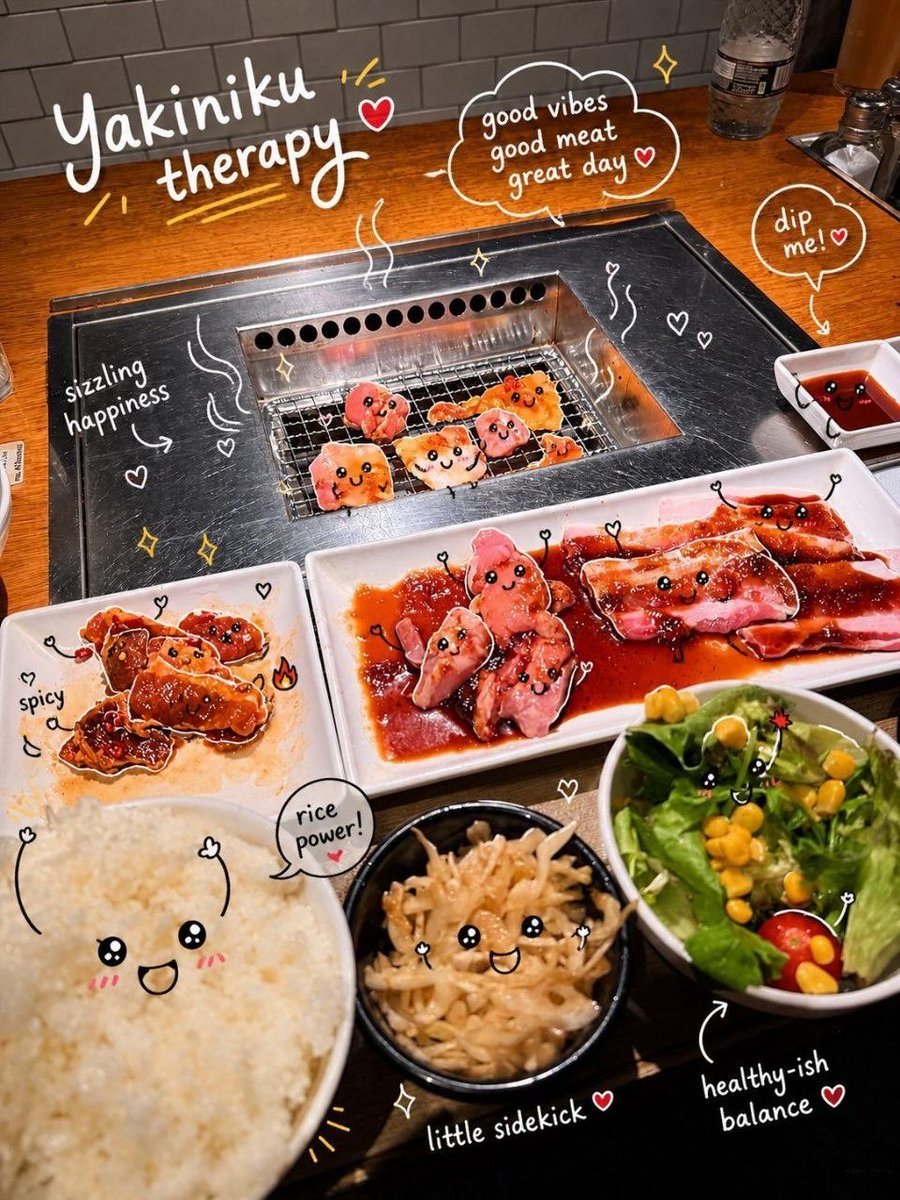
Interactive Photo Doodles
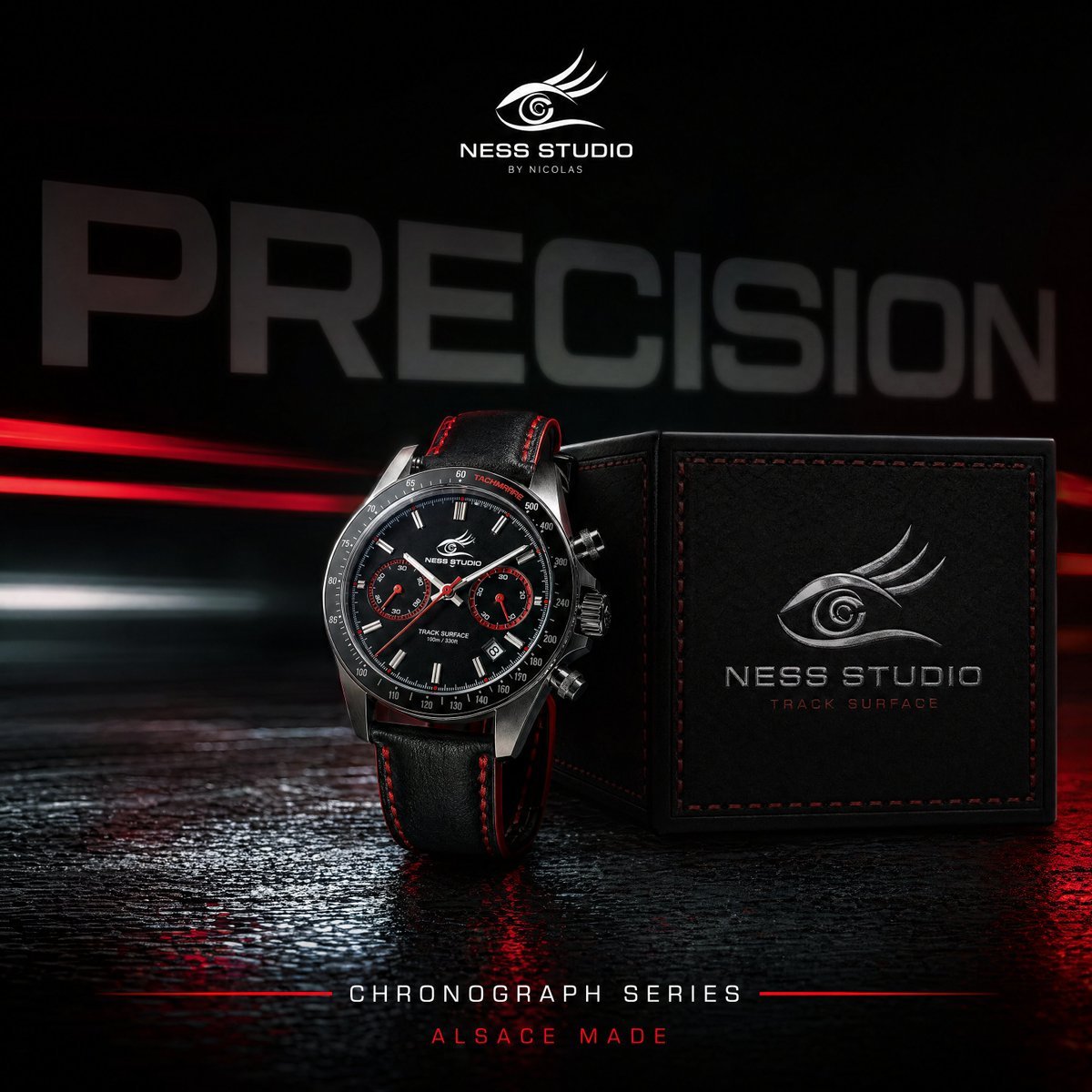
Gpt2 Product Marketing Luxury Chronograph Watch Ad
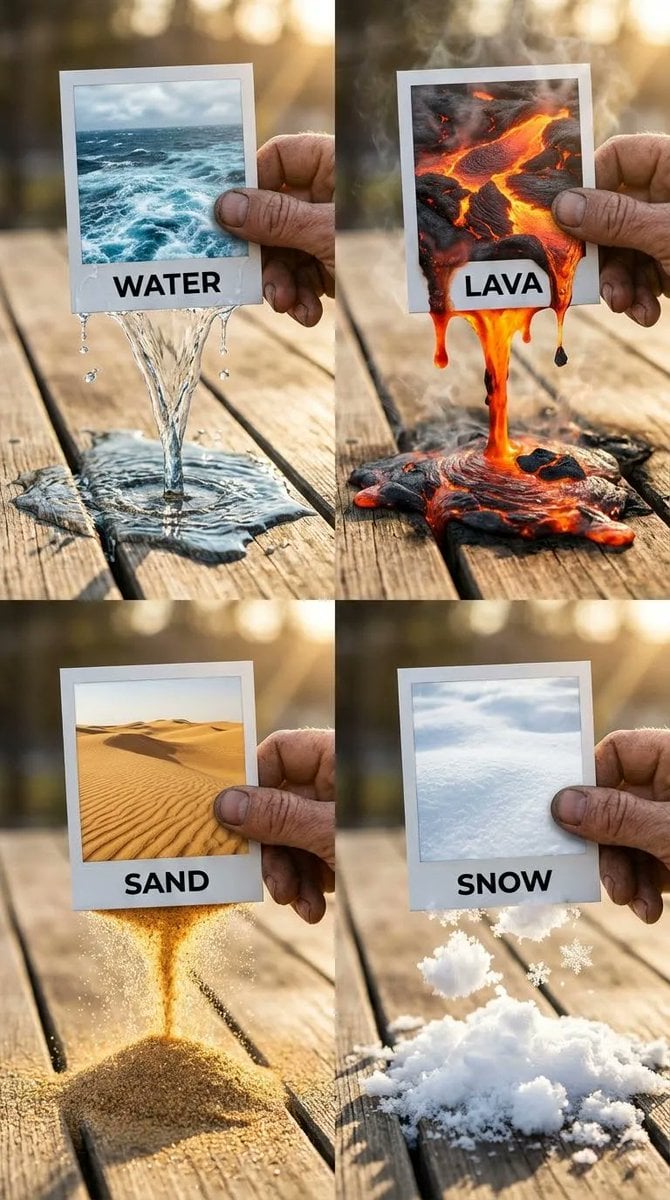
Elemental Physics Spill Collage Prompt
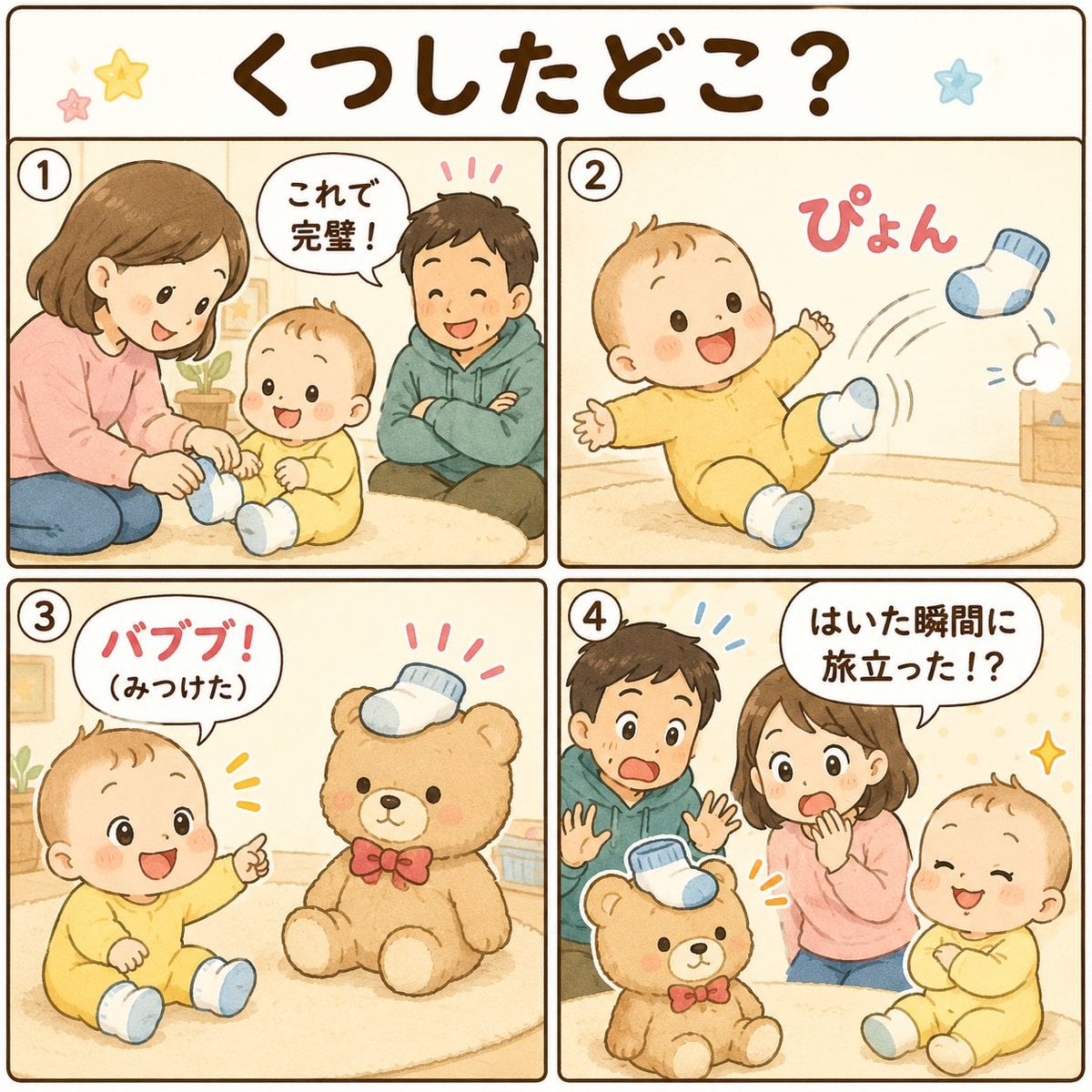
Cute Japanese Baby Sock Comic
Boy Chasing Airplane Contrail
Browse template categories
Blonde Soccer Player Night Stadium Kick questions
How do I use the Blonde Soccer Player Night Stadium Kick template?
Add your photo if the template asks for one, edit the prompt if you like — the template's model and format are already selected — and press Generate. Your version opens in PicX Studio.
Can I customize the Blonde Soccer Player Night Stadium Kick template?
Yes. You can change the subject, setting, lighting, mood, format, and available model controls before creating your image.
Is the Blonde Soccer Player Night Stadium Kick template free?
Opening and editing this template is free. Generating uses credits, shown on the Generate button when you are signed in.
Which AI model should I use?
Start with GPT Image 2, which is the model associated with this template. You can compare another compatible model for a different finish.
Looking for something else? Browse all templates.

Your photo, any look
Thousands of ready templates for every top image and video model, from one credit balance.