
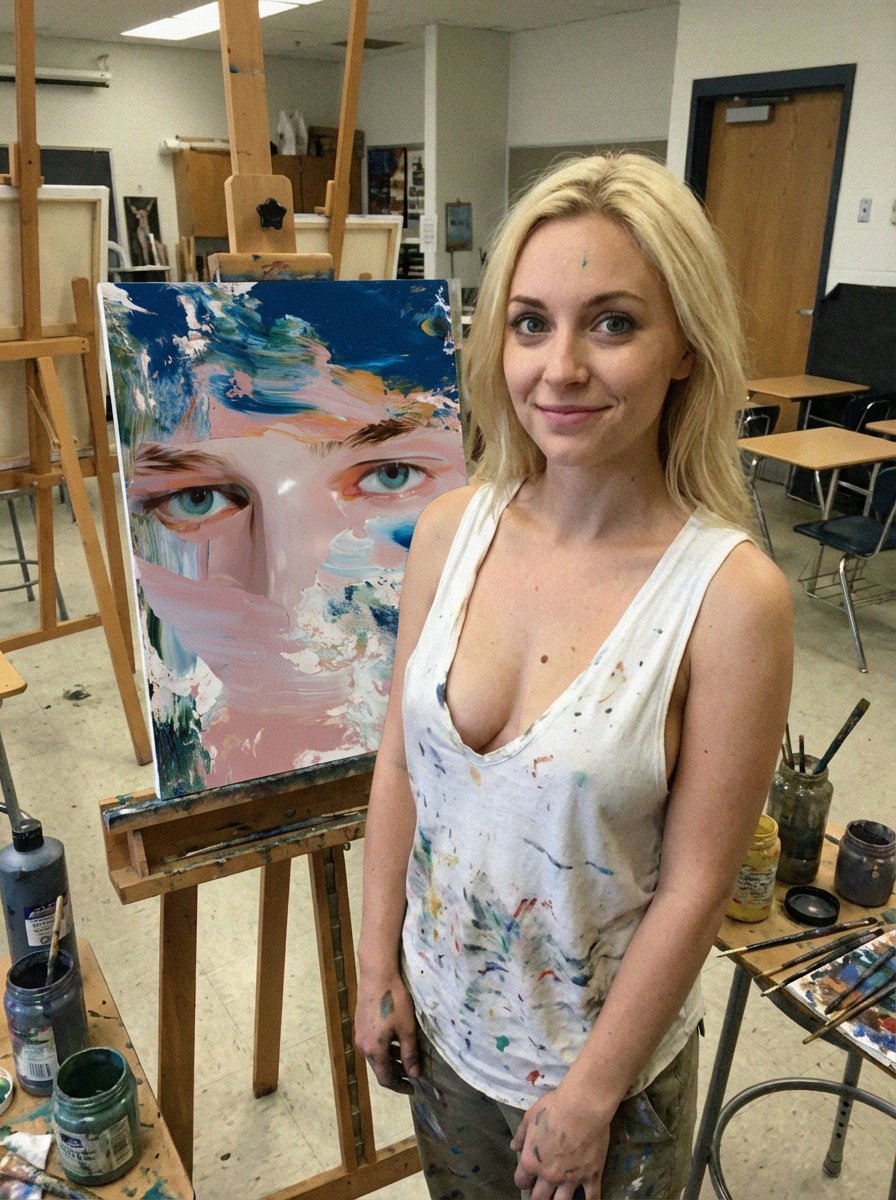
Low-Quality Smartphone Photo of an Artist in a Classroom
A prompt designed to simulate a low-quality, candid smartphone photo of an attractive blonde woman standing next to her painting in a cluttered classroom art studio.
- Prompt included
- Model and format preset
- Premium template
The prompt behind this image
Copy the exact prompt behind Low-Quality Smartphone Photo of an Artist in a Classroom, or open it in the studio and make it yours.
Low-quality smartphone photo of an extremely beautiful, attractive blonde woman with green eyes(attached woman) , standing next to her painting on a canvas. The painting on the canvas is the attached image. She is inside a classroom art studio, ordinary school setting with desks, easels, paint jars, and casual clutter. She wears a white tank top with a deep neckline, visibly splattered with paint, along with casual pants also marked with paint stains. A small paint is on her chest, subtle. Paint smudges appear on her clothes, hands, and lightly on the floor around her workspace. Her beauty is natural and believable: symmetrical facial features, expressive green eyes, realistic skin texture, minimal makeup. Her pose is relaxed and confident, slightly angled toward the camera, with a quiet sense of pride as she stands beside her work. She smiles beautifully and elegantly. Captured as a lower-quality smartphone photo: noticeable digital noise, mild blur, imperfect focus, slight motion softness, compression artifacts, uneven white balance, and visible film grain. Lighting is flat, indoor daylight mixed with classroom fluorescents. Colors are slightly washed, not cinematic, clearly casual and unpolished—like a real student photo taken quickly. Ultra-realistic, candid, no stylization. Camera & Quality Cues Older smartphone camera Auto mode, imperfect exposure Visible noise & grain Slight blur / missed focus JPEG compression artifacts Flat indoor lighting Negative Prompt: High-end photography, studio lighting, professional DSLR, sharp focus, HDR, beauty filters, airbrushed skin, illustration, CGI, painting description, fantasy style, dramatic lighting, exaggerated anatomy, glamour shoot, watermark, text, logo
How to use Low-Quality Smartphone Photo of an Artist in a Classroom in 3 steps
- 1Upload ImagePNG, JPG or paste
Add your photo
Upload the photo the template builds on. The prompt, model and format are already set.
- 2…a portrait of your subject in softgolden-hour light, 85mm…
Personalize
Edit the subject and creative details for your destination.
- 3Generate
Generate
Press Generate — your image is created in PicX Studio, so you can compare it with the original and refine one variable at a time.
More like this
Templates with the same subject, style or setup. Open one to see its prompt.
Low-Angle Wide-Sky Smartphone Selfie

Floating Woman Above Cityscape with Notifications

Nano Banana Pro 2.0 — 3x3 Travel Profile Grid
Nano Banana 2 Portrait Gemini

Paris Travel Collage Grid - Face Reference
Anime Losing Heroines Classroom Still

Anime Classroom Losing Heroines Key Visual

Glad2Glow Facial Wash Storyboard
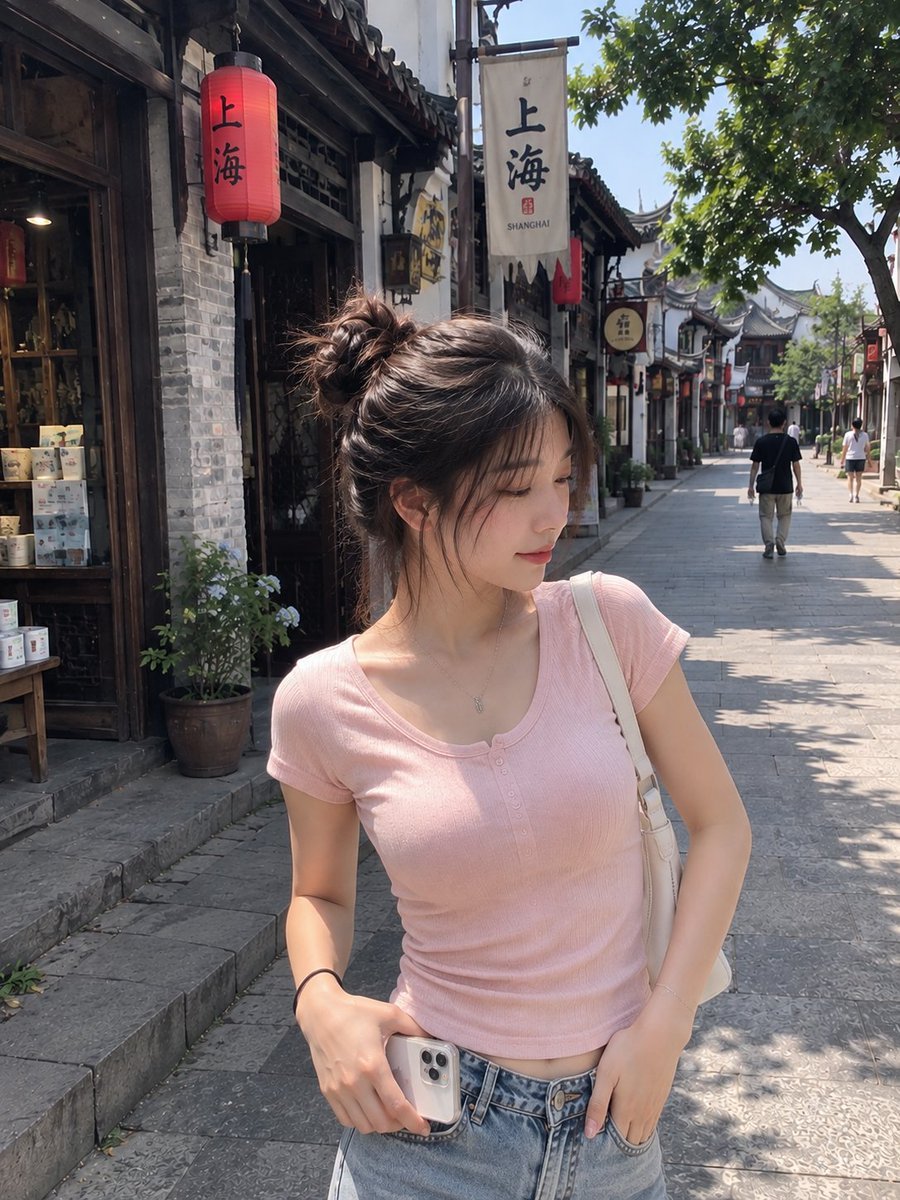
Realistic Chinese Street Smartphone Photo
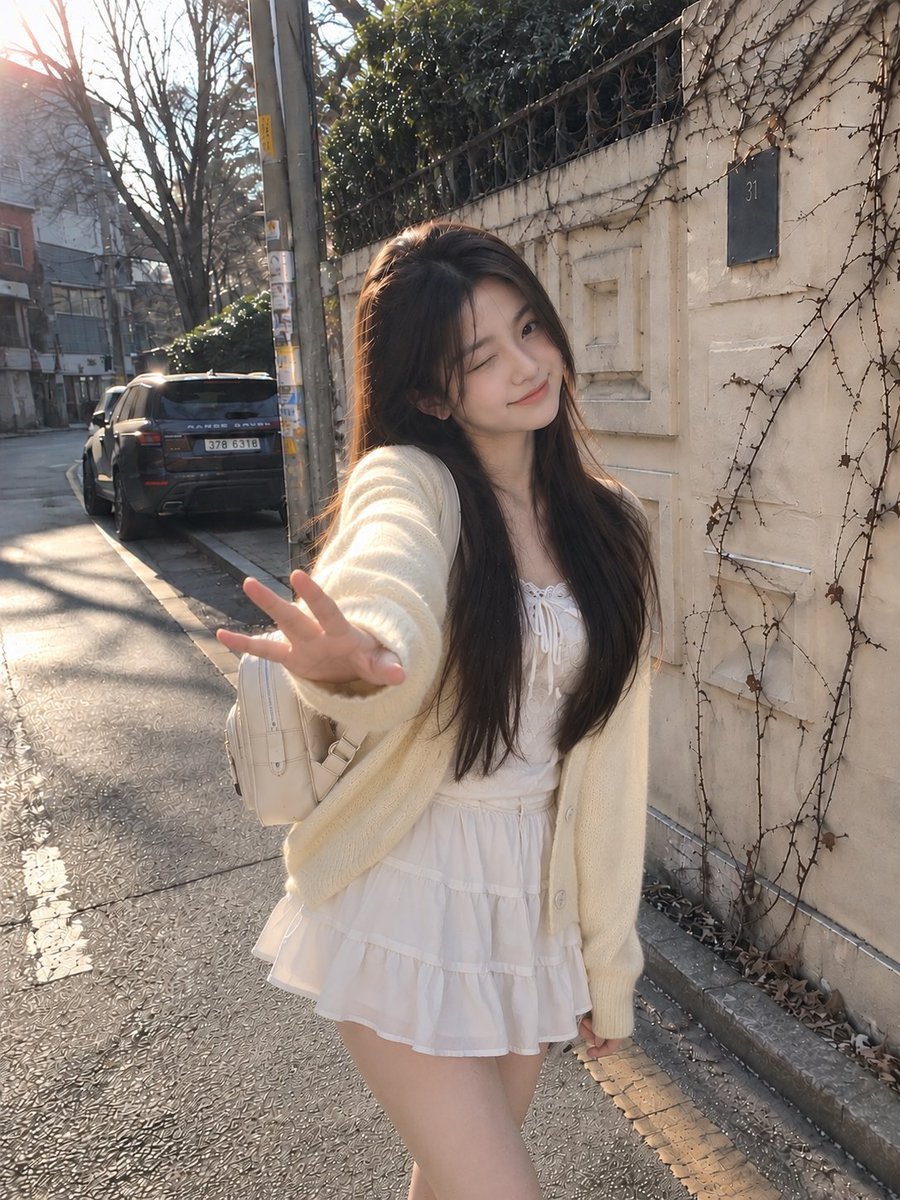
Candid Winter Smartphone Portrait

Anime Losing Heroines Classroom Key Visual
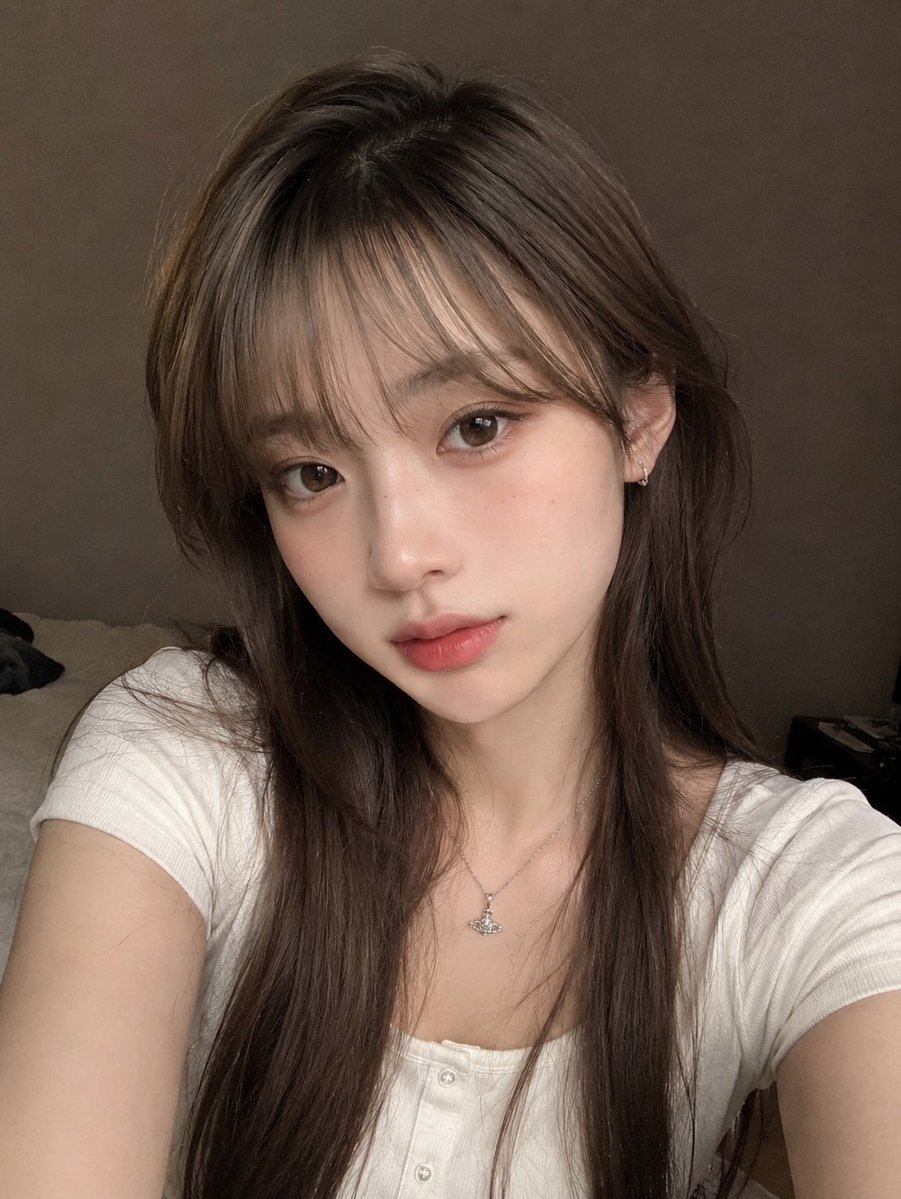
Candid Indoor Smartphone Portrait
Make it yours
Low-Quality Smartphone Photo of an Artist in a Classroom works as-is. These are the safest ways to change it without losing the look.
Change one field
Copy a single group, rewrite it, and generate again so you can see what that field is doing.
Keep the frame, change the subject
Hold the composition and light of Low-Quality Smartphone Photo of an Artist in a Classroom, then swap wardrobe, props or the person for a new take.
| If the result… | Why | Fix |
|---|---|---|
| The result drifts from the preview | Too many fields changed at once. | Reuse Low-Quality Smartphone Photo of an Artist in a Classroom as-is first, then change one group — subject, light, or setting. |
| The model over-stylizes the scene | The prose prompt leaves finish and camera underspecified. | Add one camera or lighting sentence and stay on Nano Banana 2. |
More Nano Banana 2 templates
Other prompts made for Nano Banana 2.

Photorealistic Leaf Shaped Like a Dragon

K-Pop Idol Portrait Grid for Rapid Selection

Poetic Rain Forest Portrait During Golden Hour

Urban Street Portrait with Cartoon Inner Self Duo

Candid Nighttime Photo with Cat Prompt

High-Concept 3D Diorama Generation Prompt

Cinematic Futuristic Studio Portrait Template

Skincare Editorial Photography Collage Prompt

Hyper-Realistic Commercial Product Photography (Splash Effect)

Hyper-Realistic Nightclub Portrait Prompt
More image prompts
Fresh picks from across the catalog.

Minimalist Illustration of Girl and Cat
Shocked Doctor Hospital Still
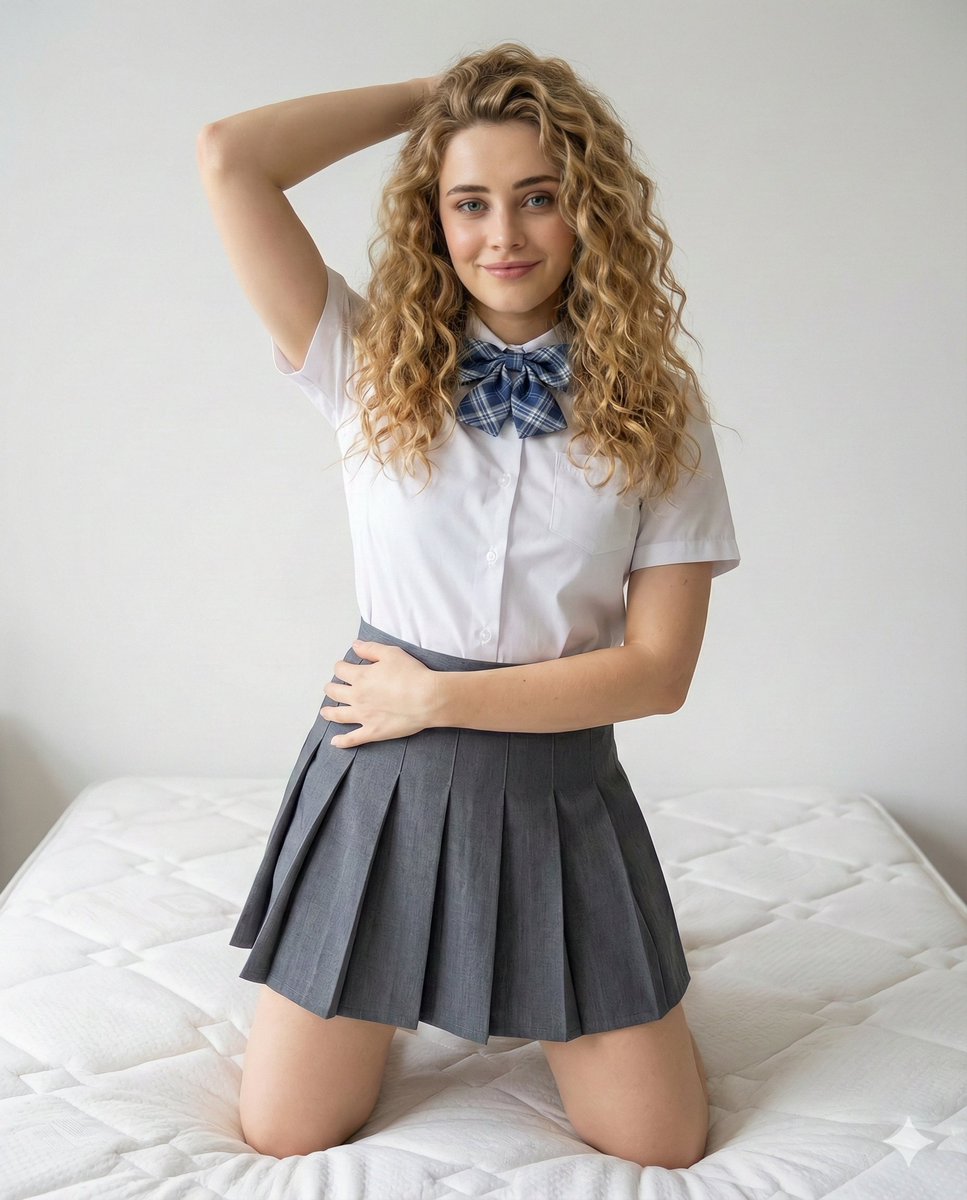
School Uniform Portrait on White Mattress

Manga Character Concept for Official System Promotion
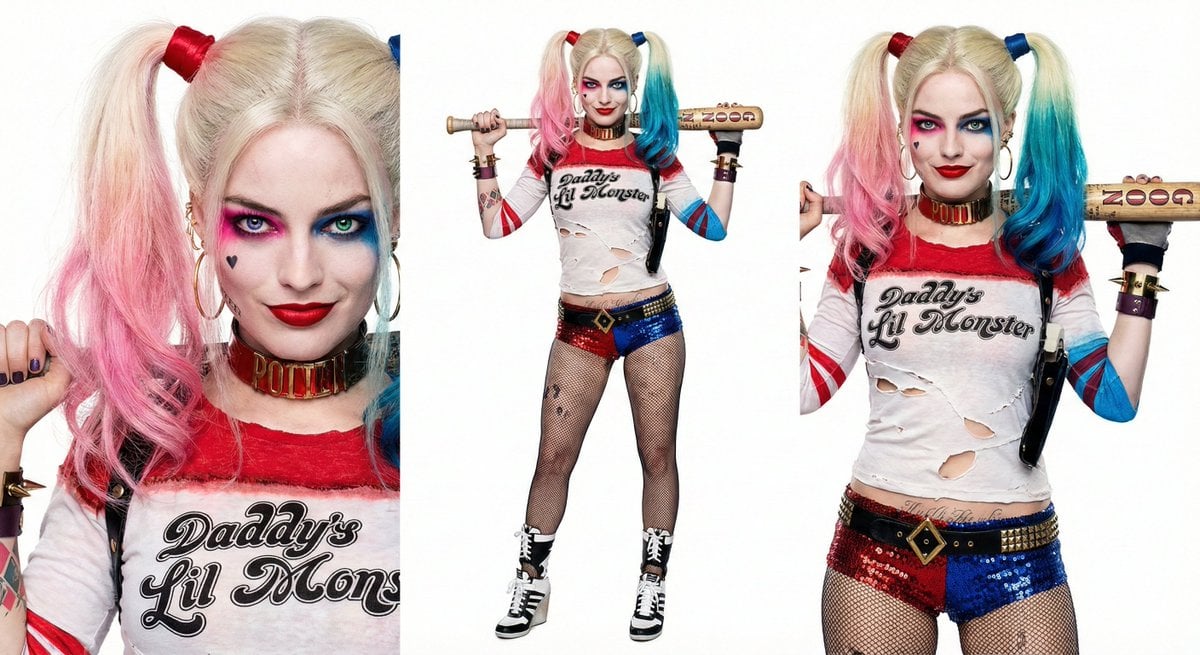
Harley Quinn Archetype Image Generation Prompt
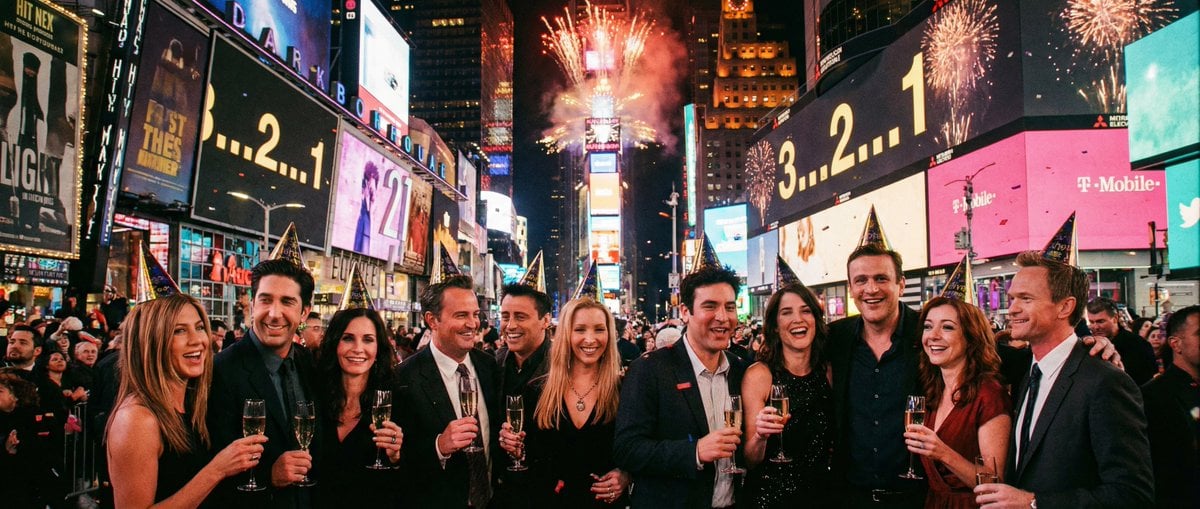
Sitcom Crossover New Year's Eve Prompt
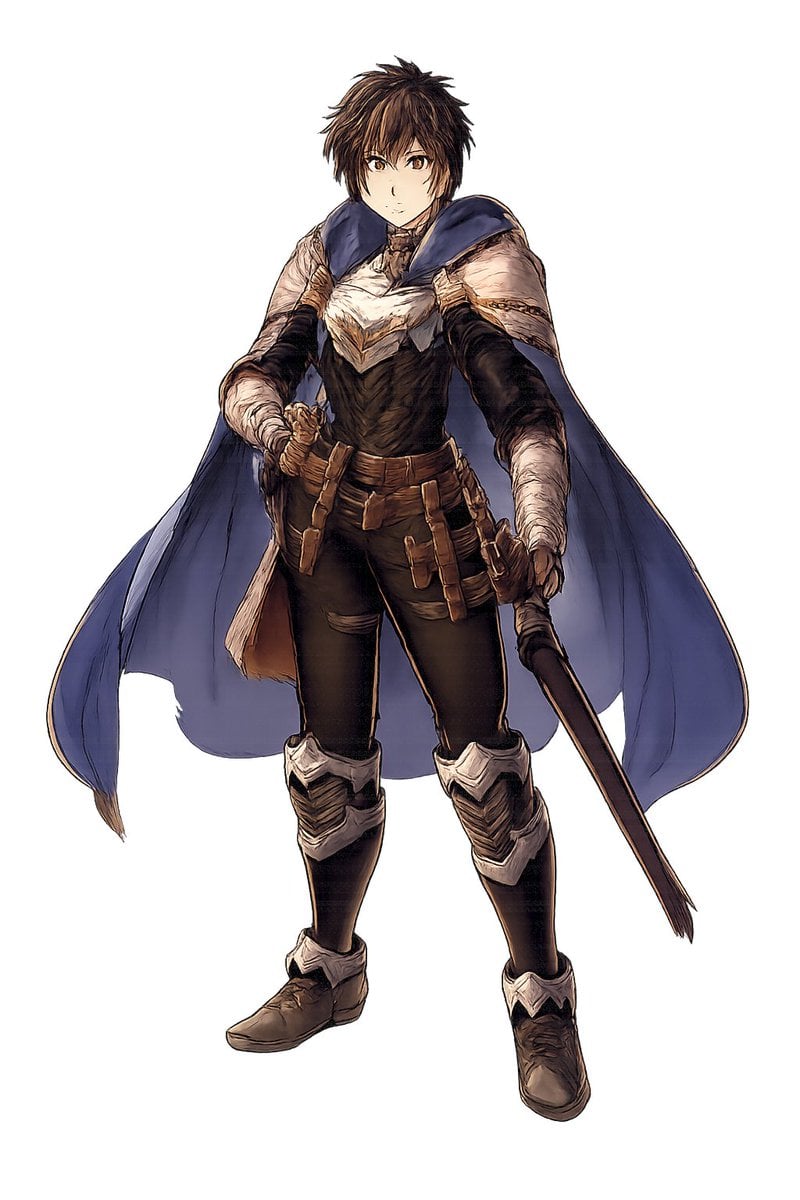
Fantasy Warrior Character Concept
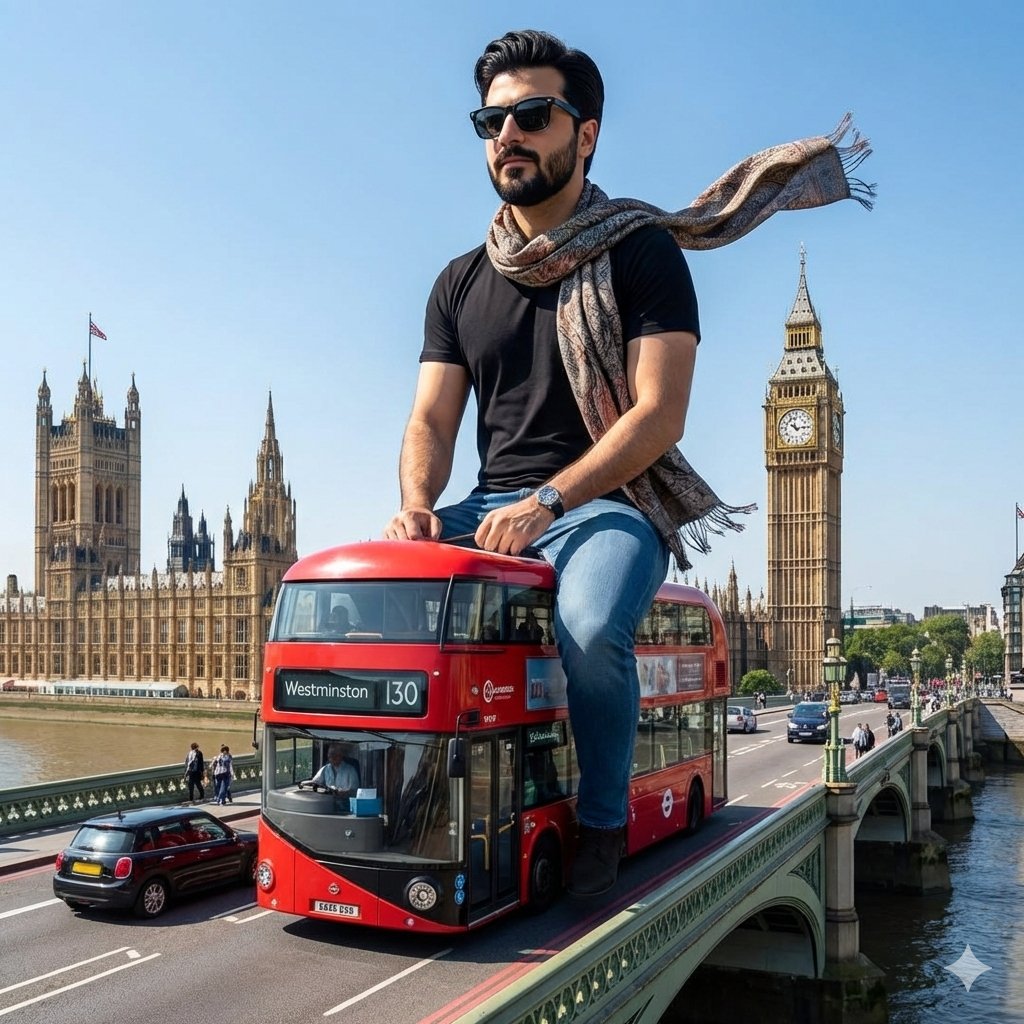
Surreal Giant Man Riding Miniature London Bus
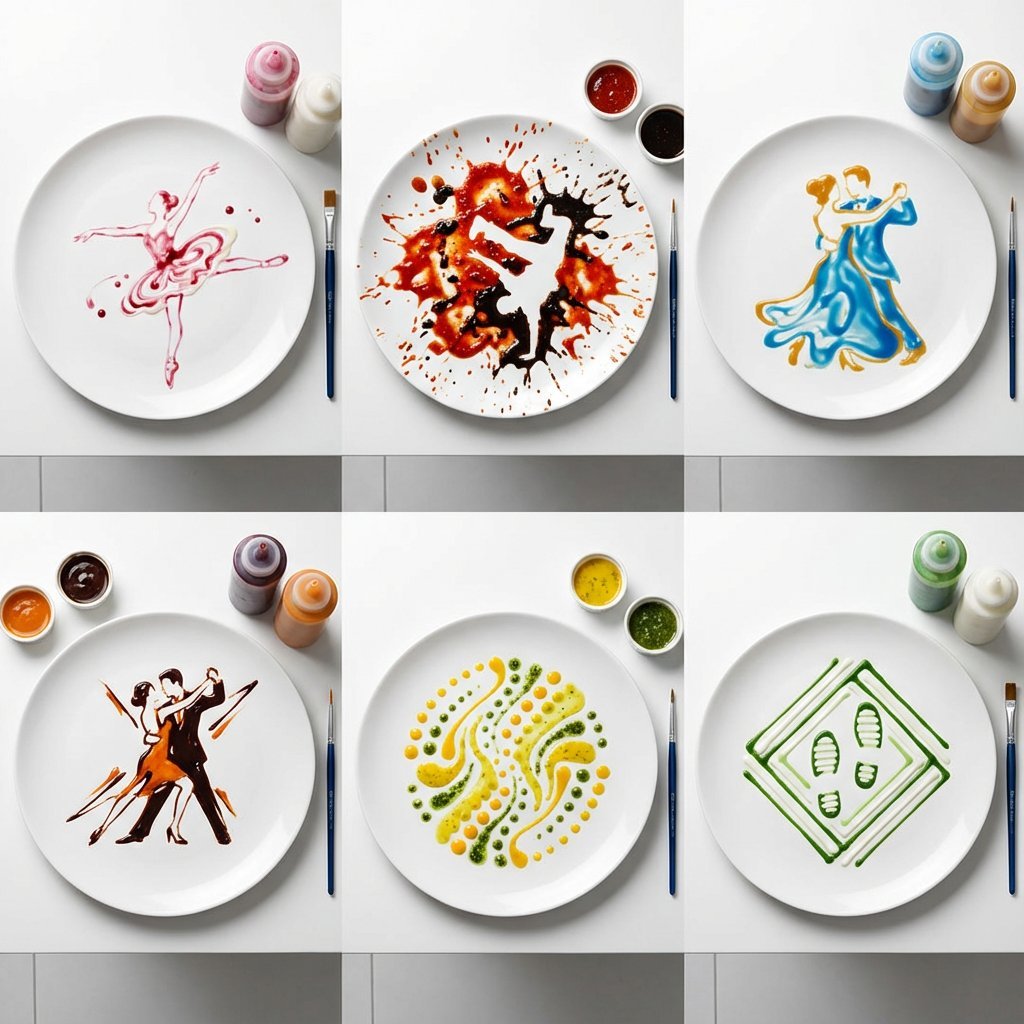
High-Speed Photography of Dance Forms in Sauce Choreography
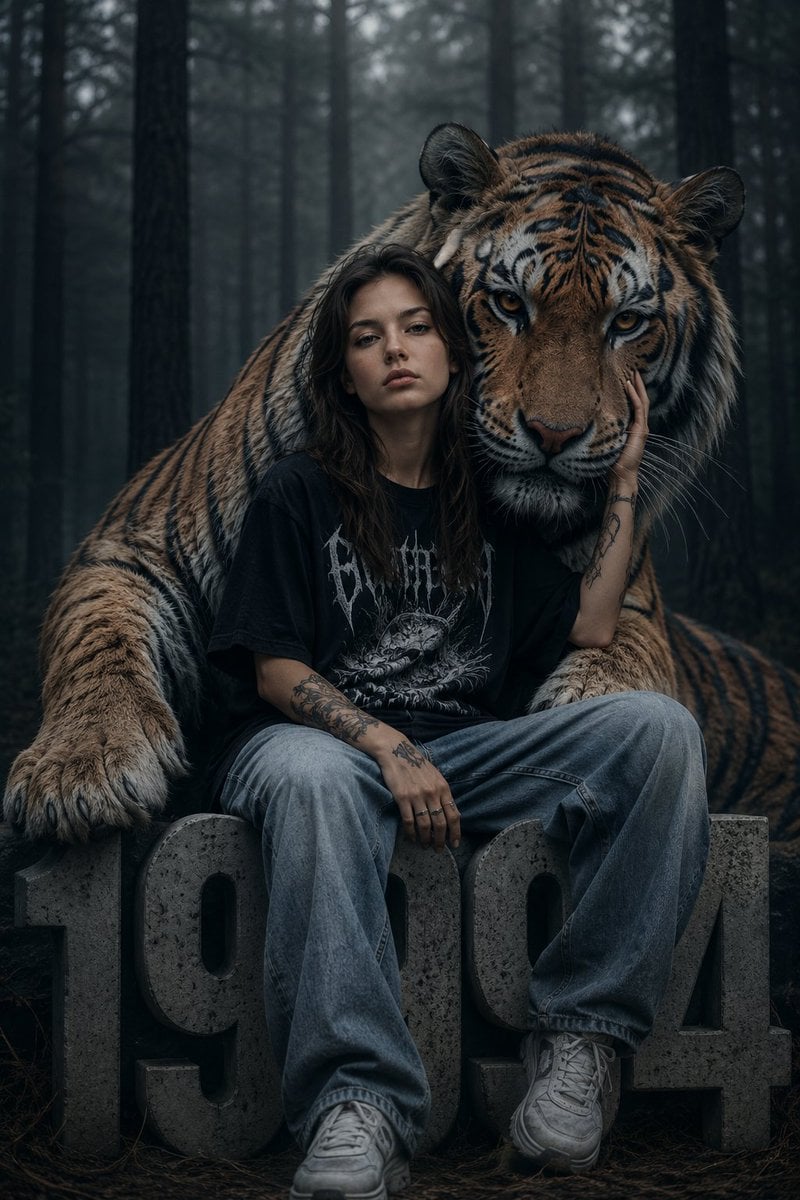
Dark Fantasy Girl with Bengal Tiger
Browse template categories
Low-Quality Smartphone Photo of an Artist in a Classroom questions
How do I use the Low-Quality Smartphone Photo of an Artist in a Classroom template?
Add your photo if the template asks for one, edit the prompt if you like — the template's model and format are already selected — and press Generate. Your version opens in PicX Studio.
Can I customize the Low-Quality Smartphone Photo of an Artist in a Classroom template?
Yes. You can change the subject, setting, lighting, mood, format, and available model controls before creating your image.
Is the Low-Quality Smartphone Photo of an Artist in a Classroom template free?
Opening and editing this template is free. Generating uses credits, shown on the Generate button when you are signed in.
Which AI model should I use?
Start with Nano Banana 2, which is the model associated with this template. You can compare another compatible model for a different finish.
Looking for something else? Browse all templates.

Your photo, any look
Thousands of ready templates for every top image and video model, from one credit balance.