
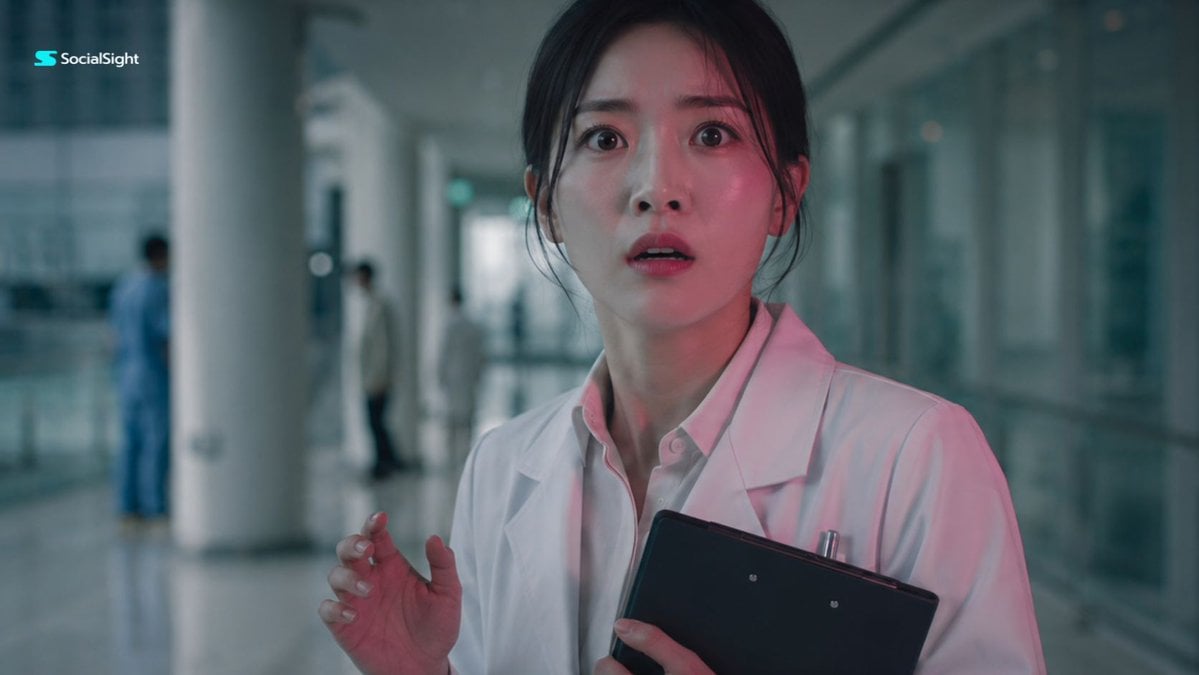
Shocked Doctor Hospital Still
A cinematic film still of an East Asian female doctor expressing sudden shock in a sterile hospital hallway.
- Prompt included
- Model and format preset
- Free template
The prompt behind this image
Copy the exact prompt behind Shocked Doctor Hospital Still, or open it in the studio and make it yours.
Create a cinematic realistic film still of a young {argument name="subject" default="East Asian female doctor"} standing in a {argument name="setting" default="modern hospital corridor"}, captured in a wide anamorphic frame. She is wearing a {argument name="outfit" default="clean white medical coat over a pale shirt"} and holding a dark clipboard close to her chest. Her face shows sudden shock and fear, eyes wide open, lips slightly parted, as if she has just witnessed something impossible or terrifying. Her hair is neatly tied back, and her posture is tense, one hand lifted slightly in hesitation. The environment is a long, sterile hospital hallway with glass walls, white pillars, polished floors, and soft daylight filtering through large windows. A faint pinkish light spills across her face, creating an unsettling contrast against the cold green-blue hospital atmosphere. The background is softly blurred with distant medical staff silhouettes, adding mystery and depth. Use cinematic lighting, subtle film grain, realistic skin texture, muted color grading, wide-angle lens distortion, shallow depth of field, tense emotional mood, no text, no logo.
How to use Shocked Doctor Hospital Still in 3 steps
- 1
Open
The prompt is already in the box next to the preview, with the template's model and format selected.
- 2…a portrait of your subject in softgolden-hour light, 85mm…
Personalize
Edit the subject and creative details for your destination.
- 3Generate
Generate
Press Generate — your image is created in PicX Studio, so you can compare it with the original and refine one variable at a time.
More like this
Templates with the same subject, style or setup. Open one to see its prompt.
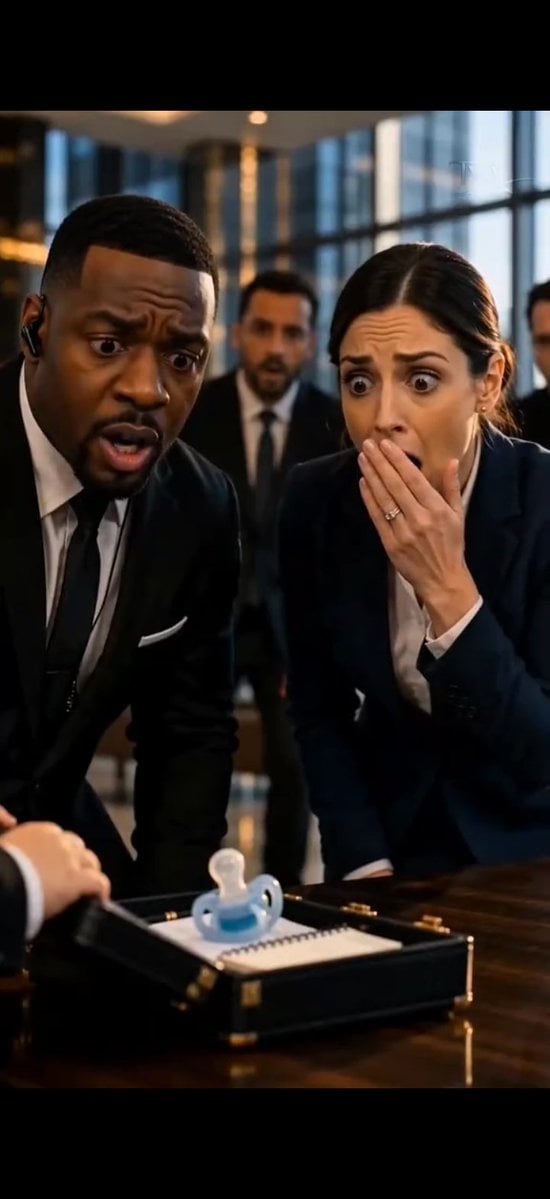
Shocked Executives Find Pacifier
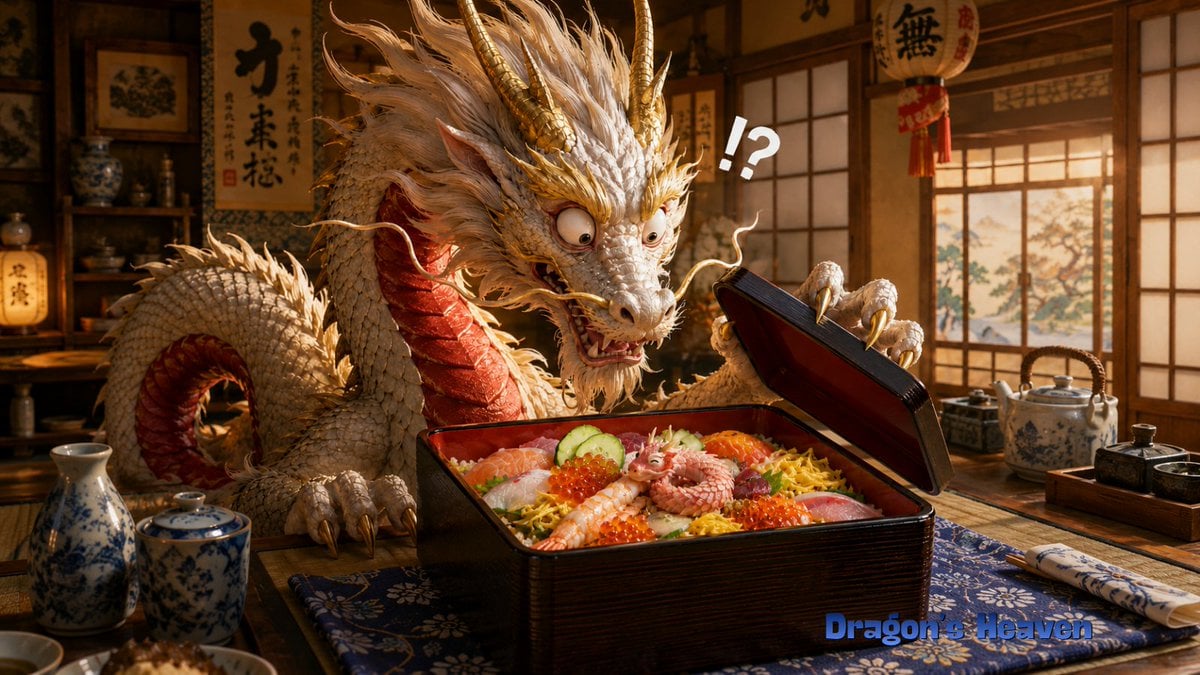
Shocked Dragon Opens Chirashi Sushi

Doctor Doom Luxury Armor Poster
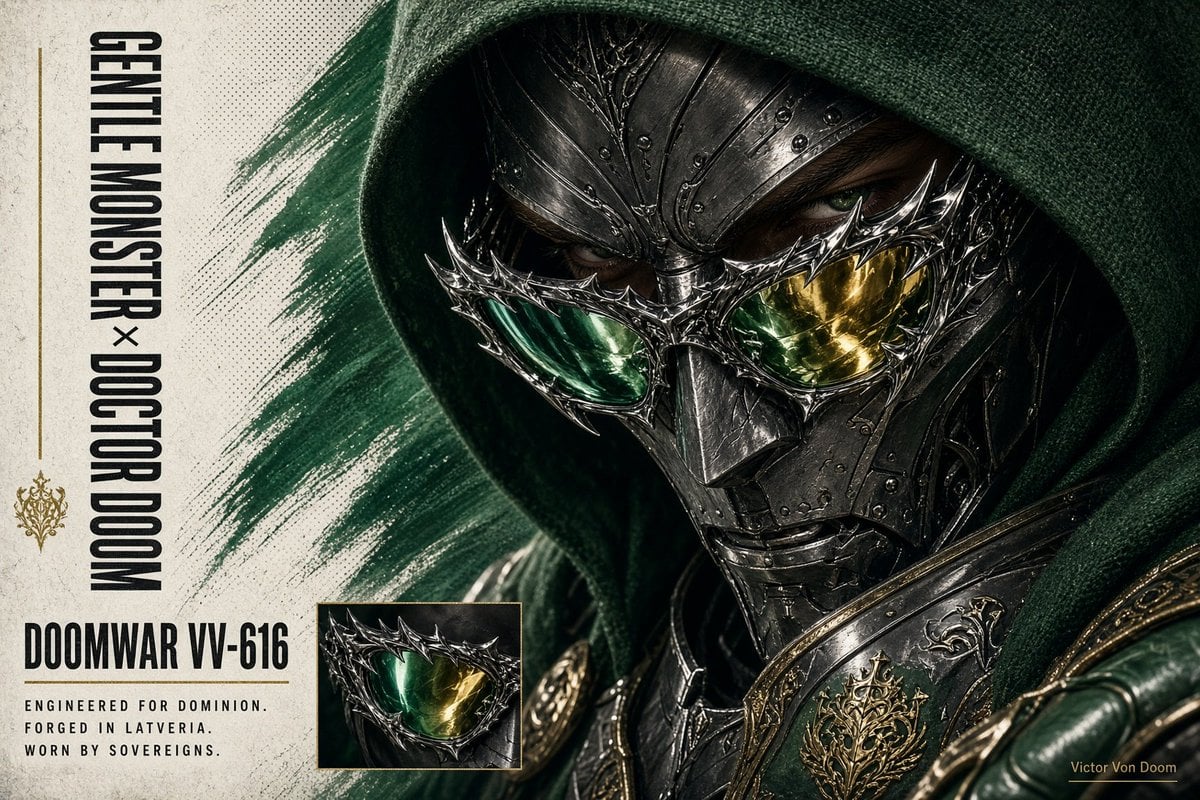
Doctor Doom Luxury Eyewear Poster
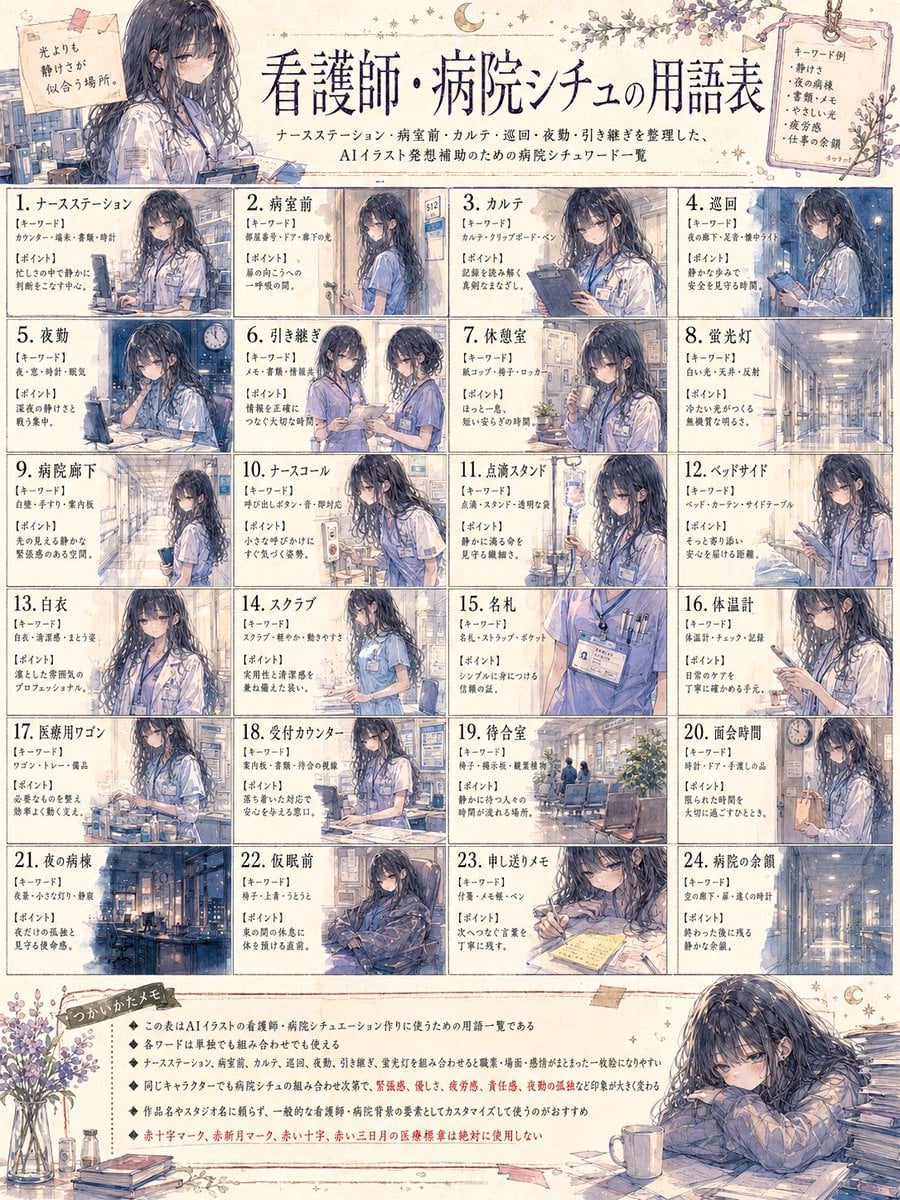
Nurse Hospital Vocabulary Poster
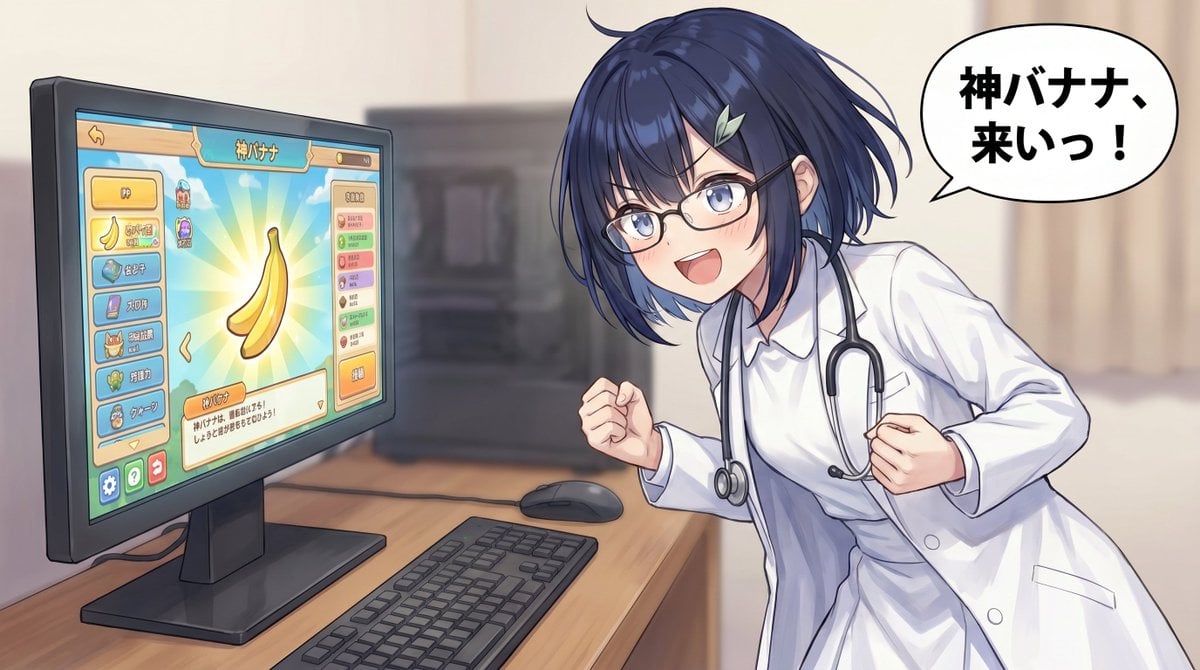
Anime Doctor Summoning Divine Banana
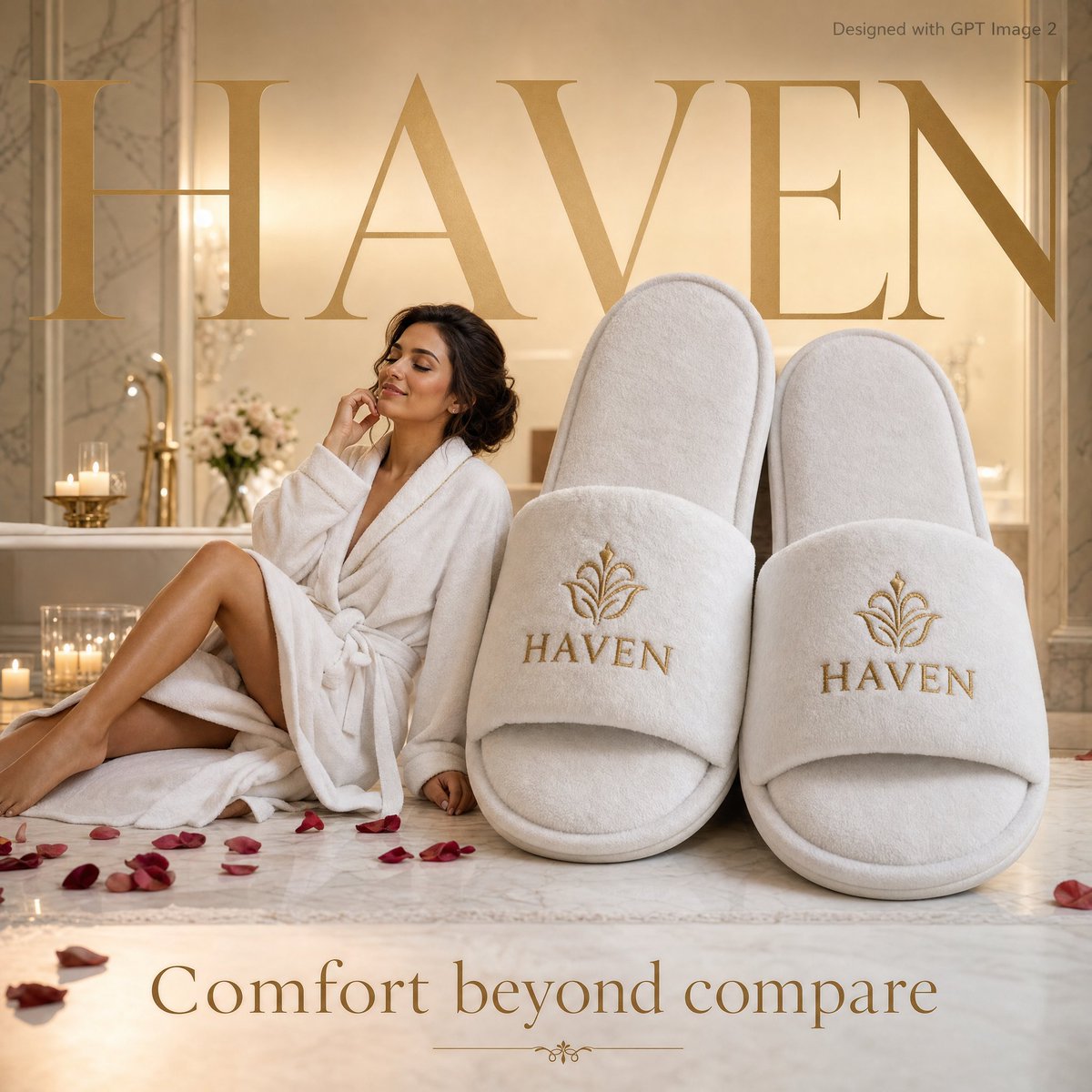
Luxury Hospitality Slipper Ad
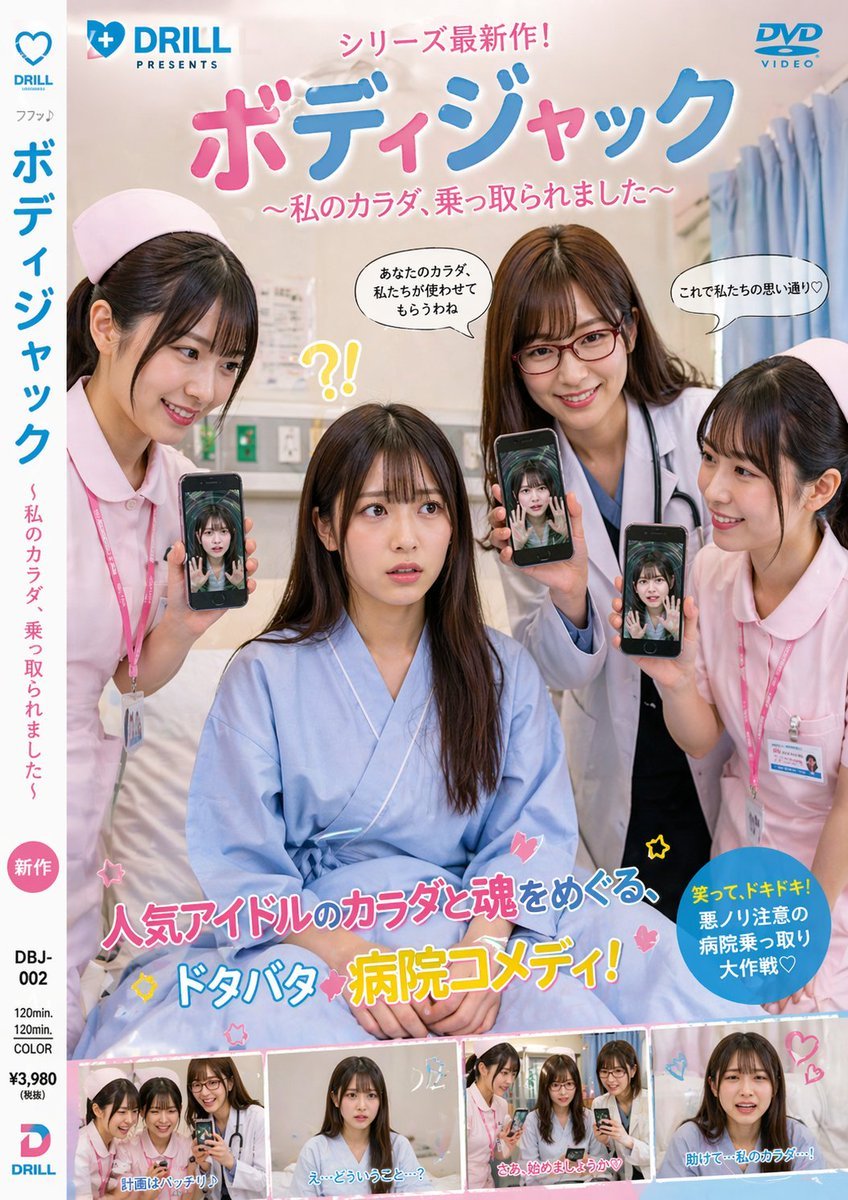
Japanese Hospital Comedy DVD Cover
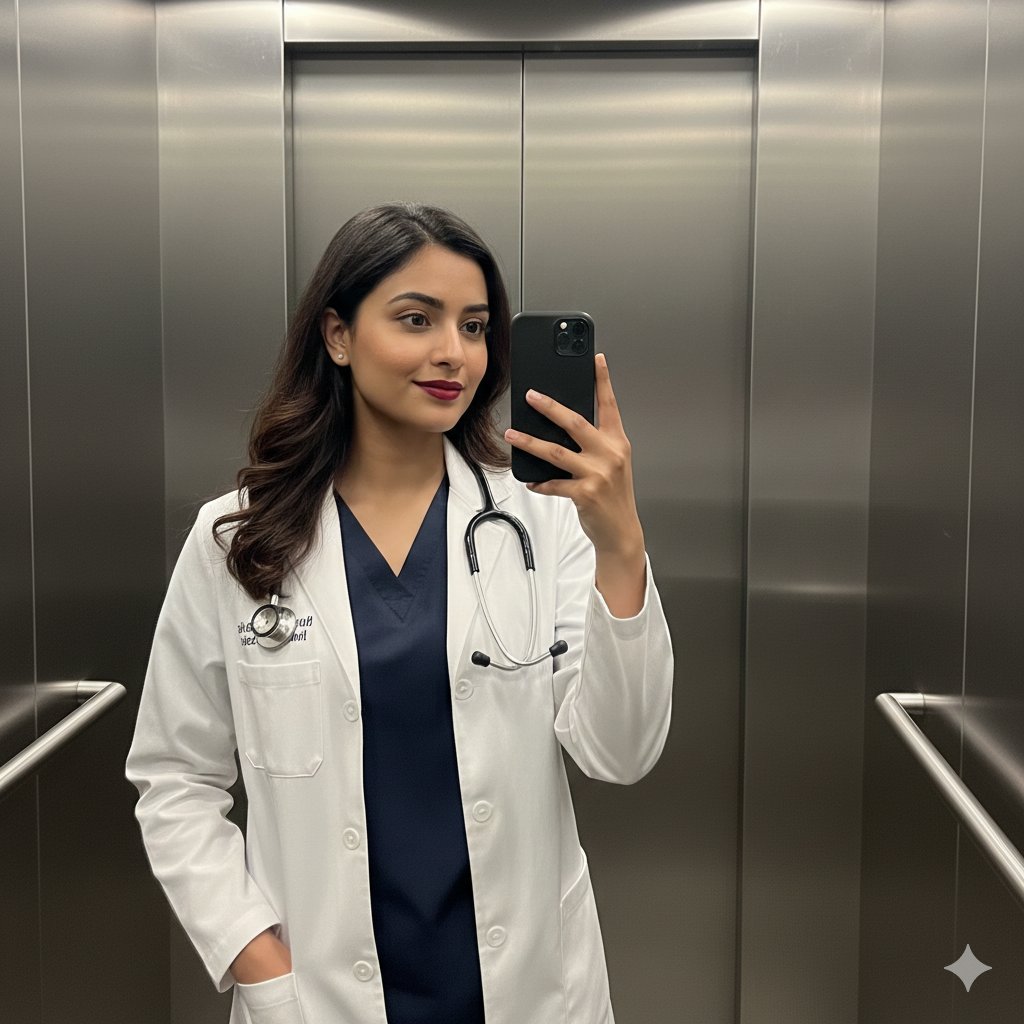
South Asian Doctor Mirror Selfie Prompt
Character Hospital Scene Generation Prompt
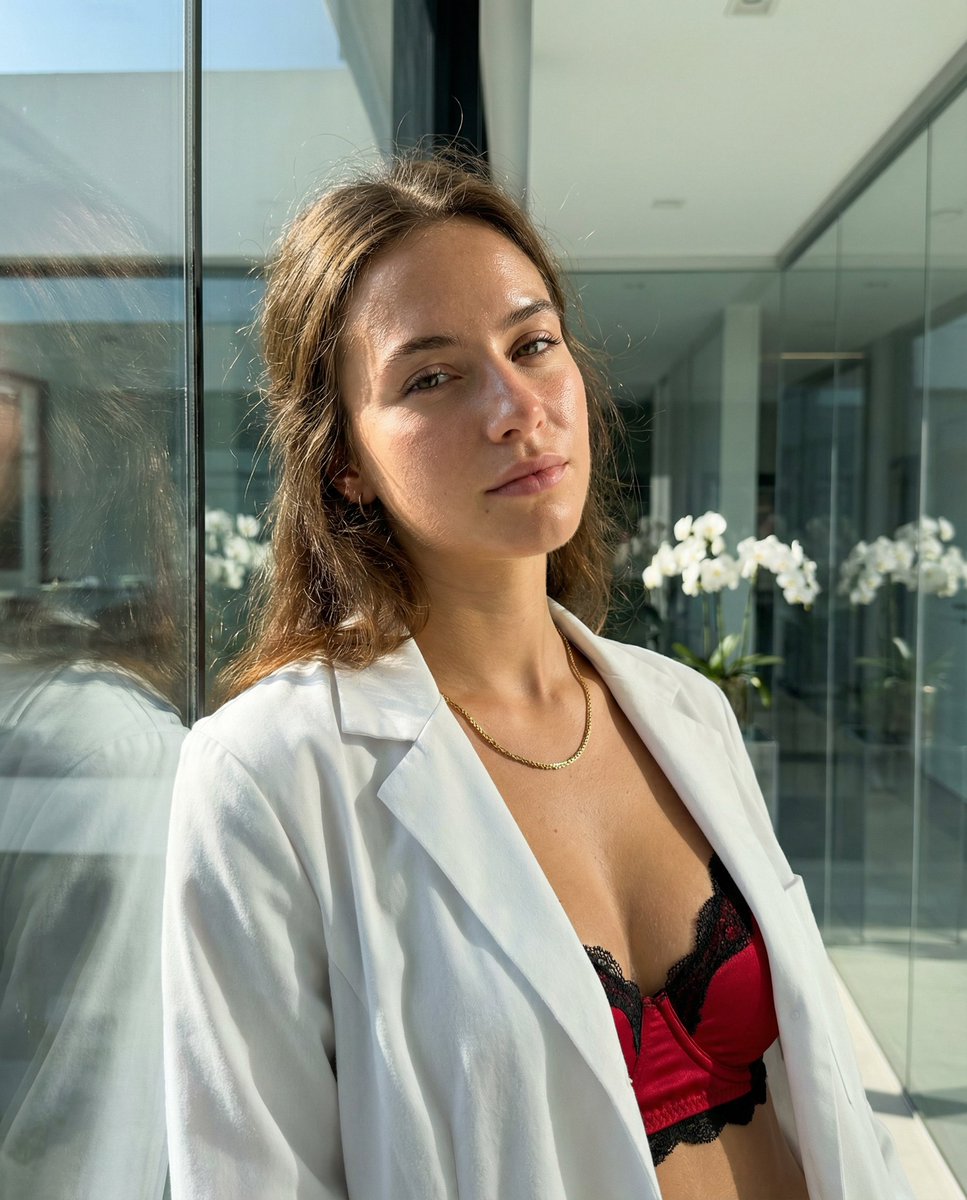
High-Fidelity Skin Texture Portrait of a Young Doctor
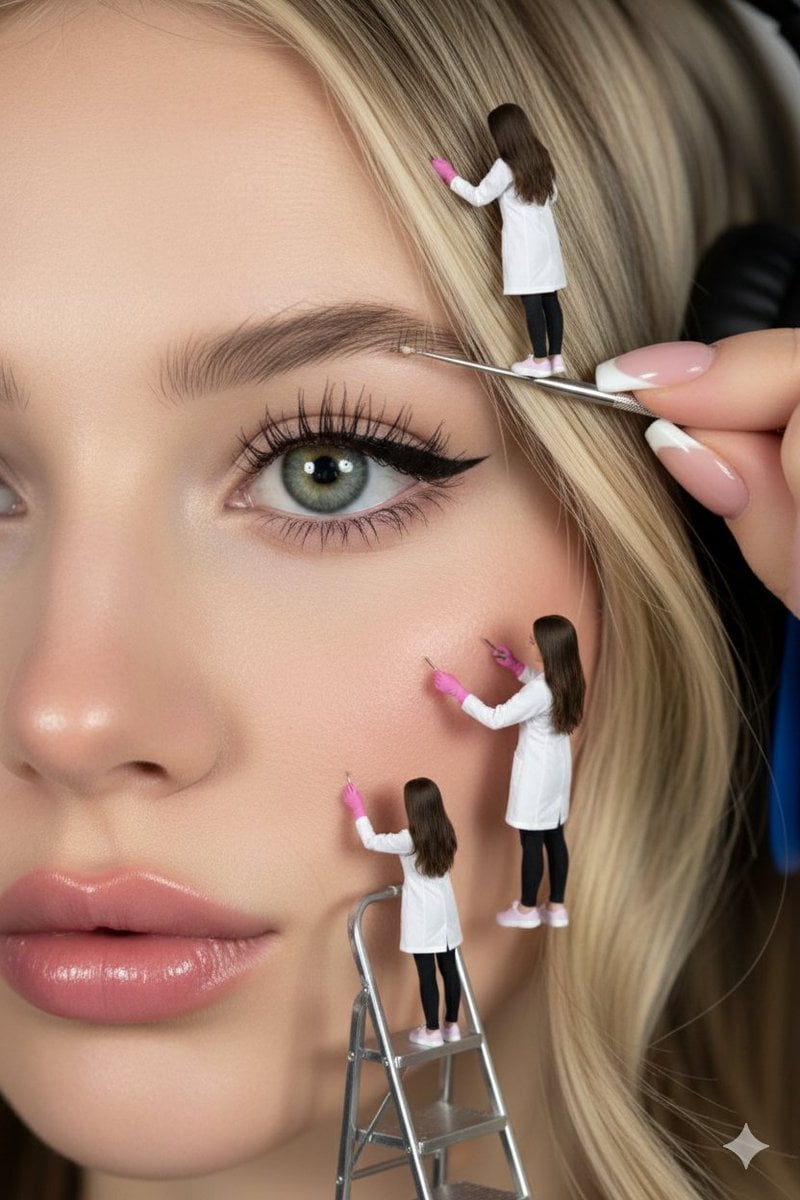
Hyper-realistic close-up of a woman's face being 'maintained' by miniature aesthetic doctors
Make it yours
Shocked Doctor Hospital Still works as-is. These are the safest ways to change it without losing the look.
Change one field
Copy a single group, rewrite it, and generate again so you can see what that field is doing.
Keep the frame, change the subject
Hold the composition and light of Shocked Doctor Hospital Still, then swap wardrobe, props or the person for a new take.
| If the result… | Why | Fix |
|---|---|---|
| The result drifts from the preview | Too many fields changed at once. | Reuse Shocked Doctor Hospital Still as-is first, then change one group — subject, light, or setting. |
| The model over-stylizes the scene | The prose prompt leaves finish and camera underspecified. | Add one camera or lighting sentence and stay on GPT Image 2. |
More GPT Image 2 templates
Other prompts made for GPT Image 2.

Six VTuber Japanese Logo Sheet

Realistic Portrait of Woman and Deer

The Vista Modular Condo Poster

AI Model Routing Comparison Infographic

2.5D Anime Art Board

Isometric Productivity Desk Scene

New York Double Exposure Poster

Four-Panel AI Landscape Comparison

Japanese Tatami Lifestyle Magazine Cover

NESCAFÉ Coffee Map Poster
More image prompts
Fresh picks from across the catalog.
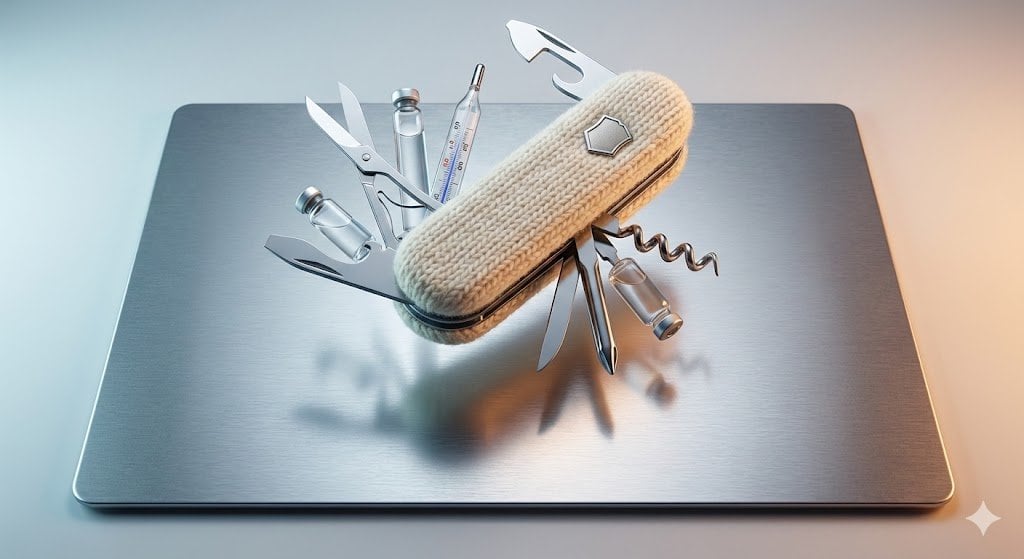
Product Photography Prompt: Swiss Army Knife
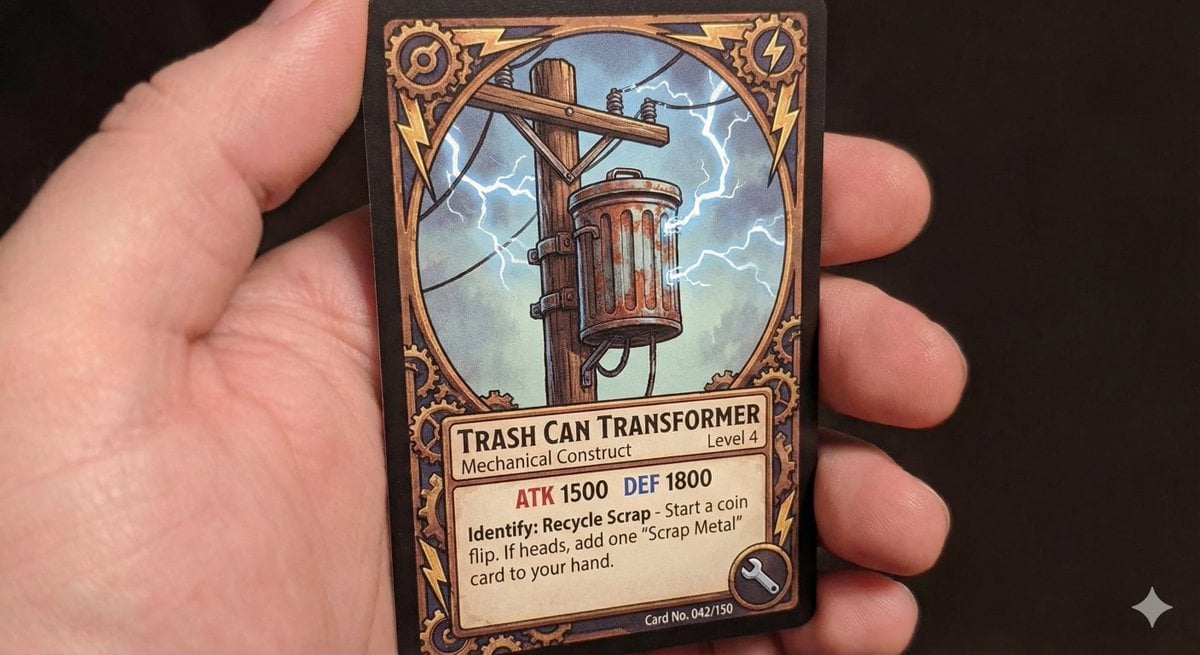
TCG style pole-mounted transformer

Tennis Hydration Ad Poster
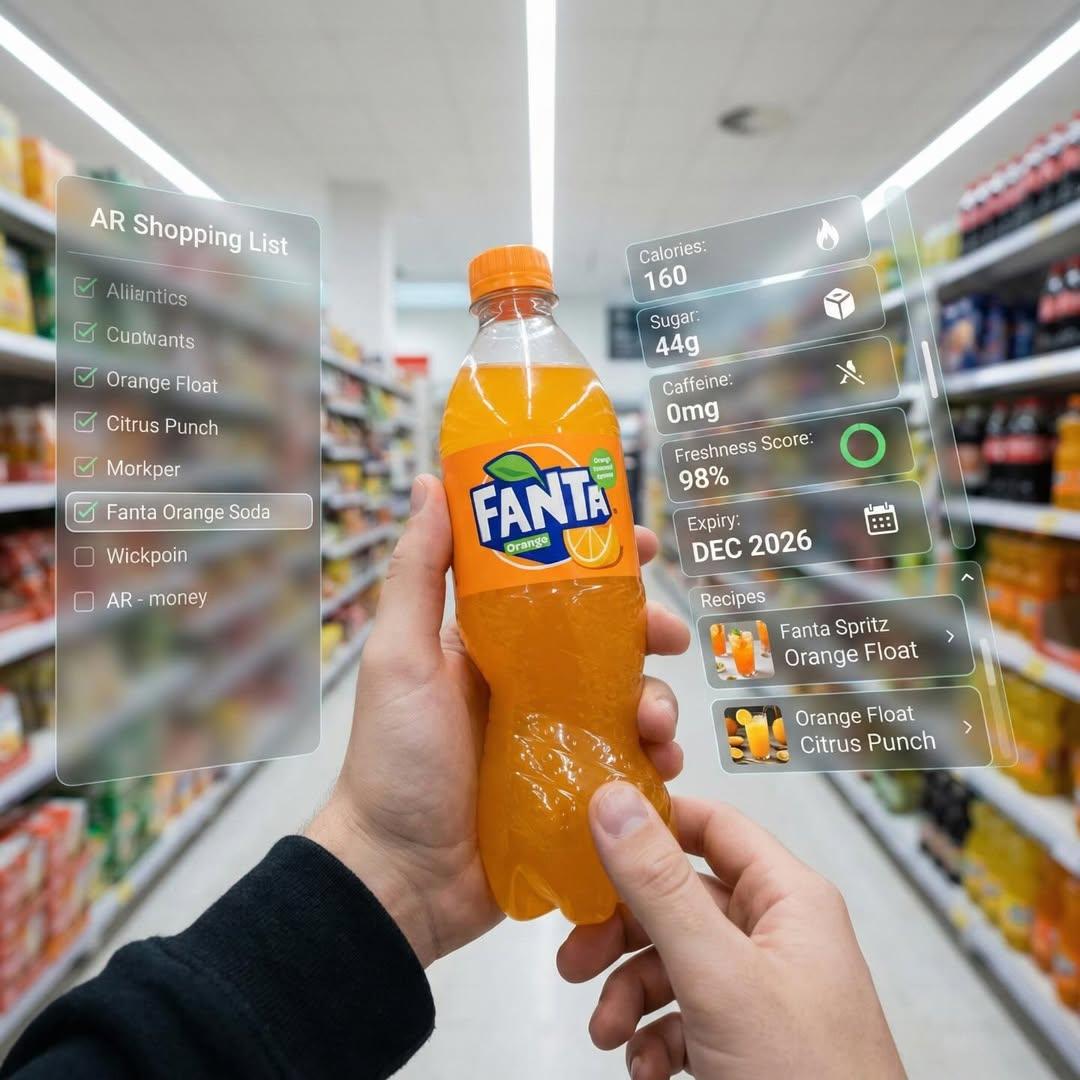
Hyper-Realistic Mixed Reality Fanta Bottle Interface
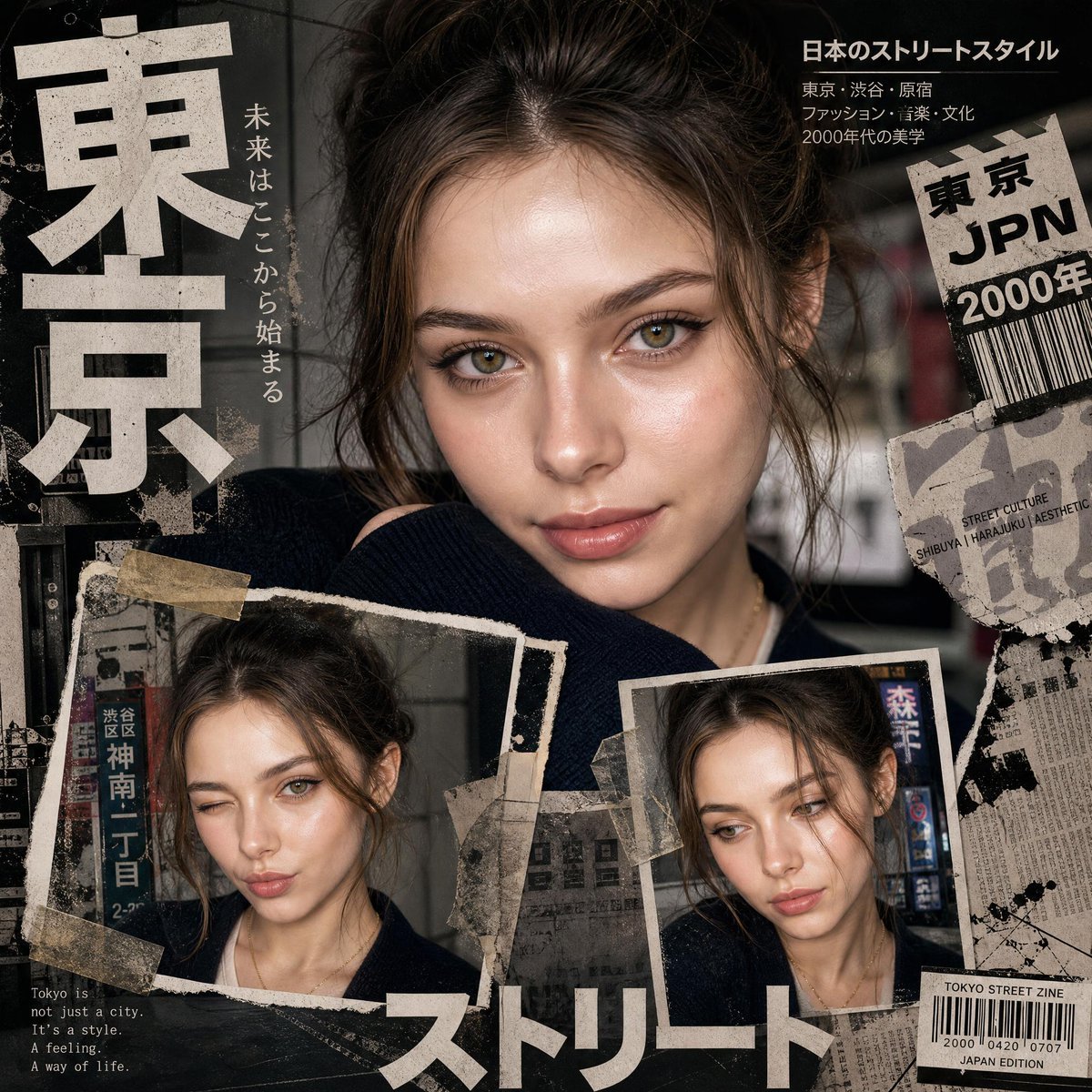
Y2K Japanese editorial collage poster
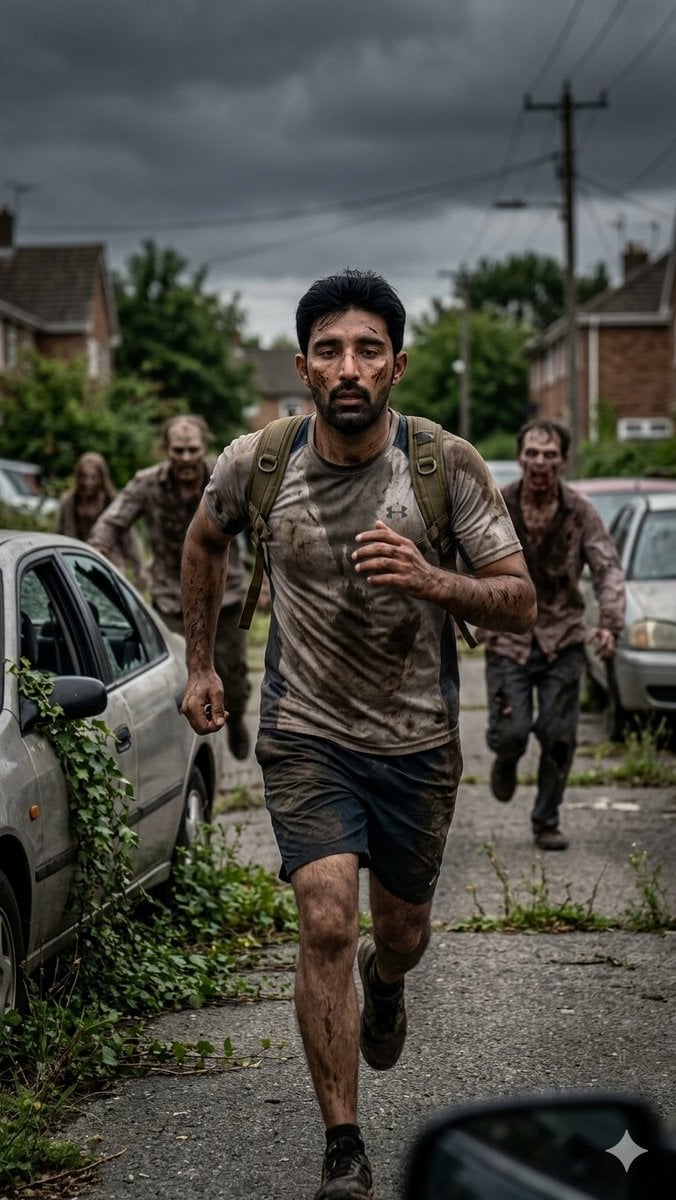
Desperate Runner on Stormy Street
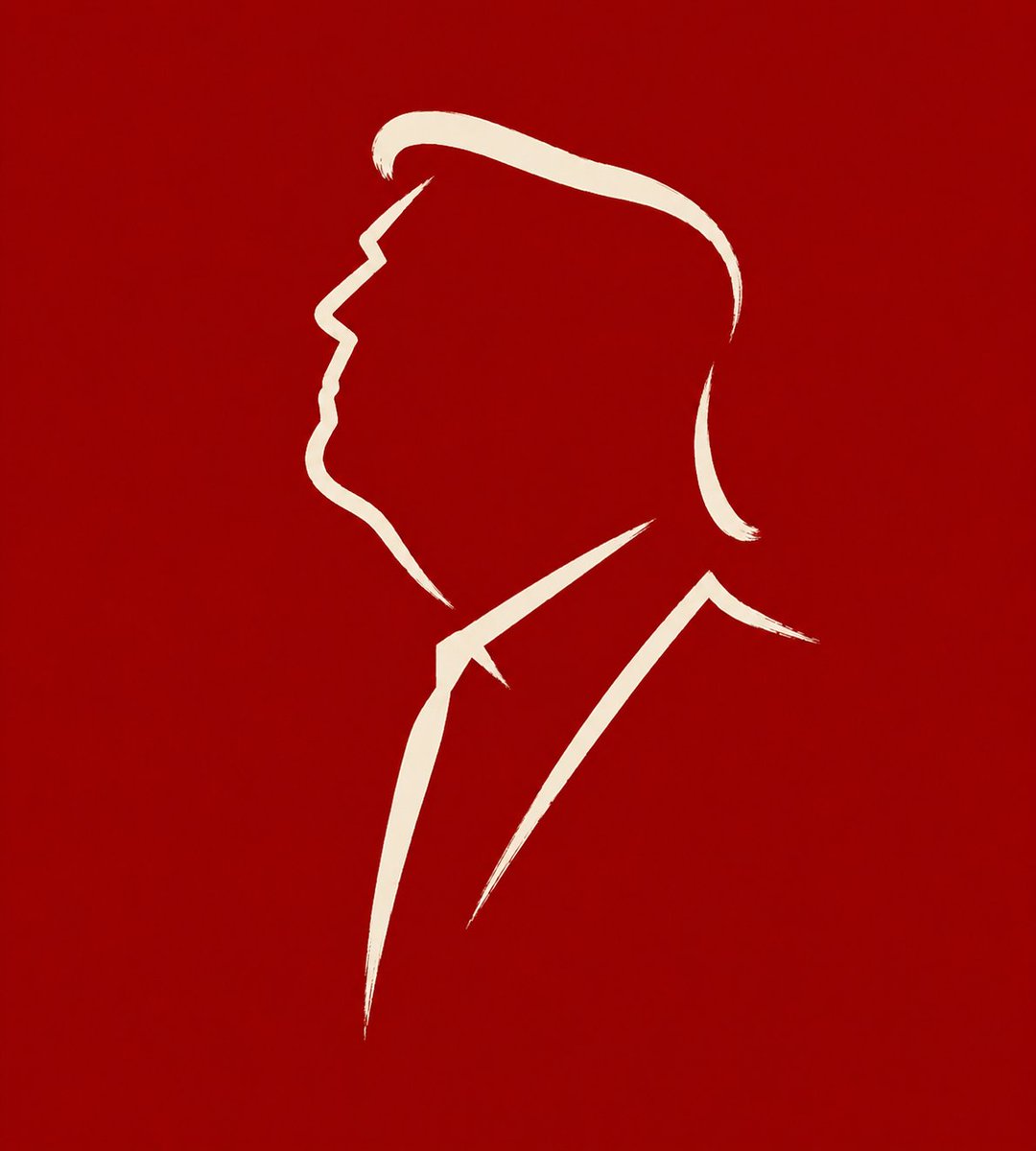
Minimalist Cave Painting Style Avatar
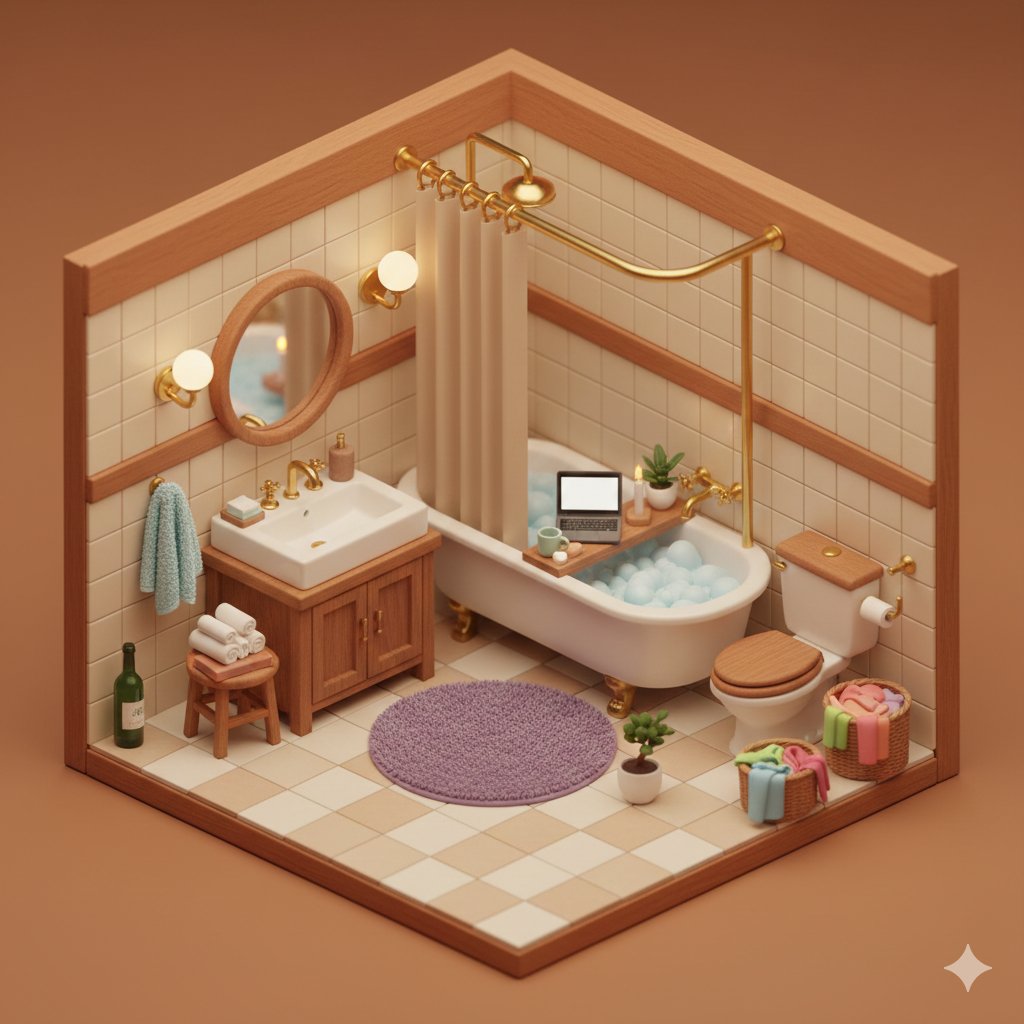
Isometric Cozy Bathroom Diorama Prompt
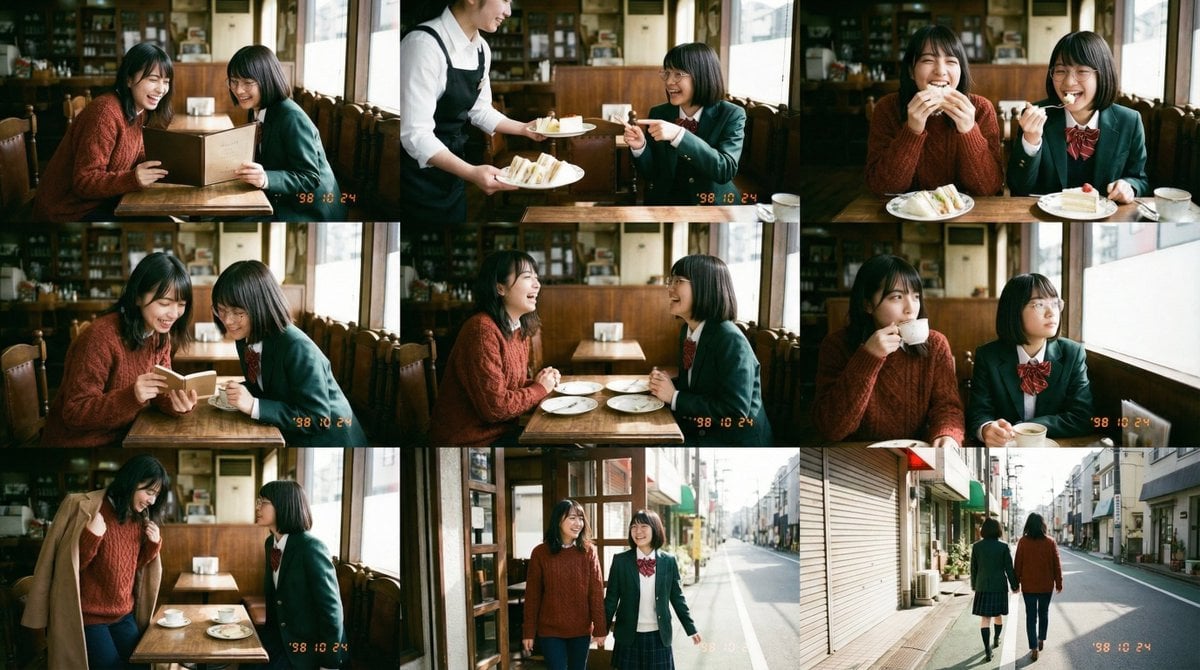
Panel Episode Continuation Prompt
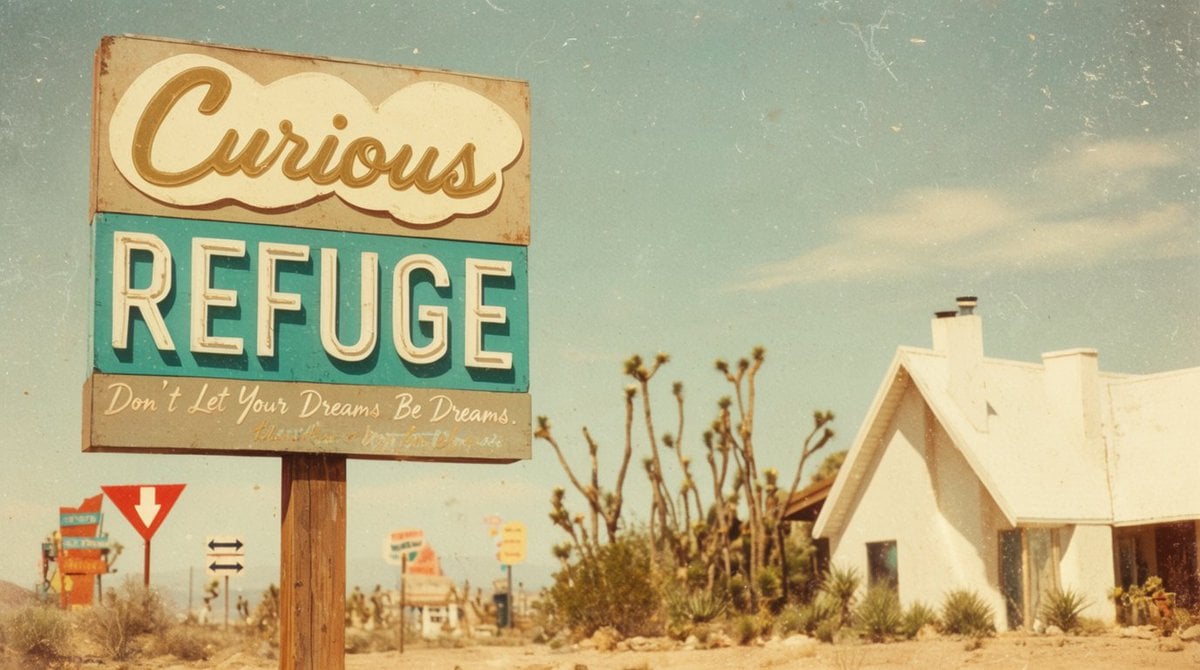
Vintage Desert Refuge Road Sign
Browse template categories
Shocked Doctor Hospital Still questions
How do I use the Shocked Doctor Hospital Still template?
Add your photo if the template asks for one, edit the prompt if you like — the template's model and format are already selected — and press Generate. Your version opens in PicX Studio.
Can I customize the Shocked Doctor Hospital Still template?
Yes. You can change the subject, setting, lighting, mood, format, and available model controls before creating your image.
Is the Shocked Doctor Hospital Still template free?
Opening and editing this template is free. Generating uses credits, shown on the Generate button when you are signed in.
Which AI model should I use?
Start with GPT Image 2, which is the model associated with this template. You can compare another compatible model for a different finish.
Looking for something else? Browse all templates.

Your photo, any look
Thousands of ready templates for every top image and video model, from one credit balance.