
Desperate Runner on Stormy Street
A cinematic photorealistic survival-thriller scene of a muddy runner fleeing pursuers through a gloomy suburban street.
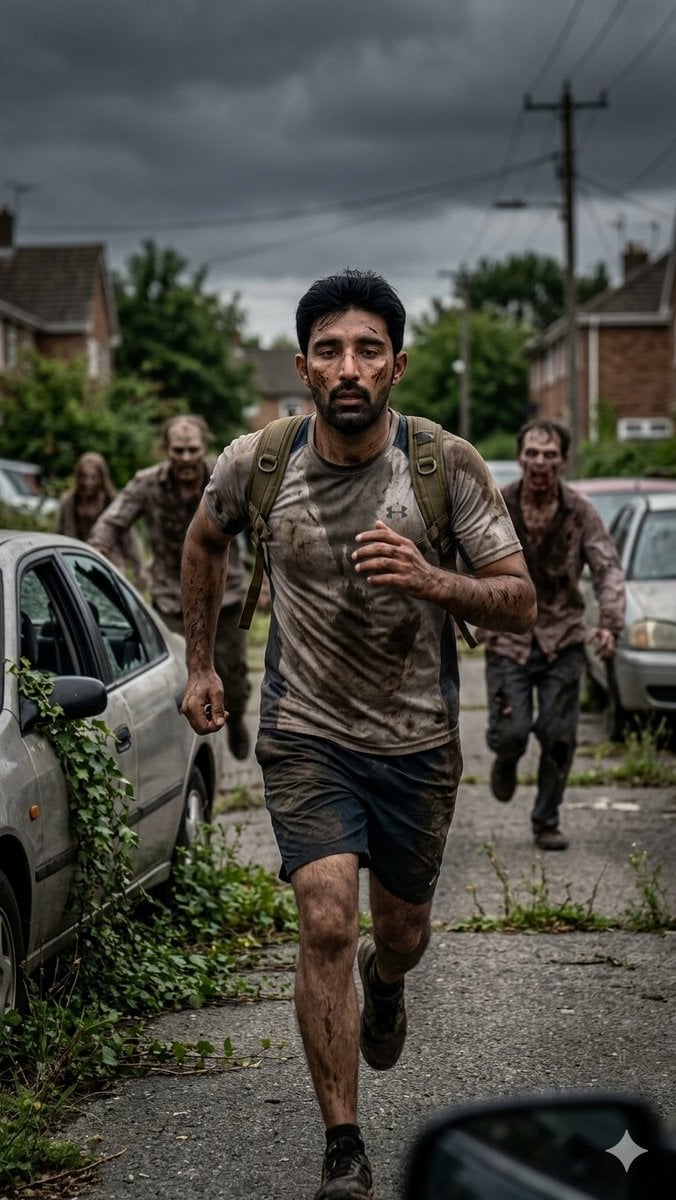
- Prompt included
- Model and format preset
- Free template
The prompt behind this image
Copy the exact prompt behind Desperate Runner on Stormy Street, or open it in the studio and make it yours.
Create a gritty cinematic photorealistic full-body action portrait of {argument name="main runner" default="a desperate young adult man with short dark hair"} sprinting directly toward the camera down a narrow suburban street. He is captured mid-stride, breathing hard and intensely focused, with his face anonymized by a soft rectangular blur. He wears a sweat-soaked and mud-stained gray athletic T-shirt, dark running shorts, black shoes, and a small worn olive backpack with visible shoulder straps bouncing on his back. His arms and legs are dirty with mud, emphasizing exhaustion and urgency. Behind him are exactly 3 blurred pursuing figures: one long-haired figure at the far left partly obscured near parked cars, one muddy runner directly behind-left, and one muddy runner behind-right in a torn dark shirt. Set the scene on an overgrown residential road lined with brick houses, parked cars, weeds, cracked asphalt, hedges, utility poles, and overhead power lines. The sky is dark and stormy with heavy gray clouds, creating a survival-thriller atmosphere. Use a vertical 9:16 composition, medium-long full-body framing, low eye-level camera, shallow depth of field, motion energy, realistic natural lighting, wet muddy textures, muted desaturated colors, high detail, dramatic contrast, and documentary-style realism. Include a partial blurred car side mirror or dashboard edge in the lower right foreground and an old silver car with ivy growing around it on the left. No text, no watermark, no gore.
How to use Desperate Runner on Stormy Street in 3 steps
- 1Upload ImagePNG, JPG or paste
Add your photo
Upload the photo the template builds on. The prompt, model and format are already set.
- 2…a portrait of your subject in softgolden-hour light, 85mm…
Personalize
Edit the subject and creative details for your destination.
- 3Generate
Generate
Press Generate — your image is created in PicX Studio, so you can compare it with the original and refine one variable at a time.
More like this
Templates with the same subject, style or setup. Open one to see its prompt.

Two Tickets, One Night

Meet Me When It Rains

Two Hearts. One Scooter.

1986 Street Couple

1985 Street Scene

Cinematic Street Fashion Portrait Motion Blur Crowd

Blue Hour Editorial Fashion Portrait
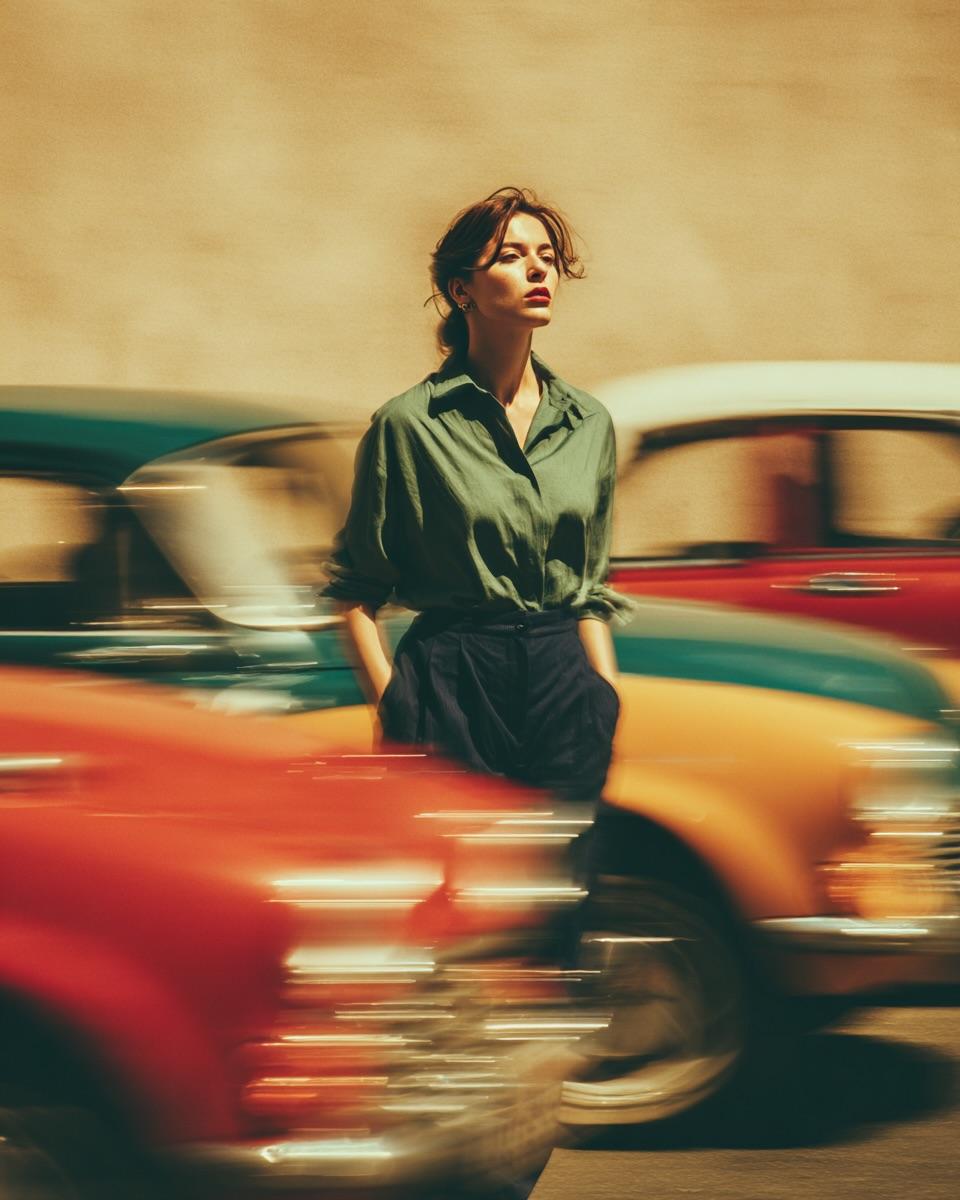
Golden Hour Street Motion Portrait

Face-Locked Cream Half-Zip Street Walk

Golden Hour Fedora Bar Doorway Street Style
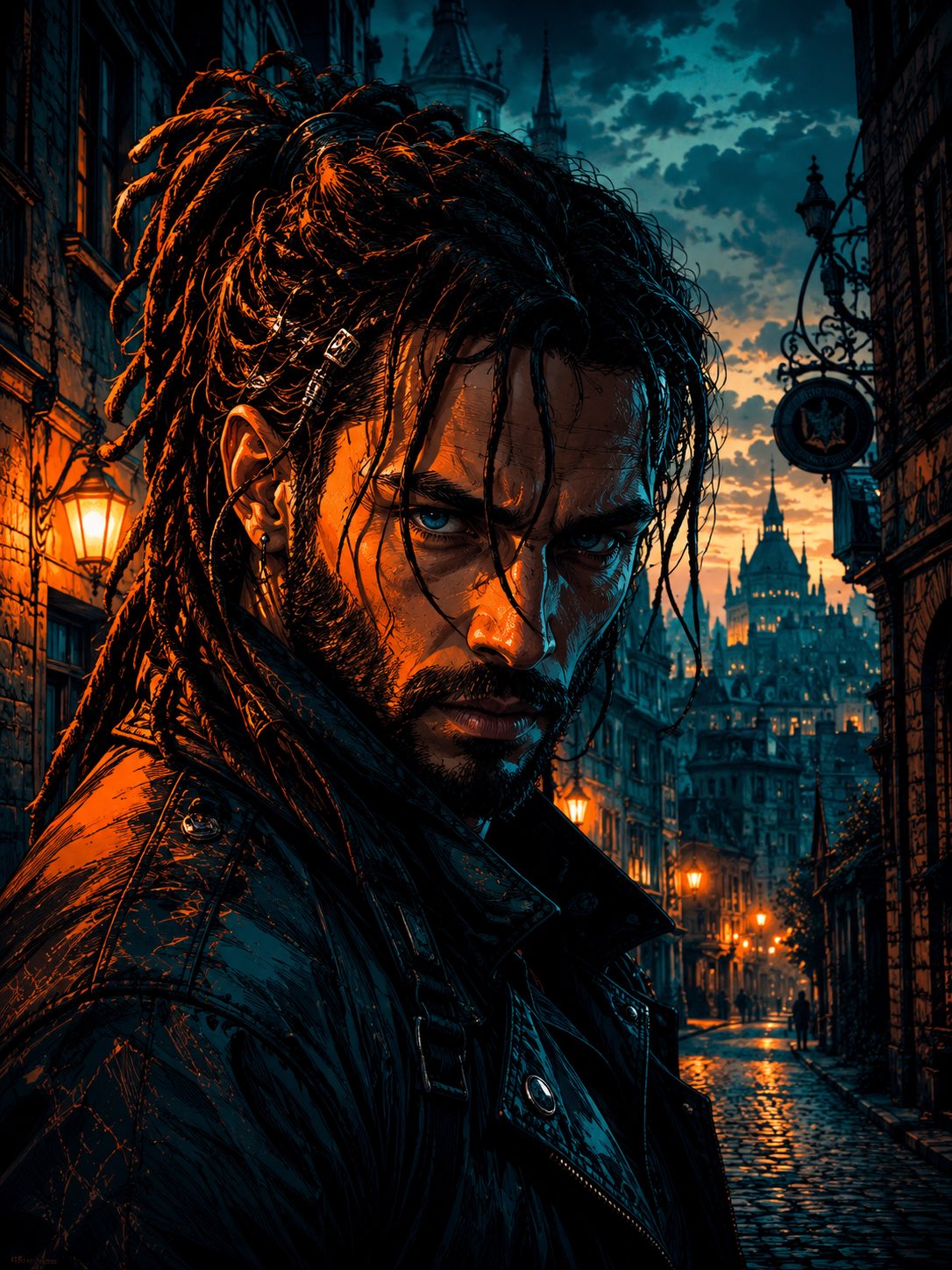
Cyber Noir Dreadlocks Street Portrait

Face-Locked City Skyline Double Exposure
Make it yours
Desperate Runner on Stormy Street works as-is. These are the safest ways to change it without losing the look.
Change one field
Copy a single group, rewrite it, and generate again so you can see what that field is doing.
Keep the frame, change the subject
Hold the composition and light of Desperate Runner on Stormy Street, then swap wardrobe, props or the person for a new take.
| If the result… | Why | Fix |
|---|---|---|
| The result drifts from the preview | Too many fields changed at once. | Reuse Desperate Runner on Stormy Street as-is first, then change one group — subject, light, or setting. |
| The model over-stylizes the scene | The prose prompt leaves finish and camera underspecified. | Add one camera or lighting sentence and stay on GPT Image 2. |
More GPT Image 2 templates
Other prompts made for GPT Image 2.

Six VTuber Japanese Logo Sheet

Realistic Portrait of Woman and Deer

The Vista Modular Condo Poster

AI Model Routing Comparison Infographic

2.5D Anime Art Board

Isometric Productivity Desk Scene

New York Double Exposure Poster

Four-Panel AI Landscape Comparison

Japanese Tatami Lifestyle Magazine Cover

NESCAFÉ Coffee Map Poster
More image prompts
Fresh picks from across the catalog.

Korean-Style Interactive Beverage Poster
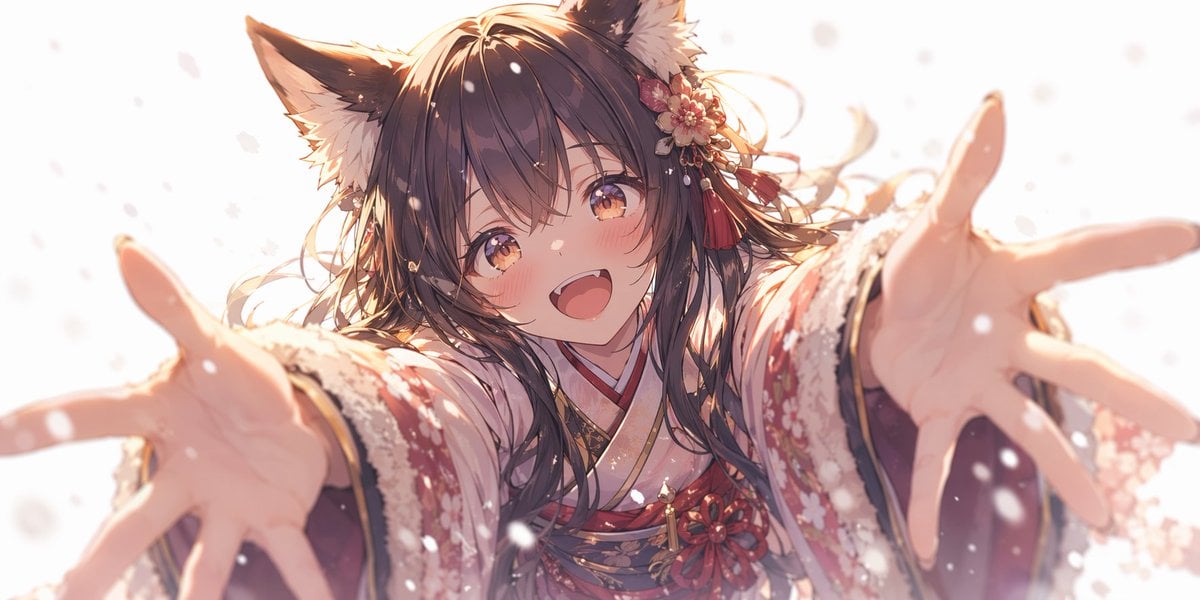
Anime Fox Girl Reaching for a Hug
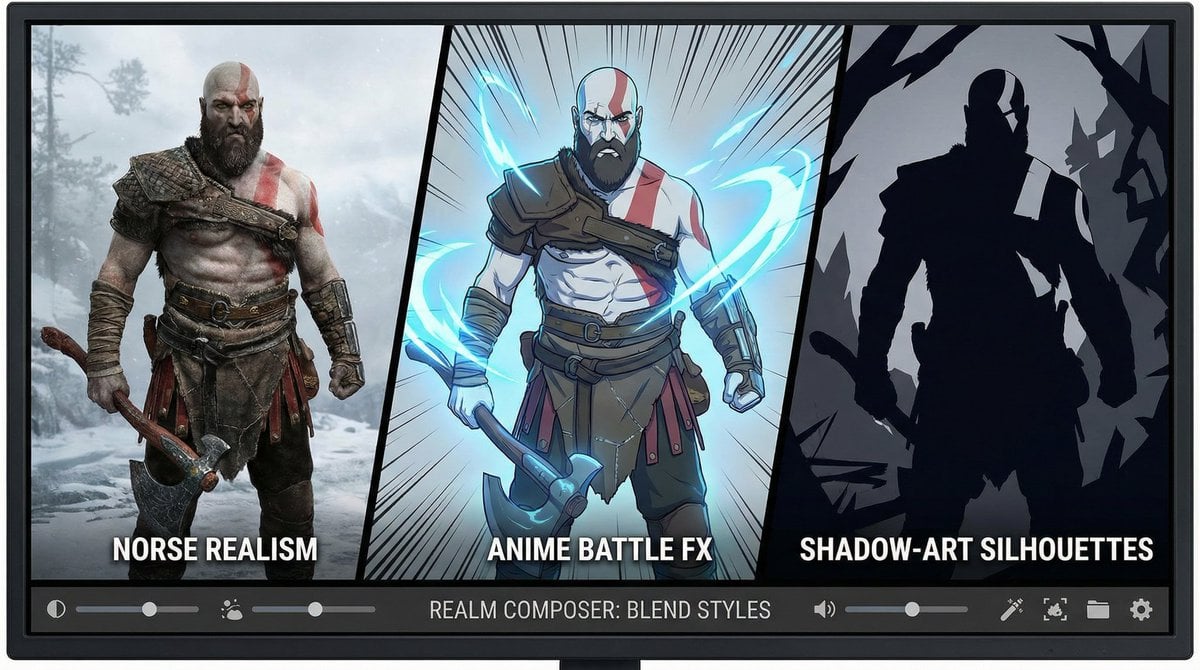
Kratos in Three Blended Styles
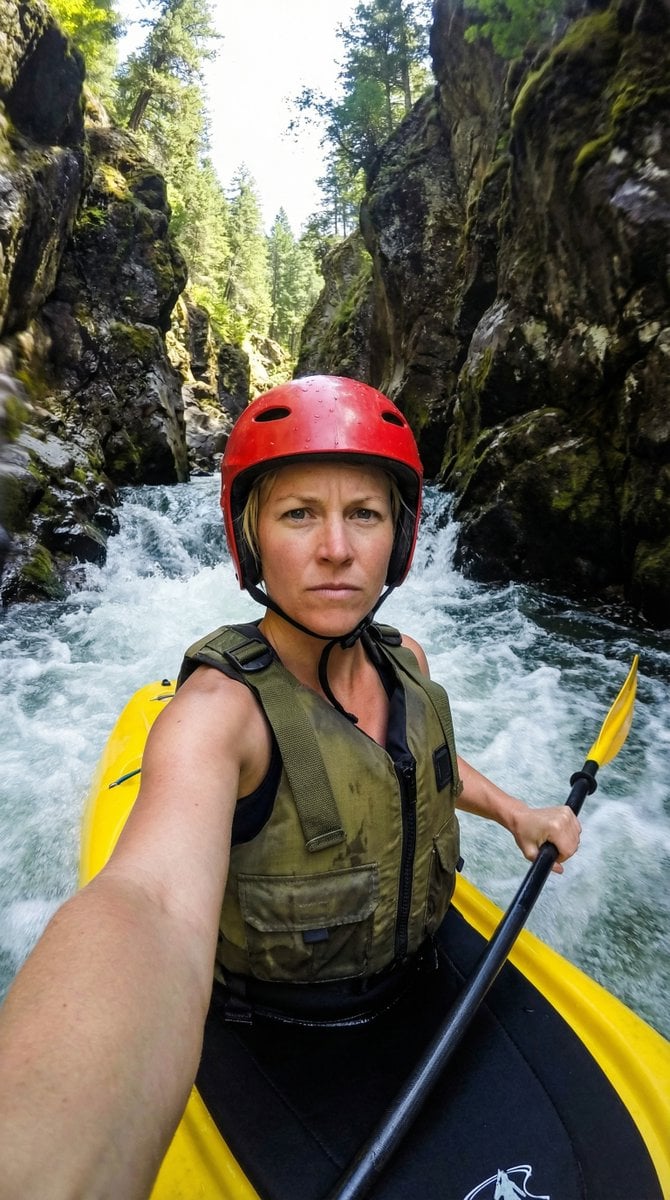
Action Kayaking Selfie Prompt for Google Gemini Nano Banana Pro 2.5
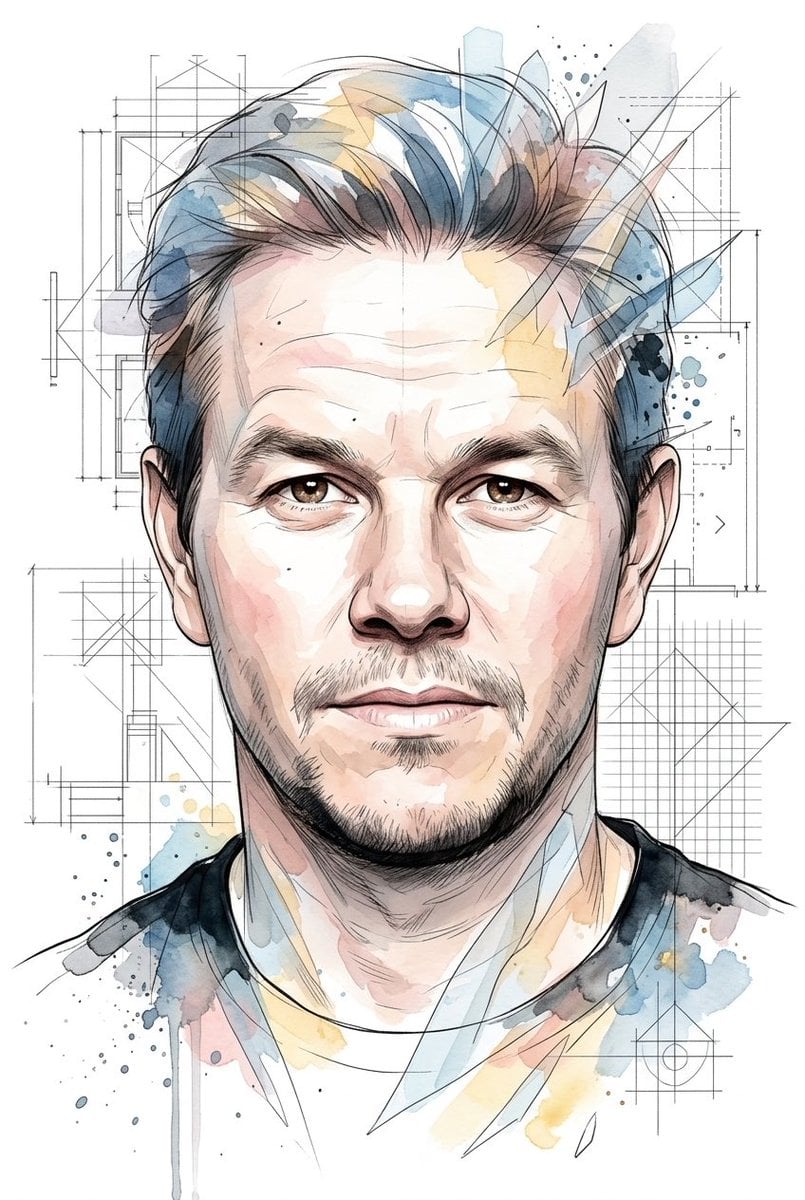
Soft Watercolor Illustration Style Art Prompt for Gemini Nano Banana Pro 2.0
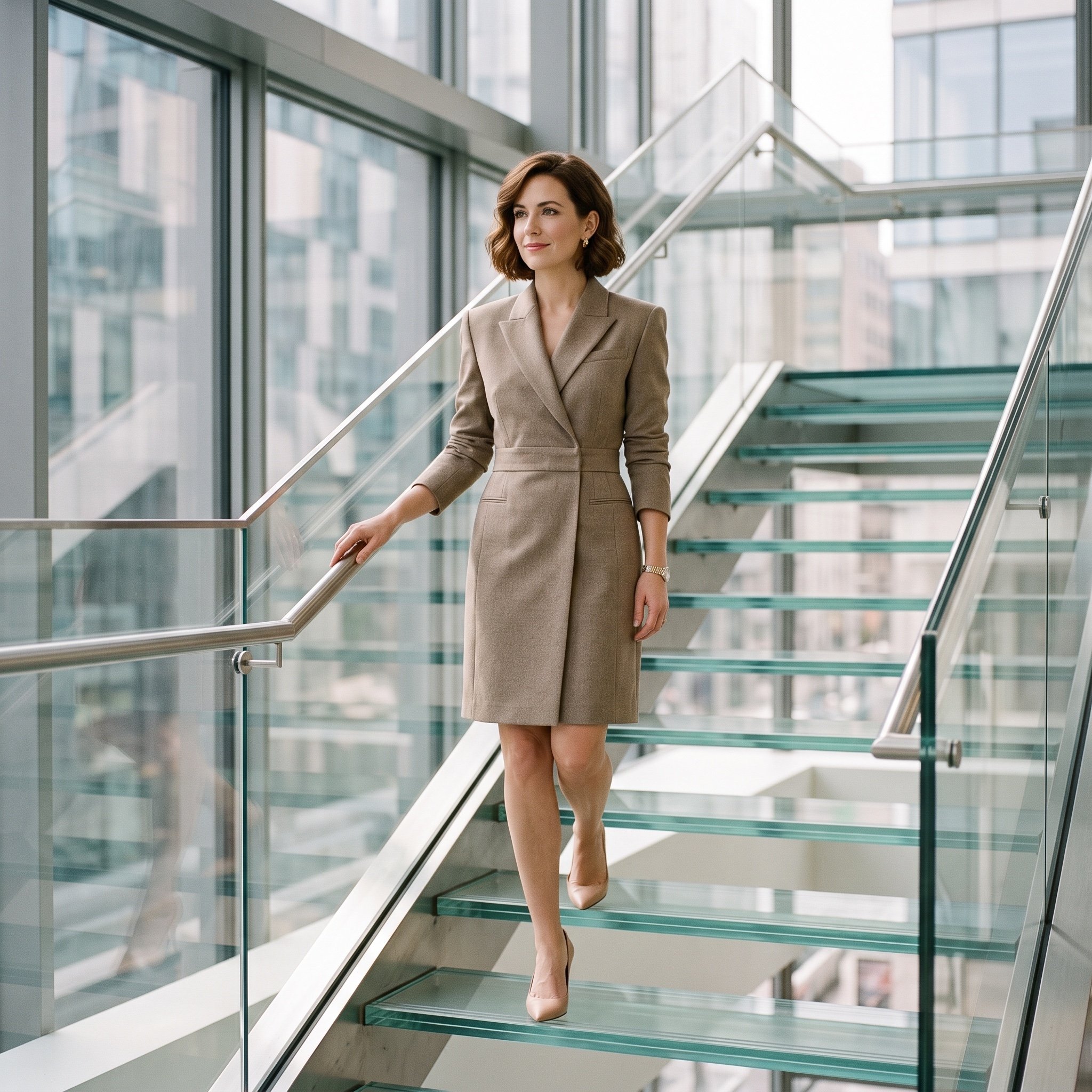
Luxury editorial portrait of a woman on a glass staircase

Magazine Cover Prompt using Nano Banana Extension
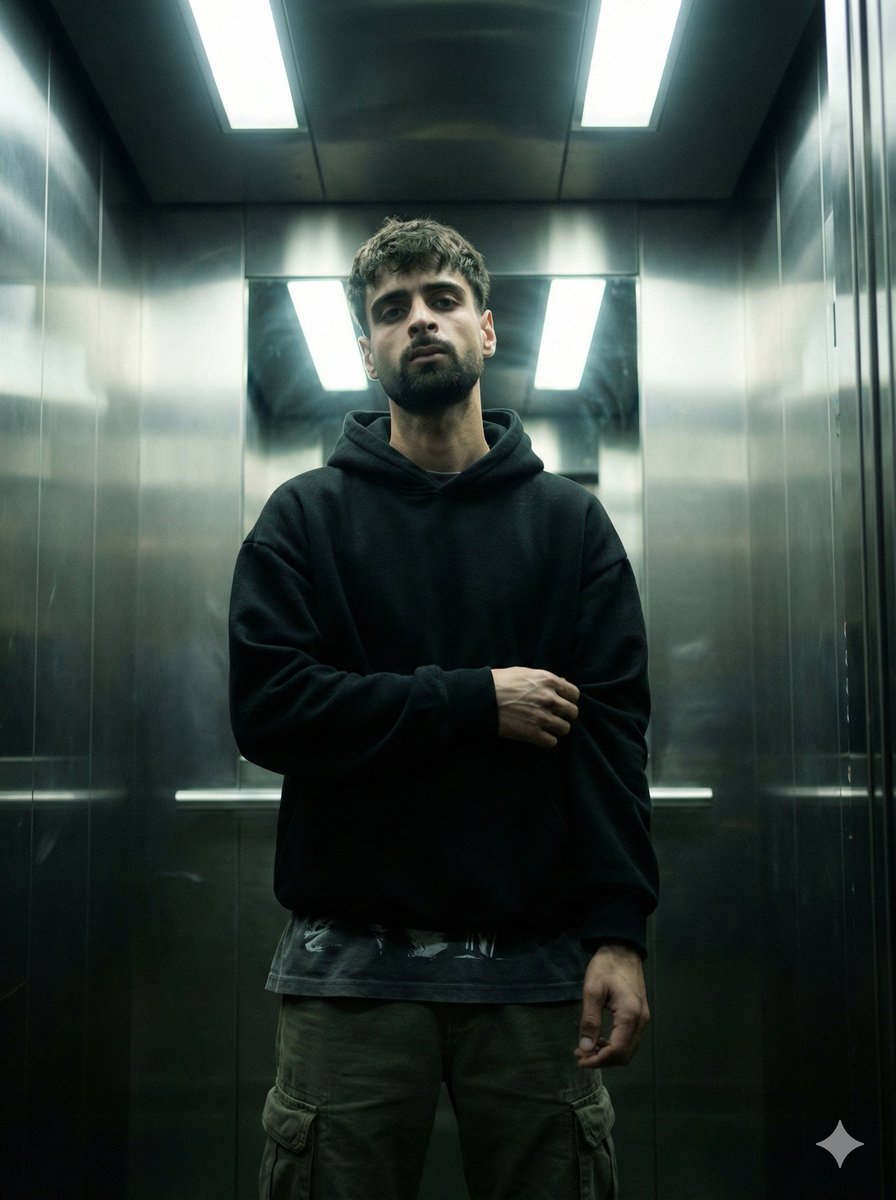
Cinematic Urban Realism in an Elevator
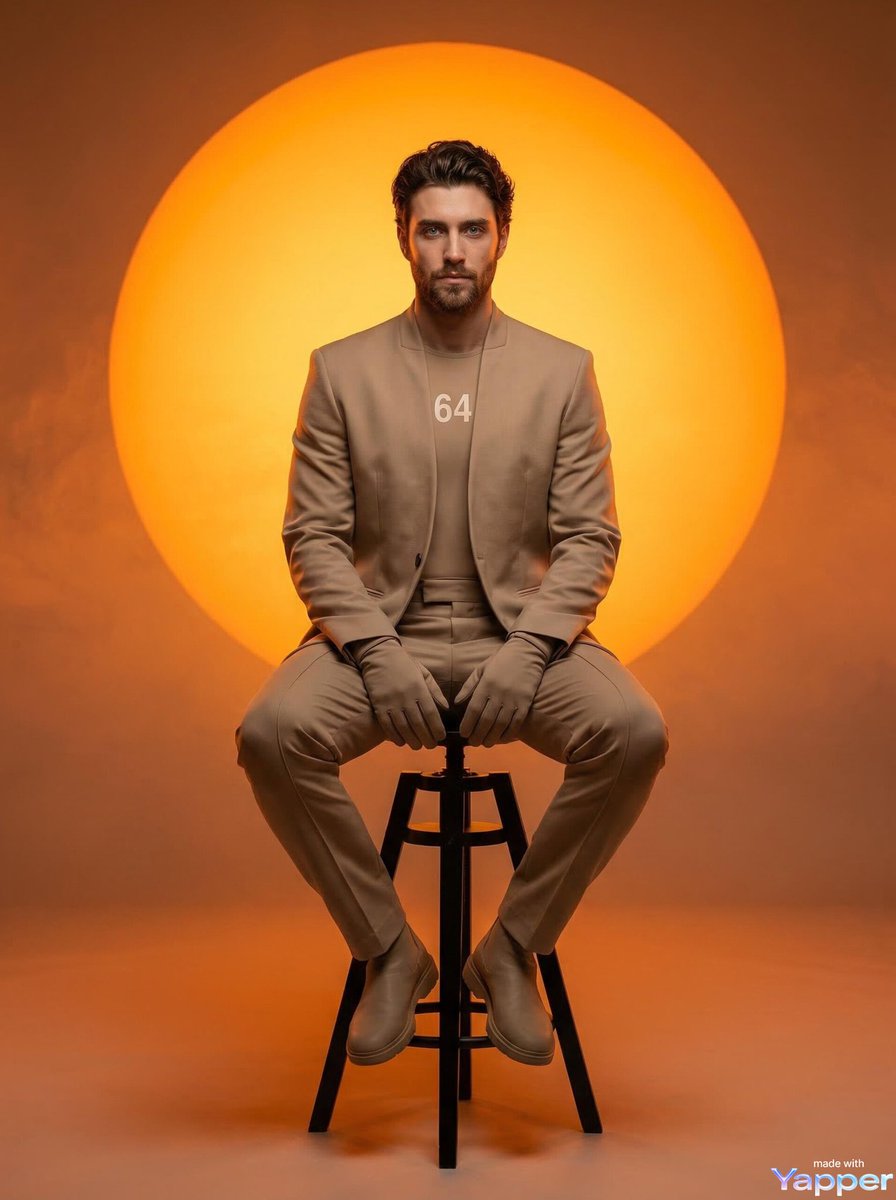
Futuristic Fashion Editorial Prompt for Nano Banana 2
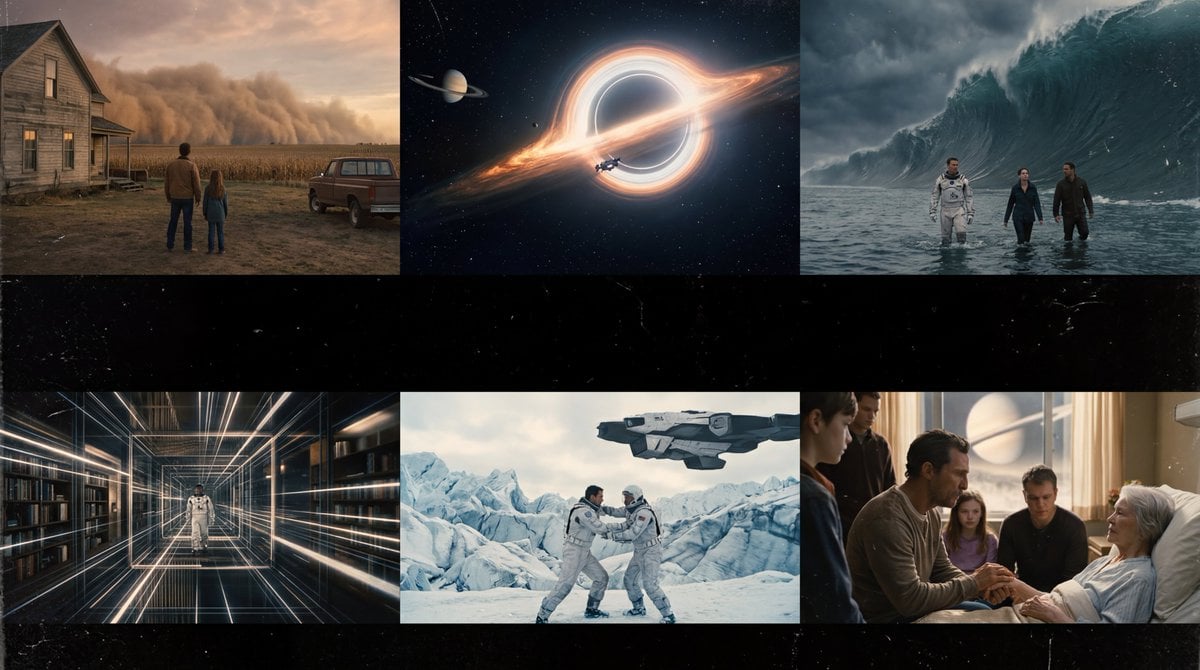
Interstellar-Inspired Cinematic Film Stills Prompt
Browse template categories
Desperate Runner on Stormy Street questions
How do I use the Desperate Runner on Stormy Street template?
Add your photo if the template asks for one, edit the prompt if you like — the template's model and format are already selected — and press Generate. Your version opens in PicX Studio.
Can I customize the Desperate Runner on Stormy Street template?
Yes. You can change the subject, setting, lighting, mood, format, and available model controls before creating your image.
Is the Desperate Runner on Stormy Street template free?
Opening and editing this template is free. Generating uses credits, shown on the Generate button when you are signed in.
Which AI model should I use?
Start with GPT Image 2, which is the model associated with this template. You can compare another compatible model for a different finish.
Looking for something else? Browse all templates.

Your photo, any look
Thousands of ready templates for every top image and video model, from one credit balance.