How do I use the Anime Fox Girl Reaching for a Hug template?
Choose the primary action to open PicX Studio with the available template settings. Review the model and format, personalize the creative direction, and generate when ready.
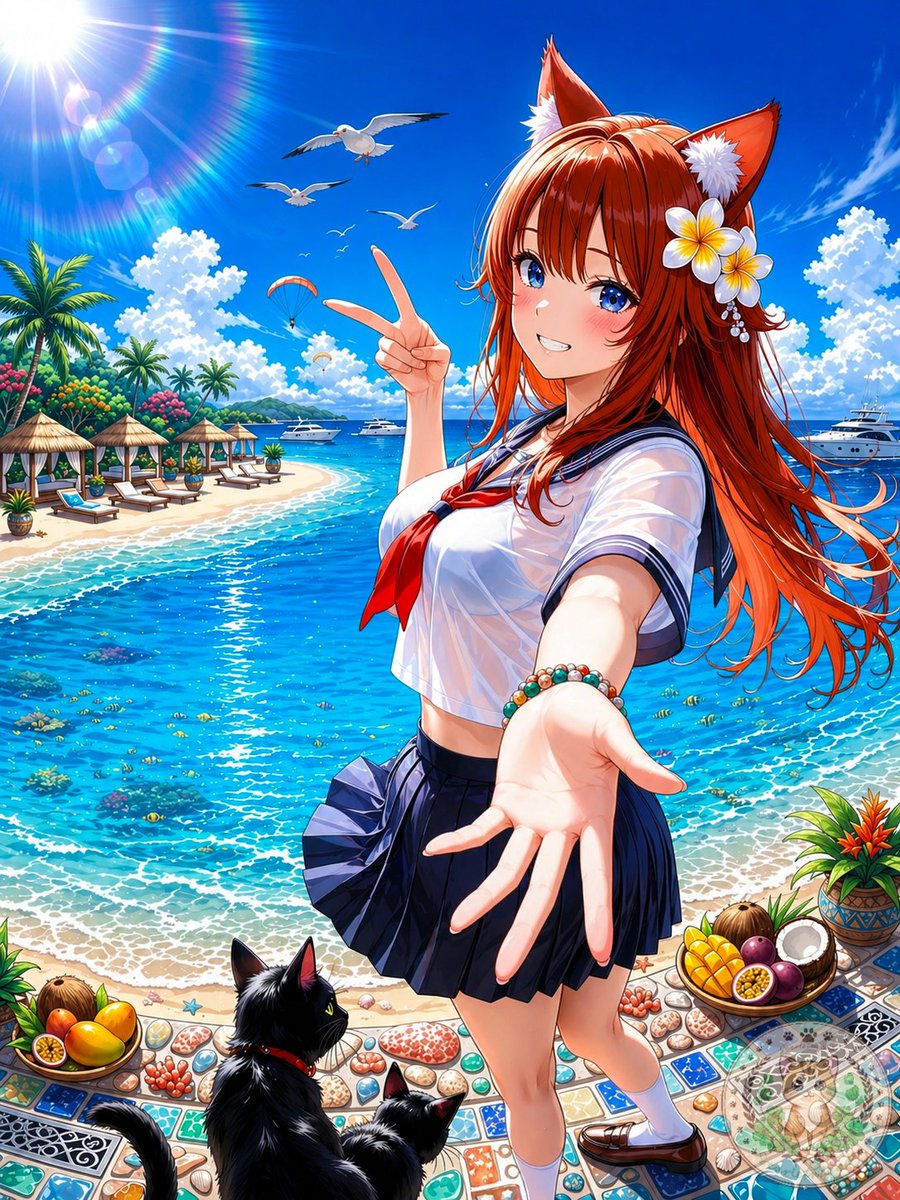
A prompt generating an anime-style illustration of a fox girl in a kimono reaching out for a hug in the snow.
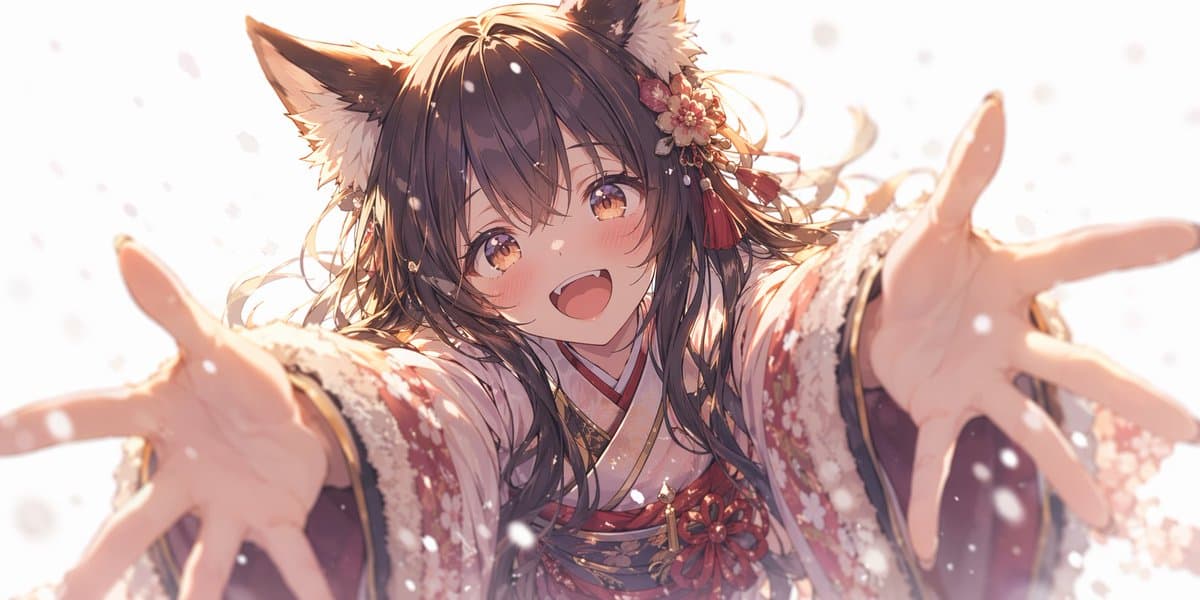
An anime-style illustration of a cute girl with {argument name="animal ears" default="fluffy dark brown fox ears"} and long flowing {argument name="hair color" default="dark brown"} hair. She is wearing a detailed {argument name="clothing" default="red and white floral kimono with fur trim"} and a floral hair accessory with red tassels. She has a {argument name="expression" default="bright happy smile with a slight blush"} and warm amber eyes, reaching both hands forward towards the viewer in a welcoming hug. The perspective features strong foreshortening on her hands, which are slightly out of focus. The scene is set with {argument name="environment" default="falling snow against a bright white background"}, illuminated by soft, warm, ethereal lighting.
Choose the primary action to open PicX Studio with the available template settings. Review the model and format, personalize the creative direction, and generate when ready.
Yes. You can change the subject, setting, lighting, mood, format, and available model controls before creating your image.
This template is free to open and customize. Generation usage is shown in PicX Studio before you create.
Start with GPT Image 2, which is the model associated with this template. You can compare another compatible model for a different finish.
© 2026 PicX Studio. All rights reserved.

Follow a topic to a crawlable collection of related PicX Studio templates.