
Six Cloisonné City Medals
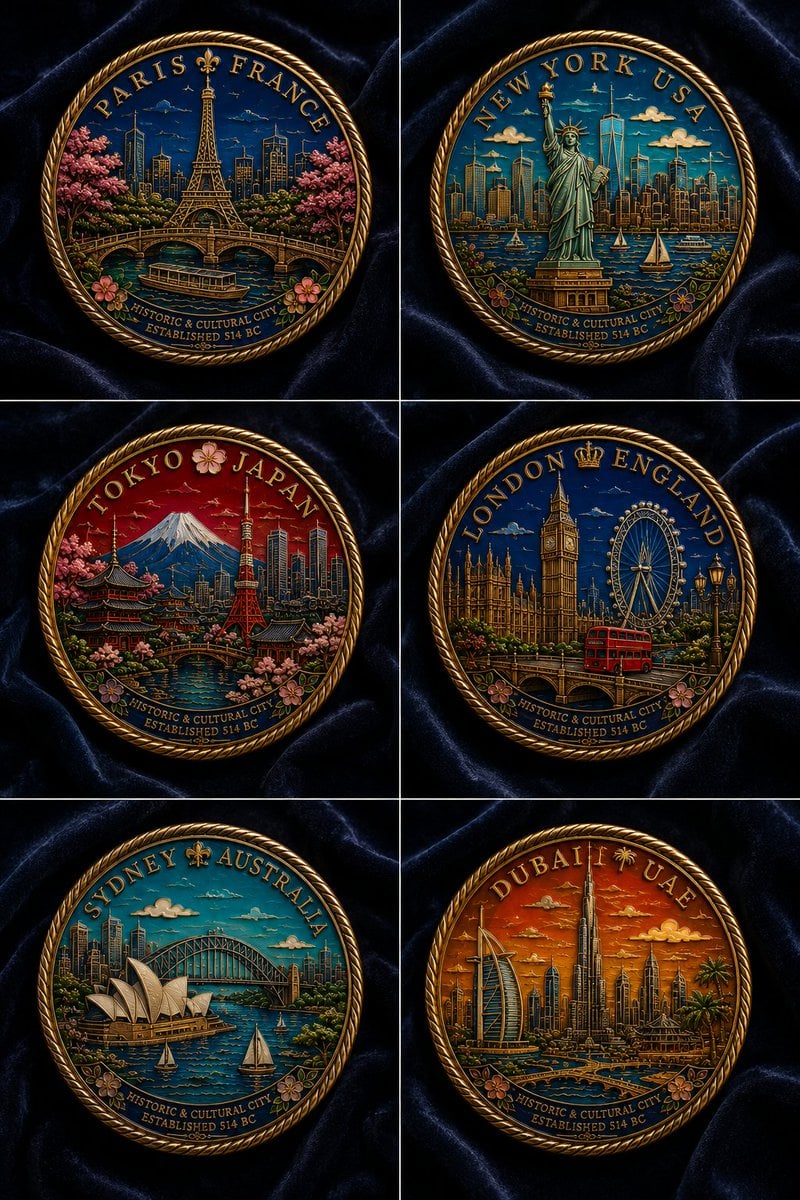
A detailed prompt for generating a luxury flat-lay grid of six ornate hard-enamel commemorative city medals on dark velvet.
- Prompt included
- Model and format preset
- Free template
The prompt behind this image
Copy the exact prompt behind Six Cloisonné City Medals, or open it in the studio and make it yours.
Goal: Create a polished product-style poster showing a collection of {argument name="number of commemorative medals" default="six"} ornate circular hard-enamel cloisonné commemorative city medals, photographed as a flat lay overhead on dark navy velvet fabric. Canvas: Vertical poster, 2:3 aspect ratio, divided into an exact 2-column by 3-row grid with thin pale divider lines. Each grid cell contains one centered round medal, cropped with comfortable margins, on the same rippled dark velvet background. Subject details: Each medal is a thick gold metal coin with an embossed twisted rope border, raised gold dividers between enamel color areas, deep jewel-tone enamel fills, tiny engraved linework, and a premium collectible medallion look. Use dramatic macro lighting with metallic highlights, crisp relief, glossy enamel reflections, and high detail. Medal set: Show exactly 6 distinct medals: 1. Paris, France medal: arc text “PARIS FRANCE” at the top with a fleur-de-lis, Eiffel Tower in the center, Paris skyline, bridge over the Seine, boat on the river, pink cherry blossoms and flowers, blue night sky. 2. New York, USA medal: arc text “NEW YORK USA” at the top, Statue of Liberty in front of Manhattan skyline, One World Trade Center, harbor water with small sailboats, teal-blue sky with small clouds, floral accents at bottom. 3. Tokyo, Japan medal: arc text “TOKYO JAPAN” at the top with a cherry blossom icon, Mount Fuji, Tokyo Tower, pagoda, modern skyline, river bridge, red sunset sky, abundant pink blossoms. 4. London, England medal: arc text “LONDON ENGLAND” at the top with a small crown, Big Ben and Houses of Parliament, London Eye, bridge, red double-decker bus, lamppost, dark blue sky, floral accents. 5. Sydney, Australia medal: arc text “SYDNEY AUSTRALIA” at the top with a fleur-de-lis, Sydney Opera House, Harbour Bridge, skyline, harbor water with two sailboats, bright turquoise sky, floral accents. 6. Dubai, UAE medal: arc text “DUBAI UAE” at the top with a palm icon, Burj Khalifa, Burj Al Arab, futuristic skyline, palm trees, canals and bridges, warm orange sunset sky, floral accents. Shared text content: On the bottom arc of every medal, include the small inscription “HISTORIC & CULTURAL CITY” and beneath it “ESTABLISHED 514 BC,” rendered as embossed gold lettering following the curve. Visual style: Hyper-detailed realistic product photography mixed with illustrated enamel art, luxurious souvenir collectible aesthetic, rich saturated colors, gold metal relief, ornate craftsmanship, museum-shop commemorative medal design. Constraints: Keep all six medals circular and similarly sized, maintain the exact 2x3 arrangement, preserve the city names and country labels as readable arc inscriptions, avoid extra medals, avoid hands, packaging, logos, watermarks, or additional text outside the medals.
How to use Six Cloisonné City Medals in 3 steps
- 1Upload ImagePNG, JPG or paste
Add your photo
Upload the photo the template builds on. The prompt, model and format are already set.
- 2…a portrait of your subject in softgolden-hour light, 85mm…
Personalize
Edit the subject and creative details for your destination.
- 3Generate
Generate
Press Generate — your image is created in PicX Studio, so you can compare it with the original and refine one variable at a time.
More like this
Templates with the same subject, style or setup. Open one to see its prompt.
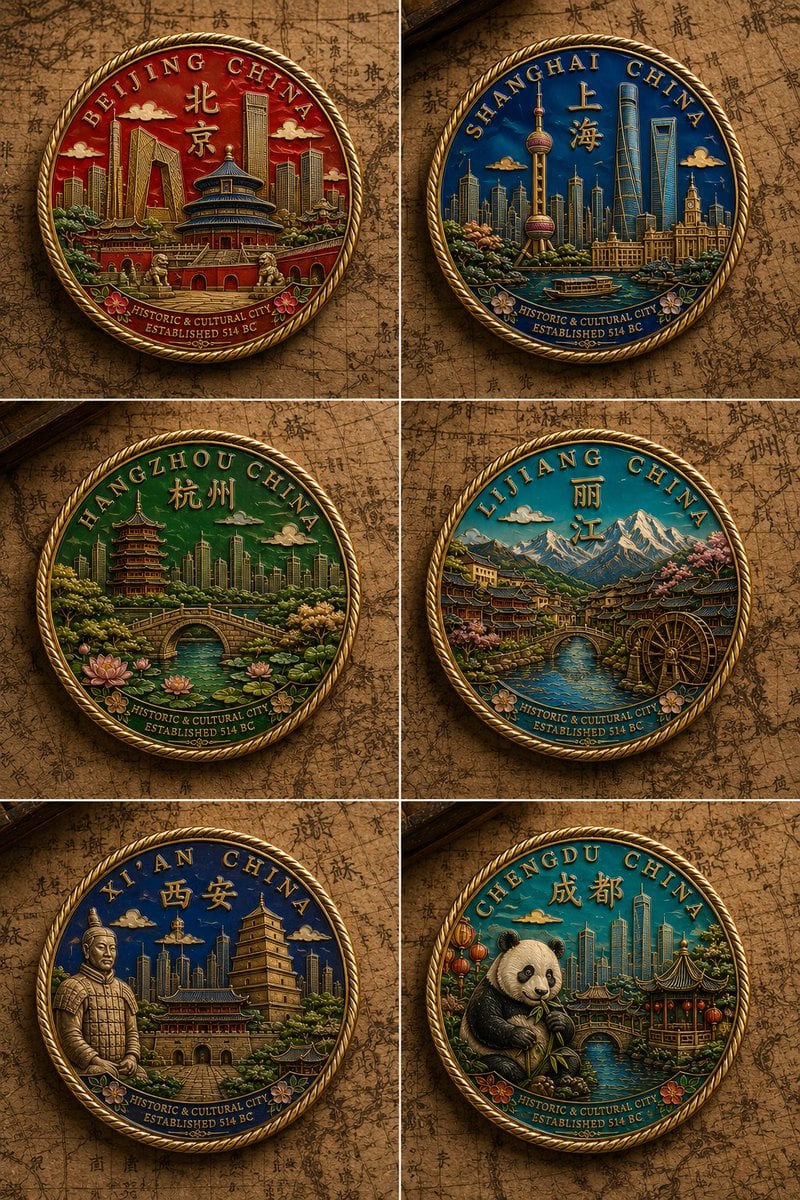
Six Chinese City Enamel Medals

Cozy Knit Sweater Window Portrait

Minimalist Hand-Drawn Doodle Portrait

Nano Banana Pro 2.0 — 3x3 Travel Profile Grid
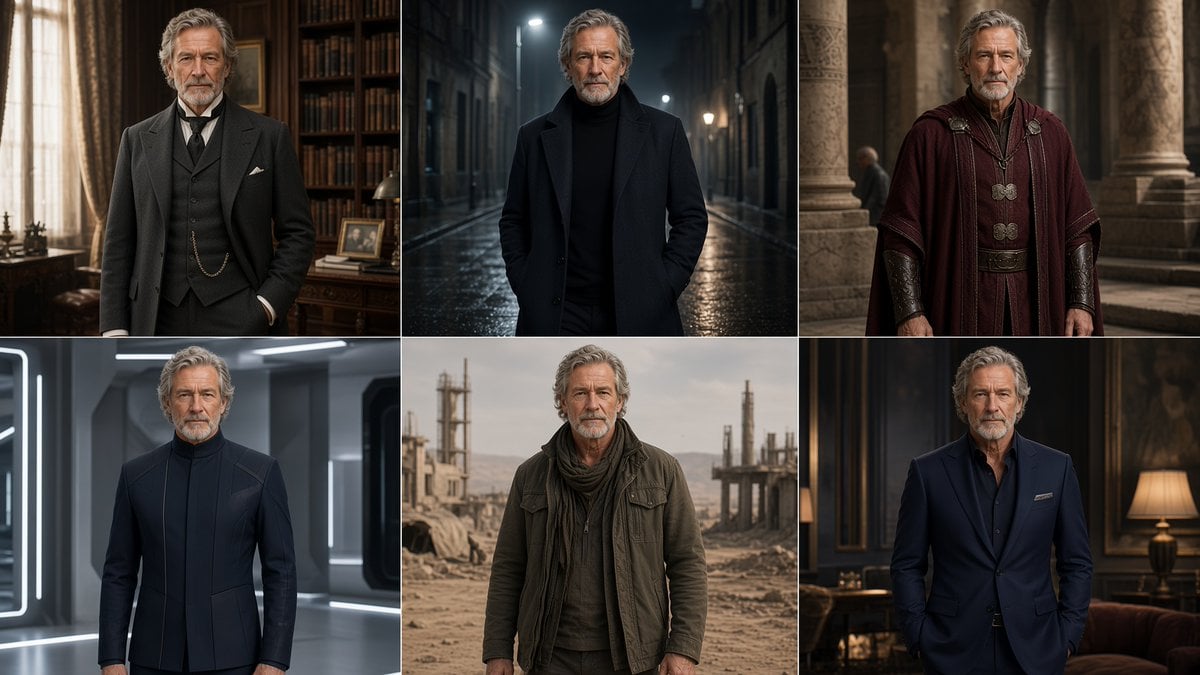
Six-Panel Cinematic Character Variations
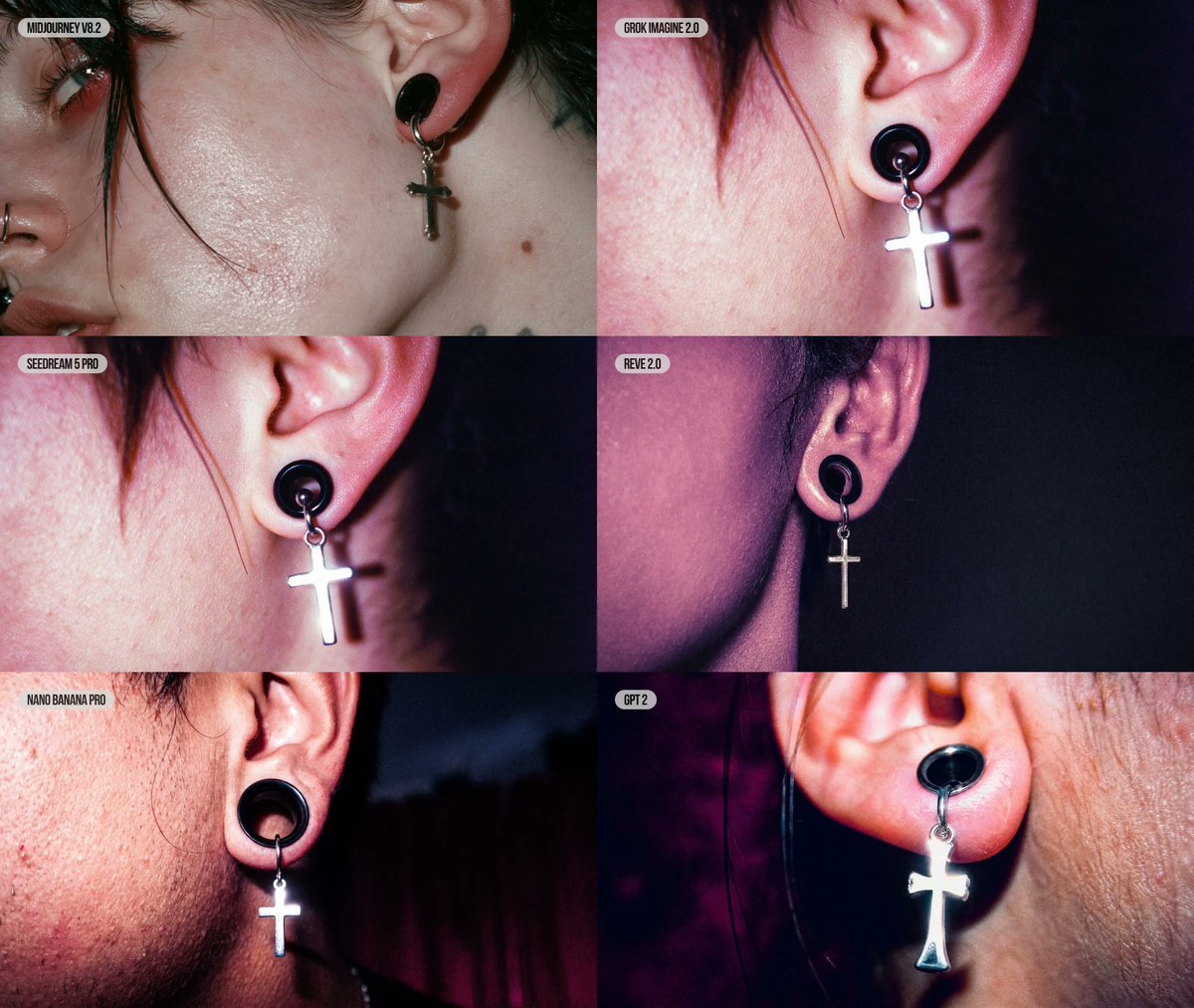
Six-Panel AI Jewelry Portrait Comparison

Six VTuber Japanese Logo Sheet

Cozy Six-Panel Bedtime Stages Collage
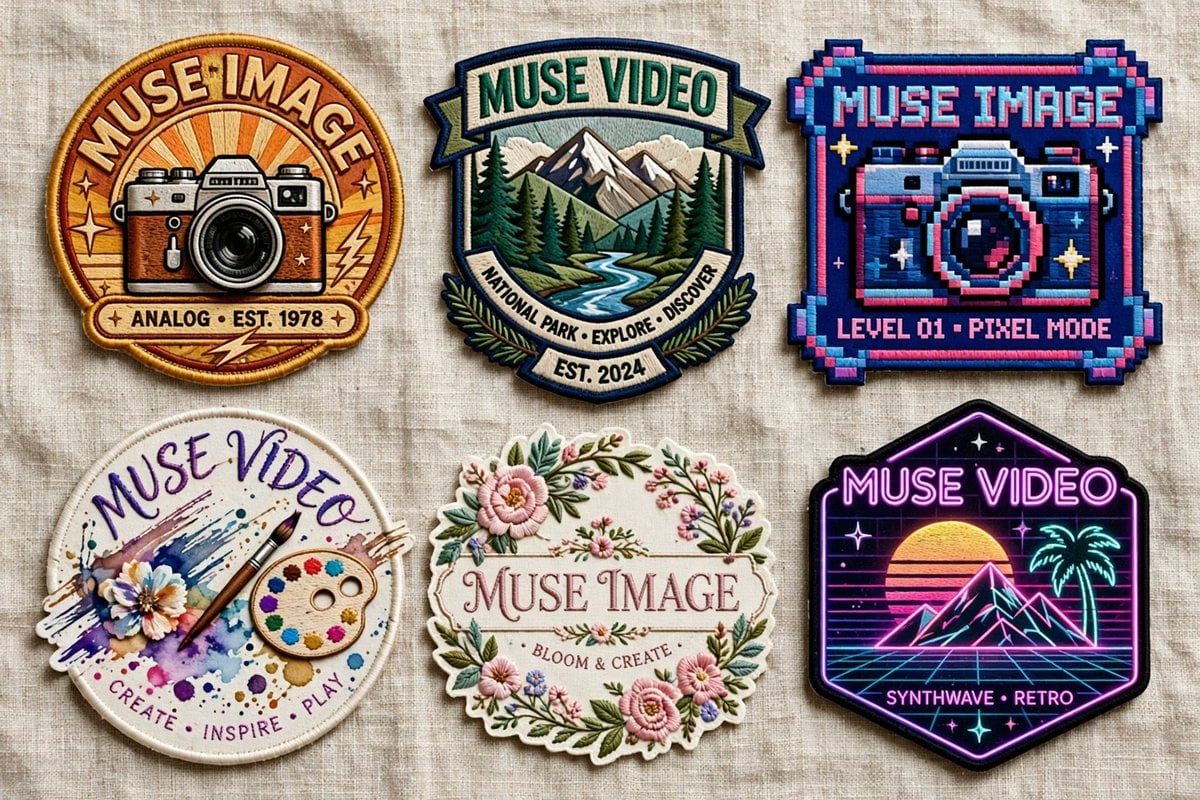
Six Embroidered Muse Patches
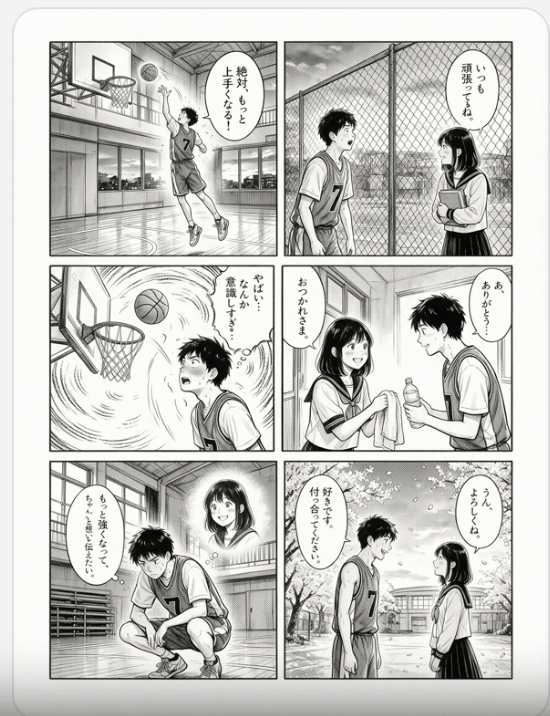
Six-Panel Basketball Romance Manga

Six-Panel Retro Japanese Poster Collage

Seal Team Six Desert Portrait
Make it yours
Six Cloisonné City Medals works as-is. These are the safest ways to change it without losing the look.
Change one field
Copy a single group, rewrite it, and generate again so you can see what that field is doing.
Keep the frame, change the subject
Hold the composition and light of Six Cloisonné City Medals, then swap wardrobe, props or the person for a new take.
| If the result… | Why | Fix |
|---|---|---|
| The result drifts from the preview | Too many fields changed at once. | Reuse Six Cloisonné City Medals as-is first, then change one group — subject, light, or setting. |
| The model over-stylizes the scene | The prose prompt leaves finish and camera underspecified. | Add one camera or lighting sentence and stay on GPT Image 2. |
More GPT Image 2 templates
Other prompts made for GPT Image 2.

Realistic Portrait of Woman and Deer

The Vista Modular Condo Poster

AI Model Routing Comparison Infographic

2.5D Anime Art Board

Isometric Productivity Desk Scene

New York Double Exposure Poster

Four-Panel AI Landscape Comparison

Japanese Tatami Lifestyle Magazine Cover

NESCAFÉ Coffee Map Poster

Brutalist Cogito Chinese Typography Poster
More image prompts
Fresh picks from across the catalog.
Software UI Desktop Screenshot
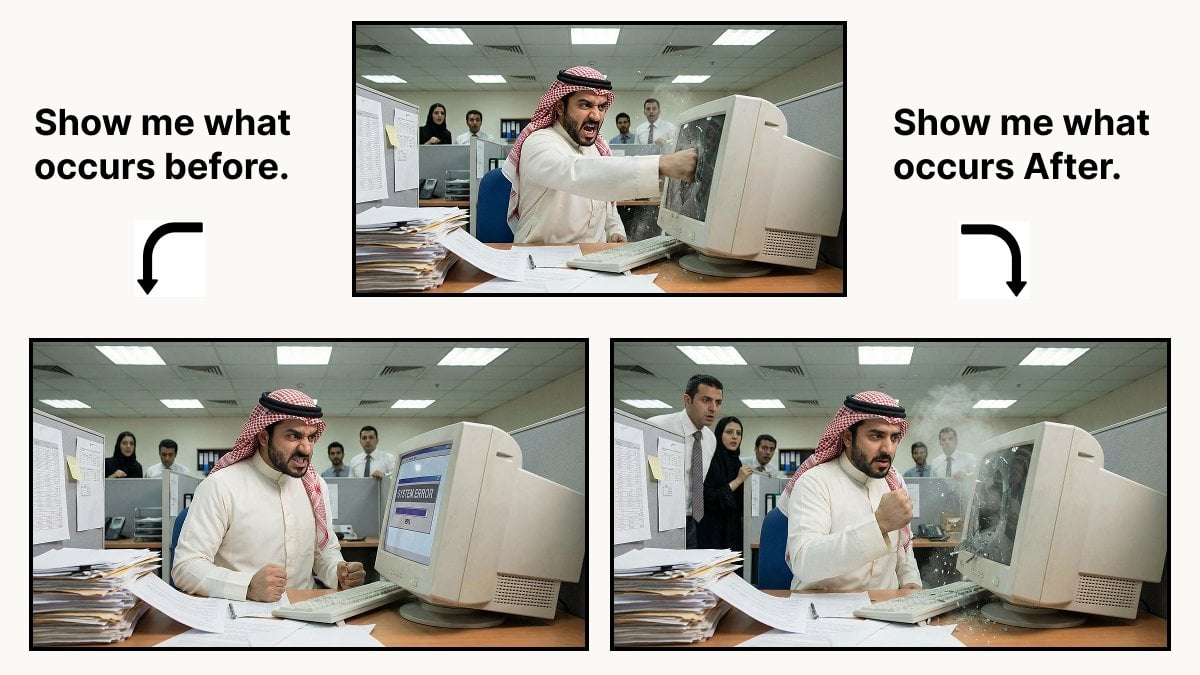
Prompt for Controlling Event Timing in Nano Banana Pro
Golden Hour Fashion Editorial Collage (4 Panels)
2d to 3d Realistic Cgi Figurine Conversi
Vintage Cinematic Travel Poster
Regal Golden Lion Heraldic Crest
Side Profile Photo of Man in Pain with Molten Fissures
Renovation Visualization: After Frame
Hand-Drawn Technical Illustration Portrait Prompt
1990s Japanese Fashion Illustration
Browse template categories
Six Cloisonné City Medals questions
How do I use the Six Cloisonné City Medals template?
Add your photo if the template asks for one, edit the prompt if you like — the template's model and format are already selected — and press Generate. Your version opens in PicX Studio.
Can I customize the Six Cloisonné City Medals template?
Yes. You can change the subject, setting, lighting, mood, format, and available model controls before creating your image.
Is the Six Cloisonné City Medals template free?
Opening and editing this template is free. Generating uses credits, shown on the Generate button when you are signed in.
Which AI model should I use?
Start with GPT Image 2, which is the model associated with this template. You can compare another compatible model for a different finish.
Looking for something else? Browse all templates.

Your photo, any look
Thousands of ready templates for every top image and video model, from one credit balance.