
Six Chinese City Enamel Medals
Creates a realistic flat-lay collector poster of six ornate cloisonné-style commemorative medals featuring iconic Chinese city landmarks.
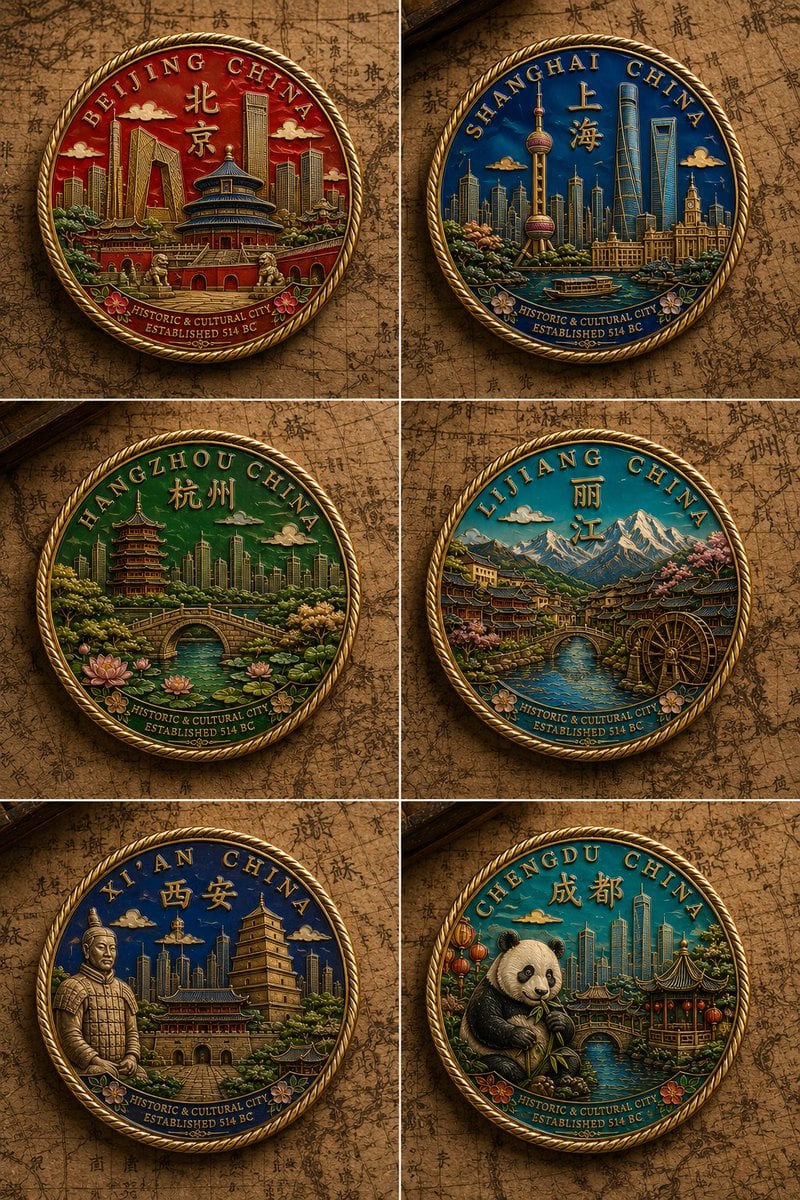
- Prompt included
- Model and format preset
- Free template
The prompt behind this image
Copy the exact prompt behind Six Chinese City Enamel Medals, or open it in the studio and make it yours.
Goal: Create a 2-by-3 collector display of exactly 6 commemorative hard-enamel cloisonné city medals for {argument name="country" default="China"}, photographed as an overhead flat lay on an antique brown map background with faint Chinese calligraphy and old cartographic lines. Canvas: Vertical poster composition, six equal panels separated by thin pale divider lines, each panel showing one circular medal centered with soft realistic shadows. Warm museum lighting, high detail, macro product photography look. Medal style: Every medal is round with a raised polished gold metal rim, ornate twisted rope border, embossed gold dividers between vivid enamel color fields, jewel-like glossy fills, bas-relief skyline and landmark details, and tiny decorative flowers near the lower inscription band. Use a premium commemorative coin/medallion aesthetic, not flat illustration. Layout and medal count: Show exactly 6 medals, arranged in this order: 1. Top left: Beijing medal, dominant deep red enamel, arched text “BEIJING CHINA,” large Chinese characters 北京, landmarks including the Temple of Heaven, Forbidden City walls, modern skyscrapers, small clouds, flowers at the bottom, lower band text “HISTORIC & CULTURAL CITY” and “ESTABLISHED 514 BC.” 2. Top right: Shanghai medal, dominant rich blue enamel, arched text “SHANGHAI CHINA,” Chinese characters 上海, landmarks including the Oriental Pearl Tower, Shanghai Tower, waterfront skyline, river boat, lower band text “HISTORIC & CULTURAL CITY” and “ESTABLISHED 514 BC.” 3. Middle left: Hangzhou medal, dominant emerald green enamel, arched text “HANGZHOU CHINA,” Chinese characters 杭州, West Lake scenery with arched stone bridge, pagoda, lotus flowers, trees, distant skyline, lower band text “HISTORIC & CULTURAL CITY” and “ESTABLISHED 514 BC.” 4. Middle right: Lijiang medal, dominant teal-blue enamel, arched text “LIJIANG CHINA,” Chinese characters 丽江, snow-capped mountains, old town rooftops, stone bridge over water, wooden water wheel, pink blossoms, lower band text “HISTORIC & CULTURAL CITY” and “ESTABLISHED 514 BC.” 5. Bottom left: Xi’an medal, dominant deep navy enamel, arched text “XI’AN CHINA,” Chinese characters 西安, landmarks including the Giant Wild Goose Pagoda, ancient city wall gate, modern skyline, and one terracotta warrior figure on the left, lower band text “HISTORIC & CULTURAL CITY” and “ESTABLISHED 514 BC.” 6. Bottom right: Chengdu medal, dominant turquoise-green enamel, arched text “CHENGDU CHINA,” Chinese characters 成都, a cute giant panda eating bamboo in front of a traditional pavilion, lanterns, river bridge, and modern skyline, lower band text “HISTORIC & CULTURAL CITY” and “ESTABLISHED 514 BC.” Text content: Use crisp raised gold serif lettering around the top arcs. Keep the lower inscription bands legible but small. The main customizable title format should follow {argument name="arc inscription format" default="[CITY] CHINA"}. City names should be {argument name="city set" default="Beijing, Shanghai, Hangzhou, Lijiang, Xi’an, Chengdu"}. Visual style: Ultra-detailed realistic product render, embossed metallic gold, glossy enamel, saturated city-specific colors, intricate miniature architecture, antique travel-collector mood, shallow relief casting natural shadows. Background should be {argument name="background surface" default="aged parchment map with Chinese calligraphy"}. Use {argument name="lighting style" default="warm overhead museum lighting"}. Constraints: Exactly 6 medals and no extra medals. Maintain the 2-column by 3-row grid. Do not crop the medals. Avoid modern logos, watermarks, hands, packaging, or blank panels. Preserve the ornate rope border and gold separators on every medal.
How to use Six Chinese City Enamel Medals in 3 steps
- 1Upload ImagePNG, JPG or paste
Add your photo
Upload the photo the template builds on. The prompt, model and format are already set.
- 2…a portrait of your subject in softgolden-hour light, 85mm…
Personalize
Edit the subject and creative details for your destination.
- 3Generate
Generate
Press Generate — your image is created in PicX Studio, so you can compare it with the original and refine one variable at a time.
More like this
Templates with the same subject, style or setup. Open one to see its prompt.
Six Cloisonné City Medals

Cozy Knit Sweater Window Portrait

Minimalist Hand-Drawn Doodle Portrait
Four-City Chinese Travel Guide Poster Set

敦煌纸雕飞天 — 3D Layered Paper Cutout

博物馆图鉴式汉服拆解图 — GPT-image-2

Nano Banana Pro 2.0 — 3x3 Travel Profile Grid
Six-Panel Cinematic Character Variations

Song Dynasty Enamel Badges
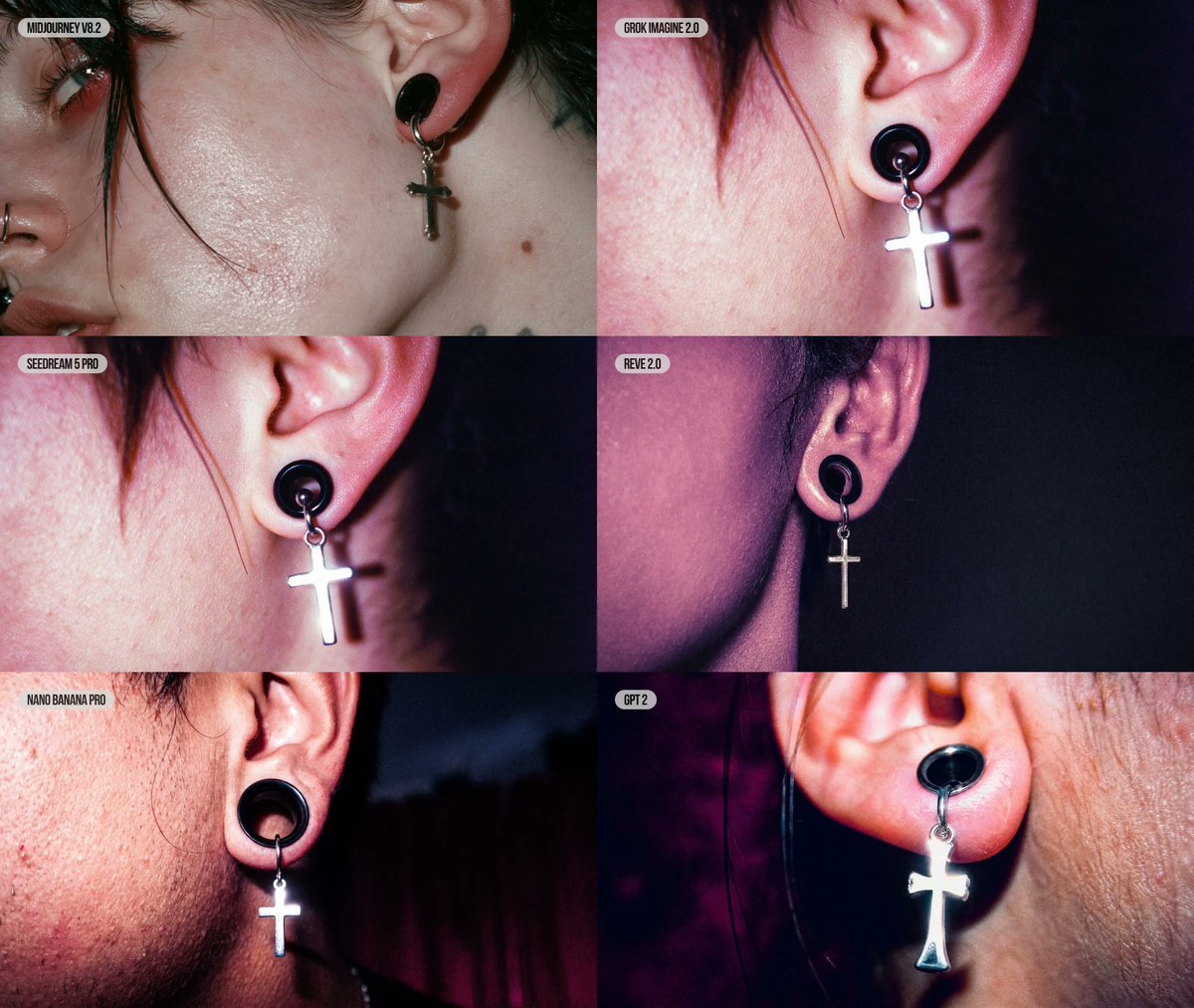
Six-Panel AI Jewelry Portrait Comparison

Landscape to Enamel Pin Badge Transformation
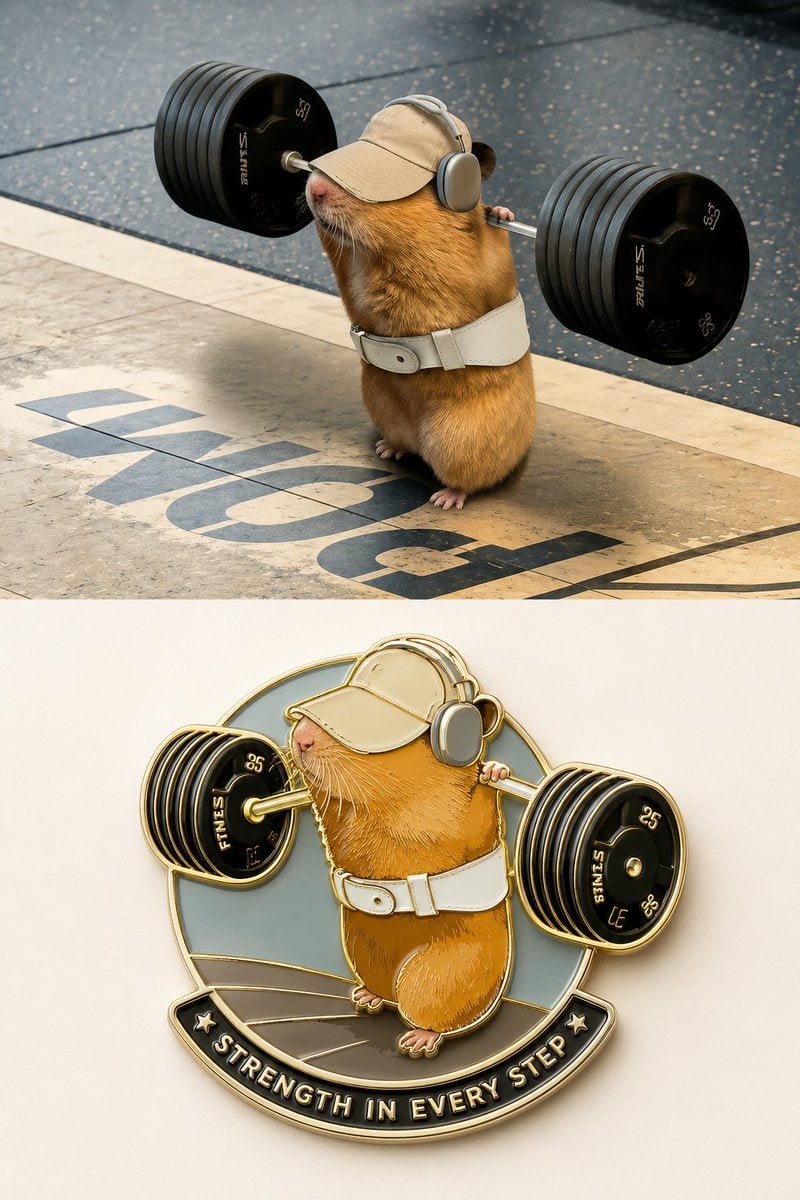
Enamel Travel Magnet Poster Design
Make it yours
Six Chinese City Enamel Medals works as-is. These are the safest ways to change it without losing the look.
Change one field
Copy a single group, rewrite it, and generate again so you can see what that field is doing.
Keep the frame, change the subject
Hold the composition and light of Six Chinese City Enamel Medals, then swap wardrobe, props or the person for a new take.
| If the result… | Why | Fix |
|---|---|---|
| The result drifts from the preview | Too many fields changed at once. | Reuse Six Chinese City Enamel Medals as-is first, then change one group — subject, light, or setting. |
| The model over-stylizes the scene | The prose prompt leaves finish and camera underspecified. | Add one camera or lighting sentence and stay on GPT Image 2. |
More GPT Image 2 templates
Other prompts made for GPT Image 2.

Realistic Portrait of Woman and Deer

The Vista Modular Condo Poster

AI Model Routing Comparison Infographic

2.5D Anime Art Board

Isometric Productivity Desk Scene

New York Double Exposure Poster

Four-Panel AI Landscape Comparison

Japanese Tatami Lifestyle Magazine Cover

NESCAFÉ Coffee Map Poster

Cinematic Luxury Terrace Portrait
More image prompts
Fresh picks from across the catalog.
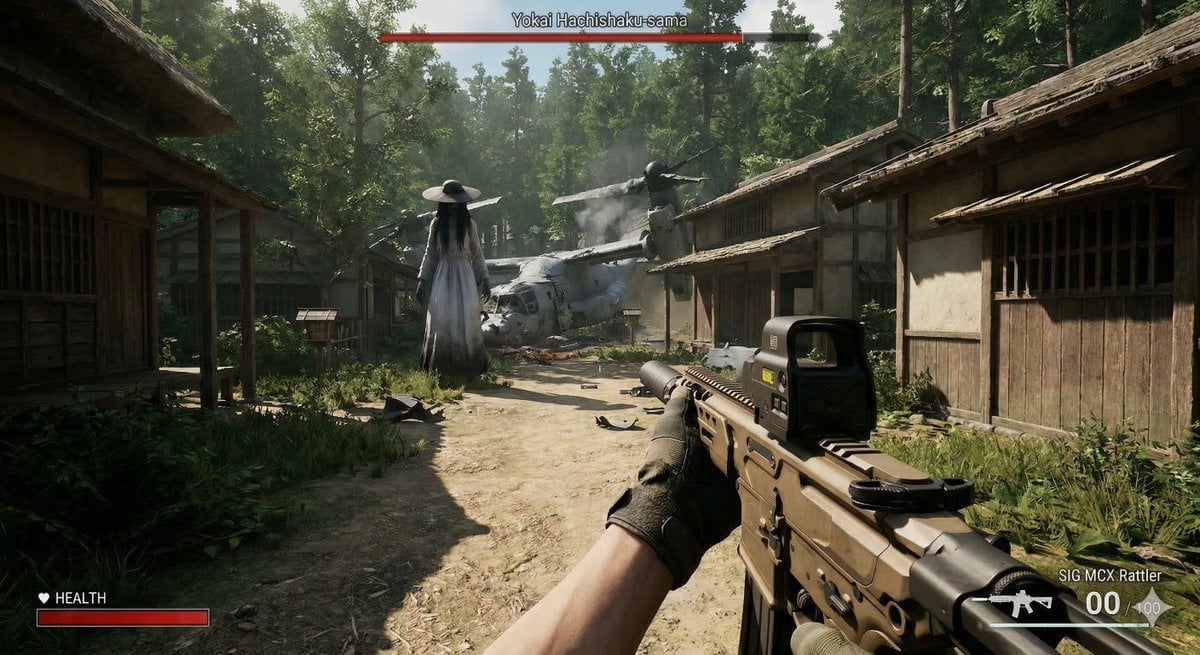
Human VS. Yokai Haxtusyaku-sama in FPS Game Style

Professional Business Portrait Generation Prompt
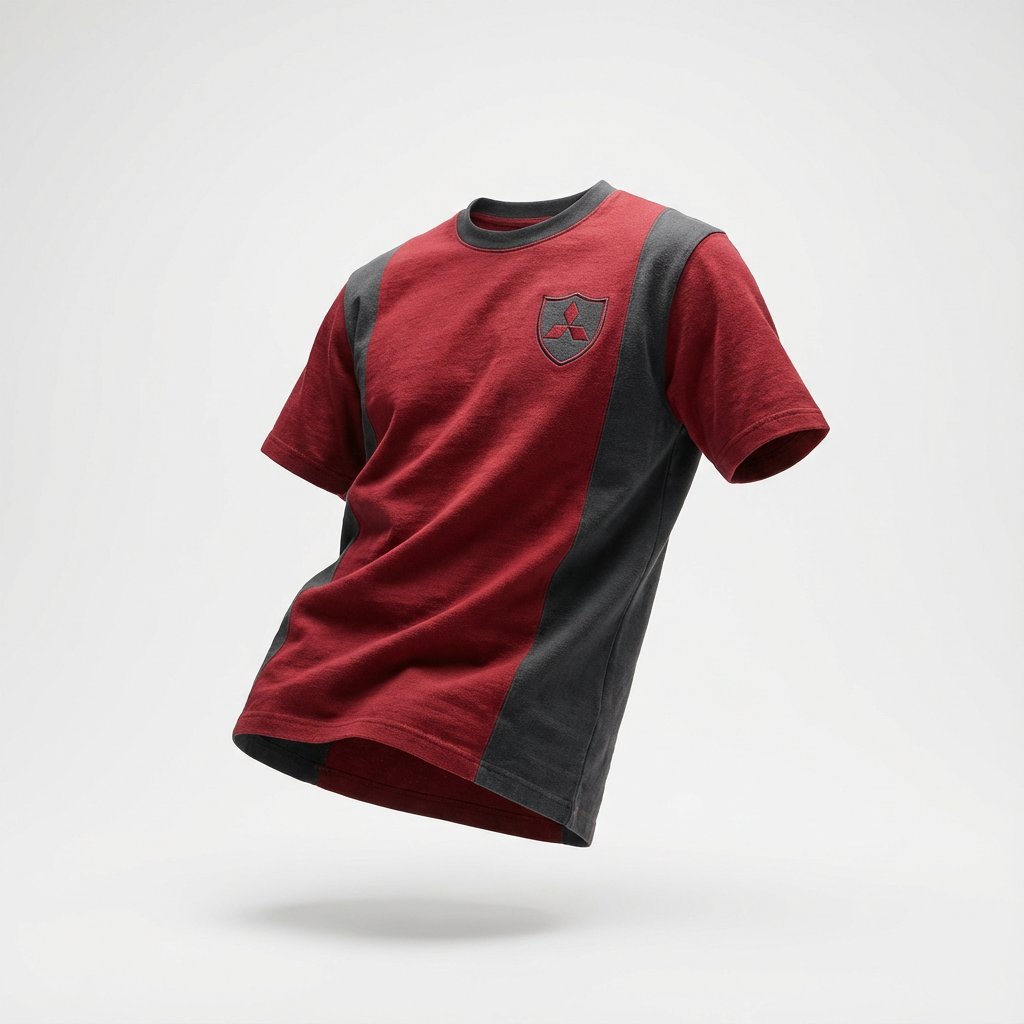
Nano Banana Prompt for Sport Jersey Design
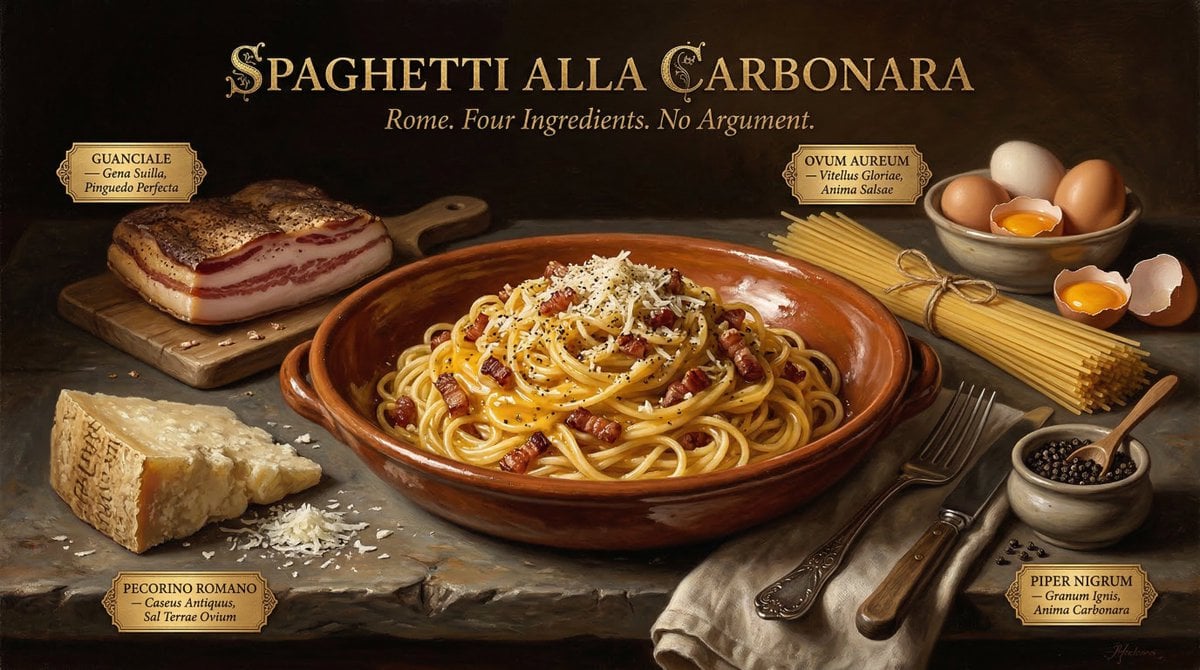
Dutch Golden Age Food Photography
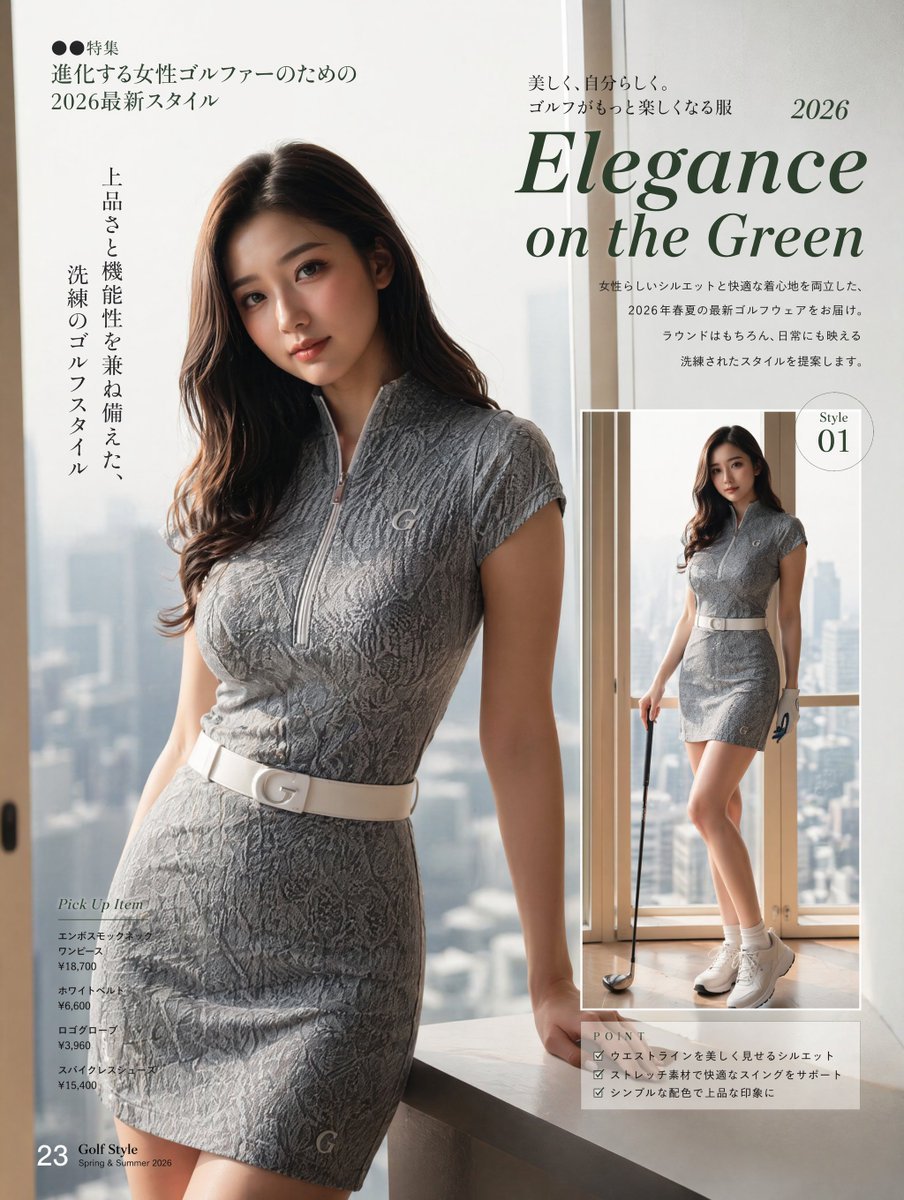
Elegance on the Green Magazine Page
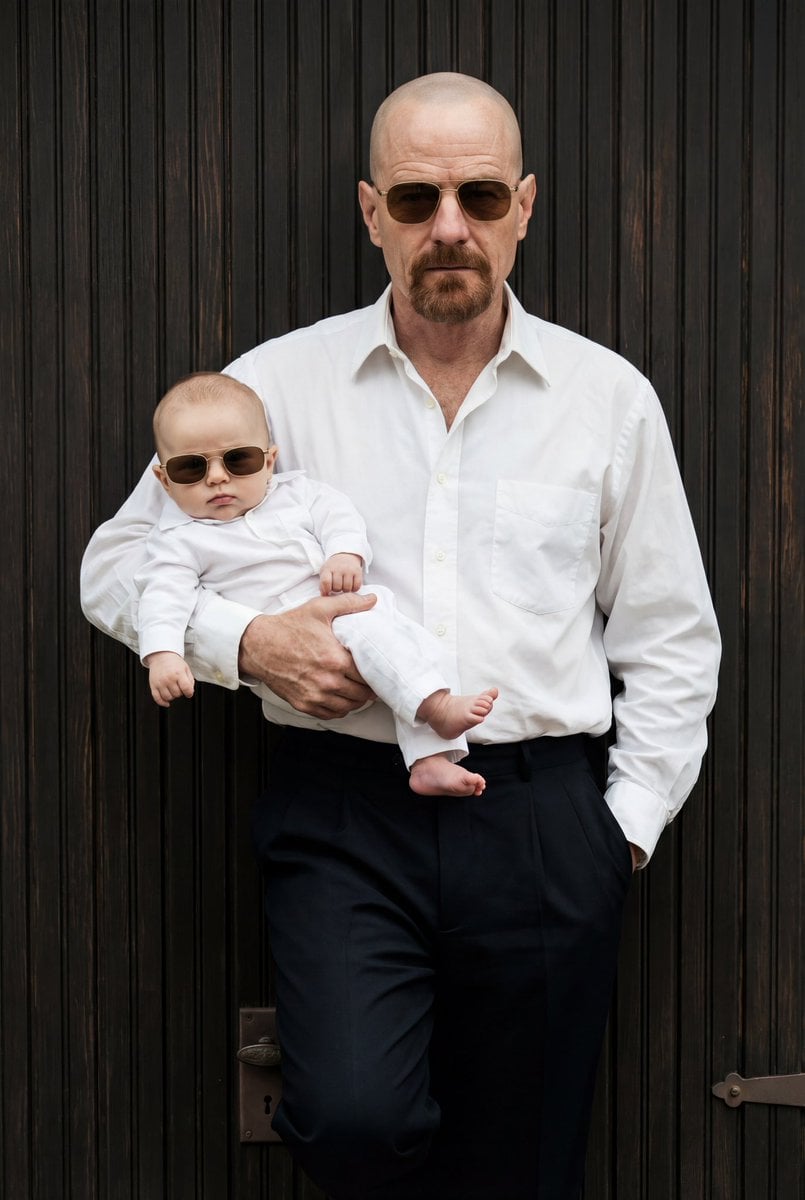
Ultra-Realistic 90s Old-Money Father and Baby Portrait

Man Pouring Water on Magic Heart
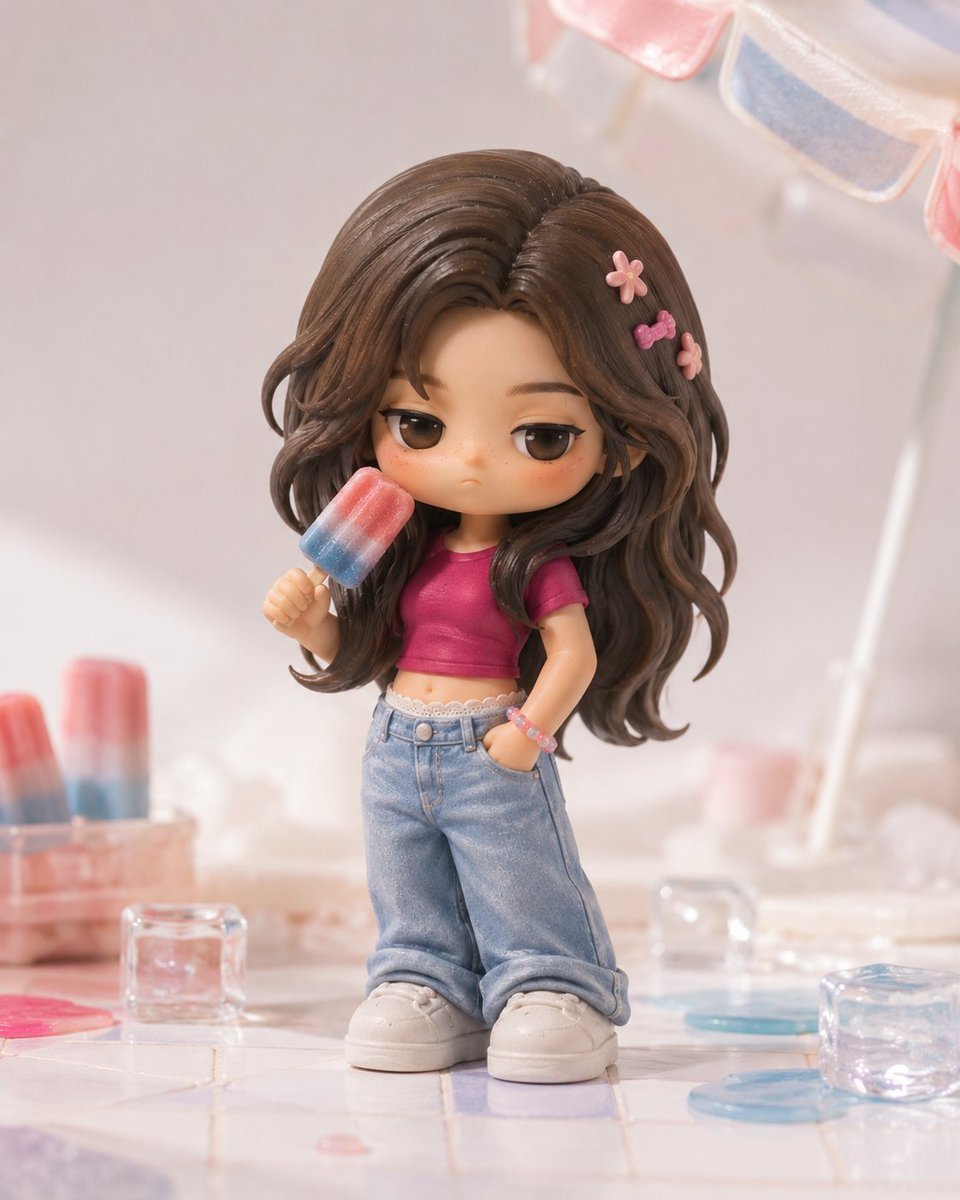
Pop Mart Hirono Style Custom Figure Prompt
Electric Blue Lightning Strike VFX
Dreamlike Double Exposure Montage
Browse template categories
Six Chinese City Enamel Medals questions
How do I use the Six Chinese City Enamel Medals template?
Add your photo if the template asks for one, edit the prompt if you like — the template's model and format are already selected — and press Generate. Your version opens in PicX Studio.
Can I customize the Six Chinese City Enamel Medals template?
Yes. You can change the subject, setting, lighting, mood, format, and available model controls before creating your image.
Is the Six Chinese City Enamel Medals template free?
Opening and editing this template is free. Generating uses credits, shown on the Generate button when you are signed in.
Which AI model should I use?
Start with GPT Image 2, which is the model associated with this template. You can compare another compatible model for a different finish.
Looking for something else? Browse all templates.

Your photo, any look
Thousands of ready templates for every top image and video model, from one credit balance.