
Electric Blue Lightning Strike VFX
Generates a black-background lightning effect asset with five glowing blue strike columns for game, video, or compositing use.
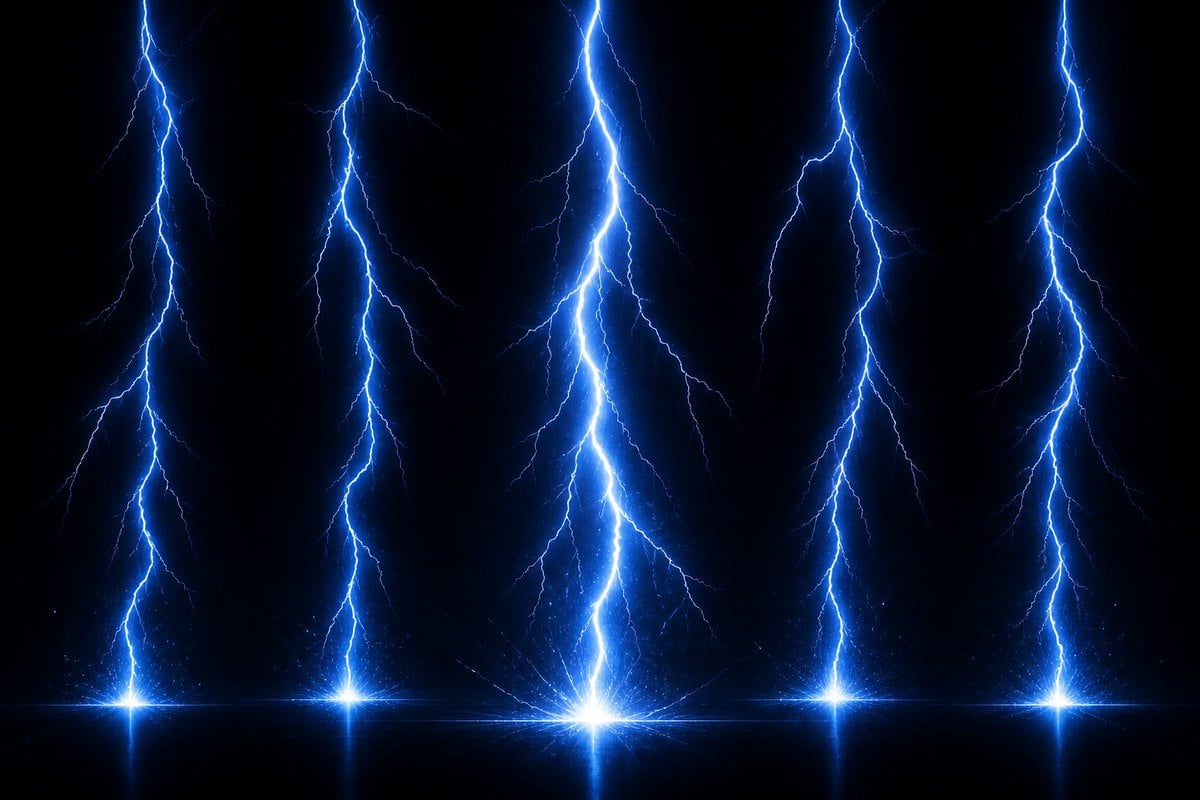
- Prompt included
- Model and format preset
- Free template
The prompt behind this image
Copy the exact prompt behind Electric Blue Lightning Strike VFX, or open it in the studio and make it yours.
Create a high-resolution VFX asset of {argument name="effect type" default="electric lightning strikes"} on a pure black transparent-looking background, designed as a game or compositing effect sheet. Show exactly 5 separate vertical lightning strike columns descending from the top edge to the bottom: one near the far left, one left-of-center, one large brightest strike in the center, one right-of-center, and one near the far right. Each strike has a jagged branching main bolt in intense {argument name="lightning color" default="electric blue"} with a white-hot core, thin secondary forks spreading outward, and soft blue bloom glow. At the bottom of each strike, add a bright starburst impact point sitting on a subtle horizontal glowing line, with faint sparks, tiny particle scatter, and a slight mirrored reflection below the impact. Make the central strike the tallest, thickest, and brightest focal point, while the other four strikes are slightly narrower and evenly spaced. Use a dramatic dark storm-energy look, high contrast, crisp branching detail, luminous aura, volumetric glow, no text, no characters, no scenery, no borders, widescreen 16:9 composition, suitable for overlaying as a visual effects material.
How to use Electric Blue Lightning Strike VFX in 3 steps
- 1Upload ImagePNG, JPG or paste
Add your photo
Upload the photo the template builds on. The prompt, model and format are already set.
- 2…a portrait of your subject in softgolden-hour light, 85mm…
Personalize
Edit the subject and creative details for your destination.
- 3Generate
Generate
Press Generate — your image is created in PicX Studio, so you can compare it with the original and refine one variable at a time.
More like this
Templates with the same subject, style or setup. Open one to see its prompt.

Electric Blue Lens Flare VFX

Monochrome Portrait Jersey Accent Poster

Cosmetic Tube Product — Nano Banana 2

Nano Banana - Evening Champagne Blue
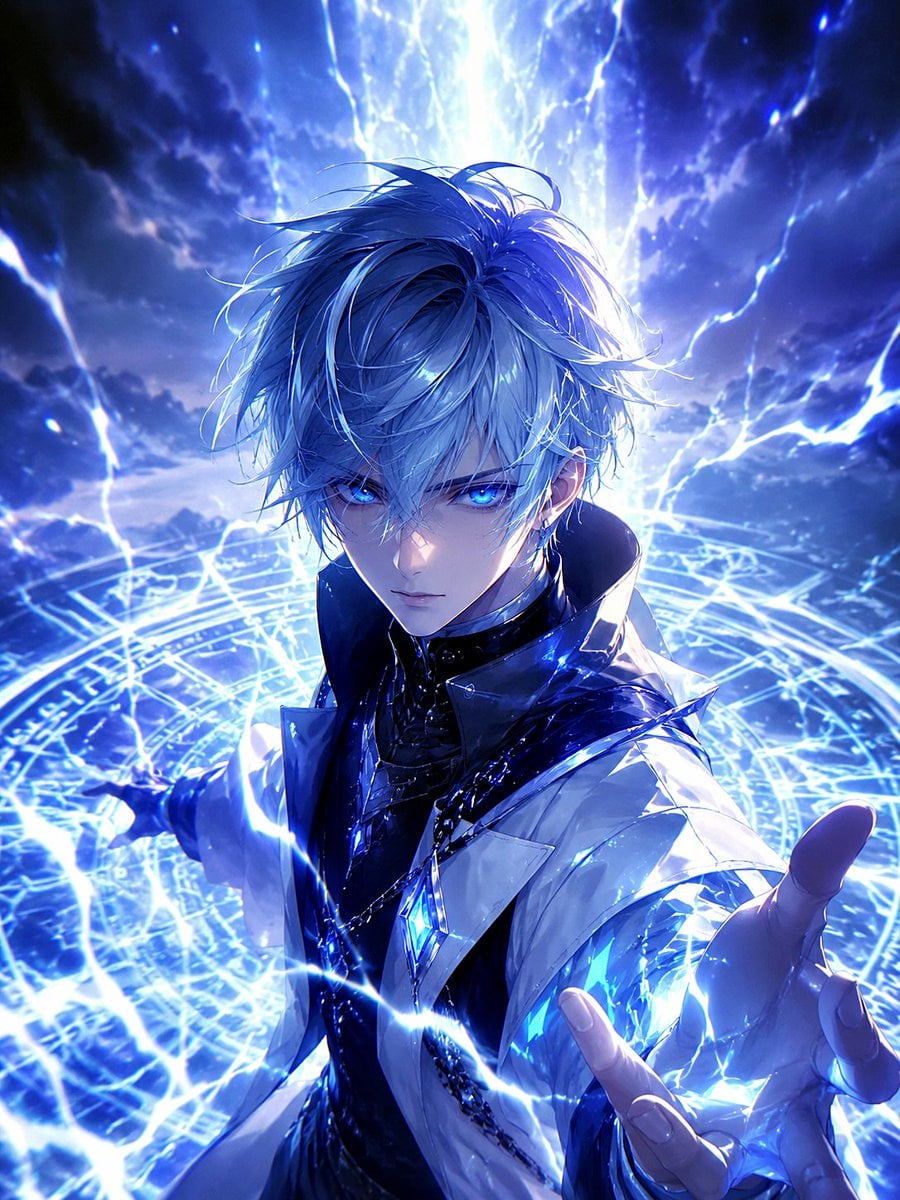
Blue Lightning Anime Mage
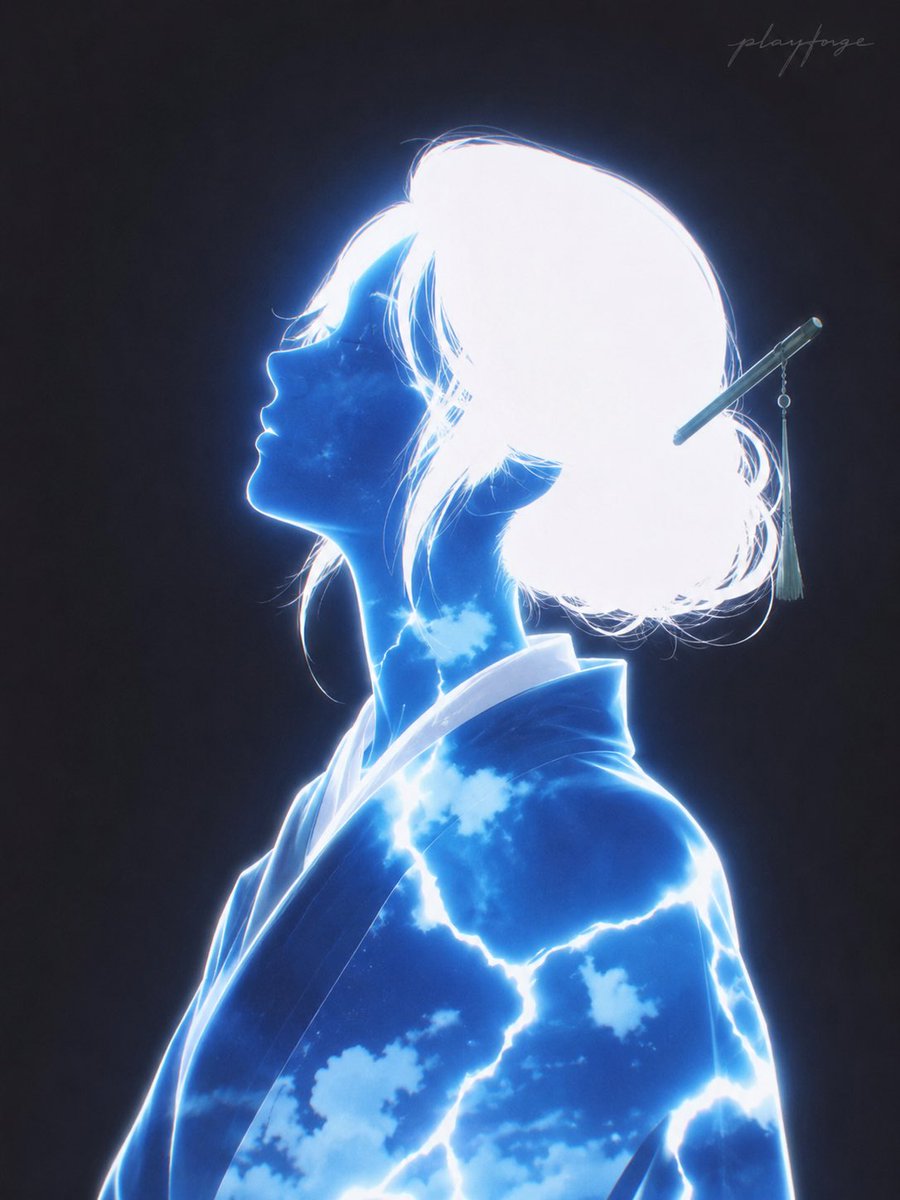
Electric Blue Yokai Woman Portrait
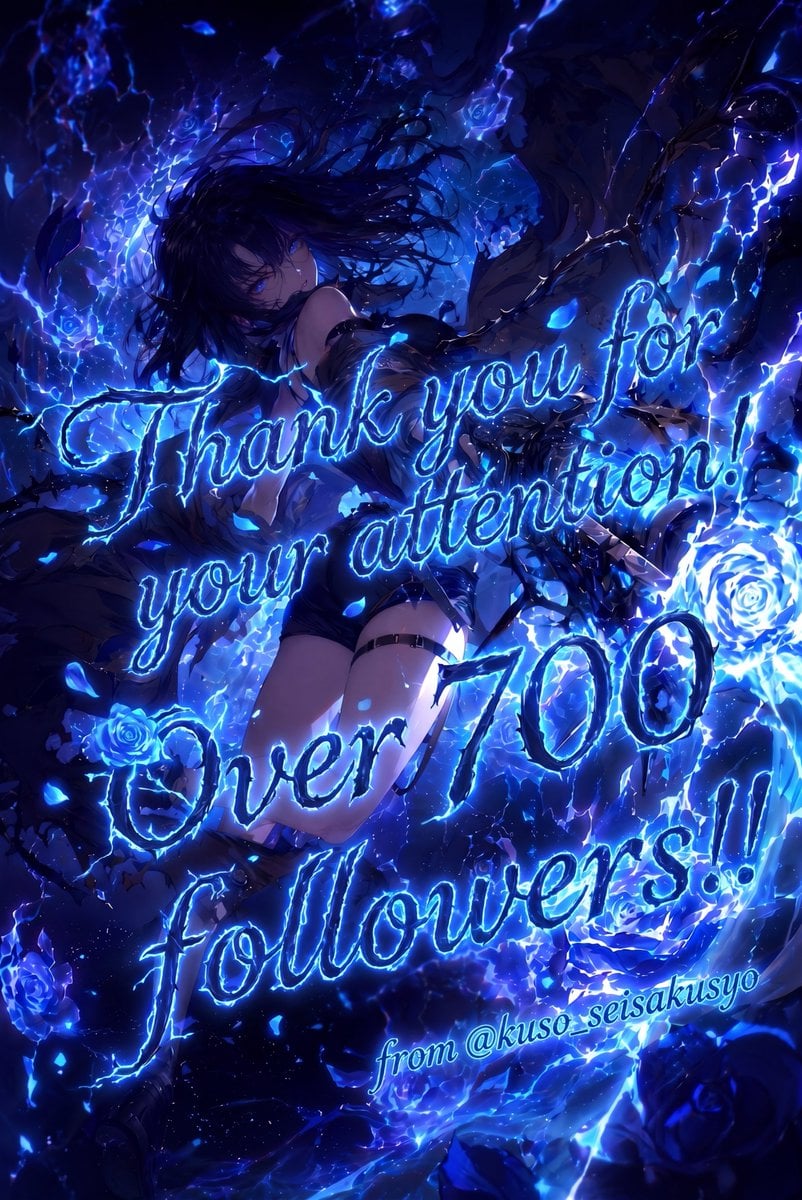
Electric Blue 700 Followers Anime Poster
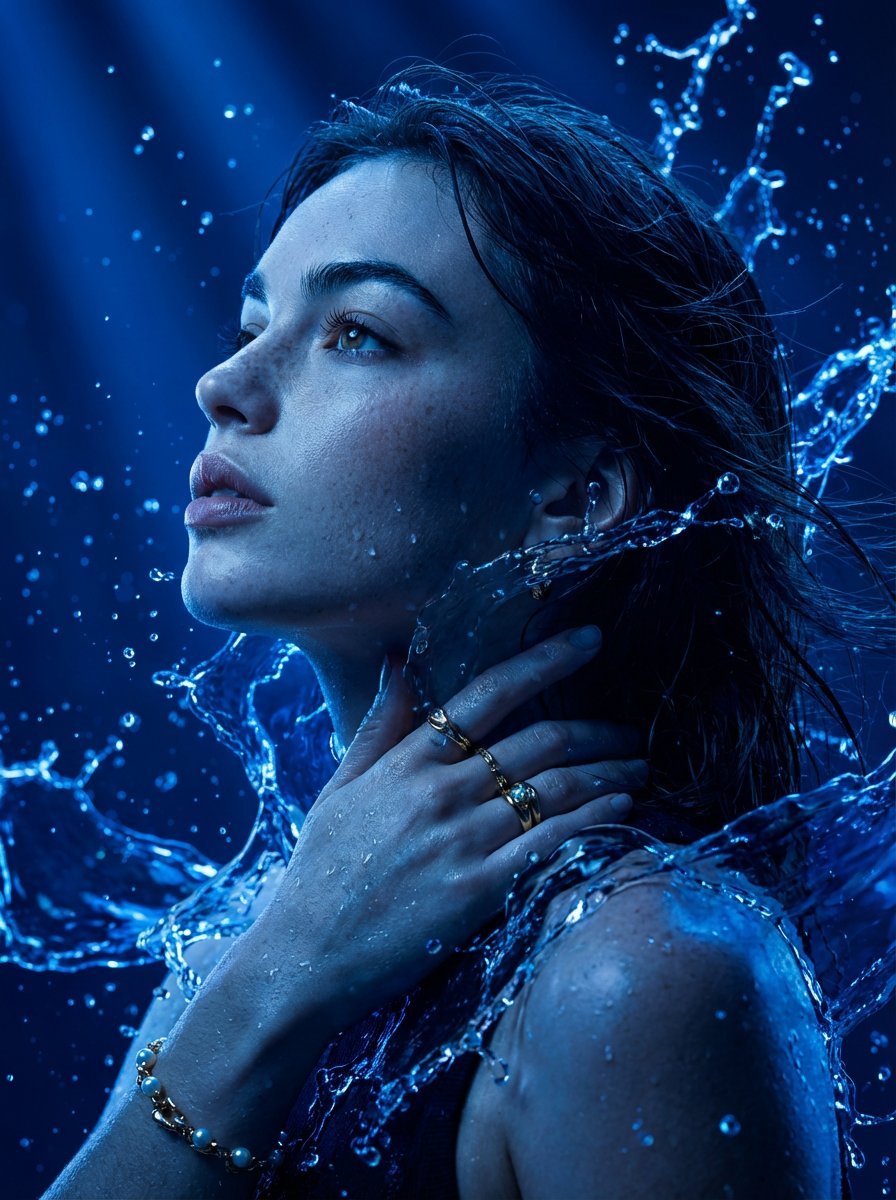
Cinematic Portrait Drenched in Electric Blue Water Splashes
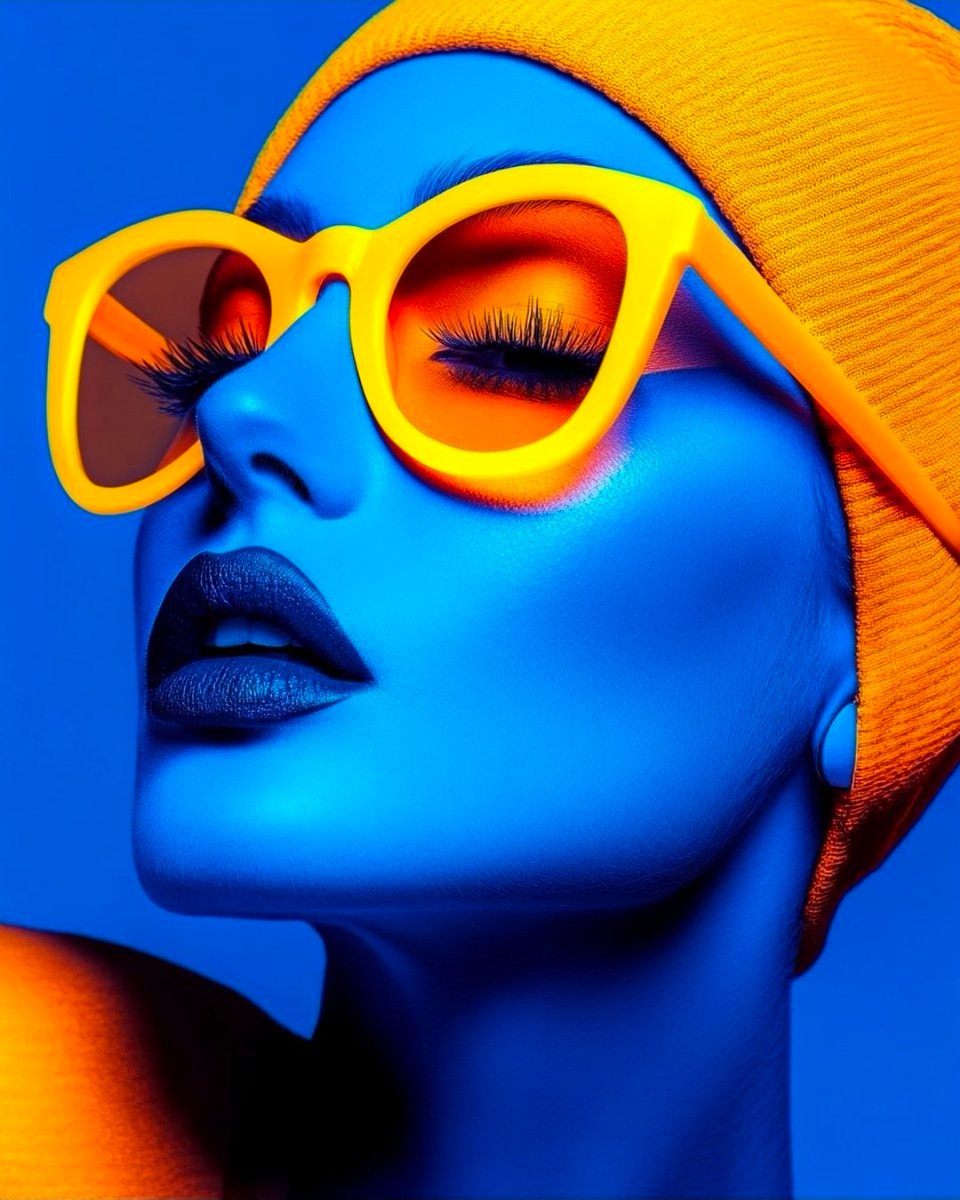
Cyberpunk Fashion Portrait with Electric Blue Skin
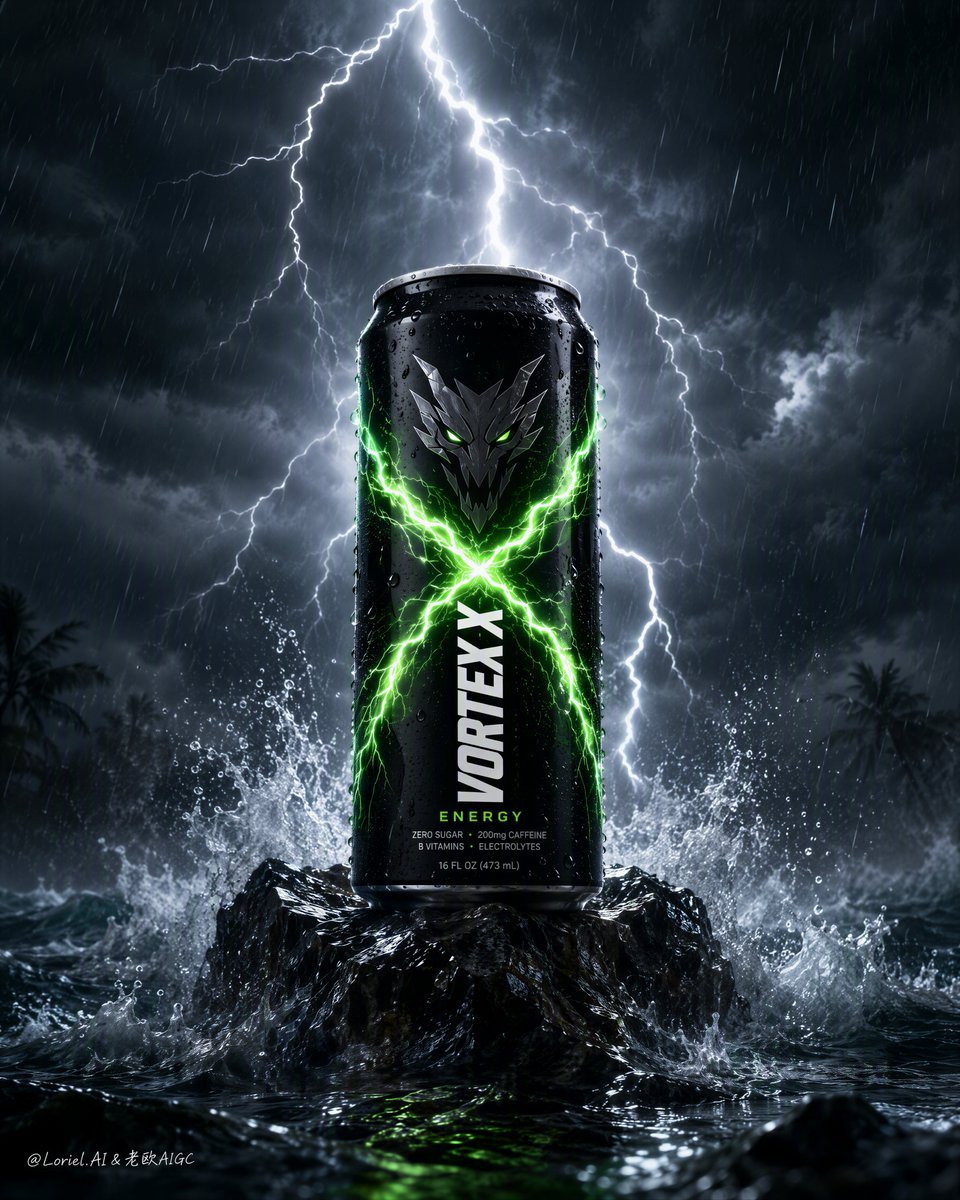
Electric Energy Drink Poster
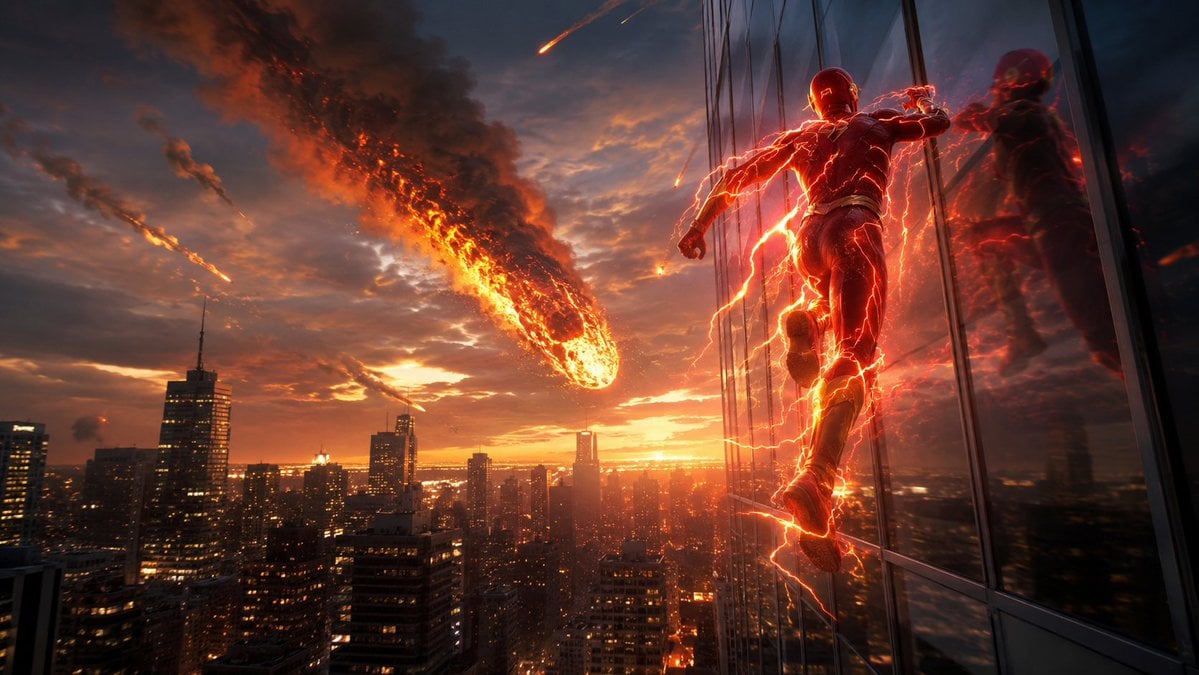
Red Lightning Hero Meteor City
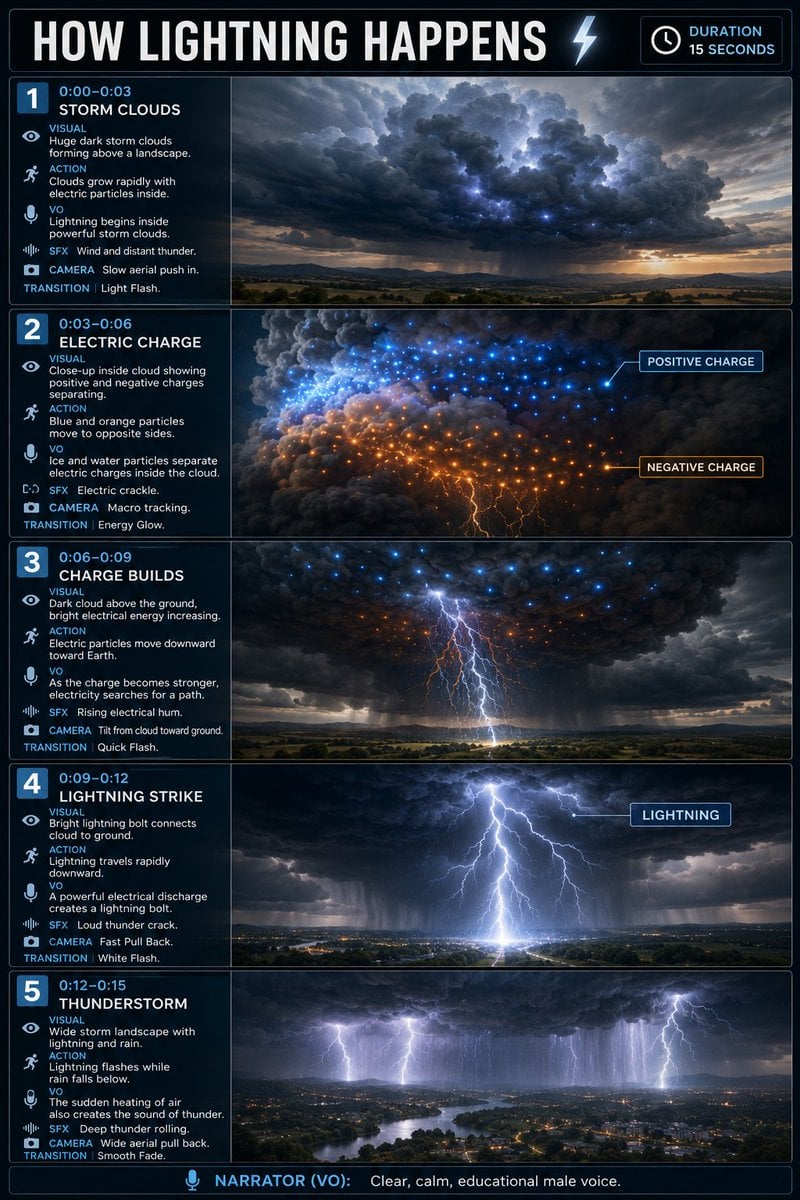
Educational Lightning Storyboard Infographic
Make it yours
Electric Blue Lightning Strike VFX works as-is. These are the safest ways to change it without losing the look.
Change one field
Copy a single group, rewrite it, and generate again so you can see what that field is doing.
Keep the frame, change the subject
Hold the composition and light of Electric Blue Lightning Strike VFX, then swap wardrobe, props or the person for a new take.
| If the result… | Why | Fix |
|---|---|---|
| The result drifts from the preview | Too many fields changed at once. | Reuse Electric Blue Lightning Strike VFX as-is first, then change one group — subject, light, or setting. |
| The model over-stylizes the scene | The prose prompt leaves finish and camera underspecified. | Add one camera or lighting sentence and stay on GPT Image 2. |
More GPT Image 2 templates
Other prompts made for GPT Image 2.

Six VTuber Japanese Logo Sheet

Realistic Portrait of Woman and Deer

The Vista Modular Condo Poster

AI Model Routing Comparison Infographic

2.5D Anime Art Board

Isometric Productivity Desk Scene

New York Double Exposure Poster

Four-Panel AI Landscape Comparison

Japanese Tatami Lifestyle Magazine Cover

NESCAFÉ Coffee Map Poster
More image prompts
Fresh picks from across the catalog.

Grid K-Pop Idol Photocard Style Prompt (JSON)

Ultra-Detailed 3D Plush Cartoon Character Rendering

Swiss Travel Guide Relief Map Poster
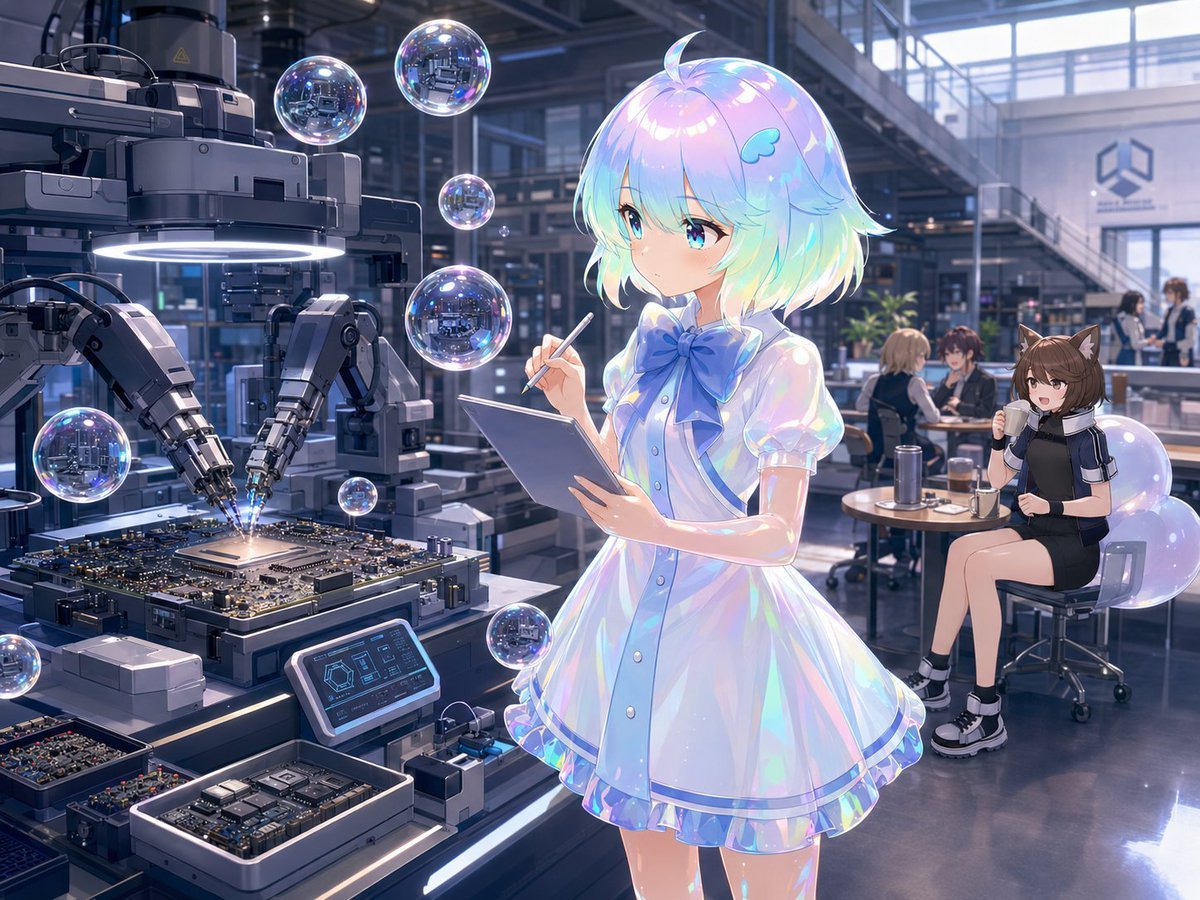
Anime Sci-Fi SoC Factory Inspection

Anime Girl Eating Ramen Edit
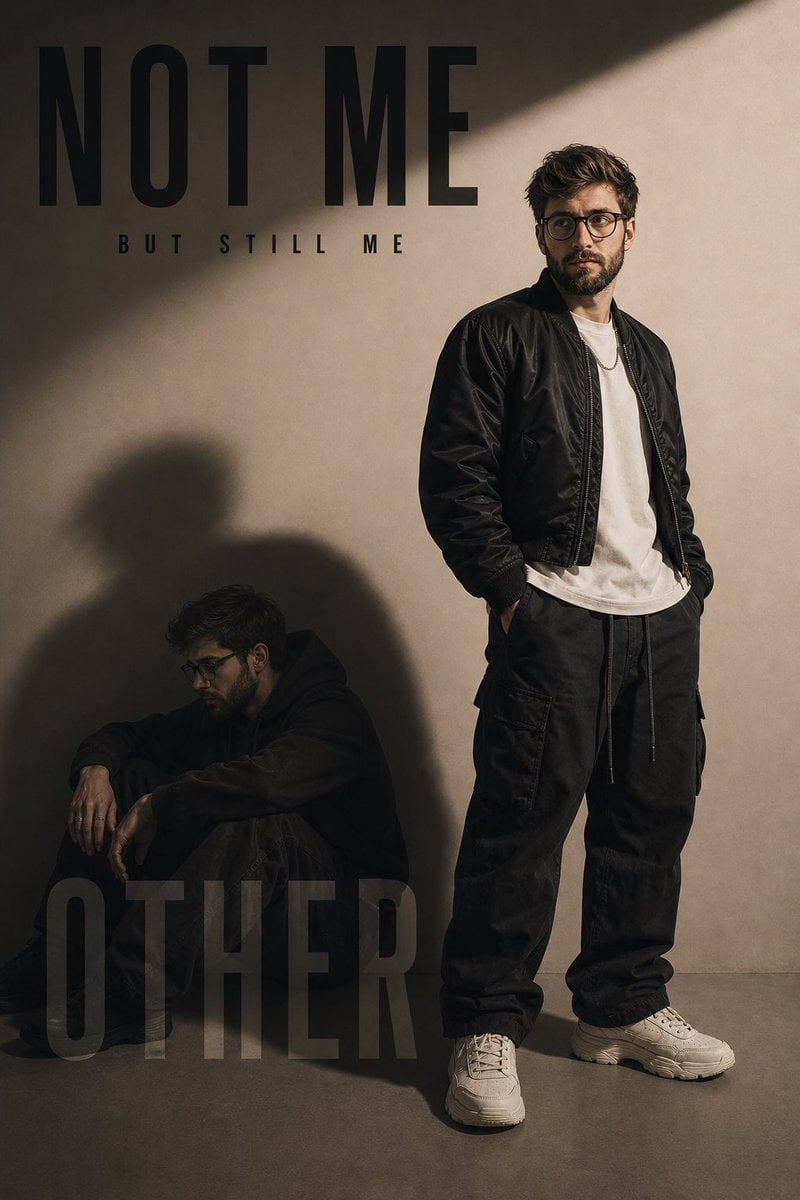
Conceptual Fashion Shadow Portrait
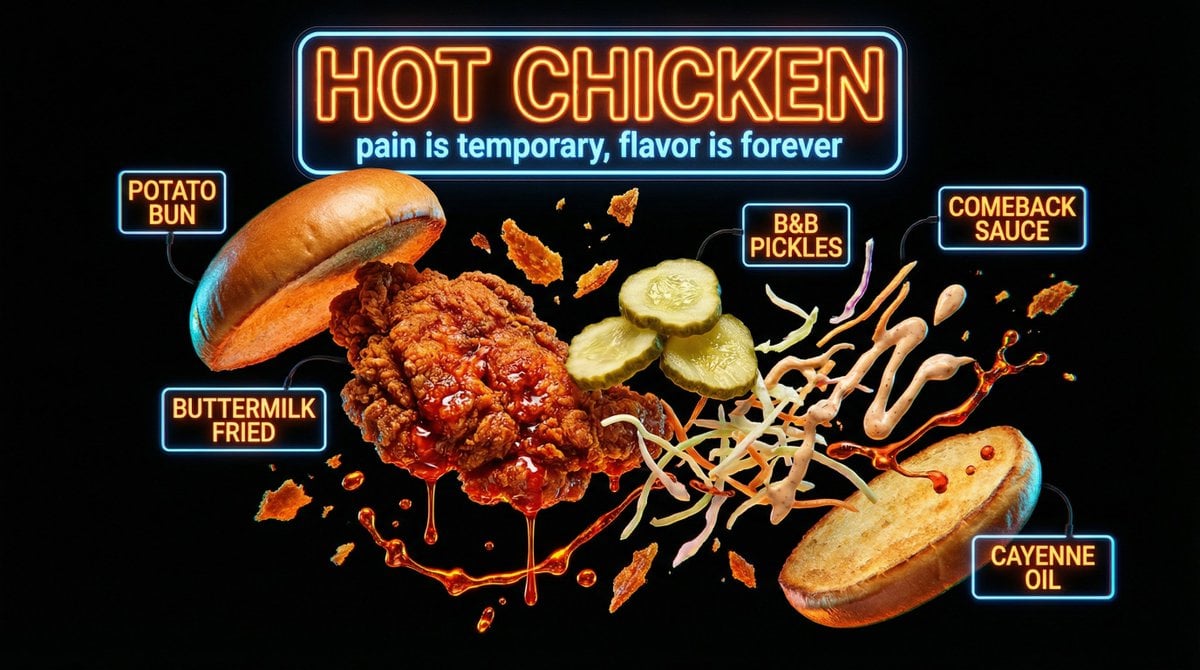
Neon Night Market Food Photography
Dramatic Golden Hour Chiaroscuro Portrait
Vogue-Style Beauty Editorial Portrait
Fitness SaaS Landing Page UI
Browse template categories
Electric Blue Lightning Strike VFX questions
How do I use the Electric Blue Lightning Strike VFX template?
Add your photo if the template asks for one, edit the prompt if you like — the template's model and format are already selected — and press Generate. Your version opens in PicX Studio.
Can I customize the Electric Blue Lightning Strike VFX template?
Yes. You can change the subject, setting, lighting, mood, format, and available model controls before creating your image.
Is the Electric Blue Lightning Strike VFX template free?
Opening and editing this template is free. Generating uses credits, shown on the Generate button when you are signed in.
Which AI model should I use?
Start with GPT Image 2, which is the model associated with this template. You can compare another compatible model for a different finish.
Looking for something else? Browse all templates.

Your photo, any look
Thousands of ready templates for every top image and video model, from one credit balance.