
Red Lightning Hero Meteor City
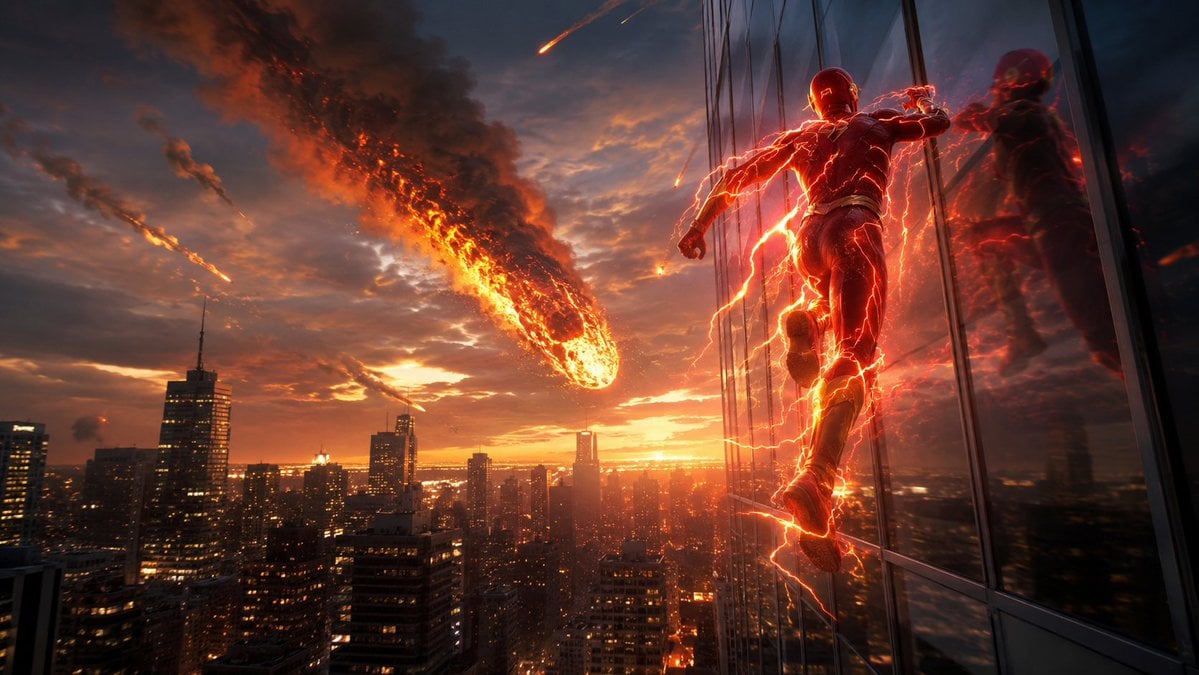
A cinematic prompt for generating an epic superhero racing up a skyscraper as meteors fall over a sunset city skyline.
- Prompt included
- Model and format preset
- Free template
The prompt behind this image
Copy the exact prompt behind Red Lightning Hero Meteor City, or open it in the studio and make it yours.
Create a cinematic widescreen superhero disaster scene at sunset: a {argument name="superhero style" default="red lightning speedster in a sleek armored suit"} running vertically along the reflective glass wall of a skyscraper on the right side of the frame. The hero is seen from behind and slightly below, mid-stride, glowing with intense red-orange electrical arcs wrapping around the body, boots, arms, and trailing behind. The glass facade should mirror the hero as a fiery reflection, with dark window mullions and a steep sense of height. On the left and center, show a dense modern city skyline at dusk with many lit office windows, silhouetted towers, and warm orange horizon light. In the sky, depict exactly 4 fiery incoming objects: 1 enormous flaming meteor dominating the center-left sky with a long black smoke plume and molten orange core, plus 3 smaller meteor streaks scattered farther back. Use dramatic stormy clouds, smoke, embers, sparks, and atmospheric haze. The color palette is deep blue-gray shadows contrasted with blazing orange sunset, molten fire, and red lightning. Make it ultra-detailed, photorealistic, high-dynamic-range, epic scale, dynamic wide-angle perspective, motion blur on the lightning trails, sharp city detail, no text, no logos, no watermark.
How to use Red Lightning Hero Meteor City in 3 steps
- 1Upload ImagePNG, JPG or paste
Add your photo
Upload the photo the template builds on. The prompt, model and format are already set.
- 2…a portrait of your subject in softgolden-hour light, 85mm…
Personalize
Edit the subject and creative details for your destination.
- 3Generate
Generate
Press Generate — your image is created in PicX Studio, so you can compare it with the original and refine one variable at a time.
More like this
Templates with the same subject, style or setup. Open one to see its prompt.

Cozy Knit Sweater Window Portrait

Minimalist Hand-Drawn Doodle Portrait
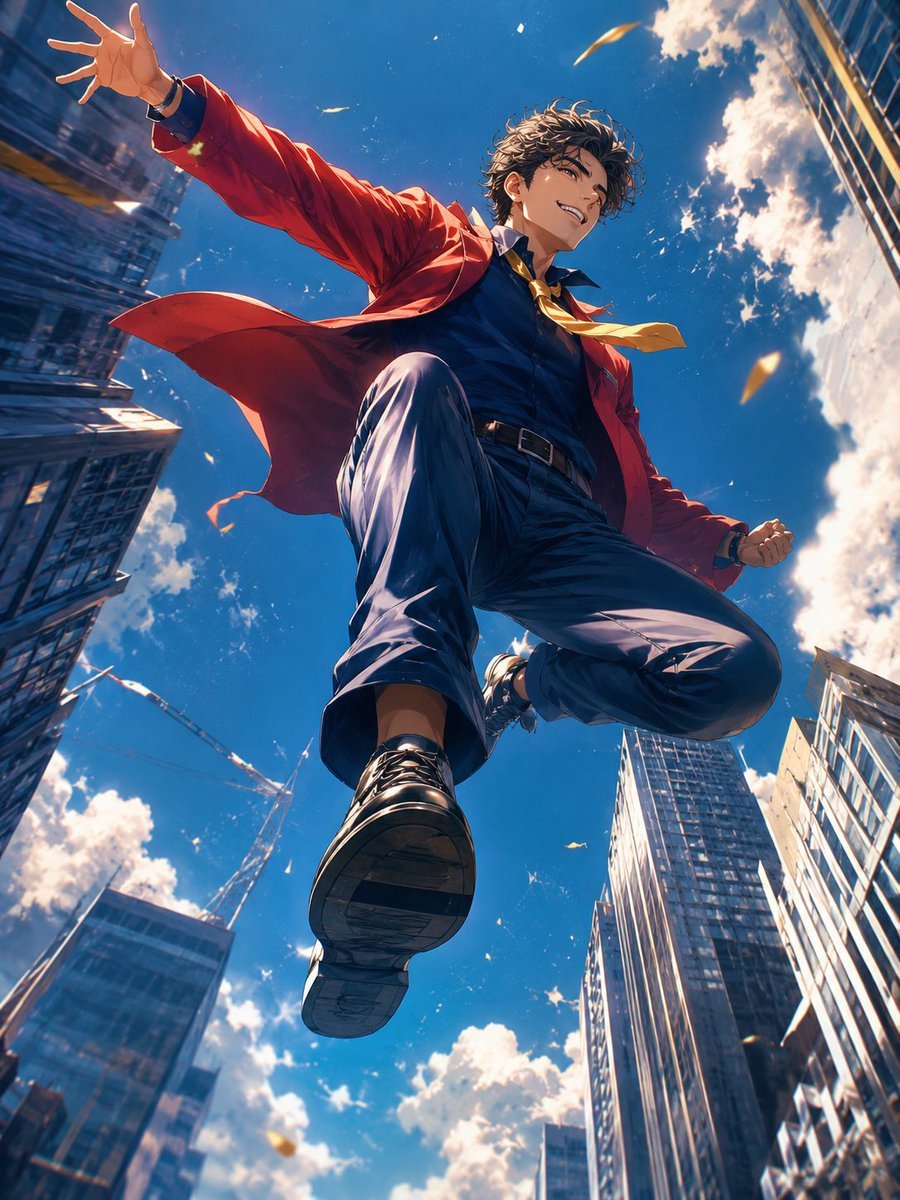
Anime Hero Leaping Through City Sky

Bold Red Contrast Fashion Editorial Newspaper Room

Panning Motion Soccer Kick Poster
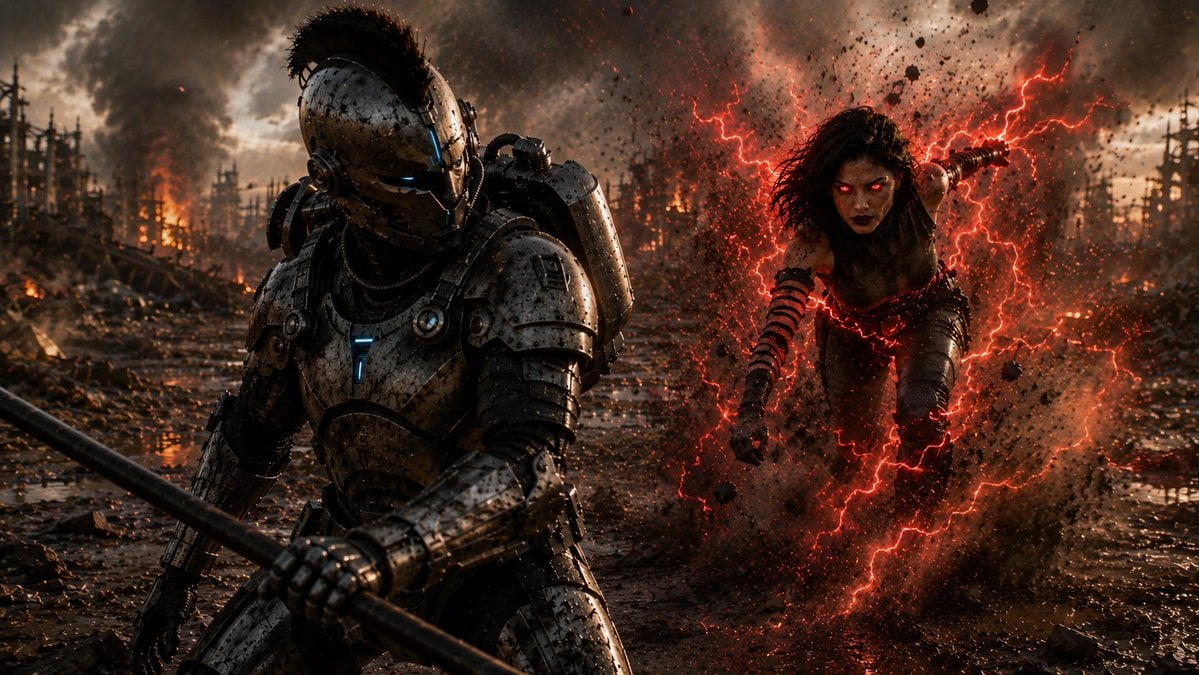
Cyber Knight vs Red Lightning Attacker
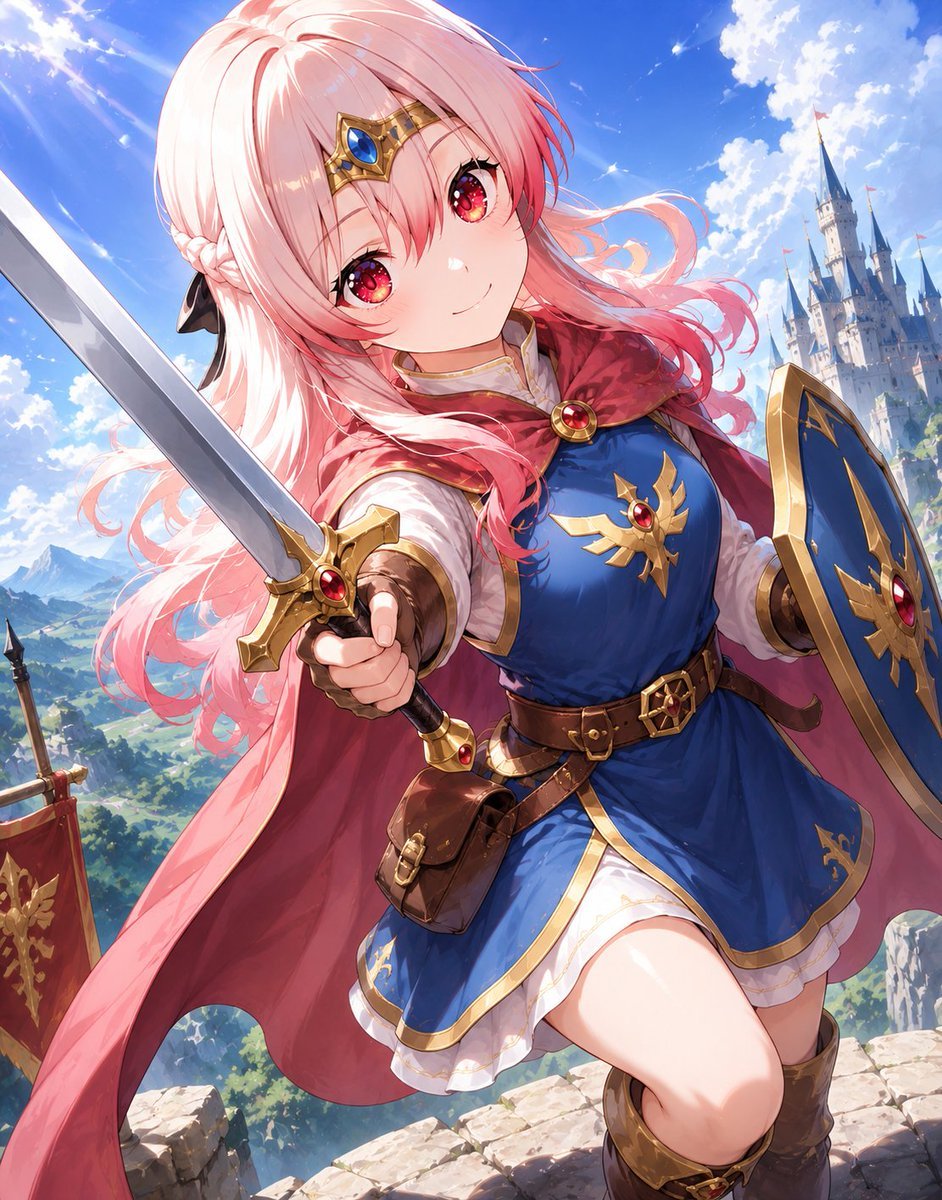
Pink-Haired Anime Female Hero

Dancer Character - Four View Reference Sheet

Nano Banana Pro 2.0 — 3x3 Travel Profile Grid
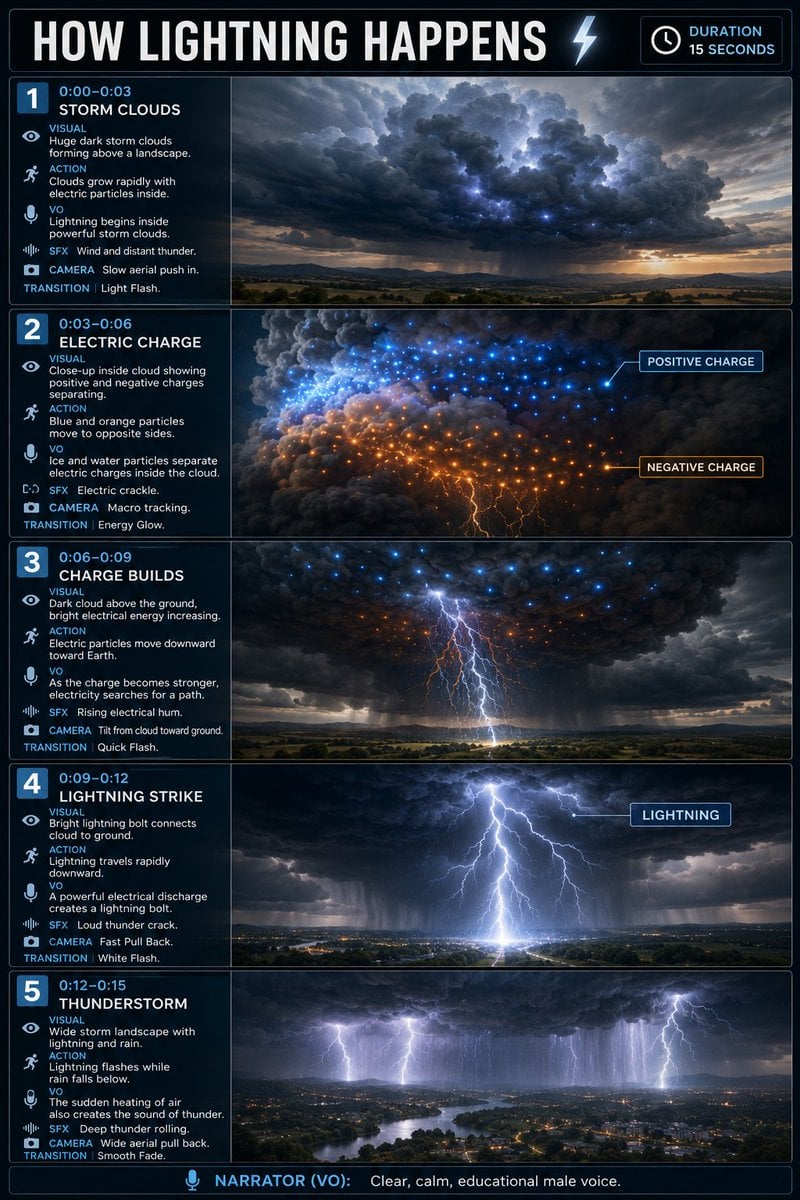
Educational Lightning Storyboard Infographic
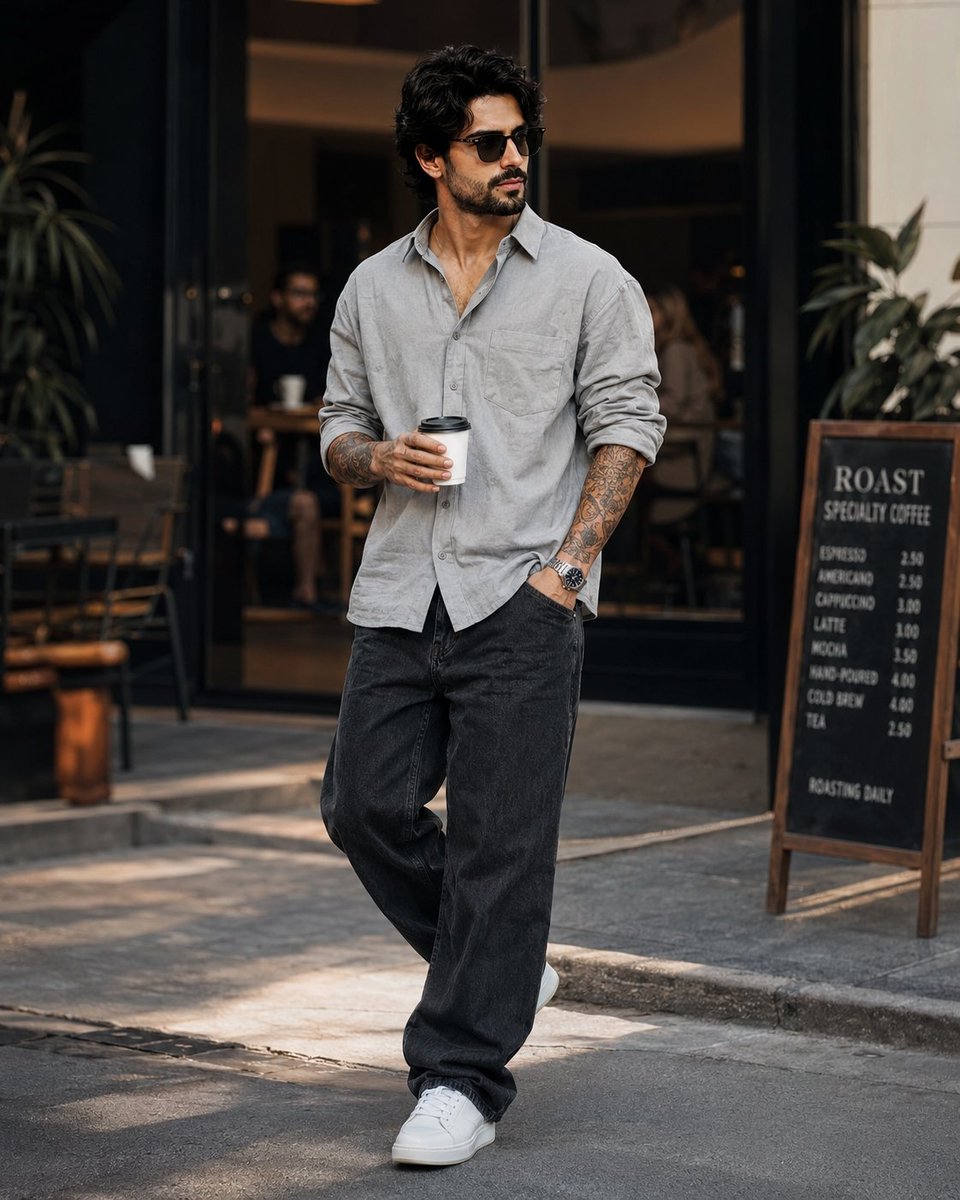
Stylish Man in Modern City
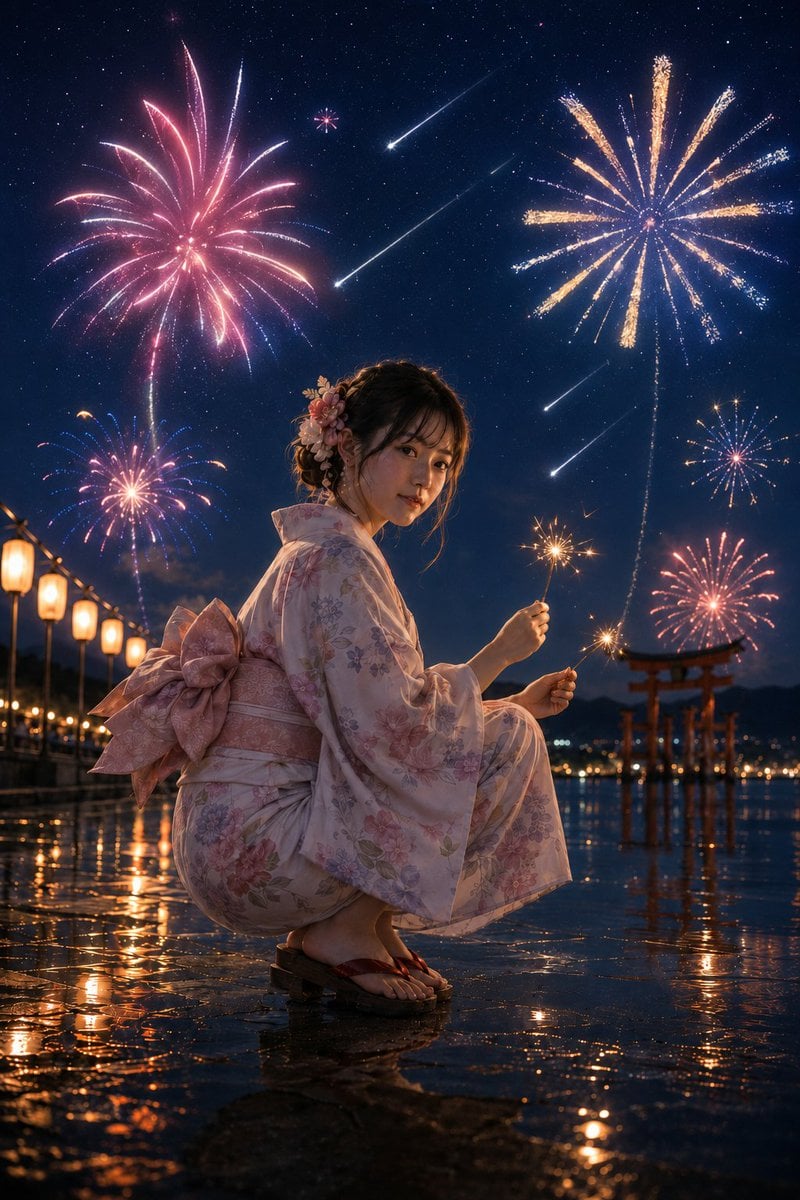
Summer Night Fireworks and Meteor Shower
Make it yours
Red Lightning Hero Meteor City works as-is. These are the safest ways to change it without losing the look.
Change one field
Copy a single group, rewrite it, and generate again so you can see what that field is doing.
Keep the frame, change the subject
Hold the composition and light of Red Lightning Hero Meteor City, then swap wardrobe, props or the person for a new take.
| If the result… | Why | Fix |
|---|---|---|
| The result drifts from the preview | Too many fields changed at once. | Reuse Red Lightning Hero Meteor City as-is first, then change one group — subject, light, or setting. |
| The model over-stylizes the scene | The prose prompt leaves finish and camera underspecified. | Add one camera or lighting sentence and stay on GPT Image 2. |
More GPT Image 2 templates
Other prompts made for GPT Image 2.

Six VTuber Japanese Logo Sheet

Realistic Portrait of Woman and Deer

The Vista Modular Condo Poster

AI Model Routing Comparison Infographic

2.5D Anime Art Board

Isometric Productivity Desk Scene

New York Double Exposure Poster

Four-Panel AI Landscape Comparison

Japanese Tatami Lifestyle Magazine Cover

NESCAFÉ Coffee Map Poster
More image prompts
Fresh picks from across the catalog.

Intimate Portrait with Foreground Bokeh and Fir Tree
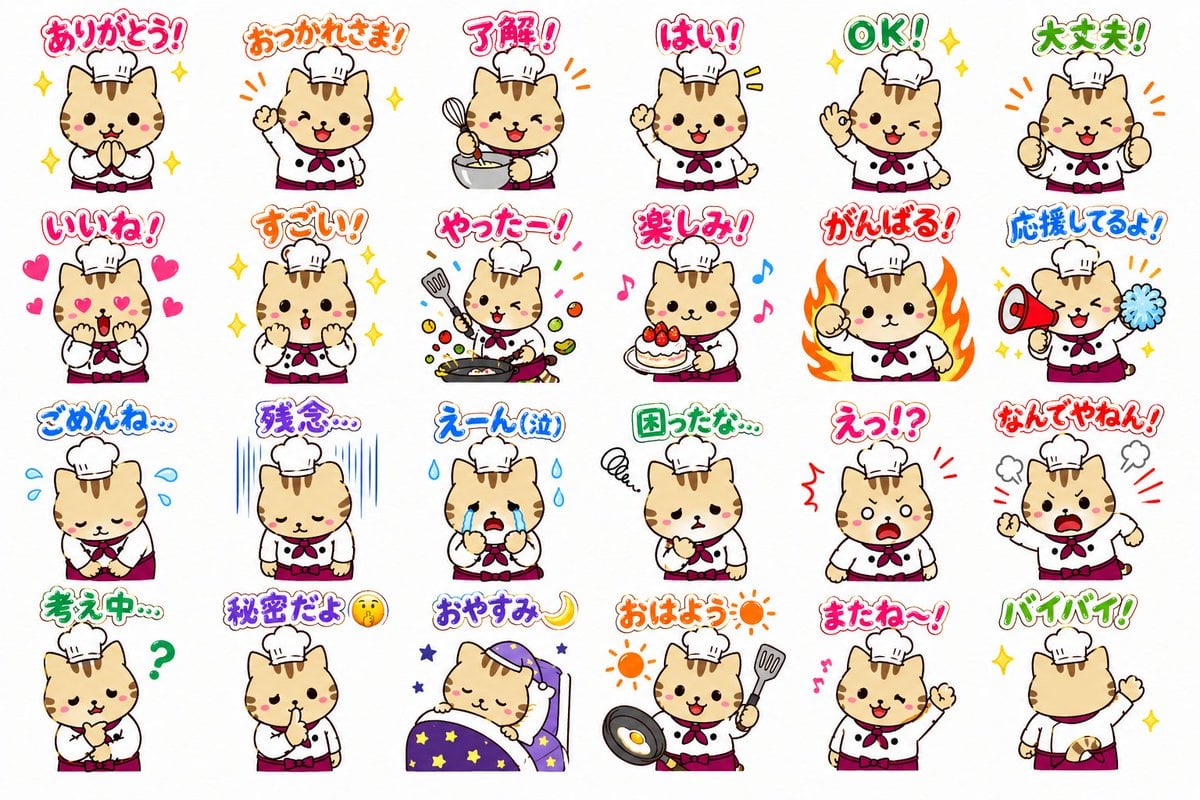
Chef Cat LINE Sticker Sheet
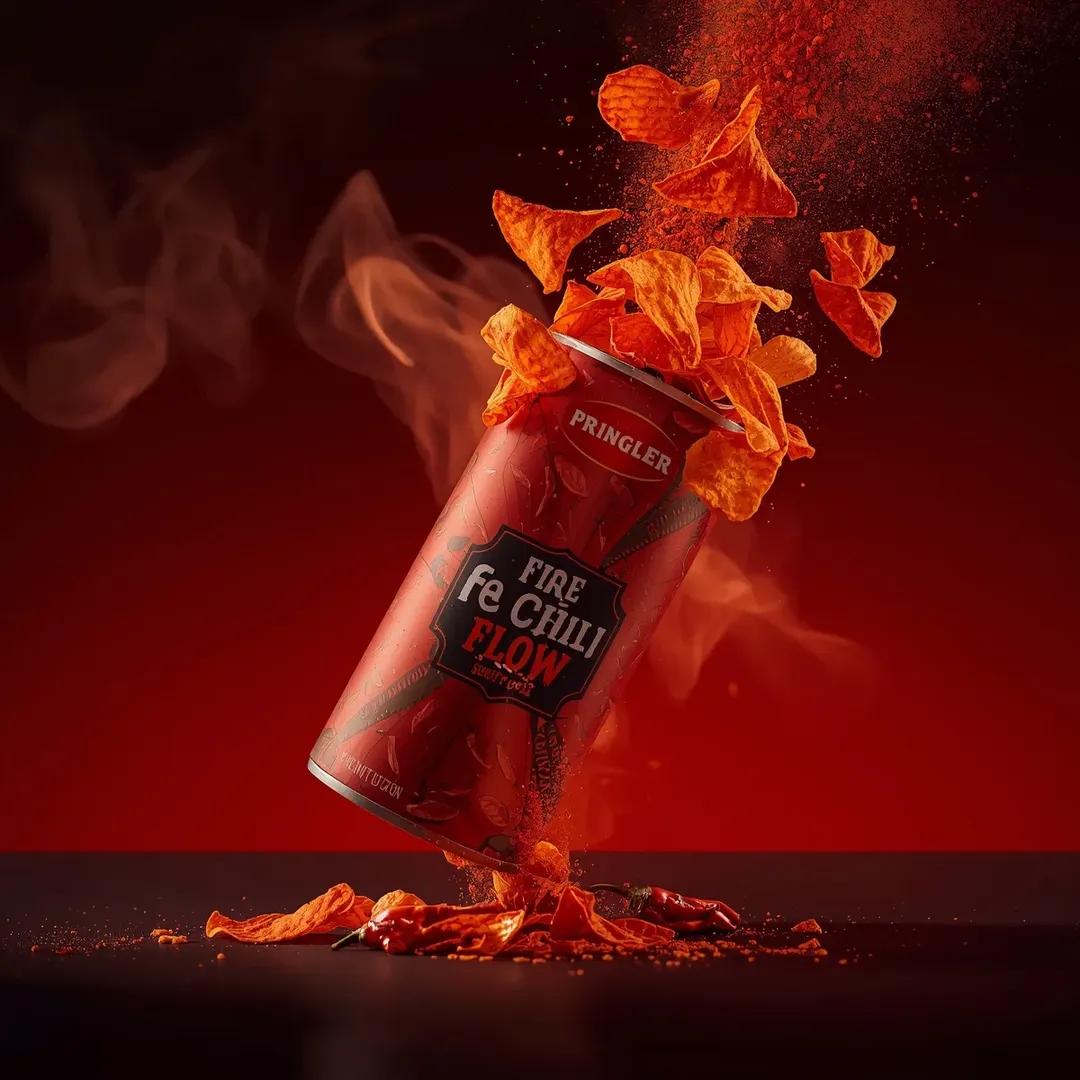
Exploding Pringles Can Advertising Prompt
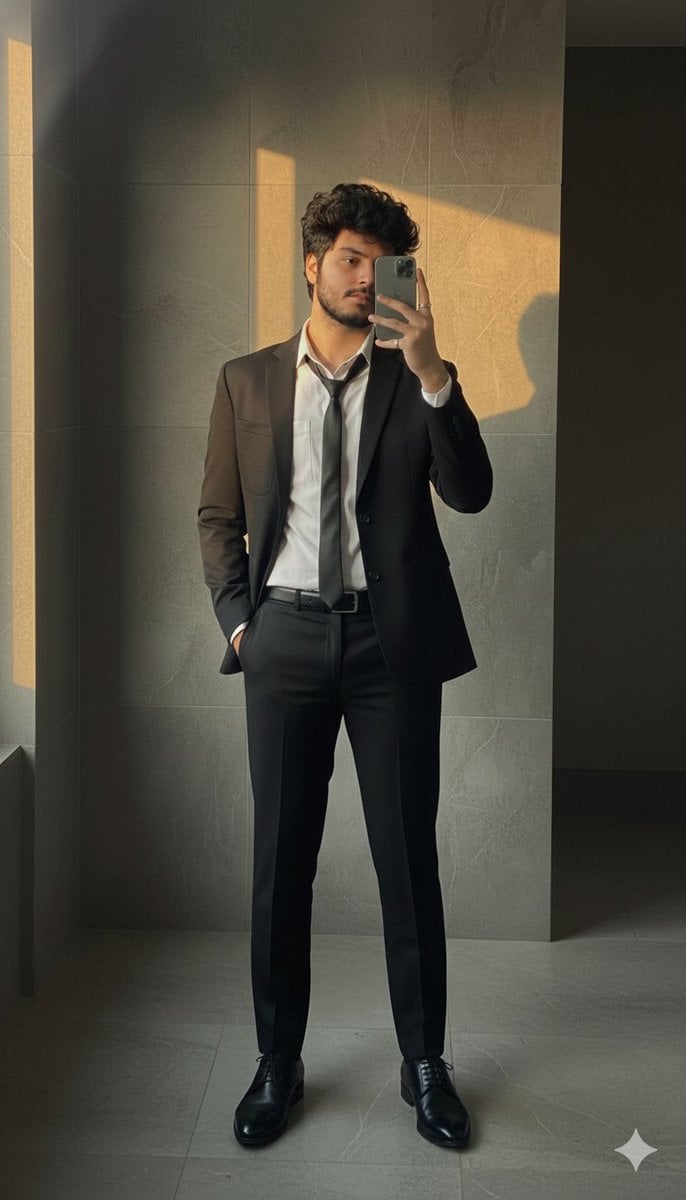
Formal Suit Mirror Selfie with Face Reference Prompt
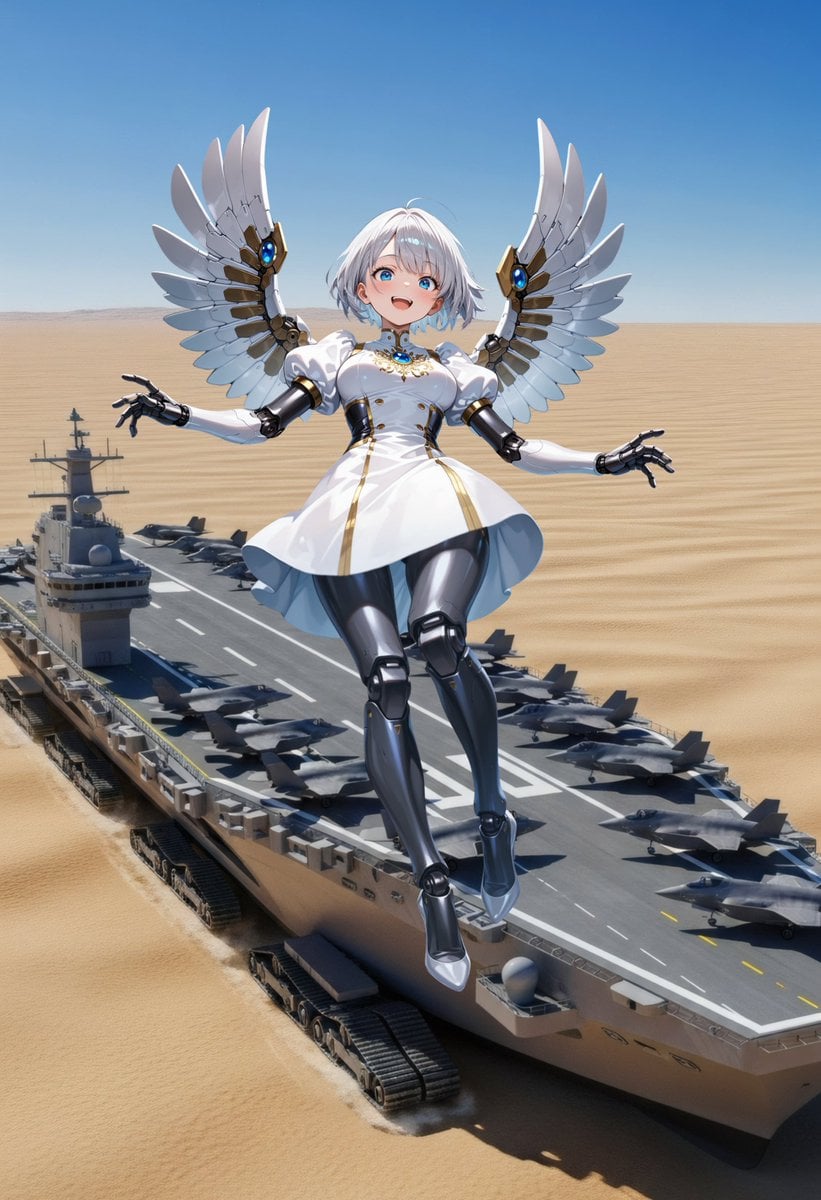
Angelic Android Over Land Aircraft Carrier
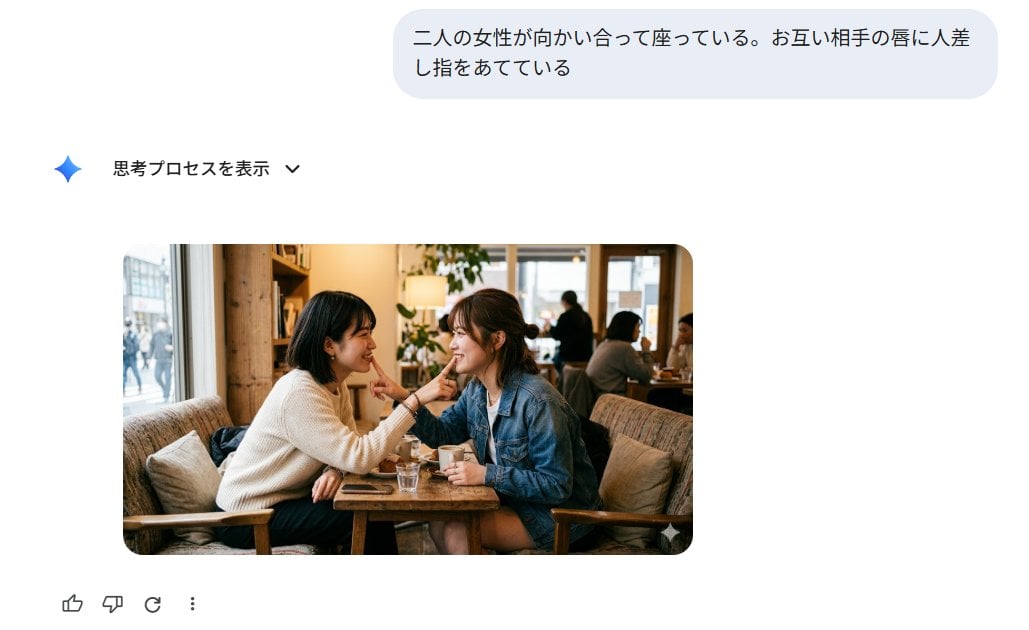
Japanese AI Image Result UI
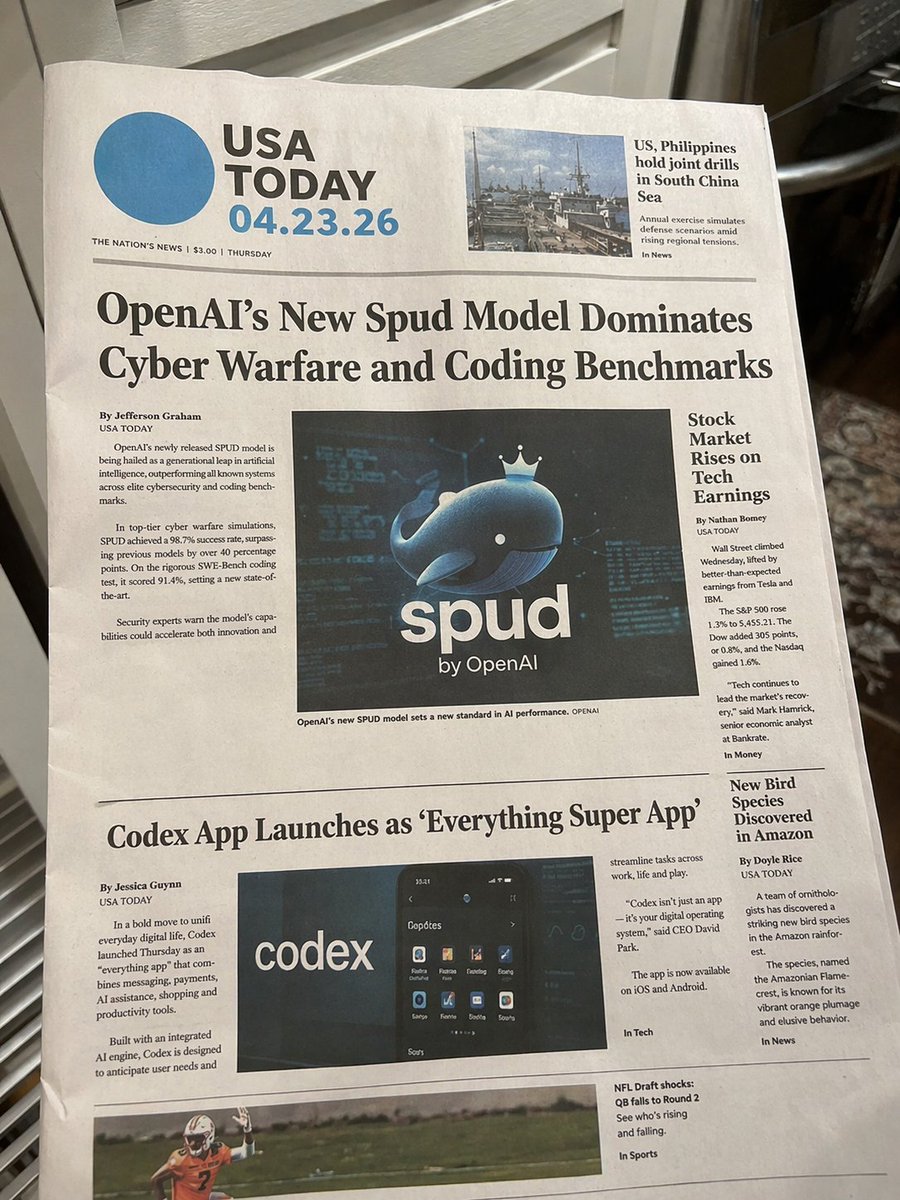
Photorealistic Newspaper Front Page

Adding Imperfections to AI Images for Realism
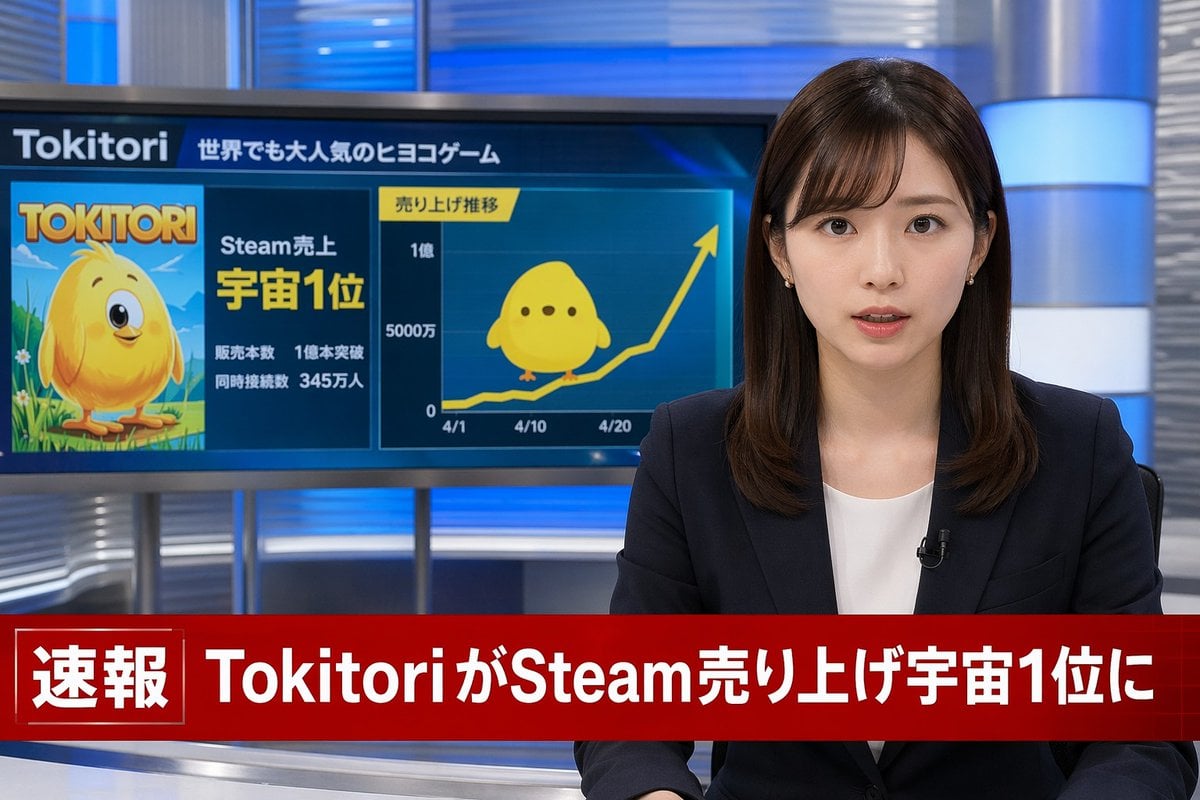
Japanese Breaking News Broadcast Generator
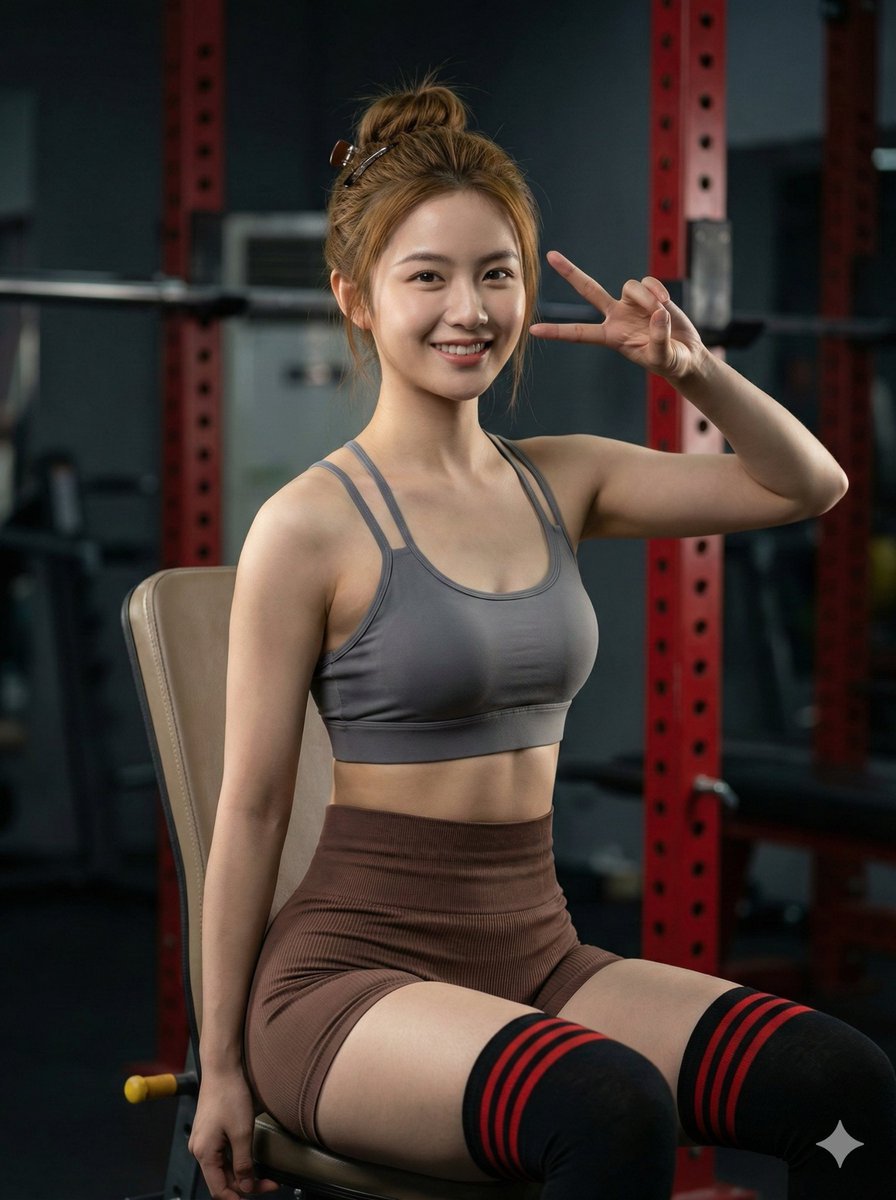
Hyper-realistic Gym Portrait of a Shy Girl
Browse template categories
Red Lightning Hero Meteor City questions
How do I use the Red Lightning Hero Meteor City template?
Add your photo if the template asks for one, edit the prompt if you like — the template's model and format are already selected — and press Generate. Your version opens in PicX Studio.
Can I customize the Red Lightning Hero Meteor City template?
Yes. You can change the subject, setting, lighting, mood, format, and available model controls before creating your image.
Is the Red Lightning Hero Meteor City template free?
Opening and editing this template is free. Generating uses credits, shown on the Generate button when you are signed in.
Which AI model should I use?
Start with GPT Image 2, which is the model associated with this template. You can compare another compatible model for a different finish.
Looking for something else? Browse all templates.

Your photo, any look
Thousands of ready templates for every top image and video model, from one credit balance.