
Landscape to Enamel Pin Badge Transformation
A prompt that converts a landscape reference photo into a stylish travel souvenir enamel pin badge with gold outlines and flat color blocks.
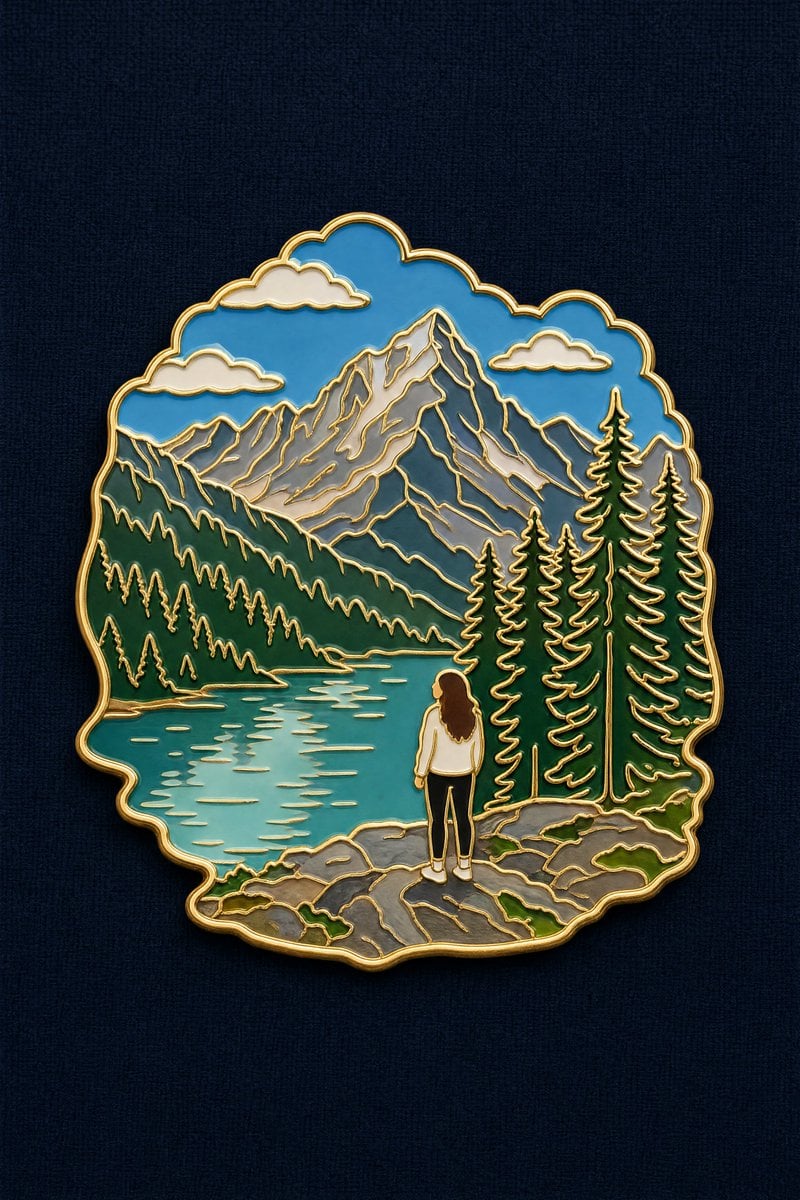
- Prompt included
- Model and format preset
- Free template
The prompt behind this image
Copy the exact prompt behind Landscape to Enamel Pin Badge Transformation, or open it in the studio and make it yours.
Turn the reference photo into a travel souvenir enamel pin badge. Compose it as a SCENE, not a single isolated object. Subject hierarchy: the defining landscape, terrain or landmark of the photo forms the main body of the badge and occupies most of its area. If a person appears prominently in the photo, keep them in the badge as a small, simplified figure at true relative scale within that landscape — the person is an accent, the landscape is the subject.Preserve the original spatial relationship and scale between the figure and the surroundings. How to render the person: flat enamel color blocks matching their real clothing and hair color from the photo. The face is a smooth plain area of light skin-tone enamel with no drawn facial features — do NOT render the person as a dark or black silhouette, and do NOT black out the face or head. Skin reads as a warm light enamel color, clearly lighter than the clothing.Styling: thin polished gold outline around the silhouette and along every internal divider, glossy enamel color fill, gentle even lighting with only a soft sheen on the gold lines, very subtle drop shadow. Outer contour follows the scene's own shape, not a plain rectangle. Background: flat {argument name="background texture" default="dark navy coarse linen"} texture. Badge centered, filling about 60% of the frame.Avoid: black silhouette figure, blacked-out face, dark featureless head, portrait close-up, detailed facial features, person dominating the badge, cropping out the landscape, three-quarter angle, macro product photography, heavy specular glare, cartoon, realistic scene, text, watermark.
Reference images included
Landscape to Enamel Pin Badge Transformation needs input media to work. They load alongside the prompt when you open it in the studio.
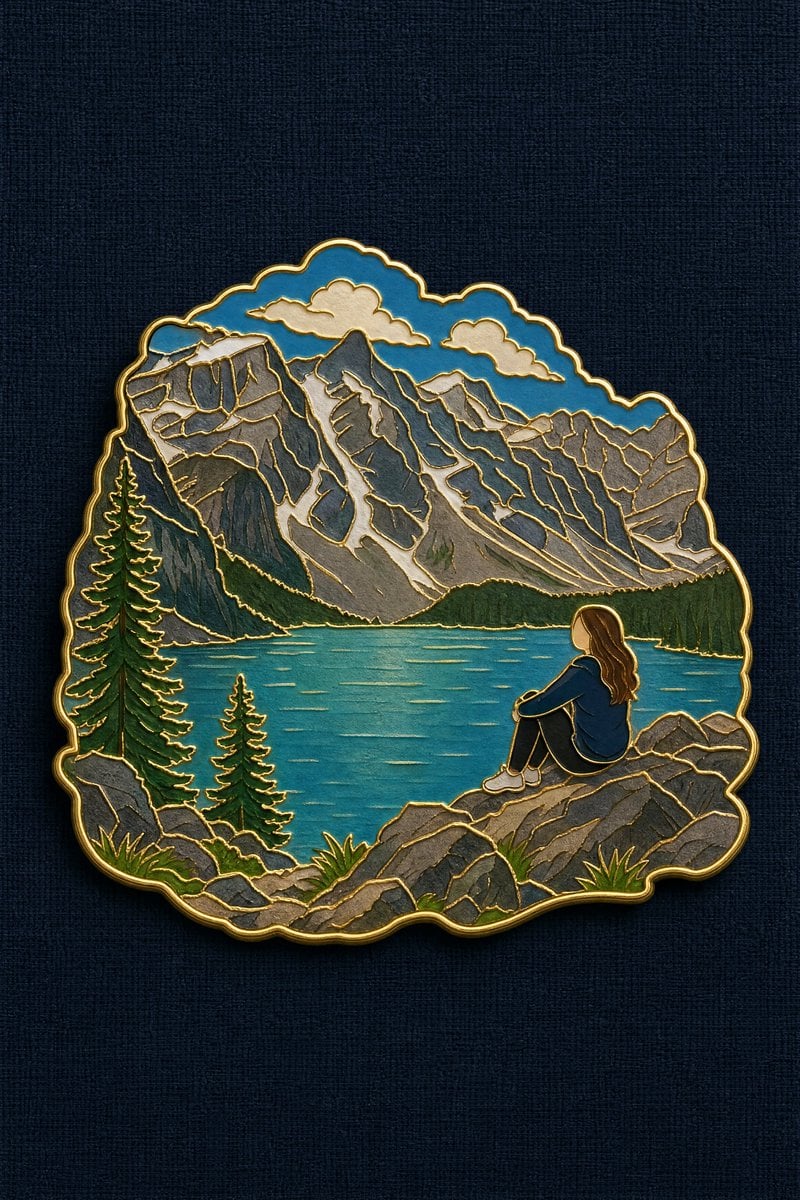
How to use Landscape to Enamel Pin Badge Transformation in 3 steps
- 1Upload ImagePNG, JPG or paste
Add your photo
Upload the photo the template builds on. The prompt, model and format are already set.
- 2…a portrait of your subject in softgolden-hour light, 85mm…
Personalize
Edit the subject and creative details for your destination.
- 3Generate
Generate
Press Generate — your image is created in PicX Studio, so you can compare it with the original and refine one variable at a time.
More like this
Templates with the same subject, style or setup. Open one to see its prompt.

Teen Girl Alpine Lake Mountain View

Song Dynasty Enamel Badges

Mountain Lake Sunset Landscape

Ghibli Final Takeoff Field

Ghibli Rainy Tram Interior

Ghibli Star Observatory

Ghibli Tiny House On Back

Ghibli Lantern River Festival

Ghibli Whale Bone Beach

Ghibli Abandoned Amusement

Ghibli Shadow Puppet Theater

Ghibli Bakery Morning Rush
Make it yours
Landscape to Enamel Pin Badge Transformation works as-is. These are the safest ways to change it without losing the look.
Change one field
Copy a single group, rewrite it, and generate again so you can see what that field is doing.
Keep the frame, change the subject
Hold the composition and light of Landscape to Enamel Pin Badge Transformation, then swap wardrobe, props or the person for a new take.
| If the result… | Why | Fix |
|---|---|---|
| The result drifts from the preview | Too many fields changed at once. | Reuse Landscape to Enamel Pin Badge Transformation as-is first, then change one group — subject, light, or setting. |
| The model over-stylizes the scene | The prose prompt leaves finish and camera underspecified. | Add one camera or lighting sentence and stay on GPT Image 2. |
More GPT Image 2 templates
Other prompts made for GPT Image 2.

Six VTuber Japanese Logo Sheet

Realistic Portrait of Woman and Deer

The Vista Modular Condo Poster

AI Model Routing Comparison Infographic

2.5D Anime Art Board

Isometric Productivity Desk Scene

New York Double Exposure Poster

Four-Panel AI Landscape Comparison

Japanese Tatami Lifestyle Magazine Cover

NESCAFÉ Coffee Map Poster
More image prompts
Fresh picks from across the catalog.

Realistic Beachwear Portrait Formula
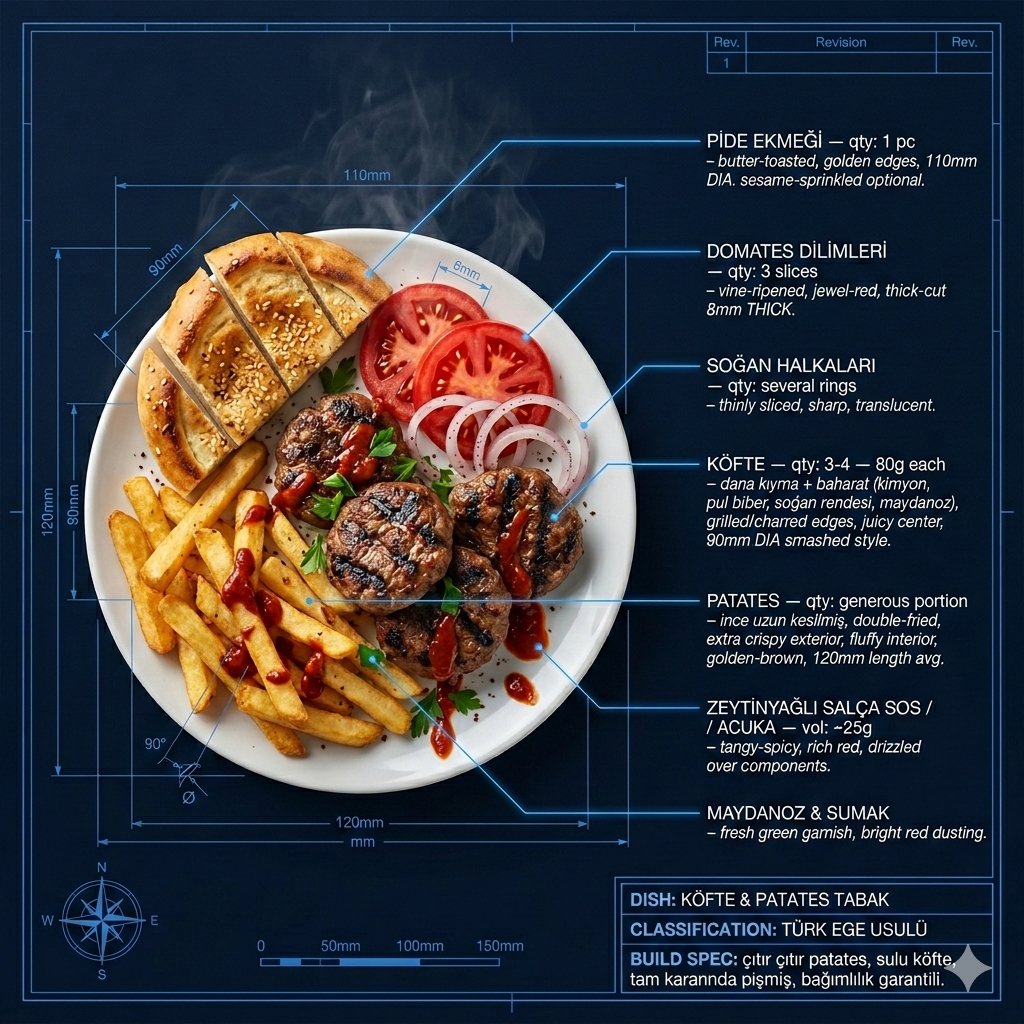
Technical Architectural Blueprint of KÖFTE & PATATES

Static Image Generation from Anime Prompt

Hongdae Street Style Portrait

Four-Panel Vertical Advertisement Mockups
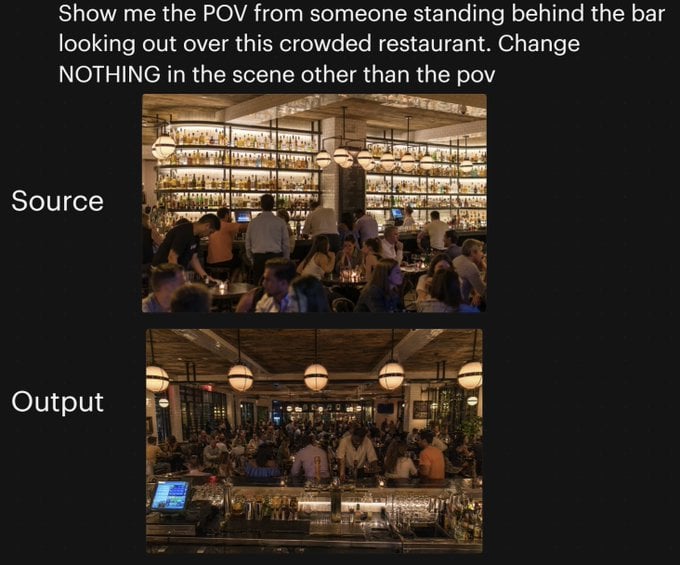
Restaurant POV Change Comparison
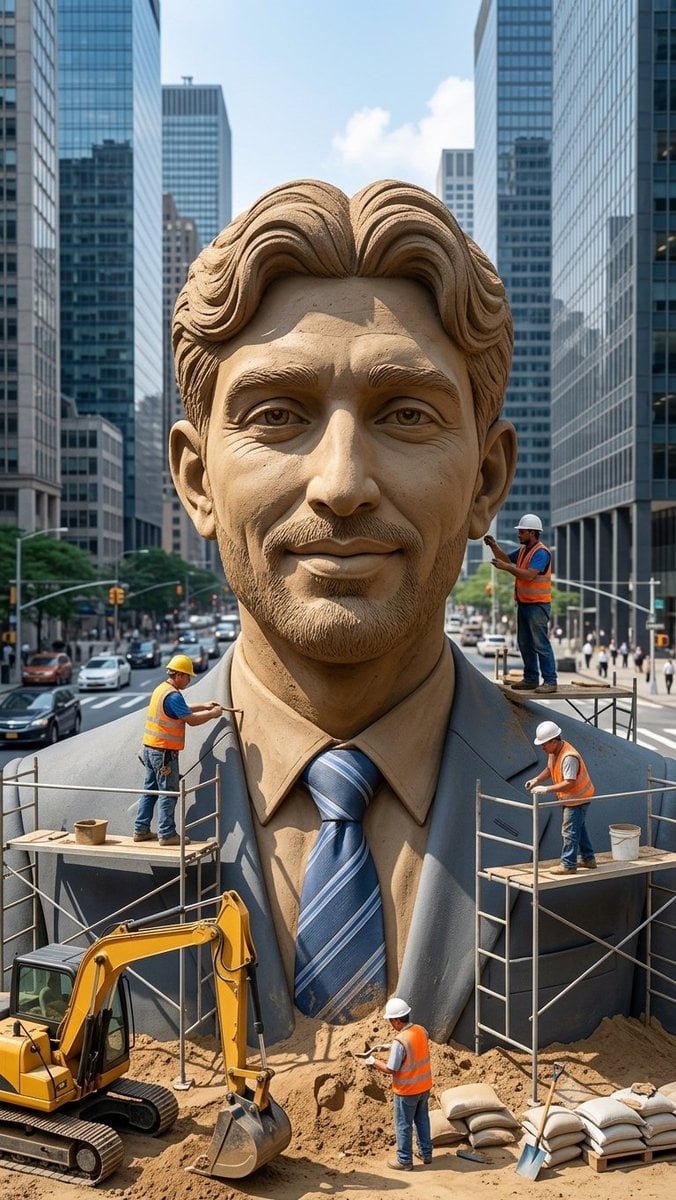
Censored Sand Businessman Statue

High-Contrast Portrait with Palm Tree Shadows
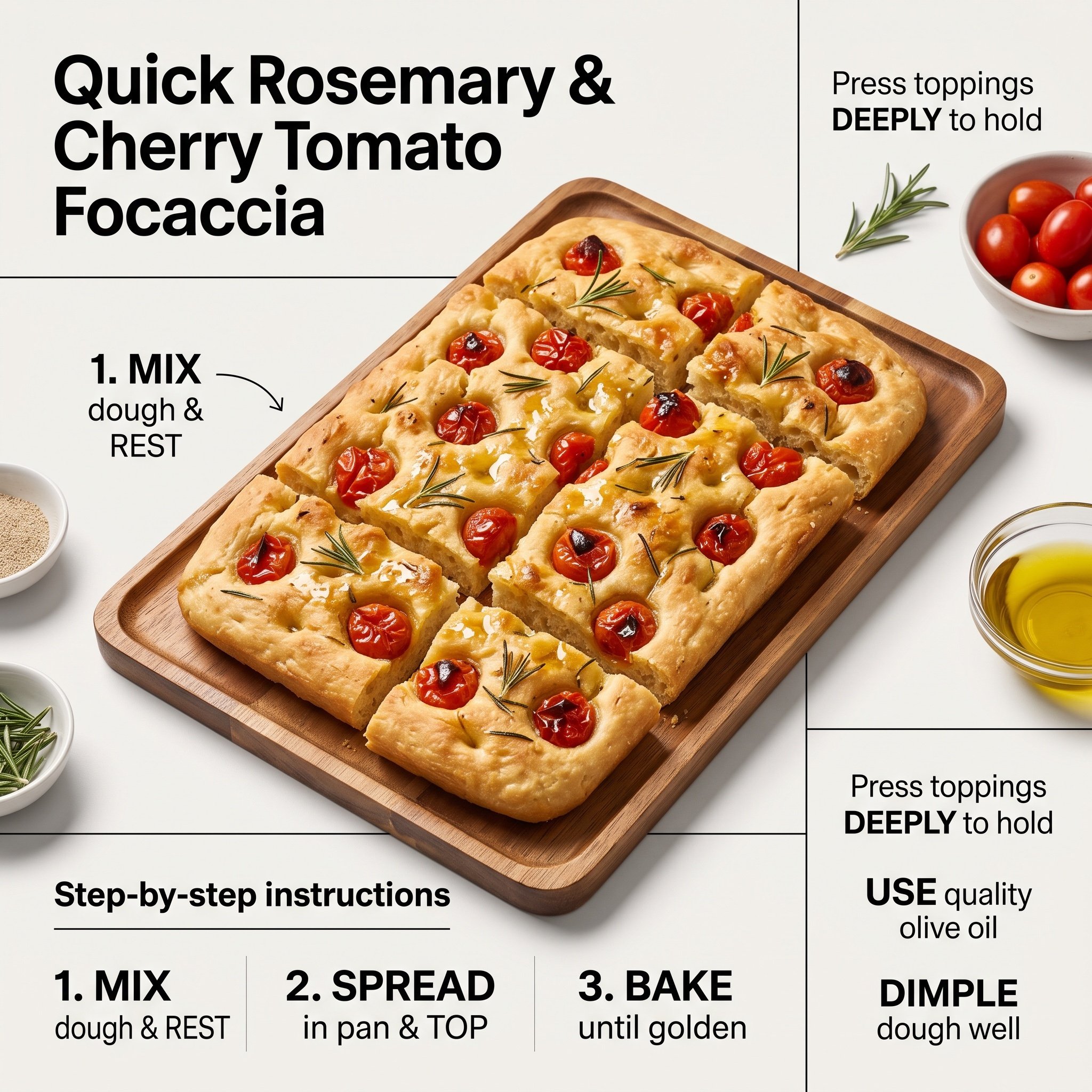
Ultra-Clean Modern Recipe Infographic for Focaccia

Character Refinement Prompt (Japanese Instructions)
Browse template categories
Landscape to Enamel Pin Badge Transformation questions
How do I use the Landscape to Enamel Pin Badge Transformation template?
Add your photo if the template asks for one, edit the prompt if you like — the template's model and format are already selected — and press Generate. Your version opens in PicX Studio.
Can I customize the Landscape to Enamel Pin Badge Transformation template?
Yes. You can change the subject, setting, lighting, mood, format, and available model controls before creating your image.
Is the Landscape to Enamel Pin Badge Transformation template free?
Opening and editing this template is free. Generating uses credits, shown on the Generate button when you are signed in.
Which AI model should I use?
Start with GPT Image 2, which is the model associated with this template. You can compare another compatible model for a different finish.
Looking for something else? Browse all templates.

Your photo, any look
Thousands of ready templates for every top image and video model, from one credit balance.