
Restaurant POV Change Comparison
A social-media style comparison graphic showing a crowded restaurant before and after changing only the camera viewpoint, useful for demonstrating image-model perspective control.
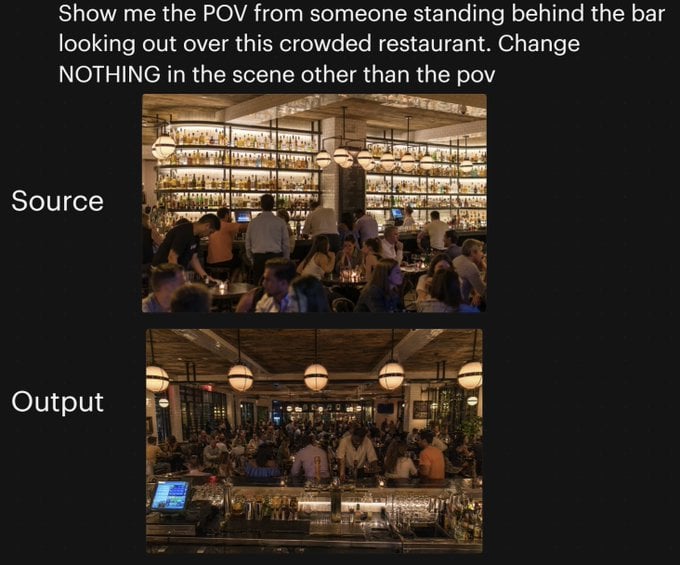
- Prompt included
- Model and format preset
- Free template
The prompt behind this image
Copy the exact prompt behind Restaurant POV Change Comparison, or open it in the studio and make it yours.
A side-by-side comparison graphic on a black background demonstrating a camera-angle change in the same restaurant scene. At the top, large white sans-serif text reads: "Show me the POV from someone standing behind the bar looking out over this crowded restaurant. Change NOTHING in the scene other than the pov". Below, place 2 stacked rectangular photos centered vertically: the top image labeled "Source" in large white text on the left, and the bottom image labeled "Output" in large white text on the left. The top photo shows a warmly lit, upscale, crowded restaurant interior seen from the dining room side, facing a tall back bar filled with many illuminated liquor bottles on wall-to-wall shelves, with bartenders and guests in front, amber lighting, globe pendant lights, wood ceiling, beige columns, and tightly packed seated diners in the foreground. The bottom photo shows the exact same restaurant, same crowd density, same warm lighting, same decor, same bar shelving, same globe pendant lights, and same overall composition elements, but now from the point of view of someone standing behind the bar and looking outward across the crowded restaurant; the foreground includes the bar counter with glassware, metal bar tools, bottles, and a point-of-sale screen visible at the lower left, while guests and staff fill the middle ground and the dining room extends into the background. Preserve the sense that only the camera position changed between the 2 images, with no other scene alterations.
How to use Restaurant POV Change Comparison in 3 steps
- 1Upload ImagePNG, JPG or paste
Add your photo
Upload the photo the template builds on. The prompt, model and format are already set.
- 2…a portrait of your subject in softgolden-hour light, 85mm…
Personalize
Edit the subject and creative details for your destination.
- 3Generate
Generate
Press Generate — your image is created in PicX Studio, so you can compare it with the original and refine one variable at a time.
More like this
Templates with the same subject, style or setup. Open one to see its prompt.

Hyper-Realistic Minecraft POV Portrait

Red Futuristic Sport Motorcycle POV
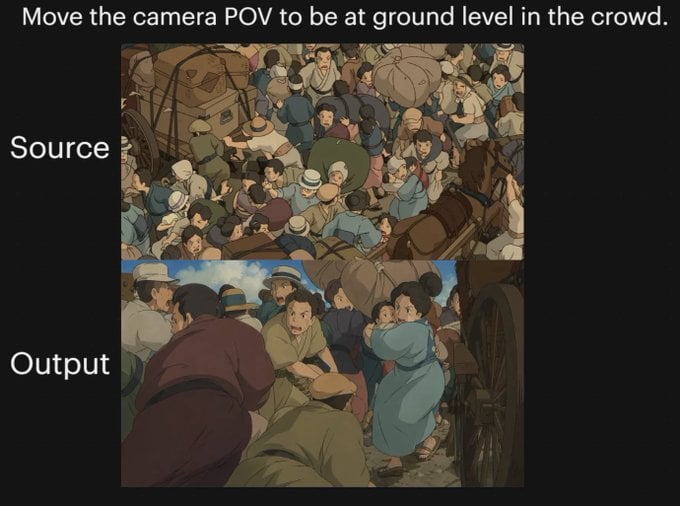
Anime Crowd POV Comparison

Skin Comparison Portrait — Nano Banana Pro
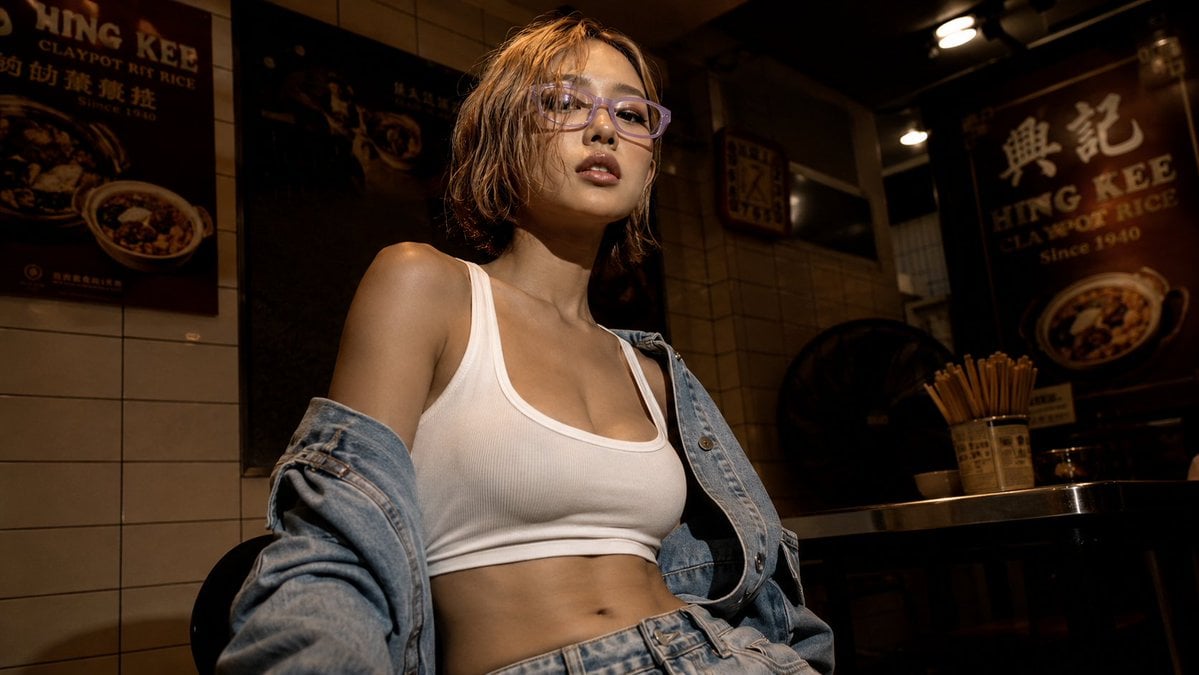
Cinematic Hong Kong Restaurant Portrait
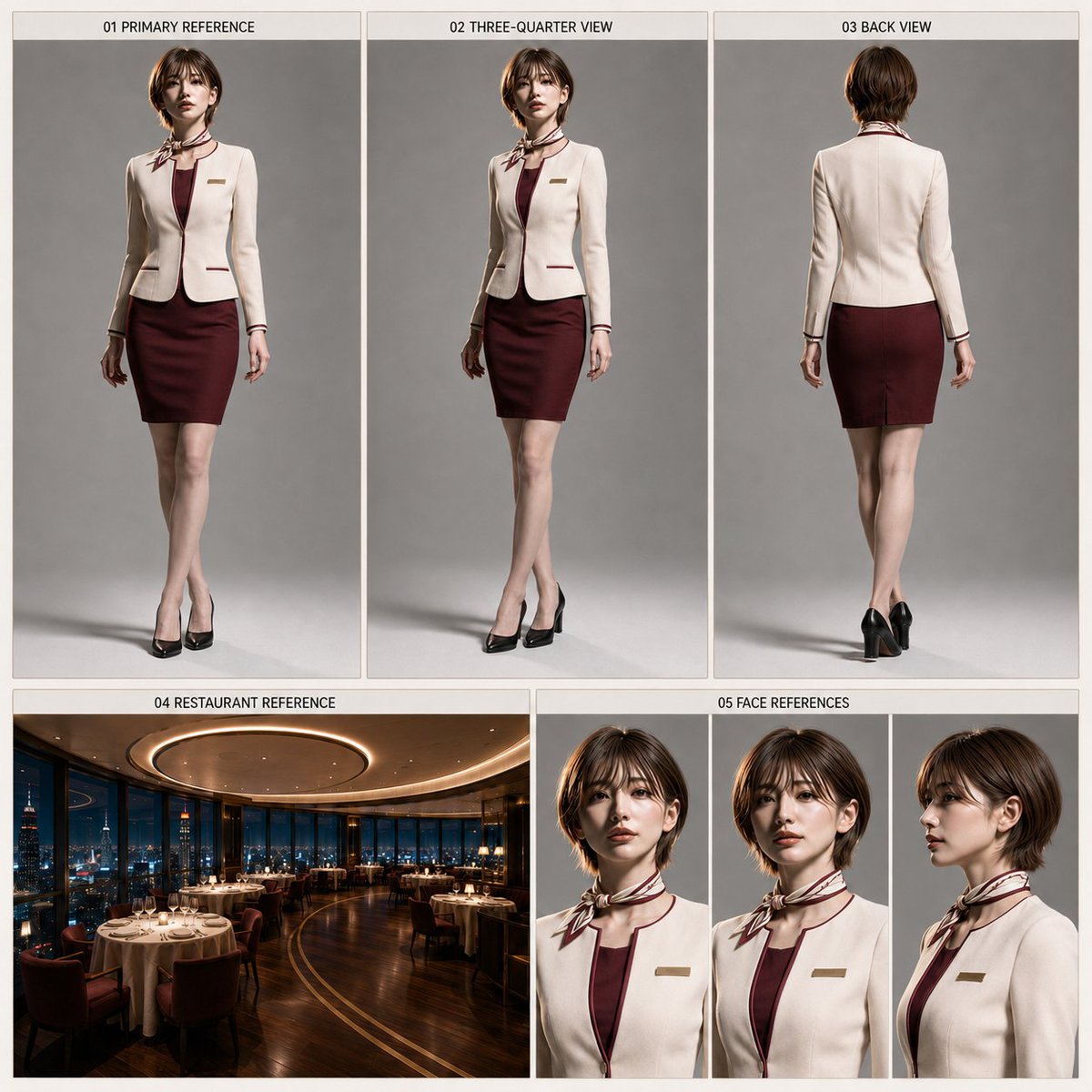
Restaurant Manager Character Sheet Generator
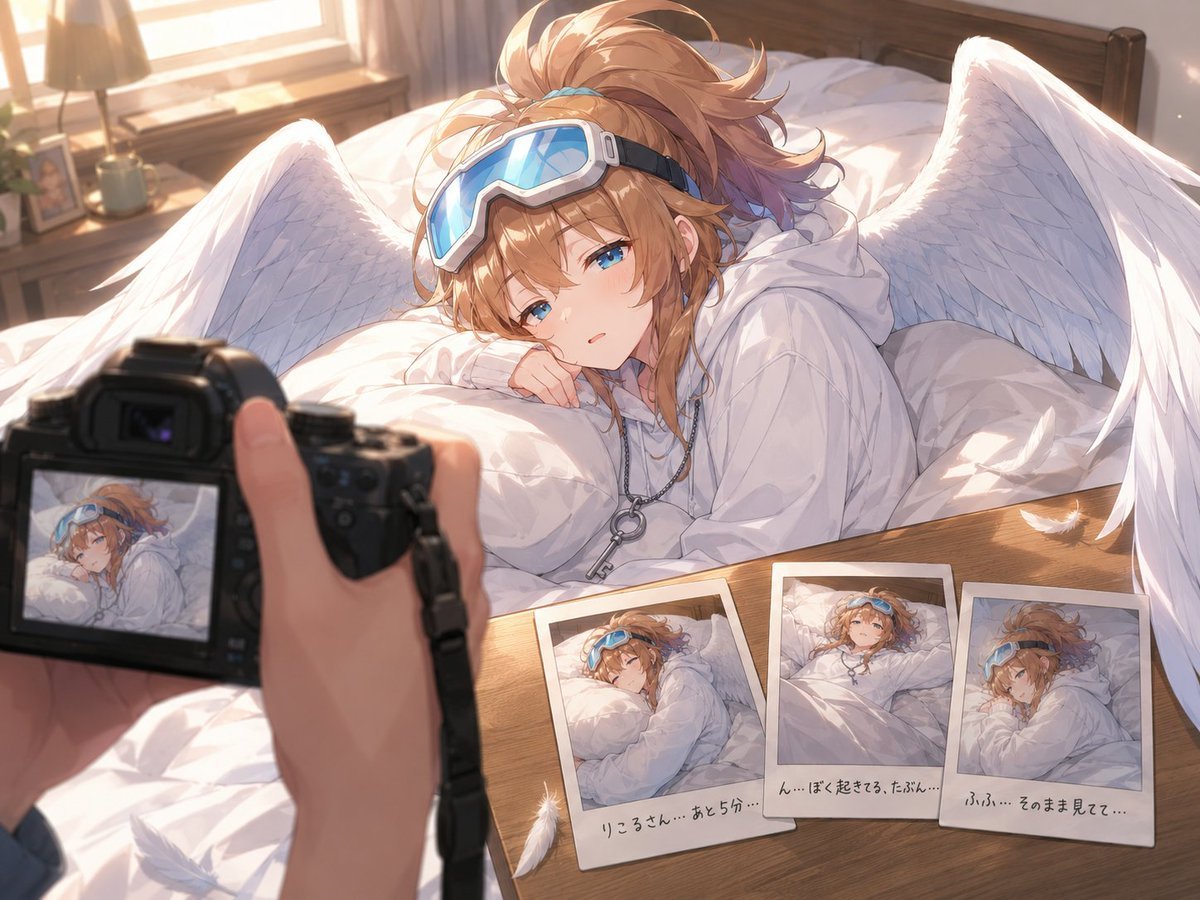
Anime Character Waking Up POV
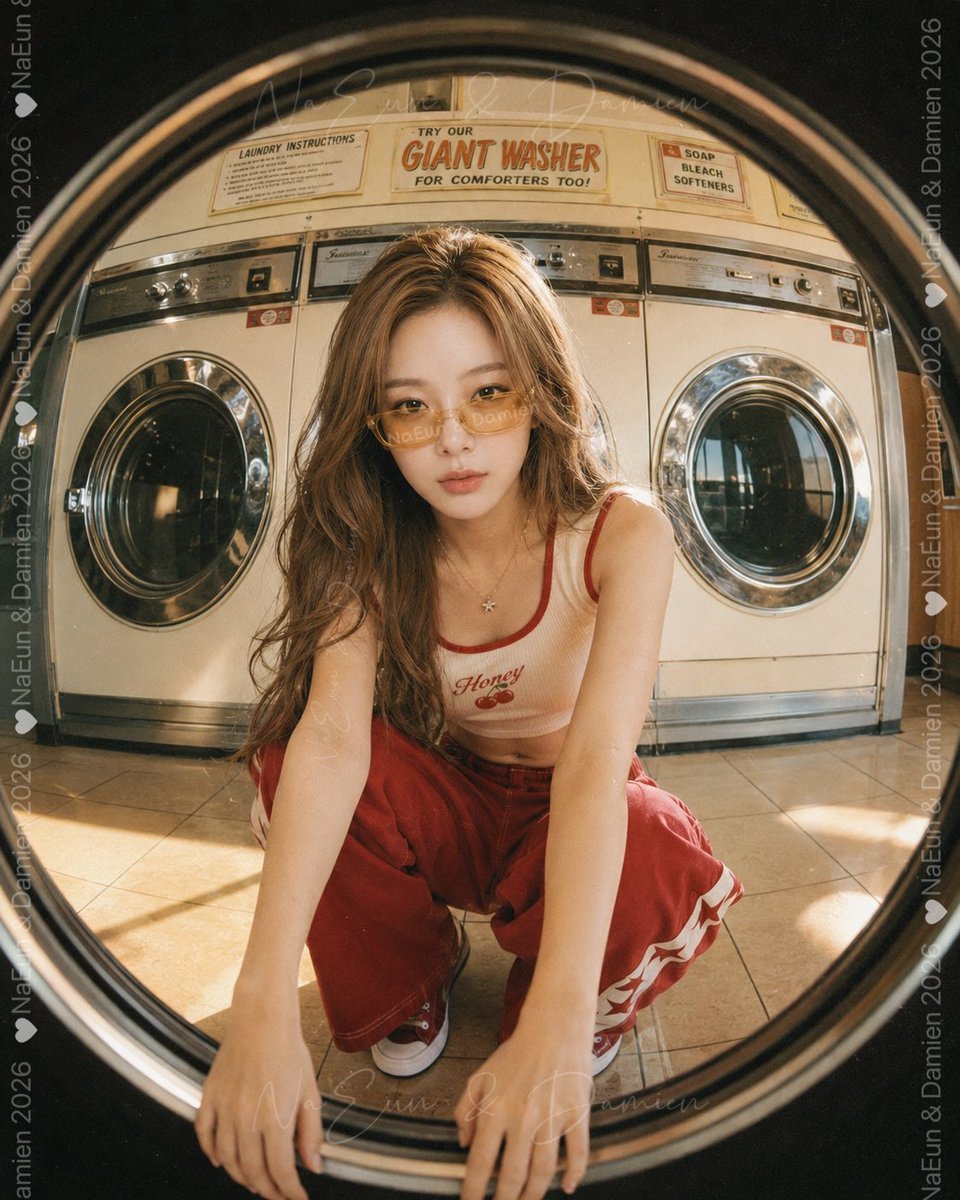
Washer POV Laundromat Portrait

AI Model Routing Comparison Infographic

Four-Panel AI Landscape Comparison
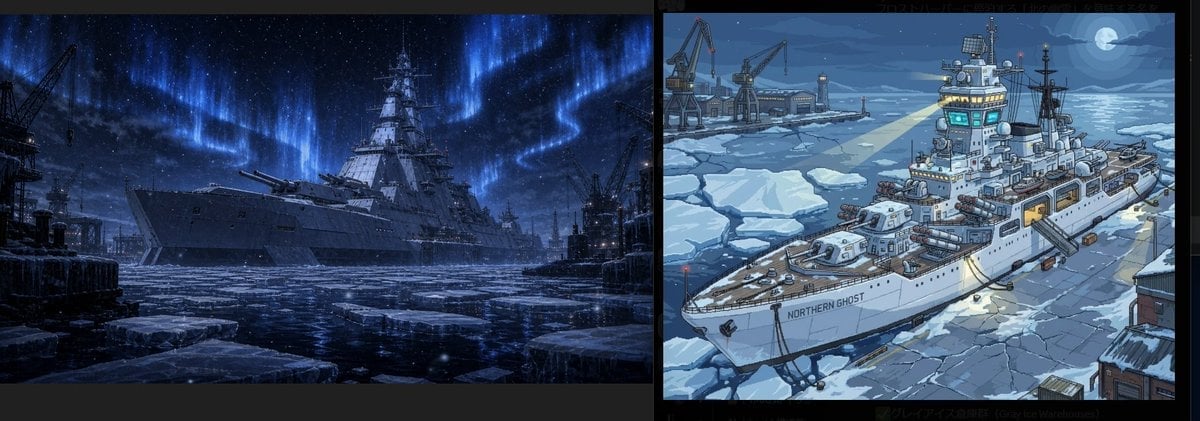
Arctic Warship Style Comparison

Four-Panel Anime Face Comparison
Make it yours
Restaurant POV Change Comparison works as-is. These are the safest ways to change it without losing the look.
Change one field
Copy a single group, rewrite it, and generate again so you can see what that field is doing.
Keep the frame, change the subject
Hold the composition and light of Restaurant POV Change Comparison, then swap wardrobe, props or the person for a new take.
| If the result… | Why | Fix |
|---|---|---|
| The result drifts from the preview | Too many fields changed at once. | Reuse Restaurant POV Change Comparison as-is first, then change one group — subject, light, or setting. |
| The model over-stylizes the scene | The prose prompt leaves finish and camera underspecified. | Add one camera or lighting sentence and stay on GPT Image 2. |
More GPT Image 2 templates
Other prompts made for GPT Image 2.

Six VTuber Japanese Logo Sheet

Realistic Portrait of Woman and Deer

The Vista Modular Condo Poster

2.5D Anime Art Board

Isometric Productivity Desk Scene

New York Double Exposure Poster

Japanese Tatami Lifestyle Magazine Cover

NESCAFÉ Coffee Map Poster

Brutalist Cogito Chinese Typography Poster

Cinematic Luxury Terrace Portrait
More image prompts
Fresh picks from across the catalog.
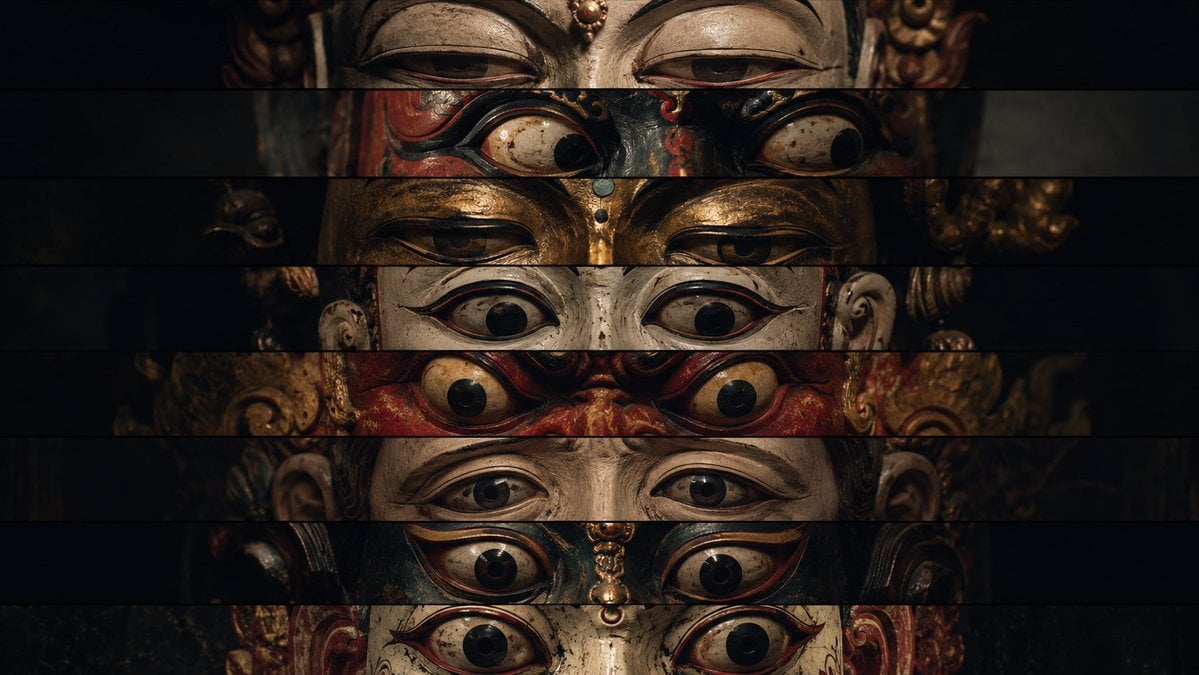
Surreal Theatrical Mask Collage
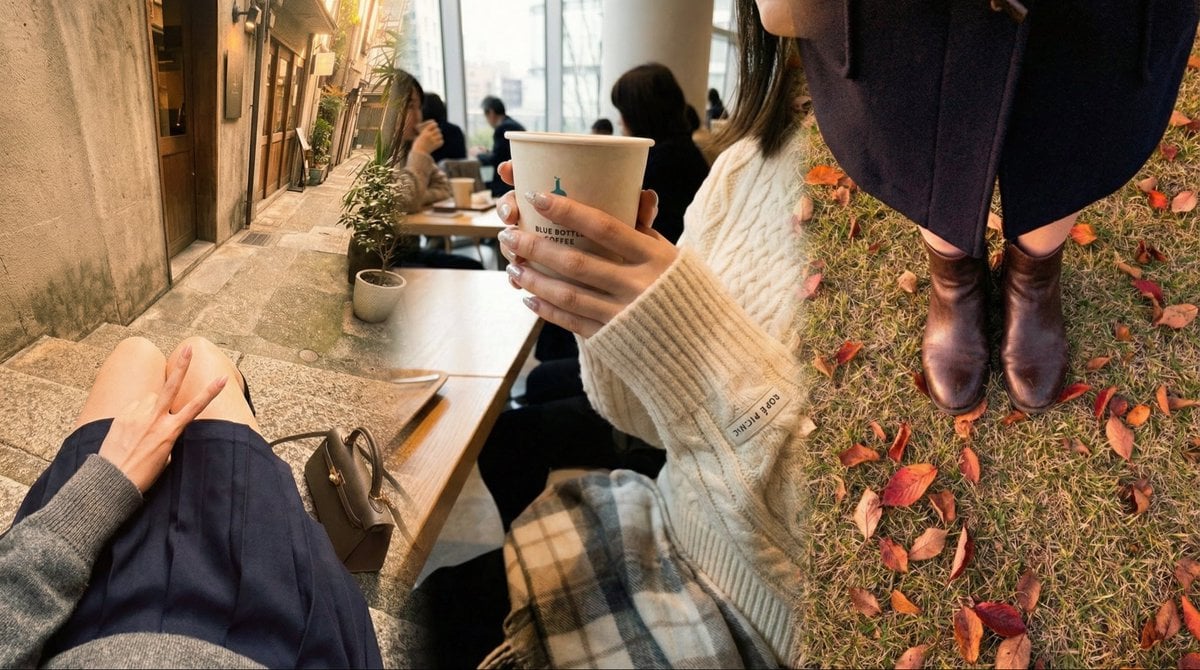
Faceless Emo Selfies with Atmosphere
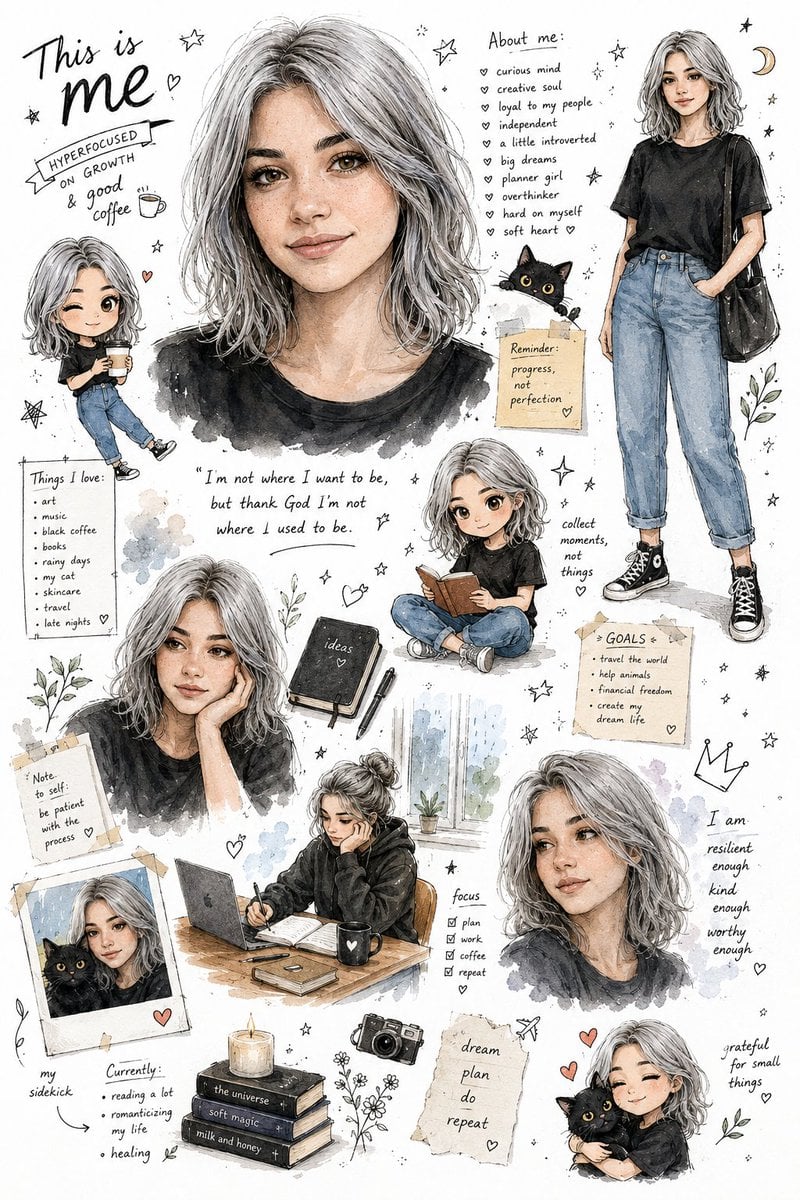
Illustrated Personal Sketchbook Infographic
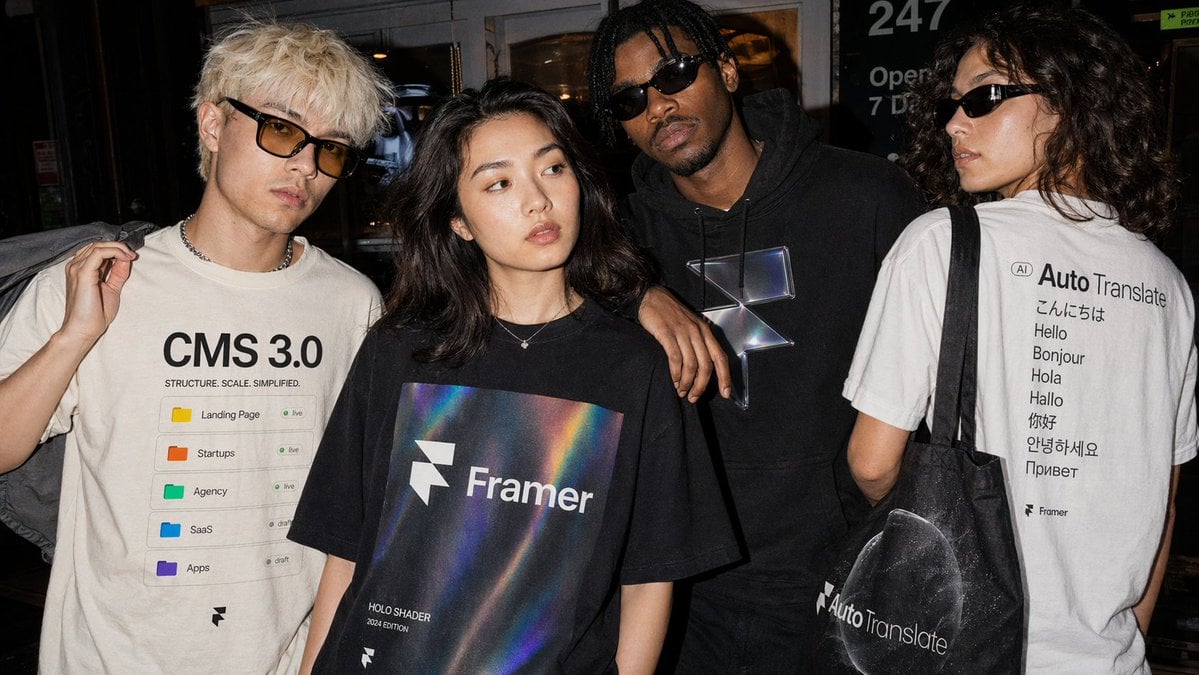
Editorial Streetwear Lifestyle Merch
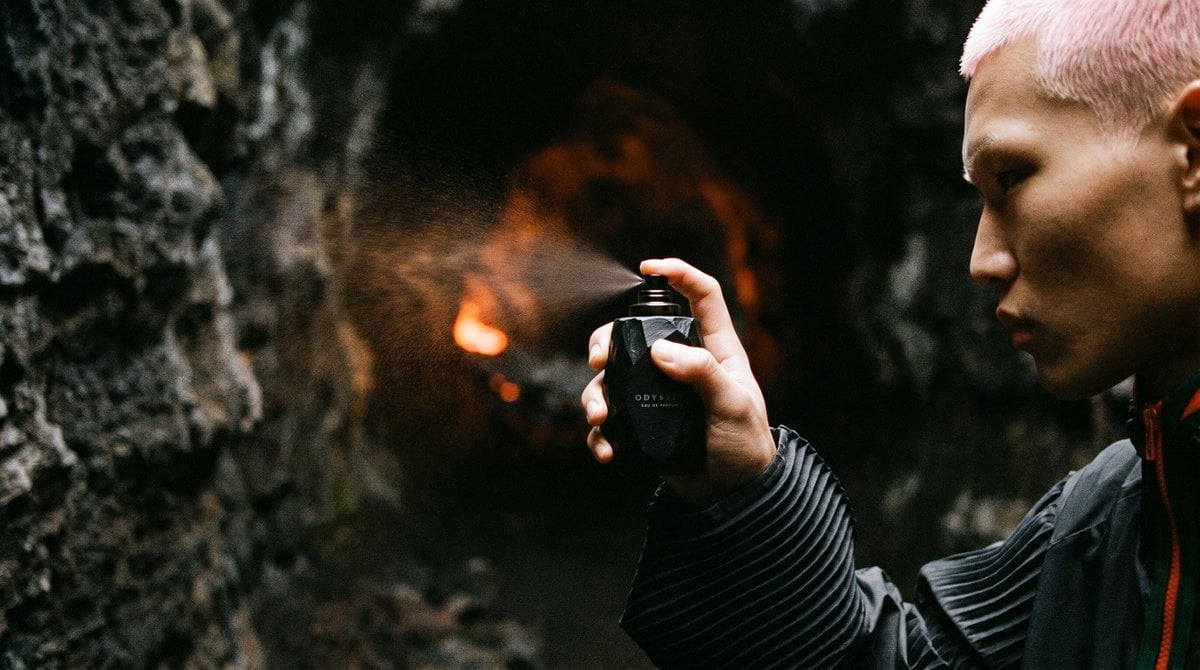
Cave Fragrance Spray Campaign
Aesthetic Gamer Girl Streamer
3D Pop-Out Illusion Artwork Prompt
Expressive Portrait with Abstract Expressionism Style
Cinematic Black-and-White High-Fashion Portrait
Dream diary with Kirby blowing bubbles
Browse template categories
Restaurant POV Change Comparison questions
How do I use the Restaurant POV Change Comparison template?
Add your photo if the template asks for one, edit the prompt if you like — the template's model and format are already selected — and press Generate. Your version opens in PicX Studio.
Can I customize the Restaurant POV Change Comparison template?
Yes. You can change the subject, setting, lighting, mood, format, and available model controls before creating your image.
Is the Restaurant POV Change Comparison template free?
Opening and editing this template is free. Generating uses credits, shown on the Generate button when you are signed in.
Which AI model should I use?
Start with GPT Image 2, which is the model associated with this template. You can compare another compatible model for a different finish.
Looking for something else? Browse all templates.

Your photo, any look
Thousands of ready templates for every top image and video model, from one credit balance.