
Arctic Warship Style Comparison
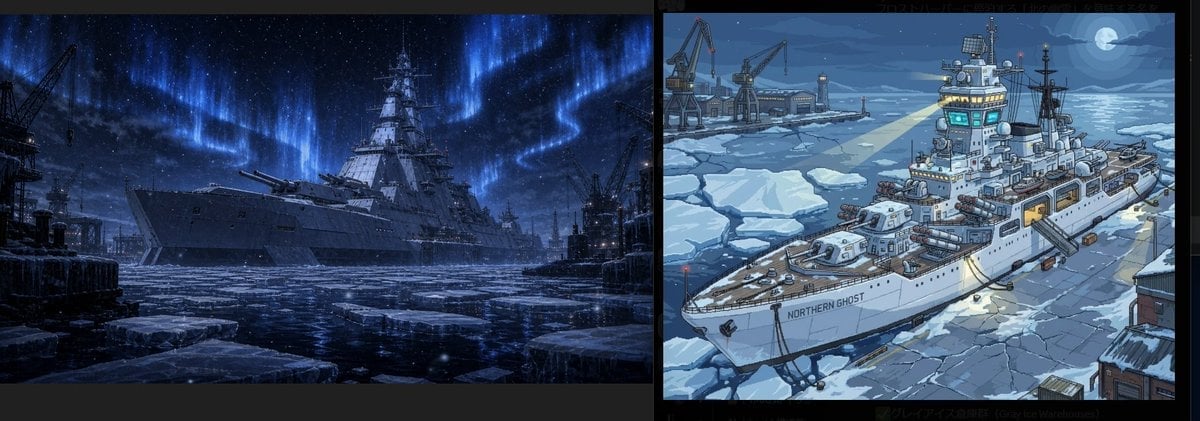
A wide two-panel image comparing a dark realistic arctic battleship scene with a stylized anime icebreaker warship concept.
- Prompt included
- Model and format preset
- Premium template
The prompt behind this image
Copy the exact prompt behind Arctic Warship Style Comparison, or open it in the studio and make it yours.
Goal: Create a two-panel horizontal comparison image showing the same arctic warship concept rendered in two different styles. Canvas: Wide panoramic canvas, approximately 2.6:1 aspect ratio, split into exactly 2 equal rectangular panels with a thick vertical black divider between them and thin black borders around the image. Layout: Left panel is a dark cinematic realistic scene; right panel is a brighter stylized anime/cartoon scene. Both panels show an icebound naval warship in a frozen harbor at night, surrounded by broken sea ice, cranes, docks, and cold blue lighting. Left panel details: Render a massive gray battleship or heavy cruiser moored in an icy industrial port at night, viewed from a low front-left angle. The ship has a tall central superstructure, radar mast, gun turrets, dark hull, and imposing silhouette. The harbor water is almost black, filled with large floating ice slabs in the foreground. Add industrial cranes and dock structures on both sides, mostly in silhouette. The sky is deep navy with stars and dramatic bright blue aurora borealis curtains stretching vertically and diagonally above the ship. Mood is serious, ominous, realistic, high-contrast, cold, and cinematic, with subtle snow or ice particles. Right panel details: Render the same concept as a clean 2D anime illustration with crisp outlines and cel-shaded colors. Show a white armored ice patrol battleship named {argument name="ship name" default="NORTHERN GHOST"} printed clearly on the hull. The ship is viewed from a high three-quarter angle from the bow, sitting in cracked pack ice near a harbor. Include a large bridge tower with glowing cyan windows, antennas, radar dishes, searchlights, gun mounts, lifeboats, and deck equipment. Add exactly 3 large harbor cranes in the background on the left, a snowy pier, small buildings, floating ice floes, and a moonlit ocean horizon. The sky is blue-gray night with clouds and a bright full moon in the upper right. Use a cool arctic palette of navy, icy blue, white, and gray, with warm yellow lights on the ship and dock. Style contrast: Left panel should feel like a highly detailed realistic dark fantasy naval matte painting, while right panel should feel like a cute but detailed Japanese anime concept-art version. Keep both panels compositionally related but visually distinct. Constraints: Include exactly 2 panels, exactly 1 main warship per panel, exactly 3 visible harbor cranes in the right panel, and the hull text {argument name="ship name" default="NORTHERN GHOST"} only on the right-panel ship. No characters, no extra labels, no watermark.
How to use Arctic Warship Style Comparison in 3 steps
- 1Upload ImagePNG, JPG or paste
Add your photo
Upload the photo the template builds on. The prompt, model and format are already set.
- 2…a portrait of your subject in softgolden-hour light, 85mm…
Personalize
Edit the subject and creative details for your destination.
- 3Generate
Generate
Press Generate — your image is created in PicX Studio, so you can compare it with the original and refine one variable at a time.
More like this
Templates with the same subject, style or setup. Open one to see its prompt.

Skin Comparison Portrait — Nano Banana Pro
Luxury Arctic Glass Dome Under Northern Lights
Arctic Mint Gum Commercial Photography
Arctic Frozen Product Monument
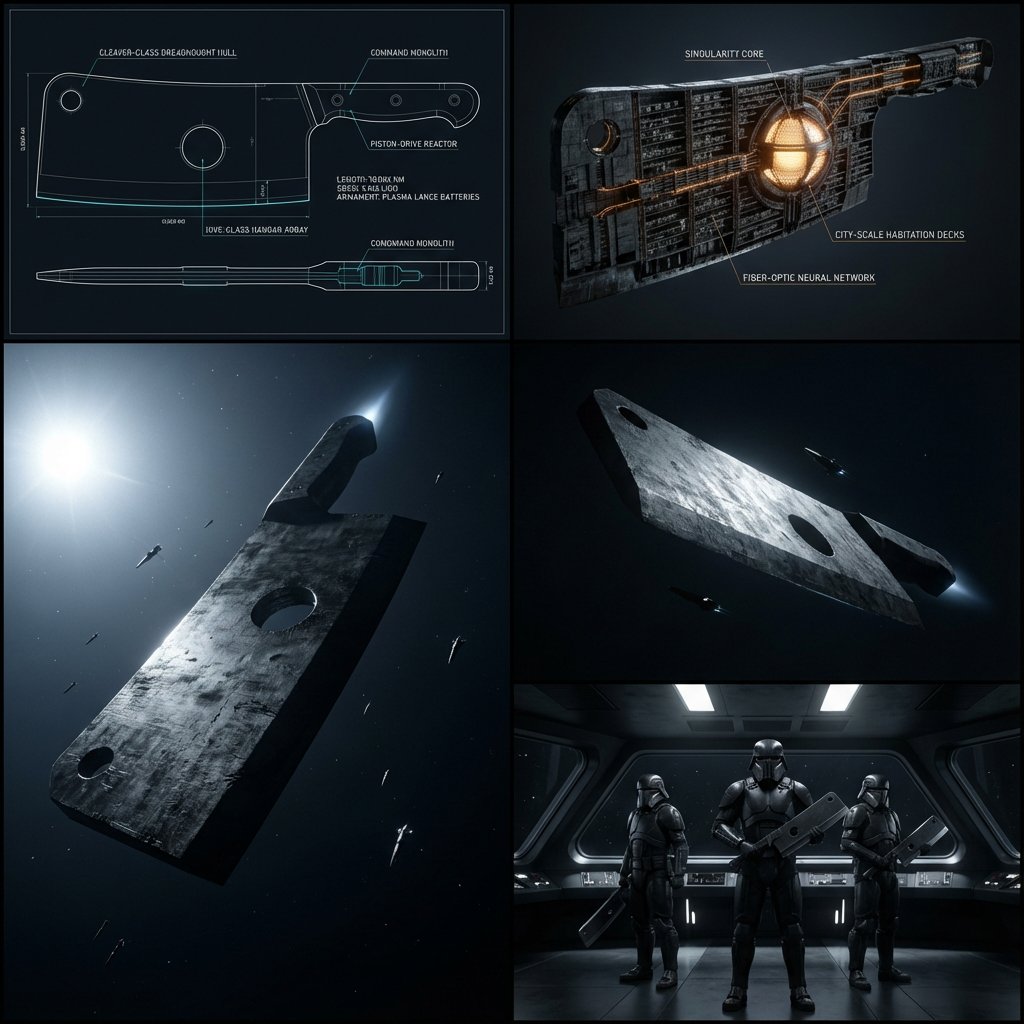
Kitchen Utensil to Interstellar Warship Transformation
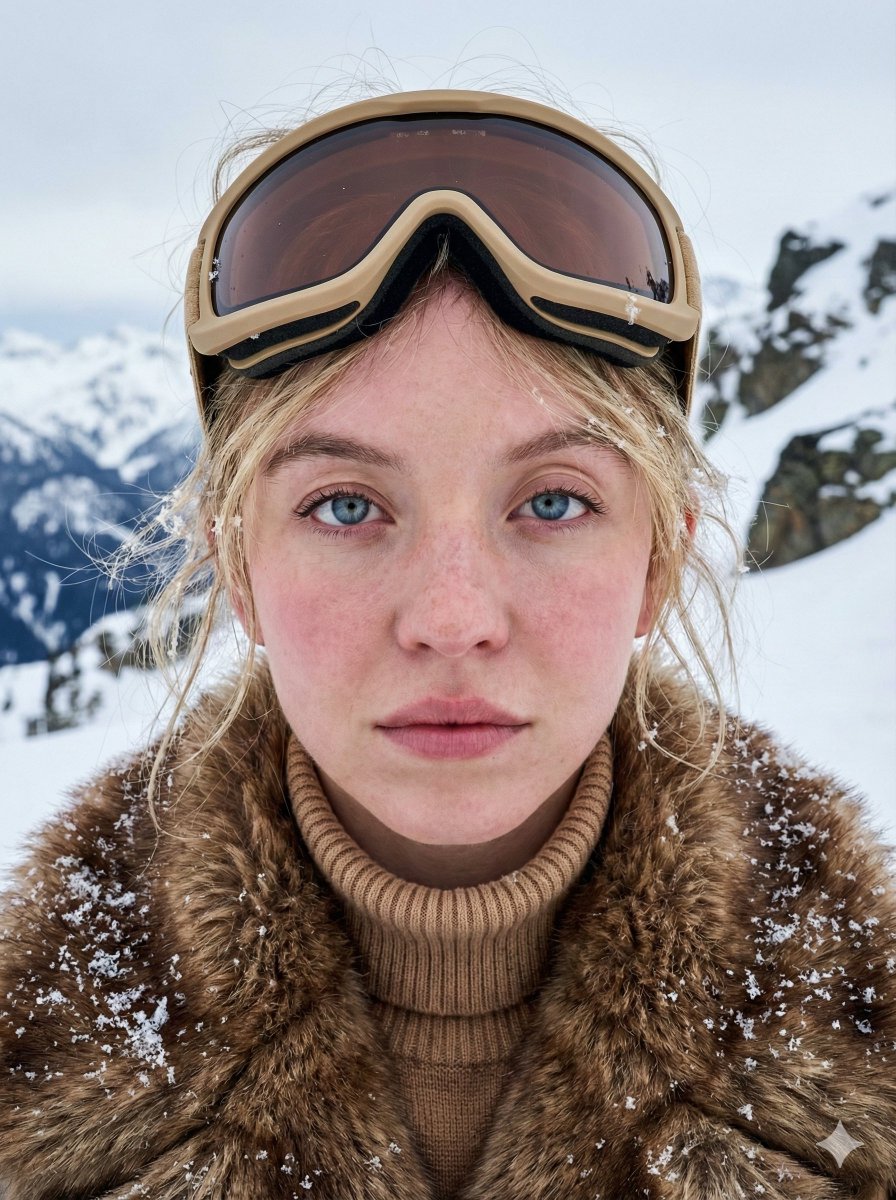
Structured JSON Prompt for Arctic Cinematic Portrait
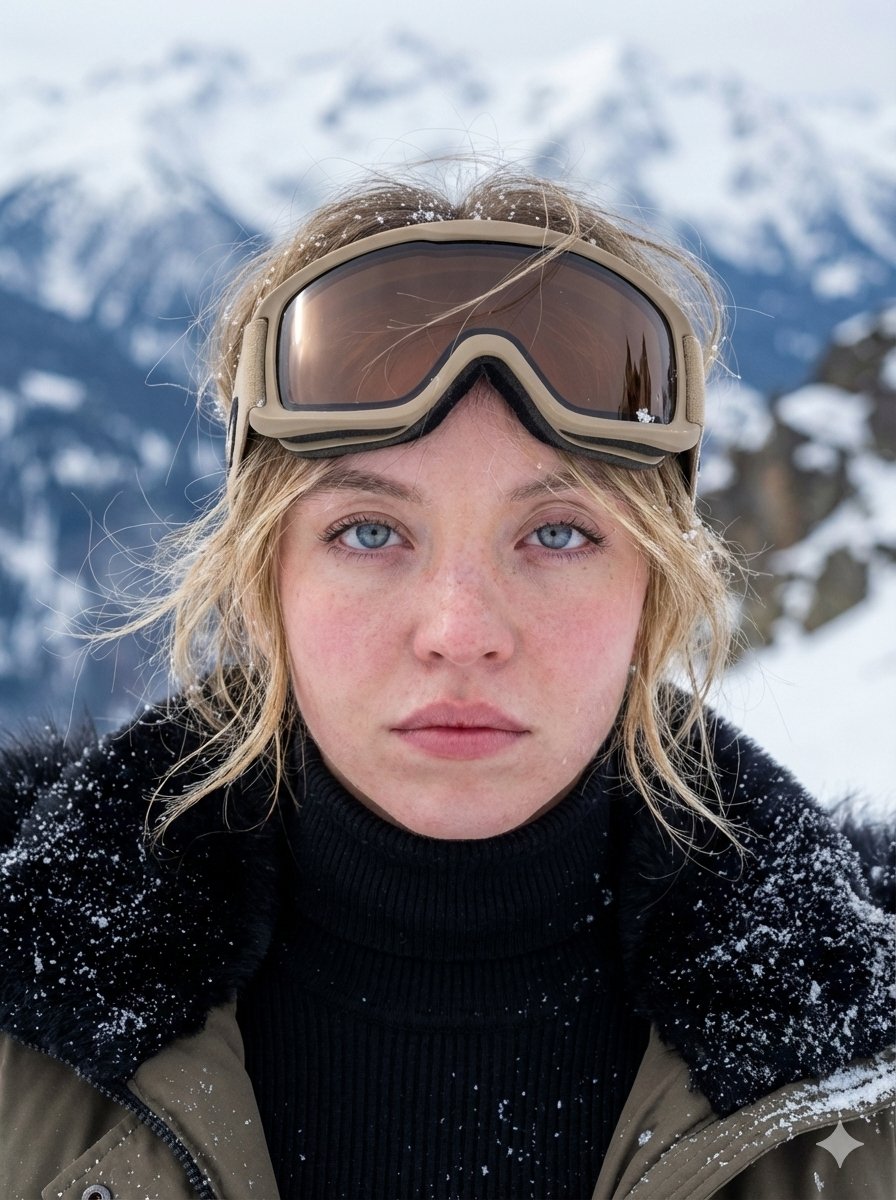
Hyper-Detailed Arctic Cinematic Portrait
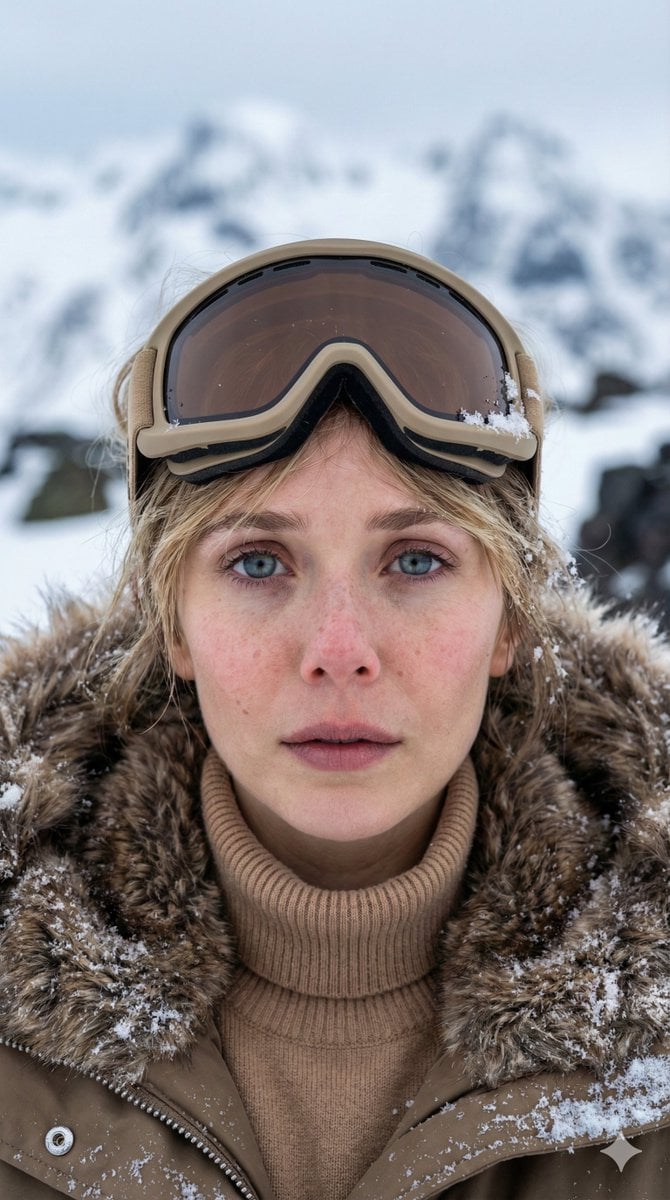
Vertical Cinematic Arctic Portrait (Tan/Brown Palette)
Arctic Explorer Close-Up Portrait
Luxury Mouth Freshener Ad Prompt (ARCTIC ÉLAN)
Monumental Monster Energy Can in the Arctic
Giant Coca-Cola Can Monument in Arctic Ice
Make it yours
Arctic Warship Style Comparison works as-is. These are the safest ways to change it without losing the look.
Change one field
Copy a single group, rewrite it, and generate again so you can see what that field is doing.
Keep the frame, change the subject
Hold the composition and light of Arctic Warship Style Comparison, then swap wardrobe, props or the person for a new take.
| If the result… | Why | Fix |
|---|---|---|
| The result drifts from the preview | Too many fields changed at once. | Reuse Arctic Warship Style Comparison as-is first, then change one group — subject, light, or setting. |
| The model over-stylizes the scene | The prose prompt leaves finish and camera underspecified. | Add one camera or lighting sentence and stay on GPT Image 2. |
More GPT Image 2 templates
Other prompts made for GPT Image 2.

Six VTuber Japanese Logo Sheet

Realistic Portrait of Woman and Deer

The Vista Modular Condo Poster

2.5D Anime Art Board

Isometric Productivity Desk Scene

New York Double Exposure Poster

Japanese Tatami Lifestyle Magazine Cover

NESCAFÉ Coffee Map Poster

Brutalist Cogito Chinese Typography Poster

Cinematic Luxury Terrace Portrait
More image prompts
Fresh picks from across the catalog.
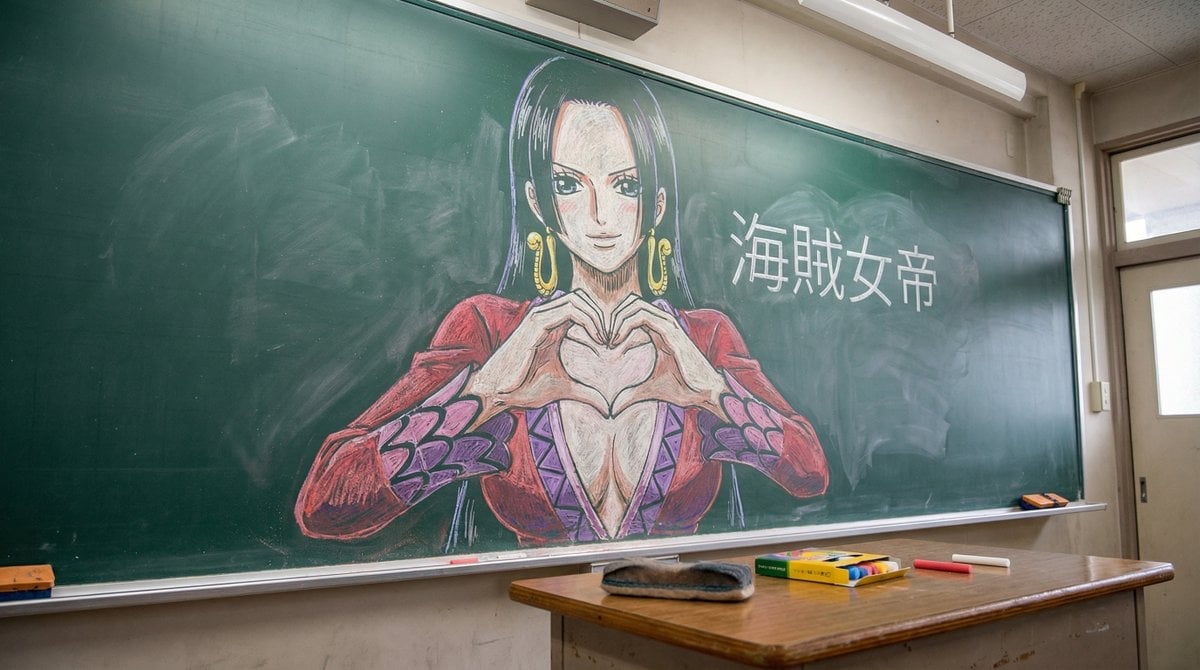
Nano Banana Pro Chalk Art Generation
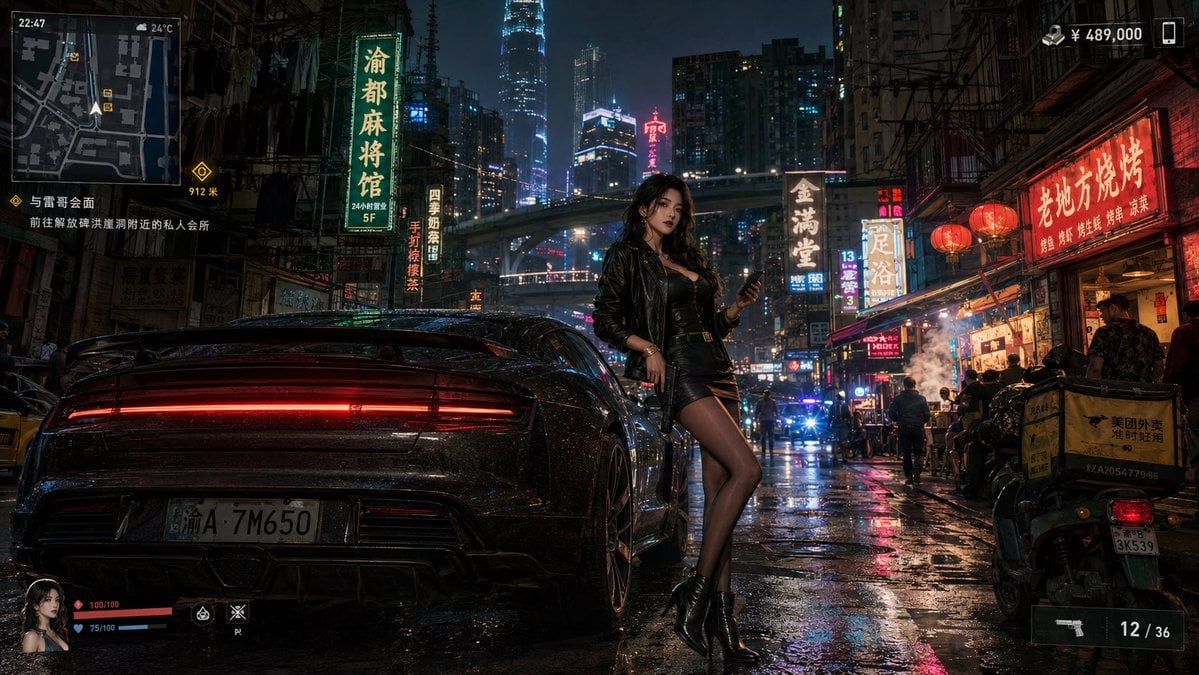
Neon Crime Game Street Screenshot

Toddler Crayon Art Transformation
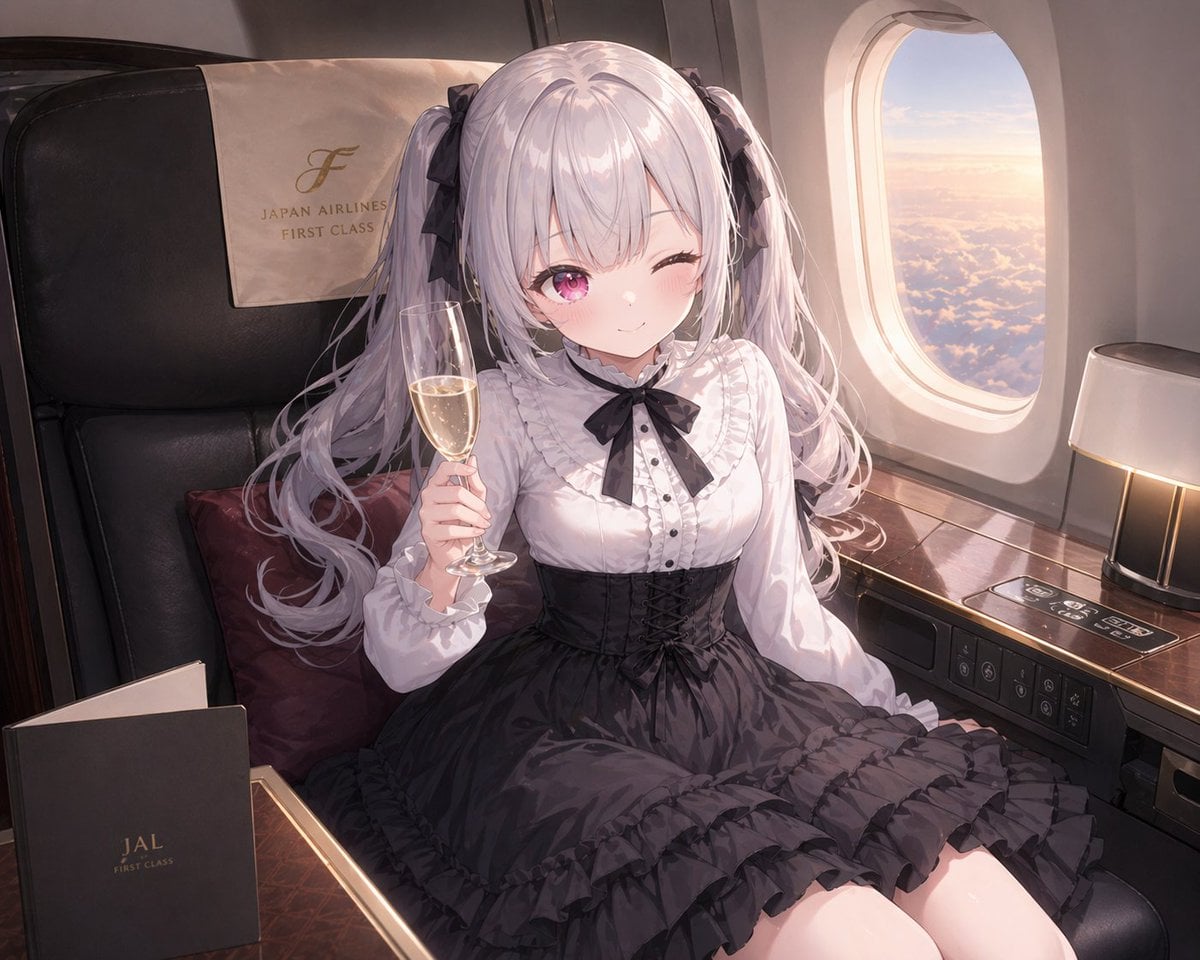
JAL First Class Cabin Interior
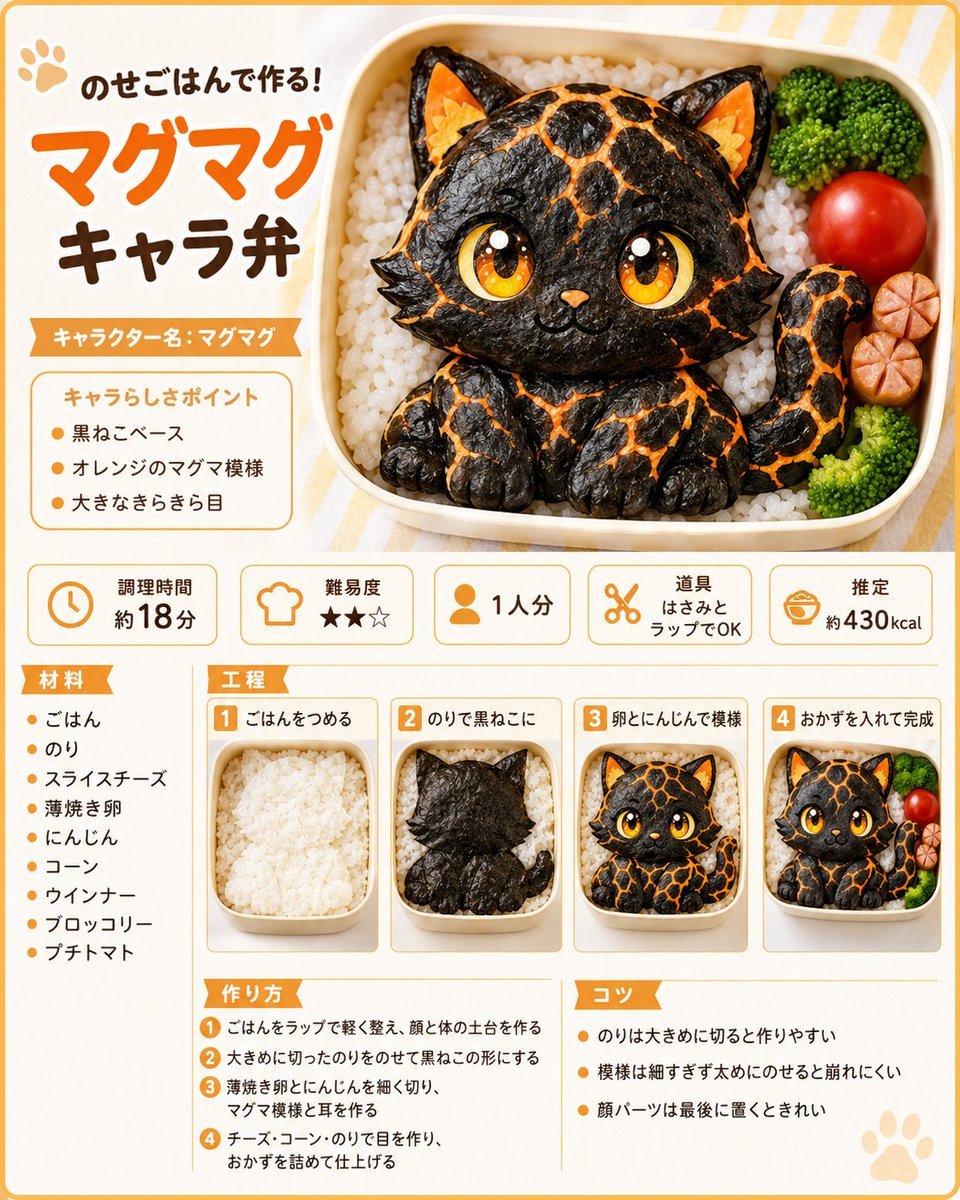
Magma Cat Bento Recipe Infographic
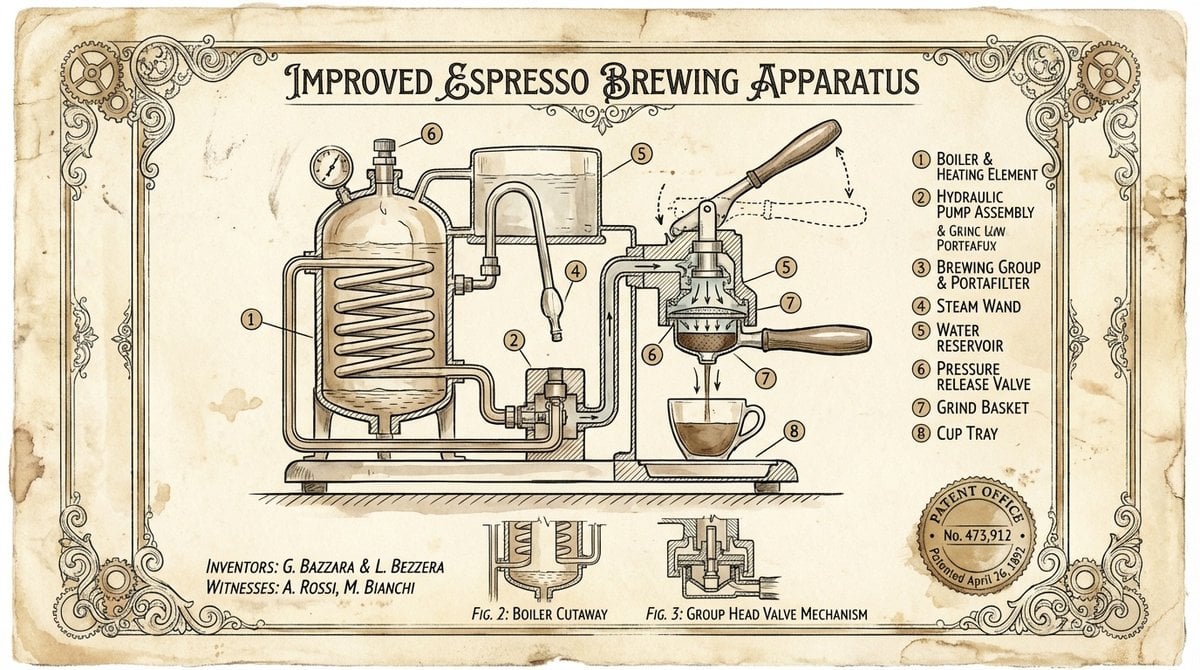
Vintage Patent Drawing Technical Illustration

Pixel Art Games with Nano Banana Pro Are
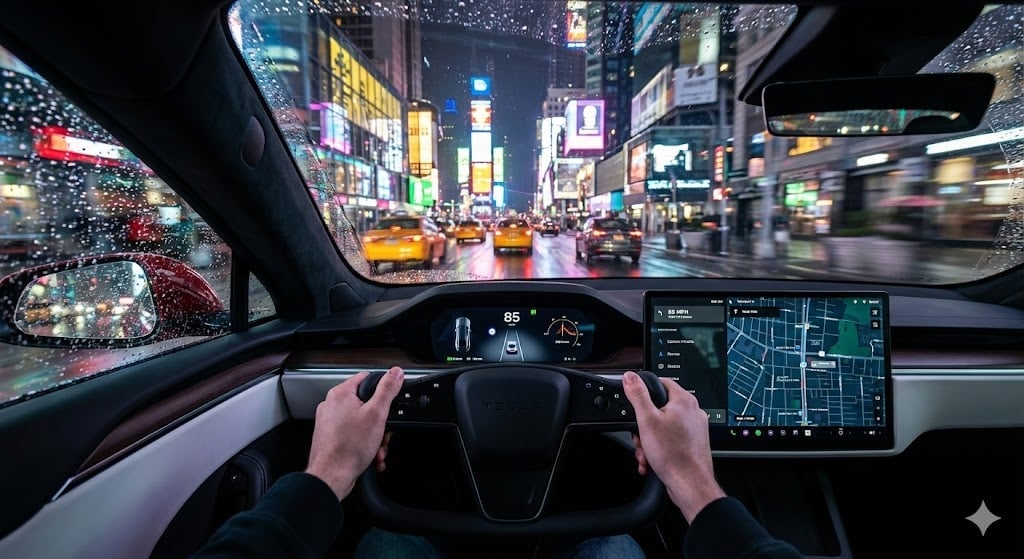
Cinematic First-Person Tesla Drive in Rain-Soaked Manhattan
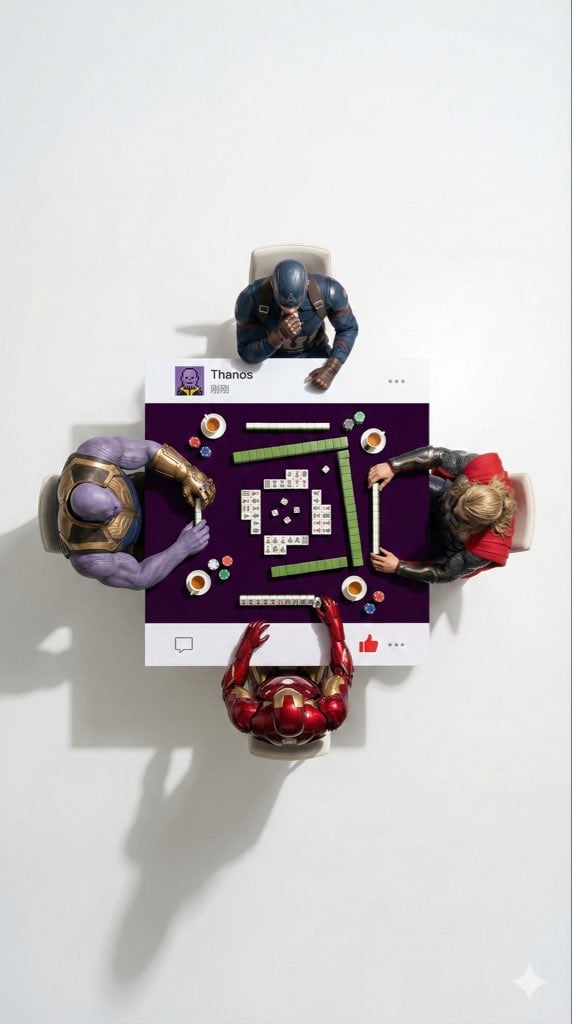
Overhead Superhero Mahjong Scene Prompt (WeChat Moments Style)
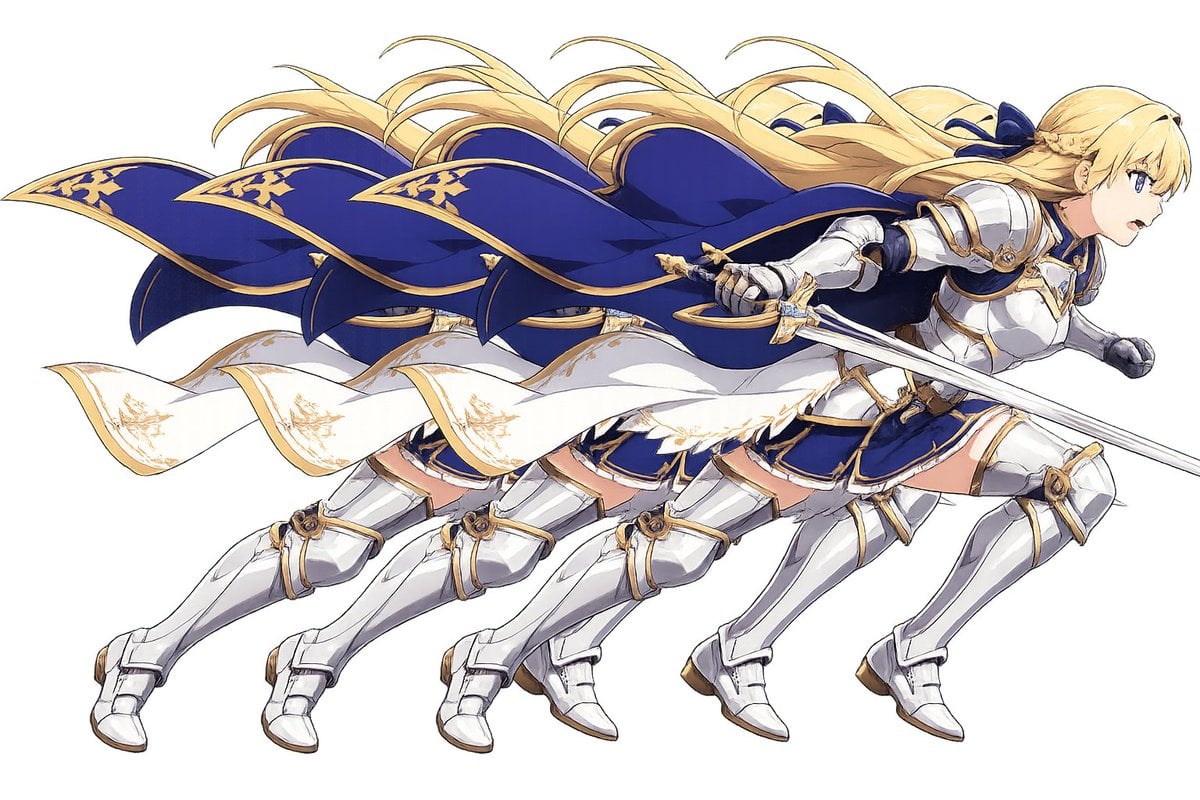
Overlapping Anime Knight Motion Trail
Browse template categories
Arctic Warship Style Comparison questions
How do I use the Arctic Warship Style Comparison template?
Add your photo if the template asks for one, edit the prompt if you like — the template's model and format are already selected — and press Generate. Your version opens in PicX Studio.
Can I customize the Arctic Warship Style Comparison template?
Yes. You can change the subject, setting, lighting, mood, format, and available model controls before creating your image.
Is the Arctic Warship Style Comparison template free?
Opening and editing this template is free. Generating uses credits, shown on the Generate button when you are signed in.
Which AI model should I use?
Start with GPT Image 2, which is the model associated with this template. You can compare another compatible model for a different finish.
Looking for something else? Browse all templates.

Your photo, any look
Thousands of ready templates for every top image and video model, from one credit balance.