How do I use the Vintage Patent Drawing Technical Illustration template?
Choose the primary action to open PicX Studio with the available template settings. Review the model and format, personalize the creative direction, and generate when ready.
A prompt template for generating a vintage patent-style technical illustration of an object. Change the subject, setting, or lighting one variable at a time.

Create a vintage patent-style technical illustration of {argument name="object" default="a complex mechanical device"} on aged cream parchment paper. Black ink linework with sepia accents, hand-lettered labels, cross-section views, numbered component callouts, official patent border frame with fake patent number and date. Style of 1890s mechanical engineering drawings. Elegant, authoritative, museum-worthy.
Choose the primary action to open PicX Studio with the available template settings. Review the model and format, personalize the creative direction, and generate when ready.
Yes. You can change the subject, setting, lighting, mood, format, and available model controls before creating your image.
This template is free to open and customize. Generation usage is shown in PicX Studio before you create.
Start with Nano Banana 2, which is the model associated with this template. You can compare another compatible model for a different finish.
© 2026 PicX Studio. All rights reserved.

Follow a topic to a crawlable collection of related PicX Studio templates.
43,474 public templates available. Verified via the PicX Studio public templates API; refreshed hourly.





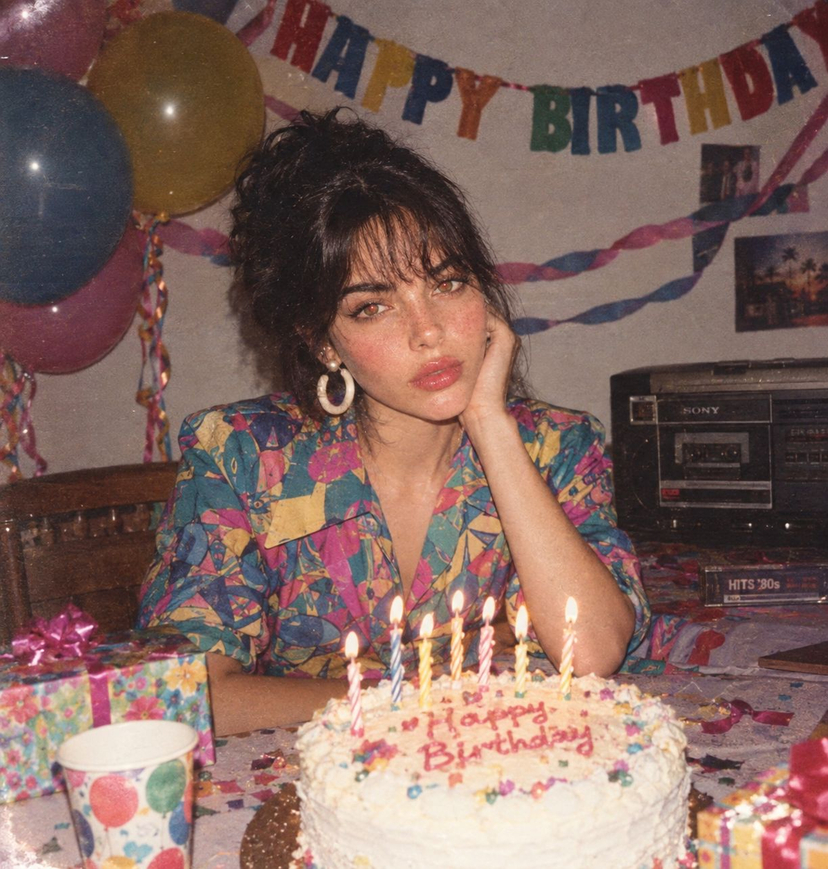





![Naive doodle-style subject illustration — A doodle-style {argument name="subject" default="[subject]"}, naive lines, humorous shape exaggeration](https://pbs.twimg.com/media/G6Wl2YxbsAARB2b.jpg)











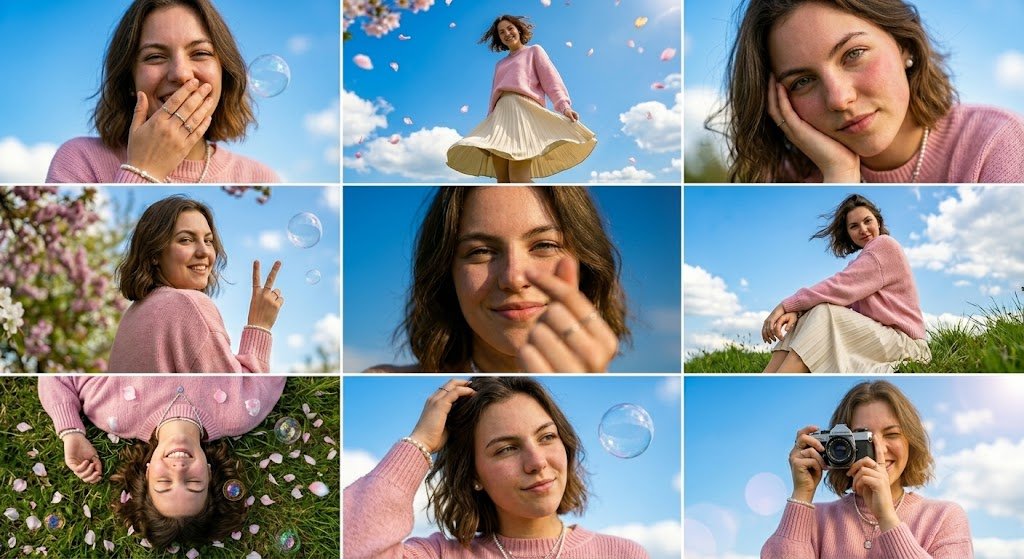
![Fashion Scrapbook Page Layout Generation — 傑作、最高品質、高解像度、(全身ショット:1.5)、ファッションスクラップブックページレイアウト、コラージュスタイル、[テーマ/美的キーワード]
[主題]:[キャラクター説明]のワイドショット全身ファッション写真。[ポーズとアクショ](https://pbs.twimg.com/media/HBCQ5yVa8AAhsS5.jpg)